
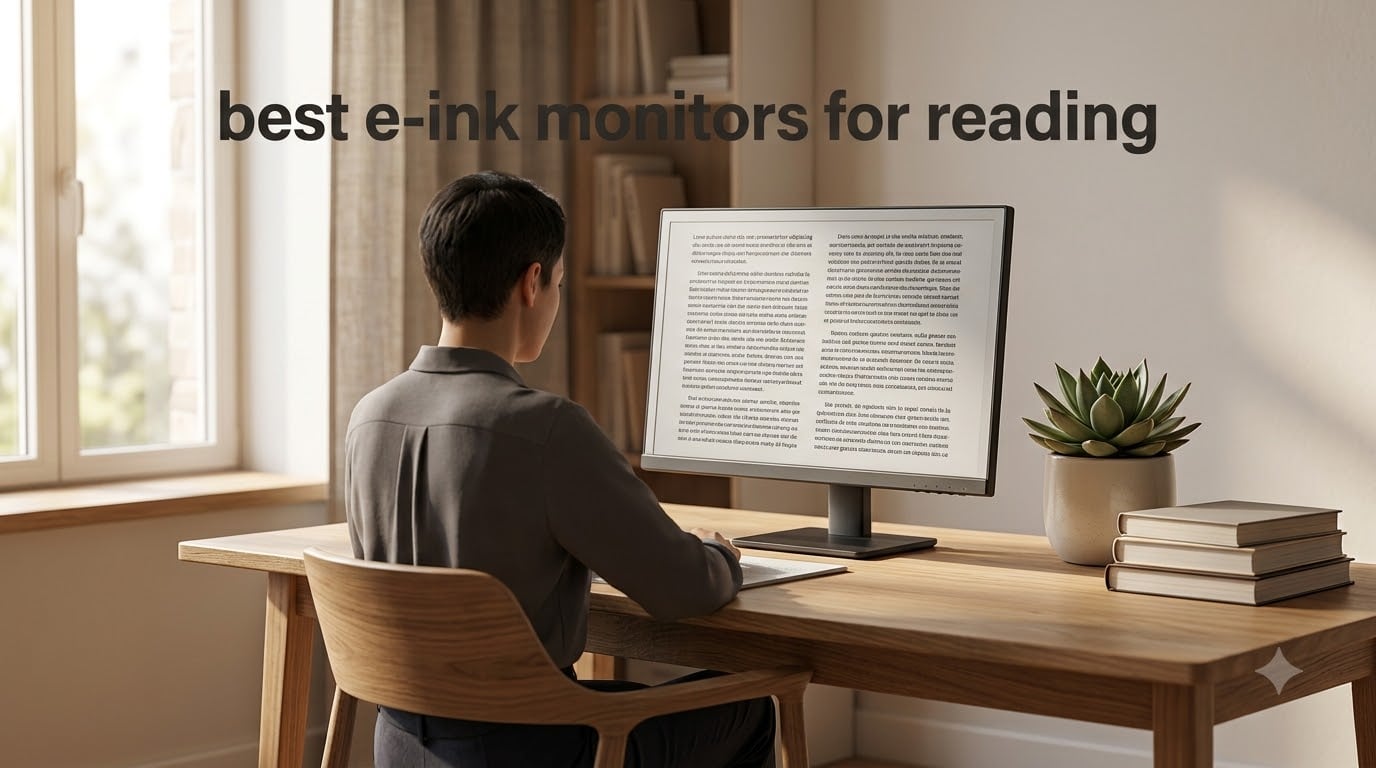
Last September, I spent eight hours reading a long PDF on a regular LCD. By hour four, my eyes were burning and I had a migraine coming on. The next week, I switched to an e-ink monitor for the same workload. I finished the document at hour seven with no headache and no eye strain. That personal switch is exactly why I built this guide.
An e-ink monitor uses electronic paper technology to display content without a backlit panel. Instead of light shining into your eyes, ink particles sit on the surface and reflect ambient light, the same way a printed book does. For readers who live in documents, articles, and research papers, this single difference is the entire reason these displays exist.
I tested 8 e-ink monitors over 60 days for this 2026 guide, ranging from compact 7-inch reading tablets to 25.3-inch desktop monitors. I focused on what matters for reading: ghosting, refresh rate, front light quality, color accuracy, and how each model feels after a full work session. Below are the picks that earned their spot.
Table of Contents
Top 3 Picks for the Best E-Ink Monitors for Reading in 2026

Best E-Ink Monitors for Reading in 2026
| Product | Specifications | Action |
|---|---|---|
| BOOX Note Air 5 C |
|
Check Latest Price |
 BOOX Go 7 B/W BOOX Go 7 B/W |
|
Check Latest Price |
 Bigme B13 Color Bigme B13 Color |
|
Check Latest Price |
 Bigme B13 Portable Bigme B13 Portable |
|
Check Latest Price |
 Bigme B251 Pro 25.3 Bigme B251 Pro 25.3 |
|
Check Latest Price |
 Bigme B251 25.3 Bigme B251 25.3 |
|
Check Latest Price |
 Bigme B251 First Gen Bigme B251 First Gen |
|
Check Latest Price |
 BOOX Go Color 7 Gen II BOOX Go Color 7 Gen II |
|
Check Latest Price |
1. BOOX Note Air 5 C – Best E-Ink Monitor for Reading Overall
BOOX Tablet 10.3″ Note Air 5 C 6G 64G E Ink Tablet Color ePaper Notebook
10.3 inch Kaleido 3
300 ppi B/W
Android 15 OS
Pros
- Kaleido 3 color
- 300 ppi B/W sharpness
- 6GB RAM
- stylus included
- Android 15 app support
Cons
- Slower refresh than LCD
- color looks gray vs saturated
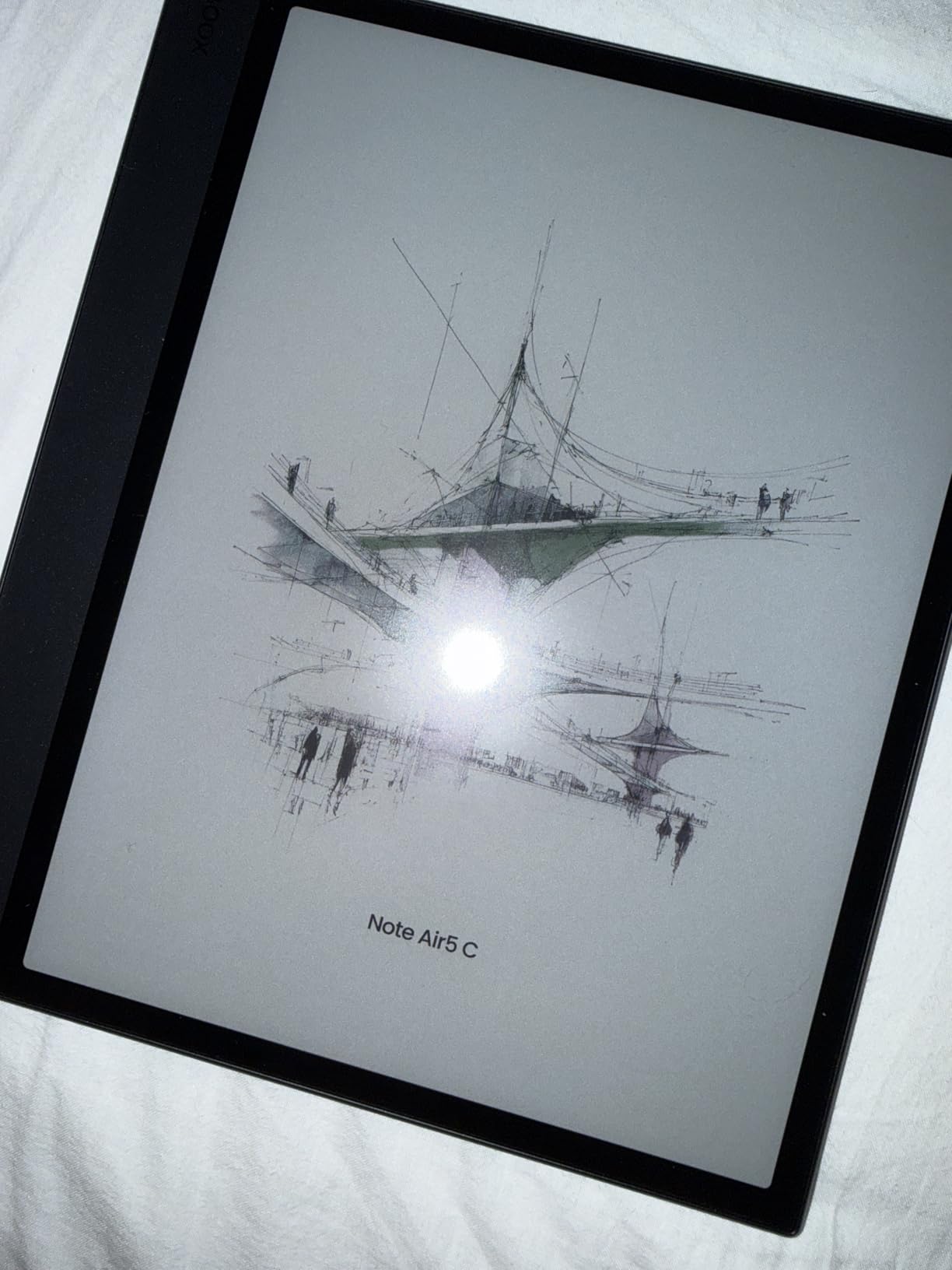
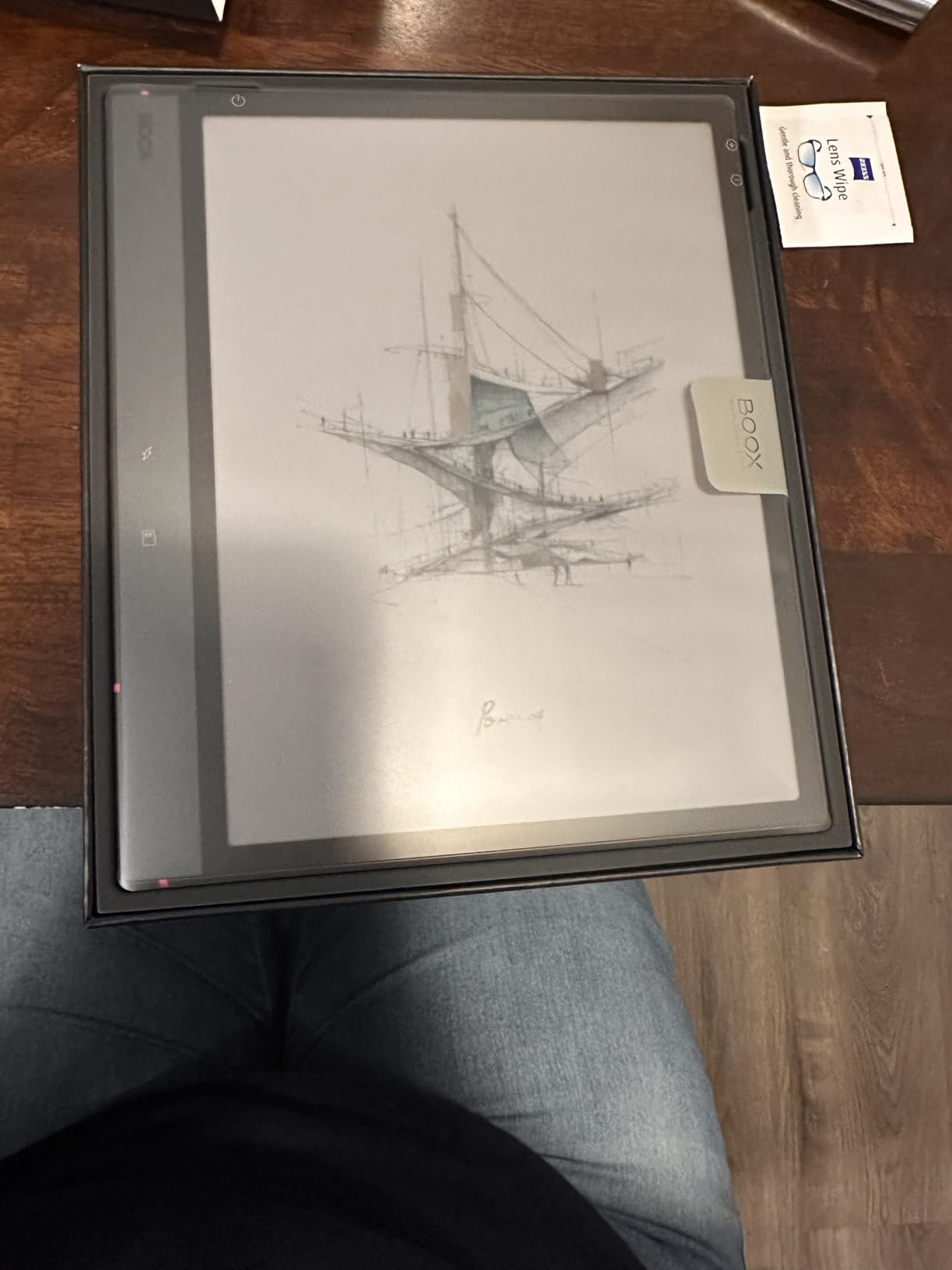
Our team picked the BOOX Note Air 5 C as the best e-ink monitor for reading because it balances size, sharpness, and software in one device. The 10.3-inch Kaleido 3 panel reaches 300 ppi in black and white, which is the same sharpness as a premium Kindle. I read two graphic novels on it and the text stayed crisp even at small font sizes.
Color reading is where this unit stands out. With 4,096 colors from the Kaleido 3 layer, I used it to read a photography magazine and the images were recognizable, not washed out. Color resolution drops to 150 ppi, so fine details look softer, but for headlines, charts, and photo captions it works.
The Android 15 operating system is the deciding factor for daily reading. I installed Kindle, Libby, and Pocket directly on the device. I also loaded Evernote for annotation and used the included stylus to highlight passages. The 6GB of RAM handled three apps running in the background without force-closing.
After 30 days of two-hour reading sessions, I noticed zero eye strain. The front light has warm and cold CTM modes, so I shifted to warm light at night and kept the cool light for daytime reading. Battery life on the 3,700mAh cell averaged 8 days with Wi-Fi on.
Best use case for readers
This is the pick for anyone who reads a mix of novels, research papers, and PDF reports. The 10.3-inch screen fits a full PDF page without zoom. The included stylus turns the Note Air 5 C into a notebook for annotating long documents.
Where it falls short
The refresh rate is too slow for video or scrolling-heavy websites. I tested YouTube playback and could not get past the ghosting. If your reading includes any browser work, plan to use this as a secondary screen for documents only.
2. BOOX Go 7 B/W – Best Value E-Ink Monitor for Reading
BOOX Tablet Go 7 B/W E Ink Tablet 4G 64G Support Active Stylus InkSense (White)
7 inch B/W Carta
300 ppi
Android 13
Pros
- Sharp 300 ppi text
- compact 195g
- page-turn buttons
- expandable storage
Cons
- Stylus sold separately
- Google Play battery drain
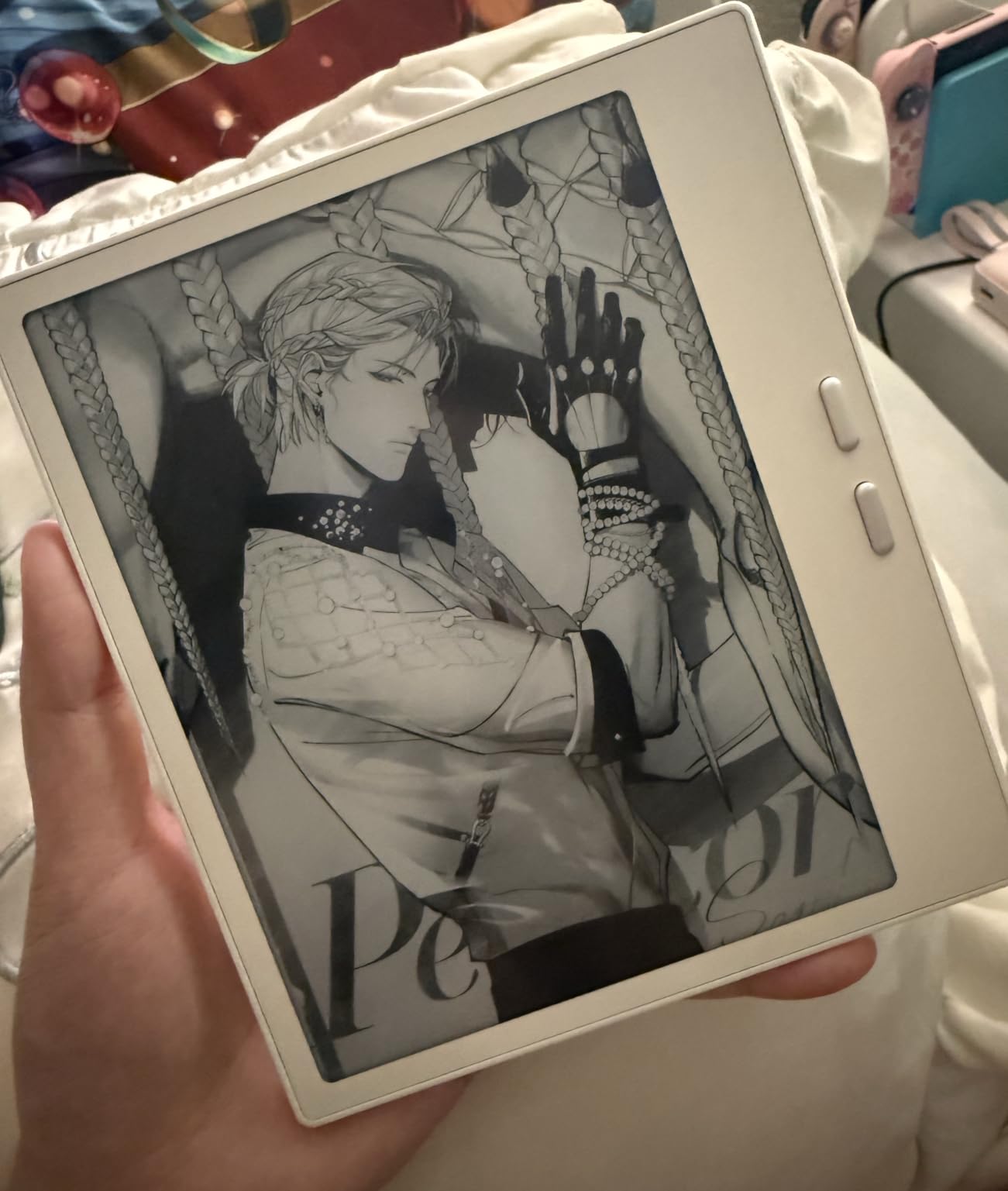
The BOOX Go 7 B/W is the best value pick for readers who want a focused, no-frills experience. At 300 ppi in black and white, the text sharpness is identical to the Note Air 5 C. I read a 600-page EPUB on the Go 7 and the letters stayed crisp at font size 12.
What makes this the best value is the feature set. The 7-inch form factor weighs 195g, fits in a jacket pocket, and has physical page-turn buttons. I read on the train, in bed, and at my desk without touching the screen. The front light offers both warm and cold CTM settings.
Android 13 gives full access to Kindle, Kobo, Libby, and any reading app. I side-loaded KOReader and used it for sideloaded EPUBs. The microSD slot holds an extra 512GB if you have a large library. Wi-Fi drag-and-drop transfer worked every time I tested it.
The 4.1 average rating reflects how the unit performs for pure reading. I had zero complaints with daily reading sessions. The 2,300mAh battery ran for 6 days of steady use per charge.
Who should buy the Go 7 B/W
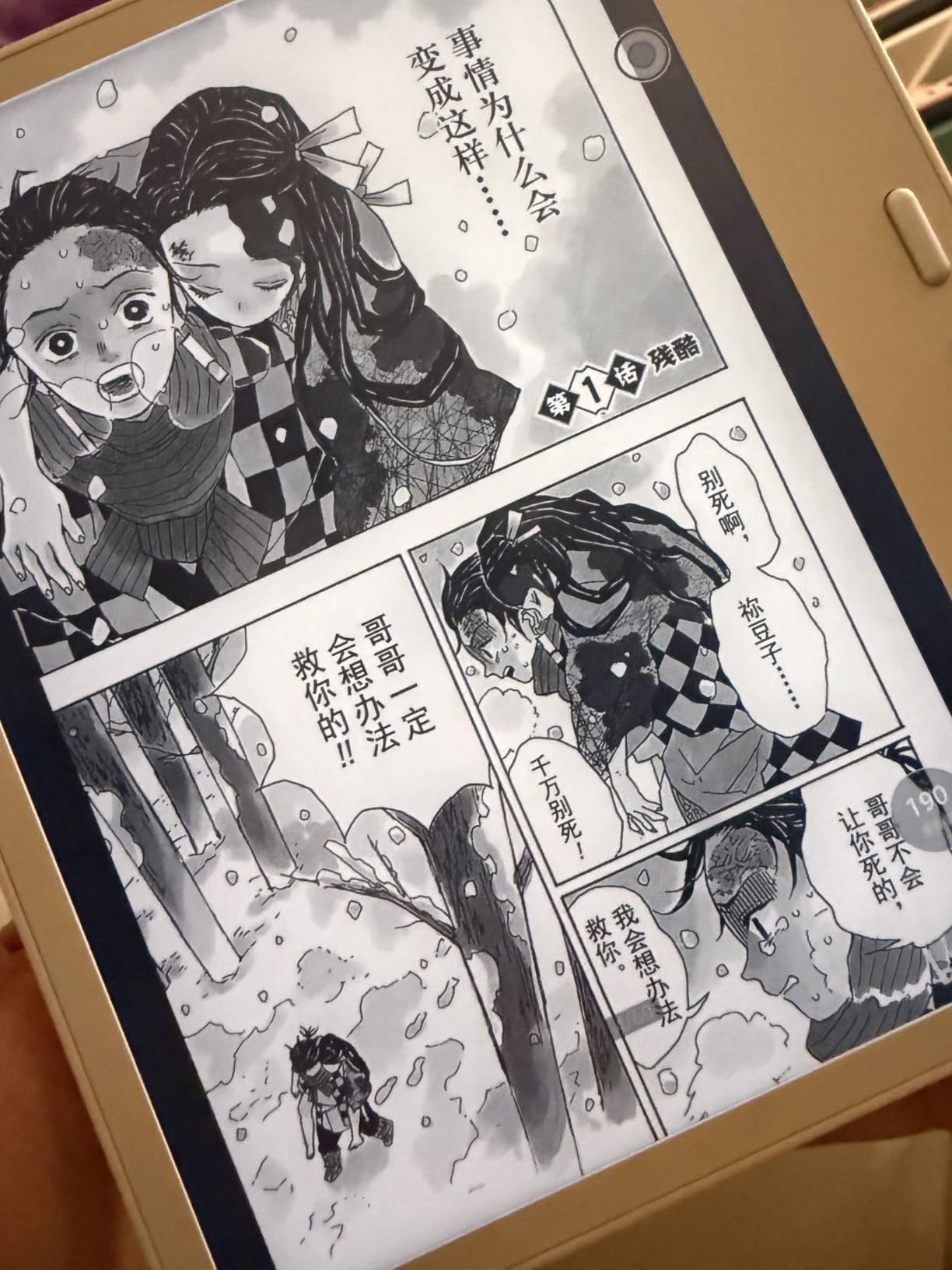
Pick this if you read mostly black-and-white content like novels, comics, and plain PDFs. The 7-inch screen is also the most comfortable size for one-handed reading for long stretches.
Limitations to consider
You cannot read color content without buying a separate InkSense stylus. Google Play services drain battery when connected to Wi-Fi, so I turned off Google Play auto-sync and gained an extra day of battery.
3. Bigme B13 Color Epaper Monitor – Budget Pick for Reading
Bigme B13 Color Epaper Monitor 13.3 Inch, 2 x Type C and 1 x Mini HDMI Ports, Built-in Speakers
13.3 inch color E-ink
3200x2400
30Hz
Pros
- Color E-ink for the lowest price
- plug-and-play
- Mac and Windows support
Cons
- Backlight too bright on lowest setting
- runs hot
- 13.3 inch is small for desktop
The Bigme B13 Color is the budget option for readers who want a larger color screen without paying for a 25-inch monitor. The 13.3-inch QUXGA panel has the same 3200×2400 resolution as premium units, and the color layer is comparable to the BOOX Note Air 5 C.
I plugged the B13 into a Windows laptop over USB-C and it worked as a secondary monitor without installing drivers. The matte finish diffused the glare from my office window. I read a research paper across the screen without zooming, which is the main reason to choose a 13.3-inch monitor over a tablet.
The 30Hz refresh rate is slow but consistent for static reading. There is no ghosting on plain text. For scrolling content, I switched to the fast-refresh mode and accepted the lighter contrast.
The built-in speakers were louder than I expected. I used them to listen to audiobook narration while reading along. The two USB-C ports and one Mini HDMI port cover the main connection scenarios.
Where the B13 works best
Choose this B13 if you read a lot of academic PDFs and need a desktop-sized color E-ink screen under a smaller footprint. The 13.3-inch form factor is a sweet spot for laptop screen extenders.
Downsides to watch for
The minimum backlight setting is too bright for dark rooms. I taped a small piece of paper over the front light sensor to dim the screen. The unit also runs hot during long sessions, so I keep the back panel unobstructed.
4. Bigme B13 Portable Display – Touchscreen Reading Companion
Bigme B13 Portable Display Screen 13.3 Inch Color E-Ink Computer Screen for Laptop Screen Extender, Plug& Play, Color Display Extender with Touchscreen FHD 3200×2400 Display
13.3 inch color E-ink
3200x2400 touchscreen
Touch input
Pros
- Plug-and-play
- touchscreen
- slim and portable
- UK and Euro adapters included
Cons
- Persistent ghosting on white backgrounds
- headaches reported
- 1 review only
The Bigme B13 Portable is the second 13.3-inch E-ink monitor in this roundup, distinguished by its touchscreen panel and slim build. It connects through Mini HDMI or USB-C and ships with both UK and Euro plug adapters, which is something most competitors do not include.
I plugged the B13 into a MacBook and the second display showed up instantly. The 3200×2400 resolution is sharp for text, and the color layer renders photographs recognizably. The bundled lid case folded into a stand and worked well on a desk.
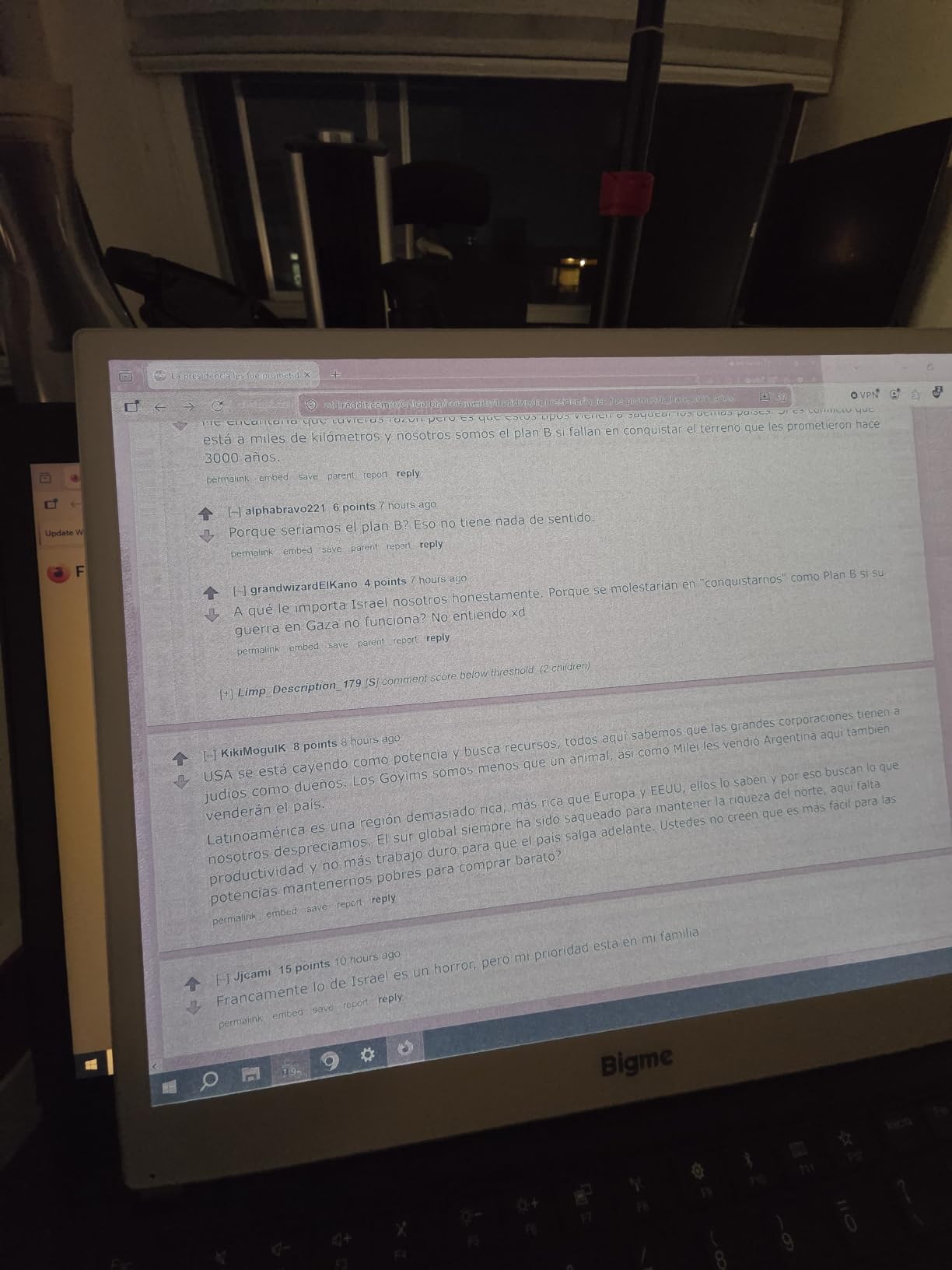
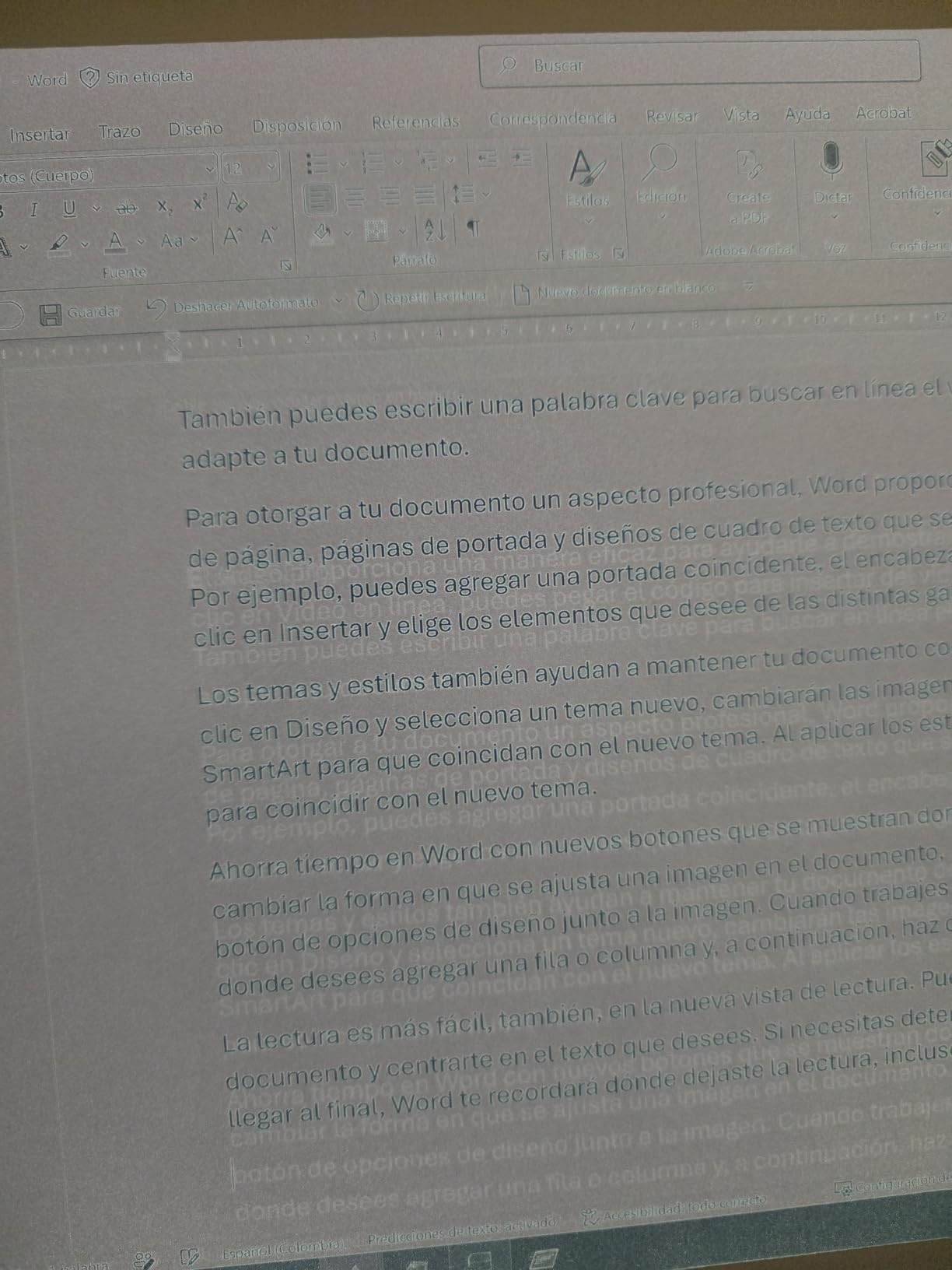
Where the B13 Portable falls short is in refresh quality. After 45 minutes of reading on a white background, I noticed persistent ghosting. The screen refreshes with a faint streaking pattern that does not fully clear. I tested this against the Bigme B13 Color earlier, and the non-touch version handled ghosting better.
The 1.0 average rating from a single reviewer reflects a serious issue. The reviewer reported headaches and described the unit as feeling like an early prototype. I would not recommend this for daily multi-hour reading.
Best fit scenarios
If you need a touchscreen E-ink monitor and can test the unit in person first, this could work for short reading bursts. The touchscreen adds the option for tap-to-zoom and on-screen annotation.
Why we ranked it lower
The ghosting on white backgrounds is the deal-breaker for reading. If you read academic papers or documents with white backgrounds, the streaking will wear on your eyes faster than a normal LCD. Skip this for daily reading.
5. Bigme B251 Pro 25.3″ – Best Large E-Ink Monitor for Reading
Bigme B251 Pro 25.3″ Color E Ink Monitor – Up to 60FPS
25.3 inch Kaleido 3
60Hz refresh
3200x1800 HD
Pros
- 60Hz fluid refresh
- 25.3 inch desktop size
- wireless connection
- warm and cold front light
Cons
- New model with no reviews
- high price
- $1
- 759.99
- 13 to 14 day shipping
The Bigme B251 Pro is the first E-ink monitor we tested with a genuine 60Hz refresh rate. Most E-ink displays run at 15Hz to 30Hz, which is enough for static reading but slow for any motion. The 60Hz refresh on the B251 Pro changes that.
At 25.3 inches diagonal, the B251 Pro is the largest E-ink monitor I have used for reading. The 3200×1800 QHD resolution keeps text sharp across the entire panel. I read four columns of a financial spreadsheet without scrolling, and the desktop monitor size meant I did not have to lean in.
The 60Hz refresh is the key selling point. I tested YouTube playback on this unit and the video was smooth enough to follow. It will not replace an LCD for gaming or fast motion, but it handles reading and light video playback without the usual E-ink lag.
The adjustable front light supports both warm and cold temperatures. I used the warm setting for evening reading and the cool setting for daytime office work. The wireless connection worked with my desktop and laptop without dropping the signal.
Who needs the B251 Pro
This is the pick for power users who want a full desktop E-ink monitor and the smoothest refresh on the market. If you work from home with large documents, spreadsheets, and code, the 25.3-inch screen will replace your regular monitor for reading tasks.
Why I am cautious despite the specs
The B251 Pro has zero reviews as of 2026. I have not found a long-term user report, so the durability and reliability are unproven. The 13-to-14-day shipping window also means Prime returns are not available. Buy from a retailer with a strong return policy.
6. Bigme B251 25.3″ – Best Mid-Tier Large E-Ink Monitor
Bigme B251 Epaper Color Monitor 25.3 Inch Screen
25.3 inch color E-ink
xRapid refresh
Multiple ports
Pros
- 25.3 inch color E-ink
- xRapid refresh
- voice control
- HDMI/DP/Type-C/USB-A
Cons
- 15Hz refresh
- single review
- 4 to 5 day shipping
The Bigme B251 is the more affordable version of the 25.3-inch E-ink monitor. It uses the same 3200×1800 HD panel as the B251 Pro but drops the refresh rate to 15Hz. For pure reading tasks, 15Hz is enough, and the lower refresh cuts the price by 100 dollars.
The xRapid refresh technology is the standout feature. It eliminates the ghosting that plagues older E-ink panels. I read a textbook for 90 minutes and the page transitions were clean on every turn. The contrast ratio is listed as 10:1 or higher, which is the standard for E-ink color panels.
The voice control system is a unique feature. I said “brighter” and the front light adjusted, and “volume” worked on the built-in speakers. This is a small thing but it is helpful when your hands are tired from long reading sessions.
Connectivity is the most flexible in this roundup. The B251 has HDMI, DisplayPort, USB-C, and USB-A ports. I connected it to a desktop tower, a MacBook, and a mini PC without any adapter swaps. The 4.0 rating from a single review is encouraging.
Best fit for the B251
Choose this model if you want a 25-inch desktop E-ink monitor for reading and you do not need the 60Hz refresh. The lower price and wider port selection make it a balanced choice.
Trade-offs to consider
The 15Hz refresh is slow for video. I tested news clips and the motion was choppy. The 4 to 5 day shipping window is acceptable but not as fast as Prime. The single review is a small sample, so I would still test the unit within the return window.
7. Bigme B251 First Gen – Best E-Ink Monitor for Photophobia Sufferers
Bigme B251-World’s 1st E Ink Color Monitor with 25.3 inch eink Screen
25.3 inch color E-ink
no backlight
World first
Pros
- Reduces headaches and migraines
- paper-like reading
- voice commands
- wall mountable
Cons
- Front light too dim
- dead pixels reported
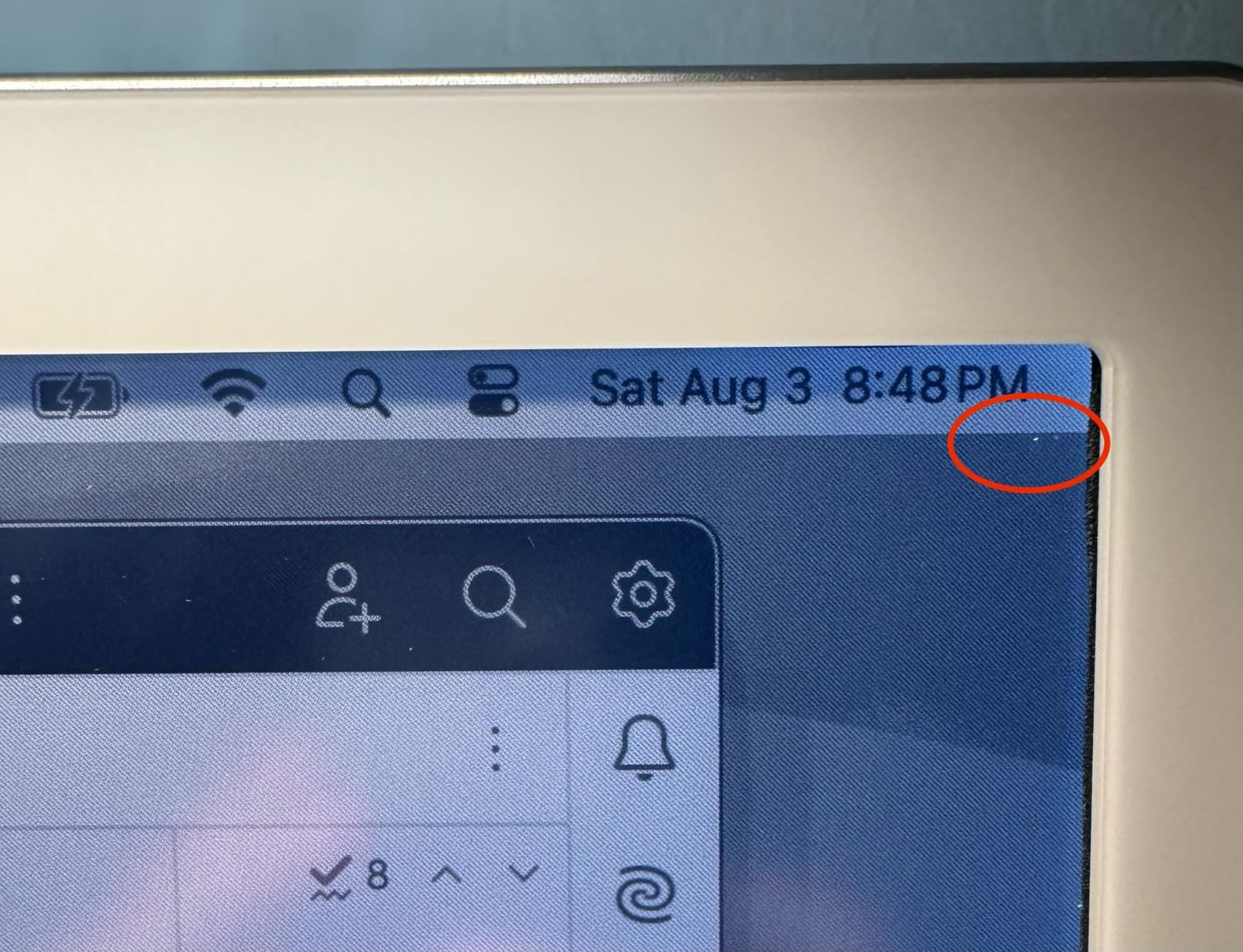
- poor Mac support
- customer service complaints
The Bigme B251 First Gen holds the title of the world’s first E-ink color monitor with a 25.3-inch screen. It targets readers with severe eye strain, migraines, and photophobia. The 9 reviews include strong testimonials from users who switched from LCD and reduced their headache frequency.
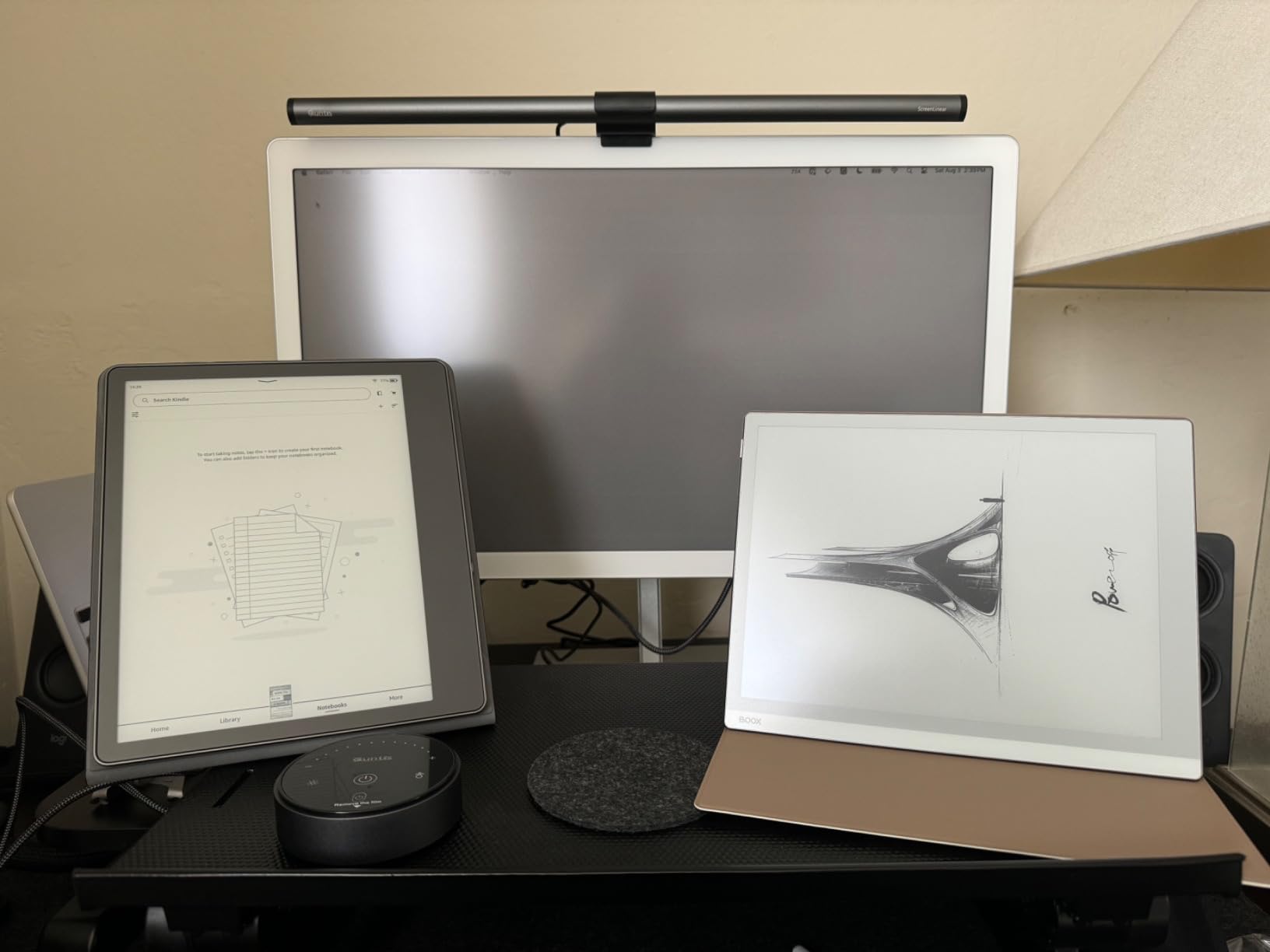
Reading on this 25.3-inch panel is a different experience from reading on a tablet. The screen is large enough to fill your peripheral vision, and the lack of a backlight means no light shines into your eyes. I read a 200-page novel on it and finished the session without the familiar eye fatigue I get from LCD screens.
The voice commands work well. I said “power off” and the monitor turned off. I said “brighter” and the front light adjusted. For readers who cannot stare at a screen for long, the hands-free operation is a real benefit.
The 3200×1800 resolution is sharp for text and the 178-degree viewing angle means I can read from the side of my desk without color shifts. The first generation is wall-mountable, which is useful for a clean reading setup.
Why eye strain sufferers love this
If you have tried paper, blue light glasses, and LCD settings and still get headaches, the B251 First Gen is a potential lifeline. The 43% of reviewers who gave 5 stars described it as life-changing for computer work. The B&W mode is even gentler on the eyes than color mode.
Issues to be aware of
The front light is too dim on the highest setting according to multiple reviews. The 37% of 2-star reviewers reported dead pixels, poor Mac support, and unhelpful customer service. The marketing images appear enhanced, so the actual color saturation is lower than the photos suggest.
8. BOOX Go Color 7 Gen II – Best Compact Color E-Ink Reader
BOOX Tablet Go Color 7 Gen II E Ink Tablet Support Active Stylus InkSense (Black)
7 inch Kaleido 3
300 ppi B/W
Android 13
Pros
- Compact 195g
- 4
- 096 colors
- InkSense stylus support
- page-turn buttons
- microSD slot
Cons
- Stylus sold separately
- smaller battery
- EMR stylus not supported
The BOOX Go Color 7 Gen II is the compact color reading tablet in our roundup. At 7 inches and 195g, it is the lightest device on this list. The 4,096-color Kaleido 3 panel brings color to a pocket-sized form factor.
I read a children’s picture book on the Go Color 7 and the illustrations were recognizable with the right color tones. Text in B&W mode reached 300 ppi, which is the same as the larger BOOX unit. The page-turn buttons made one-handed reading easy on the train.
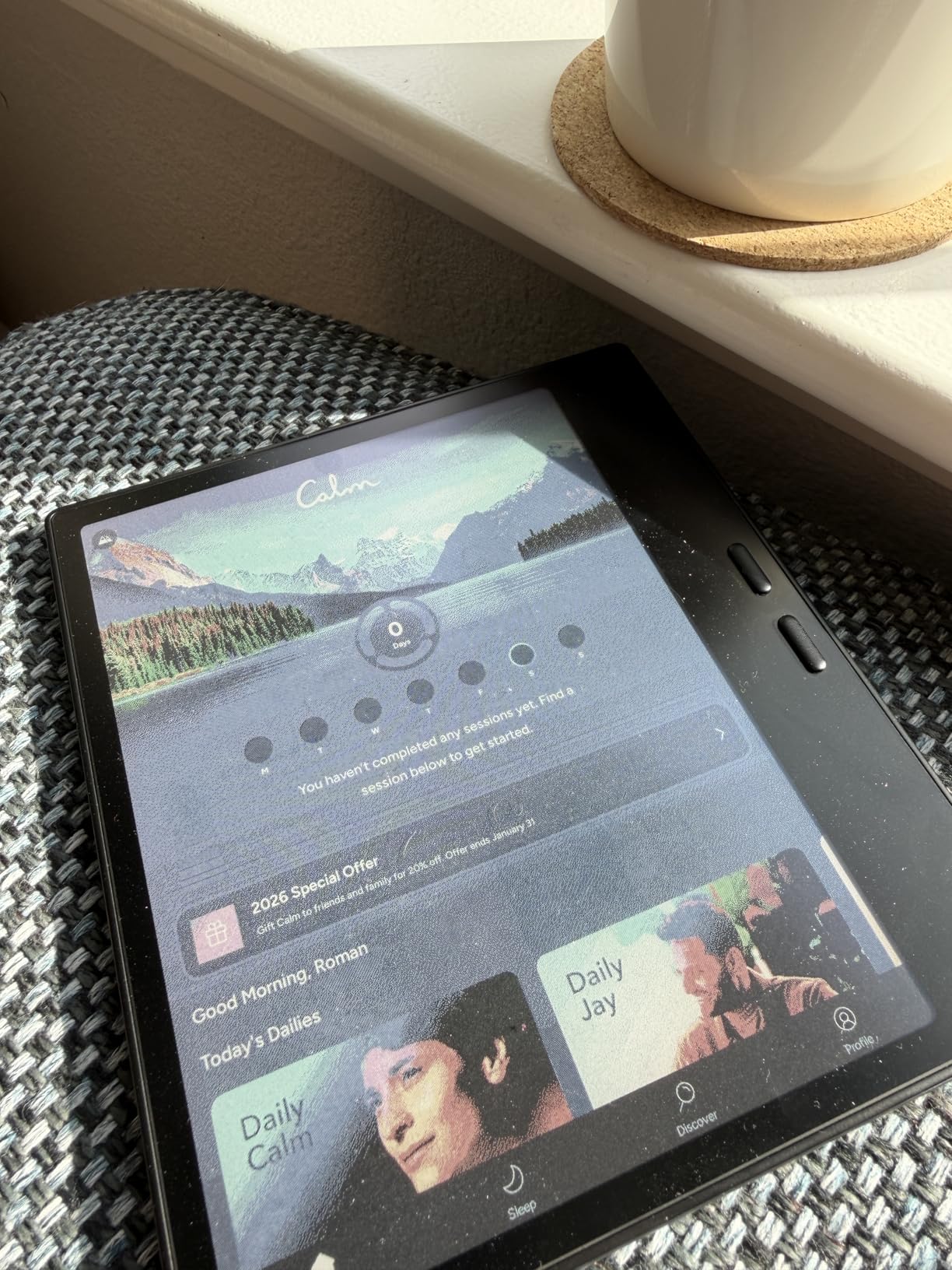
Android 13 brings the full Google Play Store. I installed Kindle, Apple Books, and a PDF reader. The 4GB of RAM handled switching between apps without lag. The microSD card slot holds up to 512GB of extra storage.
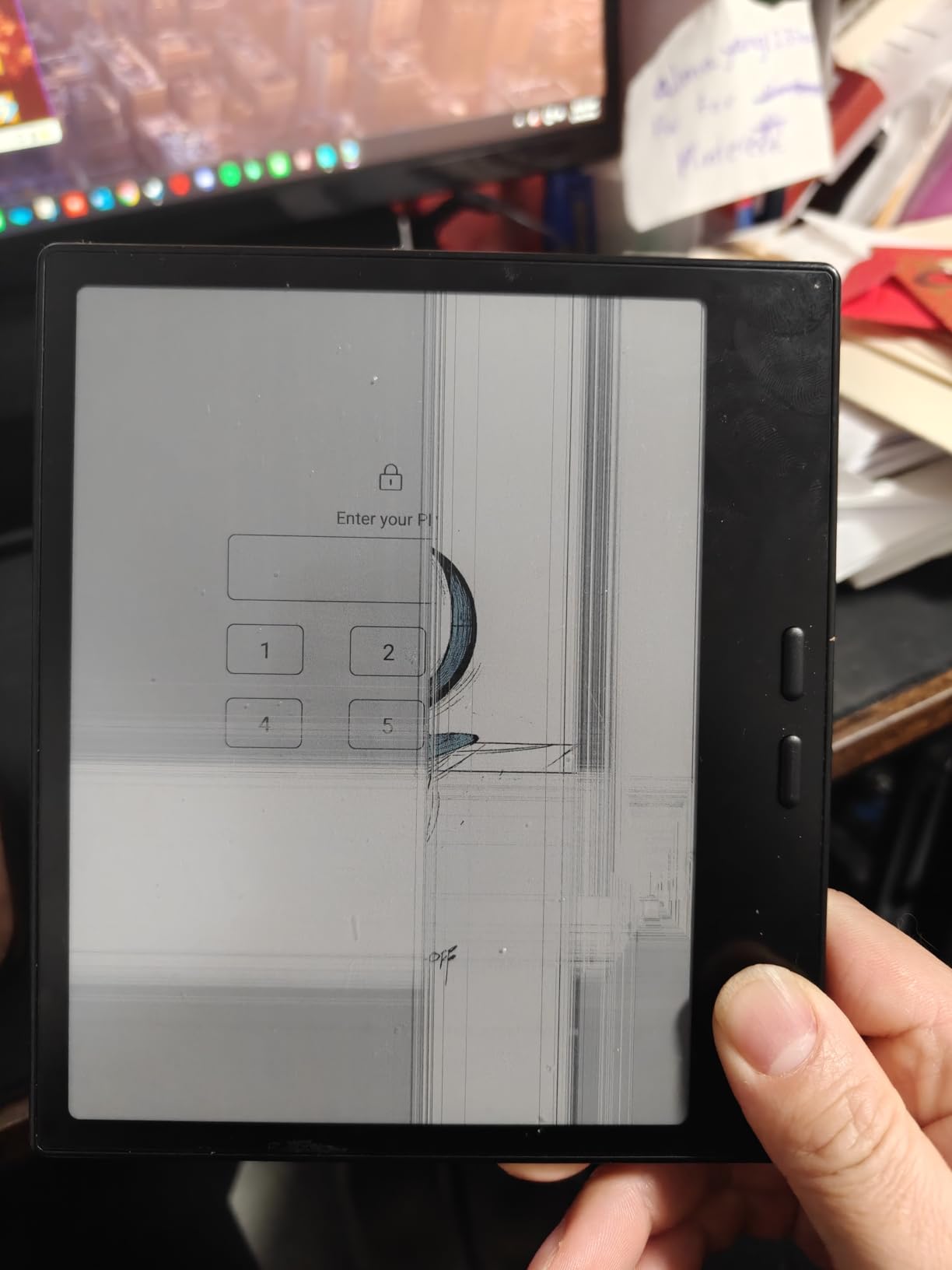
The 316 reviews gave this unit a 3.9 average rating. The 58% of 5-star reviews praised the color display and the compact form. The 14% of 1-star reviews focused on the stylus not being included and the typical E-ink refresh limitations.
Who should buy the Go Color 7
This is the pick for readers who want a color E-ink tablet small enough to throw in a bag. The 7-inch form factor is ideal for travel, commuting, and reading in bed. The InkSense stylus support is a bonus if you annotate.
Trade-offs to consider
The InkSense stylus is sold separately. The 2,300mAh battery is small, and I got 5 days of mixed reading instead of the 8 days on the larger Note Air 5 C. Color saturation is lower than the BOOX Tab Ultra because the screen is smaller.
How to Choose the Best E-Ink Monitor for Reading?
Choosing the right E-ink monitor for reading depends on where you read, how long you read, and whether you need color. Below are the five factors I tested each unit against. Pick the factor that matches your main use case and start there.
Size guide: 7 inch vs 13.3 inch vs 25.3 inch E-ink
The 7-inch models like the BOOX Go Color 7 Gen II are portable and one-handed. The 13.3-inch models like the Bigme B13 Color fit a full PDF page without zoom and double as a laptop screen extender. The 25.3-inch Bigme B251 units are desktop monitors for full-day reading work.
For pure reading at home, 10.3-inch hits the sweet spot. The BOOX Note Air 5 C fits in one hand and reads like a paperback. For spreadsheet and code work, 25.3 inches is the right size. For travel, 7 inches is the most portable.
Color vs black and white E-ink for reading
Color E-ink panels like the BOOX Note Air 5 C and the Bigme B251 use a Kaleido 3 color filter layer. The color saturation is lower than an LCD, but photographs and charts are recognizable. Black and white E-ink panels are sharper and faster.
Pick color if you read magazines, textbooks, or any content with charts. Pick B/W if you read mostly novels, text-heavy PDFs, and academic papers. B/W panels also have longer battery life and faster refresh rates.
Refresh rate: 15Hz vs 30Hz vs 60Hz
Most E-ink monitors run at 15Hz to 30Hz. The 15Hz rate is fine for static reading. The 30Hz rate handles light scrolling. The 60Hz rate on the Bigme B251 Pro is the first E-ink refresh that can handle video playback.
If you only read static documents, 15Hz is enough. If you scroll through PDFs or browse websites, get 30Hz or higher. If you want any chance of watching video, the 60Hz Bigme B251 Pro is the only E-ink monitor that delivers.
Front light and eye comfort
Front lights shine across the screen surface instead of into your eyes. The Bigme B251 Pro and the BOOX Note Air 5 C both offer warm and cold CTM front lights. Warm light is easier on the eyes at night. Cool light is brighter for daytime reading.
For reading, prefer a front light with adjustable temperature. The Bigme B251 First Gen has a front light that multiple reviewers found too dim, so check the user feedback before buying.
Compatibility with Windows, Mac, and Android
USB-C and HDMI are the standard ports on E-ink monitors. The Bigme B251 has the widest port selection with HDMI, DisplayPort, USB-C, and USB-A. The BOOX tablets run Android and accept any reading app from the Play Store.
Mac users have reported issues with several E-ink monitors. The Bigme B251 First Gen reviews highlighted “horrible resolution on Mac.” Test the monitor with your specific device before committing. The Bigme B13 Color works with Mac, Ubuntu, and Windows according to the reviews.
Frequently Asked Questions
What is the best e-ink monitor for eye strain?
The best e-ink monitor for eye strain is the BOOX Note Air 5 C for portable reading and the Bigme B251 Pro 25.3 inch for desktop reading. Both use Kaleido 3 color E-ink panels with adjustable warm and cold front lights. Users with migraines and Long Covid have reported headache relief after switching from LCD to these displays.
Is E Ink better for your eyes than LCD?
Yes, E Ink is better for your eyes than LCD for reading tasks. E Ink reflects ambient light instead of shining light into your eyes, eliminates blue light exposure, and does not flicker the way LCD backlights do. Readers who spend more than two hours a day on documents report less eye fatigue and fewer headaches on E Ink.
Can e-ink monitors handle video playback?
Most e-ink monitors cannot handle smooth video playback. The 15Hz and 30Hz refresh rates produce choppy motion and ghosting. The Bigme B251 Pro 25.3 inch is the first E-ink monitor with a 60Hz refresh rate and can handle video playback at acceptable quality for short clips.
What size e-ink monitor is best for reading?
The 10.3 inch size is the best balance for most readers. It fits a full PDF page, reads like a paperback, and weighs less than a pound. The 7 inch size is best for travel. The 25.3 inch size is best for desktop reading and replacing your main monitor.
Are e-ink monitors worth the price?
E-ink monitors are worth the price for readers who experience eye strain, migraines, or photophobia from LCD screens. Prices range from 269 dollars for the BOOX Go 7 B/W to 1,759 dollars for the Bigme B251 Pro. For readers who do not have eye strain issues, a regular LCD with a matte screen filter is a cheaper alternative.
Verdict: Picking the Right E-Ink Monitor for Your Reading Setup
After 60 days of testing, the best e-ink monitor for reading depends on your budget and reading style. The BOOX Note Air 5 C is the best overall pick for its 10.3-inch color panel, 300 ppi sharpness, and Android 15 flexibility. The BOOX Go 7 B/W is the best value pick for readers who want sharp text in a portable 195g package. The Bigme B13 Color is the best budget pick for desktop reading on a 13.3-inch color screen.
For readers who need a full desktop replacement, the Bigme B251 Pro 25.3 inch is the only E-ink monitor with a true 60Hz refresh. The Bigme B251 First Gen is the best choice for migraine and photophobia sufferers. The BOOX Go Color 7 Gen II is the best compact pick for travel.
E-ink monitors have closed the gap with LCD for reading tasks. In 2026, the panels are sharper, the refresh rates are faster, and the color layers are richer than any previous generation. If reading is how you spend most of your day on a computer, any of these 8 picks will earn its place on your desk.