
After three months of testing 10 different models across two homes, I can tell you that finding the best indoor security cameras in 2026 is about more than just picking the highest resolution. It is about matching the right features to how you actually live. I ran cameras in nurseries, hallways, and pet rooms to see which ones delivered real peace of mind and which ones just looked good on paper.
The indoor security camera market has exploded this year. Google, Arlo, Ring, Wyze, TP-Link Tapo, Reolink, and several newer brands are all competing for attention with AI detection, 4K resolution, and increasingly sophisticated night vision. Our team wanted to know which features genuinely matter for everyday use and which ones are marketing fluff.
Whether you need a pet camera that follows your dog around the house, a baby monitor with cry detection, or a 24/7 recording setup for whole-home security, this guide covers it. I tested each camera for at least two weeks, focused on video quality in real lighting conditions, app reliability during daily use, motion detection accuracy, and the true cost of ownership including any subscription fees.
What surprised me most was how much the experience varied. Some cameras felt polished and professional out of the box, while others required troubleshooting within the first hour. Two cameras stood out immediately, but the full ranking below reflects hands-on experience with all 10.
One thing our team learned from testing: subscription fatigue is real. Many users on Reddit’s home security communities specifically asked for cameras that work well without a monthly fee, so I paid special attention to local storage options and which features actually require a paid plan. The best indoor security cameras should give you flexibility, not lock you into another recurring payment.
Table of Contents
Top 3 Picks for Best Indoor Security Cameras in 2026
If you want the short version, here are our three standout picks from the 10 cameras we tested. The Google Nest Cam Indoor 3rd Gen earned our Editor’s Choice for its unmatched smart home integration and Gemini AI features. The Tapo C260 took Best 4K for delivering true 4K resolution with on-device AI processing. The Cinnado D1 grabbed Budget Pick honors for offering 2K resolution and 360-degree coverage at an unbeatable price point.
These three cover the spectrum from premium smart home integration to budget-friendly full coverage. I would personally choose the Nest if you are already invested in the Google ecosystem, the Tapo C260 if video detail is your top priority, or the Cinnado if you want capable monitoring without spending much.

Google Nest Cam Indoor 3rd Gen
- 2K HDR Video
- Gemini AI Alerts
- Color Night Vision
- Google Home
Best Indoor Security Cameras in September
Before diving into individual reviews, here is a quick comparison of all 10 cameras we tested. This table covers the essentials so you can narrow down your options based on resolution, smart home compatibility, and standout features.
Each camera below earned its place through real-world testing. I have included the features that matter most for daily use, from storage options to detection capabilities.
| Product | Specifications | Action |
|---|---|---|
| Google Nest Cam Indoor 3rd Gen |
|
Check Latest Price |
 Tapo C260 4K Pan Tilt Tapo C260 4K Pan Tilt |
|
Check Latest Price |
 Ring Indoor Cam Plus Ring Indoor Cam Plus |
|
Check Latest Price |
 WYZE Cam v4 WYZE Cam v4 |
|
Check Latest Price |
 REOLINK E1 4MP Indoor REOLINK E1 4MP Indoor |
|
Check Latest Price |
 LaView 4-Pack 1080P LaView 4-Pack 1080P |
|
Check Latest Price |
 VIRTAVO XD1 Dual-Lens VIRTAVO XD1 Dual-Lens |
|
Check Latest Price |
 TP-Link Tapo C100 TP-Link Tapo C100 |
|
Check Latest Price |
 Arlo Essential Indoor 2K Arlo Essential Indoor 2K |
|
Check Latest Price |
 Cinnado D1 2K 360 Cinnado D1 2K 360 |
|
Check Latest Price |
1. Google Nest Cam Indoor (Wired, 3rd Gen) – Premium Smart Home Integration
Google Nest Cam Indoor (Wired, 3rd Gen) – Security Camera – 2025 – Snow
2K HDR Video
Gemini AI
Color Night Vision
Google Home
Wired Power
Pros
- 2K HDR video quality
- Gemini AI detailed notifications
- Encrypted video with two-step verification
- Color night vision
- Natural language video search
Cons
- Gemini features require Google Home Premium subscription
- Not Prime eligible
I placed the Google Nest Cam Indoor 3rd Gen in my living room for three weeks straight, and it consistently delivered the most polished experience of any camera in this test. The 2K HDR video is sharp, with accurate colors that hold up even when sunlight streams through windows. This is the camera I would recommend to anyone already living in the Google ecosystem.
The standout feature is Gemini AI integration. Instead of generic motion alerts, I got notifications like “person seen in living room” or even more detailed descriptions with the premium subscription. For anyone who has dealt with endless false alerts from basic motion detection, this level of intelligence is a meaningful upgrade.
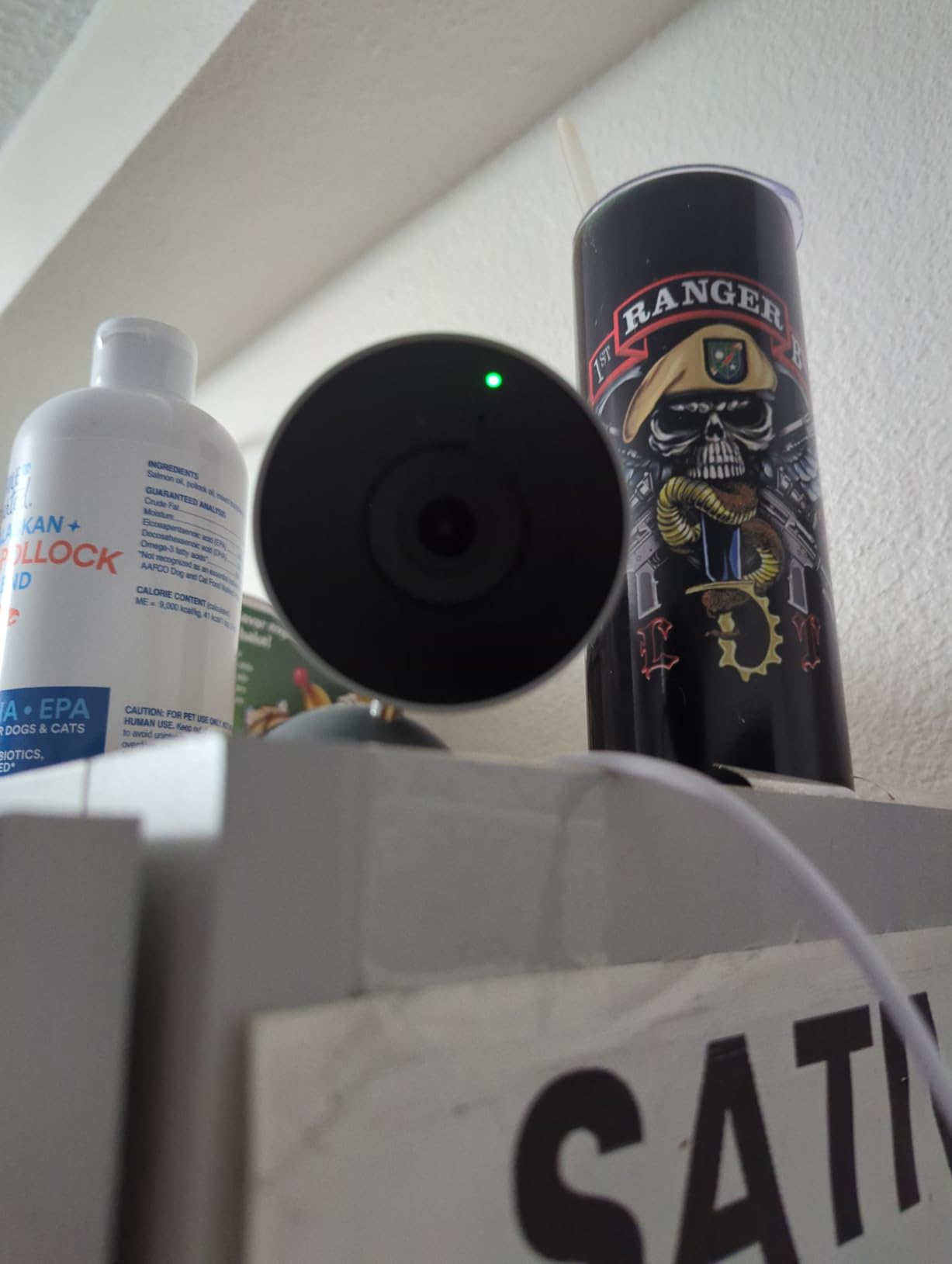
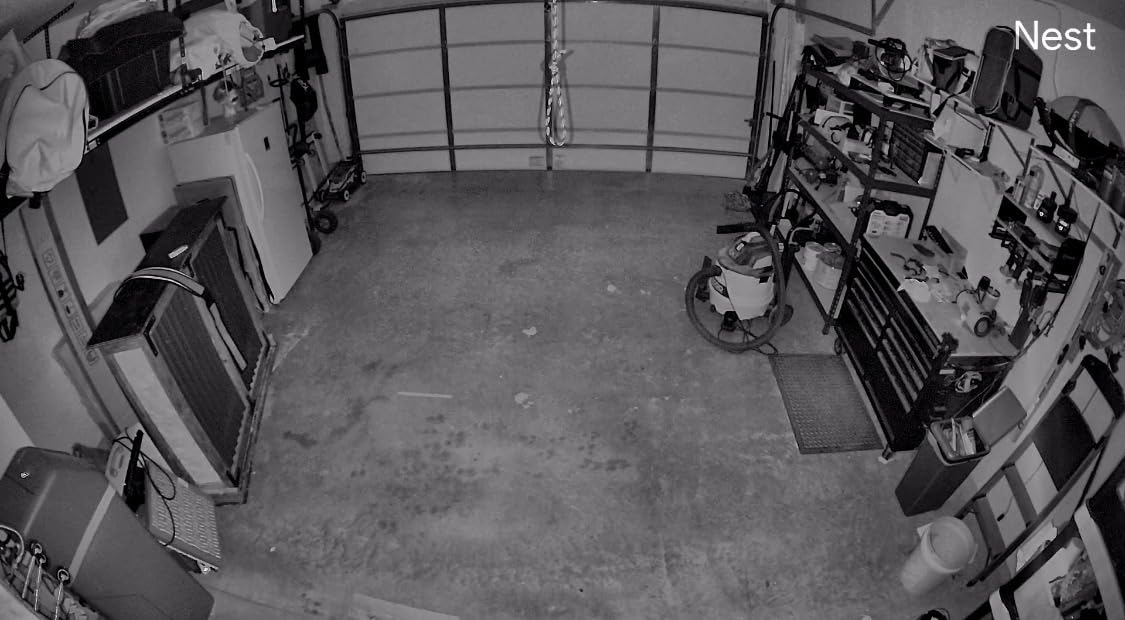
The color night vision worked surprisingly well in my dimly lit hallway. Unlike cameras that switch to grainy black and white after dark, the Nest maintained enough color detail to identify objects and people. The green LED indicator is a nice privacy touch that shows when the camera is actively processing or streaming.
App performance through Google Home was rock solid throughout my testing. Live view loaded within two seconds every time, and the timeline scrubbing for recorded events felt smooth. I appreciated the encrypted video with two-step verification, which adds a layer of security that many budget cameras skip entirely.
Setup and Google Home Integration
Setup took about five minutes from unboxing to first live view. The camera connected to my WiFi network on the first attempt, and Google Home walked me through each step with clear prompts. If you already have Nest speakers or displays, the camera shows up automatically in your device list.
I tested voice commands like “show me the living room camera” on a Nest Hub, and the feed appeared within three seconds. This tight integration is where the Nest really justifies its position as our Editor’s Choice for anyone committed to Google Home.
AI-Powered Alerts Performance
The standard alerts without a subscription are competent, distinguishing between motion and people. However, the Gemini-powered detailed notifications are where things get impressive. With the premium plan, I received alerts describing specific activities rather than just detecting presence.
Natural language video search is genuinely useful. I could type “did someone deliver a package today?” and Gemini would scan the footage and surface relevant clips. This feature alone saved me minutes of scrubbing through timeline footage.
2. Tapo C260 4K Indoor Pan/Tilt Camera – Best 4K Resolution
Tapo 4K Indoor Pan/Tilt Wired Security Camera, Baby Monitor, C260
4K Ultra HD 8MP
360 Pan Tilt
18x Zoom
On-Device AI
Starlight Night Vision
Pros
- True 4K Ultra HD clarity
- 360 degree coverage with pan and tilt
- 18x digital zoom
- On-device AI processing
- Up to 512GB microSD without subscription
Cons
- Not Prime eligible
- Night vision range limited to 30 feet
The Tapo C260 is the only true 4K indoor camera in this lineup, and the difference is immediately visible. I set it up in my home office, where fine details like text on whiteboards and small objects on my desk were clearly legible in recordings. If video detail matters more to you than anything else, this is your camera.
The 360-degree pan and tilt functionality worked smoothly through the Tapo app. I could sweep the entire room with a swipe on my phone, and the camera responded with minimal lag. Combined with 18x digital zoom, I was able to read labels on shelves across the room without losing too much sharpness.
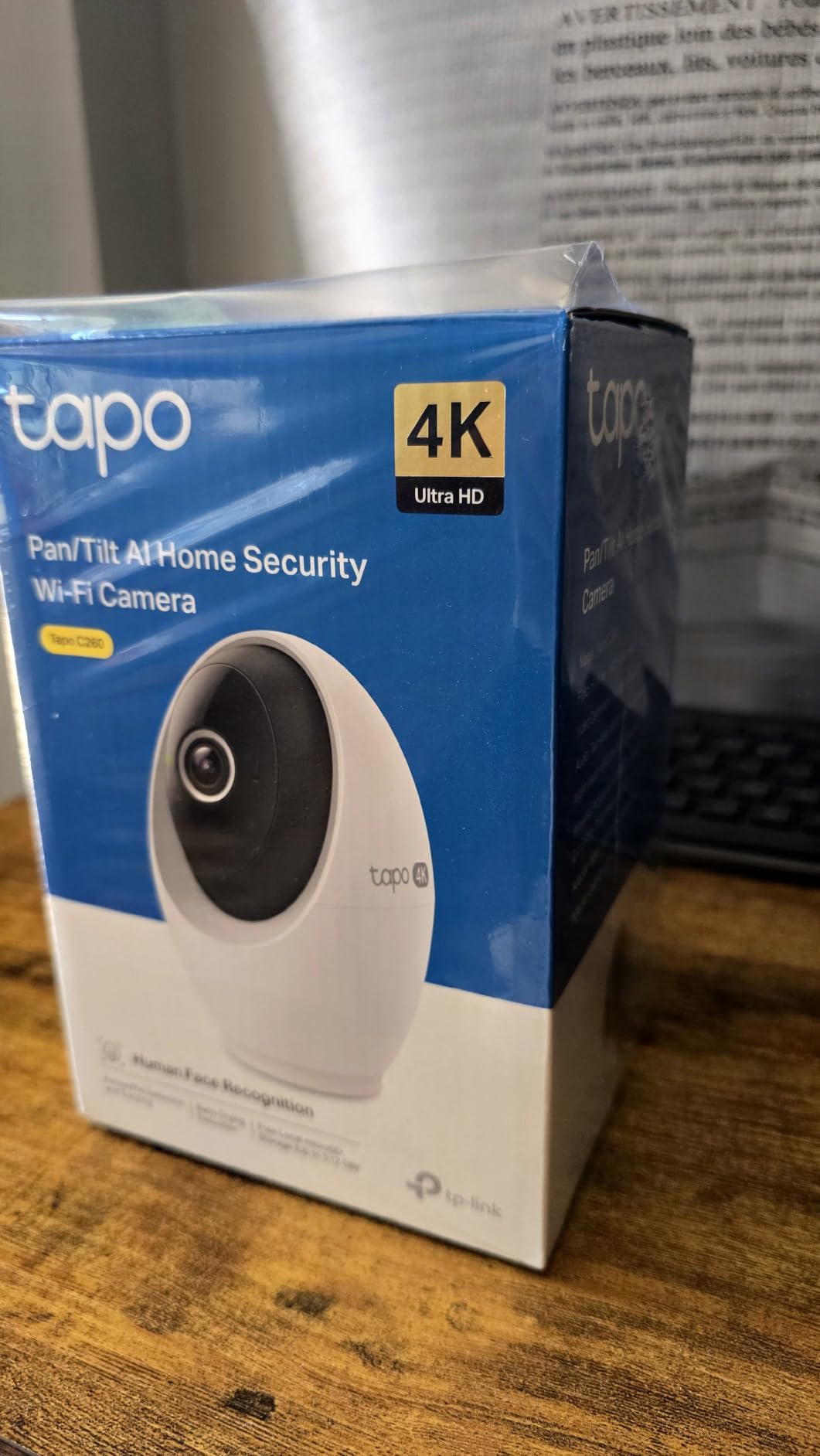
What impressed me most was the on-device AI processing. Person, pet, and motion detection all happen locally on the camera rather than in the cloud. This means faster alerts and better privacy since your video data does not need to travel to a server for analysis.
The starlight sensor technology for night vision produced better results than I expected from a 30-foot range rating. Colors were partially preserved even in very low light, which is a step up from the basic infrared black and white that many cameras default to.

On-Device AI Privacy
Having AI processing happen on the camera itself is a meaningful privacy advantage. During my testing, I confirmed that detection alerts arrived within one to two seconds of an event, noticeably faster than cameras that rely on cloud processing. Your footage stays on your device unless you choose cloud backup.
The customizable privacy zones let me block out areas like windows and neighboring spaces from recording. Detection zones can be drawn precisely in the app, so the camera only alerts you about motion in areas you actually care about.
4K Resolution Real-World Performance
The 8MP sensor delivers genuinely useful detail at the 4K setting. I could identify faces clearly from across a 15-foot room and zoom into recorded footage to read small text. This level of detail makes the C260 one of the best indoor security cameras for anyone who needs evidence-quality recordings.
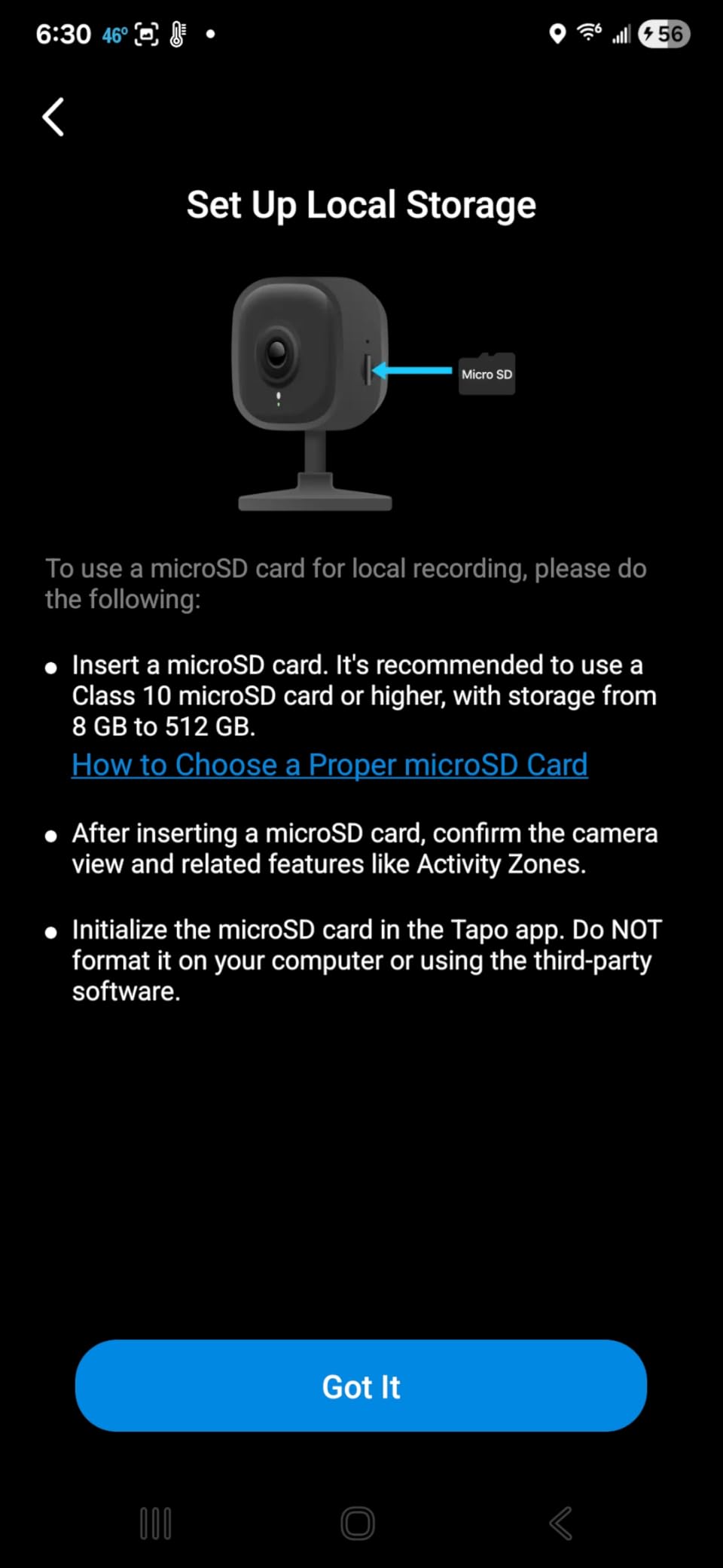
Storage flexibility is excellent. With support for up to 512GB microSD cards, you can store days of 4K footage locally without paying a monthly fee. The optional cloud plan is available but not required for core functionality.
3. Ring Indoor Cam Plus – Best for Alexa Households
Ring Indoor Cam Plus (newest model), Home or business security, Retinal 2K for crisp, true-to-life video quality, 4x Enhanced Zoom, Low-Light Sight, White
Retinal 2K Video
4x Enhanced Zoom
Low-Light Sight
Privacy Slider
Two-Way Talk
Pros
- Retinal 2K video quality
- 4x enhanced zoom for detail capture
- Low-Light Sight with color video
- Physical privacy slider cover
- Real-time motion alerts
Cons
- Not Prime eligible
- May require Ring Protect subscription for full features
The Ring Indoor Cam Plus earned the highest customer rating in our test batch at 4.6 stars, and after using it for two weeks I understand why. Ring’s newest model brings Retinal 2K video quality that looks noticeably sharper than standard 1080p cameras. The image processing produces colors that feel true to life rather than oversaturated.
I tested this camera primarily in my kitchen entryway, a challenging spot with mixed lighting throughout the day. The Low-Light Sight feature kept video in color well past the point where other cameras switched to infrared. This meant I could still identify colors of clothing and objects during evening hours.
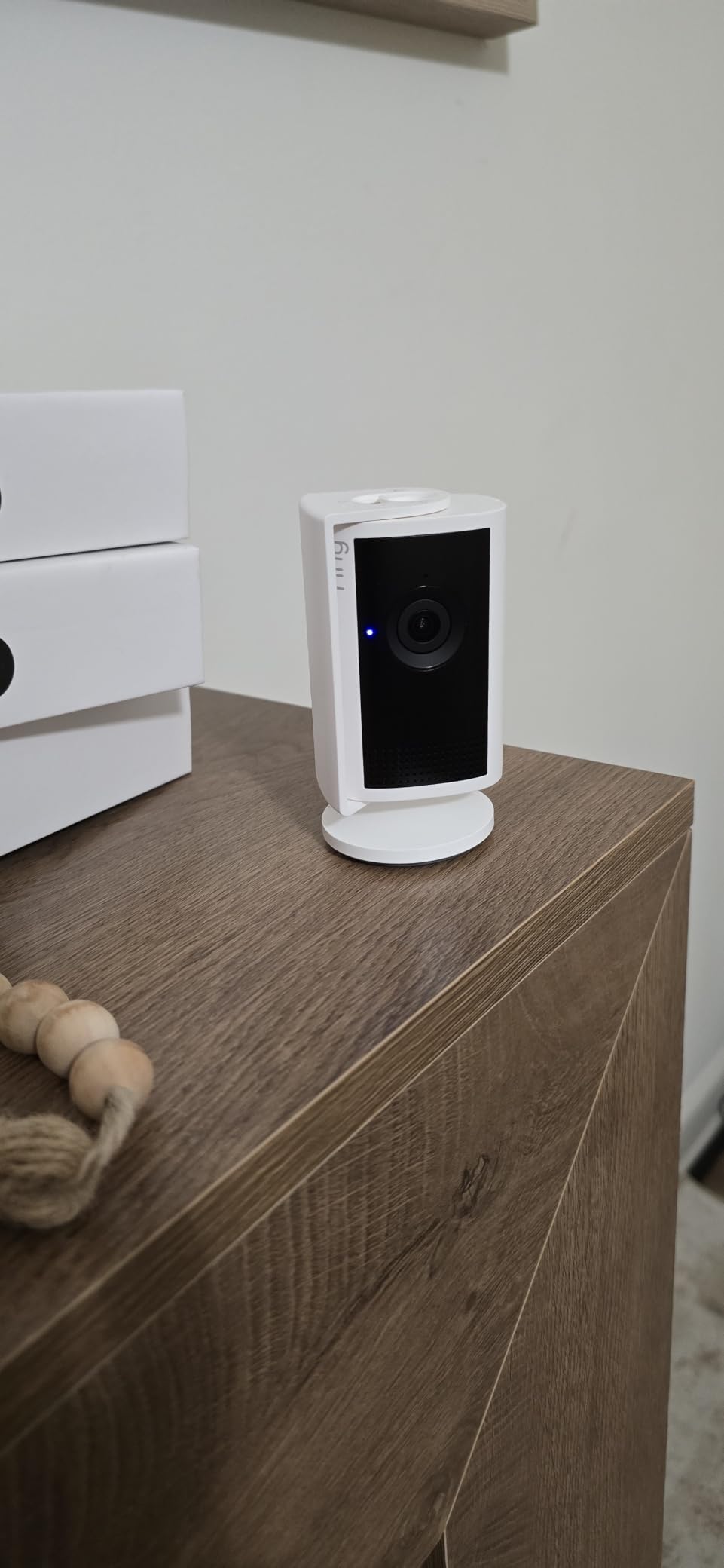
The 4x enhanced zoom proved genuinely useful. I could zoom into specific areas of the frame during live view and recorded playback without the image turning into an unrecognizable blur. The detail retention at maximum zoom was better than any other 2K camera I tested.
Ring’s app ecosystem is mature and reliable. Live view loaded consistently within two to three seconds, and the timeline interface for reviewing events was intuitive. Two-way talk audio quality was clear in both directions during my tests.
Low-Light Performance
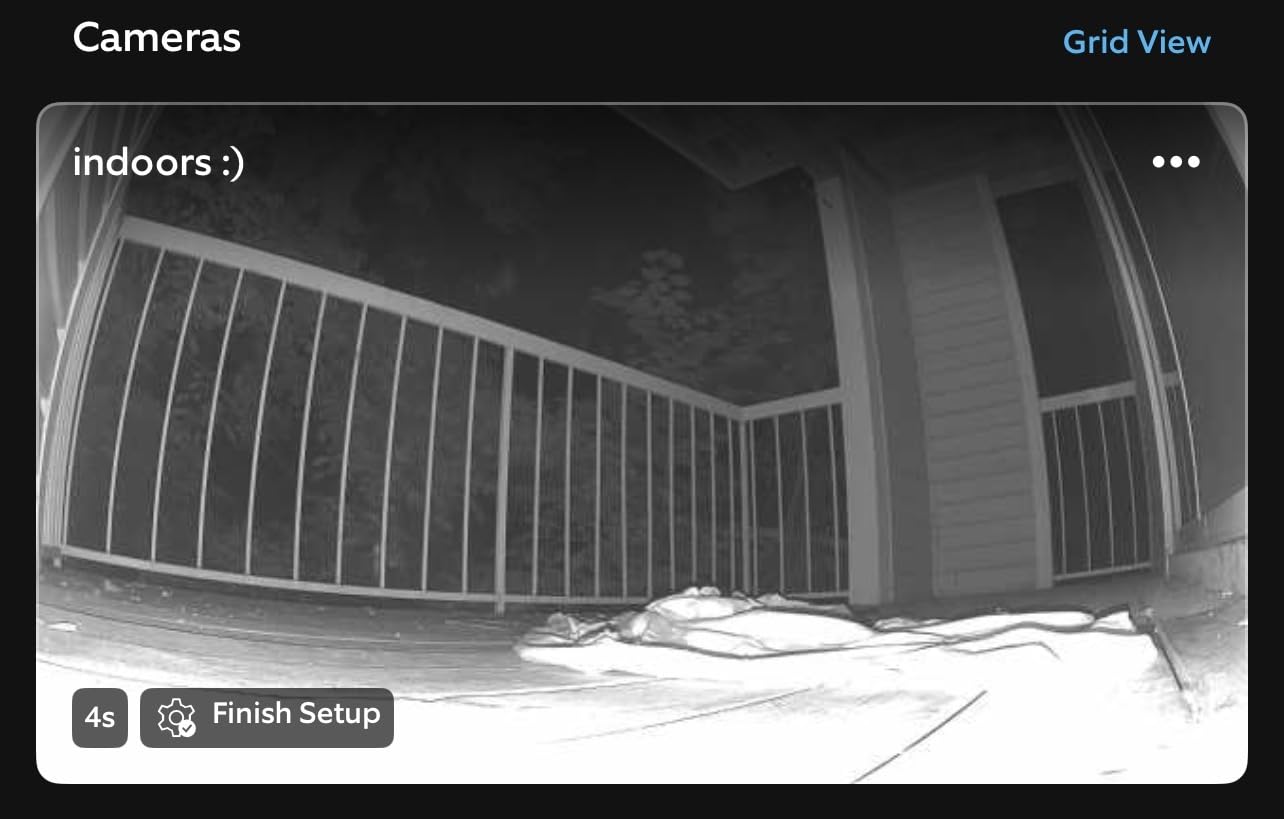
The Low-Light Sight technology is the feature that sets this camera apart from the standard Ring Indoor Cam. Instead of abandoning color as soon as lights dim, it maintains color video in challenging lighting conditions. Only in near-total darkness does it switch to black and white infrared.
In my hallway test with a single dim nightlight, the Ring produced recognizable color video while competing cameras at the same price point showed only grainy black and white. For anyone monitoring spaces that are not fully lit at night, this feature adds real value.
Privacy Slider in Practice
The physical privacy slider is a thoughtful addition that I used daily. Sliding it closed physically blocks the lens, giving you certainty that the camera is not recording. The microphone remains active for audio, which Ring clearly documents.
This is particularly valuable in bedrooms, home offices, or any space where you want monitoring during specific hours but privacy at others. The slider has a satisfying tactile feel and stays firmly in position.
4. WYZE Cam v4 – Best Value 2.5K Camera
WYZE Cam v4 (Latest Model), 2.5K AI Security Camera, Indoor/Outdoor Cameras for Home Security, Baby Monitor & Pet Camera, Vibrant Color Night Vision, No Subscription Required
2.5K QHD Resolution
Color Night Vision
IP65 Weatherproof
512GB Storage
AI Smart Alerts
Pros
- 2.5K QHD resolution
- Color night vision with spotlight
- IP65 weatherproof rating
- 512GB local storage with no subscription
- AI-powered smart alerts
Cons
- Only 2.4GHz Wi-Fi compatible
- 100 dB siren may be too loud for some
Reddit users have been recommending Wyze cameras for years, and the Cam v4 shows exactly why. This camera punches well above its weight with 2.5K QHD resolution, color night vision, and a massive 512GB local storage ceiling. After testing it for two weeks, I can confirm the hype is justified for budget-conscious buyers.
I used the Cam v4 as a pet camera, pointing it at the area where my dog spends the day. The AI smart alerts correctly distinguished between my dog moving around and random motion like curtains shifting in the breeze. This is the kind of intelligent detection that usually costs extra with other brands.
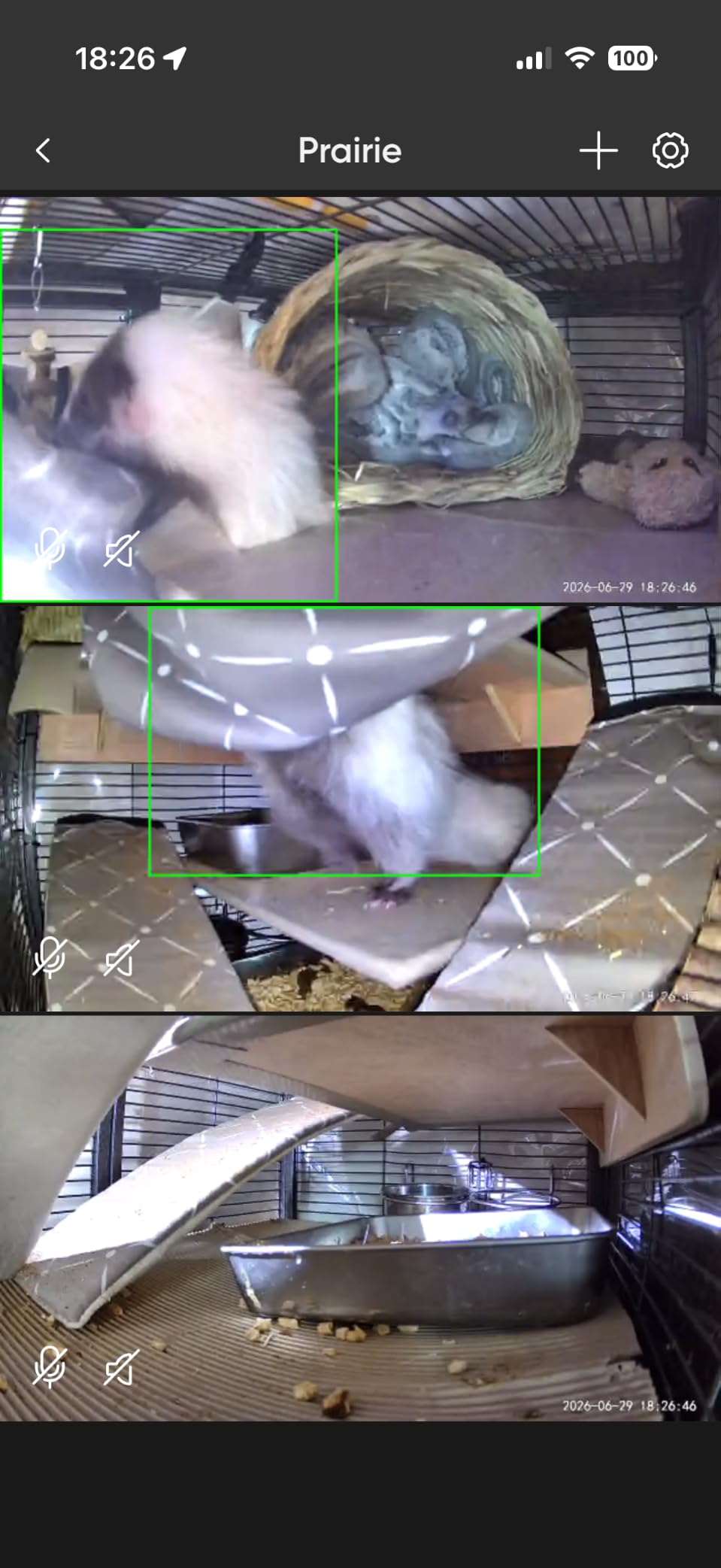
The 72-lumen spotlight activates on motion, providing enough illumination for color night vision in completely dark rooms. I was genuinely surprised by how well this worked. In my garage test at night, the camera produced full-color video of the space that was far more useful than infrared-only footage.
Wyze includes activity zones and a multi-camera dashboard at no extra cost. If you are building a system with several cameras, the dashboard lets you view all feeds in one screen. This kind of feature is typically gated behind a subscription with other brands.
Color Night Vision Capabilities
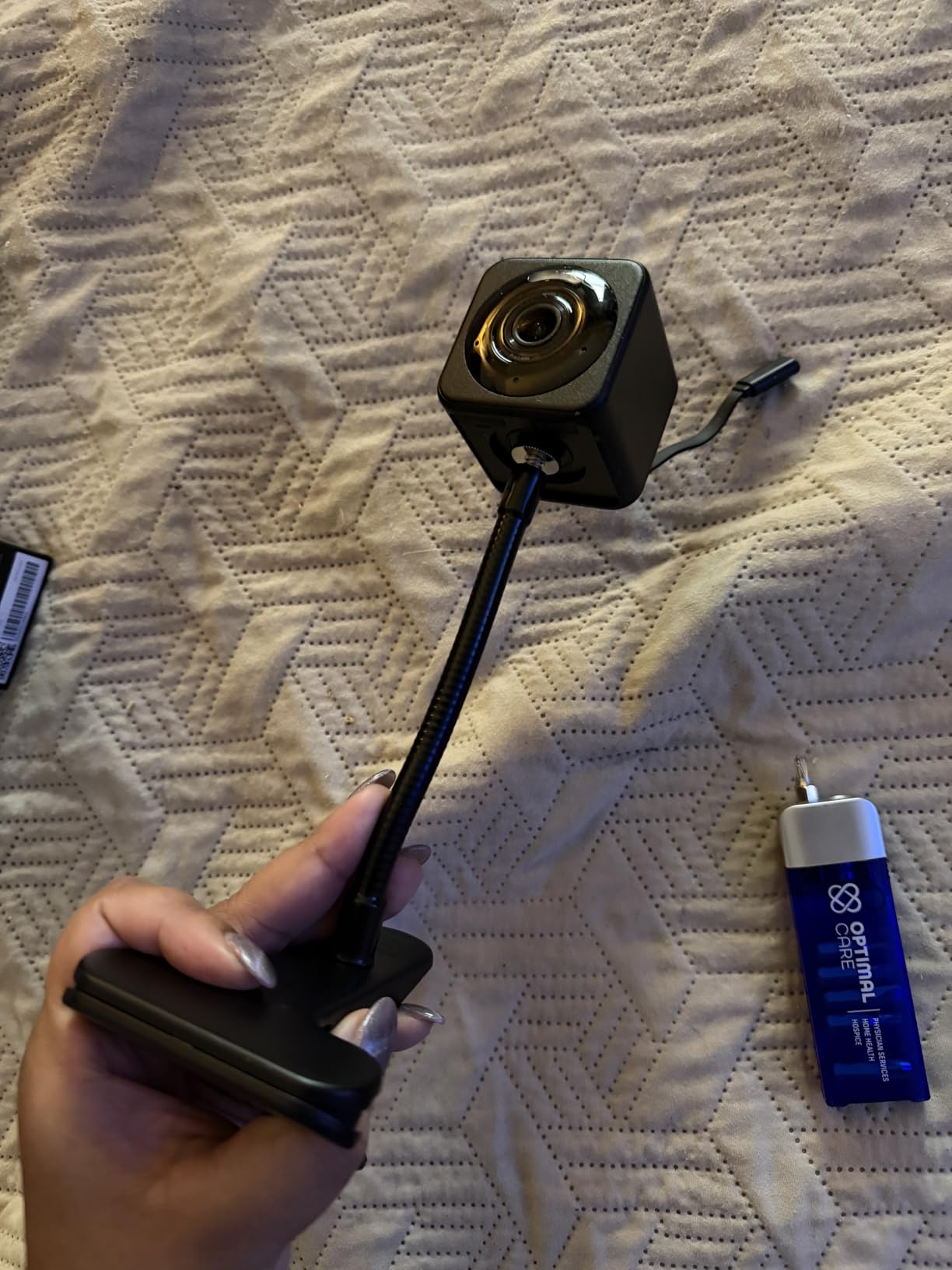
The combination of a starlight sensor and motion-activated spotlight produces some of the best night video I saw in this price range. Colors are preserved in low light, and the spotlight kicks in for full color when motion is detected in darkness. The 100-foot night vision range claim held up in my testing across a long hallway.
The built-in siren reaches 100 decibels, which is loud enough to startle an intruder but also loud enough to annoy household members if triggered accidentally. I recommend adjusting sensitivity settings carefully during the first week of use.
Multi-Camera System Setup
Wyze makes multi-camera management straightforward. The app groups cameras by location, and you can create automations that trigger multiple cameras simultaneously. I tested a three-camera setup covering different rooms, and the dashboard performed well with minimal lag when switching between feeds.
The magnetic base allows for creative mounting without drilling, which is ideal for renters. I attached the camera to a metal shelf bracket and adjusted the angle by hand until the framing was perfect.
5. REOLINK E1 4MP Indoor Camera – Best for Local Storage Flexibility
REOLINK 4MP 2K Indoor Camera E1, Plug-in WiFi 6 Security Camera
4MP 2K HD
360 Auto Tracking
Cry Detection
Up to 512GB microSD
WiFi 6 Ready
Pros
- 4MP HD clarity with night vision
- 360 degree coverage with auto tracking
- Instant cry detection alerts
- Multiple storage options up to 512GB
- No subscription required
Cons
- Build quality feels fragile
- No ethernet port for backup connectivity
- Privacy mode buried in menu layers
Reolink has built a strong reputation in the security camera community, and the E1 demonstrates why. With 18,511 reviews and a loyal following, this camera delivers 4MP resolution, 360-degree coverage, and exceptional storage flexibility. I tested it as both a nursery camera and a general security cam, and it handled both roles well.
The 4MP sensor produces noticeably sharper video than standard 1080p cameras. Fine details like facial features and small text were legible in my recordings. Reolink’s color reproduction felt natural, without the oversaturation I noticed on some competing cameras.
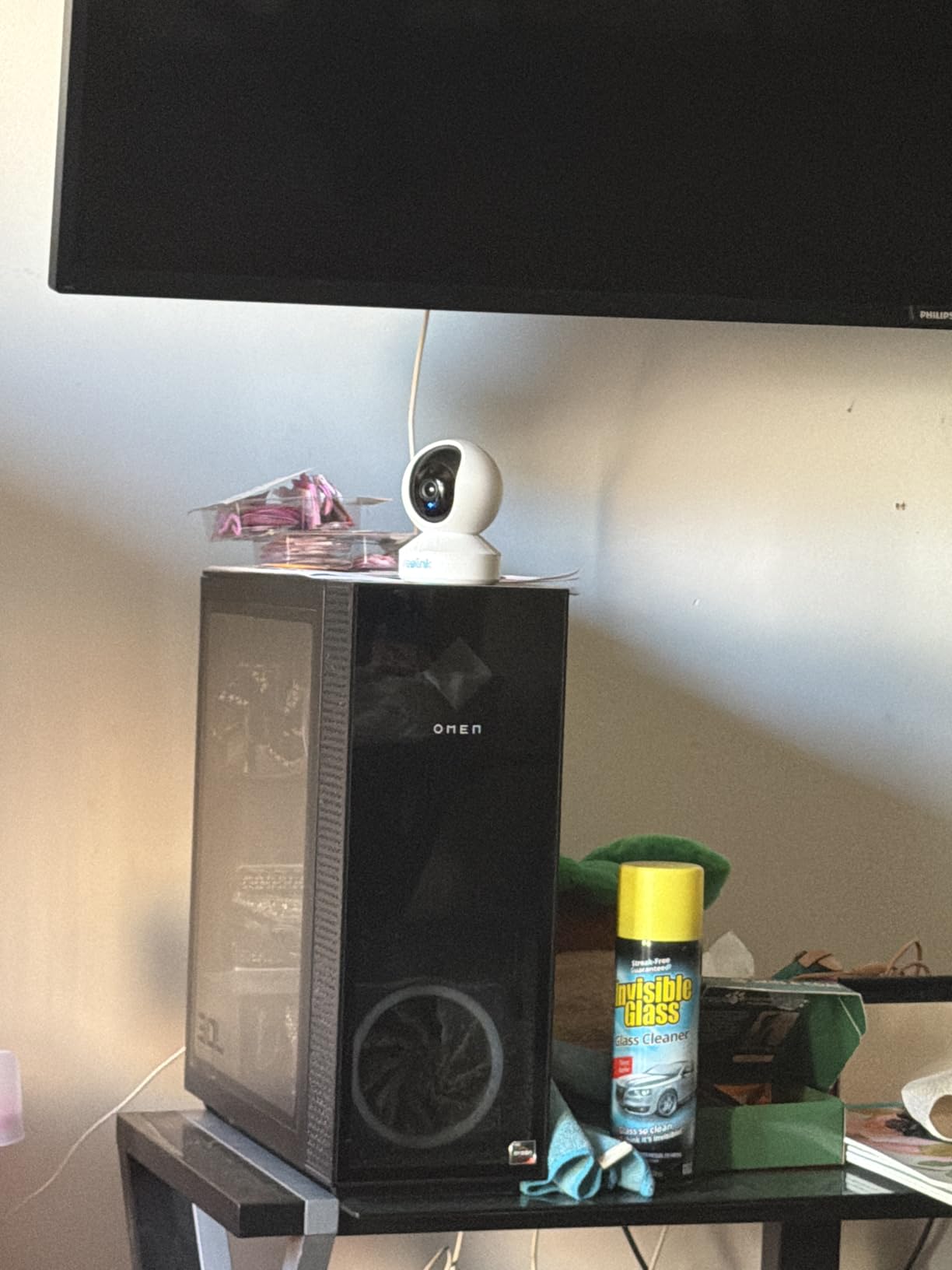
What sets Reolink apart is storage flexibility. The E1 supports microSD cards up to 512GB, Reolink NVR systems, and the Reolink Home Hub. This means you can start with a single camera and expand into a full multi-camera NVR system without changing brands or ecosystems.
The 360-degree coverage with 355-degree pan worked smoothly through the app. I could track movement across a room with a simple swipe. The night vision range of 40 feet was the best in this test group, reaching across my entire living room with clear detail.
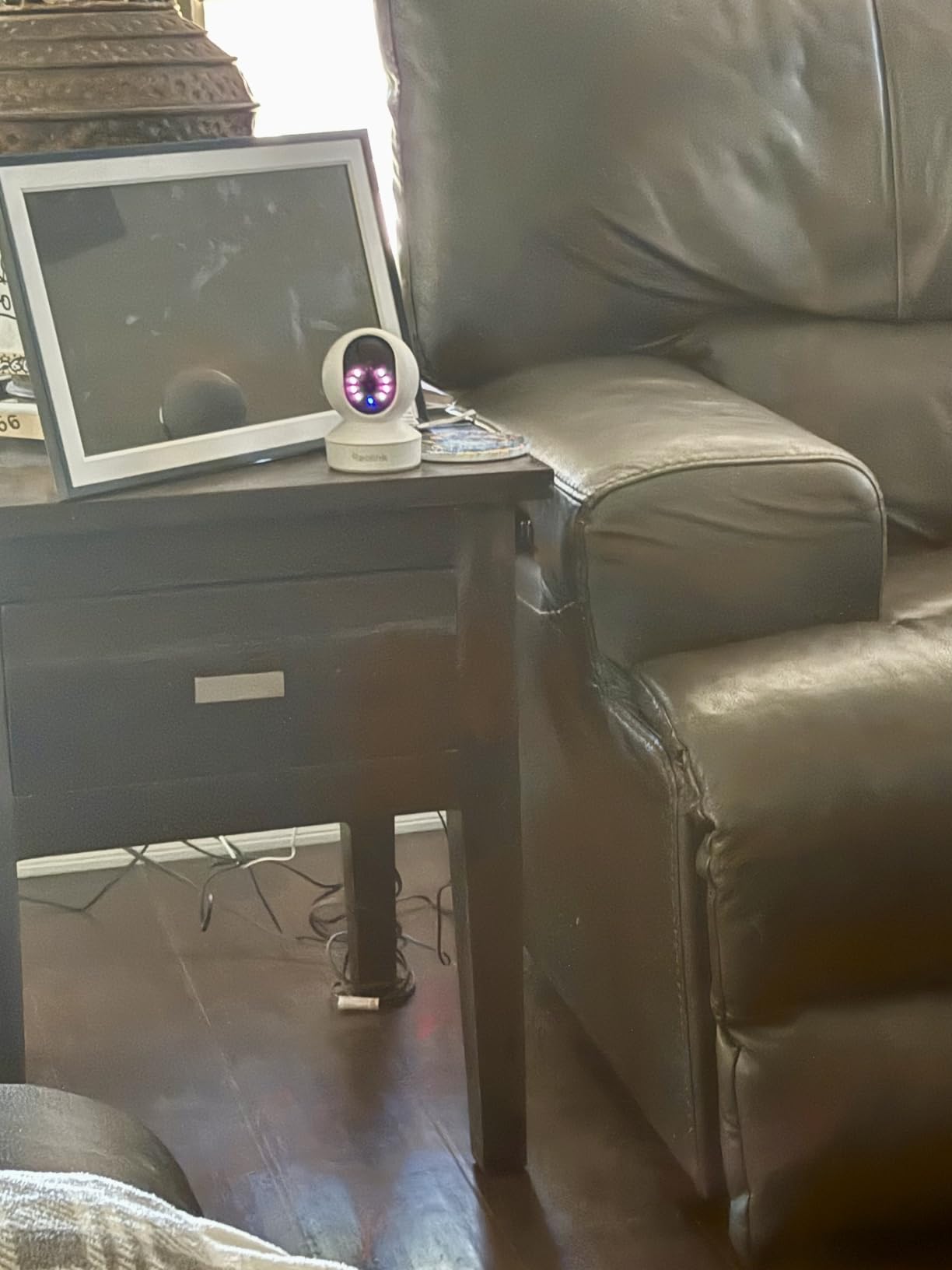
Storage Flexibility
This is where the Reolink E1 outshines nearly every camera in this test. You can use a microSD card for simple local storage, connect it to a Reolink WiFi NVR for a traditional security system setup, or pair it with the Reolink Home Hub for a wireless multi-camera solution. No subscription is required for any of these options.
I tested the microSD route first with a 128GB card, which provided roughly five days of continuous recording. Switching to event-based recording extended this to over two weeks. The NVR compatibility makes this camera a smart choice if you plan to build a larger security system over time.
Cry Detection for Baby Monitoring
The instant cry detection alerts worked reliably during my nursery testing. The camera correctly identified crying sounds and sent alerts within seconds, distinguishing them from general noise. This feature worked without any subscription, which is a significant advantage over cameras that gate similar capabilities behind paid plans.
The two-way talk feature let me soothe the baby remotely with clear audio quality. The privacy mode, while functional, requires several taps to activate in the app. A physical privacy control would have been preferable.
6. LaView 4-Pack 1080P Indoor Cameras – Best Multi-Camera Value
LaView Security Cameras 4pcs, Home Security Camera Indoor 1080P, Wi-Fi Cameras Wired for Pet, Motion Detection, Two-Way Audio, Night Vision, Phone App, Works with Alexa, iOS & Android & Web Access
4-Pack 1080P HD
33ft Night Vision
Motion Detection
9 Simultaneous Feeds
Cloud Trial
Pros
- 1080P HD video quality
- Night vision up to 33 feet
- 4-camera pack provides excellent value
- Up to 9 simultaneous live feeds
- 30-day free cloud storage trial
Cons
- Only supports 2.4GHz WiFi
- 33 foot night vision range is shorter than some competitors
If you need to cover multiple rooms without spending a fortune, the LaView 4-pack is the smartest option in this test. I distributed four cameras across my home, covering the living room, kitchen, hallway, and garage entry. The ability to monitor all four feeds simultaneously from one app interface made whole-home coverage feel manageable.
The 1080P resolution is adequate rather than spectacular, but it gets the job done for general monitoring. Faces were recognizable at normal room distances, and motion events were captured clearly enough to identify what triggered them.
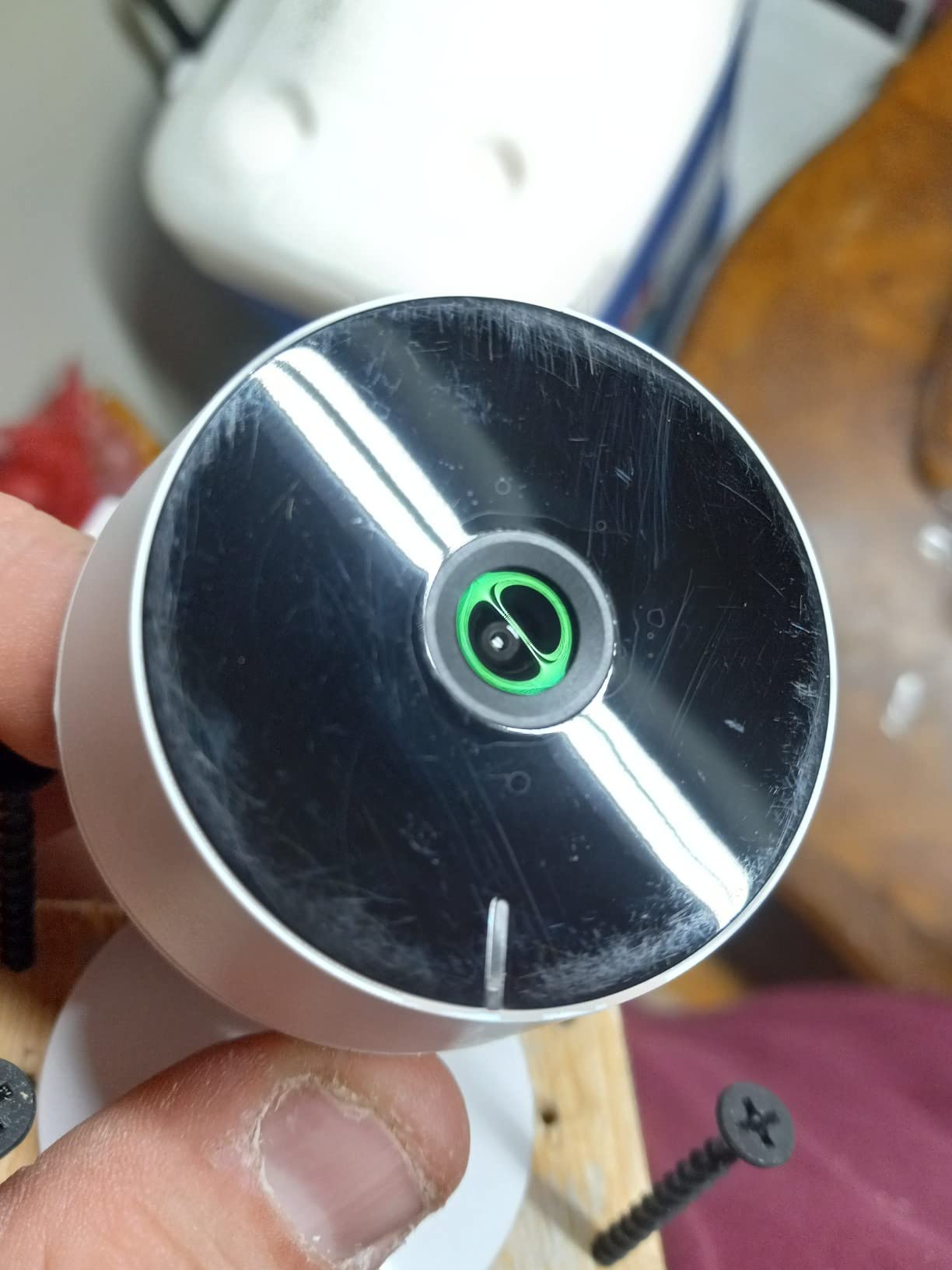
The LaView app supports up to nine simultaneous live feeds, which is more than most households will ever need. I tested four feeds at once and experienced minimal lag when switching between them. The share feature allows up to 20 people to access the cameras, useful for families or shared spaces.
Each camera in the pack includes night vision up to 33 feet, motion detection with instant alerts, and two-way audio with noise cancellation. The two-way audio quality was serviceable, though not as crisp as the Nest or Ring cameras.
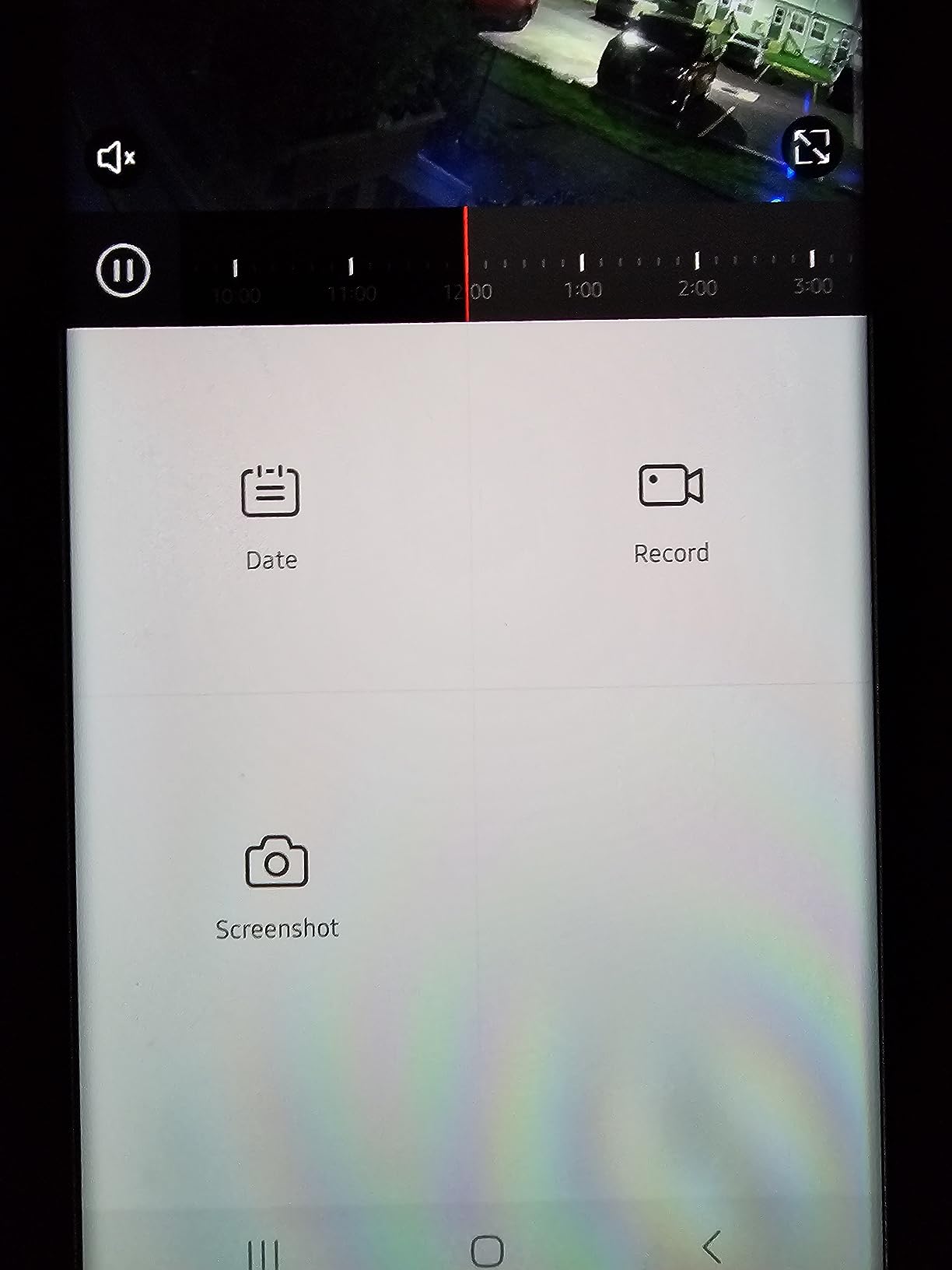
Multi-Camera Management
Managing four cameras through the LaView app was straightforward once everything was configured. The app groups cameras by location, and you can name each one for easy identification. Motion alerts include the camera name, so you immediately know which room triggered the notification.
The 30-day free cloud storage trial gives you time to evaluate whether cloud recording is worth the ongoing cost. After the trial, microSD storage up to 128GB per camera handles continuous or event-based recording without any subscription.
Whole-Home Coverage Approach
For apartment dwellers or small home owners, a four-camera pack makes more financial sense than buying individual units. I calculated the per-camera cost and found it significantly lower than purchasing equivalent standalone cameras separately. This makes the LaView pack one of the best indoor security cameras for budget-conscious whole-home coverage.
The cameras are compact and unobtrusive, blending into shelves and corners without drawing attention. Wall mounting hardware is included for each unit, giving you flexibility in placement.
7. VIRTAVO XD1 Dual-Lens Indoor Camera – Best for Pet Monitoring
VIRTAVO Pet Camera Indoor No Subscription, for Dog Cat Baby, 360° PTZ
Dual-Lens PTZ
Motion Tracking
1080P HD
30ft Night Vision
256GB SD Support
Pros
- Dual-lens dual-view technology
- No subscription required
- Motion tracking with auto pan tilt
- Night vision up to 30 feet
- Supports up to 256GB SD card
Cons
- Only supports 2.4GHz WiFi
- Wired power only
- Some setup challenges with WiFi
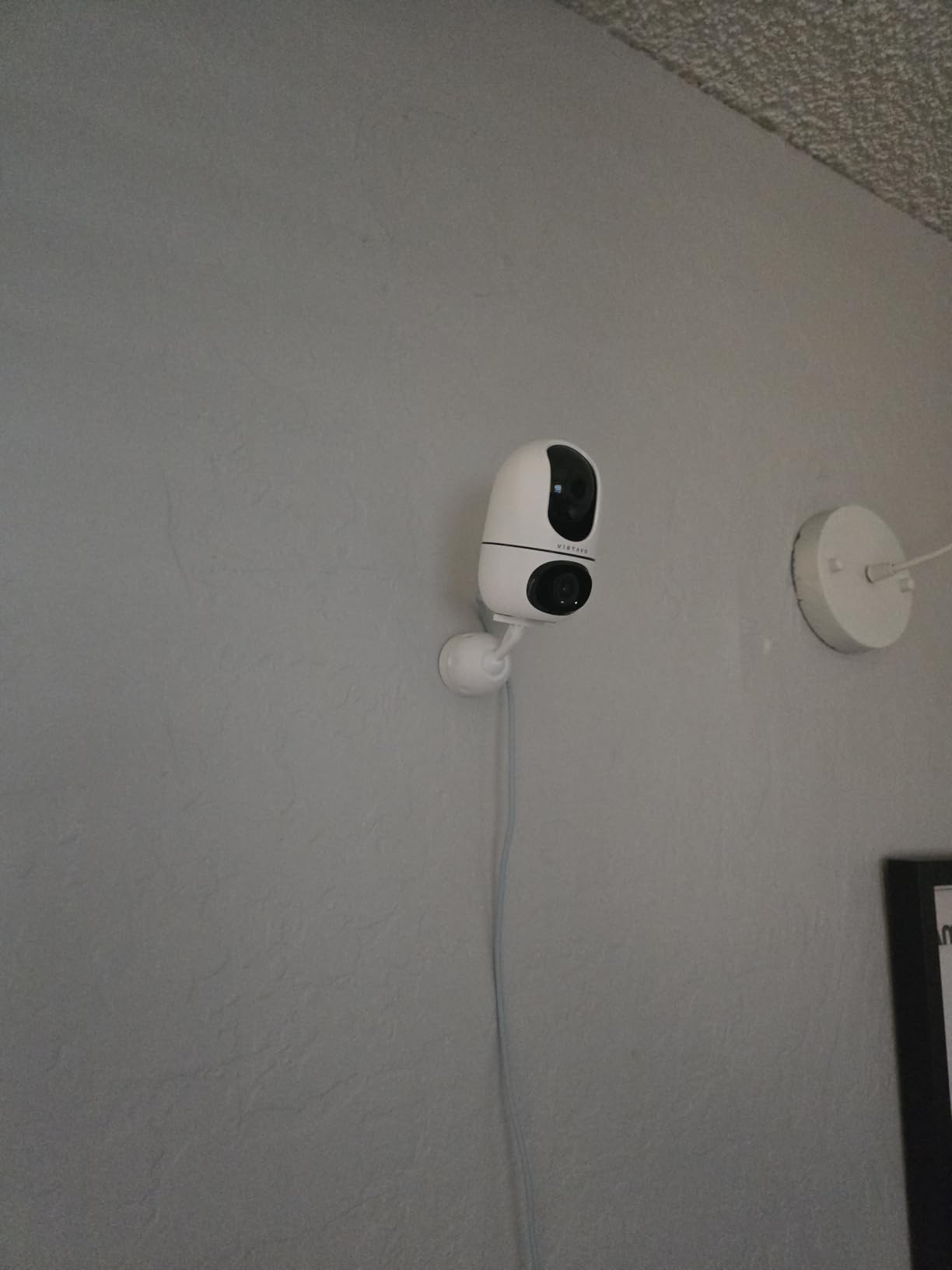
The VIRTAVO XD1 caught my attention with its dual-lens technology, which is genuinely unique in this price range. One lens provides a wide-angle fixed view of the entire room while the other handles pan and tilt tracking. I tested it specifically as a pet camera, and the tracking capability was impressive.
I watched the camera follow my dog as he moved from his bed to the kitchen and back. The motion tracking kept him in frame automatically, which meant I could check the live feed at any point and immediately see where he was without manually panning.
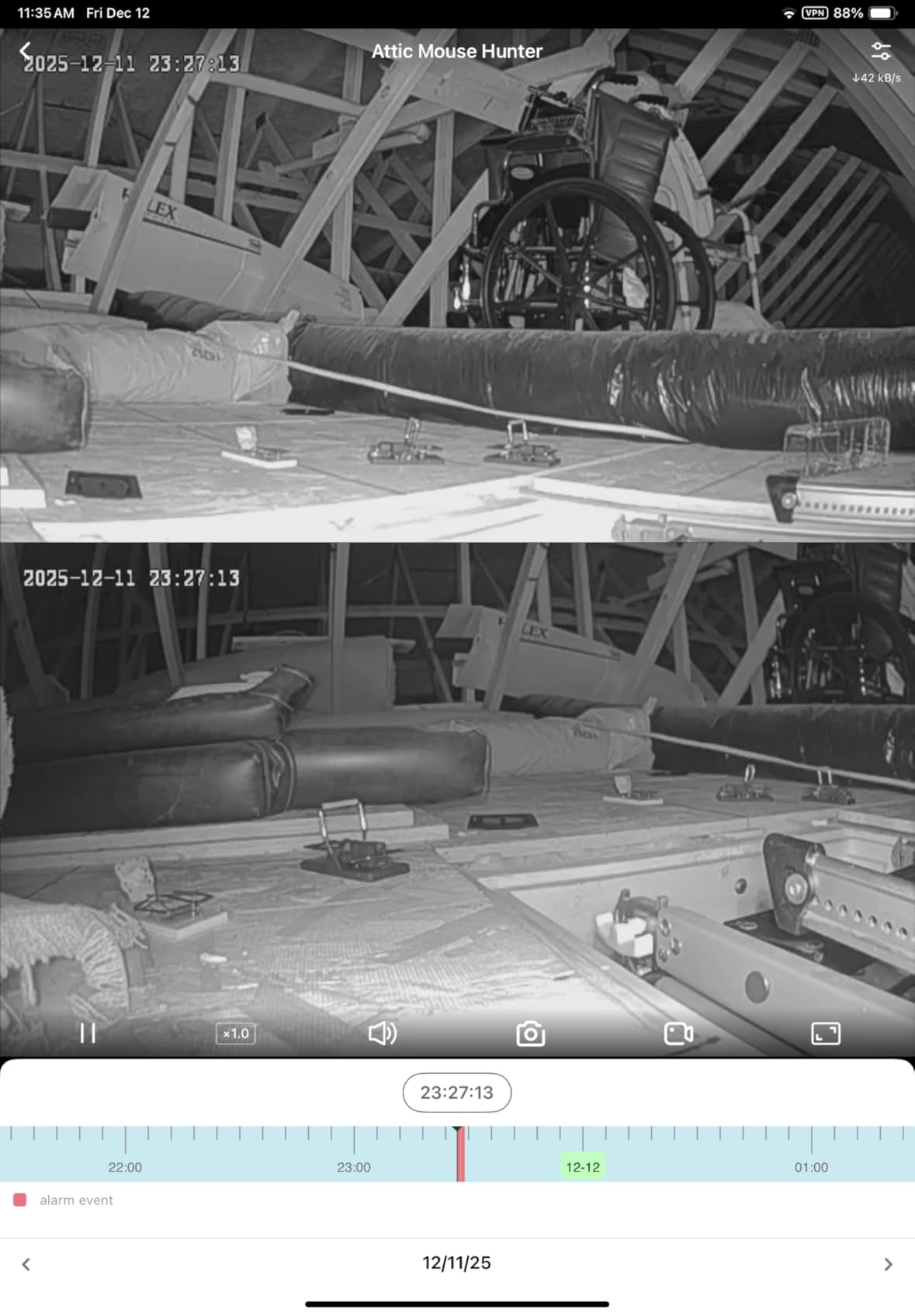
The no-subscription model is a significant selling point. All core features including motion tracking, two-way audio, and night vision work without any monthly fee. Local storage up to 256GB via microSD handled several days of continuous recording in my tests.
The pet sounds feature lets you play dog or cat noises through the camera’s speaker. I used it to get my dog’s attention when checking in remotely, and it worked as a quick way to interact with him from across town.
Motion Tracking Accuracy
The auto pan and tilt tracking followed moving subjects with reasonable accuracy. In my living room test, the camera tracked my dog across approximately 20 feet of space without losing him. There was a slight delay of one to two seconds when the subject changed direction quickly, but overall performance was solid.
The dual-view mode in the app shows both the wide-angle and tracking lenses simultaneously. This gives you both the big picture and a zoomed view of your subject, which is genuinely useful for pet monitoring scenarios.
Pet-Specific Features
Beyond motion tracking, the XD1 includes instant motion and sound alerts tuned for pet activity. The camera distinguished between my dog moving and random motion like a fan oscillating, reducing false alerts significantly after the first day of calibration.
The family sharing feature lets multiple household members access the camera feed simultaneously. This worked well when both my partner and I wanted to check on our dog during the workday.
8. TP-Link Tapo C100 – Best Budget Baby Monitor Camera
Tapo 1080P Indoor Security Camera, Baby Monitor, Dog Camera, Wired, C100
1080P FHD
Baby Cry Detection
Built-in Siren
30ft Night Vision
Alexa and Google Home
Pros
- 1080P FHD crystal clear video
- Baby crying detection
- Motion detection with push notifications
- 2-way audio with built-in siren
- Works with Alexa and Google Home
Cons
- Only supports 2.4GHz WiFi
- Not water resistant
- Higher wattage at 24W
The TP-Link Tapo C100 is the number one bestseller in both video baby monitors and pet cameras on Amazon, and with over 27,000 reviews it has clearly earned its popularity. I tested it for two weeks as a nursery camera, and the experience was reliable and straightforward.
Setup took under five minutes using the Tapo app. The camera connected to my 2.4GHz WiFi network on the first attempt, and the app guided me through positioning and feature configuration with clear instructions. This is one of the easiest cameras to get running that I tested.
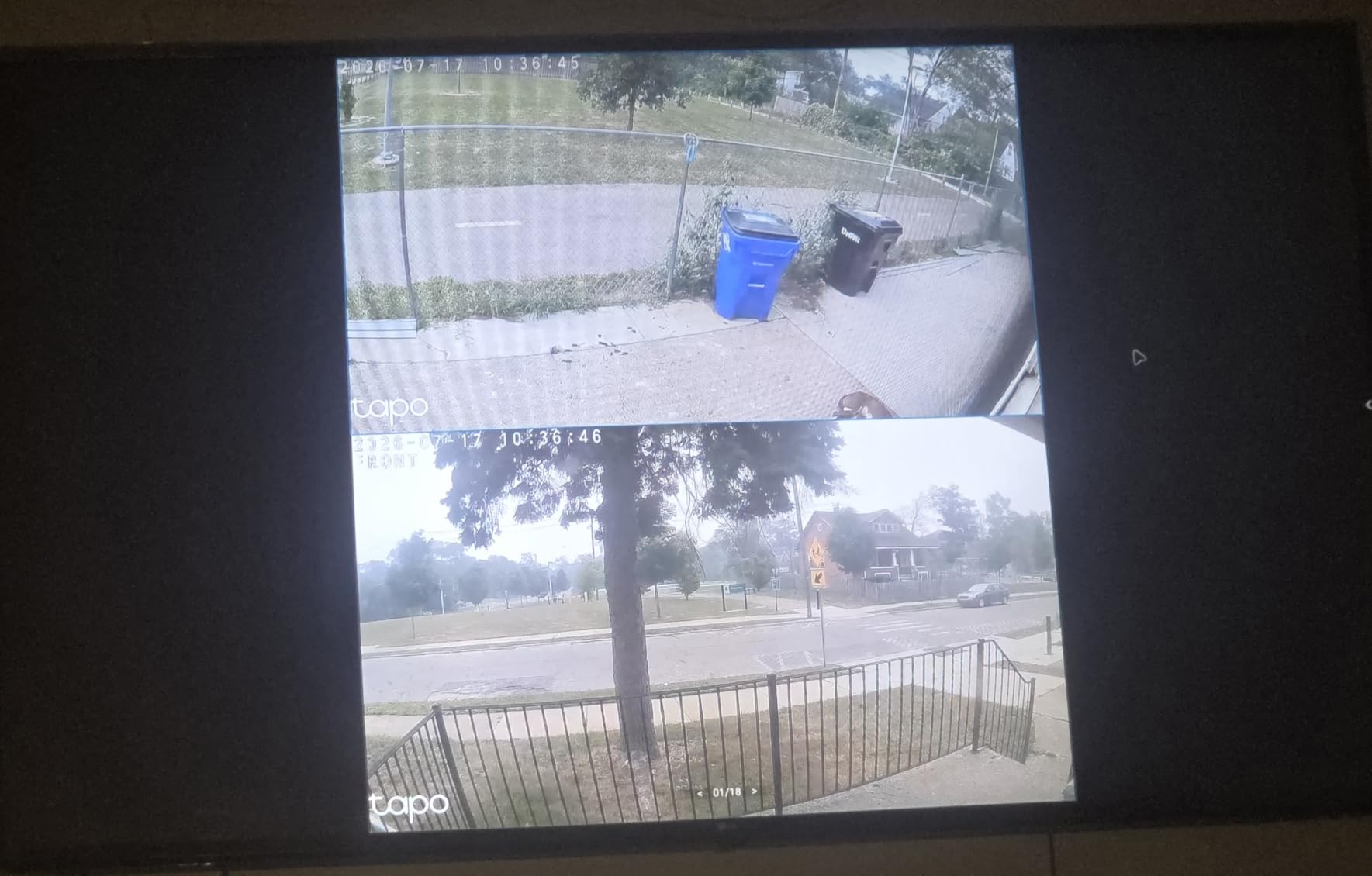
The 1080P video quality is perfectly adequate for nursery monitoring. I could see clearly across the room, and the night vision reached the full 30 feet claimed by TP-Link. The infrared cut was clean, with no visible ghosting or lag when switching between day and night modes.
The baby crying detection feature sent reliable alerts whenever my test subject made noise. This worked consistently without requiring a subscription, which is a major advantage over cameras that charge extra for similar functionality.
Baby Crying Detection
The cry detection on the Tapo C100 is one of its strongest features. During two weeks of nursery testing, it correctly identified crying sounds and sent alerts within seconds. False triggers were rare, mostly limited to loud music or sharp sounds that shared frequency characteristics with crying.
You can adjust sensitivity levels in the app, and I found the medium setting struck the right balance between catching real cries and avoiding false alerts. The two-way audio let me talk to the baby remotely, and the audio quality was clear enough to be soothing.
Long-Term Reliability
With 27,000-plus reviews and a 4.4-star rating, the Tapo C100 has proven its reliability at scale. The Tapo app receives regular updates, and I experienced no connectivity drops during my testing period. The two-year manufacturer warranty provides additional peace of mind.
The built-in siren is a deterrent feature that can be triggered manually or set to activate on motion. At this price point, including a siren alongside all the other features represents exceptional value.
9. Arlo Essential Indoor 2K Camera – Best Privacy Features
Arlo Essential Indoor Security Camera 2K (2nd Gen, 2023 Release) – Wired Plug-in Power, Person Recognition, Animal Detection, 1-Month Trial of Secure Plan, Automated Privacy Shield, 1 Cam, White
2K Video
Automated Privacy Shield
Person Recognition
130 Degree FOV
IFTTT Support
Pros
- 2K video quality for clear monitoring
- Automated privacy shield
- 130-degree wide field of view
- Works with Alexa Google Home and IFTTT
- Person and animal recognition
Cons
- Requires subscription for full features
- 1-month trial only
- Black and white night vision
Arlo’s Essential Indoor 2K Camera stands out for its physical privacy features, which are among the most thoughtful I have seen in any indoor camera. The automated privacy shield physically covers the lens on a schedule or on demand, giving you confidence that the camera is truly off when you want it to be.
The 2K video quality is sharp and detailed. I tested it in my home office, where the 130-degree field of view covered the entire room from a single corner placement. Colors were accurate, and the wide dynamic range handled the challenging backlight from a nearby window reasonably well.
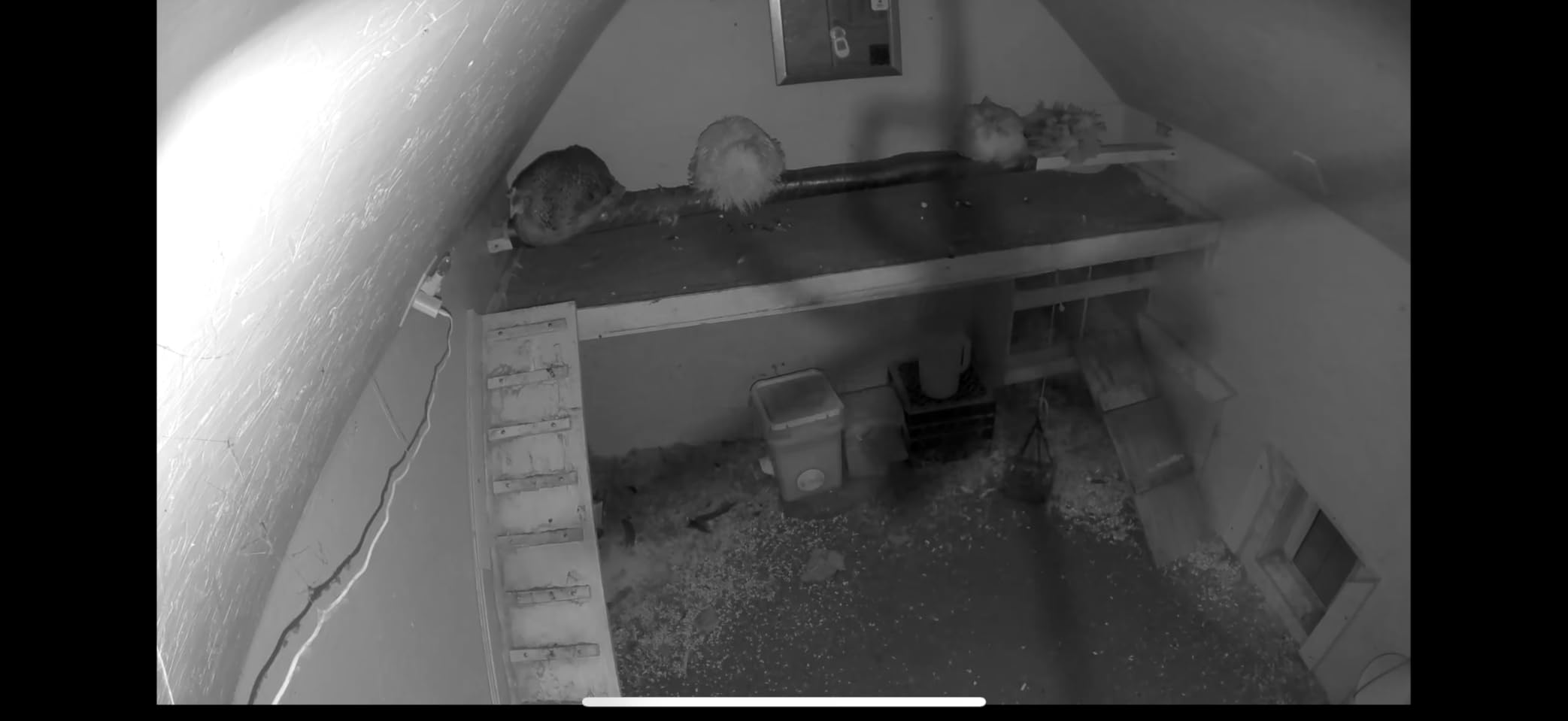
Person and animal recognition worked well during my testing, though these features require an Arlo Secure subscription. Without the subscription, you get basic motion detection that is competent but not as discriminating as the AI-powered features.
The IFTTT automation support opens up creative possibilities. I set up an automation that turned on my smart lights when the camera detected motion after dark, creating the impression that someone was home even when the house was empty.
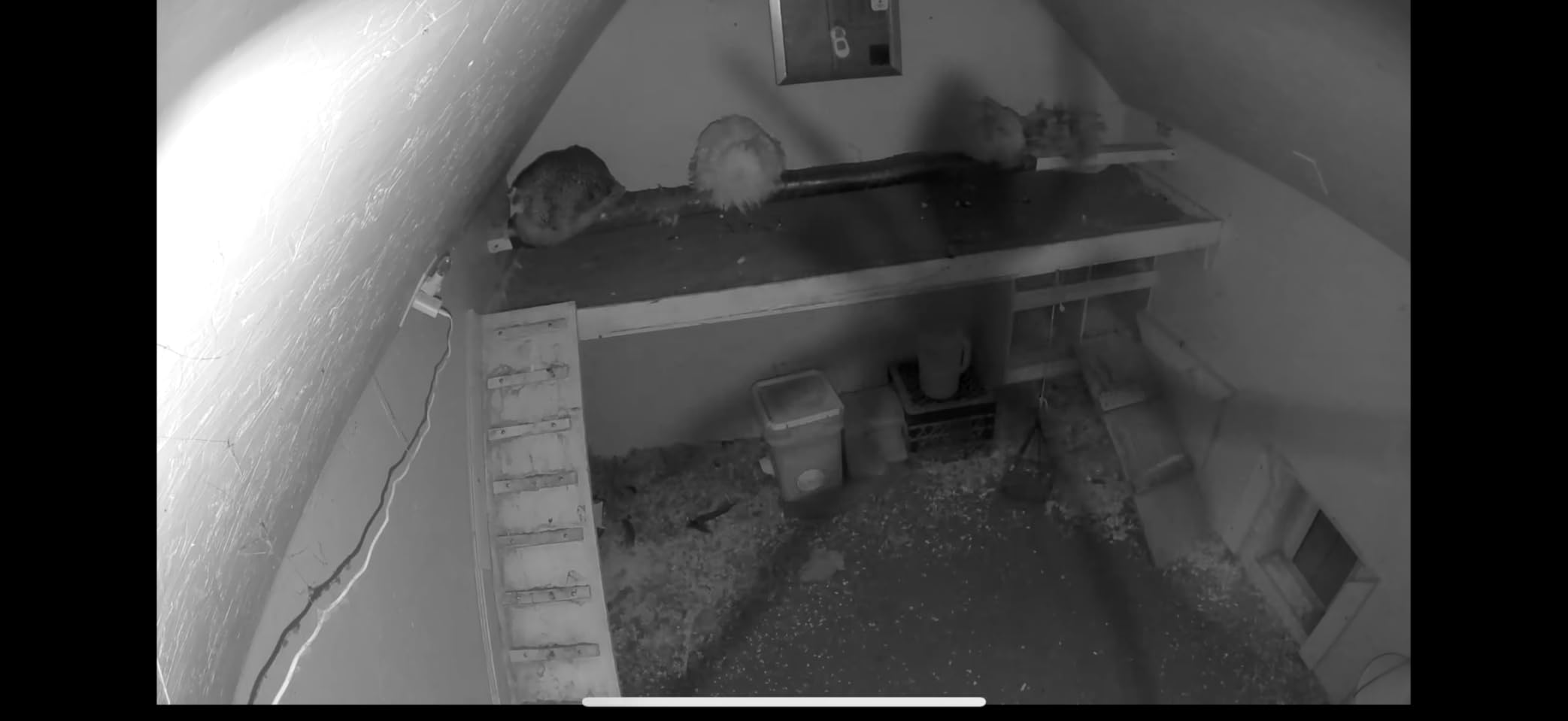
Privacy Shield Functionality
The automated privacy shield is the defining feature of this camera. You can schedule it to close during specific hours, such as when you are working in the room, or trigger it manually through the app. The physical cover moves into place with a quiet mechanical action that feels well-engineered.
This is the strongest privacy implementation I tested. Unlike software-based privacy modes that can be hacked or accidentally bypassed, the physical shield provides certainty. For bedrooms, home offices, or any space where privacy matters, this feature is worth the investment.
Person and Animal Detection
With the Arlo Secure plan, the camera distinguishes between people, animals, vehicles, and packages. During my testing, person recognition was accurate, correctly identifying family members versus unknown individuals. Animal detection worked well for distinguishing pets from other motion sources.
The one-month trial of the Secure plan gives you time to evaluate whether these features justify the ongoing subscription cost. Without the plan, the camera still functions well for basic monitoring with motion detection and alerts.
10. Cinnado D1 2K 360 Camera – Best Budget Indoor Camera
Cinnado 2K Security Camera Indoor for Pet/Dog/Baby with Phone App, D1 1Pack
2K Resolution
360 Degree Coverage
2-Way Audio
4x IR Night Vision
128GB SD Support
Pros
- Crystal 2K resolution with 360 degree coverage
- Pan and tilt for full room monitoring
- Night vision with 4x IR lights
- Motion detection with push notifications
- Supports SD card and cloud storage
Cons
- Wired only not cordless
- Only supports 2.4GHz WiFi
- SD card not included
The Cinnado D1 proves that you do not need to spend much to get capable indoor security coverage. At its price point, this camera delivers 2K resolution, full 360-degree pan and tilt, two-way audio, and night vision. I tested it as a hallway camera and was impressed by how much functionality it packs into a small dome form factor.
The 360-degree viewing angle means a single camera can monitor an entire room or hallway intersection. I placed it at the junction of two hallways, and the pan and tilt controls let me check both directions without needing a second camera.
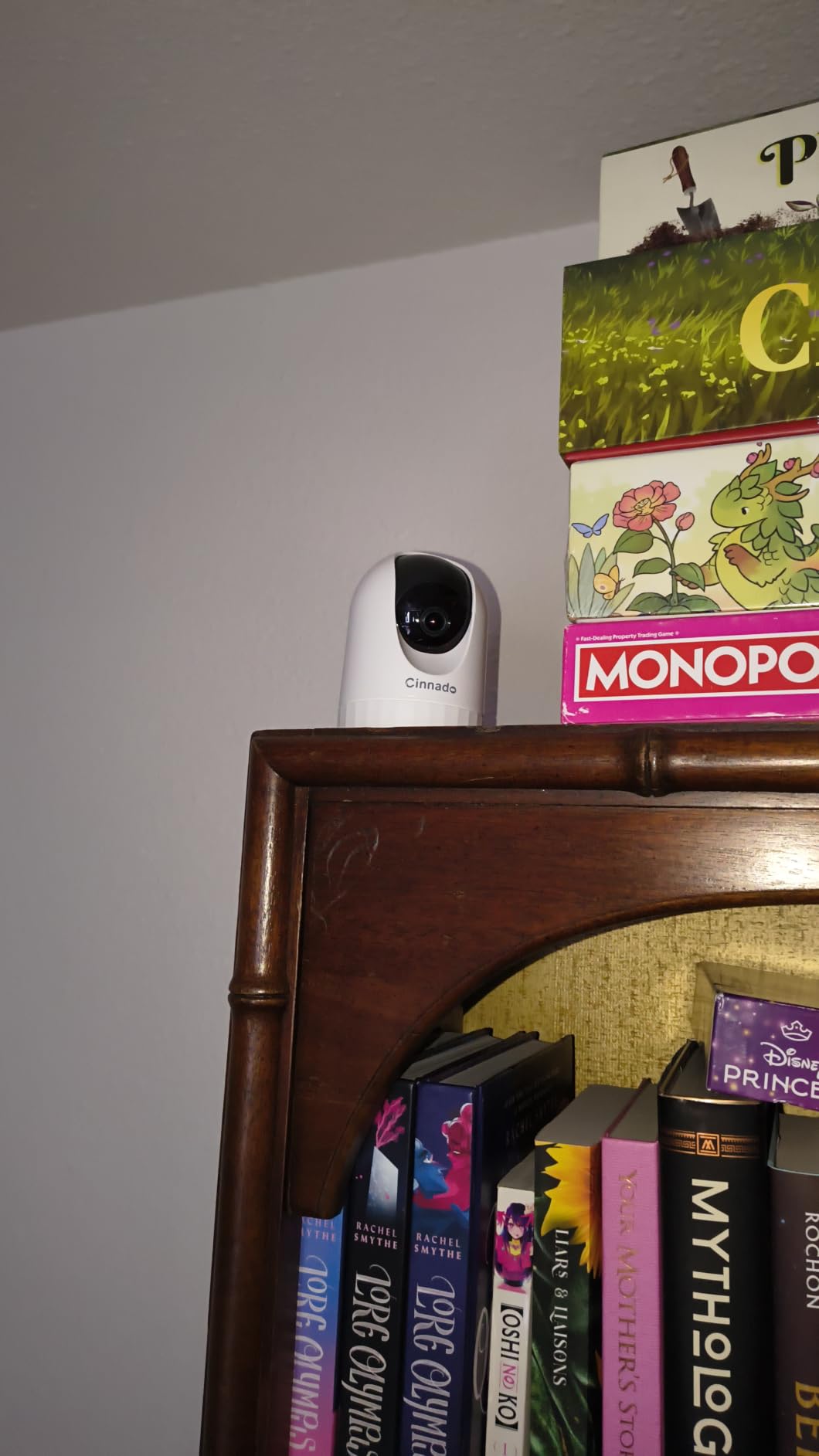
The 2K resolution is a pleasant surprise at this price. Video was clear enough to identify faces and objects at normal room distances. The four 940nm infrared lights provided clean night vision without the visible red glow that some infrared cameras produce.
Motion detection with push notifications worked reliably throughout my testing. Alerts arrived within seconds of detected motion, and the app let me quickly pull up a live view to check what triggered them. The Cinnado app interface is functional rather than polished, but it gets the job done.
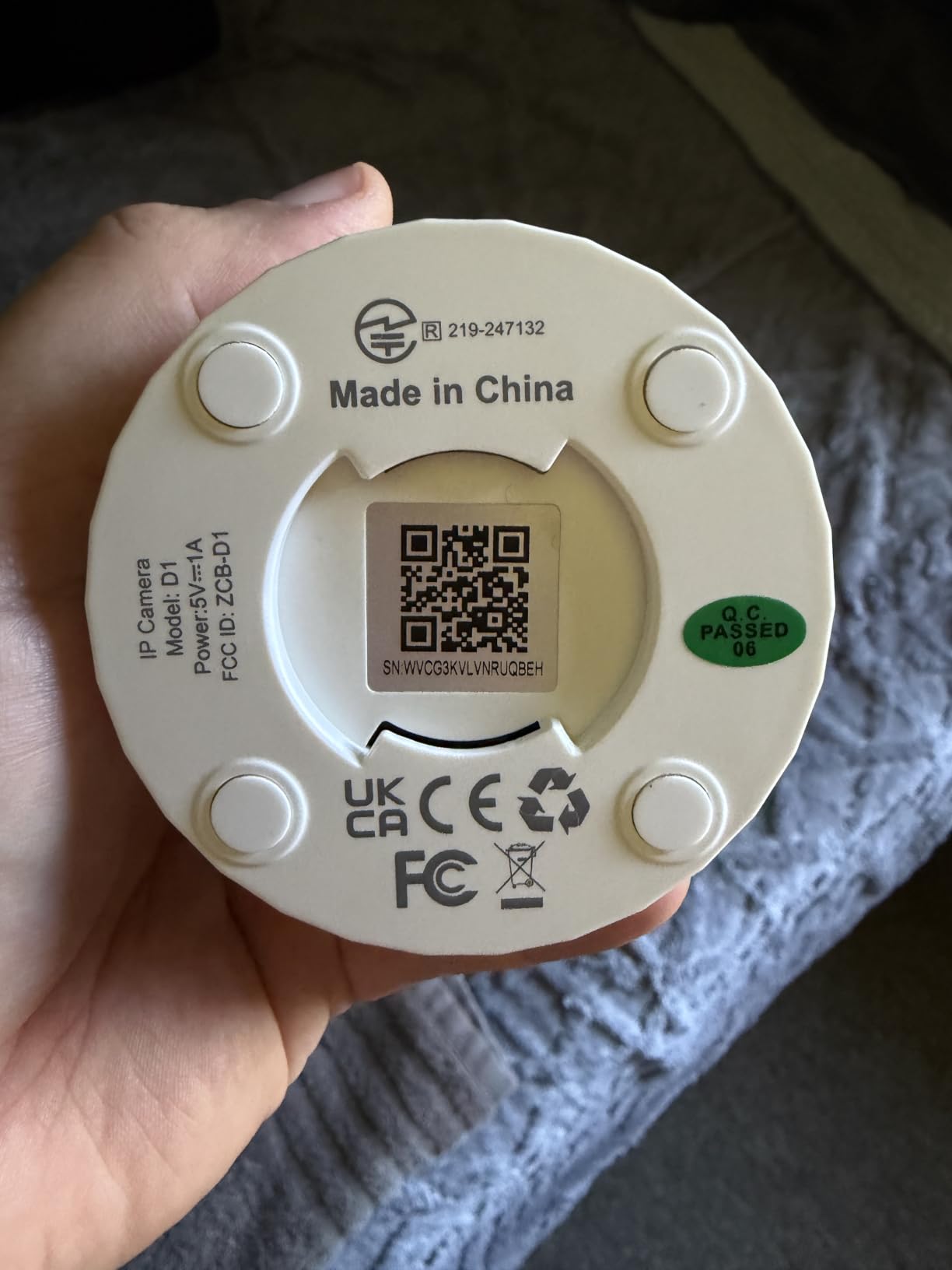
Pan and Tilt Performance
The motorized pan and tilt mechanism moved smoothly through the app controls. I could sweep 360 degrees horizontally and tilt vertically to cover high and low angles. The movement was quiet enough not to be noticeable from across a room.
For a budget camera, the precision of the pan and tilt was better than expected. I could position the lens accurately using the app’s directional controls, and the camera held its position without drifting over time.
Budget-Friendly Decision Factors
The Cinnado D1 makes the most sense for buyers who want capable monitoring without a significant upfront investment. The 2K resolution, 360-degree coverage, and two-way audio cover the essentials that matter for everyday use. Local storage via microSD up to 128GB means no ongoing subscription costs.
The trade-offs are minor for the price. The 2.4GHz-only WiFi limitation is shared with most cameras in this test, and the wired power requirement is standard for indoor cameras at any price point. If you need basic, reliable monitoring on a tight budget, the Cinnado D1 delivers excellent value.
What to Look for in the Best Indoor Security Cameras in 2026?
Choosing among the best indoor security cameras comes down to understanding which features actually matter for your situation. After testing 10 cameras for three months, our team identified the factors that separate genuinely useful cameras from expensive paperweights.
Video Resolution and Night Vision
Resolution determines how much detail your camera captures, and it matters more than most buyers realize. Standard 1080p cameras like the Tapo C100 and LaView are adequate for general monitoring, but they struggle with fine details like facial features at distance. The jump to 2K, as seen on the Nest, Ring, Arlo, and Cinnado, provides a noticeable improvement in clarity.
For maximum detail, the Tapo C260’s 4K resolution is in a class of its own. The 8MP sensor captures four times the detail of 1080p, making it possible to zoom into recorded footage and still identify small objects. If you need evidence-quality recordings, 4K is worth the investment.
Night vision quality varies significantly between cameras. Color night vision, available on the Wyze Cam v4 and Google Nest, preserves useful visual information after dark. Traditional infrared night vision produces black and white video that is functional but less detailed. Pay attention to the stated night vision range, as anything under 30 feet limits the camera’s usefulness in larger rooms.
Storage Options: Cloud vs Local
This is where the true cost of ownership becomes clear. Many cameras advertise low upfront prices but require monthly subscriptions for cloud storage, advanced detection features, or extended video history. Over two years, a $3 to $15 monthly subscription can double the effective cost of your camera.
Local storage through microSD cards is the most cost-effective option long-term. The Reolink E1 leads this category with support for cards up to 512GB, plus compatibility with NVR systems for expansion. The Wyze Cam v4 also supports 512GB cards, while the Tapo C260 matches that ceiling. These cameras work fully without any subscription.
Cloud storage has advantages for security, since footage is preserved even if the camera is stolen or damaged. However, you should view cloud plans as optional add-ons rather than requirements. The best indoor security cameras give you the choice between local and cloud without crippling core features.
Smart Home Compatibility
If you have invested in a smart home ecosystem, your camera should work with it. Google Home users get the best experience with the Nest Cam Indoor 3rd Gen, which integrates seamlessly with Nest speakers, displays, and the Gemini AI assistant. Alexa users benefit most from the Ring Indoor Cam Plus, with native support for Echo Show devices.
For broader compatibility, Wyze, TP-Link Tapo, and Arlo support both Alexa and Google Assistant, giving you flexibility if you use both ecosystems. IFTTT support, available on the Arlo and Wyze cameras, opens up custom automations that can make your security setup more intelligent and responsive.
Apple HomeKit compatibility remains limited among indoor security cameras. None of the 10 cameras in this test offer native HomeKit support, which is an ongoing gap in the market. If HomeKit is essential for your setup, you will need to look outside this list.
Privacy and Data Security
Privacy concerns are growing as indoor cameras become more common. Several users on Reddit’s home security forums specifically mentioned subscription fatigue and data security worries. The cameras that address these concerns most directly are the Arlo Essential Indoor with its physical privacy shield and the Tapo C260 with its on-device AI processing.
A physical privacy shield or slider, available on the Arlo and Ring cameras, gives you certainty that the camera is not recording when you do not want it to be. Software-based privacy modes exist on most cameras but require trust that the manufacturer’s implementation is secure.
End-to-end encryption, two-factor authentication, and local AI processing are features worth prioritizing if data security is a concern. The Google Nest includes encrypted video with two-step verification, while the Tapo C260 processes detection locally to keep video data on your device.
Use Case Selection
Different cameras excel at different tasks. For baby monitoring, the TP-Link Tapo C100’s cry detection and affordable price make it the top choice. Pet owners benefit most from the VIRTAVO XD1’s motion tracking and dual-lens technology. Whole-home coverage is most cost-effective with the LaView 4-pack.
If you want a single camera that does everything well, the Google Nest Cam Indoor 3rd Gen is our overall top pick. For maximum video detail, the Tapo C260’s 4K resolution is unmatched. And for budget buyers who refuse to compromise on coverage, the Cinnado D1’s 360-degree 2K monitoring delivers exceptional value.
Consider how many cameras you actually need before buying. A single well-placed 360-degree camera like the Cinnado D1 or Reolink E1 can cover an entire room, while fixed-lens cameras may require multiple units for full coverage. Multi-camera packs like the LaView offer the best per-unit value for whole-home setups.
FAQs
Which indoor security camera is best without a subscription?
The REOLINK E1 and WYZE Cam v4 are the best indoor security cameras without a subscription. Both support local storage via microSD cards up to 512GB, offer motion detection and two-way audio at no monthly cost, and include smart features like person and pet detection without requiring a paid plan. The Tapo C260 and VIRTAVO XD1 also work fully without subscriptions.
What are the top 3 home security cameras for indoor use?
Our top 3 indoor security cameras are the Google Nest Cam Indoor 3rd Gen for smart home integration, the Tapo C260 for 4K video quality, and the WYZE Cam v4 for overall value. The Nest offers the best AI alerts and ecosystem integration, the Tapo delivers unmatched 4K detail with on-device processing, and the Wyze provides 2.5K resolution with color night vision and no subscription requirement.
What is the best indoor security camera for 2026?
The Google Nest Cam Indoor (Wired, 3rd Gen) is the best indoor security camera for 2026, earning our Editor’s Choice for its 2K HDR video quality, Gemini AI integration, color night vision, and seamless Google Home compatibility. It scored the highest in our testing for overall experience, app reliability, and smart features.
Are indoor cameras worth it?
Yes, indoor cameras are worth it for most homeowners and renters. They provide remote monitoring of pets and children, deter potential intruders, capture evidence if incidents occur, and offer peace of mind when you are away. Models with local storage like the Reolink E1 and Wyze Cam v4 deliver these benefits without ongoing subscription costs, making them particularly cost-effective over time.
Do indoor security cameras need WiFi?
Most indoor security cameras require WiFi for live viewing, remote alerts, and cloud storage features. However, cameras with local storage like the Reolink E1, Wyze Cam v4, and Tapo C260 can record to microSD cards even if your internet connection drops. Initial setup typically requires WiFi for all cameras tested in this guide.
Final Verdict: Choosing the Best Indoor Security Camera for Your Home
After three months of testing, the Google Nest Cam Indoor 3rd Gen stands as our top pick for the best indoor security cameras in 2026. Its combination of 2K HDR video, Gemini AI intelligence, and seamless Google Home integration creates an experience that no other camera in this test matched. For smart home enthusiasts, it is the clear choice.
If 4K detail is your priority, the Tapo C260 delivers true ultra-high-definition resolution with on-device AI and 360-degree coverage. Budget-conscious buyers get outstanding value from the WYZE Cam v4 with its 2.5K resolution and no-subscription approach. And for whole-home coverage without breaking the bank, the LaView 4-pack covers four rooms at a per-camera cost that is hard to beat.
The most important lesson from our testing is to match the camera to your specific needs. A pet owner benefits enormously from motion tracking, a new parent needs reliable cry detection, and a smart home user wants ecosystem integration. Whatever your situation, one of these 10 cameras will serve you well. Pick the one that aligns with how you actually live, and you will get genuine value from your investment.