
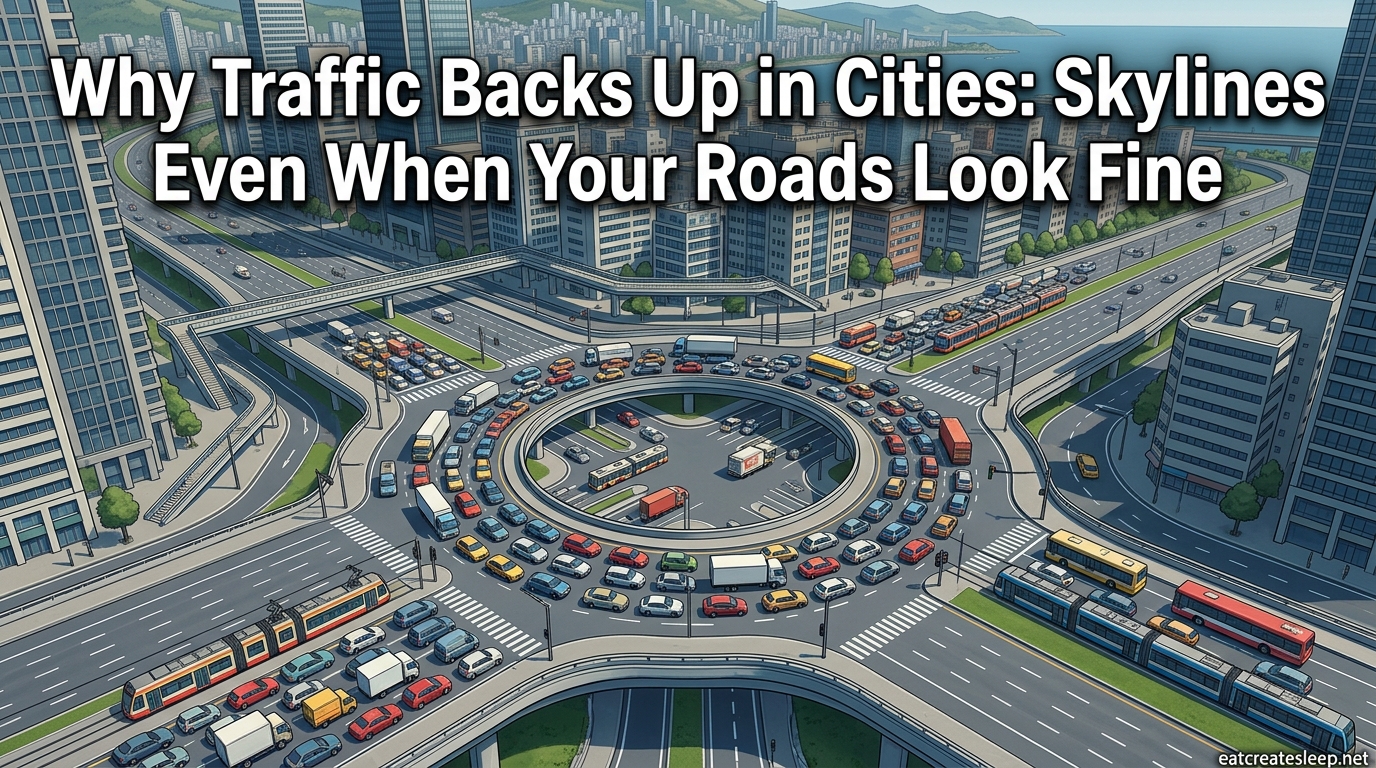
You built a six-lane avenue, watched it fill within minutes, and now cars are bumper to bumper in a single lane while five others sit empty. If you have played Cities: Skylines for more than a few hours, you have seen this exact scenario, and you have probably wondered why traffic backs up in Cities Skylines even when your roads look perfectly fine. The short answer is that the game does not measure congestion the way your eyes do.
A wide road feels like it should handle more cars, but in this simulation, throughput is decided by intersections, lane assignments, and how the pathfinding AI picks routes, not by how much asphalt you poured. In this guide we break down the real mechanics behind carrying capacity, lane mathematics, and vehicle pathfinding so you can finally stop guessing and start fixing gridlock at its source.
Table of Contents
Understanding Traffic Flow Mechanics
Why traffic backs up in Cities Skylines starts with how the game models every trip a citizen takes. Each vehicle spawns at an origin node and picks a route to a destination node based on travel time, distance, and a small random factor that nudges it away from identical routes. The simulation never looks at how “empty” a road looks, it only looks at the cost of the path.
This means two vehicles heading the same direction often select the same lane because that lane currently offers the fastest projected time. Until that lane slows down enough to make the next lane cheaper, the AI has no reason to switch. The result is a packed right lane and four open lanes beside it, which is exactly what players describe on r/CitiesSkylines when they ask why their multi-lane highway only uses one lane.
Traffic flow percentage, the metric shown in your info panel, is the average speed of vehicles compared to their target speed across the whole city. A city can have a beautiful grid that looks fine and still report 60 percent flow because vehicles are stacking at a single junction on the far side of the map.
The Carrying Capacity Concept
Carrying capacity is the single most important idea for understanding why traffic backs up in Cities Skylines. The official wiki and the long-running Steam traffic guide both define it the same way: carrying capacity is the maximum number of vehicles a road layout can move through an area per unit of time before a jam forms.
Notice that the definition says “road layout,” not “road width.” A six-lane road that feeds into a two-lane roundabout has the carrying capacity of that roundabout, not of the six-lane road upstream. Everything beyond the bottleneck flows freely, and everything before it backs up, no matter how wide it is.
This is also why deleting a building or widening the avenue rarely helps. You did not raise the carrying capacity of the slowest point in the chain. You only widened the pipe before the clog, and water still cannot move faster than the narrowest section allows.
Why Wider Roads Do Not Always Fix Traffic?
The psychological misconception players fight is the belief that “more lanes equals more traffic handled.” In real-world traffic engineering this is called induced demand, and Cities: Skylines models a soft version of it. When you widen a road, the pathfinder recalculates and suddenly more vehicles choose that route because it now looks cheaper.
Within minutes, the wider road is just as jammed as the old one because you increased demand at the same time you increased supply. The Steam community guide from 2019 still gets cited today because it hammers this point: if the bottleneck is an intersection, the only fix is to fix the intersection, not the lanes feeding it.
Players on the Paradox forums chasing that 80 percent flow milestone consistently report that breaking the threshold came from removing unnecessary roads, not adding them. Fewer, smarter connections force the AI to spread vehicles across multiple parallel routes instead of stacking them onto one mega-avenue.
Lane Mathematics and Vehicle AI Behavior
Lane mathematics is the community term for how the game assigns vehicles to lanes before they reach a junction. When a vehicle is going to turn right in two kilometers, the AI may already place it in the right lane, even if five other lanes are open. Multiply this across thousands of vehicles and an entire highway ends up using one lane.
The pathfinding system is node-based, meaning every junction is a decision point and every lane change has a small cost. Vehicles avoid weaving because lane changes are penalized, so they queue early and stay put. This is why you see a single-file line on a six-lane road that looks absurd but is mathematically correct from the AI’s point of view.
In Cities: Skylines 2 the simulation got more granular with lane targeting, but the core behavior is the same. Cars commit to lanes based on their next several turns, not their immediate one, which is why the problem persists across both games.
Common Hidden Causes of Traffic Jams
Here are the five hidden causes players on r/CitiesSkylines and the Paradox forums report most often when their roads look fine but traffic still backs up.
- Intersection chokepoints. A single traffic light or stop sign at the end of a high-capacity road becomes the carrying-capacity limit for everything upstream. The fix is grade-separated interchanges or roundabouts, not wider approaches.
- Poor zoning balance. Clustered industry generates enormous freight traffic on one or two roads. Distributing industrial zones across multiple highway interchanges spreads that load out, a tip repeated across high-population city guides.
- Lane stacking at highway entrances. Every vehicle trying to enter the highway funnels into one merge point. A well-designed diamond or parclo interchange resolves this where a simple at-grade junction will not.
- Unmarked or unexpected parking. Parking lots and roadside parking pull vehicles off the road and back on, creating micro-jams. Cities: Skylines 2 models this more aggressively than the first game.
- Death wish and service vehicle routing. Hearse, garbage, and emergency vehicle pathfinding can lock a single lane and cascade into city-wide gridlock if your road hierarchy forces them all down one corridor.
Road Hierarchy and Intersection Design
Road hierarchy is the real-world traffic engineering concept the game expects you to follow, even though it never says so explicitly. The hierarchy is: highways feed arterials, arterials feed collectors, collectors feed local streets. Each step down in road class is a step down in capacity and speed.
When players connect a local two-lane street directly to a highway, they break the hierarchy and the simulation punishes them with a jam at that junction. The correct pattern is highway to large artery to medium road to small street, with intersections spaced far enough apart that turning traffic does not stack.
Roundabouts help when used at the right tier, typically between collectors and arterials. They are terrible at highway-tier traffic because their carrying capacity is lower than a proper interchange. One-way streets, when paired into a grid, can double throughput on a corridor, but they require careful planning so vehicles can still reach every destination.
For high-volume highway entries, use a cloverleaf, diamond, or parclo interchange. These keep through-traffic moving on the highway while giving entering and exiting traffic dedicated lanes, which is the only reliable way to prevent highway-entrance jams that players report at every population tier above 10,000.
Solutions to Fix Traffic Backup Issues
Here is a step-by-step approach to fixing traffic that has been validated across the Steam guide, Paradox forums, and multiple high-karma Reddit threads.
- Identify the true bottleneck. Turn on the traffic overlay and follow the red road back to the first junction where vehicles stop. That junction, not the red road, is the problem.
- Raise carrying capacity at that point. Replace a traffic light with a roundabout, replace a roundabout with a grade-separated interchange, or remove a junction entirely and reroute traffic.
- Distribute industry and commercial. Do not stack all industry at one highway connection. Spread zones across multiple interchanges so freight takes different paths.
- Build a real public transit network. Metro lines, buses, and monorails remove cars from the road entirely. Forum players chasing 80 percent flow say the metro is the single highest-impact investment.
- Separate local and through traffic. Use one-way pairs or bypass roads so vehicles crossing the city never touch local streets full of turning traffic.
- Add dedicated turn lanes. At grade-separated interchanges, dedicated slip lanes let turning vehicles clear the main road without stopping through-traffic.
- Check service vehicle routing. Make sure hearses, garbage trucks, and emergency vehicles have multiple paths to every district so one blocked road does not cascade.
When to Use Mods? (TMPE, Traffic Manager)
Traffic Manager: President Edition, usually called TMPE, is the most recommended traffic mod for the original Cities: Skylines. It lets you control lane arrows, set speed limits per lane, define junction restrictions, and assign dedicated turning lanes. For players who have exhausted vanilla options and still cannot break 80 percent flow, TMPE is often the difference between gridlock and a smooth city.
Mods are not a replacement for good road design. The same community that recommends TMPE also warns that if your layout is broken, no amount of lane tweaking will save it. Use mods to fine-tune, not to paper over a broken hierarchy.
In Cities: Skylines 2, some of TMPE’s functionality was built into the base game through the update roadmap, including lane targeting and improved traffic light behavior. Check the current patch notes before installing third-party mods, because the simulation handles traffic differently than the first game and some mods are still catching up.
FAQs
How to fix traffic problems in city skylines?
Find the true bottleneck with the traffic overlay, raise carrying capacity at that junction using a roundabout or interchange, distribute industry across multiple highway connections, and build a metro network to remove cars from the road.
Why does traffic get backed up for no reason?
Traffic backs up because the number of vehicles exceeds the carrying capacity of the slowest point in the road layout, usually an intersection or merge. The jam appears at the bottleneck even when upstream roads look empty.
Why do cars only use one lane in Cities: Skylines?
Vehicles commit to a lane based on their next several turns because lane changes have a pathfinding cost. They queue early in the lane that leads to their eventual turn, leaving other lanes empty even on wide roads.
Do wider roads fix traffic in Cities: Skylines?
Usually no. Widening a road often increases demand at the same time because the pathfinder sees the new route as cheaper. Unless the bottleneck itself is widened, the jam returns within minutes.
Conclusion
Once you understand carrying capacity, lane mathematics, and how the pathfinding AI picks routes, the mystery of why traffic backs up in Cities Skylines disappears. Wide roads feel like the answer, but the simulation only cares about the slowest point in the chain. Fix that point, distribute your traffic sources, lean on public transit, and your city will run cleaner than any six-lane avenue ever allowed.