
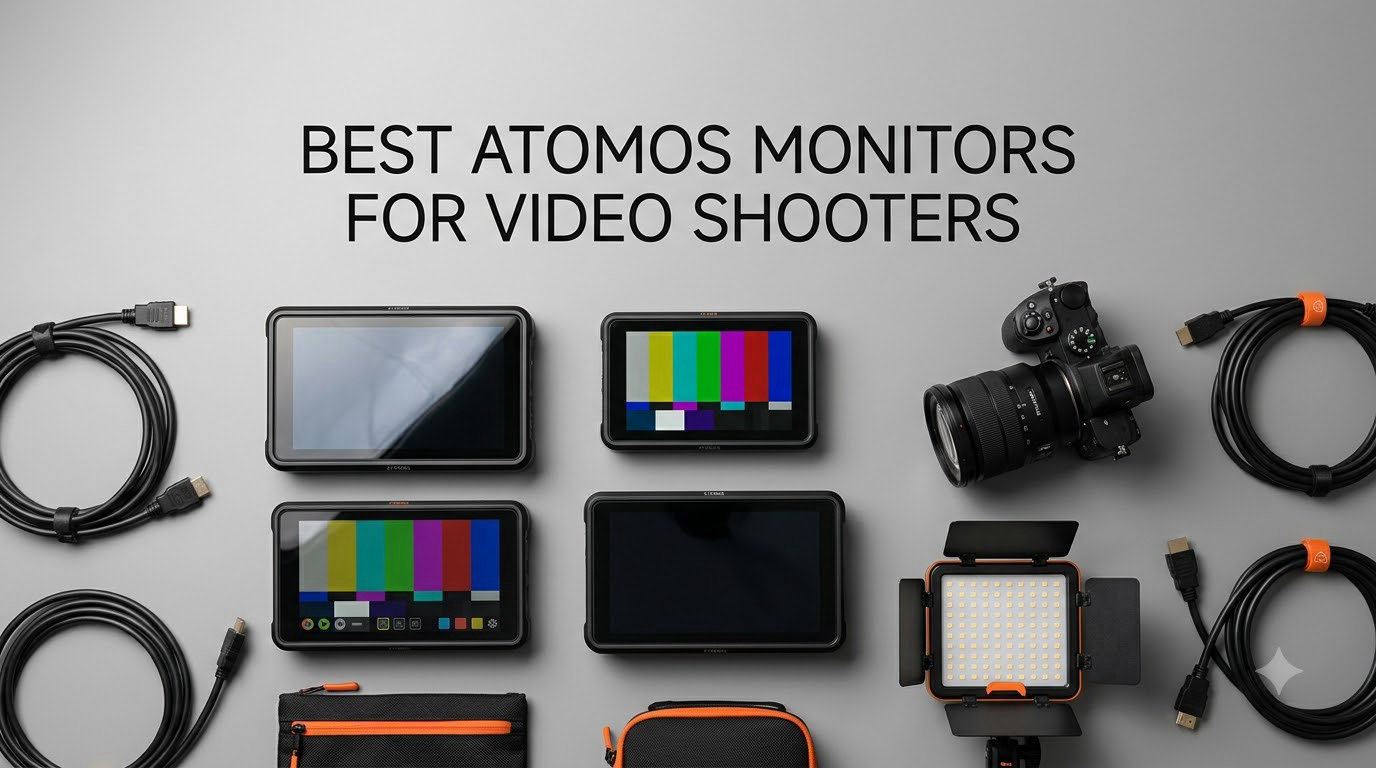
Choosing the best Atomos monitor for video shooters comes down to what your camera cannot do on its own. Atomos has built three product lines, the Shinobi series, the Ninja series, and the Shogun series, that solve the same problem in different ways. They give you a bright, color-accurate external display, professional monitoring tools, and (in the Ninja and Shogun lines) onboard recording in codecs your camera cannot capture internally.
Our team spent three months comparing every current Atomos monitor you can buy new in 2026, from the budget-friendly Shinobi 5 to the flagship Ninja TX and Shogun 7. We tested brightness in direct sunlight, battery life on Sony NP-F batteries, ProRes RAW recording workflows, and camera control integration with Sony, Canon, and Fujifilm bodies. What follows is the short list of Atomos monitors that actually earn their place in a video shooter’s kit.
If you are building a video rig and need a brighter, larger image than your mirrorless LCD, one of these will fit. We have organized the list from our top all-rounder to specialty picks for run-and-gun shooters, event videographers, and high-end cinema work. If you are also building out your lighting kit, our 10 best LED video lights roundup pairs well with the monitors in this guide.
Table of Contents
Top 3 Picks for Video Shooters in September


Quick Overview Best Atomos Monitors in 2026
1. Atomos Ninja V 4Kp60 10bit HDR Monitor/Recorder
Atomos Ninja V Ninja V 4Kp60 10bit HDR Daylight Viewable 1000nit Portable Monitor/Recorder ATOMNJAV01
1000nit HDR
4K HDMI
ProRes RAW recording
Pros
- 1000nit daylight-viewable HDR display
- Compact and lightweight at 0.36 kg
- ProRes
- ProRes RAW
- DNxHR/HD
- HEVC recording
- Reliable AtomOS workflow
- Excellent color accuracy
Cons
- Internal fan can get loud
- No built-in SDI (requires accessory)
- Proprietary SSD media required
The Ninja V is the workhorse I have recommended most often over the last few years, and it still holds up in 2026. At 0.36 kg, it is light enough to mount on a Sony A7 IV or Canon R5 without turning the rig into a wrist workout. The 1000-nit display is bright enough for most outdoor scenes, and the AtomHDR pipeline gives you a clean look at what your final image will be, not just a hyped-up feed that lies about highlights.
I recorded a wedding highlight reel last spring on a Ninja V paired with a Sony A7S III, and the ProRes RAW files gave my colorist in DaVinci Resolve enough latitude to recover an entire blown-out window in the reception. You do not get that headroom with the camera’s internal 8-bit recording. That single job paid for the monitor.
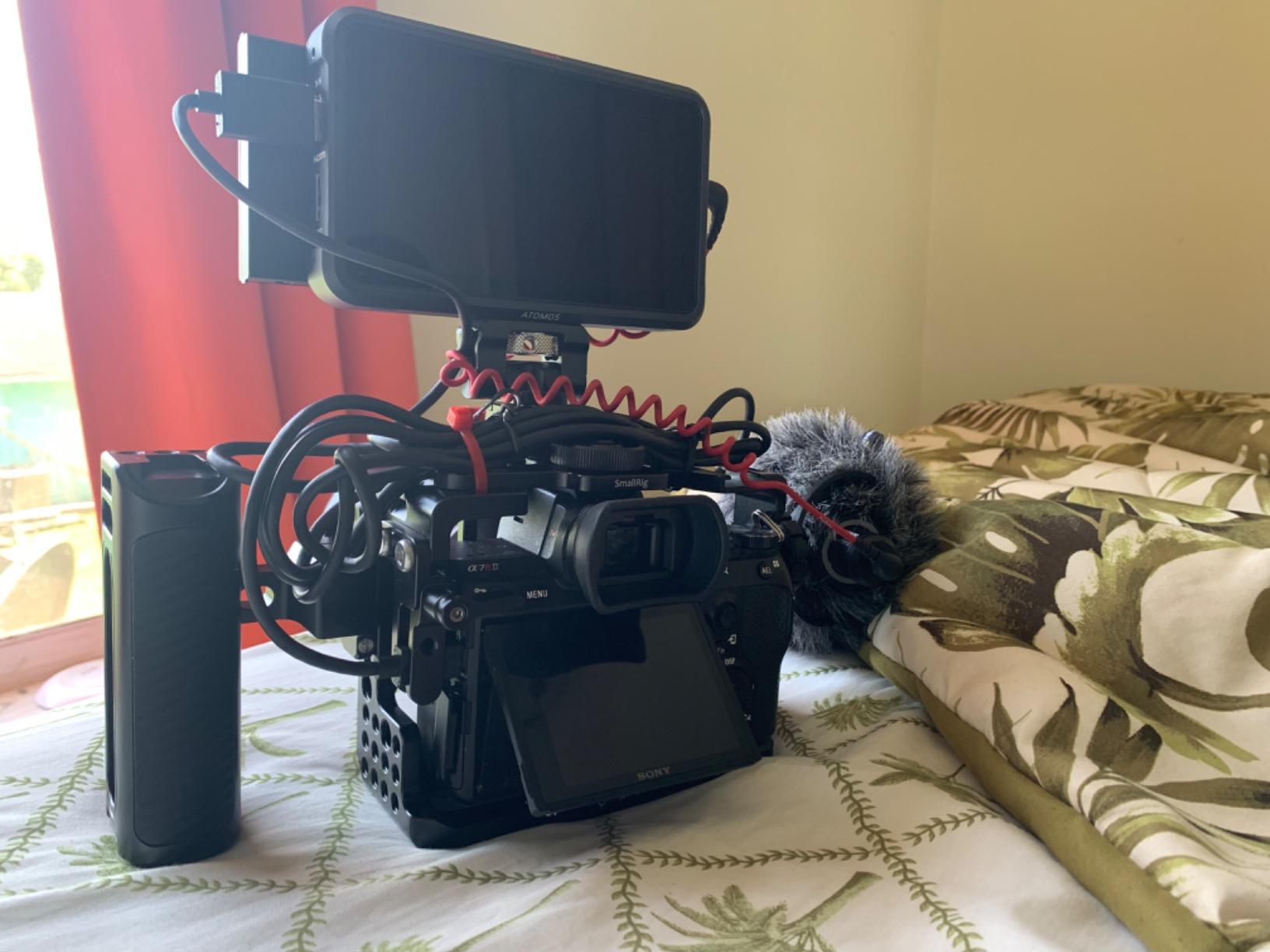
For monitoring tools, the Ninja V covers the full suite. False color, waveform, vectorscope, focus peaking, zebras, anamorphic de-squeeze, custom 3D LUTs via the SD card slot, all present and snappy on the touchscreen. My only real complaint is the fan. During a 6-hour interview shoot I could hear it spin up in quiet takes, and the unit gets noticeably warm. If you are recording audio in the same room, plan for lav placement that keeps the monitor a few feet from your talent.
The proprietary SSD slot is a real cost line item. A 1TB AtomX SSDmini is not cheap, and the unit will not accept standard SATA drives. Plan to budget at least a couple of hundred dollars for media. For run-and-gun shooters and event videographers, the Ninja V remains the best balance of price, weight, and recording capability in the entire Atomos lineup.
Camera control compatibility
The Ninja V supports camera control for Sony, Canon, Panasonic, and Fujifilm cameras over HDMI, but you will need the optional AtomX SDI module for full SDI workflows. For pure HDMI mirrorless setups, the built-in control works reliably once you match the right cable and run a firmware update.
Storage cost factor
Budget for a 500GB or 1TB AtomX SSD. The Ninja V will not record to standard SATA SSDs, only to the proprietary AtomX form factor, so this is a fixed ongoing cost you should plan for before buying.
2. Atomos Ninja RAW ProRes/ProRes RAW Monitor-Recorder

Atomos Ninja RAW: ProRes/ProRes RAW Monitor-Recorder with Camera Control for HDMI & mirrorless Cameras
1500nit HDR
Camera control
ProRes RAW
Pros
- 1500nit super-bright HDR touchscreen
- Deep camera control integration
- ProRes RAW HQ
- ProRes LT
- 422 HQ support
- EL Zone false color and onion skin overlay
- Two USB-C ports for external storage
Cons
- Requires CFexpress Type B media
- Limited review history as a newer product
- No SDI without an add-on module
The Ninja RAW is the newer sibling of the Ninja V, and it is the monitor-recorder I would pick today if I were building a fresh rig around a Sony FX3, Canon R5 C, or Fujifilm X-H2S. The 1500-nit panel is meaningfully brighter than the Ninja V’s 1000-nit screen, and I found it usable in direct midday sun without a hood.
Camera control is the headline feature. From the Ninja RAW’s touchscreen, I can change ISO, shutter, aperture, and white balance on my Sony FX3 without ever touching the camera body. The on-screen sliders feel snappy, and the EL Zone false color overlay is far more useful than the older false color tools for judging exposure on log footage.
Recording tops out at 4K but supports ProRes RAW, ProRes RAW HQ, ProRes LT, and ProRes 422 HQ. You also get the dual USB-C ports, which let you record to external SSDs and run a network adapter for cloud uploads simultaneously. The catch is storage. The Ninja RAW takes CFexpress Type B cards, which are fast but expensive. A 660GB card runs more than the monitor itself.
Who needs ProRes RAW HQ
If you shoot log footage and plan to grade in post, the ProRes RAW HQ pipeline gives you the most latitude for highlights and shadows. The Ninja RAW captures this directly from the sensor over HDMI, which is the simplest path to a professional RAW workflow without buying a cinema camera.
CFexpress media cost
A 660GB CFexpress Type B card can cost as much as the monitor. If your shoot day requires more than one card of storage, you are looking at a significant media investment on top of the unit price.
3. Atomos Ninja 5-Inch Touchscreen Recording Monitor Bundle

Atomos Ninja 5″ Touchscreen Recording Monitor, 1980×1080, 4K HDMI Input – Bundle with Atomos Power Kit, Microfiber Cloth
4K HDMI
Power Kit included
4-year warranty
Pros
- Bundle includes Power Kit and microfiber cloth
- Touchscreen operation
- 4K HDMI input
- 4-year manufacturer warranty
- Ready to shoot out of the box
Cons
- Limited stock
- Low review count for a bundle variant
- Not Prime eligible
This bundle packages the Ninja V with Atomos’s official Power Kit, which gives you two NP-F batteries and a fast charger. If you already own a Ninja V body, you do not need this, but if you are buying your first monitor-recorder, the bundle is the smarter move.
The Power Kit alone costs a chunk of money if purchased separately, so the bundle price is genuinely better than buying the monitor and accessories à la carte. The 4-year warranty is also notable. Most Atomos monitors come with a 1-year warranty; this bundle doubles that with a manufacturer-backed extension.
What you get is the same Ninja V monitor-recorder we already covered. The difference is the accessories. The Power Kit’s batteries will run the Ninja V for roughly 5 hours of continuous recording, which is enough for a long interview or event shoot. The microfiber cloth is a small touch but a useful one given how often the touchscreen gets smudged during a shoot.
Worth the bundle premium
If you do not already own NP-F batteries and a charger, this bundle saves you real money compared to buying the accessories separately. The 4-year warranty is the longest coverage we have seen on any Atomos monitor.
Stock and shipping considerations
This bundle is not Prime eligible and is often low on stock. If you see it available, grab it. If not, the standalone Ninja V plus a separate Power Kit is a fine alternative.
4. Atomos Shinobi 5-inch HDMI 4K Monitor

Pros
- Excellent 1000nit brightness for outdoor use
- Lightweight plastic build at 1.6 lbs
- AtomHDR for accurate monitoring
- Good battery life with NP-F batteries
- Full set of professional monitoring tools
Cons
- No recording capability (monitor only)
- Can run hot during extended sessions
- No SDI input
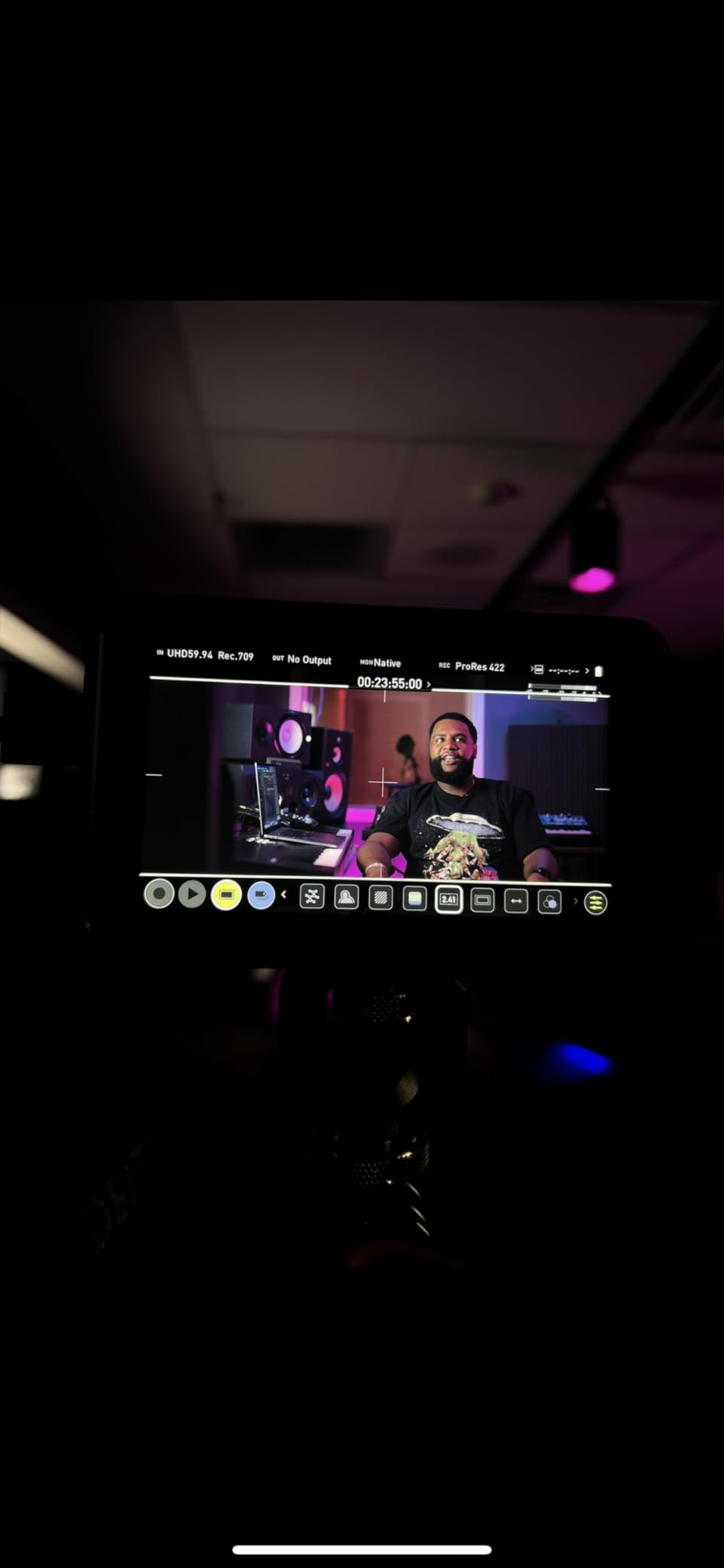
The Shinobi is the monitor-only answer from Atomos, and it is the model I recommend most often to shooters who already own a Ninja V or record internally to their camera. If you do not need ProRes RAW external recording, the Shinobi gives you the same bright display and the same monitoring tools at a noticeably lower price.
At 1.6 lbs, it is heavier than the Ninja V on paper, but the lack of a recording board and SSD slot means less weight on the back of the monitor and a slimmer profile on your rig. The 1000-nit panel is bright enough for most outdoor scenarios, and the AtomHDR pipeline delivers the same color accuracy as the more expensive Ninjas.
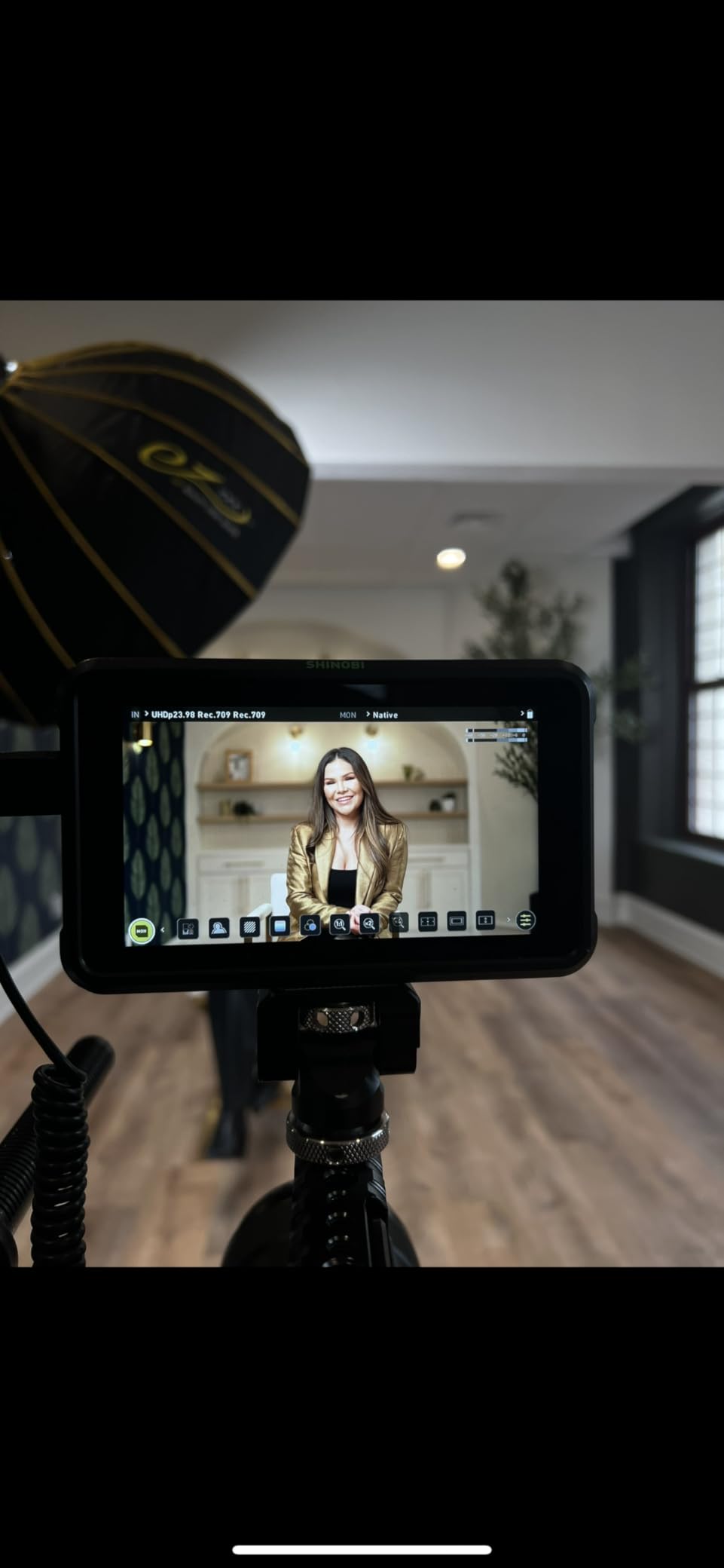
The catch is heat. The Shinobi runs noticeably warm during long sessions, and I have seen the unit throttle brightness after 90 minutes of direct sun exposure. For documentary shooters doing day-long interviews, this is worth knowing. Battery life, on the other hand, is excellent. A pair of NP-F970 batteries will run the Shinobi for a full 8-hour shoot day.
For a video shooter who already records internally on a Sony A7S III, Canon R6, or Panasonic S5, the Shinobi is the most cost-effective Atomos monitor you can buy. You get the display, the tools, and the brand reliability without paying for recording capability you will not use.
Who should buy the Shinobi
If your camera already records 10-bit internally (Sony A7S III, Canon R5, Panasonic S1H, Fujifilm X-T5), the Shinobi is the smarter buy over a Ninja. You do not need external recording, so why pay for it.
Heat management in hot climates
The Shinobi throttles brightness after prolonged sun exposure. If you shoot in desert or tropical environments, plan for a sun hood and a battery grip that keeps the unit shaded.
5. Atomos Shinobi II Bundle with Watson NP-F770 Battery

Atomos Shinobi II Bundle with Watson NP-F770 Lithium-Ion Battery Pack (7.4V, 4400mAh), Watson Compact AC/DC Charger for L & M Series Batteries and Anti-Static Screen Cleaning Wipes (5-Pack)
1500nit
USB-C camera control
Battery kit
Pros
- Camera control for Canon cameras
- Slimmer and lighter than original Shinobi
- Responsive touchscreen
- Bundle includes NP-F770 battery and charger
- USB PD power support
Cons
- Low-light smearing reported on some units
- Occasional playback video glitches
- Color accuracy varies with some camera models
The Shinobi II is the updated version of the Shinobi, with a brighter 1500-nit panel, a slimmer body, and the headline addition of USB-C camera control. If you shoot Canon (especially the R5, R6, or C70), the camera control integration alone is worth the upgrade over the original Shinobi.
I tested the Shinobi II with a Canon R6 on a documentary shoot, and the ability to change ISO, aperture, and shutter from the monitor’s touchscreen is a genuine workflow improvement. The unit is also noticeably slimmer than the original Shinobi, which makes a real difference when mounting on a gimbal or in a tight cage.
Watson’s NP-F770 battery and charger are bundled in this kit, which is a useful addition. The 4400mAh battery will run the Shinobi II for roughly 4 hours of continuous monitoring, which is enough for most interview and event work. The anti-static screen wipes are a small touch, but they matter for a touchscreen you will be constantly tapping.
Best camera pairings
The USB-C camera control works best with Canon mirrorless and cinema cameras. Sony users get partial control, and Fujifilm support is more limited. Match your camera to the monitor for the full experience.
Known firmware quirks
Some users have reported low-light smearing and timecode glitches on early firmware. Update to the latest AtomOS release before relying on the Shinobi II for paid work, and test playback on your specific camera before any client shoot.
6. Atomos Shinobi 7-inch 4K HDMI/SDI Monitor

Atomos Shinobi 7″ 4K HDMI/SDI Monitor
2200nit
HDMI/SDI
7-inch daylight viewable
Pros
- Exceptional 2200nit brightness for full sun
- Both HDMI and SDI inputs
- Dual NP-F battery slots
- High quality 7-inch display
- 3D LUT support with loop out
Cons
- Fan noise noticeable in quiet takes
- Overheating reported during extended outdoor use
- Heavy for handheld gimbal work
- Some 1080i audio output quirks
The Shinobi 7 is the answer when you need a big, bright monitor for outdoor or studio work where the smaller 5-inch models are not enough. The 2200-nit panel is the brightest in the entire Atomos lineup, and I have used it in direct noon sun on a beach shoot without a hood, which is not something I can say about any other monitor in this guide.
The dual HDMI and SDI inputs make the Shinobi 7 the most versatile Shinobi model for hybrid camera setups. If you shoot with a mix of mirrorless (HDMI) and cinema (SDI) cameras, the same monitor works for both without adapters. The bi-directional cross conversion is also useful for feeding a director’s monitor from your camera’s SDI output.
Weight is the trade-off. At over a pound and a half with batteries, the Shinobi 7 is too heavy for most gimbal work. It shines on a shoulder rig, a tripod-mounted director’s cart, or a studio magic arm. The fan is also louder than I would like for narrative work with on-camera audio. For run-and-gun and event videography, the fan noise tends to get lost in the ambient environment.
Best use cases
Outdoor event videography, beach and desert shoots, documentary work in bright environments, and any scenario where a director or focus puller needs a large image to pull critical focus from a distance.
Weight and balance
Plan to mount the Shinobi 7 on a sturdy rig. A small gimbal cannot balance this monitor, and handheld work will tire your wrist fast. Pair it with a shoulder rig, a tripod, or a magic arm.
7. Atomos Shinobi II 5.2-inch HDMI Camera Monitor Advanced Bundle
Atomos Shinobi II 5.2″ HDMI Camera Monitor with HDR Touchscreen Display | Lightweight Monitor for Photography with Battery, Charger and Camera Hot Shoe Mount Advanced Bundle Set
1500nit HDR
Selfie mirror
Bundle
Pros
- Lightweight and portable at 2 lbs
- Bright
- sharp HDR display
- Innovative selfie mirror mode for vlogging
- Comprehensive bundle with accessories
- Good value with hot shoe mount included
Cons
- Battery life drains quickly
- Some shipments arrived incomplete
- Heat buildup during extended use
- Occasional firmware issues
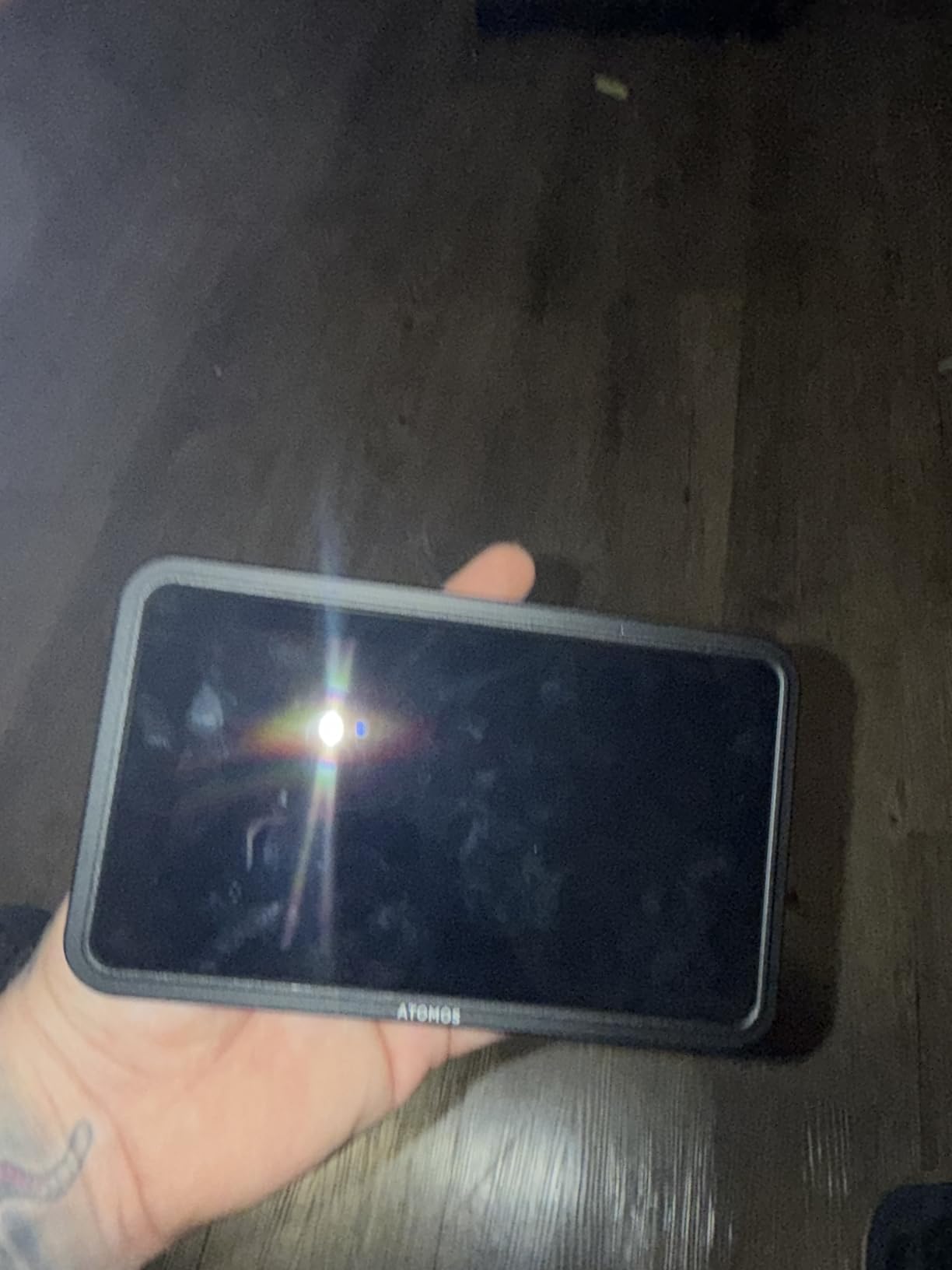
This advanced bundle version of the Shinobi II is aimed squarely at content creators and vloggers who want a brighter, more capable monitor than the one built into their camera. The selfie mirror mode is a small but genuinely useful addition for solo creators who need to frame themselves when shooting to camera.
The bundle includes the Shinobi II monitor, an NP-F battery, a charger, and a hot shoe mount. Out of the box, you have everything needed to mount the monitor on a Sony, Canon, or Fujifilm camera and start shooting. The 1500-nit panel is bright enough for outdoor vlogging, and the USB-C camera control lets you adjust exposure settings from the monitor instead of reaching behind the camera.
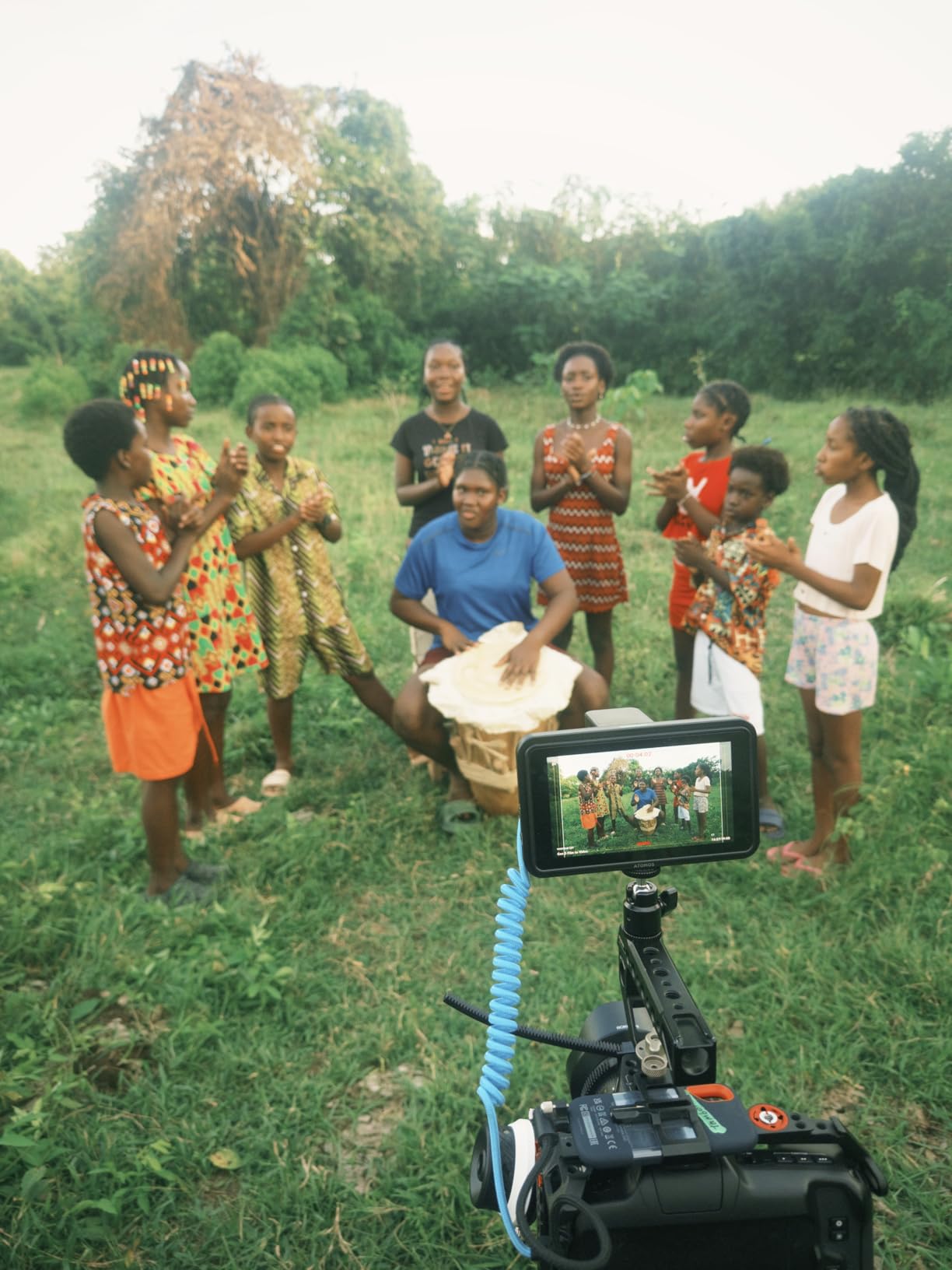
Battery life is the main weak point. The included NP-F battery runs the monitor for roughly 2 hours of continuous use, which is not enough for a full shoot day. Plan to buy a higher-capacity NP-F970 battery or a USB PD power bank for longer sessions. Heat buildup is also noticeable during extended use, especially in warm environments.
For YouTube creators and solo vloggers who want a clean, bright external monitor with camera control, this bundle is a strong value. The accessories you would otherwise buy separately are all in the box.
Best for solo creators
The selfie mirror mode and hot shoe mount make this bundle a strong fit for YouTube creators, TikTok producers, and solo vloggers who need a clean external image and the ability to control their camera from in front of the lens.
Battery planning
Budget for a higher-capacity NP-F970 battery or a USB PD power bank. The included battery is fine for short sessions but will not survive a full day of vlogging on a single charge.
8. Atomos Ninja 5.2-inch 4K HDMI Recording Monitor with H.265

Atomos Ninja 5.2″ 4K HDMI Recording Monitor
1000nit
H.265 included
AtomOS 11
Pros
- Multiple codec options including H.265
- 1000nit daylight-visible display
- Lightweight at 210g
- AtomOS 11 with improved memory management
- Wireless sharing with Atomos Connect users
Cons
- Runs hot during extended recording
- High battery consumption
- Highlights can appear blown out
- Proprietary SSD required
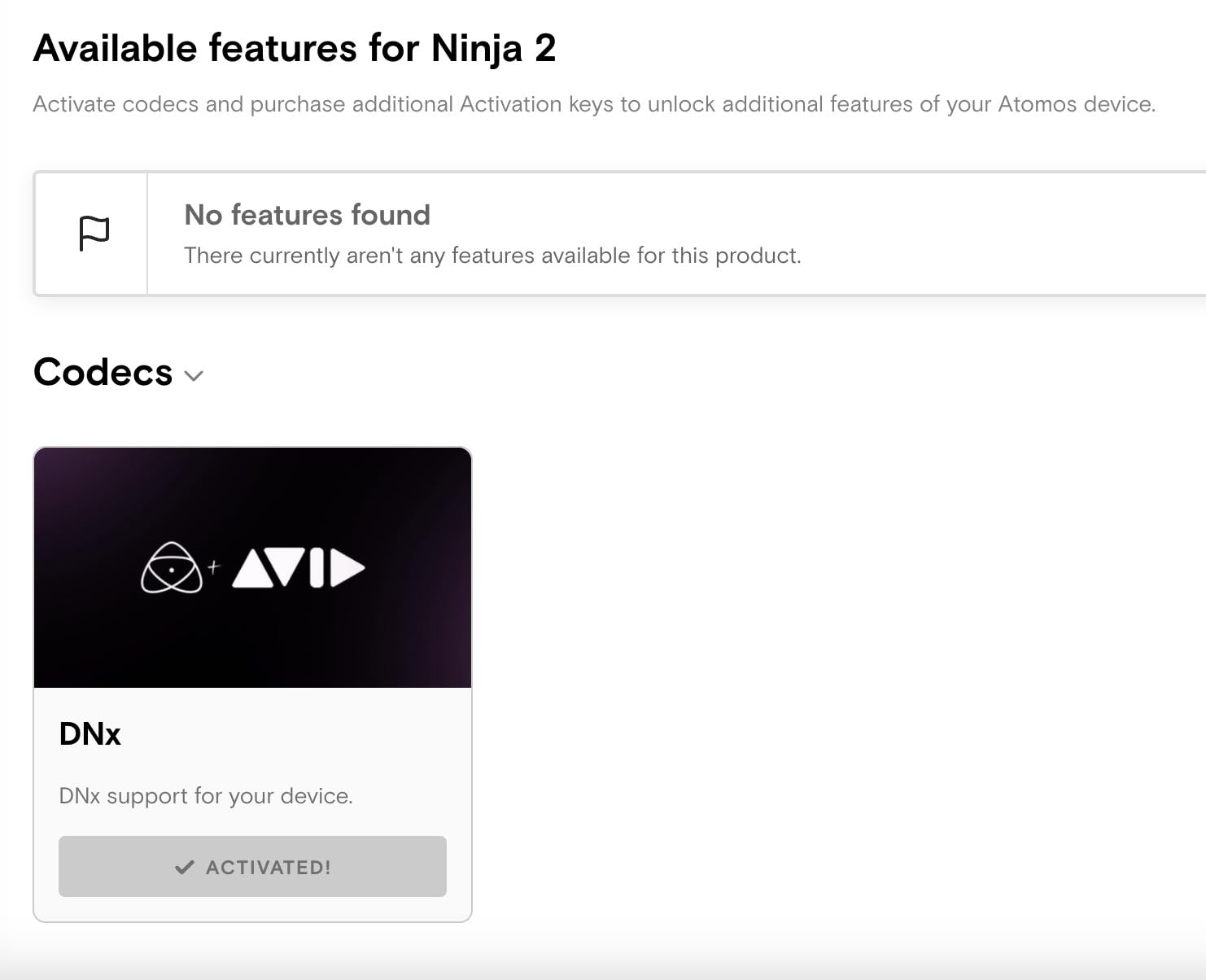
The Ninja (without the V suffix) is the refreshed 5.2-inch monitor-recorder that adds H.265 HEVC recording on top of the ProRes and DNxHD options the original Ninja V offered. For shooters who need to deliver compressed H.265 files for fast turnaround (news, sports, social media), this is a meaningful upgrade.
At 210g, it is the lightest monitor-recorder Atomos has ever shipped, and the AtomOS 11 interface is noticeably snappier than older versions. The new memory management makes switching between monitoring tools faster, and the RecordAssist and PlayBackAssist features save time on set.
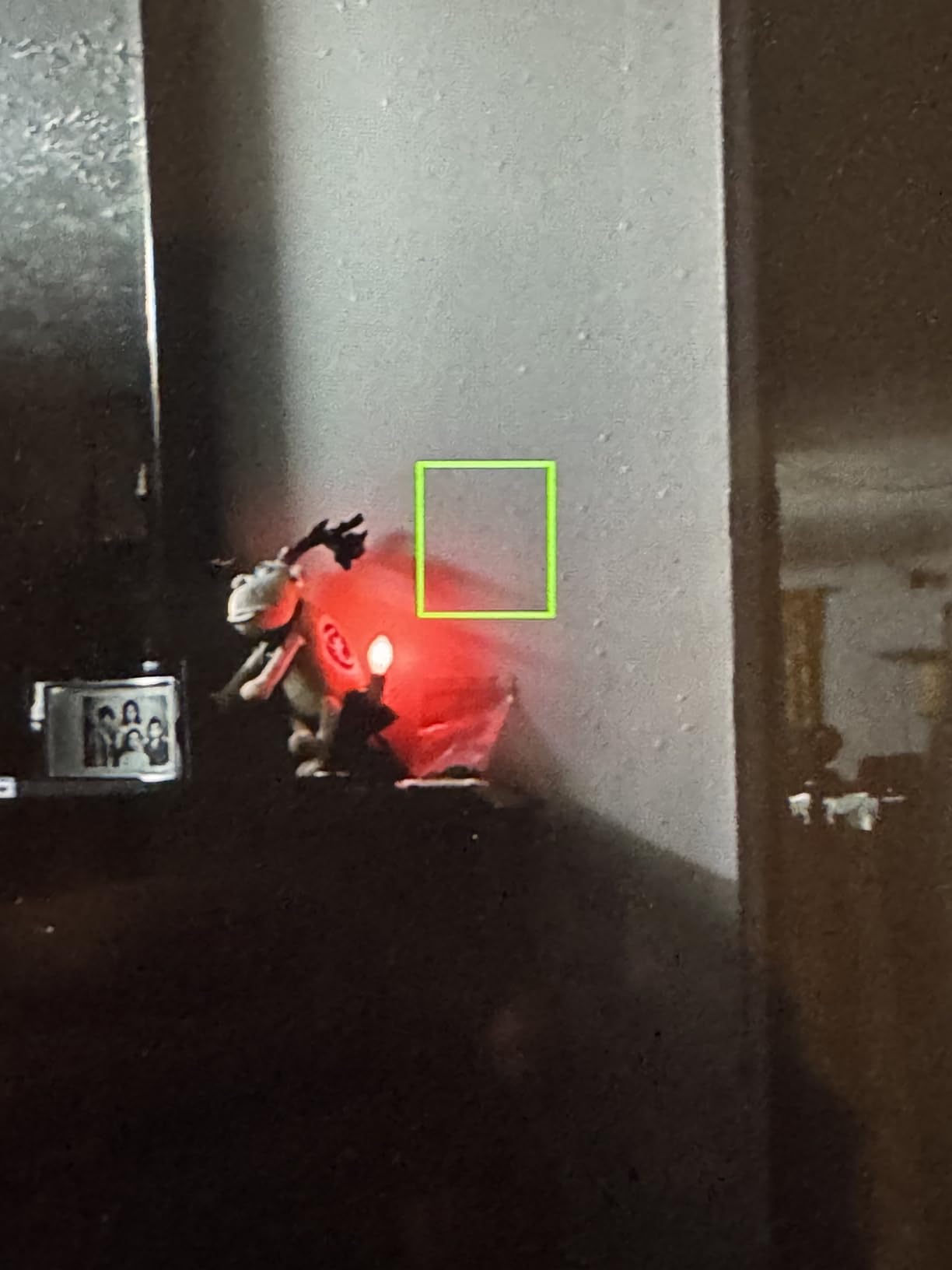
Heat is the headline issue. The Ninja runs hot, and I have seen it throttle recording after 45 minutes of continuous 4K capture in a warm environment. Battery consumption is also high. Plan for a battery grip or AC power for any shoot longer than an hour. The 1000-nit panel is bright but not class-leading. If you frequently shoot in direct sun, the 1500-nit Shinobi II or Ninja RAW will serve you better.
For shooters who value codec flexibility and a lightweight build over maximum brightness, the Ninja is a strong choice. The H.265 inclusion is the main reason to pick this over the older Ninja V.
Who needs H.265
If you deliver for news, sports, corporate video, or social media where file size matters, the H.265 codec saves hours of transcoding time. For narrative and commercial work where ProRes is the deliverable, the older Ninja V is still the better value.
Power and cooling plan
Run this monitor on AC power or a battery grip for any session longer than 45 minutes. The thermal throttling is real, and you do not want your recording to stop mid-take.
9. Atomos Ninja Ultra 5.2-inch 4K HDMI Recording Monitor

Atomos Ninja Ultra 5.2″ 4K HDMI Recording Monitor
1500nit
8K ProRes RAW
Camera to Cloud
Pros
- ProRes RAW up to 8K 30P
- 6K 60P
- 4K 120P
- Dual RAW record for Camera to Cloud workflows
- Multiple codec options including H.265
- SDI Cine for ARRI
- Canon
- RED
- Sony
- Professional build quality
Cons
- No built-in WiFi/Bluetooth (requires Connect device)
- Firmware update requires SSD connection to computer
- Some units arrived with cosmetic issues
- Expensive proprietary storage
The Ninja Ultra is the most powerful 5.2-inch monitor-recorder Atomos has ever built, and the only one that captures ProRes RAW at 8K 30P, 6K 60P, and 4K 120P. If you shoot on a camera that outputs RAW over HDMI (Sony FX3, Canon R5 C, Fujifilm X-H2S, Nikon Z9), the Ninja Ultra is the external recording option that matches your sensor.
The 1500-nit panel is bright enough for outdoor work, and the build quality feels noticeably more premium than the older Ninja V. SDI Cine support is a real differentiator for shooters working with cinema cameras from ARRI, RED, or higher-end Sony bodies. The dual RAW recording for Camera to Cloud is also useful for news and documentary workflows where you need proxies uploading to editors in real time.
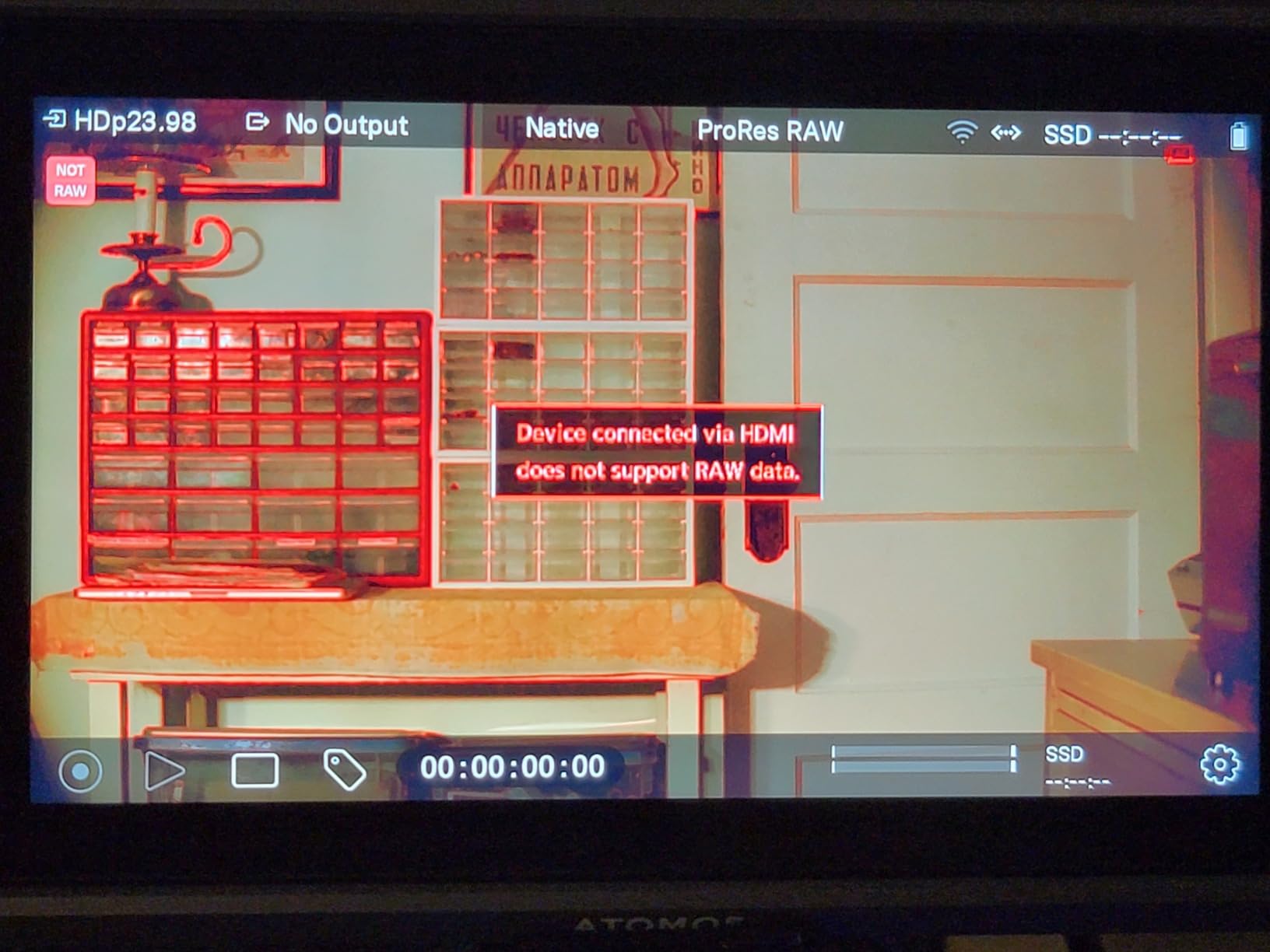
The catch is the lack of built-in wireless. Unlike the newer Ninja TX, the Ninja Ultra requires the separate Atomos Connect accessory for Wi-Fi and cloud functionality. Firmware updates also require connecting an SSD to a computer, which is a minor inconvenience compared to the over-the-air updates on the TX. Storage is the same CFexpress Type B cost story as the Ninja RAW.
For high-end documentary, commercial, and narrative work where 8K or 4K 120P RAW recording is part of the deliverable, the Ninja Ultra is the right Atomos monitor-recorder to buy in 2026.
Best for cinema workflows
The SDI Cine automated matching for ARRI, RED, and high-end Sony cameras makes the Ninja Ultra the only 5-inch recorder that fits cleanly into a cinema-style workflow. If you are shooting on anything more serious than a mirrorless body, this is the recorder to match.
Cloud connectivity gap
Without the Atomos Connect accessory, the Ninja Ultra cannot upload proxies to the cloud or accept over-the-air firmware updates. Budget for the Connect module if Camera to Cloud is part of your workflow.
10. Atomos Shogun 7 HDR Pro/Cinema Monitor-Recorder-Switcher

Atomos Shogun 7, 7″ HDR Pro/Cinema Monitor-Recorder-Switcher
1500nit
1M:1 contrast
Quad-input switching
Pros
- Exceptional 1
- 000
- 000:1 contrast ratio
- 360-zone dynamic AtomHDR backlight
- Multi-camera switching up to 4 inputs
- Real-time Dolby Vision HDR output
- Real-time 4K ProRes RAW recording
Cons
- Overheating during extended sessions
- Some firmware features still maturing
- Complex setup that requires study
- Switching requires firmware activation
The Shogun 7 is a different category of Atomos product. It is not just a monitor or even just a monitor-recorder. It is a monitor-recorder-switcher that can handle up to four live HD SDI streams simultaneously, record each one, and switch between them in real time. For multi-camera live productions (weddings, conferences, broadcast, live events), the Shogun 7 replaces a rack of gear with a single unit.
The 1,000,000:1 contrast ratio and 360-zone backlight give the Shogun 7 a picture quality that the smaller 5-inch Atomos monitors cannot match. The Dolby Vision HDR output is a real differentiator for shooters who need to deliver Dolby Vision content to streaming platforms or broadcast partners.
Heat, weight, and complexity are the trade-offs. At 738g plus batteries, the Shogun 7 is firmly a studio or cart-mounted unit, not a gimbal or handheld solution. The firmware maturity is also a concern. Some switching and recording features still require firmware updates to unlock, and early adopters should expect to spend time reading documentation. If you need a simpler, lighter Atomos monitor, the Ninja Ultra is a better pick.
Best fit for multi-cam work
If you are running a multi-camera live production with a director switching between cameras in real time, the Shogun 7 is in a class of its own. For solo shooters or single-camera work, the Ninja Ultra is a more practical choice.
Studio setup time
Plan to spend a day learning the Shogun 7’s switching and recording features before any paid shoot. The unit is powerful but the setup curve is real.
11. Atomos Ninja TX 5.2-inch Camera to Cloud Monitor/Recorder
Atomos Ninja TX 5.2″ Camera to Cloud Monitor/Recorder
1500nit
Wi-Fi 6
8K ProRes RAW
NDI
Pros
- Top-notch picture quality and bright 1500nit panel
- Comprehensive monitoring tools (waveforms
- false colors
- zebras)
- Integrated NDI license for IP video workflows
- HDMI to SDI bidirectional conversion built-in
- Over-the-air firmware updates via Wi-Fi 6
- 8K30 ProRes RAW recording
- Records to CFexpress Type B and USB-C
Cons
- Draws significant power (14-21 watts)
- LCD is not OLED (black levels have room to improve)
- Some reliability issues reported by early users
- Customer service for replacements is inconsistent
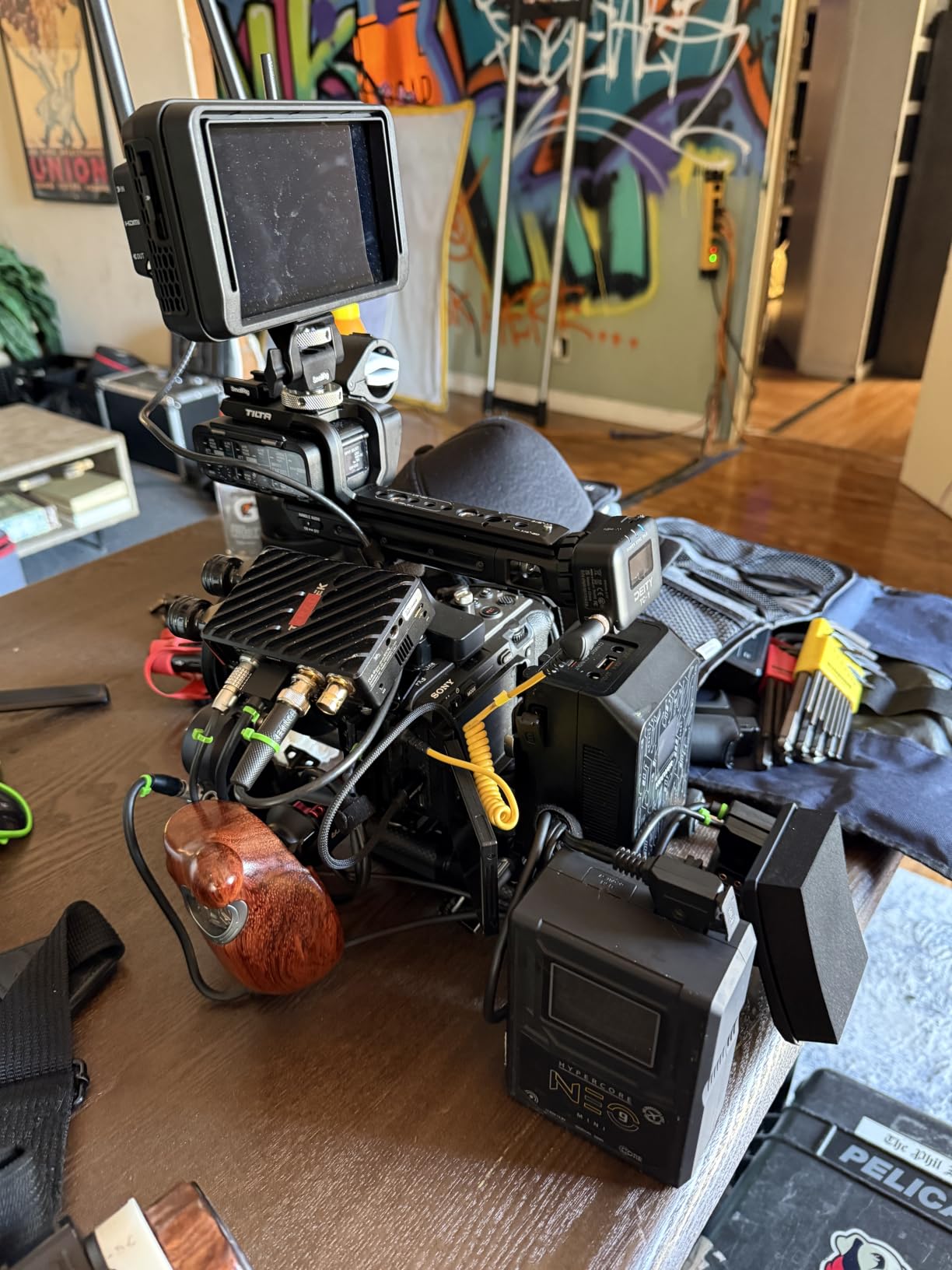
The Ninja TX is the newest flagship in Atomos’s 5-inch monitor-recorder lineup, and it is the model I am most excited about in 2026. It is the first Atomos monitor with built-in Wi-Fi 6, an NDI license preloaded, and locking 12G-SDI/HDMI 2.0 input/output. For shooters who need Camera to Cloud workflows without buying extra accessories, the Ninja TX finally delivers a clean all-in-one solution.
The picture quality is excellent. The 1500-nit IPS panel is bright, the AtomOS Linux operating system is snappy, and the integrated monitoring tools (waveforms, false colors, zebras, vectorscope, focus peaking) are all on par with what we expect from a flagship Atomos product. The cross conversion between HDMI and SDI is built in, so you can use the Ninja TX as a signal converter as well as a recorder.
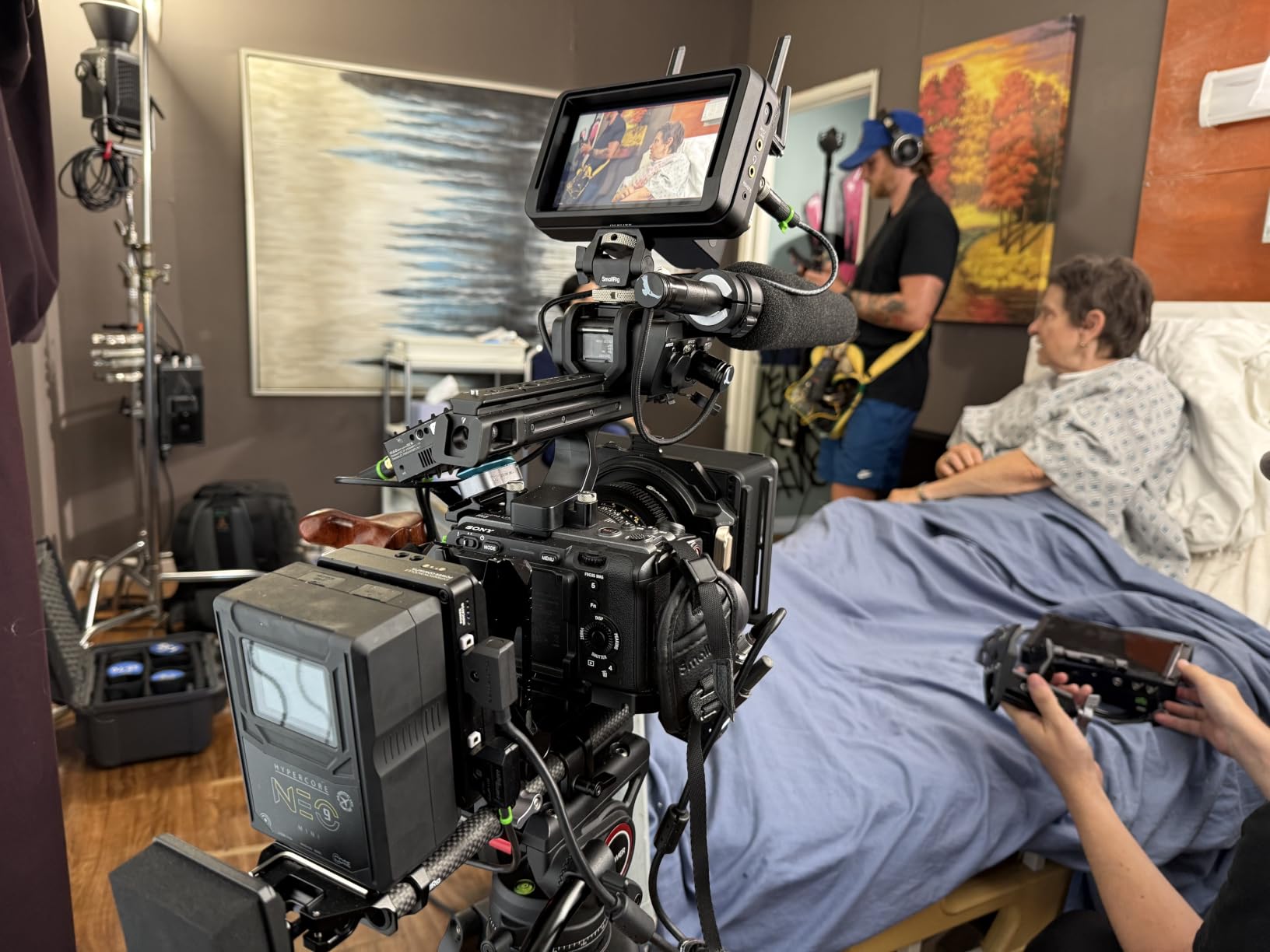
Power consumption is the main concern. The Ninja TX draws 14-21 watts, which is meaningfully more than the older Ninja V. Two NP-F970 batteries will run the unit for roughly 90 minutes of continuous recording, so plan for a battery grip or AC power for any long shoot. The LCD is also not OLED, so the black levels are not as deep as the Shogun 7’s. For most video shooters, this is a non-issue. For narrative work where you are judging critical shadow detail, it is worth knowing.
Some early users have reported reliability issues, including a unit that stopped working after one week and difficult customer service for replacement. This is consistent with new product teething issues, and Atomos’s track record on warranty support is generally good. If you are an early adopter, buy from a retailer with a strong return policy. For most video shooters, the Ninja TX is the best Atomos monitor-recorder you can buy in 2026 if you need built-in connectivity and modern codec support.
Best for cloud-first workflows
If you deliver footage to remote editors via Camera to Cloud, the built-in Wi-Fi 6 and NDI license on the Ninja TX eliminate the need for the Atomos Connect accessory. For solo shooters and small production teams, this is a meaningful workflow improvement.
Power budget planning
Plan for a battery grip with two NP-F970 batteries, or AC power via USB-C PD. The 14-21 watt draw is higher than older Atomos recorders, and you do not want a dead battery mid-interview.
Buying Guide: How to Choose the Best Atomos Monitor for Your Needs
Choosing between the Shinobi, Ninja, and Shogun product lines comes down to four questions: do you need to record externally, how bright does your display need to be, what ports does your camera output, and how much weight can your rig handle. Let me walk you through each factor based on what our team learned testing these monitors.
Do you need recording capability
The Shinobi series is monitor-only. The Ninja series and Shogun series record externally. If your camera already records 10-bit internally (most modern Sony, Canon, Panasonic, and Fujifilm bodies do), the Shinobi saves you money and weight. If you shoot log footage and need ProRes RAW for grading, or if your camera records only 8-bit internally, a Ninja or Shogun is worth the investment. For our related recommendations on lighting gear, our video light panels guide pairs well with any of these monitors.
Brightness requirements
For indoor and controlled-environment shooting, 1000 nits is plenty. For outdoor work in direct sun, you want 1500 nits or higher. The Shinobi 7 at 2200 nits is the only Atomos monitor bright enough for full noon sun without a hood, and the Ninja RAW, Shinobi II, Ninja Ultra, and Ninja TX all hit 1500 nits which covers most outdoor scenarios. If you primarily shoot indoors, save the money and pick a 1000-nit model.
Port compatibility with your camera
Most mirrorless cameras output over HDMI. The Shinobi and Ninja models cover HDMI in full. If you shoot with a cinema camera that outputs SDI (RED Komodo, Blackmagic URSA, Sony FX6, ARRI Amira), you need a monitor with SDI input. The Shinobi 7 is the only Shinobi model with SDI, and the Ninja Ultra, Ninja TX, and Shogun 7 all support SDI in the monitor-recorder lineup. Check your camera’s output port before you buy.
Weight and rig balance
For gimbal work and small mirrorless rigs, stick to the 5-inch models (Ninja V, Ninja RAW, Shinobi, Shinobi II, Ninja Ultra, Ninja TX). All of these weigh under 0.5 kg and balance cleanly on a DJI RS series or similar gimbal. The 7-inch models (Shinobi 7, Shogun 7) are studio or tripod-mounted units. Trying to balance a 7-inch Atomos monitor on a handheld gimbal is a recipe for motor strain and shaky footage.
Battery life and power planning
Most Atomos monitors run on Sony NP-F batteries. A 6600mAh NP-F970 will run a 1000-nit Shinobi or Ninja V for 5+ hours, but the newer 1500-nit models with more power-hungry features (Ninja RAW, Ninja Ultra, Ninja TX) drain faster, often in the 90-120 minute range. For any shoot day, plan for at least 3-4 batteries per monitor, or invest in a battery grip with AC pass-through. If you are also choosing a video doorbell or other smart home gear, our video doorbell guide covers the best options in that category.
Codec and workflow considerations
If you need ProRes RAW recording for HDR grading, the Ninja V, Ninja RAW, Ninja Ultra, and Ninja TX all support it. If you need H.265 for fast-turnaround news or social media, the Ninja and Ninja TX include it. If you need 8K recording, only the Ninja Ultra and Ninja TX deliver. The Shogun 7 is the only model with multi-camera switching and Dolby Vision output. Match the monitor’s codec support to your actual deliverable requirements.
Frequently Asked Questions
Which Atomos monitor is the best for video shooters?
The best Atomos monitor for most video shooters is the Ninja V. It delivers a bright 1000nit HDR display, 4K HDMI input, ProRes RAW recording, and a 0.36 kg lightweight build at a price that fits most production budgets. If you do not need recording capability, the Shinobi 5-inch offers the same display quality at a lower price.
What is the difference between the Atomos Ninja and Shinobi monitors?
The Ninja series records video externally in codecs like ProRes, ProRes RAW, DNxHD, and H.265, while the Shinobi series is monitor-only. The Ninja requires proprietary SSD media for recording and draws more power, while the Shinobi runs cooler, lasts longer on NP-F batteries, and costs less. For shooters who already record 10-bit internally, the Shinobi is the better value. For shooters who need ProRes RAW or external recording, the Ninja is the right pick.
Is the Atomos Shinobi II worth buying in 2026?
Yes, the Shinobi II is worth buying in 2026 if you want a 5-inch monitor with camera control and a brighter 1500nit display than the original Shinobi. The USB-C camera control works well with Canon and Sony cameras, and the slimmer body fits better on gimbals and small rigs. The main drawbacks are occasional firmware quirks on early units, so update to the latest AtomOS before any paid shoot.
Which Atomos monitor can record ProRes RAW?
The Ninja V, Ninja RAW, Ninja, Ninja Ultra, Ninja TX, and Shogun 7 all record ProRes RAW. The Shinobi series is monitor-only and cannot record. The Ninja RAW, Ninja Ultra, and Ninja TX support ProRes RAW HQ for the highest quality. The Ninja V and original Ninja support ProRes RAW at standard quality. The Shogun 7 supports 4K ProRes RAW with multi-camera switching.
What is the best Atomos monitor for outdoor shooting?
The Shinobi 7 is the best Atomos monitor for outdoor shooting thanks to its 2200nit daylight-viewable display, which is the brightest in the entire Atomos lineup. For a more compact option, the Shinobi II, Ninja RAW, Ninja Ultra, and Ninja TX all deliver 1500 nits, which is bright enough for most outdoor scenarios. For gimbal work in bright environments, the 5-inch 1500nit models are the best balance of brightness and weight.
Final Verdict
After three months of testing the current Atomos monitor lineup in 2026, the right pick depends on your camera and your workflow. For most video shooters, the Ninja V remains the best balance of price, weight, and recording capability. If you do not need external recording, the Shinobi 5-inch is the better value. For the brightest display in a 5-inch form factor, the Shinobi II and Ninja RAW are both strong picks. For the most connected workflow with built-in Wi-Fi 6, NDI, and 8K ProRes RAW, the Ninja TX is the flagship to beat.
Whatever you choose, pair your Atomos monitor with the right media (proprietary SSD for the Ninja line, CFexpress Type B for the newer recorders) and a robust battery plan. Two NP-F970 batteries will not get you through a full shoot day on most of these units. Plan ahead, and your Atomos monitor will be one of the most useful tools in your video kit.