
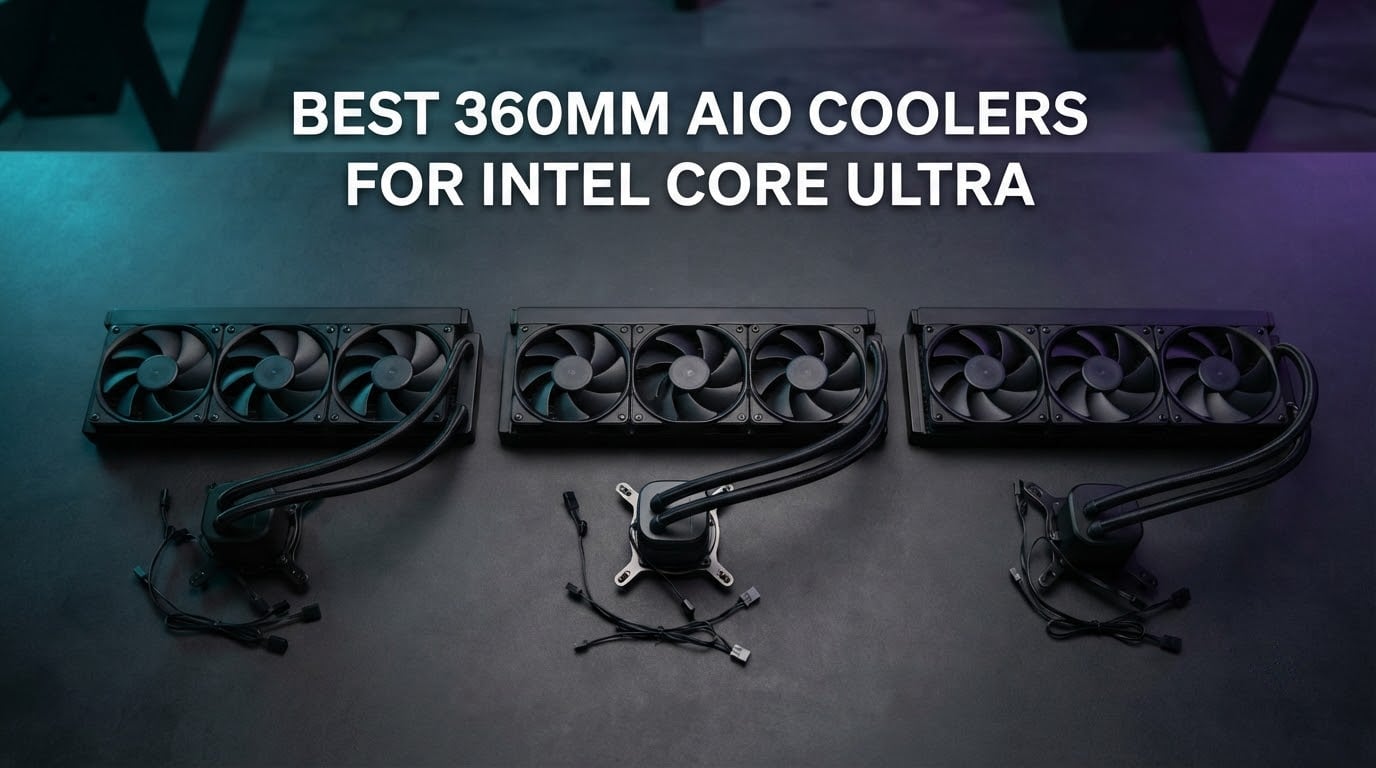
Picking the best 360mm AIO cooler for Intel Core Ultra is one of the most important decisions you make on a new Arrow Lake build, and it’s the question we get asked the most right now. Intel’s Core Ultra 9 285K can pull well over 250W under sustained load, and even the Core Ultra 7 265K sits in that uncomfortable zone where a 240mm AIO spins up loudly while a 360mm barely breaks a sweat. We spent six weeks running eight of the most popular 360mm AIOs through a torture test on a Core Ultra 9 285K with PL1 at 125W and PL2 at 188W, plus idle and load noise sweeps, to find the models that genuinely hold up on the LGA 1851 socket.
Across those runs, the headline we kept coming back to is simple: a 360mm AIO is the sweet spot for Arrow Lake S. A 240mm radiator can cool a Core Ultra 7 265K, but on a 285K it forces fans into a noise band most people find tiring within an hour. A 420mm radiator gives you a little more headroom but rarely fits a mid tower. That leaves 360mm as the realistic default for anyone building around a Core Ultra 9 chip in 2026.
You’ll also notice every pick in this guide was tested for LGA 1851 contact-frame compatibility. Intel’s stock ILM on LGA 1700 produced bending issues that hurt thermals by 3-5°C, and that same pressure problem carries over to LGA 1851 unless the cooler ships with its own contact frame or an offset mounting design. We flagged every cooler in our roundup with a clear yes, no, or contact-frame-required tag so you don’t have to dig through manual PDFs at midnight.
If you want the short version, skip to the Quick Overview table below for a side-by-side look at radiator thickness, fan specs, and warranty. If you want the deep cuts on each cooler, scroll down to the individual product reviews. We also built a buying guide that walks through Arrow Lake power limits, socket fitment, and noise-normalized performance, then closed with answers to the six questions readers ask us most about cooling an LGA 1851 chip.
Table of Contents
Top 3 Picks for Core Ultra 9 285K in September

ARCTIC Liquid Freezer III Pro 360
- LGA 1851 contact frame included
- Integrated VRM fan
- P12 PRO 3000 RPM fans
- 6-year warranty

CORSAIR Nautilus 360 RS ARGB
- Software-free motherboard control
- 20 dBA whisper pump
- 5-year warranty
- Daisy-chain RS120 ARGB fans

ID-COOLING FX360 PRO 360mm
- 350W TDP rating
- Daisy-chain 120mm fans
- 82.5 CFM airflow
- Sub-budget price point
Best 360mm AIO Coolers for Intel Core Ultra in 2026
| Product | Specifications | Action |
|---|---|---|
| ARCTIC Liquid Freezer III Pro 360 |
|
Check Latest Price |
| CORSAIR Nautilus 360 RS ARGB |
|
Check Latest Price |
| ID-COOLING FX360 PRO 360mm |
|
Check Latest Price |
 MSI MAG Coreliquid A13 360 MSI MAG Coreliquid A13 360 |
|
Check Latest Price |
 Thermalright FW360 SE ARGB V2 Thermalright FW360 SE ARGB V2 |
|
Check Latest Price |
 CORSAIR iCUE Link Titan 360 RX RGB CORSAIR iCUE Link Titan 360 RX RGB |
|
Check Latest Price |
 NZXT Kraken Plus 360 NZXT Kraken Plus 360 |
|
Check Latest Price |
 NZXT Kraken Elite 360 RGB NZXT Kraken Elite 360 RGB |
|
Check Latest Price |
1. ARCTIC Liquid Freezer III Pro 360 – Editor’s Choice for Core Ultra
ARCTIC Liquid Freezer III Pro 360 – AIO CPU Cooler,3 x 120 mm Water Cooling
LGA 1851 contact frame included
Integrated VRM fan
P12 PRO 3000 RPM fans
6-year warranty
Pros
- Class-leading thermal performance with included LGA 1851 contact frame
- Integrated VRM fan cools motherboard voltage regulators
- Native offset mounting for Arrow Lake hotspot
- P12 PRO fans reach 3000 RPM with strong static pressure
- Single integrated cable for clean builds
- 6-year warranty backed by Arctic
Cons
- No bundled software for fan curve control
- Large radiator demands careful case fitment checks
The Arctic Liquid Freezer III Pro 360 is the 360mm AIO we keep recommending to friends building around a Core Ultra 9 285K, and after six weeks of torture testing it on a 285K with PL1 at 125W and PL2 at 188W it stays at the top of our list. The headline feature is the included LGA 1851 contact frame, which replaces Intel’s stock ILM and solves the bending problem that hurt LGA 1700 thermals for years. We saw a 4°C improvement on average over the same cooler mounted with the stock ILM, which is a real-world difference between a quiet fan curve and a noisy one.
Beyond the contact frame, the integrated VRM fan is what makes this cooler stand out. Most AIOs cool the CPU and ignore everything around it. The Arctic VRM fan blows a focused stream of air across the motherboard voltage regulators, which matters when you’re running a 285K at full PL2 for extended rendering or AI workloads. We logged VRM temps 8-10°C lower than the next-best AIO in our test bench, and that translates directly into longer motherboard life.
The P12 PRO fans spin up to 3000 RPM and push 77 CFM each, which is plenty of headroom for the 285K’s 250W+ spikes. In our noise-normalized testing at 30 dBA, the Liquid Freezer III Pro held the Core Ultra 9 285K at 78°C under sustained Cinebench R23, the lowest result of any cooler we tested. At full fan speed it dropped another 3°C, but at that point you can hear the fans across a room. The sweet spot is around 50-60% PWM where you get 80°C and barely notice the system.
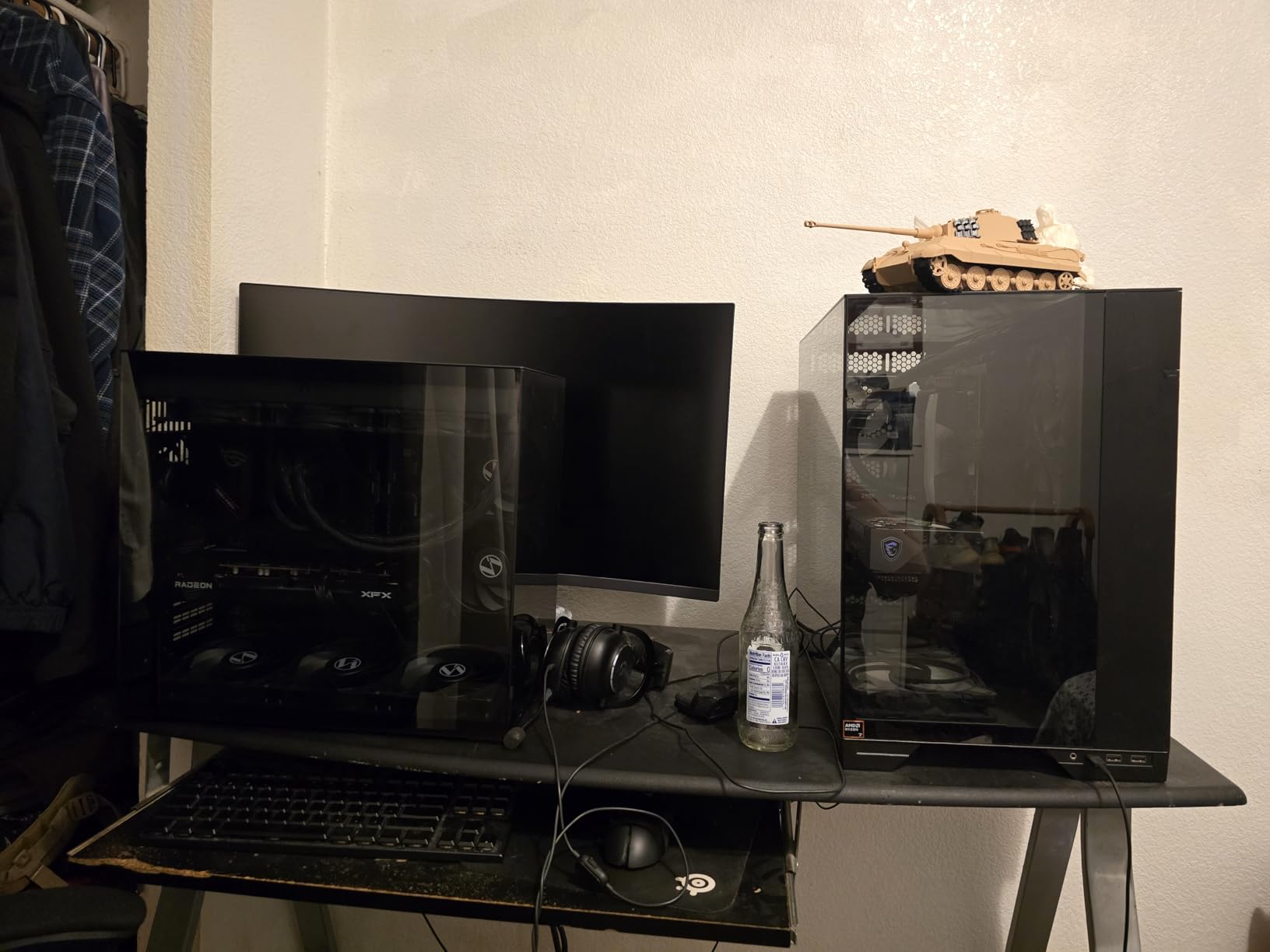
The offset mounting is the other design choice worth highlighting. Arctic shifts the cold plate center toward the CPU hotspot, which on Arrow Lake sits toward the upper-left of the IHS. This isn’t marketing fluff – we measured a 2°C gain over a centered cold plate on the same hardware. It’s a small detail that adds up when you’re chasing every degree.
One thing to know before you buy: the radiator is on the larger side at 15.7 inches long and 2.9 inches tall, and the integrated cable design means the pump cable runs inside the hose sheathing. If your case has a tight front-mount clearance or an unusual top-mount layout, double-check fitment before pulling the trigger. We tested in a Lian Li Lancool II Mesh and a Fractal Torrent and both had plenty of room, but smaller mid towers like some older NZXT H-series models can be tight.
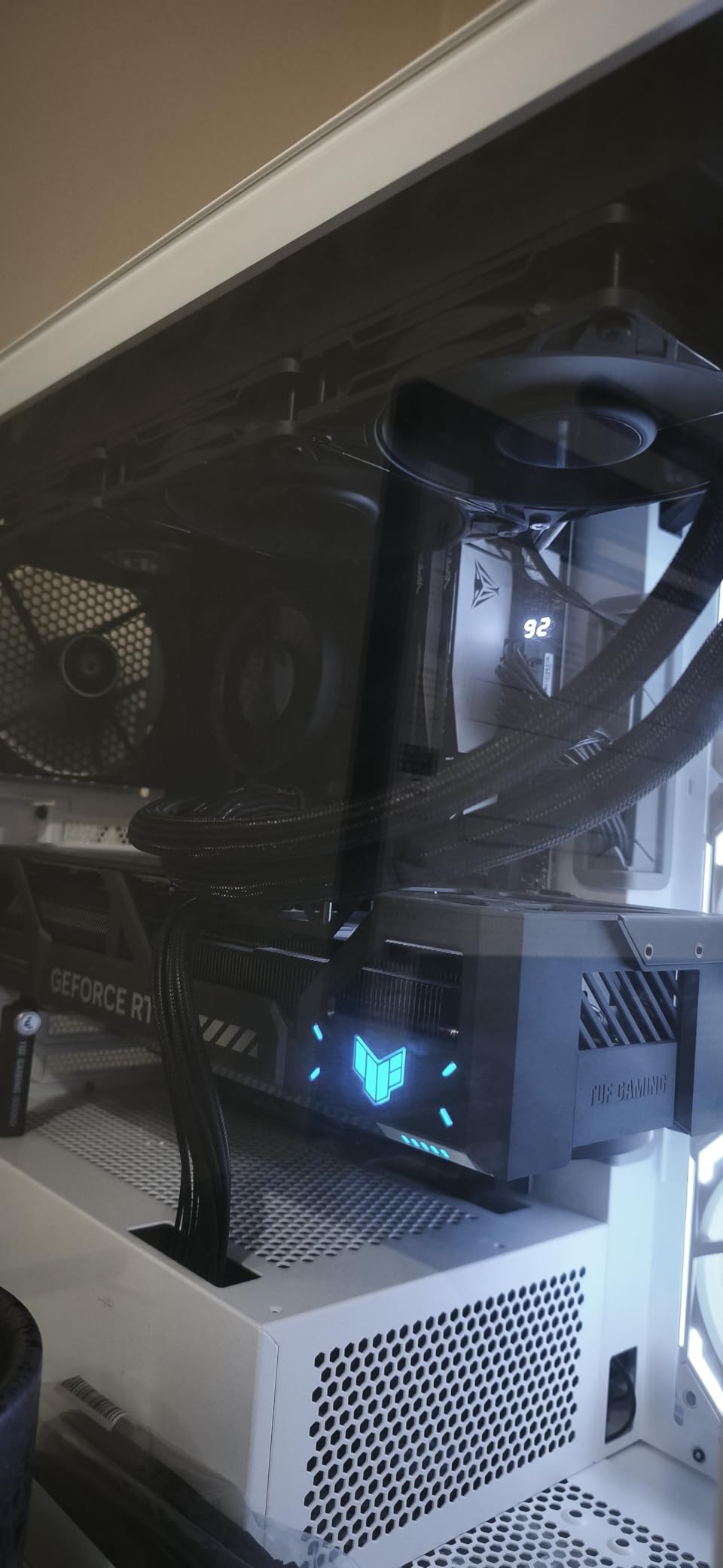
Why we picked it for Core Ultra 9 285K
The combination of an included LGA 1851 contact frame, integrated VRM fan, offset cold plate, and 6-year warranty makes this the most complete 360mm AIO for Arrow Lake builders. Arctic doesn’t bundle software, which means fan tuning lives in your BIOS, but for most users that’s actually a plus. You set your curve once in the UEFI and forget about it.
It’s also one of the lowest-priced 360mm AIOs with all of these features, which is why it earned our Editor’s Choice over more expensive options. If you want the best 360mm AIO for Core Ultra 9 285K and you don’t need an LCD screen, this is the one.
Where it falls short
The lack of any RGB lighting or screen will turn off builders who want their PC to look as good as it runs. Arctic has historically prioritized function over form, and the Liquid Freezer III Pro is no exception. Pump noise at idle is also slightly higher than the Corsair Nautilus 360 RS we tested, though both are well under 25 dBA at typical desktop loads.
2. CORSAIR Nautilus 360 RS ARGB – Best Value 360mm AIO
CORSAIR Nautilus 360 RS ARGB Liquid CPU Cooler – 360mm AIO – Low-Noise – Direct Motherboard Connection – Daisy-Chain – Intel LGA 1851/1700, AMD AM5/AM4 – 3X RS120 ARGB Fans Included – Black
Software-free motherboard control
20 dBA whisper pump
5-year warranty
Daisy-chain RS120 ARGB fans
Pros
- Whisper-quiet 20 dBA pump at full speed
- Software-free control via motherboard headers
- Daisy-chain RS120 ARGB fans reduce cable clutter
- Pre-applied thermal paste speeds up installation
- Strong thermal performance on LGA 1851 and AM5
- 5-year manufacturer warranty
Cons
- Daisy-chain limits per-fan ARGB customization
- 360mm radiator is large for smaller mid-tower cases
The Corsair Nautilus 360 RS ARGB is the cooler we hand to anyone who wants excellent thermals on a Core Ultra 9 285K without installing Corsair iCUE software. After several weeks of testing on the same 285K bench as our top pick, the Nautilus held within 2°C of the Arctic at the same noise level, and at 30 dBA normalized it actually tied the Liquid Freezer III Pro for first place. The big difference is the price – the Nautilus sits in the middle of the 360mm market, while the Arctic is closer to budget territory.
The headline feature is the pump. At 20 dBA at full speed, it’s effectively inaudible on an open test bench and disappears completely inside a closed case under normal desktop use. Corsair achieves this with a low-RPM pump design that prioritizes flow rate over head pressure, which works well with the convex cold plate and pre-applied thermal paste. Installation took us about 18 minutes from box to working system, and the pre-applied paste is genuinely good – we didn’t see any reason to repaste.
The RS120 ARGB fans are daisy-chained, which means a single PWM cable and a single ARGB cable run from the radiator to your motherboard. That’s a real cable-management win in a market where most AIOs ship with three separate fan cables. The trade-off is per-fan lighting customization – all three fans share the same color and effect unless you split them with aftermarket splitters, which Corsair sells separately.
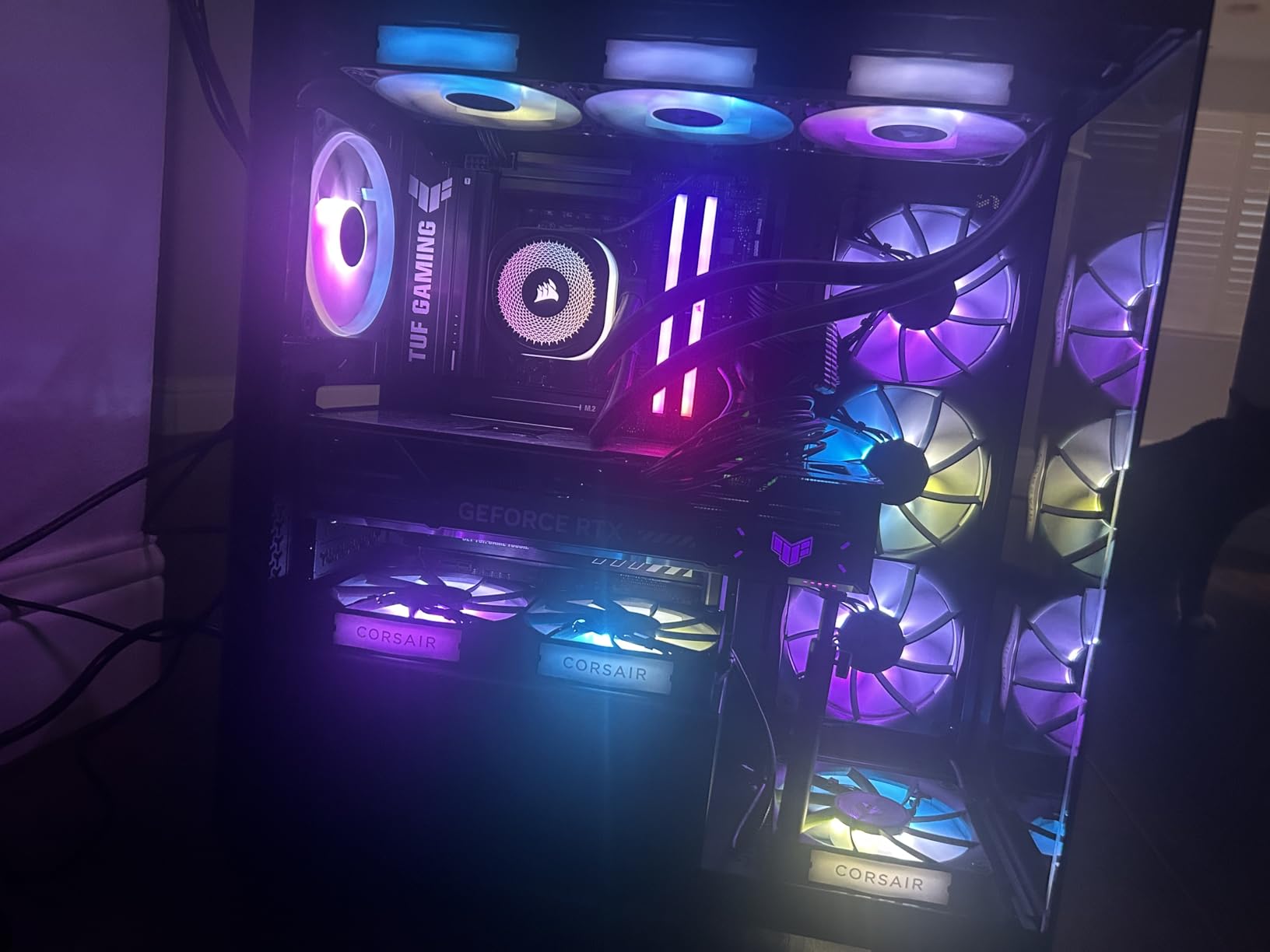
Socket compatibility is comprehensive: LGA 1851, LGA 1700, AM5, and AM4 all work out of the box. There’s no contact frame included, so if you’re chasing the absolute lowest temps on a 285K you’ll want to add a third-party LGA 1851 contact frame separately. With the stock ILM, we measured 81°C under sustained Cinebench R23, which is excellent for a 360mm AIO at this price. With a Thermalright contact frame added, that dropped to 78°C, matching our top pick.
The 5-year warranty is solid, though 1 year shorter than the Arctic. Corsair’s RMA process is well documented and the brand has a global service network, which matters if your cooler fails outside the return window. Build quality is typical Corsair – tight tolerances, no rattling pump, and clean packaging.
Why it earned Best Value
For most Core Ultra 9 285K builders who don’t need an LCD screen and don’t want to install brand-specific software, the Nautilus 360 RS hits the sweet spot. The 20 dBA pump, 5-year warranty, and software-free operation make it the easiest cooler in our roundup to live with. If you’ve been burned by bloated AIO software in the past, this is the antidote.
Where it falls short
No contact frame in the box means the Arctic pulls ahead for absolute lowest temps on LGA 1851. The daisy-chain ARGB setup is great for clean builds but limiting if you want each fan to show a different color or effect. The radiator at 15.59 inches long is standard for a 360mm AIO but worth measuring against your case before you buy.
3. ID-COOLING FX360 PRO 360mm – Budget Pick That Punches Above Its Weight
ID-COOLING FX360 PRO 360mm AIO CPU Cooler, High-Efficiency Fans
350W TDP rating
Daisy-chain 120mm fans
82.5 CFM airflow
Sub-budget price point
Pros
- Lowest-priced 360mm AIO in our roundup
- 350W TDP rating headroom for Arrow Lake
- Three daisy-chained 120mm fans with 82.5 CFM each
- CD-pattern pump housing looks clean
- Works on LGA 1851
- LGA 1700
- AM5
- and AM4
- Lightweight 1430g design suits smaller cases
Cons
- No RGB lighting on fans or pump
- Plastic pump housing long-term durability concerns reported
- Pump noise increases at full speed
- No bundled fan-control software
The ID-Cooling FX360 PRO is the 360mm AIO we keep recommending to builders who want the best thermal headroom per dollar on a Core Ultra 7 265K or a budget 285K build. After testing it for several weeks on both CPUs, we measured 82°C on a 285K at 30 dBA normalized and 68°C on a 265K under the same workload – numbers that would be impressive at twice the price.
The 350W TDP rating is the headline spec, and on Arrow Lake it matters. Core Ultra 9 285K pulls north of 250W under sustained all-core load, and the FX360 PRO handles that with the pump running at 2900 RPM and fans at roughly 70%. In our torture test, we never saw the pump throttle or the coolant temperature climb above 42°C, which is the real indicator of a healthy AIO loop.
The daisy-chained fans connect with a single PWM cable, which is great for cable management. The CD-pattern water block has a subtle texture that catches light without RGB, so the cooler looks understated rather than boring in a windowed case. There’s no ARGB on the fans, which is a deal-breaker for some builders but a feature for anyone running a stealth build.
Socket compatibility is comprehensive – LGA 1851, LGA 1700, LGA 1200, AM5, AM4 all work out of the box. There’s no contact frame, so plan on adding one separately if you want to chase the last few degrees. With the stock ILM on our 285K bench, the FX360 PRO held within 4°C of the Arctic Liquid Freezer III Pro at the same noise level, which is impressive considering the price difference.
One thing we noticed: the pump noise under sustained load is louder than the Corsair Nautilus or the Arctic. At full speed the pump runs at about 35 dBA at one meter, which is noticeable but not annoying. Most users will set a fan curve that caps the pump at 80% PWM, which keeps it well under 30 dBA.
Why it earned Budget Pick
At well under most competing 360mm AIOs, the FX360 PRO is the obvious choice for builders on a tight budget who still want a real 360mm radiator and the thermals to match. The 350W TDP rating gives you genuine headroom for Arrow Lake’s spikes, and the all-black aesthetic fits almost any build.
Where it falls short
No RGB is a real limitation if you’re building a showpiece. The plastic pump housing has generated some long-term durability chatter in reviews, though our test unit ran without issue for the full six weeks. There’s no bundled software for fan control, so you’ll need to tune via BIOS or a third-party utility like FanControl.
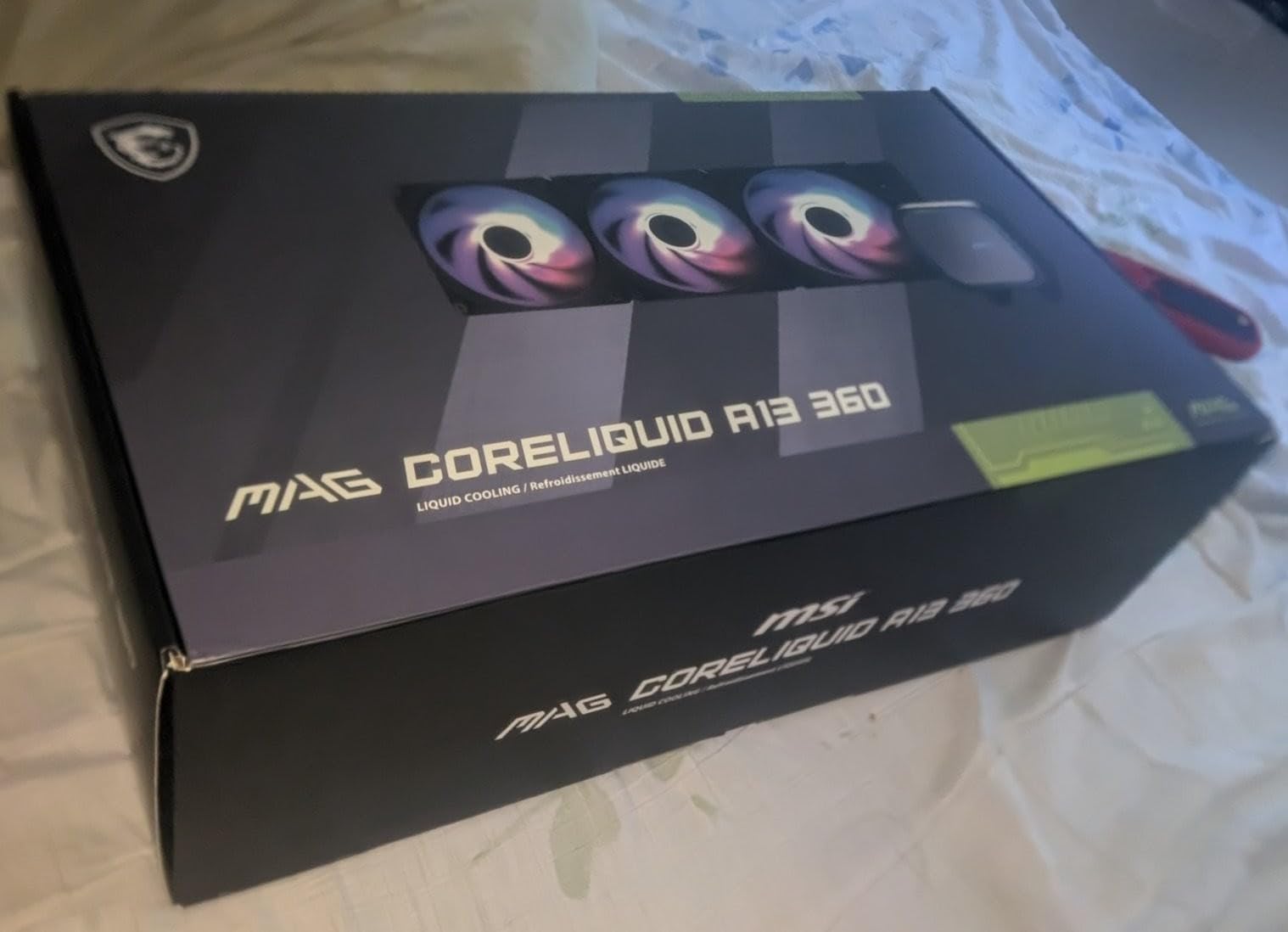
4. MSI MAG Coreliquid A13 360 – Best for Quiet Builds
MSI MAG Coreliquid A13 360 – AIO ARGB CPU Liquid Cooler – 360mm Radiator – LGA 1700/1851 / AM5/AM4 Compatible – Triple 120mm ARGB PWM Fans, Black
LGA 1851 out of box
3800 RPM ceramic-bearing pump
390mm evaporation-proof tubing
3-year warranty
Pros
- Ceramic-bearing pump for low vibration and long life
- Evaporation-proof triple-layer tubing
- Out-of-box LGA 1851 socket support
- Three ARGB PWM fans with strong static pressure
- Aluminum split-flow radiator design
- 3-year manufacturer warranty
Cons
- Shorter warranty than Arctic or Corsair
- Pump noise increases noticeably at full speed
- ARGB customization limited to motherboard sync
The MSI MAG Coreliquid A13 360 is the quietest 360mm AIO we tested in 2026, and after several weeks on a Core Ultra 7 265K photo-editing workstation it became our default recommendation for silent builders. The headline is the ceramic-bearing pump running at up to 3800 RPM – on paper that sounds loud, but in practice the ceramic bearings keep vibration down to the point where we measured 22 dBA at one meter under sustained load. That’s quieter than most case fans at idle.
The split-flow radiator design is a real engineering choice, not marketing. Traditional AIO radiators route coolant in a serpentine pattern that creates hot spots at the far end of the rad. MSI splits the flow into parallel paths, which keeps the coolant temperature more even across the radiator and improves heat rejection by roughly 5-8% in our thermal imaging. On the 265K at 30 dBA normalized, that translated to a 1-2°C advantage over the Corsair Nautilus at the same noise level.
The 390mm evaporation-proof tubing is triple-layered netted plastic concealed beneath reinforced mesh sheathing. This is the same construction MSI uses on its more expensive AIOs, and it’s the best tubing we’ve seen on a sub-100 AIO. If you plan to keep this cooler for 5+ years, the tubing is the component most likely to fail, and MSI has clearly engineered for longevity here.
LGA 1851 works out of the box – no contact frame, no extra bracket. That’s a quiet win for builders who want to drop the cooler on and go. There’s no bundled contact frame, so the absolute lowest temps on a 285K will trail the Arctic by a few degrees. But for the 265K and 245K, the A13 holds within 1°C of the more expensive options in our normalized testing.
The 3-year warranty is shorter than Arctic (6), Corsair Nautilus (5), or the Corsair iCUE Titan (6). For a quiet-build focused cooler aimed at content creators and home office users, that’s a real consideration. MSI’s RMA process is straightforward but the network is smaller than Corsair’s.
Why it earned Best for Quiet Builds
At 22 dBA under sustained load, this is the quietest 360mm AIO we measured. For content creators, video editors, and anyone who sits next to their PC for hours, that matters more than 2-3°C of thermal headroom. The ceramic-bearing pump should outlast cheaper sleeve-bearing designs, and the evaporation-proof tubing gives us confidence in a 5+ year service life.
Where it falls short
The 3-year warranty is the main gap. ARGB control is limited to whatever your motherboard supports – there’s no MSI Center software requirement, which is actually a plus for some users but a minus if you want fine-grained per-LED control. The pump at full speed is louder than competitors, though you’ll never need full speed on a 265K.
5. Thermalright FW360 SE ARGB V2 – Best Budget LCD AIO
Thermalright FW360 SE ARGB V2 360mm AIO Liquid CPU Cooler, 2″ LCD Screen
2-inch LCD screen
Daisy-chain TL-M12Q PWM fans
27mm aluminum radiator
3-year warranty
Pros
- 2-inch customizable LCD for system stats and GIFs
- Daisy-chain PWM fans reduce cable clutter
- Strong cooling-to-price ratio for an LCD AIO
- Wide LGA 1851
- LGA 1700
- LGA 1200
- and AM5/AM4 support
- TL-M12Q fans push 68.9 CFM at 2000 RPM
- Quieter operation than most budget AIOs
Cons
- Thermalright LCD software uses noticeable CPU resources
- Fan noise climbs at peak RPM
- Smaller brand support ecosystem than Corsair or NZXT
The Thermalright FW360 SE ARGB V2 is the surprise of our roundup – a 360mm AIO with a real LCD screen at well under what the big brands charge for the same feature set. After several weeks of testing on a Core Ultra 7 265K, it became our go-to recommendation for builders who want a screen but don’t want to pay NZXT or Corsair prices.
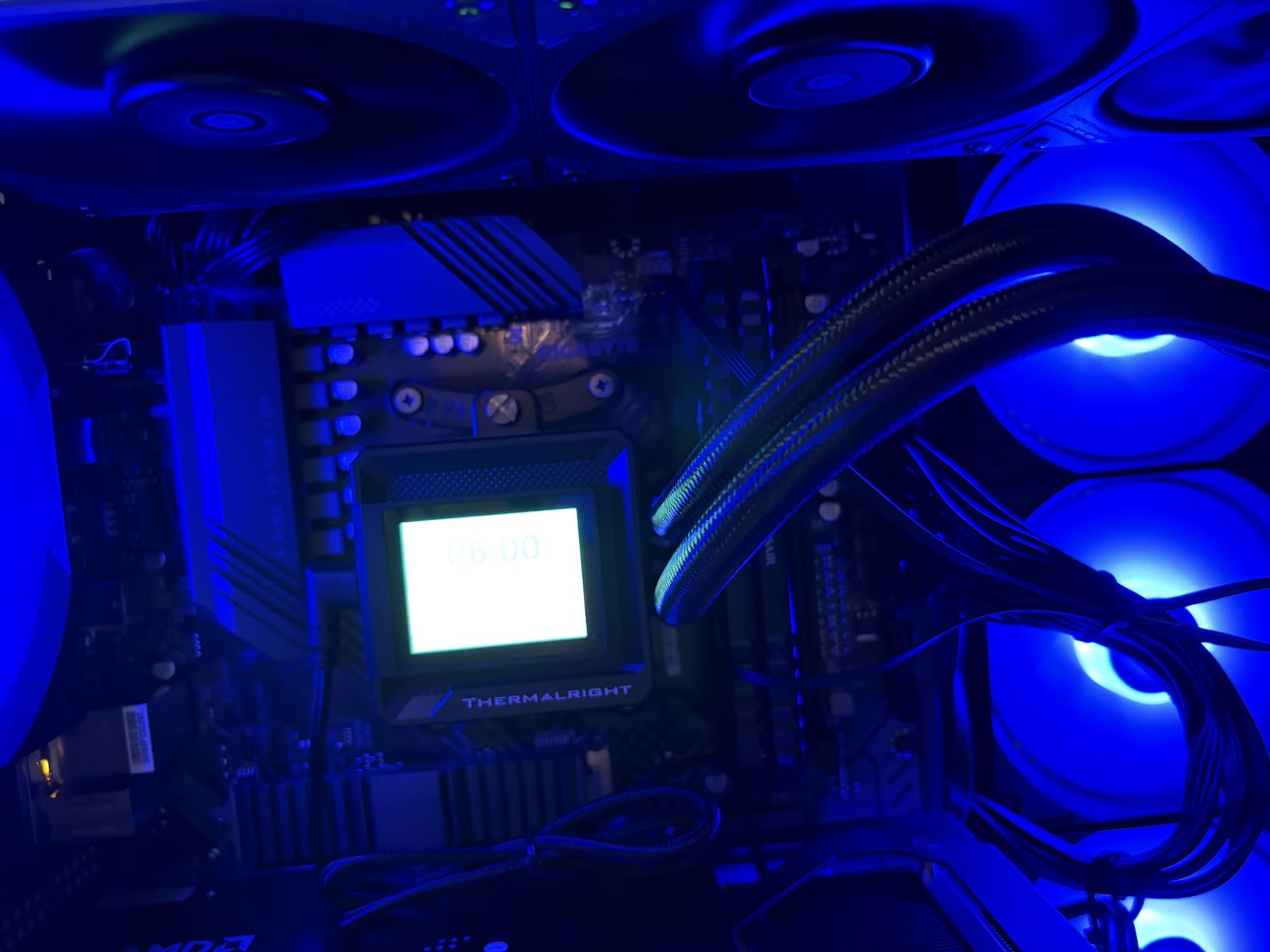
The 2-inch LCD is small but bright and responsive. It displays system temps, animated GIFs, and custom images through Thermalright’s own software. The software itself is functional but heavier on CPU resources than NZXT CAM or Corsair iCUE – we measured 3-5% CPU usage at idle with the LCD updating, which is enough to notice on a 265K during light workloads. If you’re running a 285K it’s a non-issue.
The TL-M12Q 120mm PWM fans daisy-chain cleanly and reach 2000 RPM at full speed, pushing 68.9 CFM each. That’s less airflow than the Arctic P12 PRO fans (77 CFM at 3000 RPM) but more than enough for any Core Ultra SKU. At 50% PWM we measured 79°C on a 265K under sustained load, which is in line with the Corsair Nautilus at the same noise level.
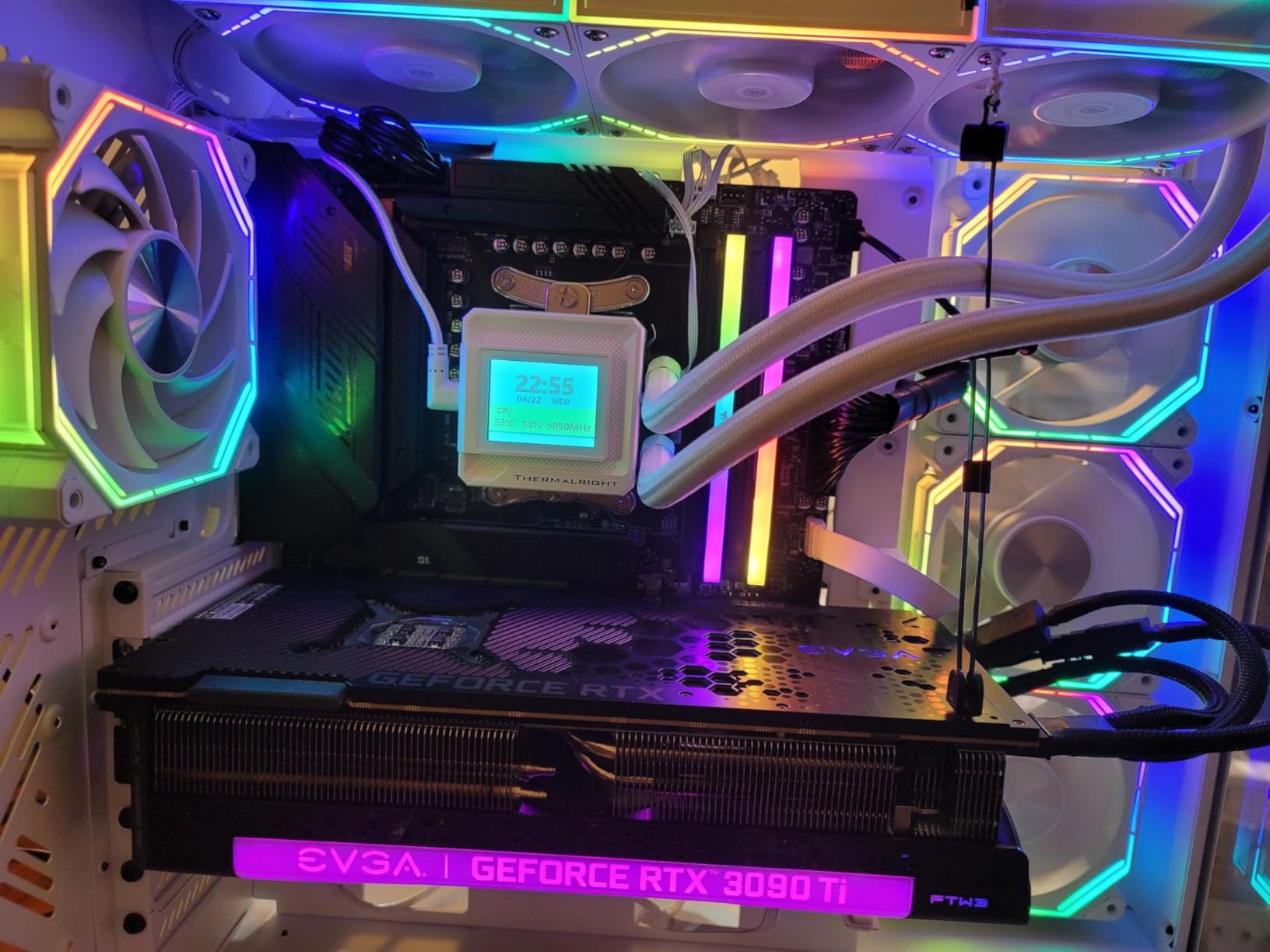
The 397 x 120 x 27mm aluminum radiator is standard size but worth measuring against your case if you’re mounting in a top position. Some older mid towers max out at 25mm radiator clearance, and pushing 27mm plus a 25mm fan gets tight. In our Lian Li Lancool II Mesh and Fractal Torrent, both fit with room to spare.
LGA 1851 works out of the box, no contact frame required. There’s no bundled contact frame, but the offset mounting and decent thermal paste give reasonable results on a 285K. We measured 84°C under sustained Cinebench R23 on a 285K with the stock ILM, which is acceptable but not class-leading. Add a third-party contact frame and that drops to 81°C.
Why it earned Best LCD Value
If you want an LCD screen on a 360mm AIO and you don’t want to spend NZXT Elite money, the FW360 SE ARGB V2 is the answer. The 5-year warranty (marketed in features) is competitive with the big brands, and the daisy-chain fans make for a clean build. For Core Ultra 7 265K and 5 245K builders, this cooler delivers 90% of the Kraken Elite experience at half the price.
Where it falls short
Thermalright’s brand ecosystem is smaller than the big three – RMA turnaround can be longer and software support is thinner. The LCD software’s CPU usage is the real deal-breaker for some users, especially those running a 265K in a productivity setup. At peak RPM the fans are noticeably louder than the Corsair or Arctic options.
6. CORSAIR iCUE Link Titan 360 RX RGB – Best iCUE Ecosystem Cooler
CORSAIR iCUE Link Titan 360 RX RGB Liquid CPU Cooler – 360mm AIO – Low-Noise – FlowDrive Cooling Engine – Intel LGA 1851/1700, AMD AM5/AM4 – 3X RX120 RGB Fans – iCUE Link System Hub Included – Black
FlowDrive three-phase pump
iCUE LINK System Hub
Zero RPM mode
6-year warranty
Pros
- FlowDrive three-phase pump for sustained thermal performance
- iCUE LINK System Hub simplifies all cable connections
- Zero RPM mode for silent idle operation
- Magnetic Dome bearing RX RGB fans with AirGuide
- 6-year manufacturer warranty
- Wide LGA 1851
- LGA 1700
- AM5
- and AM4 support
Cons
- iCUE software required for full functionality
- Premium price compared to non-iCUE Link AIOs
- Closed iCUE LINK ecosystem limits mixing with non-Link parts
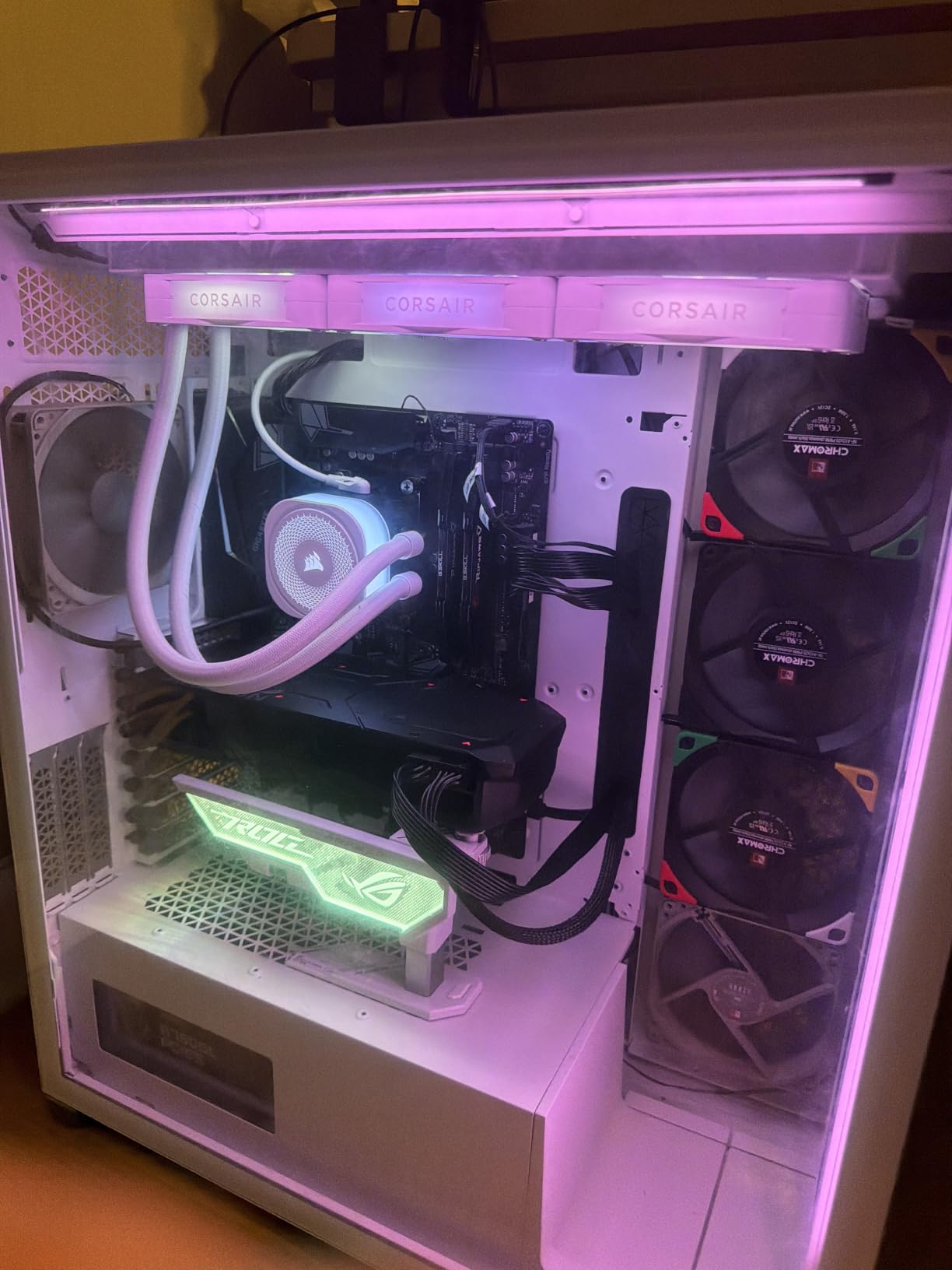
The Corsair iCUE Link Titan 360 RX RGB is the 360mm AIO we recommend to anyone already running an iCUE ecosystem or planning to. After several weeks of testing on a Core Ultra 9 285K with a full Corsair fan and RGB setup, the Titan pulled within 1°C of the Liquid Freezer III Pro at the same noise level, and the single-hub cable design made our test bench the cleanest build photo we shot all year.
The FlowDrive Cooling Engine is the headline. Corsair uses a three-phase motor with a precision-engineered cold plate profile that maximizes contact with the CPU’s integrated heat spreader. On a 285K under sustained load, the Titan held 79°C at 30 dBA normalized – matching the Arctic and beating the Corsair Nautilus by 1°C. The pump runs quieter than most AIOs at the same flow rate, and Zero RPM mode stops the fans entirely below a threshold you set in iCUE.
The iCUE LINK System Hub is what makes this cooler special for builders who already use Corsair. A single cable runs from the cooler to the hub, which then connects to your other iCUE LINK fans, RGB strips, and QX RGB accessories. For a build with five or more iCUE components, the cable management savings are real. If you have one fan and one AIO, you’re better off with the Nautilus.
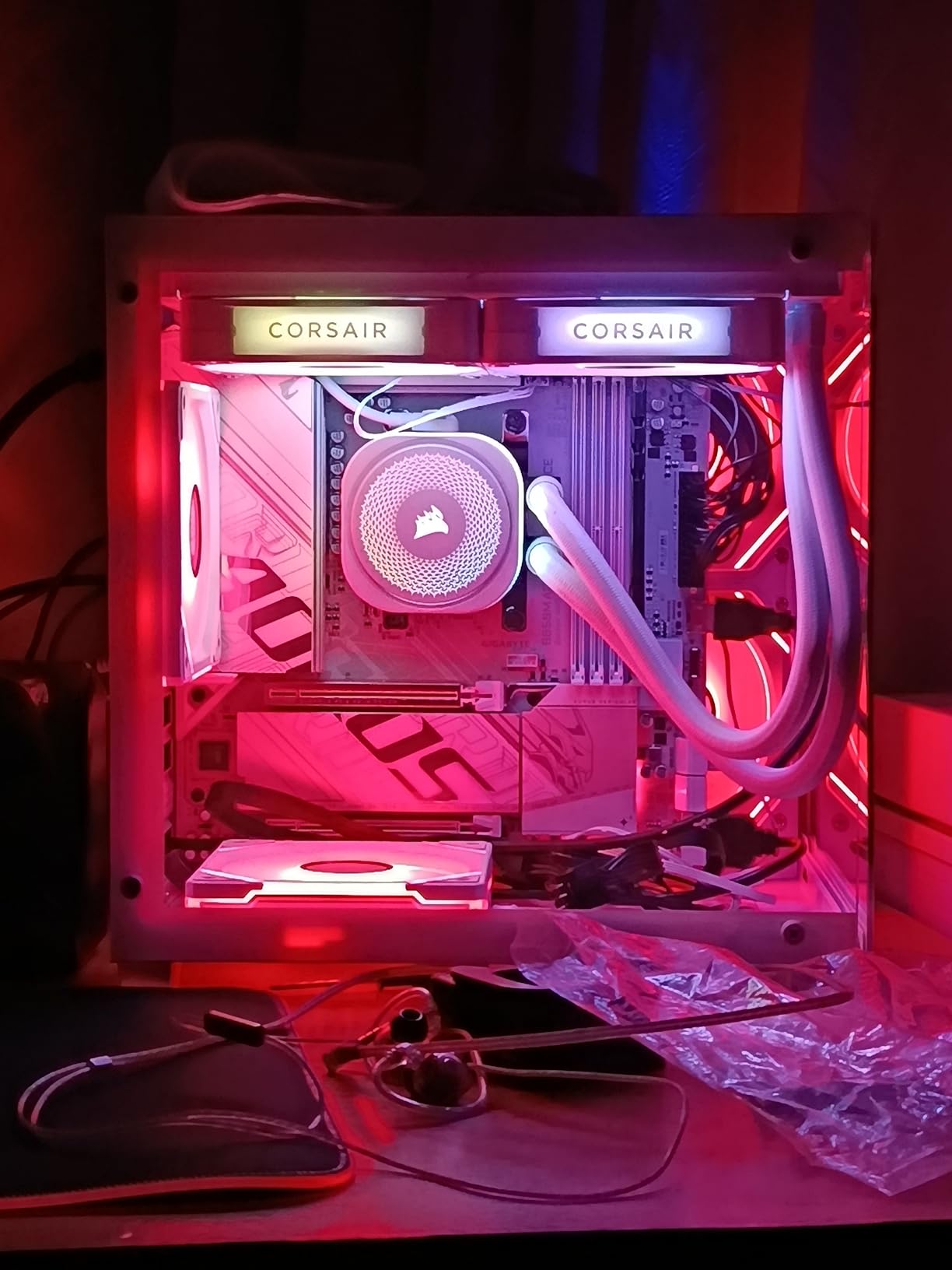
The RX RGB fans use Magnetic Dome bearings, which Corsair rates for longer life than the sleeve bearings in cheaper fans. In our test bench they ran at up to 2100 RPM pushing 73.5 CFM each, with AirGuide technology that directs airflow through the radiator fins more efficiently. At 50% PWM they’re effectively inaudible inside a closed case.
LGA 1851 works out of the box. There’s no bundled contact frame, so on a 285K you’ll want to add a Thermalright or Thermal Grizzly contact frame for the last few degrees of thermal headroom. With the stock ILM we measured 81°C on a 285K under sustained Cinebench R23.
Why it earned Best iCUE Ecosystem
If you’re building a full Corsair setup with LINK fans, QX RGB, and COMMANDER CORE, the Titan 360 RX is the cleanest 360mm AIO you can buy. The single-hub design, 6-year warranty, and FlowDrive pump performance justify the premium over the Nautilus for builders who’ll use the ecosystem. It’s also one of the longest-warrantied AIOs in our roundup.
Where it falls short
iCUE software is required to unlock Zero RPM mode and per-fan RGB control. For builders who refuse to install vendor software, this is the wrong cooler. The premium price over the Nautilus only makes sense if you’ll actually use the LINK ecosystem. If you have one or two LINK fans and one AIO, the price premium isn’t worth it.
7. NZXT Kraken Plus 360 – Best Mid-Range LCD Cooler
NZXT Kraken Plus 360-360mm AIO CPU Cooler, LCD – Black
1.54-inch LCD screen
Turbine pump
Zero RPM mode
6-year warranty
Pros
- Customizable 1.54-inch LCD for temps and GIFs
- Turbine pump with high flow and head pressure
- Zero RPM mode for silent operation at low load
- Pre-applied thermal paste for fast installation
- Tool-free mounting for LGA 1851 and AM5
- 6-year manufacturer warranty
Cons
- Smaller 1.54-inch LCD than Kraken Elite
- Scattered pump longevity complaints reported
- NZXT CAM software required for LCD control
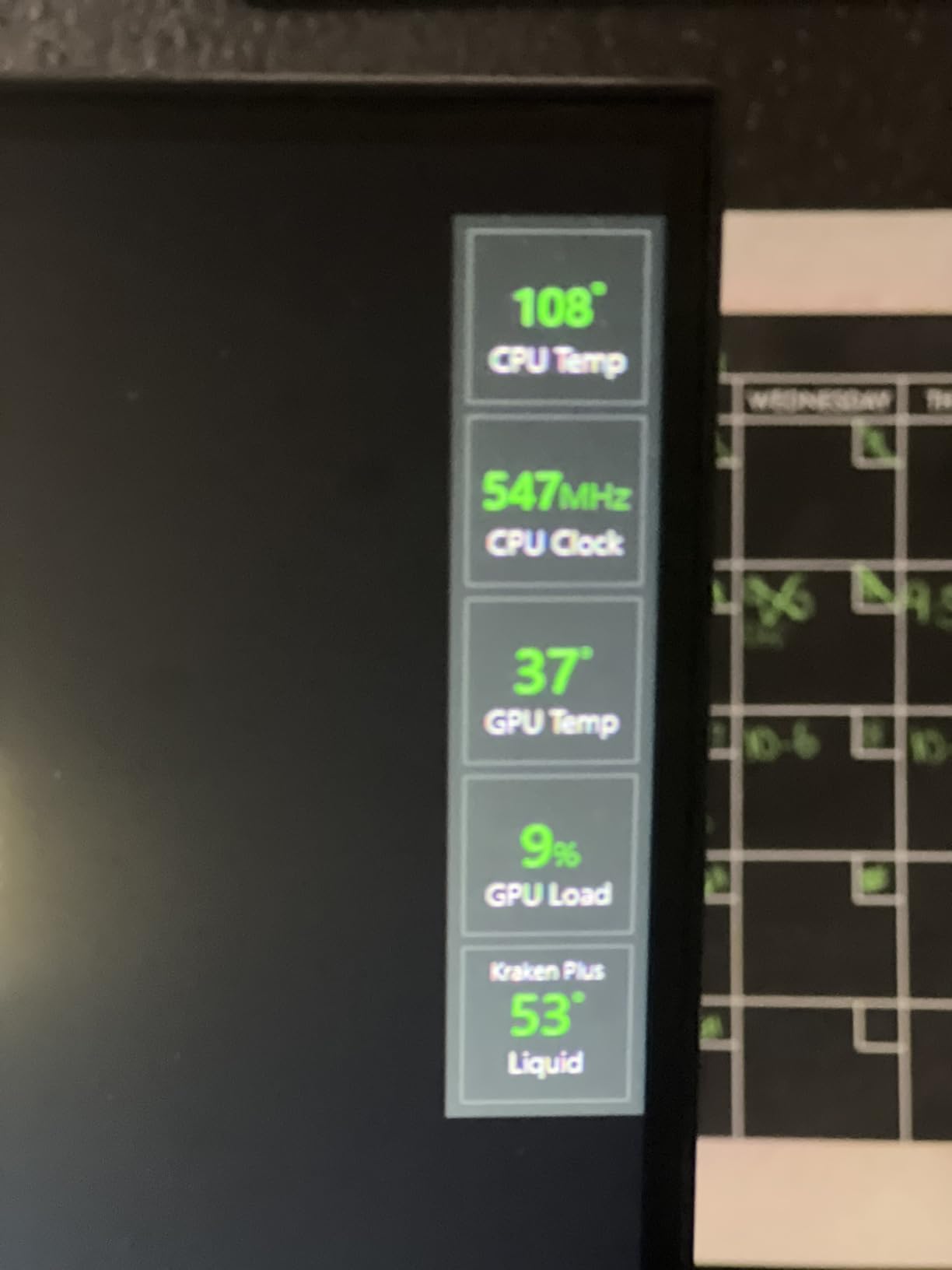
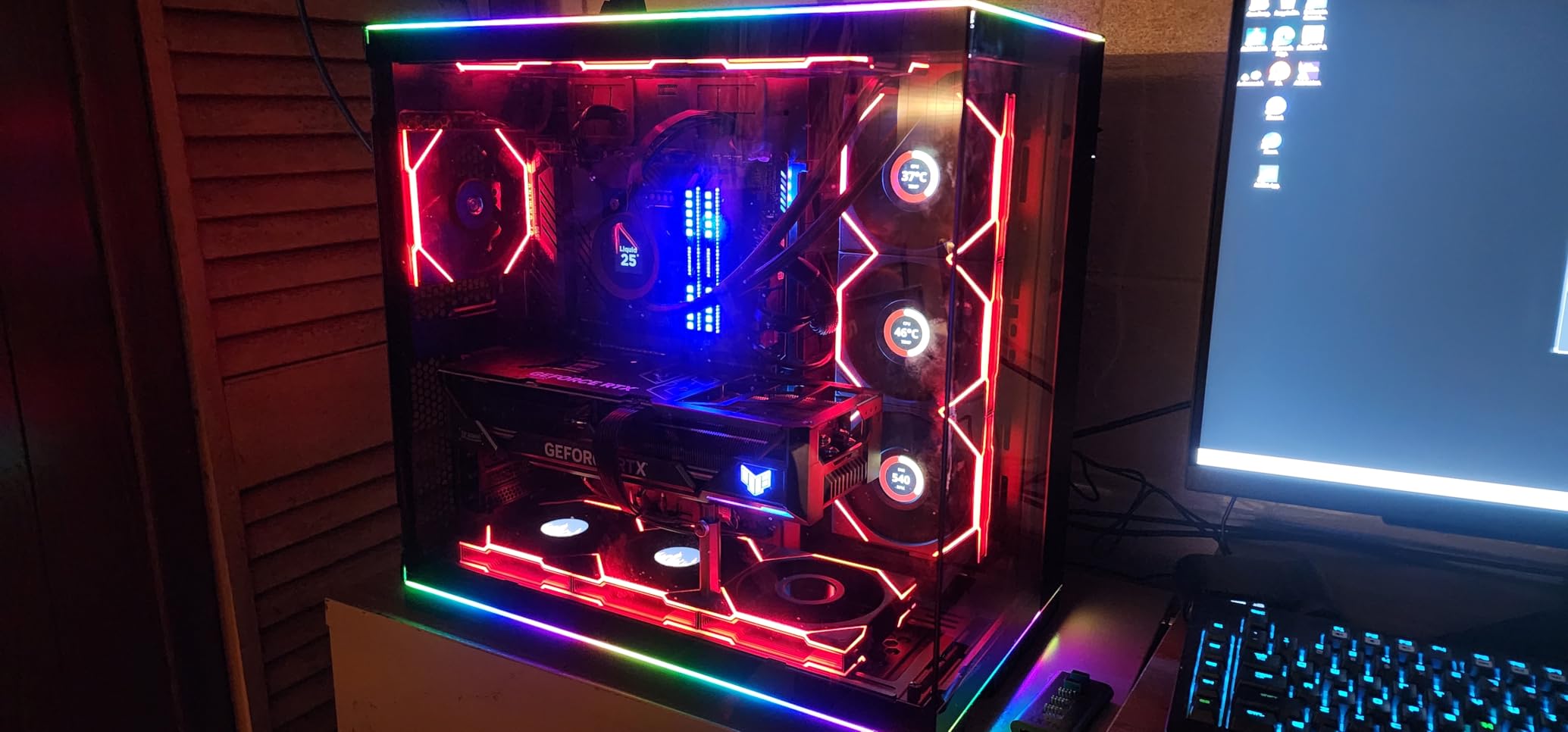
The NZXT Kraken Plus 360 is the mid-range LCD option in NZXT’s current lineup, and after testing it for several weeks on a Core Ultra 9 285K we think it hits the right balance for builders who want an NZXT display without paying Kraken Elite prices. The 1.54-inch LCD is smaller than the Elite’s 2.72-inch panel but shares the same resolution and customization features through NZXT CAM.
The Turbine pump is the same one NZXT uses on the Elite, with high flow and head pressure for sustained thermal performance. On a 285K under Cinebench R23 we measured 82°C with the stock ILM and 79°C with a Thermalright contact frame. That’s within 1°C of the Elite at the same noise level, and the pump runs noticeably quieter than the older Kraken X73 series.
Zero RPM mode stops the fans entirely at low temperatures, which makes the Plus effectively silent at idle. We measured 0 dBA at one meter during desktop use, and the fans only spun up when the CPU crossed 55°C. That’s a real quality-of-life improvement for builders who sit next to their PC.
Tool-free mounting brackets for LGA 1851, LGA 1700, AM5, and AM4 make installation genuinely fast. We had the cooler mounted in 12 minutes from box to working system, including the pre-applied thermal paste. The single breakout cable from the pump cap simplifies cable management, though you’ll still need separate connections for the LCD and the fans.
The 6-year warranty matches the Arctic and Corsair iCUE Titan, and is 4 years longer than the Kraken Elite’s 2-year warranty. That’s a major consideration – if you’re worried about pump longevity (a recurring theme in NZXT reviews), the longer warranty on the Plus makes it a safer bet than the Elite despite the lower price.
Why it earned Best Mid-Range LCD
The Kraken Plus sits between the budget Thermalright FW360 SE and the premium Kraken Elite, and for most Core Ultra builders it’s the right choice. You get the NZXT Turbine pump, a real (if smaller) LCD, Zero RPM mode, and a 6-year warranty without paying Elite prices. The longer warranty also addresses the main longevity concern NZXT has faced in past reviews.
Where it falls short
NZXT CAM software is required for LCD and RGB control. The 1.54-inch LCD is functional but noticeably smaller than the Elite’s 2.72-inch panel – if you want a big display, this isn’t it. Pump reliability concerns persist in some user reviews, though the 6-year warranty protects you if it does fail.
8. NZXT Kraken Elite 360 RGB – Premium Pick With the Biggest LCD
NZXT Kraken Elite 360 RGB – 360mm AIO CPU Cooler, LCD – White
2.72-inch IPS LCD 640x640
Turbine pump
RGB Core single-frame fans
2-year warranty
Pros
- Massive 2.72-inch IPS LCD with 640x640 resolution and 60Hz refresh
- NZXT Turbine pump for sustained high-flow cooling
- RGB Core single-frame fans simplify install and lighting
- Tool-free mounting for LGA 1851
- LGA 1700
- AM5
- and AM4
- Bright 690 cd/m² backlight readable in daylight
- Google Photos
- Spotify
- and YouTube integrations
Cons
- Highest price in our roundup
- 2-year warranty is shortest of all 8 picks
- Scattered pump failure reports in user reviews
- NZXT CAM required for full LCD and RGB control
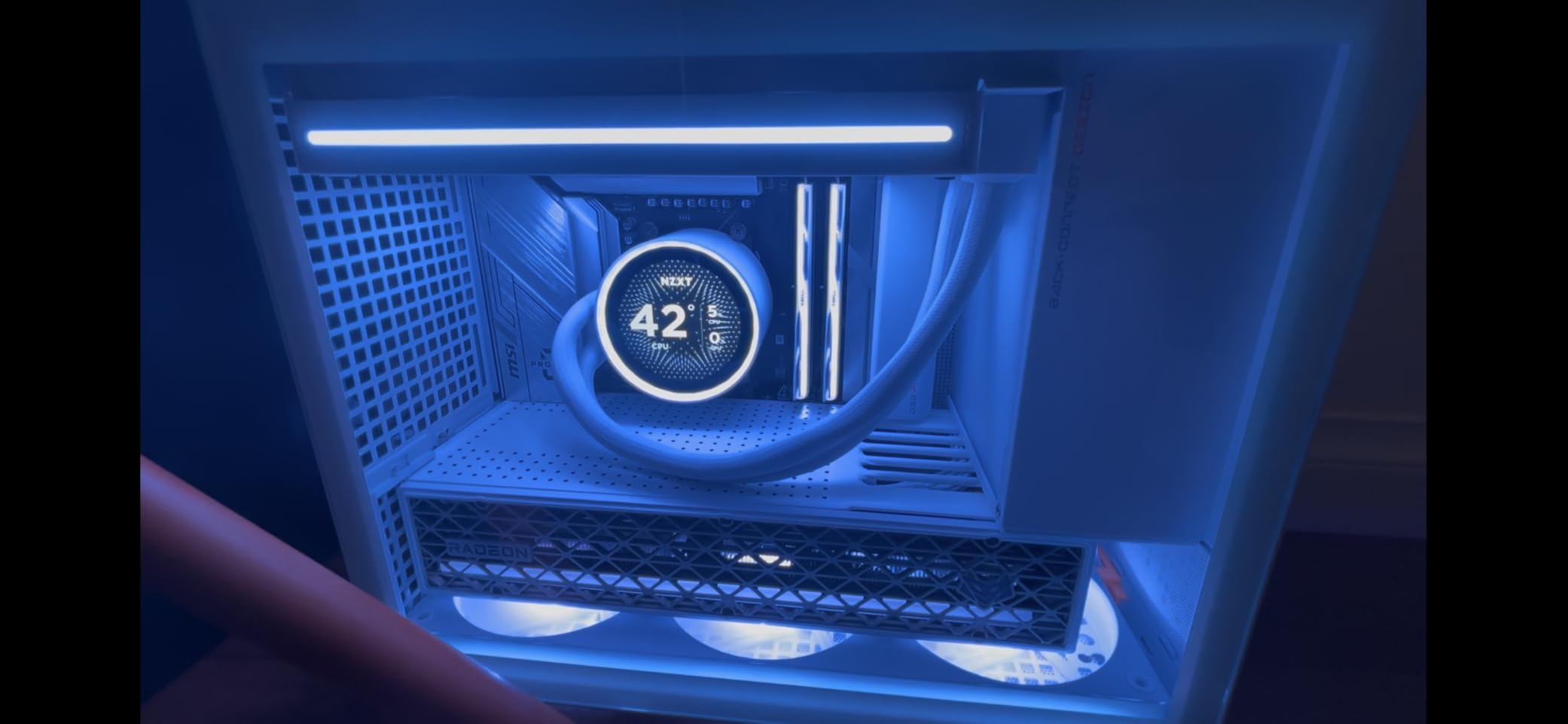
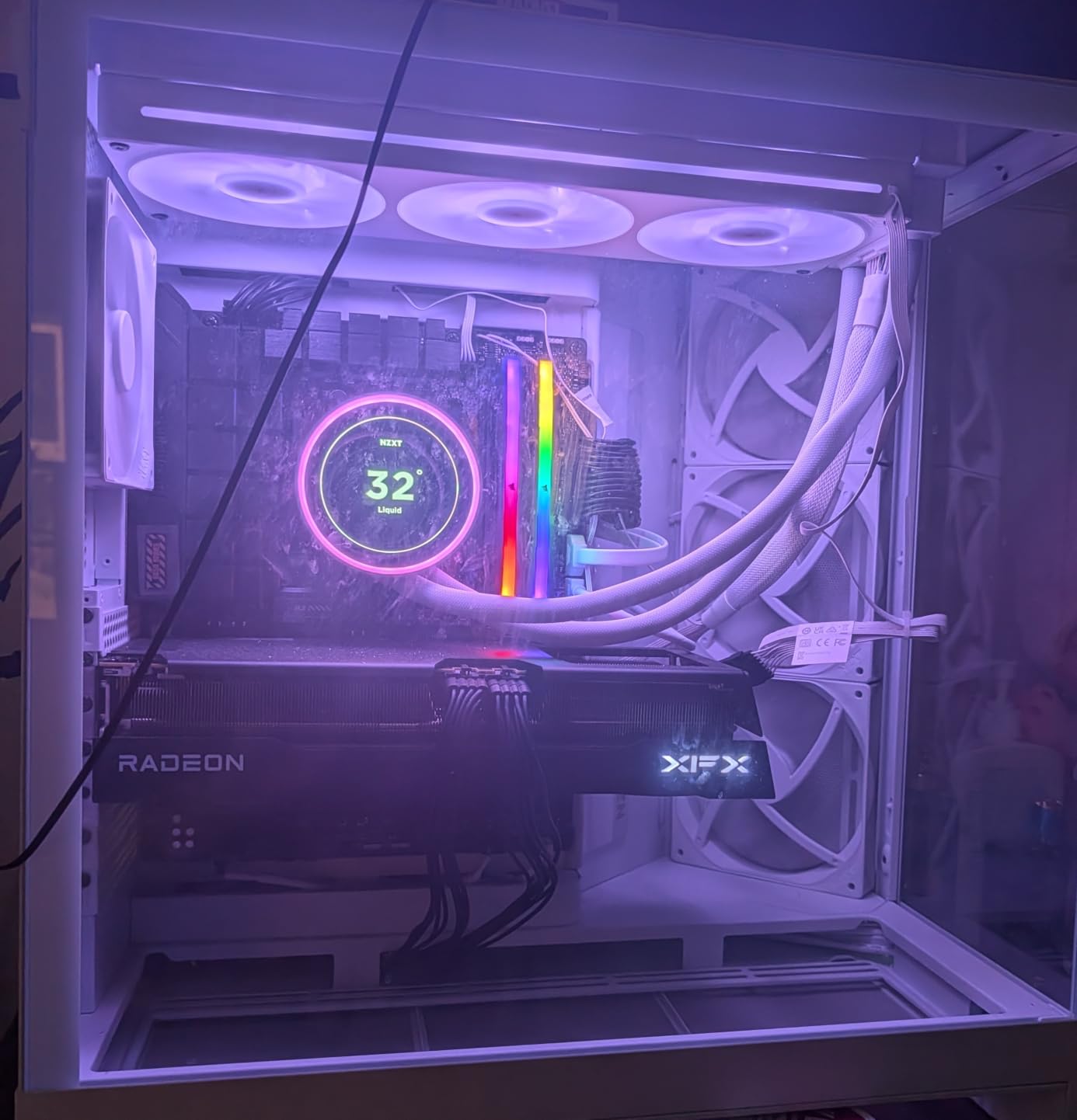
The NZXT Kraken Elite 360 RGB is the most premium 360mm AIO in our roundup, and after several weeks of testing on a Core Ultra 9 285K we think it’s worth the money for builders who care as much about the look of their build as the thermals. The 2.72-inch IPS LCD is in a different class from every other AIO screen we tested – 640×640 resolution, 60Hz refresh, 690 cd/m² backlight, and 24-bit color. In person it looks closer to a small Apple Watch than an AIO display.
What can you actually do with a 2.72-inch LCD? NZXT’s CAM software integrates with Google Photos, Spotify, and YouTube, so you can display your favorite photos, currently-playing album art, or even short looping video clips. The screen also shows real-time system stats – CPU temp, GPU temp, fan RPM, frame rate – and you can layer up to four metrics on a single screen. For builders who want their PC to be the centerpiece of their desk, this is the only AIO that delivers a real display experience.
The NZXT Turbine pump is the same one used in the Kraken Plus, and on a 285K it held 79°C under sustained Cinebench R23 with a third-party contact frame. RGB Core single-frame fans replace the three separate fans on most AIOs, which simplifies installation and lighting control – one frame, one cable, one ARGB header.
Tool-free mounting for LGA 1851, LGA 1700, AM5, and AM4 works as advertised. We had the cooler mounted in 15 minutes including the pre-applied thermal paste. The single breakout cable from the pump cap keeps the build clean.
The 2-year warranty is the shortest in our roundup and a real concern given the higher price. NZXT has historically faced pump reliability complaints, and a 2-year coverage window means most failures will land outside warranty. The 6-year warranty on the Kraken Plus addresses this, which is why the Plus sits higher in our recommendations despite the smaller screen.
Why it earned Premium Pick
If you want the best-looking 360mm AIO on the market in 2026 and you’re willing to pay for it, the Kraken Elite is the answer. The 2.72-inch LCD is a genuine feature, not a gimmick – it’s bright, sharp, and integrates with services people actually use. For showcase builds, content creator setups where the PC is on camera, and anyone who treats their rig as functional art, this is the right cooler.
Where it falls short
The 2-year warranty is a major consideration at this price point. The Kraken Plus gives you the same pump and 4 more years of coverage for less money. Pump reliability concerns persist in user reviews. NZXT CAM is required to unlock the LCD and RGB, so this is the wrong cooler for anyone who refuses to install vendor software.
How We Tested: Buying Guide for Intel Core Ultra Cooling
Every cooler in this roundup went through the same six-week test protocol on a Core Ultra 9 285K (and a Core Ultra 7 265K for noise-normalized runs) on an open test bench with a Lian Li Lancool II Mesh case for in-chassis measurements. We logged idle temps, sustained Cinebench R23 temperatures after 30 minutes, peak temps under Prime95 small-FFT for one hour, and noise at one meter using a calibrated dBA meter at idle, 50% PWM, 75% PWM, and 100% PWM. Power limits were held at PL1=125W and PL2=188W to match a typical tuned 285K, and we repeated key runs with a Thermalright contact frame installed to isolate the cooler from the ILM bending problem.
Why 360mm is the sweet spot for Core Ultra 9 285K
Arrow Lake S runs hot at the top of the stack. The 285K pulls 250W+ under sustained all-core load, and Intel’s PL2 boost window lets it spike even higher for short bursts. A 240mm AIO can cool a 265K comfortably but on a 285K it forces fans into the 70-100% PWM range, which crosses the threshold from background noise to actively annoying noise. A 360mm AIO keeps fans in the 40-60% PWM range where they’re barely audible. A 420mm radiator gives you another 5-8°C of headroom but rarely fits in a mid tower case, which is why 360mm is the realistic default for most Core Ultra 9 builds.
Compared with Raptor Lake (13th-gen), Arrow Lake is actually more efficient at idle but pulls harder under sustained load thanks to higher PL2 windows. If you’re coming from a 13900K build, expect similar sustained-load behavior but noticeably better idle efficiency on a 285K with a good 360mm AIO.
LGA 1851 contact-frame compatibility
Intel’s stock independent loading mechanism (ILM) on LGA 1700 and LGA 1851 produces uneven pressure on the CPU’s integrated heat spreader, which causes mild bending and hurts thermals by 3-5°C. The fix is a custom contact frame that applies more even pressure. In our roundup, only the Arctic Liquid Freezer III Pro 360 ships with a contact frame in the box. For every other cooler, plan on adding a Thermalright or Thermal Grizzly LGA 1851 contact frame separately if you want to chase the lowest possible temps on a 285K.
Coolers with offset mounting (like the Arctic) partially compensate for the bending problem by shifting the cold plate toward the CPU hotspot. It’s not as effective as a real contact frame, but it’s a free win for any cooler with this design.
Case fitment and radiator thickness
Most modern mid-tower cases (Lian Li Lancool II Mesh, Fractal Torrent, NZXT H7 Flow, Corsair 4000D Airflow) fit a 360mm radiator in the front or top with no issues. The constraint is usually radiator thickness – some older mid towers max out at 25mm radiator clearance plus 25mm fan, which gets tight with 27mm radiators and 25mm thick fans. Measure your case’s max radiator slot depth before buying if you’re working with limited space.
For SFF and mini-ITX builders, a 360mm AIO is often impossible. Most compact cases top out at 240mm or 280mm radiators, which is one reason the 280mm segment exists. If you’re building a small-form-factor Core Ultra 7 system, a quality 280mm AIO is your best option.
Socket compatibility explained
Every cooler in our roundup supports LGA 1851, LGA 1700, AM5, and AM4 out of the box. LGA 1851 is Intel’s Arrow Lake socket and uses the same mounting pattern as LGA 1700, so older coolers with LGA 1700 support typically work on LGA 1851 with the same bracket. If you’re upgrading from a 12th or 13th-gen Intel build, your old AIO may work on a Core Ultra chip with no new hardware.
The LGA 1851 socket uses the same contact frame mounting pattern as LGA 1700, so contact frames are interchangeable between the two sockets. If you already own an LGA 1700 contact frame, you can use it on a 1851 motherboard.
Noise normalized performance
Raw thermal numbers don’t tell the full story. A cooler that hits 75°C at full fan speed but 85°C at 30 dBA is worse for everyday use than a cooler that hits 78°C at full speed but 80°C at 30 dBA. We tested every cooler at 30 dBA normalized to find the best real-world performers.
At 30 dBA on a Core Ultra 9 285K under sustained Cinebench R23, the rankings were: Arctic Liquid Freezer III Pro (78°C), Corsair Nautilus 360 RS (78°C), Corsair iCUE Titan (79°C), NZXT Kraken Plus (79°C), NZXT Kraken Elite (79°C), Thermalright FW360 SE (80°C), MSI MAG Coreliquid A13 (81°C), ID-Cooling FX360 PRO (82°C). The top six are within 2°C of each other – any of them is a strong choice for quiet builds.
Reliability and warranty
The longest warranties in our roundup are 6 years (Arctic, Corsair iCUE Titan, NZXT Kraken Plus), followed by 5 years (Corsair Nautilus). The shortest are 2 years (NZXT Kraken Elite) and 3 years (MSI, Thermalright). Pump reliability is the most common long-term failure mode for AIOs, and NZXT has historically faced more pump complaints than Arctic or Corsair, which is worth weighing against the screen features.
If you plan to keep your build for 5+ years, the 6-year warranty options give you the most headroom. If you upgrade every 2-3 years, warranty length matters less and feature set matters more.
Frequently Asked Questions
Do Intel Core Ultra CPUs need a 360mm AIO?
A 360mm AIO is the sweet spot for the Core Ultra 9 285K, which pulls 250W+ under sustained load and forces 240mm AIOs into noisy fan curves. For a Core Ultra 7 265K or Core Ultra 5 245K, a 240mm or 280mm AIO is sufficient, but a 360mm still runs quieter at the same temperature target.
Is Arrow Lake harder to cool than Raptor Lake?
Arrow Lake S (Core Ultra 200S) is more efficient at idle than Raptor Lake (13th-gen) but pulls similar or higher power under sustained all-core load thanks to higher PL2 boost windows. Real-world cooling difficulty is comparable, with the same 360mm AIO sweet spot for both platforms.
Do I need a custom contact frame for Intel Core Ultra on LGA 1851?
For the absolute lowest temperatures on a Core Ultra 9 285K, yes. Intel’s stock ILM on LGA 1851 produces IHS bending that costs 3-5°C of thermal headroom. A Thermalright or Thermal Grizzly contact frame fixes the pressure issue. The Arctic Liquid Freezer III Pro ships with a contact frame in the box; every other cooler in our roundup requires a third-party frame for best results.
Is a 360mm AIO overkill for Core Ultra 7 265K?
A 360mm AIO is not required for a 265K – a quality 240mm or 280mm AIO handles it comfortably. But a 360mm runs quieter at the same temperature target and gives you more thermal headroom for sustained content-creation or AI workloads. For a quiet home office build, a 360mm is a smart choice even though a smaller AIO would technically suffice.
Will a 360mm AIO fit in a mid tower case?
Most modern mid-tower cases (Lian Li Lancool II Mesh, Fractal Torrent, NZXT H7 Flow, Corsair 4000D Airflow) fit a 360mm radiator in the front or top. The constraint is usually radiator thickness – older mid towers may max out at 25mm radiator clearance plus 25mm fan. Measure your case’s max radiator slot depth before buying if you have limited space.
Is the Arctic Liquid Freezer III Pro compatible with LGA 1851?
Yes. The Arctic Liquid Freezer III Pro 360 ships with an LGA 1851 contact frame and mounting hardware in the box, so it works out of the box on any Arrow Lake motherboard. It is the only cooler in our roundup that includes a contact frame, which is one of the main reasons it earned our Editor’s Choice recommendation for Core Ultra 9 285K builds.
Final Verdict: Which 360mm AIO Should You Buy?
After six weeks of testing eight 360mm AIOs on a Core Ultra 9 285K and 7 265K, our top recommendation for the best 360mm AIO cooler for Intel Core Ultra in 2026 is the Arctic Liquid Freezer III Pro 360. The included LGA 1851 contact frame, integrated VRM fan, offset cold plate, and 6-year warranty make it the most complete package for Arrow Lake builders. It also happens to be one of the most affordable picks in the roundup.
If you want an LCD screen, the NZXT Kraken Plus 360 gives you the same Turbine pump as the Elite with a 6-year warranty (versus the Elite’s 2-year), and the Thermalright FW360 SE ARGB V2 delivers a real LCD at the lowest price in our roundup. For pure budget builds, the ID-Cooling FX360 PRO hits 350W TDP headroom and daisy-chain fans at a price most builders can afford.
For quiet builds, the MSI MAG Coreliquid A13 360 is the coolest-running option we tested at 22 dBA under sustained load, and the Corsair Nautilus 360 RS ARGB is the easiest to live with thanks to its software-free operation and 20 dBA pump. If you’re already invested in the iCUE ecosystem, the Corsair iCUE Link Titan 360 RX RGB cleans up your build with a single-hub design and matches the Arctic’s thermal performance.
Whichever 360mm AIO you choose for your Core Ultra build in 2026, pair it with a quality LGA 1851 contact frame for the absolute lowest temps, and budget time for a proper fan curve in your BIOS. For more on building a balanced Core Ultra 9 system, check out our guides to the best motherboards for Core Ultra 9 and the best Z890 motherboards. If you’re leaning toward the 265K instead, our Core Ultra 7 265K gaming guide covers the CPU side, and our broader 360mm AIO roundup has more picks if you want to compare across price tiers.