
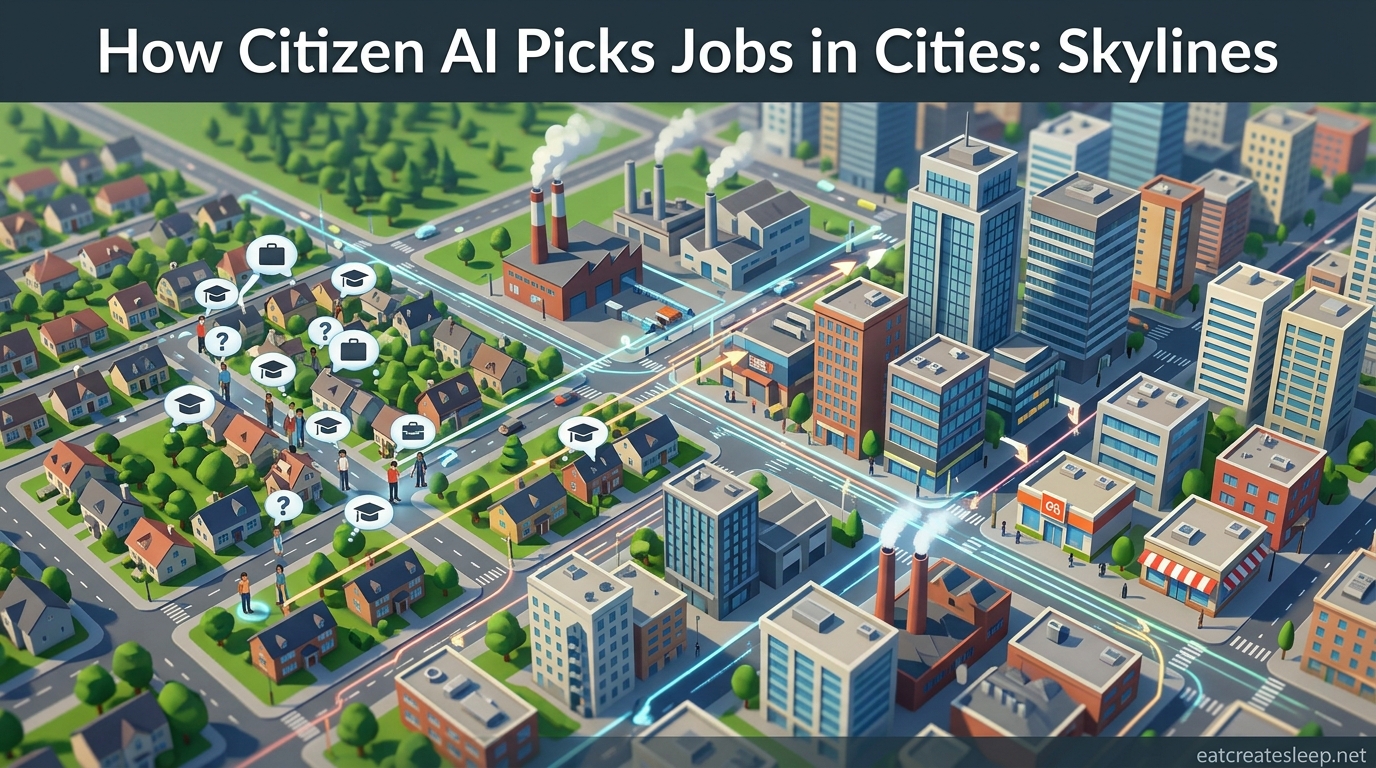
If you have ever stared at a six-lane avenue in Cities: Skylines and watched a single car bring the whole thing to a halt, you have already met the citizen AI. The system that decides where each simulated resident lives, works, and drives is the single biggest influence on whether your city flows or gridlocks. Understanding how citizen AI picks jobs and homes in Cities: Skylines (and why it jams traffic) is the difference between building a smooth metropolis and fighting your own roads every in-game week.
Cities: Skylines citizen AI is not one algorithm. It is a stack of systems: a job and home assignment routine, a pathfinding engine, a traffic simulation loop, and a set of cost rules that tell each agent which route looks “cheapest.” When those rules work together, you get a living city. When they fight each other, you get a 3,000-population town where every road is stuffed.
This guide breaks down each layer of the AI, explains the quirks the community has been complaining about for years, and shows you the levers you can actually pull. Whether you play the original Cities: Skylines or the sequel, the same core ideas apply, with some important differences we will cover near the end.
Table of Contents
How Citizens Pick Jobs in Cities: Skylines?
In Cities: Skylines, citizens do not apply for jobs the way a real person would. The moment a residential zone fills with a new household, the game assigns that citizen a job. The selection is closer to “nearest available opening” than “best fit for the resident.” This single design choice is the root cause of most traffic complaints.
In the original Cities: Skylines, the assignment logic leans heavily on proximity. When a commercial building or factory reports a vacancy, the game pairs it with an unemployed citizen who lives nearby. That sounds reasonable until you realize the AI does not check whether a closer resident is also unemployed, whether the citizen is qualified, or whether the commute route is sane. A citizen can end up driving across the entire map because the job slot happened to open in that building at that moment.
Players on the r/CitiesSkylines subreddit have tested this for years. The common finding: citizens are sent to “the nearest job available,” not the optimal job. If your industrial zone is on the east side and your residential blocks are on the west side, every commute is forced across whatever link you built between them. One bad interchange and the whole workforce sits in queue.
Education complicates things further. An uneducated citizen will not take a job that requires highly educated workers, and a highly educated citizen will refuse to work an uneducated slot if better options exist. If your schools produce too many graduates and your industry still demands uneducated labor, you get a mismatch: educated citizens stay unemployed while factories sit empty. Both groups still generate trips as the AI tries to reassign them.
The job assignment also refreshes. When a citizen retires, dies, or quits, the slot opens again and gets reassigned to whoever is closest at that tick. Over a long game, the same job can be held by ten different citizens, each from a different neighborhood. Your traffic patterns keep shifting underneath you even when you have not built anything new.
The practical takeaway: the job assignment system rewards you for placing residential zones next to the workplaces they serve. Mixed-use zoning, balanced industrial-to-residential ratios, and avoiding huge single-use districts all help because they keep the random assignments short-distance by default.
How Citizens Pick Homes in Cities: Skylines?
Home assignment runs on the same proximity logic as jobs, but in reverse. When a new residential building becomes available, the game looks for a homeless citizen or a household that needs a property and drops them into the nearest vacant home. There is no interview, no preference survey, and no check for whether the new home is close to the citizen’s assigned job.
This is where a strange and well-documented bug-like behavior appears. After work, citizens do not always return to the home they started in. The community has reported for years that a citizen finishing a shift will “go to the nearest vacant property,” which can be a completely different building on a different street. The original home is treated as just another available slot. Over time, households drift across your city without ever moving in the way a real family would.
Land value plays a role in where citizens want to live, but not in the assignment itself. High land value areas attract citizens who can afford them, and low land value areas fill with whoever is left. Happiness, services, parks, and pollution all nudge land value, which then nudges who ends up where. The actual assignment tick is still nearest-vacant-property, but the desirability layer filters which properties fill first.
The interaction between home assignment and job assignment is what makes the system feel chaotic. A citizen gets a random job on one side of the map. Then a new home opens on the opposite side. The citizen “moves” there. Now the commute is twice as long, and the pathfinder has to route it. Multiply that by thousands of agents and you have a city that spends most of its simulation budget moving people who should not be going that far.
The workaround is the same as with jobs: cluster your zoning. If homes, jobs, and services are all within a few blocks of each other, the random assignments stay local and the long commutes never get generated. Spread your zones apart and the AI has no choice but to send everyone driving.
Citizen Lifecycle and Age Stages
Every citizen in Cities: Skylines moves through age stages, and each stage changes how they use the road network. The lifecycle is one of the most under-explained systems in the game, and it directly affects traffic because different ages prefer different travel modes.
Children cannot drive. They walk, use school buses, or ride public transit. A city with lots of children and no school bus network will see foot traffic pile up on sidewalks, which in CS1 can actually contribute to congestion at crossings. Children also do not work, so they only generate trips to school and back.
Teens are the cheapest travelers. According to Paradox’s own developer diary for Cities: Skylines II, teens weight the Money cost factor heavily, meaning they prefer free or cheap options like walking and buses over driving. If your city has a large teen population and weak transit, you will see a lot of walking and waiting at bus stops.
Adults are the dominant driver class. They weight Time above all else, so they prefer the fastest route even if it costs more. Adults are your commuters, your shoppers, and your freight drivers. Most of the traffic in a mature city comes from adults going to and from work.
Seniors weight Comfort. They prefer routes with less congestion, smoother roads, and often public transit if it is comfortable. Seniors also stop working, which removes their commute trip but adds leisure and shopping trips. A city with a large retiree population will have different traffic peaks than a city full of young workers.
The lifecycle also drives population churn. Citizens are born, grow up, take jobs, retire, and die. Each transition can trigger a new home or job assignment, which means your traffic network is constantly being rebalanced by the simulation. Death waves, where a large cohort dies at once and frees up homes all at once, are a famous result of this lifecycle system.
The Role of Education in Job Matching
Education is the bridge between your residential zones and your workplaces. Cities: Skylines uses three education levels: uneducated, educated, and highly educated. Each workplace demands a mix, and each citizen can only fill slots at or below their level.
Elementary schools produce educated citizens. Universities produce highly educated citizens. If you build no schools, your workforce stays uneducated and can only fill industrial and low-tier commercial jobs. If you build schools everywhere and over-educate your population, you end up with highly educated citizens who refuse to work uneducated slots, leaving factories understaffed.
The wage system in the simulation ties education to productivity. Highly educated workers produce more output, generate more tax revenue, and work in higher-tier commercial and office buildings. Uneducated workers keep basic industry running. The mismatch problem appears when you have, say, a city full of universities but you keep zoning heavy industry. The industry demands uneducated labor that does not exist, and the educated citizens stay unemployed or take jobs in other districts, generating cross-city commutes.
Education also indirectly drives traffic through its effect on job assignment range. An educated citizen searching for an appropriate slot will skip past uneducated openings, which means they may travel further to find a matching workplace. The job assignment loop does not care about distance as much as it cares about filling the slot correctly, so qualified citizens can end up driving long distances to the one office building that has an opening at their level.
The fix is to plan education supply around job demand. If your industry is huge, leave some residential areas under-schooled. If you are going heavy on offices and high-tier commercial, build schools everywhere. Matching the two keeps citizens close to their jobs and removes the long educated-worker commutes that clog your roads.
The Road Network: Nodes, Segments, and Lanes Under the Hood
To understand pathfinding, you have to understand how Cities: Skylines represents roads internally. The game does not see a road the way you see it on screen. It sees a graph made of nodes, segments, and lanes.
A node is a point of interest. Every intersection, every endpoint, every place where a road connects to another road or a building is a node. Nodes are where decisions happen: which way to turn, which lane to be in, whether to stop for traffic. The density of your node network affects how granular the simulation can be. More nodes means more decision points, which means more accurate traffic but also more computational cost.
A segment is the road between two nodes. Each segment has properties: length, speed limit, lane count, lane type (vehicle, bus, bike), and whether it allows turning. When the pathfinder evaluates a route, it walks through segments and adds up their costs. A short highway segment with a high speed limit is cheap. A long, narrow, low-speed street segment is expensive. The route with the lowest total cost wins.
Lanes are the finest unit. A segment can have multiple lanes, and the AI tracks which lane a vehicle is in and which lane it needs to be in for its next turn. This is where the infamous “cut across three lanes to turn left” behavior comes from. The citizen knows they need the left lane at the next node, but they only check lane position at certain points, not continuously. If they realize too late, they swerve.
Roundabouts work because they insert extra nodes and segments that force the AI to make smaller, simpler decisions at each entry and exit. Highways work because their segments have high speed limits and no cross-traffic nodes, making them cheap in the pathfinder’s cost math. A poorly designed surface road with too many close-together nodes can actually be more expensive to traverse than a longer highway route, which is why the AI sometimes sends citizens on what looks like a detour.
Lane count matters too. The AI tries to distribute traffic across available lanes, but only when the lane actually leads somewhere useful. Adding lanes to a road that funnels into a single-lane intersection does not help, because the bottleneck is the node, not the segment. This is the classic “widening the road does not fix the intersection” problem that real traffic engineers also face.
How Pathfinding Actually Works in Cities: Skylines?
The pathfinding engine is the brain of citizen AI. When a citizen needs to go somewhere, the pathfinder computes a route from their current node to their destination node by minimizing total cost. In Cities: Skylines 1, the cost is essentially travel time, with some weight on distance. In Cities: Skylines 2, Paradox introduced a richer cost model with four factors: Time, Comfort, Money, and Behavior.
Time is how long the trip takes, accounting for speed limits and segment length. Comfort accounts for road quality, congestion, and how pleasant the route is; citizens prefer routes with less stop-and-go. Money captures direct costs like parking fees, tolls, and fuel. Behavior is the citizen’s personal preference, which is where age-based travel choices come in; a teen weights Money high, an adult weights Time high, a senior weights Comfort high.
The pathfinder locks in a route at departure. In CS1, once a citizen picks a path, they stick with it even if traffic conditions change mid-trip. This is why you see cars sitting in a jam when an empty parallel road is one block away. The citizen has no mechanism to re-evaluate. CS2 added some dynamic rerouting, but the effect is still limited; the simulation cannot afford to recompute routes for every agent every tick.
The simulation tick rate is the heartbeat. Cities: Skylines runs the simulation in discrete ticks, and each tick only a fraction of agents are fully simulated. The rest are abstracted or skipped. CS1 had a hard simulation cap of 65,000 active agents. Once your city exceeded that, the game started faking traffic: vehicles would appear and disappear, citizens would teleport, and the visible traffic stopped representing the full population. CS2 removed the hard cap by using a different architecture, but performance still limits how many agents can be fully simulated at once.
The A* algorithm (or a close variant) is what makes this computationally feasible. Pure Dijkstra’s algorithm would explore too much of the graph. A* uses a heuristic, usually straight-line distance to the destination, to bias the search toward the goal and prune irrelevant branches. Without that optimization, a city with tens of thousands of citizens could not run on a consumer PC at all.
The cost model has one more implication worth knowing: the pathfinder does not predict congestion. It looks at the network as it is right now, not as it will be in ten minutes when every other citizen also picks the same cheap route. This is why a newly opened highway can instantly fill up. Every agent independently decides it is the cheapest path, and the system has no coordination mechanism to spread them out.
Why Traffic Jams Form? (and Why the AI Seems Dumb)
Now we get to the question every player eventually asks: if the AI is this elaborate, why does traffic still feel broken? The answer is that the same systems that make the simulation possible at scale also create the failures you see on screen.
The first cause is the lack of opportunistic lane changing. The AI commits to a lane based on the route it locked in at departure. If a lane opens up next to a jammed citizen, they do not move into it. Players constantly report “vehicles sitting idle despite room to move,” and that is exactly what is happening. The citizen is in the lane the pathfinder assigned, and the simulation does not give them the flexibility to adapt.
The second cause is late lane selection. As mentioned, citizens sometimes realize they need a different lane only when they are already at the node. The result is the infamous three-lane swerve to make a left turn. This blocks every lane behind them while they cut across, which cascades into a jam that has nothing to do with overall traffic volume.
The third cause is the teleportation fallback. When the simulation cannot resolve a situation, a citizen stuck in gridlock, a service vehicle that cannot reach its destination, or an agent that has been waiting too long, the game may simply teleport the agent to where it needs to be. This is an immersion-breaking last resort, but it exists to keep the simulation from completely deadlocking. Players hate seeing it because it makes the traffic feel fake, but without it, a single jam could freeze a city permanently.
The fourth cause is the simulation cap in CS1. Once you exceed 65,000 agents, the game starts cutting corners. New citizens spawn but their trips are not fully simulated. Vehicles appear and vanish. The visible traffic no longer represents the real demand on your network, which means your fixes might not be addressing the actual problem because you cannot see it.
The fifth cause is structural: the random job and home assignment we covered earlier. Even with perfect pathfinding, if half your city is assigned jobs on the opposite side of the map, the network has to carry that load. No amount of road-widening fixes a demand pattern that is fundamentally inefficient. This is why small cities with only 3,000 residents can gridlock: the assignments are bad, and the pathfinder faithfully routes everyone through the same few connections.
The community consensus, expressed repeatedly on r/CitiesSkylines and r/CitiesSkylines2, is that the AI is not stupid in the sense of being broken. It is stupid in the sense of being rigid. It follows rules correctly, but the rules do not include the flexibility that real drivers have. Mods like TM:PE (Traffic Manager: President Edition) for CS1 are considered essential precisely because they give players control over the rules: manual traffic lights, lane arrows, junction restrictions, and parking AI.
CS1 vs CS2: How the AI Changed
Cities: Skylines II shipped with a rebuilt AI, and the differences are worth understanding if you play both. The biggest structural change is the removal of the hard simulation cap. CS2 uses a different architecture that can simulate far more agents simultaneously, which means the visible traffic is a more accurate representation of actual demand. No more disappearing cars at high population.
The cost model is new. CS2’s Time, Comfort, Money, Behavior system replaced CS1’s simpler time-and-distance model. This is what enables the age-based travel preferences: the same citizen makes different choices at different life stages because their Behavior weight shifts. A teen takes the bus because it is cheap. The same citizen, as an adult, drives because it is fast.
Parking became a real system. In CS1, parking was largely abstracted. In CS2, citizens search for parking, parking has a cost, and the availability of parking affects whether a citizen chooses to drive at all. This adds a new lever for traffic management: if you make parking scarce and expensive downtown, citizens switch to transit. If you make it free and abundant, they drive, and they circle the block looking for spots.
Traffic accidents were added. CS2 simulates collisions at intersections, which can temporarily block lanes and create dynamic jams. CS1 had no equivalent. The accident system means a single bad intersection design can produce recurring jams even when overall demand is low.
Despite all of this, CS2 still frustrates players. The subreddit is full of posts asking why a town of 3,000 has packed roads. The answer is the same as in CS1: the underlying assignment logic still sends citizens on long cross-city trips, and the pathfinder still does not coordinate across agents. The new systems give you more levers, but the core rigidity of the AI, locked routes, no opportunistic lane changes, no demand-aware routing, is still there.
FAQs
How to avoid traffic jams in Cities: Skylines?
Cluster residential zones near the jobs they serve, use roundabouts and highways to keep long-distance traffic off surface streets, separate industrial and residential through-traffic, and invest in public transit for non-driving age groups. Avoid zoning huge single-use districts, since the AI assigns jobs and homes by proximity and long assignments mean long commutes.
How does Cities: Skylines simulate thousands of agents at once?
The game uses a variant of the A* pathfinding algorithm on a road network represented as nodes and segments, and it runs the simulation in discrete ticks where only a fraction of agents are fully updated each tick. CS1 had a hard cap of 65,000 fully simulated agents; CS2 uses a redesigned architecture that removes the hard cap but still relies on abstraction to maintain performance.
Why are people leaving Cities: Skylines?
Citizens leave when happiness drops below a threshold, which is driven by factors like long commutes, lack of services, low land value, pollution, and unemployment. Because jobs and homes are assigned by proximity rather than preference, a badly zoned city can push happiness low enough that residential buildings empty out.
Do citizens in Cities: Skylines get reassigned to closer jobs?
Not on a fixed schedule. A citizen keeps their assigned job until they retire, quit, die, or the job disappears. Reassignment only happens when a slot opens and the nearest unemployed citizen fills it, so a citizen stuck with a far-away job will keep making that long commute until something forces a change.
What is the teleportation fallback in Cities: Skylines?
When a citizen or service vehicle has been stuck too long and the simulation cannot resolve the situation, the game teleports the agent to its destination to prevent the city from deadlocking. It exists to keep the simulation running, but players consider it immersion-breaking because vehicles and citizens visibly vanish and reappear.
Why does Cities: Skylines 2 still have so much traffic?
CS2 removed the hard agent cap and added a richer pathfinding cost model, but the core assignment logic still sends citizens on long cross-city trips, the pathfinder still locks routes at departure, and agents still cannot change lanes opportunistically. Small cities can still gridlock because the same rigid rules apply at any population scale.
Working With the AI Instead of Against It
The Cities Skylines citizen AI is not a smart driver pretending to be a person. It is a rule-following machine that does exactly what its assignment, pathfinding, and simulation systems tell it to do. When you understand those rules, you stop fighting the AI and start designing around it.
Keep jobs and homes close to each other so the random assignments stay local. Match education supply to job demand so qualified citizens do not commute across the map. Use the road network’s own cost math, nodes, segments, speed limits, and lane continuity, to nudge the pathfinder toward routes you actually want traffic to take. And accept that some quirks, like the teleportation fallback and the locked-route behavior, are features of a system that has to simulate a whole city on a single PC.
Once you internalize how citizen AI picks jobs and homes in Cities: Skylines (and why it jams traffic), every gridlock becomes a puzzle with a knowable cause rather than a random annoyance. The AI is rigid, but it is predictable, and predictable systems are ones you can design for.