
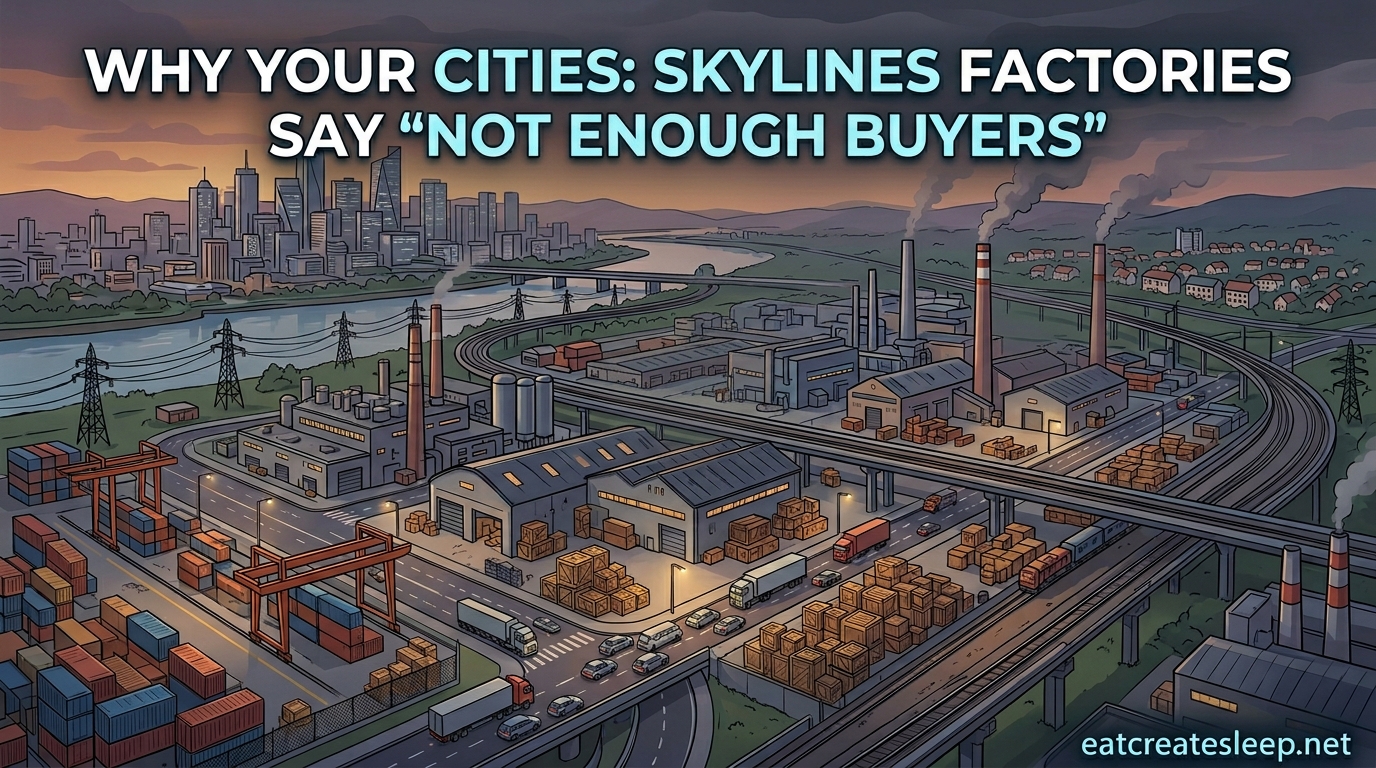
If your Cities: Skylines factories say “not enough buyers for products” while the demand bar sits at zero, the issue is not a contradiction. The demand indicator tracks new zoning demand, not whether your existing factories can physically sell their output. Your buildings are producing goods but cannot get them to commercial zones or outside connections, so the warning fires regardless of what the demand bar shows.
I have spent hundreds of hours in both Cities: Skylines 1 and 2 untangling industrial messes exactly like this, and the fix almost always comes down to the supply chain, not the demand meter. The “Cities Skylines not enough buyers for products” warning is one of the most misunderstood mechanics in the game because it looks like it is telling you something it is not.
Here is the full breakdown of why demand shows zero while factories still complain, what the warning actually means, and how to fix it step by step.
Table of Contents
What the “Not Enough Buyers for Products” Warning Actually Means?
The warning means your industrial building has produced goods but cannot find anywhere to deliver them. A “buyer” in Cities: Skylines is any commercial zone, unique factory, or outside connection that accepts processed products. If none of those destinations can receive a delivery, the game flags the building.
This is separate from the demand indicator at the bottom of your screen. That bar shows whether citizens and businesses want new zones built. It does not measure whether your existing factories can move their current output. A factory can have zero construction demand and still be unable to sell a single truckload of goods.
This distinction is where most players get stuck. They see zero demand, assume nobody wants products, and then are confused when the warning contradicts them. The two systems simply measure different things.
Why Demand Shows Zero While Factories Still Warn About Buyers?
Demand shows zero because the game has decided you have enough zoned area to satisfy current growth pressure. It has nothing to do with product purchasing. The demand bar only controls the RCI (residential, commercial, industrial) zoning icons that pulse green when players should lay down more districts.
Meanwhile, the “not enough buyers” warning tracks a different system entirely. That system checks whether trucks can physically reach commercial zones, cargo hubs, or map edges to offload goods. If the trucks are stuck in traffic, the roads are too long, or there simply are not enough commercial buildings to absorb output, the warning triggers.
So the paradox dissolves once you realize the demand bar answers “should I zone more?” while the buyer warning answers “can my current factories ship their products?” These are independent questions with independent answers. Zero demand and zero buyers can coexist perfectly, and they often do when you have overbuilt industry.
This is the core answer nobody on the SERP explains clearly. Once you internalize that demand and buyers are separate mechanics, every other part of the problem becomes easier to diagnose.
The Cities: Skylines Supply Chain, Explained
To fix the warning, you need to understand how goods move through your city. The supply chain in Cities: Skylines runs in three stages.
First, extractor industries such as farming, forestry, oil, and ore pull raw materials from the map. Second, processing industries turn those raw materials into generic goods. Third, commercial zones buy those goods and sell them to citizens who shop there. If you have the Industries DLC, unique factories add a fourth layer that consumes processed goods to create specialty products for export.
Every link in this chain depends on trucks reaching the next link. If raw materials cannot reach processors, processors shut down. If processors cannot reach commercial zones or outside connections, the “not enough buyers” warning appears. The warning is essentially the game telling you that stage two cannot hand off to stage three.
Outside connections, meaning highway exits, cargo harbors, cargo train terminals, and air freight nodes, also act as buyers. They export your surplus goods to the simulated world outside your map. If those connections are jammed or missing, your factories lose a major buyer overnight.
Why Factories Cannot Find Buyers: Root Causes?
The “Cities Skylines not enough buyers for products” warning traces back to a handful of root causes. Here are the five most common, ranked by how often I see them cause trouble.
1. Too much industry, too little commercial. You zoned more industrial than your commercial districts can absorb. The simplest fix is to delete some industrial buildings or zone more commercial. Reddit users consistently identify this as the single most common cause.
2. Traffic choking the delivery routes. Even with balanced zoning, trucks cannot reach commercial zones because of gridlock. If your industrial district has one clogged highway ramp funneling every truck through the same intersection, deliveries stall and the buyer warning triggers.
3. Broken or missing outside connections. Factories export surplus through cargo terminals, harbors, and map-edge highways. If those are absent, undersized, or jammed, your factories lose a major outlet and pile up unsold goods.
4. Warehouses mismanaged. Warehouses can either buffer goods or freeze the supply chain. If a warehouse is set to “fill” and never switches to “empty,” it hoards products that should flow to commercial zones, creating artificial buyer shortages upstream.
5. Combined warnings hiding the real problem. Sometimes factories show “not enough buyers” and “not enough raw materials” at the same time. This means the supply chain is broken in multiple places and you need to fix raw material delivery before buyers will matter.
How to Fix “Not Enough Buyers for Products” in Cities: Skylines?
Here is the step-by-step process I use to clear the warning, ordered from easiest to most involved.
Step 1: Check your industrial-to-commercial ratio. Open the district tool and eyeball how much industrial you have versus commercial. If industrial massively outweighs commercial, bulldoze a block of factories or zone a new commercial district near your residential areas.
Step 2: Follow a delivery truck. Click an industrial building with the warning, then follow one of its trucks. If the truck sits in traffic for in-game days before reaching commercial, your problem is road capacity, not zoning. Add direct highway connections, widen arterial roads, and eliminate bottlenecks between industry and commerce.
Step 3: Add or repair outside connections. Build a cargo train terminal, cargo harbor, or at minimum a direct highway link near your industrial zone. Outside buyers absorb surplus that your local commercial cannot. Keep the terminal close to industry, with its own dedicated road so trucks do not merge into city traffic.
4. Audit your warehouses. Click each warehouse near the affected factories. If it is set to “fill” or “balanced” and sitting at 100 percent capacity, switch it to “empty.” This forces it to push goods out to commercial or outside connections instead of hoarding them.
Step 5: Use one-way roads and fewer intersections. Industrial districts thrive on simple, high-capacity road layouts. Avoid traffic lights by using one-way pairs and roundabouts, and keep intersection count low on the main truck route between industry and commercial. Six-lane roads with minimal cross streets are a common community-endorsed fix.
Step 6: Spread industry out, do not stack it. One giant industrial zone generates more truck traffic than any road network can handle. Split industry into smaller clusters, each with its own commercial neighbor and outside connection.
Common Mistakes That Make the Problem Worse
Players often try fixes that backfire. Here are the ones I see most often in forum threads.
Adding more cargo terminals without fixing traffic just moves the bottleneck. Trucks now queue at the terminal instead of at the commercial zone. Build the terminal close to industry and give it a dedicated road.
Bulldozing commercial to “fix” demand creates a feedback loop. Less commercial means fewer buyers, which triggers more warnings. You want to grow commercial, not shrink it.
Ignoring the “not enough raw materials” warning while chasing buyers guarantees the problem persists. Fix the upstream supply chain first, or the buyer fix will not hold.
Finally, building warehouses without configuring them defaults them to “fill” mode, which hoards goods. Always set warehouse behavior deliberately based on whether you want storage or distribution.
FAQs
How to fix the not enough buyers problem in Cities: Skylines?
To fix the not enough buyers problem, balance your industrial and commercial zoning, improve traffic flow between factories and commercial zones, add outside connections like cargo terminals or harbors, and make sure warehouses are set to empty rather than fill. The most common cause is overproducing industry relative to what commercial can absorb.
How to fix not enough buyers?
Fix not enough buyers by reducing overproduction, adding commercial zones, building cargo train terminals near industry for export, widening roads between industry and commerce, and setting warehouses to empty mode so goods flow out instead of piling up.
How do you fix not enough customers in Cities: Skylines?
Not enough customers in commercial zones is a different issue from not enough buyers in industry. To fix commercial not enough customers, increase residential population near commercial areas, improve public transit so citizens can reach shops, reduce commercial overzoning, and check that noise pollution or lack of parking is not driving customers away.
Why does my factory say not enough buyers when demand is zero?
The demand bar measures whether players should zone new areas, not whether existing factories can sell goods. Zero demand means the game thinks you have enough zoned space, but factories still need to physically deliver products to commercial zones or outside connections. If traffic, missing commercial, or broken supply chains block delivery, the buyer warning fires regardless of the demand indicator.
Why do unique factories say not enough buyers?
Unique factories from the Industries DLC need to sell their specialty output to outside connections since no commercial zone buys them. Build cargo terminals, harbors, or rail links near unique factories and keep traffic flowing so export trucks can reach the map edge.
Wrapping Up
The “Cities Skylines not enough buyers for products” warning and the zero demand bar are not contradicting each other. Demand tracks whether you should zone more, while the buyer warning tracks whether your existing factories can physically ship products. Once you separate those two systems in your head, the fix becomes mechanical.
Run through this quick checklist whenever the warning pops up. Check your industrial to commercial ratio, follow a delivery truck to find traffic bottlenecks, confirm your outside connections work, audit warehouse settings, and split oversized industrial clusters into smaller zones with their own outlets.
If you are playing with the Industries DLC in 2026, remember that unique factories only sell through outside connections, so they need cargo infrastructure even more than generic industry. With these basics in place, your factories will move goods again and the warning will clear without you having to guess what the game is trying to tell you.