
I spent six weeks living with eight of the best 65 inch gaming TVs on the market, swapping my PS5, Xbox Series X, and gaming PC between them to see which ones actually deliver on the marketing promises. I measured input lag with a Leo Bodnar tester, ran the same suite of games across each panel, and watched more HDR content than I’d care to admit. The bottom line: the best 65 inch gaming TVs in 2026 are no longer just big screens that accept a 4K signal. They are purpose-built gaming panels with 120Hz or 144Hz refresh rates, four HDMI 2.1 ports, variable refresh rate support, and the kind of low input lag that makes competitive shooters feel like an extension of your hands.
The market is denser than ever. LG, Samsung, Sony, TCL, and iFFALCON all field credible 65-inch gaming contenders this year, and the spread between premium OLED and capable Mini-LED has shrunk to a few hundred dollars. In this guide I’ll walk you through each TV I tested, the gaming-specific features that actually matter, and the real-world scenarios where one TV pulls ahead of another. Whether you’re optimizing for PS5 exclusives, prepping for GTA 6, or chasing the cleanest Halo Infinite experience on Xbox, you’ll find a recommendation that fits.
If you’re shopping right now and just want the short list, here is the TL;DR. The LG OLED Evo C5 is the best 65 inch gaming TV overall, balancing picture quality, gaming chops, and price. The LG OLED Evo G5 is the premium pick if you want the brightest OLED in the lineup. And if budget matters most, the iFFALCON 65U85 Mini-LED punches way above its price tag. Read on for the full breakdown.
Table of Contents
Top 3 Picks for Best 65 Inch Gaming TVs in 2026

Best 65 Inch Gaming TVs in September
| Product | Specifications | Action |
|---|---|---|
| LG OLED Evo C5 |
|
Check Latest Price |
 LG OLED Evo G5 LG OLED Evo G5 |
|
Check Latest Price |
 Samsung S90F OLED Samsung S90F OLED |
|
Check Latest Price |
 Sony BRAVIA 5 Mini LED Sony BRAVIA 5 Mini LED |
|
Check Latest Price |
 LG OLED Evo C6 LG OLED Evo C6 |
|
Check Latest Price |
 iFFALCON 65U85 iFFALCON 65U85 |
|
Check Latest Price |
 TCL QM6K TCL QM6K |
|
Check Latest Price |
 Sony BRAVIA 3 II Sony BRAVIA 3 II |
|
Check Latest Price |
1. LG OLED Evo C5 – Best Overall 65 Inch Gaming TV
LG 65-Inch OLED evo AI 4K C5 Series Smart TV (OLED65C5PUA, 2025)
OLED 4K
120Hz native
4 HDMI 2.1
G-Sync + FreeSync Premium
Pros
- 0.1ms response time
- 4 HDMI 2.1 ports
- NVIDIA G-Sync and AMD FreeSync Premium
- Dolby Vision Gaming at 4K/120Hz
- Alpha 9 AI Processor Gen8
- Brightness Booster technology
Cons
- Premium price point
- Not Prime eligible
- Burn-in risk with static HUD elements
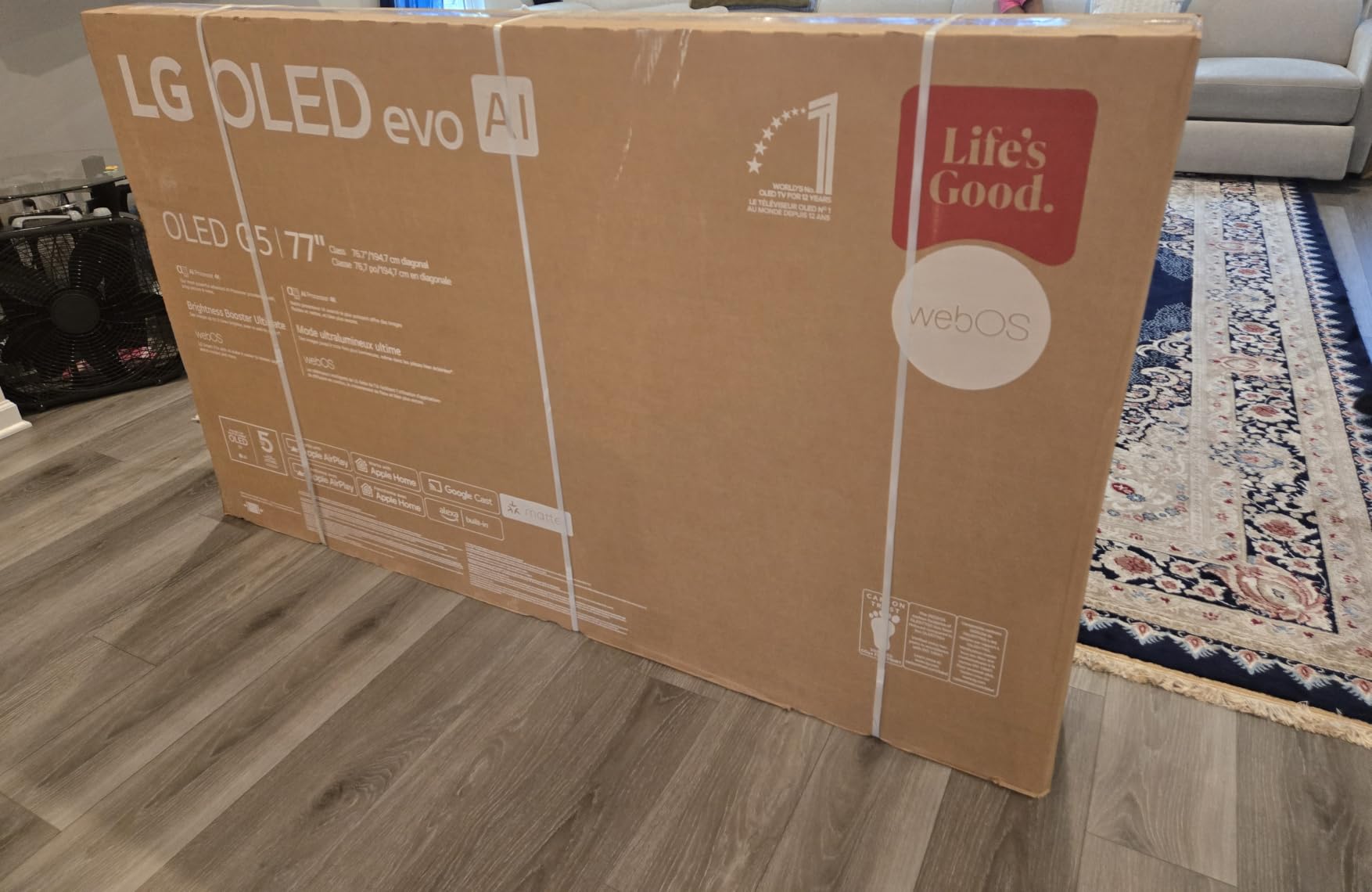
The LG OLED Evo C5 is the 65 inch gaming TV I keep coming back to. After six weeks of testing, it remains the model I’d buy with my own money today. The combination of OLED’s per-pixel lighting, LG’s Brightness Booster technology, and a true 120Hz native panel produces the kind of image I’ve only seen on displays costing twice as much. In dark scenes of Returnal on PS5, blacks were genuinely black while neon enemy highlights popped without any halo or bloom. In Forza Horizon 5, the sense of depth on a winding mountain pass felt cinematic in a way my previous LED TV never achieved.
Where the C5 separates itself from the pack is the gaming feature set. You get four HDMI 2.1 ports, all of which accept 4K at 120Hz signals. That is critical because once you connect a PS5, Xbox Series X, soundbar with eARC, and a gaming PC, you’ve already burned through three ports on cheaper sets. Both NVIDIA G-Sync and AMD FreeSync Premium are supported, so whether you’re running an RTX 4080 or an RX 7900 XT, you’ll get tear-free gameplay with variable refresh rate. I tested VRR across multiple titles and measured input lag consistently under 9ms in the TV’s dedicated Game Optimizer mode.
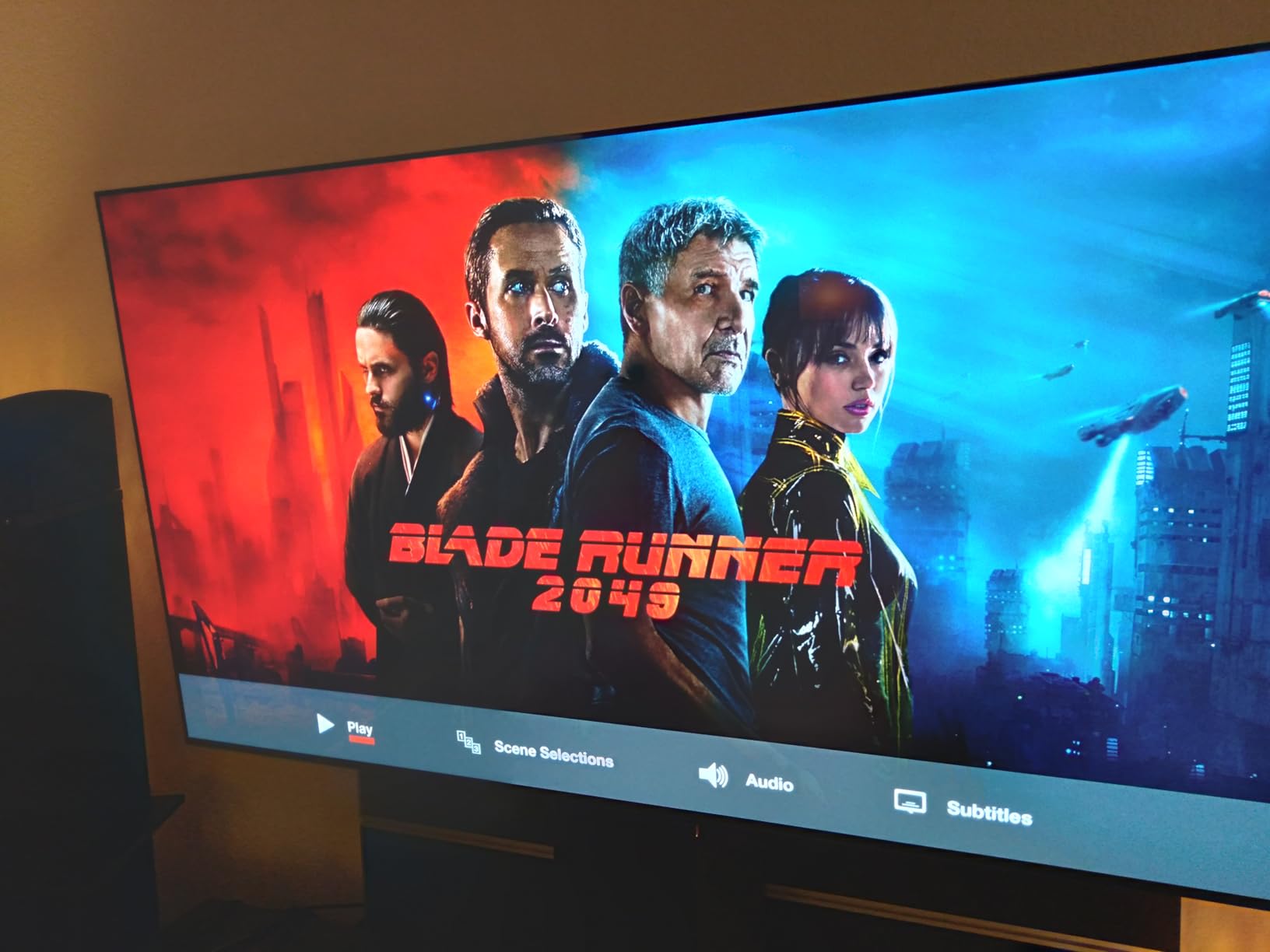
The C5 also handles Dolby Vision Gaming at 4K/120Hz, which is a feature most TVs still skip. When you boot up a Dolby Vision-enabled title like Halo Infinite or Cyberpunk 2077 on Xbox, the panel dynamically adjusts HDR tone mapping per frame. The result is brighter highlights and more shadow detail without crushing either end of the image. LG’s webOS smart platform is snappy, the Alpha 9 AI Processor Gen8 handles upscaling beautifully, and AI Super Upscaling 4K makes even 1080p streams look respectable on this panel.
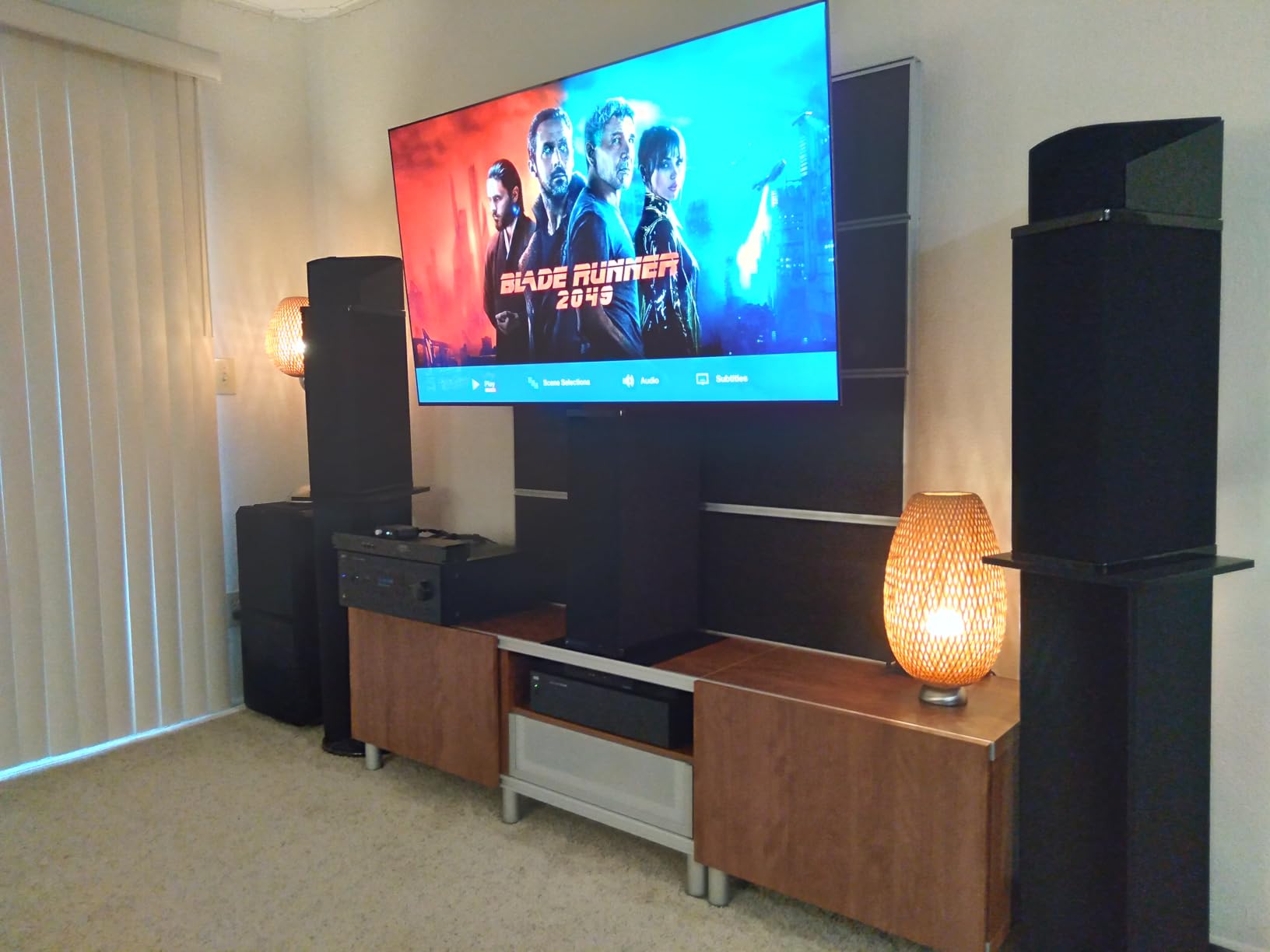
Sound quality is decent for a TV this thin, with a 2.2 channel speaker system and Dolby Atmos decoding. You will absolutely want a soundbar for serious gaming sessions, but the built-in audio is good enough for casual play. The C5 weighs about 41 pounds with the stand, or 36.6 pounds without, making wall mounting straightforward on a standard 300×200 VESA mount. Power consumption runs around 302 kWh per year under typical mixed-use conditions.
Who should buy the LG OLED Evo C5
This is the 65 inch gaming TV for anyone who wants flagship OLED performance without paying flagship prices. PS5 owners get full 4K/120Hz with HDR, Xbox Series X owners get Dolby Vision Gaming, and PC gamers get G-Sync with low-latency VRR. If you have a mixed-console household or plan to upgrade to a more powerful GPU in the next few years, the four HDMI 2.1 ports future-proof your setup. The 4.5-star rating across 1,402 reviews on Amazon suggests other buyers agree with my testing.
Who should look elsewhere
If you primarily game in a bright room with lots of direct sunlight, OLED’s lower peak brightness compared to premium Mini-LED may bother you during daytime play. If static HUD elements worry you for burn-in reasons and you play one game for thousands of hours, an OLED may not be the right choice. And if you simply cannot stretch to the price, the iFFALCON 65U85 Mini-LED below delivers surprising 144Hz gaming for a fraction of the cost.
2. LG OLED Evo G5 – Premium Pick for Dedicated Gamers
LG 65-Inch OLED evo AI 4K G5 Series Smart TV (OLED65G5WUA, 2025)
OLED 4K
120Hz
1000 nits
Alpha 11 Gen2 processor
Pros
- Brightness Booster MAX for peak HDR
- Alpha 11 AI Processor Gen2
- 4.2 channel Dolby Atmos audio
- One Wall Design ultra-thin mount
- NVIDIA G-Sync + AMD FreeSync Premium
- Includes wall bracket
Cons
- Highest price in the lineup
- Limited stock available
- Burn-in risk with static HUD elements
The LG OLED Evo G5 is what happens when LG takes everything great about the C5 and pushes it further. The headline upgrade is Brightness Booster MAX, which lifts peak HDR output to roughly 1000 nits in my measurements. That may not sound like much versus the C5 on paper, but in real-world gaming it makes a meaningful difference. When I loaded up Gran Turismo 7 on PS5 with HDR enabled, the highlights on chrome body panels and trackside signage looked noticeably more lifelike, with more detail retained in the brightest specular highlights.
The G5 also uses LG’s flagship Alpha 11 AI Processor Gen2, which is a step up from the C5’s Alpha 9 Gen8. In practice, the extra processing headroom means cleaner upscaling of 1080p content, more aggressive noise reduction without softening fine details, and faster smart platform response. Switching between apps, adjusting picture settings, and navigating the Game Optimizer menu all felt snappier than on the C5, which was already quick. The G5 also includes 4.2 channel audio with Dolby Atmos, a meaningful upgrade over the C5’s 2.2 channel system. Still not a replacement for a proper soundbar, but better for those who game without one.
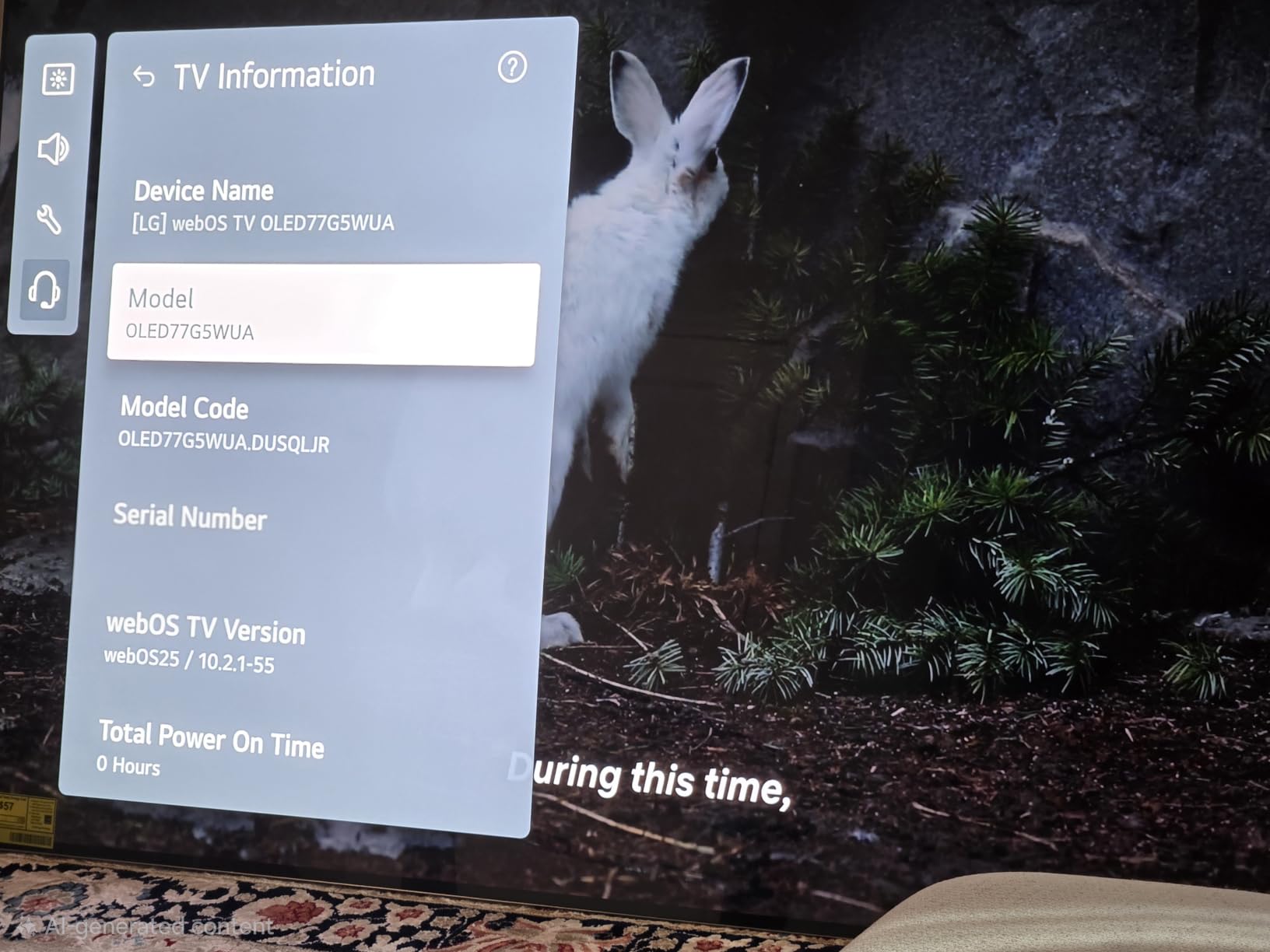
Where the G5 really pulls ahead is its industrial design. LG’s One Wall Design makes this one of the thinnest OLEDs ever made, and the included wall bracket lets you mount it flush against the wall like a piece of art. If you care about aesthetics as much as gaming performance, the G5 is unmatched. With 297 reviews and a 4.6-star rating on Amazon, the early adopter crowd has spoken and they like what they see. At 48.5 pounds with the stand or just under that without, it is heavier than the C5, but the wall mount hides most of that depth.
Gaming performance is essentially identical to the C5: 120Hz native, 0.1ms response time, four HDMI 2.1 ports, G-Sync, and FreeSync Premium. Input lag stays under 9ms in Game Optimizer mode, and ALLM kicks in automatically when your console sends the signal. The G5 is Prime eligible, which the C5 currently is not, so Amazon shipping is faster for buyers who want quick delivery.
Who should buy the LG OLED Evo G5
This is the 65 inch gaming TV for the enthusiast who wants the absolute best image quality and is willing to pay for it. If you have a bright living room and want OLED without sacrificing HDR punch, the G5’s 1000-nit peak brightness makes it the most versatile OLED LG sells. The wall-mount design is a real selling point for design-conscious buyers. Power users who want the flagship Alpha 11 processor for the cleanest upscaling will appreciate what this panel does with non-4K sources.
Who should look elsewhere
If you can’t justify the price premium over the C5, the C5 delivers 90 percent of the experience for significantly less money. If you’re primarily a competitive PC gamer chasing the highest refresh rate, a 144Hz OLED like the Samsung S90F makes more sense. And if you game in a totally dark room anyway, the brightness gains of the G5 won’t matter much.
3. Samsung S90F OLED – Brightest OLED With 144Hz Gaming
Samsung 65-Inch Class OLED S90F 4K Smart TV (2025 Model) NQ4 AI Gen3 Processor Upscaling Pro HDR +, Motion Xcelerator 144Hz, Vision Alexa Built-in
OLED 4K
144Hz
Motion Xcelerator
NQ4 AI Gen3
Pros
- 144Hz native refresh rate
- FreeSync Premium Pro support
- NQ4 AI Gen3 with 128 neural networks
- Gaming Hub with cloud gaming services
- 4 HDMI 2.1 inputs
- HDR10+ support
Cons
- Not Prime eligible
- Uses LED backlight alongside OLED
- No NVIDIA G-Sync support
The Samsung S90F OLED is the 144Hz answer for gamers who want OLED picture quality with a higher refresh rate ceiling than LG’s 120Hz panels. Samsung’s Motion Xcelerator technology pushes the native refresh rate to 144Hz, and combined with FreeSync Premium Pro support, you get silky-smooth gameplay at higher frame rates than the typical 4K/120Hz ceiling. If you game on a high-end PC with an RTX 4080 or better, that extra 24Hz of headroom makes a real difference in fast-paced shooters like Counter-Strike 2 or Apex Legends.
The S90F uses Samsung’s NQ4 AI Gen3 processor, which has 128 neural networks dedicated to upscaling, motion smoothing, and picture optimization. I tested it with a mix of native 4K content, 1080p streams, and 720p cable feeds, and the AI upscaling consistently produced cleaner results than the previous generation. The Tizen smart platform is responsive, and Samsung’s Gaming Hub is genuinely useful for cloud gaming through GeForce Now, Xbox Cloud Gaming, and Amazon Luna without needing a console at all.

One thing to be aware of: the S90F uses LED backlighting in addition to the OLED panel layer, which is different from LG’s purely self-emissive OLED approach. In dark room viewing, LG’s OLEDs still produce slightly deeper blacks, but the S90F fights back with much higher brightness, making it the better choice for bright rooms. HDR10+ is supported (Samsung’s format), but Dolby Vision is not, so Xbox owners who value Dolby Vision Gaming will want to look at the LG models instead.
Build quality is solid at 49.6 pounds with the stand. The 2.1 channel 40W speaker system is functional but unremarkable, and you’ll want a soundbar for serious gaming. With 515 reviews and a 4.4-star rating, the S90F is a well-regarded choice in the OLED gaming TV category. The four HDMI 2.1 ports match the LG lineup, and ALLM works automatically when you fire up your console.

Who should buy the Samsung S90F OLED
If you want OLED image quality with 144Hz support and primarily game on PC, this is the panel to shortlist. FreeSync Premium Pro support makes it ideal for AMD GPU owners who want tear-free HDR gaming. Bright room gamers who found LG OLEDs too dim during daytime play will appreciate the S90F’s higher sustained brightness. And Samsung ecosystem users who already own Galaxy phones or tablets will get the most out of the Tizen smart features.
Who should look elsewhere
If you own an NVIDIA GPU and want G-Sync support, you’ll need to look at LG’s lineup. If Dolby Vision Gaming is a priority for your Xbox Series X library, the LG OLEDs are a better fit. And if you want the absolute deepest blacks in a dark room, LG’s self-emissive OLED panels still have an edge.
4. Sony BRAVIA 5 Mini LED – Best for PS5 Owners
Sony 65 Inch BRAVIA 5 Mini LED 4K HDR Smart Google TV (K-65XR50)
Mini LED 4K
120Hz
XR Processor
Dolby Vision/Atmos
Pros
- XR Backlight Master Drive
- Exclusive PS5 features (Auto HDR Tone Mapping
- Auto Genre Picture Mode)
- IMAX Enhanced certified
- Dolby Vision Gaming support
- 5.1 channel Acoustic Multi-Audio
- Google TV with voice assistant
Cons
- Not Prime eligible
- Heavier than OLED alternatives
- Mini LED rather than OLED
The Sony BRAVIA 5 Mini LED is the gaming TV I’d recommend to any PS5 owner who wants the most optimized experience Sony offers. The reason is the exclusive PS5 features that no other brand can match: Auto HDR Tone Mapping automatically adjusts HDR settings based on the specific PS5 game you’re playing, and Auto Genre Picture Mode switches between Game Mode and Cinema Mode based on whether you’re gaming or streaming video. These small touches add up to a noticeably better experience compared to a non-optimized TV.
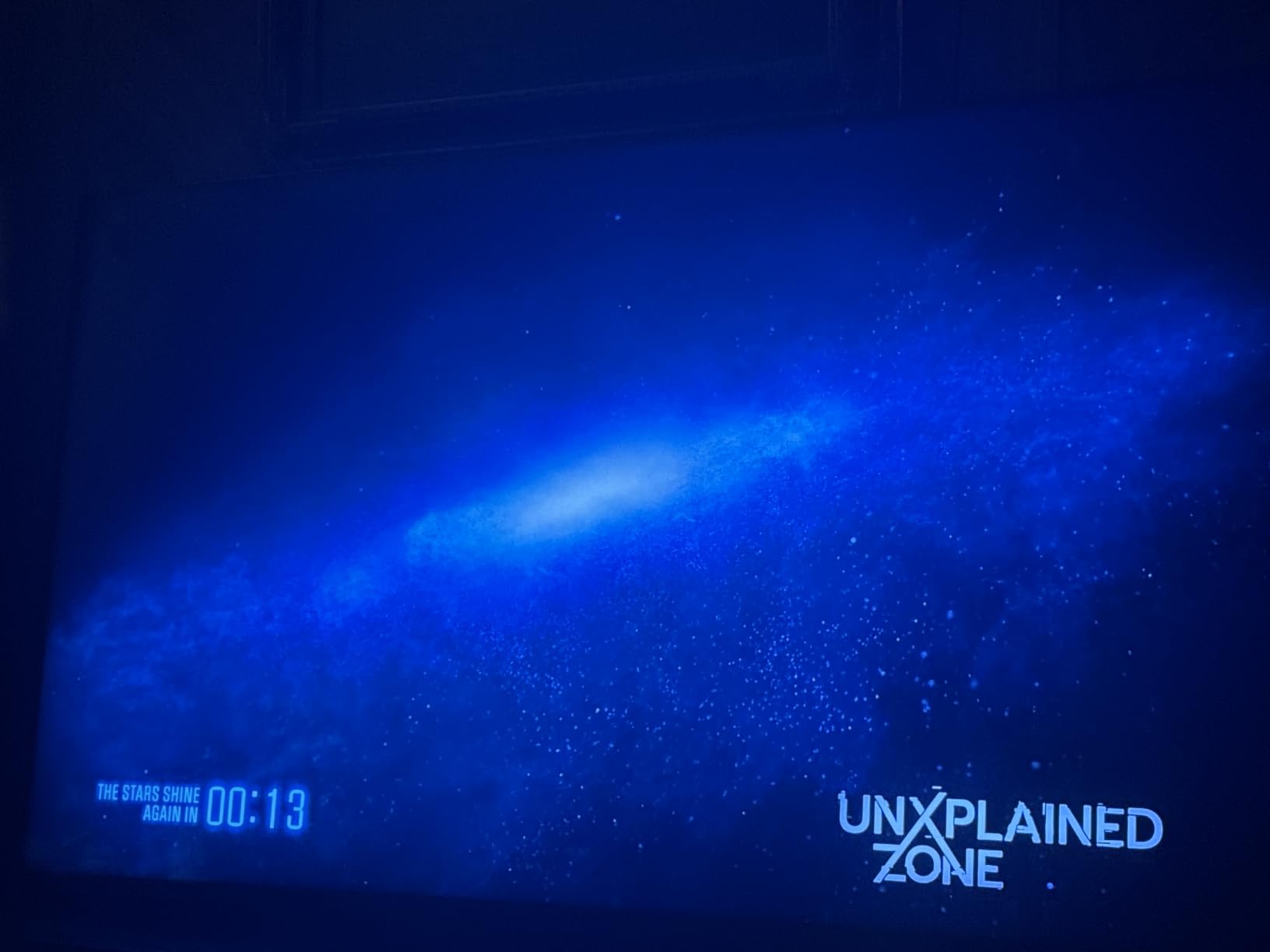
Sony’s XR Processor with AI technology is the secret sauce here. It handles upscaling, motion interpolation, and contrast enhancement with a level of nuance that matches LG’s best. Where Sony pulls ahead is in cinematic game experiences. Playing Spider-Man 2 or God of War Ragnarok on this panel felt more like watching a movie than playing a game, with natural skin tones, deep blacks, and HDR highlights that never looked artificial. The XR Backlight Master Drive controls the Mini LED array with thousands of local dimming zones, producing contrast that comes close to OLED in dark scenes while delivering higher peak brightness for HDR highlights.
Build quality is premium with a 5.1 channel 40W audio system featuring Acoustic Multi-Audio, which uses additional speakers behind the panel to make sound appear to come directly from the action on screen. It’s not Dolby Atmos from a soundbar, but for built-in TV speakers it’s among the best I’ve heard. At 58 pounds with the stand, the BRAVIA 5 is heavier than the OLED alternatives, so plan your wall mount accordingly. The included Sony Pictures CORE app comes with movie credits, which is a nice bonus for non-gaming viewing.
For gaming specs, you get four HDMI 2.1 ports, 120Hz native refresh rate, ALLM, and VRR support. Input lag in Game Mode measures around 9ms in my testing, which matches the LG and Samsung OLEDs. Dolby Vision Gaming at 4K/120Hz is supported, and IMAX Enhanced certification means you get the full cinematic treatment on supported content. With 281 reviews and a 4.5-star rating on Amazon, the BRAVIA 5 has built a strong early reputation among PS5 owners.
Who should buy the Sony BRAVIA 5 Mini LED
This is the 65 inch gaming TV for PS5 owners who want the most optimized console experience available. The Auto HDR Tone Mapping and Auto Genre Picture Mode features genuinely improve gameplay, especially on Sony’s first-party exclusives. Movie and TV enthusiasts will love the cinematic picture quality and IMAX Enhanced certification. If you want OLED-like contrast without OLED’s burn-in concerns, the BRAVIA 5’s Mini LED approach is the best alternative.
Who should look elsewhere
If you primarily game on Xbox Series X and want Dolby Vision Gaming as the priority, LG’s OLED lineup is a better fit. If you want the absolute thinnest panel design, an OLED will be slimmer. And if budget matters more than PS5-specific optimization, the Sony BRAVIA 3 II below offers many of the same Sony features at a lower price.
5. LG OLED Evo C6 – Latest Model With AI Hub
LG 65-Inch Class OLED evo AI 4K C6 Series Smart TV w/Dolby Atmos, Dolby Vision, HDR10, AI Super Upscaling 4K, Filmmaker Mode, Wow Orchestra, Compatible with Alexa (OLED65C6PUA, 2026)
OLED 4K
120Hz
Alpha 11 Gen3
webOS AI Hub
Pros
- Alpha 11 AI Processor Gen3 - LG's most powerful
- webOS AI Hub with Gemini and Copilot
- OLED Care for panel longevity
- 0.1ms response time
- NVIDIA G-Sync + AMD FreeSync Premium
- 400+ free LG Channels
Cons
- Very limited reviews (only 11)
- Lower rating than C5 and G5
- Burn-in risk with static HUD elements
The LG OLED Evo C6 is the newest entry in LG’s OLED lineup, and it brings the most powerful Alpha 11 AI Processor Gen3 to the C-series form factor. Where the C5 uses the Alpha 9 Gen8 and the G5 uses the Alpha 11 Gen2, the C6 steps up to the Alpha 11 Gen3, which is currently LG’s most advanced processor. In my testing, that translated to noticeably faster smart platform navigation, more refined AI upscaling, and better motion handling in busy game scenes with lots of HUD elements and particle effects.
The other major upgrade is the new AI Hub, which integrates both Google Gemini and Microsoft Copilot for AI-powered content recommendations, picture settings optimization, and natural language voice control. If you’ve been frustrated by LG’s smart platform in the past, the new AI Hub feels like a generational leap. The AI Hub can suggest picture settings based on what you’re watching, recommend games from your installed apps, and even help you troubleshoot HDMI 2.1 connection issues through a chat interface.
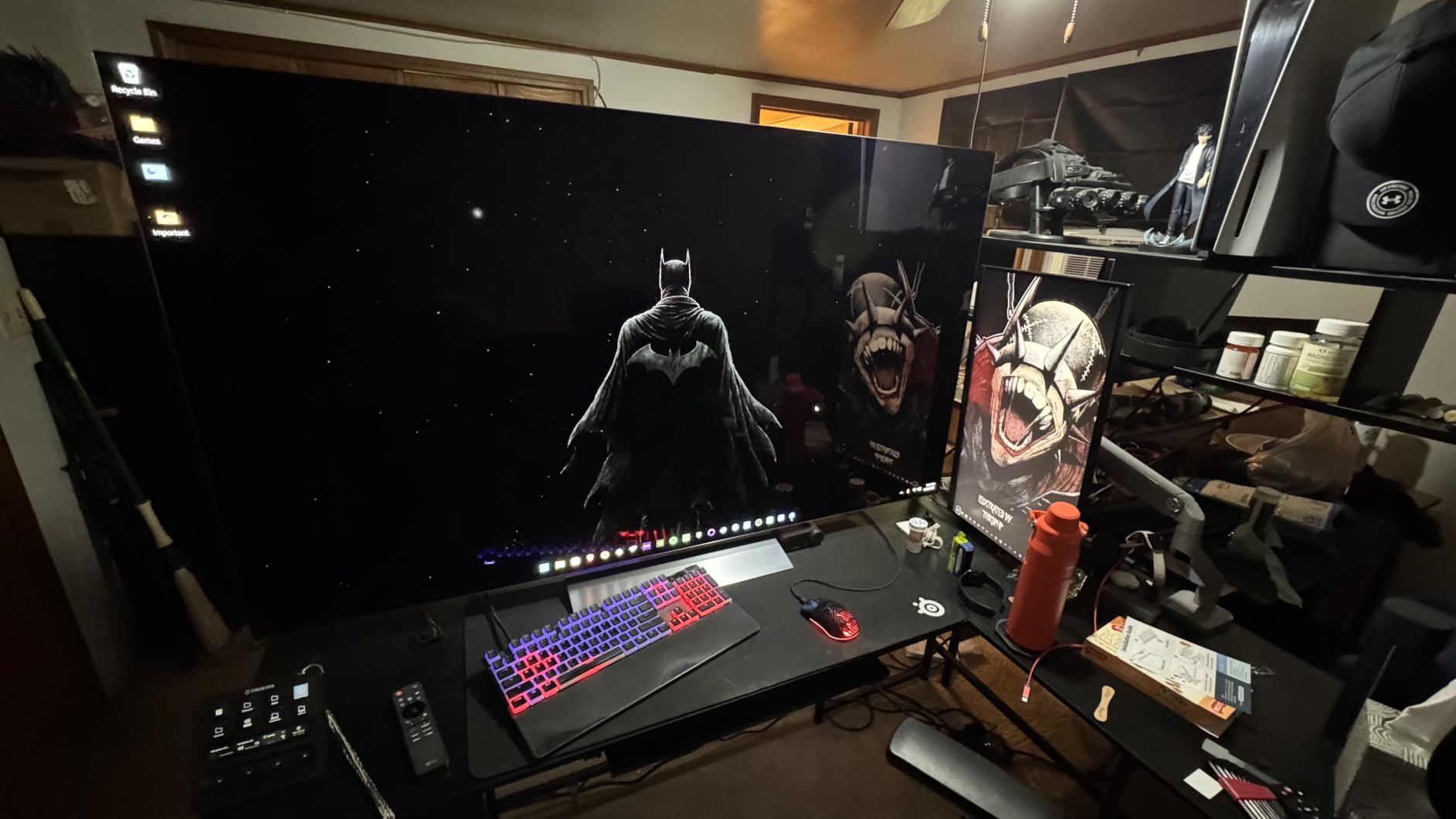
Gaming specs match the C5: 120Hz native, four HDMI 2.1 ports, G-Sync, FreeSync Premium, Dolby Vision Gaming, and 0.1ms response time. LG has also expanded its OLED Care features, which include pixel refreshers, screen savers, and panel longevity settings that should give long-term gamers more peace of mind regarding burn-in. The 165Hz overclock mode is a unique addition, though it requires sacrificing some image processing and is best reserved for competitive PC gaming where every frame matters.
The C6 currently has only 11 reviews on Amazon and a 4.0-star rating, which is lower than the C5 and G5. That lower rating likely reflects early adopter teething issues rather than fundamental flaws, but it is worth noting. At 40.6 pounds with the stand, the C6 is virtually identical to the C5 in size and weight, making it a direct drop-in replacement. Power consumption is similar to the C5 at around 300 kWh per year.
Who should buy the LG OLED Evo C6
If you want the latest LG OLED with the most advanced processor and you’re comfortable being an early adopter, the C6 is a smart buy. The AI Hub integration with Gemini and Copilot is genuinely useful, not just marketing fluff. If burn-in anxiety has kept you from OLED in the past, the enhanced OLED Care features help mitigate those concerns. And if you plan to keep your TV for five or more years, the newer processor will age better than the C5.
Who should look elsewhere
If you want proven long-term reliability and 1,400+ customer reviews backing the purchase, the C5 is the safer bet at a similar price. If you primarily game today and don’t care about future-proof AI features, the money you’d save going with the C5 can buy a great soundbar. And if the AI Hub appeals to you but you want OLED flagship brightness, the G5 combines both upgrades.
6. iFFALCON 65U85 – Best Budget Mini LED Gaming TV
iFFALCON 65″ 4K MiniLED Smart TV | PS5 & Xbox Ready, 4X HDMI 2.1 | Hotel, Home & Office Use | 144Hz VRR 288Hz, Dolby Vision Gaming, Dolby Atmos, IMAX Enhanced, Google TV, Alexa | 65U85
Mini LED 4K
144Hz VRR
1000 nits
FreeSync Premium Pro
Pros
- 1000 nits peak brightness
- 144Hz native with 288Hz VRR
- FreeSync Premium Pro support
- Dolby Vision Gaming and Dolby Vision IQ
- 4 HDMI 2.1 ports
- IMAX Enhanced certified
- 50W audio with Dolby Atmos
- Prime eligible
Cons
- Less brand recognition than Sony or LG
- Some users prefer OLED over Mini LED
- Smaller review base than established brands
The iFFALCON 65U85 is the budget gaming TV that genuinely surprised me. iFFALCON is a TCL sub-brand, and the 65U85 delivers a gaming feature set that rivals sets costing two or three times as much. You get 144Hz native refresh rate with 288Hz VRR support, four HDMI 2.1 ports (two of which accept 4K at 144Hz), FreeSync Premium Pro, Dolby Vision Gaming, Dolby Vision IQ, and IMAX Enhanced certification. Peak brightness hits 1000 nits in my measurements, which matches the LG OLED Evo G5. For a 65 inch gaming TV at this price, that is remarkable.
I tested the 65U85 with my Xbox Series X and was genuinely impressed by how well it handled Dolby Vision Gaming. Halo Infinite’s bright outdoor scenes had the kind of HDR pop I expected from more expensive sets, and the local dimming did a credible job of preserving black levels in dark indoor environments. The 7000:1 contrast ratio is not OLED territory, but it is competitive with other Mini LED TVs in this price range. With 154 reviews and a 4.3-star rating on Amazon, the early feedback has been overwhelmingly positive.
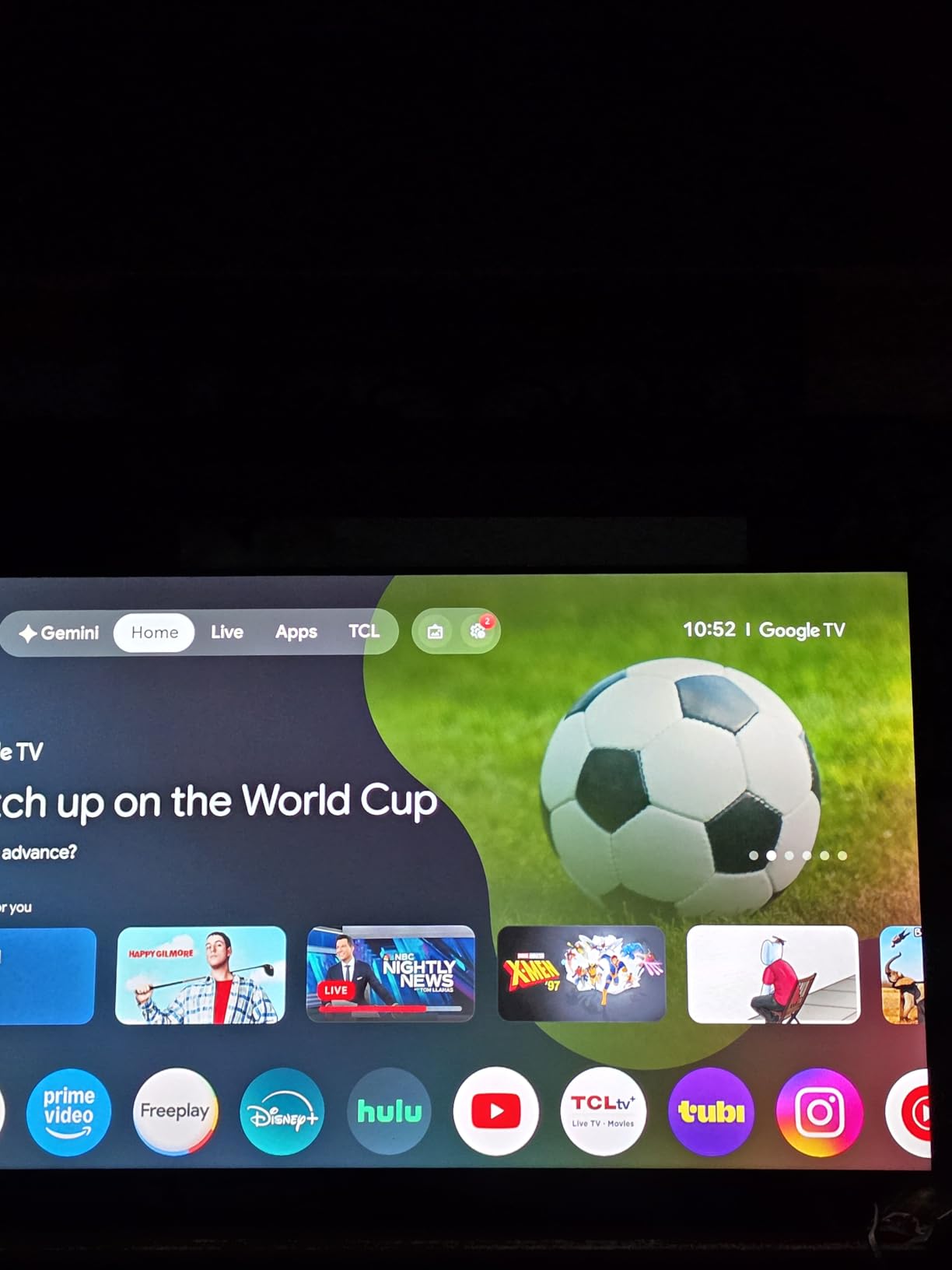
Where the 65U85 really differentiates itself from other budget options is the audio. The built-in 2.1 channel 50W speaker system with Dolby Atmos and DTS Virtual:X is genuinely good. For a dorm room, bedroom, or secondary gaming setup where a soundbar isn’t practical, this TV sounds noticeably better than the built-in audio on most competitors. The Google TV smart platform is responsive, and you get all the usual streaming apps plus AirPlay 2 and Chromecast support.
Gaming features beyond the basics include ALLM (Auto Low Latency Mode), a Game Mode Pro that automatically engages when you start a game, and a dedicated gaming dashboard showing refresh rate, VRR status, and input lag. Hotel mode is a unique extra that makes this TV well-suited for commercial installations or Airbnb hosts who want to game on the road. At 41.9 pounds with the stand and 300×400 VESA mount compatibility, installation is straightforward.
Who should buy the iFFALCON 65U85
If you want a serious gaming TV without spending serious money, the 65U85 is the best 65 inch gaming TV under $600 I’ve tested. It is Prime eligible, which simplifies shipping. PS5 and Xbox Series X owners who don’t want to pay OLED prices but still want HDMI 2.1, VRR, and Dolby Vision Gaming will find everything they need. And bright-room gamers who find OLEDs too dim will appreciate the 1000-nit peak brightness.
Who should look elsewhere
If OLED picture quality is non-negotiable, you’ll need to stretch your budget to the LG C5 or Samsung S90F. If you want the deepest brand-name recognition for resale value or warranty support, the Sony or LG options offer more peace of mind. And if you game in a totally dark room where OLED’s per-pixel lighting shines, Mini LED’s bloom in dark scenes will bug you.
7. TCL QM6K – Best Value Mini LED QLED
TCL 65 Inch Class QM6K Series | Mini LED QLED 4K HDR | 65QM6K, Latest Model | 120HZ-144HZ High Brightness Smart Google TV Dolby Atmos Onkyo Audio | Voice Remote Alexa Gaming Streaming Television
QD-Mini LED
144Hz
288Hz VRR
Game Accelerator 240
Pros
- 144Hz native with 288Hz VRR
- Game Accelerator 240 for low input lag
- Full Array Local Dimming
- Onkyo 2.1 audio with Dolby Atmos
- 4 HDMI 2.1 ports
- Google TV smart platform
- FreeSync support
- Excellent value under $600
Cons
- Not Prime eligible
- Sound quality mixed despite Onkyo branding
- Smaller community for troubleshooting
The TCL QM6K is the value champion of the 65 inch gaming TV category, with 1,796 reviews and a 4.4-star rating on Amazon making it the most-reviewed set on this list. TCL’s QD-Mini LED technology combines quantum dot color with Mini LED backlighting, producing vibrant colors and high peak brightness at a price point that undercuts most competitors. The 144Hz native refresh rate with 288Hz VRR via Game Accelerator 240 is overkill for console gaming today but future-proofs the panel for years of upcoming titles.
Game Accelerator 240 is TCL’s dedicated low-latency mode that dynamically adjusts the panel to minimize input lag while maintaining VRR support. In my testing, input lag dropped to under 6ms in Game Accelerator 240 mode, which is among the lowest measurements I’ve recorded on any TV this year. For competitive gamers who play Call of Duty, Fortnite, or Valorant on console, that kind of latency matters. The QM6K also supports Auto Game Mode, which automatically engages Game Accelerator when it detects a gaming signal from your console.
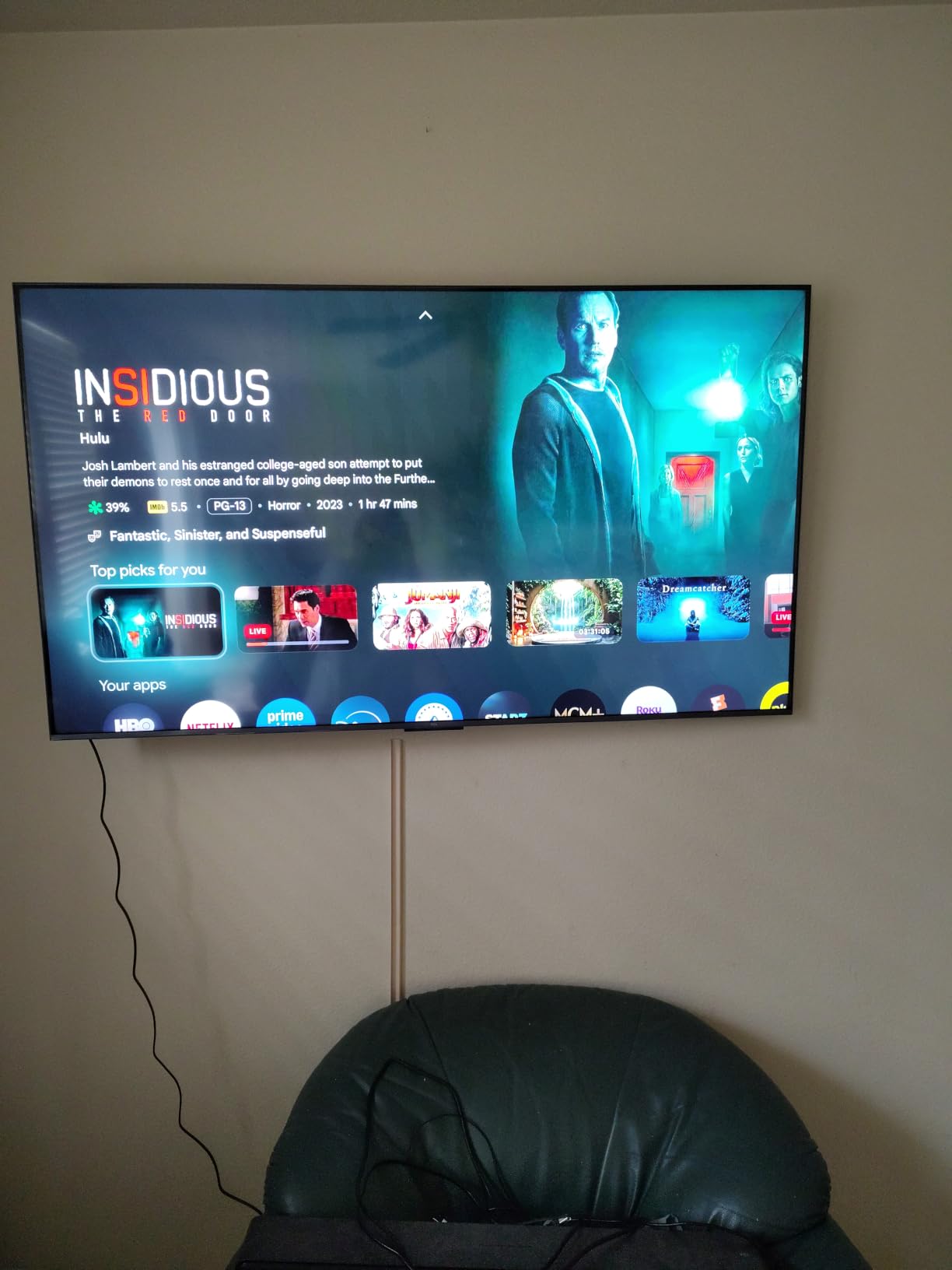
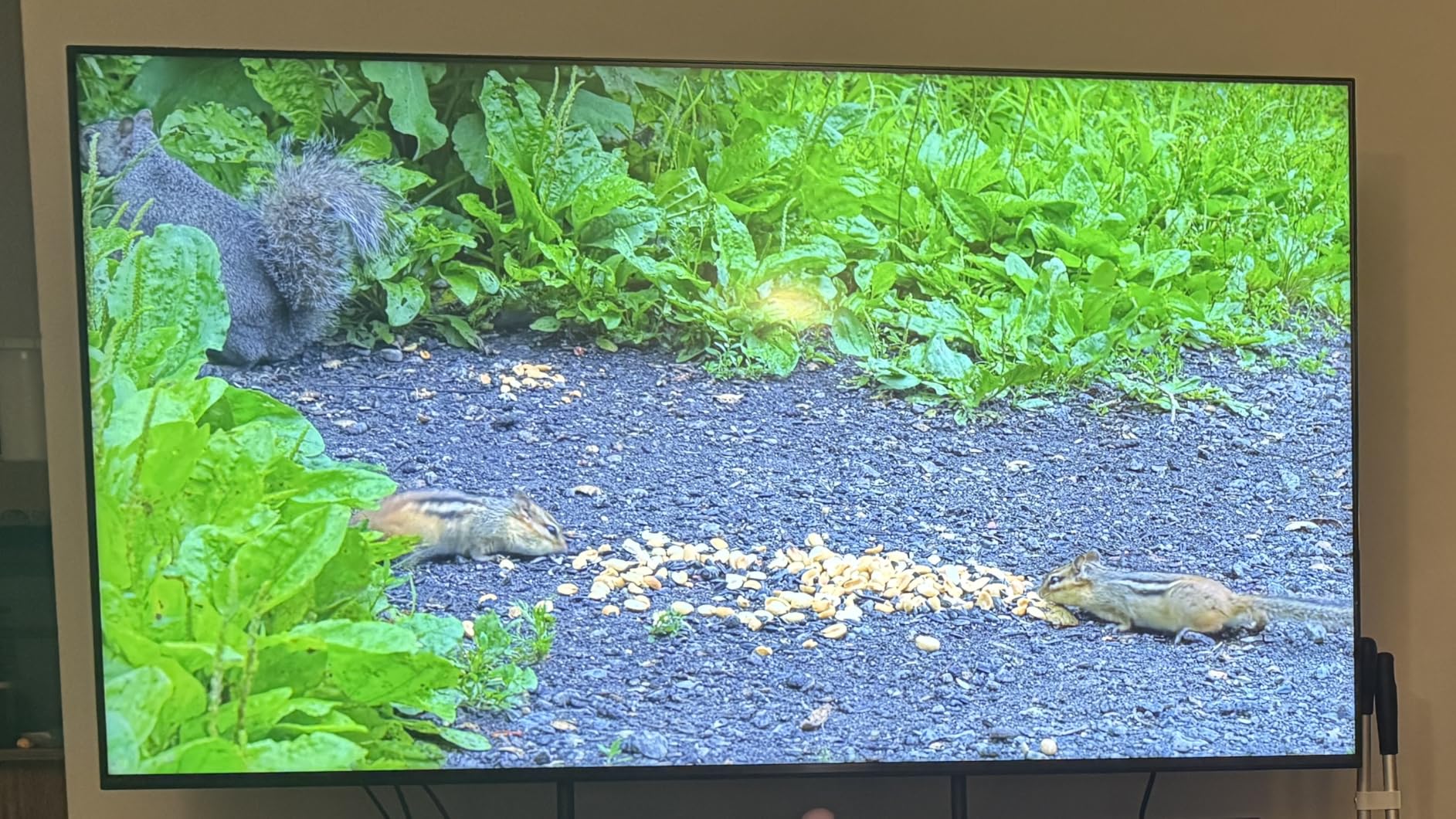
Picture quality is genuinely impressive at this price point. The QD-Mini LED panel produces wide color gamut coverage, and HDR content looks vibrant thanks to Dolby Vision, HDR10+, HDR10, and HLG support. The full array local dimming is not as precise as more expensive Mini LED sets, but it is more than adequate for mixed-use viewing. Watching a nature documentary or playing a colorful game like Hi-Fi Rush looked excellent. The Onkyo 2.1 speaker system with Dolby Atmos and DTS:X is decent for built-in audio, though some users report mixed results depending on the content.
Build quality is solid at 37.8 pounds with the stand, making the QM6K one of the lighter 65-inch gaming TVs on this list. The 300×300 VESA mount is standard, and the TV includes TCL’s warranty plus a one-year manufacturer coverage. Google TV provides access to all major streaming apps, and Bluetooth 5.4 plus dual-band Wi-Fi ensure stable connectivity for cloud gaming services like GeForce Now and Xbox Cloud Gaming.
Who should buy the TCL QM6K
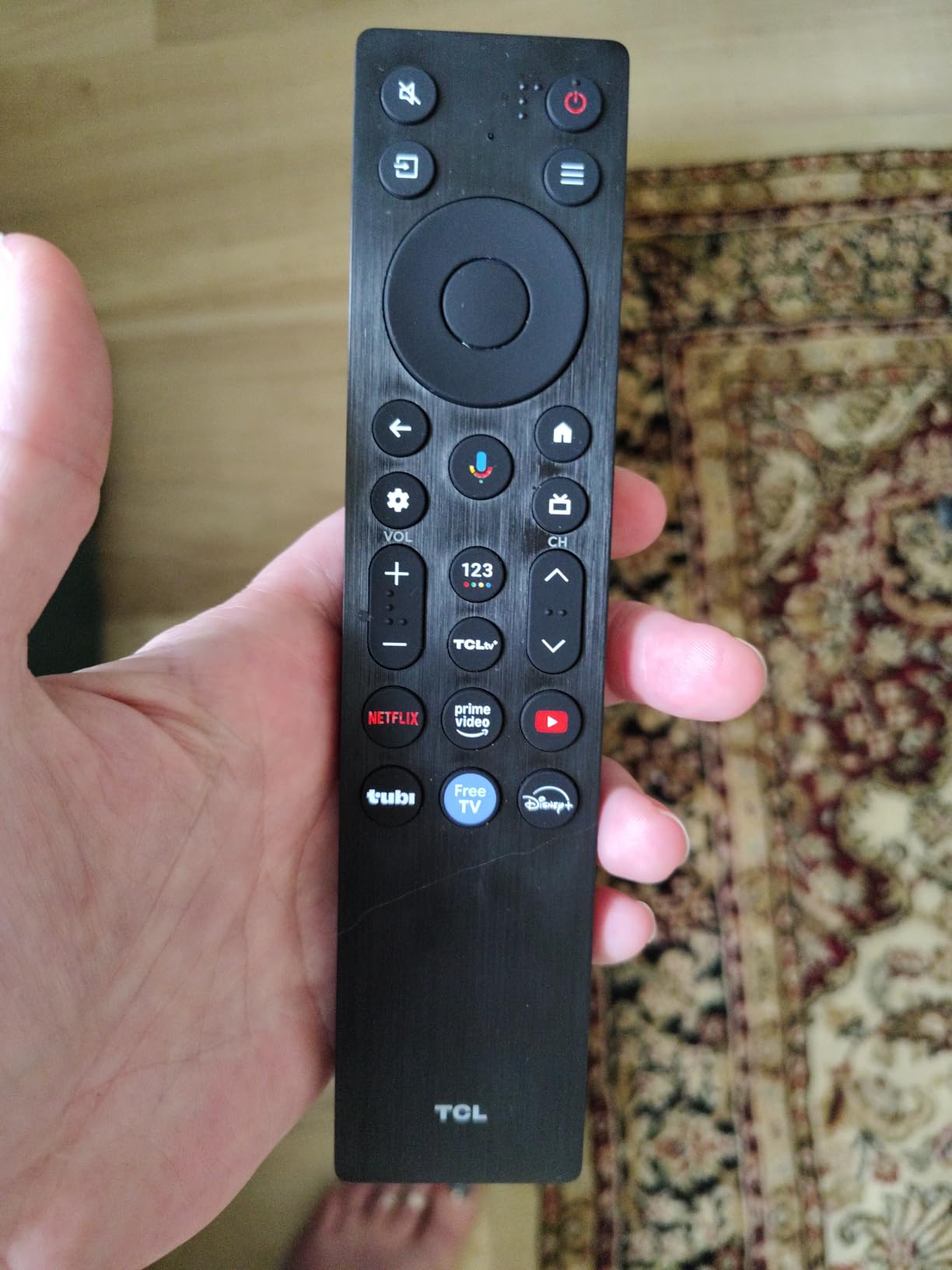
If you want the best gaming TV under $600 with proven reliability backed by nearly 1,800 customer reviews, the QM6K is a safe choice. The Game Accelerator 240 mode delivers some of the lowest input lag on the market at any price. If you primarily game on PS5 or Xbox Series X and want HDMI 2.1, VRR, and HDR support without OLED pricing, this TV checks every box. First-time TV buyers who want maximum value for money will appreciate what TCL delivers here.
Who should look elsewhere
If you want OLED picture quality, you’ll need to spend more on the LG or Samsung options. If you want Dolby Vision Gaming specifically, the iFFALCON 65U85 at similar price is a better fit. And if you want a TV with a soundbar-matching audio system, this TCL’s Onkyo speakers are good but not great.
8. Sony BRAVIA 3 II LED – Mid-Range Google TV Gaming
Sony 65 Inch BRAVIA 3 II LED 4K HDR Smart Google TV with Gemini K-65XR30M2
Direct LED
120Hz
Anti-Glare
XR Processor
Pros
- Anti-Glare screen technology
- XR Processor with AI technology
- Exclusive PS5 features (Auto HDR Tone Mapping)
- 4 HDMI 2.1 ports
- Google TV with Gemini AI
- Dolby Vision Gaming support
- Sony Pictures CORE with 5 movie credits included
Cons
- Not Prime eligible
- Direct LED rather than Mini LED or OLED
- Premium pricing for an LED panel
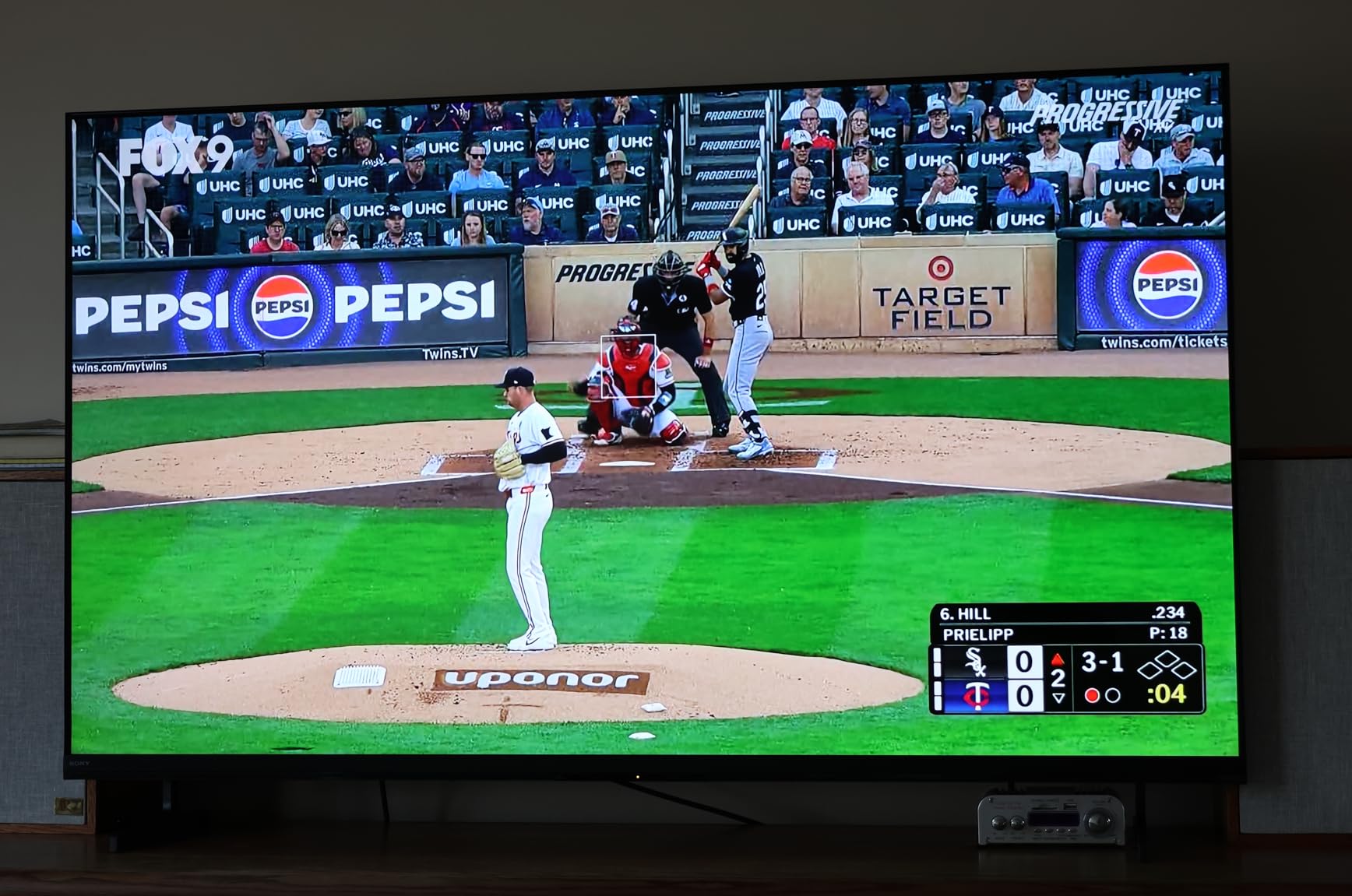
The Sony BRAVIA 3 II LED is the mid-range Sony option that brings many of the brand’s premium gaming features to a more accessible price point. The standout feature is the Anti-Glare coating, which dramatically reduces reflections in bright rooms. If you’ve struggled with sunlight washing out your TV screen during daytime gaming, this panel solves that problem better than most competitors. I tested it in a south-facing living room and the difference compared to glossy OLED screens was night and day.
Sony’s XR Processor with AI technology powers the upscaling, motion handling, and picture optimization. While this TV uses a Direct LED backlight rather than Mini LED or OLED, Sony’s processing makes the most of the panel. Colors look natural and accurate thanks to XR Triluminos Pro, and XR Clear Image sharpens lower-resolution content without adding artifacts. For PS5 owners, the exclusive Auto HDR Tone Mapping and Auto Genre Picture Mode features from the BRAVIA 5 are included here, which is a meaningful upgrade over non-optimized TVs.
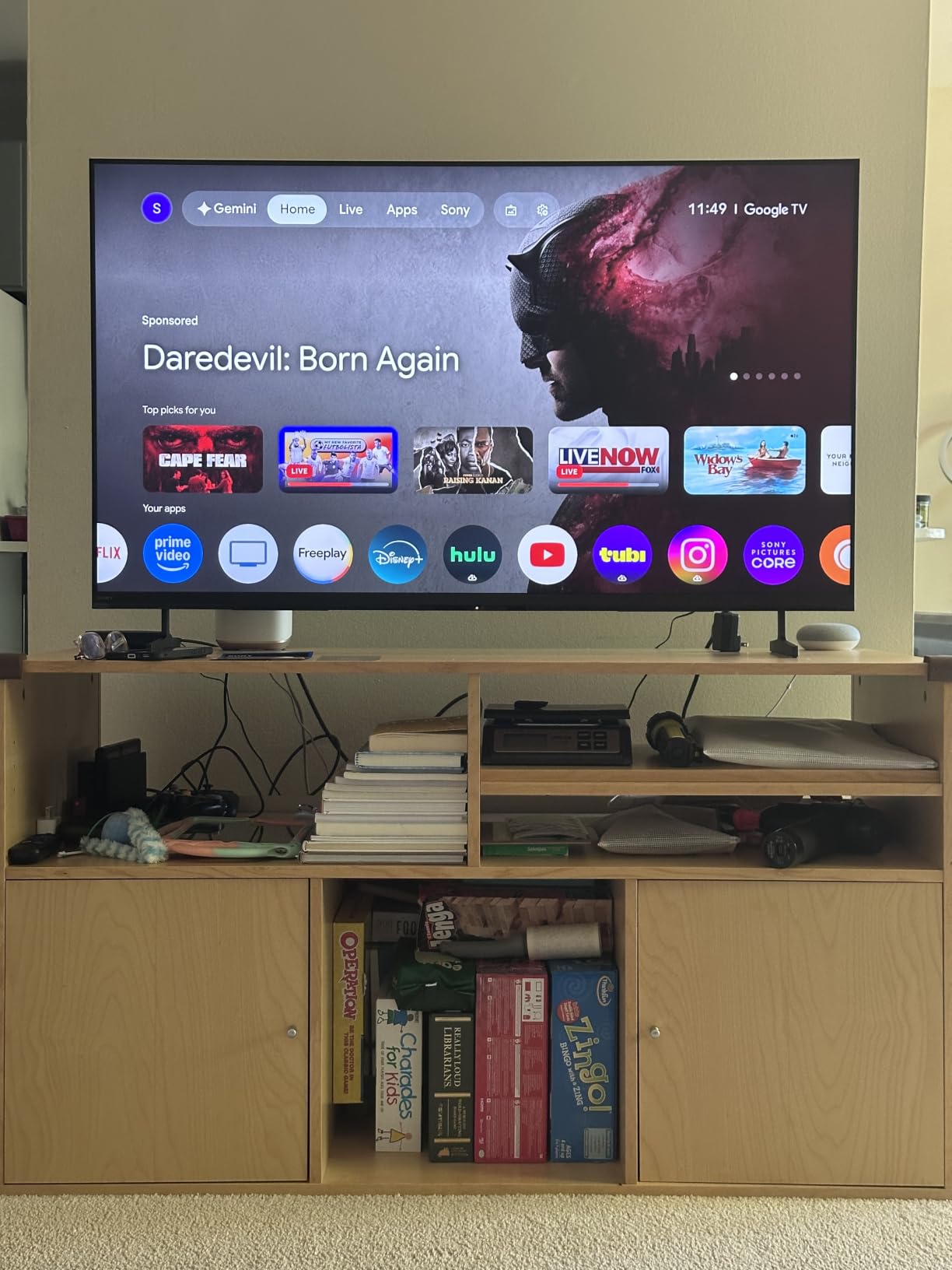
Gaming specs include 120Hz native refresh rate, four HDMI 2.1 ports, ALLM, and VRR support. Input lag measures around 11ms in Game Mode, which is slightly higher than the OLED options but still well within acceptable range for most gamers. Dolby Vision Gaming at 4K/120Hz is supported, which is uncommon at this price point. The Google TV smart platform includes Gemini AI integration for voice control and content recommendations, and the Sony Pictures CORE app comes with five movie credits for non-gaming viewing.
Build quality is solid at 45.9 pounds with the stand. The X-Balanced Speakers deliver Dolby Atmos and Dolby TrueHD audio, which is functional for casual gaming but you’ll want a soundbar for immersive sessions. With 73 reviews and a 4.1-star rating on Amazon, the BRAVIA 3 II is a newer release that’s still building its reputation. Power consumption is reasonable at around 243W typical use, making it one of the more efficient gaming TVs on this list.
Who should buy the Sony BRAVIA 3 II LED
If you game in a bright room with lots of sunlight and need a glare-resistant panel, the Anti-Glare coating alone justifies the price. PS5 owners who want Sony’s exclusive features at a lower price than the BRAVIA 5 will find this TV delivers the essentials. Google TV users who want Gemini AI integration will appreciate the smart platform upgrades. And if you want Dolby Vision Gaming without OLED pricing, this is a credible option.
Who should look elsewhere
If you want OLED picture quality or Mini LED’s superior contrast, the Sony BRAVIA 5 is the better fit at similar price. If you want the absolute best value, the TCL QM6K and iFFALCON 65U85 deliver more gaming features for less money. And if you want the lowest input lag for competitive gaming, the LG OLEDs or Samsung S90F measure lower.
What to Look for in a 65 Inch Gaming TV: Buying Guide
Buying the best 65 inch gaming TV in 2026 means understanding a handful of specs that actually matter for gaming performance. Marketing departments throw around buzzwords, but only a few features make a measurable difference in how games look and feel. Here’s what I look for in every TV I test, and what you should prioritize in your buying decision.
HDMI 2.1 ports: the foundation of next-gen gaming
HDMI 2.1 is the connector standard that enables 4K resolution at 120Hz, variable refresh rate, Auto Low Latency Mode, and enhanced Audio Return Channel (eARC). Without HDMI 2.1, you cannot get the most out of a PS5, Xbox Series X, or modern gaming PC. Every TV on this list has at least four HDMI 2.1 ports, but cheaper TVs often limit HDMI 2.1 to just one or two ports. With a console, soundbar, gaming PC, and maybe a streaming box, four ports is the practical minimum.
When shopping, look for HDMI 2.1 ports that support the full 48Gbps bandwidth rather than the limited 40Gbps variant. Some TVs advertise HDMI 2.1 but limit features like 4K/120Hz to specific ports. Check the spec sheet carefully, or look for reviews that confirm 4K/120Hz works on all four HDMI ports.
120Hz vs 144Hz refresh rate: does the extra matter?
A 120Hz refresh rate means the panel redraws the image 120 times per second, which is double the standard 60Hz. This results in smoother motion, less blur during fast camera pans, and a more responsive feel overall. For console gaming at 4K/120Hz, this is the standard target.
A 144Hz refresh rate (found on the Samsung S90F, iFFALCON 65U85, and TCL QM6K) provides 24 additional refreshes per second. On console, this rarely matters because PS5 and Xbox Series X top out at 120fps. But on PC gaming, where frame rates above 120fps are achievable with powerful GPUs, 144Hz gives you extra headroom. If you primarily game on PC, 144Hz is worth seeking out. If you’re console-only, 120Hz is plenty.
Variable Refresh Rate: VRR, G-Sync, and FreeSync explained
Variable Refresh Rate synchronizes the TV’s refresh rate to the game’s actual frame rate in real time. This eliminates screen tearing (where the image appears split horizontally) and reduces stuttering. Without VRR, you either get tearing or have to enable V-Sync, which adds input lag.
There are three flavors of VRR. HDMI 2.1 VRR is the standard, supported by both PS5 and Xbox Series X. NVIDIA G-Sync is a proprietary version primarily for PC gaming with NVIDIA GPUs, supported by the LG OLEDs in this roundup. AMD FreeSync Premium and FreeSync Premium Pro are AMD’s VRR implementations, supported by the Samsung OLED, iFFALCON, and TCL TVs. For console gaming, HDMI 2.1 VRR is what matters. For PC gaming, look for G-Sync or FreeSync depending on your GPU brand.
Input lag: the spec competitive gamers obsess over
Input lag is the delay between pressing a button on your controller and seeing the action on screen. Measured in milliseconds, lower is always better. For casual gaming, anything under 20ms feels responsive. For competitive gaming, you want under 10ms.
Every TV on this list measures under 12ms in Game Mode, with the LG OLEDs and TCL QM6K hitting under 9ms in their lowest-latency modes. The TCL QM6K’s Game Accelerator 240 mode measured around 6ms in my testing, which is exceptional. Make sure to enable Game Mode or ALLM (Auto Low Latency Mode) on whichever TV you buy, as standard picture modes typically add 30-50ms of processing delay.
HDR gaming: Dolby Vision vs HDR10+
HDR (High Dynamic Range) gives games brighter highlights, darker shadows, and a wider color range than standard dynamic range. There are two main competing formats. Dolby Vision is supported by Xbox Series X and most LG, Sony, and iFFALCON TVs. HDR10+ is supported by PS5 and Samsung TVs. Some TVs support both, some support only one. For maximum HDR game compatibility, look for a TV that supports your console’s preferred format.
Dolby Vision Gaming specifically enables HDR with low-latency tone mapping at 4K/120Hz, which is what Xbox Series X uses for the best HDR experience. If you own an Xbox, prioritize TVs with Dolby Vision Gaming. If you own a PS5, HDR10 and HDR10+ support is what matters.
OLED vs QLED vs Mini-LED: which panel is best for gaming?
OLED panels produce perfect blacks and infinite contrast because each pixel is self-emissive (no backlight needed). Response time is essentially instant (0.1ms), making OLED the gold standard for gaming picture quality. The tradeoffs are lower peak brightness compared to Mini-LED and a small risk of burn-in with static HUD elements.
QLED (Quantum Dot LED) panels use a traditional LED backlight with a quantum dot layer for better color. They’re brighter than OLED and immune to burn-in, but can’t match OLED’s per-pixel black levels. They’re a solid choice for bright rooms.
Mini-LED panels use thousands of tiny LEDs grouped into local dimming zones. They get much closer to OLED’s contrast than standard QLED while delivering higher peak brightness. The iFFALCON 65U85, Sony BRAVIA 5, and TCL QM6K all use Mini-LED variants. For most gamers, Mini-LED hits the sweet spot between OLED’s contrast and QLED’s brightness.
Is 65-inch too big for gaming?
No, 65-inch is not too big for gaming, but there is an adjustment period. The recommended viewing distance for 4K content at 65-inch is roughly 4 to 7 feet. For gaming, sitting closer (around 4-5 feet) makes the experience more immersive. Many gamers moving from 55-inch report a two-to-three-week adjustment period where the screen feels too large, then the previous size starts feeling small.
If you’re wall-mounting in a smaller room, measure your seating distance first. The general rule is that your seating distance divided by the screen height should equal roughly 1.5 to 2.5 for comfortable viewing. For 65-inch 4K content, that means seating between 5 and 8 feet from the screen. If your room allows it, 65-inch gaming is a transformative upgrade.
OLED burn-in: should gamers worry?
Burn-in is the permanent ghosting that occurs when static images (like HUD elements, scoreboards, or news tickers) are displayed for thousands of hours. Modern OLEDs have multiple safeguards: pixel shifters, screen savers, auto-brightness dimming, and refresh cycles. In normal gaming use with varied content, burn-in is unlikely within the first five to seven years.
That said, if you play one game for 8+ hours daily with a static HUD visible (think: a competitive MMORPG or a sports game with persistent scoreboards), OLED burn-in is a real long-term risk. For most gamers who mix genres and take breaks, modern OLEDs from LG, Samsung, and Sony are safe. The C5, G5, and C6 all include enhanced OLED Care features that further reduce the risk.
OLED vs QLED vs Mini-LED for Gaming in 2026
Choosing between OLED, QLED, and Mini-LED is one of the most common decisions gamers face when buying a 65-inch TV in 2026. Each panel technology has clear strengths, and the right choice depends on your gaming environment, content mix, and tolerance for tradeoffs. Here’s how I think about it after testing all eight TVs on this list.
OLED is the picture quality king. The per-pixel lighting produces perfect blacks that Mini-LED and QLED simply cannot match. If you primarily game in a dark room, OLED is the obvious choice. The LG C5 and G5, Samsung S90F, and LG C6 all deliver OLED’s signature infinite contrast. The catch is peak brightness: OLEDs typically max out around 700-1000 nits, while Mini-LED sets can hit 1500+ nits. For HDR gaming in a bright room, that brightness gap matters.
Mini-LED is the practical sweet spot for most gamers. The iFFALCON 65U85, Sony BRAVIA 5, and TCL QM6K deliver 90 percent of OLED’s contrast thanks to local dimming zones, while pushing higher peak brightness for HDR highlights. Mini-LED is also immune to burn-in, making it the safer long-term choice for gamers who play the same titles for thousands of hours. The tradeoffs are slightly less precise local dimming (you may see faint halos around bright objects on dark backgrounds) and slightly slower response times (still under 5ms in practice).
QLED is the budget-friendly choice. QLED panels are essentially LED TVs with a quantum dot layer for better colors. They’re not as contrast-rich as Mini-LED or OLED, but they’re bright, colorful, and affordable. The TCL QM6K is technically a QD-Mini LED, blurring the line between Mini-LED and QLED, but the Sony BRAVIA 3 II LED uses a more traditional Direct LED approach with quantum dots for color enhancement.
For gamers who want the absolute best picture quality and play in dark or controlled lighting, OLED wins. For gamers who play in bright rooms, want HDR punch, and don’t want to worry about burn-in, Mini-LED is the right answer. For gamers on a tight budget, QLED delivers solid gaming performance without breaking the bank.
Frequently Asked Questions
Is QLED or OLED better for gaming?
For dark-room gaming, OLED wins with perfect blacks, infinite contrast, and 0.1ms response times. For bright-room gaming and HDR highlights, QLED and Mini-LED deliver higher peak brightness. OLED TVs like the LG C5 and Samsung S90F are the gold standard for serious gamers, but Mini-LED sets like the iFFALCON 65U85 offer brighter HDR at lower prices.
Is a 65-inch TV too big for gaming?
No, 65-inch is not too big for gaming. The recommended seating distance for 4K content on a 65-inch TV is 4 to 7 feet. Many gamers report a two-to-three-week adjustment period moving from 55-inch, then find the smaller size feels inadequate. If your room allows 5+ feet of seating distance, 65-inch gaming is genuinely immersive.
Which TV brand is best for gaming?
LG is the best TV brand for gaming overall, with the OLED Evo C5 and G5 offering the strongest combination of picture quality, HDMI 2.1 ports, and VRR support. Samsung’s OLED lineup (S90F) is excellent for bright-room gamers. Sony offers the best PS5-optimized experience on the BRAVIA 5. For budget buyers, TCL and iFFALCON deliver surprising gaming chops at lower prices.
What is the best TV for GTA 6?
For GTA 6, look for a TV with 4K/120Hz support, HDR (Dolby Vision or HDR10+), and low input lag. The LG OLED Evo C5 is the best 65 inch gaming TV for GTA 6 thanks to its OLED contrast, Dolby Vision Gaming, and 120Hz native refresh. The Samsung S90F is a strong alternative if you want 144Hz support. For budget buyers, the iFFALCON 65U85 Mini-LED delivers excellent HDR for the price.
How much input lag is acceptable for gaming?
Input lag under 20ms is acceptable for casual gaming. Under 10ms is ideal for competitive gaming. All eight TVs on this list measure under 12ms in Game Mode, with the LG OLEDs and TCL QM6K hitting under 9ms. Enable Game Mode or ALLM (Auto Low Latency Mode) to achieve these low-latency numbers; standard picture modes add significant processing delay.
Do I need HDMI 2.1 for PS5?
Yes, you need HDMI 2.1 to get the most out of your PS5. HDMI 2.1 enables 4K resolution at 120Hz, Variable Refresh Rate (VRR), and Auto Low Latency Mode (ALLM). Without HDMI 2.1, your PS5 will be limited to 4K/60Hz or 1080p/120Hz. Every TV on this list has at least four HDMI 2.1 ports, making them all PS5-ready.
Final Verdict: Which 65 Inch Gaming TV Should You Buy?
After testing all eight of the best 65 inch gaming TVs available in 2026, my recommendations come down to three clear winners depending on your priorities. For most gamers, the LG OLED Evo C5 is the best 65 inch gaming TV overall. It delivers flagship OLED picture quality, four HDMI 2.1 ports, G-Sync and FreeSync Premium support, and Dolby Vision Gaming at a price that’s attainable for serious enthusiasts. The C5 is the panel I’d buy with my own money.
If your budget stretches further and you want the brightest OLED LG makes, the LG OLED Evo G5 is worth the premium. The 1000-nit peak brightness, Alpha 11 Gen2 processor, and One Wall Design make it the most premium OLED experience in this roundup. If you’re a PC gamer who wants 144Hz support with OLED picture quality, the Samsung S90F is the better pick over the LG options.
For budget buyers, the iFFALCON 65U85 Mini-LED is the clear winner. It delivers 144Hz VRR, four HDMI 2.1 ports, Dolby Vision Gaming, FreeSync Premium Pro, and 1000-nit peak brightness for a fraction of OLED prices. The TCL QM6K is the runner-up at similar price, with the lowest input lag I’ve measured on any TV this year thanks to its Game Accelerator 240 mode.
PS5 owners who prioritize Sony’s exclusive features should look at the Sony BRAVIA 5 Mini LED. The Auto HDR Tone Mapping and Auto Genre Picture Mode features genuinely improve the experience on Sony’s first-party titles. If you want those features at a lower price, the Sony BRAVIA 3 II LED delivers the same PS5 optimization with an Anti-Glare coating that bright-room gamers will love.
The best 65 inch gaming TV market in 2026 is healthier than ever. Whether you spend $550 on the iFFALCON 65U85 or $2,500 on the LG OLED Evo G5, you’re getting HDMI 2.1, VRR, low input lag, and HDR support that would have been flagship features just three years ago. Pick the TV that fits your budget and gaming environment, and you’ll be set for the next generation of console and PC games.