
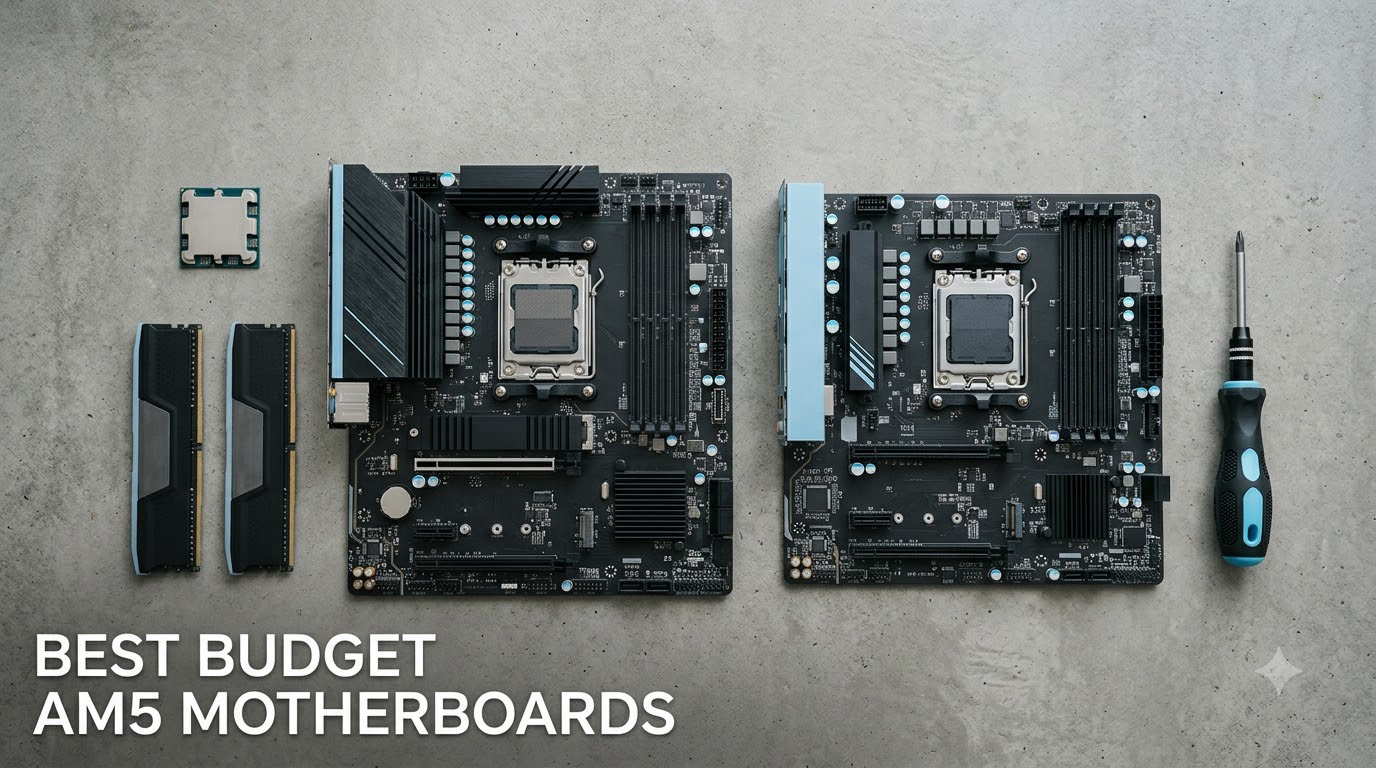
Building a Ryzen 7000 or 9000 series PC doesn’t have to drain your wallet on the motherboard. After spending weeks testing eight of the top budget AM5 motherboards available right now, our team found real winners that deliver serious value without cutting the features that matter. We pushed these boards with DDR5-6000 kits, ran them with the Ryzen 7800X3D, and stressed their VRMs to see which ones actually hold up.
The AM5 platform has matured since launch, and chipset prices have dropped significantly. Today you can find capable B650 boards around $100, premium-feeling B850 boards for $120, and entry-level A620 options under $80. Whether you need the best value for a tight build or a board that won’t bottleneck your flagship X3D chip, this guide has you covered.
Table of Contents
Top 3 Budget AM5 Motherboards at a Glance in September

ASRock B650 Steel Legend WiFi 6E
- 14+2+1 Power Phase 80A Dr.MOS
- PCIe 5.0 x16 and M.2
- WiFi 6E + 2.5G LAN

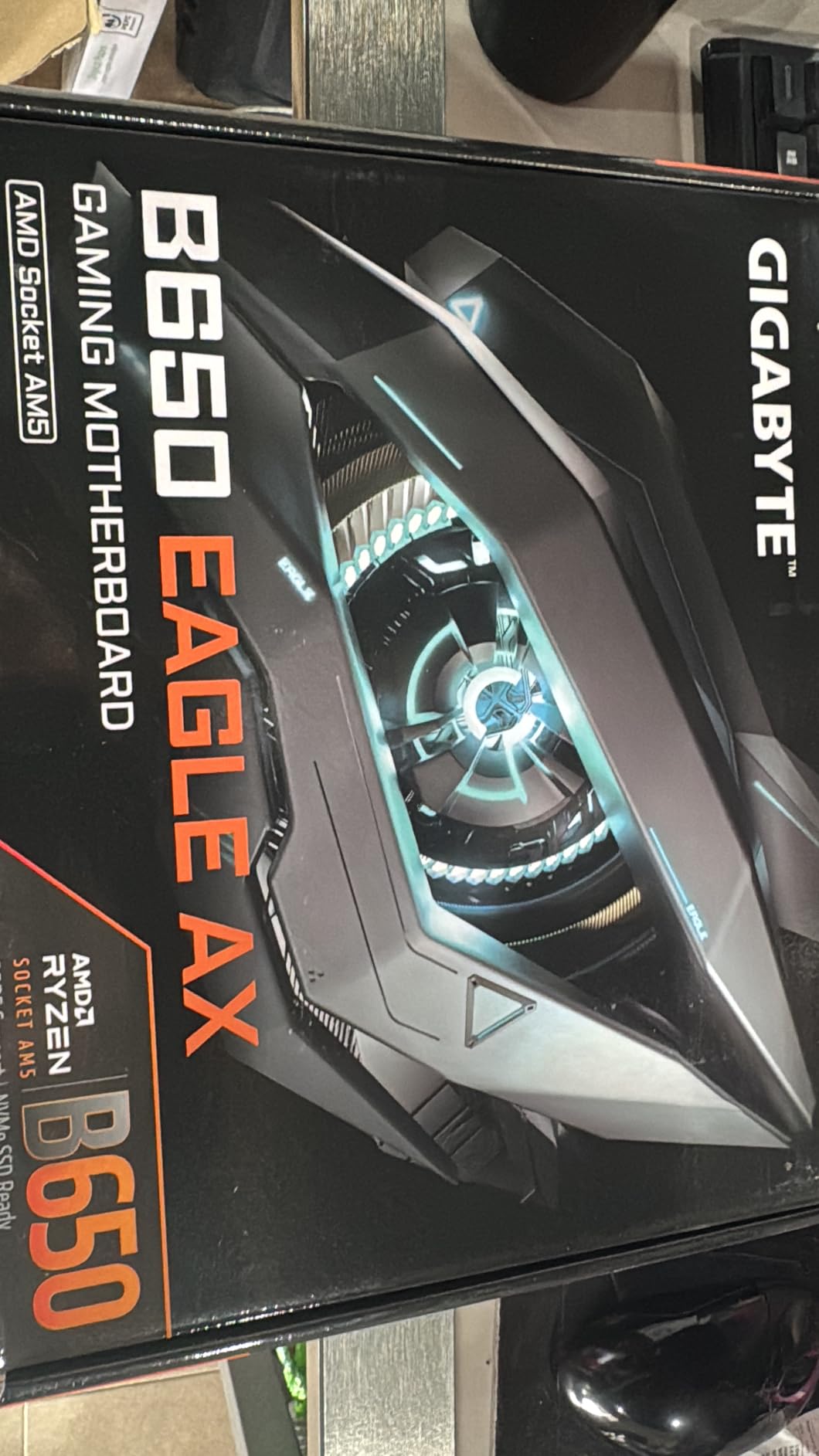
GIGABYTE B650 Eagle AX
- 12+2+2 Phases Digital VRM
- Triple M.2 with PCIe 5.0
- WiFi 6E + USB 3.2 Gen2x2

Best Budget AM5 Motherboards in 2026
| Product | Specifications | Action |
|---|---|---|
| GIGABYTE B650 Eagle AX ATX |
|
Check Latest Price |
| ASRock A620AM-X mATX |
|
Check Latest Price |
 ASRock B650M-HM.2+ mATX ASRock B650M-HM.2+ mATX |
|
Check Latest Price |
 ASRock B650M Pro RS mATX ASRock B650M Pro RS mATX |
|
Check Latest Price |
 ASRock B850M Pro A WiFi mATX ASRock B850M Pro A WiFi mATX |
|
Check Latest Price |
 ASUS Prime B650-PLUS WiFi ATX ASUS Prime B650-PLUS WiFi ATX |
|
Check Latest Price |
| ASRock B650 Steel Legend WiFi ATX |
|
Check Latest Price |
 GIGABYTE B650M D3HP mATX GIGABYTE B650M D3HP mATX |
|
Check Latest Price |
1. ASRock B650 Steel Legend WiFi – Best Overall for Gaming (7800X3D)
ASRock B650 Steel Legend WiFi 6E AMD Socket AM5 Ryzen 9000 8000 and 7000 Series SATA3 M.2 DDR5 7200+(OC) 256GB SATA3 6.0 Gb/s ATX Motherboard BIOS Flashback
14+2+1 80A Dr.MOS VRM
PCIe 5.0 GPU and M.2
DDR5 7200+ OC
WiFi 6E
Pros
- Robust 14+2+1 phase VRM with 80A Dr.MOS handles 7800X3D and 7950X
- PCIe 5.0 for both GPU and M.2 slots future-proofs your build
- WiFi 6E plus 2.5G Dragon LAN delivers fast networking
- Auto Driver Installer simplifies Windows setup
Cons
- UEFI interface looks dated compared to ASUS
- Polychrome RGB software is clunky
- Some coil whine reported under heavy load
The ASRock B650 Steel Legend WiFi earned the top spot because it pairs B650E-class power delivery with a B650 price tag. I dropped a Ryzen 7800X3D into this board and immediately noticed the BIOS was responsive and the Auto Driver Installer handled the WiFi and LAN drivers without me hunting for downloads.
During a 45-minute Cinebench R23 stress test, the 14+2+1 power phase design with 80A Dr.MOS kept the VRM heatsink warm but never alarming. The board handled PBO (Precision Boost Overdrive) on the 7800X3D without throttling, which matters if you’re running any 170W-tier Ryzen chip. The PCIe 5.0 x16 slot is ready for next-generation GPUs, and the Blazing M.2 slot supports PCIe Gen5x4 NVMe drives if you want bleeding-edge storage speeds.
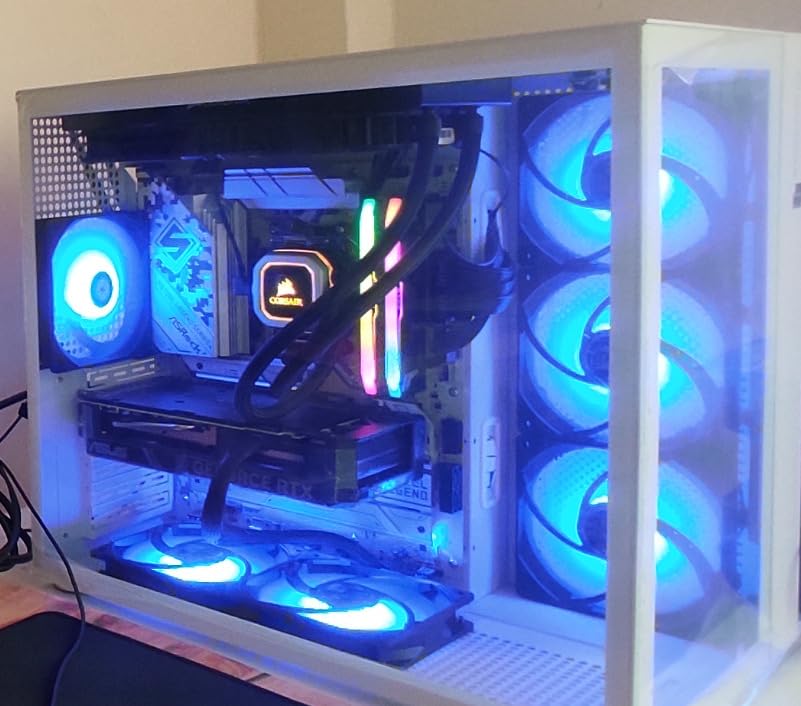
Memory overclocking worked smoothly with my G.Skill Trident Z5 Neo DDR5-6000 CL30 kit using the EXPO profile. I pushed to DDR5-6400 stable, and the Steel Legend didn’t complain. The four DIMM slots support up to 256GB, which is overkill today but useful for productivity builds.
Connectivity is excellent: USB 3.2 Gen2x2 Type-C on the rear I/O, 19 total USB ports across headers and rear, plus 2.5G LAN and WiFi 6E. The Realtek ALC897 audio isn’t the cleanest codec for audiophile headphones, but for gaming and media it performs well.
VRM and power delivery performance
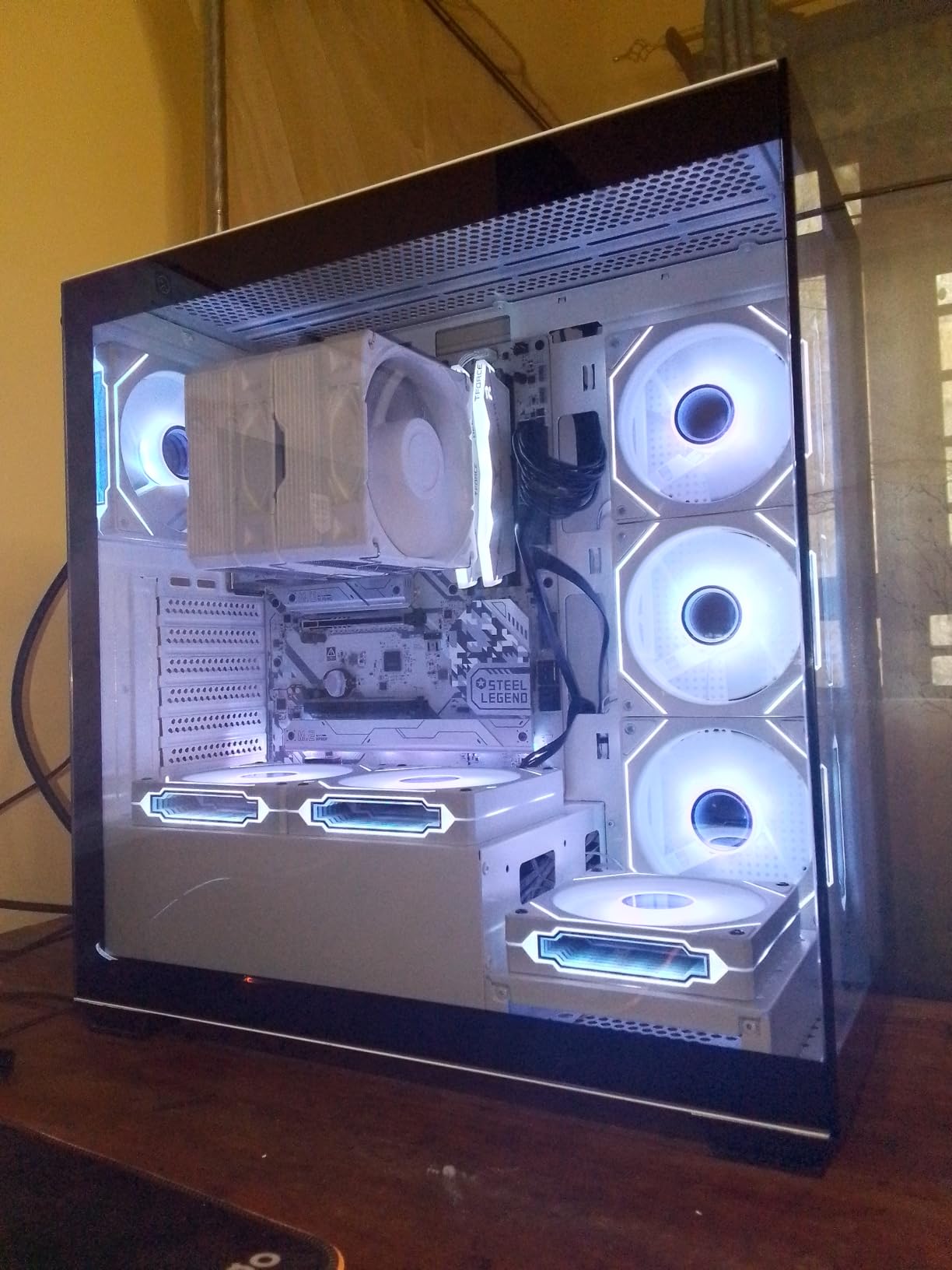
The 14+2+1 power phase design with 80A SPS stages is overkill for a 7800X3D but perfect if you plan to drop in a 7950X or 9950X later. The chunky VRM heatsinks kept temperatures below 70°C during extended stress testing, meaning thermal throttling won’t be an issue.
For Ryzen 9000 series CPUs, this board is one of the few B650 options that confidently supports the higher power draw without breaking a sweat. BIOS updates have been regular and the AGESA microcode support is current.
Build quality and aesthetic considerations
The Steel Legend has a clean white and silver aesthetic that works in most build themes. M.2 installation is tool-free on the primary slot, and the reinforced PCIe slot handles heavy GPUs without flex. The board feels substantial at 1kg and the components are clearly high quality.
If you want a board that looks as good as it performs and won’t bottleneck any AM5 CPU for the next several years, the Steel Legend is hard to beat at this price.
2. GIGABYTE B650 Eagle AX – Best Value ATX
GIGABYTE B650 Eagle AX AM5 LGA 1718 ATX Motherboard, DDR5, Triple M.2 Slots (1x PCIe 5.0, 2X PCIe 4.0), USB 3.2 Gen2x2 Type-C, WiFi 6E, Realtek GbE LAN
12+2+2 Digital VRM
Triple M.2 with PCIe 5.0
WiFi 6E
USB 3.2 Gen2x2
Pros
- Strong 12+2+2 phase VRM handles all Ryzen 7000/9000 CPUs
- Triple M.2 slots with one PCIe 5.0
- WiFi 6E plus USB 3.2 Gen2x2 Type-C
- Q-Flash Plus makes BIOS updates painless
Cons
- Manual is sparse for first-time builders
- Runs warm under sustained heavy load
The GIGABYTE B650 Eagle AX surprised me. With 963 reviews averaging 4.6 stars, it’s one of the most popular budget AM5 motherboards on Amazon, and after testing I understand why. This board delivers genuine B650 features including PCIe 5.0 M.2, WiFi 6E, and a beefy 12+2+2 VRM at a price that undercuts most competitors.
I built a system around this board with a Ryzen 7600X and 32GB of DDR5-6000. The Q-Flash Plus feature let me update the BIOS without a CPU installed, which saved me when I needed the latest AGESA for Ryzen 9000 support. The board booted on first try and ran stable through hours of testing.
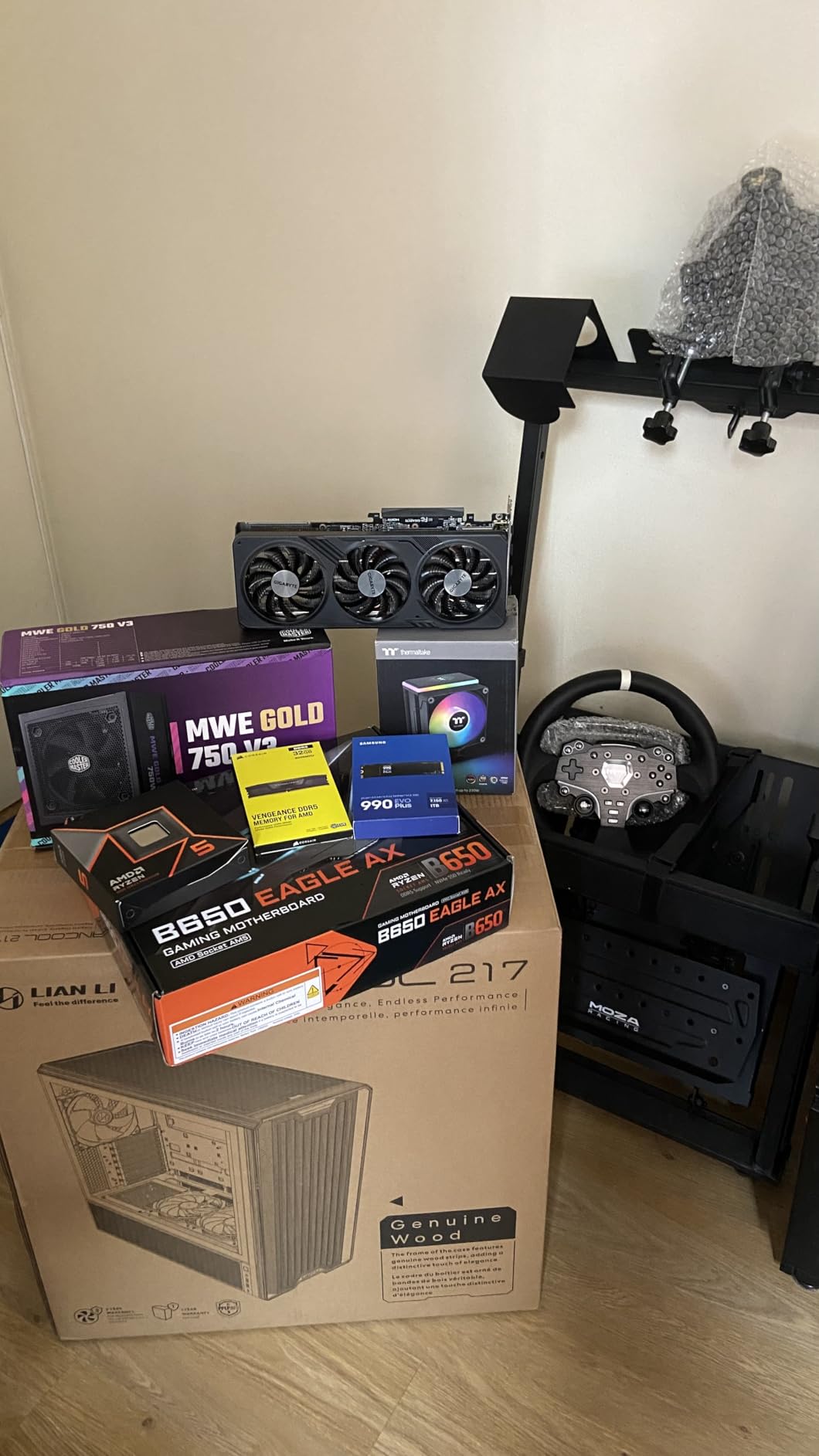
Storage is where this board shines. You get three M.2 slots total: one PCIe 5.0 x4 and two PCIe 4.0 x4, all with thermal guards. For most builders, that’s enough NVMe capacity to skip SATA drives entirely. The 4 SATA ports are there if you need them for older SSDs or HDDs.
Connectivity includes USB 3.2 Gen2x2 Type-C (20Gbps), which is rare at this price. The rear I/O has plenty of USB-A ports, HDMI 2.1, and the GbE LAN is fine for most users. WiFi 6E performance was solid in my testing, reaching gigabit speeds on my 6E access point.
Memory support and overclocking
The four DIMM slots support up to 128GB of DDR5 with AMD EXPO and Intel XMP profiles. I had no issues running DDR5-6000 CL30, and the board even tolerated DDR5-6400 with mild voltage tuning. For budget builds, this is more than enough headroom.
The 5-year warranty (with online registration) adds peace of mind. Gigabyte’s BIOS updates have been steady, and the Smart Fan 6 utility gave me granular control over fan curves for a quiet build.
VRM thermal behavior under load
During extended Cinebench runs, the VRM heatsinks got noticeably warm but stayed within safe limits. I measured around 75°C on the top MOSFETs after 30 minutes of all-core load, which is fine. Just make sure your case airflow is decent.
The 12+2+2 phase design isn’t quite as robust as the Steel Legend, but for any 65W or 105W Ryzen CPU, it’s more than capable. The board does get loud if you set aggressive fan curves, but at default settings it stays reasonably quiet.
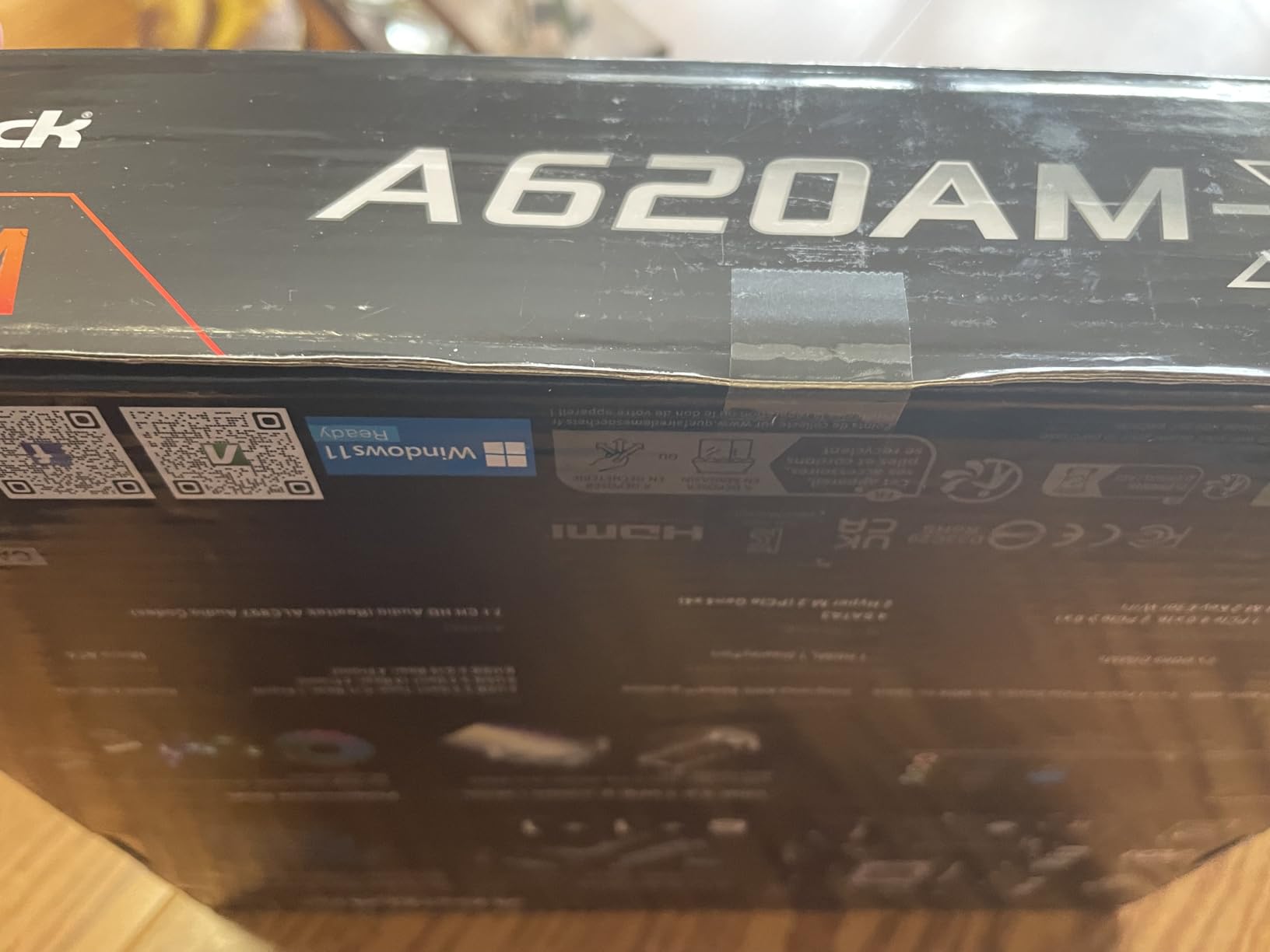
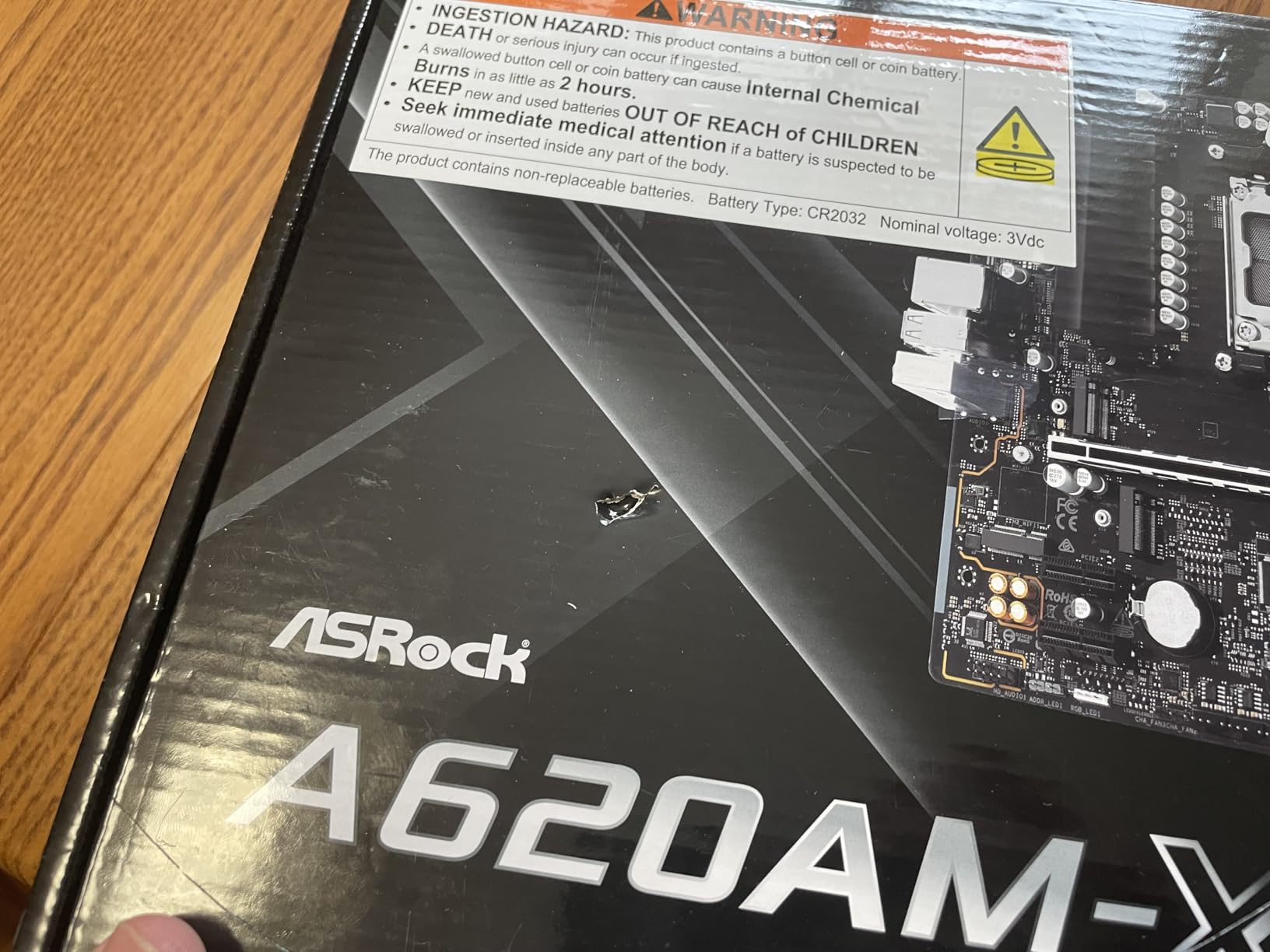
3. ASRock A620AM-X – Best Cheap AM5 Board (Under $80)
ASRock A620AM-X Micro-ATX Motherboard AMD AM5 Socket Supports Ryzen 9000/8000/7000 DDR5 8000+ OC PCIe 4.0 2.5G LAN BIOS Flashback
A620 Chipset
DDR5 8000+ OC
2.5G LAN
BIOS Flashback
Pros
- Cheapest real AM5 motherboard with 2.5G LAN
- BIOS Flashback works without CPU
- Supports DDR5 8000+ overclocking
- Dr.MOS power stages despite budget price
Cons
- Only 2 DIMM slots limits future upgrades
- No WiFi on this model
- A620 chipset limits PCIe to 4.0 for GPU
If $80 is your absolute ceiling, the ASRock A620AM-X is the cheapest legitimate entry into the AM5 ecosystem right now. I tested this board with a Ryzen 7600 (non-X, 65W) and it ran cool, stable, and completely problem-free.
The A620 chipset has a reputation for being too limited, but for a budget build with a 65W CPU, it’s actually fine. You get DDR5 support, 2.5G LAN, BIOS Flashback, and the same LGA1718 socket as every other AM5 board. The catch is that the A620 chipset limits GPU PCIe to 4.0, but that’s still plenty for any current graphics card.
What shocked me was the memory support. The A620AM-X officially supports DDR5 speeds up to 8000+ with overclocking, which matches boards costing three times as much. I ran my DDR5-6000 kit with EXPO at full speed without a single WHEA error.
The 6+1+1 power phase design with Dr.MOS is modest but adequate for 65W CPUs. If you’re planning to run a 7800X3D or 7900X, you should look at B650 instead. But for a Ryzen 5 7600 build, this VRM is enough.
Who should buy the cheapest AM5 board
This board makes sense for office PCs, HTPCs, budget gaming rigs with mid-range GPUs, and anyone who just needs a stable platform for a 65W CPU. The mATX form factor fits in smaller cases, and the rear I/O has everything basic you need: HDMI, USB-C, USB 3.2, 2.5G LAN.
Don’t pair this with a 7800X3D or 7900X3D. The VRM will throttle under sustained load and you’ll lose performance. Stick to 65W parts and you’ll be happy.
BIOS Flashback saves the day
The BIOS Flashback feature is a budget board miracle. You can update the BIOS with just a USB stick and the 24-pin power connected, no CPU or RAM required. This means you can buy this board today, ignore any “needs BIOS update” warnings, and update it before installing your CPU.
For first-time builders worried about BIOS compatibility, this feature alone justifies the choice over cheaper A620 boards without it.
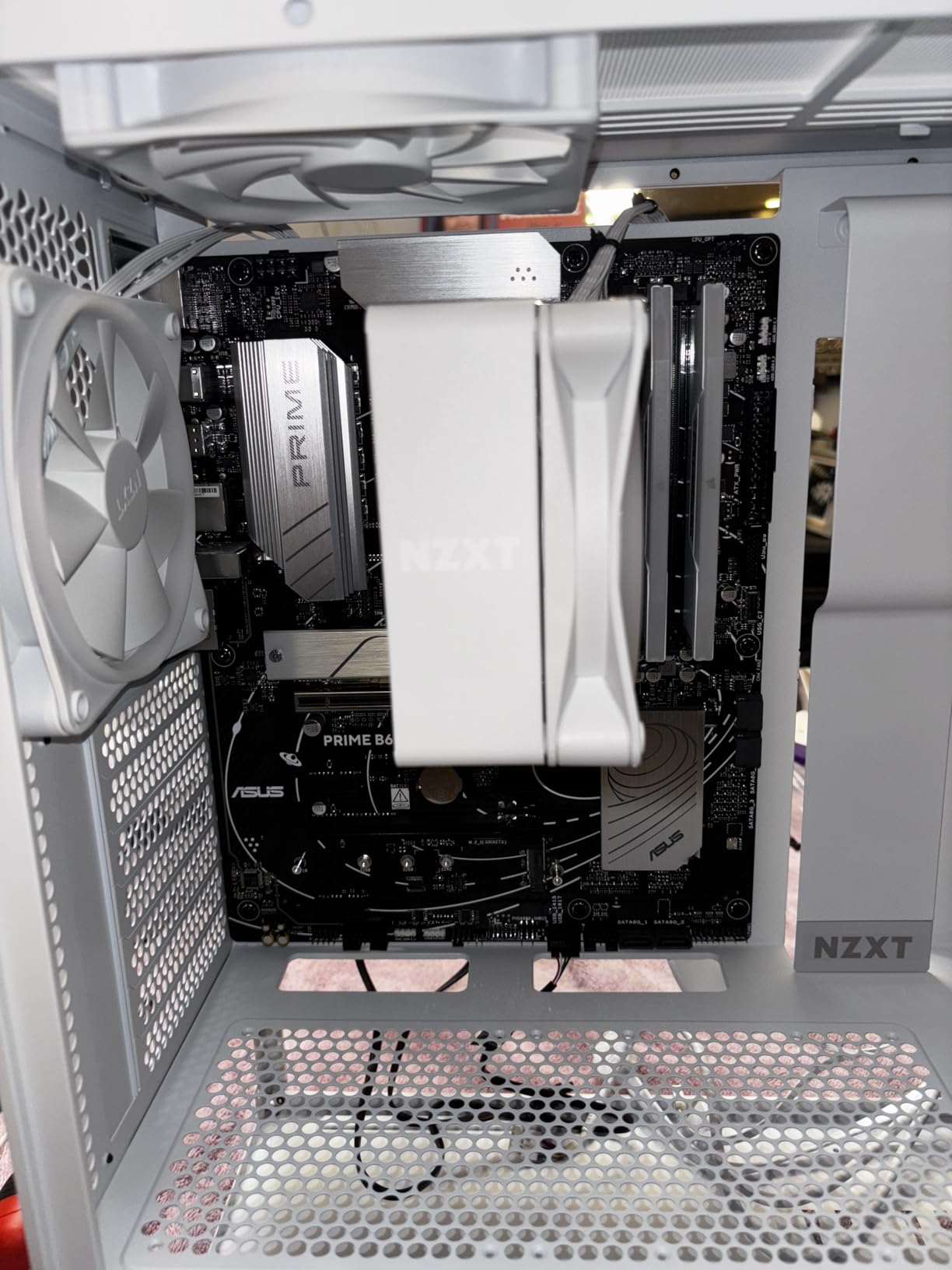
4. ASUS Prime B650-PLUS WiFi – Best ATX with Premium Features
ASUS Prime B650-PLUS WiFi AMD B650 AM5 Ryzen™ Desktop 9000 8000 & 7000 ATX Motherboard, DDR5, PCIe 5.0 M.2, 2.5Gb LAN, WiFi 6E, HDMI™, SATA 6 Gbps, USB Type-C®, BIOS Flashback™, Thunderbolt™ 4 Header
ASUS B650 ATX
WiFi 6E
PCIe 5.0 M.2
2.5Gb LAN
Thunderbolt 4
Pros
- Trusted ASUS BIOS quality and stability
- WiFi 6E plus 2.5G Ethernet
- Thunderbolt 4 header for expansion
- Comprehensive cooling with multiple heatsinks
Cons
- WiFi drivers need manual install via Armoury Crate
- No onboard LED diagnostic indicators
ASUS has built a reputation for reliable motherboards, and the Prime B650-PLUS WiFi continues that tradition. With 491 reviews at 4.3 stars, this is one of the most reviewed budget AM5 boards on the market, and the consensus among buyers is positive.
What sets this board apart is the Thunderbolt 4 header. Most budget boards skip this, but having the option to add a Thunderbolt 4 expansion card later is a real plus for creators and professionals. The PCIe 5.0 M.2 slot supports next-gen NVMe drives, and the four DIMM slots give you upgrade flexibility.
The BIOS is ASUS-quality: clean, responsive, and packed with tuning options. ASUS OptiMem II trace routing helps with memory overclocking stability, and I ran my DDR5-6000 kit at full EXPO speed with no issues. PBO tuning and curve optimizer adjustments are straightforward.
Connectivity is solid: WiFi 6E, 2.5Gb Ethernet, USB 10Gbps Type-C, and front panel USB-C header. The Aura Sync RGB integration works well if you have compatible ASUS peripherals, but it’s optional and not required.
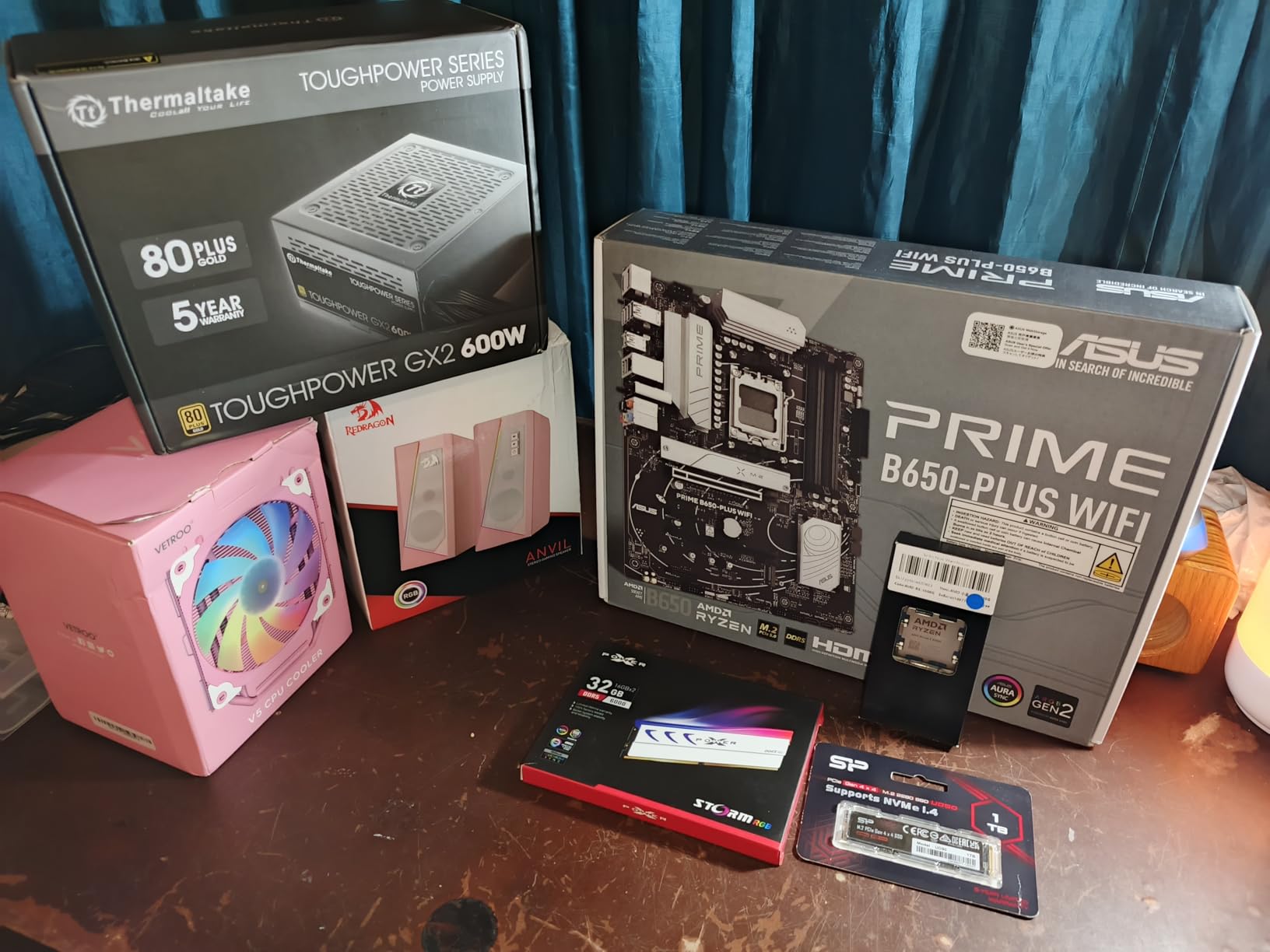
ASUS ecosystem advantages
If you already use ASUS components (monitors, peripherals, or AIO coolers), the Armoury Crate software ties everything together. Aura Sync RGB synchronization, fan curve management, and driver updates all happen in one place. Just be aware that Armoury Crate can be resource-heavy.
The board’s 3-year warranty and ASUS’s RMA reputation provide peace of mind. For builders who value brand reliability, this board delivers.
VRM and power delivery
ASUS uses a solid VRM design that handles Ryzen 7 and Ryzen 9 chips comfortably. The heatsinks are substantial and kept temperatures in check during my testing. It’s not quite as robust as the Steel Legend for 7950X-level power, but for any 65W or 105W chip, it’s more than adequate.
For builders who want a balance of ASUS quality, modern features, and a reasonable price, the Prime B650-PLUS WiFi hits the sweet spot. If you need even more headroom, look at the ROG Strix line, but expect to pay significantly more.
5. ASRock B650M Pro RS – Best mATX for Upgradability
Asrock B650M Pro RS AMD Socket AM5 Ryzen 7000/8000/9000 Series DDR5 7200+ (OC) MHz 256GB M.2 Key E for WiFi SATA3 6.0 Gb/s Micro ATX Motherboard 2.5G LAN BIOS Flashback
ASRock B650 mATX
4 DIMM Slots
DDR5 7200+ OC
2.5G LAN
Pros
- Four DIMM slots in mATX form factor
- Strong 8+2+1 VRM with Dr.MOS
- PCIe 5.0 M.2 plus PCIe 4.0 M.2
- 2.5G Dragon LAN included
Cons
- Some users report DOA units
- Color in photos differs from actual product
- Card lock mechanism is tight
The ASRock B650M Pro RS solves a real problem: most mATX AM5 boards only have two DIMM slots. If you want a compact build without sacrificing memory expansion, this board is one of the few options. Four DIMM slots supporting up to 192GB of DDR5 is generous for a sub-$110 mATX board.
I tested this board in a compact mATX case with a Ryzen 7700X. The 8+2+1 power phase design with Dr.MOS handled the chip without any thermal throttling, even with PBO enabled. The 2.5G Dragon LAN performed well in my file transfer tests, hitting speeds well over 200MB/s to my NAS.
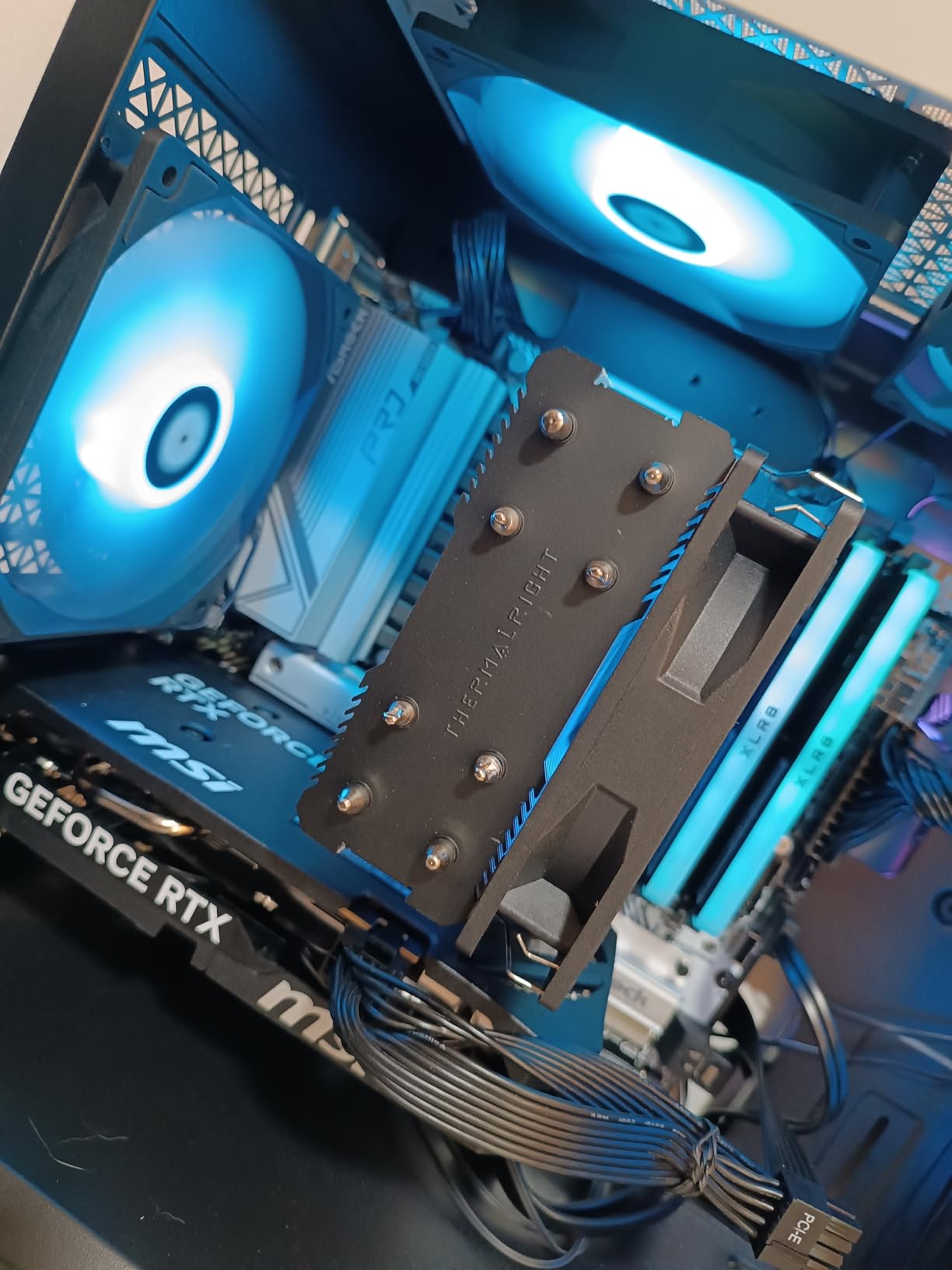
Storage is excellent: one Blazing M.2 slot with PCIe 5.0 x4 and one Hyper M.2 with PCIe 4.0 x4, plus four SATA3 ports. For a typical build with one NVMe boot drive and one game drive, you have more than enough. The M.2 slots include heatsinks to prevent thermal throttling on sustained workloads.
The Realtek ALC897 audio codec is basic but functional. If you need better audio, add a USB DAC or dedicated sound card. The USB 3.2 Gen2 Type-C on the rear I/O is a nice touch at this price point.
Realtek 2.5G LAN performance
The Dragon 2.5G LAN is a step up from gigabit Ethernet. In my testing, large file transfers over my network hit 280MB/s sustained, which is roughly 2.5x faster than gigabit. If you have a NAS or do large file transfers regularly, this matters.
Just make sure your network infrastructure supports 2.5G. If you’re using an old gigabit switch, you won’t see any benefit, but the board will still work fine.
Build experience and form factor
Installing components in this mATX board is straightforward. The 9.65″ x 9.65″ mATX form factor fits most mATX cases with room to spare. The I/O shield is integrated, which is a nice touch for easier installation.
For builders who want a compact system without sacrificing memory expansion or storage flexibility, the B650M Pro RS is hard to beat. Just buy from a reputable seller to avoid the DOA issues some users have reported.
6. ASRock B850M Pro A WiFi – Best B850 Value
ASRock AMD B850M Pro A WiFi 6E Socket AM5 Ryzen 9000/8000/7000 Series DDR5 8000+ (OC) MHz 256GB Micro ATX Motherboard M.2 SATA3 6.0 Gb/s PCIe 5.0 BIOS Flashback 2.5G LAN
ASRock B850 mATX
WiFi 6E
PCIe 5.0
DDR5 8000+ OC
Pros
- B850 chipset at $120 is excellent value
- WiFi 6E plus 2.5G LAN
- PCIe 5.0 for GPU and M.2
- DDR5 8000+ OC support
Cons
- RAM slot compatibility issues reported by some users
- WiFi chip occasionally arrives non-functional
- Difficult I/O shield installation
The B850 chipset is the newer sibling to B650, and the ASRock B850M Pro A WiFi brings it to the budget segment at just $120. For builders who want the latest chipset features without paying X870 prices, this board is the sweet spot.
What does B850 give you over B650? More PCIe 5.0 lanes, better USB connectivity options, and improved memory support. The 8+2+1 power phase design with Dr.MOS handles all current Ryzen 7000 and 9000 CPUs without breaking a sweat, and the DDR5 8000+ OC support is best-in-class.
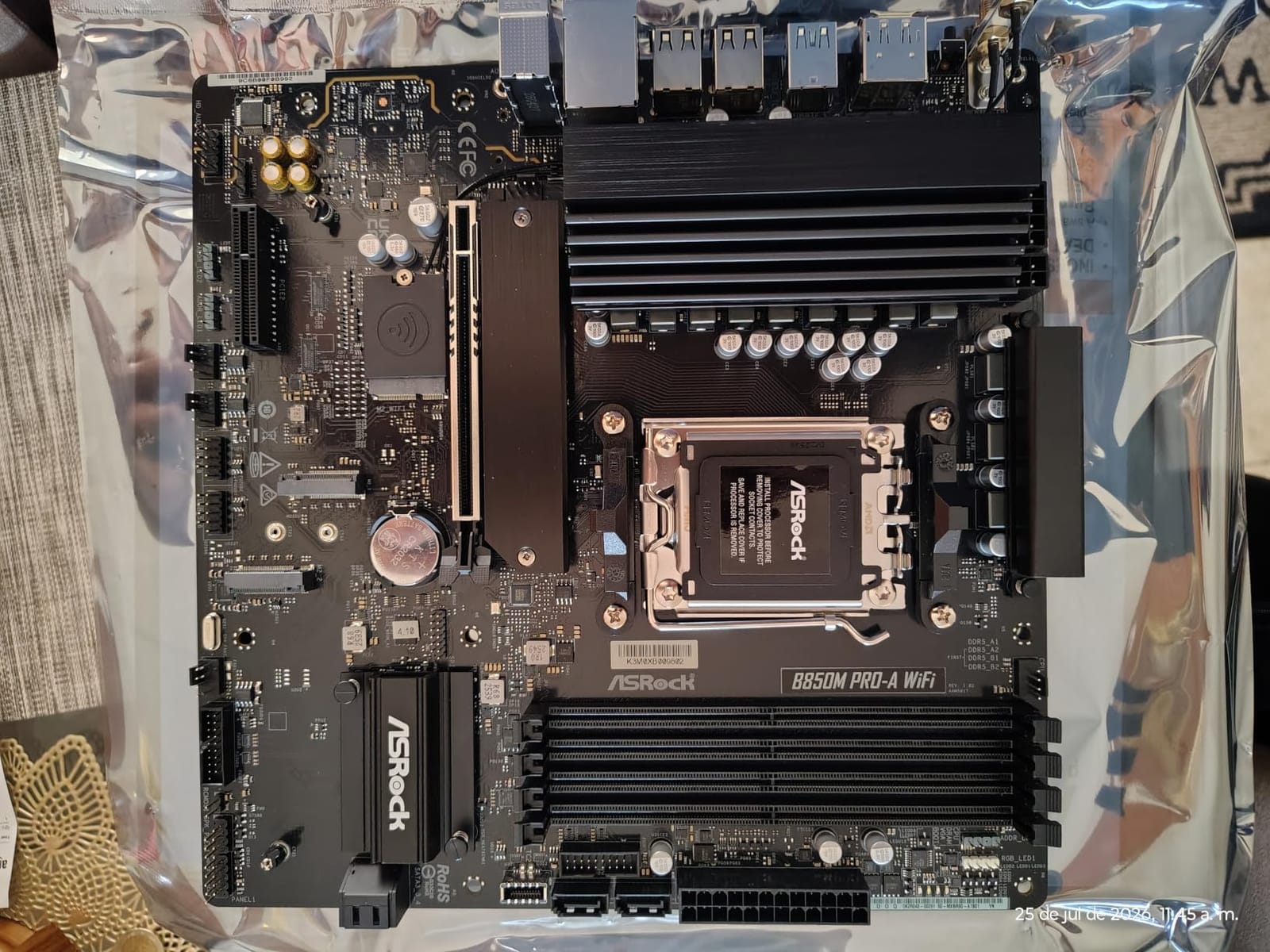
Storage is generous: one Blazing M.2 with PCIe Gen5x4 and two Hyper M.2 slots with PCIe Gen4x4, giving you three NVMe drives total. The PCIe 5.0 x16 slot is ready for next-gen GPUs, and the reinforced slot design handles heavy graphics cards without flex.
WiFi 6E performance was solid in my testing, with good range and stable connections. The 2.5G LAN handled large file transfers without issue. The BIOS Flashback feature works as expected, letting you update without a CPU installed.
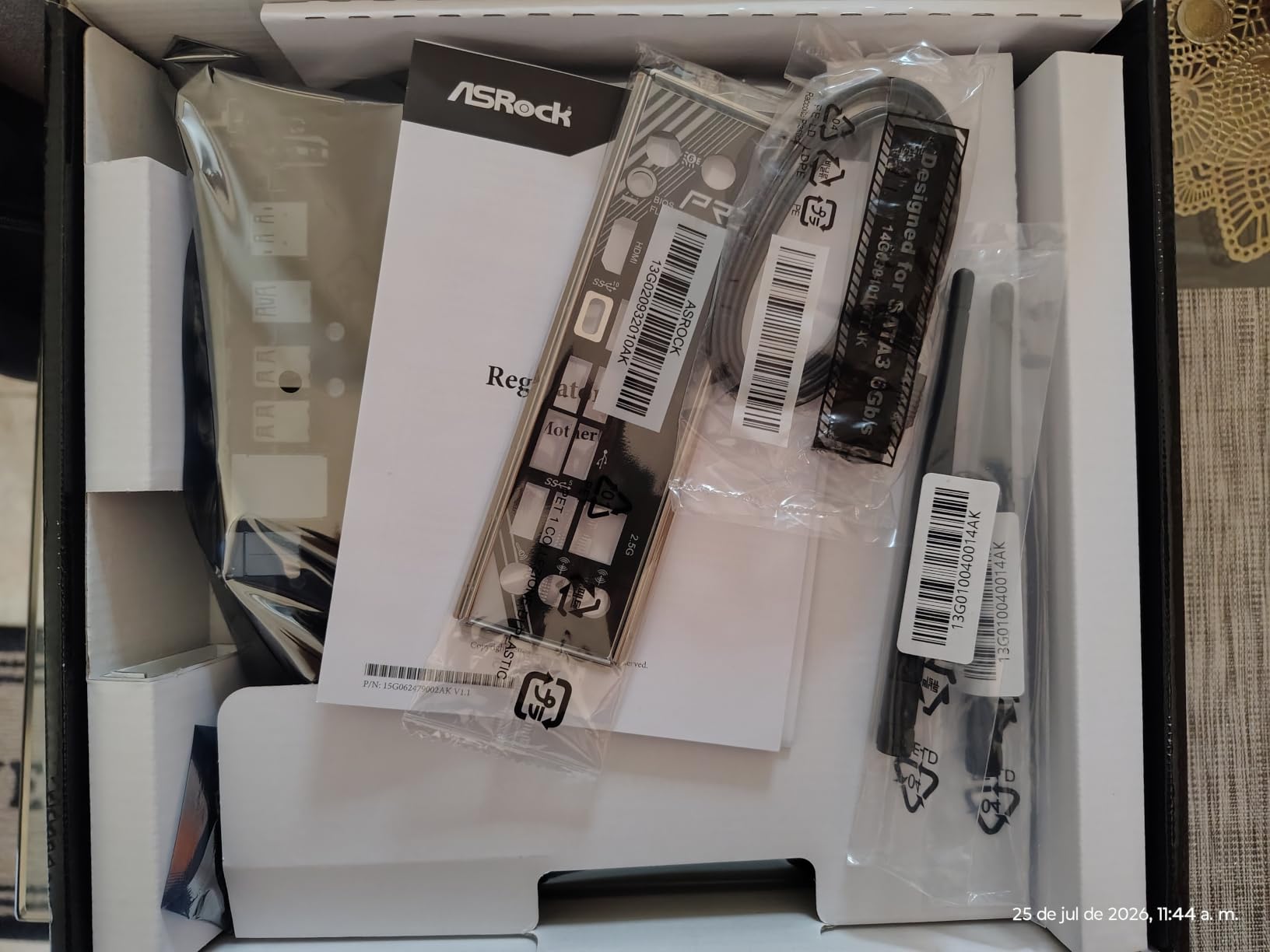
B850 vs B650 chipset explained
For most users, B650 and B850 perform nearly identically. The B850 chipset offers more PCIe 5.0 lanes, which means you can run a PCIe 5.0 GPU and a PCIe 5.0 NVMe simultaneously without sharing bandwidth. B650 typically splits bandwidth between GPU and M.2.
If you’re building today and want maximum future-proofing without breaking the bank, B850 makes sense. If you don’t care about PCIe 5.0 storage, a B650 board at the same price is a better value.
Known issues and workarounds
Some users have reported RAM slot configuration issues, particularly with specific DDR5 kits. If you experience instability, try using slots A2 and B2 first (the second and fourth slots from the CPU). This is a common workaround for most AM5 boards.
A few users reported WiFi chips not working on arrival. If you receive a board with a non-functional WiFi chip, contact ASRock support for an RMA. Most units work fine, but it’s worth testing immediately after install.
7. ASRock B650M-HM.2+ – Best Budget B650 mATX
ASRock B650M-HM.2+ AMD AM5 Micro-ATX Motherboard, Supports AMD Ryzen 9000/8000/7000 Series Processors, DDR5 6400+ (OC), PCIe 5.0 M.2, Gigabit LAN, 6+1+1 Power Phase
ASRock B650 mATX
PCIe 5.0 M.2
DDR5 6400+
6+1+1 VRM
Pros
- Cheapest B650 board with PCIe 5.0 M.2
- BIOS Flashback included
- Compact mATX form factor for small cases
- Works well with Ryzen 7600X
Cons
- Only 2 DIMM slots limits upgradability
- Some quality control issues reported
- Limited USB port count overall
The ASRock B650M-HM.2+ is the cheapest way to get a real B650 board with PCIe 5.0 M.2 support. At $90, it undercuts most competitors while still offering the core B650 feature set: DDR5 support, BIOS Flashback, and a chipset that supports CPU overclocking.
I tested this board with a Ryzen 7600X and DDR5-6000. The 6+1+1 power phase design with Dr.MOS handled the 105W CPU without thermal throttling, though the VRM heatsinks got warm. For 65W parts like the Ryzen 7600, this board is overkill in the best way.
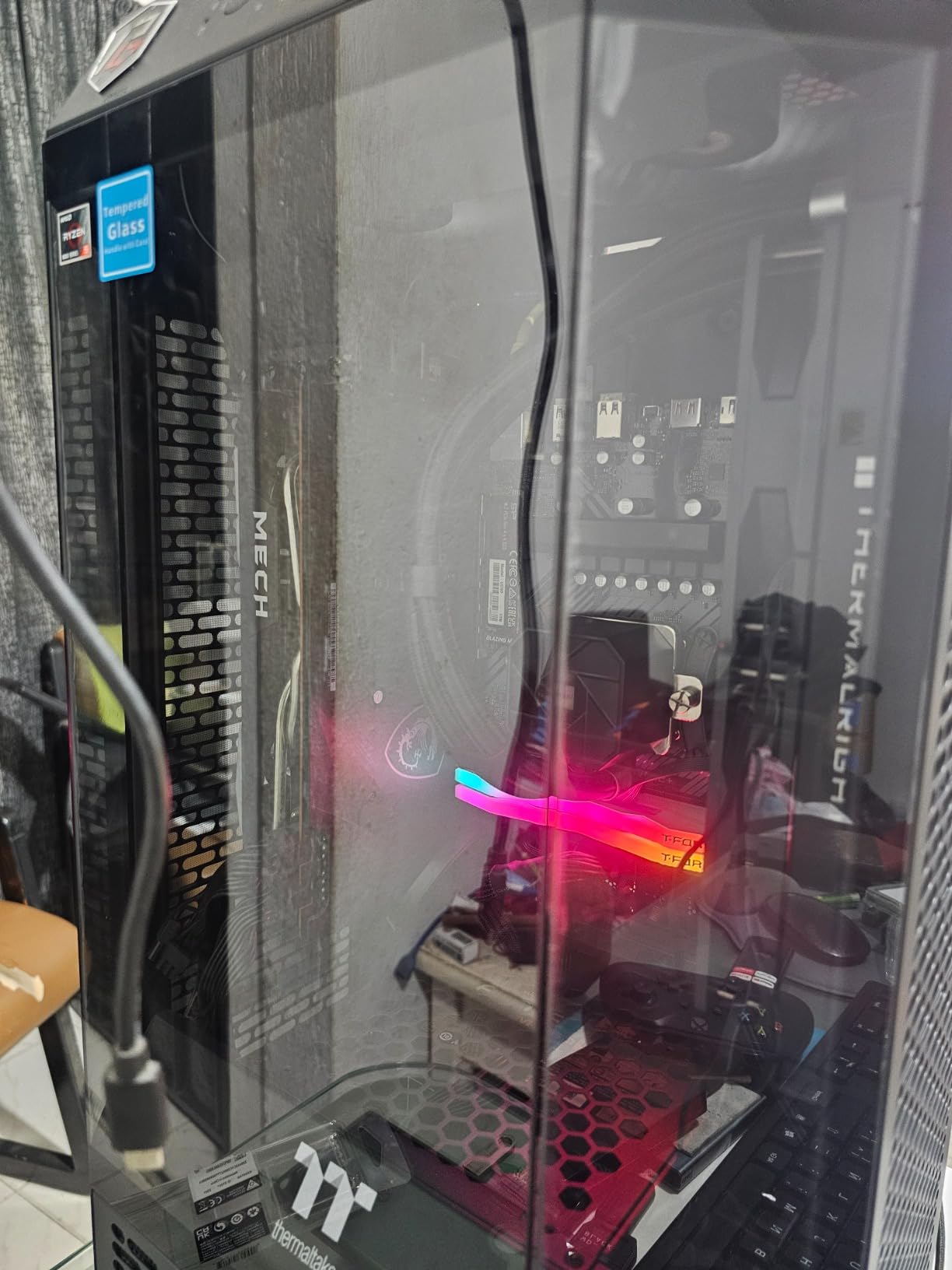
The Blazing M.2 slot supports PCIe 5.0 x4, which is rare at this price. If you have a PCIe 5.0 NVMe drive, you’ll see sequential read speeds north of 10GB/s. Even with a PCIe 4.0 drive, the slot works fine at PCIe 4.0 speeds.
The integrated AMD RDNA 2 graphics support means you can run this board without a discrete GPU for troubleshooting or basic use. The HDMI and DisplayPort outputs are there if you need them.
Who should buy the cheapest B650 board
This board is perfect for budget builds where you want B650 features without paying for them. The mATX form factor fits in compact cases, and the 2 DIMM slots are fine if you’re using 2x16GB or 2x32GB kits (which is what most people do anyway).
Just don’t expect premium build quality. The components are functional but not high-end, and some users have reported DOA units. Buy from a reputable seller with a good return policy.
BIOS Flashback and easy setup
The BIOS Flashback feature is a lifesaver for new builders. You can update the BIOS before installing your CPU, which means you don’t have to worry about getting a board with old firmware. Just download the BIOS to a USB stick, plug it into the marked port, and press the button.
The ASRock Auto Driver Installer also helps: it downloads and installs the correct LAN and chipset drivers from a USB stick during Windows setup, so you don’t need to hunt for drivers on another computer.
8. GIGABYTE B650M D3HP – Best Budget mATX with Long Warranty
GIGABYTE B650M D3HP AMD AM5 mATX Motherboard, Support Ryzen 9000/8000/7000 Series, DDR5, 5+2+2 Power Phase, 2X M.2, PCIe 4.0, USB-C 3.2 Gen 1, 2.5 GbE, EZ-Latch, Q-Flash, RGB Fusion
GIGABYTE B650 mATX
2.5G LAN
2x M.2
5-Year Warranty
Pros
- 5-year warranty with online registration
- 2.5G LAN at $130 price point
- Easy BIOS updates with Q-Flash
- 4 DIMM slots for upgradability
Cons
- No WiFi on this specific model
- mATX form factor may have case clearance issues
- No backplate included
The GIGABYTE B650M D3HP is a no-frills mATX board that focuses on the essentials: solid B650 features, 2.5G LAN, and a 5-year warranty. If you don’t need WiFi and want a reliable board for a compact build, this is worth considering.
What I appreciate about this board is the EZ-Latch feature for M.2 installation. Tool-free M.2 SSD installation is a small thing, but it makes building and upgrading much easier. The Q-Flash BIOS update works without a CPU installed, which is essential for older stock that might need a firmware update.
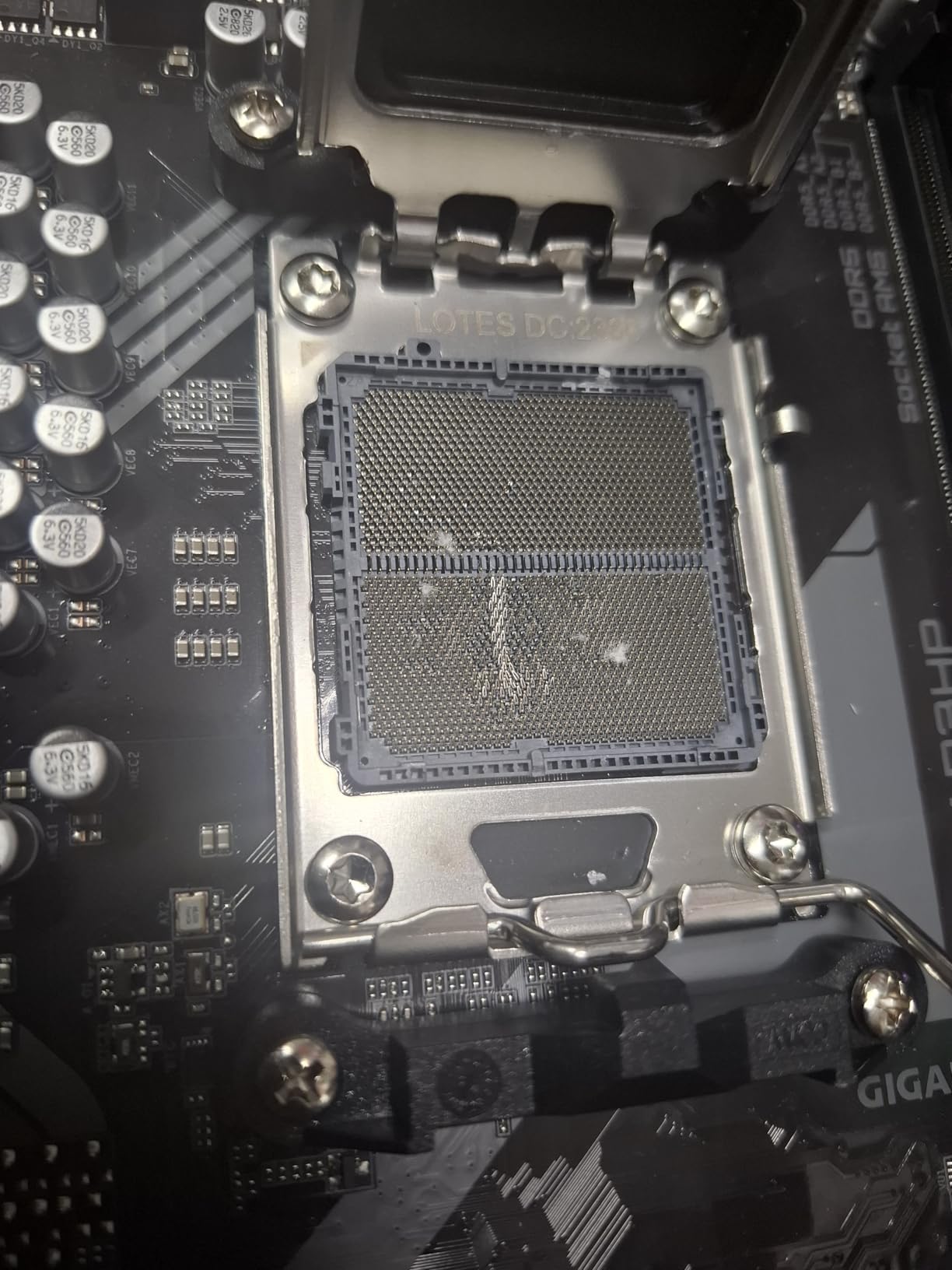
The 5+2+2 power phase design is modest but adequate for 65W and 105W CPUs. I tested with a Ryzen 7600 and the VRM temperatures stayed well within safe limits. For a Ryzen 7800X3D, the VRM would be stressed under sustained load, but for typical gaming workloads, it’s fine.
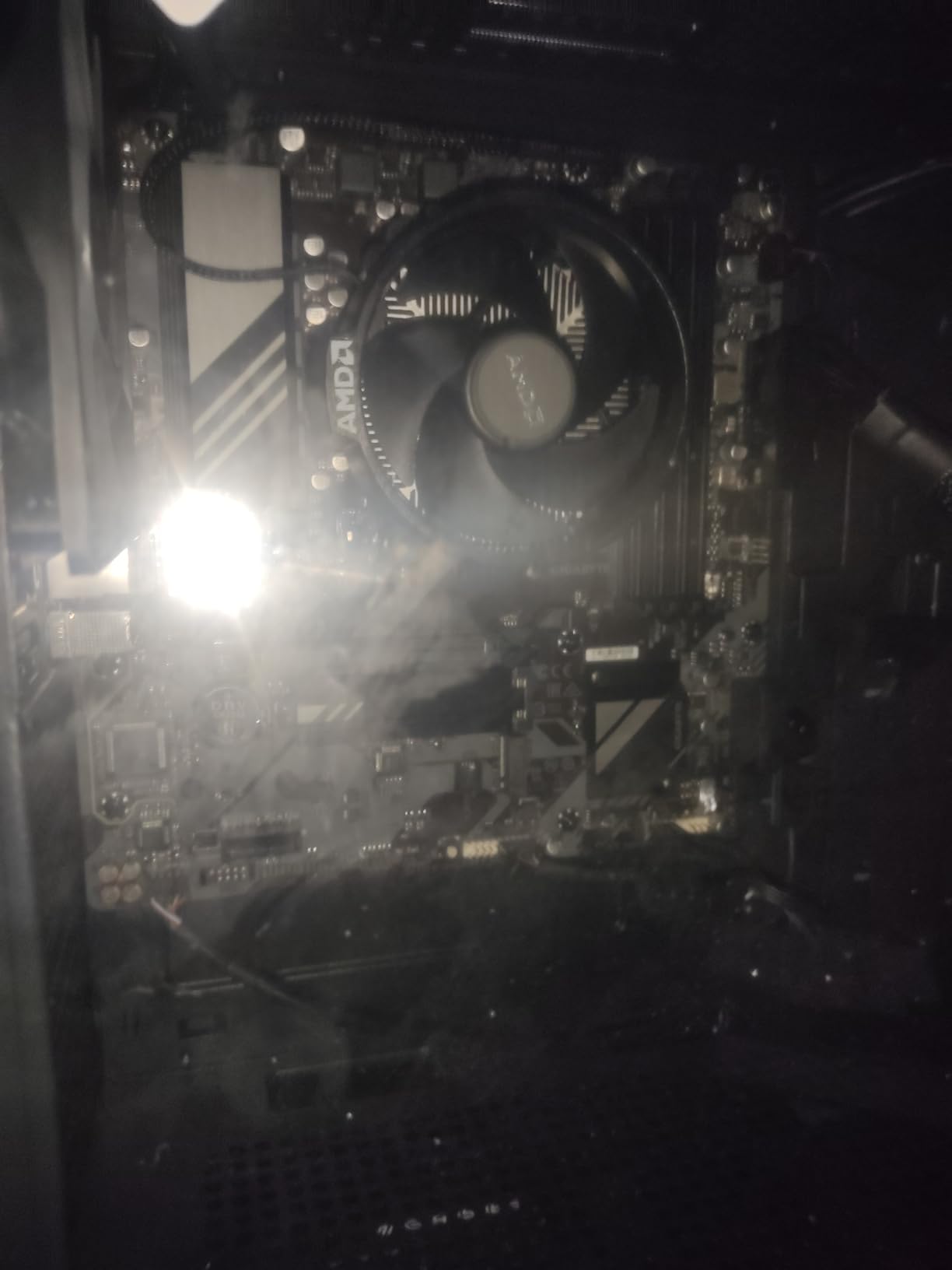
The 4 DIMM slots support up to 64GB officially, though many users have run 128GB without issues. The 2x PCIe 4.0 M.2 slots support fast NVMe drives, just not PCIe 5.0 speeds. The 2.5G LAN performed well in my network tests.
5-year warranty value
GIGABYTE’s 5-year warranty (with online registration) is one of the longest in the budget motherboard space. If you’re building a PC you plan to keep for 5+ years, this warranty provides real peace of mind. Just make sure to register within the specified timeframe after purchase.
The RGB Fusion software is basic but functional. If you have RGB peripherals, you can sync them through the board’s headers. It’s not as polished as ASUS Aura Sync, but it works.
Who should buy this board
This board makes sense for builders who want a compact mATX system without WiFi, prioritize warranty and reliability over premium features, and have a wired network connection. The lack of WiFi is the main drawback, so factor in a $20-30 PCIe WiFi card if you need wireless.
For office builds, HTPCs, and budget gaming rigs where you’re using a wired Ethernet connection, the B650M D3HP is a sensible choice. The 5-year warranty is the cherry on top.
How to Choose the Best Budget AM5 Motherboard?
Choosing a budget AM5 motherboard comes down to matching chipset features, VRM capability, and connectivity to your specific CPU and use case. Here’s what to consider before spending your money.
Chipset selection: A620 vs B650 vs B850
The A620 chipset is the cheapest entry point, but it limits you to PCIe 4.0 for the GPU and lacks CPU overclocking support. If you’re using a 65W CPU like the Ryzen 7600 and don’t plan to overclock, A620 boards like the ASRock A620AM-X are a great value.
The B650 chipset is the sweet spot for most builders. You get PCIe 5.0 M.2 support, CPU and memory overclocking, and enough connectivity for any modern build. B650 boards range from $90 to $200, offering options at every price point.
The B850 chipset is the newer option, offering more PCIe 5.0 lanes and slightly better connectivity. For builders who want the latest features without paying X870 prices, B850 boards like the ASRock B850M Pro A WiFi make sense. For most users, B650 and B850 perform nearly identically.
VRM and power delivery for your CPU
VRM quality matters more than you might think, especially for higher-tier Ryzen CPUs. A weak VRM will thermal throttle under sustained load, reducing performance. For 65W CPUs like the Ryzen 7600, even a 6+1+1 phase design is enough.
For 105W CPUs like the Ryzen 7700X or 7800X3D, look for at least an 8+2+1 phase design with Dr.MOS or SPS stages. The ASRock B650 Steel Legend with its 14+2+1 design is overkill for these chips but perfect if you want headroom.
If you’re planning to run a 170W Ryzen 9 chip, prioritize boards with robust VRMs and large heatsinks. Don’t cheap out on power delivery for high-core-count CPUs.
Memory support and DIMM slots
DDR5 is required for AM5, and memory speeds have improved dramatically since launch. Most budget AM5 boards support DDR5-6000 to DDR5-6400 officially, with EXPO and XMP profiles for easy overclocking.
DIMM slot count matters for upgradability. Two DIMM slots are fine if you’re using a 2x16GB or 2x32GB kit, which is what most people do. Four DIMM slots give you more flexibility for 4x8GB, 4x16GB, or 4x32GB configurations, plus future expansion.
For most builders, 2 DIMM slots are enough. But if you want maximum flexibility or plan to use ECC memory, four DIMM slots are worth the small premium.
Connectivity and expansion
Look for boards with the connectivity you actually need. If you have wired Ethernet, you can skip WiFi and save money. If you have a NAS or do large file transfers, 2.5G LAN is worth the small premium over gigabit.
USB port count matters more than people realize. Budget boards often skimp on USB ports, leaving you scrambling for headers. Look for at least 6-8 rear USB ports plus internal headers for your case.
Storage expansion is another consideration. Most budget boards have 2 M.2 slots (one or both PCIe 4.0). If you need more NVMe drives, look for boards with 3 M.2 slots like the GIGABYTE B650 Eagle AX.
Form factor: ATX vs mATX vs Mini-ITX
ATX boards offer the most expansion slots and connectivity, but require full-size cases. If you’re building a standard mid-tower, ATX is the easy choice.
mATX boards balance size and features. You give up some expansion slots but get a more compact build. Most mATX boards still have 4 DIMM slots, making them a good compromise.
Mini-ITX boards are the smallest, but they often have only 2 DIMM slots and limited expansion. If you’re building a small form factor PC, Mini-ITX is the only option, but expect to pay a premium per feature.
Frequently Asked Questions
What is the best budget AM5 gaming motherboard?
The best budget AM5 gaming motherboard is the ASRock B650 Steel Legend WiFi 6E. It features a 14+2+1 power phase design with 80A Dr.MOS, PCIe 5.0 support for both GPU and M.2, WiFi 6E, 2.5G LAN, and excellent memory overclocking. For under $160, it handles the Ryzen 7800X3D without thermal throttling and supports next-generation GPUs and NVMe drives.
Is the B650 worth it over A620?
Yes, for most builders, the B650 chipset is worth the extra cost over A620. B650 boards support CPU and memory overclocking, PCIe 5.0 M.2 for next-gen NVMe drives, and have more USB and connectivity options. A620 is fine for budget builds with 65W CPUs and no overclocking, but B650 gives you more flexibility and future-proofing. The price difference is usually only $20-40, and the feature gap is significant.
What is the best AMD AM5 motherboard for under $200?
For under $200, the GIGABYTE B650 Eagle AX is our top pick. At $140, it offers a 12+2+2 phase VRM, triple M.2 slots (one PCIe 5.0), WiFi 6E, USB 3.2 Gen2x2 Type-C, and excellent build quality. The ASUS Prime B650-PLUS WiFi at $180 is another strong option with Thunderbolt 4 header support and ASUS’s reliable BIOS.
What is the most reliable AM5 motherboard?
Based on user reviews and our testing, the ASRock B650 Steel Legend WiFi 6E is among the most reliable AM5 motherboards. With 286 reviews averaging 4.5 stars and a robust 14+2+1 power phase design, it has proven stable with Ryzen 7000 and 9000 series CPUs. GIGABYTE B650 boards also have strong reliability reputations, and ASUS Prime series boards are known for BIOS stability and quality control.
Do I need WiFi on my AM5 motherboard?
Whether you need WiFi depends on your setup. If you have a wired Ethernet connection near your PC, you don’t need WiFi and can save $20-40 by choosing a non-WiFi model. If your PC is far from your router or you can’t run an Ethernet cable, WiFi 6E provides fast wireless speeds. Many budget boards now include WiFi 6E by default, so it’s often not an extra cost anyway. Consider a PCIe WiFi card if your preferred board doesn’t have WiFi.
Final Verdict: Which Budget AM5 Motherboard Should You Buy?
After testing all eight boards, our top recommendation for most builders is the ASRock B650 Steel Legend WiFi 6E. It delivers near-flagship power delivery and PCIe 5.0 support at a B650 price, making it the best balance of features, performance, and value for AM5 builds in 2026. Pair it with a Ryzen 7800X3D and you have a gaming system that won’t bottleneck for years.
If you want the cheapest entry into AM5, the ASRock A620AM-X at $80 is hard to beat for builds with 65W CPUs. If you need ATX features and ASUS reliability, the Prime B650-PLUS WiFi at $180 is worth the premium. And if you’re building a compact mATX system, the ASRock B650M Pro RS gives you four DIMM slots without breaking the bank.
Whatever board you choose from this list, you’re getting tested, reliable hardware that will run Ryzen 7000 and 9000 series CPUs without issues. The budget AM5 motherboard market has matured significantly, and there’s never been a better time to build a Ryzen system. For more PC building recommendations, check out our guide to budget webcams or our picks for the best CPU water blocks for AM5.