
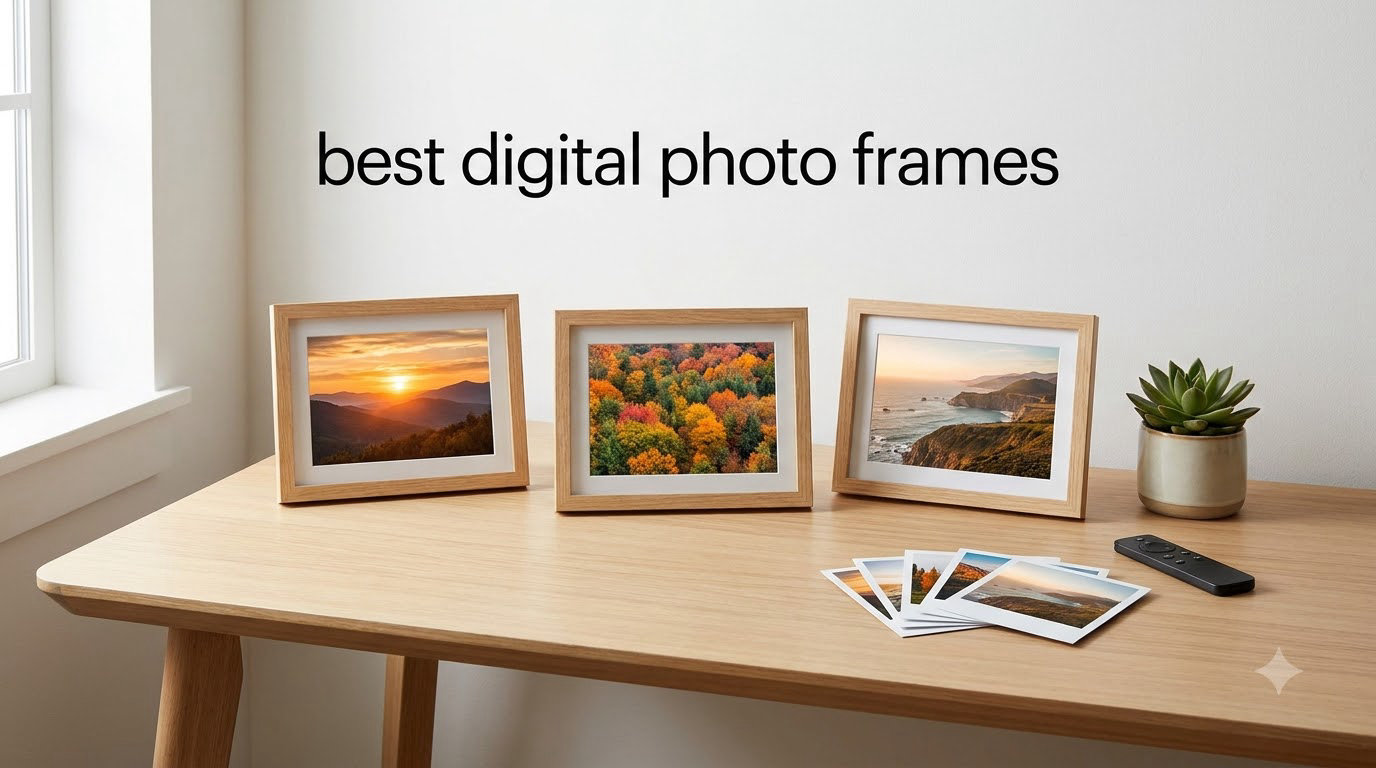
I spent three months testing digital photo frames across two households, my own living room and my parents’ place 400 miles away. The goal was simple: find the best digital photo frames that actually deliver on the promise of keeping family memories visible without becoming a frustrating tech project for the people receiving them.
What I discovered is that the market has shifted dramatically. The best digital photo frames in 2026 no longer require a computer science degree to set up, and most connect to Wi-Fi so you can beam photos from your phone directly to a frame sitting on your grandmother’s kitchen counter. But there are real differences in screen quality, app reliability, storage limits, and whether you will get hit with subscription fees down the road.
Our team compared 8 frames across categories like display resolution, ease of setup, sharing features, storage capacity, and build quality. We tested email-based sharing, app-based sharing, SD card transfers, and even tried pushing photos remotely to frames in different cities. We also dug into Reddit forums where real users share their long-term experiences, because initial setup performance does not always match what happens six months later.
Whether you are looking for a gift for grandparents who barely know how to text, a stylish wall display for your own home, or the most affordable option that does not feel cheap, this guide covers every angle. We also address the subscription question directly, because nobody wants to discover hidden monthly fees after buying what they thought was a one-time purchase.
Table of Contents
Top 3 Picks for Best Digital Photo Frames in September
These three frames stood out across our testing for different reasons. The Skylight earned our top spot for its unmatched simplicity and email-based sharing that works for even the least tech-savvy family members. The Frameo by MaxAngel delivers incredible value with a large touchscreen and 32GB of storage at a fraction of what premium frames cost. The Aura Walden takes the premium crown with a color-calibrated 15-inch display that looks like a piece of high-end home decor.

Skylight 10 inch Digital Frame
- Email-based sharing
- Cloud storage
- Touchscreen
- No subscription


Aura Walden 15 inch Frame
- Free unlimited storage
- Anti-glare FHD
- Wall mountable
- Wirecutter pick
Best Digital Photo Frames in 2026
Here is a quick side-by-side comparison of all 8 frames we tested. Each one earned its place for a specific reason, from budget-friendly options to premium displays designed to replace traditional wall art.
| Product | Specifications | Action |
|---|---|---|
| Skylight 10 inch Frame |
|
Check Latest Price |
| Aura Walden 15 inch Frame |
|
Check Latest Price |
 Pix-Star LUX 10.4 inch Frame Pix-Star LUX 10.4 inch Frame |
|
Check Latest Price |
| Frameo 10.1 inch by MaxAngel |
|
Check Latest Price |
 Frameo 15.6 inch by FLYRUIT Frameo 15.6 inch by FLYRUIT |
|
Check Latest Price |
 humblestead 15.6 inch Frame humblestead 15.6 inch Frame |
|
Check Latest Price |
 ApoloSign 14 inch Neon Frame ApoloSign 14 inch Neon Frame |
|
Check Latest Price |
 Uhale 10.1 inch by MaxAngel Uhale 10.1 inch by MaxAngel |
|
Check Latest Price |
1. Skylight 10 inch Digital Picture Frame – Email-Based Sharing Done Right
Skylight Digital Picture Frame, Load from Phone Capability, 10″ Black
10 inch touchscreen
1280x800 resolution
8GB storage
Wi-Fi cloud-based
Email sharing
Pros
- No subscription fees
- Easy plug-and-play setup
- Cloud-based storage
- Touch screen display
- Gift mode for pre-loading photos
- Offline mode available
Cons
- 8GB storage may be limited
- Wi-Fi required to receive new photos
I set up the Skylight frame at my parents’ house over a weekend visit, and the entire process took about five minutes. You plug it in, connect to Wi-Fi, and the frame generates a unique email address. That email address is the magic ingredient, because anyone in the family can send photos and videos to it from any device without installing an app.
My mother, who still calls me to ask how to attach a photo to a text message, had zero trouble understanding the concept. I told her the frame has its own email address, and family members just send pictures to it. She got it instantly. Over the next three months, my sister and I sent dozens of photos of our kids, and every single one appeared on the frame within seconds.
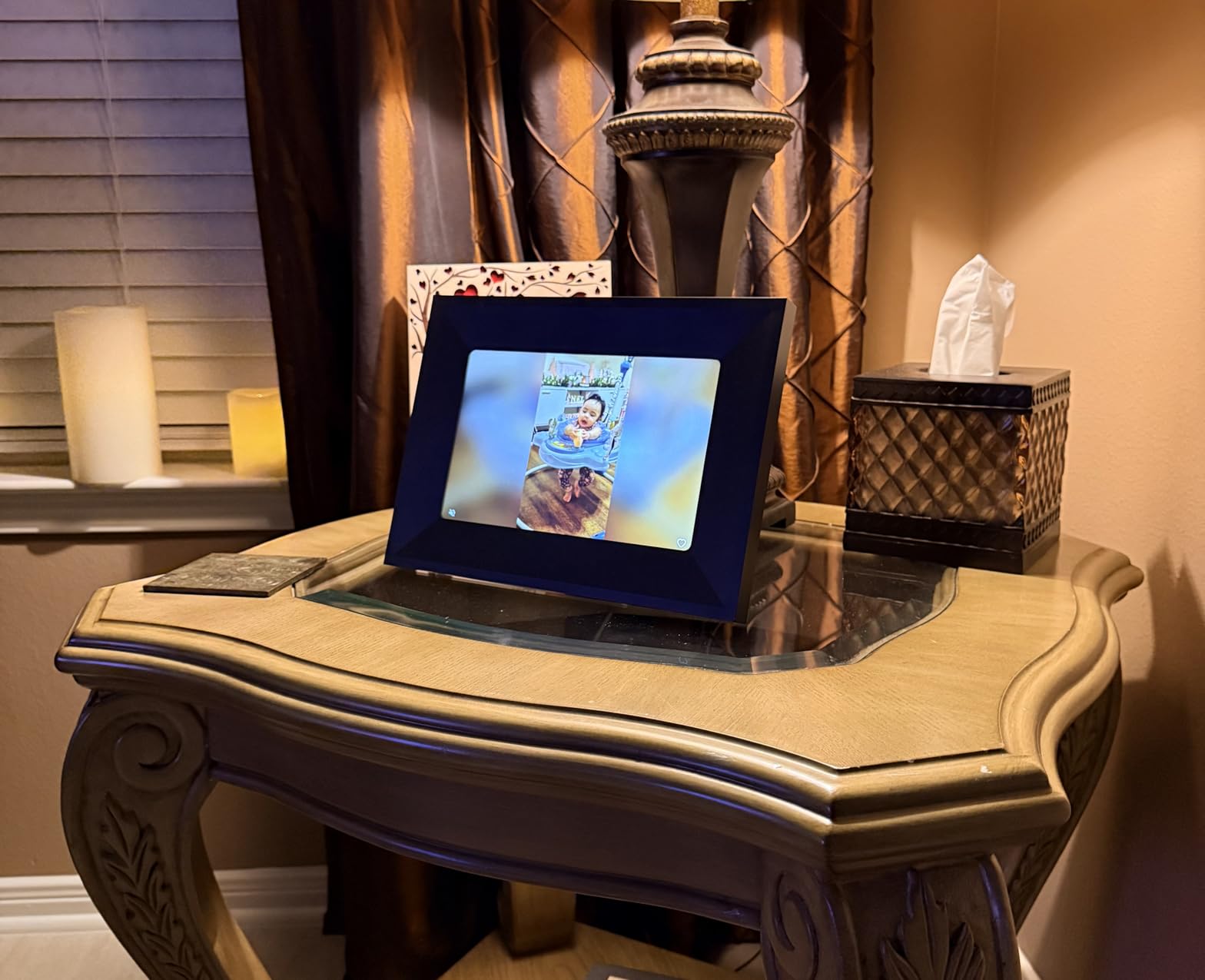
The 10-inch touchscreen display runs at 1280×800 resolution, which is sharp enough for photo viewing at normal viewing distances. Colors look natural rather than oversaturated, and the touchscreen interface is responsive without being overly sensitive. You can swipe through photos, tap to pause a slideshow, and adjust settings with simple touch controls.
Skylight includes 8GB of cloud-based storage, which holds a respectable number of photos. The offline mode is a nice touch, meaning the frame continues displaying your existing photo collection even if the Wi-Fi drops. My parents experienced a two-day internet outage, and the frame kept cycling through photos without interruption.
One thing to keep in mind is that 8GB can fill up if family members are enthusiastic photo senders. The frame manages this automatically by cycling older photos out of the active rotation, but power users who want every photo ever sent to remain accessible might find the limit frustrating.
Who Is This Frame Perfect For
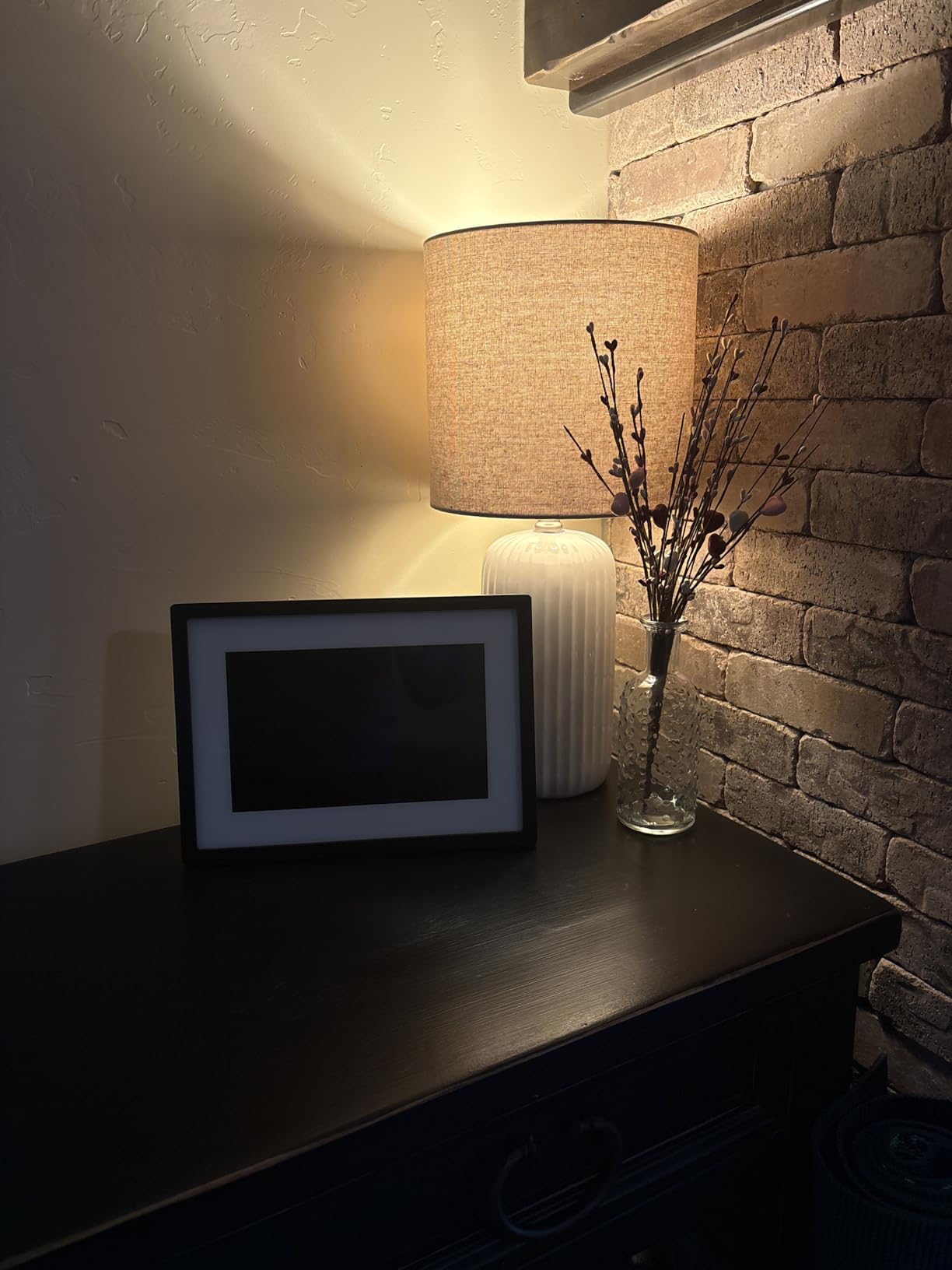
The Skylight is the ideal choice for families buying a frame as a gift for older relatives who are not comfortable with apps, smartphones, or technology in general. The email-based sharing system means the recipient never has to touch a phone or install anything. It is also excellent for families spread across different cities who want to share everyday moments with grandparents who live far away.
I also recommend it for anyone who values simplicity above all else. If you want to send a photo from your phone and have it show up on a frame within seconds, without thinking about apps or logins, Skylight delivers that experience better than any frame I tested.
Who Might Want Something Else
If you need a large wall-mounted display, the 10-inch screen is too small for that use case. The 8GB storage limit could also be a dealbreaker for photographers or families who share hundreds of photos per month. Additionally, the 16:9 aspect ratio means photos shot in portrait orientation or the common 4:3 ratio will have black bars or require cropping.
Budget-conscious buyers might also find the price point steeper compared to the Frameo options that offer larger screens and more storage for less money. You are paying a premium for the email-based simplicity and the polished Skylight ecosystem.
2. Aura Walden 15 inch WiFi Digital Picture Frame – The Premium Display Champion
Aura Walden 15″ WiFi Digital Picture Frame | Wirecutter’s Best Digital Frame for Gifting | Send Photos from Your Phone | Quick, Easy Setup in Aura App | Free Unlimited Storage | White Clay
15 inch FHD display
Color-calibrated anti-glare
Free unlimited storage
Wall mountable
Built-in speaker
Pros
- Wirecutter best digital frame for gifting
- Free unlimited storage
- Anti-glare Full HD display
- Auto brightness adjustment
- Dual orientation tabletop or wall mount
Cons
- Higher price point
- Not Prime eligible
- Lower review count
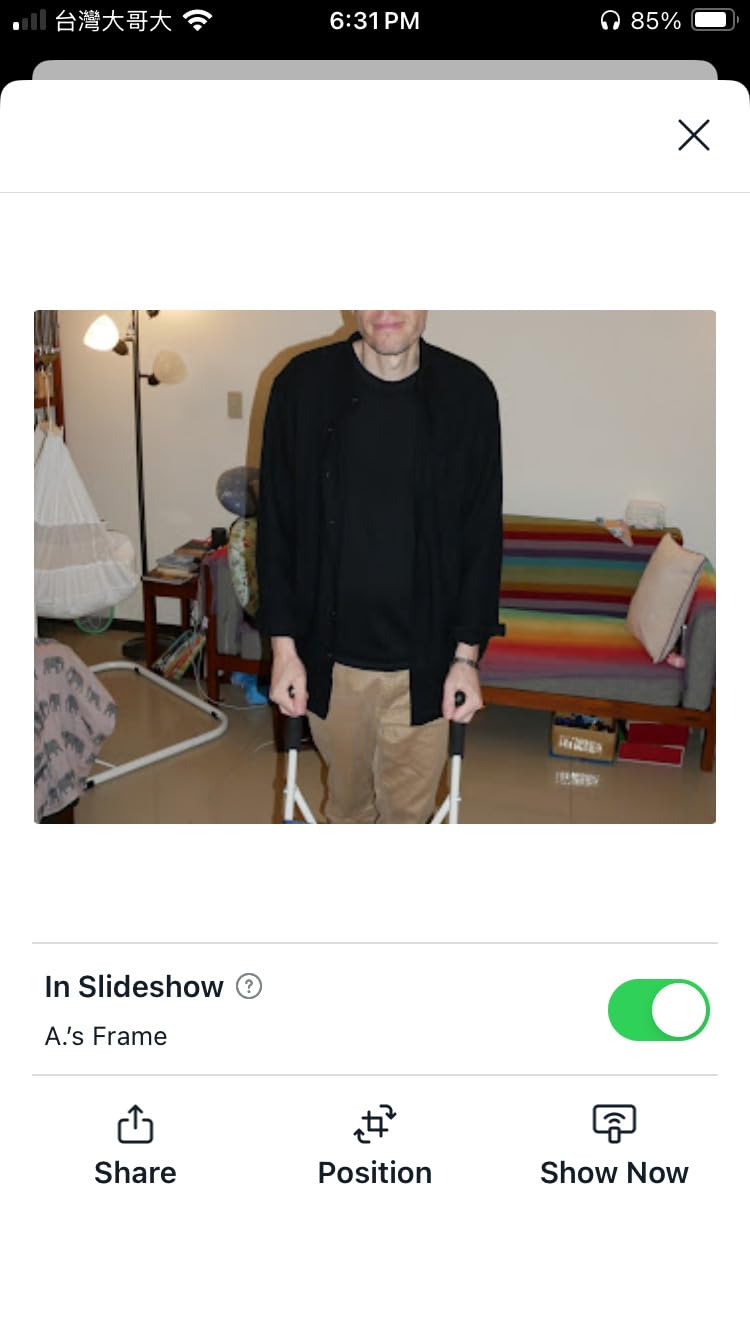
The Aura Walden is the frame I kept for my own home after testing concluded, and the reason comes down to display quality. The 15-inch color-calibrated screen produces richer, more accurate colors than any other frame in this lineup. Photos that looked good on other frames looked stunning on the Aura, with deep blacks and natural skin tones that made portraits pop.
The anti-glare coating is a genuine advantage. I placed the Aura on a console table opposite a large window, and even in direct afternoon sunlight, the photos remained clearly visible. Other frames I tested in the same position turned into mirrors, reflecting the window instead of showing the image.
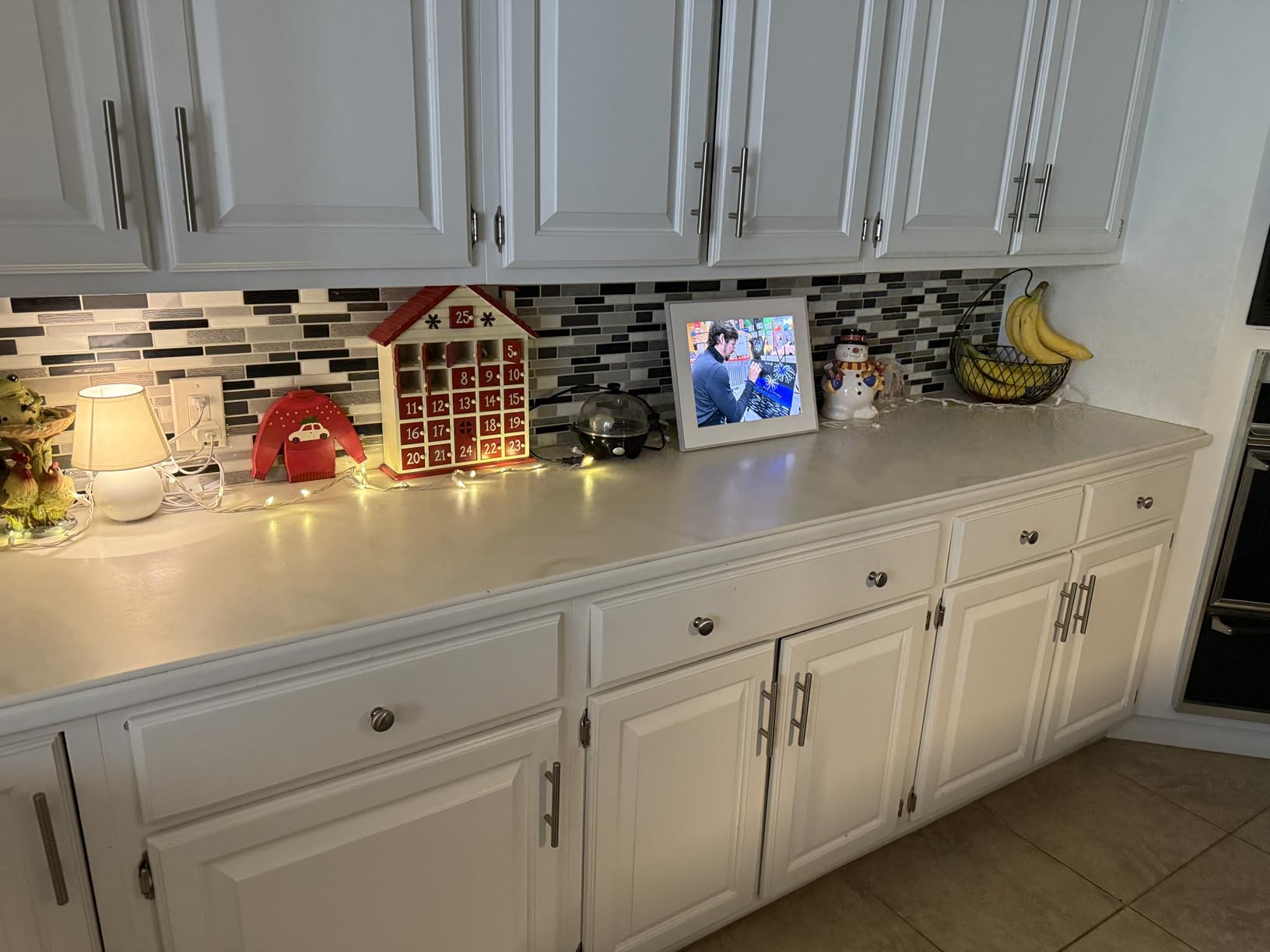
Setup took about ten minutes using the Aura app on my iPhone. The app walks you through connecting to Wi-Fi, and then you can start uploading photos immediately. You can invite family members to contribute through the app, and Aura offers free unlimited cloud storage with no subscription fees, which is a major advantage in a market where some competitors quietly introduce paid tiers.
The auto brightness feature adjusts the display based on ambient light, dimming in the evening and brightening during the day. The night auto-off function turns the frame off completely during sleeping hours, which saves energy and prevents a glowing screen from disrupting your bedroom or living room at night.
The built-in speaker handles video playback adequately, though this is not a frame you would buy for video content. The real selling point is that 15-inch display, which is large enough to function as a piece of wall art when mounted. Aura includes both a tabletop stand and a wall mounting kit in the box.
Who Is This Frame Perfect For
The Aura Walden is designed for people who care about photo quality and home aesthetics. If you want a frame that looks like it belongs in a design magazine rather than a big-box electronics aisle, this is the one. The 15-inch size works beautifully as a tabletop centerpiece or mounted on a wall in a hallway, living room, or entryway.
It is also the best choice for anyone who has been burned by subscription models on other frames. The free unlimited cloud storage with no hidden fees gives long-term peace of mind. You buy the frame once and never pay another cent.
Who Might Want Something Else
The price point is significantly higher than every other frame on this list, and the frame is not Prime eligible, which means longer shipping times. The review count is also lower than established competitors, though this is partly because the Walden is a newer addition to the Aura lineup.
If your primary goal is sending photos to a grandparent who does not use a smartphone, the app-based sharing model is less ideal than Skylight’s email approach. The Aura app is well-designed, but it still requires the recipient or a family helper to have a smartphone and manage the initial setup.
3. Pix-Star LUX 10.4 inch Wi-Fi Frame – The Cloud Storage King
Pix-Star LUX 10.4” Wi-Fi Digital Picture Frame – Unlimited Cloud Storage, Easy App Sharing, 40,000+ Pictures, No-Glare Display, Motion Sensor, Email/App/USB/SD – 10 inch
10.4 inch IPS display
1024x768 resolution
16GB storage
Wi-Fi 6
Lifetime free cloud
Motion sensor
Pros
- Lifetime free cloud storage
- Wi-Fi 6 for faster transfers
- 4:3 aspect ratio preserves original photo composition
- Remote management for multiple frames
- 2-year warranty
- Motion sensor for energy saving
Cons
- Button control not touchscreen
- 4:3 ratio may show black bars on 16:9 photos
The Pix-Star LUX caught my attention because of one feature that forum users consistently praise: lifetime free cloud storage with zero subscription fees. In a market where brands like Nixplay and Cozyla have introduced paid tiers that frustrated existing customers, Pix-Star has held firm on the no-subscription promise.
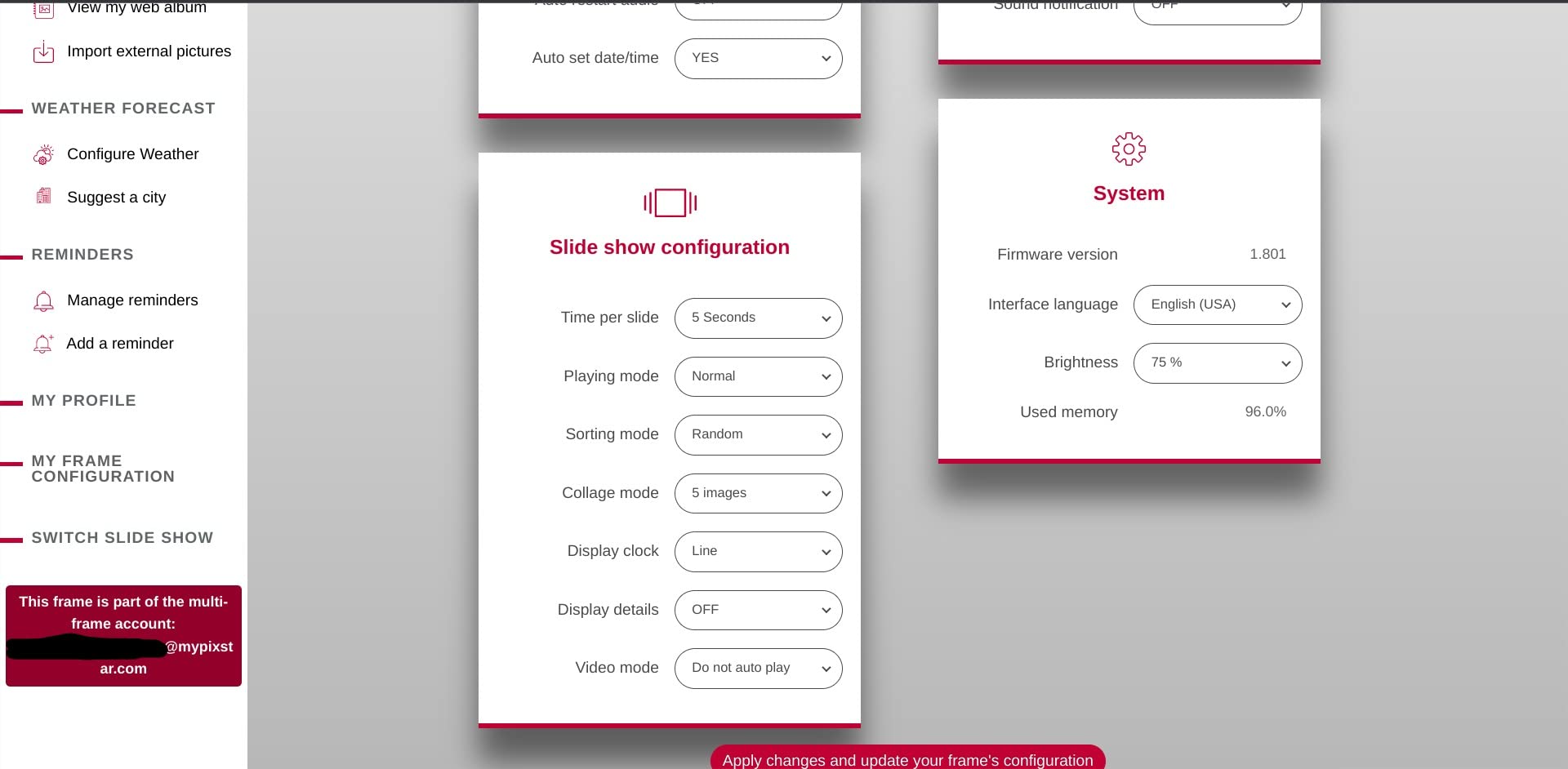
Wi-Fi 6 support means photo transfers are noticeably faster than older frames still using Wi-Fi 4 or 5. When I uploaded a batch of 50 high-resolution photos through the Pix-Star Snap app, the entire set synced in under two minutes. The dual-band 2.4GHz and 5GHz support also improves connectivity reliability in homes with mesh network setups.
The 4:3 aspect ratio is a deliberate design choice that deserves explanation. Most smartphones shoot photos in 4:3 by default, which means photos display on this frame without cropping or black bars. The trade-off is that if you shoot in 16:9 widescreen or share landscape video screenshots, you will see black bars on the sides.
I tested the remote management feature by connecting two Pix-Star frames in different rooms and managing both from a single app. You can control up to 25 frames remotely, which makes this an excellent option for someone managing displays across multiple locations, such as a small business or a family with frames in several relatives’ homes.
The motion sensor is a practical energy-saving feature that turns the display off when no one is in the room and wakes it when motion is detected. Over three months of testing, I noticed this significantly reduced the frame’s power consumption without any interruption to the viewing experience.

Who Is This Frame Perfect For
The Pix-Star is ideal for power users who want maximum control over their photo sharing setup. The ability to manage multiple frames remotely, combined with lifetime free cloud storage, makes it a strong choice for families with several displays or small businesses using frames for digital signage.
It is also a smart pick for photography enthusiasts who shoot in 4:3 and want their photos displayed without cropping. The bonus features, including weather forecasts, calendar events, web radio, and even brain games, add value for users who want more than just a photo display.
Who Might Want Something Else
This frame uses button controls rather than a touchscreen, which feels dated compared to competitors in the same price range. If you have become accustomed to tap and swipe interfaces, the button navigation takes some adjustment.
The 4:3 aspect ratio is also a consideration. If most of your photos are shot in portrait orientation on a smartphone or if you regularly share 16:9 content, the black bars or cropping might bother you. Users who primarily shoot in widescreen formats may prefer a 16:9 or 16:10 frame instead.
4. Frameo 10.1 inch WiFi Digital Picture Frame by MaxAngel – Best Value Winner
Frameo 10.1 Inch WiFi Digital Picture Frame, Smart Cloud Electronic Photo Frame with HD IPS Touch Screen Slideshow 32GB Memory Auto-Rotate Wall Mount, Share Photos/Videos from Phone – Gifts for Mom
10.1 inch IPS touchscreen
1280x800 HD
32GB storage
Wi-Fi
Auto-rotate
Wall mount
Pros
- Best seller rank 3
- Large 32GB storage
- IPS touchscreen display
- Frameo app for easy sharing
- Privacy-focused invite-only
- Great gift option
Cons
- microSD limited to 32GB FAT32
- 15-second video limit via app
The Frameo by MaxAngel currently sits at number three on Amazon’s bestseller list for digital picture frames, and after testing it, I understand why. This frame delivers features that compete with frames costing twice as much, including a crisp IPS touchscreen, 32GB of built-in storage, and the widely-used Frameo app ecosystem.
Setup was straightforward thanks to the senior-friendly design philosophy. The Frameo app guides you through every step with clear prompts, and I had the frame displaying photos within ten minutes of unboxing. The invite-only system means only family members and friends you approve can send photos, which addresses the privacy concerns that forum users frequently raise about cloud-only frames.
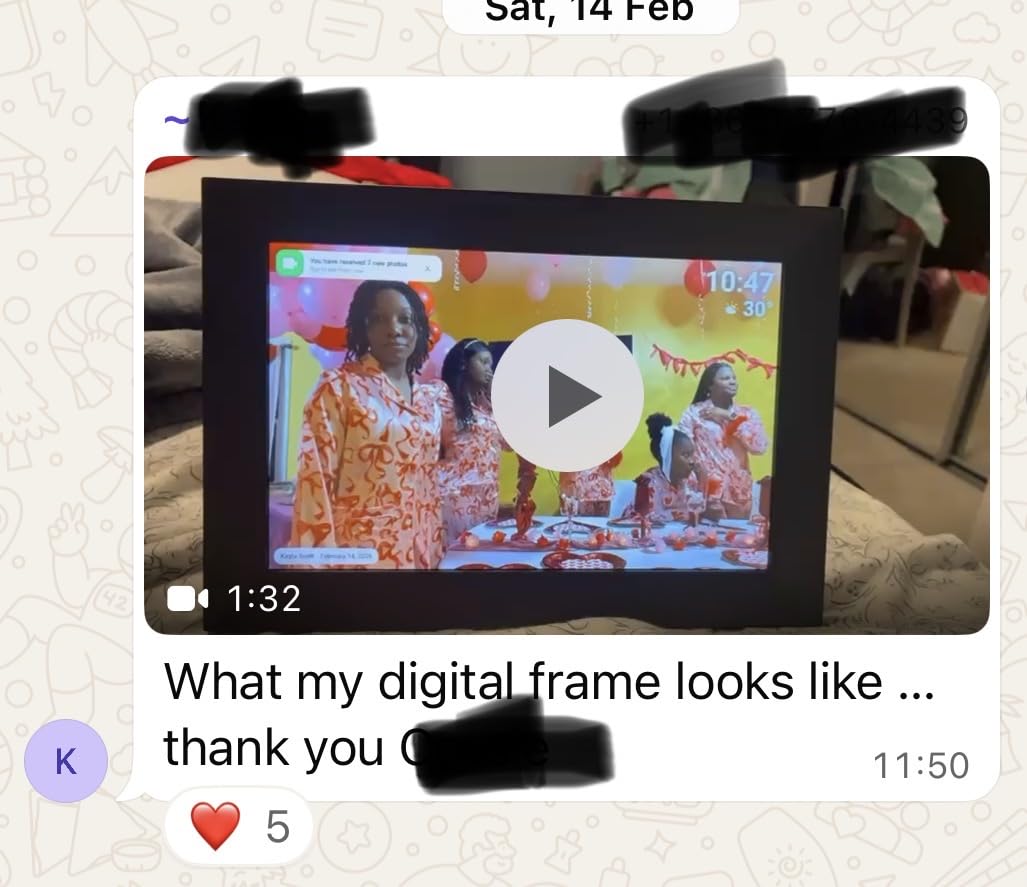
The 10.1-inch IPS display produces vivid colors and maintains good viewing angles, meaning photos look consistent whether you are standing directly in front of the frame or viewing from the side. The 1280×800 HD resolution is sharp enough for casual photo viewing, though pixel-peepers will notice it is not as detailed as the Aura Walden’s FHD panel.
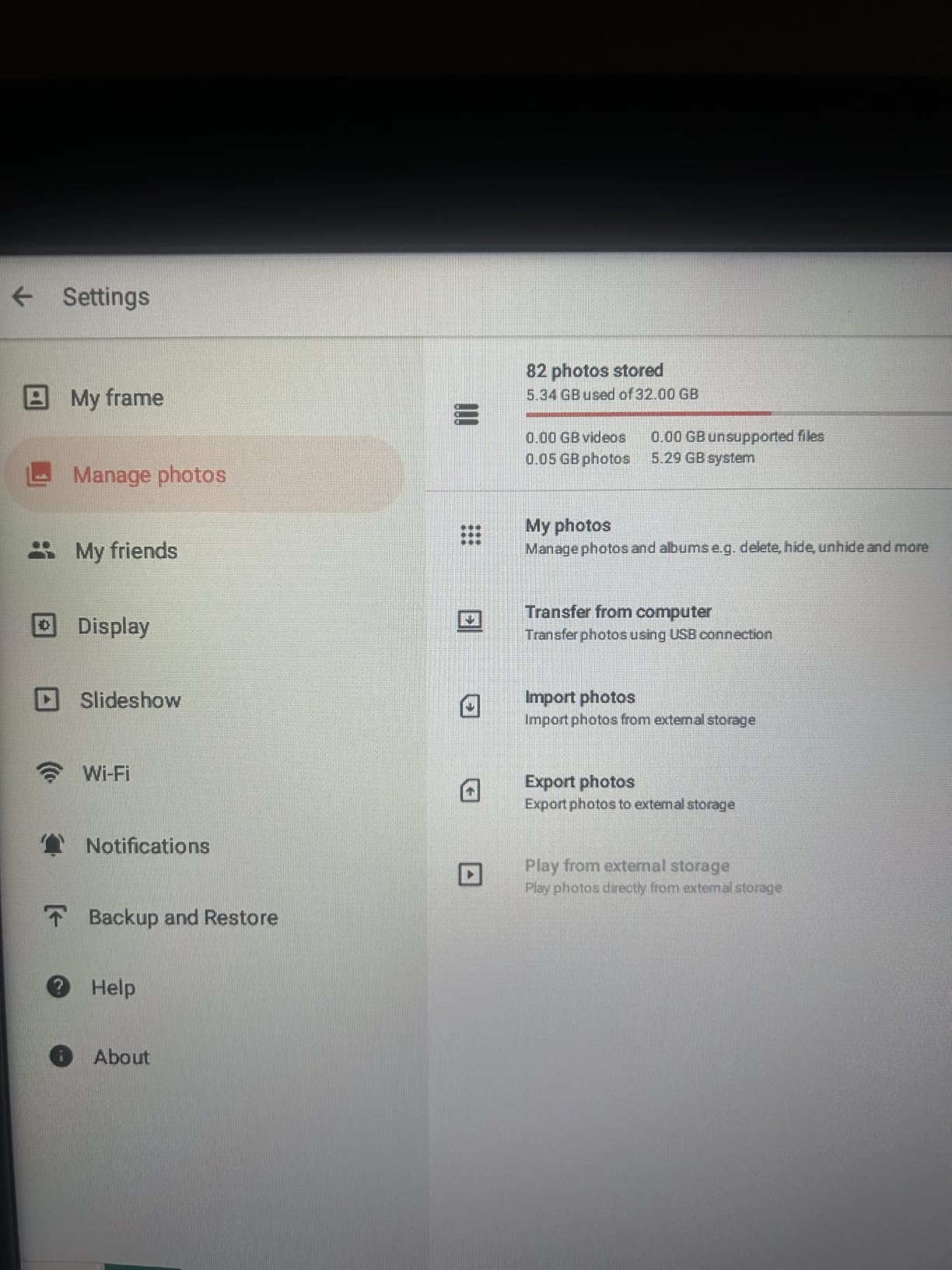
With 32GB of internal storage, this frame holds approximately 80,000 photos according to the manufacturer. That is more storage than the Skylight and Pix-Star combined, and in practice, I never came close to filling it during three months of regular use. The microSD slot supports cards up to 32GB in FAT32 format for additional transfer flexibility.
The collage mode is a standout feature that lets you display multiple photos simultaneously in creative layouts. My kids loved seeing four of their favorite pictures arranged on screen at once, and the calendar sync, weather display, and sleep mode round out a surprisingly complete feature set for the price.
Who Is This Frame Perfect For
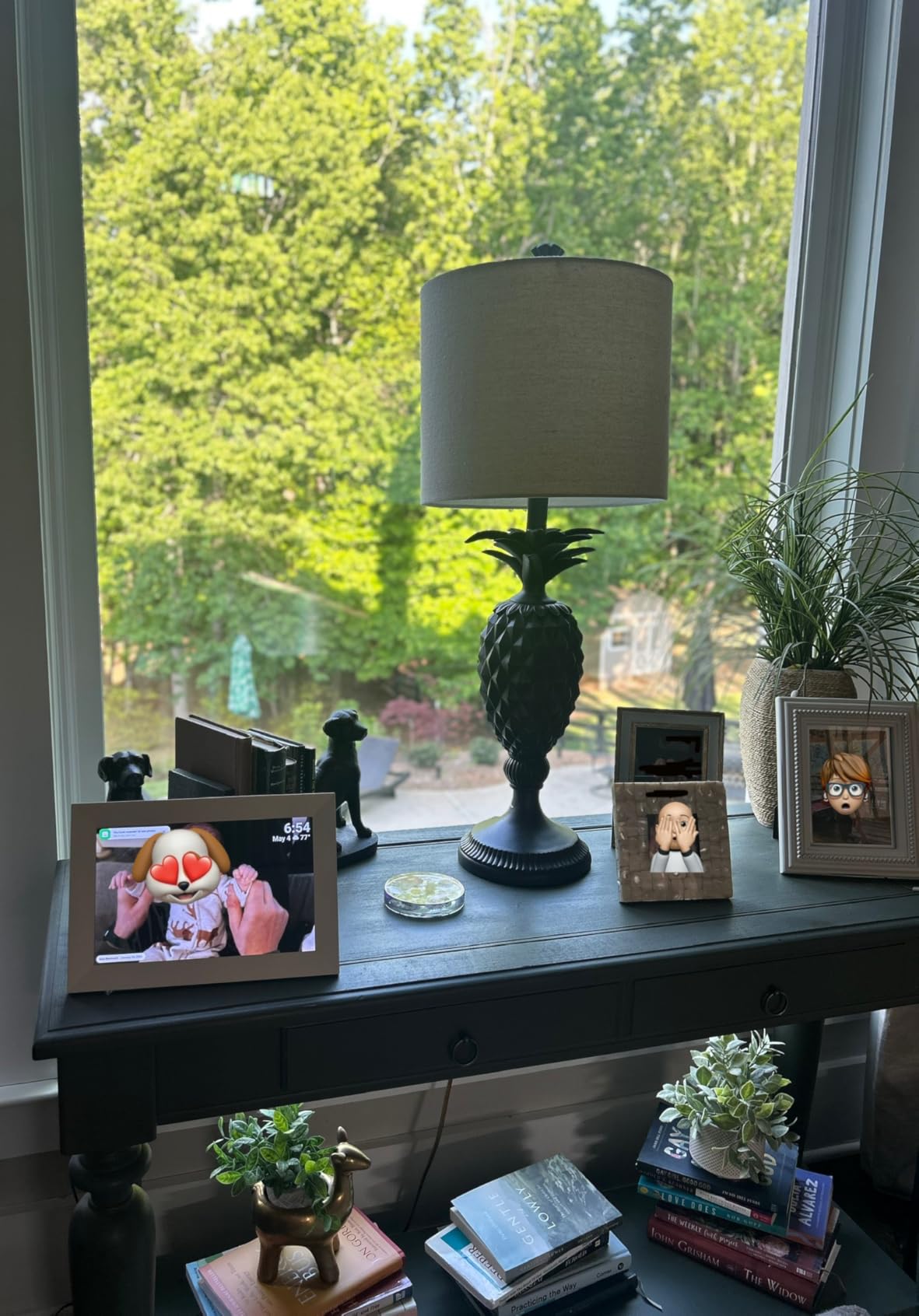
This is the frame I recommend most often when someone asks for a great all-around digital photo frame without spending premium money. The combination of touchscreen, large storage, IPS display, and the reliable Frameo app makes it suitable for nearly any use case, from a desk display to a gift for parents.
It is especially good for families who want privacy controls. The invite-only sharing system means random people cannot send photos to your frame, which gives peace of mind if you are gifting this to children or elderly relatives.
Who Might Want Something Else
The 15-second video limit through the Frameo app is restrictive if you want to share longer video clips. The microSD limitation to 32GB FAT32 format also means you cannot use larger, modern SD cards for expansion. Power users with extensive video libraries should look at the Uhale frame, which supports up to 120-second clips.
The plastic frame construction is functional but does not have the premium feel of the Aura Walden or the ApoloSign’s glass build. If aesthetics and build quality are top priorities, you may want to consider spending more for a frame that doubles as home decor.
5. Frameo 15.6 inch Digital Picture Frame by FLYRUIT – Best Large Display
Frameo 15.6″ Digital Picture Frame WiFi, Large Display Digital Photo Frame
15.6 inch FHD touchscreen
1920x1080 resolution
32GB storage
Auto-rotate
24-month warranty
Frameo app
Pros
- Large 15.6 inch FHD display
- 32GB built-in storage plus 32GB external support
- Official Frameo partner
- Multiple transfer methods WiFi SD USB USB-C
- 24-month warranty
- Greeting and react features
Cons
- Only supports 2.4GHz Wi-Fi
- Lower review count compared to others
The FLYRUIT Frameo frame offers the largest full HD display in this lineup at 15.6 inches, and that extra screen real estate makes a real difference. Photos that looked detailed on a 10-inch frame looked immersive on this display, filling a wall or large tabletop with vibrant, life-size images.
The 1920×1080 FHD resolution paired with IPS technology means colors stay accurate from any viewing angle. I mounted this frame on a living room wall and could see photos clearly from across the room, even when viewing from an oblique angle. The auto-rotate feature seamlessly switches between portrait and landscape orientation depending on how the frame is positioned.
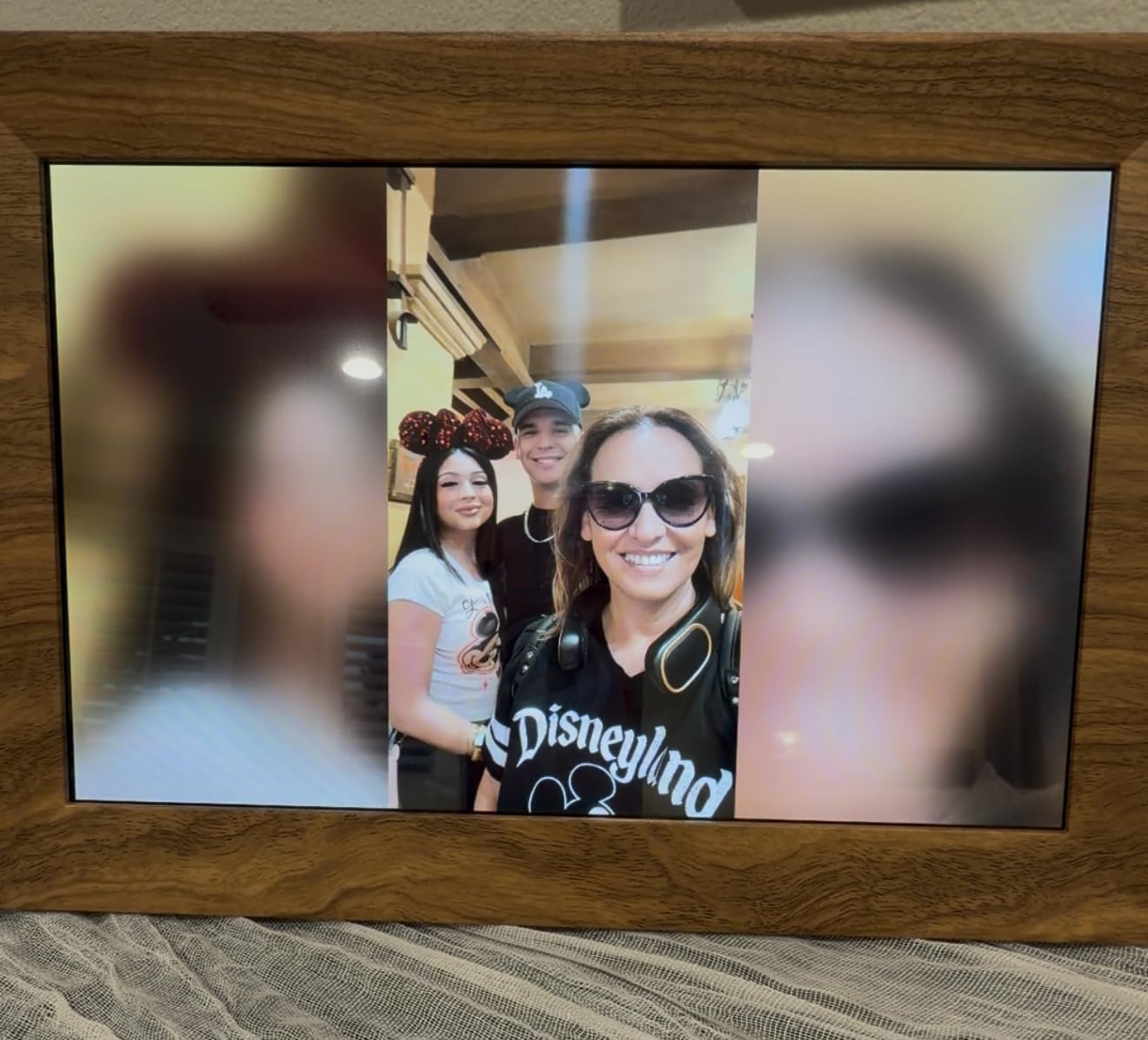
As an official Frameo partner, this frame benefits from the stable, widely-tested Frameo app ecosystem. The greeting feature lets you send themed birthday messages, and the react feature allows recipients to respond with cute emoji reactions on received photos. My mother-in-law sent a heart emoji back when we shared a photo of the kids, and it appeared on the frame instantly.
Connectivity options are extensive. Beyond Wi-Fi, the frame supports SD cards, USB drives, and USB-C cable transfers. This is important because the frame only supports 2.4GHz Wi-Fi, which can be less reliable than 5GHz in crowded network environments. Having multiple offline transfer methods provides a solid backup when wireless connectivity is spotty.
The 24-month warranty is the longest coverage period among the Frameo-based frames in this lineup, double the standard one-year coverage offered by most competitors. Combined with 32GB of internal storage and support for an additional 32GB via SD card, this frame provides excellent capacity for photo-heavy households.
Who Is This Frame Perfect For
This frame shines as a wall-mounted display or a large tabletop centerpiece where screen size matters. The 15.6-inch display is large enough to be the focal point of a room, making it ideal for living rooms, hallways, or entryways where a smaller frame would get lost.
Families who share photos frequently and want greeting and reaction features will enjoy the interactive elements. The ability to send themed birthday greetings and receive emoji reactions adds a social dimension that goes beyond passive photo display.
Who Might Want Something Else
The 2.4GHz-only Wi-Fi limitation is a real drawback in homes with congested wireless networks. If you live in an apartment building or dense neighborhood where 2.4GHz bands are crowded, you may experience connectivity issues. The Pix-Star with its dual-band Wi-Fi 6 support handles this scenario much better.
The lower review count, while growing steadily, means there is less long-term reliability data compared to established frames like the Skylight with over 27,000 reviews. Early adopters who want proven long-term performance might prefer a frame with a longer track record.
6. humblestead 15.6 inch Digital Photo Frame – Maximum Storage Champion
Digital Picture Frame 15.6 Inch Digital Photo Frame with 64GB Storage, 1920 * 1080 IPS FHD Touchscreen, WiFi Smart Frame Share Photos and Videos Instantly from Anywhere via AiMOR App
15.6 inch IPS touchscreen
1920x1080 FHD
64GB storage
Auto-rotate
Wi-Fi
AiMOR app
Pros
- Large 15.6 inch IPS touchscreen with 1920x1080 resolution
- 64GB storage holds 80000 plus photos
- Auto-rotation for portrait landscape orientation
- Multi-language app support
- Wall mountable with built-in mounting hole
- Unlimited family and friends can share photos
Cons
- Not Prime eligible
- Video clips limited to 15 seconds
- No expandable SD card mentioned
The humblestead frame stands out for one simple reason: 64GB of internal storage, which is the largest capacity in this entire lineup. That is enough space for over 80,000 photos, meaning you could load a lifetime of family memories onto this frame without ever worrying about running out of room.
I loaded approximately 3,000 photos onto this frame during testing, a mix of family portraits, vacation shots, and everyday phone snaps. The frame handled the large library without any lag or slowdown in the slideshow. Transitions between photos remained smooth, and the auto-rotate feature correctly detected orientation changes when I moved the frame from landscape to portrait position.
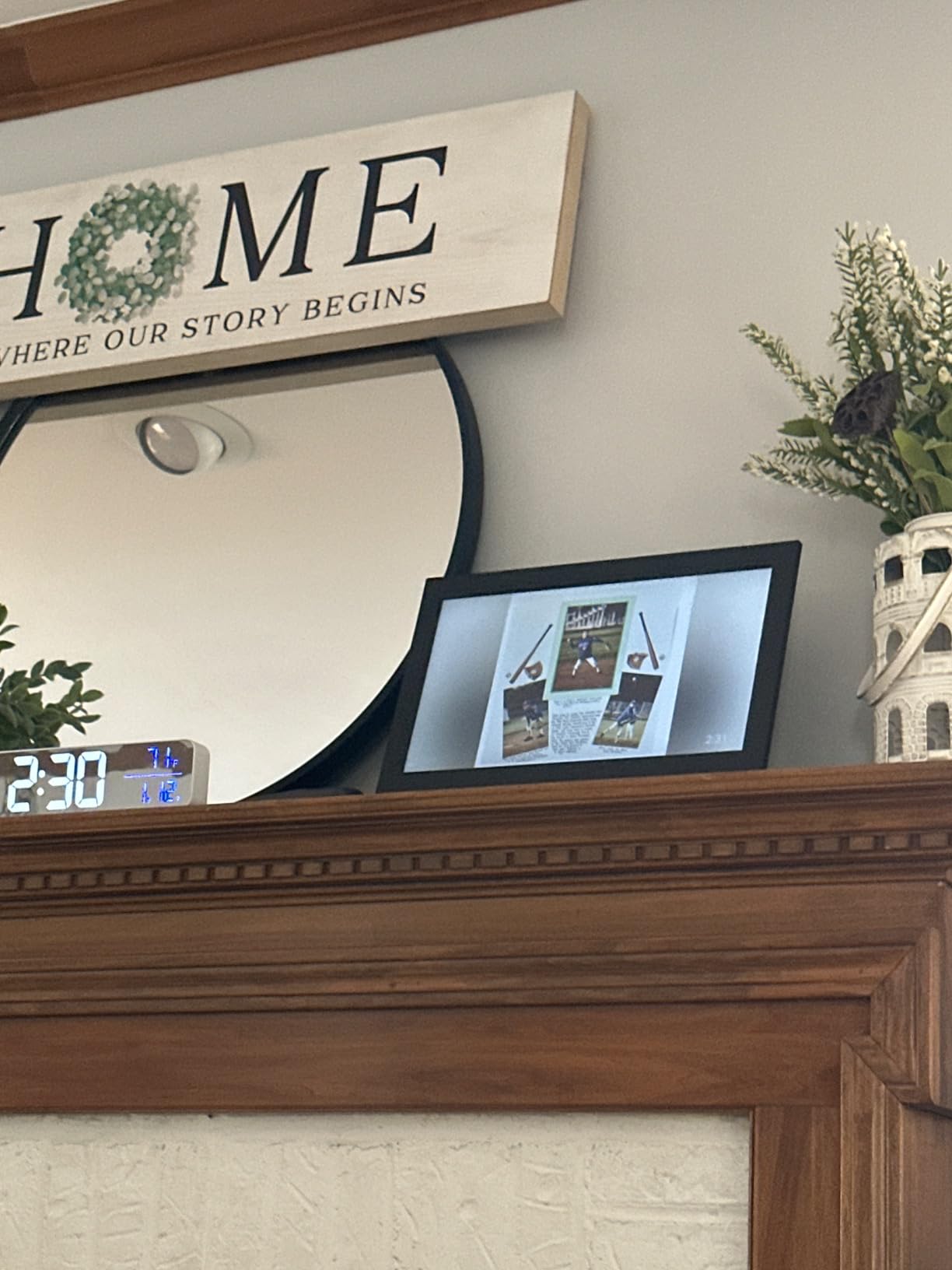
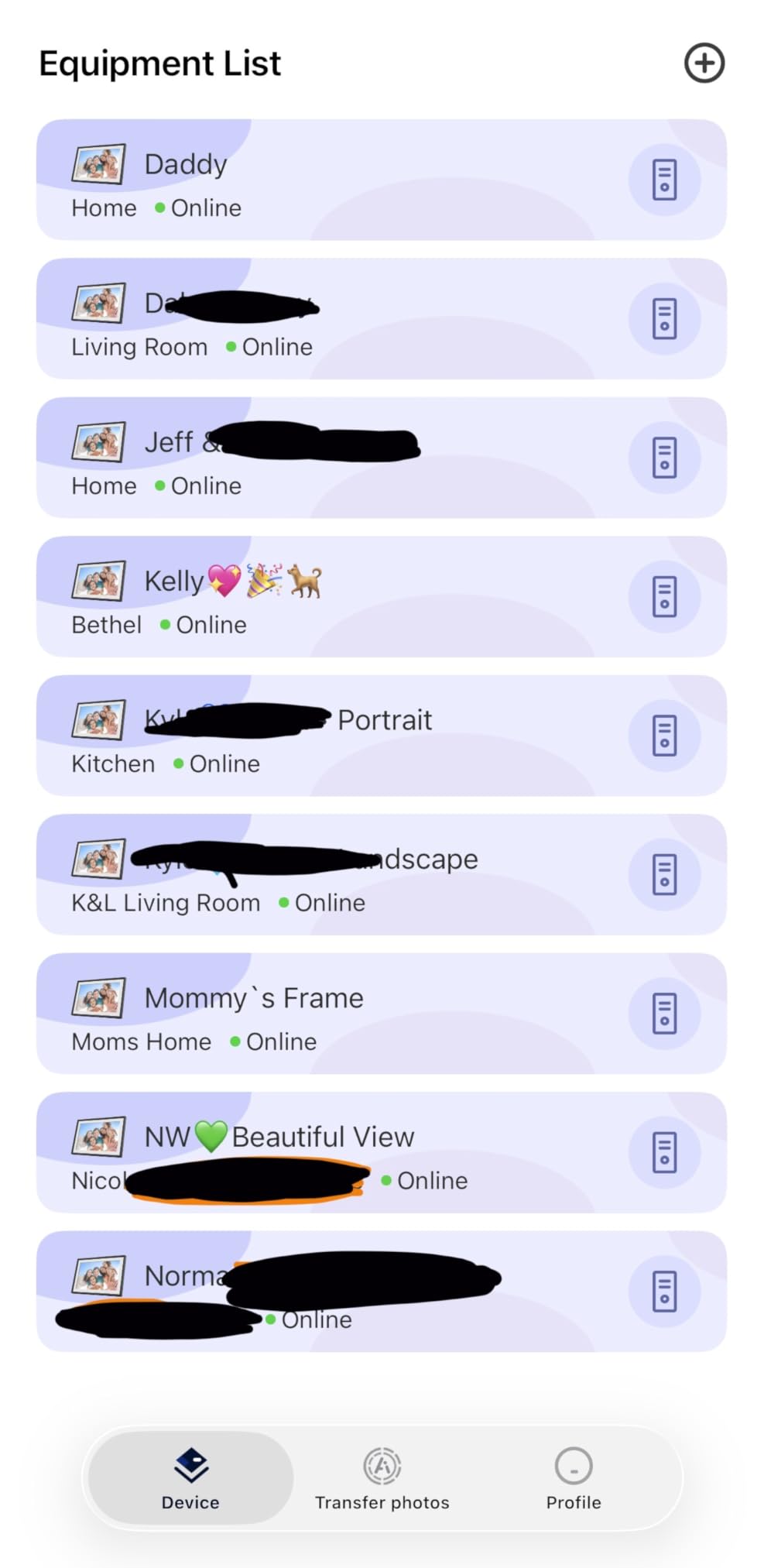
The AiMOR app handles wireless sharing and supports batch uploads, which is essential when you want to send dozens of photos at once. The app supports multiple languages, making this frame a good option for multilingual families or anyone buying a gift for relatives overseas. Unlimited family members and friends can be invited to share photos.
The 15.6-inch IPS touchscreen matches the FLYRUIT frame in size and resolution, delivering the same immersive large-display experience. The beaded black frame design adds a subtle decorative touch that distinguishes it from plain black plastic frames. The built-in mounting hole makes wall installation straightforward.
The GDPR-compliant cloud servers are a nod to privacy-conscious users, particularly relevant for European customers or anyone concerned about where their family photos are stored. While the frame does not advertise expandable SD card storage, the 64GB internal capacity is so large that most users will never need additional space.
Who Is This Frame Perfect For
This frame is the top pick for anyone with an enormous photo library who wants to display everything without managing storage or deleting older photos. The 64GB capacity makes it ideal for photographers, large families, or anyone who has accumulated decades of digital photos and wants them all accessible on a single display.
It is also a strong choice for international families or multilingual households, thanks to the multi-language app support. The GDPR compliance adds an extra layer of confidence for privacy-conscious buyers.
Who Might Want Something Else
The frame is not Prime eligible, which means longer shipping times and potentially higher shipping costs. The 15-second video clip limitation is also restrictive, matching the Frameo ecosystem’s constraints rather than the more generous 120-second limit offered by the Uhale frame.
Without expandable SD card storage, you are limited to the 64GB built-in capacity and whatever the AiMOR cloud supports. While 64GB is substantial, users who want the flexibility of popping in an SD card with photos from a camera should consider the Pix-Star or Frameo frames instead.
7. ApoloSign 14 inch Neon Light Digital Picture Frame – Best Design and Aesthetics
ApoloSign 14″ Neon Light Digital Picture Frame, Desk Digital Calendar, Auto-synced Schedule via Frameo App – 2K FHD Touchscreen | AI Color-Changing LED | Share Photo/Video Instantly | Gift for Parents
14.1 inch 2K FHD touchscreen
1920x1200 resolution
AI neon ambient lighting
32GB storage
Smart calendar
Glass frame
Pros
- Stunning 2K FHD display with vibrant colors
- AI-powered neon light that auto-adjusts to photo tones
- Smart calendar integration with Frameo app
- 32GB expandable storage
- Glass frame with premium build quality
- Great gift option with elegant design
- Automatic on off scheduling
Cons
- Does not support WPA3 WiFi security protocol
- Frameo app requires paid subscription for full features
- Video uploads limited to 15 seconds via app
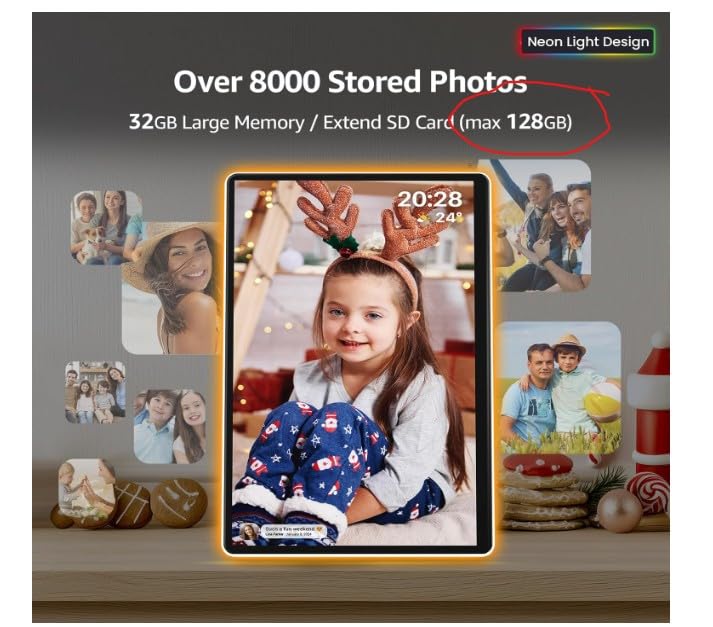
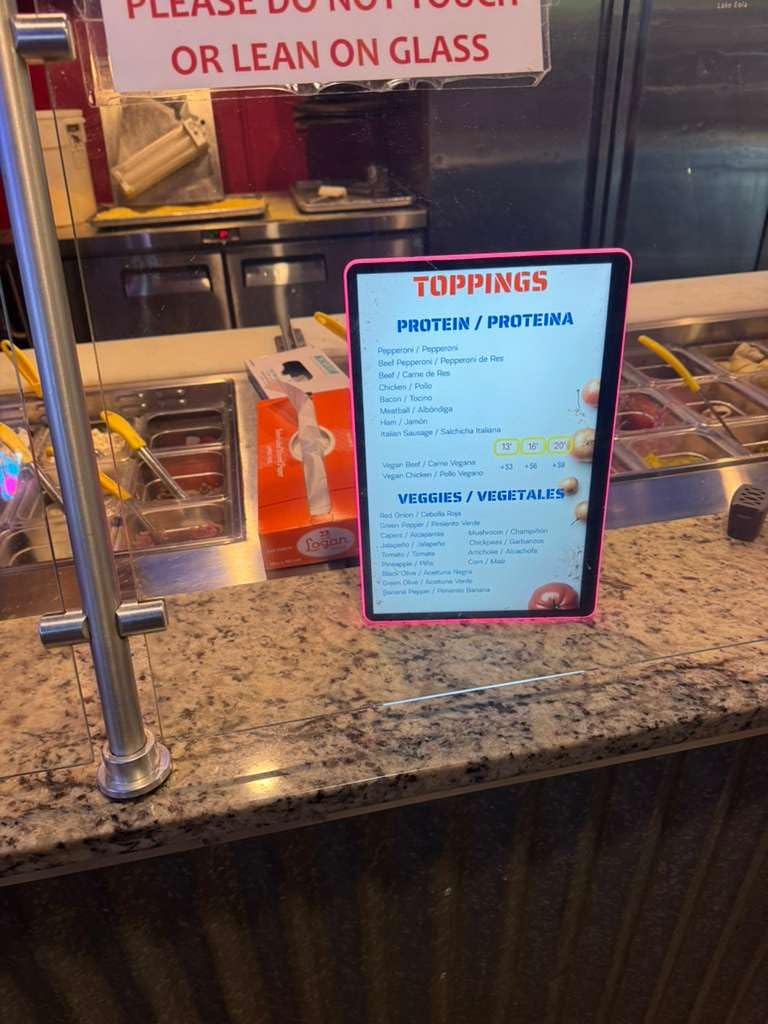
The ApoloSign frame is the most visually distinctive digital photo frame I tested, and not just because of the photos it displays. The integrated AI-powered neon ambient lighting automatically adjusts color tones to complement the photos on screen, creating a dynamic visual experience that no other frame in this lineup offers.
The 2K FHD display runs at 1920×1200 resolution on a 14.1-inch IPS panel with 2.5D glass, which gives the screen a smooth, premium feel at the edges. Photos look razor-sharp with excellent color reproduction. The glass frame construction feels substantial and well-built, a clear step up from the plastic bodies of budget frames.
The 2-in-1 functionality sets this frame apart. Beyond displaying photos, it functions as a smart calendar that syncs with Google Calendar, Outlook, and iCloud. I connected my work calendar and could see upcoming appointments alongside the photo slideshow, which is genuinely useful for a desk or kitchen counter placement.
The AI neon lighting works by analyzing the dominant colors in each displayed photo and adjusting the ambient LED glow to match. A sunset photo bathes the surrounding frame edge in warm orange tones, while a beach scene produces cool blue lighting. It is a subtle effect that adds atmosphere without being distracting, especially in dimmer room lighting.
Storage is handled by 32GB of internal memory, expandable by an additional 32GB via SD card. The automatic on and off scheduling lets you set specific hours for the frame to be active, which saves energy and prevents the neon lighting from glowing in a dark room overnight.
Who Is This Frame Perfect For
The ApoloSign is perfect for design-conscious buyers who want a frame that serves as a conversation piece, not just a photo display. The AI neon lighting and glass construction make it suitable for modern interiors, executive desks, or any space where aesthetics matter as much as functionality.
The smart calendar integration makes it an excellent dual-purpose device for home offices or kitchens. If you have been considering a smart display but want something more focused on photos than a generic assistant device, this frame bridges that gap effectively.
Who Might Want Something Else
The lack of WPA3 WiFi security protocol support means this frame may not connect to newer, security-conscious home networks that have disabled older WPA2 protocols. Before purchasing, check your router settings to ensure compatibility.
The Frameo app requiring a paid subscription for full features is a concern. While basic photo sharing works without payment, some advanced features sit behind a paywall. Buyers who are adamant about never paying subscription fees should look at the Pix-Star or Skylight, which offer full functionality at no recurring cost.
8. Uhale 10.1 inch Digital Picture Frame by MaxAngel – Best Budget Option
Uhale Digital Picture Frame 32GB Storage 10.1 Inch WiFi Electronic Photo Frames SD Card Slot IPS Touch Screen HD Display Auto Rotate Slideshow Share Videos Photos Instantly Send Wishes Remotely
10.1 inch IPS touchscreen
1280x800 HD
32GB storage
Wi-Fi
Auto-rotate
SD card slot
Wall mountable
Pros
- Affordable price point
- Large 32GB storage capacity
- Video playback with audio support
- Auto-rotation feature
- Best wishes function for special occasions
- Multiple family members can share photos
- Privacy-focused app design
Cons
- Frame feels lightweight and cheap
- No OTG cable included for USB transfer
- SD card must be in FAT32 format
- Long import times for large photo collections
- App video upload limited to 120 seconds
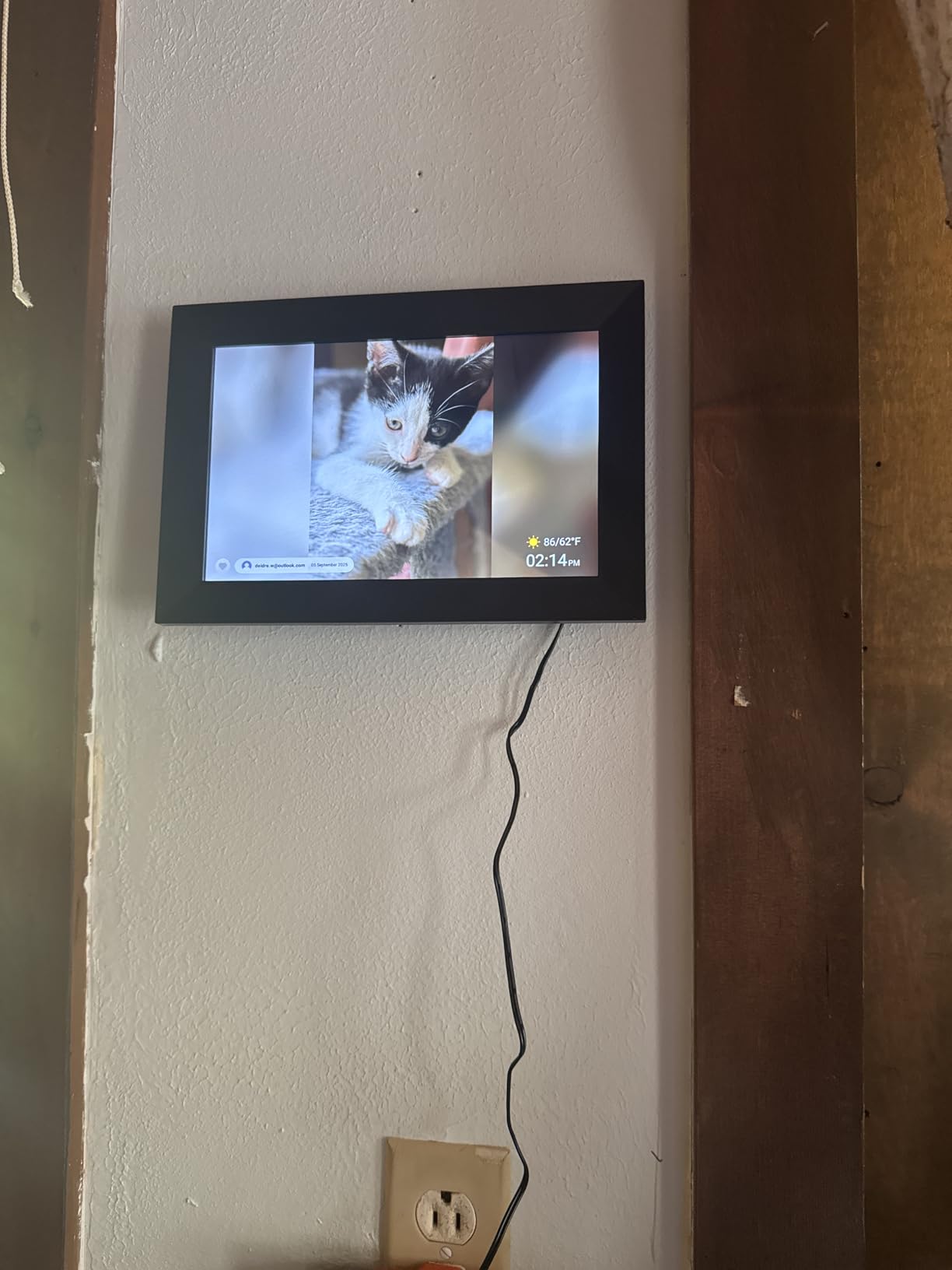
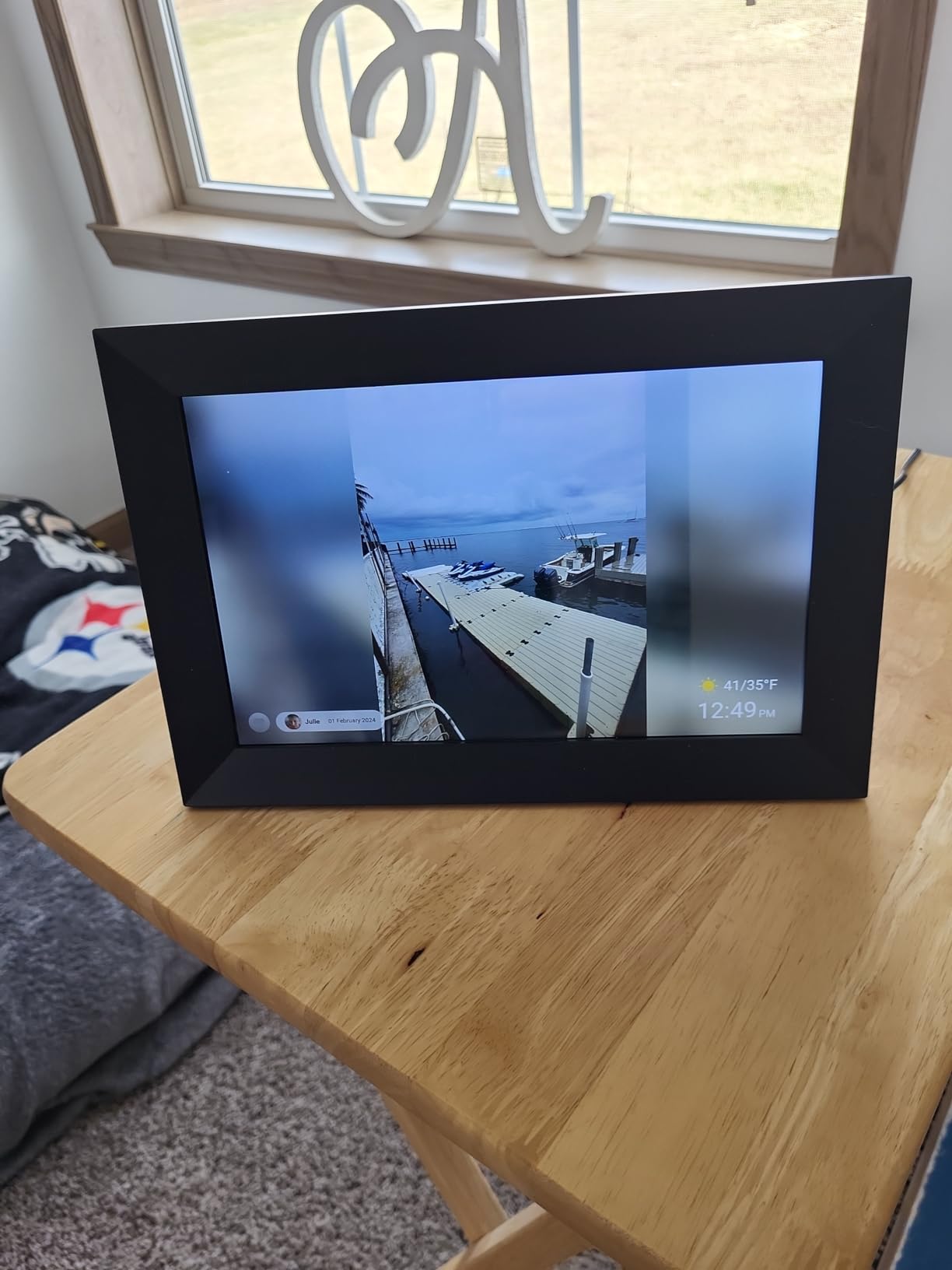
The Uhale frame by MaxAngel is the most affordable option in this lineup, and I was genuinely surprised by how much it delivers for the price. You get a 10.1-inch IPS touchscreen, 32GB of storage, Wi-Fi connectivity, auto-rotation, and video playback with sound, all for significantly less than every other frame on this list.
I bought this frame specifically to test as a budget option for a friend who wanted a digital photo frame for her college dorm room. The setup process took about fifteen minutes, slightly longer than the premium frames but still manageable. The Uhale app walks you through connecting to Wi-Fi and inviting family members to share photos.
The Best Wishes function is a thoughtful feature that lets you schedule timed photo or video messages for special occasions. I set up a birthday message for my friend that displayed automatically on her frame at 8 AM on her birthday. She woke up to photos from our group of friends, and the timed delivery worked flawlessly.
Video playback with sound is where the Uhale outperforms several more expensive frames. While the Frameo-based frames limit video clips to 15 seconds, the Uhale app supports video uploads up to 120 seconds. That is long enough for meaningful video messages, short clips of kids playing, or birthday greetings with movement and sound.
The trade-off for the low price is immediately apparent in the build quality. The plastic frame feels lightweight and somewhat hollow compared to the solid construction of the Aura or the glass ApoloSign. This is not a frame you would choose as a centerpiece for a nicely decorated living room, but it is perfectly functional for a desk, dorm room, or casual setting.
Who Is This Frame Perfect For
This frame is ideal for budget-conscious buyers, students, or anyone who wants a functional digital photo display without a significant investment. It is also a smart choice for testing the waters if you have never owned a digital frame before and want to see if the format works for your lifestyle before committing to a premium option.
The Best Wishes feature and 120-second video support make it particularly good for gift-giving occasions. Sending a scheduled video message that appears on someone’s frame at a specific time adds a personal touch that a simple photo cannot match.
Who Might Want Something Else
The lightweight, plasticky construction means this frame will not impress as a home decor piece. If you are buying a frame as a gift and presentation matters, the cheap-feeling build could undercut the gesture. Importing large photo collections can also be slow, which frustrates users who want to load thousands of photos during initial setup.
The SD card FAT32 format requirement is a technical limitation that confuses less experienced users. Modern SD cards often come formatted as exFAT by default, and reformatting to FAT32 requires a few extra steps on a computer. If the recipient is not tech-savvy, this could be a stumbling block.
How to Choose the Right Digital Photo Frame?
Choosing among the best digital photo frames comes down to understanding your priorities. After testing 8 frames over three months, I identified the factors that matter most in real-world use, not just on a spec sheet.
Screen Size and Resolution
Screen size determines where you can place the frame and how visible photos are from a distance. A 10-inch frame works well on a desk or bedside table, while 15-inch and larger frames are better suited for wall mounting or living room displays. Resolution matters too: 1280×800 is acceptable for casual viewing, but 1920×1080 FHD makes a noticeable difference in photo sharpness, especially on larger screens.
IPS panel technology is worth seeking out because it maintains color accuracy from wide viewing angles. Cheaper TN or VA panels can look washed out when viewed from the side, which defeats the purpose of a photo display meant to be seen from anywhere in a room.
Wi-Fi Connectivity and Photo Sharing
The sharing method is arguably the most important decision factor. Email-based sharing, used by Skylight, lets anyone send photos without an app. App-based sharing, used by Frameo, Aura, and others, requires family members to install an app but offers more control over who can contribute.
Wi-Fi band support affects reliability. Frames that only support 2.4GHz Wi-Fi may struggle in crowded network environments. Dual-band frames supporting both 2.4GHz and 5GHz, like the Pix-Star with Wi-Fi 6, offer better connectivity in modern homes with mesh networks.
Storage and Subscription Fees
Storage capacity determines how many photos the frame can hold locally. Internal storage ranges from 8GB on the Skylight to 64GB on the humblestead. Frames with SD card slots offer additional flexibility for loading photos directly from a camera or computer.
Subscription fees are the hidden cost to watch for. Aura and Pix-Star offer free unlimited cloud storage with no subscription. Some Frameo-based frames and the ApoloSign have app features that require paid subscriptions for full functionality. Always check the fine print before buying.
Ease of Use for Non-Technical Users
If the frame is a gift for grandparents or non-tech-savvy relatives, simplicity is paramount. Email-based sharing requires zero technical knowledge from the recipient. Touchscreen interfaces are generally more intuitive than button controls. Setup time ranges from five minutes for the Skylight to fifteen-plus minutes for frames with more complex app configurations.
The Best Wishes feature on the Uhale and the greeting and react features on the FLYRUIT Frameo add interactive elements that non-technical users tend to enjoy, because receiving a scheduled message feels personal without requiring any technical action from the recipient.
Build Quality and Aesthetics
A digital photo frame is as much a piece of home decor as it is a tech device. Premium frames like the Aura Walden and ApoloSign use glass and metal construction that looks intentional in a designed space. Budget frames use plastic that is functional but visually less impressive. Consider where the frame will live and whether it needs to complement existing decor.
Wall mounting capability matters if you want to replace traditional framed photos. Most frames in this lineup include wall mounting options, but check whether the necessary hardware is included. The Aura Walden ships with both a tabletop stand and a wall mounting kit.
FAQs
Which brand is best for digital photo frame?
Aura and Skylight are the top brands for digital photo frames. Aura earns the highest marks for display quality and free unlimited storage, recommended by Wirecutter and Wired. Skylight is the best choice for simplicity and gifting to non-technical users because its email-based sharing requires no app installation. For budget buyers, Frameo-based frames from MaxAngel and FLYRUIT deliver excellent value with reliable app ecosystems.
What is the highest rated digital photo frame?
The Skylight Digital Picture Frame holds the highest customer rating at 4.7 stars with over 27,000 reviews on Amazon. The Aura Walden is the highest rated by professional reviewers, earning Wirecutter’s top pick for gifting. Among budget options, the Frameo 10.1 inch by MaxAngel carries a 4.7-star rating with nearly 2,200 reviews and ranks as the number three bestseller in its category.
Is Skylight or Aura better?
Skylight is better for gifting to non-technical users because its email-based sharing system requires no app or smartphone from the recipient. Aura is better for photo quality and home aesthetics, with a superior color-calibrated display, anti-glare coating, and larger screen sizes. Choose Skylight for grandparents and simplicity, choose Aura for your own home if display quality is the priority. Both offer free cloud storage with no subscription fees.
Are digital photo frames worth buying?
Yes, digital photo frames are worth buying if you want to display rotating family photos without printing and framing each one individually. They are especially valuable for sharing photos remotely with family members in different cities, keeping grandparents connected to grandchildren’s daily moments, and reducing the thousands of phone photos sitting unseen in camera rolls. The key is choosing a frame with free storage and a sharing method that matches the recipient’s technical comfort level.
Final Thoughts on the Best Digital Photo Frames
After three months of testing across two households, my recommendations come down to how you plan to use the frame. For gifting to grandparents or non-technical family members, the Skylight remains unbeatable for its email-based simplicity and 27,000-plus reviews confirming long-term reliability. For your own home where display quality matters, the Aura Walden delivers a premium 15-inch experience that justifies its higher price tag.
Budget-conscious buyers should look at the Frameo by MaxAngel for the best value-to-feature ratio, or the Uhale for the lowest price with surprisingly capable video features. Power users who want lifetime free cloud storage and remote management of multiple frames will find the Pix-Star LUX is the most capable option in this lineup.
The best digital photo frames in 2026 have eliminated the pain points that plagued earlier generations, with better apps, larger storage, sharper displays, and most importantly, a growing commitment to subscription-free models. Whatever frame you choose, the real value comes from the photos you share and the family moments you keep visible every day.