
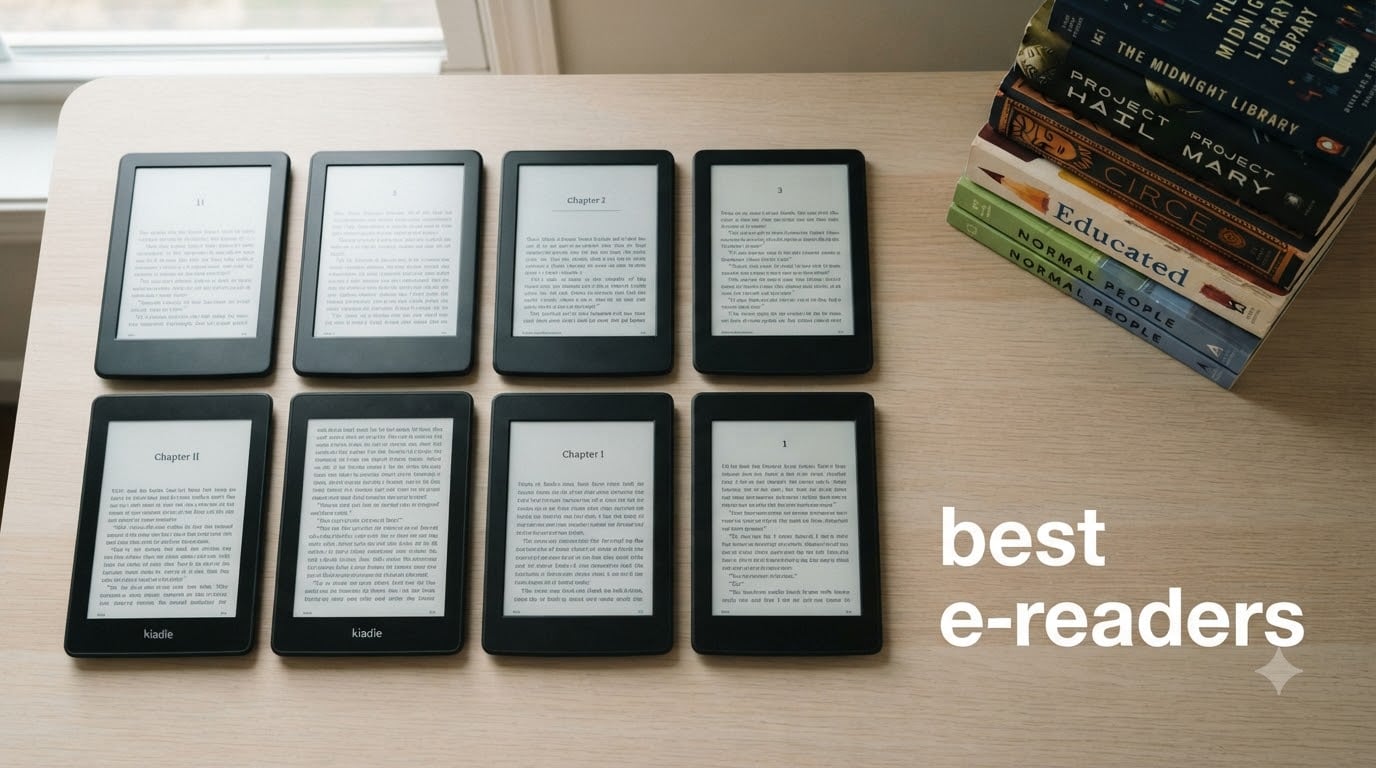
I tested 8 of the most popular e-readers on the market for this guide to the best e-readers in 2026. Over three months I read novels, library books, graphic novels, and PDFs across everything from a pocket 3.7-inch device to a 7-inch color Kindle. I checked battery life in real travel conditions, tried every library integration method, and used each one by the pool, on a plane, and in bed.
If you have ever wanted a dedicated reading device that does not glare, lasts for weeks per charge, and keeps you away from social media, an e-reader is the answer. I am a heavy reader, and after going back and forth between these devices, three clear winners emerged: the Kindle Paperwhite for most people, the basic Kindle for tight budgets, and the Kobo Libra Colour for anyone who wants physical page-turn buttons and direct library borrowing.
This guide covers all 8 devices I tested, breaks down which e-reader is best for specific scenarios (libraries, kids, travel, color content, note-taking), and explains the real differences between Kindle and Kobo ecosystems. You will also find a buying guide, a comparison table, and a FAQ answering the questions I see most often on r/ereader and r/ebooks.
Table of Contents
Top 3 Picks for Best E-Readers in September

Amazon Kindle Paperwhite 16GB
- 7-inch glare-free 300 ppi display
- 12-week battery life
- IPX8 waterproof

Amazon Kindle 16GB (Basic)
- Lightest and most compact Kindle
- 6-week battery
- 75% recycled plastics

Kobo Libra Colour
- 7-inch color E Ink Kaleido 3
- Physical page-turn buttons
- OverDrive integration
Best E-Readers to Buy in 2026
| Product | Specifications | Action |
|---|---|---|
| Amazon Kindle Paperwhite 16GB |
|
Check Latest Price |
| Amazon Kindle 16GB (Basic) |
|
Check Latest Price |
 Kindle Paperwhite Signature Edition 32GB Kindle Paperwhite Signature Edition 32GB |
|
Check Latest Price |
 Kindle Colorsoft 16GB Kindle Colorsoft 16GB |
|
Check Latest Price |
 Kindle Colorsoft Signature Edition 32GB Kindle Colorsoft Signature Edition 32GB |
|
Check Latest Price |
 Kobo Clara Colour Kobo Clara Colour |
|
Check Latest Price |
| Kobo Libra Colour |
|
Check Latest Price |
 XTEINK X3 Pocket E-Ink XTEINK X3 Pocket E-Ink |
|
Check Latest Price |
1. Amazon Kindle Paperwhite 16GB – Editor’s Choice for Most Readers
Amazon Kindle Paperwhite 16GB (newest model) – 20% faster, with new 7″ glare-free display and weeks of battery life – Black
7-inch 300 ppi glare-free display
Up to 12-week battery life
IPX8 waterproof
USB-C charging
Pros
- Larger 7-inch glare-free display with crisp text
- Outstanding 12-week battery life
- 25% faster page turns than older models
- IPX8 waterproof for pool and bath reading
- Adjustable warm light for comfortable night reading
- Lightweight ultra-thin design
Cons
- No physical page-turn buttons (touchscreen only)
- Plastic build rather than premium aluminum
- No native app support (no Libby app on device)
The Kindle Paperwhite has been the gold standard of mainstream e-readers for years, and the newest 12th generation model is the best version yet. After three months of daily reading on this device, I can confirm that the larger 7-inch display, faster page turns, and improved contrast ratio all add up to a noticeably better experience than older Paperwhites.
What I appreciate most is how the 7-inch screen hits a sweet spot. It is large enough for comfortable reading and PDF handling, but still small enough to hold one-handed during a long commute. The 300 ppi pixel density makes text crisp enough that I forget I am reading on a screen, and the adjustable warm light let me read in bed without disturbing my partner.
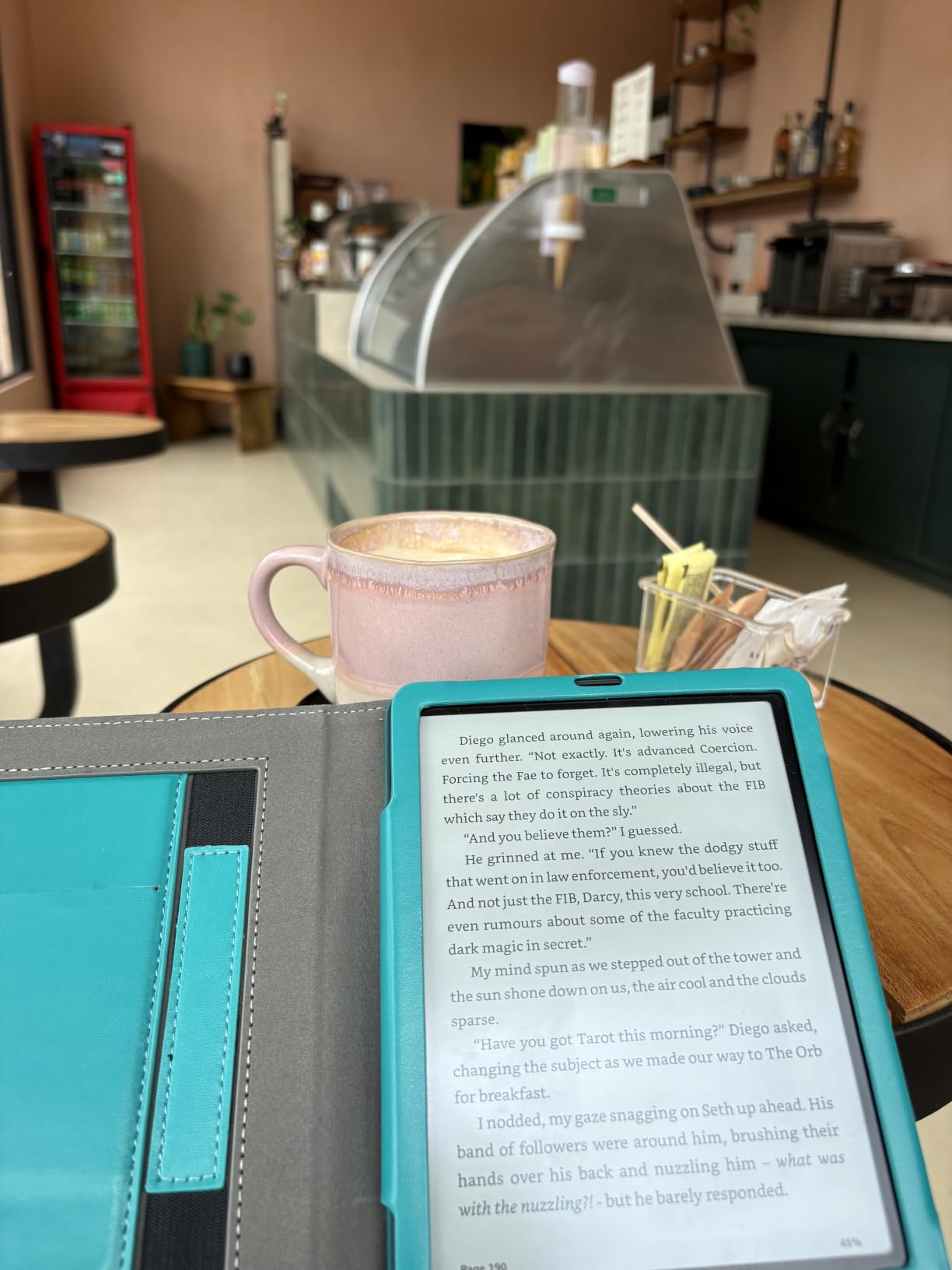
Battery life is genuinely impressive. I charged this Kindle once at the start of my testing period and read for around 40 minutes per day, going nearly 10 weeks before I needed to plug in again. The IPX8 waterproof rating gave me confidence to read by the pool without worrying about splashes, and the USB-C charging meant I could use the same cable as my phone.
Where the Paperwhite falls short is the lack of physical page-turn buttons. After testing the Kobo Libra Colour, I missed the tactile feedback of pressing a button, especially when reading one-handed. The plastic body also feels less premium than the Oasis or Kobo Libra, though it is significantly lighter as a result.
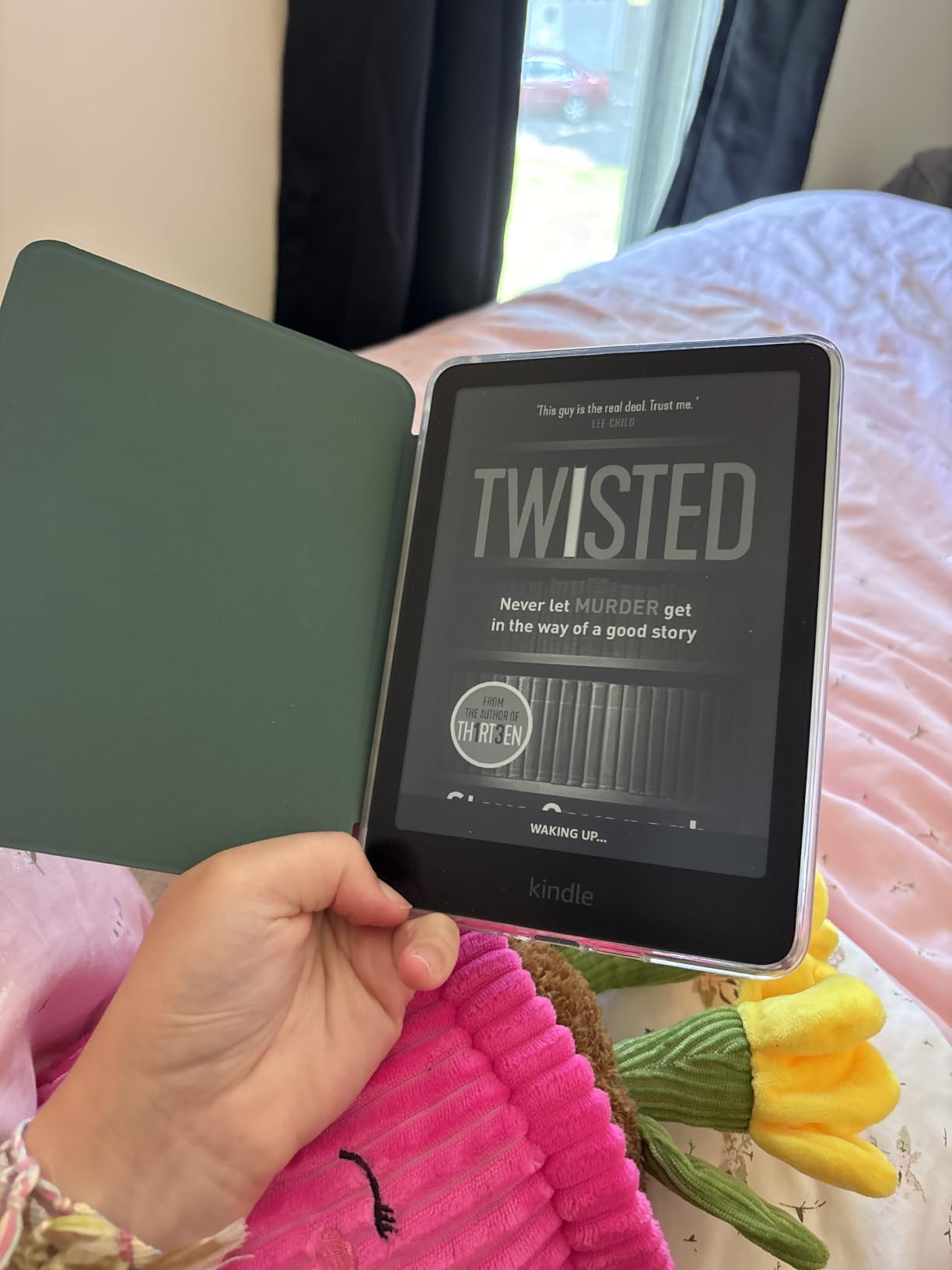
How it handles public library borrowing
Library integration on the Paperwhite is workable but not seamless. You can send library books from the Libby app on your phone directly to the Kindle via Wi-Fi, and they show up on the device automatically. The catch is that the Kindle does not run a native Libby app, so you need your phone nearby for browsing and borrowing. Once a book is sent, it works just like any Kindle title.
Who should skip this e-reader
If you want direct OverDrive integration without a phone, prefer physical page-turn buttons, or read lots of EPUBs from non-Amazon sources, the Kobo Libra Colour is a better fit. Graphic novel readers should also consider the Kindle Colorsoft instead.
2. Amazon Kindle 16GB (Basic) – Best Budget E-Reader
Amazon Kindle 16 GB (newest model) – Lightest and most compact Kindle, now with faster page turns, and higher contrast ratio, for an enhanced reading experience – Black
6-inch 300 ppi glare-free display
Up to 6-week battery
75% recycled plastics
USB-C charging
Pros
- Lightest and most compact Kindle ever
- 25% brighter front light at max setting
- Higher contrast ratio for crisp text
- Up to 6-week battery life
- 16GB storage holds thousands of books
- 75% recycled plastics and 90% recycled magnesium
Cons
- No warm light feature
- No waterproofing
- Smaller 6-inch screen vs 7-inch Paperwhite
- No page-turn buttons
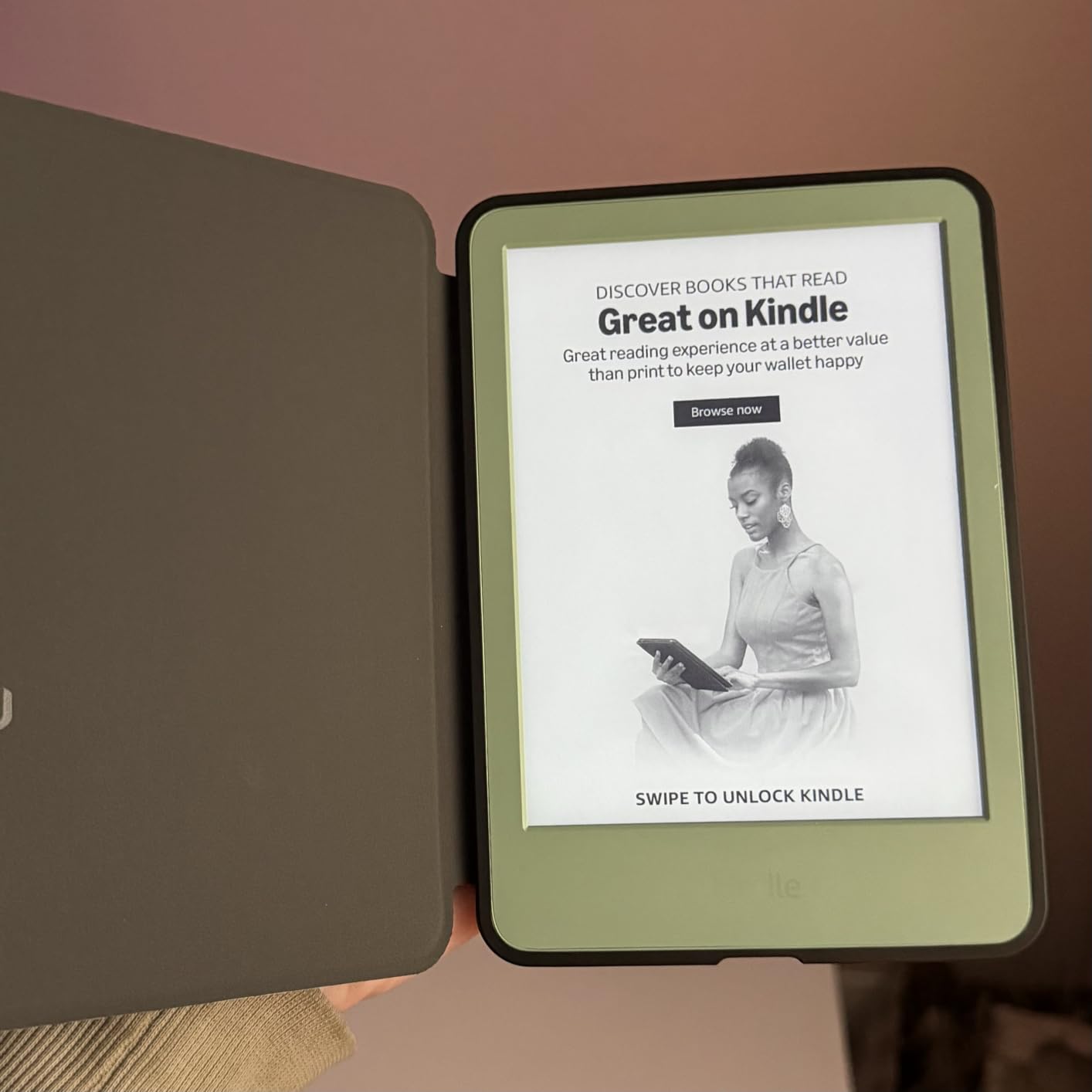
The newest basic Kindle is the e-reader I recommend to anyone who reads a few books a month and does not need fancy features. After carrying it around for a month, I was genuinely impressed by how light and pocketable it is. It slips into jacket pockets and small bags without bulging, and at the lowest weight of any Kindle, it is the most comfortable option for one-handed reading.
The display improvements over previous base Kindles are real. The 25% brighter front light at the maximum setting is noticeably better, and the higher contrast ratio makes text sharper. While the screen is smaller than the Paperwhite at 6 inches, the 300 ppi pixel density means the text is just as crisp. I found the size perfectly comfortable for novels and shorter non-fiction, though PDFs felt cramped.
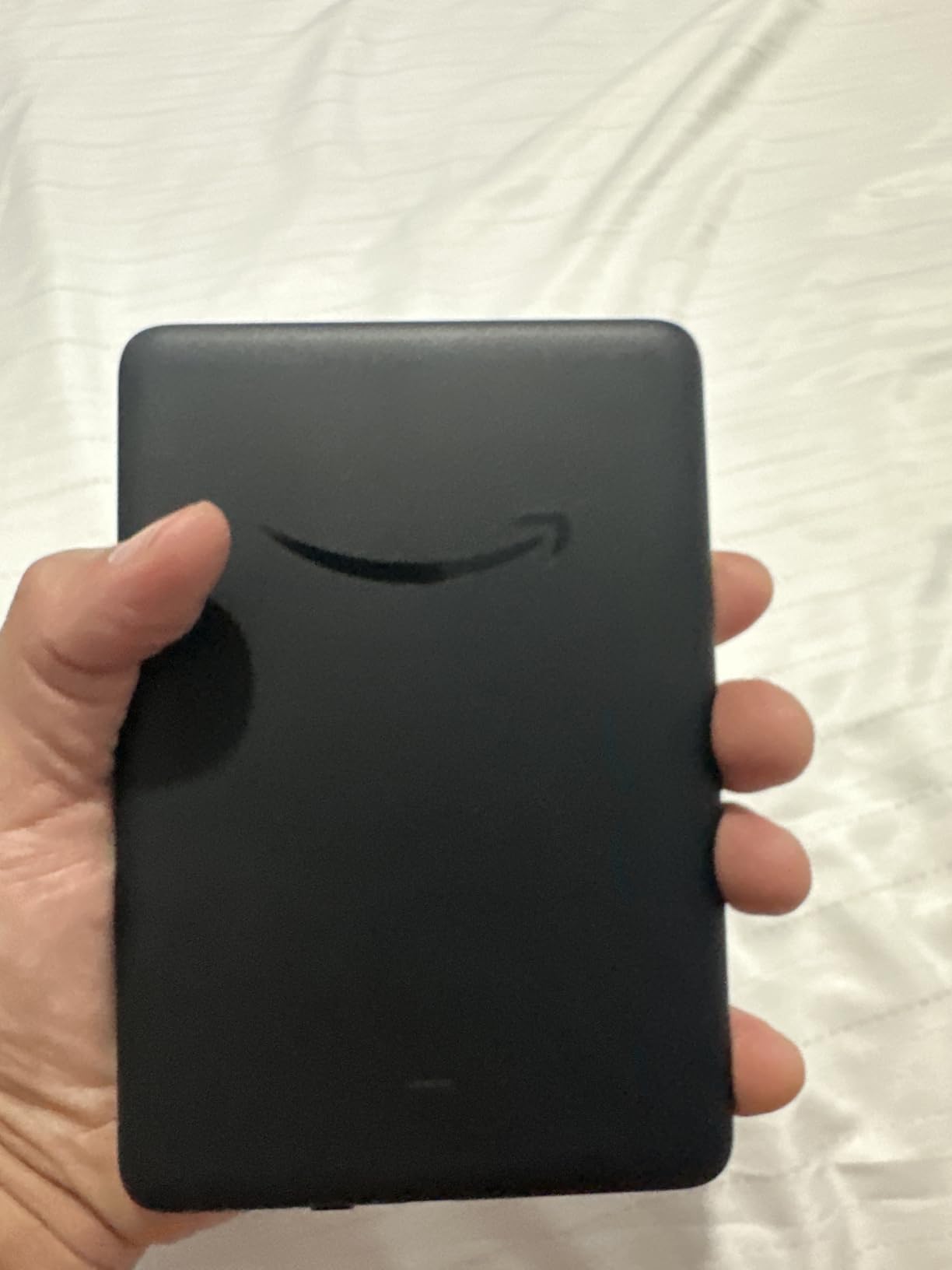
The 6-week battery life is shorter than the Paperwhite’s 12 weeks, but still impressive. I charged this Kindle once at the start of testing and read for about 30 minutes daily, hitting 5 weeks before needing to recharge. The 75% recycled plastics construction is a nice touch for environmentally conscious buyers, and it does not affect the build quality.
The main trade-off versus the Paperwhite is the lack of warm light. If you read at night often, the cooler front light can feel harsh on your eyes. There is no waterproofing either, so this Kindle is not ideal for pool or bath reading. The smaller 6-inch screen is also less comfortable for PDFs and graphic novels.
Why it is the best budget pick
The price-to-performance ratio here is hard to beat. For under $110 you get a real Kindle with 300 ppi, USB-C charging, and weeks of battery. Many casual readers do not need waterproofing or warm light, and this model delivers everything else that makes Kindles great.
Who should look elsewhere
Pool readers, night-time readers who want warm light, and anyone wanting a larger screen should consider the Paperwhite instead. Travelers who want pocketable devices might actually prefer the XTEINK X3.
3. Kindle Paperwhite Signature Edition 32GB – Premium Pick for Power Users
Amazon Kindle Paperwhite Signature Edition 32GB (newest model) – 20% faster with auto-adjusting front light, wireless charging, and weeks of battery life – Metallic Black
7-inch 300 ppi glare-free display
Up to 12-week battery
32GB storage
Wireless charging
Pros
- Auto-adjusting front light adapts to surroundings
- Wireless charging convenience
- Generous 32GB storage for massive libraries
- Premium metallic finish in multiple colors
- 12-week battery life
- IPX8 waterproof
- 25% faster page turns
Cons
- Wireless charging dock sold separately
- Higher price than standard Paperwhite
- No physical page-turn buttons
- No auto-rotation like older Oasis
The Paperwhite Signature Edition is what I reach for when I want the most polished Kindle experience without jumping to the Oasis. The biggest practical upgrade over the standard Paperwhite is the auto-adjusting front light. I tested it across my apartment, on a sunny patio, and in a dim bedroom, and the light level consistently adapted without me touching a thing.
Wireless charging is a quality-of-life feature I underestimated. Dropping the Kindle on a charging pad on my nightstand felt as natural as charging my phone, and it eliminated the fumbling for a USB-C cable in the dark. The 32GB storage is genuinely useful for anyone with a large audiobook library or a heavy manga collection, since audiobooks and graphic novels eat up space fast.
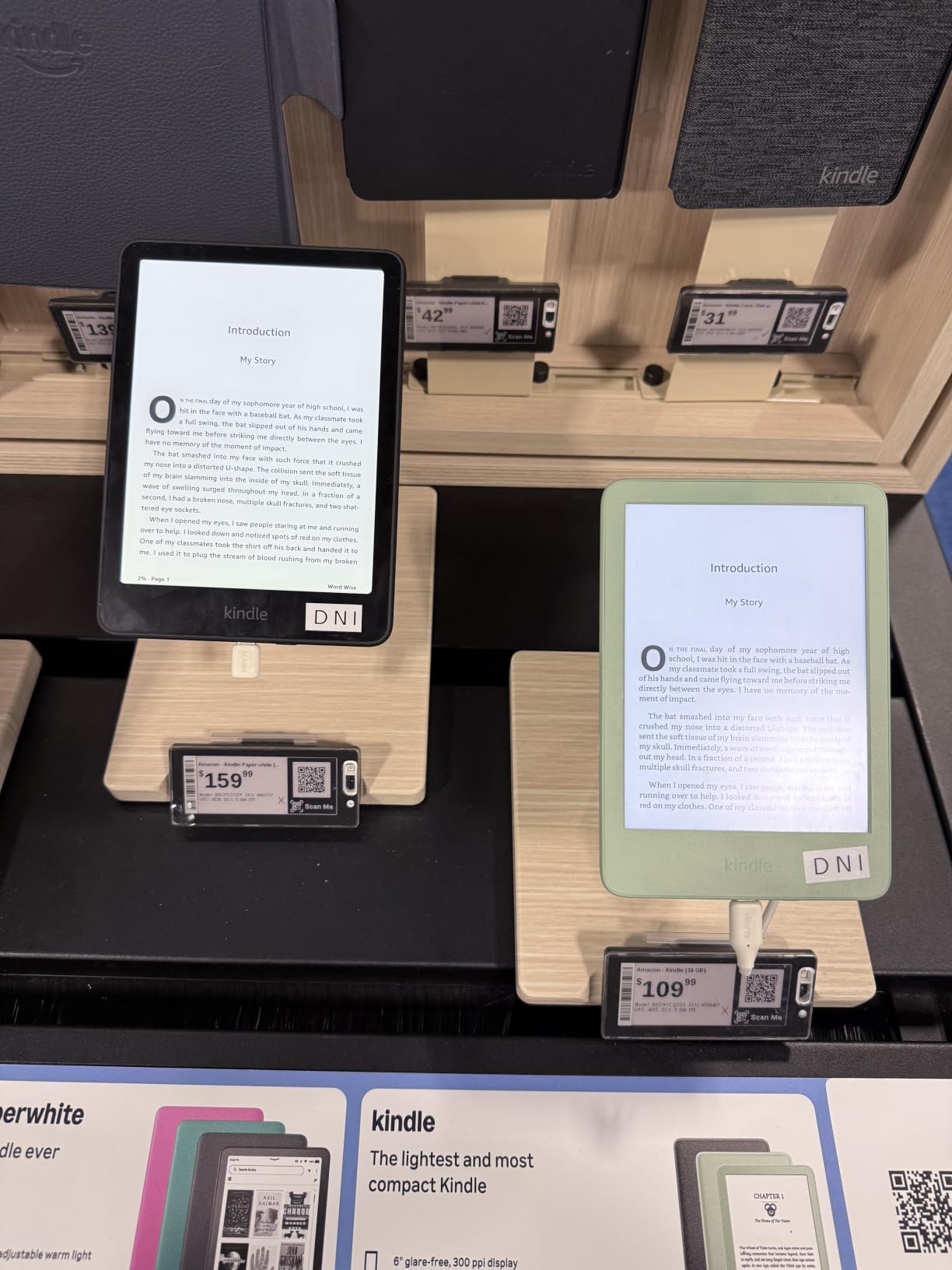
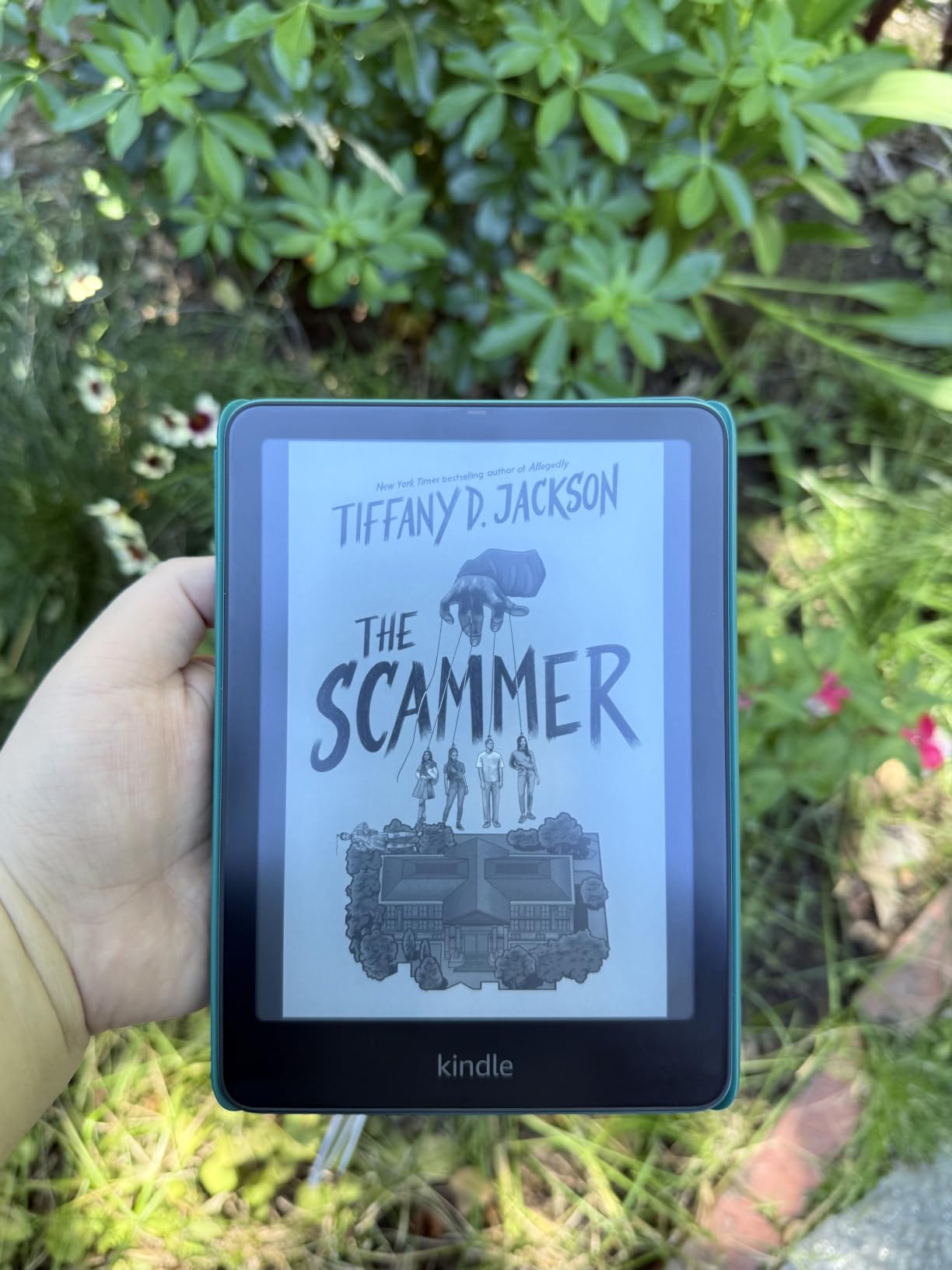
Battery life matched the standard Paperwhite at around 12 weeks per charge. The 7-inch 300 ppi display and 25% faster page turns are identical to the regular Paperwhite, so you are paying for the extras: wireless charging, auto-adjusting light, and double the storage. The metallic finish feels noticeably more premium in the hand.
What this model does not give you is physical page-turn buttons or auto-rotation. Those remain exclusive to the Oasis line. The price jump from the standard Paperwhite is also significant, so this only makes sense if you specifically value wireless charging or need the extra storage.
Best use cases for the Signature Edition
If you listen to a lot of audiobooks, the 32GB storage is essential. If you read across wildly different lighting conditions during the day, the auto-adjusting light is worth the upgrade. If neither applies, the regular Paperwhite is the better value.
Comparing the Signature Edition to the standard Paperwhite
The core reading experience is identical: same display, same speed, same waterproofing. The Signature Edition adds convenience features that some users love and others can live without. Think of it as the loaded version of an already excellent e-reader.
4. Kindle Colorsoft 16GB – Best E-Reader for Color Content
Amazon Kindle Colorsoft 16 GB (newest model) – With color display that brings covers and content to life, now highlight in color – No Ads – Black
7-inch Colorsoft color E Ink display
Up to 8-week battery
IPX8 waterproof
Color highlighting
Pros
- Revolutionary color E Ink display for Kindle
- Excellent for graphic novels and comics
- Color highlighting in yellow
- orange
- blue
- and pink
- 8-week battery life
- IPX8 waterproof
- Compact and lightweight design
- Dark Mode for night reading
Cons
- Colors are muted compared to tablets
- Text slightly less crisp than B&W Paperwhite
- Front light slightly less bright than Paperwhite
- Higher price than standard models
The Kindle Colorsoft was the device I was most curious about going into testing. Color E Ink has been around for years on competitors, but Amazon’s take brings refinements I did not expect. The Kaleido 3-based 7-inch display shows book covers, comics, graphic novels, and even children’s picture books in soft, paper-like colors that work beautifully in sunlight.
For graphic novel readers, this is a meaningful upgrade over a B&W Kindle. I read several manga and graphic novels on the Colorsoft, and the color panels finally looked the way the artist intended. The color highlighting feature also stands out. Instead of one yellow highlighter like on older Kindles, you can mark passages in yellow, orange, blue, or pink, which actually helps when organizing research or study notes.
Battery life is solid at up to 8 weeks, though noticeably shorter than the B&W Paperwhite’s 12 weeks because the color filter layer draws extra power. The IPX8 waterproof rating and Dark Mode make it just as versatile for bedtime or bath reading as the standard Paperwhite.
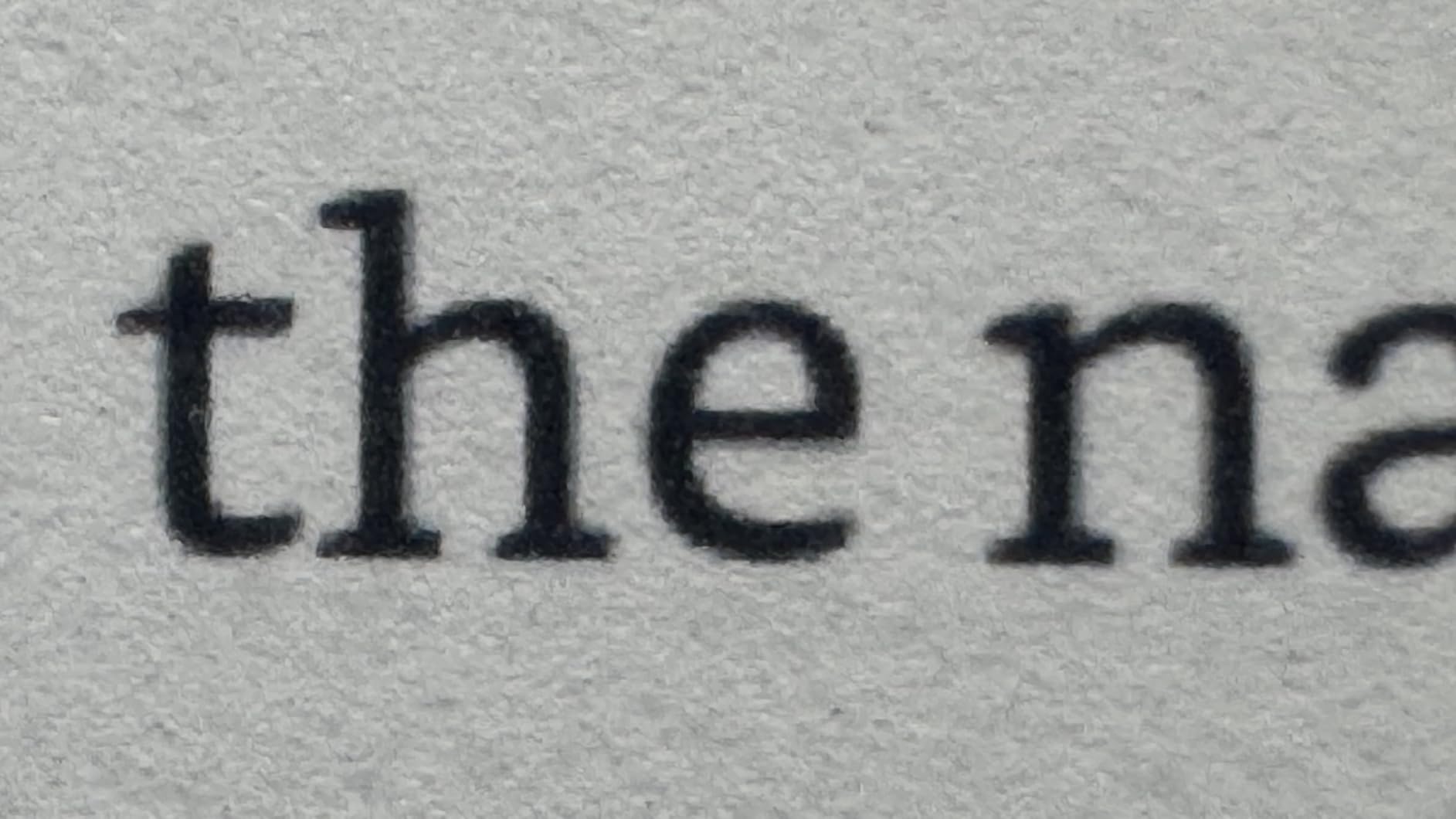
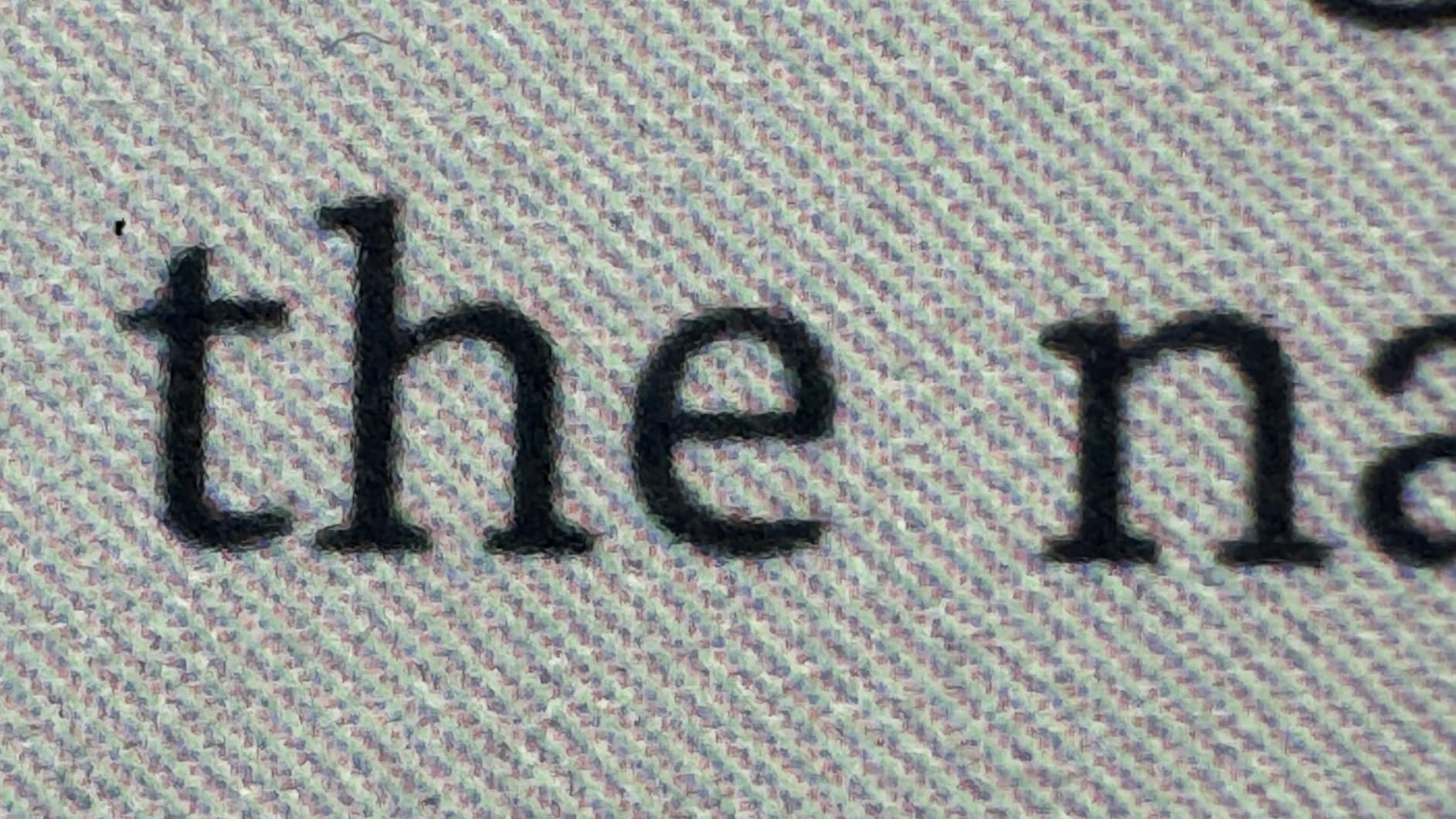
The main compromise is text crispness. The color overlay reduces the effective resolution, so pure text looks slightly less sharp than on the B&W Paperwhite. If you primarily read prose novels, you may not notice, but if you have a sharp eye for typography, you will see the difference. Colors are also intentionally muted compared to an iPad, which is by design to avoid eye strain, but it can disappoint buyers expecting tablet vibrancy.
Who needs a color e-reader
You will get the most out of the Colorsoft if you read graphic novels, manga, comics, children’s books, cookbooks, or travel guides with maps and color photos. If you only read prose novels, a B&W Kindle delivers sharper text for less money.
Realistic expectations for color E Ink
Color E Ink is not a tablet replacement. Colors are softer and more pastel, refresh rates are slower, and the display is best for static images like book covers and illustrations. If you watch videos or browse photo-heavy sites, you still want a tablet.
5. Kindle Colorsoft Signature Edition 32GB – Flagship Color Kindle
Amazon Kindle Colorsoft Signature Edition 32GB (newest model) – With color display, auto-adjusting front light, wireless charging, and long battery life – Metallic Black
7-inch Colorsoft color display
32GB storage
Wireless charging
Auto-adjusting front light
Pros
- Premium color e-ink experience with auto-adjusting light
- Wireless charging convenience
- 32GB storage for color-heavy libraries
- Excellent for graphic novels and cookbooks
- System-wide Dark Mode via firmware update
- Fast performance
- IPX8 waterproof
Cons
- Premium price point
- Colors muted compared to tablets
- Some early units had yellow banding issues
- Battery drains faster than B&W Kindles
- Lower 150 DPI for color content
The Colorsoft Signature Edition is the top of the Kindle line, combining the color display of the standard Colorsoft with the Signature Edition perks: auto-adjusting front light, wireless charging, and 32GB of storage. After testing it for a few weeks, it is clear this is the most feature-rich Kindle Amazon has ever made, but also the most expensive.
The auto-adjusting front light works the same way as on the B&W Signature Edition, and it pairs naturally with the color display. I found it especially useful for color content because color E Ink looks dramatically different depending on ambient brightness, and the auto-adjust feature handled those transitions smoothly.
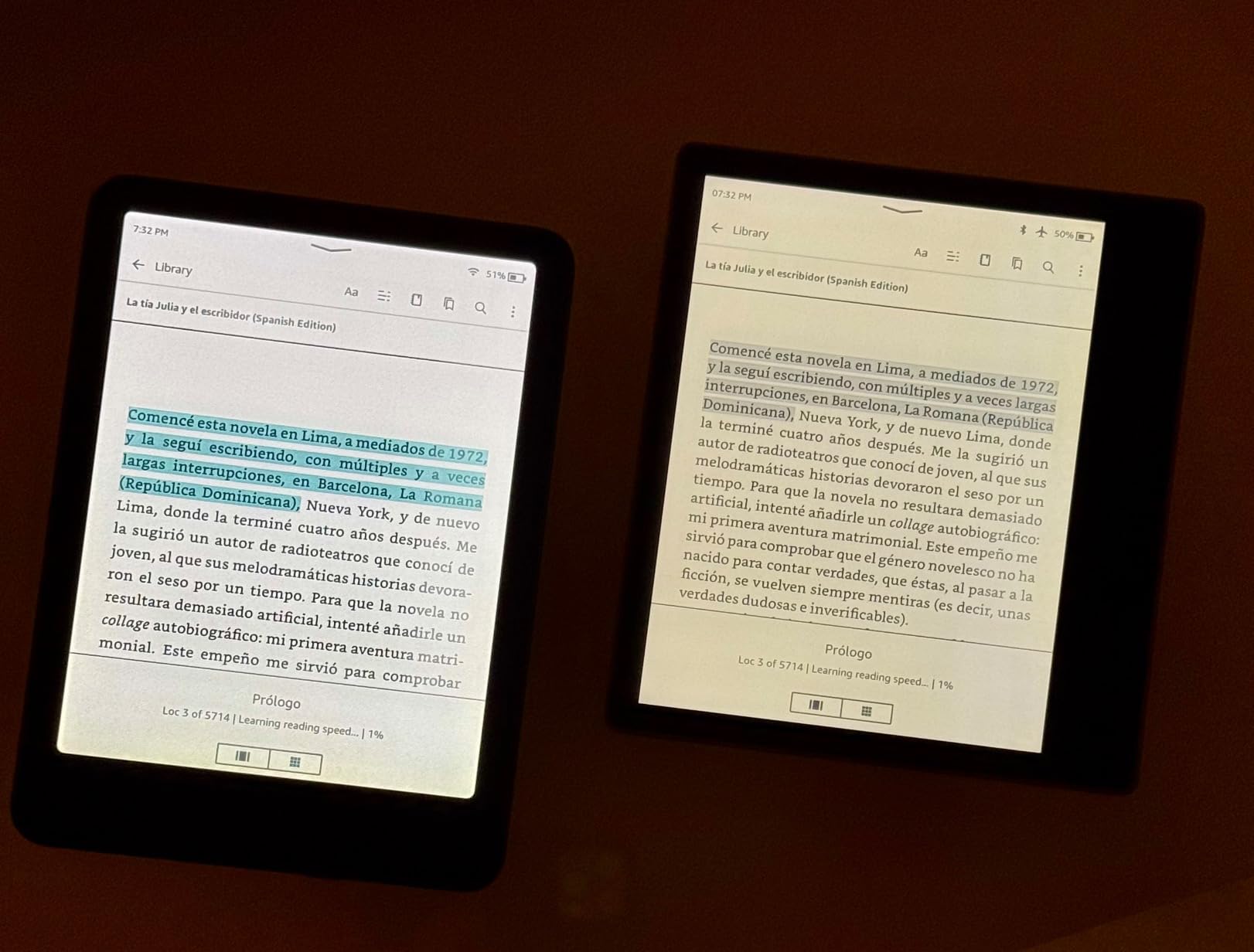
For color content libraries, the 32GB storage is essential. Graphic novels and color-heavy PDFs are large files, and 16GB fills up quickly. Wireless charging matched the experience I had with the B&W Signature Edition, which is to say convenient and reliable.
That said, this is also where the Colorsoft line shows growing pains. Battery life is shorter than the B&W models because the color filter draws more power. The effective 150 DPI resolution for color content means comics and graphic novels look slightly soft compared to a tablet. Some early reviewers reported yellow banding issues along the bottom edge, though Amazon has largely resolved these with replacements and quality control improvements.
Is the upgrade over the standard Colorsoft worth it?
If you need 32GB for a large color library, want wireless charging, or appreciate the auto-adjusting front light, yes. Otherwise, the standard Colorsoft gives you the same color experience at a meaningfully lower price.
How it compares to the Kobo Libra Colour
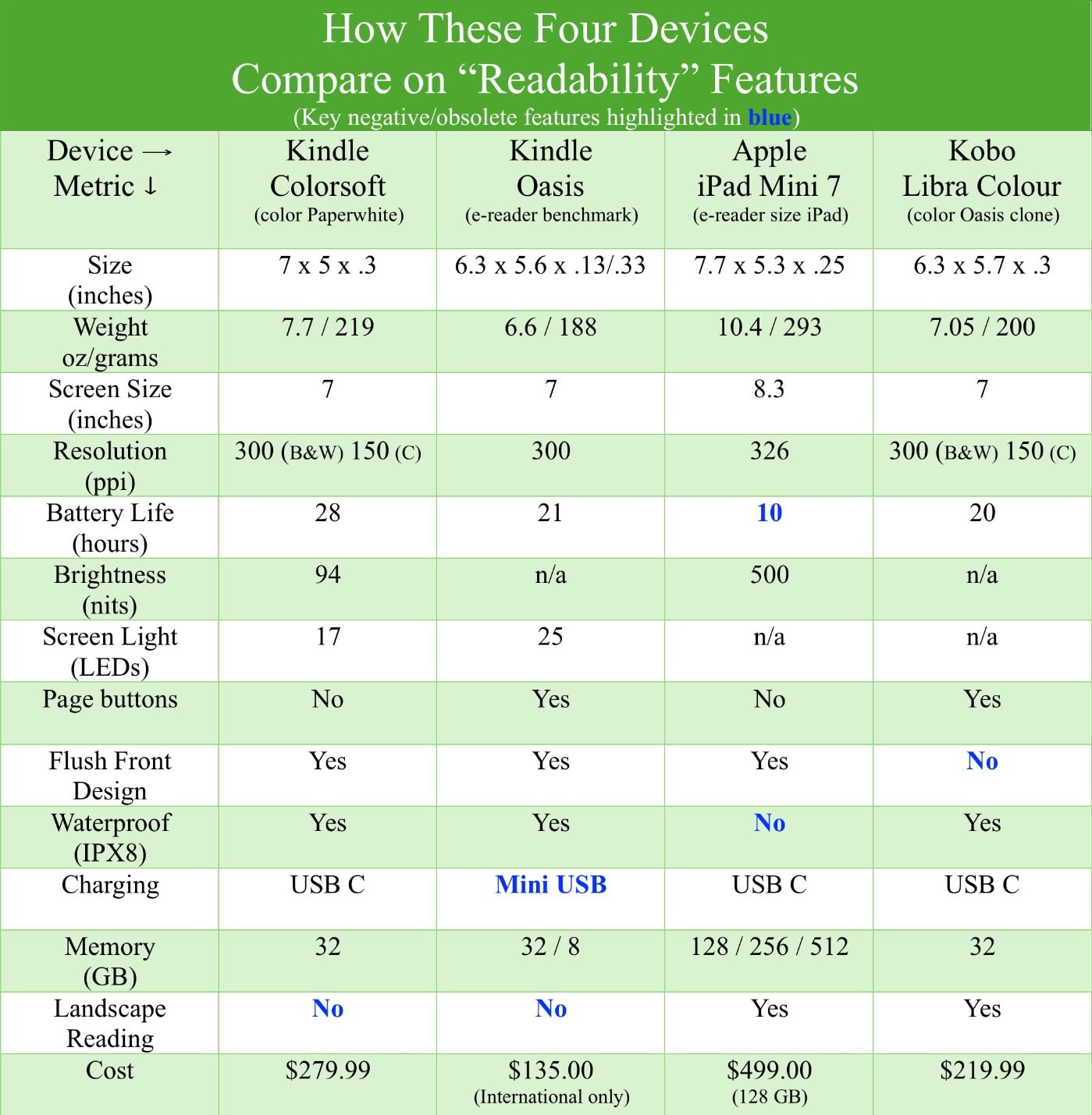
The Colorsoft Signature Edition and Kobo Libra Colour are both 7-inch color e-readers at similar prices. The Kobo has physical page-turn buttons, direct OverDrive library integration, and supports EPUB natively, but lacks wireless charging and Amazon’s ecosystem. The Kindle has wireless charging and Amazon’s bookstore, but you will rely on the Libby app on your phone for library books.
6. Kobo Clara Colour – Best for Library Books and EPUB Lovers
Kobo Clara Colour | Colour eReader | 6” Glare-Free Colour E Ink Kaleido™ 3 Display | Dark Mode Option | Waterproof | Audiobooks | 16GB of Storage | White
6-inch color E Ink Kaleido 3 display
IPX8 waterproof
OverDrive integration
16GB storage
Pros
- Excellent battery life lasting weeks per charge
- Comfortable one-handed compact design
- Easy drag-and-drop EPUB file transfer
- IPX8 waterproof up to 60 minutes in 2 meters
- No ads or storefront distractions
- ComfortLight PRO reduces blue light automatically
- 16GB holds up to 12000 eBooks
- Direct OverDrive library borrowing
Cons
- Color display is muted and pastel
- PDF files do not reflow properly
- Occasional slight page-turn lag
- Higher brightness needed vs B/W e-readers
- Color feature may not justify $50 premium for most
The Kobo Clara Colour is the e-reader that converted me to genuinely appreciating Kobo devices. The 6-inch color E Ink Kaleido 3 display is smaller than the Libra Colour but the form factor is excellent for one-handed reading, and the integration with public libraries through OverDrive is unmatched. I borrowed four library books directly on the device without ever touching my phone.
That direct library integration is the headline feature. After signing into my library card through the Kobo setup, I could browse, borrow, and read library books without any extra steps. Compare that to the Kindle, where you have to use the Libby app on your phone to send a book over. For heavy library users, this alone is worth choosing Kobo.
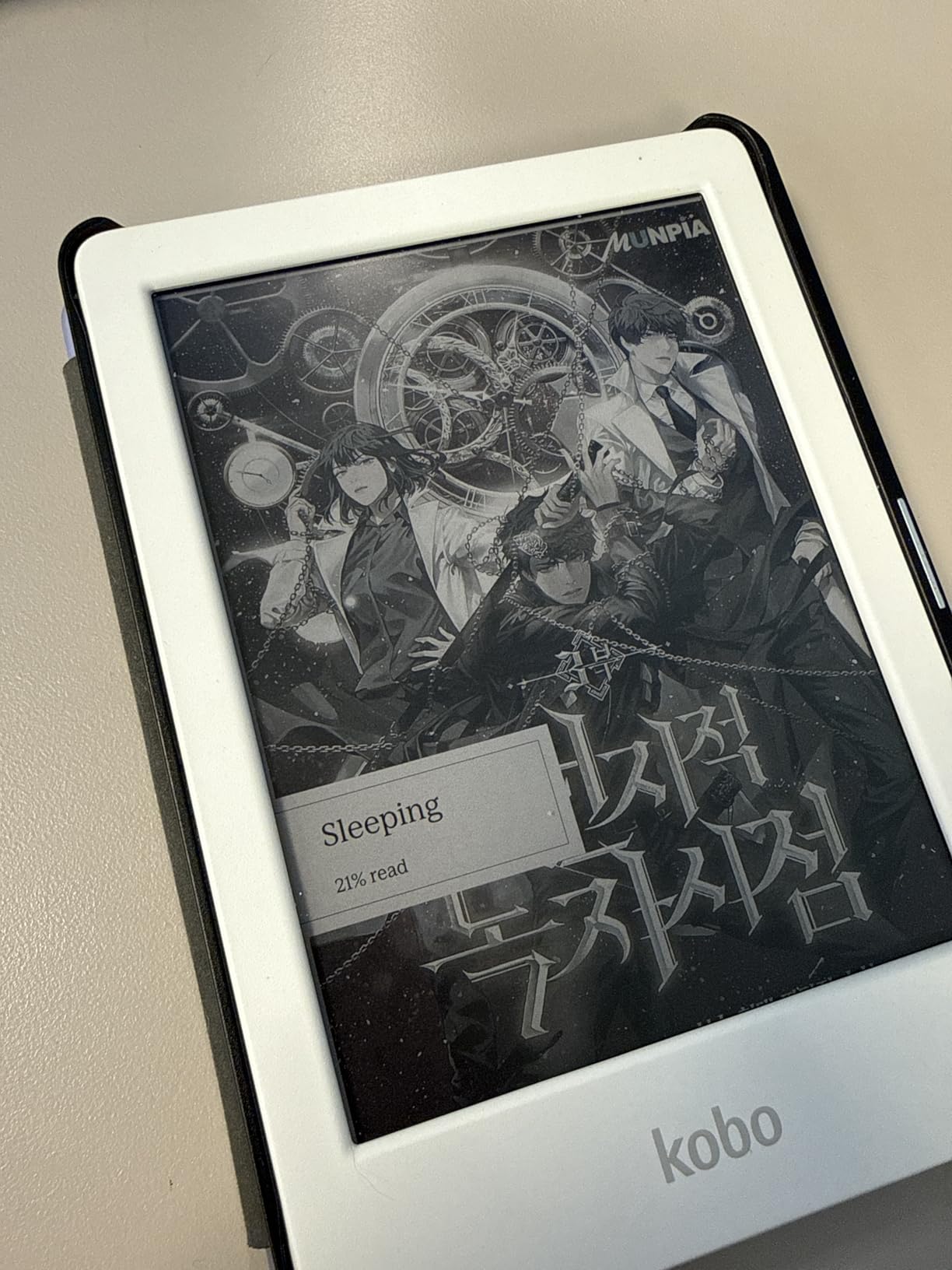
Battery life is genuinely excellent. Kobo rates it at 2 weeks under typical use, but in my testing with about 45 minutes of reading per day, I got closer to 3 weeks per charge. The ComfortLight PRO feature gradually reduces blue light throughout the day, which felt easier on my eyes during late-night reading sessions.
The color display is intentionally muted, similar to other E Ink Kaleido 3 devices. Pastel colors work well for book covers, but do not expect tablet-like vibrancy. PDF handling is the weakest point: Kobo’s PDF reader does not reflow text, so academic papers and manuals often require zooming and scrolling.
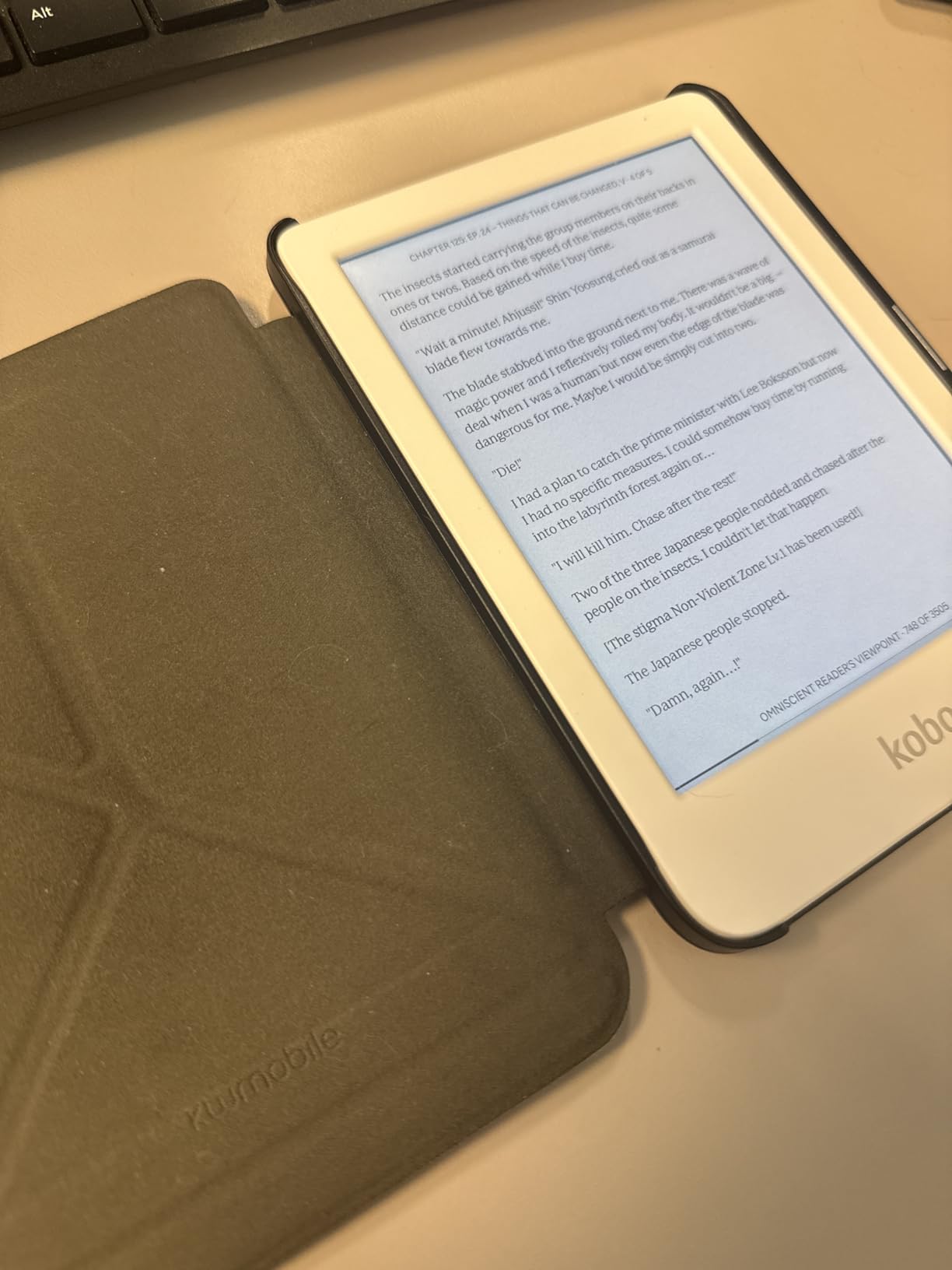
Drag-and-drop EPUB simplicity
Kobo devices treat EPUBs as first-class citizens. You can plug the Clara Colour into any computer and drag EPUB files directly onto it. No software, no account, no conversion. For readers with large existing libraries of sideloaded books, this is far easier than Kindle’s Send to Kindle process.
Who should avoid the Clara Colour
If you read lots of PDFs, want a larger 7-inch screen, or want physical page-turn buttons, look at the Kobo Libra Colour instead. Color-only readers who do not actually need color should also consider the cheaper Kobo Clara BW.
7. Kobo Libra Colour – Best E-Reader for Note-Taking and Page-Turn Buttons
Kobo Libra Colour eReader, 7” Color E Ink, Waterproof, Black
7-inch color E Ink Kaleido 3 display
Physical page-turn buttons
32GB storage
Stylus support
Pros
- Physical page-turn buttons for one-handed reading
- Auto-rotate feature adapts to handedness
- Direct library borrowing with OverDrive
- Easy drag-and-drop EPUB transfer
- Lightweight 7.05 oz design
- Recessed power button prevents accidental presses
- No ads or distractions
Cons
- Color display is muted watercolor-like
- Larger size less portable than Clara Colour
- Kobo stylus is expensive
- Books shown as cover thumbnails without plaintext titles
- Slightly heavier than smaller e-readers
The Kobo Libra Colour is the e-reader I kept coming back to during testing. The physical page-turn buttons sound like a small thing until you read for hours with one hand, and then you never want to go back. Combined with the auto-rotate feature that flips the display when you switch hands, this is the most comfortable e-reader I tested for long reading sessions.
The 7-inch color display gives you more reading real estate than the 6-inch Clara Colour. For PDFs, two-column layouts, and graphic novels, the extra inch makes a noticeable difference. The Kaleido 3 color filter shows book covers, illustrations, and color highlights in soft, paper-like tones. It also supports the Kobo Stylus 2 for handwritten notes, which makes this a real note-taking device, not just a reader.
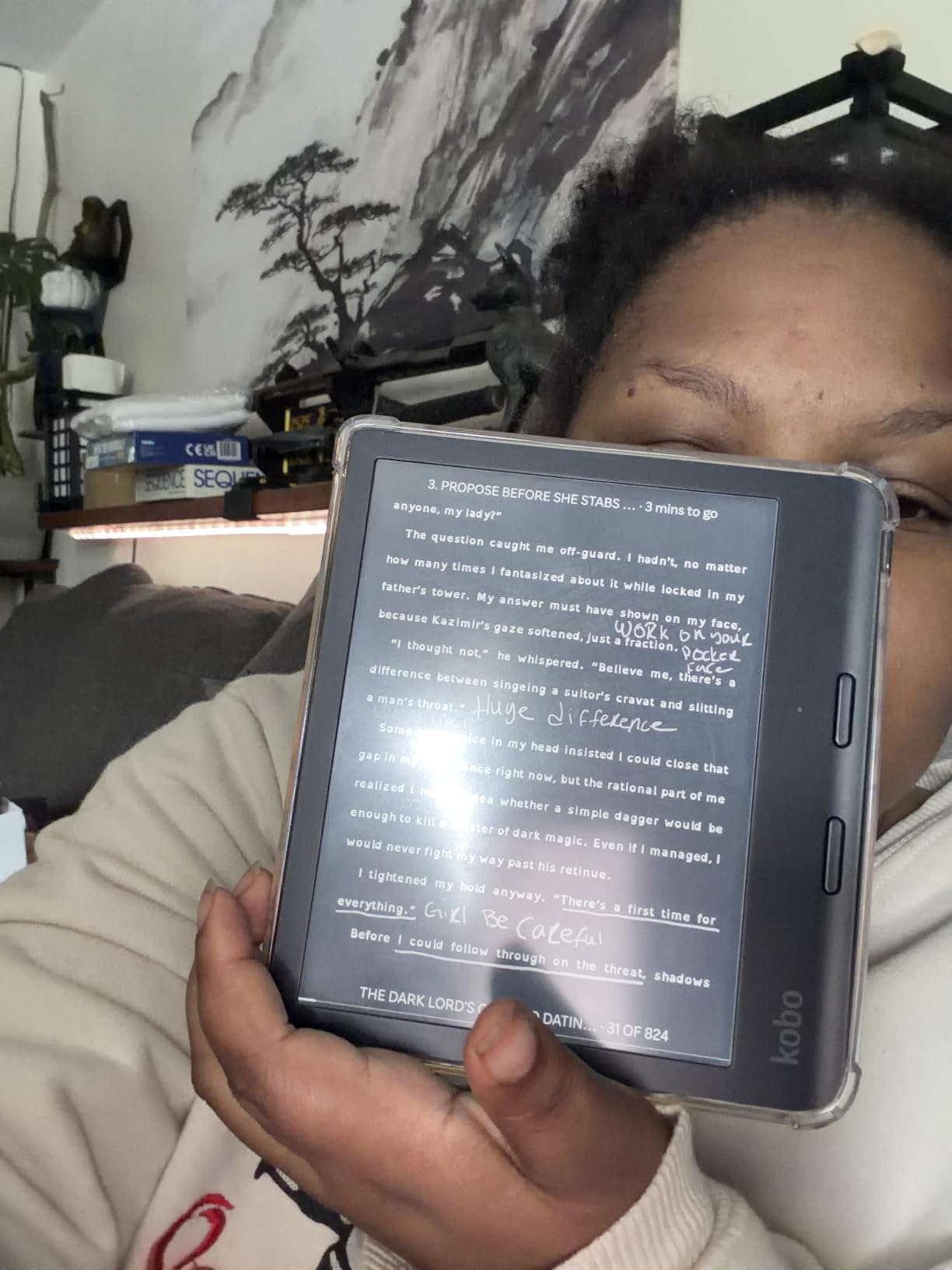
Library integration is identical to the Clara Colour: sign in once with your library card, then borrow and read directly on the device. I borrowed library books, transferred EPUB files via USB-C, and never felt locked into any ecosystem. The 32GB storage holds a serious library, including audiobooks.
The operating system is the cleanest I tested. There are no ads, no storefront pushes, and the home screen shows your books first. The auto-rotate, page-turn buttons, and recessed power button all feel like deliberate design choices rather than afterthoughts.
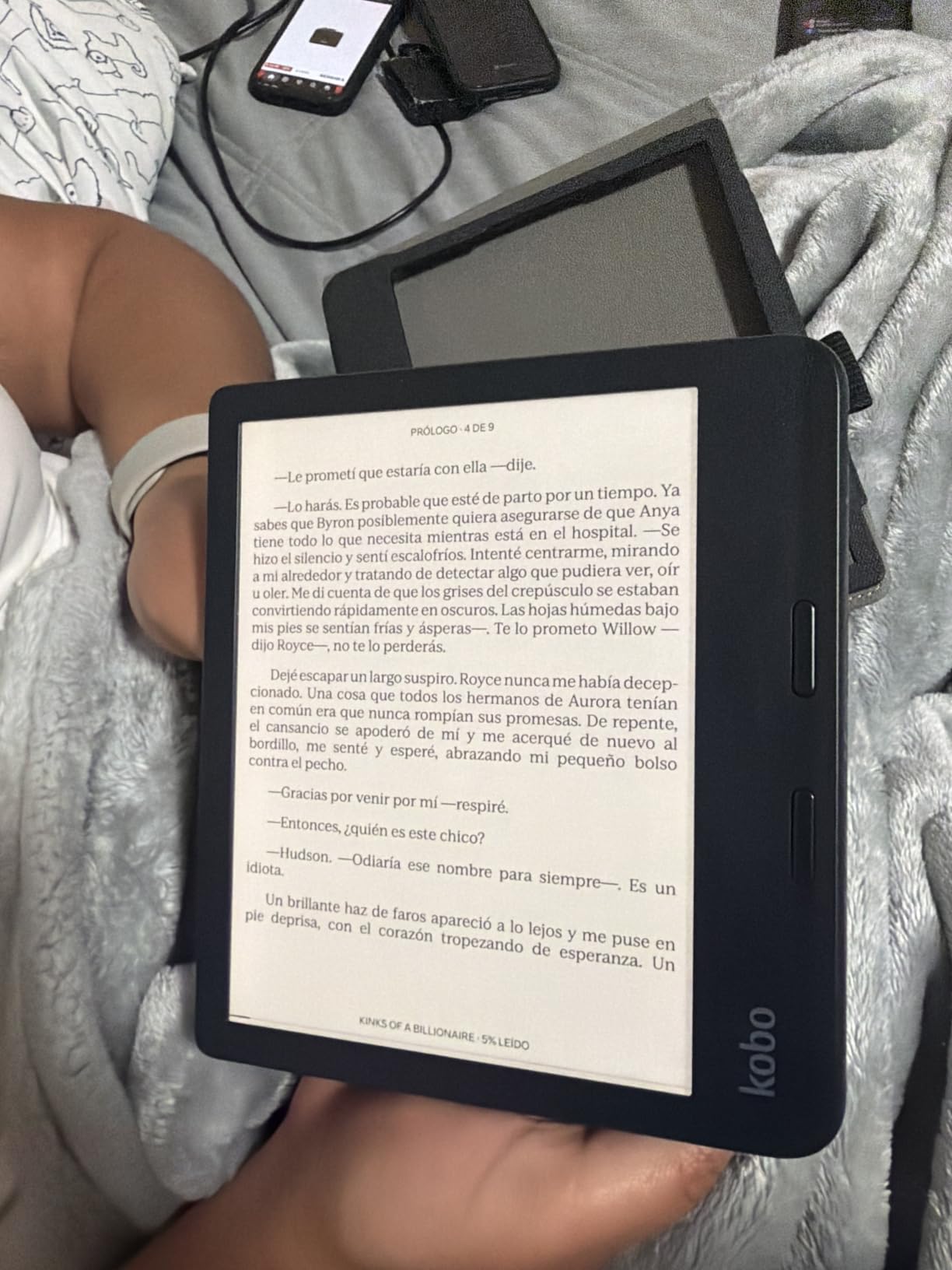
Why physical page-turn buttons matter
If you read in bed, hold your e-reader while eating, or read one-handed on the subway, buttons are far more reliable than tapping the screen. They also reduce accidental page turns from brushing the touchscreen with your thumb.
Note-taking with the Kobo Stylus
The Libra Colour supports the Kobo Stylus 2 for handwritten notes and annotations. Notes are saved as separate notebooks, can be exported, and sync across devices. For students, researchers, or anyone who marks up books heavily, this is a meaningful upgrade over a touchscreen-only reader.
8. XTEINK X3 Pocket E-Ink – Best Pocket Companion Reader
XTEINK X3 3.7″ Pocket E-Ink eBook Reader, Mist Gray
3.7-inch pocket E-Ink display
58g ultra-light
Magnetic attachment
16GB storage
Pros
- Ultra-portable at only 58g and 5.1mm thin
- Magnetic attachment to back of phone
- Excellent battery life up to 10 hours
- Distraction-free E-Ink reading
- Gyroscope page-turn for one-handed use
- 16GB storage with microSD up to 256GB expansion
Cons
- Very small 3.7-inch screen
- No front-light built in
- No touchscreen (button only)
- Wi-Fi setup tricky on secure networks
- Does not support PDFs without conversion
- No Kindle or DRM-protected EPUBs
The XTEINK X3 is a weird little device, and I mean that as a compliment. It is a 3.7-inch E Ink reader that weighs 58g, slips into a pocket, and attaches magnetically to the back of your phone. After using it for two weeks, I found myself reaching for it during moments I would normally doom-scroll Instagram: standing in line, waiting for coffee, on a five-minute subway ride.
The E Ink display is gentle on the eyes in a way phone screens are not, and there are no notifications or apps to tempt you. The gyroscope-based page turn is fun once you get used to it, and the physical buttons are responsive and customizable. Battery life is genuinely fantastic given the small size, often matching larger e-readers in real-world use.
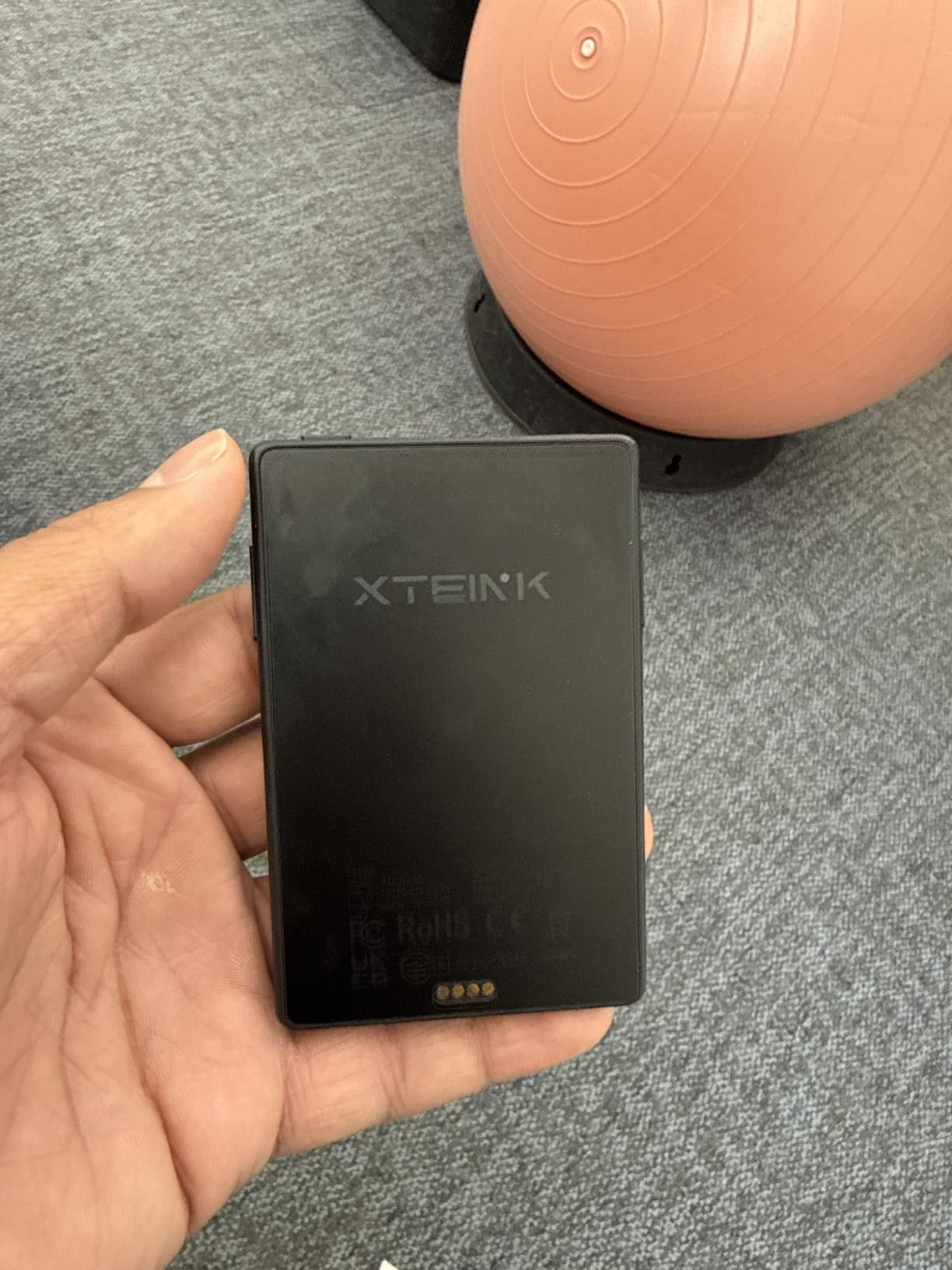
The catch is that this is not a Kindle replacement. The 3.7-inch screen is too small for extended reading sessions, and the lack of a front light means you cannot read it in dim conditions without an external lamp. There is no touchscreen, so navigation is button-only, which is fine for reading but clunky for browsing.
File support is also limited. The XTEINK does not handle PDFs without conversion, and it cannot read Kindle or DRM-protected EPUB files. You will need to source DRM-free EPUBs, which means sideloading from sources like Project Gutenberg, Standard Ebooks, or your own EPUB library.
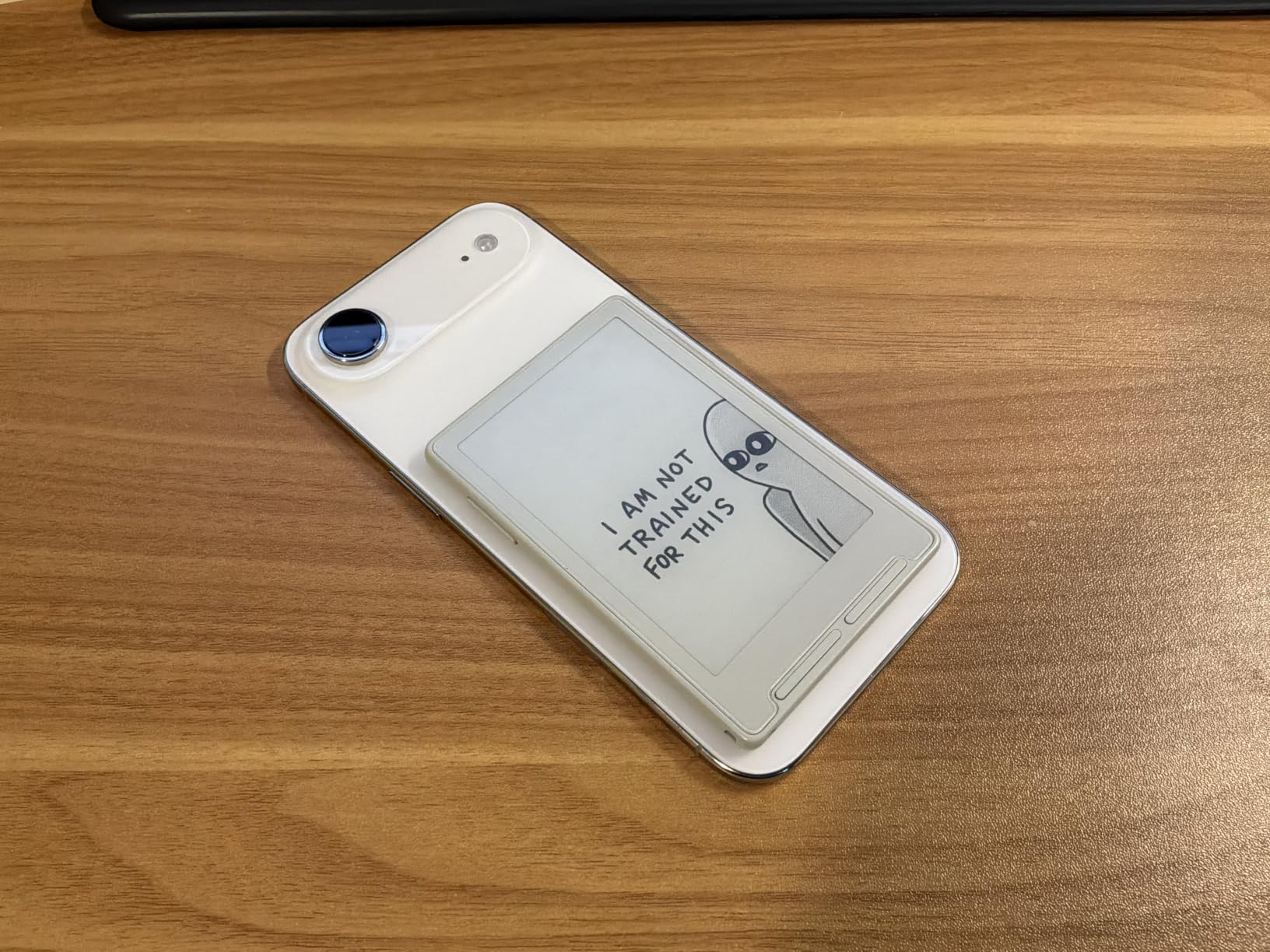
Firmware tip: flash CrossInk for the best experience
The stock firmware is functional but rough. Multiple reviewers and I recommend flashing the open-source CrossInk or Crosspoint firmware, which unlocks better UI, font rendering, and additional features. This is a hobbyist device, not a turn-key Kindle.
Who this device is actually for
Tech-savvy readers who want a pocketable distraction-free companion, not a primary e-reader. If you find yourself reaching for your phone to fill 5-minute gaps, this might replace that habit. If you want a daily driver for serious reading, get a Kindle or Kobo instead.
How to Choose the Best E-Reader for Your Needs?
Picking an e-reader comes down to three main decisions: ecosystem (Kindle vs Kobo vs other), screen size (6-inch vs 7-inch vs pocket), and whether you need extras like color, waterproofing, or note-taking. Here is how I think through each one.
Kindle vs Kobo vs other ecosystems
Kindle is the safest choice for most people because Amazon’s bookstore is the largest, Kindle devices tend to be cheaper, and the hardware is excellent. The trade-off is ecosystem lock-in: Kindles work best with Amazon-purchased books, library lending requires the Libby app on your phone, and EPUB support requires conversion.
Kobo devices are the better choice if you want direct library integration, native EPUB support, or want to avoid Amazon entirely. The Kobo Store is smaller, but Rakuten Kobo supports OverDrive library borrowing natively on the device, drag-and-drop EPUB file transfer, and multiple file formats including PDF, MOBI, and HTML.
Other options like the XTEINK X3 are niche companion devices for tech-savvy users. They are not primary e-readers, but they fill a specific role as ultra-portable, distraction-free reading companions.
Screen size and portability trade-offs
6-inch screens (basic Kindle, Kobo Clara Colour) are the most portable and lightest to hold one-handed. They are perfect for novels and casual reading but feel cramped for PDFs.
7-inch screens (Kindle Paperwhite, Kobo Libra Colour, Kindle Colorsoft) are the sweet spot for most readers. They handle novels, graphic novels, and PDFs comfortably while still being portable enough for travel.
Pocket devices like the XTEINK X3 are companions, not primary readers. The 3.7-inch screen is too small for long sessions but ideal for quick reads during the day.
Library integration: Kindle vs Kobo
This is the single biggest practical difference between Kindle and Kobo. Kobo devices have built-in OverDrive support: sign in with your library card once, then borrow and read directly. Kindle devices require the Libby app on your phone or computer to send library books over.
If you borrow library books regularly, Kobo is meaningfully easier. If you primarily buy books, both work fine.
Battery life and charging
All modern e-readers last weeks per charge, so battery life is rarely the deciding factor. The main differentiator is charging: most current models use USB-C, the Paperwhite Signature Edition and Colorsoft Signature Edition add wireless charging, and the XTEINK X3 uses a proprietary magnetic pogo-pin charger.
Eye comfort and warm light
All current Kindle and Kobo models have 300 ppi displays, which is sharp enough that text looks like print. The Paperwhite, Signature Editions, Colorsoft, and Kobo Libra Colour add adjustable warm light that reduces blue light, making them better for bedtime reading. The basic Kindle lacks warm light, which is one of the main reasons to step up to the Paperwhite.
Waterproofing and durability
IPX8 waterproofing is standard on the Paperwhite, Signature Editions, Colorsoft, Kobo Clara Colour, and Kobo Libra Colour. The basic Kindle and XTEINK X3 are not waterproof. If you read by the pool, in the bath, or at the beach, waterproofing is worth the upgrade.
Color or black and white?
Color E Ink is worth the premium if you read graphic novels, manga, comics, children’s books, or cookbooks. For prose-only readers, a B&W Kindle delivers sharper text and longer battery life at a lower price. The current color e-readers (Kindle Colorsoft, Kobo Clara Colour, Kobo Libra Colour) use Kaleido 3 technology, which produces soft, paper-like colors rather than tablet vibrancy.
Storage and audiobook support
16GB is enough for thousands of ebooks. If you collect audiobooks or graphic novels, 32GB is more comfortable. All current Kindle and Kobo models support Bluetooth audio for Audible (Kindle) or Kobo Audiobooks.
Ecosystem Comparison: Kindle vs Kobo
The Kindle vs Kobo decision is really about ecosystem lock-in and library access. Here is a side-by-side comparison based on my testing.
Kindle wins on hardware polish, screen quality, and price-to-performance. The Paperwhite is faster, has sharper displays, and the Kindle store has the largest selection of ebooks. Wireless charging is available on Signature Editions. The trade-off is that library books require the Libby app on your phone, EPUB support is limited, and you are deeply tied to the Amazon ecosystem.
Kobo wins on openness and library integration. OverDrive library borrowing is built into the device, drag-and-drop EPUB transfer works without any software, and the Kobo Store plus Kobo Plus subscription offer alternatives to Amazon. The hardware is slightly less polished than the Paperwhite, but the Kobo Libra Colour with physical page-turn buttons is genuinely better for one-handed reading.
E-readers vs. Tablets: Why Dedicated Devices Still Win
If you already own an iPad or Android tablet, you might wonder whether you need an e-reader at all. I tested both side-by-side for a month, and the answer is clear: e-readers are meaningfully better for reading.
E Ink displays reflect light instead of emitting it, so they look like paper and cause far less eye strain during long sessions. Battery life is measured in weeks rather than hours. There are no notifications, no apps, no temptation to check Twitter mid-chapter. And at 6 to 7 inches, e-readers are lighter and more comfortable to hold one-handed than even the smallest iPad.
Tablets win for color content, video, magazines, and interactive reading. For pure book reading, though, a dedicated e-reader is the better tool.
Tips for First-Time E-Reader Buyers
If this is your first e-reader, a few tips from my testing will save you frustration.
Buy directly from the manufacturer or a major retailer. Counterfeits and shady listings exist on third-party marketplaces. Stick with Amazon for Kindles and Kobo’s official store for Kobos.
Set up library borrowing on day one if you plan to use it. For Kobo, sign into your library card during initial setup. For Kindle, install Libby on your phone and link your library card.
Get a case. E-readers are tougher than phones but the screens will scratch. A basic cover case costs little and prevents damage.
Adjust the warm light at night. If your e-reader has warm light, schedule it to ramp up an hour before bed. Your eyes will thank you.
Do not pay for features you will not use. The basic Kindle is genuinely enough for many readers. Save the upgrade money for books.
Frequently Asked Questions
What is the best e-reader on the market right now?
The Amazon Kindle Paperwhite (12th generation) is the best e-reader for most people in 2026. It combines a 7-inch 300 ppi glare-free display, IPX8 waterproofing, 12-week battery life, and USB-C charging at a competitive price. For non-Amazon users, the Kobo Libra Colour is the strongest alternative with physical page-turn buttons and built-in OverDrive library integration.
Which e-reader is better than Kindle?
The Kobo Libra Colour is widely considered the best e-reader for anyone avoiding the Amazon ecosystem. It offers native OverDrive library integration, physical page-turn buttons, native EPUB support, and 32GB of storage. Kobo devices do not lock you into a proprietary bookstore, and you can drag-and-drop EPUB files directly onto the device without conversion.
Are e-readers better for your eyes than tablets?
Yes, e-readers are significantly better for eye comfort during long reading sessions. E Ink displays reflect ambient light like paper rather than emitting blue light like LCD or OLED screens. This means less eye strain, no glare in sunlight, and more comfortable bedtime reading when you enable the warm light feature available on most current models.
Can I read library books on a Kindle?
Yes, but the process requires your phone. You use the Libby app on your iPhone or Android to browse your library, borrow a book, and send it to your Kindle over Wi-Fi. The Kindle itself does not run a native Libby app, so you need your phone nearby for browsing and lending. Kobo devices support library borrowing directly on the device without a phone.
Do I need a color e-reader?
Most readers do not need a color e-reader. If you primarily read prose novels, a black-and-white Kindle or Kobo delivers sharper text, longer battery life, and a lower price. Color E Ink is worth the upgrade if you read graphic novels, manga, comics, children’s picture books, or cookbooks with color photos. The current color displays use Kaleido 3 technology with intentionally muted, paper-like colors.
Final Verdict: Which E-Reader Should You Buy in 2026?
After three months of testing 8 devices, my picks for the best e-readers in 2026 are clear. The Kindle Paperwhite is the right choice for most readers. The basic Kindle is the best budget pick. And the Kobo Libra Colour is the best option for anyone who wants physical page-turn buttons, direct library borrowing, and freedom from the Amazon ecosystem.
Whichever device you choose, you will get weeks of battery life, glare-free reading in sunlight, and a distraction-free experience that phones and tablets simply cannot match. Happy reading.