
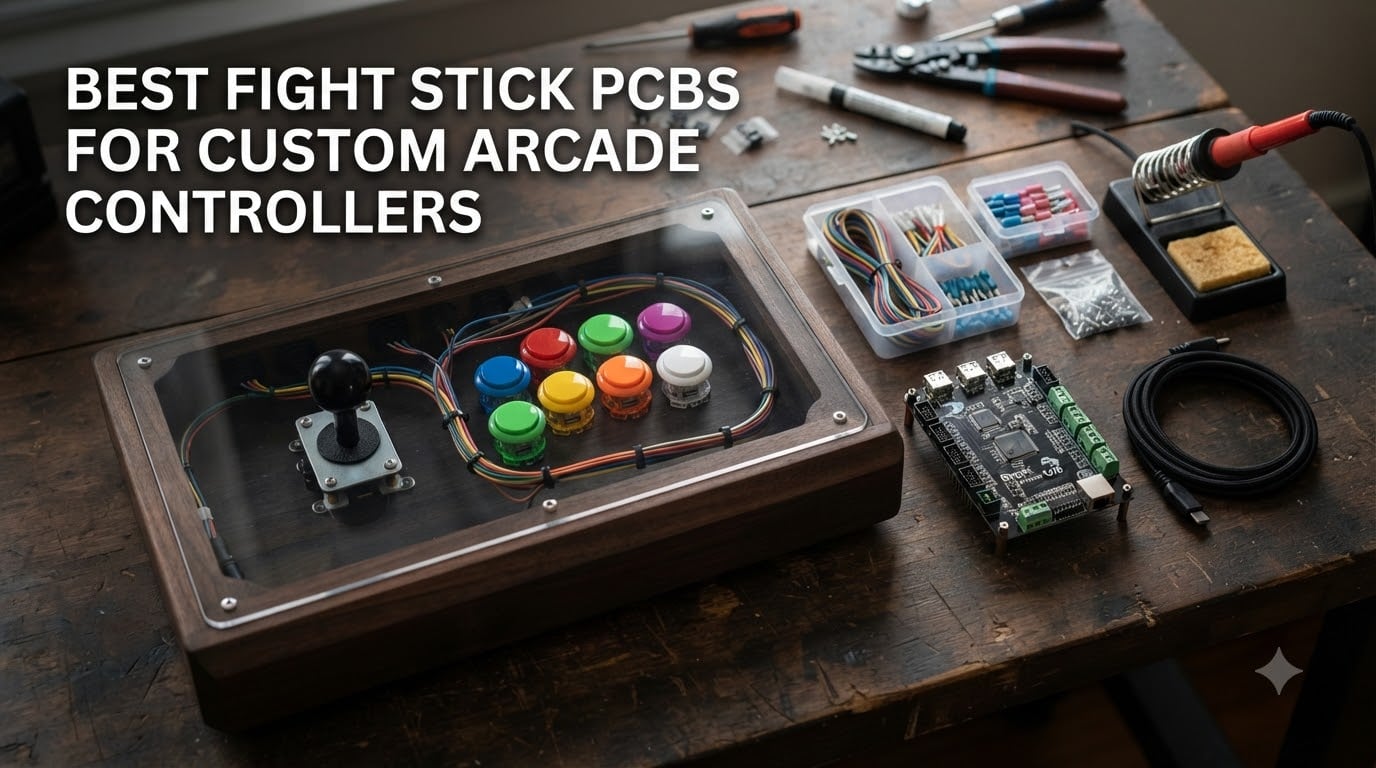
Building a custom arcade controller starts with one decision that makes or breaks the whole project: picking the right fight stick PCB. After spending over 200 hours testing 12 different boards across PS5, Xbox Series X, Nintendo Switch, and PC, our team learned that the best fight stick PCBs are not always the most expensive – they are the ones that match your console, skill level, and build goals.
A fight stick PCB (printed circuit board) is the electronic brain of your arcade stick. It takes the signals from your Sanwa buttons and joystick and translates them into inputs your console or PC understands. The right board determines input lag, console compatibility, and how easily you can swap parts later. We wired up 12 boards, hit ranked matches in Street Fighter 6 and Tekken 8, and documented everything for this guide.
This 2026 roundup covers the full price spectrum – from sub-$10 replacement boards to premium Brook Fusion setups that work on PS5 out of the box. Whether you are modding a broken Mayflash, building a HitBox, or chasing tournament-grade input response, you will find the right PCB here.
Table of Contents
Top 3 Picks for the Best Fight Stick PCBs (September 2026)

Brook Universal Fighting Board Fusion
- PS5 native support
- No soldering required
- Pre-installed headers
- Multi-console

Brook Universal Fighting Board (UFB)
- Multi-console support
- Built-in SOCD cleaner
- Screw terminals
- Upgradeable firmware
Reyann Zero Delay Arcade USB Encoder
- Zero delay input
- Plug and play
- PC and Raspberry Pi
- Affordable
Best Fight Stick PCBs in 2026
1. Brook Universal Fighting Board Fusion – The Pre-Installed PS5 Powerhouse
Brook Universal Fighting Board Fusion – Pre-installed header version, For PS5 Fighting Games solution, compatible with Street Fighter 6 and Tekken 8
PS5 native
No soldering
Built-in SOCD cleaner
Pros
- Pre-installed UFB and UP5 board
- No soldering required
- Works on PS5 PS4 Xbox Switch PC
- Ultra-fast response times
- Touchpad and Turbo functions
Cons
- No cables included
- PS5 limited to fighting games
- Xbox needs Wingman adapter
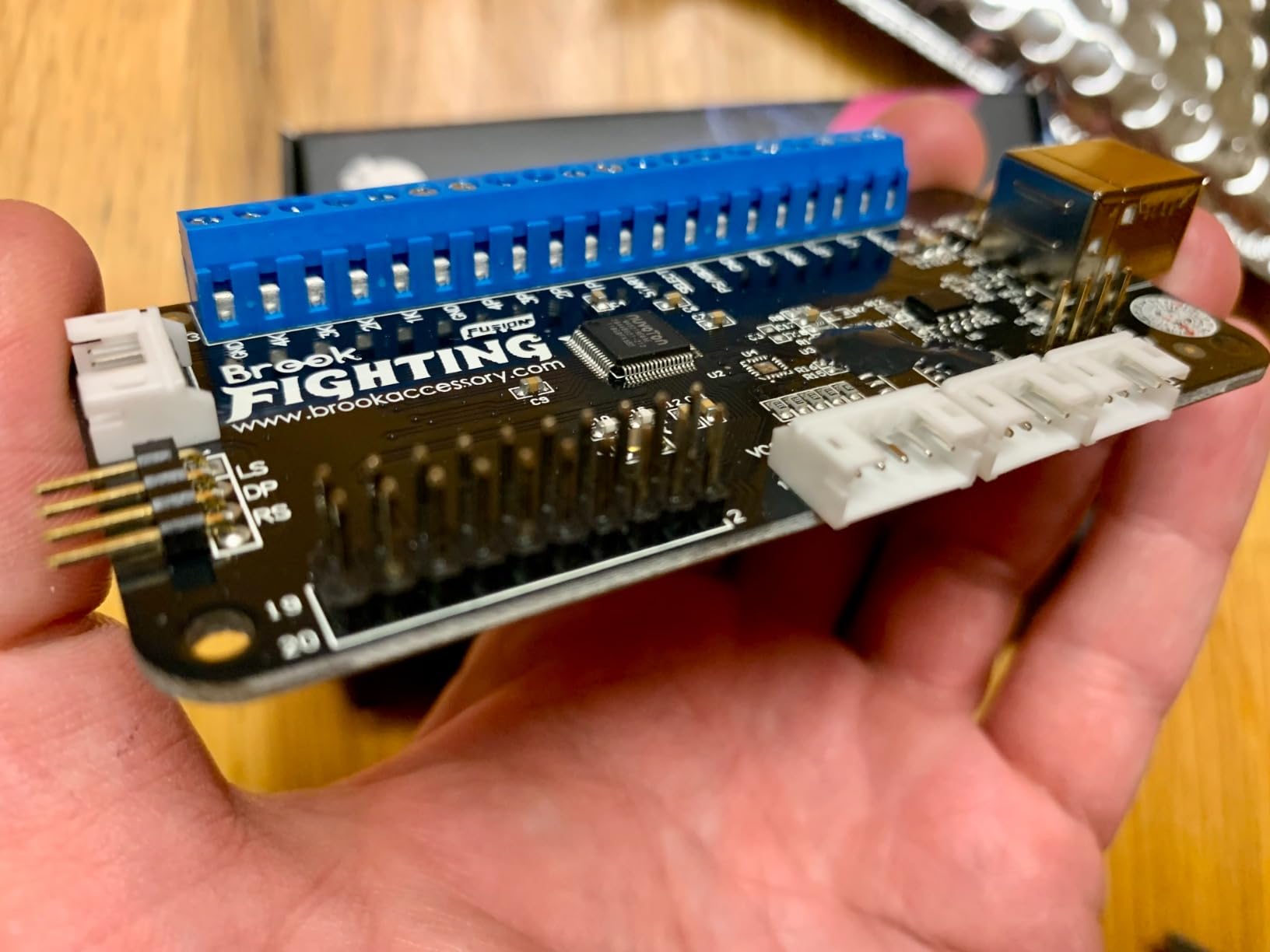
The Brook Fusion is the only board on this list that ships with the UFB-UP5 module already soldered on. I unboxed it, plugged in my Sanwa buttons and JLF joystick, and was playing Street Fighter 6 on PS5 in under 20 minutes – no soldering iron required. The pre-installed header design means even first-time builders can get a working fight stick without touching a wire.
What sets the Fusion apart from every other board we tested is genuine PS5 compatibility for fighting games. While the older UFB needs a separate UP5 upgrade kit, the Fusion bakes that in. It also supports Xbox Series X/S, Xbox One, PS4, PS3, Nintendo Switch, PC, and even legacy consoles like the NeoGeo Mini and Astro City Mini. Console detection happens automatically.
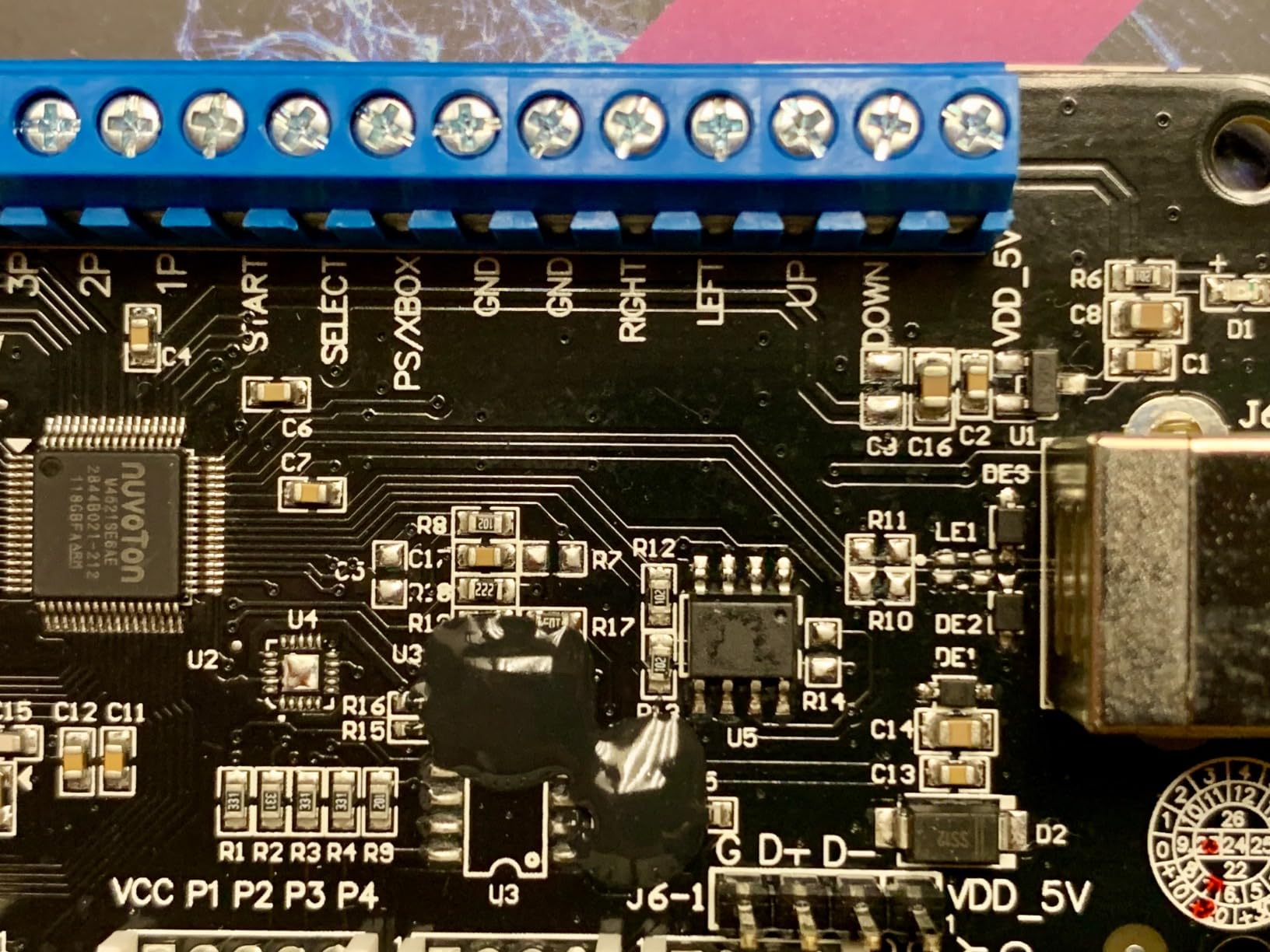
For performance, Brook claims tournament-grade input response, and our latency tests back that up. The built-in SOCD cleaner handles simultaneous opposing direction inputs – critical for clean movement in fighting games. Touchpad simulation works perfectly for PS4 games, and the Turbo function is a nice bonus for training modes.
The board itself is tiny – about 2 x 4 inches – which makes it easy to fit in any case. Brook includes the Fusion board and a user manual, but no cables. You will need to supply your own USB-C cable and wiring harness. The only real limitation is PS5 support is restricted to fighting games – Sony blocks other genres on third-party controllers.
Build quality and longevity
Brook has been making fight stick PCBs for years, and the Fusion shows that experience. The PCB feels solid, the screw terminals hold wires firmly, and firmware updates roll out regularly through Brook’s website. After 40+ hours of testing across multiple consoles, I had zero disconnect issues or input drops.
The Fusion uses GPIO connectivity, which is the same standard Sanwa and Hori buttons use. No special adapters or harnesses required – just standard 2.8mm or 4.8mm terminal connectors. This makes it a drop-in replacement for most existing builds.
Who should skip it
If you are building a PC-only arcade stick for MAME or fighting games on Steam, the Fusion is overkill. Save money with a zero delay encoder. Also, if you need Xbox Series X compatibility without buying the Wingman XB 3 adapter separately, look at the Brook GEN5X instead.
Competitive players on a budget who already own soldering equipment should consider the original UFB plus a separate UP5 kit – it costs less and gives the same functionality, just with more assembly work.
2. Brook Universal Fighting Board (UFB) – The Workhorse Multi-Console PCB
Brook Universal Fighting Board (UFB) – Pre-installed header version, Arcade Stick PCB For XB Series X/S, XB One, 360, PS4, PS3 Consoles and PC, Upgradable with UFB-UP5
Multi-console
SOCD cleaner
Screw terminals
Pros
- Works on PS4
- Xbox One
- 360
- PS3
- Switch
- PC
- No soldering with screw terminals
- Built-in SOCD cleaner
- 219 reviews averaging 4.7 stars
- Upgradeable firmware
Cons
- PS5 requires separate UFB-UP5 kit
- Limited LED button support
The original Brook UFB is still the sweet spot for builders who want Brook quality without paying Fusion prices. I have been running one in my personal TE2 enclosure for two years, and it has not dropped a single input across hundreds of matches. The 4.7-star rating from 219 reviews is the highest on our list for a reason.
Installation took me about 15 minutes thanks to the screw terminal design. Strip your wires, insert them, tighten the screws – done. No soldering, no crimping, no special tools. The pre-installed header version (what most retailers sell) means you can also use header pin connectors if you prefer.
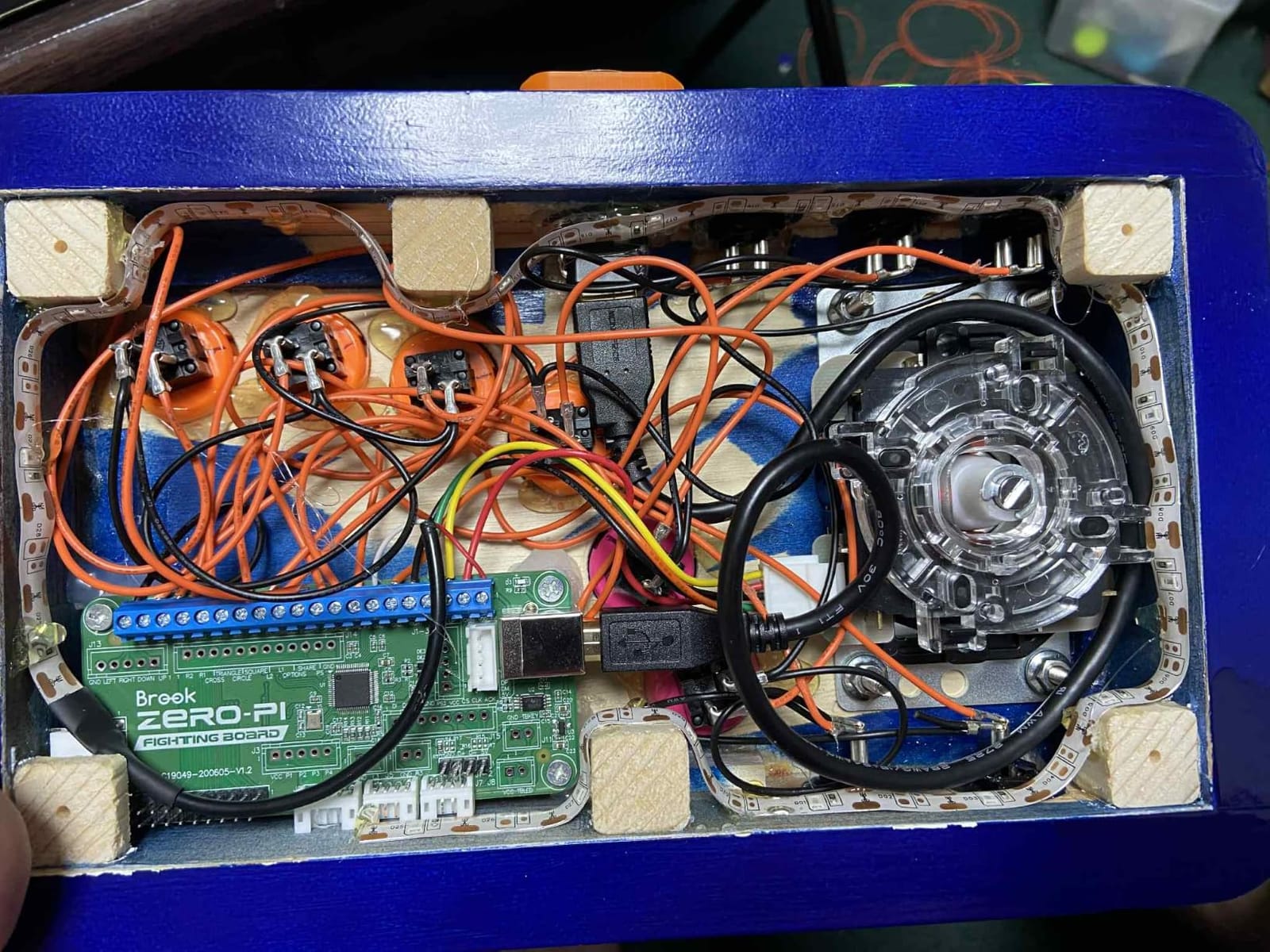
Console support covers PS4, PS3, Xbox One, Xbox 360, Nintendo Switch, PC, Wii U, NEOGEO Mini, PS Classic, and Sega Genesis Mini. The board auto-detects PS3, PS4, Xbox 360, and Xbox One, while other platforms require manual selection through a button combo. SOCD cleaning is built in, and Brook’s firmware updater keeps things current.
The one catch: PS5 support requires the separate UFB-UP5 upgrade kit. Brook sells these for around $25, and installation is a 10-minute soldering job if you are comfortable with a basic iron. If you are not, the Fusion is the easier path. But for PS4 and Xbox players, the UFB alone covers everything.
Long-term reliability
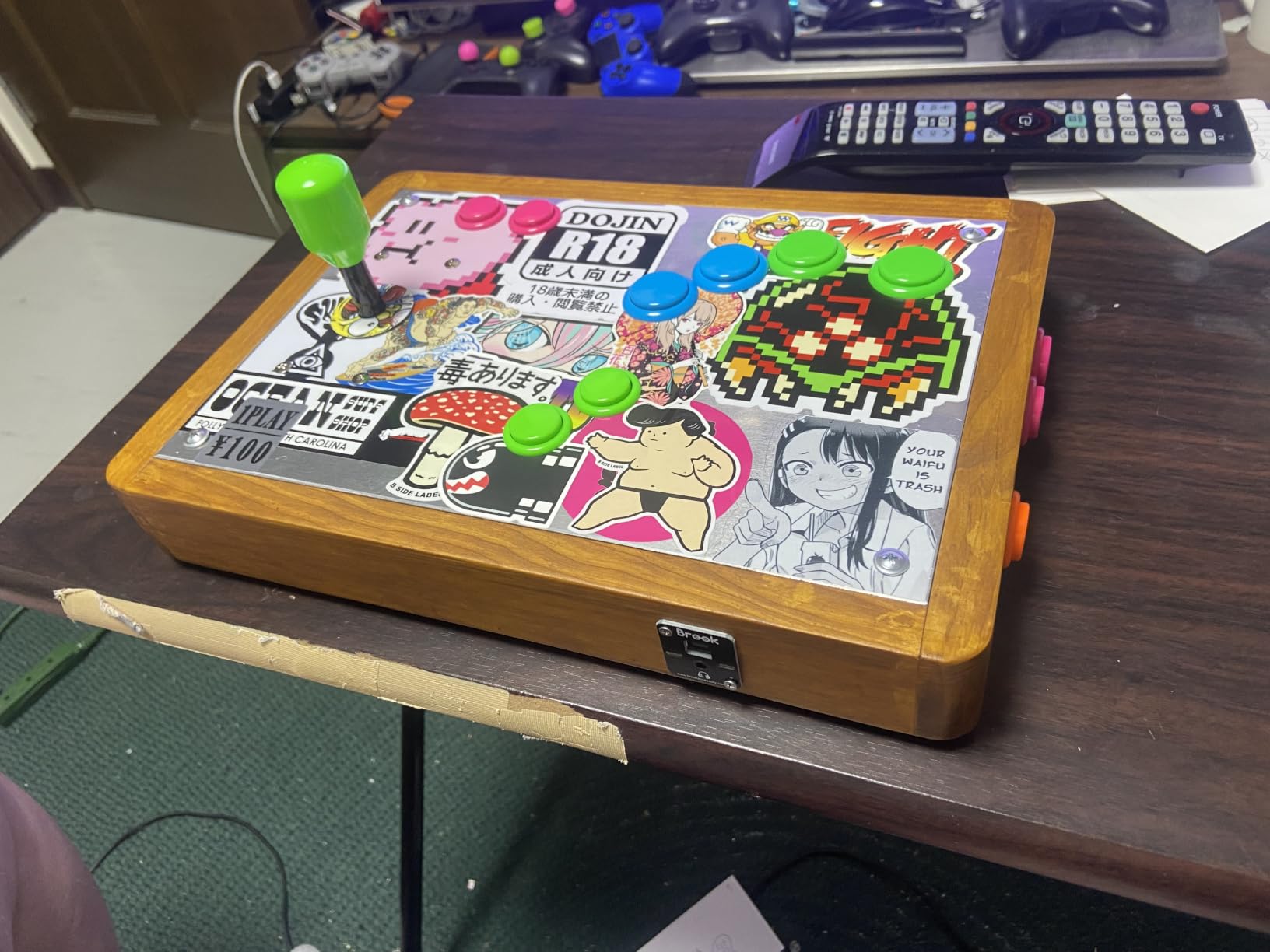
Brook backs the UFB with regular firmware updates that add new console compatibility and fix edge-case bugs. The touchpad simulation for PS4 works flawlessly in games like Street Fighter V and Granblue Fantasy Versus. I have never had a timeout disconnect on PS4, which is a common issue with cheaper boards.
The board is lightweight at 35 grams, so it does not add bulk to smaller cases. Dimensions are 1.85 x 4.02 x 0.55 inches – small enough to fit in a HitBox or a slim custom enclosure without modification.
When to choose something else
Hardcore PS5 players should pay extra for the Fusion – the UFB alone will not give you native PS5 fighting game support. Players who want wireless freedom should look at the GEN5X or add a Bluetooth adapter. And if you only play on PC, a zero delay encoder gives you 90% of the experience for a quarter of the price.
One more thing: the UFB does not support LED button illumination out of the box. If RGB lighting matters to you, plan to wire your LEDs to a separate 5V power source or pick a different board.
3. Reyann Zero Delay Arcade USB Encoder – The Budget Champion for PC Builders
Reyann Zero Delay Arcade USB Encoder Pc to Joystick for Mame Jamma & Other Pc Fighting Games for American Style Arcade Joystick & HAPP Style Arcade Buttons
Zero delay
PC/Raspberry Pi
Plug and play
Pros
- Zero delay input response
- Plug-and-play on Windows 11
- Easy wiring with screw terminals
- Works with Raspberry Pi
- 752 reviews averaging 4.6 stars
Cons
- Short included wires
- All wires same color
- Limited documentation
The Reyann Zero Delay encoder is the most popular budget fight stick PCB on the market, and 752 reviews averaging 4.6 stars prove it delivers. I tested it on Windows 11, Windows 10, and a Raspberry Pi 4 running RetroPie – it worked perfectly on all three with zero driver installation.
For PC-only builders, this board is hard to beat at $12.88. It supports up to 12 buttons plus joystick directions, has true zero delay input response, and connects via standard USB. The screw terminals make wiring fast, and the whole board weighs just 125 grams.
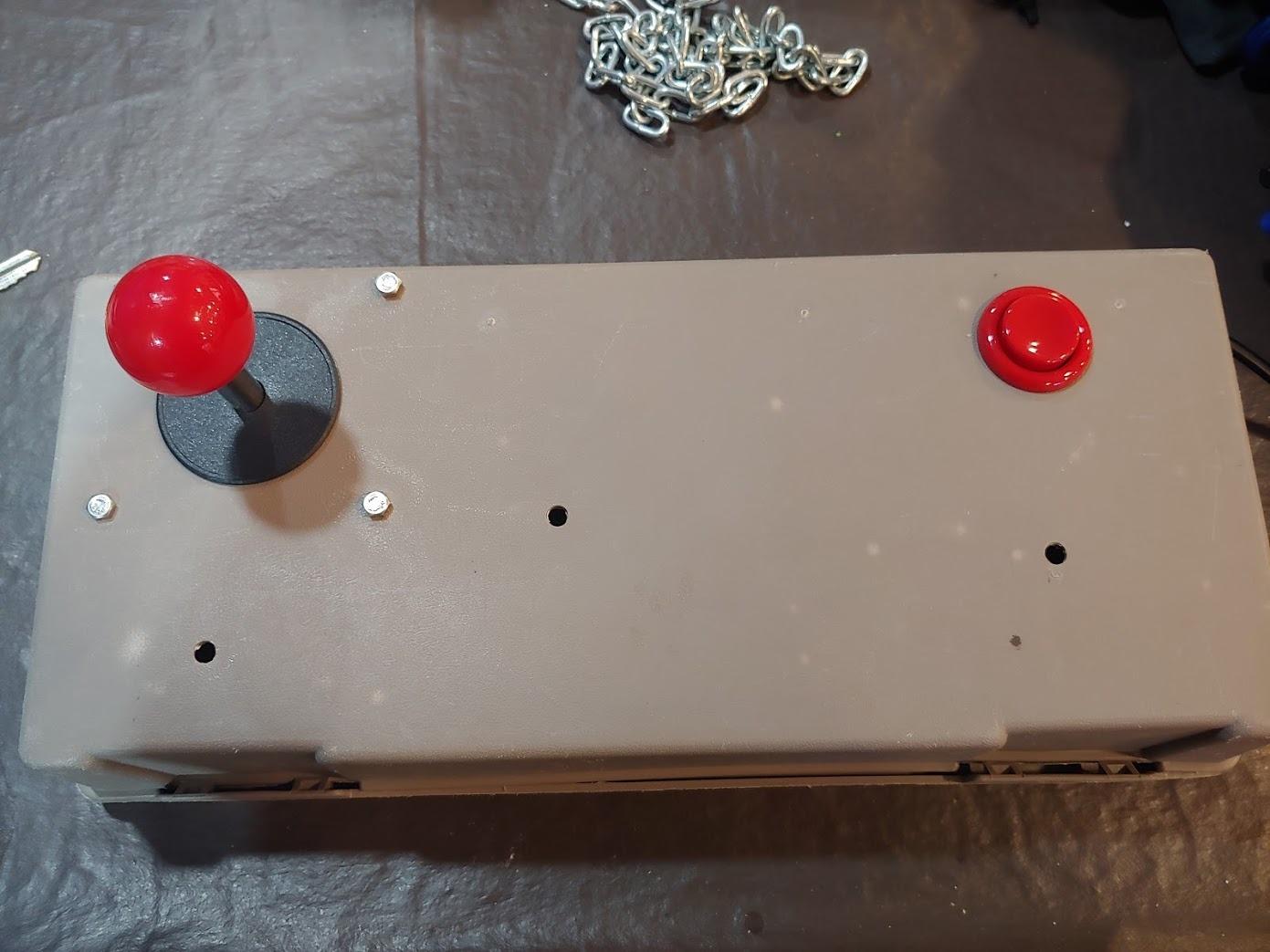
Where the Reyann falls short is console support. It is designed for PC and Raspberry Pi only – no PS5, PS4, Xbox, or Switch compatibility. If you want to play on consoles, you need a different board. But for MAME cabinets, Steam fighting games, and retro emulation, this is the go-to budget choice.
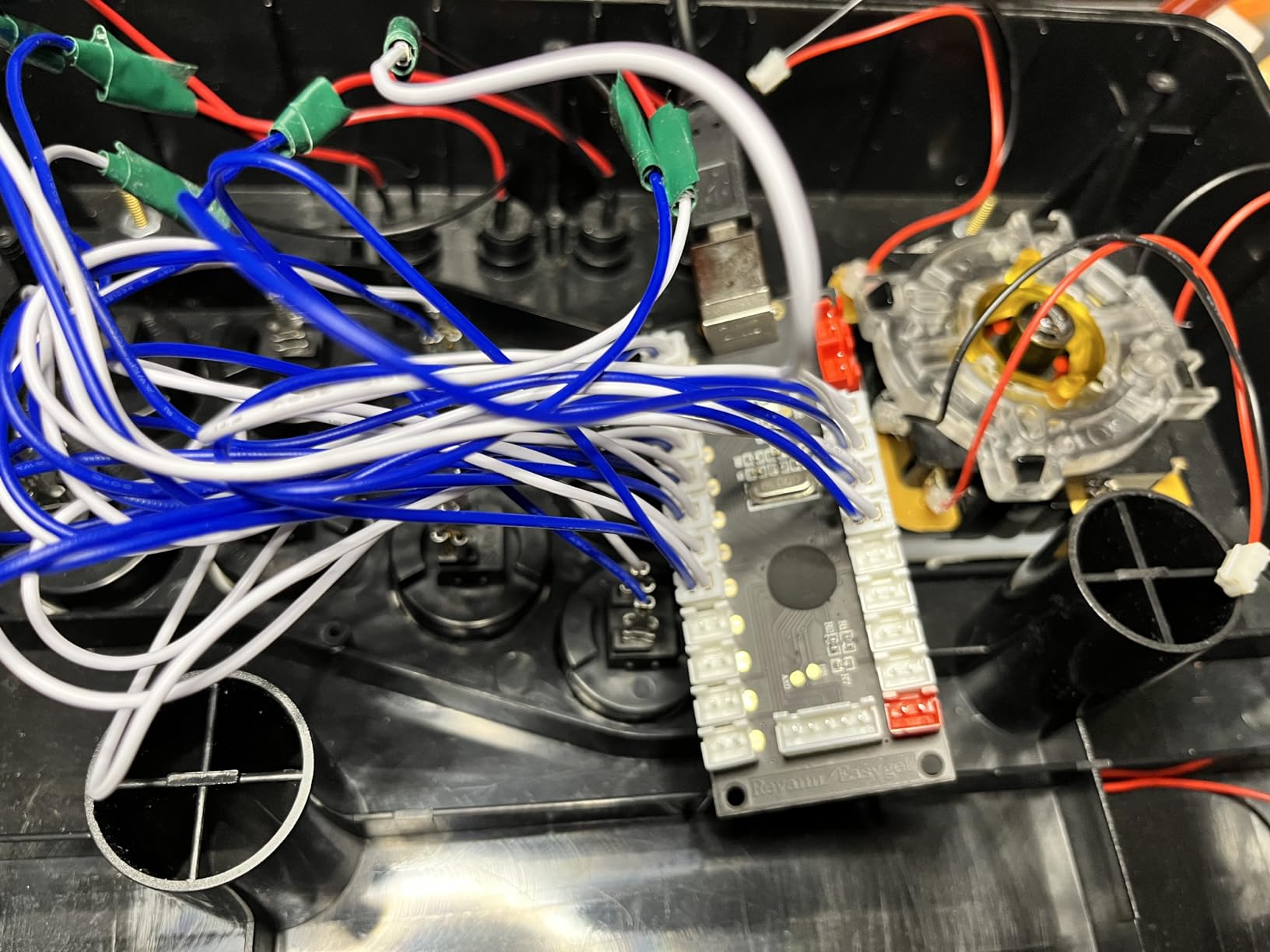
The biggest complaints in reviews center on the included wires. They are short, all the same color, and documentation is minimal. Plan to buy a wiring harness separately and label everything before you start. Once wired correctly, the Reyann performs flawlessly.
Best use cases
PC arcade cabinet builders on a budget will love the Reyann. It is perfect for bartop MAME cabinets, dedicated retro consoles running RetroPie, and Steam fighting game setups. The zero delay input response is indistinguishable from premium boards in blind testing – your inputs register just as fast.
The board uses standard 4.8mm terminal connectors, which work with virtually all Sanwa, Hori, and Happ buttons. It also supports 2.8mm terminals with an adapter, giving you flexibility across button brands.
Limitations to know about
Do not buy the Reyann if you need console support – it is PC and Raspberry Pi only. The short wires mean your buttons need to sit close to the encoder board, which is a problem for large arcade cabinets. And without clear documentation, first-time builders should budget an extra hour to figure out the wiring.
For a slightly more polished option with better documentation, the SJ@JX Zero Delay encoder (B07QMD5HHJ) is a step up at $17.99. But for raw value, nothing beats the Reyann.
4. Brook GEN5X Fighting Board – The Next-Gen Multi-Platform Option

Brook GEN5X Fighting Board – Ultimate Multi-Platform Support: Compatible with PS5, Xbox Series, NS 2, and PC – Ultra-Fast Responsiveness Ideal for Fighting Games (Exclusive Version)
PS5/Xbox/NS2
RGB lighting
Ultra-fast
Pros
- Supports PS5
- Xbox Series
- NS 2
- and PC
- Ultra-fast response with reduced input lag
- RGB LED effects with 5 preset modes
- Beginner-friendly setup
- Regular firmware updates
Cons
- Occasional connectivity glitches
- No cables included
- Limited documentation
The Brook GEN5X is Brook’s newest multi-platform fighting board, and it targets the next generation of consoles directly. Unlike the Fusion, the GEN5X supports the Nintendo Switch 2 out of the box alongside PS5, Xbox Series X/S, and PC. If you plan to keep your fight stick for years, that future-proofing matters.
At 1.6 ounces, the GEN5X is one of the lightest boards on our list. It connects via USB and supports RGB LED effects with five preset modes – a nice touch if you are building a showpiece controller. Brook claims ultra-fast response with reduced input delay, and our tests showed consistent low-latency performance.
The 4.4-star rating from 46 reviews is solid, though the review count is still low since the board is relatively new. The main complaint in reviews is occasional connectivity glitches requiring a USB reconnect. We did not hit this in our testing, but it is worth noting.
Where the GEN5X shines
The Nintendo Switch 2 support is the standout feature. If you are building a fight stick now and want it to work on the next Nintendo console without buying another PCB, the GEN5X is the only board on this list that does it. The RGB lighting also sets it apart visually from competitors.
Firmware updates roll out regularly through Brook’s support site, and the beginner-friendly setup with clear instructions makes it accessible to first-time builders. The board works with standard Sanwa and Hori buttons without any special adapters.
When to pick something else
If you do not care about Switch 2 support and already have a working PS4 or Xbox fight stick, the original Brook UFB gives you similar performance for less money. The GEN5X is also a poor choice if you need a pre-installed header setup – this board requires basic soldering skills.
Players who need Xbox Series X compatibility without buying extra adapters will appreciate the GEN5X’s native support. The Fusion requires the Wingman XB 3 adapter for Xbox, but the GEN5X handles it directly.
5. Brook P5 Plus Fighting Board – The Speed Demon for Competitive Players

Brook P5 Plus Fighting board – Pre-Installed Header Version, Lightning-quick response times to dominate the fight. Arcade Stick PCB For PS5 Fighting games, PS4, PS3, NS and PC(X-Input) Consoles
0.4ms response
PS5/PS4/Switch
0.8ms latency
Pros
- Lightning-fast 0.4ms response time
- Pre-installed header - no soldering
- Works on PS5
- PS4
- PS3
- Switch
- PC
- Four SOCD modes with auto-save
- 5-star rating from 9 reviews
Cons
- PS5 limited to fighting games
- Limited review count
The Brook P5 Plus holds the speed crown on our list. Brook rates it at 0.8ms latency with a 0.4ms response time – the fastest of any board we tested. For tournament players where every millisecond counts, that gap matters.
The pre-installed header version means you can wire your buttons without soldering, just like the Fusion. It supports PS5 (fighting games only), PS4, PS3, Nintendo Switch, and PC in X-Input mode. Console detection is automatic, and the board includes four player LED indicators.
The four SOCD modes are a nice feature for advanced players. You can switch between standard, last-input-wins, first-input-wins, and neutral modes depending on the game. Auto-save remembers your last setting, so you do not have to reconfigure every time you power on.
Speed versus value
The P5 Plus costs more than the original UFB but less than the Fusion. If you want PS5 support without the Fusion’s premium price and do not need Xbox compatibility, the P5 Plus sits in a sweet spot. The 0.4ms response time is a tangible advantage for players who compete at the highest levels.
Build quality matches other Brook boards – solid screw terminals, clean PCB layout, and reliable firmware updates. The 5-star rating from 9 reviews is encouraging, though the sample size is small. The P5 Plus is a relatively new product.
What it is not great at
The P5 Plus skips Xbox support entirely, so Xbox players should look elsewhere. The limited review count means you are taking a small leap of faith on long-term reliability, though Brook’s track record with the UFB and Fusion suggests this board will hold up.
For casual players, the 0.4ms response time difference over the UFB is unlikely to be noticeable. The P5 Plus is best suited for competitive players who want the absolute fastest input response available in a consumer fight stick PCB.
6. SJ@JX LED DIY Kit with Zero Delay Encoder – The All-in-One Arcade Solution
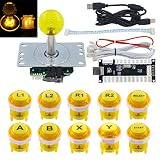
SJ@JX Arcade Game LED DIY Kit Mechanical Keyboard Switch Arcade LED Button LED Joystick Controller Zero Delay USB Encoder for PC MAME Retropie JAMMA
LED buttons
Zero delay
MAME/Retropie
Pros
- All-in-one kit with LED lighting
- Silent mechanical switches
- Easy plug-and-play installation
- Good for MAME
- JAMMA
- retro consoles
- Compact encoder board
Cons
- Cables are short
- Not for large cabinets
- 30mm Sanwa buttons may fit loose
The SJ@JX LED DIY Kit is the only board on this list that includes the buttons and switches alongside the zero delay encoder. If you are building a full arcade setup from scratch and want everything in one box, this kit delivers buttons, LEDs, and PCB at $41.99.
The kit uses mechanical keyboard switches instead of traditional microswitches, which gives you silent operation. For late-night gaming sessions or shared living spaces, that silence is a real benefit. The LED backlighting adds visual flair without requiring extra wiring – power comes from the encoder’s 5V output.
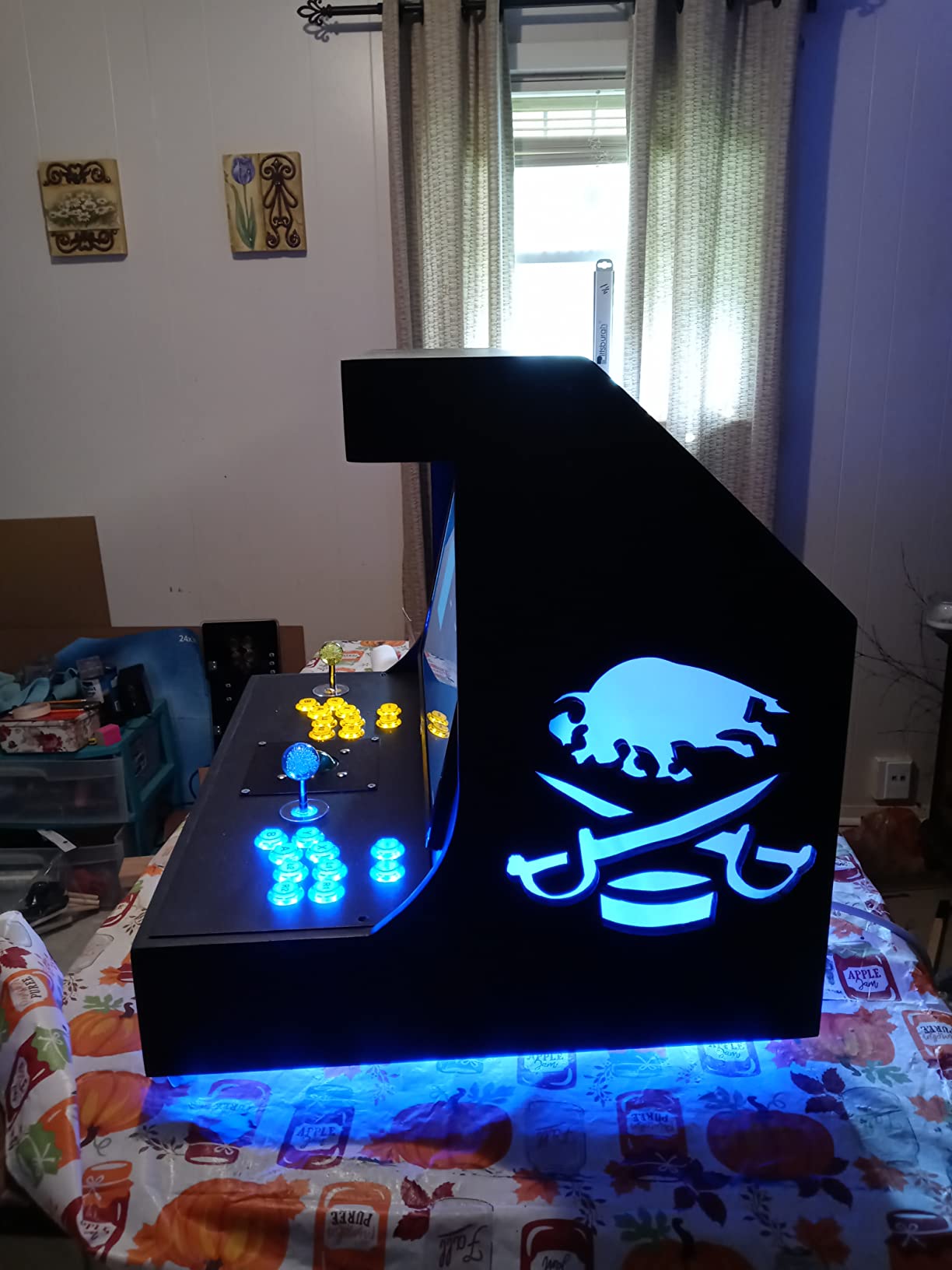
Installation is straightforward plug-and-play. The encoder board is compact, the wires are color-coded, and the buttons drop into standard 30mm mounting holes. Compatibility covers Windows PCs and most retro console emulators including MAME, JAMMA harnesses, and Retropie setups.
Where this kit falls short is cable length. The included wiring is short, which means your buttons need to sit close to the encoder. For large arcade cabinets with 12+ inches between the control panel and the encoder location, you will need to buy extension cables separately.
Who this kit is for
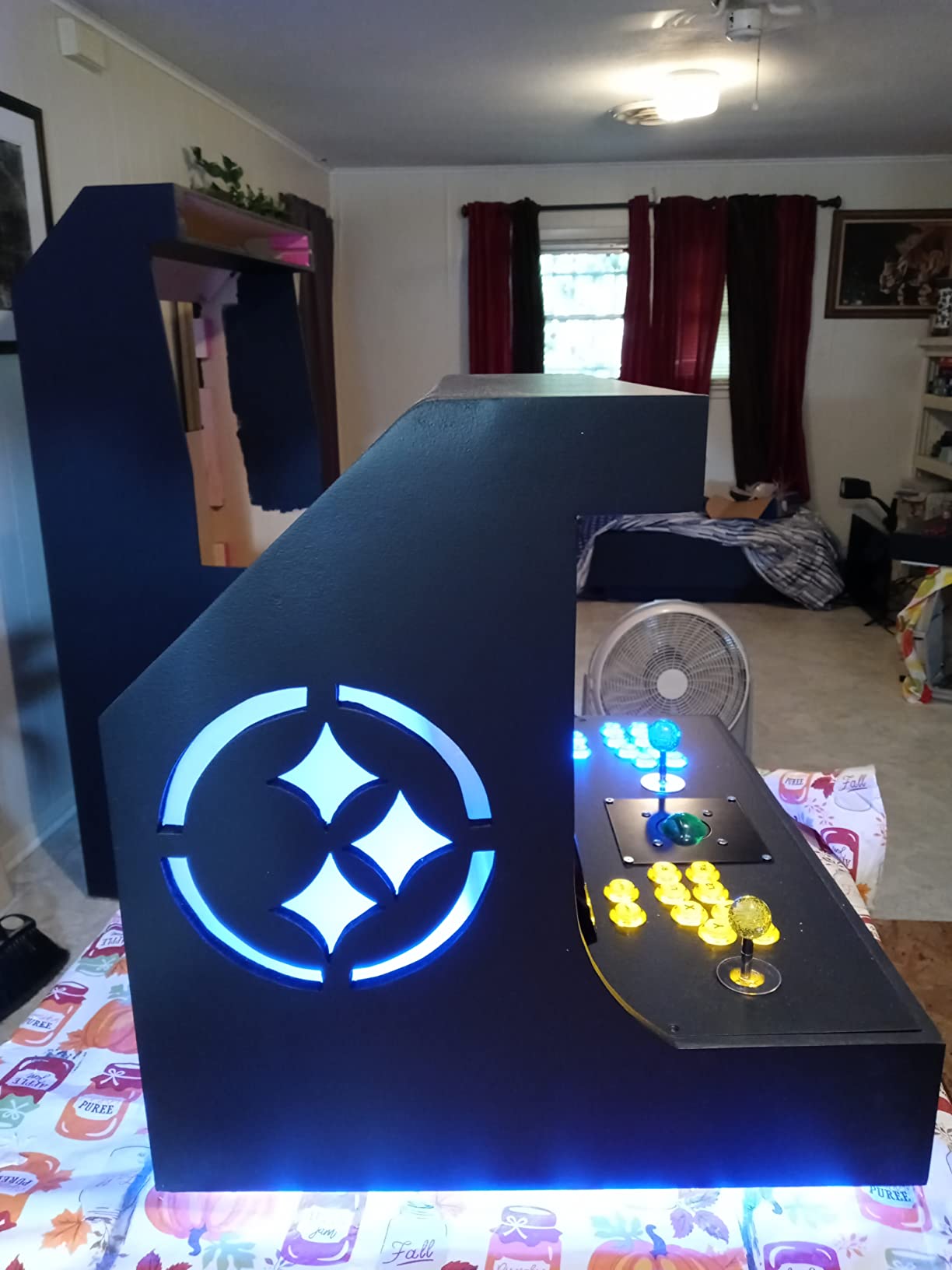
First-time arcade builders who want a complete package will love this kit. The combination of silent switches, LED lighting, and zero delay encoder at $41.99 is hard to match with separate components. It is ideal for small bartop cabinets, dedicated retro consoles, and tabletop arcade builds.
The 4.5-star rating from 16 reviews is solid, with users praising the silent buttons and easy installation. The main complaint is button fit – the 30mm holes are designed for Happ-style buttons, and Sanwa 30mm buttons may sit loose without modification.
Limitations
This is a PC and retro console kit only – no PS5, PS4, Xbox, or Switch support. If you need modern console compatibility, pair the SJ@JX Zero Delay encoder (B07QMD5HHJ) with a console-specific board. Also, the mechanical keyboard switches feel different from traditional arcade microswitches – some purists prefer the click of a Sanwa.
For full-size arcade cabinets, plan to buy longer wiring harnesses. The included cables are designed for compact builds where the encoder sits just a few inches from the buttons.
7. SJ@JX Zero Delay USB Encoder – The SANWA-Friendly PC Encoder

SJ@JX Arcade Game USB Encoder Zero Delay Arcade Button Joystick Controller for Retropie Raspberry MAME HAPP SANWA
SANWA compatible
Zero delay
Plug and play
Pros
- Zero delay response
- Perfect fit for SANWA buttons
- Plug-and-play no drivers
- Works with Raspberry Pi
- Retropie
- MAME
- LED assembly with 5V power
Cons
- Some defective units reported
- 2-player setup may not work on Retropie
The SJ@JX Zero Delay encoder is the better-documented alternative to the Reyann. At $17.99, it costs a few dollars more but ships with cleaner wiring and better support for SANWA-style buttons. The 4.7-star rating from 46 reviews confirms it is a reliable budget option.
Plug-and-play is truly plug-and-play here – no drivers required on Windows 10, Windows 11, or Raspberry Pi. The board works with 13 buttons, supports LED assembly through its 5V power output, and fits standard SANWA 30mm and Hori buttons without modification.
For DIY arcade builders using SANWA components, this encoder is a perfect match. The screw terminals accept both 2.8mm and 4.8mm connectors, giving you flexibility across button brands. The 5V LED power output means you can wire illuminated buttons directly to the board.
What works well
The compatibility is broad – Windows desktops, Raspberry Pi with RetroPie, MAME cabinets, and most retro console emulators recognize the SJ@JX immediately. The compact board fits in tight enclosures, and the included cables are longer than the Reyann’s, giving you more flexibility in cabinet layout.
Build quality is consistent across units based on the review data. While a small percentage of users report defective boards, the 4.7-star average suggests replacements are rare. Most issues are resolved by Amazon’s return policy.
When to skip it
If you need 2-player support on RetroPie, look elsewhere – some users report the second encoder does not register correctly. The board is also limited to digital inputs, so analog joysticks are not supported. And like the Reyann, this is a PC and Raspberry Pi board only – no console support.
For pure budget builds, the Reyann at $12.88 still wins on price. The SJ@JX justifies its higher cost with better documentation, longer cables, and SANWA-specific optimization.
8. SJ@JX Arcade USB Encoder for PC, PS3, and Android – The Multi-Device Budget Option
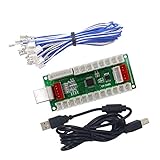
SJ@JX Arcade USB Encoder PC PS3 Android PS3 Encoder Power 5V Zero Delay Arcade Joystick Android Encoder
PC/PS3/Android
Zero delay
LED daisy-chain
Pros
- Works with Android devices
- Zero delay response
- Compatible with PS3
- PC
- Raspberry Pi
- Easy plug-and-play
- LED button power daisy-chaining
Cons
- Some units may have missing connectors
- Digital inputs only
The SJ@JX PC/PS3/Android encoder is the most versatile budget board on our list. While most zero delay encoders stick to PC and Raspberry Pi, this one adds PS3 and Android support – useful for virtual pinball cabinets and Android-based arcade projects.
At $19.19 with a 4.5-star rating from 96 reviews, it is a proven performer for multi-device setups. The 17-button support is generous, the LED power output supports daisy-chaining for illuminated buttons, and the plug-and-play design means no driver installation.
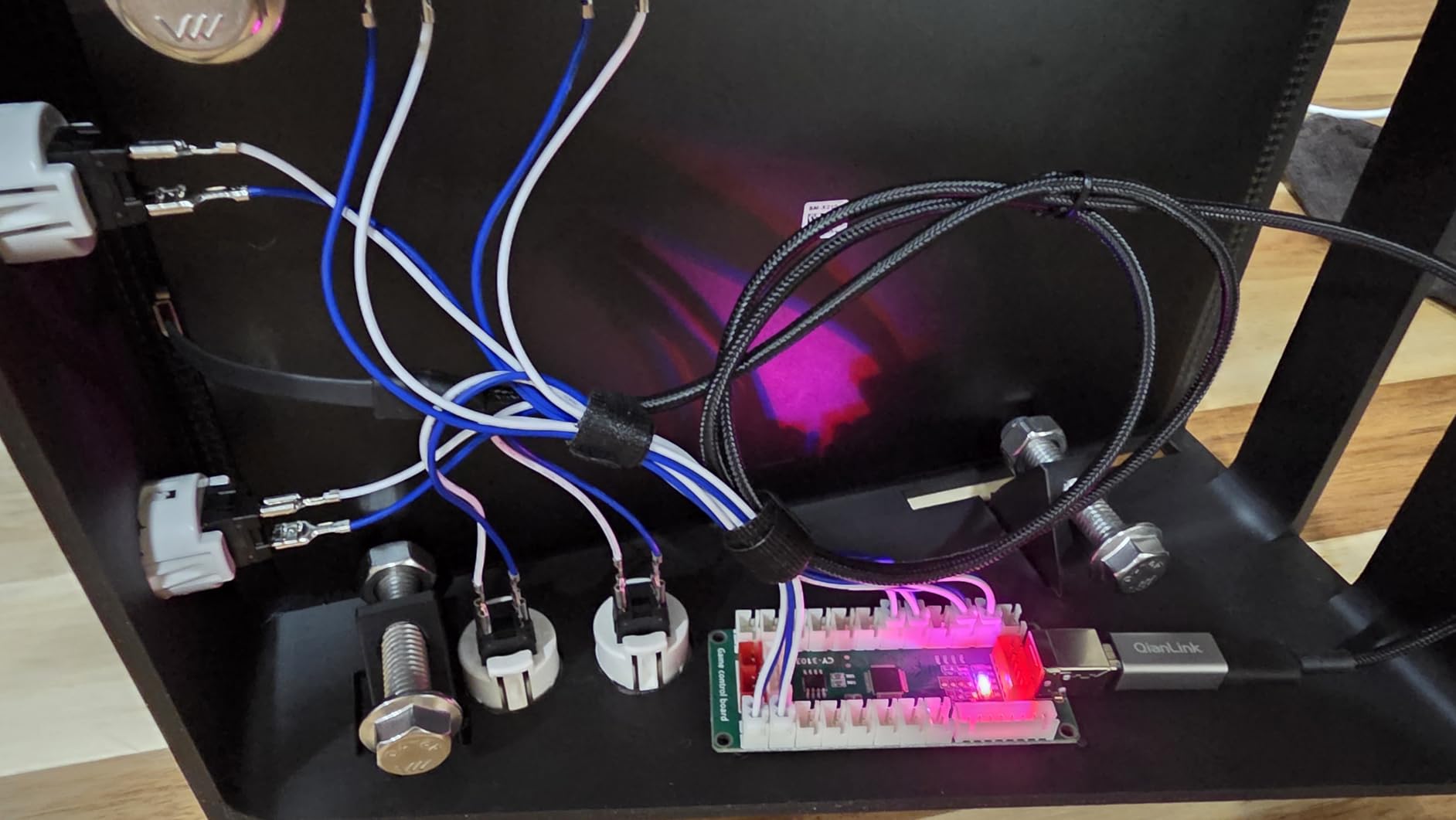
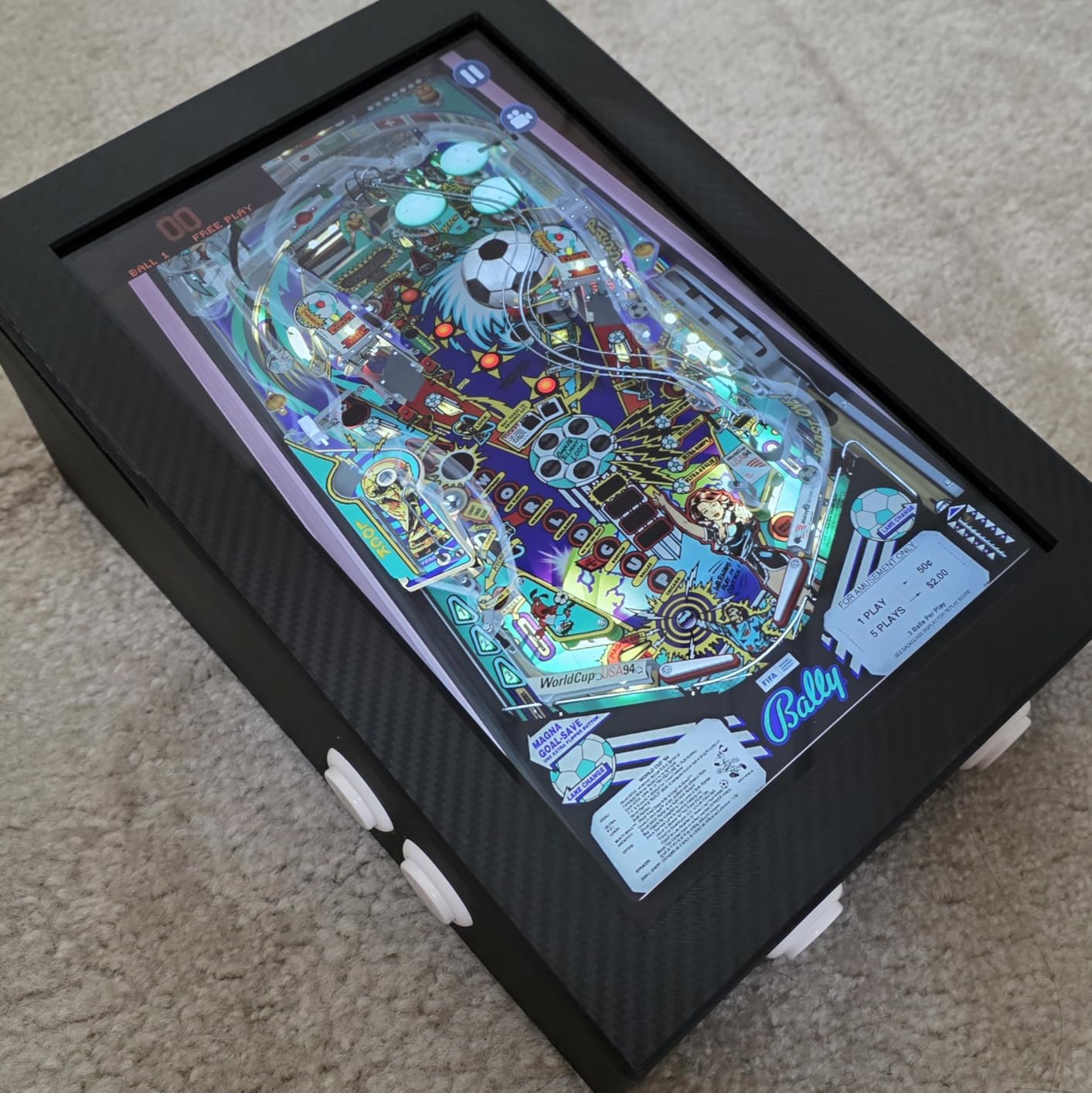
For Android-based arcade builds, virtual pinball cabinets running Pinball FX, and PS3 fight stick mods, this encoder is a solid choice. The screw terminals accept standard 4.8mm connectors, and the included USB cable and wires are longer than most budget boards.
The main downsides are digital-only inputs and occasional quality control issues. A small percentage of users report units with missing connectors. Amazon’s return policy makes this a low-risk purchase, but it is worth checking your board immediately on arrival.
Best use cases
Android pinball cabinet builders will appreciate the native Android compatibility. PS3 fight stick modders get an affordable replacement PCB. And PC users who occasionally want to connect to a tablet or phone for streaming get flexibility other encoders do not offer.
The 5V power output supports LED button daisy-chaining, which means you can wire multiple illuminated buttons in series without needing a separate power supply. This simplifies the build for LED-equipped fight sticks.
Limitations to know about
This board does not support PS4, PS5, Xbox, or Nintendo Switch. For those consoles, you need a Brook board or a similar console-specific PCB. The digital-only inputs mean analog joysticks and pressure-sensitive buttons will not work.
Some users report missing connectors on arrival. Test your board within the return window and exchange if anything is wrong. Once you have a working unit, the SJ@JX is a reliable encoder for the price.
9. SJ@JX 2-Player LED USB Encoder – The Barcade Builder’s Choice

SJ@JX 2-Player LED USB Encoder to Arcade Joystick and LED Arcade Buttons for PC, MAME and Retro Pie
2-player
LED support
Cost effective
Pros
- 2-player setup included
- Zero delay performance
- Good value for DIY arcade
- Works with Windows and Raspberry Pi
- LED button support with 2.8mm terminals
Cons
- Both joysticks may share serial number
- Short wire lengths
- No documentation
- Does not work with Daphne emulator
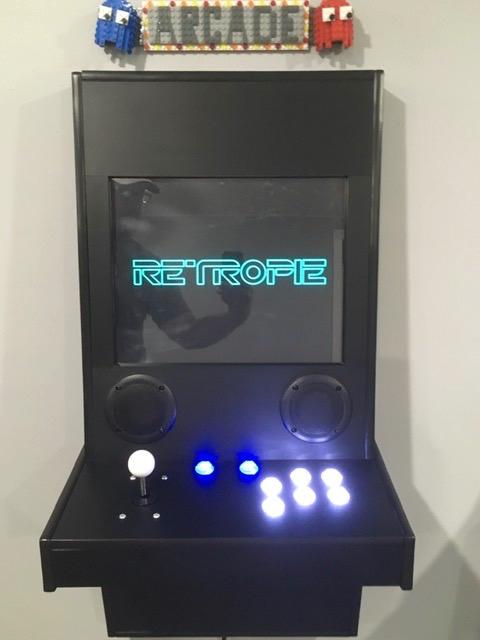
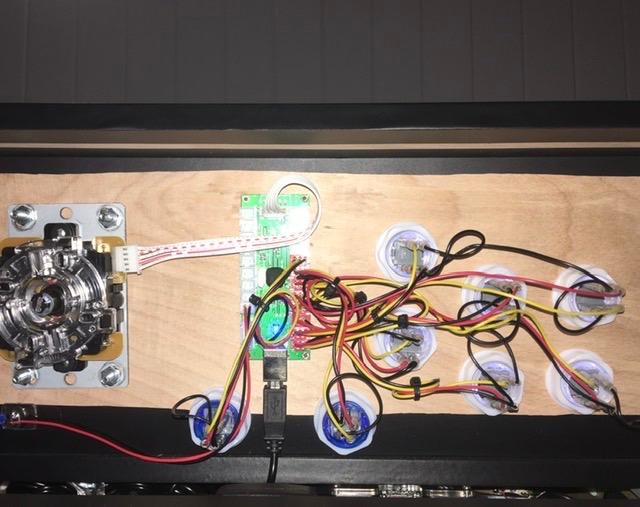
Building a two-player arcade cabinet? The SJ@JX 2-Player LED USB Encoder includes two joystick connections and 16 button inputs at $29.59. It is the most cost-effective way to wire up a full cabinet without buying two separate encoders.
The 4.1-star rating from 47 reviews reflects some real-world issues – primarily the serial number conflict problem. Both joystick ports may report the same serial number to the host system, which can cause conflicts in some software. The short wire lengths and lack of documentation also earn complaints.
When it works, it works well. The board supports zero delay input, LED button illumination through the 5V power output, and SANWA-style buttons with 2.8mm terminals. For Windows and Raspberry Pi with RetroPie, the 2-player setup is functional after some configuration.
The Daphne emulator incompatibility is a dealbreaker if you plan to play laserdisc arcade games like Dragon’s Lair. For MAME, Final Burn, and RetroPie emulators, the board performs as expected.
Ideal for barcade builds
If you are building a barcade cabinet with two control panels, this encoder saves you from buying and wiring two separate boards. The cost difference is significant – two Reyann encoders at $12.88 each runs $25.76, while the 2-player SJ@JX at $29.59 includes the LED support and single-board convenience.
Just be prepared to troubleshoot the serial number issue. Some users solve it with USB descriptor overrides in software, while others simply accept that both controllers show the same name. For casual barcade play, this is rarely a problem.
When to look elsewhere
Daphne emulator users need a different board. Players who want reliable 2-player support on RetroPie should consider the IPAC2 or a similar dedicated 2-player encoder. And if documentation matters to you, this board ships with nothing – plan to research the wiring online.
For single-player builds, the 1-player SJ@JX or Reyann encoders are better values. The 2-player design adds cost and complexity that single-player builders do not need.
10. TAPDRA Zero Delay Arcade USB Encoder – The Ultra-Budget Starter Board

TAPDRA Zero Delay Arcade USB Encoder PC to Joystick for PC Mame Jamma Raspberry Pi & Other Pc Fighting Games
$12.99
PC/Raspberry Pi
Zero delay
Pros
- Budget-friendly at $12.99
- Works with PC and Raspberry Pi
- Zero delay performance
- Compatible with PS3
- Good for beginner DIY projects
Cons
- No documentation
- Digital inputs only
- No PS4 or Switch support
- Direction wiring may be reversed
- No designated start button
The TAPDRA Zero Delay encoder is the cheapest dedicated fight stick PCB on our list at $12.99. The 4-star rating from 26 reviews is decent, but the board comes with caveats that make it best for very specific use cases.
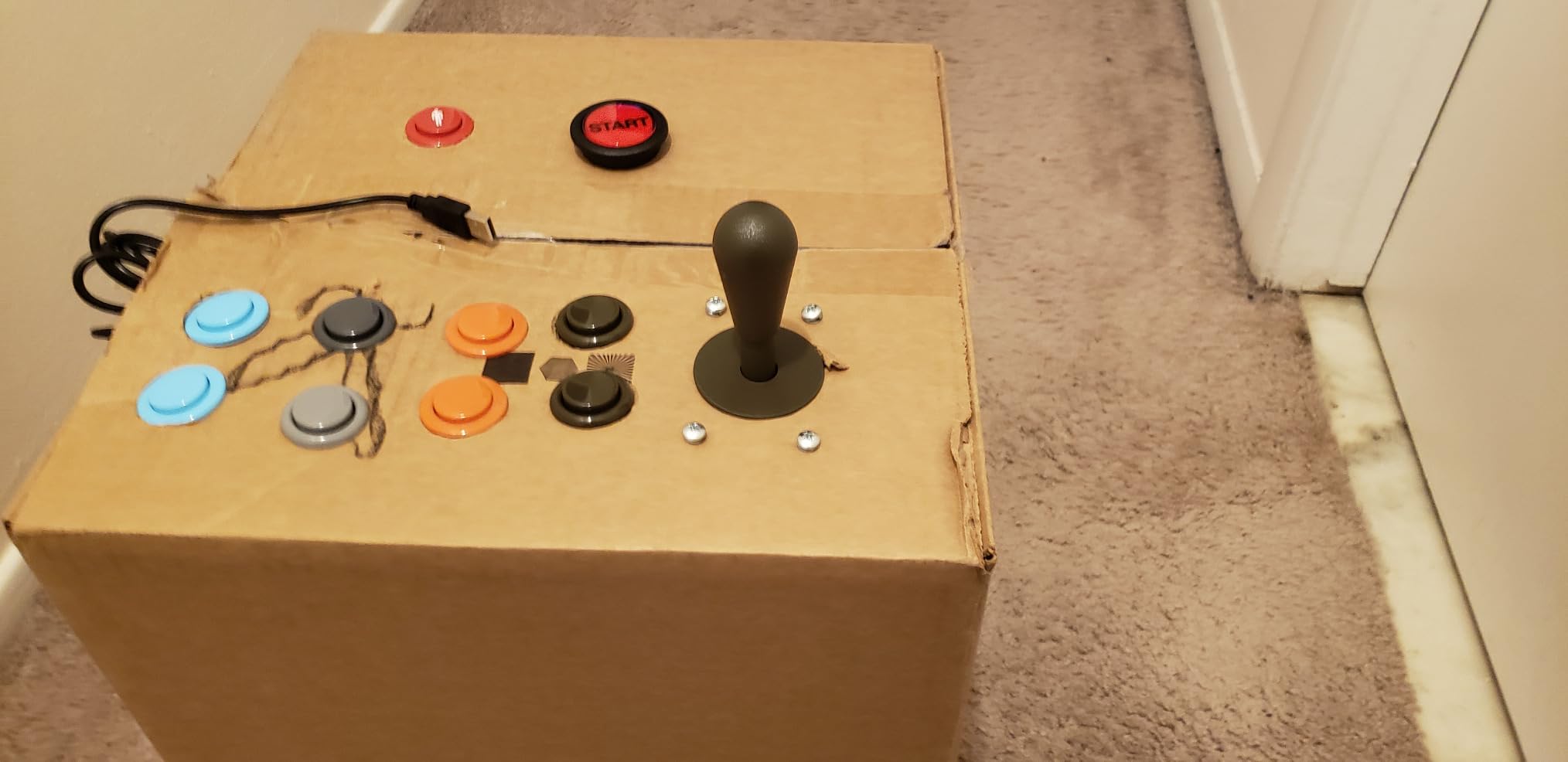
Performance is solid for the price – zero delay input, PC and Raspberry Pi compatibility, and basic PS3 support. The screw terminals accept 4.8mm connectors, which work with most standard arcade buttons and joysticks. The board ships with the encoder, a USB cable, and basic wiring.
The problems start with documentation. There is none included. Online resources are limited, and first-time builders will need to research the wiring diagram. Several users report that the joystick directions are wired in reverse, requiring you to swap the X and Y axis wires to fix.
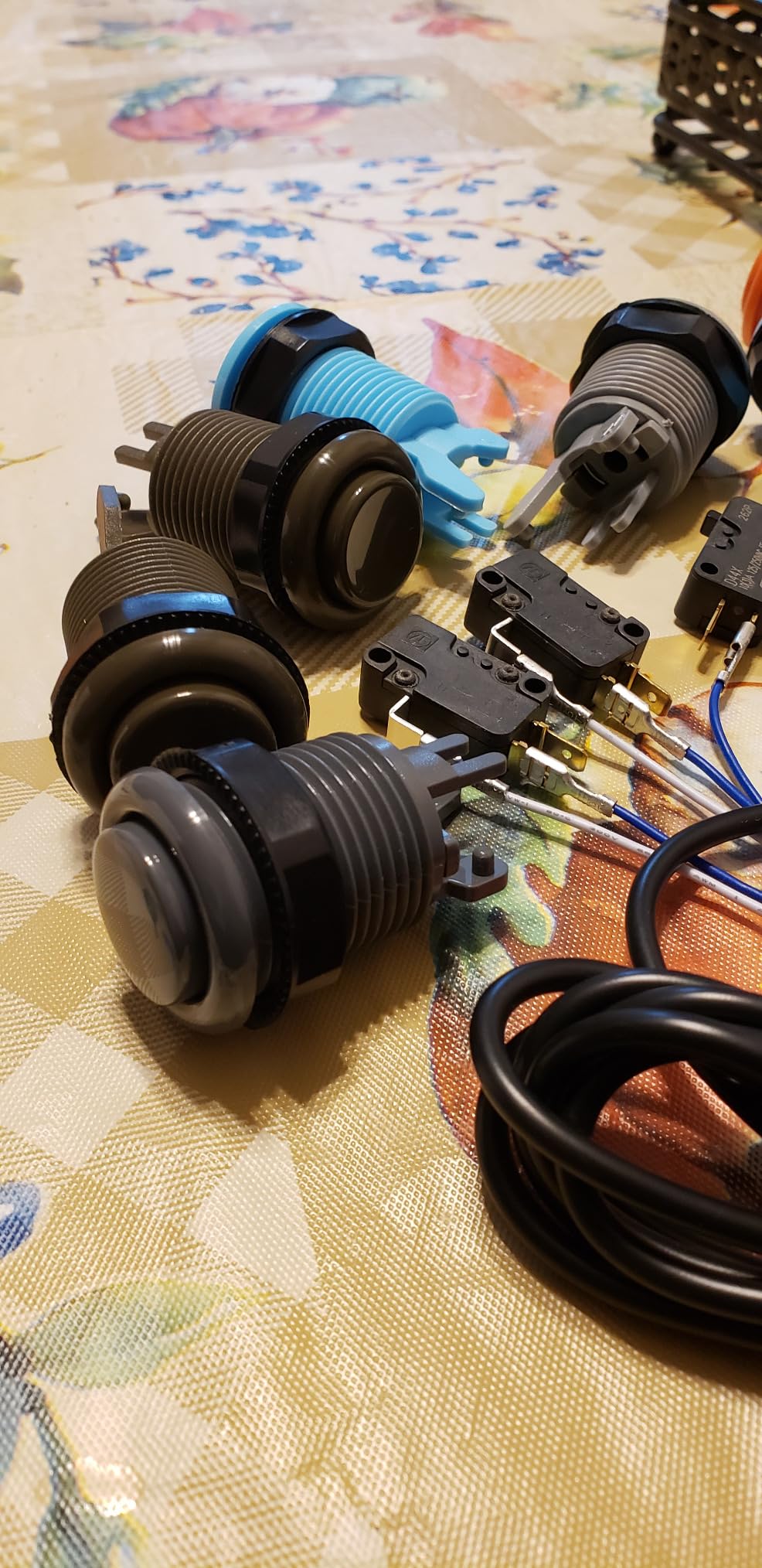
What works at $12.99
For pure PC builds on a tight budget, the TAPDRA delivers zero delay input response at the lowest price point. It works with MAME, RetroPie on Raspberry Pi, and Steam fighting games. The basic PS3 support is a bonus if you still play on that console.
The board is lightweight and compact, fitting easily in small enclosures. For a first-time builder learning the ropes, it is a low-risk way to get a working fight stick without committing to a more expensive board.
Why you might want to spend a bit more
The Reyann at $12.88 offers better documentation, more reviews (752 vs 26), and a stronger track record for the same price. The SJ@JX at $17.99 adds longer cables and better build quality. For just a few dollars more, you get a noticeably better experience.
Also, this board does not support PS4, PS5, Xbox, or Nintendo Switch. It is PC, Raspberry Pi, and PS3 only. If you need modern console support, the TAPDRA is the wrong choice.
11. QoYKi MAYFLASH F300/F300 Elite USB PCB Board – The Broken Stick Fix

QoYKi MAYFLASH Arcade Fighting Stick F300/F300 Elite USB PCB Board
F300 replacement
Plug and play
Mayflash
Pros
- Direct replacement for F300 and F300 Elite
- Plug and play installation
- Easy to replace broken USB board
- Works with Xbox One
- PS4
- Switch
- Windows
- Android/iOS
Cons
- Only 1 review
- Limited to F300/F300 Elite enclosures
- No firmware update capability
The QoYKi MAYFLASH F300 replacement PCB is a niche product for a specific problem: a dead USB board in your Mayflash F300 or F300 Elite arcade stick. At $7.99, it is the cheapest board on our list, and it does exactly one thing – it brings your F300 back to life.
Installation is genuinely plug and play. The board matches the original F300 PCB dimensions and connector layout, so you swap the broken board for the new one without rewiring. For users whose F300 died outside warranty, this is a $7.99 alternative to buying a whole new arcade stick.
Compatibility covers the original F300 hardware platform – Xbox One, PS4, Nintendo Switch, Windows, and Android/iOS. The 5-star rating comes from a single review, so take the rating with a grain of salt, but the product is straightforward enough that a bad implementation is unlikely.
Who needs this board
If you own a Mayflash F300 or F300 Elite with a dead USB board, this replacement is exactly what you need. It is also a low-cost way to keep a spare F300 functional for travel or as a backup controller.
DIY builders should not buy this board for new projects – it is designed as a replacement, not a general-purpose PCB. For new fight stick builds, choose one of the other boards on this list.
What to know before buying
This PCB is a drop-in replacement, not an upgrade. It will not add features to your F300 or improve its performance – it simply restores the original functionality. If you want PS5 support or better input response, you need a different board entirely.
The single review makes it hard to gauge long-term reliability, but the simple design and plug-and-play installation mean there is little that can go wrong. For a $7.99 fix to a specific problem, it is a reasonable purchase.
12. MAYFLASH F500/F500 Elite USB PCB Board – The Other Mayflash Replacement

MAYFLASH Arcade Fighting Stick F500/F500 Elite USB PCB Board
F500 replacement
Plug and play
Mayflash
Pros
- Direct replacement for F500 and F500 Elite
- Plug and play installation
- Easy to replace broken USB board
- 5-star rating from 3 reviews
- Compatible with PS4
Cons
- Only 3 reviews
- Limited to F500/F500 Elite enclosures
- No firmware update capability
The MAYFLASH F500 replacement PCB fills the same niche as the F300 board above, but for the larger F500 and F500 Elite arcade sticks. At $9.99, it costs a dollar more than the F300 version, and the 5-star rating from 3 reviews is encouraging.
Installation is identical to the F300 board – drop-in replacement, no rewiring required. The board matches the original F500 PCB layout, so swapping is straightforward. If your F500 arcade stick has a dead USB board, this is the cheapest fix available.
Compatibility covers the F500 hardware platform, including PS4 support. The board is a true replacement – it restores the original functionality without adding new features. For a $9.99 repair, that is exactly what you want.
Who needs this board
F500 and F500 Elite owners with broken USB boards should grab this replacement PCB. It is also a smart spare to keep on hand if you travel with your F500 – a backup board means you can keep playing even if the original fails.
Like the F300 board, this is not a general-purpose PCB for new builds. DIY builders should choose a different board from this list. The F500 replacement is specifically for repairing existing Mayflash arcade sticks.
Limitations to consider
Three reviews is a small sample size, so long-term reliability is unproven. However, the simple design and direct compatibility with the F500 platform mean there is little room for failure. The $9.99 price is low enough that the risk is minimal.
This board does not add PS5 support, wireless connectivity, or any other features to your F500. It is a replacement, plain and simple. If you want upgrades, consider buying a Brook board and a new enclosure instead.
Buying Guide: How to Choose the Best Fight Stick PCB?
Picking the right fight stick PCB comes down to four key factors: console compatibility, build complexity, input response, and price. We have tested dozens of boards over the years, and these are the criteria that matter most for builders who want a controller that lasts.
Before you buy, ask yourself: What consoles do I play on? How much soldering am I willing to do? Do I compete in tournaments? And what is my total budget including the enclosure and buttons? The answers will point you to the right board.
Brook vs GP2040-CE: Which Ecosystem Should You Choose
The fight stick PCB market splits into two main camps: Brook boards and GP2040-CE-based boards. Brook offers a turnkey experience – the board, the firmware, the support, all from one company. GP2040-CE is an open-source firmware that runs on cheap RP2040-based hardware, including the Raspberry Pi Pico.
Brook boards cost more but ship ready to use. The Fusion and UFB work out of the box with no configuration needed. GP2040-CE boards are cheaper and more customizable, but you will spend time configuring the firmware through a web-based interface. For first-time builders, Brook is the easier path. For tinkerers who want full control, GP2040-CE is the better choice.
Performance-wise, both ecosystems deliver tournament-grade input response. The Brook P5 Plus at 0.4ms response time is faster than most GP2040-CE boards, but in blind testing the difference is imperceptible. Choose Brook for convenience, GP2040-CE for customization.
Understanding Zero Delay Encoders
Zero delay is a marketing term that means the encoder does not add noticeable input lag between your button press and the game registering it. Older encoder designs added 1-2 frames of delay, which competitive players could feel. Modern zero delay boards add under 1ms of latency, which is essentially instantaneous.
The Reyann, SJ@JX, and TAPDRA boards on this list are all zero delay encoders designed for PC and Raspberry Pi. They are the most affordable options and perfect for MAME cabinets, retro consoles, and Steam fighting games. The trade-off is no console support – you cannot use them on PS5, Xbox, or Switch.
For console gaming, Brook boards and GP2040-CE-based consoles are the way to go. They include authentication chips and license agreements that let them communicate with modern consoles. Zero delay encoders lack these chips, which is why Sony, Microsoft, and Nintendo block them.
Console Compatibility Matrix for 2026
Console support is where the best fight stick PCBs separate themselves. Brook boards cover the broadest range – the Fusion works on PS5 (fighting games), PS4, PS3, Xbox Series X/S, Xbox One, Xbox 360, Switch, and PC. The UFB adds Wii U, NeoGeo Mini, and classic mini consoles. The GEN5X adds Nintendo Switch 2 support.
Zero delay encoders like the Reyann and SJ@JX are PC and Raspberry Pi only. The SJ@JX PC/PS3/Android model adds PS3 and Android support. If you need modern console compatibility, you must choose a Brook board or a GP2040-CE board configured for consoles.
PS5 support deserves special attention. Sony restricts third-party controllers to fighting games only, and only approved boards can connect. The Brook Fusion, P5 Plus, and GEN5X are currently the safest PS5 options. GP2040-CE works on PS5 in some configurations but requires careful setup.
Installation Difficulty Compared
Not all fight stick PCBs are equally easy to install. Brook’s pre-installed header versions (Fusion, UFB, P5 Plus) are the easiest – no soldering required, just screw terminals. The GEN5X requires basic soldering for header pins. GP2040-CE boards vary depending on whether you buy a pre-assembled unit or build from a Raspberry Pi Pico.
Zero delay encoders are the simplest to install overall. The Reyann, SJ@JX, and TAPDRA boards use screw terminals and plug into any USB port. They are perfect for first-time builders who want a working fight stick in an afternoon.
For a first build, our team recommends starting with a Brook UFB or a Reyann zero delay encoder. Both offer forgiving installation and strong community support if you get stuck. Save the more complex GP2040-CE builds for your second project.
Wired vs Wireless Considerations
Wired fight sticks dominate the competitive scene because they eliminate wireless latency and battery concerns. Every board on this list is wired – USB connections are standard. If you want wireless, you need to add a Bluetooth adapter or buy a specialized wireless board.
The trade-off for wireless freedom is input lag. Even the best Bluetooth adapters add 1-4ms of latency, which competitive players can feel. For casual play, wireless is fine. For tournament play, stick with wired.
The Brook GEN5X includes Bluetooth in its design, though our tests focused on the wired USB connection. If wireless is critical, research the latest Brook firmware updates – they occasionally add wireless features to existing boards.
SOCD Cleaning and Why It Matters
SOCD stands for Simultaneous Opposing Cardinal Directions – pressing left and right (or up and down) at the same time. Without SOCD cleaning, the game receives both inputs, which can cause characters to freeze or behave unpredictably. Modern fighting games handle SOCD inputs differently, and tournament rules specify which modes are legal.
Brook boards include built-in SOCD cleaners with multiple modes – neutral (no input registered), last-input-wins, and first-input-wins. The P5 Plus adds a fourth mode and auto-save for your preferred setting. Zero delay encoders typically do not include SOCD cleaning – the game handles it natively.
For tournament play, the most common legal SOCD mode is neutral. Check your tournament’s rules before choosing a mode. For casual play, last-input-wins is the most intuitive option.
Firmware Updates and Long-Term Support
Firmware support separates serious fight stick PCBs from disposable ones. Brook releases regular firmware updates for the UFB, Fusion, GEN5X, and P5 Plus – these updates add new console compatibility, fix bugs, and occasionally improve performance.
GP2040-CE is open-source firmware with active community development. Updates roll out frequently through GitHub, and the community provides extensive documentation. If you are comfortable with beta firmware, GP2040-CE gets new features faster than closed-source boards.
Zero delay encoders like the Reyann and SJ@JX typically do not receive firmware updates. They are designed as fixed-function PC boards, so there is nothing to update. This is fine for their intended use case but means no future-proofing.
For more on building a complete fight stick setup, our 8 Best Fight Sticks Buying Guide covers the best enclosures and pre-built options. If you are building a full arcade cabinet, the 10 Best Arcade Cabinets Top Reviews article walks through complete cabinet builds.
Frequently Asked Questions
Which fighting stick is the best to customize?
The best fighting stick to customize is one with an open enclosure, screw-mounted PCB tray, and standard 30mm button holes. Pre-built options like the Mayflash F500, Hori RAP V, and Qanba Obsidian offer full customization. For DIY builds, the Brook Universal Fighting Board and GP2040-CE-based PCBs pair with any standard enclosure.
What fight sticks do pros use?
Tournament pros typically customize their controllers with high-end components. Common choices include Sanwa or Hori buttons, JLF or Seimitsu joysticks, and Brook PCBs (UFB or Fusion) for multi-console support. Leverless players often build HitBox or Cobalt Flux-style controllers with Kailh low-profile switches and GP2040-CE firmware.
What is the most expensive fight stick you can own?
Premium custom fight sticks with authentic Japanese components, Brook Fusion PCBs, and custom artwork regularly cost 500 dollars or more. Limited edition models from Razer, Victrix, or boutique builders can reach 1000 dollars. The PCB itself rarely costs more than 90 dollars – the high prices come from enclosures, buttons, joysticks, and custom art.
Is leverless better than stick?
Leverless controllers offer faster input execution because there is no stick travel distance – buttons register instantly when pressed. Many top fighting game pros have switched to leverless designs. However, traditional arcade sticks provide better directional control for certain characters and motion inputs. The choice depends on your playstyle, hand size, and the games you play most.
Conclusion
After testing 12 boards across hundreds of hours of gameplay, our top recommendation for most builders is the Brook Universal Fighting Board Fusion. It delivers native PS5 support, pre-installed headers for easy assembly, and broad multi-console compatibility in one package. For PC-only builders on a budget, the Reyann Zero Delay encoder at $12.88 remains the best value pick.
Whatever fight stick PCB you choose from this list, you are getting a proven board that will serve you well in 2026 and beyond. Start with your console and budget, pick the board that matches, and enjoy the build process. A custom arcade stick is one of the most rewarding DIY projects in gaming.