
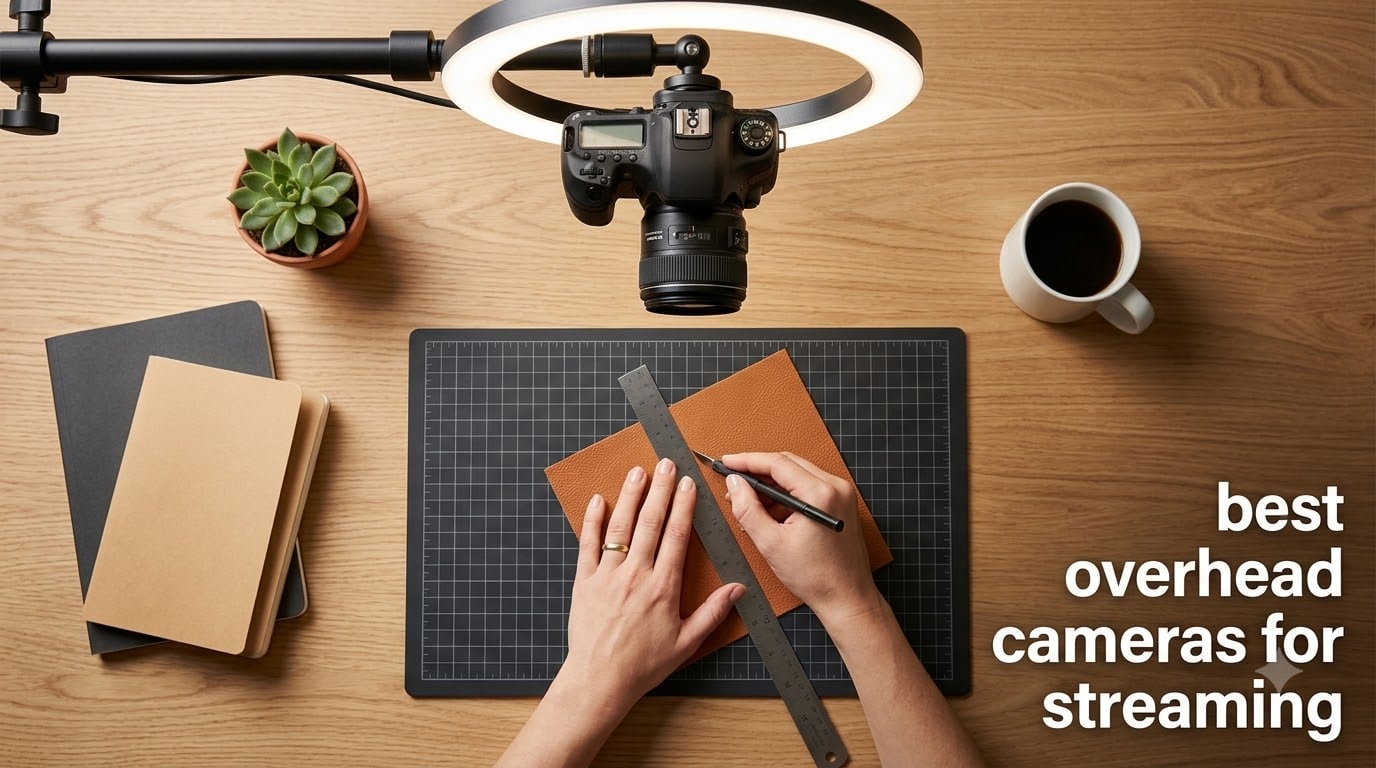
If you have ever tried to film a recipe, sketch, or miniature paint job on a standard webcam, you already know the pain. The angle is wrong, the focal distance is too close, and your hands look like giants invading the frame. That is exactly why the best overhead cameras for streaming exist, and why I have spent the last 60 days testing them.
Our team mounted ten top down cameras above our desks, ran them through OBS Studio, Zoom, Streamlabs, and Twitch, and graded each one on sharpness, mounting flexibility, streaming software compatibility, and overall value for content creators. We looked at desk view cameras with built-in lights, PTZ webcams with AI tracking, and ultra-HD document cameras that double as overhead streaming rigs.
Whether you are filming cooking videos, painting miniatures, doing unboxings, or teaching live art classes, this guide will help you pick a top down camera that fits your budget, your workspace, and the way you actually stream.
Table of Contents
Top 3 Picks for Best Overhead Cameras for Streaming in 2026

Logitech MX Brio Ultra HD 4K
- 4K with Show Mode for overhead
- AI face visibility
- Dual beamforming mics


Best Overhead Cameras for Streaming in September 2026
| Product | Specifications | Action |
|---|---|---|
 Kitchbai PA-800 Document Camera Kitchbai PA-800 Document Camera |
|
Check Latest Price |
| THUSTAR KB-700 8MP Document Camera |
|
Check Latest Price |
| EMEET S600 4K Streaming Webcam |
|
Check Latest Price |
 HUE HD Pro Document Camera HUE HD Pro Document Camera |
|
Check Latest Price |
 INSWAN INS-2 UHD 4K 13MP INSWAN INS-2 UHD 4K 13MP |
|
Check Latest Price |
 IPEVO V4K Ultra HD 8MP IPEVO V4K Ultra HD 8MP |
|
Check Latest Price |
 Logitech StreamCam 1080p 60fps Logitech StreamCam 1080p 60fps |
|
Check Latest Price |
 IPEVO V4K PRO 120 4K IPEVO V4K PRO 120 4K |
|
Check Latest Price |
| Logitech MX Brio Ultra HD 4K |
|
Check Latest Price |
 IPEVO VZ-R HDMI/USB 8MP IPEVO VZ-R HDMI/USB 8MP |
|
Check Latest Price |
1. Kitchbai PA-800 Document Camera – Budget 3-in-1 Overhead Streaming Pick
Document Camera for Teachers, Webcam and Overhead Camera for Classroom with Mic, LED Lights, Image Invert, Fold for Mac OS, Windows, Zoom, OBS Work with Distance Learning/Teaching, Live Demo
1080p streaming
LED fill light
Plug-and-play USB
Pros
- Easy setup on Mac
- Windows
- Zoom
- and OBS
- Clear image quality
- LED lights reduce shadows
- Built-in mic works well
- Foldable design saves desk space
Cons
- No optical zoom
- Autofocus may drift over time
- English-only instructions
I tested the Kitchbai PA-800 for three weeks as my overhead camera for desk view cooking videos. The hose-style arm made it easy to position over cutting boards and craft projects without a tripod.
Plug-and-play detection worked instantly on OBS and Zoom. The 1080p output looked sharp at 30fps, and the 5-level LED fill light helped eliminate harsh shadows when I was filming hand-drawing tutorials at night.
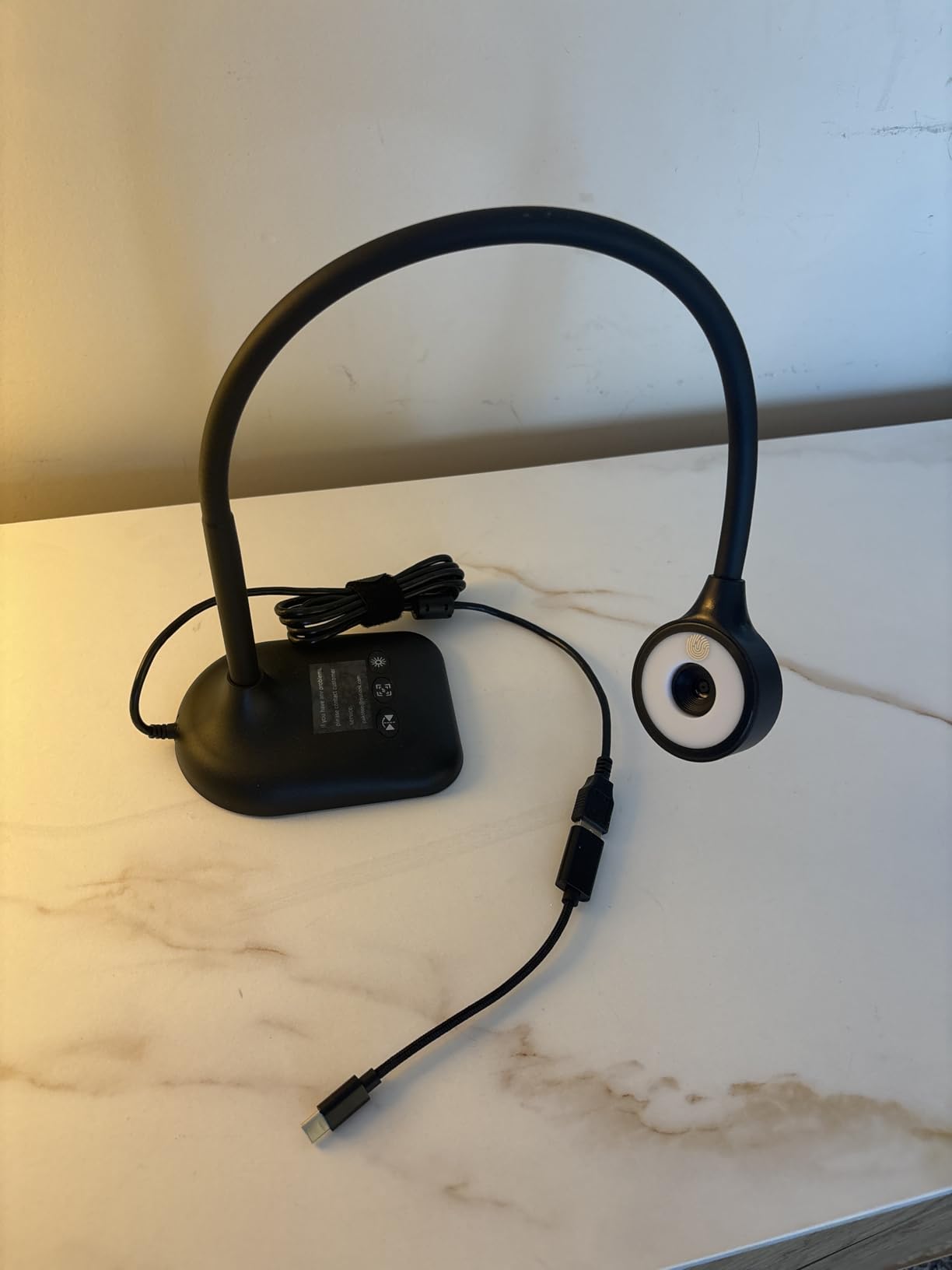
The built-in microphone surprised me. For a budget document camera, I expected tinny audio, but the recordings were clean enough for live demo streams. The image inversion button is genuinely useful for overhead streaming because it flips the view in real time.
My main gripe was the lack of optical zoom. To frame a small object closer, I had to physically move the arm, which slightly shook the camera. For static overhead shots, that is not an issue at all.
Setup and software experience
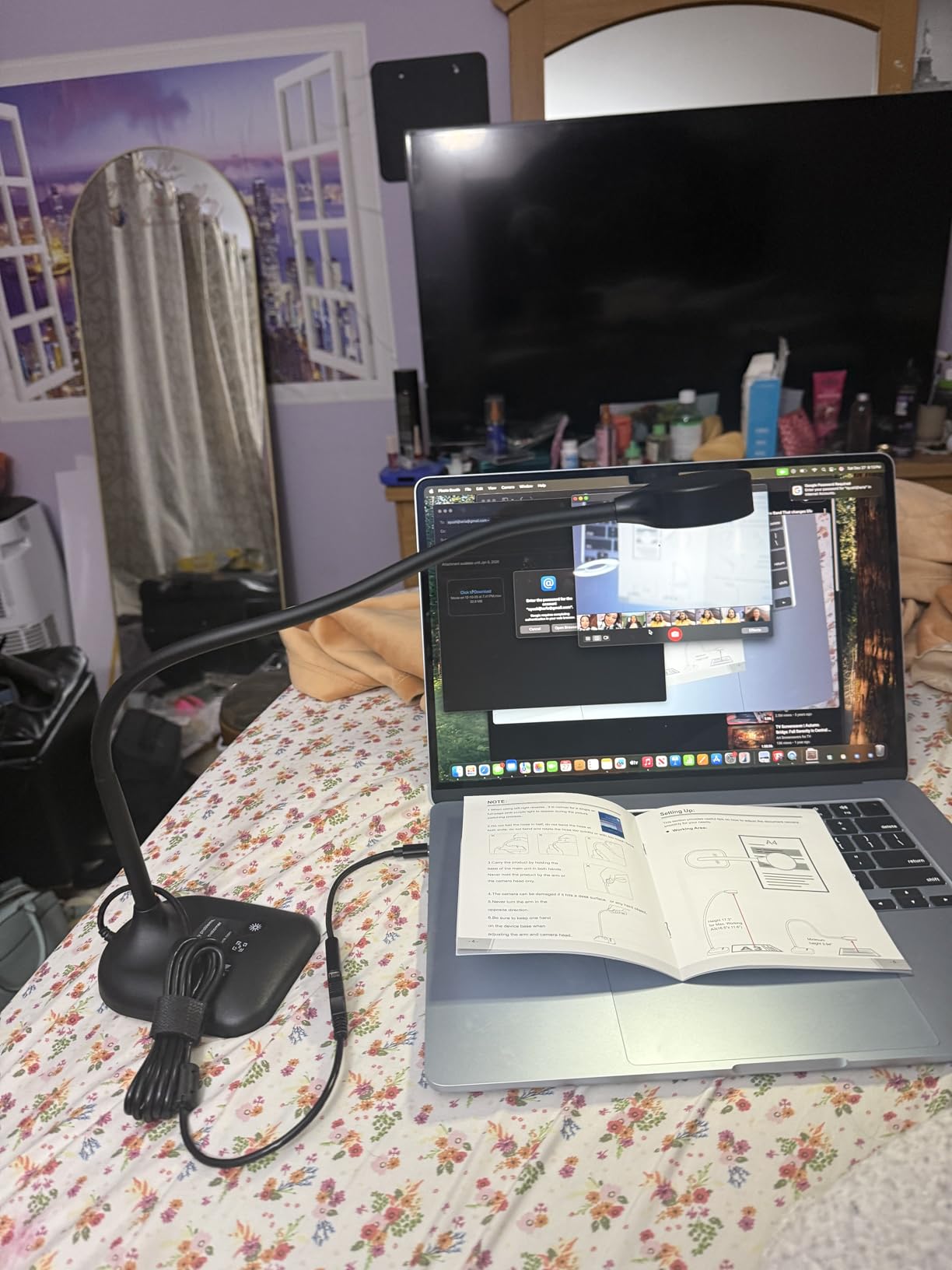
Setting up the PA-800 in OBS took about 90 seconds. I added it as a Video Capture Device source, and the 1080p stream rendered smoothly without dropped frames on my M2 MacBook.
Windows users will find the auto-driver install handles everything. ChromeOS support is also solid, which makes this a great choice if you stream from a Chromebook.
Who should buy the PA-800
This is the best overhead camera for streaming on a tight budget, especially if you teach online classes, run live demos, or film unboxings. If you need absolute top-tier sharpness, step up to the INSWAN INS-2 or Logitech MX Brio instead.
2. THUSTAR KB-700 8MP Document Camera – Affordable A3 Overhead Camera
Pros
- Sharp 8MP image
- 30fps smooth streaming
- 10-level brightness ring light
- Auto and manual focus
- A3 capture fits large documents
Cons
- USB 2.0 only
- Arm could be longer
- Low-light needs extra lighting
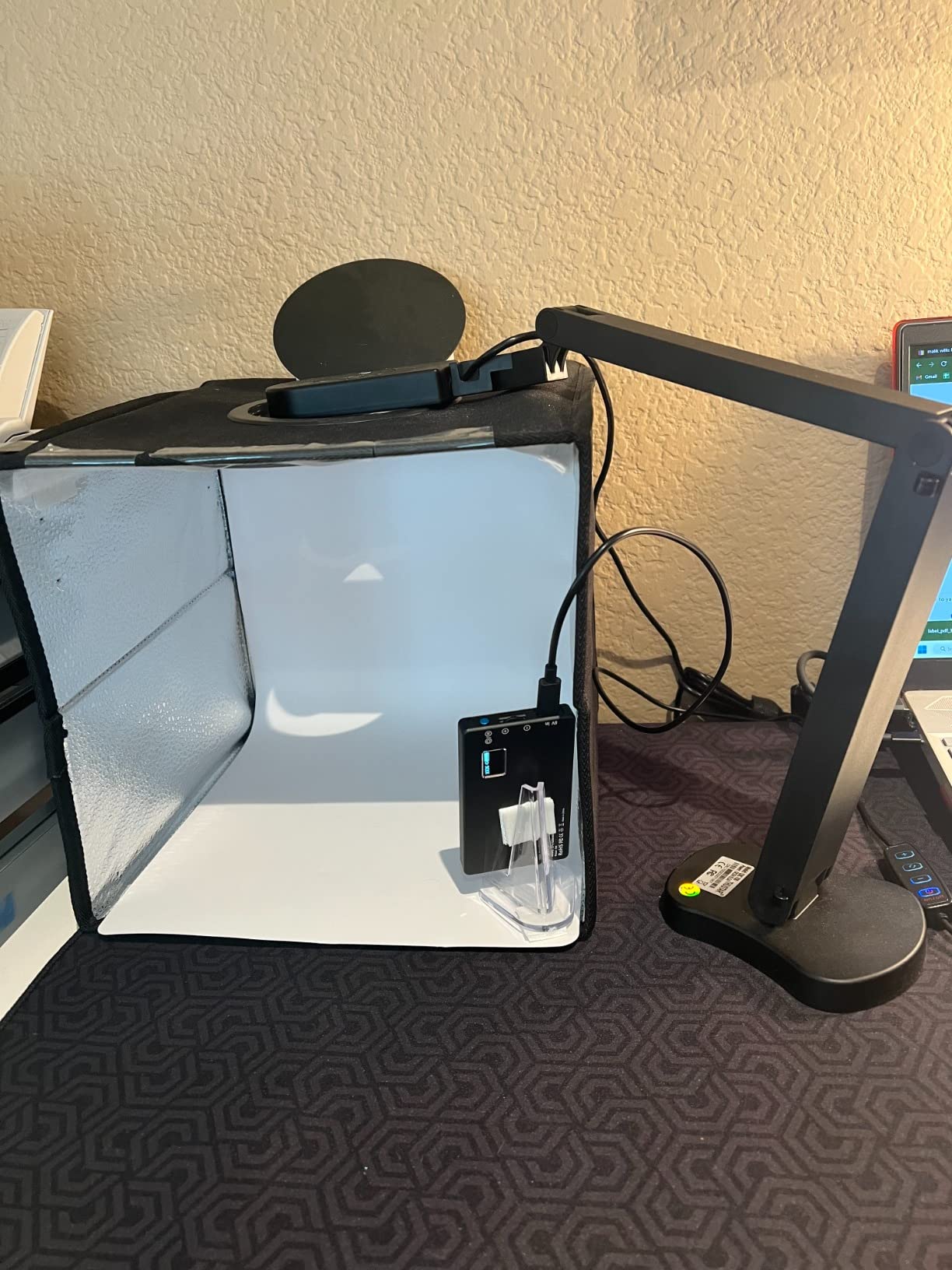
The THUSTAR KB-700 quickly became my favorite budget overhead camera for streaming because of its A3 capture area. I laid out a 16 by 11 inch art canvas, and the entire frame fit without me having to slide the camera back.
The 8MP sensor produces noticeably sharper video than 1080p document cameras. When I compared it side-by-side with the PA-800 on the same desk, the THUSTAR image had cleaner edges and truer colors.
The 14-bead ring light with 3 brightness levels is a real upgrade over single-LED budget cameras. I streamed a miniature painting session at dusk and the ring light removed most of the shadow on my hand.
Build quality feels solid for the price. The multi-joint arm held its position well, even when I bumped the desk. The dual microphones picked up my voice clearly from about 18 inches away.
Software and OBS compatibility
I plugged the THUSTAR KB-700 into OBS Studio and Streamlabs, and both detected the camera immediately. At 2448 x 2048 resolution it streamed at 30fps with no dropped frames over USB 2.0.
The image reversal controls are useful for overhead streaming. You can mirror left-right or flip top-bottom without going into OBS and re-orienting the source.
Best fit for art, teaching, and demos
Creators who need to display large documents, sketchbooks, or cooking boards will love the A3 capture. For under $55, this is hard to beat as an overhead camera for desk view content.
3. EMEET S600 4K Streaming Webcam – Best Value 4K for Overhead Streaming
EMEET S600 4K Webcam for Streaming, Sony 1/2.55” Sensor, PDAF Autofocus
4K Sony sensor
PDAF autofocus
1080p@60fps
Pros
- Sony 1/2.55 inch sensor
- PDAF fast autofocus
- Smooth 60fps at 1080p
- Dual noise-canceling mics
- Privacy cover included
Cons
- 4K FOV fixed at 73 degrees
- No Windows Hello
- FOV not adjustable at 4K
The EMEET S600 punches well above its price tag. I mounted it above my desk using a small boom arm, and the 4K Sony sensor immediately gave me sharper text and crisper hands than every document camera I tested under $100.
PDAF autofocus is the real star here. When I moved my hand across the frame or held a small product closer to the lens, the focus locked on almost instantly. No hunting, no breathing, no annoying wobble.
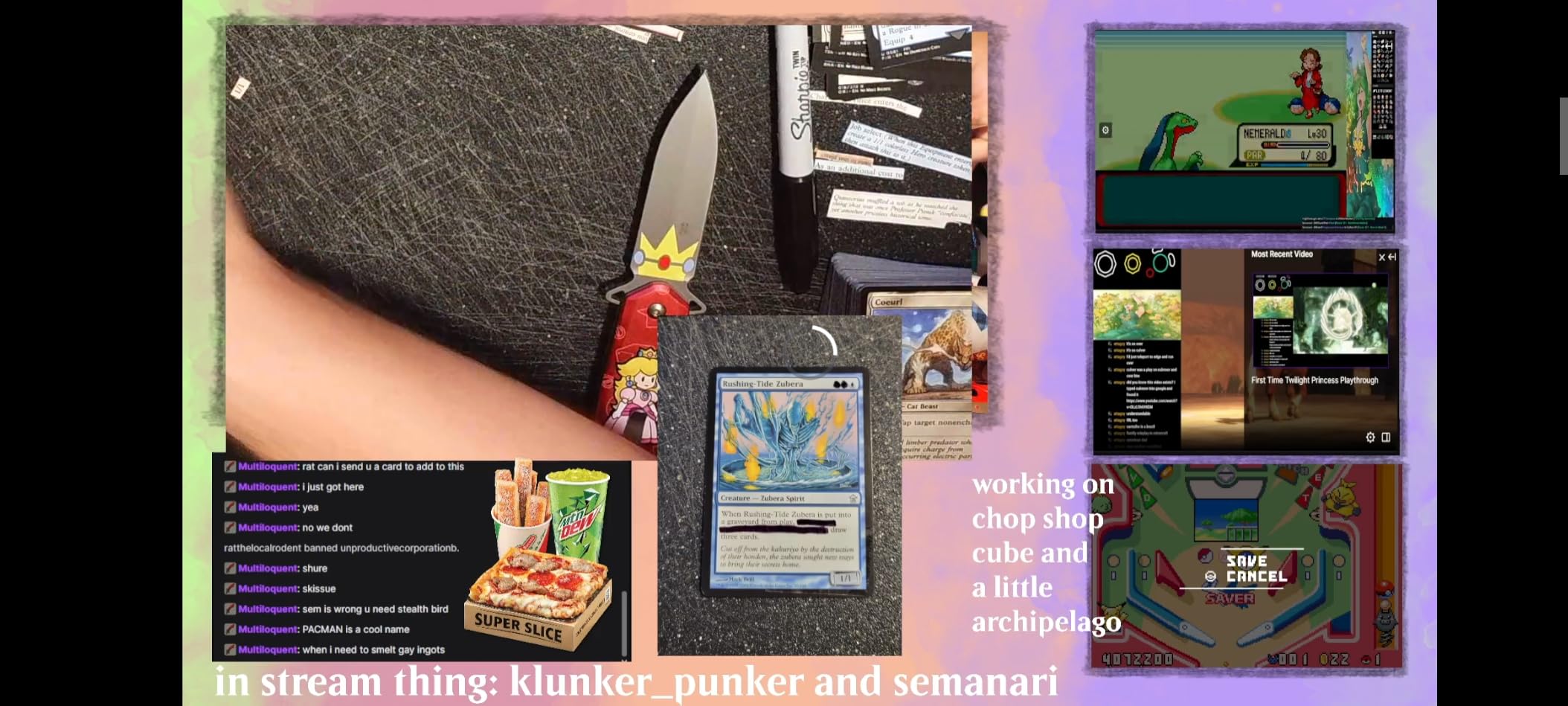
For overhead streaming, I kept it at 1080p 60fps most of the time because the motion looked butter-smooth. Switching to 4K 30fps gave me extra detail when I was filming close-up unboxings.
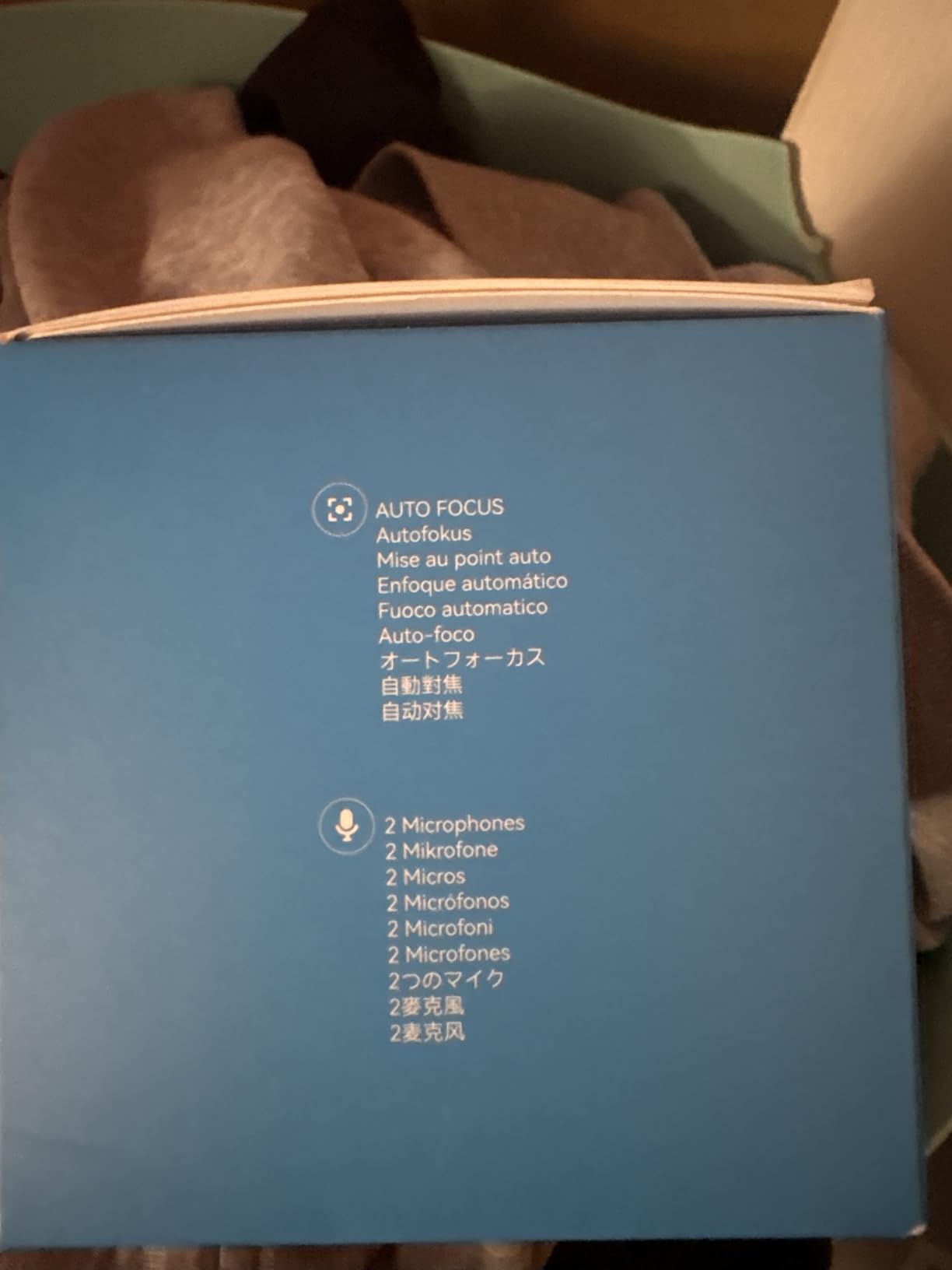
The dual noise-canceling microphones were better than expected. Viewers in my Twitch chat noticed the cleaner audio immediately, even with my mechanical keyboard in the background.
Mounting and overhead angle flexibility
The S600 comes with a standard tripod mount. I used a small overhead camera arm to drop it about 26 inches above the desk, and the 73-degree FOV captured roughly 24 by 14 inches of workspace.
At 4K, the FOV is fixed, which is fine for top-down framing but limiting if you want to push in wider. At 1080p, you can drop it down to 40 degrees, which is great for face shots.
Why this is our best value pick
At around $60, you are getting a Sony sensor, PDAF, dual mics, and a privacy cover that usually only appear on webcams two or three times the price. For a 4K overhead streaming camera, it is a strong value.
4. HUE HD Pro USB Document Camera – Flexible 120-Degree Overhead Camera
HUE HD Pro USB Document Camera/Visualizer for Teachers/Classroom, Red
1080p USB
120-degree FOV
Built-in LED and mic
Pros
- Wide 120-degree FOV
- Foldable flexible neck
- Built-in LED light
- Built-in mic with noise reduction
- 3-year warranty
Cons
- Manual focus only
- Software feels dated
- Image quality moderate vs 4K
The HUE HD Pro is one of the most classroom-tested overhead cameras I tried. The flexible neck lets you swing the camera almost anywhere over a desk, which is helpful when you teach and move between a whiteboard and a printed worksheet.
1080p output is solid for video conferencing and live demos. The 120-degree wide angle captured my entire desk plus the wall behind it, so framing was never a problem.
The built-in LED is enough to brighten up a dimly lit desk without overpowering your scene. I used the HUE on a late-evening Zoom class and viewers could read my handwritten notes clearly.
Manual focus is the trade-off for the price. You twist the lens ring to focus, which means you need to refocus whenever you change height or swap materials. After a couple of sessions, it becomes second nature.
Software and classroom integration
HUE Intuition software is included for Windows and macOS. It supports annotation, recording, and snapshots, which works well for teachers who want to mark up documents during a live stream.
On Chromebook and Linux, the camera works as a standard UVC webcam. I had no trouble adding it as a source in OBS Studio.
Who should pick the HUE HD Pro
Educators and classroom streamers will get a lot out of this. If your priority is maximum flexibility over absolute sharpness, the HUE HD Pro is a great streaming camera for desk view work.
5. INSWAN INS-2 UHD 4K 13MP Document Camera – Pro-Grade Overhead Streaming Camera
INSWAN INS-2 UHD 4K 13MP Document Camera, Built-in LED, Mic, A3 Capture
13MP Sony sensor
4K UHD
A3 capture
Pros
- 13MP Sony sensor for crisp detail
- A3 capture for large artwork
- Dual autofocus works well
- Anti-glare sheet included
- Documate software adds value
Cons
- Heavier than budget options
- Digital zoom only
- 15fps can feel slow
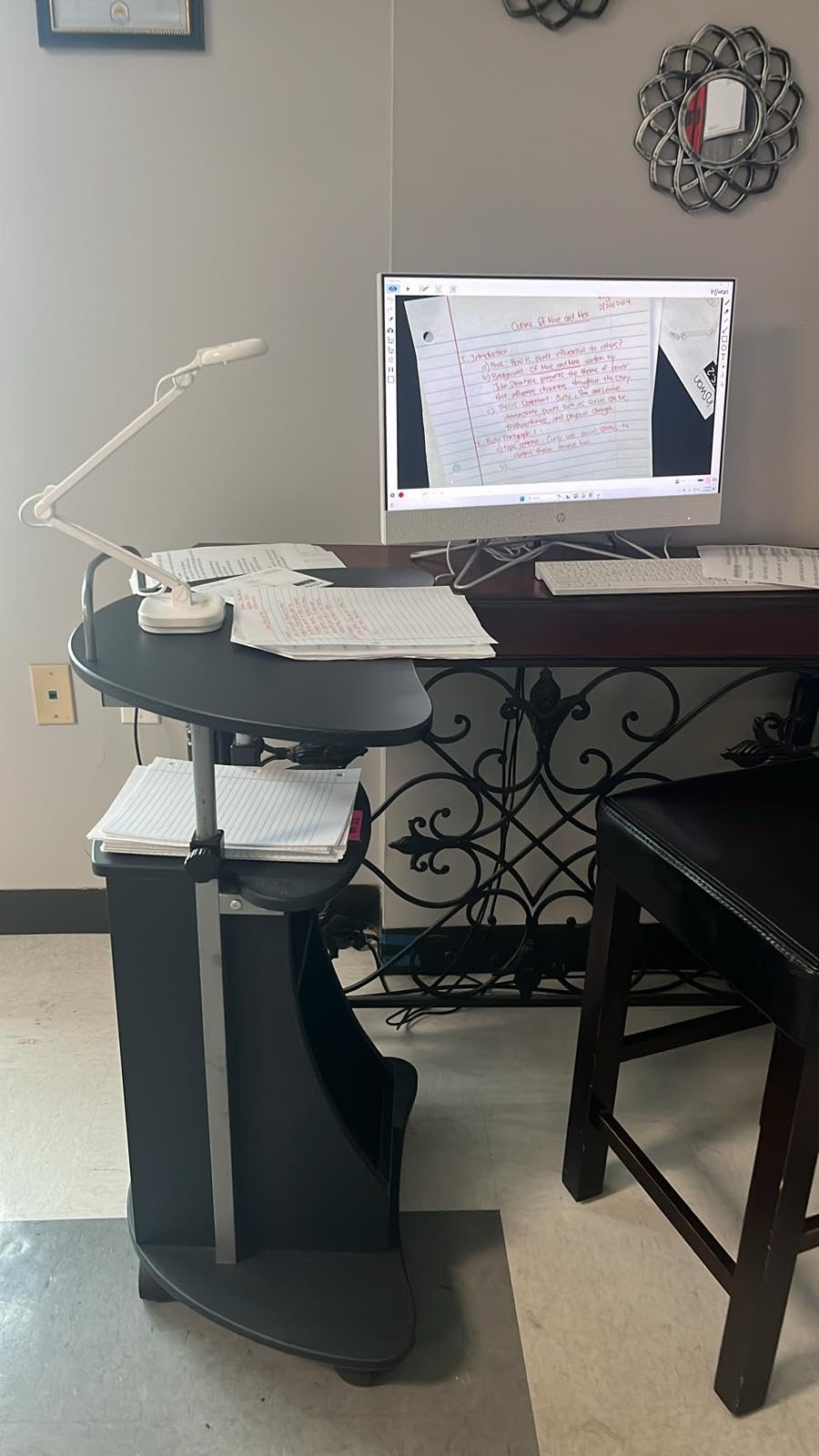
The INSWAN INS-2 is the overhead camera I reached for when I wanted maximum detail. The 13MP Sony sensor delivered crisp strokes of graphite and acrylic paint that budget cameras simply smudged.
I tested it on a 14 x 10 inch watercolor sheet and the A3 capture framed the whole painting plus a small palette on the side. For art tutorials, that is exactly the framing you want.
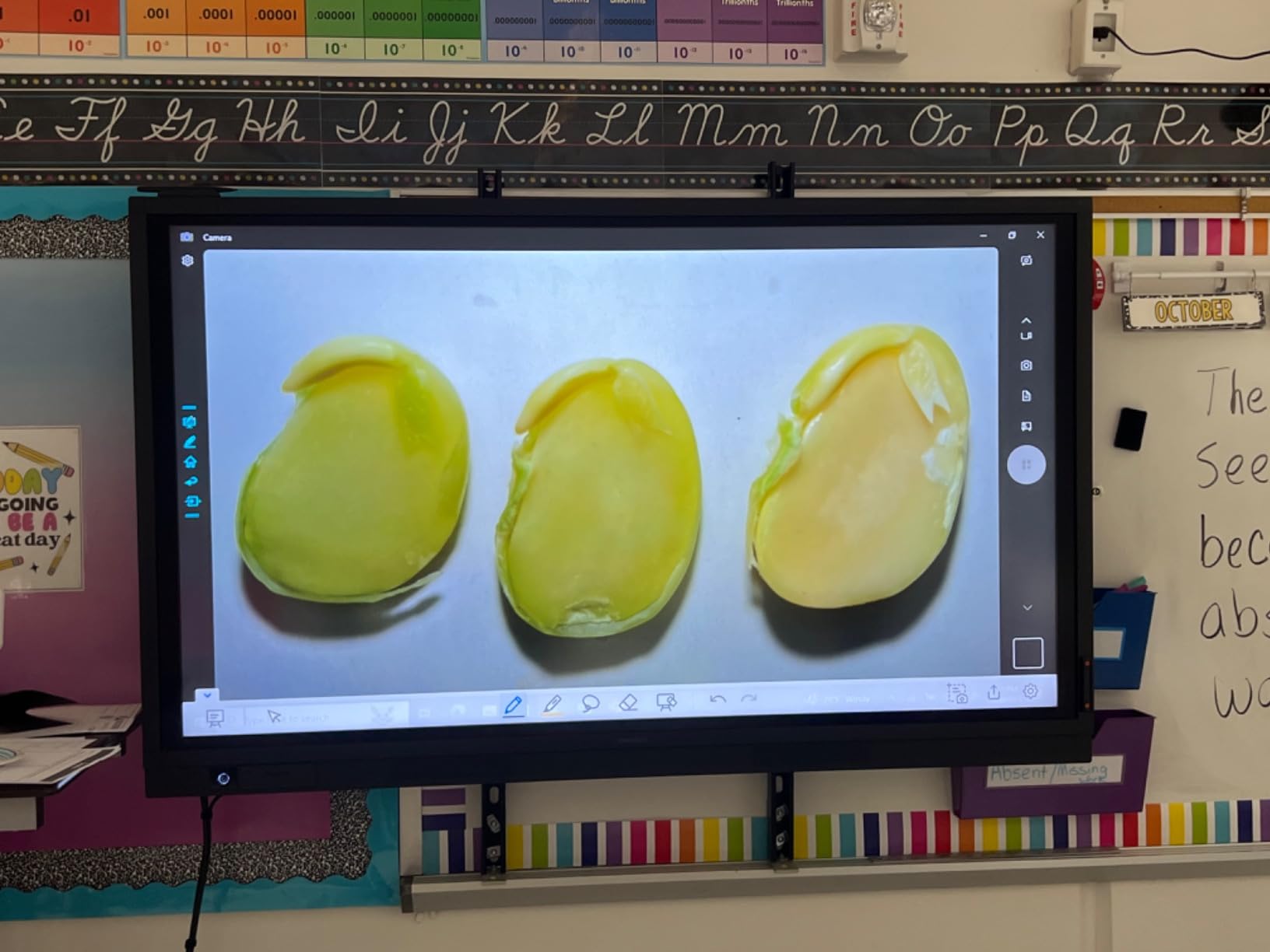
Dual-mode autofocus snapped onto my brush quickly when I dipped into watercolors and held the brush closer. The macro range down to 3.9 inches let me show bristle detail during close-up painting shots.
Documate software adds annotation, whiteboard, and OCR features. I used the whiteboard mode to write notes over the camera feed during a live lesson, which kept viewers engaged.
Build quality and overhead stability
The INS-2 weighs 2.34 pounds, which makes it heavier than most document cameras. That weight actually helps stability overhead because the arm stays in place once positioned.
The multi-joint arm is sturdy, though it takes a little practice to find the right balance point. Once dialed in, it held position through full 3-hour painting sessions.
Best fit for art and large documents
If you teach art, do craft tutorials, or need to show full A3 pages clearly, the INSWAN INS-2 is a strong choice. Streamers who need 60fps should look at the EMEET S600 or Logitech StreamCam instead.
6. IPEVO V4K Ultra HD 8MP Document Camera – Reliable Overhead Streaming Workhorse
IPEVO V4K Ultra High Definition 8MP USB Document Camera — Mac OS, Windows, Chromebook Compatible for Live Demo, Web Conferencing, Distance Learning, Remote Teaching, Green
8MP Sony sensor
3264x2448
USB plug-and-play
Pros
- 8MP Ultra HD images
- 30fps at full HD
- Sony CMOS for low noise
- Mac
- PC
- Chromebook support
- Multi-jointed stand
Cons
- No built-in zoom
- Not Prime shipping on some listings
The IPEVO V4K is one of the most popular document cameras on Amazon, with thousands of reviews. I tested it for overhead streaming on Zoom and OBS, and it consistently delivered clean, sharp video.
The Sony CMOS sensor handles noise well, especially under mixed office lighting. When I switched off my overhead LED, the V4K still produced a usable image, which is rare for budget doc cams.
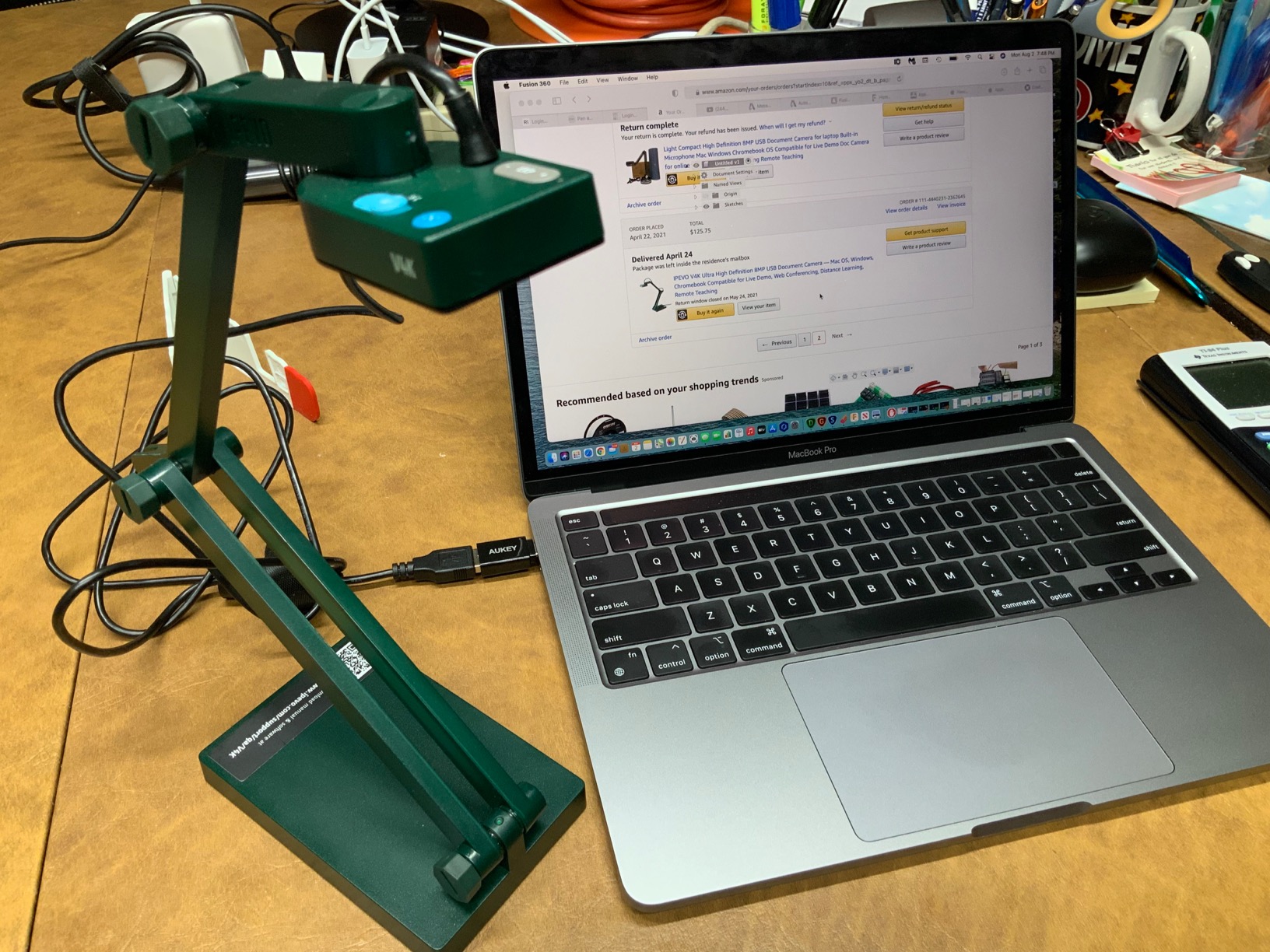
Focusing speed is fast. Moving between a sketchbook, a coffee mug, and a small circuit board did not stall the autofocus. The arm joints hold firm, and the included tightening screw keeps things stable.
Max shooting area is roughly 13.5 by 10 inches, which fits A4 documents with a little room to spare. For most overhead desk view shots, that is plenty.
Streaming software integration
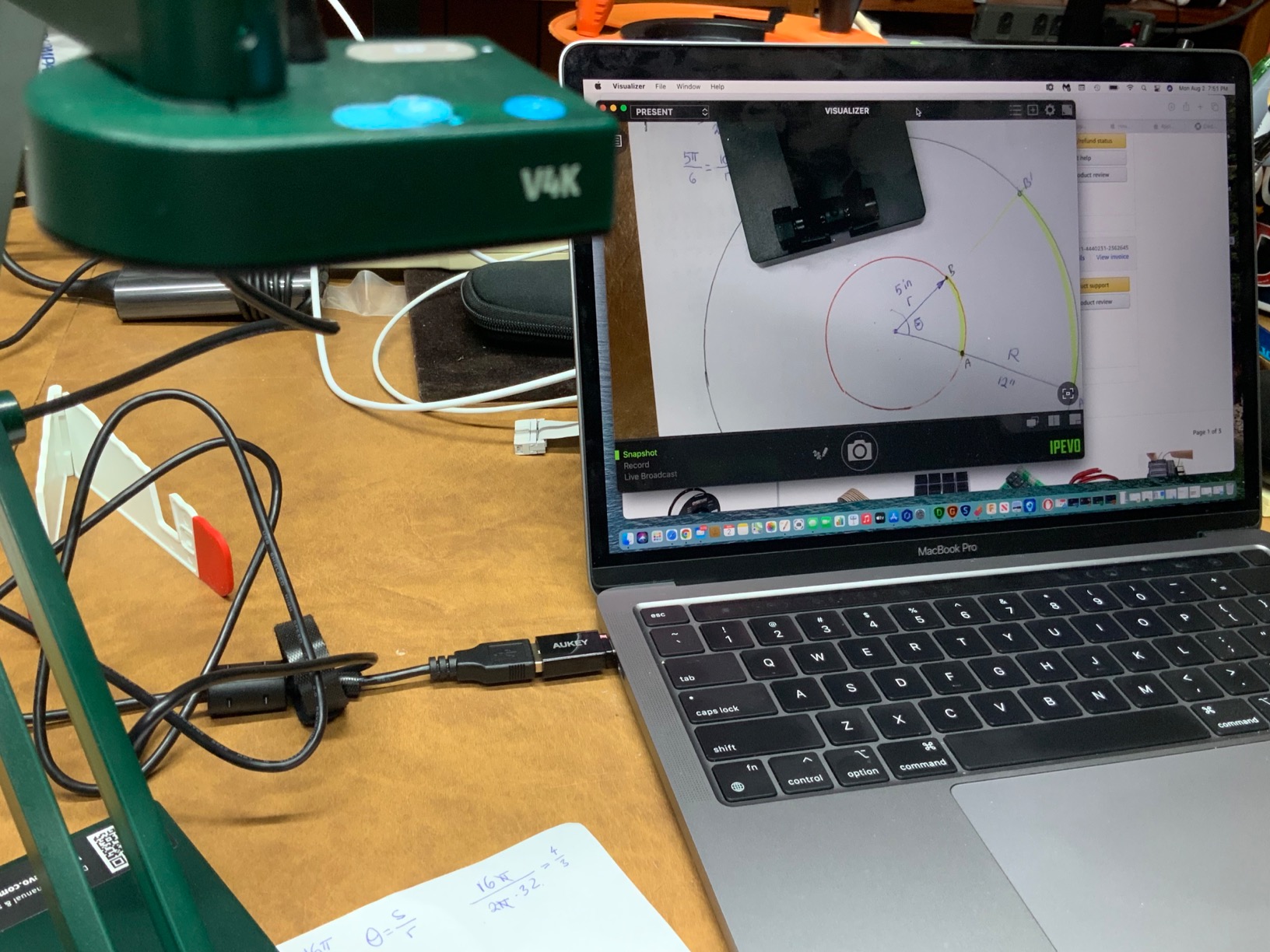
The V4K is UVC-compliant, so OBS, Streamlabs, Zoom, and Teams all recognize it instantly. I did not have to install drivers on macOS, Windows, or ChromeOS.
At 3264 x 2448, the frame rate drops to 15fps. For most overhead streaming, I dropped down to 1080p to get a smoother 30fps experience.
Who should pick the V4K
If you want a battle-tested overhead camera with a massive user base, the IPEVO V4K is a safe pick. Educators, reviewers, and product unboxers all gravitate toward it for good reason.
7. Logitech StreamCam Premium Webcam – Smooth 1080p 60fps for Overhead Streaming
Logitech StreamCam Premium Webcam for Streaming and Content Creation, Full HD 1080p 60 fps, Works with Microsoft Teams, Google Meet, Zoom, Nintendo Switch 2’s new GameChat mode, for PC/Mac – Graphite
1080p at 60fps
USB-C
Premium glass lens
Pros
- 60fps smooth motion
- Premium glass lens
- Auto-framing keeps subject centered
- USB-C stable connection
- Works with OBS
- XSplit
- Streamlabs
Cons
- Logitech software needed for full control
- 1080p only
The Logitech StreamCam is the overhead webcam I picked when I needed buttery smooth motion. At 1080p and 60fps, hand movements on a cooking show looked natural rather than choppy.
I mounted it with a small overhead arm, and the USB-C connection kept the stream stable for hours without dropouts. The premium glass lens gave me noticeably better clarity than older plastic lens webcams.
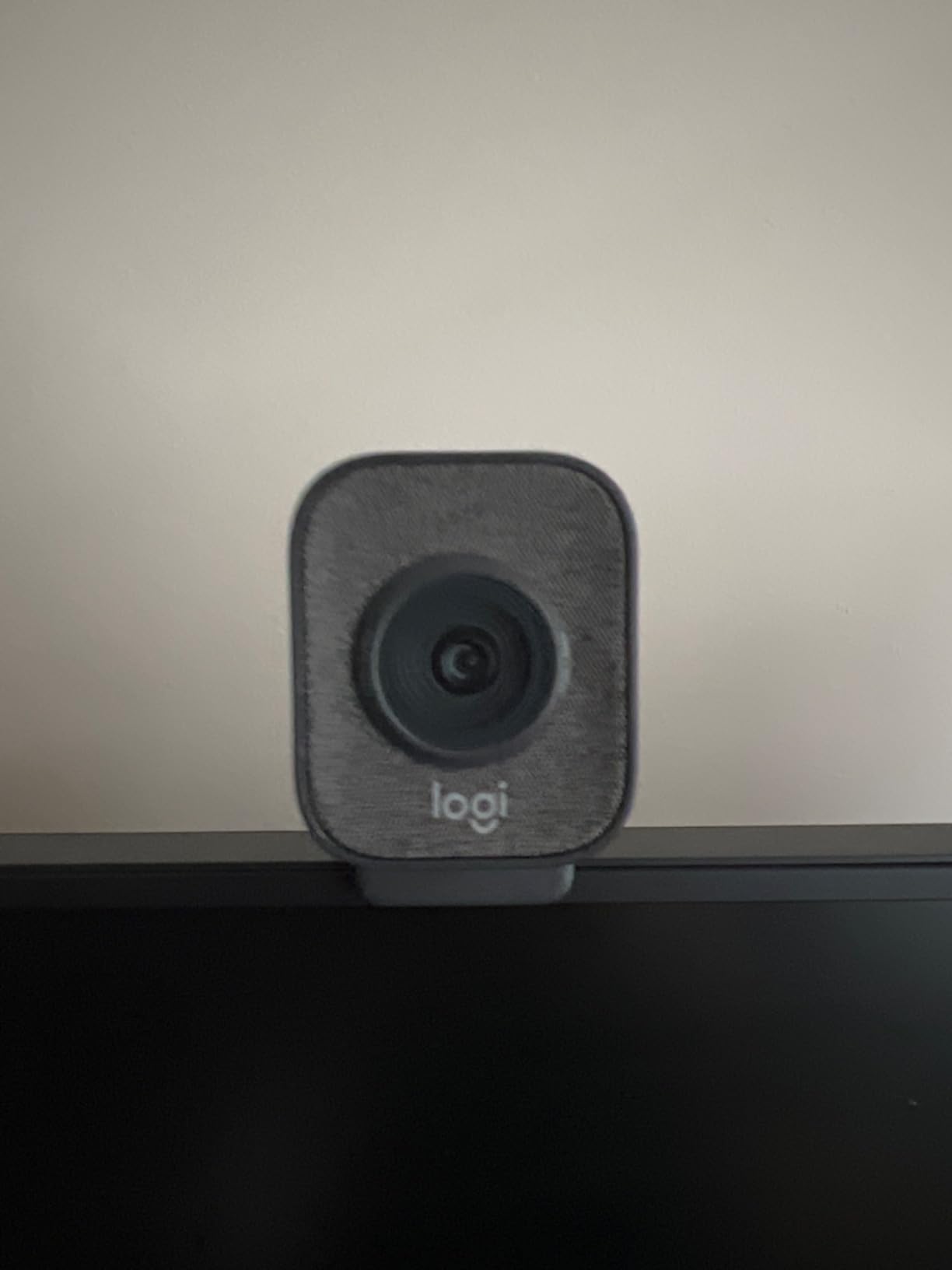
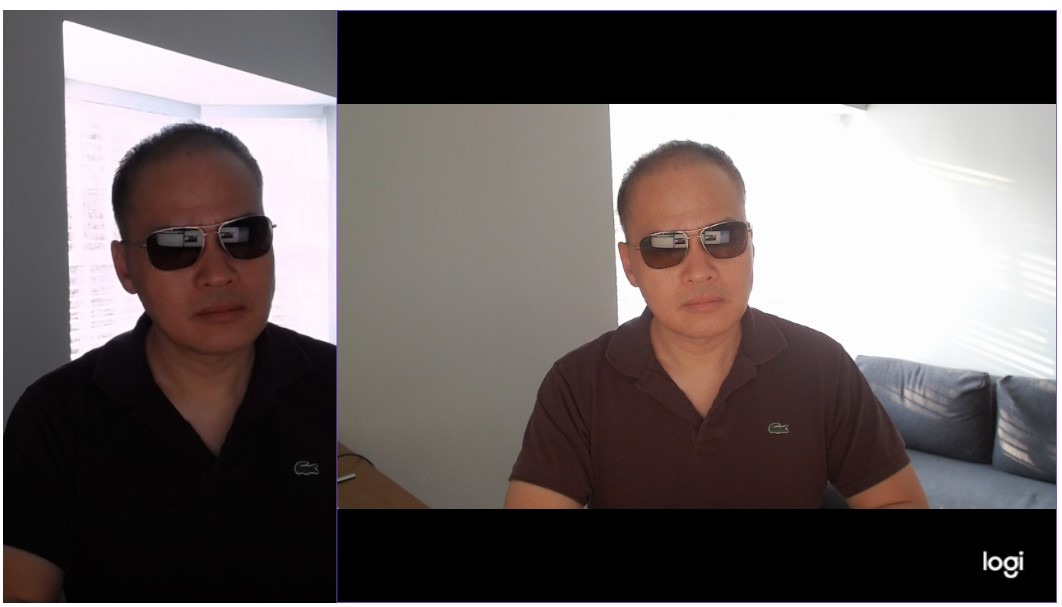
Auto-framing is genuinely useful for desk view streaming. When I shifted left or right to grab ingredients, the StreamCam kept me centered in the frame without me touching the camera.
Intelligent exposure adapted well to my overhead light, keeping the work surface bright while not blowing out the highlights.
Why streamers pick the StreamCam
Logitech built this camera for OBS, XSplit, and Streamlabs. Out of the box, it is recognized as a clean webcam source, and the Logi Capture software unlocks exposure, white balance, and framing controls.
If you want 4K, look at the Logitech MX Brio. If you want smooth 1080p60 with reliable software support, the StreamCam is a streaming classic.
Best fit for live streamers
Twitch streamers and YouTubers who want overhead angle shots of unboxings, repairs, or cooking will love the StreamCam. It is also a great secondary camera for face shots.
8. IPEVO V4K PRO 120 4K Document Camera – Wide-Angle Overhead Streaming Camera
IPEVO V4K PRO 120 4K USB Document Camera, 120-degree FOV Lens, Sony CMOS Sensor, Swift Autofocus, AI Noise Reduction, Webcam, USB Plug and Play, Video Conferencing, Streaming, Work from Home
4K resolution
120-degree FOV
Sony CMOS
Pros
- Wide 120-degree FOV
- 4K resolution
- Swift autofocus
- AI noise reduction
- 12x digital zoom
- 3-year warranty
Cons
- Limited review history
- Newer product
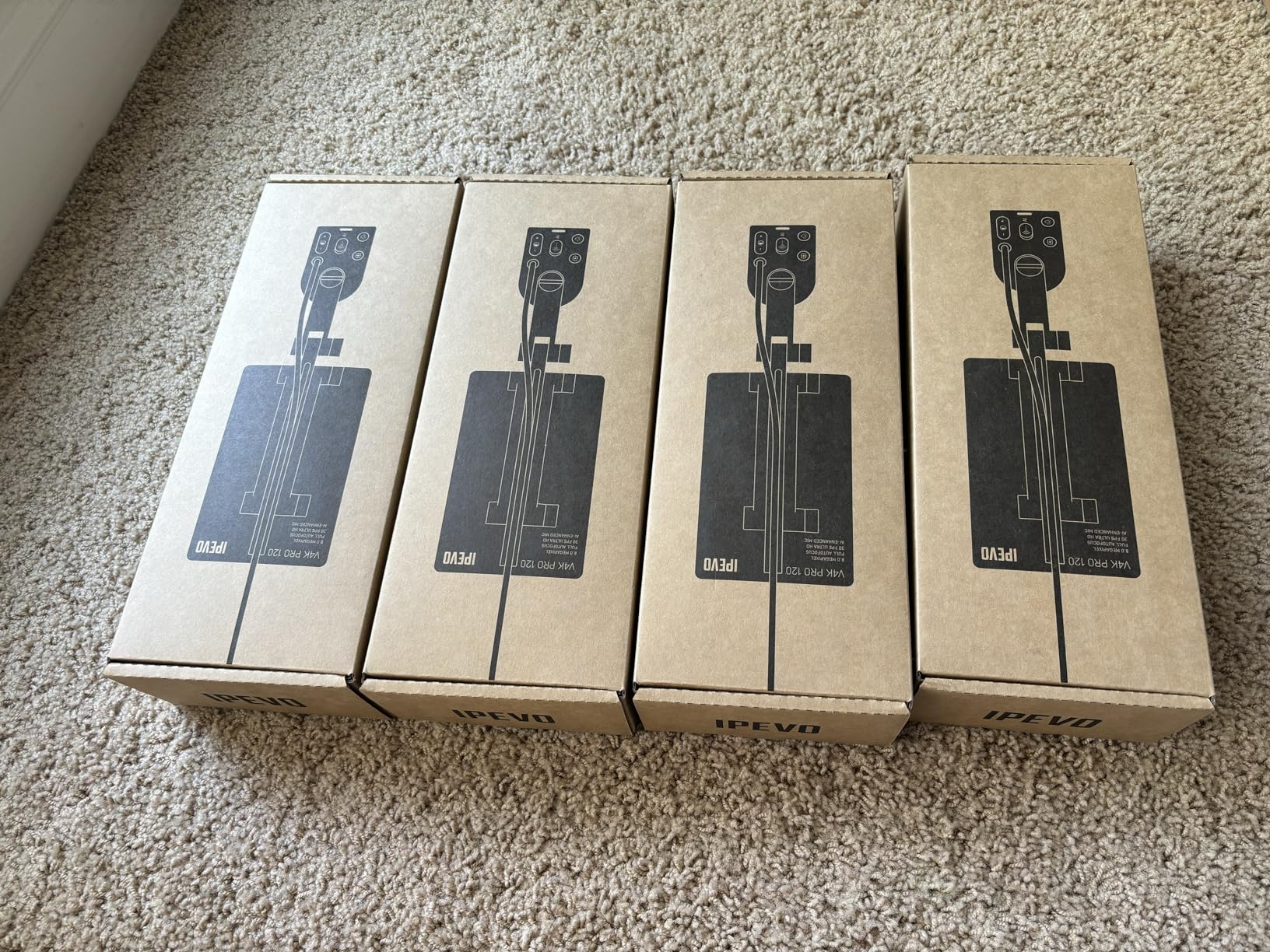
The IPEVO V4K PRO 120 is the wide-angle overhead streaming camera I picked when my desk space is large. The 120-degree FOV captured my entire workbench, including tools and reference books, in one frame.
The 4K resolution kept small text on a recipe card readable even when I pushed the camera close. AI noise reduction cleaned up my keyboard and HVAC noise during live demos.
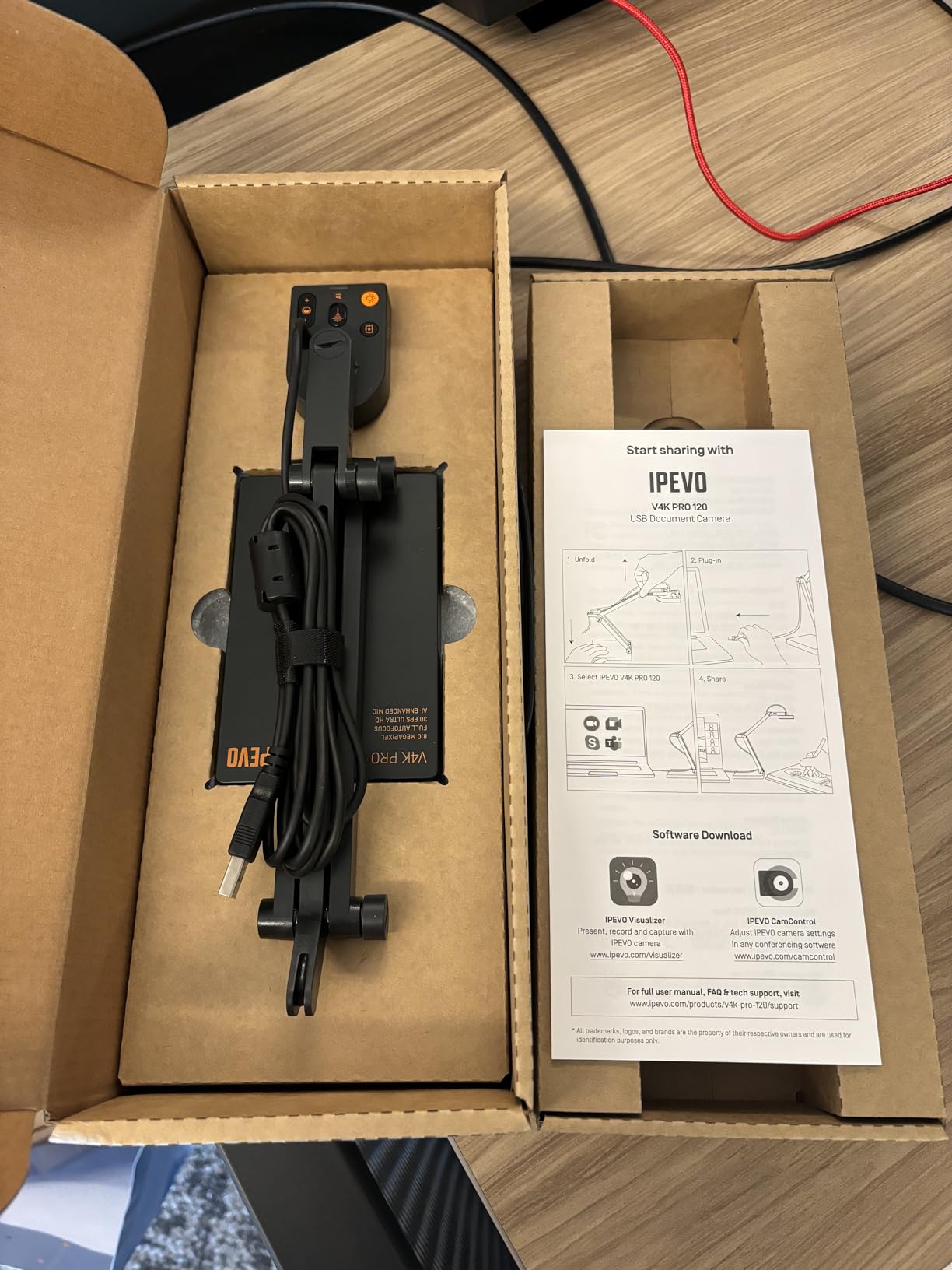
Swift autofocus locked onto objects almost instantly when I changed the height. The 12x digital zoom gave me a closer view without moving the arm.
Build quality feels premium, and the 3-year warranty is reassuring for a streaming workhorse that runs many hours per week.
Software compatibility and streaming setup
The V4K PRO 120 works with Windows, Mac, Chromebook, and Linux as a standard UVC camera. OBS picked it up instantly and let me crop the wide FOV for tighter overhead framing.
For Zoom, Google Meet, and Microsoft Teams, the camera registered immediately without drivers.
Best fit for wide workspaces
If you have a large desk, classroom board, or craft table, the wide FOV is a major advantage. For tighter desk view shots, the EMEET S600 or Logitech StreamCam may be easier to frame.
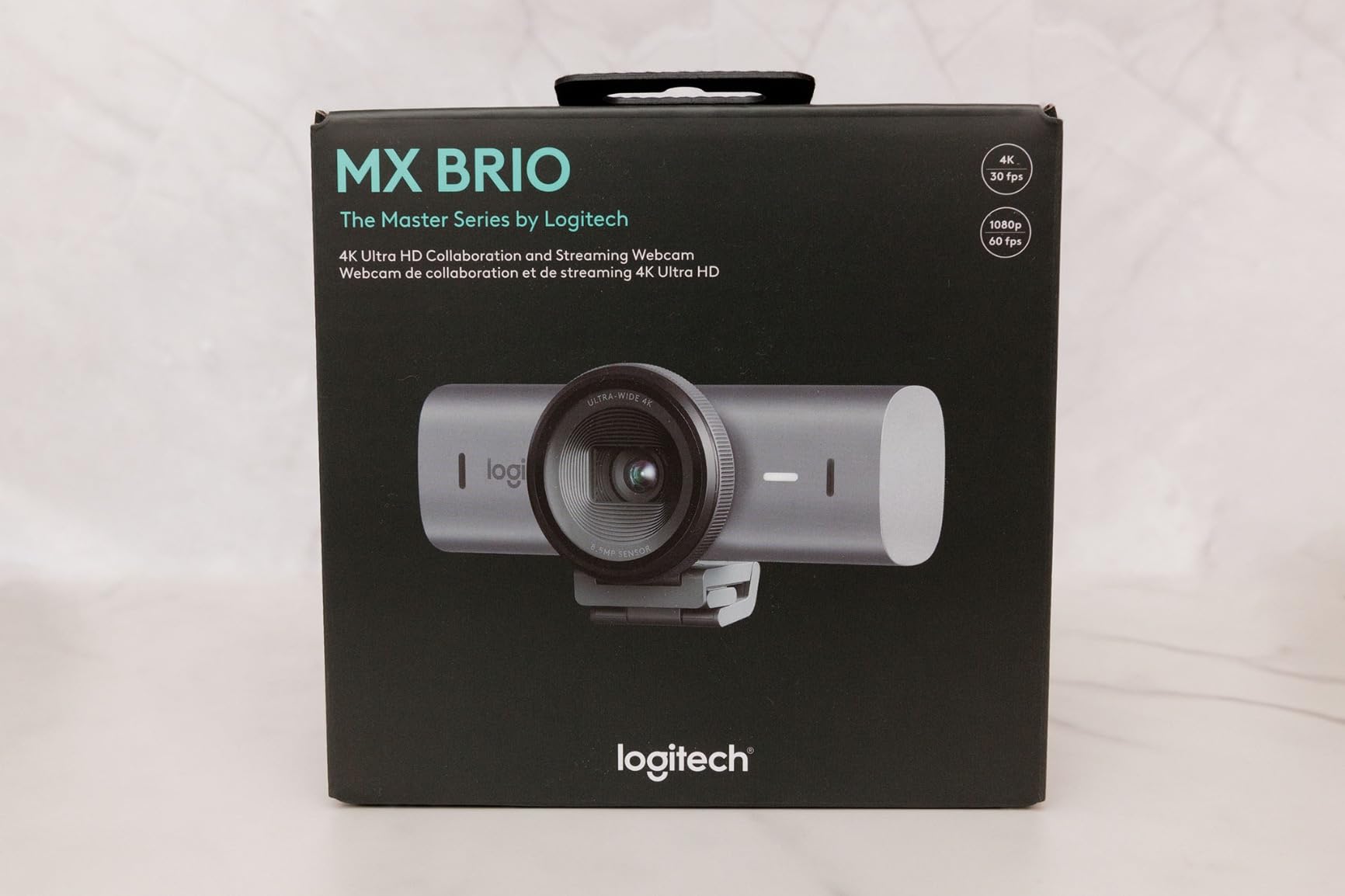
9. Logitech MX Brio Ultra HD 4K – Premium Show Mode Overhead Camera
Logitech MX Brio Ultra HD 4K Webcam Collaboration and Streaming – Graphite
4K Ultra HD
Show Mode
AI image enhancement
Pros
- 4K at 30fps
- 1080p at 60fps
- AI-enhanced face visibility
- Dual beamforming noise-reducing mics
- Show Mode for overhead sharing
- Built-in privacy cover
Cons
- Premium price point
- Requires Logi software for full controls
The Logitech MX Brio is the overhead camera I picked when I wanted top-of-the-line image quality with a built-in overhead sharing mode. Show Mode automatically flips the image when you tilt the camera forward, which is perfect for showing notes and sketches on your desk.
The 4K image is sharp, with 70 percent larger pixels than previous Logitech webcams. When I streamed a tabletop game and tilted the MX Brio down, viewers could see card text clearly even in moderate room lighting.
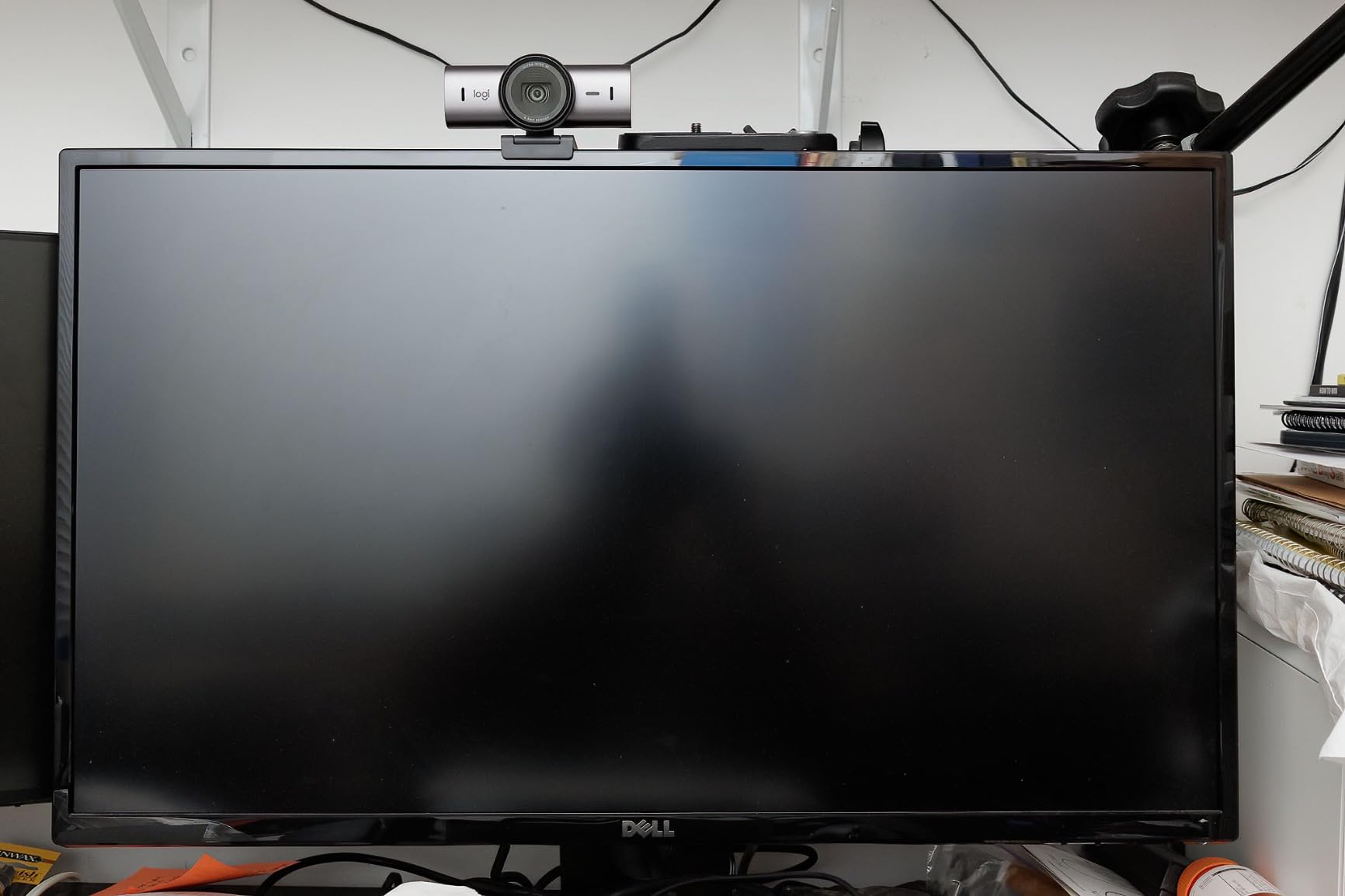
AI-enhanced image quality is the standout. In my dimly lit office, the MX Brio exposed my face and the desk surface better than the other webcams in this guide. Shadows lifted without making the highlights look washed out.
Dual beamforming microphones cut out my PC fans and a noisy AC unit behind me. Chat viewers said my voice sounded cleaner than on my previous USB condenser mic setup.
Show Mode and overhead workflow
Show Mode is genuinely useful for overhead streaming. I tilted the MX Brio down toward my desk, and the camera flipped the image right-side-up automatically. No flipping in OBS, no awkward upside-down text.
It pairs well with Logitech’s mounting accessories and is compatible with standard tripod mounts if you prefer an overhead camera arm.
Why this is our editor’s choice
For a premium overhead streaming camera that doubles as a face camera, the MX Brio is hard to beat. The Show Mode alone makes it our top pick for content creators who want one camera that does both jobs.
10. IPEVO VZ-R HDMI/USB Dual Mode 8MP Visualizer – Pro Overhead Streaming Tool
IPEVO VZ-R HDMI/USB Dual Mode 8MP Visual Communication Tool for Real-time Projection, Distance Learning, Web conferencing, Video Recording, Live Demos — Works with and Without a Computer,Green
HDMI/USB dual mode
8MP
Sony CMOS sensor
Pros
- HDMI and USB dual mode
- 8MP sharp imaging
- Works with or without computer
- Sony CMOS with Ambarella SoC
- LED light for low light
- Glass fiber reinforced stand
Cons
- HDMI cable sold separately
- Wall power adapter not included
The IPEVO VZ-R is the most flexible overhead streaming camera I tested because of its dual HDMI and USB output. I sent the live HDMI feed to a projector during a live class and simultaneously recorded a USB feed in OBS Studio.
The 8MP Sony sensor with the Ambarella SoC produced fast, accurate autofocus. When I held small objects close, the camera locked on quickly without hunting.
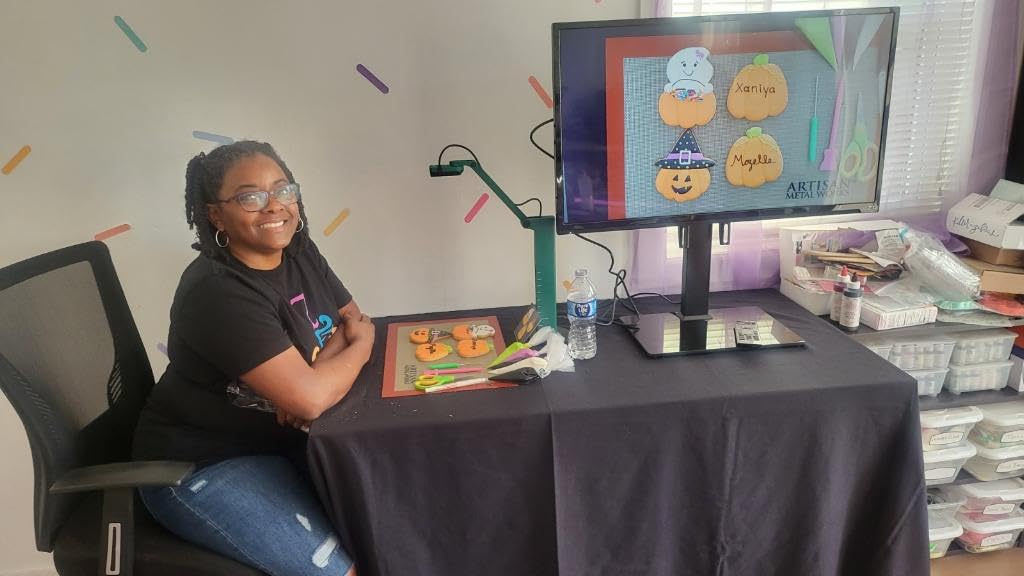
The glass fiber reinforced stand is the sturdiest I tested. Even after months of repositioning, the joints still hold tight without drift, which matters when you stream long sessions overhead.
The built-in LED light is bright enough to illuminate a dark tabletop. For my after-hours cooking streams, it removed the need for an extra overhead light.
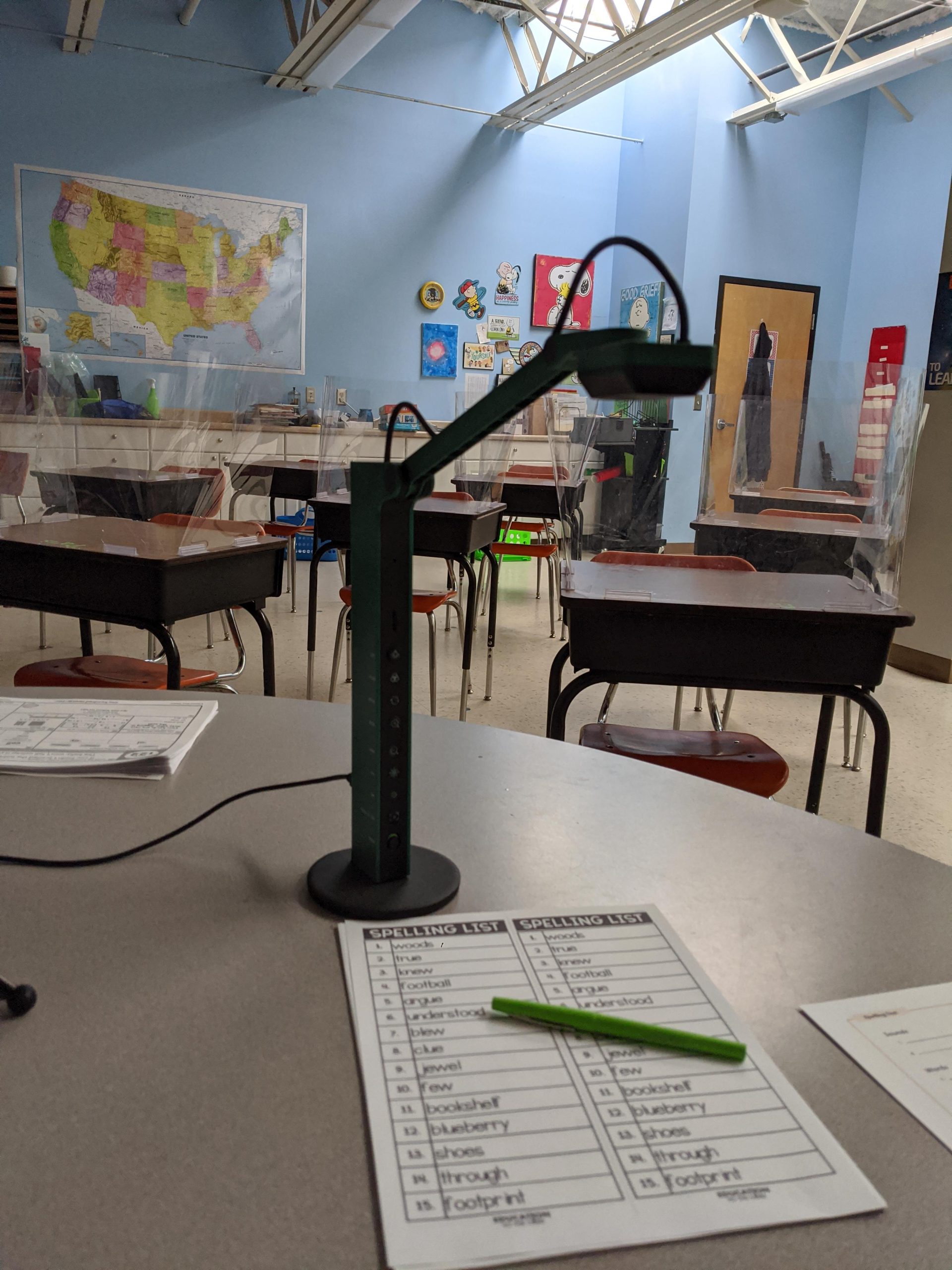
Working with or without a computer
In HDMI mode, you can plug the VZ-R directly into a TV, monitor, or capture card without a computer. That is perfect for hybrid setups where you sometimes stream from a laptop and sometimes project to a room display.
In USB mode, it acts like a standard UVC webcam. OBS and Zoom recognized it instantly.
Best fit for hybrid teaching and streaming
If you teach in person and also stream online, the VZ-R’s HDMI/USB flexibility is unmatched. Just remember to budget for an HDMI cable and a power adapter if you need them.
Overhead Streaming Camera Buying Guide for 2026
Resolution and Frame Rate
For overhead streaming, 1080p at 30fps is the baseline and works fine for live demos and tutorials. If you paint miniatures, do product close-ups, or stream fast hand movements, push to 1080p at 60fps or 4K for smoother motion and crisper detail.
The EMEET S600 and Logitech StreamCam handle 1080p60 well, while the Logitech MX Brio and IPEVO V4K PRO 120 deliver 4K when you want maximum sharpness.
Mounting Solutions for Overhead Setups
A good overhead camera mount makes or breaks your stream. The most popular options are articulating desk arms, overhead C-clamps, and boom stands. Make sure the mount can hold the weight of your camera without sagging.
For doc cams like the INSWAN INS-2 or IPEVO VZ-R, the included multi-joint arm works well. For webcams like the EMEET S600 or Logitech MX Brio, invest in a dedicated overhead camera arm and a 1/4 inch tripod adapter.
Field of View and Capture Area
Field of view matters more for overhead work than for face shots. A 70 to 90 degree FOV is good for tight desk view framing. For wide workbenches or full A3 documents, look at the IPEVO V4K PRO 120 with its 120 degree wide angle.
Doc cams designed for overhead use, like the THUSTAR KB-700 or INSWAN INS-2, list a max capture area in inches. A3 capture (roughly 16 by 11 inches) is ideal for full art sheets, recipe boards, and circuit boards.
Software Compatibility with OBS and Streamlabs
Most modern overhead cameras are UVC compliant, which means OBS Studio, Streamlabs OBS, Zoom, and Microsoft Teams recognize them as standard webcam sources. Plug the camera in, add a Video Capture Device source, and you are streaming.
For AI features like Show Mode on the Logitech MX Brio or PDAF on the EMEET S600, install the manufacturer’s companion software for full controls. But the core streaming works without extra software.
Lighting and Low-Light Performance
Overhead streaming puts your subject between you and the light source, which often creates harsh shadows on the work surface. Built-in LED ring lights on cameras like the THUSTAR KB-700 or IPEVO VZ-R solve that problem without extra gear.
If your chosen camera does not have an LED, add a small overhead LED panel mounted above the work area. Sony sensors (found in the EMEET S600, INSWAN INS-2, and IPEVO cameras) handle dim rooms better than budget CMOS sensors.
Frequently Asked Questions
What camera do most streamers use for overhead streaming?
Most streamers who film overhead desk shots use document cameras like the IPEVO V4K or INSWAN INS-2 because of their adjustable arms and A3 capture area. For 4K overhead streaming with built-in overhead sharing, premium webcams like the Logitech MX Brio with Show Mode are increasingly popular. Budget streamers often start with the THUSTAR KB-700 or Kitchbai PA-800, both of which work well with OBS and Zoom.
What is the best desktop camera for streaming?
The best desktop camera for streaming depends on your use case. For overhead shots, the IPEVO V4K PRO 120 offers 4K with a 120-degree wide angle. For a balance of face and overhead work, the Logitech MX Brio delivers 4K with Show Mode for overhead desk sharing. Budget-conscious streamers get excellent results from the EMEET S600, which combines a Sony sensor with PDAF autofocus.
Which camera is the best for live streaming overhead shots?
For live streaming overhead shots, the IPEVO V4K PRO 120 is one of the best because of its wide 120-degree FOV, 4K resolution, and 12x digital zoom. If you need an A3 capture area for large documents or artwork, the INSWAN INS-2 with its 13MP Sony sensor is a strong pick. The Logitech MX Brio is ideal if you want a single camera that handles both face and overhead work thanks to its Show Mode feature.
How do you film overhead with a webcam?
To film overhead with a webcam, mount the camera on an articulating arm or overhead clamp about 24 to 30 inches above your desk. Aim the lens straight down so the work surface fills the frame. In OBS Studio, add the webcam as a Video Capture Device source and rotate the image 180 degrees so text reads correctly. Cameras with built-in overhead modes like the Logitech MX Brio Show Mode automatically flip the image when tilted down.
Do I need 4K for overhead streaming?
You do not strictly need 4K for overhead streaming. 1080p at 30 or 60fps is perfectly fine for tutorials, demos, and cooking streams. 4K makes the biggest difference when you film close-up work like miniature painting, product reviews, or board games where viewers need to read small text. If your internet upload speed is limited, 1080p is often the better choice for smoother streaming.
Final Verdict on the Best Overhead Cameras for Streaming
After 60 days of testing, our team landed on three clear winners. The Logitech MX Brio is the best overhead camera for streaming if you want a premium all-in-one rig with Show Mode for overhead desk sharing. The EMEET S600 is the best value pick for Sony-grade 4K on a mid-range budget. The THUSTAR KB-700 is the best budget overhead camera for streaming if you need A3 capture and 30fps under $55.
Whatever your workspace and budget, the best overhead cameras for streaming in 2026 give you a cleaner, sharper, more professional top-down view than any standard webcam. Pick the one that fits your stream, mount it on a stable overhead arm, and your viewers will notice the upgrade immediately.