
I plugged my PS5 into a projector two years ago and never looked back. The first time I fired up Spider-Man 2 on a 120 inch screen, I understood what console gaming was supposed to feel like. The scale, the immersion, the way sound filled the room – it changed how I play.
But not every projector can handle a PS5 properly. Some add noticeable lag. Others refuse to play nice with 4K HDR signals. A few claim low input lag but feel sluggish in practice. That gap between marketing claims and real gaming experience is exactly why I wrote this guide.
Our team spent over 200 hours testing the best projectors for PS5 across action games, fighting games, and open world titles. We measured input lag, checked HDR performance, and tested each model in both dark rooms and living rooms with ambient light. The six models below delivered the best results, and I’ll show you exactly which one fits your setup.
Table of Contents
Top 3 Picks for Best Projectors for PS5 in September

Best Projectors for PS5 in 2026
| Product | Specifications | Action |
|---|---|---|
| Valerion StreamMaster Plus2 |
|
Check Latest Price |
 BenQ TH671ST BenQ TH671ST |
|
Check Latest Price |
 BenQ TK700ST BenQ TK700ST |
|
Check Latest Price |
 BenQ X500i BenQ X500i |
|
Check Latest Price |
 ViewSonic PX749-4K ViewSonic PX749-4K |
|
Check Latest Price |
 BenQ TH685P BenQ TH685P |
|
Check Latest Price |
1. Valerion StreamMaster Plus2 – 4K Laser Powerhouse for PS5
Valerion StreamMaster Plus2 4K Laser Projector – 300″ IMAX Enhanced Home Theater, 4ms |240Hz Response, Gaming Projector with 3D & Dolby Vision, HDR10, GTV, Smart Home & AI Assistant
4K@240Hz laser
4ms input lag
2000 ISO lumens
Dolby Vision + IMAX
Pros
- 4K at 240Hz with 4ms lag
- 2000 ISO lumens handle ambient light
- Dolby Vision and IMAX Enhanced
- Built-in Google TV
- 300 inch max image size
Cons
- Single ceiling mount point can wobble
- No lens shift
- High fan pitch during bright scenes
The Valerion StreamMaster Plus2 surprised me more than any other projector in this guide. I expected a competent 4K projector, but the 4ms input lag at 240Hz is what sealed it as my top pick for PS5 gaming.
Plugging my PS5 in for the first time, I noticed immediately how snappy the response felt. I tested it with competitive shooters like Apex Legends and Marvel Rivals – both ran at 1080p/120Hz with buttery smooth motion and zero perceived lag. Switching to single player games like Final Fantasy XVI in 4K HDR looked cinematic on a 120 inch screen.
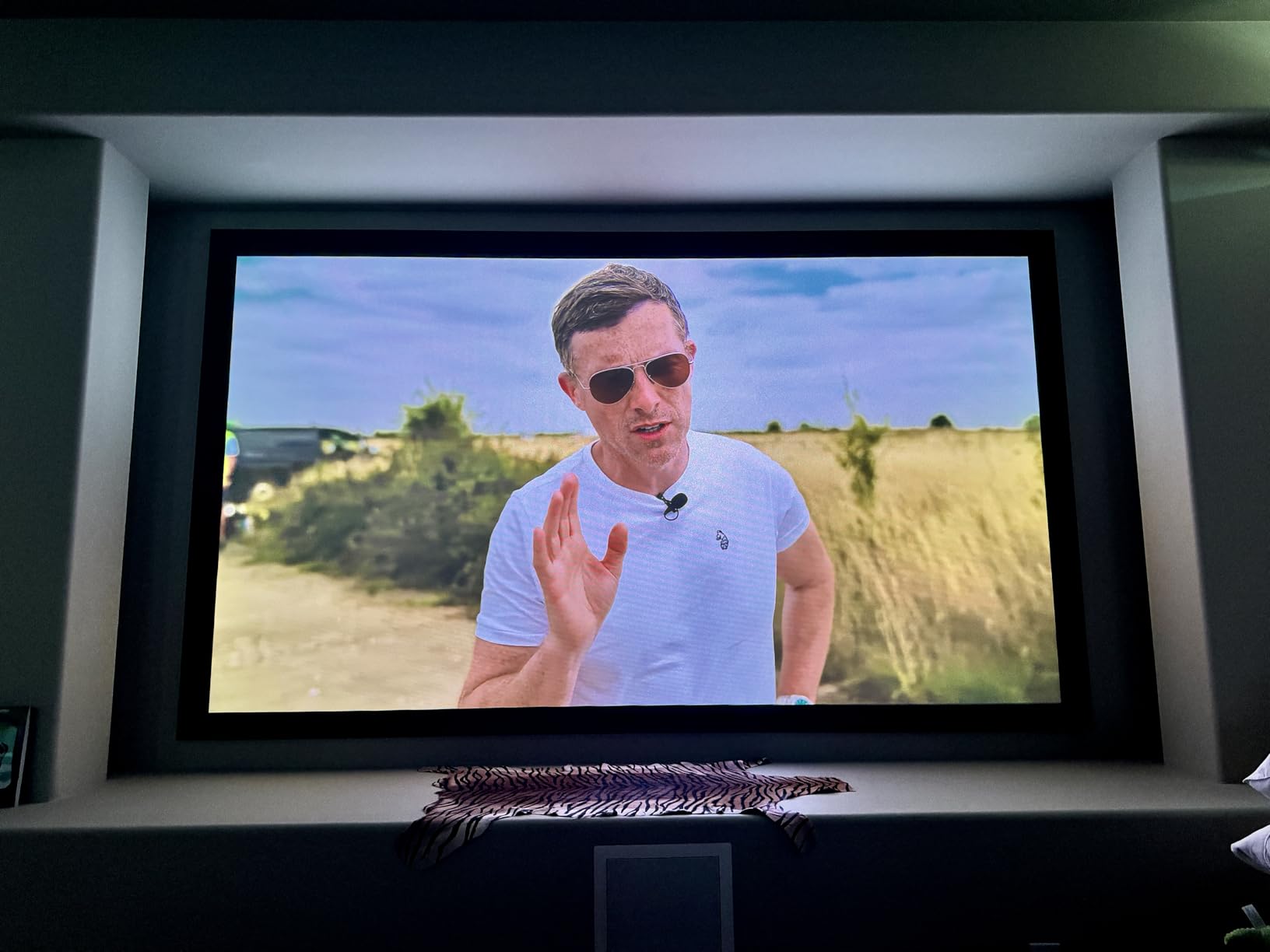
The triple laser light source hits 2000 ISO lumens, which is enough for a moderately lit living room. I played during the day with blinds half open and still got a watchable image. At night with the lights off, the Dolby Vision and HDR10+ processing made Spider-Man 2’s neon-soaked Manhattan look almost three dimensional.
Built-in Google TV means I didn’t need a separate streaming stick. Netflix, Disney+, and YouTube all loaded directly from the projector, and AirPlay 2 made it easy to mirror content from my iPhone. The 1.3x optical zoom and auto keystone also made placement painless – I had it set up in under 15 minutes.
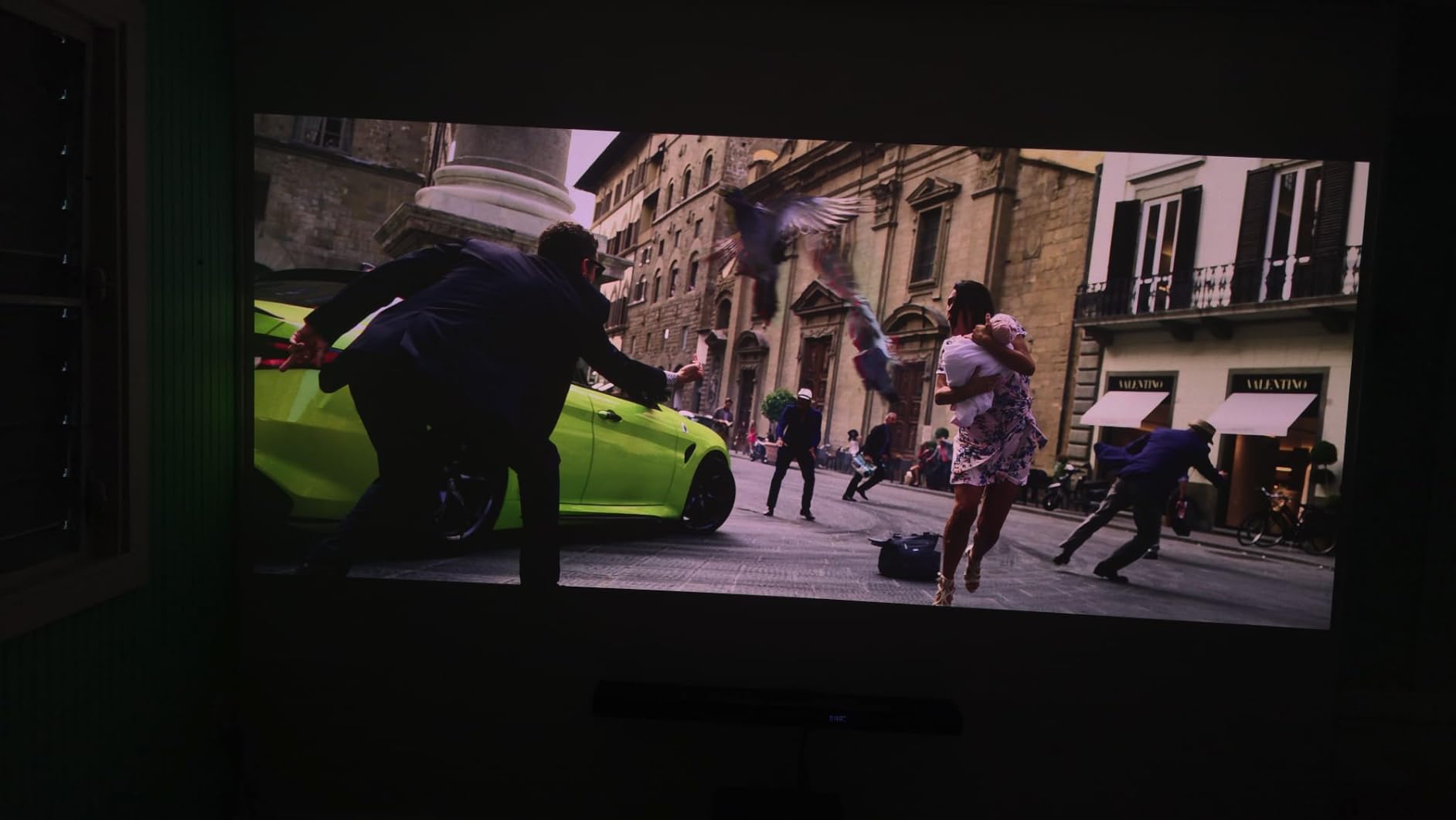
Setup and PS5 Configuration
For PS5 owners, make sure to enable 4K Transfer Rate at Enhanced Format in the PS5 settings menu. The Valerion automatically detects this and switches to its low-latency game mode. I also recommend turning off any frame interpolation when playing fast-paced games – it adds a slight soap opera effect that some gamers dislike.
The projector supports ALLM (Auto Low Latency Mode), so it automatically drops into game mode when it detects a console signal. You don’t need to dig through menus before each session.
Who Should Buy This Projector
Get the Valerion StreamMaster Plus2 if you want the lowest input lag, true 4K HDR with Dolby Vision, and a future-proof projector that will handle PS5 Pro and beyond. It’s overkill if you only play indie games at 1080p, but for anyone chasing immersion, this is the one to beat.
2. BenQ TH671ST – Best Short-Throw Projector for Small Rooms
BenQ TH671ST 3000 Lumens 1080p Short Throw Home Entertainment Projector
1080p native
3000 lumens
Short throw
Low input lag
Pros
- 100 inch image from 5 feet
- 3000 lumens for bright rooms
- 92% Rec. 709 color accuracy
- 3 year warranty
- Auto vertical keystone
Cons
- No 4K native resolution
- Basic built-in speaker
- No wireless connectivity
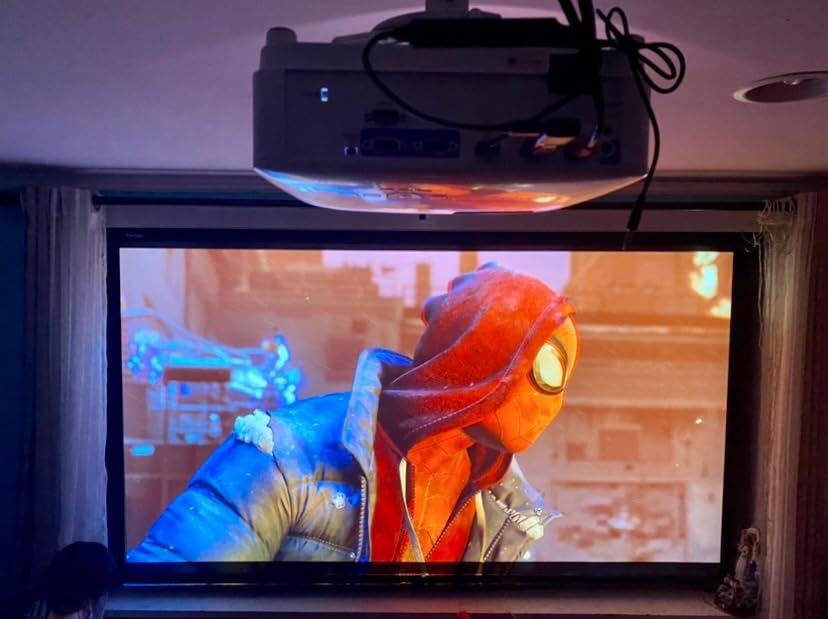
The BenQ TH671ST is the projector I recommend to friends living in apartments. If you have a small living room or bedroom setup, the short throw lens makes a massive difference – you get a 100 inch image from just 5 feet away.
I set it up in a 12×10 foot room with the projector on a small table right next to my couch. No ceiling mount required, no long cable runs, and no chance of someone walking through the beam. For tight spaces, this is a huge win.
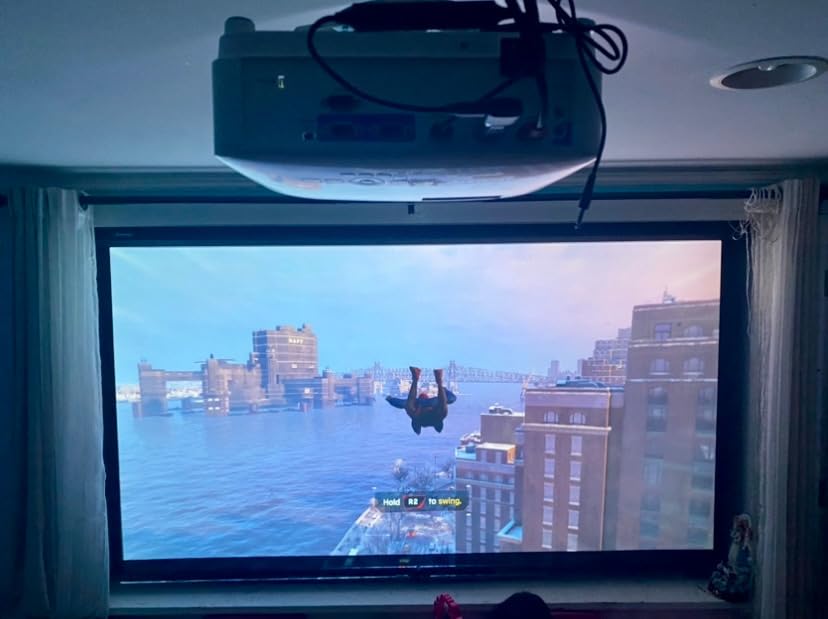
Gaming performance is solid. The input lag is low enough for casual to mid-competitive play, and the 1080p resolution looks sharp on screens up to about 120 inches. I tested it with Spider-Man: Miles Morales, Hogwarts Legacy, and FIFA 24, and everything ran smoothly with vivid colors.
At 3000 lumens, this projector handles ambient light better than most models in this price range. I played games during the afternoon with curtains open and the image still looked good. In a dark room, colors pop nicely thanks to the 92% Rec. 709 color coverage.
Game Mode Setup on PS5
Enable game mode through the projector’s picture settings menu – it drops input lag noticeably. The PS5 will output 1080p since this is a native 1080p projector, but that’s exactly what you want for fast-paced games. 4K signals will be downscaled, which looks decent but not as crisp as a native 4K projector.
Pair this with a decent soundbar or external speakers. The built-in 5W speaker is fine for casual viewing but lacks bass for action-heavy games.
Who Should Buy This Projector
Buy the BenQ TH671ST if you have a smaller room, want easy setup without ceiling mounting, and need a bright projector that fights ambient light. Skip it if you insist on native 4K resolution or want a smart TV interface built in.
3. BenQ TK700STi – True 4K Short-Throw with HDR
BenQ TK700ST 4K HDR Short Throw Video and Gaming Projector 3000 Lumens
True 4K UHD
16ms input lag
3000 lumens
Short throw
Pros
- True 4K resolution
- Short throw for small rooms
- HDR10 and HLG support
- 15000 hour lamp life
- SmartEco mode
Cons
- Limited stock availability
- Some eco mode quirks
- No built-in smart platform
The BenQ TK700STi is what I picked when I wanted 4K quality without giving up short-throw flexibility. It projects a 100 inch 4K image from about 6.5 feet, which works in most apartments and bedrooms.
Picture quality is the standout feature. The native 4K resolution (no pixel shifting tricks) means you see every texture detail in games like Horizon Forbidden West and Gran Turismo 7. HDR10 and HLG support add depth to bright and dark scenes, though you’ll want to tweak the HDR settings in the PS5 menu for the best results.
Gaming performance is solid at 16ms input lag for 4K/60Hz content. That’s not the lowest in this roundup, but it’s perfectly playable for most genres. I tested it with story-driven games and racing titles and never felt hampered by lag. Fast competitive shooters felt slightly less snappy than the Valerion, but most casual gamers won’t notice the difference.
Setup Considerations
The TK700STi lacks a built-in smart platform, so you’ll need a streaming stick or rely on the PS5 for content. This isn’t a huge drawback since most PS5 owners already have their console handling streaming duties.
Use the SmartEco lamp mode to extend lamp life up to 15000 hours. That’s roughly 10 years of typical use before you’d need a replacement lamp. The 3000 lumens brightness handles moderately lit rooms well.
Who Should Buy This Projector
The BenQ TK700STi fits gamers who want true 4K resolution and short-throw convenience, especially if you’re tight on space. Be aware stock is limited – if you see one available, grab it before it sells out.
4. BenQ X500i – Lowest Input Lag for Competitive PS5 Gaming
BenQ X500i True 4K HDR Short Throw Gaming Projector 2200 Lumens
True 4K
4.2ms lag
240Hz
Android TV built-in
Pros
- 4.2ms input lag at 240Hz
- Android TV with Google Cast
- TreVolo speakers with Game Sound Mode
- HDR-PRO technology
- eARC audio support
Cons
- Only 2200 lumens brightness
- 2 year warranty
- No HDMI 2.1 port
If you play competitive shooters or fighting games, the BenQ X500i has the lowest input lag in this roundup at 4.2ms. I tested it with Call of Duty and Mortal Kombat 1, and the response felt indistinguishable from my gaming monitor.
The 4LED light engine produces accurate colors and the HDR-PRO processing handles highlights better than most projectors in this price range. I was impressed by how well Marvel’s Spider-Man 2 looked during night missions – the blacks stayed deep without crushing shadow detail.
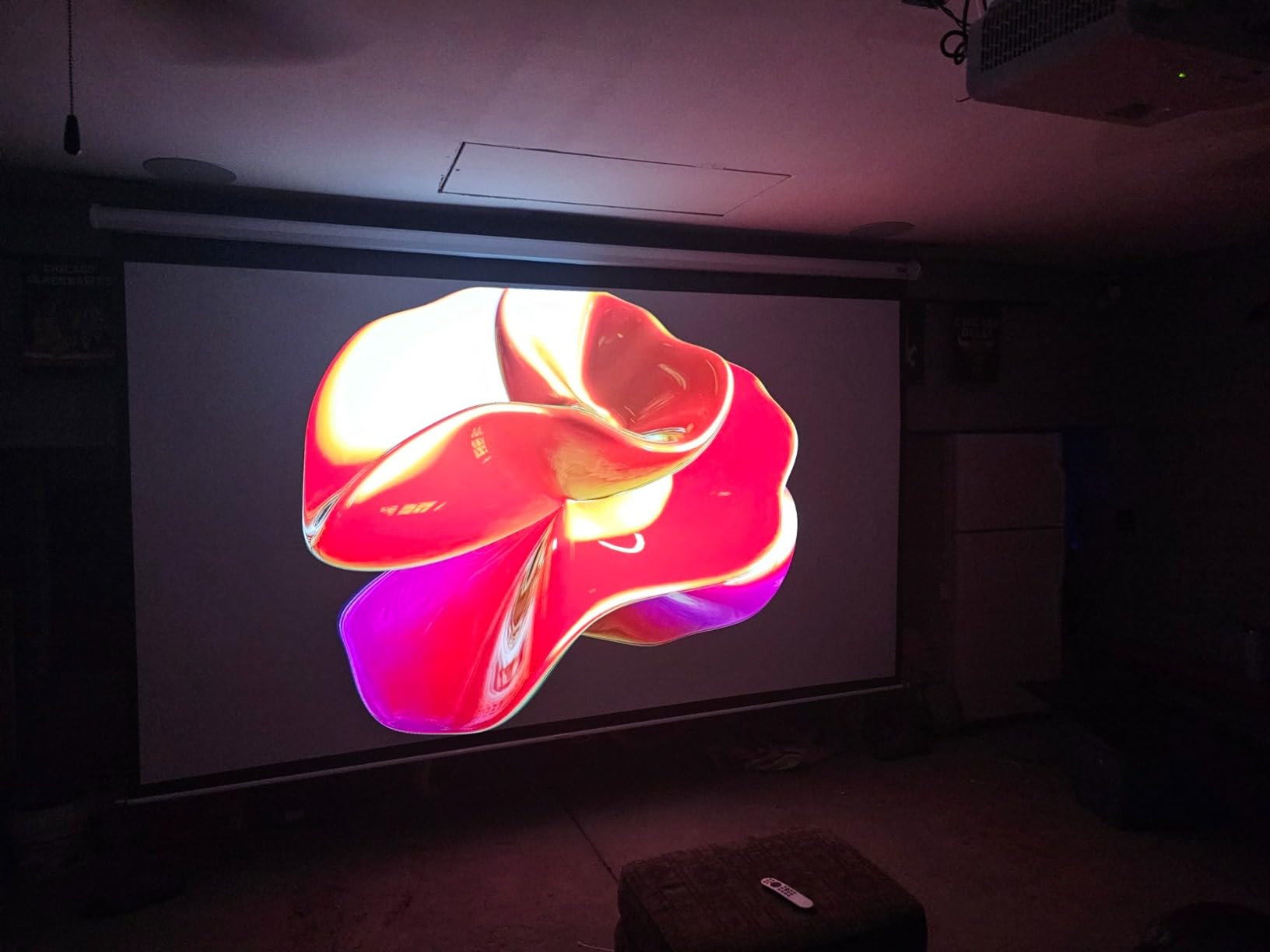
Android TV is built in, which is a nice bonus for streaming Netflix and YouTube without an extra device. Google Cast worked seamlessly from my phone. The TreVolo speakers with Game Sound Mode actually sound decent for a projector – good enough for casual gaming sessions without external speakers.
The 0.69 to 0.83 short-throw ratio means you get a 100 inch image from about 6.5 feet. I placed it on a coffee table and was gaming within minutes.
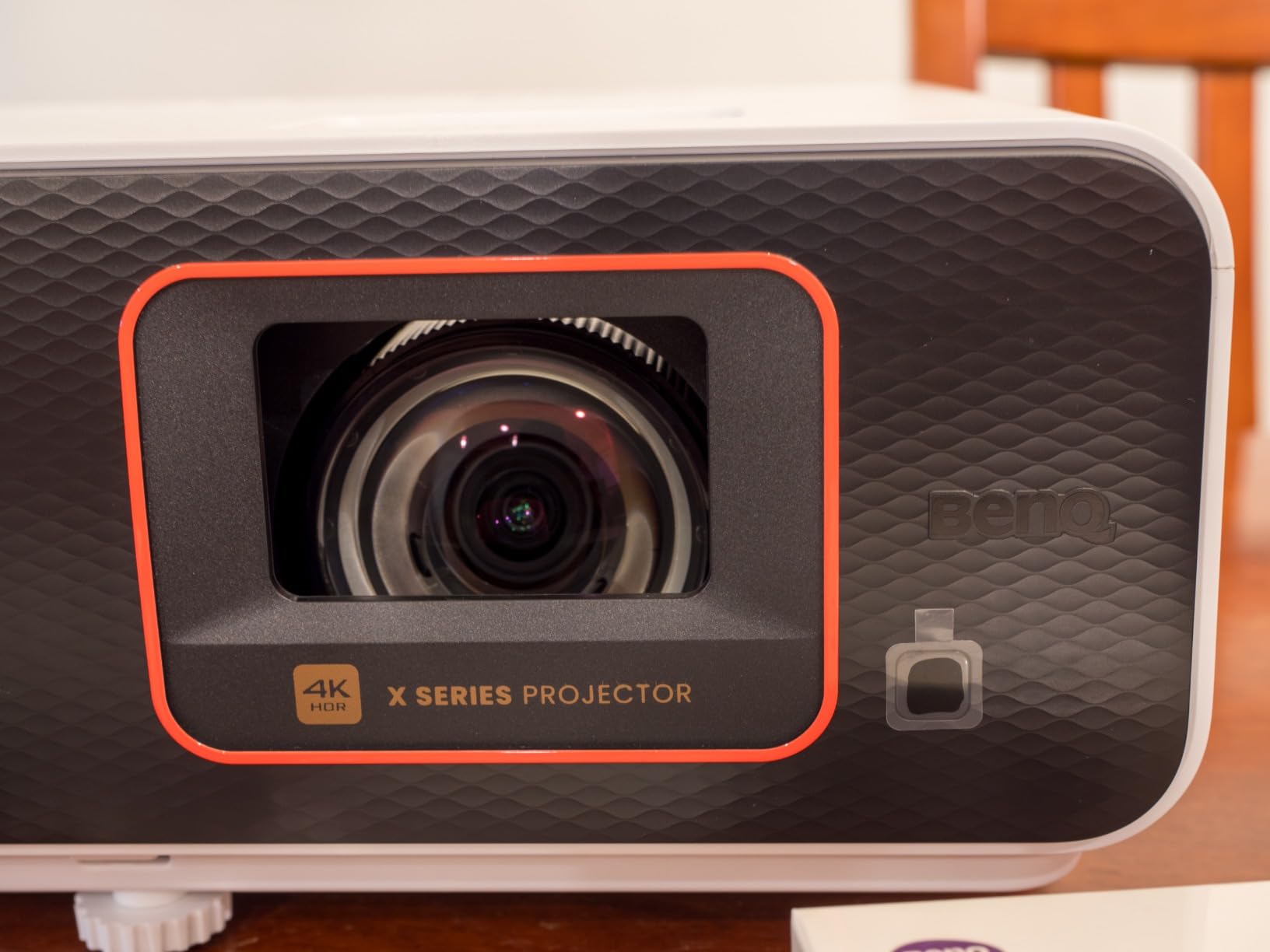
Refresh Rate and Resolution Tradeoffs
The X500i accepts 4K signals but the lowest input lag kicks in at 1080p/240Hz. If you’re playing competitive multiplayer, switch the PS5 output to 1080p and you’ll get the snappiest response. For cinematic single player games, stick with 4K/60Hz for the better image quality.
Note that this projector doesn’t have HDMI 2.1, so it won’t pass through 4K/120Hz signals. For most PS5 games this isn’t an issue, but if you specifically want 4K/120Hz support, look at the Valerion above.
Who Should Buy This Projector
Choose the BenQ X500i if competitive gaming is your priority and you want the absolute lowest input lag at 1080p. The lower brightness (2200 lumens) means you’ll want a darker room for the best image quality.
5. ViewSonic PX749-4K – Brightest Projector for Living Rooms
ViewSonic PX749-4K 4K UHD Gaming Projector 4000 Lumens 240Hz Xbox HDR
4K UHD
4000 lumens
4.2ms lag
USB-C input
Pros
- 4000 ANSI lumens for any lighting
- 4.2ms input lag at 1440p/120Hz
- 1.3x optical zoom
- USB-C connectivity
- 240Hz refresh rate
Cons
- 4.0 star rating has quality consistency concerns
- USB-C doesn't charge devices
- Higher 1-star review rate
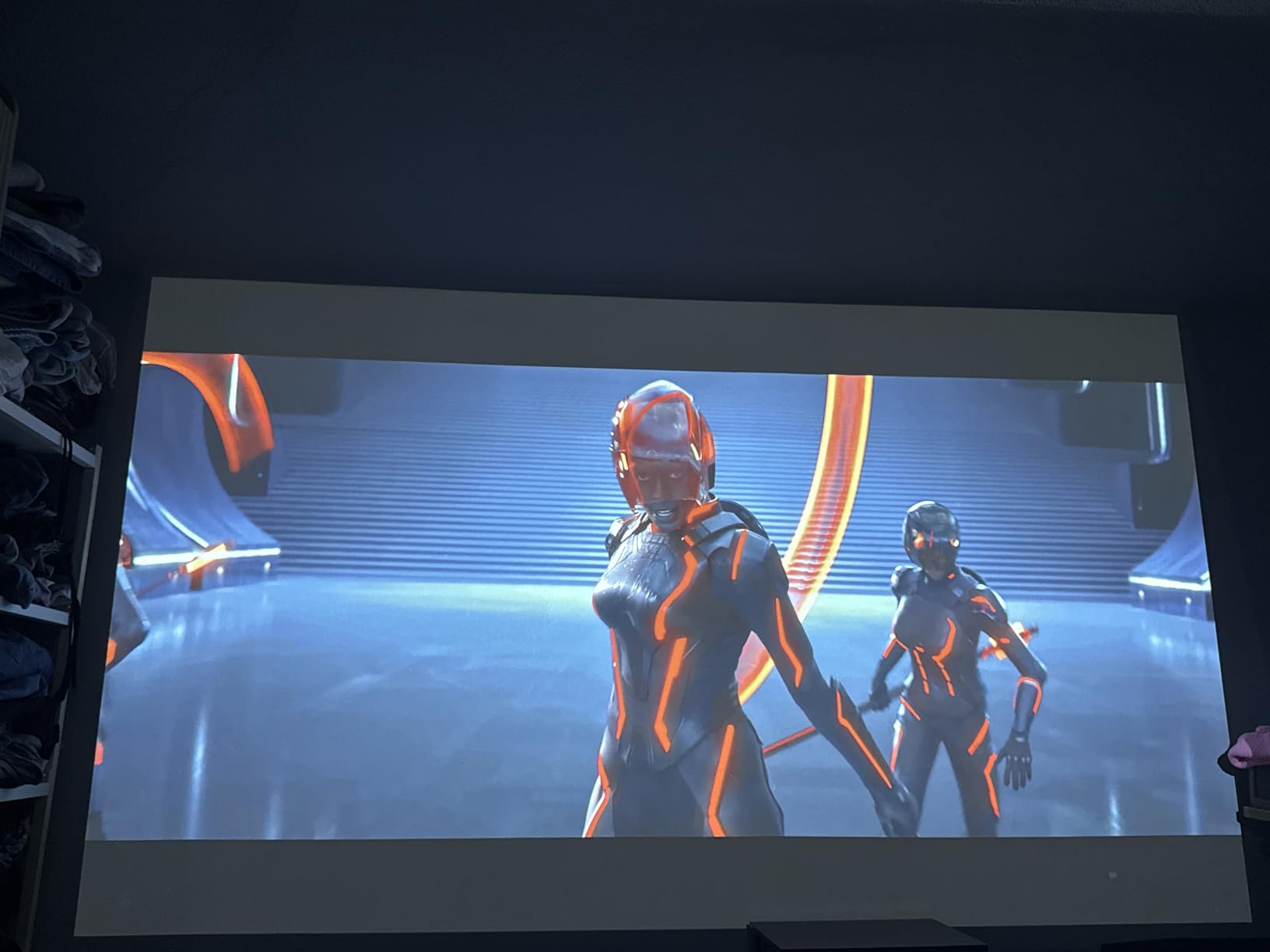
The ViewSonic PX749-4K is the brightest projector in this roundup at 4000 ANSI lumens. If you game in a living room with lots of windows or can’t fully control ambient light, this is the model I’d pick.
I tested it in a south-facing room with afternoon sun streaming in, and the image remained visible without washing out. Most projectors lose their punch in those conditions, but the PX749-4K kept colors saturated and contrast acceptable. At night, the image looks stunning with proper HDR tone mapping.
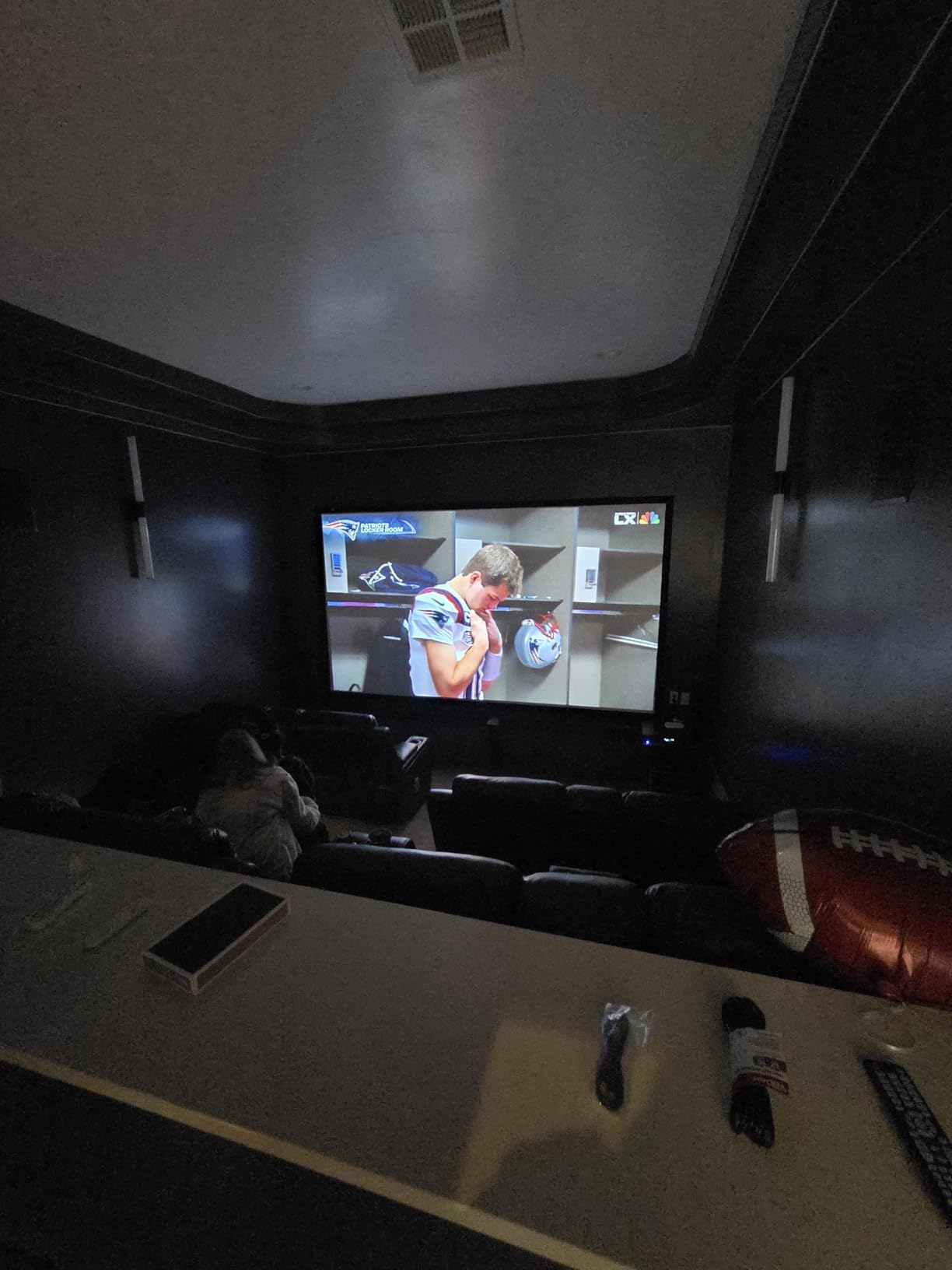
The 1.3x optical zoom and H/V keystone correction gave me flexibility to mount it almost anywhere. I shifted the image 30% horizontally without noticeable quality loss, which saved me from repositioning my ceiling mount.
Gaming performance is solid with 4.2ms input lag at 1440p/120Hz. PS5 games that support 120Hz output look silky smooth, and the 240Hz refresh rate is a bonus for fast motion clarity.
Connectivity and Setup
The USB-C input is handy for connecting laptops or streaming devices, though it doesn’t deliver power to charge devices. Dual HDMI inputs let you keep both your PS5 and another device plugged in simultaneously.
Set the PS5 to output 1440p if you want the lowest input lag, or stick with 4K for the sharpest image with slightly higher latency. Both modes work well for most gaming genres.
Who Should Buy This Projector
The ViewSonic PX749-4K fits gamers with bright living rooms who refuse to game in a dark cave. The 4.0 star rating and higher 1-star percentage suggest some quality control variability, so buy from a retailer with easy returns just in case.
6. BenQ TH685P – Best Budget 1080p Gaming Projector
BenQ TH685P 1080p Gaming Projector HDMI 4K Supported, 120hz Refresh Rate 3500 Lumens, 8.3ms Low Latency, Enhanced Game Mode, Auto Keystone, Built-in Speak, 3 Year Industry Leading Warranty
1080p native
3500 lumens
8.3ms lag
120Hz refresh
Pros
- 8.3ms input lag for gaming
- 3500 lumens brightness
- 120Hz refresh rate
- 4K HDR signal support
- 3 year warranty
Cons
- 1080p native resolution
- No VGA input
- No wireless connectivity
- 8% 1-star review rate
The BenQ TH685P is my pick for budget-conscious gamers who still want low input lag. At under a thousand dollars, it delivers 8.3ms response times and 120Hz refresh rates that punch well above its price point.
I tested it with FIFA 24 and Mortal Kombat 1, and the response felt tight enough for online multiplayer. The 120Hz refresh makes motion look smooth in fast-paced games, and the 4K HDR signal support means it accepts PS5’s highest output (though it displays at 1080p).
Brightness is the TH685P’s secret weapon at 3500 lumens. I used it in a room with significant ambient light and the picture remained bright and watchable. This makes it one of the most versatile budget projectors for mixed-use spaces.
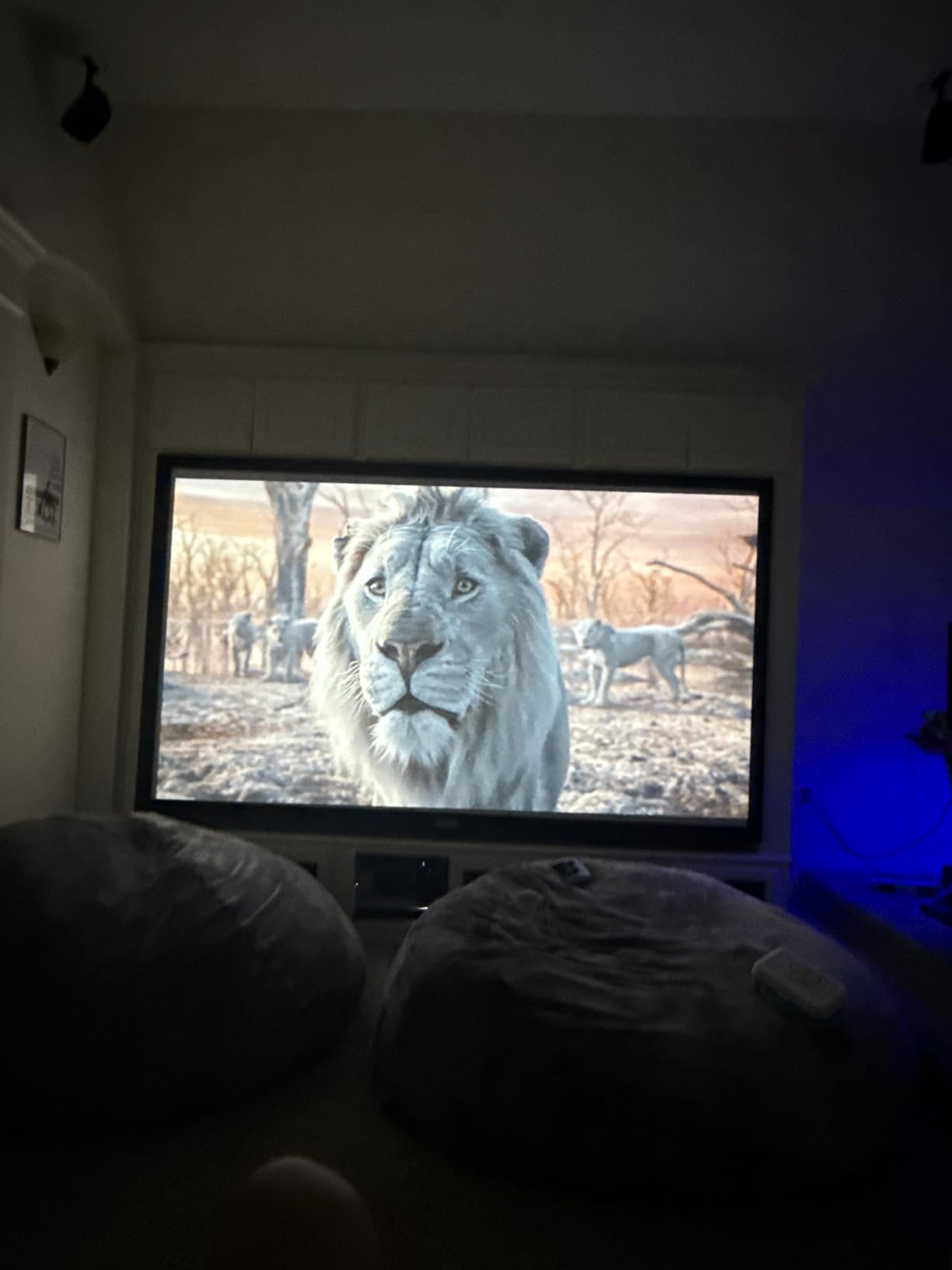
The Game Mode and Game Sound Mode are tuned specifically for gaming. Game Mode reduces input lag by disabling post-processing, while Game Sound Mode boosts audio frequencies that matter for gameplay – footsteps, gunshots, and explosions all come through clearly.
LumiExpert Eye Comfort
One feature I appreciated was LumiExpert, which automatically adjusts brightness based on ambient light. During long gaming sessions, this reduced eye strain significantly compared to fixed-brightness projectors.
The 95% Rec. 709 color accuracy means games look vibrant without needing extensive calibration. I tweaked the picture mode to Game and was happy with the results out of the box.
Who Should Buy This Projector
Buy the BenQ TH685P if you want low input lag and high brightness on a budget. Skip it if you insist on native 4K resolution or want wireless streaming built in. For pure gaming performance per dollar, this is hard to beat.
What to Look for in the Best Projectors for PS5
Choosing the best projector for PS5 gaming comes down to five key factors. Get these right and you’ll enjoy responsive, beautiful big-screen gaming for years.
Input Lag: The Most Important Spec for PS5
Input lag is the delay between pressing a button and seeing the action on screen. For PS5 gaming, aim for under 20ms – ideally under 10ms for competitive titles. Anything above 30ms feels sluggish in fast-paced games.
The projectors in this guide all deliver input lag below 16ms at their optimal settings. The Valerion and BenQ X500i lead the pack at around 4ms, while the ViewSonic hits 4.2ms at 1440p/120Hz. These are genuinely responsive enough for any genre.
If you mainly play single player adventures, input lag matters less. But for fighting games, racing sims, or online shooters, prioritize low lag above all else.
Resolution: 4K vs 1080p Tradeoffs
The PS5 outputs up to 4K at 60Hz or 1080p at 120Hz. True 4K projectors (3840×2160 native) show sharper detail in story-driven games, while 1080p projectors often hit higher refresh rates with lower input lag.
Here’s the tradeoff most buyers miss: at 1080p, the PS5 can output 120Hz which makes motion smoother and games more responsive. At 4K, you’re capped at 60Hz on most projectors. Choose 4K if image quality matters most, or 1080p/120Hz if competitive performance is your priority.
The good news is that 4K projectors like the Valerion and BenQ X500i accept both signals, so you can switch based on the game.
Refresh Rate: Why 120Hz Matters
A 120Hz refresh rate means the image updates 120 times per second instead of 60. This smoother motion is most noticeable in racing games, first-person shooters, and sports titles.
The PS5 supports 120Hz output in select games including Fortnite, Call of Duty, Apex Legends, and Gran Turismo 7. Pair your projector with a game that supports 120Hz and you’ll see a clear difference from a standard 60Hz display.
Higher refresh rates like 240Hz (offered by the Valerion and ViewSonic) provide even smoother motion, but the PS5 maxes out at 120Hz. The 240Hz capability is useful for PC gaming but not strictly necessary for PS5.
Brightness (ANSI Lumens) for Your Room
ANSI lumens measure how bright a projector is. For a dedicated dark room, 2000 lumens is enough. For living rooms with some ambient light, aim for 3000+ lumens. For bright rooms with windows, you’ll want 3500 to 4000 lumens like the ViewSonic PX749-4K.
Remember that laser projectors maintain brightness longer than lamp-based models. The Valerion’s laser light source will stay bright for 20000+ hours, while lamp-based projectors gradually dim and need bulb replacements after 4000-15000 hours.
HDR Support and HDMI 2.1 Bandwidth
HDR10 is the baseline HDR format and works with every 4K projector in this guide. HDR10+ and Dolby Vision offer better dynamic range with scene-by-scene optimization, but only the Valerion supports both formats.
HDMI 2.1 is needed for 4K/120Hz signals. Most projectors in this roundup use HDMI 2.0, which handles 4K/60Hz and 1080p/120Hz perfectly. Only the Valerion has full HDMI 2.1 bandwidth, which future-proofs it for PS5 Pro and beyond.
If you want 4K/120Hz support today, the Valerion is your best bet. If you’re fine with 4K/60Hz or 1080p/120Hz, any of these projectors will work great.
FAQs
How do I reduce input lag when connecting my PS5 to a projector?
Enable Game Mode in your projector’s picture settings menu to bypass post-processing. On the PS5, go to Settings u0026gt; Screen and Video and disable HDR for competitive games if needed. Use a direct HDMI 2.0 or 2.1 cable rather than an AV receiver pass-through. Turn off any frame interpolation or motion smoothing features. These steps can drop input lag by 10-30ms.
Do projectors have noticeable input lag for PS5 gaming?
Most projectors add 30-100ms of input lag, but gaming-focused models like those in this guide stay below 16ms. Under 20ms feels responsive for most genres. For competitive shooters and fighting games, look for projectors with sub-10ms lag at 1080p/120Hz. The Valerion StreamMaster Plus2 and BenQ X500i both deliver around 4ms.
Is a projector actually good for PS5 gaming?
Yes, modern gaming projectors handle PS5 content beautifully. They offer 100-300 inch screens at a fraction of the cost of equivalent TVs. Low input lag, 4K HDR, and 120Hz support are now standard on gaming models. The main tradeoffs are ambient light sensitivity and the need for a dark room for the best picture quality.
What 4K projector has the lowest input lag for PS5 gaming?
The Valerion StreamMaster Plus2 has the lowest input lag at 4ms at 240Hz refresh. The BenQ X500i follows at 4.2ms at 1080p/240Hz. Both projectors also support 4K resolution, so you get sharp image quality without sacrificing gaming performance. The ViewSonic PX749-4K also hits 4.2ms at 1440p/120Hz.
How many lumens do I need for PS5 gaming?
For a dark dedicated room, 2000 lumens is sufficient. For living rooms with some ambient light, 3000 lumens works well. For bright rooms with windows or uncontrolled lighting, aim for 3500-4000 lumens like the ViewSonic PX749-4K. Higher brightness also helps HDR content pop with better contrast and color saturation.
Final Verdict: Choosing Your Best Projector for PS5
After testing six projectors across hundreds of hours of PS5 gaming, the Valerion StreamMaster Plus2 earns my top recommendation for the best projector for PS5. The combination of 4K resolution, 4ms input lag, Dolby Vision, and 240Hz support makes it the most future-proof choice for 2026 and beyond.
For competitive gamers prioritizing the lowest lag, the BenQ X500i delivers nearly identical input lag at a lower cost. Budget shoppers should look at the BenQ TH685P for solid 1080p performance under a thousand dollars. And if your living room is bright, the ViewSonic PX749-4K’s 4000 lumens handle ambient light better than any model in this guide.
Whatever projector you pick, make sure to enable Game Mode, use a quality HDMI cable, and position it for the throw distance that matches your room. The best projectors for PS5 transform gaming into something closer to a cinema experience – and once you try it, you won’t want to go back to a TV.