
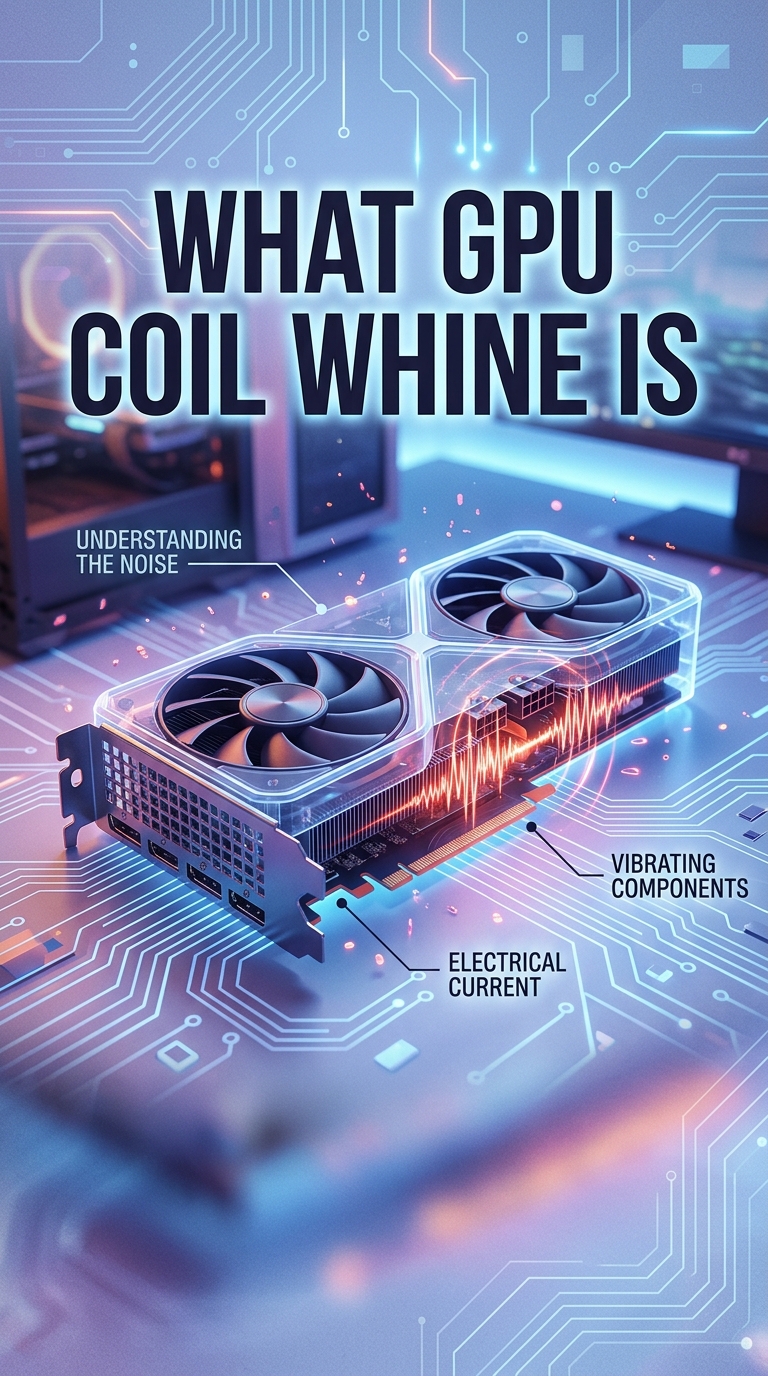
You fire up a game and hear a strange high-pitched whistle coming from your PC. It is not the fans. It is not the hard drive. It is your graphics card making a sound that nobody warned you about. That noise has a name, and it is called GPU coil whine.
GPU coil whine is a high-pitched whistling, buzzing, or squealing sound produced when electrical current passes through the inductors on your graphics card, causing them to vibrate at audible frequencies. It happens because of how modern GPUs manage power, and in most cases it is harmless. I have built and tested dozens of gaming PCs over the years, and coil whine shows up more often than most people expect. In this guide I will explain what it is, what causes it, and what you can do about it.
Table of Contents
What Is GPU Coil Whine?
GPU coil whine is the audible noise created when electromagnetic coils inside your graphics card vibrate rapidly as electricity flows through them. These coils, called inductors, are small components in the GPU power delivery system. They regulate voltage and smooth out power going to the graphics processor. When current moves through them, the coils physically expand and contract at very high speeds. That micro-vibration produces a sound waves in the audible range, which is what you hear.
The sound is usually a thin, high-pitched whine, whistle, or squeal. Some people describe it as static-like or similar to a mosquito. Because the coils vibrate at frequencies above what most ambient noise covers, coil whine tends to be noticeable in quiet rooms. It is not a fan noise. It is not a bearing issue. It is an electrical and mechanical phenomenon specific to the components handling power on your GPU.
Coil whine is not unique to graphics cards. You can also hear it from power supplies, motherboards, and sometimes laptops. Any component that uses inductors to manage power can produce the sound. On a GPU, the inductors are under especially heavy load because modern graphics cards draw hundreds of watts during gaming.
What Causes GPU Coil Whine?
GPU coil whine is caused by rapid changes in electrical current flowing through the inductors on the graphics card. Every time your GPU renders a frame, it pulls a different amount of power depending on what is happening on screen. Menu screens, loading screens, and high-FPS gameplay all cause sudden spikes and drops in power draw. These fluctuations create magnetic fields around the inductors that pulse at high frequency. The coils physically vibrate as a result, and those vibrations become sound.
Here is the technical chain in plain language:
- Your GPU draws power from the PCIe slot and power cables.
- Inductors smooth that power into stable voltage for the GPU core and memory.
- When power demand changes rapidly, the inductors oscillate to compensate.
- Those oscillations create tiny vibrations in the coil windings.
- The vibrations emit sound at frequencies you can hear.
The faster your frame rate, the more often power draw changes per second. That is why coil whine is often loudest in menu screens, loading screens, or during high-FPS gaming. You may notice your GPU coil whine spikes when scrolling through a 3D inventory, while standing still in an open game world, or while running a benchmark. On the other hand, frame-pacing that is smooth and steady tends to reduce the effect.
Manufacturing tolerances also play a role. Two identical GPU models can behave differently. Some cards have coil whine out of the box, while others stay silent. The community often calls this the silicon lottery, but it is more accurately about the tolerance of the inductors and the layout of the power delivery circuitry. Higher-end cards with denser PCB layouts sometimes produce more coil whine simply because there are more coils packed into a smaller space.
What Does GPU Coil Whine Sound Like?
GPU coil whine sounds like a high-pitched whine, whistle, squeal, or buzz that changes pitch with what is happening on screen. It is sharp, metallic, and often compared to a mosquito or to static. Many users describe it as similar to the noise an old CRT television makes when first turned on.
Here is how to tell coil whine apart from other PC noises:
- Coil whine: High-pitched, changes pitch with frame rate, stops or quiets when GPU is idle.
- Fan noise: Low whoosh or hum, constant or ramping with temperature.
- Bearing noise: Clicking, grinding, or rattling from fans, does not change with frame rate.
- Hard drive noise: Clicking from mechanical drives during read/write activity.
If your noise stops when you alt-tab to the desktop or close your game, it is almost certainly coil whine. The sound is also tied directly to the GPU’s behavior. When you lock your frame rate to a low value like 60 FPS, the noise often quiets dramatically because the GPU is not pulling power as erratically.
Is Coil Whine Dangerous for Your GPU?
No, coil whine is not dangerous for your GPU. It does not damage hardware, shorten the lifespan of your card, or indicate a defect that will worsen over time. Coil whine is a physical byproduct of how inductors work, and it is considered normal behavior across the entire graphics card industry. NVIDIA, AMD, and Intel have all acknowledged coil whine as cosmetic, not functional.
The only real impact is on your comfort. For people sensitive to high-frequency noise, coil whine can be extremely distracting, especially in a quiet room. Some users notice it gets quieter after a few weeks of use as the components settle, but this is anecdotal and not guaranteed. Coil whine does not mean your card is failing. It does not mean your power supply is failing. It simply means the inductors in your GPU are vibrating at audible frequencies under load.
If you bought your GPU from a retailer that accepts returns for coil whine, you can exchange it. Many retailers do not consider it a defect, though, so check your specific policy before assuming an RMA will be approved.
How to Reduce or Fix GPU Coil Whine
You cannot fully eliminate coil whine without replacing components, but you can reduce it significantly. Here are the methods that actually work, ranked from easiest to most involved.
Cap Your Frame Rate
The single most effective fix is to cap your frame rate. Use an in-game frame limiter, the NVIDIA Control Panel, AMD Software, or the RTSS (RivaTuner Statistics Server) tool to lock FPS to a steady value. Aim for 60 FPS or your monitor’s refresh rate. Capping the frame rate smooths out power draw, which reduces the inductor vibrations that cause the sound.
Enable V-Sync, G-Sync, or FreeSync
Variable refresh rate technologies like G-Sync and FreeSync, combined with V-Sync, keep your frame rate matched to your monitor. This eliminates the rapid frame pacing changes that trigger coil whine. If you have an adaptive sync monitor, enabling it through your GPU driver is one of the easiest solutions.
Try Undervolting
Undervolting reduces the voltage your GPU pulls at stock speeds. Lower voltage means smaller power fluctuations, which means quieter inductors. Tools like MSI Afterburner let you adjust voltage curves. Start with a small undervolt of 50mV and test for stability. Many users report coil whine drops significantly after undervolting, and as a bonus your GPU runs cooler.
Check Power Connections
Loose or low-quality power cables can amplify coil whine. Make sure your PCIe power cables are fully seated and use the cables that came with your power supply rather than third-party adapters. A more stable power feed often quiets things down.
Sound Dampening
If you cannot stop the noise at the source, you can mask it. Closed-back headphones, case insulation, or simply adding background noise can make coil whine a non-issue. Many users just accept it once they start wearing headphones, which is honestly the most common outcome.
Return or Exchange
If the noise truly bothers you and you bought from a retailer with a good return policy, exchanging the card for another unit of the same model might give you a quieter example. Just remember that coil whine is a lottery, so there is no guarantee a replacement will be silent.
FAQs
How to tell if a GPU has coil whine?
If you hear a high-pitched whine, whistle, or squeal that changes pitch with what is on screen and quiets when the GPU is idle, you have coil whine. The noise scales with frame rate and stops when you alt-tab to the desktop.
Is coil whine bad for a GPU?
No. Coil whine is a normal byproduct of how inductors vibrate under load and does not damage hardware or shorten the lifespan of your graphics card.
How does a GPU coil whine sound like?
GPU coil whine sounds like a high-pitched whistle, squeal, or buzz that resembles a mosquito or static. It changes pitch with frame rate and is most noticeable during high-FPS scenes.
Do all GPUs have coil whine?
Most modern GPUs can produce coil whine under the right conditions, but not every card does. Manufacturing tolerances mean some units are silent while others are loud, even within the same model.
Final Thoughts on GPU Coil Whine
GPU coil whine is one of the most common sources of confusion for new PC builders. The good news is that it is harmless. The frustrating news is that it can be hard to eliminate completely. Capping your frame rate, enabling adaptive sync, and undervolting are the three most effective ways to reduce the noise. If you are shopping for a new GPU in 2026, understand that coil whine is a possibility and plan around it with headphones or dampening if needed.