
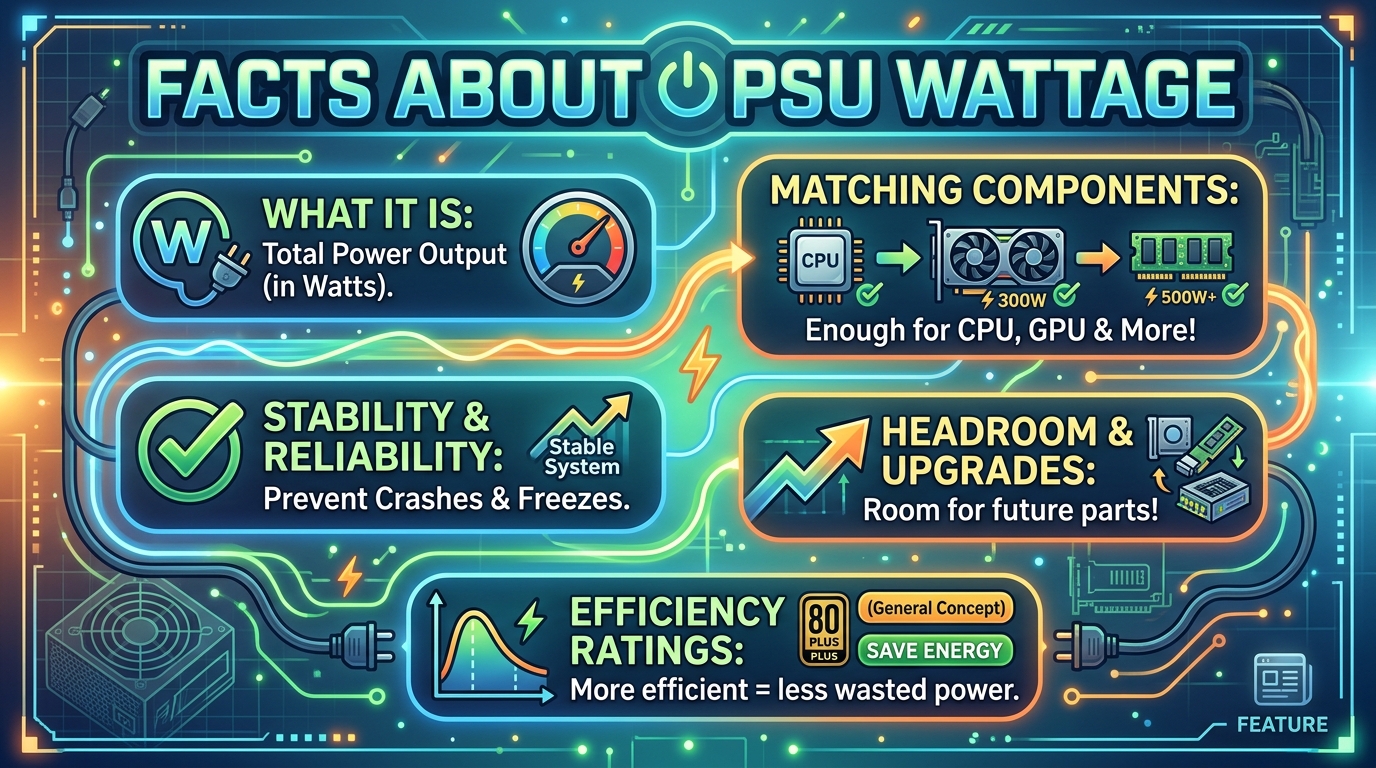
PSU wattage is the maximum amount of power a power supply unit can deliver to your PC components, not the amount it constantly draws from the wall. A 750W PSU only consumes as much power as your system actually needs at any given moment, and the efficiency at which it delivers that power depends on its load percentage, not just the number printed on the box.
If you’ve ever wondered whether a higher wattage PSU wastes electricity or whether that cheap 1200W unit on Amazon is actually capable of delivering its rated wattage, you’re asking the right questions. The wattage rating alone tells you very little about real-world performance.
In this guide, I’ll walk you through what PSU wattage really means, why the efficiency curve matters more than the headline number, and how to pick the right power supply for your build without wasting money on capacity you’ll never use.
Table of Contents
Quick Answer: What Does the Number on Your PSU Box Actually Mean?
The number on a PSU box represents the maximum output wattage it can deliver to your components, not what it consumes from your wall outlet. Your PSU only pulls the power your system actually demands, up to that maximum ceiling.
For example, if you have a 1000W PSU powering a system that draws 400W, the PSU will only pull around 440-460W from the wall (the extra 40-60W is lost as heat due to conversion inefficiency). A 750W PSU powering the same 400W system will pull roughly the same wall power, give or take a few watts depending on where each PSU sits on its efficiency curve.
The key insight: the wattage number is about capacity, not consumption. What actually determines your electricity bill, heat output, and long-term component health is the PSU’s efficiency at your specific load level.
What PSU Wattage Actually Means (and What It Doesn’t)
PSU wattage is a maximum capacity rating, similar to how a truck’s towing capacity is the most it can pull, not what it always pulls. Your power supply unit only delivers as much power as your components currently demand.
A modern gaming PC with a mid-range CPU and GPU typically draws 300-450W under full load. That same system on a 650W PSU and a 1200W PSU will pull essentially the same amount from your wall outlet. The 1200W unit isn’t “wasting” electricity by sitting at 25% load, but it is operating at a less efficient point on its efficiency curve.
Rated Wattage Is the Maximum, Not the Consumption
Every certified PSU has a continuous power rating, the wattage it can deliver 24/7 without failing or throttling. When you see “750W” on the box, that means the PSU can continuously output up to 750W of DC power across its voltage rails.
Your system draws what it needs. A typical office PC might pull 80-120W total. A high-end gaming rig might pull 450-650W under load. The PSU simply provides whatever is demanded, up to its rated maximum.
How a PSU Actually Delivers Power to Your Components
Your PSU converts AC power from your wall outlet into the DC voltages your components need: 12V for your CPU and GPU, 5V and 3.3V for other peripherals. This conversion process is never 100% efficient. Some energy is always lost as heat.
The conversion efficiency depends on how much of the PSU’s capacity is being used. This relationship, called the efficiency curve, is the most important thing to understand about PSU performance, far more than the wattage number itself.
The Efficiency Curve: Why Load Percentage Matters More Than the Number on the Box
PSU efficiency follows a bell curve pattern across different load levels. Most modern 80 Plus certified PSUs hit peak efficiency somewhere between 40% and 60% of their rated capacity, with efficiency dropping off at both very low loads (below 20%) and very high loads (above 80%).
This means that “why your PSU wattage matters more than the number on the box” comes down to matching capacity to actual load, not just buying the biggest number you can afford.
How Efficiency Ratings Work in Practice
Efficiency is expressed as a percentage: an 85% efficient PSU delivers 85W of DC power to your components for every 100W it pulls from the wall. The remaining 15W becomes heat inside your case.
If your system draws 400W from a PSU operating at 90% efficiency, your wall draw is approximately 444W. The same 400W draw on a PSU at 80% efficiency means your wall draw is 500W, a 56W difference that adds up over years of operation.
The Sweet Spot: 40-60% Load Range
Most quality PSUs achieve their highest efficiency when operating between 40% and 60% of their rated capacity. If your system draws 400W under load, a 650-850W PSU will typically run at peak efficiency.
This is why the “buy twice your estimated wattage” advice from PC Part Picker’s 1.5x to 2x rule exists. It’s not about having massive overhead; it’s about landing in the efficiency sweet spot while leaving room for transient power spikes from modern GPUs.
What Happens at Very Low and Very High Loads
At very low loads (below 20%), efficiency drops noticeably. A 1200W PSU powering a 150W office system might operate at only 70-75% efficiency, worse than a 350W PSU running the same load at 85-90% efficiency.
At very high loads (above 80%), efficiency also declines as the PSU struggles with heat dissipation and voltage regulation. Running a PSU at 95-100% capacity constantly shortens its lifespan and risks shutdowns during power spikes.
80 Plus Ratings Explained: Bronze, Gold, Platinum, and Titanium
The 80 Plus certification program verifies PSU efficiency at three load levels: 20%, 50%, and 100% of rated capacity. Higher tiers mean less power wasted as heat, which translates to lower electricity bills, cooler operation, and quieter fans.
Here’s what the efficiency tiers require at typical loads:
- 80 Plus Bronze: 85% efficiency at 50% load
- 80 Plus Silver: 88% efficiency at 50% load
- 80 Plus Gold: 90% efficiency at 50% load
- 80 Plus Platinum: 92% efficiency at 50% load
- 80 Plus Titanium: 94% efficiency at 50% load
What the Certification Tiers Actually Mean
80 Plus certification measures efficiency, not capacity. A 500W Bronze PSU and a 500W Titanium PSU both deliver up to 500W, but the Titanium unit wastes less power as heat at any given load level.
For most users, Gold-rated PSUs offer the best balance of efficiency and cost. The jump from Gold to Platinum saves maybe 2-3% on your electricity bill but costs significantly more upfront. Bronze makes sense for budget builds where every dollar counts.
Efficiency Comparison at Different Load Percentages
Here’s how a typical 80 Plus Gold PSU performs across its load range:
- 20% load: ~87% efficiency
- 50% load: ~90% efficiency (peak)
- 100% load: ~87% efficiency
The same PSU operating at 50% load wastes 50W per 1000W of system draw. At 20% load, it wastes 130W per 1000W. This curve is why right-sizing your PSU matters.
Continuous vs Peak Power: The Hidden Rating Most Buyers Miss
Continuous power is the wattage a PSU can deliver indefinitely under specified conditions. Peak power is the maximum wattage it can deliver for short bursts (typically a few seconds). Reputable manufacturers rate their PSUs by continuous power; budget manufacturers often advertise peak power numbers.
A cheap PSU labeled “1000W” might only deliver 650W continuously. Under sustained gaming loads, it could overheat, trigger protection circuits, or fail entirely.
Why Continuous Power Ratings Matter for Reliability
Modern GPUs draw significant transient power spikes that can reach 2-3x their average consumption for milliseconds at a time. A PSU needs continuous capacity well above your average system draw to handle these spikes without triggering over-current protection.
When GamersNexus tested budget PSUs against their rated wattage, they found some units delivering as little as 60% of their claimed capacity before shutting down. This is why brand reputation matters: established OEMs like Seasonic, Corsair, and EVGA have proven track records.
How Cheap PSUs Misuse Peak Power Claims
No-name manufacturers often advertise peak power numbers on the box because they’re higher than continuous ratings. A PSU with a 650W continuous rating and 1000W peak rating will be marketed as “1000W” to unsuspecting buyers.
Look for the 80 Plus certification label and continuous power specifications in the detailed specs. If a manufacturer only lists peak wattage or doesn’t have 80 Plus certification, treat the rating with skepticism.
How to Calculate Your Actual Power Needs
Calculating your power needs takes about 10 minutes and prevents both overspending on capacity you won’t use and underpowering your system.
Step-by-Step Calculation Method
Follow these steps to estimate your system’s power draw:
- Add up your component TDPs: Check your CPU’s TDP (typically 65-125W for desktop chips) and your GPU’s TDP (150-450W for modern cards). Add RAM (about 5-10W per stick), storage (5-10W per drive), and fans (2-5W each).
- Add 50-100W for system overhead: Motherboard, USB devices, RGB lighting, and pump power for liquid cooling.
- Total your typical gaming load: Most systems don’t hit 100% TDP on all components simultaneously, so your actual gaming draw is usually 70-85% of the TDP total.
- Account for transient spikes: Modern GPUs can spike 2x their rated TDP briefly. Add 100-200W for headroom.
- Apply the 1.5x to 2x multiplier: This puts you in the efficiency sweet spot while leaving margin for spikes and future upgrades.
Using Wattage Calculator Tools
Online PSU calculators like the ones at OuterVision, Cooler Master, and Newegg can estimate your power needs based on your specific components. These tools pull from manufacturer specifications and give more accurate results than manual TDP addition.
For a typical mid-range gaming build (Ryzen 5 7600 + RTX 4070), calculators usually recommend a 550-650W PSU. For a high-end build (Ryzen 9 7950X + RTX 4090), you’ll see recommendations of 850-1000W.
The 1.5x to 2x Safety Margin Rule
If your calculated system draw is 400W, look for a PSU in the 600-800W range. This gives you efficiency headroom, handles transient spikes safely, and accommodates future upgrades like a more power-hungry GPU.
The community consensus at PC Part Picker is 1.5x to 2x your calculated wattage. This isn’t about “more is better,” it’s about landing in the efficiency sweet spot with operational margin.
The Real Cost of an Oversized PSU Over Time
An oversized PSU doesn’t waste electricity directly, but it operates at a less efficient point on its curve, costing you money over years of use.
Let’s compare a 500W system on different PSUs running 8 hours daily:
- 650W Gold PSU (77% load): ~90% efficient, pulls 555W from wall, costs roughly $73/year at average US electricity rates
- 850W Gold PSU (59% load): ~91% efficient, pulls 549W from wall, costs roughly $72/year
- 1200W Gold PSU (42% load): ~90% efficient, pulls 555W from wall, costs roughly $73/year
The difference is small for correctly-tiered PSUs (Gold and above). However, a cheap 1200W Bronze PSU at 42% load might drop to 82% efficiency, pulling 610W and costing $80/year. Over 5 years, that’s $35 more than a properly-sized Gold unit, more than enough to cover the upgrade cost.
Common PSU Myths Debunked
Misinformation about PSU wattage runs rampant in forums and product listings. Let me clear up the most persistent myths.
Myth: A 1000W PSU Always Uses 1000W
Reality: A PSU only pulls what your components demand. A 1000W PSU powering a 300W system pulls about 333W from the wall (at 90% efficiency). The “1000W” label means maximum capacity, not constant consumption.
Myth: Bigger Wattage Always Means More Power Consumption
Reality: A 1200W PSU and a 650W PSU powering the same system draw nearly identical wall power, assuming both operate within their efficiency curves. The difference is typically 1-3% in favor of the correctly-sized unit.
Myth: Cheap PSUs Deliver Their Rated Wattage
Reality: Independent testing consistently shows budget PSUs failing to meet their claimed wattage under sustained load. Some deliver only 60-70% of their advertised capacity before shutting down. Stick with established brands that have 80 Plus certification and published continuous power ratings.
Myth: Higher Wattage Means Better Performance
Reality: A PSU provides power to your components, it doesn’t push power into them. Your GPU and CPU draw exactly what they need regardless of PSU capacity. More wattage only matters if your system actually demands it, or if you want to operate in the efficiency sweet spot.
Frequently Asked Questions
Does a 500W PSU always draw 500W?
No, a 500W PSU only draws as much power as your components need at any given moment. The 500W rating indicates maximum continuous output capacity, not constant consumption. A system drawing 200W will pull roughly 222W from the wall on a 90% efficient PSU, not 500W.
Does it matter what wattage my PSU is?
Yes, but not for the reason most people think. PSU wattage matters because it determines whether your power supply can safely deliver enough power for your components while operating in its efficiency sweet spot (typically 40-60% of rated capacity). A PSU that’s too small risks shutdowns and component damage, while one that’s massively oversized operates less efficiently at low loads.
Does a 1000W PSU always use 1000W?
No. A 1000W PSU draws only the power your system actually demands, up to its 1000W maximum. If your gaming PC pulls 450W from the PSU, the wall draw will be around 500W (accounting for conversion losses). The wattage number is a capacity ceiling, not a fixed consumption rate.
Does a 750W PSU always use 750W?
No, the same principle applies to any wattage rating. A 750W PSU only pulls what your components need. For a system drawing 350W under load, expect roughly 390W wall draw on an 80 Plus Gold unit. The 750W capacity simply means the PSU can deliver up to that amount when your system demands it.
Conclusion: Understanding Why Your PSU Wattage Matters
The number on your PSU box tells you capacity, not consumption. What truly determines your power supply’s real-world performance is where your system load falls on the PSU’s efficiency curve. A 650W Gold PSU running at 70% load outperforms a 1200W Bronze unit at 30% load in every measurable way: efficiency, heat, noise, and lifespan.
Use a wattage calculator, apply the 1.5x to 2x safety margin, and choose an 80 Plus certified unit from a reputable manufacturer. Your components, electricity bill, and sanity will thank you.