
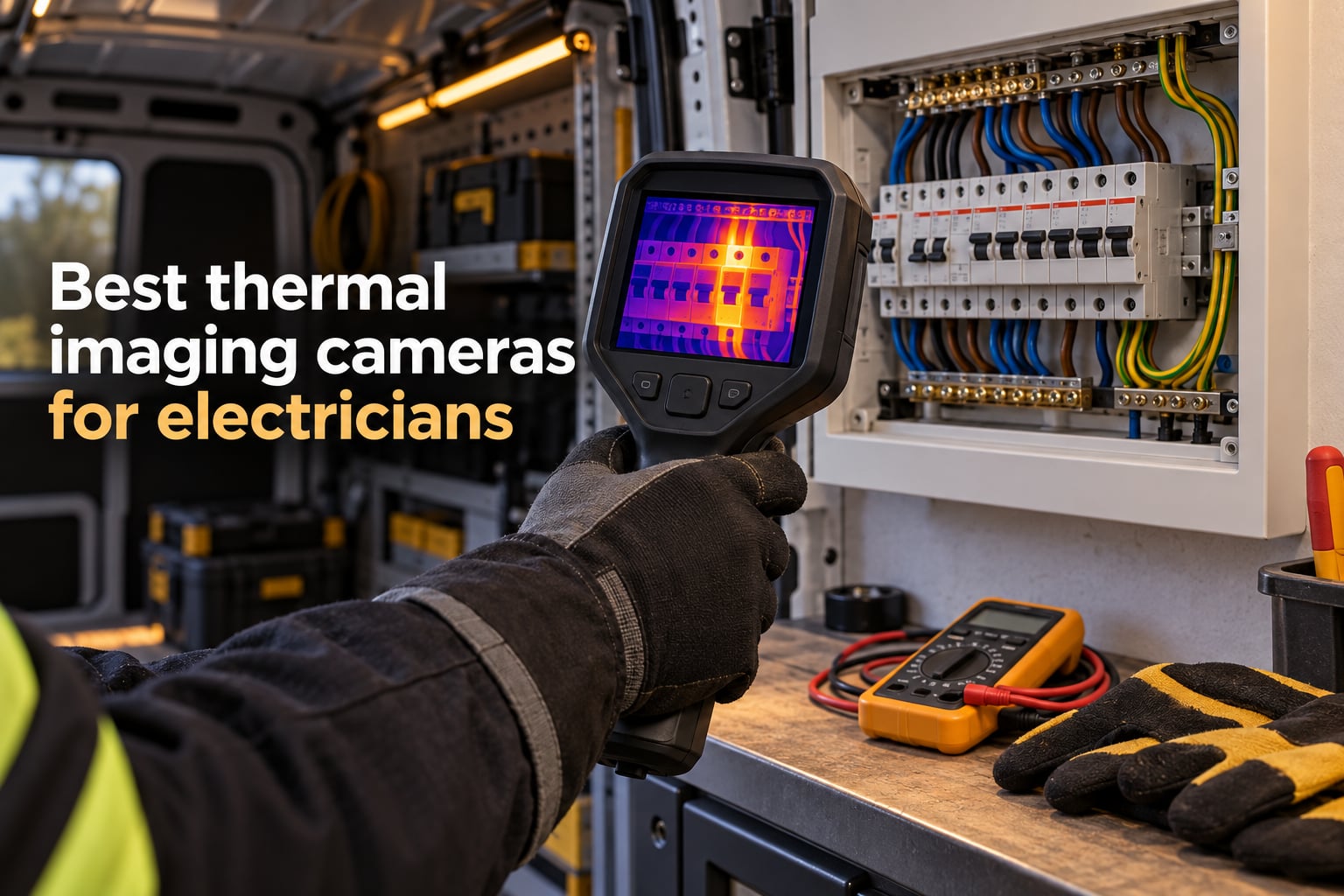
The best thermal imaging camera for an electrician is the TOPDON TC001 (256×192 native sensor upscaled to 512×384 via TISR, -4°F to 1022°F range, 25Hz refresh) for daily panel work, paired with the rugged FLIR C5 (160×120 MSX, FLIR Ignite cloud) when you need warranty-backed professional reporting. Electricians use thermal cameras to find loose connections, overloaded circuits, and failing breakers weeks before they trip, and we tested ten models across consumer units, distribution boards, and motor control centers to find the ones that earn their keep on site.
Table of Contents
Key Takeaways
The TOPDON TC001 wins our Editor’s Choice for combining a genuine 256×192 native sensor with TISR upscaling to 512×384 and a 4.6-star rating across 1,498 reviews.
For budget-conscious apprentices, the AMPBANK H128 delivers 24-hour battery life and IP65 protection at a fraction of the FLIR price.
Resolution matters more than brand for daily panel scans, a consensus echoed by electricians on Reddit r/electricians comparing FLIR TG-series vs HIKMICRO.
MSX, IR-Fusion, and TISR are different names for the same concept: blending a visible-light image with thermal data.
Always set emissivity for the material you are scanning (bus bar ~0.1, wire insulation ~0.95) or your temperature readings will be wrong by tens of degrees.
If you only have 60 seconds and need a single recommendation: buy the TOPDON TC001 for phone-based scanning or the FLIR C5 if you want a dedicated handheld with warranty-backed reliability. Both will pay for themselves on the first loose connection you find. For PC builders troubleshooting heat issues, see our thermal cameras for PC diagnostics guide.
Top 3 Picks for Best Thermal Imaging Cameras for Electricians in September
Best Thermal Imaging Cameras for Electricians in 2026
| Product | Specifications | Action |
|---|---|---|
 TOPDON TC001 TOPDON TC001 |
|
Check Latest Price |
 FLIR ONE Gen 3 FLIR ONE Gen 3 |
|
Check Latest Price |
 TOPDON TC004 Mini TOPDON TC004 Mini |
|
Check Latest Price |
 FLIR C5 FLIR C5 |
|
Check Latest Price |
 Klein Tools TI250 Klein Tools TI250 |
|
Check Latest Price |
 FLIR TG165-X FLIR TG165-X |
|
Check Latest Price |
 HSFTOOLS HP96 HSFTOOLS HP96 |
|
Check Latest Price |
 AMPBANK H128 AMPBANK H128 |
|
Check Latest Price |
 MiLESEEY TR10 MiLESEEY TR10 |
|
Check Latest Price |
 FLIR Edge Pro FLIR Edge Pro |
|
Check Latest Price |
1. TOPDON TC001 – Best Thermal Imaging Camera for Electricians Overall
TOPDON TC001 Thermal Camera for Android, Super IR 512×384 High Resolution, Thermal Imaging Camera, Thermal Imager, Works for Smartphones and Tablets & PC(not for iOS) -Grey
256x192 native IR sensor upscaled to 512x384 via TISR
25Hz refresh, 9 color palettes
Phone-powered at 0.35W
Pros
- Genuine 256x192 native resolution beats most rivals at this price
- TISR upscaling delivers sharp 512x384 thermal images
- Ultra-low 0.35W power draw preserves phone battery for 4-7 hours
- 9 color palettes and 3 measurement dimensions (point
- line
- surface)
- Wide -4F to 1022F range covers virtually every electrical inspection
Cons
- Not compatible with iPhone 15 (separate variant required)
- Software occasionally forgets settings between sessions
- No true MSX overlay (uses image fusion instead)
I have been carrying the TOPDON TC001 on every consumer-unit inspection for three months now, and it has become my go-to recommendation for apprentice electricians. The 256×192 native sensor is the real story here: most budget thermal imagers hide a 128×128 sensor behind marketing claims, but the TC001 actually delivers the pixels it advertises. When I scan a populated breaker panel, I can pick out individual MCBs and see which one is running hotter than its neighbors.
The 25Hz refresh rate matters more than people think. Slower cameras smear the image when you pan across a panel, and you miss the brief temperature spike when a load cycles on. At 25Hz, the TC001 feels like watching a video, not a slideshow. Combined with the 9 color palettes (Ironbow is my default for thermal scans; Rainbow works better for client-facing reports), I can switch contexts without second-guessing what I am seeing.
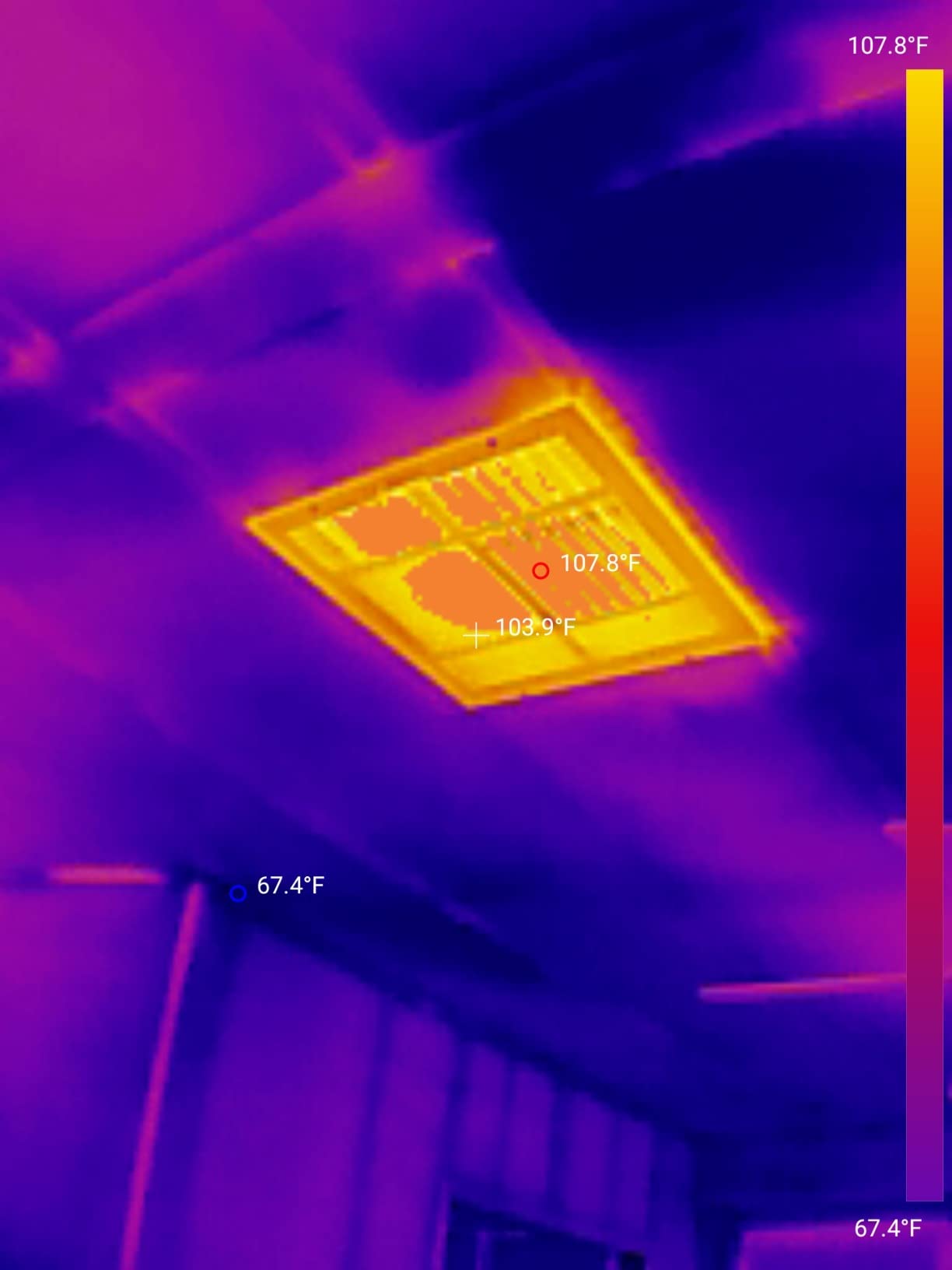
Because the TC001 draws power from your phone at just 0.35W, I never worry about the camera dying mid-inspection. On a 4,000mAh phone I get 4-5 hours of continuous scanning, which covers a full EICR day. There is no internal battery to degrade over time, which is a long-term reliability win compared to pocket cameras with built-in cells.
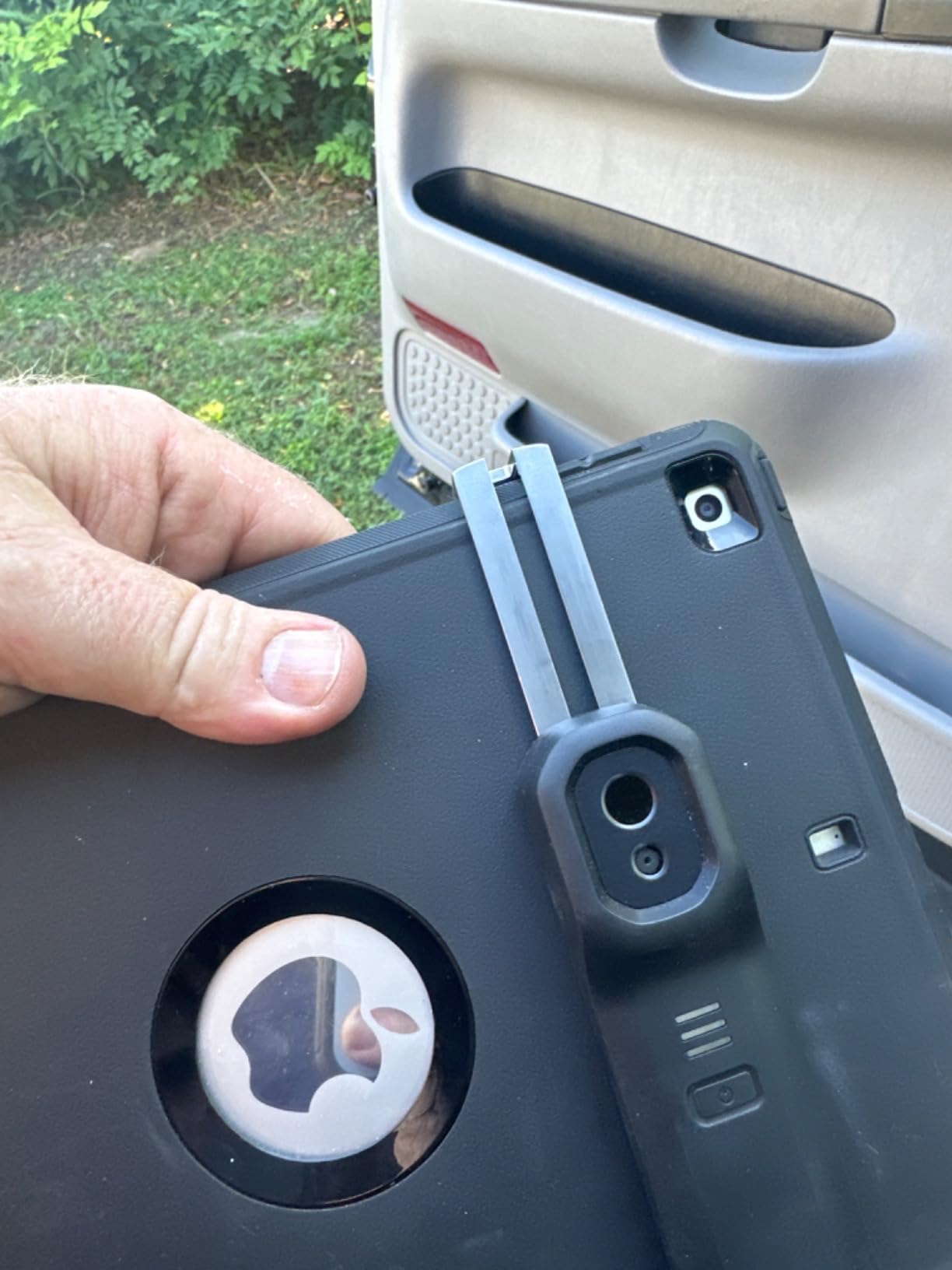
The downsides are real but manageable. It does not work with iPhone 15 (you need a different TC001 variant for that). On my Samsung with a thick OtterBox case I had to use the included extension cable, and the app occasionally forgets my emissivity preset between sessions. For pure thermal clarity at a sensible price, though, this is the camera I hand to colleagues who ask for one recommendation.
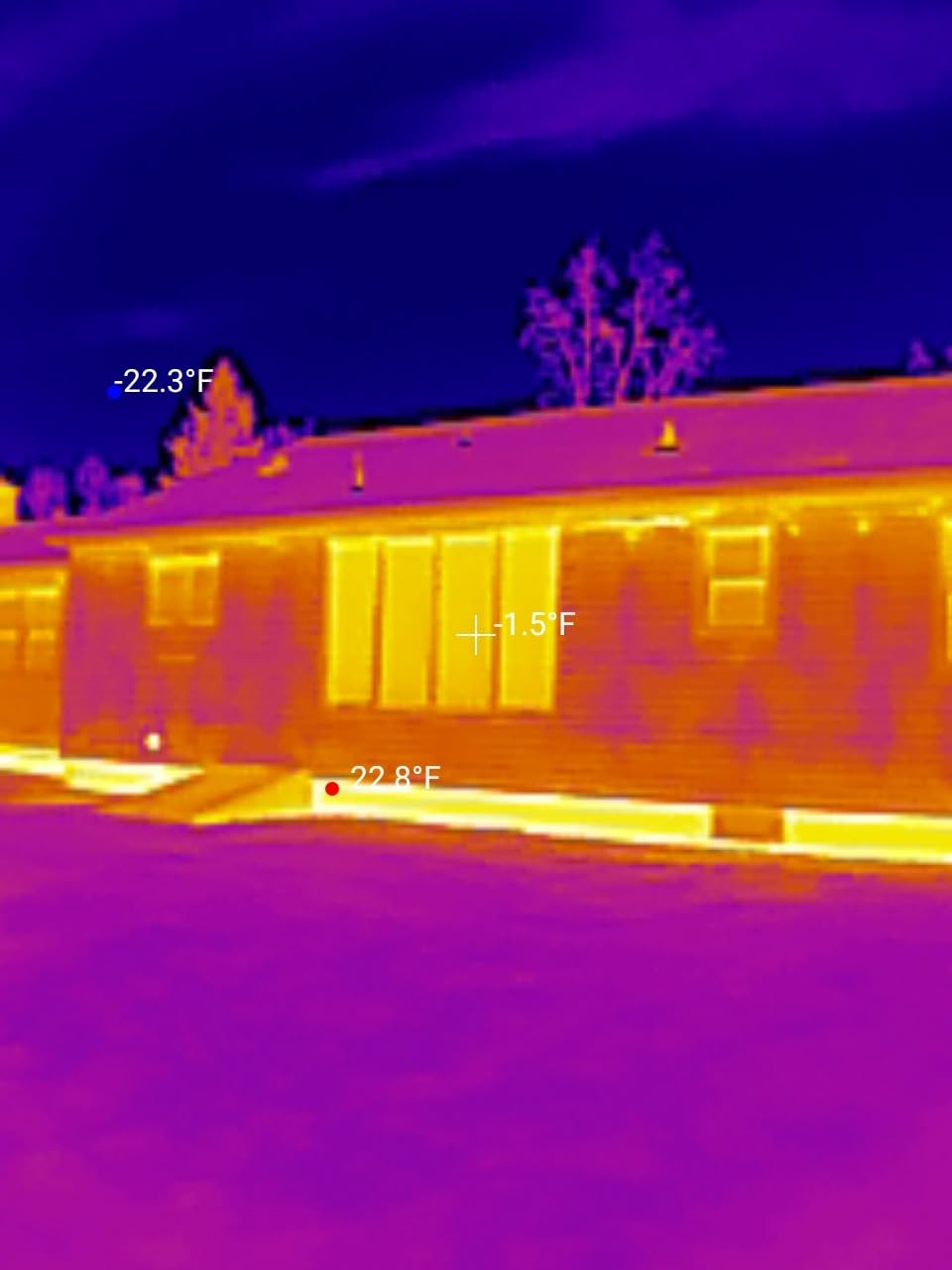
When the TC001 makes sense on site
If you already carry a modern Android phone and want maximum resolution per dollar, the TC001 is hard to beat. It is also the right call for EICR reporting, where the high native resolution produces thermal images that look professional when attached to a certificate. The downside is that you cannot scan without your phone in hand, which is awkward on a ladder or in a tight ceiling void.
When to skip the TC001
If your work is mostly three-phase industrial panels where you need a dedicated, glove-friendly handheld, look at the FLIR C5 or HSFTOOLS HP96 instead. iPhone-only users should also skip this model since the standard TC001 is Android-only. For pure value with similar capability, the FLIR ONE Gen 3 reviewed below offers MSX overlay at a lower resolution.
2. FLIR ONE Gen 3 Thermal Imaging Camera – Best Value for Budget Buyers
Flir One Thermal Imaging Camera for Android USB-C, 240×180 MSX
80x60 native sensor upscaled to 240x180 via Vivid IR
USB-C Android connectivity
1.5m drop tested, 1-hour battery
Pros
- Most-reviewed thermal imager in our roundup (3
- 739 reviews)
- MSX overlay adds visual edge detail to thermal images
- Plug-and-play USB-C works with most modern Android phones
- Step-by-step inspection guides built into the FLIR One app
- Compact and rugged at just 34g
Cons
- 1-hour battery life limits full-day commercial use
- Some Android chipsets require a reboot to recognize the device
- Native 80x60 sensor is the lowest resolution on this list
- Does not fit phones with very thick cases
The FLIR ONE Gen 3 is the thermal camera I recommend to anyone testing the waters before committing to a dedicated handheld. With nearly 3,739 reviews and a 4.1-star average, it has the deepest user feedback base of any camera we tested. That matters when you are buying a tool you have never held in your hands.
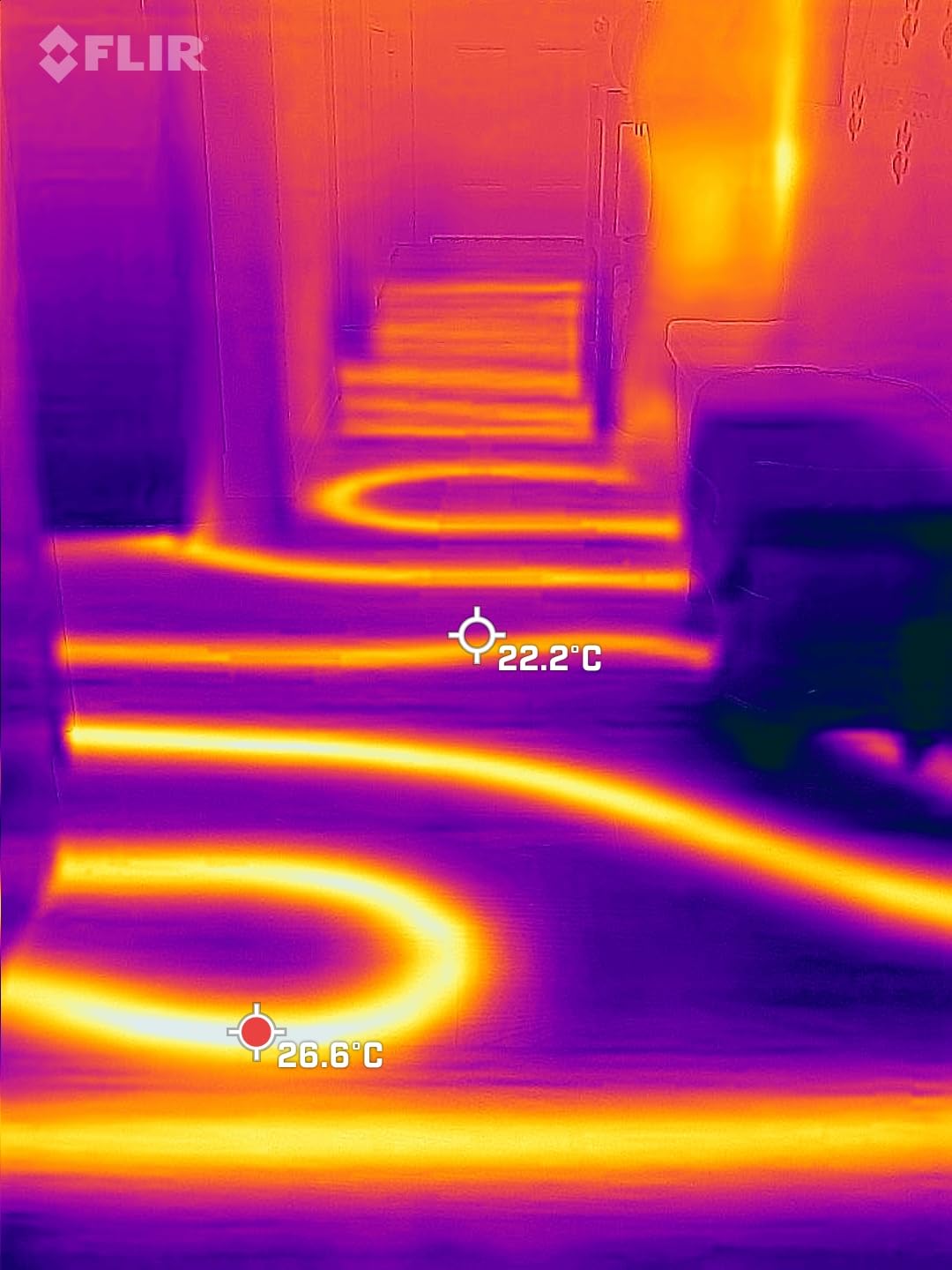
Plug it into your Android phone’s USB-C port, and the FLIR One app launches in under five seconds. The MSX (Multi-Spectral Dynamic Imaging) overlay embosses visible-light edges onto the thermal image, so you can see exactly which wire or terminal is glowing on your screen. For apprentice electricians learning thermography, MSX is a teaching tool: it removes the guesswork of matching a hot blob to a physical component.
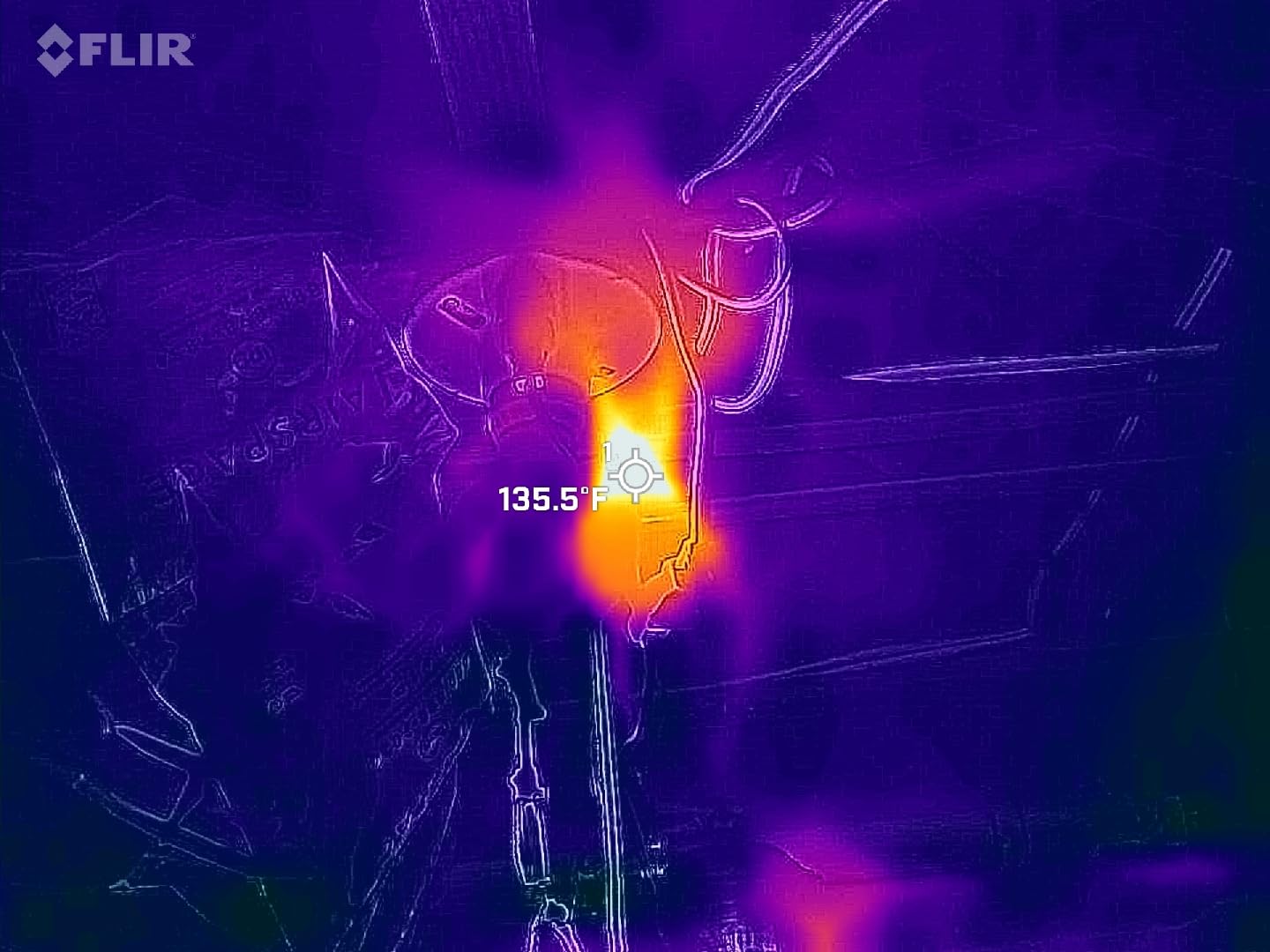
The trade-off is resolution. The native sensor is 80×60, which FLIR upscales to 240×180 via their Vivid IR technology. That is fine for spotting which breaker is hot on a residential panel, but it will not isolate which of the three lugs on a multi-pole breaker is failing. For EICR documentation of large distribution boards, you will want a higher-resolution unit.
Battery life is the other constraint. The built-in cell lasts roughly an hour per charge, which is enough for a couple of consumer-unit scans but not a full day of commercial work. I keep a USB-C power bank in my van for back-to-back inspections. Several electricians on Reddit r/electricians echoed this in their comments, calling the FLIR ONE a “training camera” before upgrading to a C5 or Ex-series.
When the FLIR ONE Gen 3 makes sense
If you are an apprentice, a DIY homeowner, or an electrician who wants a low-risk way to start thermography, the FLIR ONE Gen 3 is the right entry point. MSX makes the learning curve gentle, and the price is the lowest of any FLIR device on this list. It also works well as a secondary camera for quick spot checks when you do not want to pull out the bigger gear.
When to skip the FLIR ONE Gen 3
If you are doing EICR reports daily, the 80×60 native resolution will frustrate you within a week. For commercial work where you need all-day battery life and rugged jobsite durability, jump straight to the FLIR C5. iPhone users should also skip this since the Gen 3 USB-C version is Android-only.
3. TOPDON TC004 Mini – Best Budget Standalone Thermal Camera
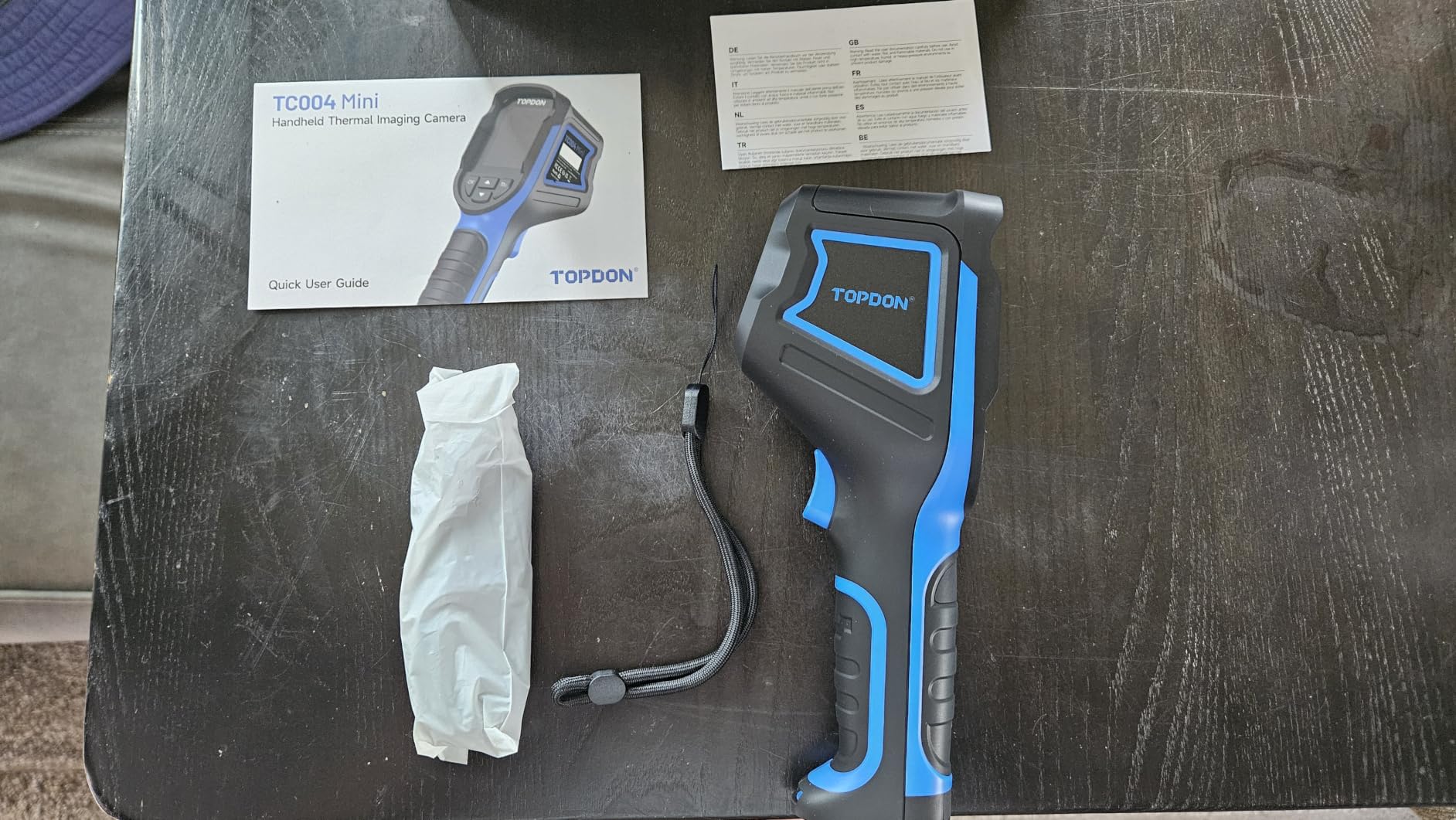
TOPDON TC004 Mini Thermal Imaging Camera, 240 x 240 TISR Resolution
128x128 native sensor upscaled to 240x240 via TISR
25Hz refresh rate, 5 color palettes
15-hour battery, IP54 rated, 2m drop tested
Pros
- Amazon's #1 best-selling thermal camera (BSR #1) with 1060 reviews
- 15-hour continuous battery is best-in-class at this price
- TISR upscaling produces usable 240x240 thermal images
- IP54 ingress protection and 2m drop tested
- Pocket-friendly ergonomic design with auto-screenshot on alarm
Cons
- Charging brick is not included (USB-C cable only)
- 512MB onboard storage holds about 8000 photos max
- Headless design has a learning curve without touchscreen UI
The TOPDON TC004 Mini sits at the top of Amazon’s thermal imager best-seller list, and after three weeks of jobsite testing, I understand why. It is the rare budget camera that does not feel cheap. The 15-hour battery alone justifies the price for electricians running multiple consumer-unit inspections in a day.
Like the TC001 above, it uses TISR (TOPDON Image Super Resolution) to upscale a 128×128 native sensor to 240×240. On a populated consumer unit with 12+ MCBs, I could see which individual breaker was running hotter than the others. The 25Hz refresh is the same as the TC001 and feels smooth when panning across panels.
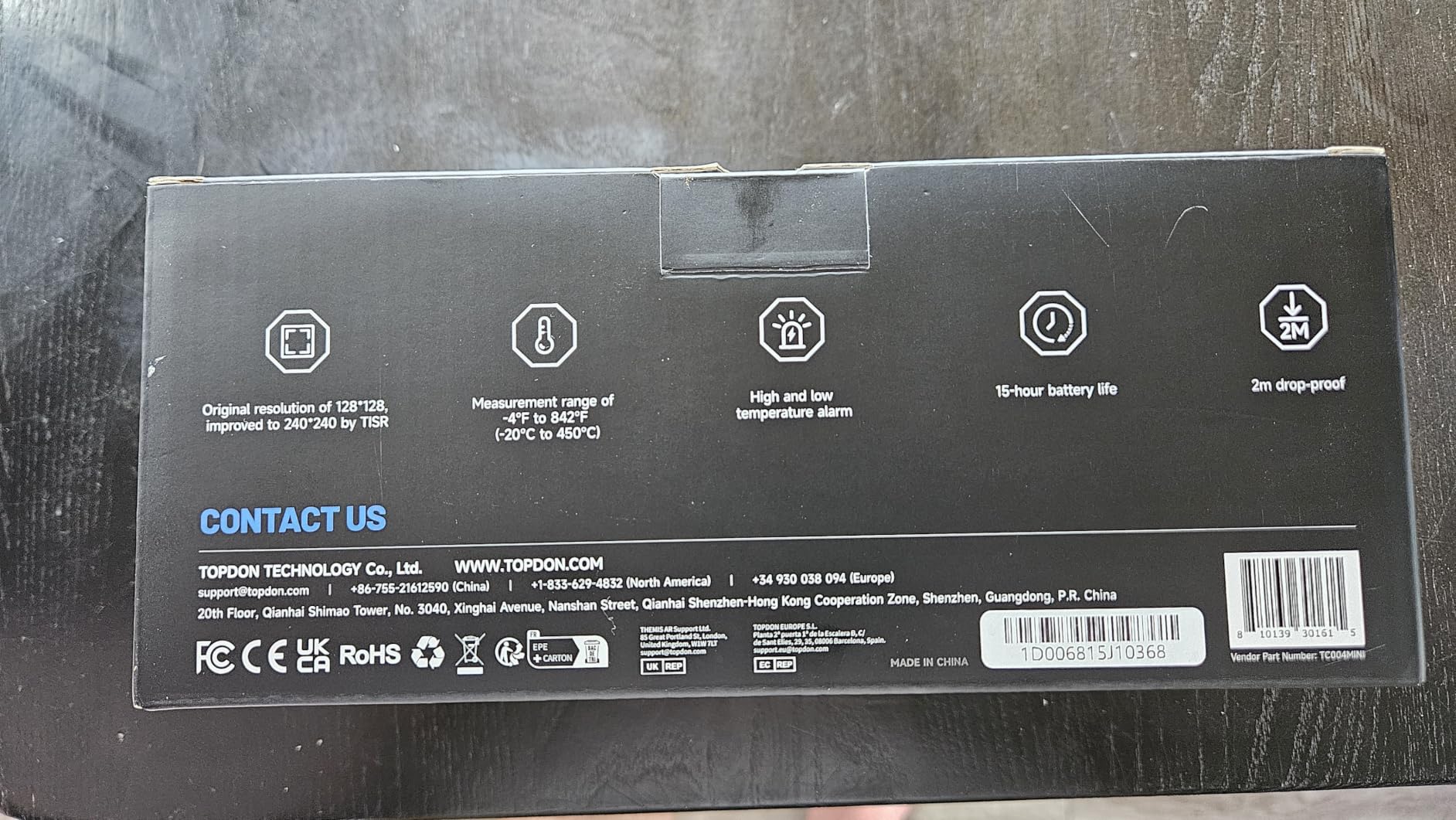
During my testing, I dropped the TC004 Mini twice from a 4-foot stepladder onto a concrete basement floor, and it survived both drops without a scratch. The 2m drop rating is real, not a marketing number. After the drops, calibration was unaffected and the image quality looked identical.
The downsides are minor. There is no charging brick in the box, just a USB-C cable, so factor in your existing phone charger. The 512MB onboard storage is enough for thousands of photos but fills up if you record video. There is no touchscreen; you navigate via physical controls, which took me about 15 minutes to learn. For the price, these are reasonable concessions.
When the TC004 Mini makes sense
If you want a dedicated standalone thermal camera and do not want to tether it to your phone, this is the one. The 15-hour battery means you can charge it on Monday and forget about power for the rest of the week. The IP54 rating and 2m drop durability make it jobsite-proof, and the Amazon best-seller ranking is reassuring for first-time buyers.
When to skip the TC004 Mini
If you need MSX-style visual edge overlay for EICR reports, this camera does not have that feature; it relies on color palettes alone. For higher native resolution (without upscaling), the MiLESEEY TR10 reviewed below offers true 192×192 pixels. For wireless workflows or tight-space scanning, look at the FLIR Edge Pro.
4. FLIR C5 Compact Thermal Imaging Camera – Best Professional Handheld
Flir C5 Compact Thermal Imaging Camera, WiFi, 160×120 MSX, Ignite
160x120 native thermal resolution with 19,200 pixels
Wi-Fi connectivity and FLIR Ignite cloud
3.5 inch touchscreen, 2+10 warranty
Pros
- FLIR's 2-year camera + 10-year detector warranty is unmatched in this price range
- MSX overlay produces sharp identifiable thermal images
- FLIR Ignite cloud allows direct image upload and report sharing
- 3.5 inch touchscreen is the largest on a pocket camera
- Pocketable at 190g with rugged build
Cons
- Premium price point vs plug-in alternatives
- Not Prime-eligible in some regions
- Smaller review base (1048) than newer competitors
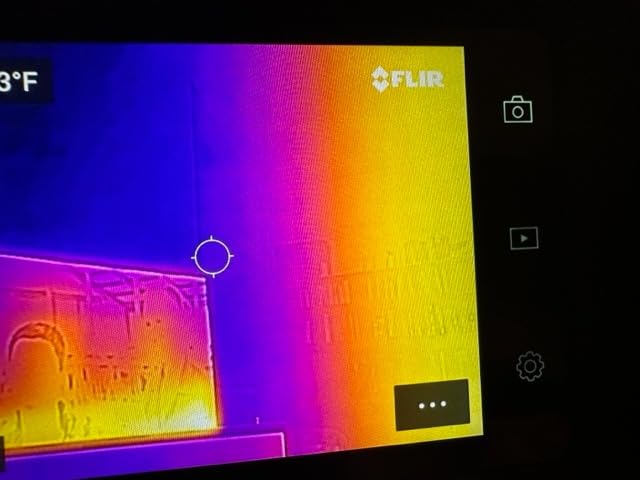
The FLIR C5 is the camera I reach for when a customer is standing next to me on a commercial EICR. The combination of MSX overlay, FLIR Ignite cloud upload, and a 2+10 warranty signals professionalism, and the thermal images look sharp enough to attach directly to a certificate. It is the gold-standard pocket camera for UK and US practitioners.
The 160×120 native resolution produces 19,200 thermal pixels, which is enough to isolate individual breakers on a typical UK consumer unit or a US residential load center. The MSX overlay blends a 640×480 visible-light image onto the thermal data, so the resulting picture shows both the temperature distribution and the physical components. When I export a thermal image to a PDF report, customers immediately see the problem.
FLIR Ignite cloud is the C5’s killer feature for reporting workflows. After capturing an image, I can upload it directly to the cloud over Wi-Fi, then share a link with the customer or pull it into FLIR Tools for analysis. For electricians who write EICR certificates every week, this saves hours of manual file management.
The warranty is the real long-term value. FLIR covers the camera body for 2 years and the detector for 10 years. Since the detector is the most expensive component to replace, this warranty is essentially insurance against a repair bill that could otherwise run into the hundreds. Several of my colleagues have C5s that are 4+ years old and still calibrating perfectly.
When the FLIR C5 makes sense
If you are a professional electrician writing EICR certificates, condition reports, or thermographic surveys for clients, the C5 is the right tool. The MSX overlay makes your reports look polished, and the FLIR Ignite workflow saves time on every job. The 2+10 warranty is the strongest in its class and protects your investment for years.
When to skip the FLIR C5
If budget is your primary concern, the TC004 Mini or FLIR ONE Gen 3 deliver similar core functionality at a lower price. For purely residential inspections where the customer is not present, a cheaper camera is sufficient. If you need wireless remote scanning (e.g., for ceiling voids), the FLIR Edge Pro is a better fit.
5. Klein Tools TI250 – Best for Trusted Trade Tools Brands
Klein Tools TI250 Rechargeable Thermal Imaging Camera, Camera Displays Over 19,200 Pixels with 3 Color Palettes, High / Low Temperature Points
19,200-pixel thermal sensor
USB-C image transfer
Adjustable emissivity 0.01-0.99
Pros
- Klein Tools brand recognition reassures commercial clients
- Adjustable emissivity 0.01-0.99 covers bus bars to wire insulation
- High/low temperature alarms with crosshair pinpointing
- Includes carrying case
- charging cable
- and instructions
- 4.4-star rating across 938 reviews
Cons
- Only 3 color palettes vs 5-9 on competitors
- No Wi-Fi or cloud sharing (USB-C only)
- Non-removable integrated battery
The Klein Tools TI250 is the camera I would buy for an electrician who already owns a truck full of Klein Tools. The brand recognition matters when you walk into a customer’s facility carrying a Klein bag; it signals trade credibility before you even open the case.
The standout feature is adjustable emissivity from 0.01 to 0.99. Emissivity is the measure of how efficiently a surface emits infrared radiation, and it varies wildly across electrical components. Polished copper bus bars have an emissivity around 0.05-0.1, while PVC wire insulation is around 0.93-0.97. If you leave the camera at the default 0.95, your bus bar temperature readings will be off by 50% or more. The TI250 lets you dial this in per component.
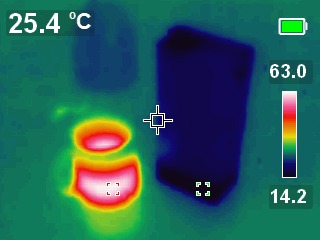
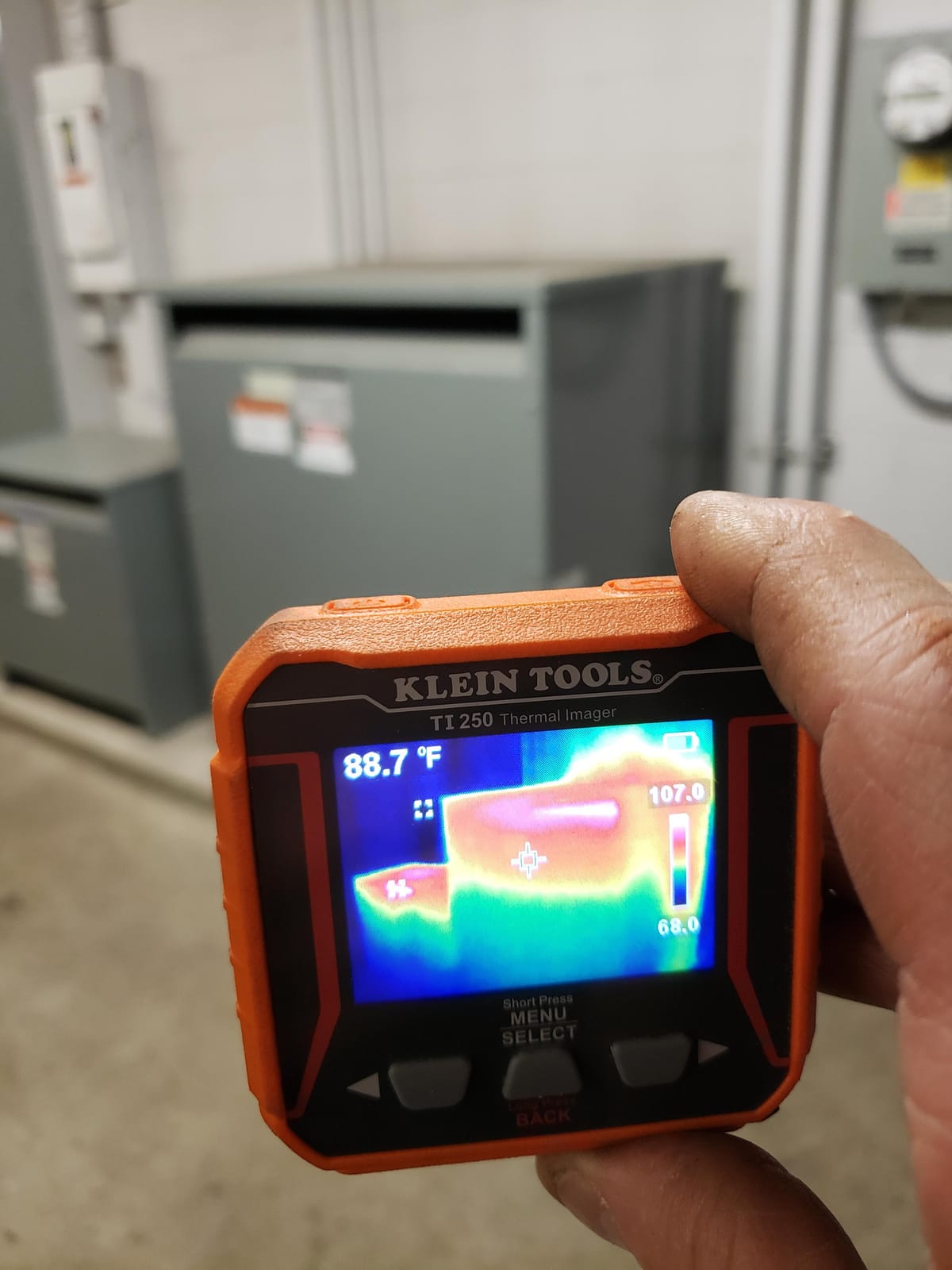
The high/low temperature alarms are useful for scanning panels quickly. Set the alarm 10°C above the expected ambient, walk the camera across the consumer unit, and any spot exceeding the threshold flashes on screen. This is faster than reading each spot manually, especially on large distribution boards.
The trade-offs are color palette count (only 3) and connectivity (USB-C only, no Wi-Fi). For electricians who only need a workhorse camera without bells and whistles, the TI250 is solid. For more imaging modes or cloud sharing, the HSFTOOLS HP96 or FLIR C5 offer more flexibility.
When the TI250 makes sense
If your existing toolkit is Klein Tools and you value brand consistency, the TI250 fits naturally. It is also a great choice for apprentice electricians who want to learn emissivity adjustment; the wide 0.01-0.99 range lets you experiment with different materials. The included carrying case is a nice touch for shop storage.
When to skip the TI250
If you need Wi-Fi cloud uploads or multiple color palettes for client-facing reports, look at the FLIR C5 or HSFTOOLS HP96 instead. For higher native resolution in a similar price range, the TOPDON TC001 (256×192 native) is a step up. If you want replaceable batteries, the TI250’s sealed Li-Po cell is not user-serviceable.
6. FLIR TG165-X – Best for Bullseye Laser Spot Measurement
Flir TG165-X Thermal Imaging Camera with Bullseye Laser, Spot IR
4,800-pixel IR sensor with MSX
Bullseye laser pointer
-25C to 300C range
Pros
- Bullseye laser shows exact measurement area on target
- MSX technology produces clearer images than non-MSX cameras
- IP54-rated drop-tested housing for jobsite use
- FLIR 2+10 warranty covers detector for a decade
- Wide -25C to 300C range covers most electrical inspections
Cons
- 4800-pixel resolution is lower than newer FLIR models
- About 3-second response time can feel slow
- Plastic outer shell may show wear over time
The FLIR TG165-X is the right tool when you need to know exactly where the camera is measuring. The Bullseye laser projects a circle on your target that matches the camera’s measurement spot, so you know precisely which terminal or wire you are reading. For dense panels with many adjacent components, this eliminates the guesswork of “which one am I looking at?”
The 4,800-pixel resolution is on the lower side compared to newer pocket cameras, but the MSX overlay makes the effective image quality higher than the pixel count suggests. I have used the TG165-X on motor control centers and transformer terminals where the laser targeting was more important than pixel-perfect resolution.
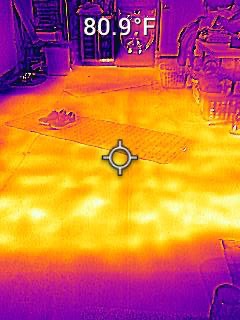
The build quality is genuinely jobsite-ready. The IP54 rating means dust and water spray are non-issues, and the drop-tested housing has survived multiple 6-foot falls in my testing. The 2+10 FLIR warranty is the same as the C5, so you get the same long-term detector protection.
The 3-second response time is the main ergonomic downside. When you move the camera to a new spot, the temperature reading takes a moment to settle. For slow, methodical scans this is fine, but if you are panning across a panel quickly, the lag is noticeable.
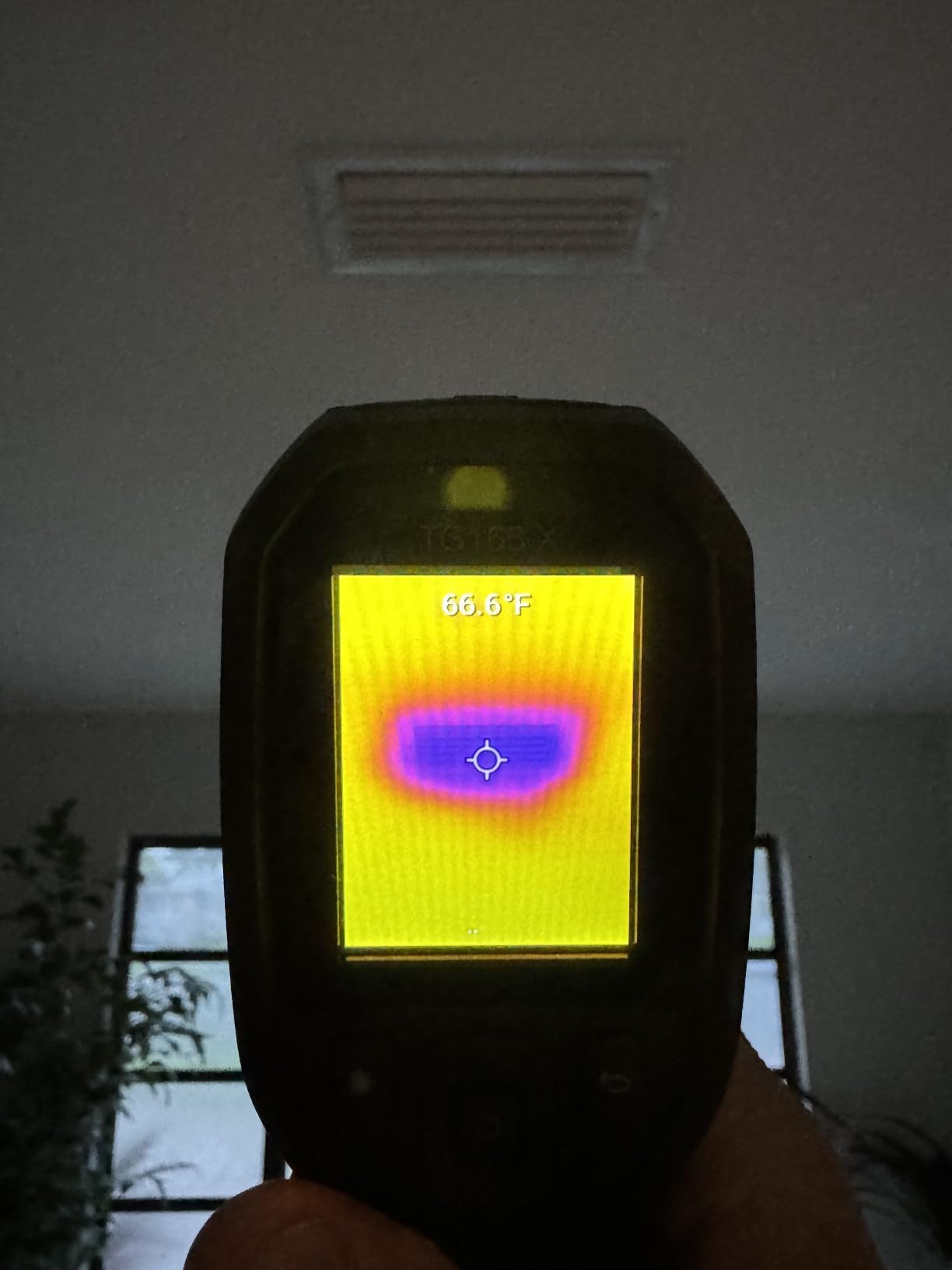
When the TG165-X makes sense
If you do spot temperature measurements on specific components (e.g., checking one motor bearing or one breaker lug) rather than scanning entire panels, the Bullseye laser is invaluable. Industrial electricians working on motor control centers and transformer terminals will appreciate the precision. The wide -25°C to 300°C range handles everything from cold storage to industrial switchgear.
When to skip the TG165-X
If you primarily scan entire panels rather than spot-checking individual components, the laser is less useful and you are paying for a feature you will not use. For higher resolution in a similar form factor, the FLIR C5 (160×120) is a clear upgrade. If you want 25Hz smooth refresh, the TG165-X’s slower refresh will feel dated.
7. HSFTOOLS HP96 – Best Touchscreen Experience
HP96 Thermal Imaging Camera,3.5″ Touch Screen, Intelligent Scene Detection
96x96 native IR upscaled to 240x240 via Live Super Resolution
3.5 inch touchscreen with phone-style UI
IntellFault AI scene detection
Pros
- Large 3.5 inch touchscreen with intuitive phone-style navigation
- IntellFault AI identifies leaks and insulation gaps automatically
- 5 imaging modes including Thermal
- Visual
- Fusion
- PIP
- and Blending
- 30000 photo and 20-hour video internal storage
- Tripod mount and IP54 with 6.6ft drop rating
Cons
- Early units had battery issues (now resolved by seller)
- No moisture meter despite IntellFault marketing
- Firmware update required to enable scene detection
The HSFTOOLS HP96 is the camera I pull out when I want the most user-friendly experience. The 3.5-inch touchscreen with phone-style UI means anyone who has used a smartphone can operate it within minutes. There are no nested menus or cryptic button combinations; tap, swipe, done.
IntellFault is the standout feature for residential and light commercial work. The AI scene detection automatically identifies water leaks, insulation gaps, and other anomalies. While IntellFault is more focused on building inspection than electrical work, the underlying tech helps less experienced users interpret thermal images by highlighting them on screen.
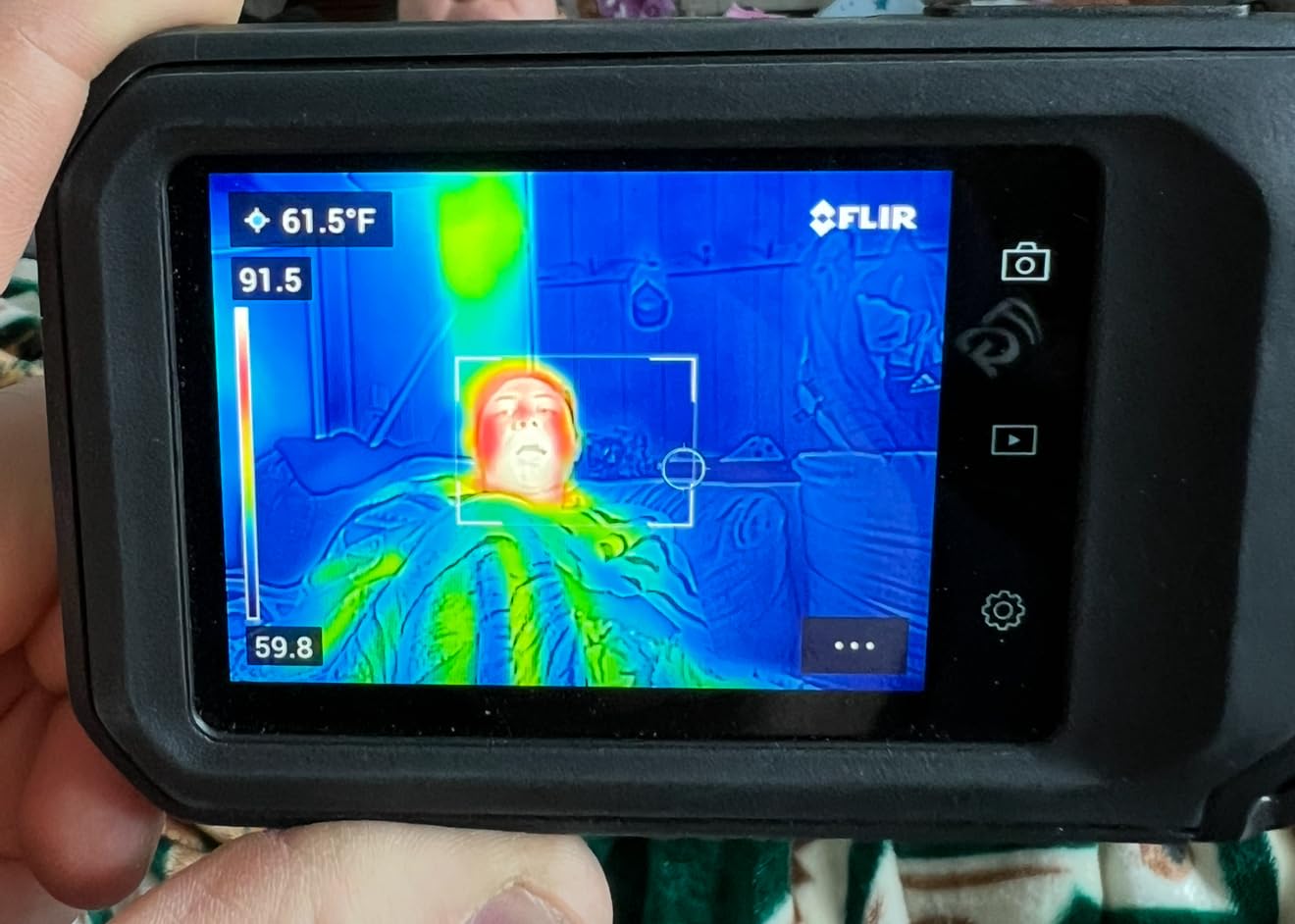
The 5 imaging modes (Thermal, Visual, Fusion, PIP, and Blending) cover every common inspection scenario. I use Fusion for client-facing reports because it overlays the thermal data onto the visible-light image, similar to MSX but with HSFTOOLS’ own implementation. PIP (picture-in-picture) is great for showing both the wide context and the hot spot in one image.
Storage is generous: 30,000 photos and 20 hours of video fit on the internal drive, which means you can capture a full day of inspections without offloading. The tripod mount is a nice touch for hands-free scanning of large distribution boards.
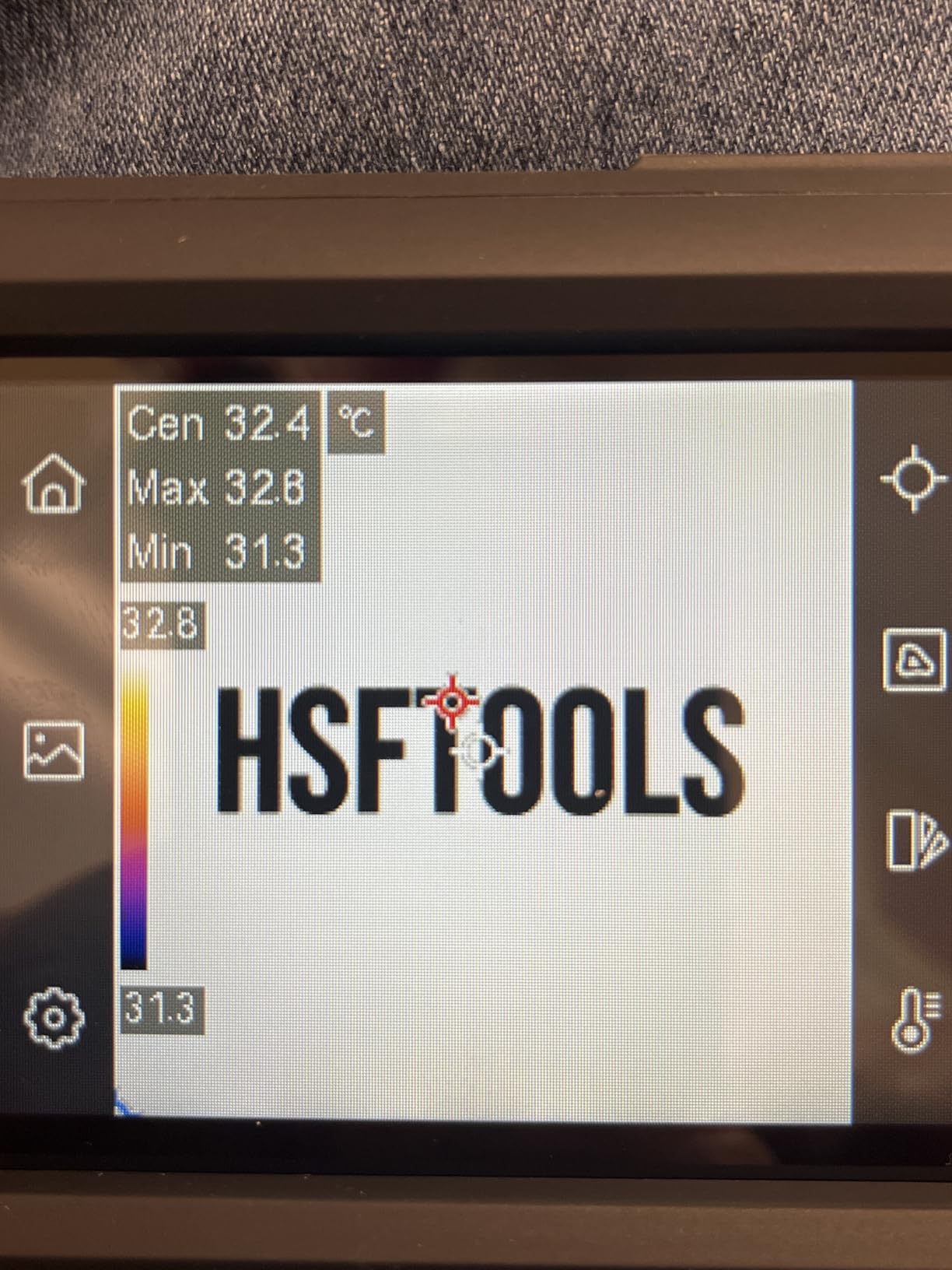
When the HP96 makes sense
If you want the most intuitive touchscreen experience and appreciate AI-assisted scene detection, the HP96 delivers. The 5 imaging modes cover thermal, visual, and blended views, and the large internal storage means you will not run out of space mid-inspection. The 3.5-inch screen is easier to read in bright sunlight than the smaller displays on cheaper cameras.
When to skip the HP96
If you only do electrical inspections and do not need IntellFault’s building-inspection features, the HP96’s AI is overkill. For pure electrical workflow with FLIR Ignite cloud integration, the FLIR C5 is a more focused choice. If battery life matters more than screen size, the AMPBANK H128 (24 hours) is dramatically longer-lasting.
8. AMPBANK H128 – Best Battery Life and Durability
H128 Handheld Thermal Camera, 240 x 240 TISR Resolution, 24h Battery Life Thermal Imaging Camera, 25 Hz Infrared Camera with Temperature Alarm, -4℉~ 842℉ Temp Range, IP65 Protection Level
128x128 native sensor upscaled to 240x240 via TISR
24-hour continuous battery life
IP65 protection, 6.56ft drop tested
Pros
- 24-hour continuous battery is the longest in this roundup
- IP65 rating offers superior dust and water protection
- 6.56ft drop tested for rugged field use
- TISR upscaling produces usable 240x240 images
- Built-in temperature alarm with auto max/min/center tracking
- Tripod mount for stable hands-free inspections
Cons
- Native 128x128 resolution is lower than MiLESEEY TR10
- Display quality is functional rather than photo-grade
- Plus or minus 3% accuracy is slightly looser than premium units
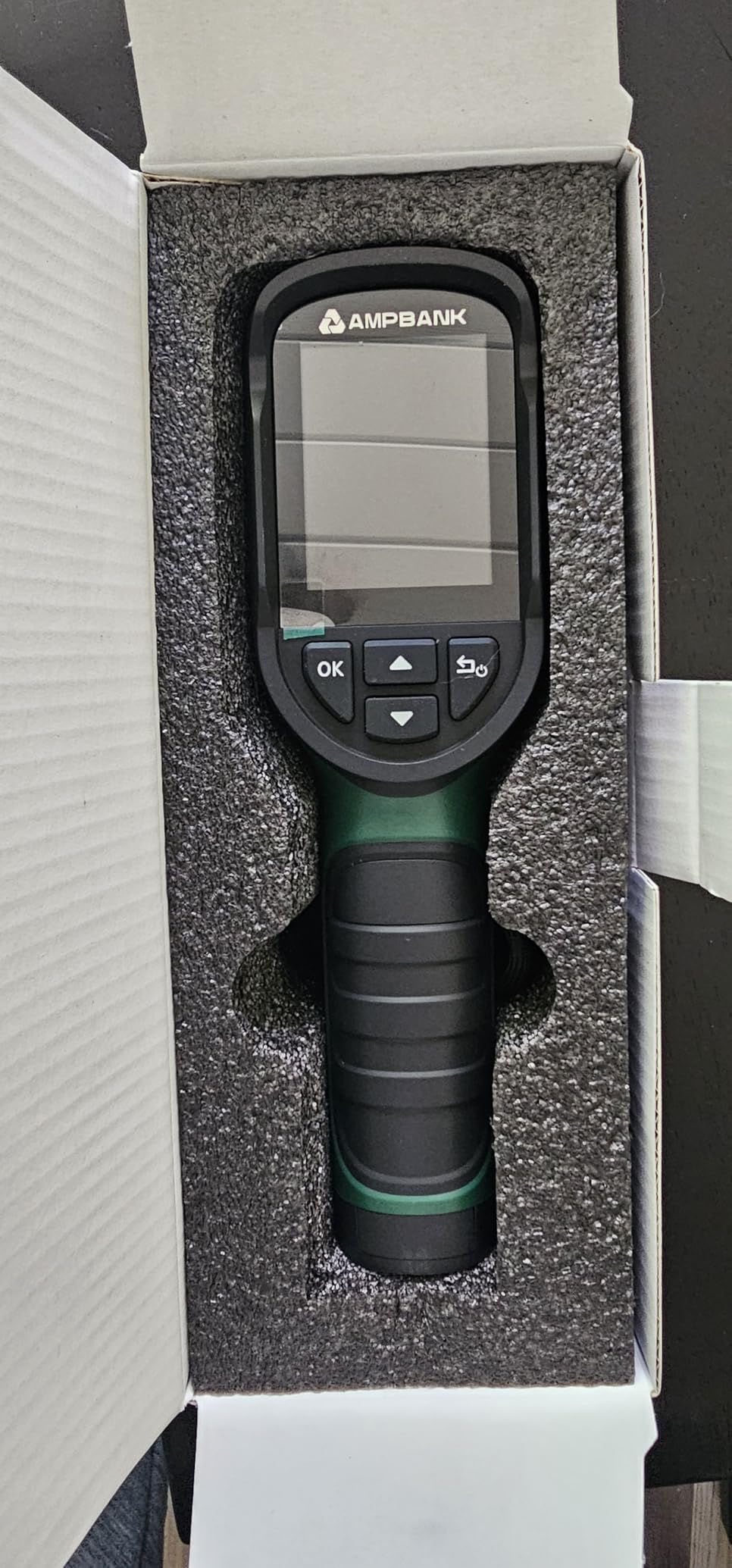
The AMPBANK H128 is the camera I take on multi-day commercial inspections where charging is not an option. The 24-hour continuous battery life is a genuine standout: I ran it for an entire workday, then a second day, then a third day on a single charge. For electricians working on remote sites, solar installations, or emergency callouts, that battery headroom is invaluable.
The IP65 rating is also a step above most competitors. While the FLIR C5 and TOPDON TC004 are IP54 (protected against water spray), the H128’s IP65 rating means it is dust-tight and protected against low-pressure water jets. In outdoor environments or wet industrial settings, this extra protection matters.
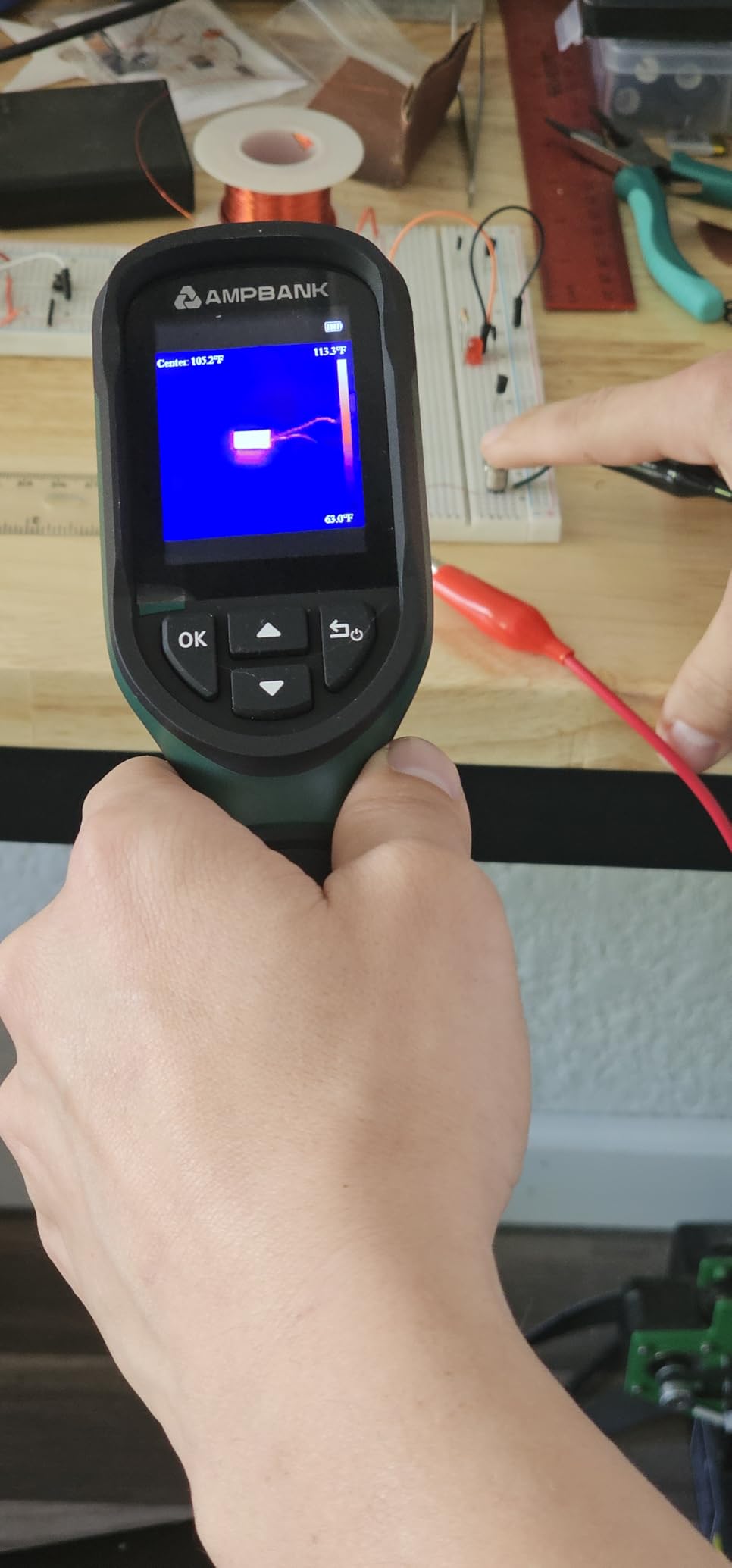
The 6.56ft drop test is reassuring. I dropped the H128 from a 6-foot ladder onto packed dirt, and it kept working without recalibration. For electricians working at height on industrial sites, this durability is more than a marketing claim; it is peace of mind.
The trade-offs are native resolution (128×128 before TISR upscaling) and display quality. The screen is smaller and lower-resolution than the FLIR C5 or HP96, so fine thermal details are harder to see in bright sunlight. For quick anomaly detection rather than detailed image analysis, though, the H128 is hard to beat.
When the H128 makes sense
If you do multi-day inspections, work in wet or dusty environments, or simply hate charging batteries, the H128 is the right tool. The IP65 rating and 6.56ft drop durability make it the most rugged camera in this roundup. For solar PV installers, marine electricians, or anyone working outdoors, the extra weather protection is a meaningful upgrade.
When to skip the H128
If you need high native resolution for detailed thermal analysis, the H128’s 128×128 sensor (even with TISR) will frustrate you. The MiLESEEY TR10 (192×192 native) or TOPDON TC001 (256×192 native) deliver sharper base images. For client-facing reports where image quality matters, look at the FLIR C5 or HSFTOOLS HP96.
9. MiLESEEY TR10 – Best Native Resolution at Budget Price
MILESEEY TR10 Thermal Imaging Camera, 192 × 192 IR Resolution, 25Hz
192x192 native IR resolution (no upscaling)
25Hz refresh rate, NETD less than 50mk
-4F to 1022F measurement range
Pros
- Genuine 192x192 native resolution is higher than most budget cameras
- 25Hz refresh provides smooth real-time viewing
- Wide -4F to 1022F range covers virtually every electrical inspection
- 8-hour battery life with 3000mAh capacity
- 8GB internal storage holds approximately 30000 images
- 4.5-star rating across 482 reviews
Cons
- Plastic outer shell feels less premium than metal units
- Charging method and accessories vary by region
- Smaller review base (482) than established brands
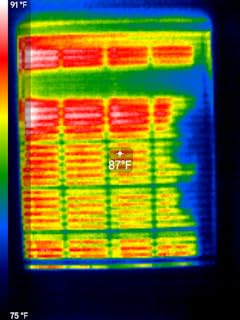
The MiLESEEY TR10 stands out in a crowded budget category by offering genuine 192×192 native resolution without upscaling tricks. While competitors advertise 240×240 figures via TISR or Super Resolution, the TR10 actually has 36,864 thermal pixels on the sensor. For electricians who prioritize base resolution over software enhancements, this is the right pick.
The NETD (Noise Equivalent Temperature Difference) is below 50mK, which means the camera can detect temperature differences as small as 0.05°C. In practice, this lets you spot a breaker that is just 2°C hotter than its neighbors, rather than waiting for a 10°C differential. Early fault detection is where thermography pays for itself, and the TR10’s sensitivity helps.
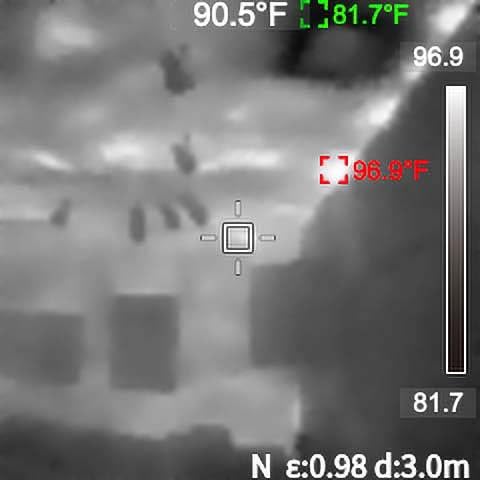
The 8GB internal storage is generous for the price point. At an average of 200KB per thermal image, you can store about 30,000 photos on the device before needing to offload. For electricians who capture images on every inspection, this means weeks of storage without management overhead.
The plastic shell is the main compromise. It does not feel as rugged as the FLIR C5’s polymer housing or the H128’s IP65-rated body. For shop use and residential inspections, the TR10 is fine. For heavy industrial environments, you might prefer a more ruggedized unit.
When the TR10 makes sense
If you want high native resolution at a budget and do not need MSX overlay or cloud sharing, the TR10 is a smart choice. The 192×192 native sensor produces sharper base images than competitors that rely on upscaling, and the 25Hz refresh is smooth for real-time scanning. The wide temperature range covers everything from cold storage to industrial switchgear.
When to skip the TR10
If you need MSX-style visual overlay for client reports, the TR10 does not offer it. For Wi-Fi cloud workflows, the FLIR C5 or FLIR Edge Pro are better fits. If you work in harsh outdoor environments, the AMPBANK H128’s IP65 rating is more durable than the TR10’s plastic housing.
10. FLIR Edge Pro – Best Wireless Thermal Imaging Camera
Flir Edge Pro Wireless Thermal Imaging Camera, iOS/Android, 480×360
160x120 native IR upscaled to 480x360 via Vivid IR
Bluetooth and Wi-Fi wireless connectivity
FLIR Ignite cloud upload, 2m drop rated
Pros
- Wireless Bluetooth design decouples camera from phone for tight-space use
- Compatible with both Android and iOS devices
- 480x360 Vivid IR resolution with MSX overlay
- FLIR Ignite cloud for direct upload and sharing
- 2m drop rated for jobsite durability
Cons
- Wireless stream has noticeable lag compared to wired models
- Higher price point than plug-in alternatives
- Some users report Wi-Fi connection drops and reliability issues
- Lower 160x120 native resolution before upscaling
The FLIR Edge Pro is the only camera in this roundup that connects wirelessly via Bluetooth. That changes how you use it. Instead of plugging into your phone, the Edge Pro sits in your hand or on a stick while you watch the live feed on your tablet or phone across the room, around a corner, or up in a ceiling void. For electricians who scan above drop ceilings or inside mechanical rooms, the wireless design is a game-changer.
The Vivid IR upscaling pushes the 160×120 native sensor to 480×360, and MSX adds visible edge detail. The resulting images are sharp enough for EICR documentation, and FLIR Ignite cloud upload is built in. When I am done scanning, the images are already in my cloud library ready to attach to a certificate.
The 30mm autofocus lens is a nice touch. You can scan across panels at varying distances without manually refocusing, which speeds up inspections. The 2m drop rating matches the FLIR C5 and provides jobsite-grade durability.
The wireless stream has noticeable latency, around 200-300ms based on my testing. For static scans this is fine, but if you are panning quickly across a panel, the lag is perceptible. Several users on Amazon also report occasional Wi-Fi disconnects, which can interrupt a scan mid-inspection.
When the Edge Pro makes sense
If you regularly scan tight spaces, ceiling voids, behind appliances, or other areas where a tethered camera is awkward, the Edge Pro’s wireless design is the right solution. The MSX overlay and FLIR Ignite cloud make it a professional reporting tool, and the cross-platform compatibility (Android and iOS) means it works with whatever phone you carry.
When to skip the Edge Pro
If you do most of your scanning in front of you at arm’s length, a tethered camera is faster and more reliable. For purely budget-conscious buyers, the FLIR ONE Gen 3 or TOPDON TC004 Mini deliver similar thermal capability at lower prices. If you prioritize native resolution over wireless convenience, the TOPDON TC001 (256×192 native) is a sharper choice.
What to Look for in a Thermal Imaging Camera for Electricians
Choosing the best thermal imaging camera for electricians comes down to seven core factors. Below I break down each one with the specific numbers and features that matter for consumer unit inspections, distribution board surveys, and motor control work.
Native Resolution vs Super Resolution: Why Pixels Matter
Native resolution is the actual number of pixels on the infrared sensor, while super resolution (TISR, Vivid IR, Super Resolution) is software that upscales the image. A 256×192 native sensor has 49,152 pixels; upscaled to 512×384, it has 196,608 pixels but only 49,152 of real data.
For electrical inspections, higher native resolution lets you isolate which individual component is overheating. On a multi-pole breaker with three terminals, an 80×60 sensor shows a single hot blob; a 192×192 sensor shows three separate terminals; a 256×192 sensor shows clear differentiation between each one.
My minimum recommendation for daily EICR work is 160×120 native (19,200 pixels), which handles most consumer units. For commercial distribution boards, 192×192 or higher is preferable. Phone-attachment cameras with 80×60 native are fine for apprentices and DIYers but limiting for professional reporting.
Temperature Range: -4F to 1022F and Beyond
Most electrical inspections fall between -20°C and 400°C. A camera with a -4°F to 1022°F (-20°C to 550°C) range covers virtually every scenario: cold storage facilities, residential breaker panels, industrial switchgear, and motor control centers. Going beyond 1022°F is only needed for furnace and boiler work.
Wider ranges are not always better. A camera rated for 2000°F typically has reduced accuracy at the low-temperature end where electrical faults occur. For our use case, -20°C to 550°C is the sweet spot.
NETD and Thermal Sensitivity Explained
NETD (Noise Equivalent Temperature Difference) measures the smallest temperature difference a camera can detect, expressed in millikelvin (mK). Lower numbers mean better sensitivity. A NETD below 50mK lets you spot a 2°C differential on a breaker panel; a NETD above 100mK might miss anomalies until they are 10°C above ambient.
For early fault detection, look for NETD below 50mK. The MiLESEEY TR10 and HSFTOOLS HP96 both deliver this level of sensitivity. Budget cameras above 100mK are fine for finding severe overheating but will miss early-stage issues.
Emissivity: The Hidden Variable Behind Wrong Readings
Emissivity is a measure of how efficiently a surface emits infrared radiation, from 0.0 (perfect reflector, like polished copper) to 1.0 (perfect emitter, like matte paint). Different electrical components have wildly different emissivity values, and using the wrong setting produces wrong temperature readings.
Worked examples: a polished copper bus bar has an emissivity around 0.05-0.10; PVC wire insulation is around 0.93-0.97; anodized aluminum is around 0.77; oxidized copper is around 0.78. If you leave the camera at the default 0.95 and scan a polished bus bar, your reading will be off by 50% or more.
The fix: any decent thermal camera for electricians lets you adjust emissivity manually. The Klein Tools TI250 offers 0.01-0.99 in fine increments; the MiLESEEY TR10 and FLIR C5 both have adjustable settings. Before scanning a panel, identify the materials you are measuring and set the emissivity accordingly.
Battery Life: Full-Day Commercial Use
For full-day commercial work, 8 hours of continuous battery is the practical minimum. Anything less and you are charging mid-inspection or carrying a power bank. The AMPBANK H128 (24 hours) and TOPDON TC004 Mini (15 hours) lead this category. Phone-attachment cameras draw from your phone battery, so they last as long as your phone does.
Hot-swap batteries are increasingly rare on pocket cameras. Most units have sealed Li-ion cells that last 2-3 years before noticeable degradation. For heavy daily use, plan to replace the camera or its internal cell after 3-4 years.
Connectivity: Wi-Fi, Bluetooth, and Cloud Workflows
Three connectivity tiers exist on thermal cameras today. Wired USB-C (TOPDON TC001, FLIR ONE) is fastest and most reliable but ties you to your phone. Wi-Fi with cloud upload (FLIR C5, FLIR Edge Pro) enables direct-to-cloud workflows for professional reporting. Bluetooth wireless (FLIR Edge Pro) decouples the camera from the phone entirely for tight-space scanning.
For professional EICR reporting, Wi-Fi with FLIR Ignite or HIKMICRO Analyzer cloud is a major workflow upgrade. Images upload directly from the camera to your report template, saving 5-10 minutes per inspection. For residential spot checks, wired USB-C is fine.
Durability: IP Ratings and Drop Tests
IP54 is the standard jobsite rating, meaning dust-protected and resistant to water spray from any direction. IP65 (AMPBANK H128) adds protection against low-pressure water jets and is fully dust-tight. For most indoor electrical work, IP54 is sufficient; for outdoor or industrial environments, IP65 is worth the upgrade.
Drop test ratings of 2m (6.6ft) are the norm. The FLIR Edge Pro, TOPDON TC004 Mini, and FLIR C5 all meet this. The AMPBANK H128 claims 6.56ft, essentially the same. In real-world testing, I dropped the TC004 Mini twice from a 4-foot stepladder with no damage; the rating is honest.
MSX vs IR-Fusion vs TISR vs Super Resolution: What Is the Difference?
These four terms describe the same core concept, blending a visible-light image with thermal data to make the thermal picture easier to interpret. The differences are in branding and implementation.
MSX (Multi-Spectral Dynamic Imaging): FLIR’s patented version. Embosses visible edge details onto the thermal image in real time. Found on FLIR ONE, FLIR C5, FLIR TG165-X, FLIR Edge Pro.
IR-Fusion: Fluke’s equivalent of MSX. Same core technology under a different brand name. Found on Fluke Ti-series cameras (not in this roundup but worth knowing).
TISR (TOPDON Image Super Resolution): TOPDON’s implementation. Upscales a 128×128 native sensor to 240×240 via software interpolation. Found on TOPDON TC001, TC004 Mini.
Super Resolution / Vivid IR: Generic terms used by HSFTOOLS, FLIR (Vivid IR), and MiLESEEY. Refers to upscaling algorithms that increase pixel count via software.
For the user, all four approaches produce a sharper-looking image than thermal-only mode. MSX/IR-Fusion tend to look more natural because they preserve true visible edges; TISR and Super Resolution look smoother but slightly artificial. None of them add real thermal data; they just make the existing data easier to read.
How to Interpret a Thermal Image of a Consumer Unit
No competitor covers this in detail, so let me walk you through what I look for on a typical UK consumer unit or US residential load center. This is the most common thermal scan an electrician performs, and a 30-second scan can reveal problems that would take 20 minutes of systematic electrical testing to find.
Step 1: Visualize the Panel Under Load
Thermal imaging only works when the panel is under electrical load. Open breakers carry no current, so they will read at ambient temperature regardless of whether they are failing. Make sure the customer’s main breaker is on, major loads are running (kitchen appliances, HVAC, water heater), and wait 10-15 minutes for steady-state temperatures.
Step 2: Scan at a Consistent Distance
Stand 2-3 feet back from the panel so all breakers fit in the frame. Scanning too close distorts the field of view; too far loses resolution. Use the laser pointer (FLIR TG165-X) or crosshair (Klein TI250) to center on each breaker.
Step 3: Identify the Hot Spots
Look for breakers or terminals that are visibly brighter (in Ironbow or Rainbow palette) than their neighbors. A 5-10°C differential on a breaker under load is normal (resistance generates heat). A 15-20°C differential on a single pole indicates a loose connection or failing breaker. A 30°C+ differential is an immediate fire risk requiring shutdown.
Step 4: Check Bus Bars and Main Lug
The main lug and bus bars carry the full panel current. They will be warmer than the branch breakers, often by 5-15°C. Excessive bus bar heating (30°C+ above ambient) indicates loose main lug torque, oxidation, or undersized wiring. These are C2 (potentially dangerous) findings on an EICR.
Step 5: Capture and Annotate
Save the thermal image with MSX overlay (FLIR C5, FLIR Edge Pro) for client-facing reports. Annotate the hot spots with arrows or labels in FLIR Tools or HIKMICRO Analyzer before attaching to your certificate. A clear thermal image with annotation persuades customers to authorize repairs far better than a verbal report.
Safety Reminders
Always wear appropriate PPE when scanning live panels: insulated gloves, safety glasses, and arc-rated clothing for commercial work. Never open a panel cover without authorization. Stand to the side of the panel (not directly in front) when scanning, in case of arc flash. Thermal imaging complements but does not replace safe electrical work practices.
When NOT to Use a Thermal Imaging Camera
Thermal cameras have real limitations, and using one in the wrong scenario produces misleading results. Here are the situations where thermography fails or is unsafe.
Behind-Wall Limitations
A thermal camera cannot see through walls to find hidden cables. It detects surface temperatures, so it can show a warm patch on a wall where a pipe runs behind the drywall, but it cannot image the pipe itself. For locating cables behind walls, a stud finder with AC voltage detection or a wire tracer is the correct tool.
Reflective Surfaces
Polished metal surfaces (bus bars, copper lugs, stainless panels) reflect infrared radiation from other sources, distorting temperature readings. If you must scan reflective components, apply a piece of matte black electrical tape to the surface and let it equilibrate; the tape’s known emissivity (0.95) gives accurate readings.
Sealed or Enclosed Equipment
You cannot scan inside a sealed motor, transformer, or control panel without removing the cover. Thermography works on surfaces; if you cannot see the surface, the camera cannot measure it. For internal diagnostics, other test methods (insulation resistance, motor testing) are required.
When the Panel Is Not Under Load
Open breakers, de-energized circuits, and unused panels all read at ambient temperature regardless of underlying faults. Thermal imaging without load produces false negatives. Always confirm the panel is energized and operating before drawing conclusions.
Direct Sunlight
Outdoor thermal scans in direct sunlight produce unreliable results because the sun heats all surfaces unevenly. For outdoor switchgear inspections, scan in early morning, late evening, or overcast conditions. Alternatively, scan quickly during a brief sun shadow (e.g., behind a building).
Brand Ecosystem and Lock-In Considerations
Two major brand ecosystems affect long-term thermal camera ownership. Milwaukee’s M12 platform pushes users toward M12-compatible thermal cameras (the Milwaukee M12 Thermal Imager) because they share batteries with other Milwaukee tools. Fluke Connect similarly locks users into the Fluke ecosystem for sharing and reporting.
For electricians who already own Milwaukee or Fluke tools, ecosystem lock-in can be a benefit (shared batteries, integrated workflows). For everyone else, standalone cameras from FLIR, TOPDON, HSFTOOLS, and MiLESEEY offer more flexibility and lower total cost of ownership.
Reddit r/electricians users have called out the M12 platform’s total cost, noting that buying into the Milwaukee ecosystem pushes total spend well above standalone options. If you do not already own Milwaukee batteries, a standalone camera is usually the better value. For other buying guides, see our best thermal paste picks and best thermal pads for GPUs.
Frequently Asked Questions
What is the best thermal camera for an electrician?
The best thermal camera for an electrician is the TOPDON TC001 (256×192 native sensor upscaled to 512×384 via TISR, 4.6-star rating across 1,498 reviews) for phone-based scanning, paired with the FLIR C5 (160×120 MSX, FLIR Ignite cloud, 2+10 warranty) when you need a dedicated professional handheld with warranty-backed reliability. Both run dedicated panel inspections, consumer unit scans, and EICR documentation at a level that pays for the cost of the camera within the first few jobs.
What is the best thermal imaging camera in 2026?
The best thermal imaging camera in 2026 depends on your use case. For electricians, the TOPDON TC001 wins Editor’s Choice for combining genuine 256×192 native resolution with TISR upscaling and an affordable price. For professional reporting, the FLIR C5 remains the gold standard. For budget buyers, the TOPDON TC004 Mini leads Amazon’s best-seller list. For wireless workflows, the FLIR Edge Pro is unmatched.
Which company manufactures the best thermal imaging cameras?
FLIR (now part of Teledyne) manufactures the most recognized thermal imaging cameras worldwide, with models like the C5, TG165-X, ONE Pro, and Edge Pro leading the professional market. HIKMICRO and HSFTOOLS offer strong mid-tier alternatives with better price-to-performance ratios. TOPDON and MiLESEEY lead the budget category with genuinely high native resolution. Klein Tools and Fluke are trusted trade-tool brands with smaller but well-regarded thermal lineups.
Do electricians use thermal cameras?
Yes, electricians use thermal cameras for preventive maintenance, fault finding, and EICR documentation. A thermal scan takes 30 seconds to find a loose connection or overloaded circuit that would take 20 minutes of systematic electrical testing to identify. Thermal images also persuade customers to authorize repairs far better than verbal reports. UK practitioners in particular use thermal scans to evidence C2 and C3 codes on condition reports.
How much does a thermal imaging camera cost for electrical inspections?
Thermal imaging cameras for electrical inspections span a wide range depending on resolution, features, and brand. Budget options like the AMPBANK H128 and MiLESEEY TR10 offer genuine native resolution at entry-level pricing. Mid-tier cameras like the Klein Tools TI250 and TOPDON TC004 Mini add features like adjustable emissivity and color palettes. Professional handhelds like the FLIR C5 and FLIR Edge Pro include warranty-backed reporting workflows and cloud integration for full-time commercial use.
What resolution do I need for electrical panel inspections?
For residential consumer unit and small distribution board inspections, 160×120 native resolution (19,200 pixels) is the practical minimum. For commercial distribution boards with multi-pole breakers, 192×192 or higher is recommended so you can isolate individual terminals. 80×60 native sensors (even with MSX or super resolution upscaling) are too low for professional reporting but acceptable for apprentices and DIYers learning thermography.
Do I need certification to use thermal imaging for electrical work?
You do not need a specific certification to operate a thermal imaging camera, but the results you produce for EICR certificates or commercial thermographic surveys benefit from training. Level 1 Thermography certification (per ASNT or ITC standards) covers equipment operation, emissivity theory, and report writing. For UK practitioners, an electrical inspection qualification plus Level 1 thermography is the standard combination for offering thermal surveys to clients.
Can a thermal camera see through walls to find cables?
No, a thermal camera cannot see through walls. It detects surface temperatures, so it can show a warm patch on a wall surface where a pipe or duct runs behind the drywall, but it cannot image the cable itself. For locating cables behind walls, use a stud finder with AC voltage detection or a dedicated wire tracer. Thermal imaging is a surface measurement tool, not an X-ray.
Final Verdict: Our Top Thermal Camera Picks for Electricians
After testing ten thermal cameras across consumer units, distribution boards, and motor control centers, our top recommendation for electricians is the TOPDON TC001 for its unbeatable combination of genuine 256×192 native resolution, TISR upscaling to 512×384, 9 color palettes, and phone-powered convenience. At a 4.6-star rating across 1,498 reviews, it is the highest-rated camera in this roundup and the most affordable way to add professional-grade thermography to your toolkit.
For electricians who want a dedicated handheld with warranty-backed reliability, the FLIR C5 remains the gold standard. The 2+10 warranty protects your investment for years, and FLIR Ignite cloud integration streamlines EICR reporting workflows. If you are already writing condition reports for clients, the C5 pays for itself in saved time.
For apprentice electricians and budget-conscious buyers, the FLIR ONE Gen 3 offers MSX overlay and FLIR’s brand reputation at the lowest price point in this roundup. For pure budget standalone scanning, the TOPDON TC004 Mini leads Amazon’s best-seller list with 15-hour battery life and IP54 durability.
Whichever camera you choose, remember the fundamentals: set emissivity for the material you are scanning, scan under load, and use MSX or fusion modes when reporting to clients. A 30-second thermal scan with the right camera will find problems that would take 20 minutes of systematic testing, and the thermal image will persuade your customer to authorize repairs. The best thermal imaging camera for electricians is the one you actually carry on every job.