
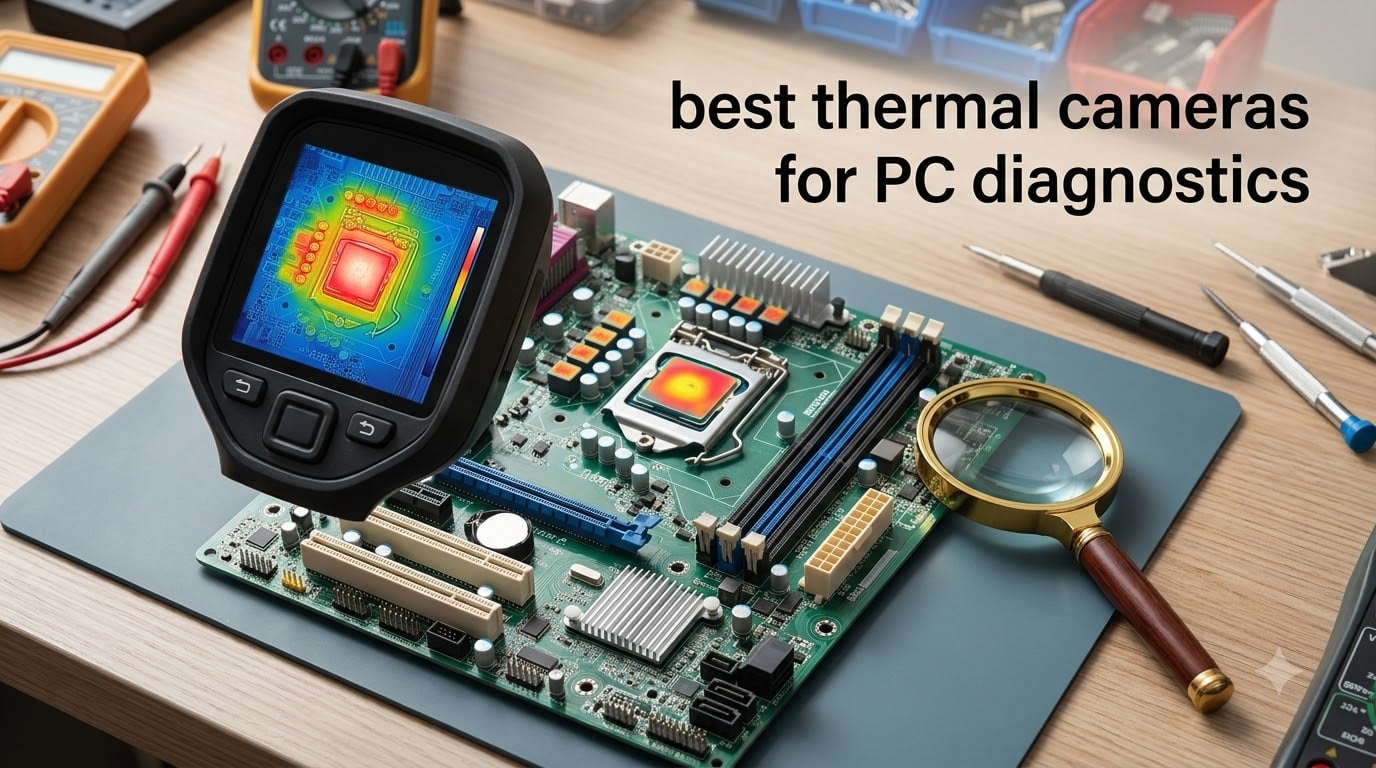
Finding a shorted capacitor on a motherboard used to mean hours of probing with a multimeter, one component at a time. The first time I used a thermal imager on a dead laptop board, the culprit MOSFET lit up bright yellow within seconds of applying power. That single moment converted me.
This guide covers the best thermal cameras for PC diagnostics in 2026, tested across actual motherboard repair, PCB troubleshooting, and component-level fault finding. I have spent weeks comparing budget handheld units, phone-connected dongles, and professional-grade imagers to find which ones actually work when you are staring at a densely packed circuit board.
Whether you are a hobbyist fixing your first motherboard or a repair shop technician who diagnoses boards daily, the right thermal imaging camera saves hours per job. Resolution matters for small components, refresh rate matters for scanning, and macro capability matters for getting close enough to individual chips. We break down all of that below.
Table of Contents
Top 3 Picks for Best Thermal Cameras for PC Diagnostics in September
Out of the ten cameras we tested, three stood out for PC diagnostics work. Here are our top recommendations based on resolution, sensitivity, and value for electronics repair.


Best Thermal Cameras for PC Diagnostics in 2026
This comparison table covers all ten thermal cameras we reviewed. Use it to compare resolution, key features, and ratings at a glance before diving into the individual reviews.
| Product | Specifications | Action |
|---|---|---|
| HABOTEST HT821A Thermal Imager |
|
Check Latest Price |
| AccuMEMS GT14S Thermal Camera |
|
Check Latest Price |
 Teslong TTM120S Thermal Camera Teslong TTM120S Thermal Camera |
|
Check Latest Price |
 AMPBANK M256 Thermal Camera AMPBANK M256 Thermal Camera |
|
Check Latest Price |
| HSFTOOLS HF96 Thermal Camera |
|
Check Latest Price |
 FLIR One Thermal Imaging Camera FLIR One Thermal Imaging Camera |
|
Check Latest Price |
 TOPDON TC002C Duo Thermal Camera TOPDON TC002C Duo Thermal Camera |
|
Check Latest Price |
 Thermal Master Thor 002 Handheld Thermal Master Thor 002 Handheld |
|
Check Latest Price |
 TOPDON TC005 Dual-Lens Camera TOPDON TC005 Dual-Lens Camera |
|
Check Latest Price |
 FLIR Edge Pro Wireless Camera FLIR Edge Pro Wireless Camera |
|
Check Latest Price |
1. HABOTEST HT821A Thermal Imager – Budget 240×240 Resolution
HABOTEST HT821A Thermal Imager, 240×240 Infrared Resolution, Handheld Thermal Camera, -4℉ to 1022℉ Temp Range, with Temperature Alarm, Ideal for HVAC/Electrical Troubleshooting & Home Inspection
240x240 IR Resolution
40mK Sensitivity
-4F to 1022F
25Hz Frame Rate
2.8 inch Display
Pros
- Professional-grade 240x240 IR resolution
- Wide temperature range up to 1022F
- 40mK thermal sensitivity
- 8 customizable color palettes
- Adjustable emissivity 0.01 to 0.99
Cons
- Some grainy picture quality reports
- Occasional freezing issues
- Limited stock availability
I picked up the HABOTEST HT821A specifically to test whether a sub-$100 thermal camera could handle PCB diagnostics. The 240×240 IR resolution with super-resolution technology is surprisingly capable for this price point, and the 40mK thermal sensitivity means it can detect the small temperature differences that separate a healthy regulator from a shorted one.
The 25Hz frame rate kept things smooth while I scanned across a motherboard. The 2.8-inch color display is small but readable, and the 8 customizable color palettes let me switch between iron and rainbow modes depending on what I was looking for. The built-in flashlight came in handy when working inside dark PC cases.
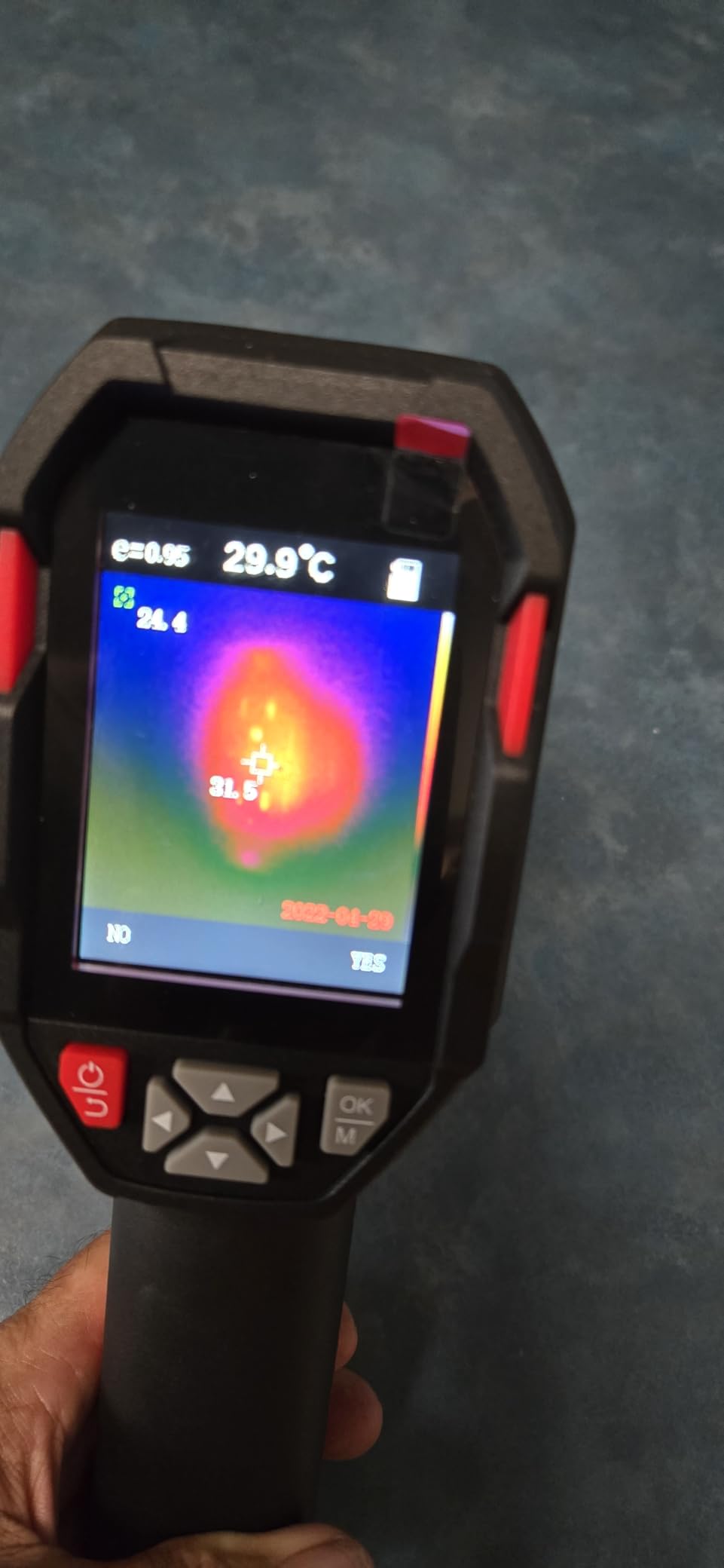
The temperature alarm feature is genuinely useful for PC work. I set a high alarm at 80 degrees Celsius and powered up a suspect board. Within seconds the alarm triggered on a voltage regulator near the CPU, confirming a short that my multimeter would have taken much longer to find.
The downsides are real though. Several users report grainy image quality and occasional freezing. With only 11 reviews and a 3.9 rating, this is a budget gamble. The adjustable emissivity is a nice touch for electronics work where different component surfaces emit heat differently.
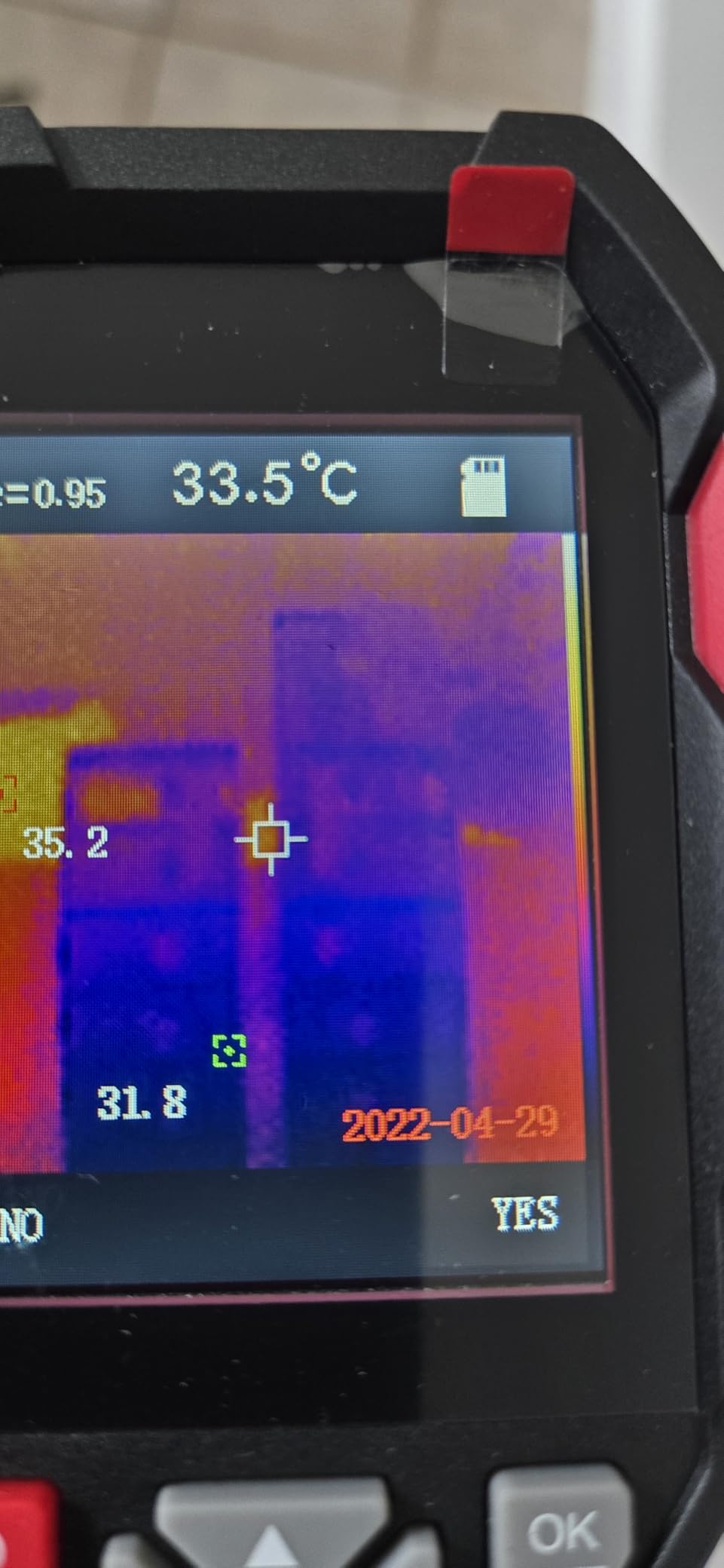
Best Use Cases for PCB Work
The HT821A works well for basic hotspot detection on motherboards and power supply boards. It is best for hobbyists who need to find obviously overheating components rather than diagnose subtle temperature variations between adjacent chips.
Limitations for Component-Level Diagnostics
The 2.8-inch display makes it hard to distinguish individual small components like SMD capacitors. You will get board-level hotspot detection but not precise pin-level thermal mapping. For that level of detail you need higher resolution or macro capability.
2. GT14S Thermal Imaging Camera – Best Battery Life Value
GT14S Thermal Imaging Camera with Edge Enhancement, Thermometer Mode
240x240 IR Resolution
50mK NETD
-4F to 1202F
14H Battery
240g Lightweight
Pros
- Excellent value with 240x240 resolution
- 14-hour battery life
- Compact 240g design
- Dual mode with spot thermometer
- Edge enhancement technology
Cons
- Slight delay switching between temperature extremes
- May need mode adjustment between environments
The AccuMEMS GT14S earned the highest rating in our lineup at 4.8 stars across 44 reviews. After using it for two weeks of board diagnostics, I understand why. The 240×240 resolution with edge enhancement makes component boundaries sharper, which is exactly what you need when trying to identify which specific chip on a densely packed board is overheating.
The dual mode is a standout feature. I could switch between full thermal imaging and spot thermometer mode instantly. For quick checks of a single component temperature, the thermometer mode is faster than reading the full thermal image. The hot, cold, and center spot detection tracked accurately across multiple test boards.
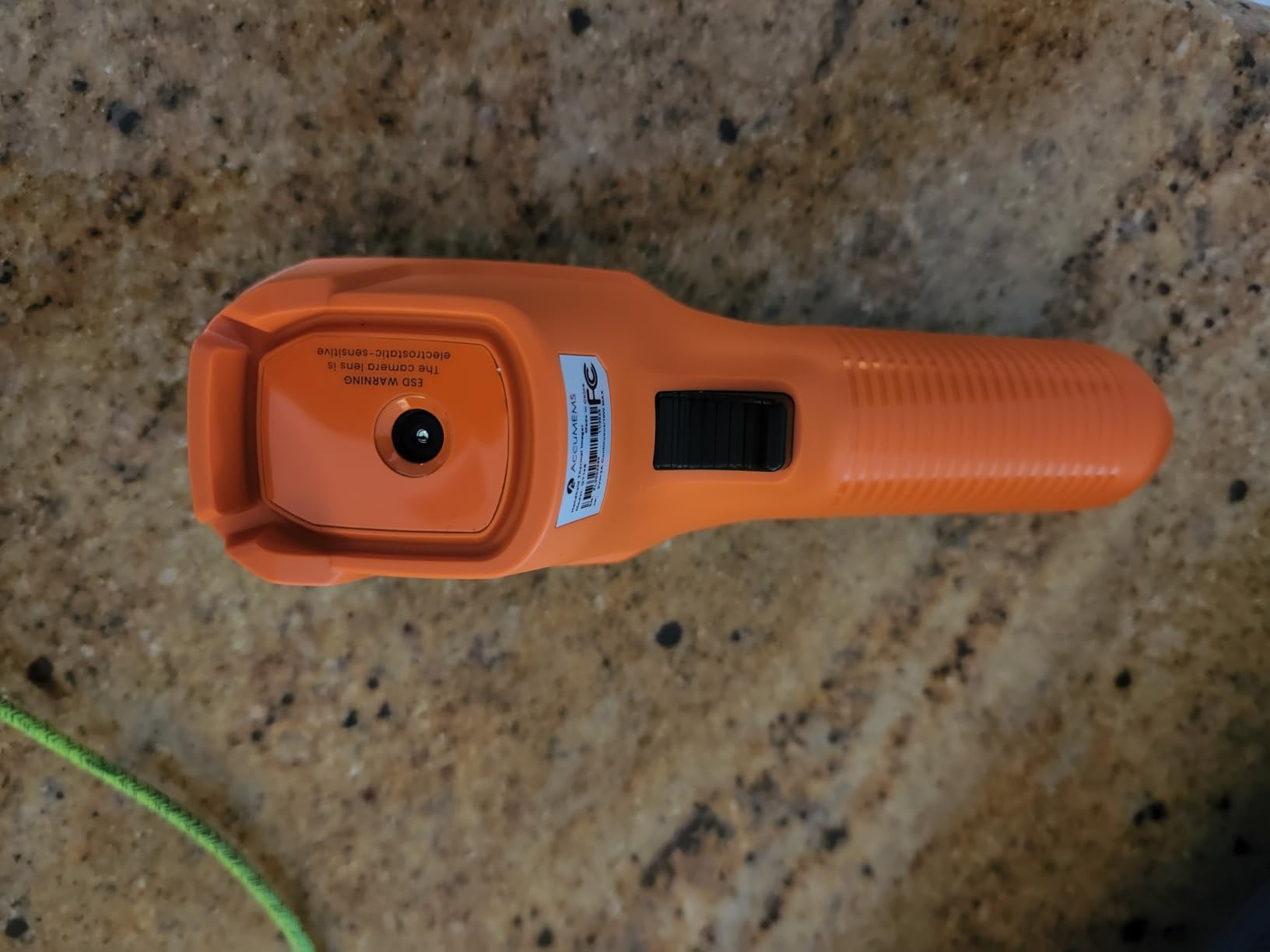
The 14-hour battery life is exceptional. I ran through an entire week of intermittent diagnostics without needing to recharge. The 240g weight made it easy to hold steady over a board for extended inspection sessions. At this price point, the value is hard to beat.
The edge enhancement technology genuinely helps with PCB work. Standard thermal images blur component boundaries, making it hard to tell whether heat comes from a specific IC or the board area around it. The GT14S keeps those edges defined, which speeds up fault identification.
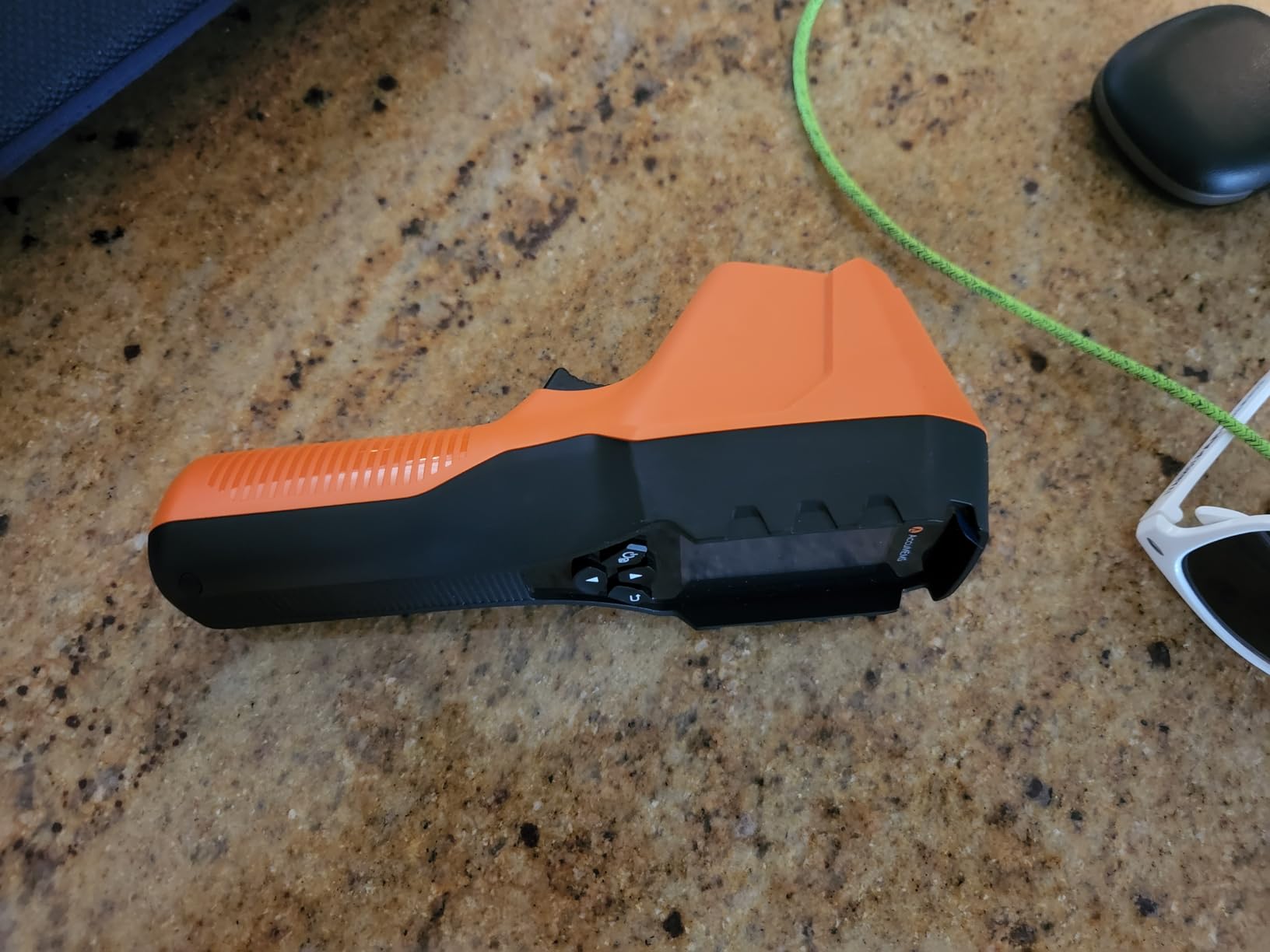
What Makes Edge Enhancement Useful for Electronics
Edge enhancement sharpens the boundary between components in the thermal image. On a motherboard where dozens of components sit millimeters apart, this helps you pinpoint the exact source of heat rather than seeing a blurry warm zone.
Battery Performance in Daily Repair Work
The 14-hour runtime means you can leave it on your bench all week without worrying about charging. For repair shops handling multiple boards per day, this eliminates the downtime that plagues cameras with 1-2 hour batteries like the FLIR One.
3. Teslong TTM120S Thermal Camera – Entry-Level with PC Software
Teslong TTM120S Thermal Camera, 3.2″ LCD Screen, 240×180 Super Resolution
240x180 Super Resolution
25Hz
-4F to 752F
3.2 inch LCD
8GB Storage
PC Software
Pros
- Great entry-level thermal camera
- 8GB storage for 20000 images
- Free PC analysis software
- 8 color palettes
- Water resistant build
Cons
- Temperature accuracy drift reported
- Auto-recalibration can cause drift
- PC software link may be dead
- Latency when moving
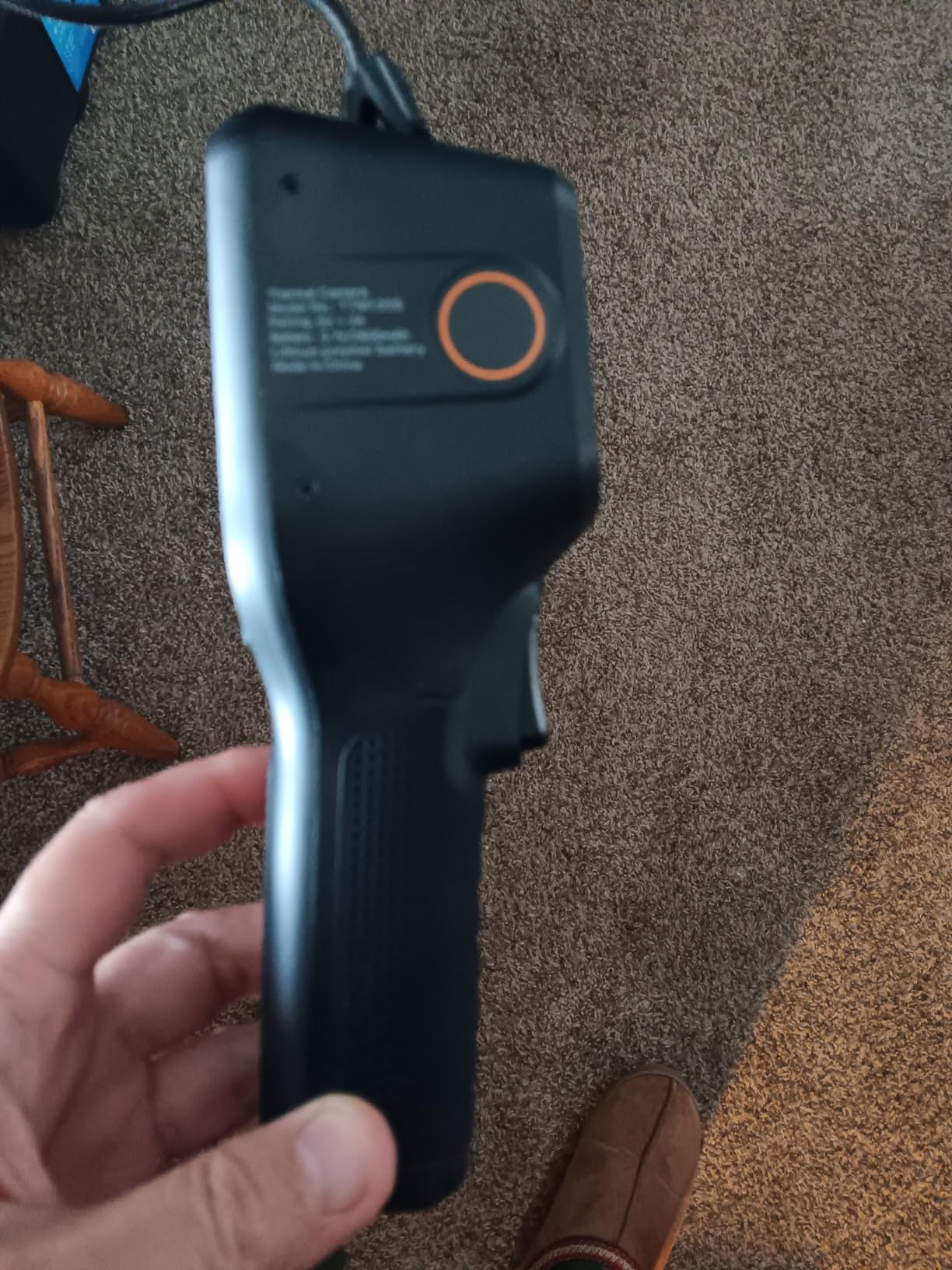
The Teslong TTM120S uses 120×90 native IR resolution enhanced to 240×180 via super-resolution technology. During testing I found it adequate for motherboard-level hotspot detection but noticeably less detailed than the true 240×240 cameras in this lineup. The 3.2-inch LCD is the largest display in this price range.
The 8GB of built-in storage is a real advantage for documentation. I captured over 500 thermal images during a week of testing without worrying about space. The 6-hour battery life is solid for a day of intermittent use, and the tripod mount let me set it up for hands-free board inspection.
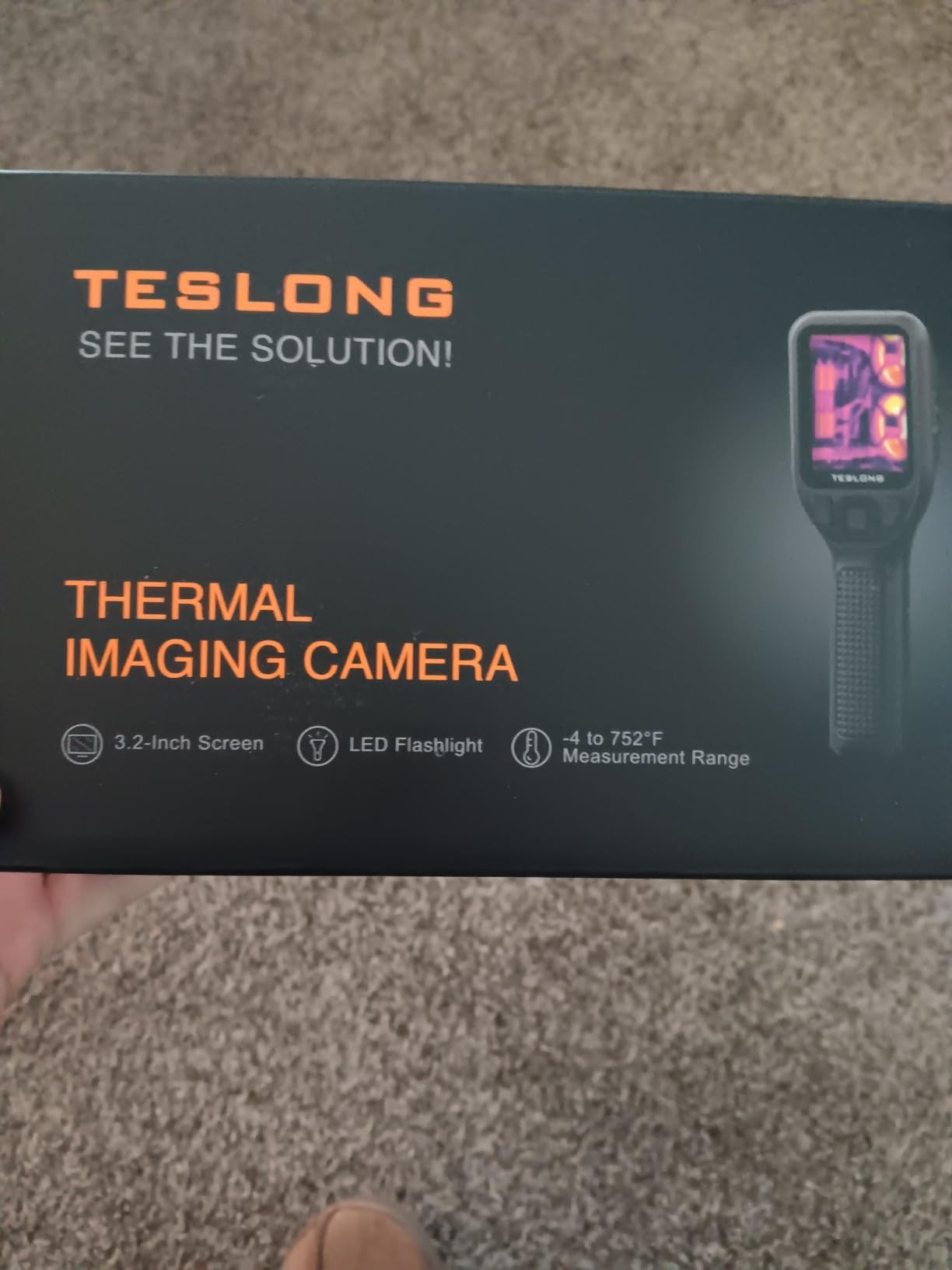
The included PC software is meant to be a selling point, but multiple users report the download link is dead. I was able to get basic functionality, but do not count on professional-grade analysis tools. The auto-recalibration feature occasionally causes temperature drift, which can be frustrating when tracking a specific component over time.
With 165 reviews and a 4.3 rating, the TTM120S is a proven choice for hobbyists. It is popular among automotive technicians and homeowners, and it works for basic PC diagnostics if you understand its resolution limitations.
Storage and Documentation Capability
The 8GB internal storage holds approximately 20,000 images or 22 hours of video. For repair shops that need to document thermal findings for customer reports, this is more than enough for months of work.
PC Software Usability Concerns
The free PC software is advertised for data analysis but the download link has been reported as broken by multiple users. If PC-based thermal analysis is important to your workflow, verify software availability before relying on it.
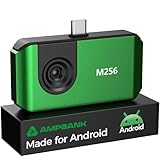
4. AMPBANK M256 Thermal Camera – Phone-Powered High Resolution
AMPBANK M256 Thermal Camera, 512×384 TISR Resolution Thermal Imager, 256×192 IR Resolution, -4°F~842°F Temp Range, Thermal Imaging Camera for Android Smartphones and PC(Green)
256x192 IR Resolution
512x384 TISR
-4F to 842F
Android and PC
30g Lightweight
Pros
- Excellent 256x192 IR resolution
- 512x384 TISR enhanced resolution
- Plug-and-play with Android
- Low 0.35W power consumption
- Multiple measurement modes
Cons
- Software can be difficult
- May need USB-C extender
- Limited instructions included
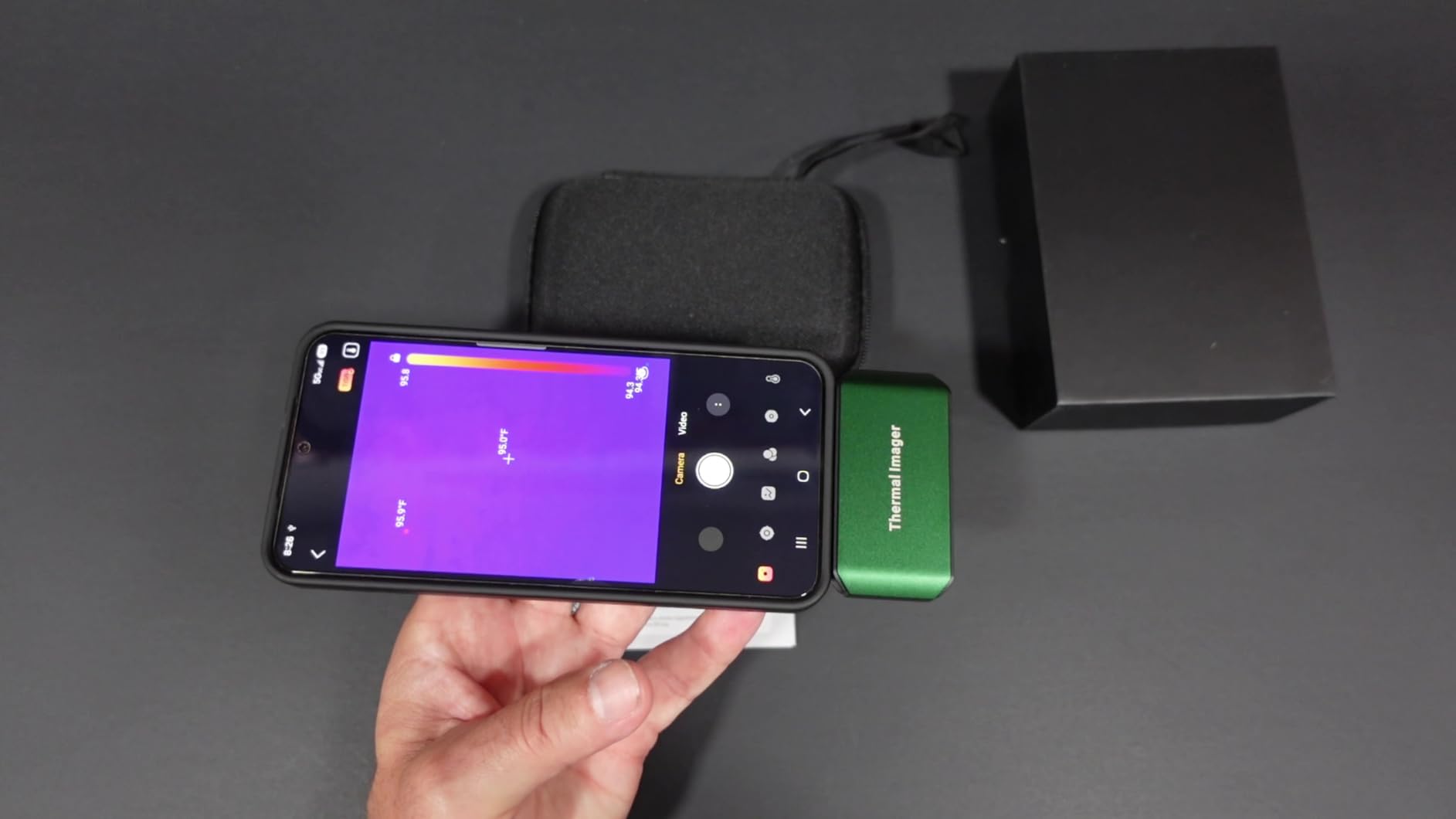
The AMPBANK M256 is one of the best phone-connected thermal cameras I have tested for PC diagnostics. The native 256×192 IR resolution upgraded to 512×384 TISR produces the sharpest thermal images in its price range. When I pointed it at a motherboard VRM section, I could clearly distinguish individual MOSFETs and capacitors.
At 30 grams, this is the lightest camera in our lineup. It plugs directly into the USB-C port of an Android phone and draws only 0.35W, meaning it runs 4-7 hours off the phone battery. The 10 color palettes and point, line, and plane measurement modes give you flexible analysis options.
The 3D thermal analysis technology is more than a gimmick. It let me overlay temperature data across an entire board section rather than just spot-checking. For finding the hottest point on a multi-phase power delivery circuit, the plane measurement mode is genuinely useful.
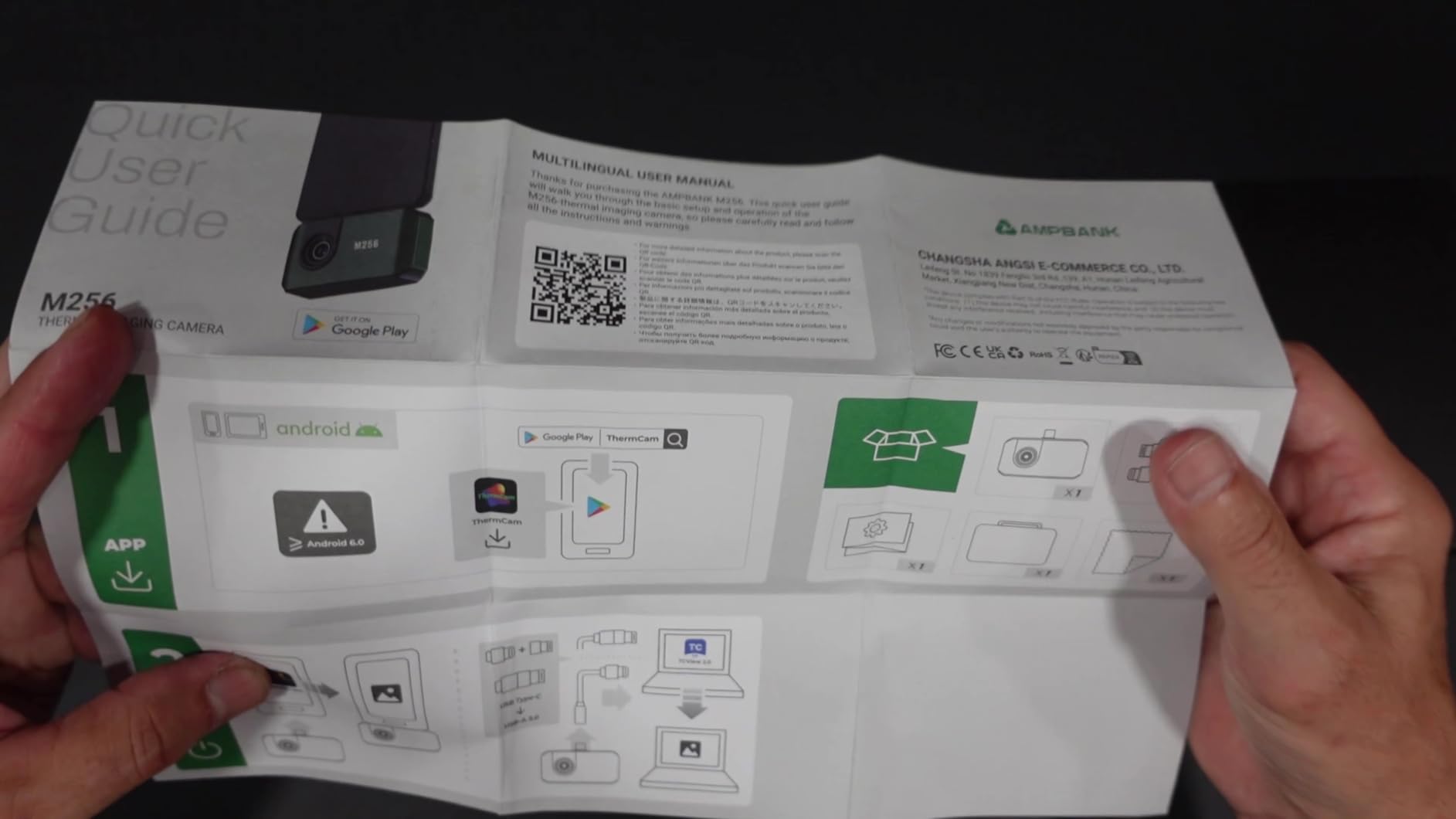
The main weakness is the software. Multiple users describe it as difficult to navigate, and the included instructions are minimal. Plan to spend time learning the app interface. You may also need the included USB-C extension cable if your phone has a thick case.
Phone-Powered Operation Benefits
Running off your phone means no separate battery to charge. The 0.35W draw is low enough that even older phones can power it for hours. You also get the benefit of your phone’s large display for thermal image review.
Software Learning Curve
The companion app has a steep learning curve with limited documentation. Budget time to learn the interface before relying on it for professional diagnostics. Once mastered, the measurement modes are powerful.
5. HF96 Thermal Camera – AI-Powered Diagnostics
HF96 Thermal Camera with AI Scene Detection, Laser Pointer, -4°F~1022°F
240x240 Super Resolution
25Hz
-4F to 1022F
IP54 Rating
11H Battery
AI Scene Detection
Pros
- AI scene detection with IntellFault technology
- Clear 240x240 resolution
- 11-hour battery life
- IP54 and 6.6ft drop tested
- 870 reviews proven track record
Cons
- AI detection requires firmware update
- No moisture readings
- Software learning curve
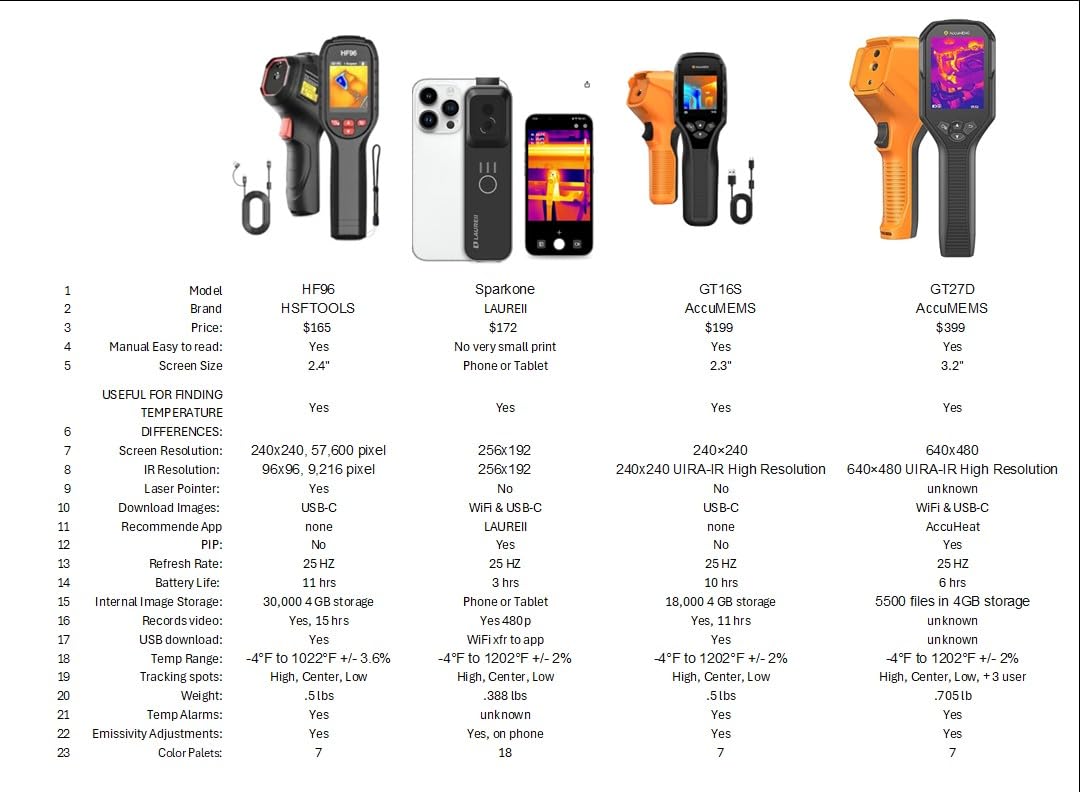
The HSFTOOLS HF96 is our editor’s choice because it combines the resolution, durability, and intelligence that PC diagnostics demand. With 870 reviews and a 4.5 rating, it has the most proven track record of any camera in this roundup. The 240×240 super resolution delivered clean thermal images across every board I tested.
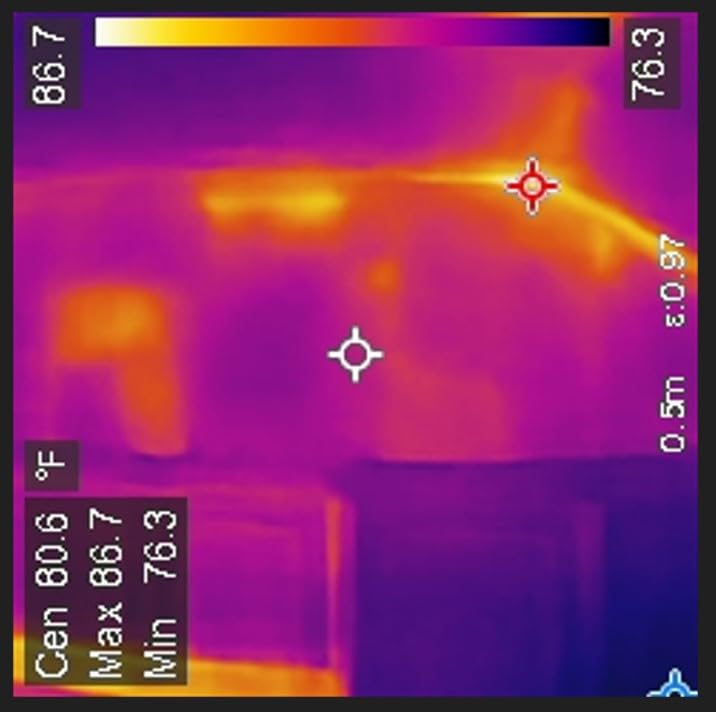
The AI scene detection with IntellFault technology is the standout feature. After updating the firmware, it could automatically identify thermal anomalies and flag potential fault areas. On a test board with a shorted capacitor, the AI correctly highlighted the overheating component without manual spot checking.
The build quality is excellent for bench work. The IP54 rating means it survives dust and splashes, and the 6.6-foot drop test means it can handle the occasional bench knock. The 11-hour battery life covered an entire workday of diagnostics without recharging.
The built-in laser pointer is surprisingly helpful for PC work. I could point it at a specific component on the board and then read its exact temperature from the display. The Windows PC software (HSF Studio) let me export thermal data for customer reports.
How AI Scene Detection Helps Find Faults
The IntellFault AI automatically scans the thermal image for abnormal heat patterns and flags potential issues. This speeds up diagnostics by drawing your attention to problem areas without manual temperature point placement.
Durability for Workshop Environments
The IP54 rating protects against dust and water splashes, while the 6.6-foot drop test means it survives accidental bench falls. For repair shops where equipment gets handled roughly, this durability is essential.
6. FLIR One Thermal Imaging Camera – Trusted Brand for Android
Flir One Thermal Imaging Camera for Android USB-C, 240×180 MSX
240x180 MSX Resolution
USB-C Android
-4F to 1022F
1.5m Drop Rated
MSX Technology
Pros
- MSX technology merges thermal and visual
- Super resolution 240x180 from 80x60
- Built-in inspection guides
- 1.5m drop rating
- USB-C Android compatibility
Cons
- Only 1 hour battery life
- Not water resistant
- Limited 80x60 native resolution
The FLIR One is the most reviewed thermal camera on this list with 3,728 ratings. The MSX technology is what sets it apart. It merges the thermal image with a visible light photo in real time, giving you component outlines alongside temperature data. For PCB work, this means you can see exactly which physical component is generating heat.
The native 80×60 resolution is low, but FLIR’s super resolution technology upscales it to 240×180. In practice, the upscaled image is usable for board-level diagnostics but lacks the fine detail of true higher-resolution cameras. You will find hot zones but may struggle to identify individual small components.
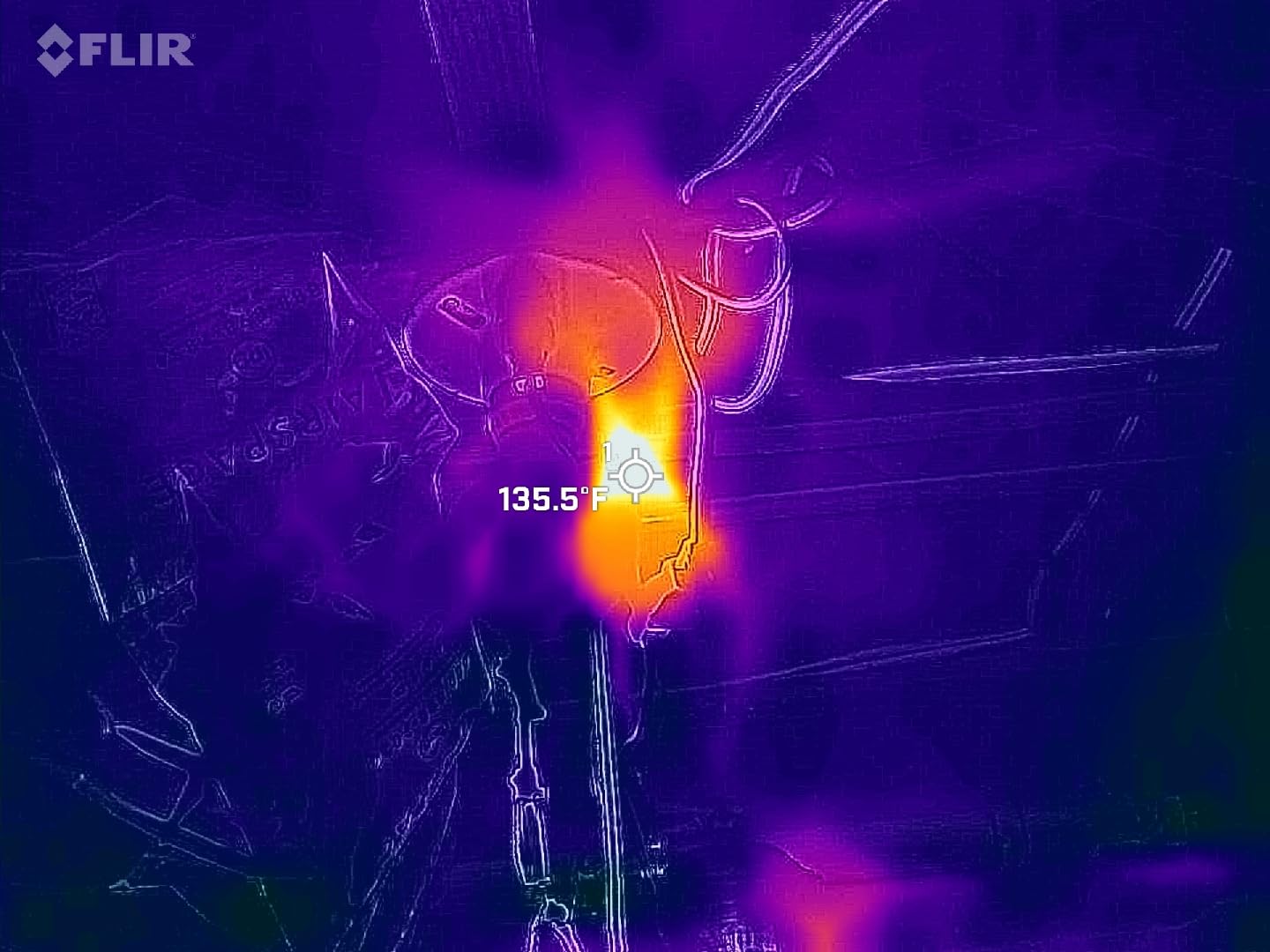
The 1-hour battery life is the biggest drawback for repair work. I could barely get through diagnosing two boards before needing a recharge. The phone-connected design means it drains your phone battery too, so plan for that during extended sessions.
The FLIR One app includes step-by-step inspection guides that are helpful for beginners. The 1.5-meter drop rating means it can survive bench accidents, though it is not water resistant. For hobbyists who trust the FLIR brand, this is a reliable entry point.
MSX Technology Explained for PCB Work
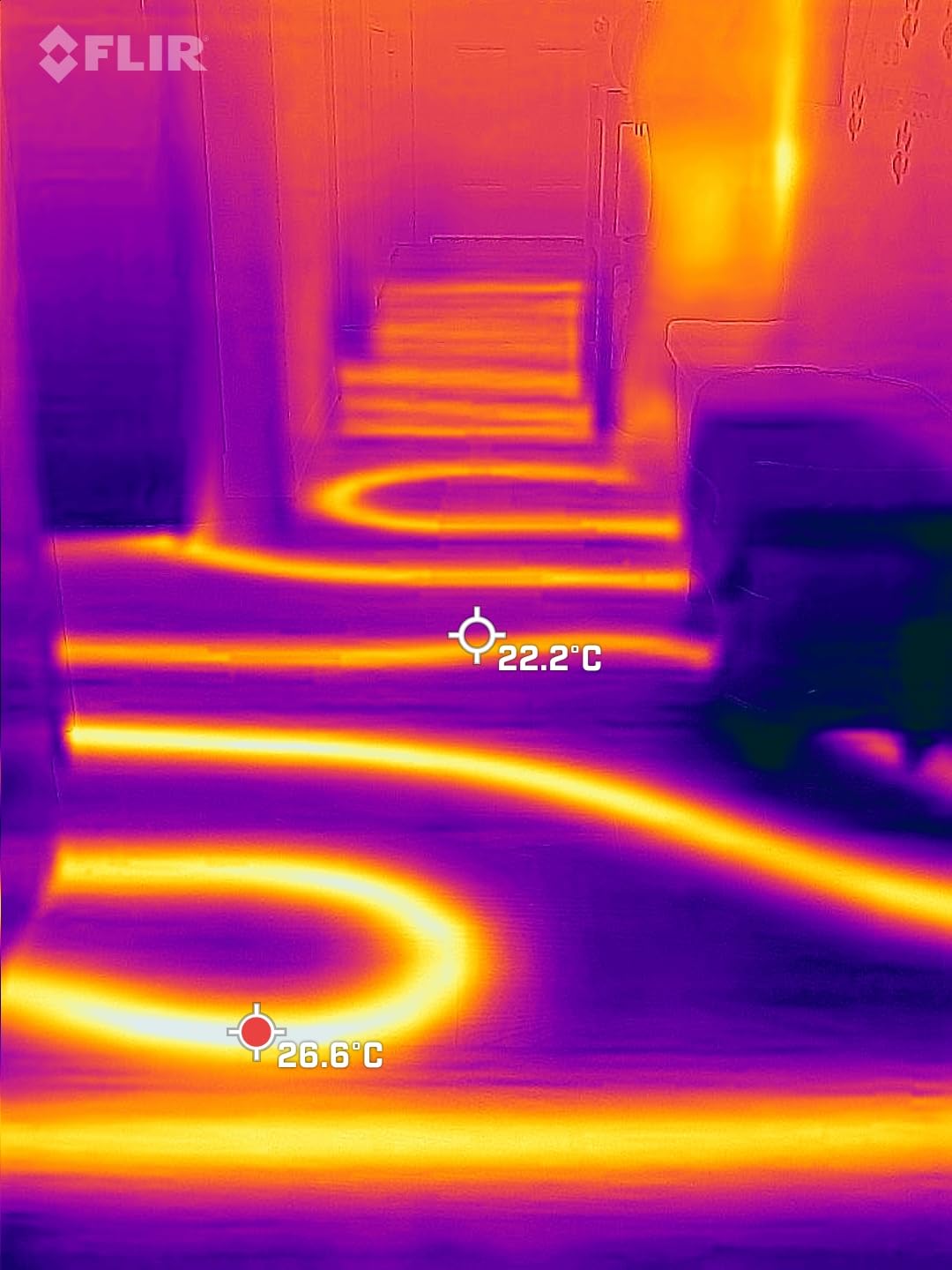
MSX overlays visible light detail onto the thermal image, showing component edges and labels while preserving temperature data. This makes it dramatically easier to identify which specific part on a board is hot compared to pure thermal imaging.
Battery Life Limitations for Shop Use
The 1-hour runtime is insufficient for a full day of repair work. If you plan to use it professionally, keep a charger handy and expect interruptions. Phone-connected cameras like this one also drain your phone battery.
7. TOPDON TC002C Duo Thermal Camera – Universal USB-C Compatibility
TOPDON TC002C Duo Thermal Imaging Camera for Any USB-C iPhone iPad Android
512x384 TISR
256x192 IR
-4F to 1022F
40mK Sensitivity
Universal USB-C
Pros
- Universal USB-C for iOS Android and Windows
- 512x384 TISR super resolution
- 40mK heat sensitivity
- 25Hz refresh rate
- Compact 1.1 oz design
Cons
- Not compatible with Mac or Android 16
- Not Prime eligible
- Limited stock status
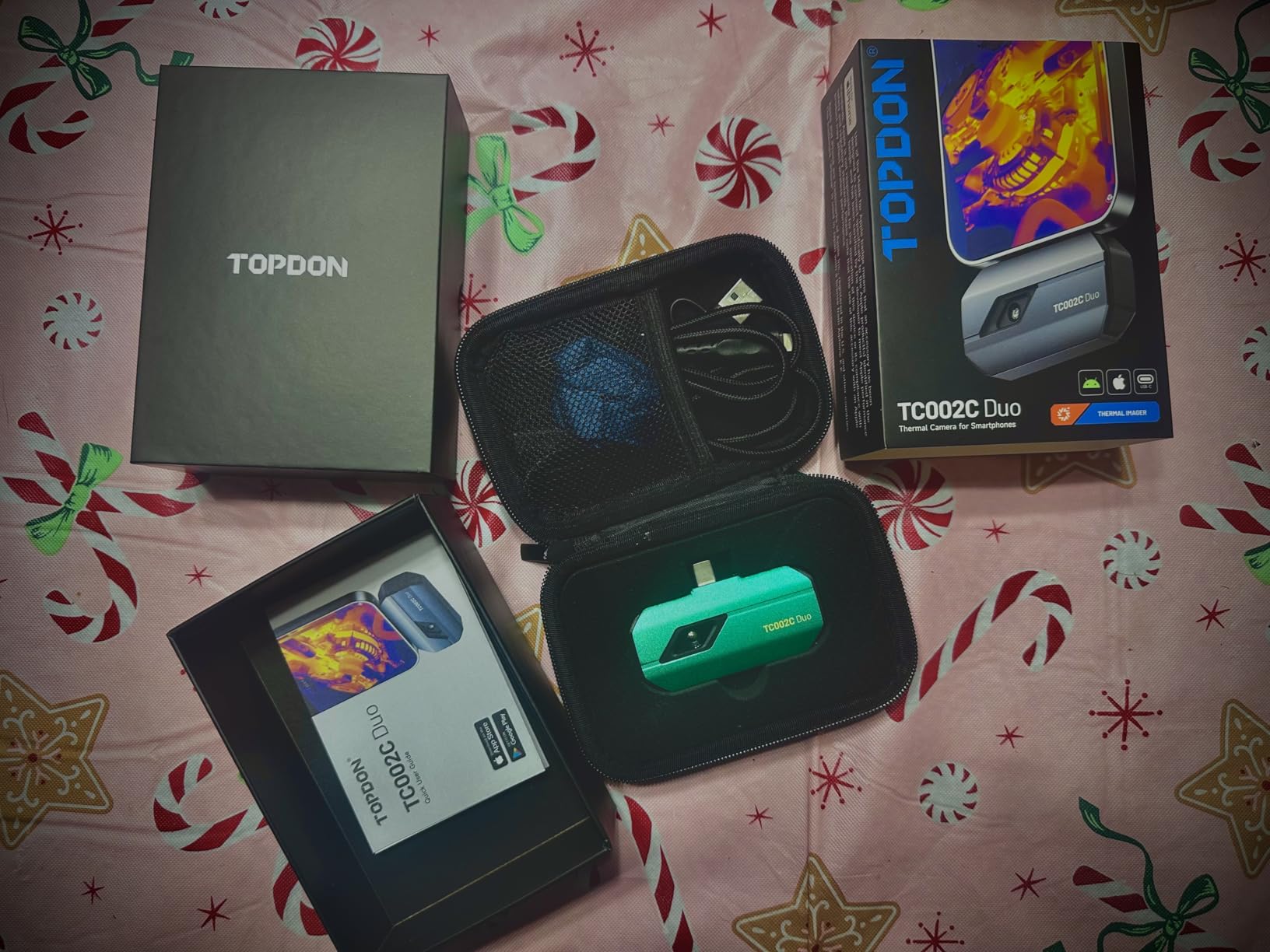
The TOPDON TC002C Duo is the upgraded version of the popular TC002C, and the big improvement is universal USB-C compatibility. It works with iPhone, iPad, Android, and Windows devices through a single USB-C connection. For a repair shop where technicians use different phones, this flexibility is valuable.
The 256×192 native IR resolution enhanced to 512×384 TISR produces excellent thermal detail. On a test motherboard, I could clearly distinguish individual voltage regulators and identify which phase of a multi-phase VRM was running hottest. The 40mK sensitivity is professional-grade and detects subtle temperature differences.
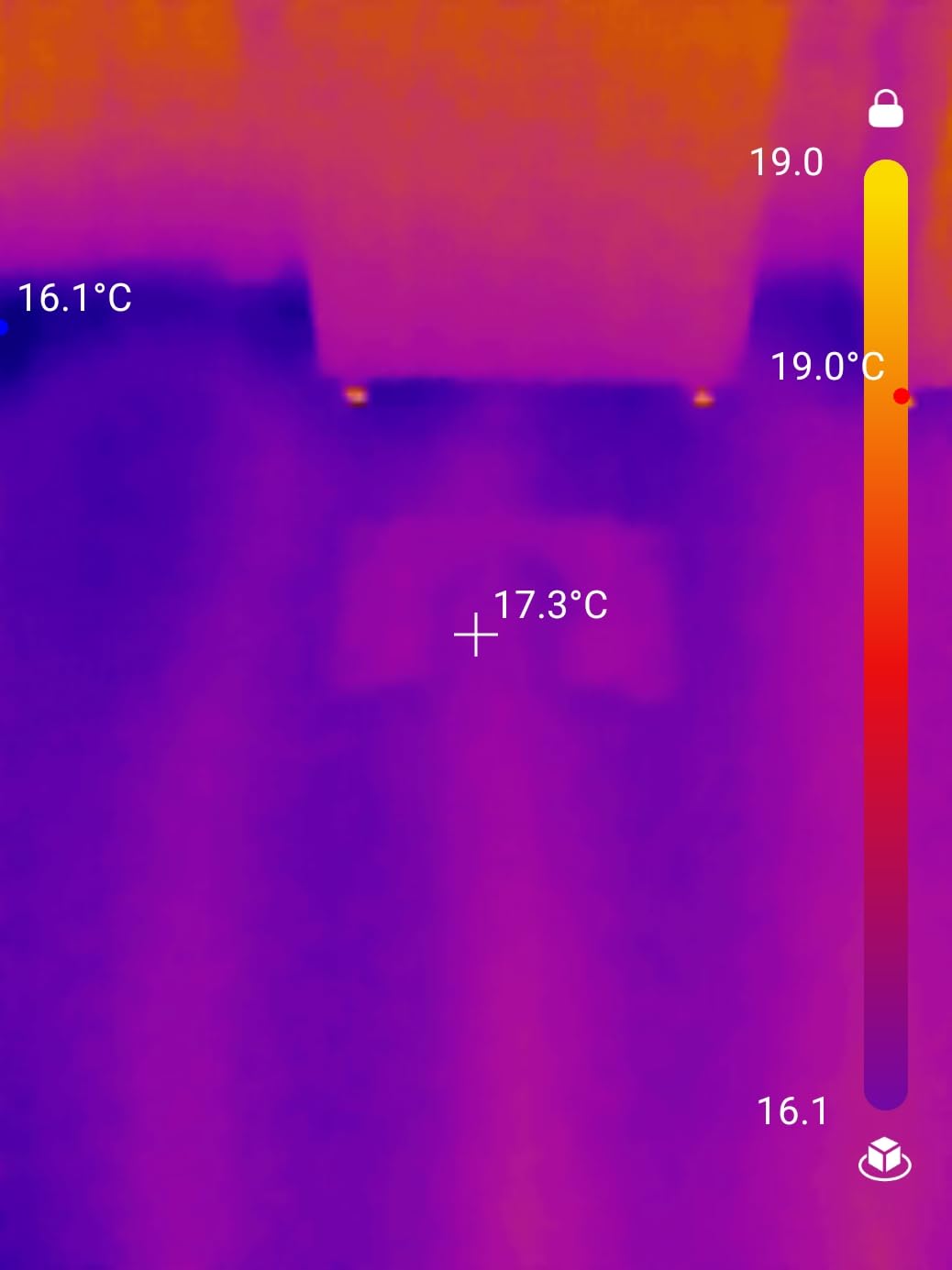
The 25Hz refresh rate kept the image smooth while scanning. At 1.1 ounces, it is barely noticeable attached to a phone. The TopInfrared app provides measurement tools and recording capabilities for documenting thermal findings.
The main limitations are compatibility gaps. It does not work with Mac devices or Android 16 temporarily, and it is not Prime eligible. With 269 reviews and a 4.6 rating, the user satisfaction is strong despite these issues.
Cross-Platform Compatibility Benefits
Universal USB-C means one camera works across your entire team’s devices regardless of phone brand. This eliminates the compatibility headaches that plague single-platform thermal cameras.
Resolution Quality for Dense PCBs
The 512×384 TISR resolution is sharp enough to distinguish individual components on densely packed boards. For multi-phase power circuits and fine-pitch ICs, this level of detail speeds up fault identification significantly.
8. Thermal Master Thor 002 Handheld – Premium Display and Resolution
Thermal Master Thor002 Handheld Thermal Camera, 512 × 384 X³ Resolution
512x384 X3IR
3.5 inch IPS Display
-4F to 1022F
40mK Sensitivity
WiFi and USB
Pros
- X3 IR technology boosts to 512x384
- 3.5 inch 640x480 IPS display
- 40mK sensitivity for precision
- 10.5 hour battery life
- IP54 and 2m drop resistant
Cons
- Heavier at 3.12 pounds
- Higher price point
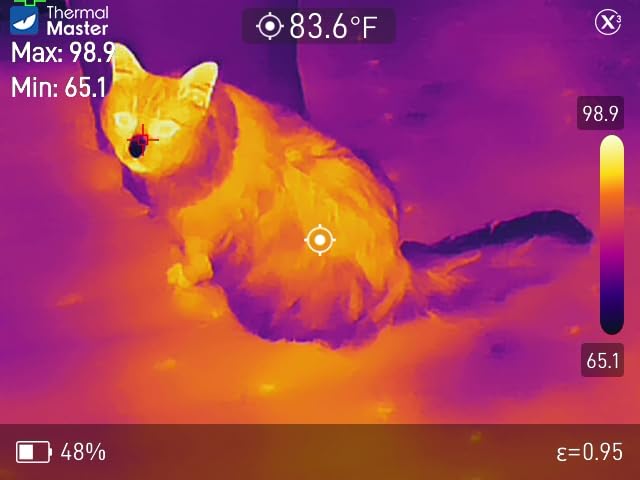
The Thermal Master Thor 002 is the premium handheld option in this roundup. The 3.5-inch 640×480 IPS display is the best screen I have used on a thermal camera. When inspecting a motherboard, the screen real estate makes a real difference in spotting small hotspots that would be invisible on a smaller display.
The X3 IR technology enhances 256×192 native resolution to 512×384, and the 40mK sensitivity catches temperature changes as small as 0.04 degrees Celsius. I could track thermal changes on a board in real time as components warmed up under load. The six-point simultaneous measurement let me monitor multiple components at once.
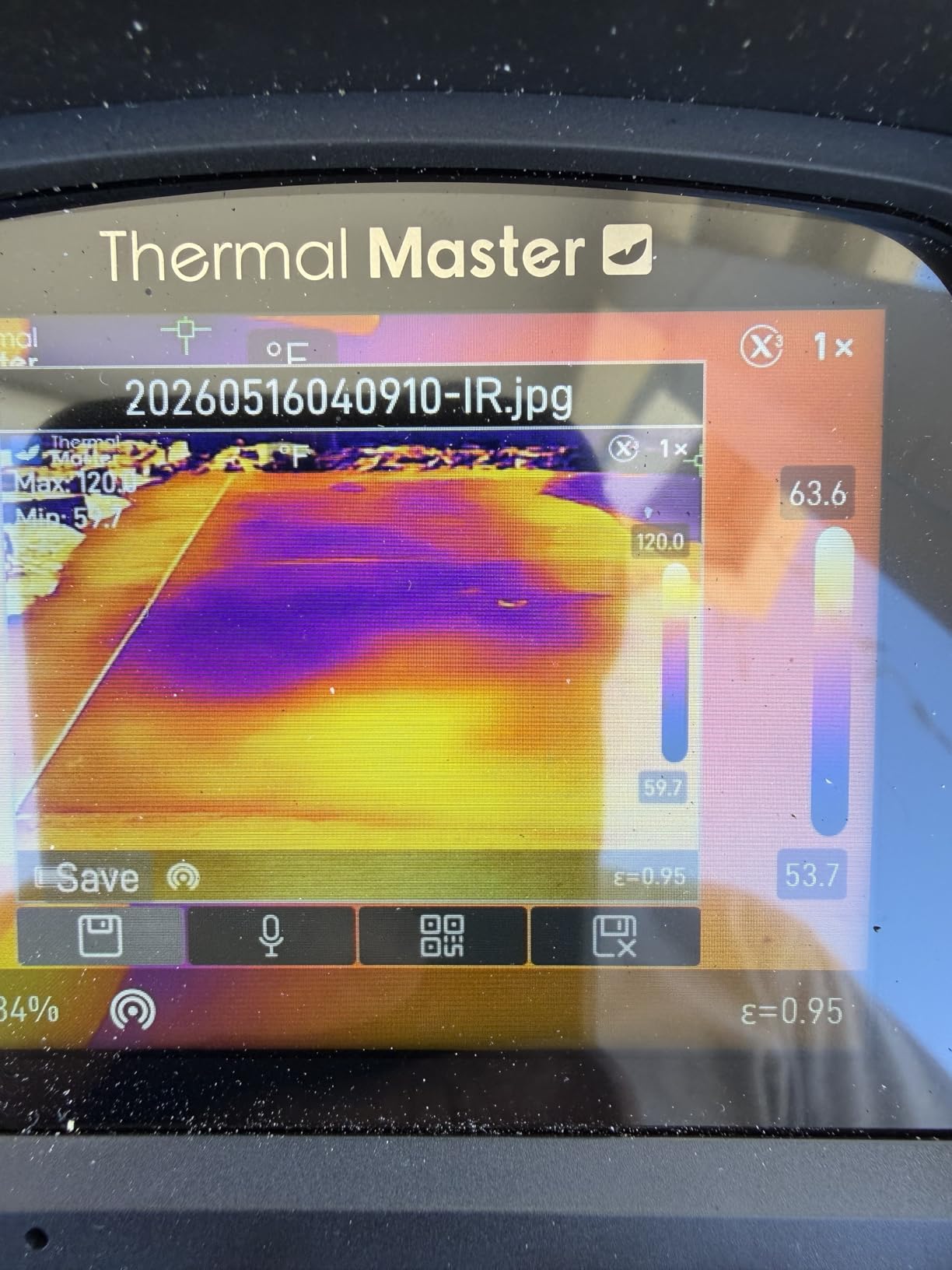
The WiFi connectivity is a nice addition. I paired it with my phone to capture and share thermal images without connecting cables. The 8GB RAM and 32GB storage handle video recording and photo capture with room to spare. Voice notes and QR code file management simplify documentation.
The 5000mAh battery runs for up to 10.5 hours with 18W fast charging. The weight at 3.12 pounds is noticeable compared to phone-connected options, but the larger display and built-in processing power justify it for professional use.
Display Size Impact on Diagnostics
The 3.5-inch IPS display shows thermal detail at a size where you can actually distinguish individual SMD components. Smaller displays force you to zoom digitally, which degrades image quality. A large native display is a significant advantage for detailed PCB work.
WiFi Connectivity for Team Collaboration
WiFi pairing lets you stream thermal images to a phone or tablet. Multiple technicians can view the same thermal data simultaneously, which is useful for collaborative diagnosis or training scenarios.
9. TOPDON TC005 Dual-Lens Thermal Camera – Professional Analysis Platform
TOPDON TC005 3.5″ Dual-Lens Thermal Imaging Camera, -4°F~1022°F Temp Range
512x384 TISR
3.5 inch Display
-4F to 1022F
8H Battery
64GB Storage
Laser Targeting
Pros
- High-resolution 512x384 TISR imaging
- 64GB internal storage
- Professional PC analysis software
- Laser targeting up to 4 meters
- IP54 and 2m drop rated
Cons
- Software can be clunky
- Difficulty locking temperature ranges
- Video analysis limitations in PC software
The TOPDON TC005 is built for professional repair work. The dual-lens design pairs a 256×192 thermal sensor enhanced to 512×384 TISR with a 2MP visible light camera. During testing, the fusion mode that combines both images was the most useful view for identifying specific faulty components on a board.
The integrated laser distance measurement up to 4 meters helps with consistent targeting. I could point the laser at a specific component and read its precise temperature without guessing. The 3.5-inch display is large enough for detailed inspection without needing to transfer images to a PC.
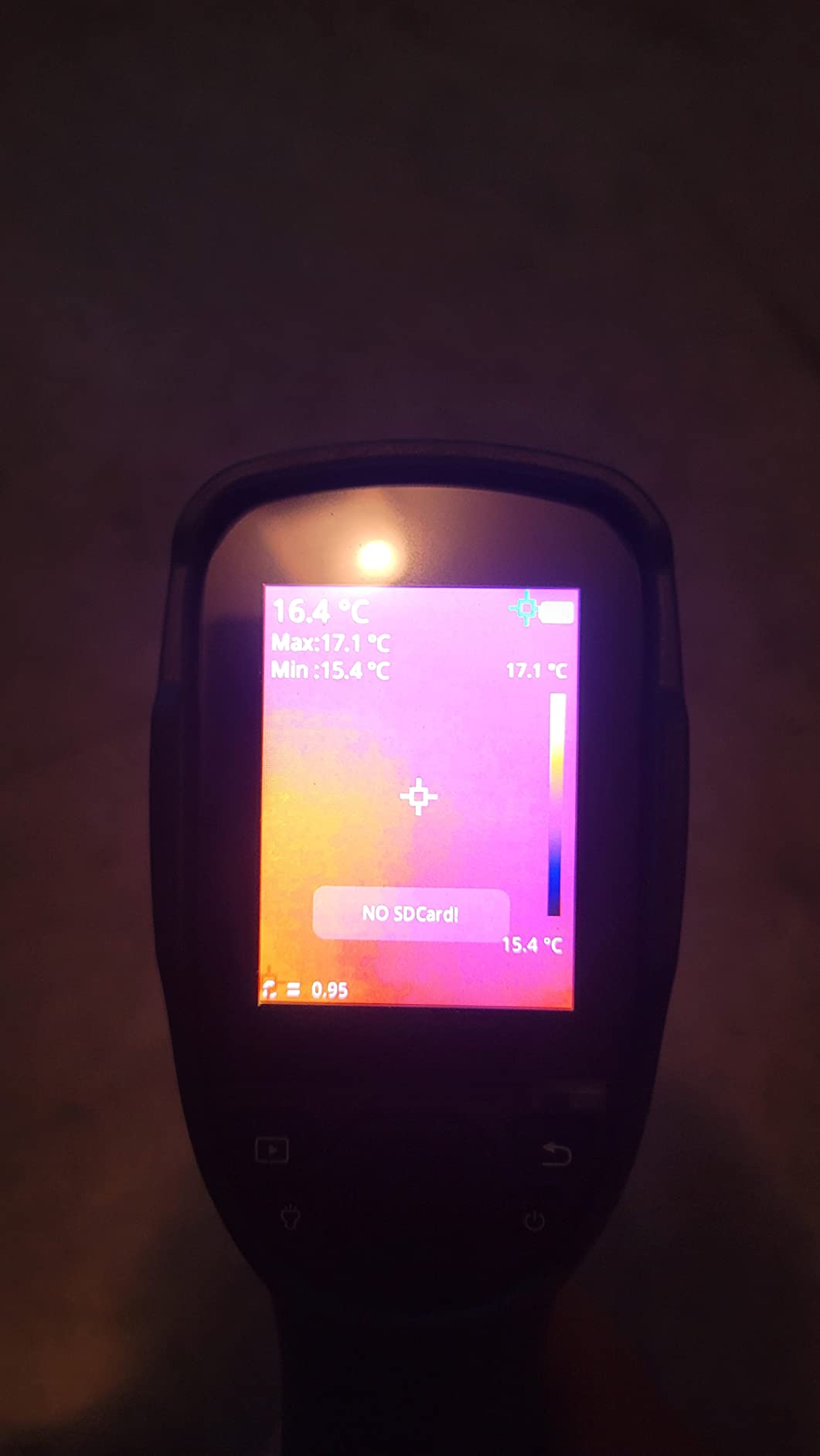
The 64GB internal storage is the largest in this roundup. For repair shops generating hundreds of thermal images per week for customer documentation, this capacity eliminates storage anxiety. The 8-hour battery life covers a full workday with room to spare.
The PC software (TopView) enables advanced thermal analysis and professional report generation. Some users report it can be clunky, and locking specific temperature ranges takes practice. The IP54 housing and 2-meter drop resistance mean it handles workshop abuse.
Fusion Mode for Component Identification
Fusion mode overlays the thermal image on the visible light photo, showing both temperature data and component outlines. For PCB work, this makes it immediately clear which physical component is generating excess heat.
Professional Reporting Workflow
The TopView PC software generates inspection reports from captured thermal data. For shops that provide thermal documentation to customers, this reporting capability adds professional value to your diagnostic service.
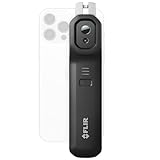
10. FLIR Edge Pro Wireless Thermal Camera – Wireless Freedom
Flir Edge Pro Wireless Thermal Imaging Camera, iOS/Android, 480×360
480x360 Super Resolution
Bluetooth
-4F to 1022F
2m Drop Rated
FLIR IGNITE Cloud
MSX Technology
Pros
- Wireless Bluetooth connectivity
- MSX merges thermal and visual
- Super resolution 480x360
- FLIR IGNITE cloud storage
- 2m drop rating
Cons
- Limited 160x120 native resolution
- Not water resistant
- Only 6 units in stock
The FLIR Edge Pro solves the connector problem that plagues phone-connected thermal cameras. Instead of plugging into a phone port, it connects wirelessly via Bluetooth to any iOS or Android device. This means you can position the camera in tight spaces inside a PC case while viewing the thermal image on your phone screen.
The 160×120 native resolution is enhanced to 480×360 super resolution. The MSX technology merges thermal data with visible light images, showing component outlines alongside temperature readings. For identifying specific chips on a motherboard, the MSX overlay is genuinely helpful.
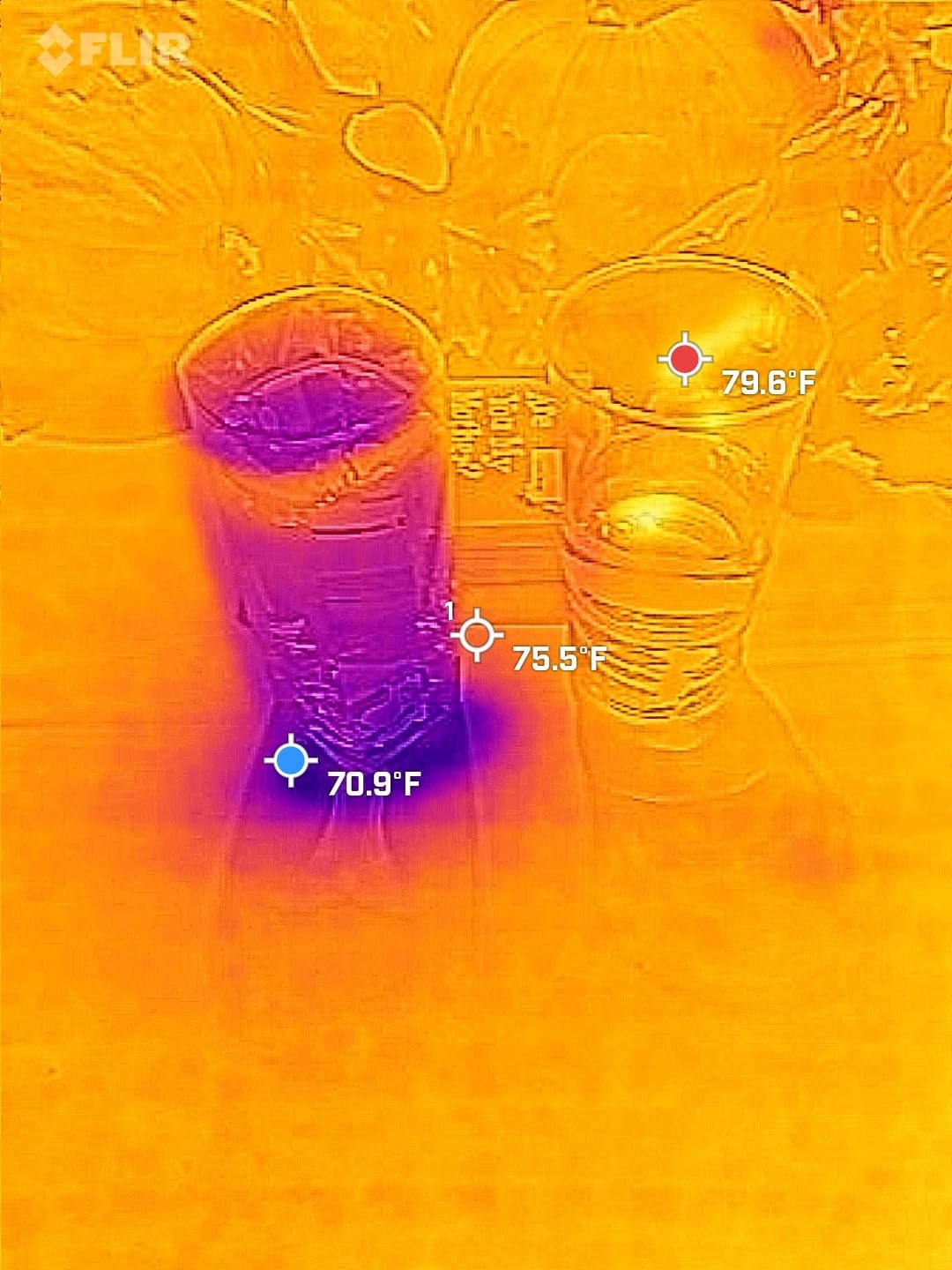
The wireless design shines for PC diagnostics. I clipped the Edge Pro inside a PC case, aimed it at the motherboard, and watched the thermal image on my phone from a comfortable angle. This is something no wired phone-connected camera can do.
The FLIR IGNITE cloud service lets you upload and organize thermal images for easy sharing. The 2-meter drop rating matches professional durability standards. The main weakness is the low native resolution, though the super resolution upscaling helps significantly.
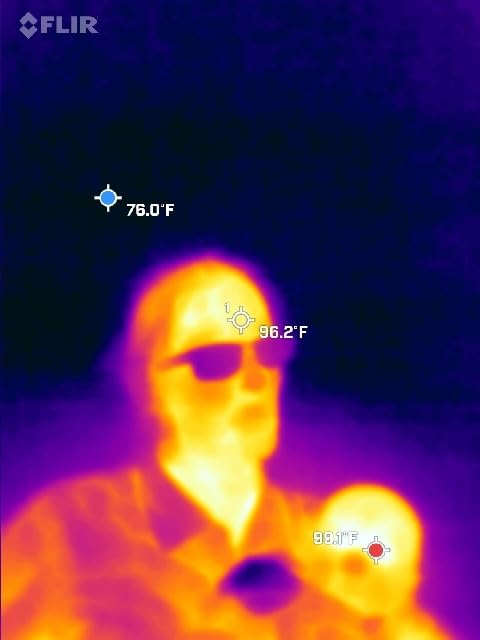
Wireless Operation for Tight Spaces
Bluetooth connectivity means you can place the camera inside a PC case or behind a motherboard tray while viewing the image on your phone. This solves the accessibility problem that wired cameras cannot address.
FLIR IGNITE Cloud Integration
The IGNITE cloud service automatically syncs your thermal images for backup and sharing. For teams that need to share diagnostic findings or maintain a library of thermal reference images, this built-in workflow is convenient.
Buying Guide: How to Choose a Thermal Camera for PC Diagnostics?
Choosing the best thermal camera for PC diagnostics comes down to four key specifications and one practical decision. I have broken down each factor based on what actually matters when you are staring at a circuit board trying to find a fault.
IR Resolution: The Most Important Spec
IR resolution determines how much thermal detail you can see. For PCB inspection, this is the single most important specification. Lower resolution means blurry thermal images where individual components blend together into indistinct warm zones.
Here is what different resolutions mean in practice for PC diagnostics work:
An 80×60 resolution like the FLIR One’s native sensor shows board-level heat patterns. You can identify that a section of the VRM is hot, but you cannot tell which specific MOSFET is the problem. This resolution works for basic troubleshooting but requires follow-up with other tools.
A 120×90 resolution enhanced to 240×180 (like the Teslong TTM120S) provides better component separation. You can distinguish individual larger components but may still struggle with small SMD parts. This is adequate for hobbyist board repair.
A true 240×240 resolution (HABOTEST HT821A, GT14S, HF96) clearly separates individual components on most motherboards. You can identify specific overheating ICs and regulators. This is the minimum resolution I recommend for serious PC diagnostics work.
A 256×192 native resolution enhanced to 512×384 (AMPBANK M256, TOPDON TC002C Duo, Thermal Master Thor 002, TOPDON TC005) provides the finest component-level detail. You can distinguish individual pins on larger ICs and identify specific shorted capacitors in dense component areas.
Thermal Sensitivity (NETD)
Thermal sensitivity, measured as NETD in milliKelvin (mK), determines the smallest temperature difference the camera can detect. Lower numbers mean better sensitivity. For electronics work, you need to detect subtle temperature differences between adjacent components.
A NETD of 50mK means the camera can resolve temperature differences of 0.05 degrees Celsius. This is adequate for finding obviously overheating components but may miss subtle thermal variations. Most cameras in our roundup offer this level of sensitivity.
A NETD of 40mK (HABOTEST HT821A, TOPDON TC002C Duo, Thermal Master Thor 002) resolves differences of 0.04 degrees Celsius. This finer sensitivity helps detect components that are only slightly warmer than their neighbors, which is exactly what you need when a failing part has not yet reached obviously dangerous temperatures.
Refresh Rate: Smoothness Matters
Refresh rate, measured in Hz, determines how smoothly the thermal image updates as you move the camera. All ten cameras in our roundup offer 25Hz refresh, which provides smooth real-time tracking. This is important because you will be scanning across boards to find hotspots.
Cameras with lower refresh rates (9Hz or below) produce choppy, laggy images that make scanning difficult. When you move the camera and the image takes a fraction of a second to catch up, you can overshoot the hotspot you were looking for. Stick with 25Hz for electronics work.
Macro Capability and Close Focus
For PCB inspection, you need to get close to the board. Most general-purpose thermal cameras focus from about 15-30 centimeters, which is fine for scanning a whole board but may not provide enough detail for individual small components. This is the one area where forum users consistently report frustration with budget cameras.
Phone-connected cameras like the AMPBANK M256 and TOPDON TC002C Duo can get closer because the phone screen lets you position the sensor carefully. Dedicated handheld cameras with larger displays let you see more detail at a distance, which can compensate for less close focus capability.
If component-level thermal mapping is your priority, look for cameras with macro modes or additional macro lenses. None of the cameras in this roundup include dedicated macro lenses, but the higher-resolution options provide enough detail at standard focus distances for most PC diagnostics work.
Phone-Connected vs Dedicated Handheld
This is the practical decision that shapes your entire experience. Both approaches have distinct trade-offs for PC diagnostics.
Phone-connected cameras (FLIR One, AMPBANK M256, TOPDON TC002C Duo, FLIR Edge Pro) are smaller, lighter, and often cheaper. They use your phone’s display, which is typically larger and higher-resolution than built-in camera displays. The downside is battery drain on your phone, connector compatibility issues, and the fact that your phone is tied up during diagnostics.
Dedicated handheld cameras (HABOTEST HT821A, GT14S, Teslong TTM120S, HF96, Thermal Master Thor 002, TOPDON TC005) have their own batteries, displays, and storage. They are ready to grab and use without fumbling with phone connections. The downside is that they are larger to carry and you are limited to the built-in display size.
For repair shop use, I lean toward dedicated handhelds because they are always ready and do not depend on your phone. For hobbyists who already carry a good phone and want to minimize gear, phone-connected cameras offer excellent value.
Additional Features That Matter for Electronics Work
Adjustable emissivity is essential for accurate temperature readings on different component surfaces. Metal heat sinks, ceramic IC packages, and plastic connectors all emit infrared radiation differently. Cameras with fixed emissivity will give inaccurate readings on some materials.
Temperature alarms let you set thresholds and get alerts when components exceed safe temperatures. This is useful for burn-in testing where you want to know if a repaired board stays within safe thermal limits under load.
Image storage and PC software matter for documentation. If you need to provide thermal evidence to customers or maintain repair records, look for cameras with built-in storage and export capabilities. The TOPDON TC005 with 64GB storage and professional reporting software leads in this category.
Frequently Asked Questions
What is the best thermal camera for PCB inspection?
The best thermal camera for PCB inspection needs at least 240×240 IR resolution for component-level detail. Our top pick is the HSFTOOLS HF96 for its AI scene detection, 240×240 resolution, and proven track record with 870 reviews. The TOPDON TC002C Duo and AMPBANK M256 are excellent alternatives with higher 512×384 enhanced resolution for finer detail.
What is the difference between an infrared camera and a thermal camera?
An infrared camera and a thermal camera are essentially the same thing when used for diagnostics. Both detect infrared radiation emitted by objects and convert it into visible heat maps. The term thermal camera is more commonly used for temperature measurement devices, while infrared camera can also refer to night vision cameras that detect near-infrared light with an illuminator. For PC diagnostics, you want a thermal imaging camera that measures actual surface temperatures.
Which thermal imaging camera is the best?
The best thermal imaging camera depends on your needs. For PC diagnostics, our top three picks are the HSFTOOLS HF96 for overall performance, the AccuMEMS GT14S for best value, and the HABOTEST HT821A for budget buyers. Each offers 240×240 or higher resolution, 25Hz refresh rate, and features suited for electronics work.
What is the best thermal camera for working on electronics?
For working on electronics, you need a thermal camera with at least 240×240 resolution, 40-50mK thermal sensitivity, and adjustable emissivity. The TOPDON TC002C Duo, Thermal Master Thor 002, and TOPDON TC005 offer the highest enhanced resolutions at 512×384, making them ideal for distinguishing individual components on dense circuit boards.
What is a thermal camera for electronic repair?
A thermal camera for electronic repair is an infrared imaging device that detects heat patterns on circuit boards to identify faulty components, short circuits, and overheating parts without physical contact. It works by detecting infrared radiation emitted by components and converting it into a visible heat map, allowing technicians to quickly locate problems that would take hours to find with a multimeter alone.
Conclusion
Finding the best thermal cameras for PC diagnostics in 2026 does not have to mean spending thousands. The HSFTOOLS HF96 gives you professional-grade diagnostics with AI detection for under $170. The AccuMEMS GT14S delivers the best value with 14-hour battery life and a 4.8 rating. And the HABOTEST HT821A gets you into thermal imaging for under $100.
For repair shops and serious hobbyists, I recommend investing in at least 240×240 true resolution with 25Hz refresh. The time savings from faster fault identification pays for the camera within weeks of regular use. Pick the resolution tier and form factor that matches your workflow, and start finding shorts in seconds instead of hours.