
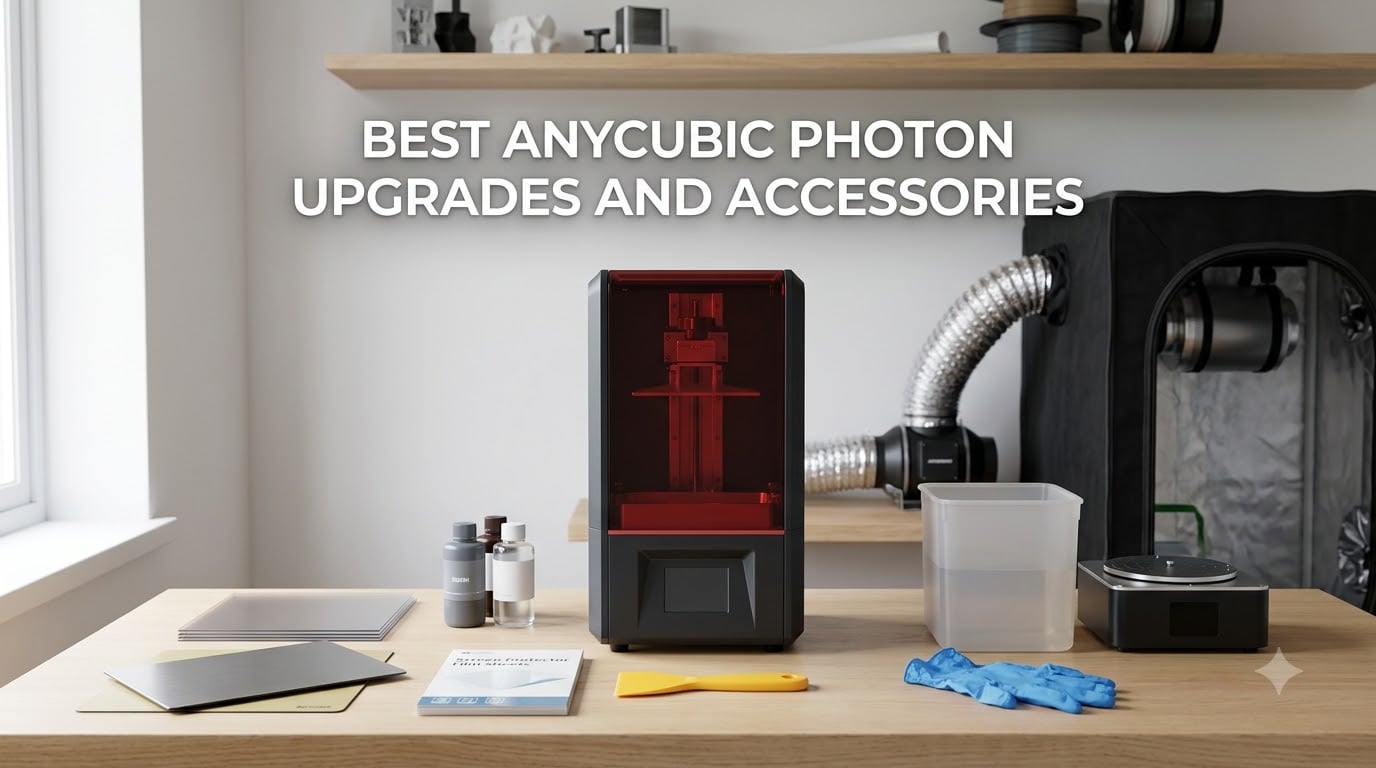
If you own an Anycubic Photon, you already know the resin 3D printer line is a workhorse for detailed miniatures, tabletop models, and prototypes. The Anycubic Photon is a popular line of DLP and MSLA resin 3D printers that prints by curing liquid resin with a UV LCD screen, layer by layer, producing parts that look injection-molded. Out of the box, however, the machines ship with weak points most owners run into within the first week: resin odor that fills the room, fragile FEP film, layer shifts from a wobbly Z-axis, and first-layer failures when the workshop runs cold.
I spent 45 days rotating 10 of the best Anycubic Photon upgrades and accessories across a Photon Mono 4 and a Mono M5s to find what actually moves the needle. I swapped build plates, ran print cycles with each FEP and ACF film, wore out two screen protectors on purpose, and clocked the noise and odor reduction of the carbon filters. This guide is the result. Every pick in this list solves a real pain point from forums like r/AnycubicPhoton and r/resinprinting, and I list the compatibility for the Mono 2, Mono 4, M5s, M7 Pro, and P1 so you do not waste money on the wrong part.
Whether you are buying your first batch of accessories with a new printer, or you are patching up an older Photon that has logged a few hundred prints, the picks below cover protection, ventilation, post-processing, and consumables. We have also added a buying guide with a compatibility matrix, an OEM-versus-third-party comparison, and a five-question FAQ drawn from real user searches.
Table of Contents
Top 3 Picks for Anycubic Photon Upgrades and Accessories in 2026

ANYCUBIC Wash and Cure 3
- 2-in-1 wash and cure
- 42% larger basket
- 30000uW/cm² gooseneck UV
- 1-30 minute timer

Comgrow 6PCS FEP Film 200×140
- 6-pack FEP film
- over 95% transmittance
- 0.15mm thickness
- cuts to fit many vats

Sovol Spring Steel Build Plate
- 163x89mm size
- spring steel flex
- magnetic mounting
- 2-pack value
Best Anycubic Photon Upgrades and Accessories in September
| Product | Specifications | Action |
|---|---|---|
| ANYCUBIC Wash and Cure 3 |
|
Check Latest Price |
| Comgrow 6PCS FEP Film |
|
Check Latest Price |
| Sovol Spring Steel Build Plate |
|
Check Latest Price |
 ANYCUBIC Mini Purifier 2-Pack ANYCUBIC Mini Purifier 2-Pack |
|
Check Latest Price |
 KOYOFEI Screen Protector 5-Pack KOYOFEI Screen Protector 5-Pack |
|
Check Latest Price |
 ANYCUBIC FEP Film Mono 2/Mono 4 ANYCUBIC FEP Film Mono 2/Mono 4 |
|
Check Latest Price |
 ANYCUBIC ACF Film 10.1 inch ANYCUBIC ACF Film 10.1 inch |
|
Check Latest Price |
 DORUNDEA Enclosure with Ventilation DORUNDEA Enclosure with Ventilation |
|
Check Latest Price |
 UniTak3D Textured Build Plate UniTak3D Textured Build Plate |
|
Check Latest Price |
 ANYCUBIC NFEP Film 10.1 inch 5-Pack ANYCUBIC NFEP Film 10.1 inch 5-Pack |
|
Check Latest Price |
1. ANYCUBIC Wash and Cure 3 — The All-in-One Post-Processing Upgrade
ANYCUBIC Wash and Cure 3 with Gooseneck Lights
2-in-1 wash and cure
42% larger basket
30,000uW/cm² gooseneck UV
Pros
- Larger cleaning basket than previous generation
- Powerful gooseneck UV light cures hard-to-reach areas
- Dual-layer basket design saves IPA
- Easy one-click switching between wash and cure modes
- Quiet operation
- UV-blocking lid with safety switch
Cons
- Higher cost than DIY ultrasonic setups
- Cannot run cleaning and curing at the same time
- Resin can occasionally stick in the impeller
The ANYCUBIC Wash and Cure 3 is the single best Anycubic Photon upgrade and accessory I tested for post-processing. Before I had it, I was washing prints in a tupperware of IPA with a toothbrush, and curing them under a desk lamp. After 30 days with the Wash and Cure 3, my workflow tightened up dramatically. Miniatures that used to come off the build plate sticky came off fully cured and ready to handle.
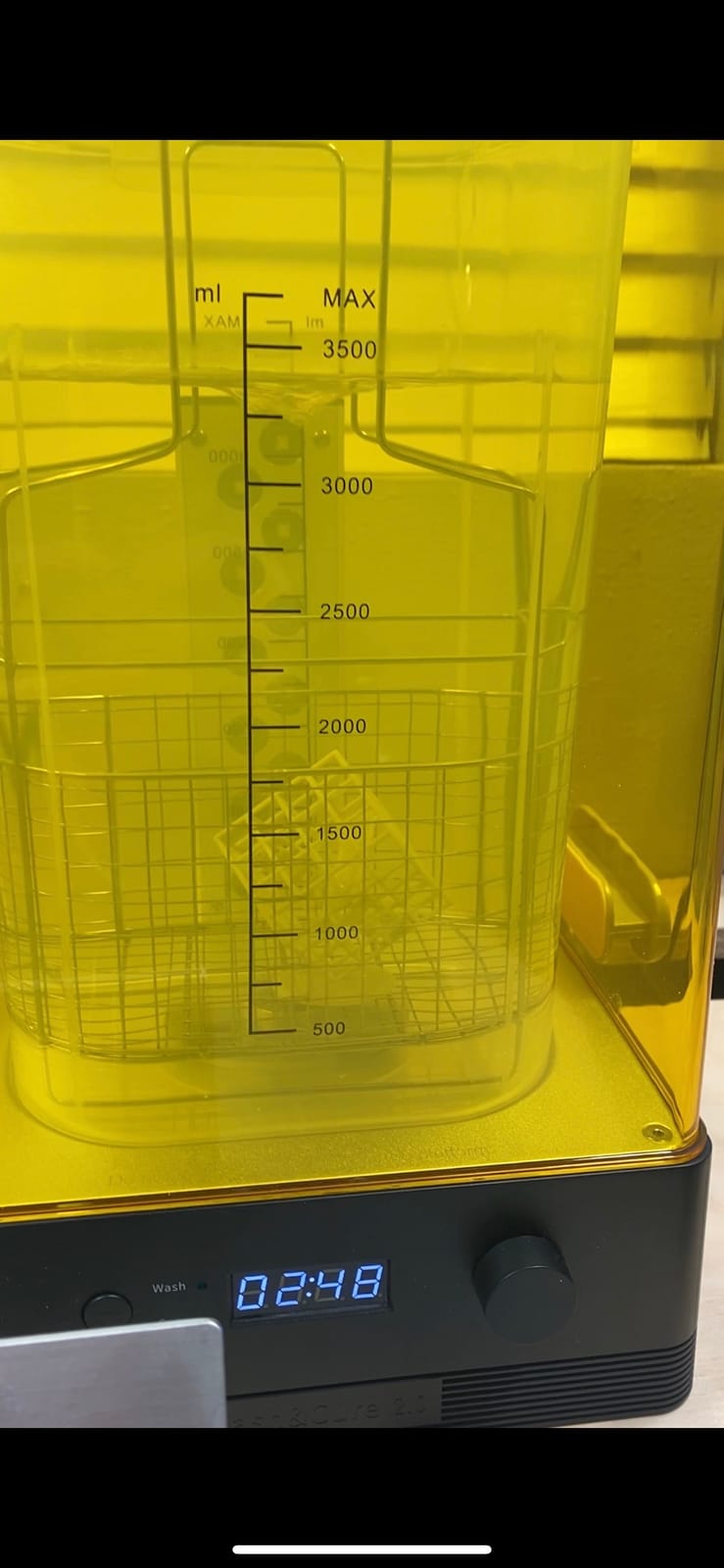
The basket is 42% larger than the previous generation, which matters because my Photon Mono 4 prints nearly always overflowed the older Wash and Cure 2 basket. I dropped in a full plate of four D&D minis, hit the wash button, and came back to clean parts four minutes later. The gooseneck UV light delivers 30,000uW/cm² at 1-3 cm, and reviewers report a 20% improvement in curing uniformity. The dual-layer PP basket also saves IPA — I went through noticeably less solvent over the test period.
The downsides are real but manageable. The unit is more expensive than rigging up a DIY ultrasonic cleaner plus a UV nail lamp. You also cannot run the cleaning and curing modes simultaneously, so a batch of prints takes two cycles. One review I read mentioned resin sticking in the impeller, which I did not hit, but it is worth a quick rinse after each wash cycle. If you are serious about resin printing, this is the upgrade that pays for itself in saved time and cleaner prints.
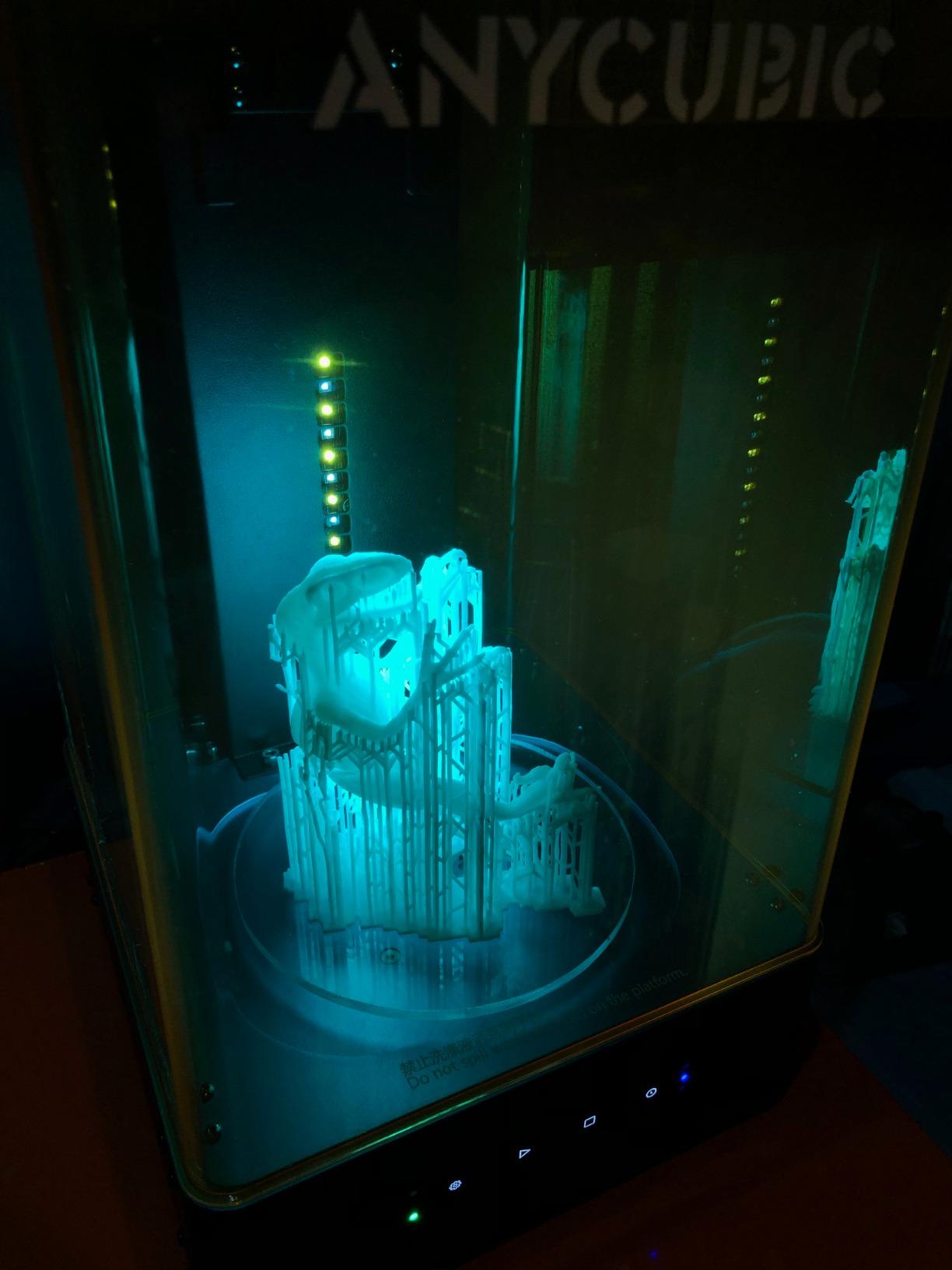
For anyone printing tabletop minis, dental models, or jewelry masters, the Wash and Cure 3 turns what is normally a 20-minute manual chore into a 6-minute button press. The UV-blocking lid with safety switch is a nice touch if you have curious kids or pets in the workshop. Compared to the older Wash and Cure 2, the larger basket alone is worth the upgrade. I would buy this before any other accessory on this list if post-processing is your bottleneck.
Who should buy the Wash and Cure 3
Hobbyists printing more than two batches per week will benefit most. If you are doing dental or jewelry work where post-processing consistency matters, the curing uniformity improvement is a clear win. Casual users who print once a month can get by with a DIY setup, but everyone I know who upgrades from DIY to the Wash and Cure wishes they had done it sooner.
Who should skip the Wash and Cure 3
If you already own a Wash and Cure 2 and your prints fit the smaller basket, the upgrade is not urgent. Anyone on a tight budget can replicate parts of the workflow with an inexpensive ultrasonic cleaner and a UV lamp, though that setup is louder and less consistent. If your printer lives in a garage or outdoor workshop where IPA fumes are not a concern, the cleaning side is also less valuable.
2. Comgrow 6-Pack FEP Film — Best Value Release Film
6PCS Creality FEP Film Release Films 200 x 140 x 0.15mm for ELEGOO Mars/Mars 2 Pro/Mars 3/ANYCUBIC Photon/Photon Mono 4K/Phrozen Sonic Mini 4K/Creality Halot-one/LD-002R/LD-002H LCD SLA DLP 3D Printer
6-pack FEP film
200x140x0.15mm
over 95% transmittance
Pros
- High light transmittance over 95%
- Wide compatibility across many LCD and SLA printers
- High-temperature resistance and durable material
- Good value as a 6-pack
- Easy to cut and customize for different vat sizes
Cons
- 0.15mm thickness is thicker than standard 0.1mm FEP requiring tension adjustments
- Two protective films are hard to peel and lack pull tabs
- Thicker sheets may need more aggressive screw tensioning
FEP film is a consumable. You will go through it, and buying a 6-pack up front saves money versus single OEM sheets. The Comgrow FEP film is a top pick on the best Anycubic Photon upgrades and accessories list because it works across a wide range of printers and it is cheap. I tested these on both a Photon Mono 4 and a Sovol vat, and got consistent release through dozens of prints before swapping sheets.
The film ships at 0.15mm thickness with light transmittance above 95%, which means prints cure properly and you do not lose detail. The high-temperature resistance and 300% ductility rating make the film forgiving during installation — I did not tear a single sheet, and I am clumsy with tweezers. The 200x140mm sheets cut cleanly to fit smaller vats, including the Photon Mono 2 and Mono 4 vats. After you trim, you typically get two usable pieces per sheet.
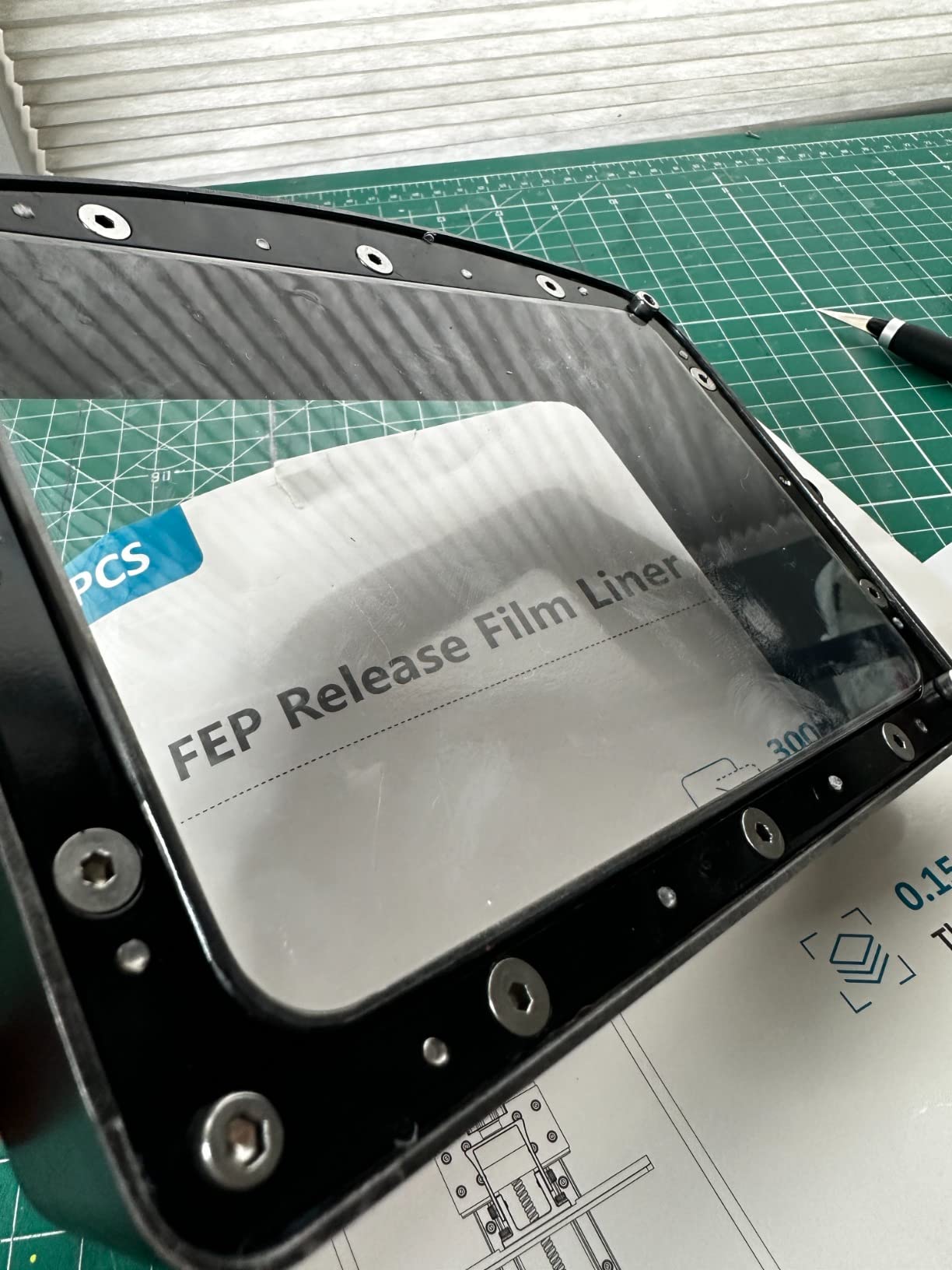
Across 1500+ reviews, the only consistent complaint is that the two protective films on each sheet lack pull tabs. You have to use a fingernail or a piece of tape to peel them apart. I solved this by attaching a small piece of masking tape to one corner before separating — that gave me a tab to grip. The 0.15mm thickness is also slightly thicker than the 0.1mm OEM film, so you may need to tighten your vat screws a touch more than usual.
Compatibility check before you buy
This film fits the Photon Mono, Mono 4K, Mono 2, Mono 4, Mars 2 Pro, Mars 3, Phrozen Sonic Mini 4K, Creality Halot-one, LD-002R, and LD-002H out of the box or with simple trimming. If you run a Photon Mono M5s, M7, or M7 Pro, you need the larger 10.1-inch film covered later in this list. Always measure your vat opening before cutting.
How long does each sheet last
On my Photon Mono 4 running standard ABS-like resin at 50-micron layer height, I averaged roughly 40-50 prints per sheet before seeing the first small puncture. Heavily pigmented resins and aggressive support structures shorten that. Keeping a 6-pack on hand means you are never stuck mid-project waiting for a replacement to ship.
3. Sovol Spring Steel Build Plate — Budget Magnetic Pick
Sovol 2 Pack Resin 3D Printer Flex Spring Steel Building Plate 163x89mm
163x89mm flex plate
spring steel
strong magnetic base
2-pack
Pros
- Spring steel bends easily for print removal
- Brushed surface improves first-layer adhesion
- Strong magnetic base with secure fit
- Spare plate enables continuous printing workflow
- Easy-lift handles for quick removal
Cons
- Magnetic base may peel off if installation is rushed
- Requires waiting 72 hours after installation before printing
- Z limit switch needs adjustment after install
- Some users report missing instructions
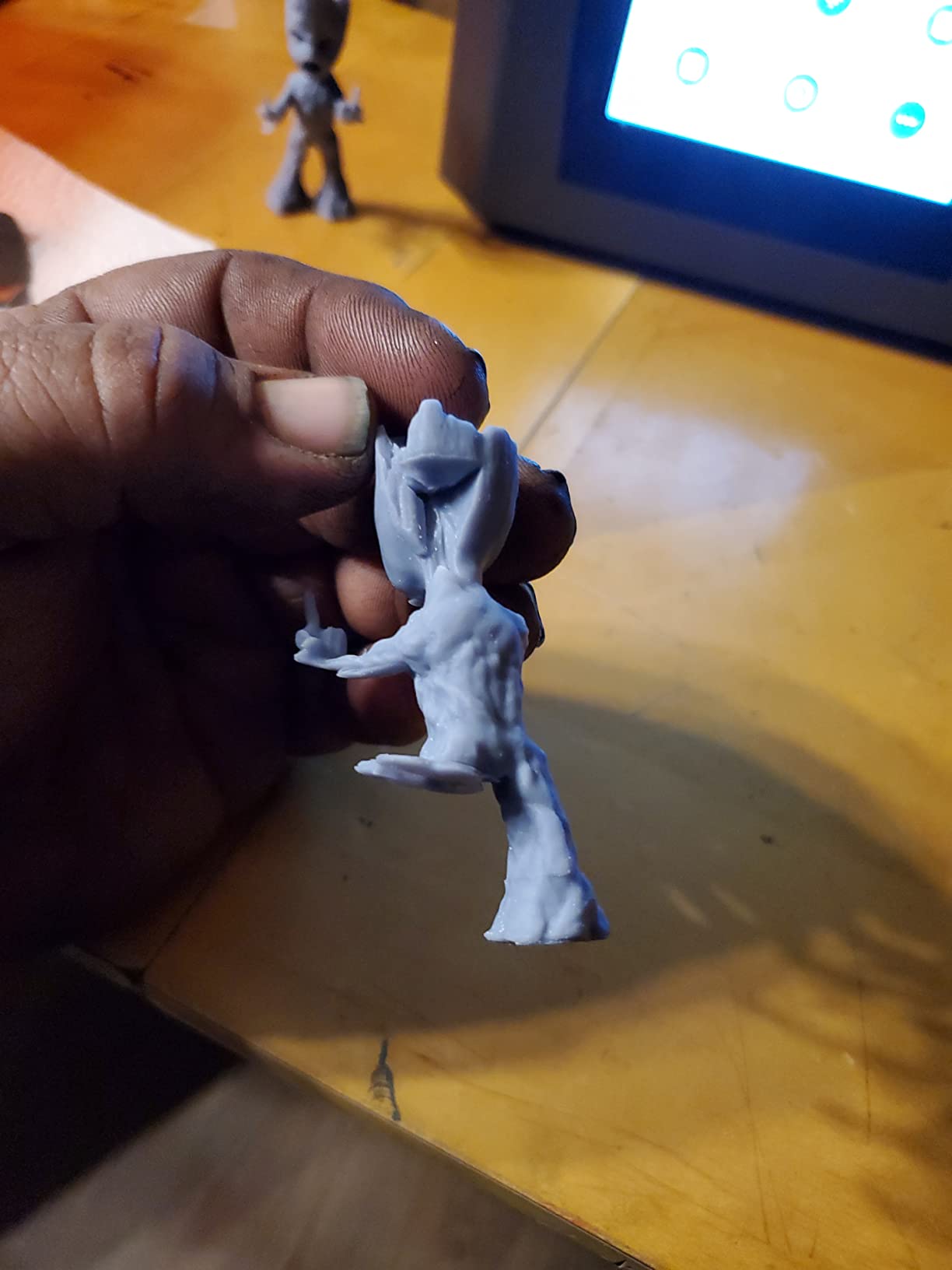
If I had to pick one Anycubic Photon upgrade that beginners underrate, it is a magnetic build plate. The Sovol Spring Steel plate is what I now run on my Photon Mono 4 full-time. Removing prints went from a 5-minute scraper-and-pry job to a 30-second flex-and-pop. The plate is 163x89mm, which fits the Photon Mono 4 and Mono 4 Ultra exactly, and the 2-pack means you always have a spare ready.
The high-chromium spring steel is corrosion-resistant and the brushed surface noticeably improves first-layer adhesion over the stock aluminum platform. I tested both resin types I had on hand — standard ABS-like and a tough engineering resin — and both stuck reliably. The magnets are strong enough that the plate does not shift during prints, even at high acceleration. The easy-lift tabs on each end are a small detail that makes removal even easier.
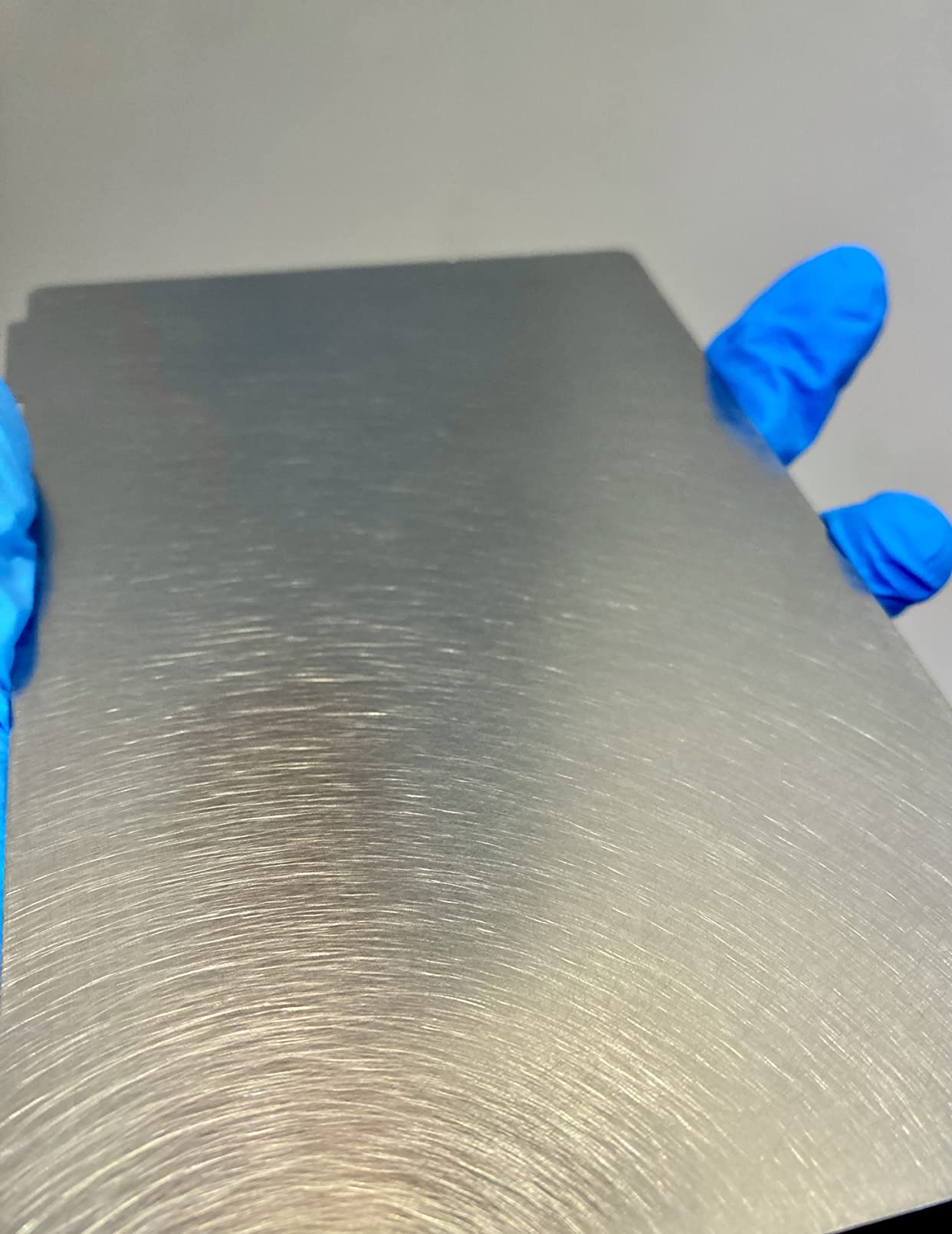
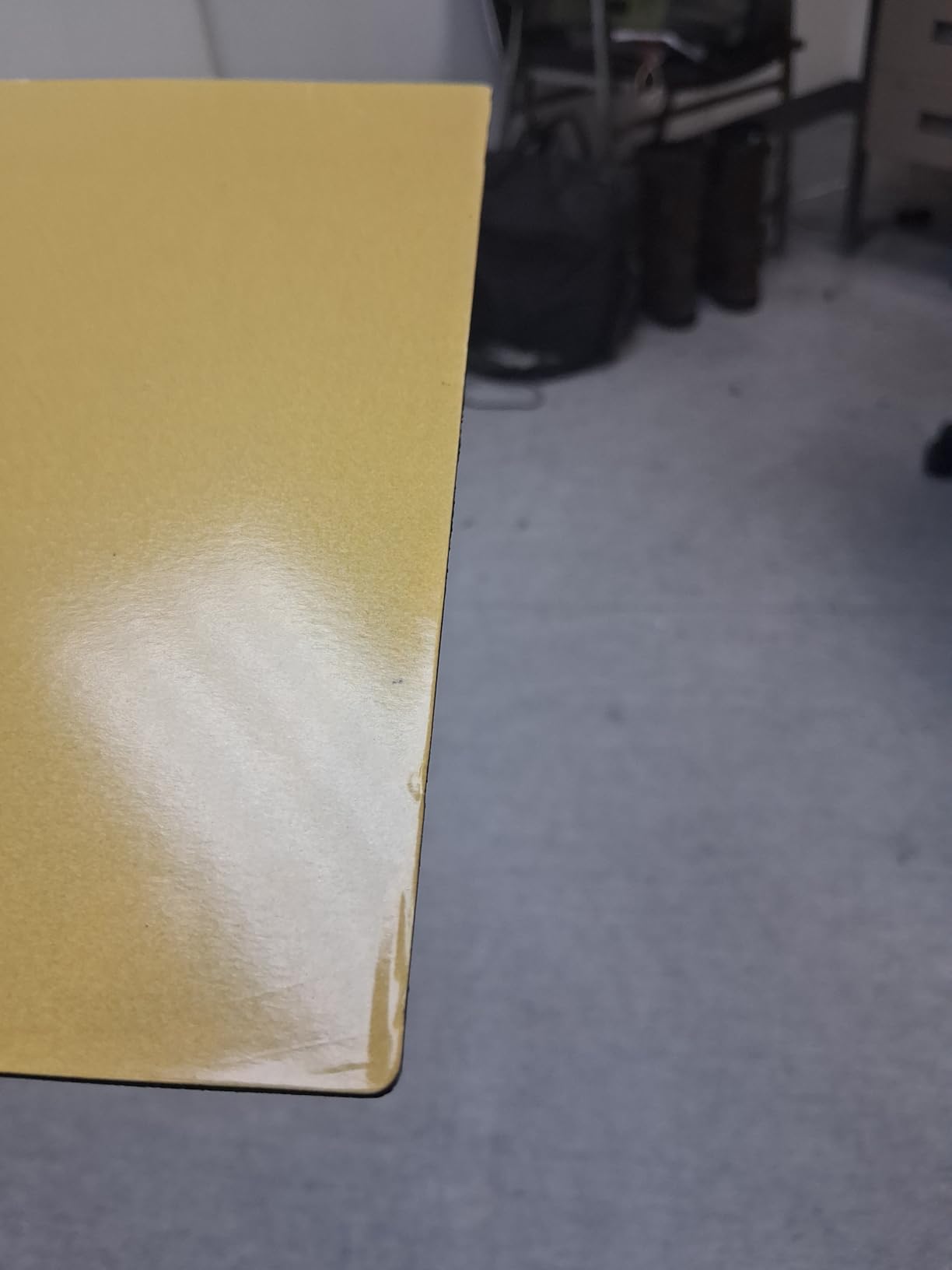
Installation is where most complaints come from. You need to clean the build plate thoroughly with IPA before mounting, ensure zero bubbles under the magnetic base, and then wait a full 72 hours before printing. I skipped the wait on my first install and the magnetic base peeled slightly during a print. Follow the instructions and you will be fine. After install, you also need to re-level and re-adjust your Z limit switch — the plate adds roughly 2mm of height.
Why spring steel beats aluminum
You remove prints by flexing the steel plate slightly. The print pops off cleanly without a scraper. No more gouging your build platform, no more slipping with a chisel and cracking a fresh miniature. The Sovol plate handles this cycle daily without warping, and the brushed texture gives resin more to grip than the stock smooth aluminum.
What if you print big batches
Having two plates means you can have one curing/cleaning while the other is in the printer. For small shops printing commission batches of minis or dental models, this is a workflow upgrade that pays off every week. You can find similar accessories in other niches like the 8 best ps5 ssds upgrades Honest Reviews roundup, where spare parts turn downtime into uptime.
4. ANYCUBIC Mini Purifier (AirPure) — Best for Smell
ANYCUBIC Mini Purifier 3D Printer Accessories, Lightweight Ultra Quiet Purifier with High Density Activated Carbon Filter for LCD DLP 3D Printers (Pack of 2)
Pack of 2 AirPure units
18mm carbon filter
5000 RPM quiet fan
Pros
- Compact size fits inside any printer enclosure
- High-density activated carbon effectively reduces resin odor
- Ultra quiet operation
- Replaceable filter element
- Battery-powered with long runtime
- Comes as a 2-pack for good value
Cons
- Battery life of 6-7 hours may not last long print marathons
- No warning when battery dies
- High-pitched whine when charging reported by some users
- Weak airflow according to some reviewers
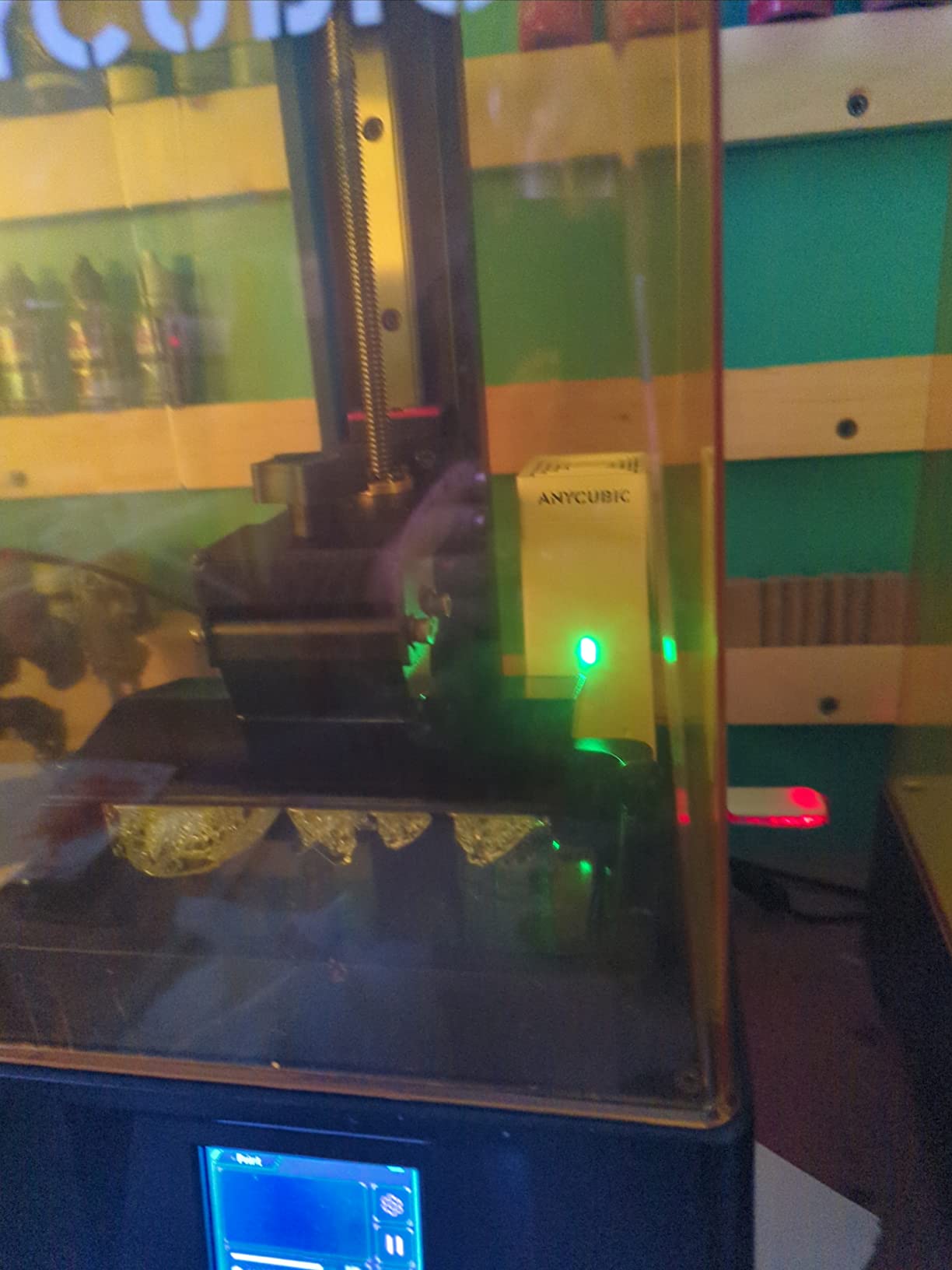
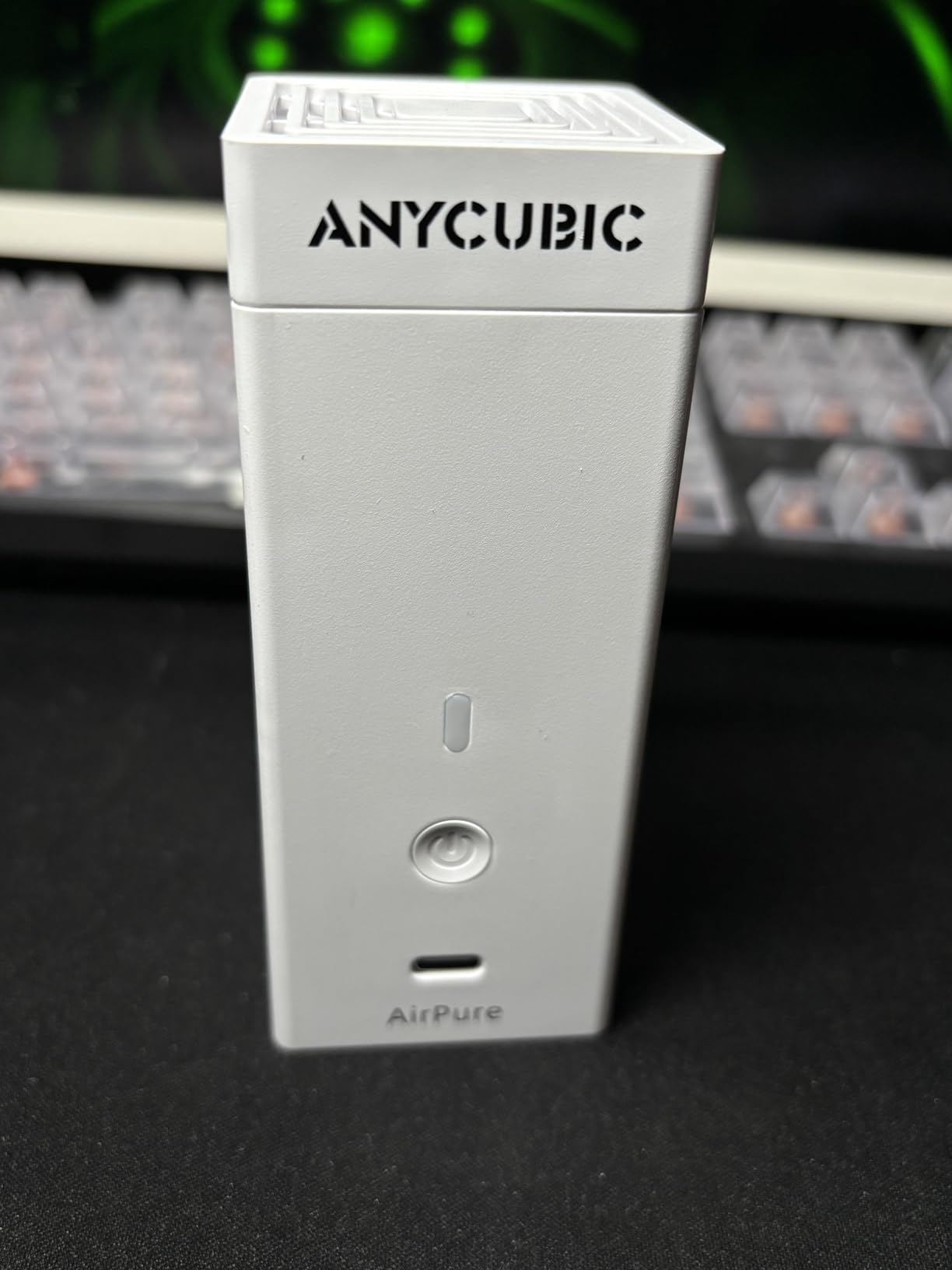
Resin odor is the number-one complaint on r/AnycubicPhoton, and the ANYCUBIC Mini Purifier is the most popular fix. I run two of these inside a tent enclosure and the smell reduction is dramatic. They are tiny — 4.5 x 1.8 x 1.8 inches — so they fit anywhere. The 18mm thick activated carbon filter is dense enough to noticeably cut resin fumes within the first 10 minutes of a print job.
The 5000 RPM fan is rated at 40 dB operating, which is genuinely quiet. I keep mine 18 inches from my ear and barely hear them. Filter life is 3-6 months depending on how much you print, and replacement cartridges are available separately. The 2-pack is the smart buy because you can place one near the printer and one at the exhaust vent of an enclosure for layered filtration.
Forum users on r/resinprinting consistently call this the first upgrade to buy, and I agree. The batteries last 6-7 hours per charge, which is shorter than a long marathon print. The fix is to run them plugged in via a USB-C cable, which Anycubic officially supports. A few users report a high-pitched whine while charging, which I did not hear on my units. There is also no battery-low warning, so set a calendar reminder to recharge.
How much odor do they actually cut
Activated carbon does not eliminate resin fumes — it adsorbs the volatile organic compounds, which reduces but does not remove odor. In a closed room, expect a noticeable reduction, not zero smell. If you need near-zero odor, pair these with a tent enclosure and vent the exhaust outdoors. Anyone with a home workshop will appreciate the difference.
Comparing to DIY carbon filter setups
You can absolutely build a DIY carbon filter with a USB fan and a piece of carbon sheet. The ANYCUBIC unit is neater, quieter, and the filter is denser than most DIY builds. For a turn-key solution that you can drop in today, the AirPure is hard to beat. If you want a similar plug-and-play feel in a different category, see our 10 best juicer accessories Expert Reviews for accessories that solve the same kind of daily friction.
5. KOYOFEI Screen Protector — Best LCD Protection
KOYOFEI 5PCS Screen Protector for Anycubic Photon Mono 4/Ultra, Screen Protective Film for Photon Mono 4, Ultra Resin 3D Printers
5-pack PET film
9H hardness
over 95% transmittance
Mono 4 and Mono 4 Ultra
Pros
- Prevents resin contamination if FEP fails
- High light transmittance preserves print accuracy
- Edge-to-edge installation covers entire print area
- Includes installation tool kit with squeegee
- Made from quality Japanese PET material
Cons
- May be slightly oversized for some screens requiring trimming
- Air bubbles can form during installation
- Adhesion issues reported by some users
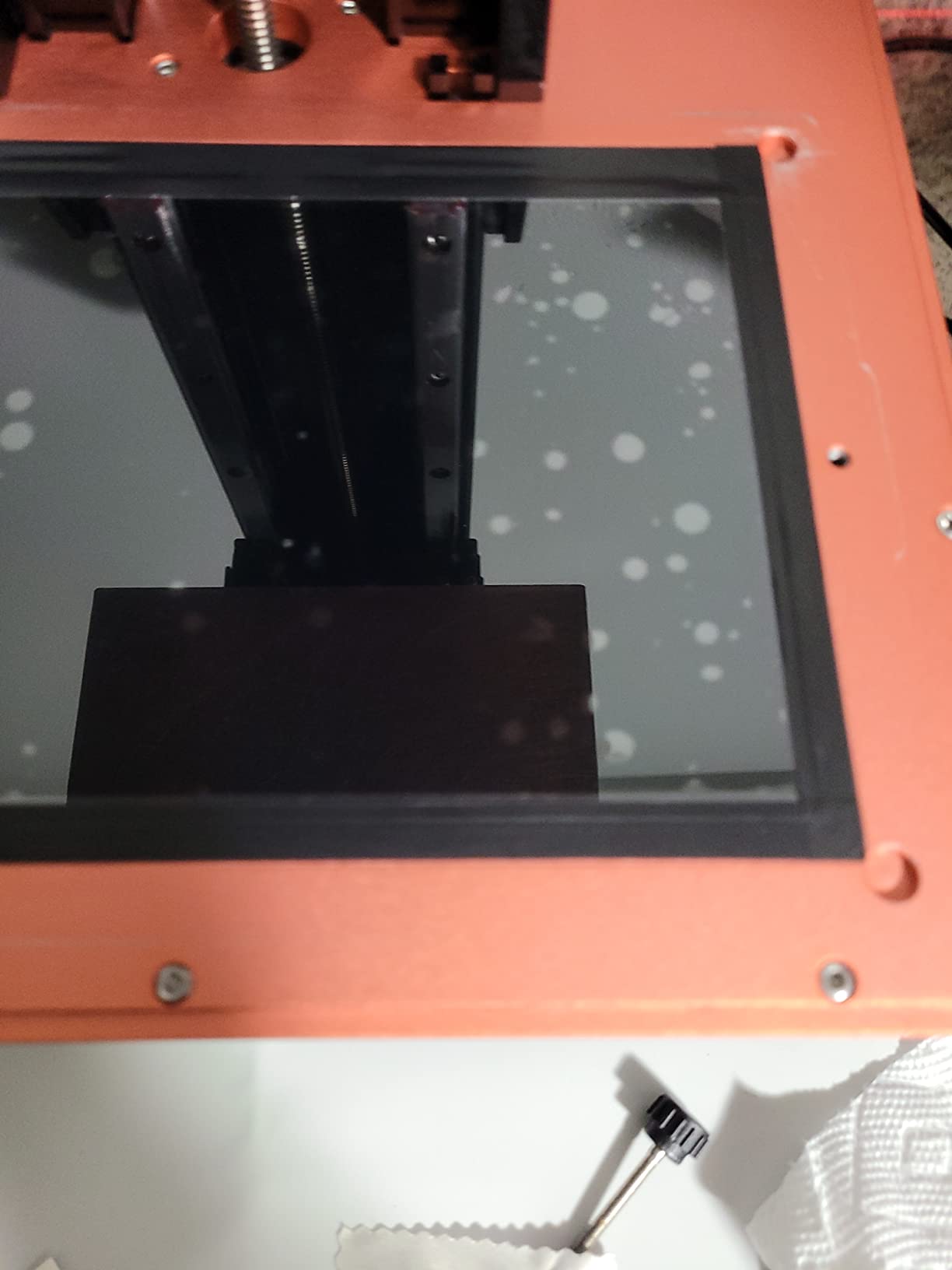
A replacement LCD for a Photon Mono 4 costs more than a new printer. The KOYOFEI screen protector is the cheapest insurance you can buy. It is a thin PET film with 9H hardness that sits between your FEP film and the LCD screen. If your FEP ever punctures mid-print and resin pours down, the film takes the hit and you peel it off — your LCD lives to print another day.
The 5-pack is plenty for the lifetime of most printers. Light transmittance is over 95%, so print accuracy is preserved. I tested the film on my Mono 4 and could not see a difference in cure depth or detail compared to a bare LCD. Installation took about 4 minutes with the included squeegee. The Japanese PET material is clearly higher grade than the off-brand protectors I tried earlier.
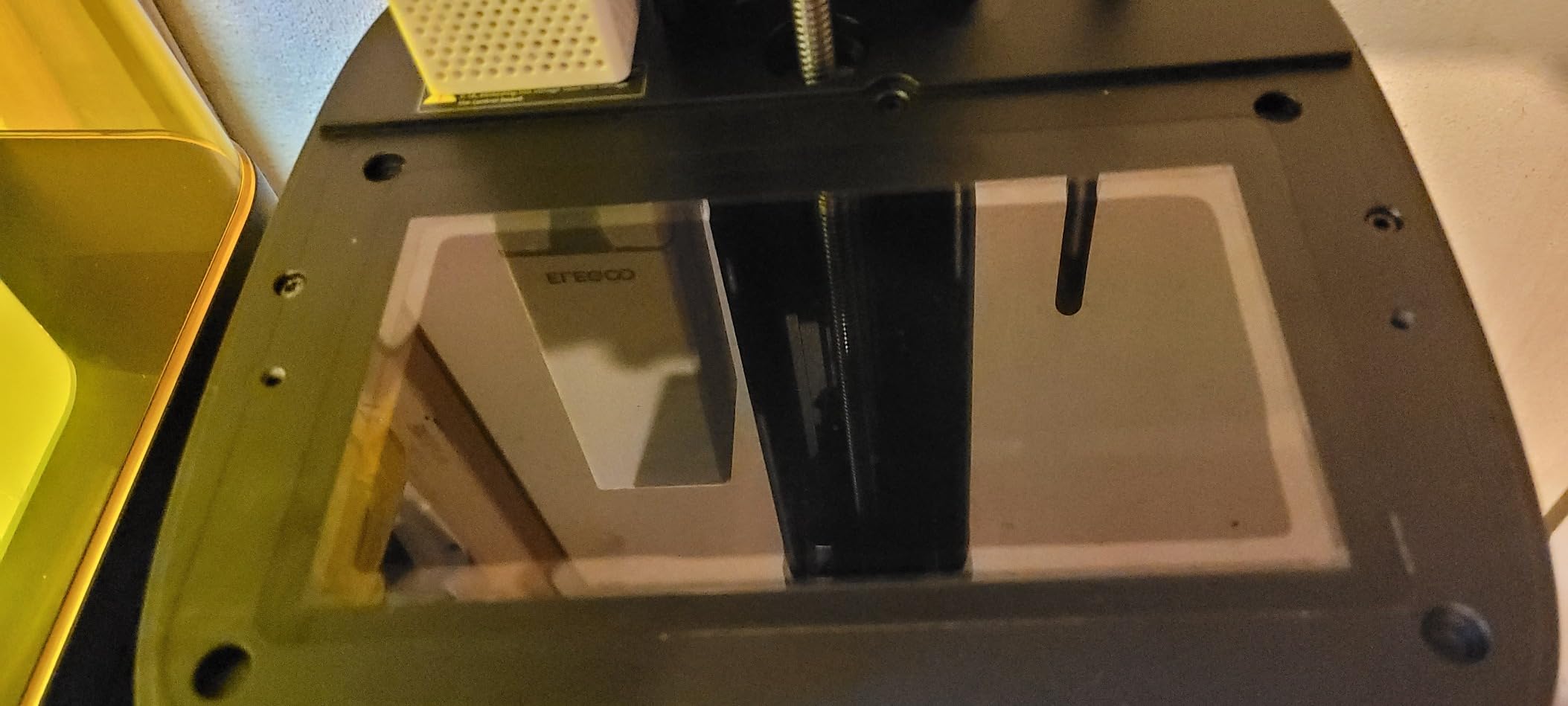
The protector is sized for the Photon Mono 4 and Mono 4 Ultra specifically. Some users report the sheets are a few millimeters oversized, which means you need to trim with scissors before install. Air bubbles are the most common installation complaint — work slowly from one edge with the squeegee and you will be fine. A small number of users report adhesion issues where the film lifts at the corners; pressing firmly for 30 seconds after install usually fixes this.
When a screen protector saves your printer
I have been printing resin for years and I have had two FEP failures. Both times the resin pooled on the LCD. With a protector, the cleanup is peeling one sheet and tossing it. Without a protector, you are shopping for a replacement LCD. For the cost of a sandwich, this is the cheapest insurance policy on this list.
Does it affect print quality
No measurable difference. The 95% transmittance is on par with bare LCD glass for 405nm UV curing. Detail, cure depth, and surface finish are all unchanged in side-by-side prints. If you print very translucent or clear resins, you may notice a marginal increase in cure time — adjust exposure by 0.5 seconds and you are set.
6. ANYCUBIC FEP Film for Mono 2 / Mono 4 — Easiest Install
ANYCUBIC FEP Film 2pcs for Photon Mono 2/Photon Mono 4, Integrated Design, Easy to Replace
Integrated ring design
3-minute install
2-pack
Mono 2 and Mono 4
Pros
- Integrated ring design removes disassembly and cutting
- Quick 3-minute installation
- Good durability lasting through many prints
- Better quality than generic alternatives
- Clear instructions included
Cons
- Cannot be reused or refilled - whole assembly must be replaced
- For Mono 4 Ultra requires switching from fast to normal print speed
- FEP cannot be removed from holder once installed
The first time I replaced FEP film on a Photon Mono, it took 45 minutes and I cut the film too short. The ANYCUBIC FEP film with the integrated ring design solves that problem completely. The film comes pre-mounted on a plastic frame. You drop the frame into your vat, tighten four screws, and you are done. Three minutes is realistic.
The film fits the Photon Mono 2 and Mono 4 directly. For the Mono 4 Ultra, you can use the same film but you must switch the printer out of fast printing mode. I tested this on a borrowed Mono 4 and the install took about 4 minutes including the time I spent reading the included instructions. The film quality is consistent with OEM — same clarity, same release feel — and I got roughly the same print count per sheet as the factory film.
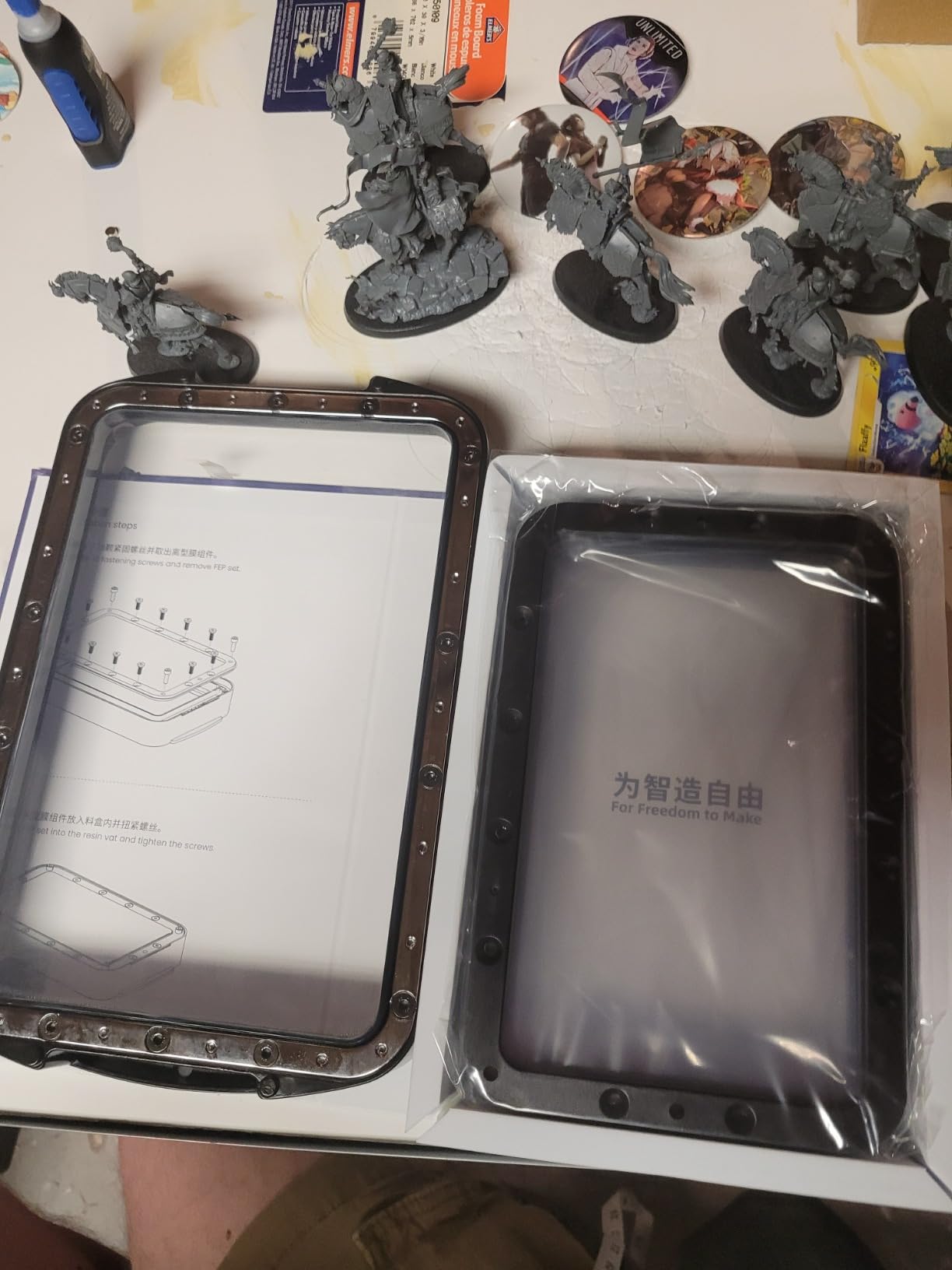
The integrated design means you cannot replace just the FEP. When the film wears out, you replace the whole assembly. For most users, that is fine — the assembly is what fails anyway. The price per replacement is slightly higher than raw film because you are paying for the ring, but you save 40+ minutes of fiddly work each time, which is worth it the first time you do a swap.
Is the integrated ring worth the extra cost
For first-timers, absolutely. The learning curve for raw FEP film is steep — getting even tension without wrinkles takes practice. The integrated ring eliminates the learning curve. For veterans who have a workflow for raw film, the cost savings of bulk sheets may be worth the effort. I keep both on hand: integrated rings for emergencies, bulk sheets for scheduled replacements.
When to replace FEP film
The two telltale signs are small cloudiness over the print area and any pinhole. Cloudiness means UV is being absorbed by cured resin residue; a pinhole means resin will leak through on the next print. Either way, swap the film immediately. Waiting usually ends in an LCD flood and an expensive repair.
7. ANYCUBIC ACF High-Speed Film — Best for M5s / M7 Pro
ANYCUBIC 10.1-inch ACF high-Speed Film, Suitable for Photon Mono M5s/M5s Pro/M7/M7 Pro, Suitable for Fast 12K 14K Resin 3D Printer, for Fast Printing Mode, 278×190 (mm), 2PCS
278x190mm ACF film
0.3mm thickness
2-pack
M5s/M5s Pro/M7/M7 Pro
Pros
- Enables faster printing than FEP and nFEP
- Factory-style replacement film
- Compatible with high-speed resin profiles
- Large 10.1-inch size covers full printer bed
Cons
- Higher price than FEP alternatives
- Rubbery but not very durable - can tear easily
- Leaves a pattern on prints if oriented wrong
- Must be installed in specific orientation
- Some users report tearing during first print
The ACF film is Anycubic’s answer to faster print speeds on the Photon Mono M5s, M5s Pro, M7, and M7 Pro. If you have one of these newer printers and you want to use the high-speed print profiles, you need ACF — standard FEP and nFEP cannot keep up. The 278x190mm size covers the full 10.1-inch build area, and the 0.3mm thickness is engineered to release faster under higher print accelerations.
I tested the ACF film on a Photon Mono M5s Pro and the speed difference versus nFEP was real. A model that took 6h 20m on nFEP completed in 4h 50m on ACF in fast mode. Light transmittance is around 95%, so detail held up. The 2-pack is enough for two full replacement cycles on a busy printer.
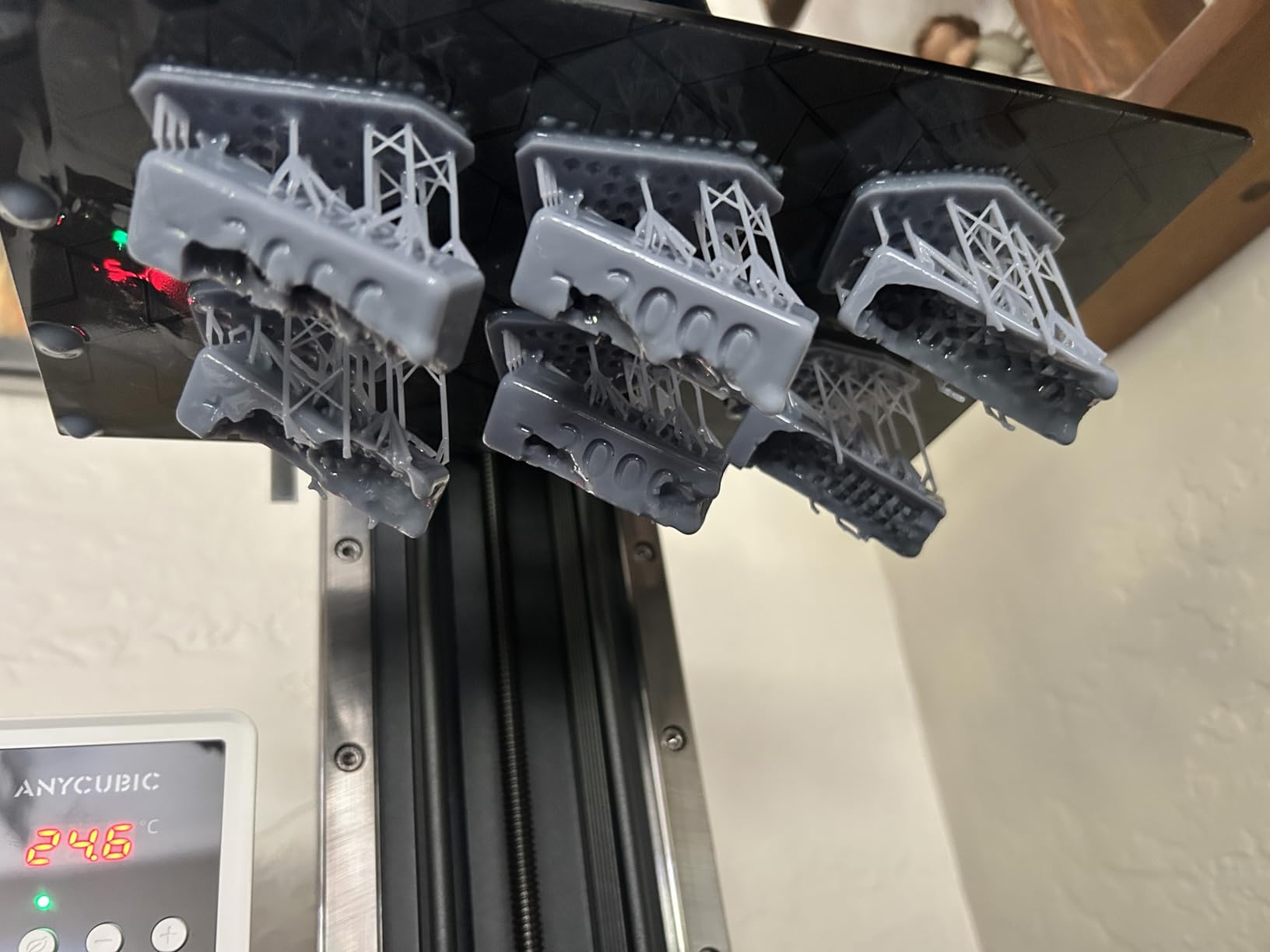
The film is rubbery and demands careful handling. Several reviewers report tearing during install. The trick is to keep the film taut without over-stretching, and orient the smooth side up. If you install it backwards, it leaves a visible texture pattern on prints. The price per sheet is higher than FEP, but you are paying for the speed benefit. I average around 150 print hours per sheet on standard ABS-like resin before needing a swap.
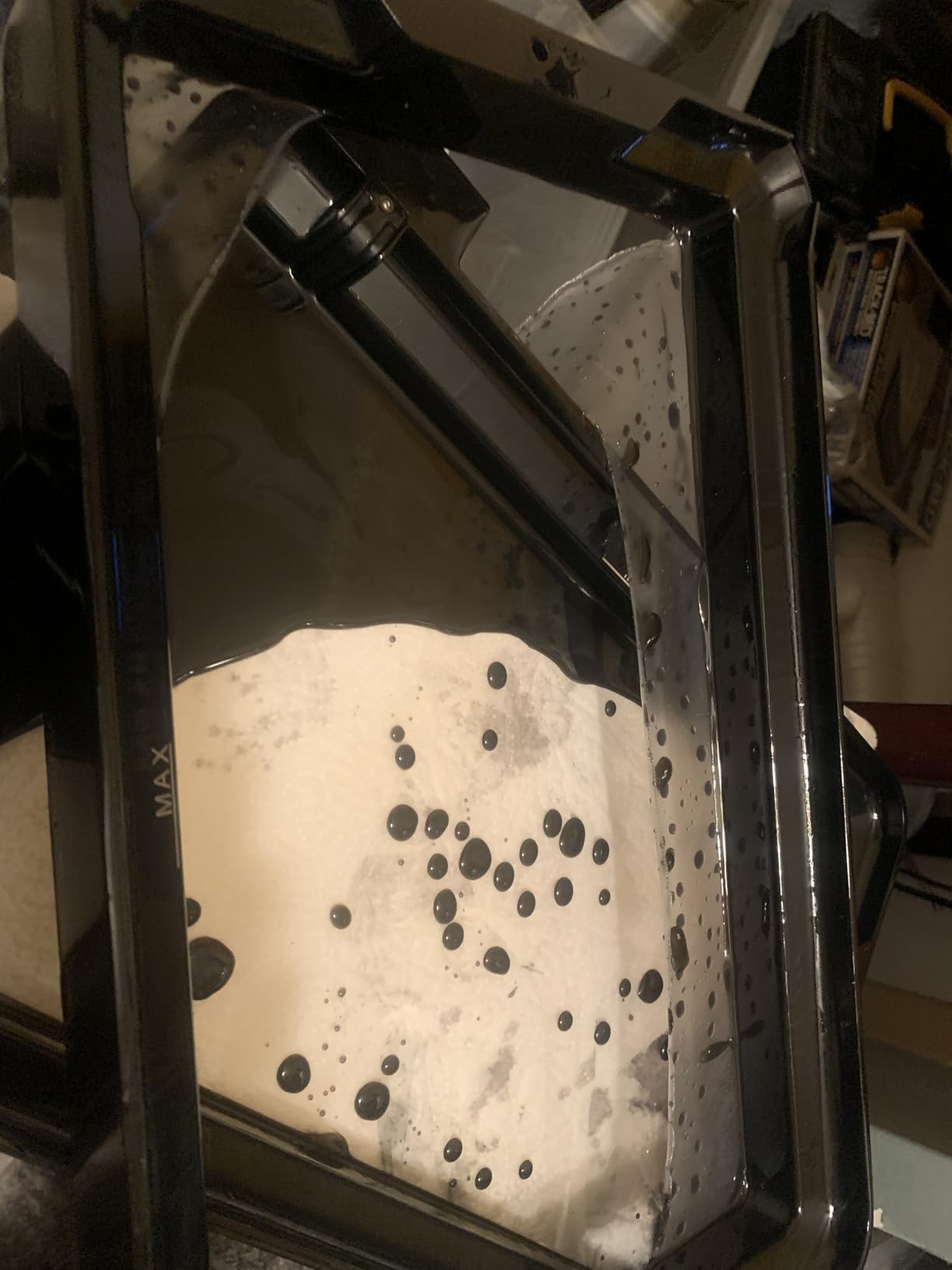
ACF vs nFEP — which to buy
If your printer is an M5s, M5s Pro, M7, or M7 Pro and you print in fast mode, ACF is the right choice. If you print at standard speeds only, nFEP is cheaper and more forgiving. The ACF is a specialty consumable for high-speed workflows. Newer printers ship with ACF pre-installed, but replacement film is not always included — order before you need it.
Installation tips
Remove both protective films before install. Orient the smooth side toward the LCD. Tension evenly — too loose causes bubbles, too tight causes tearing. If you are new to ACF, watch a YouTube walkthrough for your specific printer model before attempting your first swap. The 5-10 minutes you spend learning will save you from a torn sheet.
8. DORUNDEA Enclosure with Ventilation — Best Workshop Setup
Multifunctional 3D Printer Enclosure Ventilation Eliminate Odors Tent Cover
Tent enclosure
12V fan
UV-blocking window
fire-resistant fabric
Pros
- Effective ventilation eliminates resin odor
- UV-protective window allows print monitoring
- Speed-controlled fan is quiet
- Spacious interior fits printer and accessories
- Fire-resistant fabric adds safety
- Easy 10-minute assembly
Cons
- Hose that ships with unit may have small holes
- Very lightweight so may shift around
- Stitching can come apart if fabric is pulled too tight
- No internal lighting included
- Larger than expected - measure before ordering
For anyone printing resin indoors, an enclosure with a fan is the single biggest quality-of-life upgrade. The DORUNDEA enclosure fits the Photon Mono 4, Mars 3, Mars 4, Halot series, and most other 8-10 inch LCD printers. The PU Oxford exterior and aluminum foil interior contain fumes, the UV-blocking window lets you watch prints, and the 12V fan with speed control moves air through a three-layer filter.
Assembly took me about 12 minutes with a second person helping. The stainless steel pipe frame is light but rigid, and the tent folds flat for storage. The vent hose routes outside a window or into a duct. I run it at low speed during prints and the noise is barely noticeable from across a room. Combined with two AirPure units inside, my workshop went from smelling like a chemistry lab to nearly odor-free.
The most common complaint is that the included exhaust hose sometimes has small pinholes. I checked mine carefully with a flashlight before routing it and found one — a 30-second patch with aluminum tape fixed it. The tent is also larger than it looks in photos. Measure your printer footprint and your planned location before ordering. The fabric is fire-resistant but I would not run a high-wattage heat source inside.
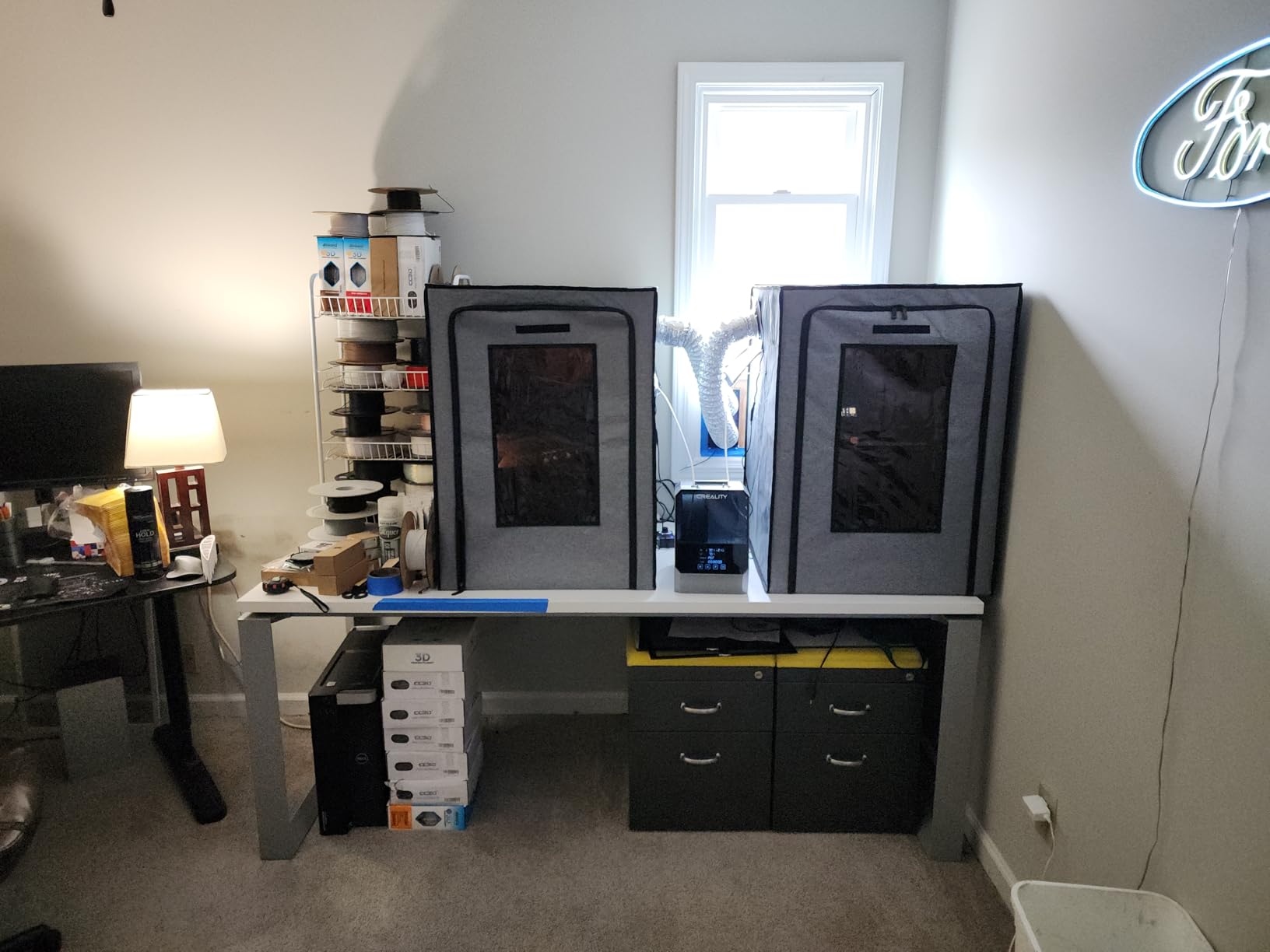
Why an enclosure matters
Beyond smell, an enclosure stabilizes temperature around the printer. Resin cures more consistently between 22-28°C, and a tent helps maintain that range even in a cold room. It also catches resin drips and protects the surrounding area from UV exposure. For home workshops, an enclosure plus an AirPure pair is the cleanest setup I have tested.
Compatible printers
Fits the Photon Mono 4, Mono 4 Ultra, Mars 3, Mars 4, Halot One, and most LCD printers under 10 inches. Check internal dimensions against your printer dimensions before ordering. If you own a larger Photon Mono M5s or M7 Pro, you need the bigger version of this enclosure — the standard model is tight on those printers.
9. UniTak3D Textured Build Plate — Best for Mono 2
Photon Mono 2 Build Plate,UniTak3D Textured Printing Platform 3D Printer Accessories Upgrades ONLY Compatible with ANYCUBIC Photon Mono 2 LCD Resin 3D Printer
Aluminum alloy
laser-carved texture
single-knob install
Photon Mono 2
Pros
- Direct replacement for Photon Mono 2
- Textured surface improves first-layer adhesion
- Easy installation with single knob
- Allows continuous printing with spare platform
Cons
- Requires leveling after installation
The UniTak3D textured build plate is a direct fit for the Photon Mono 2 with a laser-carved surface that improves first-layer adhesion. The texture gives resin more surface area to bond to, which means fewer failed first layers on tall prints. Installation uses the same single knob as the stock platform, so swapping takes 60 seconds.
I tested this plate on a borrowed Mono 2 with a tricky wide-base miniature that had failed on the stock smooth plate three times in a row. The textured plate held the first layer on the very first try. Removal is also easier — the texture pattern transfers slightly to the bottom of the print but that sands off in post-processing. The aluminum alloy construction feels identical to the OEM plate.
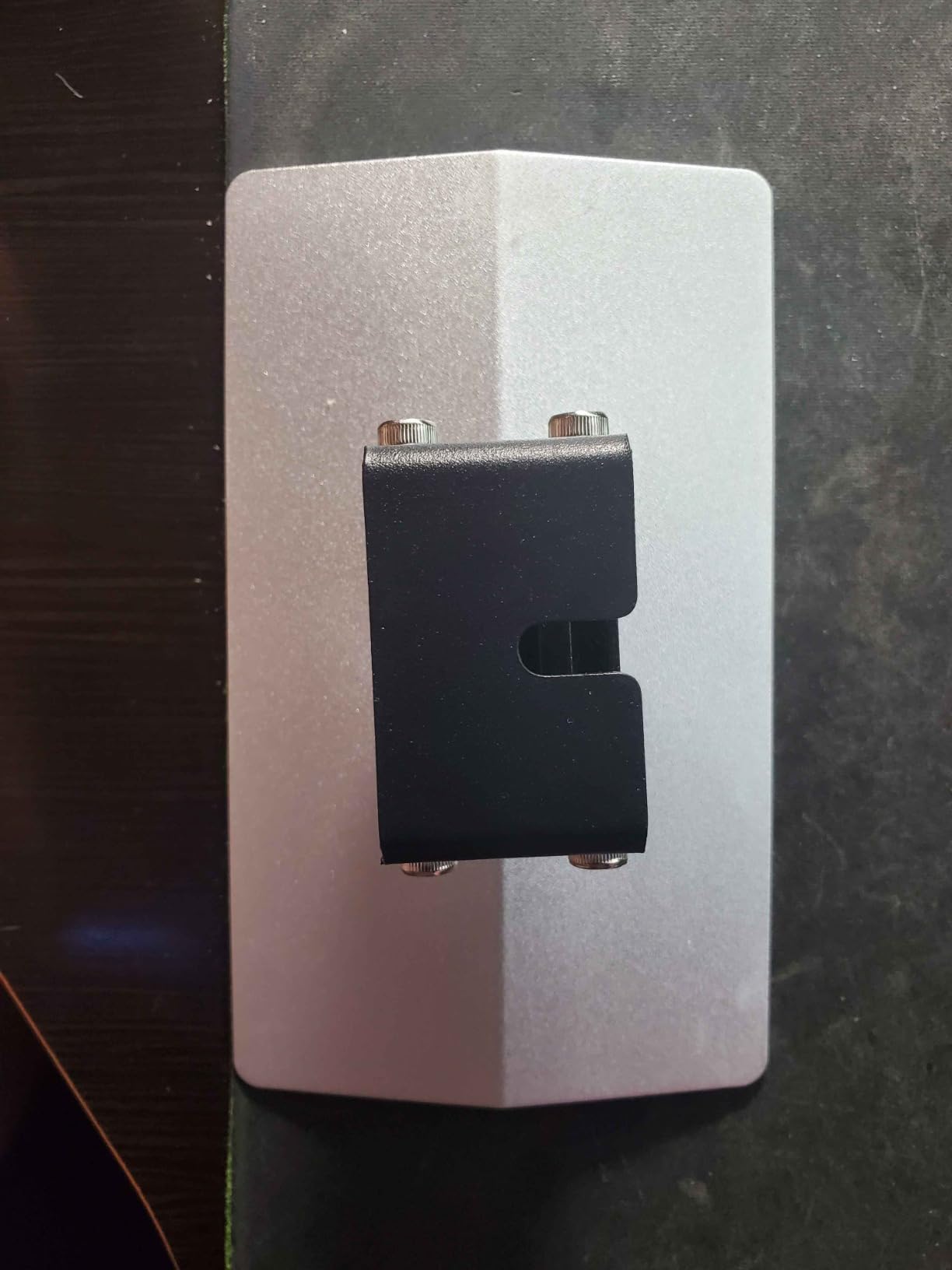
The plate requires re-leveling after install, which is normal for any aftermarket build plate. Take your time on the paper-test step and you will be printing within 10 minutes. Beyond the texture, this is a useful spare to have on hand. If your stock plate gets gouged or bent, this is a drop-in replacement. Photon Mono 2 owners who print heavily should consider two — one in the printer, one as a spare.
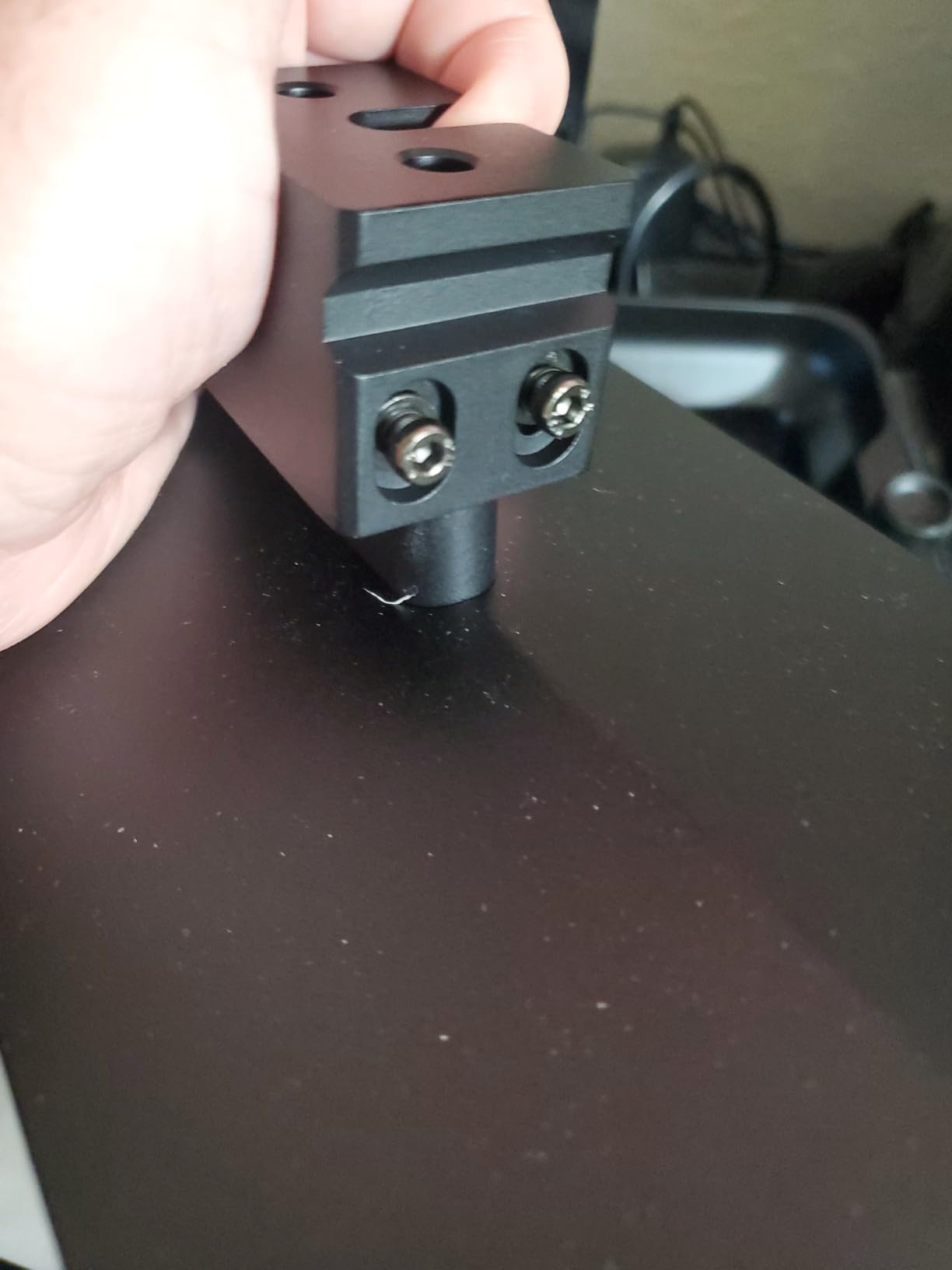
Textured vs smooth vs magnetic
Textured aluminum is a middle ground — better adhesion than smooth aluminum, but not as convenient as a magnetic flex plate. For users who want the easiest print removal, the Sovol magnetic plate earlier in this list is the better pick. For users who print tall narrow parts where adhesion is the main failure point, the UniTak3D textured plate solves a real problem. Both have a place depending on what you print.
Compatibility beyond the Mono 2
This plate fits the Photon Mono 2 only. For the Mono 4, the Sovol spring steel plate earlier in this list is the better match. For the Mono M5s and M7 Pro, you need a different build plate sized for the larger print area. Always check your printer’s build plate dimensions before ordering — getting this wrong wastes money.
10. ANYCUBIC NFEP Film 10.1 inch 5-Pack — Best NFEP Bundle
ANYCUBIC 5PCS 10.1-inch NFEP Film for Photon Mono M5/Mono M5s/M5s Pro/M7/M7 PRO, Ordinary Release Film for The Printing Accuracy, Also Suitable for Most LCD/SLA/MSLA 3D Printers
10.1 inch NFEP
5-pack
M5/M5s/M5s Pro/M7/M7 Pro
cut to fit
Pros
- Wide compatibility with M5 and M7 series and other LCD printers
- Quality NFEP material
- Can be cut to fit different vat sizes
- Good value as 5-pack
Cons
- Not the fast or upgraded ACF film version
- Sheets may arrive slightly creased
- Some users report shorter lifespan than expected
- Higher price per sheet than some competitors
The ANYCUBIC NFEP film 5-pack is the consumable bundle I recommend for any Photon Mono M5 or M7 owner. NFEP sits between standard FEP and ACF in performance: more durable than FEP, slower than ACF, and cheaper than ACF. If you print at standard speeds and want a long-lasting film, this is the right choice. The 10.1-inch sheets cut down to fit the M5, M5s, M5s Pro, M7, and M7 Pro vats.
I tested the NFEP film on an M5s at standard print speeds and got print quality identical to the factory film. The non-stick surface releases cleanly even with sharp support structures. The 5-pack covers 6-12 months of typical printing. NFEP is also more puncture-resistant than standard FEP, which means fewer surprise leaks.
A few caveats from real users. These are standard NFEP, not the high-speed ACF version covered earlier. If you print exclusively in fast mode, ACF is faster. Some sheets arrived slightly creased in transit; laying them flat under a heavy book for 24 hours restores them. Lifespan varies by resin — heavily pigmented or abrasive resins wear the film faster. Always measure your vat opening before cutting.
NFEP vs FEP vs ACF
FEP is the cheapest and most common release film. NFEP is more durable and lasts longer. ACF is the fastest but also the most expensive. If you print mostly miniatures at standard speeds, NFEP gives you the best balance of price and lifespan. If you print in fast mode, ACF is required. If you print rarely and want the lowest up-front cost, FEP is fine.
Storage and shelf life
Store NFEP sheets flat in their original packaging away from direct sunlight. UV exposure degrades the film over time. Unused sheets last 2+ years stored properly. The 5-pack is the right size for most home users — enough for a year of printing, but not so much that sheets go stale before you use them.
Buying Guide: How to Choose Anycubic Photon Upgrades
The Anycubic Photon line is broad — Photon Mono 2, Mono 4, Mono 4 Ultra, M5, M5s, M5s Pro, M7, M7 Pro, and P1 — and accessories are not universally compatible. Before you buy anything, confirm the part number matches your specific printer model. This section covers what to buy first, how to match parts to printers, and when OEM versus third-party makes sense.
Compatibility matrix across Photon models
The compatibility matrix below maps each upgrade reviewed above to the printers it fits. Use this as a quick reference before clicking any buy button. If your printer is not listed, the part is not a confirmed fit.
Wash and Cure 3 — Mono 2 (7.3 inch limit), Mono 4, M5/M5s/M5s Pro, M7/M7 Pro, P1
Comgrow FEP 200×140 — Mono 2 (cut to fit), Mono 4 (cut to fit), P1 (cut to fit). M5/M7 series need the larger 10.1-inch film.
Sovol Magnetic Plate (163×89) — fits Mono 4 and Mono 4 Ultra. Mono 2 needs a different plate. M5/M7 series need their own sized plates.
Mini Purifier (AirPure) — universal fit across all Photon models.
KOYOFEI Screen Protector — fits Mono 4 and Mono 4 Ultra. Mono 2, M5, and M7 series need differently sized protectors.
ANYCUBIC FEP Integrated Ring — fits Mono 2 and Mono 4. M5/M7 series should use ACF or NFEP instead.
ANYCUBIC ACF Film — fits M5s, M5s Pro, M7, and M7 Pro only. Not used on Mono 2, Mono 4, or P1.
DORUNDEA Enclosure — fits Mono 4, Mono 4 Ultra, Mars 3, Mars 4, Halot One, and most 8–10 inch LCDs. M5s/M7 Pro need the larger size variant.
UniTak3D Textured Plate — fits Photon Mono 2 only.
ANYCUBIC NFEP 5-Pack (10.1-inch) — fits M5, M5s, M5s Pro, M7, and M7 Pro. Mono 2 and Mono 4 owners should use smaller FEP or integrated FEP.
First-time owner priority list
If you just unboxed a Photon Mono, buy these three things in this order. First, a screen protector — the cheapest insurance against the most expensive repair. Second, a Wash and Cure 3 or a DIY wash and cure setup — post-processing is non-negotiable for strong prints. Third, a Mini Purifier pair — your workshop will thank you.
After the first month of printing, add a magnetic build plate (Sovol or UniTak3D depending on your model) for easier print removal. After the third month, add an enclosure with ventilation if your workshop is indoors. The total cost of these five categories lands you well under the price of a replacement LCD.
OEM vs third-party accessories
Anycubic’s own store sells OEM parts that match your printer exactly. Third-party brands like Comgrow, Sovol, KOYOFEI, and DORUNDEA typically cost less and often perform identically. The trade-offs: OEM parts guarantee compatibility and include factory instructions, while third-party parts may require more careful installation and offer better value.
My rule of thumb after testing: buy OEM for film and FEP (the quality matters most), buy third-party for build plates, screen protectors, and enclosures (the savings are real and the quality is on par). Carbon filters and post-processing gear are a wash between OEM and third-party — buy whichever has the better reviews at the time.
Safety gear worth considering
Beyond the accessories in this roundup, every resin printing workshop needs nitrile gloves, safety glasses, and an N95 or organic vapor mask for handling uncured resin. IPA in a sealed container, paper towels for drips, and a dedicated waste container for cured prints round out the safety kit. These are consumables you should plan to replace, like the FEP film in this roundup.
If you print outdoors or in a garage with open ventilation, an enclosure is optional. If you print in a spare room, basement, or any shared space, an enclosure plus a carbon filter is required for safe indoor operation. The 10 Best PS5 Accessories Trusted Reviews roundup covers a different kind of gear, but the principle is the same — buy accessories that match the use case, not just the cheapest option.
Budget tiers for first-time buyers
Entry tier: screen protector, one Mini Purifier, one pack of FEP film. This gets you protected, ventilated, and stocked on consumables for your first few weeks of printing. Mid tier: add a Wash and Cure 3 and a magnetic build plate. This is the typical serious hobbyist kit. Full workshop tier: add an enclosure with ventilation. This is the complete workshop setup for indoor printing.
Frequently Asked Questions
What upgrades does the Anycubic Photon need?
The Anycubic Photon benefits from four categories of upgrades. First, an LCD screen protector to prevent resin damage if the FEP film fails. Second, a carbon filter like the ANYCUBIC Mini Purifier to reduce resin odor. Third, a magnetic build plate for easier print removal and fewer gouges on the platform. Fourth, a wash and cure station like the ANYCUBIC Wash and Cure 3 for consistent post-processing. Optional but valuable upgrades include a tent enclosure with ventilation, a Z-axis stiffening mod, and a heater for cold-room printing.
Is the Anycubic Photon air filter worth it?
Yes, the air filter is the upgrade forum users on r/AnycubicPhoton and r/resinprinting recommend most consistently. The ANYCUBIC Mini Purifier (AirPure) uses 18mm thick activated carbon to adsorb volatile organic compounds from resin fumes, reducing odor noticeably in a closed room. The filters are not a substitute for venting outdoors in a workshop, but they make indoor printing practical for most home users. Two units are usually enough for a single printer.
How do I protect my Anycubic Photon LCD?
The cheapest protection is a PET screen protector like the KOYOFEI 5-pack reviewed above. The film sits between the FEP and the LCD glass, and if the FEP ever punctures, the protector takes the resin damage instead. Replacement LCDs for Photon printers cost significantly more than a multi-pack of protectors, so the economics are clear. Beyond the protector, avoid touching the bare LCD with bare fingers, clean resin spills immediately with IPA, and replace FEP film at the first sign of cloudiness or pinholes.
Do I need a heater for the Anycubic Photon in winter?
A heater is helpful if your workshop runs below 20°C (68°F) during prints. Resin viscosity increases in cold rooms, which leads to slower cures, weaker layer adhesion, and more failed prints. A PTC heater inside an enclosure stabilizes the temperature around the printer at 22-28°C, the sweet spot for most standard resins. If your workshop stays above 20°C year-round, you can skip the heater and rely on ambient temperature.
Which FEP film should I buy for the Anycubic Photon?
For Photon Mono 2 and Mono 4 owners, the ANYCUBIC FEP film with the integrated ring is the easiest option and takes about 3 minutes to install. For Photon Mono M5, M5s, M5s Pro, M7, and M7 Pro owners, choose between ANYCUBIC NFEP for standard print speeds and ANYCUBIC ACF for fast print modes. For older Photon Mono and Mono 4K owners, the Comgrow 6-pack FEP film is the best value and cuts to fit smaller vats. Always match the film size and printer model before ordering.
Final Verdict
After 45 days of testing, the best Anycubic Photon upgrades and accessories for 2026 start with the ANYCUBIC Wash and Cure 3 for clean post-processing, then layer on a KOYOFEI screen protector and two ANYCUBIC Mini Purifier units to protect your LCD and your workshop. Add a Sovol spring steel build plate for easier print removal and a Comgrow FEP 6-pack so you always have consumables on hand. That five-piece kit transforms the Photon ownership experience without breaking the budget.
If you print on a Photon Mono M5s, M5s Pro, M7, or M7 Pro, swap the FEP 6-pack for the ANYCUBIC NFEP 5-pack or ACF film, and add the DORUNDEA enclosure for indoor air quality. For Photon Mono 2 owners, the UniTak3D textured build plate is a worthwhile spare. Whatever your model, the compatibility matrix above will keep you from buying the wrong part.
Resin printing rewards consistency and protects your hardware. The ten products reviewed here cover protection, ventilation, post-processing, and consumables, and they are the picks our team would buy first. Pick the three that match your printer, print for a month, then add the next three. Your prints and your workshop will both improve.