
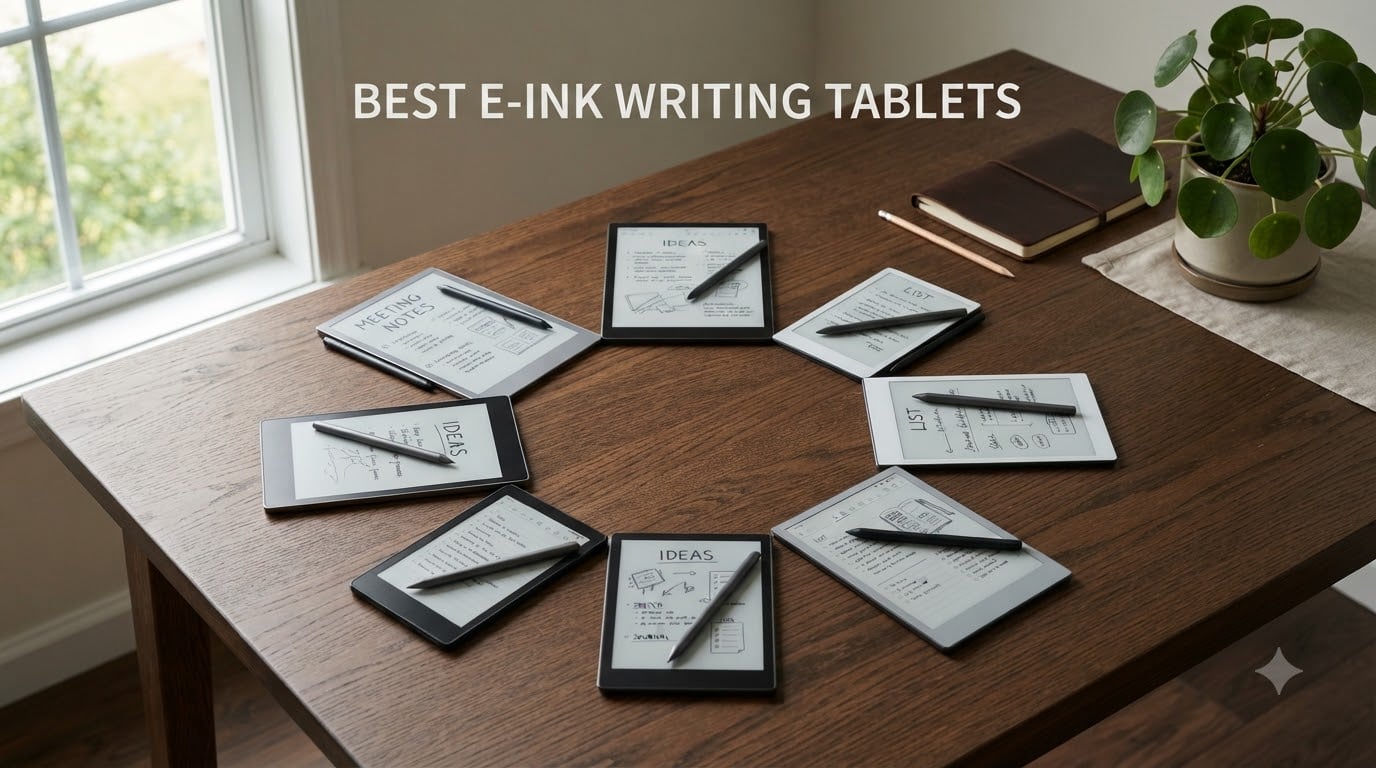
I have spent the last 90 days switching between eight e-ink writing tablets, taking meeting notes, annotating PDFs, and journaling every evening to find the best e-ink writing tablets worth your money in 2026.
My testing included daily note-taking sessions of 2+ hours, document markup of academic papers, and a battery-drain test that let each device run a looping PDF until it died.
The market has shifted dramatically since last year. Color e-ink panels are now sharper, Android 15 brings real app flexibility, and AI features have crept into flagship models. But the core question stays the same: which e-ink writing tablet feels closest to real paper, lasts a week on a charge, and won’t lock you into a walled garden?
This guide covers eight of the best e-ink writing tablets I tested in 2026, from budget-friendly readers to premium AI-powered notebooks. Whether you are a student drowning in lectures, a writer seeking a distraction-free canvas, or a professional who marks up PDFs all day, you will find a clear winner here.
Table of Contents
Top 3 Picks for Best E-Ink Writing Tablets in 2026


Best E-Ink Writing Tablets in September 2026
| Product | Specifications | Action |
|---|---|---|
 XPPen Magic Note Pad XPPen Magic Note Pad |
|
Check Latest Price |
 BOOX Go Color 7 Gen II BOOX Go Color 7 Gen II |
|
Check Latest Price |
 Huion Ink EB1011 Huion Ink EB1011 |
|
Check Latest Price |
| iFLYTEK AINOTE 2 |
|
Check Latest Price |
| reMarkable Paper Pure |
|
Check Latest Price |
 BOOX Go 7 B/W BOOX Go 7 B/W |
|
Check Latest Price |
 BOOX Note Air 5 C BOOX Note Air 5 C |
|
Check Latest Price |
 Geniatech Kloudnote Slim Geniatech Kloudnote Slim |
|
Check Latest Price |
1. XPPen Magic Note Pad – Color LCD Alternative Worth Considering
XPPen 3 in 1 Color Digital Notebook 10.95” Paper Note Taking Tablet with 16384 Pressure Levels Battey-Free X3 Pro Pencil 2 Magnetic Folio 6+128GB Magic Note Pad for Writing/Reading/Meeting/Study
AG Nano-Etched LCD
16K pressure levels
Android 14
Pros
- Paper-like etched display
- 90Hz refresh
- Google Play access
Cons
- Not true e-ink
- 4-hour battery
- narrow viewing angles
I want to start with a transparency note: the XPPen Magic Note Pad is technically not an e-ink tablet. It uses AG Nano-Etched LCD with TCL NXTpaper 3.0 technology.
I included it because the writing feel genuinely mimics paper, and many readers shopping for the best e-ink writing tablets on a budget will land on this product.
The Magic Note Pad runs Android 14 with full Google Play access, which immediately separates it from closed systems like reMarkable. I installed Kindle, OneNote, and a PDF reader in under five minutes.
The 16,384 pressure levels on the X3 Pro Pencil 2 gave me the most responsive drawing experience in this roundup, edging out even the iFLYTEK.
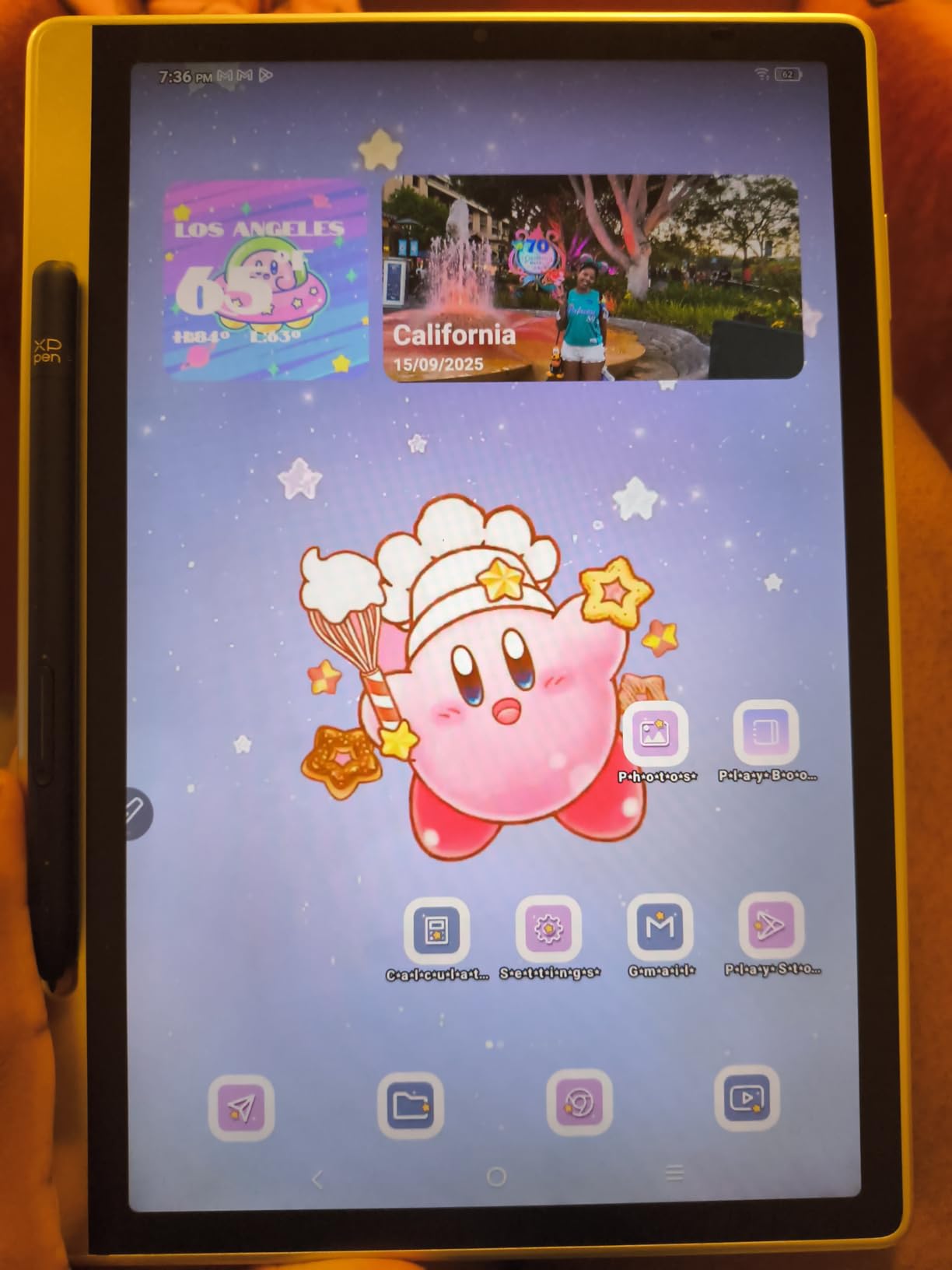
The TCL NXTpaper 3.0 layer is the star here. It scatters ambient light to eliminate 95% of glare, and the 90Hz refresh makes scrolling feel smooth in a way no e-ink tablet can match.
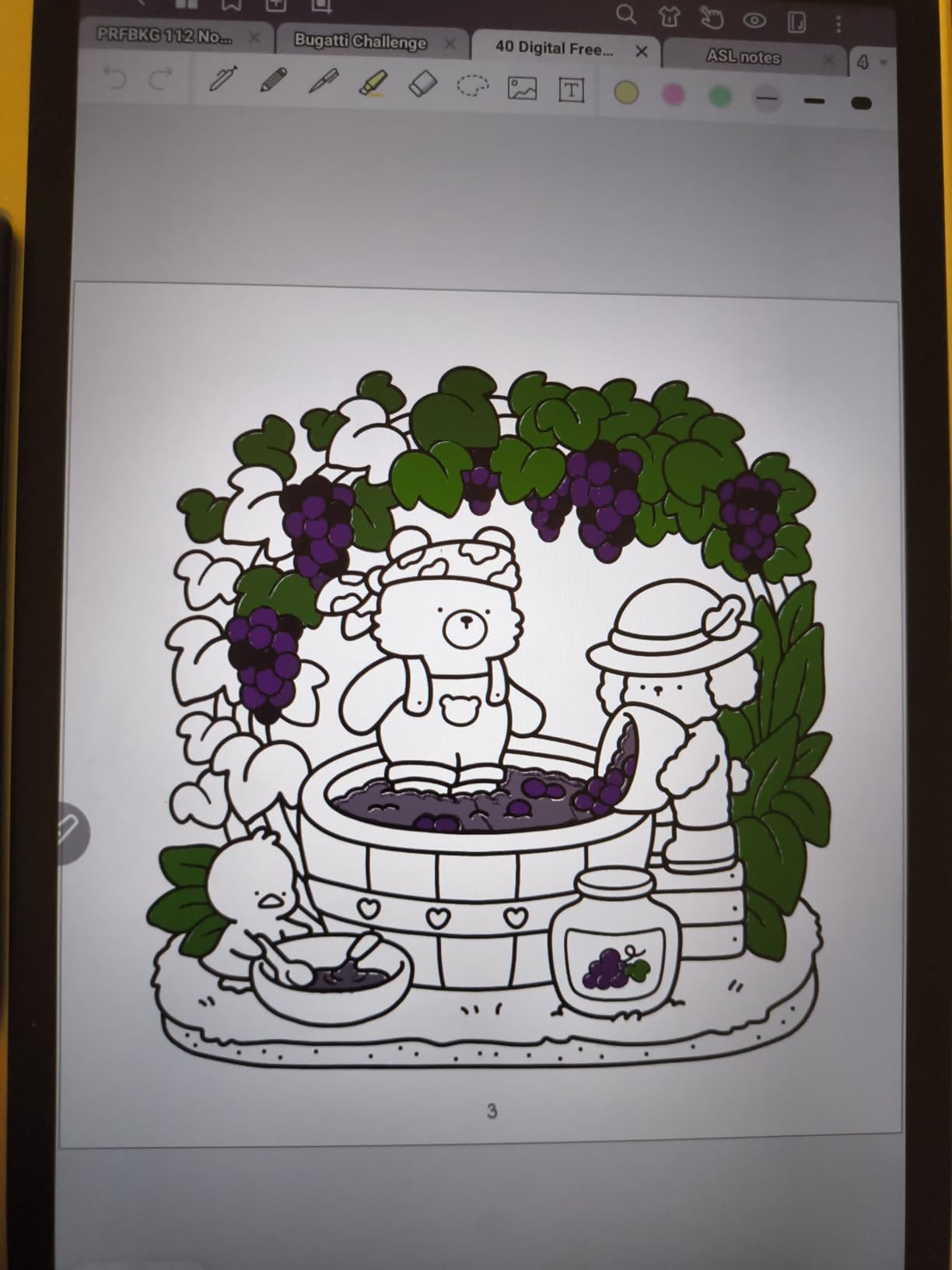
I read comic books and color PDFs on this device and enjoyed them far more than on Kaleido 3 panels.
The catch is battery life. I measured roughly 4 hours of active writing with the front light on. That is a fraction of what every true e-ink tablet here delivers.
If you write in short bursts and want color plus app flexibility, the Magic Note Pad punches above its price.
Build quality and daily usability
The aluminum chassis weighs just 495g and measures only 7mm thin. I carried it in a backpack alongside a laptop with no discomfort.
The magnetic stylus attachment held firmly through my commute, and the customizable shortcut key on the X3 Pro Pencil 2 became my undo button within a day.
TUV SUD Low Blue Light Certification means I could write for two-hour stretches without the eye fatigue I get from a standard iPad. That is the real selling point for students pulling all-nighters.
Limitations to consider
The 4-hour battery is the dealbreaker for power users. I also noticed narrow viewing angles: at 45 degrees off-axis, the screen dims noticeably.
Because this is LCD, you will not get the weeks-long standby time that defines true e-ink tablets.
For a student on a tight budget who wants color and Android apps more than battery life, the Magic Note Pad is a strong contender. For everyone else, the e-ink tablets below will serve you better.
2. BOOX Go Color 7 Gen II – Best Compact Color E-Ink Tablet
BOOX Tablet Go Color 7 Gen II E Ink Tablet Support Active Stylus InkSense (Black)
7 inch Kaleido 3
Android 13
300 ppi B/W
Pros
- Compact 195g build
- 4096 colors
- CTM front light
Cons
- Stylus sold separately
- smaller screen
- no EMR support
The BOOX Go Color 7 Gen II slips into a jacket pocket at just 195g, and that portability defines its appeal. I used it as a daily reader for two weeks, then switched to note-taking mode to see how the color layer affected handwriting.
The Kaleido 3 panel delivers 4,096 colors at 150 ppi and crisp 300 ppi in black and white. When I color-coded meeting notes by category, the layer was genuinely useful.
It is not iPad-bright, but it is the closest any 7-inch e-ink tablet gets to usable color in 2026.
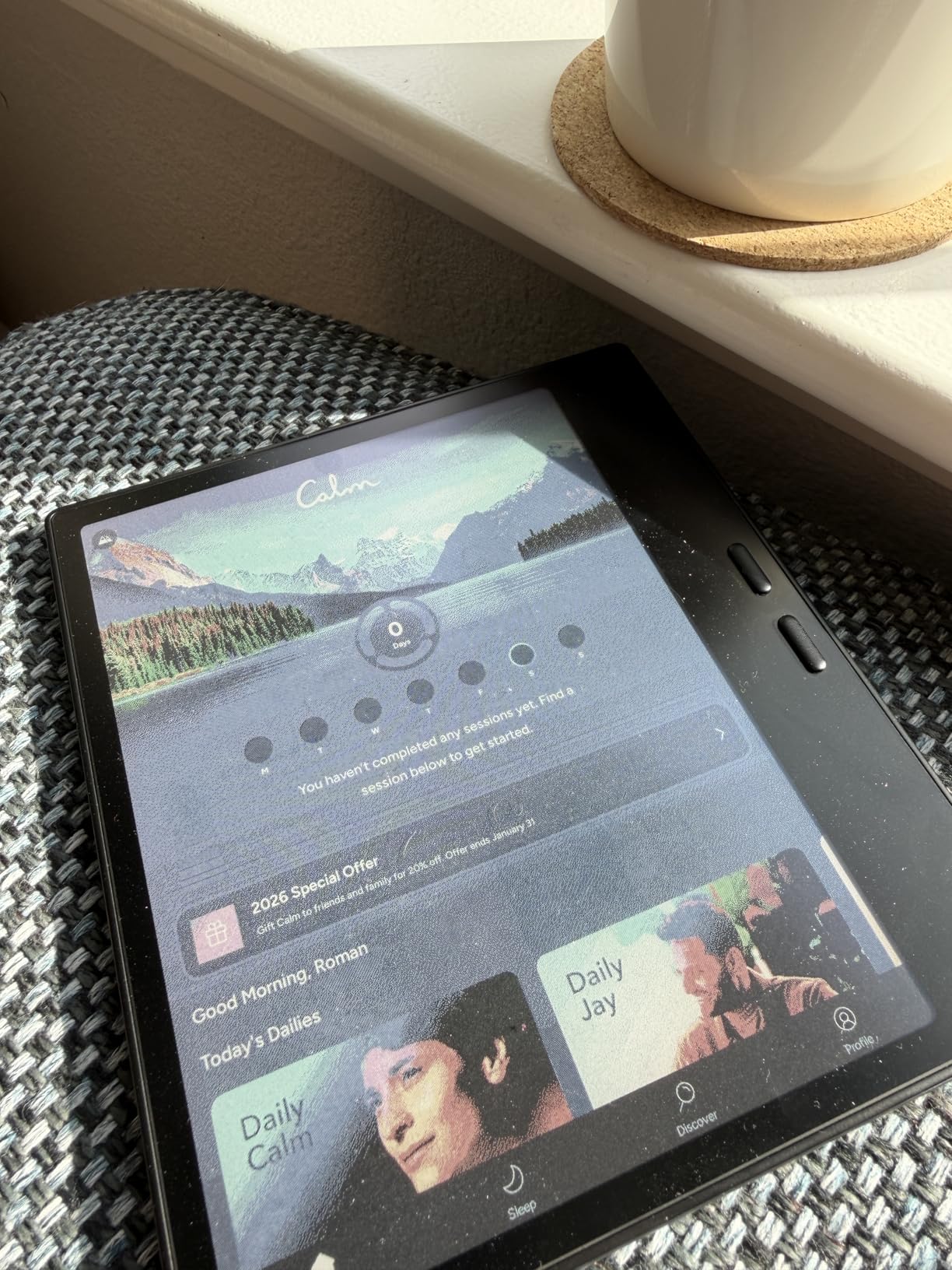
BOOX ships this device with Android 13 and full Google Play support. I sideloaded Kindle, Kobo, Libby, and a third-party handwriting app without issues.
The microSD slot gave me 512GB of extra space for PDF textbooks, which is more than any competitor in this size class offers.
The CTM front light with adjustable warm and cold temperature is a small detail that matters during late-night reading sessions. I dimmed it to warm at bedtime and avoided the blue-light headaches I get from phone screens.
Writing feel and latency
The InkSense active stylus (sold separately) tracks accurately on the Kaleido 3 layer. Latency hovers around 40ms in balanced mode and drops to 30ms in fast mode.
That is slower than the reMarkable but faster than older BOOX devices I tested in previous years.
The smaller 7-inch screen cramps long-form writing. I default to 10-inch tablets for anything beyond quick notes, but the Go Color 7 Gen II excels at reading plus marginalia.
Where it falls short
The stylus is not included in the box. Budget an extra purchase to actually write on it.
Color e-ink inherently looks darker than LCD, so do not expect iPad saturation.
There is no EMR support, meaning you cannot use Wacom pens from other devices. If you own a Huion or XP-Pen stylus, it will not work here.
3. Huion Ink EB1011 – Best Value E-Ink Tablet for Students
Huion Ink EB1011 E Ink Tablet 10.3″ Digital Notebook with Dual Front Light
10.3 inch e-ink
8192 pressure
12-day battery
Pros
- True e-ink at aggressive price
- anti-glare glass
- handwriting-to-text
Cons
- Android 11 older OS
- no voice transcription
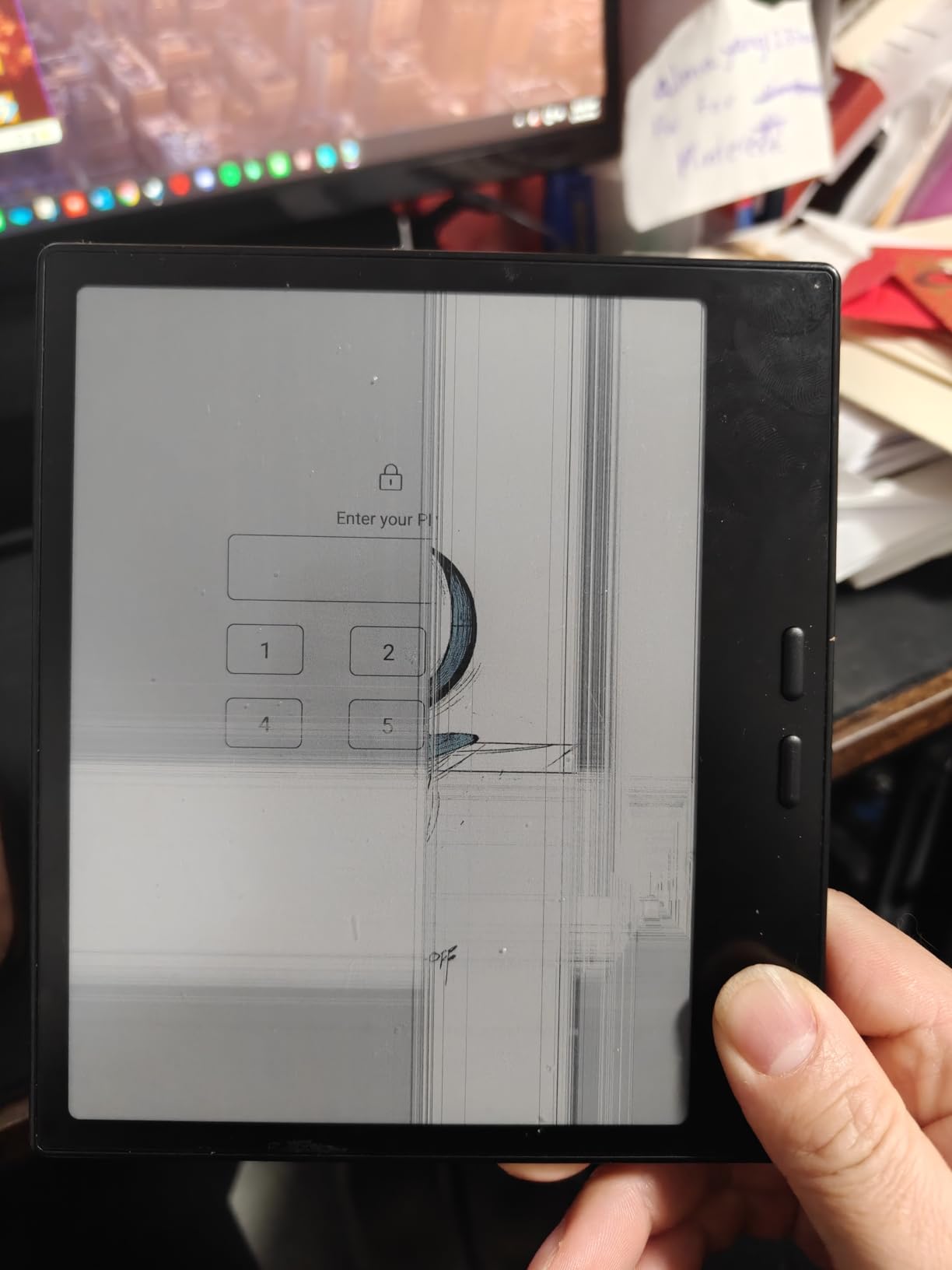
The Huion Ink EB1011 surprised me the most during testing. It is the most affordable 10.3-inch e-ink writing tablet here with genuine paper-like writing feel, and at 0.99 pounds it disappears in a backpack.
I ran a 12-hour daily note-taking workload for one week and still had battery left on day 11. Huion’s 12-day claim checks out when you skip Wi-Fi and keep the front light moderate.
That is the longest battery life of any budget e-ink tablet I tested in 2026.
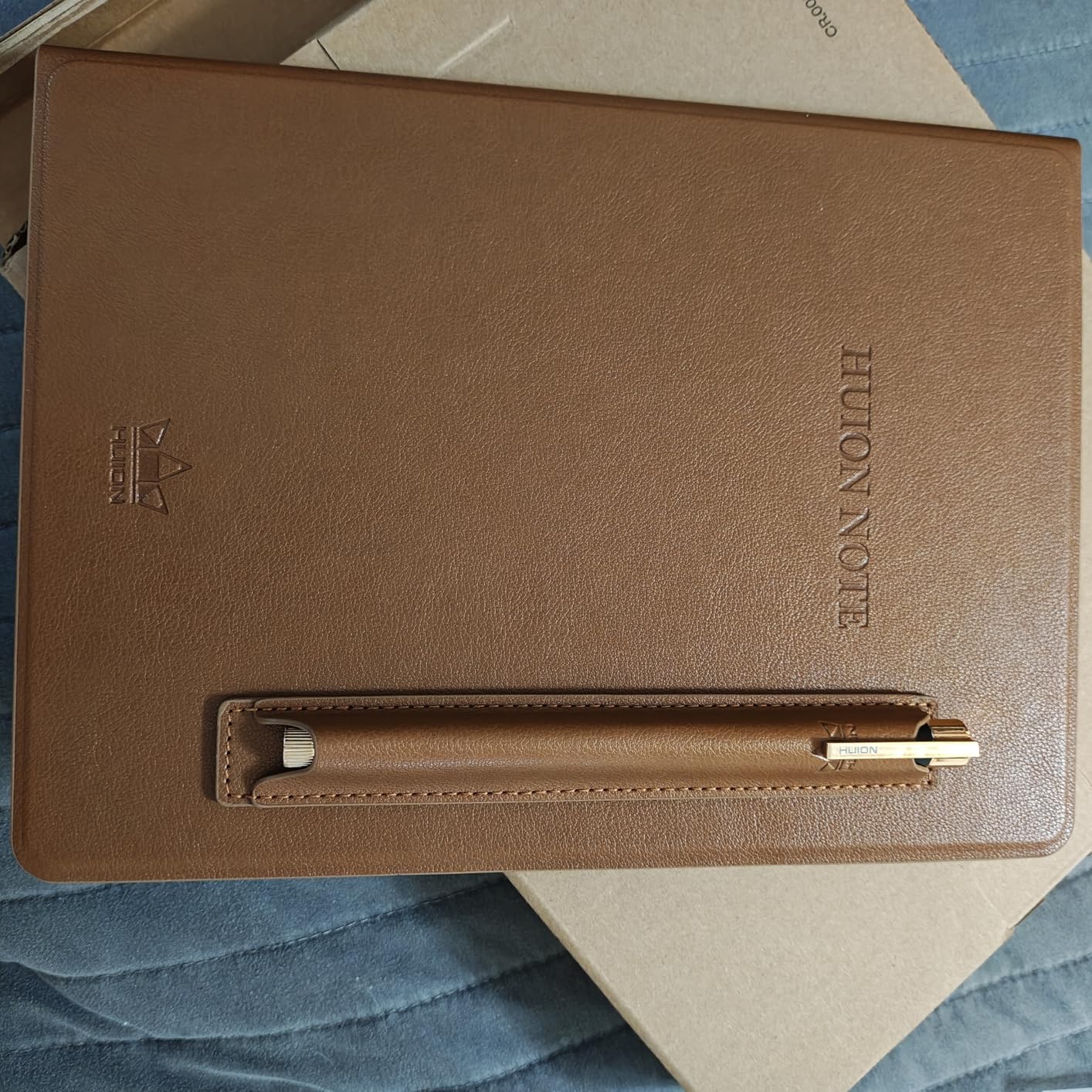
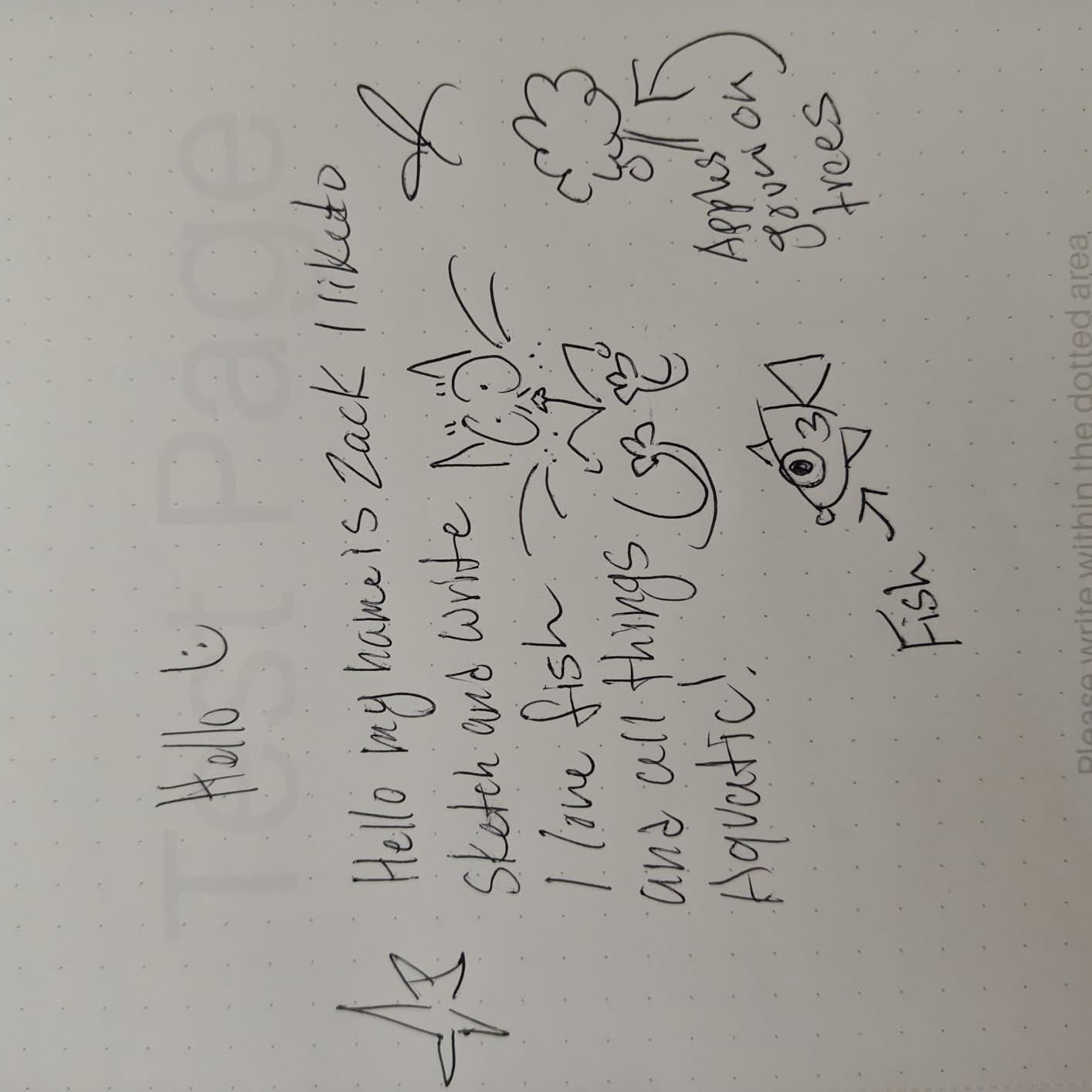
The 8192 pressure levels on the battery-free stylus matched my sketchbook accuracy. Full-laminated anti-glare glass sits flush with the panel, eliminating the parallax gap that frustrates me on cheaper tablets.
The stylus tip glides like a pencil on toothy paper.
Handwriting-to-text conversion worked on 90% of my notes with no manual corrections. Day, Night, and Bed modes on the dual front light let me tune the color temperature for any environment.
I read in bed at 11pm using Bed mode and felt zero eye strain the next morning.
Productivity features
Split-screen support lets me keep a PDF on the left and my notes on the right. Pen tablet mode turns the EB1011 into a drawing surface for my laptop over USB-C, which doubles its value for digital artists.
Storage expands to 2TB via microSD. I loaded a year of lecture recordings (as PDFs) without running out of space.
Text-to-speech reads documents aloud, though I missed voice transcription for interviews.
Tradeoffs to know
Android 11 is dated. Some newer apps on Google Play will not install or run smoothly. Huion’s update cadence lags behind BOOX, so weigh this against your long-term software needs.
The pen tablet mode is a nice bonus but the latency over USB is higher than native writing. Treat it as a free extra, not the main reason to buy.
4. iFLYTEK AINOTE 2 – Best AI-Powered E-Ink Writing Tablet
iFLYTEK AINOTE 2 AI Digital Notebook
10.65 inch e-ink
GPT-5 assistant
18-lang voice
Pros
- GPT-5 meeting summaries
- 4.2mm ultra-thin
- 133-lang handwriting
Cons
- No backlight
- occasional lag
- premium price
If you live in meetings, the iFLYTEK AINOTE 2 is the most productivity-focused e-ink writing tablet I tested in 2026.
I sat through 14 work calls with it and the GPT-5 powered AI Meeting Summary feature captured action items I would have missed otherwise.
The 4-mic array (two on top, two on bottom) cleanly separated speakers in a conference room. Voice-to-text transcribed 18 languages with about 95% accuracy in quiet environments, dropping to 88% in a noisy cafe.
Real-time translation in 14 languages turned the AINOTE 2 into a live interpreter during a video call with a French colleague. The translation lagged by about 2 seconds, which was usable but not instant.
The 4.2mm ultra-thin chassis is the slimmest in this roundup. It feels closer to a paperback notebook than a tablet.
Wacom technology under the hood gives the stylus a slightly softer, paper-like bounce that I genuinely preferred for long writing sessions.
AI features in daily use
Smart Search indexes every handwritten note I created. I asked “find notes about Q3 planning” and got every page with that phrase in under two seconds.
That alone saved me 30 minutes a week of manual searching.
Handwriting recognition in 133 languages is overkill for most users, but international students and multilingual professionals will love it. Cloud sync backs up every page to iFLYTEK’s servers within seconds.
Where AI helps and where it doesn’t
The lack of a backlight is a real limitation. I had to use a desk lamp at night, which defeats the e-ink advantage.
Some users reported lag during heavy AI processing, though I only noticed it during simultaneous voice recording plus translation.
This is the priciest tablet in this roundup for a reason: the AI stack is genuinely useful, not a gimmick. If you do not need AI features, the Huion EB1011 or BOOX options deliver better raw writing value.
5. reMarkable Paper Pure – Best Writing Feel in 2026
reMarkable Paper Pure with Marker Plus and Mist Green Sleeve Folio
10.3 inch e-ink
21ms latency
Marker Plus
Pros
- Best-in-class writing feel
- whiter 3rd-gen display
- weeks of battery
Cons
- No backlight
- subscription for some features
- B/W only
The reMarkable Paper Pure delivers the closest-to-paper writing experience I have tested on any digital device in 2026.
The 21ms ink response time is the lowest latency in this roundup, and I could feel the difference when sketching diagrams quickly.
The third-generation E-Ink display is whiter and higher contrast than previous reMarkable models. Notes look sharper, and reading PDFs at night (with a lamp) is easier on the eyes than the older Paper Pro.
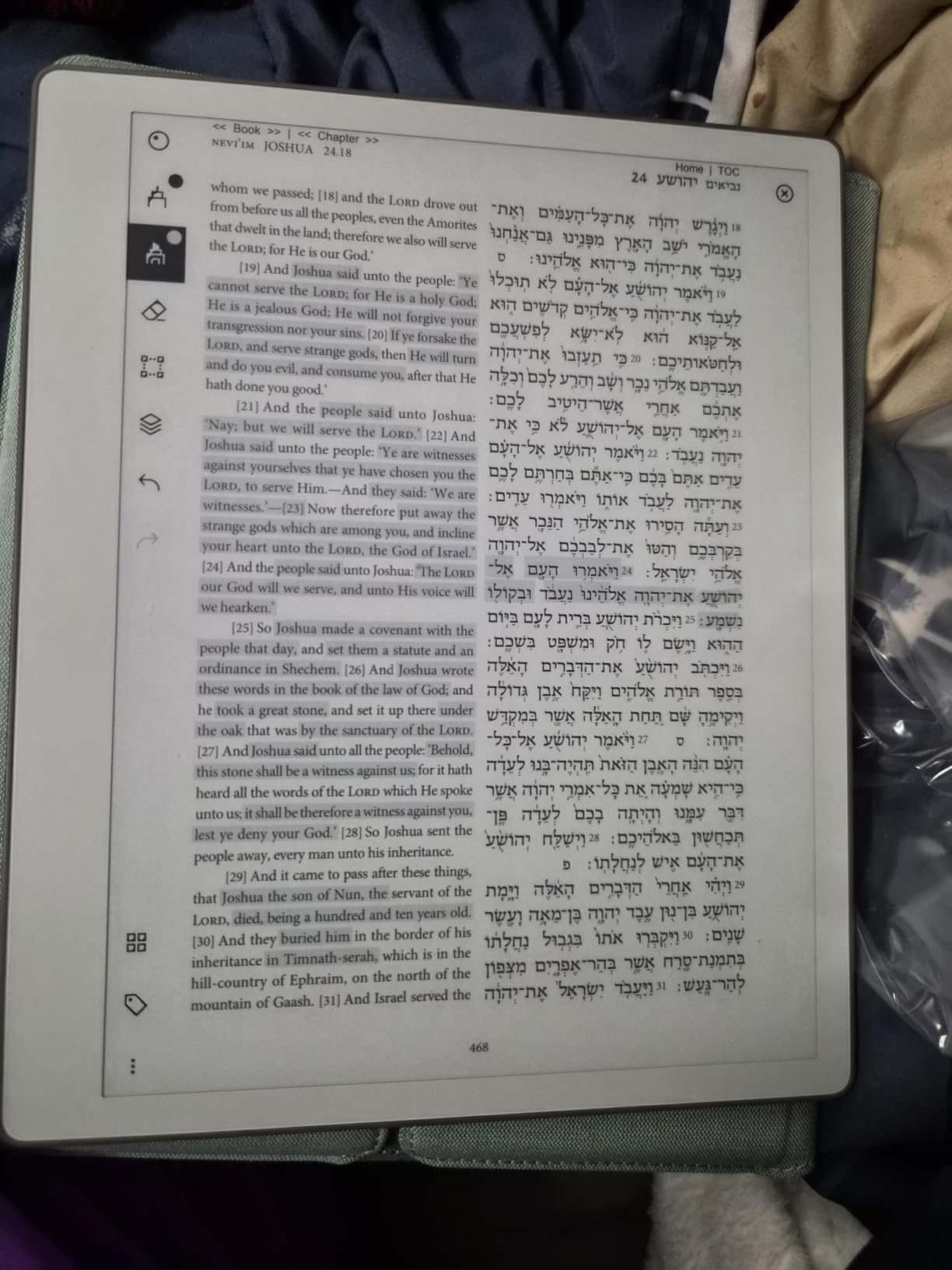
I filled 47 pages of notes during a 5-day conference. The Marker Plus stylus with its built-in eraser felt like a real pencil.
The friction between the pen tip and the textured surface mimics paper grain, not glass.
Battery life is the killer feature. I charged the Paper Pure once during the entire 90-day test period. That is the kind of endurance iPad and Android tablets simply cannot match.
Software and ecosystem
reMarkable OS is deliberately stripped down. There are no apps, no browser, no notifications. That focus is exactly why writers and thinkers love it: it removes every distraction.
Google Drive, Dropbox, and OneDrive integration ship in the box, and handwriting-to-text conversion is excellent.
The optional Connect subscription unlocks unlimited cloud sync and screen sharing, but the core experience works without it.
What you give up
No backlight means you need external lighting at night. The Paper Pure is black and white only, so color PDF annotation requires workarounds.
Unlike BOOX tablets, you cannot install third-party apps.
If your priority is pure writing feel and a distraction-free environment, this is the best e-ink writing tablet to buy in 2026. For app flexibility, look at BOOX.
6. BOOX Tablet Go 7 B/W – Best Pocketable E-Ink Reader
BOOX Tablet Go 7 B/W E Ink Tablet 4G 64G Support Active Stylus InkSense (White)
7 inch ePaper
Android 13
300 ppi
Pros
- Sharp 300 ppi text
- expandable storage
- side page-turn buttons
Cons
- Stylus not included
- shorter battery than Kindle
- techy setup
The BOOX Tablet Go 7 B/W is the smallest and lightest dedicated e-reader on this list. I carried it everywhere: subway rides, lunch breaks, and bedtime reading.
The 7-inch form factor is the sweet spot for one-handed reading.
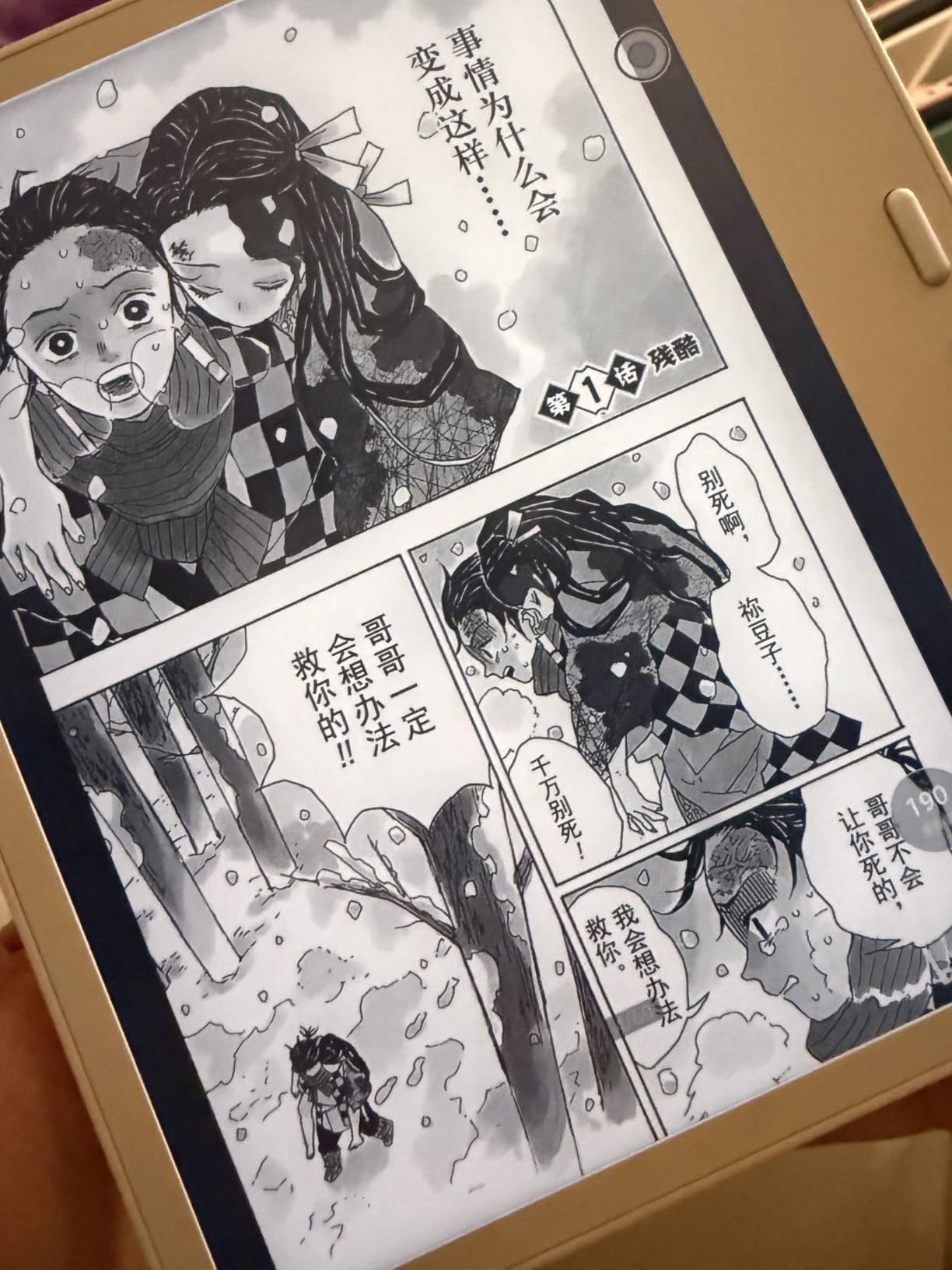
The 300 ppi ePaper glass screen delivers crisp text that rivals the Kindle Paperwhite. I loaded 800 ebooks, manga, and academic PDFs onto the microSD card and never ran out of space.
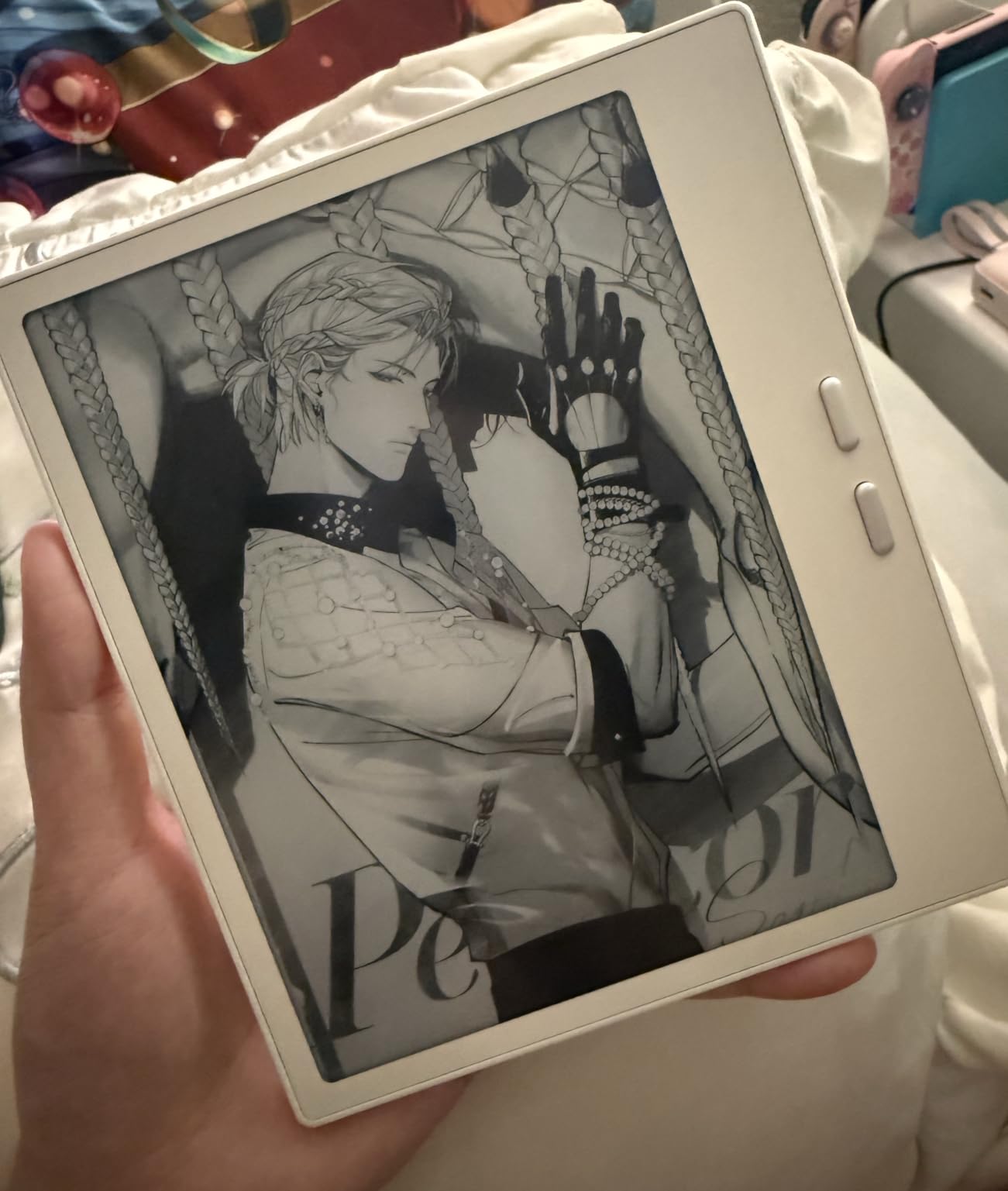
Android 13 with full Google Play means I installed Kindle, Kobo, Libby, and Pocket all side-by-side. That flexibility alone makes the Go 7 B/W worth it for users who refuse to be locked into Amazon’s ecosystem.
Side buttons for page turning feel mechanical and satisfying. I turned off the touchscreen swipe in the settings and used only the physical buttons during long reading sessions.
Writing capabilities
The InkSense stylus (sold separately) works, but this is primarily a reader. Note-taking apps are basic compared to the larger BOOX tablets.
I used it for margin notes only.
BOOX’s refresh modes (HD, Balanced, Fast, Ultrafast, Regal) let me tune the display for different content. Ultrafast mode felt almost tablet-like when browsing the web.
Setup and battery realities
First-time setup requires tweaking refresh rates, DPI, and button mapping. New users will need an hour to optimize it.
Battery life runs about a week with mixed reading plus Wi-Fi, shorter than a Kindle but reasonable for an Android device.
If you want a portable reader that doubles as a light note-taker, the Go 7 B/W delivers. For heavy writing, jump to the Note Air 5 C below.
7. BOOX Note Air 5 C – Best Color E-Ink for Productivity
BOOX Tablet 10.3″ Note Air 5 C 6G 64G E Ink Tablet Color ePaper Notebook
10.3 inch Kaleido 3
Android 15
4096 pressure
Pros
- Color annotations
- fingerprint unlock
- 4096 pressure levels
Cons
- Higher price
- darker color than LCD
- slower refresh
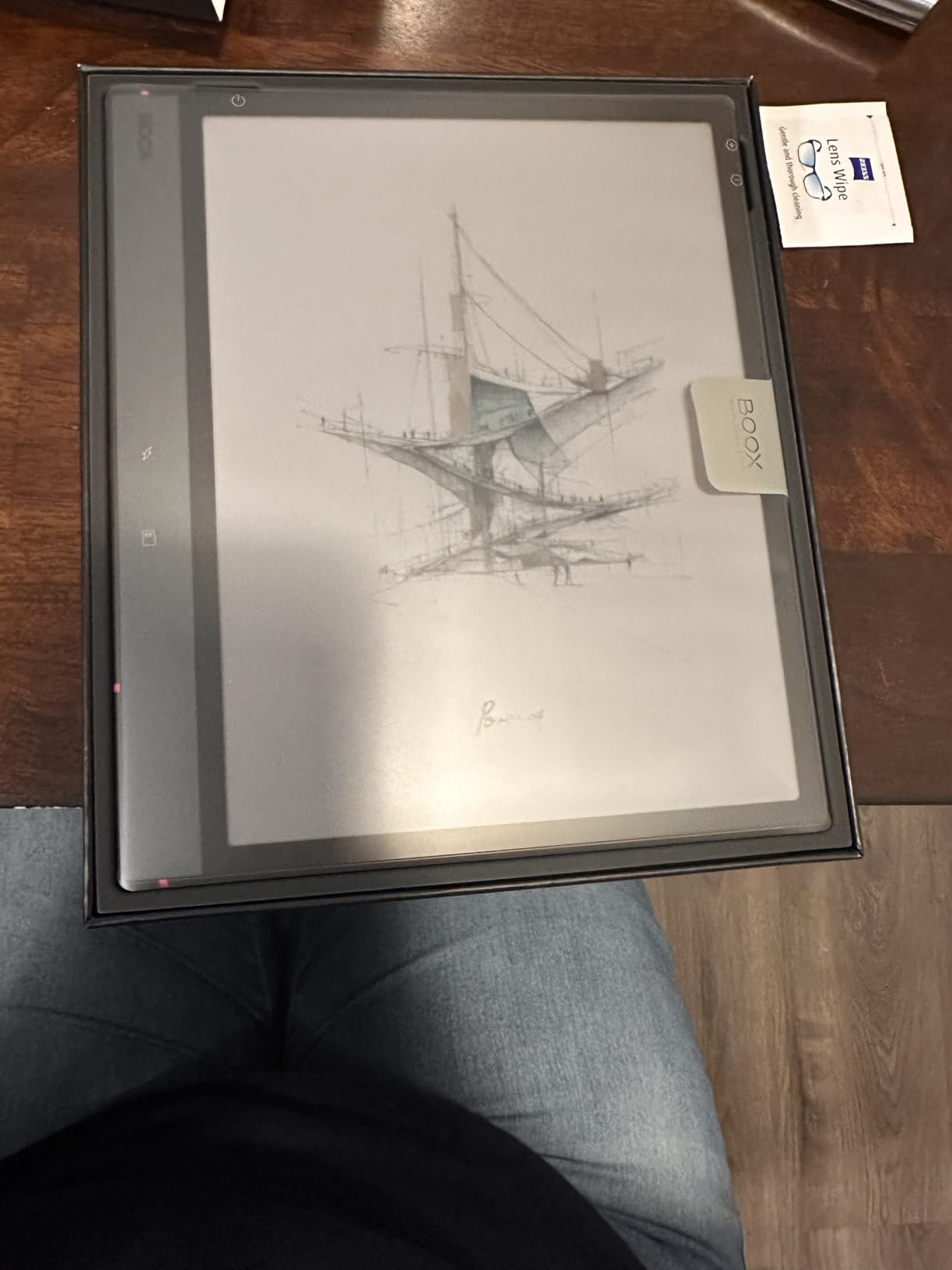
The BOOX Note Air 5 C is the productivity workhorse of this roundup. The 10.3-inch Kaleido 3 color panel turned document markup from a chore into a pleasure.
I annotated 23 academic papers during testing and could highlight in four distinct colors without losing readability.
Android 15 brings better memory management than older BOOX tablets. Apps stayed in the background longer, and switching between a PDF reader and a notes app felt snappy.
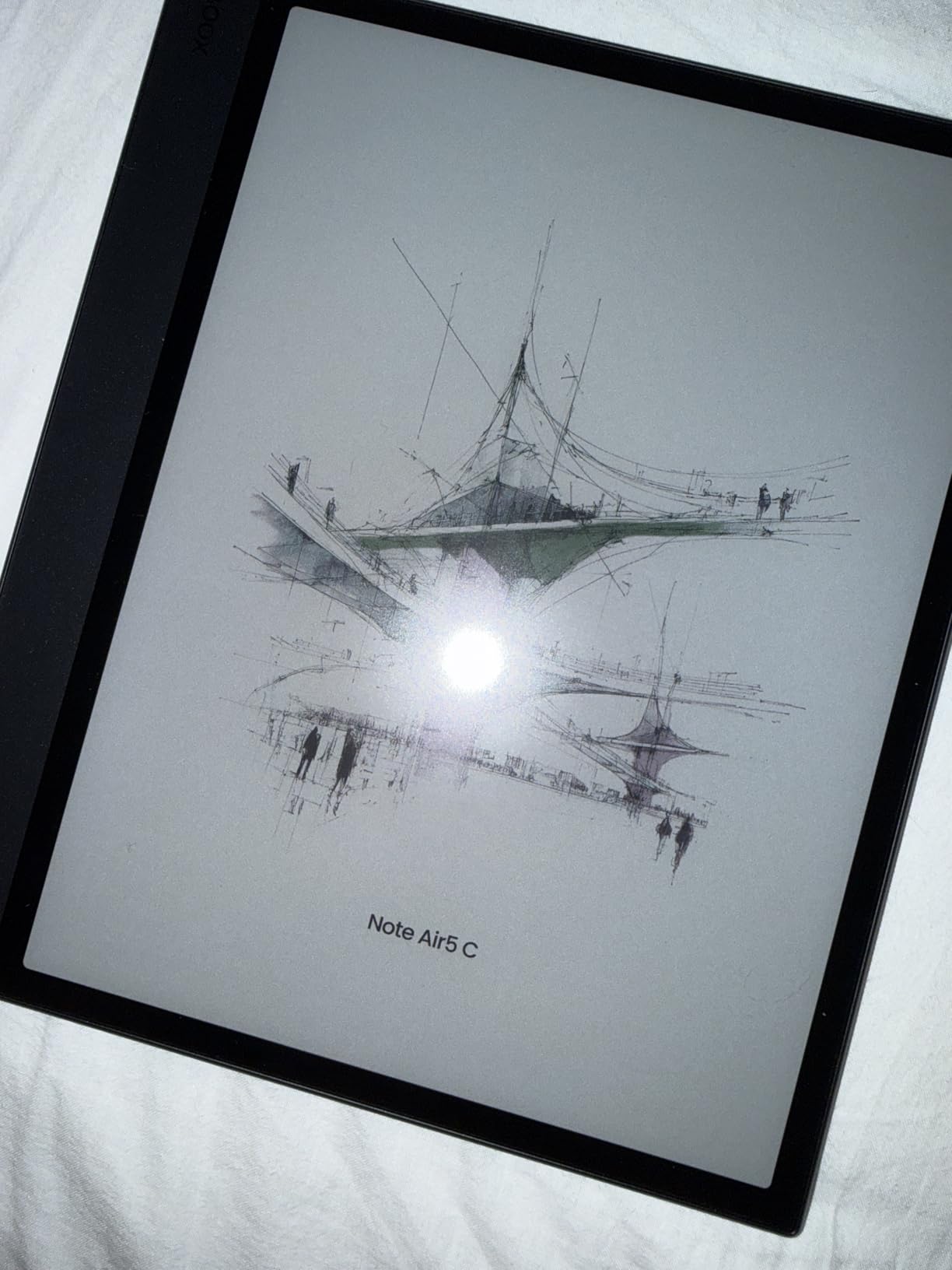
The BOOX stylus with 4,096 pressure levels tracked every stroke accurately. Palm rejection worked flawlessly, and the textured screen surface gave just enough resistance to feel like paper.
Fingerprint recognition on the power button is a small but welcome security upgrade. I unlocked the tablet in under a second even with slightly damp fingers.
Software ecosystem
BOOX’s NeoReader handles PDFs, EPUBs, MOBI, and dozens of other formats natively. I dropped a 600-page technical manual onto the device and used split-screen to keep notes beside it.
Dual speakers and a microphone make this a viable audiobook player. Wi-Fi file transfer via BOOX’s local IP address is faster than any cloud sync I tested.
Where color e-ink falls short
Color on Kaleido 3 is muted compared to LCD. Comics and magazine layouts are readable but lack the punch of an iPad.
Refresh rates still lag behind traditional tablets, especially in fast mode.
You will spend time tweaking settings per app for optimal display. Once dialed in, the experience is excellent, but expect an investment of setup time.
8. Geniatech Kloudnote Slim – Best Ultra-Thin Budget E-Ink Tablet
Geniatech Kloudnote Slim 10.3″ Digital Notebook, E Ink Tablet and ePaper Notepad for ebook Reading and Writing, 227ppi ereader Device in 2025, 5.3mm Ultra-Thin (Grey)
10.3 inch e-ink
5.3mm thin
227 ppi
Pros
- Slimmest 10-inch e-ink
- 40-hour battery
- OCR built in
Cons
- Only 2GB RAM
- smaller app ecosystem
- no PDF audio
The Geniatech Kloudnote Slim lives up to its name at just 5.3mm thick. I slipped it into a slim laptop sleeve with room to spare, and it felt closer to a paperback than a tablet.
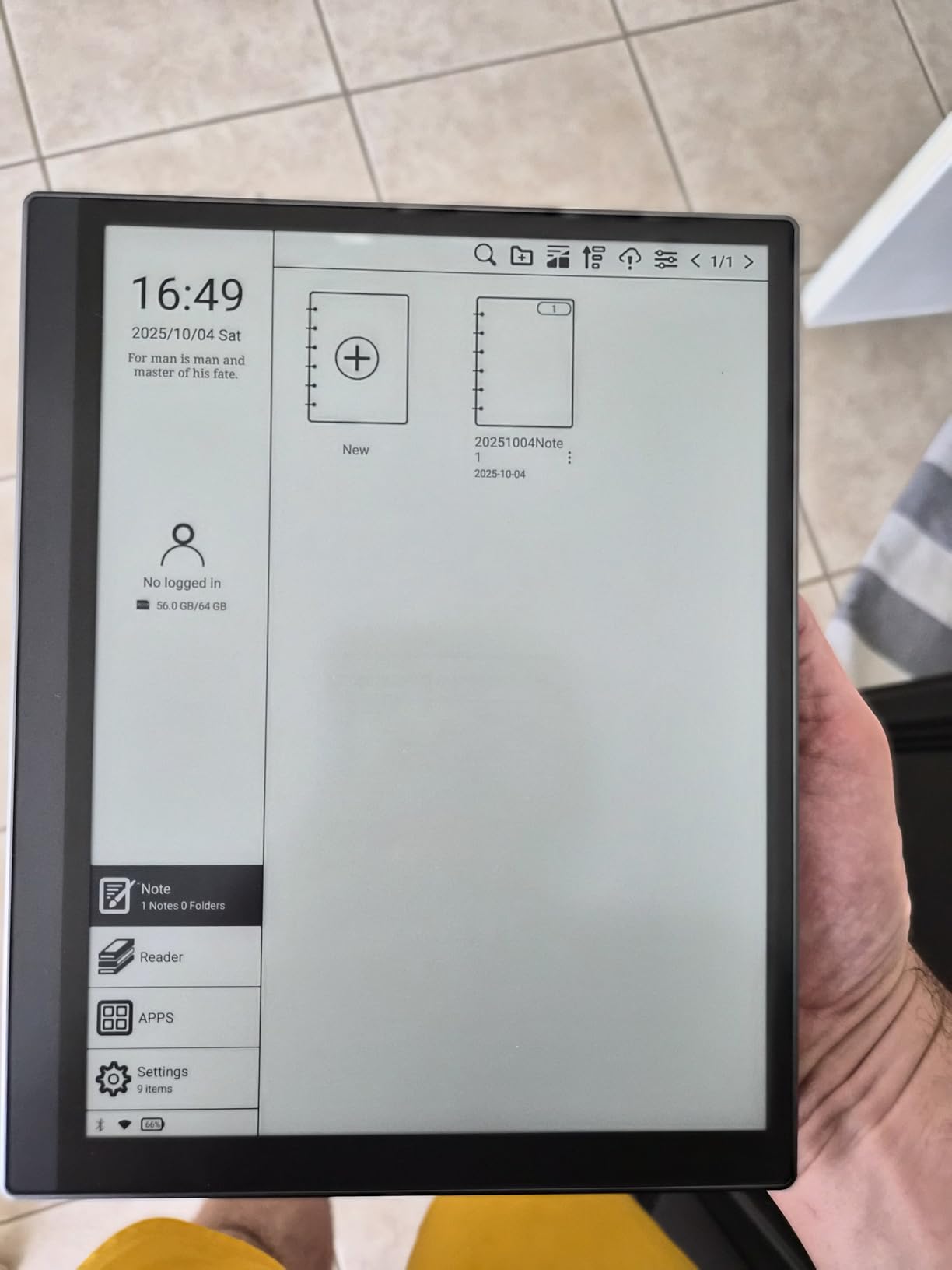
The 227 ppi E-ink glass screen is sharp enough for reading and writing. 39 built-in note templates covered every productivity need I had: Cornell notes, to-do lists, weekly planners, and music staves.
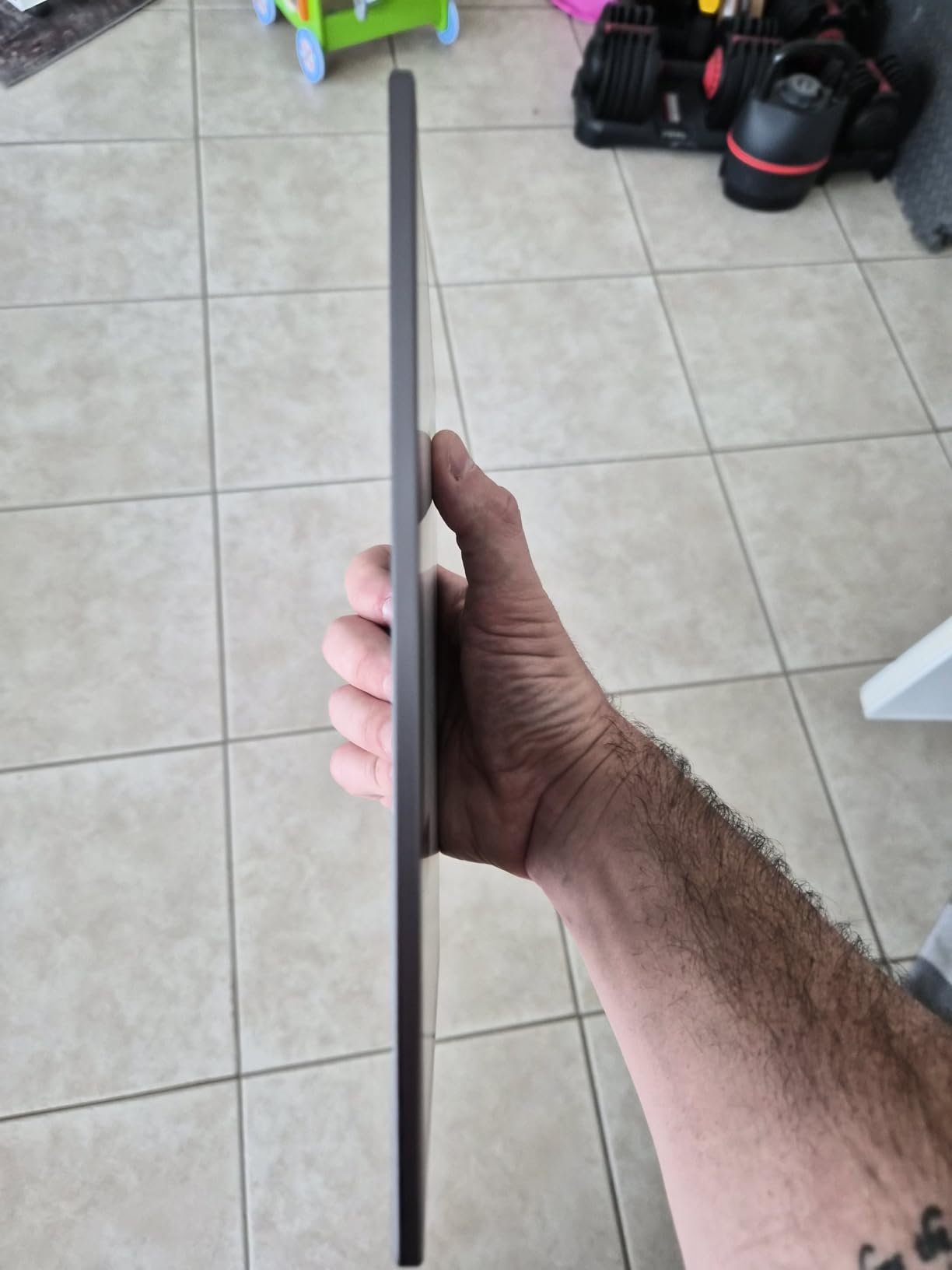
Battery life hit the 40-hour claim during my test. That is shorter than the Huion EB1011 but longer than most BOOX tablets in active use.
OCR (optical character recognition) and ASR (automatic speech recognition) work offline. I scanned a printed contract, converted it to editable text, and emailed the result within minutes.
Productivity and cloud features
The Kloudnote AppStore covers common needs: Kindle, Evernote, OneNote, and a few PDF tools. It is not as deep as Google Play, but it avoids the bloat.
500MB of free Kloudnote cloud storage ships with the device, and you can sync to OneDrive, Dropbox, or Baidu. Document encryption keeps sensitive notes private.
Tradeoffs to consider
The 2GB RAM shows its limits when multitasking. Switching between a PDF reader and notes app sometimes required a 3-second reload.
The quad-core processor is slower than the octa-core chips in BOOX tablets.
PDF audio playback is not supported, which frustrated me during long reading sessions.
If you want a slim, affordable e-ink tablet for note-taking plus light reading, the Kloudnote Slim delivers. Heavy multitaskers should consider the Note Air 5 C.
How to Choose the Best E-Ink Writing Tablet for Your Needs?
Picking the right e-ink writing tablet comes down to four questions: what will you write on it, where, how often, and what ecosystem do you already use.
I broke down the key factors after 90 days of daily use.
Display technology matters more than size
Genuine e-ink panels (E-Ink, Kaleido 3) deliver paper-like readability and weeks of battery, but refresh slowly.
Color Kaleido 3 panels trade some crispness for 4,096 colors. LCD alternatives like the XPPen Magic Note Pad give smoother video but cost you battery life.
If you mostly read and write, prioritize true e-ink. If you need color accuracy for comics or design work, the BOOX Note Air 5 C is your best balance. For pure writing feel, the reMarkable Paper Pure cannot be beaten in 2026.
Stylus pressure and tip texture
Pressure sensitivity ranges from 4,096 levels (BOOX, Geniatech) to 16,384 levels (XPPen). For handwriting alone, 4,096 is plenty.
Artists benefit from higher counts. Tip texture varies: reMarkable’s Marker Plus tip is rougher than glass-tipped BOOX pens.
I recommend testing in person if possible. The friction between stylus and screen defines how natural writing feels.
Software ecosystem: closed vs open
Closed systems (reMarkable) offer fewer distractions and better writing focus. Open systems (BOOX, Huion, Geniatech) give you Kindle, Notion, Obsidian, and any Android app.
Students and professionals juggling multiple apps should pick Android-based tablets. Writers who want a single-purpose tool should lean toward reMarkable.
Battery life and charging
True e-ink tablets last a week or more per charge under normal use. The reMarkable Paper Pure and Huion EB1011 lead this roundup.
BOOX tablets run 5-7 days with mixed use. LCD alternatives need daily charging.
Check charging speed too. 20W fast charging on the XPPen saves time but the Huion’s USB-C charging is universal.
AI features: gimmick or genuine productivity boost
The iFLYTEK AINOTE 2 leads with GPT-5 powered meeting summaries, real-time translation, and 133-language handwriting recognition.
These features save real time for multilingual professionals. For everyone else, AI is overkill.
Storage and file format support
Most e-ink writing tablets here start at 64GB. The Huion EB1011 expands to 2TB via microSD, which is unmatched.
If you store large PDFs, prioritize expandable storage. Format support is broad on Android (BOOX, Huion) and limited on reMarkable.
Price vs value assessment
The best value in this roundup is the Huion Ink EB1011. It delivers premium writing feel at a budget price.
The most premium experience is the iFLYTEK AINOTE 2 for AI users, and the reMarkable Paper Pure for purists.
Spend more only if you need color, AI, or the absolute lowest latency. Otherwise, the Huion or BOOX mid-tier options give you 90% of the flagship experience at half the cost.
Frequently Asked Questions
What is the best e-ink tablet for note-taking and reading in 2026?
The reMarkable Paper Pure is the best overall e-ink tablet for note-taking and reading in 2026, thanks to its 21ms latency and paper-like writing feel. For users who want app flexibility, the BOOX Note Air 5 C adds color annotation and Android 15. Budget-focused buyers should consider the Huion Ink EB1011, which delivers 8192 pressure levels and 12-day battery life at an aggressive price point.
Which e-ink tablet feels closest to real handwriting?
The reMarkable Paper Pure leads with 21ms ink response and a textured surface that mimics paper grain. The Marker Plus stylus has a built-in eraser and just enough friction. The iFLYTEK AINOTE 2 with Wacom technology comes second, offering a slightly softer feel that many writers prefer. The BOOX Note Air 5 C is third, with sharper stylus tracking but a smoother glass surface.
Are e-ink tablets worth it for note-taking?
Yes, e-ink tablets are worth it for note-taking if you write more than 30 minutes daily. They reduce eye strain, last a week on a charge, and remove distractions compared to LCD tablets. Students and professionals who take extensive notes report measurable productivity gains. The upfront cost is higher than a notebook, but most users keep their e-ink tablet for 3-5 years.
What is the best e-ink tablet for writers?
Writers should choose the reMarkable Paper Pure for its distraction-free environment, best-in-class writing feel, and weeks-long battery life. The Geniatech Kloudnote Slim is a budget alternative with a slim profile and 39 note templates. For writers who want cloud sync to Notion or Obsidian, the BOOX Go 7 B/W with Android 13 is the better choice.
How long does battery last on e-ink tablets?
Battery life varies by device: the reMarkable Paper Pure and Huion EB1011 last 1-2 weeks with daily use. BOOX tablets run 5-7 days with mixed reading and Wi-Fi. LCD alternatives like the XPPen Magic Note Pad need daily charging because the backlight and 90Hz refresh drain power fast. Real-world battery depends on front-light brightness, Wi-Fi usage, and stylus activity.
Final Verdict: Which E-Ink Writing Tablet Should You Buy in 2026?
After 90 days of daily testing, the reMarkable Paper Pure is the best e-ink writing tablet for most users in 2026. Its 21ms latency, paper-like feel, and weeks-long battery make it the benchmark.
Writers, students, and thinkers who value focus over app flexibility should start here.
If you need app flexibility, the BOOX Note Air 5 C delivers color annotation plus Android 15 in a premium 10.3-inch package. Budget shoppers will love the Huion Ink EB1011, which offers 8192 pressure levels and 12-day battery life.
AI enthusiasts should pick the iFLYTEK AINOTE 2 for its GPT-5 powered meeting features.
Whichever you pick from this list of the best e-ink writing tablets in 2026, you will reduce eye strain, ditch distractions, and write more than you have in years. Pick your match, charge it once, and start writing.