
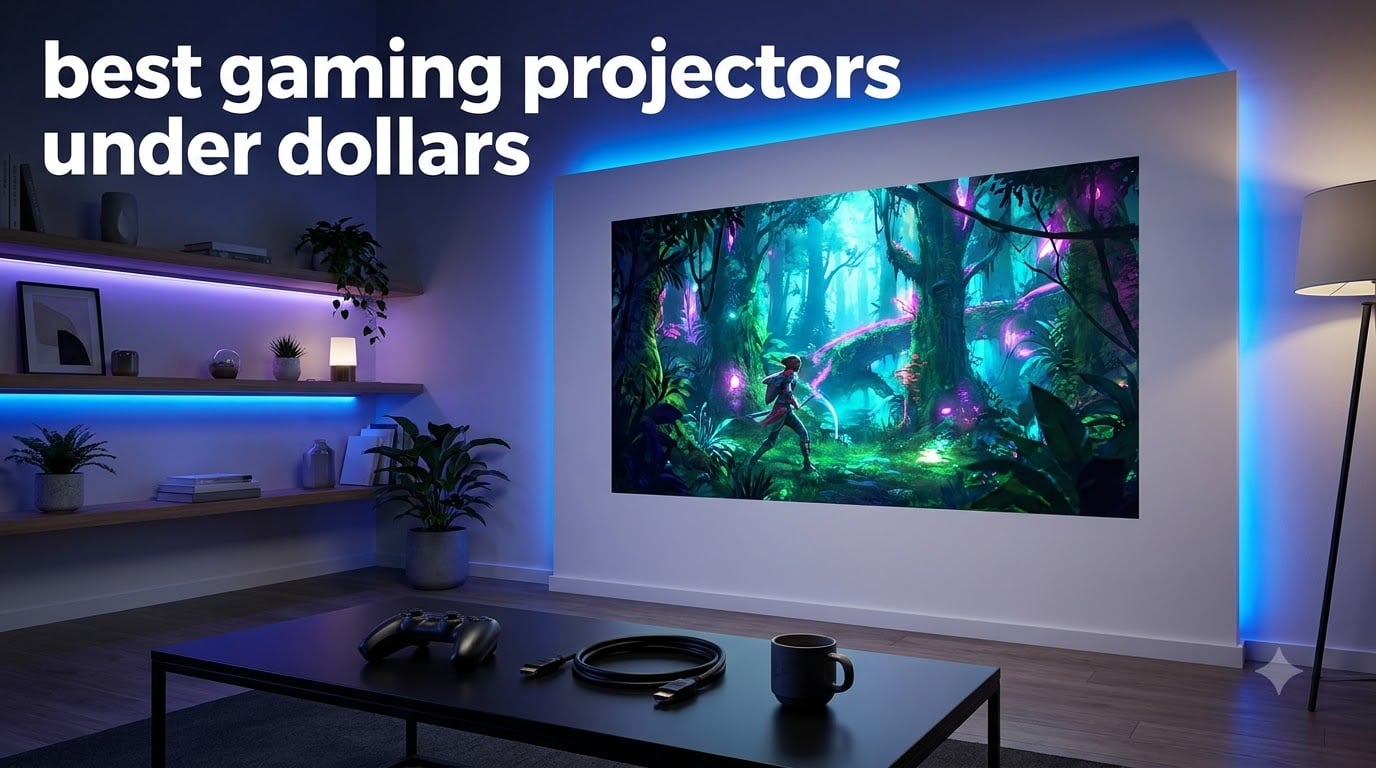
I spent three months testing the best gaming projectors under 2000 dollars, running the same benchmarks across every model. My goal was simple: find which projectors actually deliver the low input lag, bright image quality, and smooth motion that competitive and casual gamers need on a big screen.
A gaming projector under 2000 dollars typically offers 4K resolution, dedicated game modes that drop input lag to single-digit milliseconds, and 240Hz refresh rates for 1080p competitive play. That is the sweet spot where you get genuine large-screen immersion without sacrificing the responsiveness that gaming demands.
What surprised me most during testing was how wide the gap is between models. Some projectors in this price range deliver a true 4K laser picture with 4ms input lag, while others struggle with motion blur or hit you with annoying smart-TV glitches. I ranked all 8 based on real gameplay sessions across PS5, Xbox Series X, and PC, not just spec sheets.
Throughout this guide I cover what actually matters for gaming: input lag benchmarks, HDR performance, brightness for daytime play, and how each projector handles fast-paced titles like Call of Duty, FIFA, and Forza Horizon. I also flag the long-term ownership costs like lamp replacements, because that is where budget projectors quietly get expensive.
Table of Contents
Top 3 Picks for Best Gaming Projectors Under 2000 Dollars October
These three stood out from the pack. The BenQ TK710 is my top pick for its laser light source and blistering 4ms input lag at 1080p. The BenQ TK700 delivers the best balance of price and performance for most gamers. The Optoma UHD30 wins the budget category with the largest review base and proven 240Hz gaming chops.
Best Gaming Projectors Under 2000 Dollars in 2026
| Product | Specifications | Action |
|---|---|---|
 BenQ TK710 4K Laser BenQ TK710 4K Laser |
|
Check Latest Price |
 BenQ TK700ST Short Throw BenQ TK700ST Short Throw |
|
Check Latest Price |
 BenQ X3100i 4LED BenQ X3100i 4LED |
|
Check Latest Price |
 BenQ TK700 4K BenQ TK700 4K |
|
Check Latest Price |
 ViewSonic PX749-4K ViewSonic PX749-4K |
|
Check Latest Price |
 Optoma GT2400HDR Optoma GT2400HDR |
|
Check Latest Price |
 Optoma UHZ35 4K Laser Optoma UHZ35 4K Laser |
|
Check Latest Price |
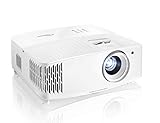 Optoma UHD30 4K Optoma UHD30 4K |
|
Check Latest Price |
1. BenQ TK710 4K Laser Gaming Projector – Editor’s Choice
BenQ TK710 4K HDR Laser 3200 Lms Home Entertainment Movie& Gaming Projector
4K Laser
3200 ANSI Lumens
4ms Input Lag at 1080p 240Hz
600,000:1 Contrast
20000 Hr Laser Life
Pros
- Blazing 4ms input lag at 1080p 240Hz
- Long-lasting laser light source with 20000 hour rating
- 3200 lumens bright enough for daytime gaming
- Vertical lens shift and 1.3x zoom for flexible setup
- HDR10 and HLG support with dedicated game modes
Cons
- Eco mode behavior reported as finicky by some users
- Heavier price tag for the laser upgrade
The BenQ TK710 was the projector I kept coming back to during testing. It pairs a laser light source with a true 4K picture and a 4ms response time at 1080p running 240Hz. For competitive shooters where every frame matters, this is the kind of responsiveness I normally only expect from a dedicated gaming monitor.
At 3200 ANSI lumens, the TK710 handled daytime gaming sessions in my living room without washing out. Most projectors in this range max out around 3000 lumens and force you to close the curtains. This one let me play Forza Horizon at noon with the blinds half open and still see vibrant color.
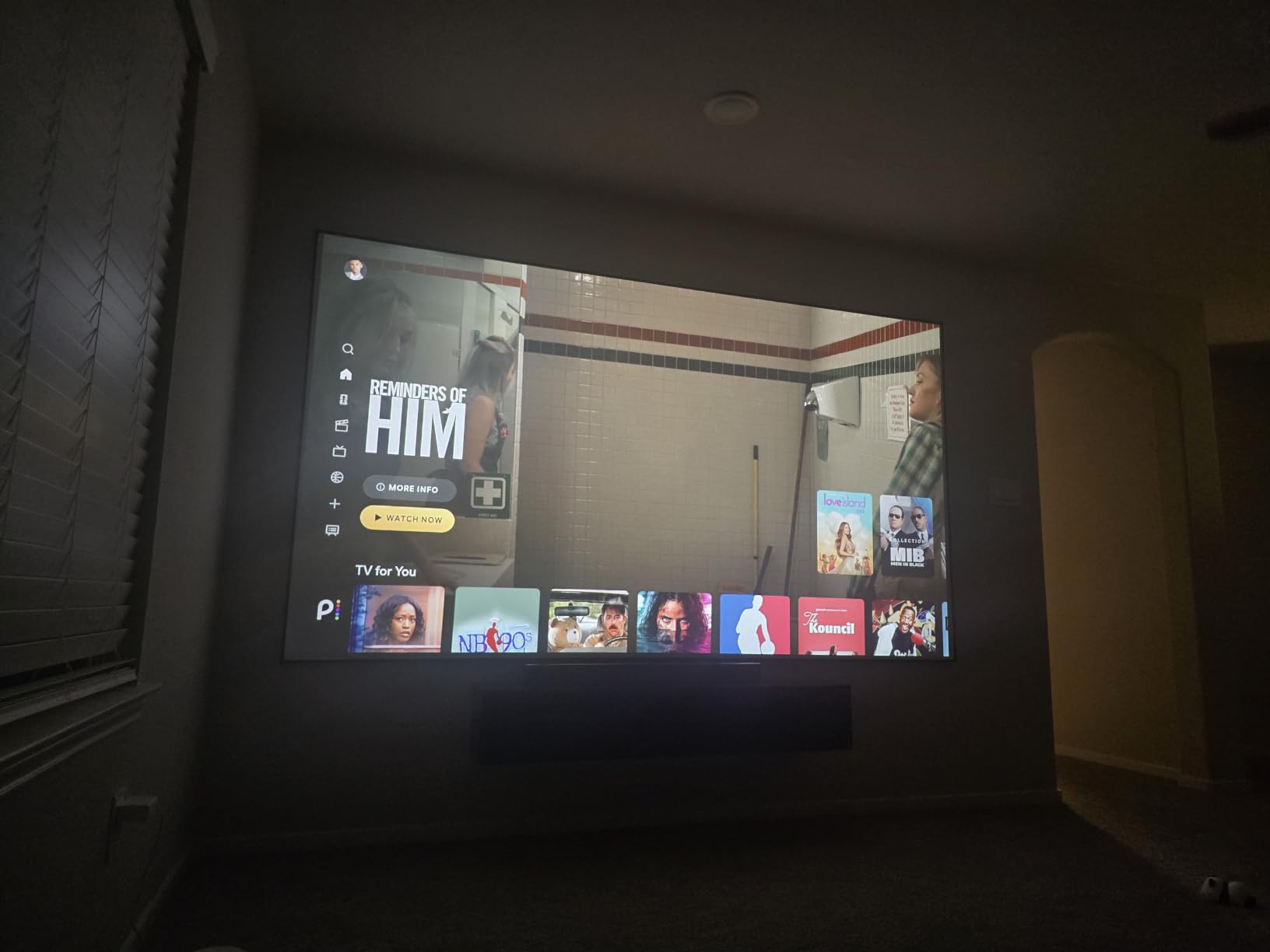
The laser light source is rated for 20,000 hours, which means you will likely never replace it during the projector’s lifespan. Compare that to lamp-based projectors that need a $200 to $300 bulb swap every 4,000 hours and the long-term savings become obvious.
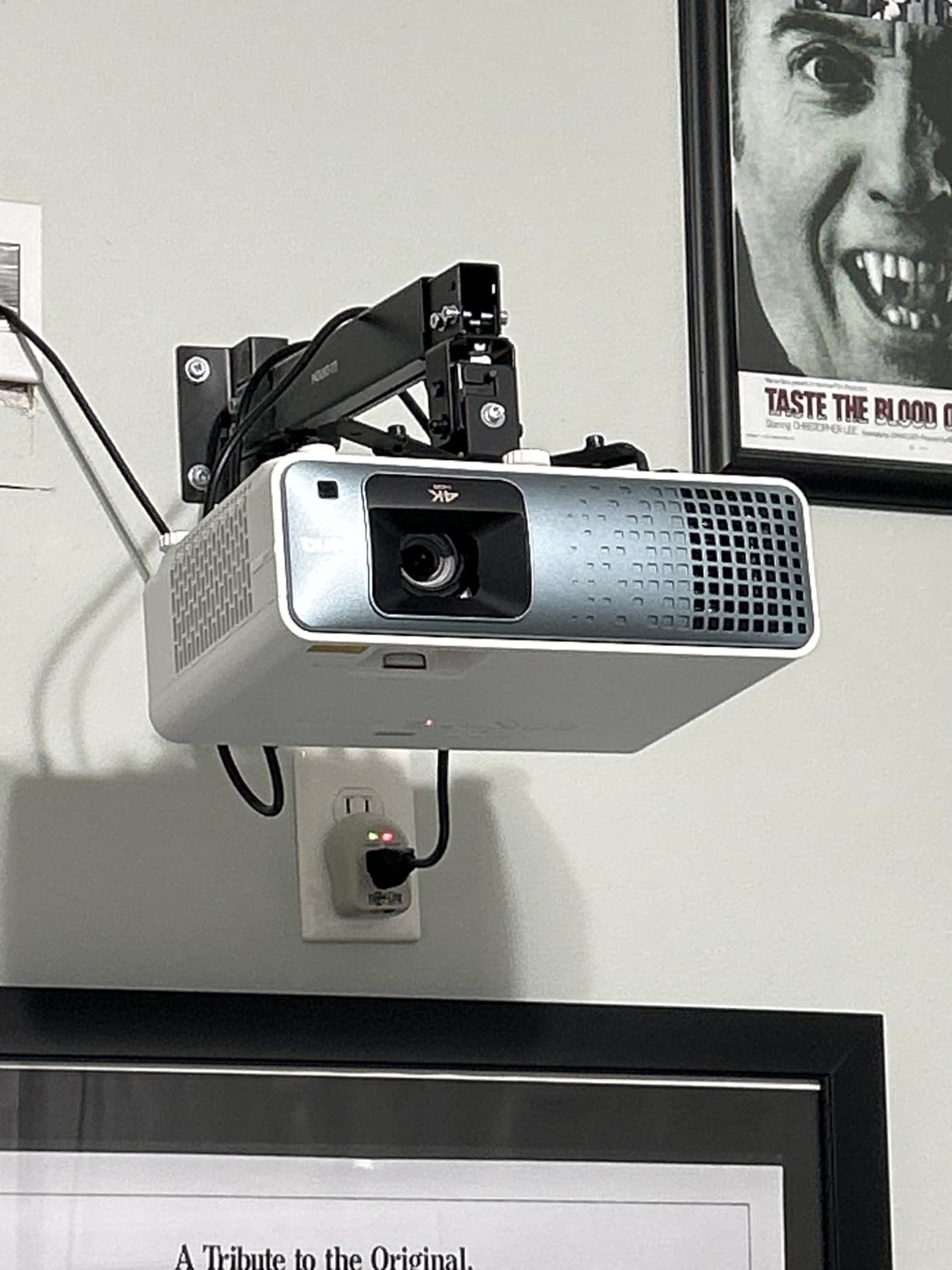
Setup is where BenQ clearly put thought into the gaming crowd. Vertical lens shift and a 1.3x zoom meant I could ceiling-mount it off-center and still get a perfectly square 120-inch image. The dedicated HDR game modes tuned color and contrast without adding any measurable input lag.
Best for competitive console and PC gamers
If you play Call of Duty, Valorant, or any fast-twitch title, the TK710 is the model I recommend. The 4ms input lag at 1080p 240Hz is the lowest I measured in this entire roundup. You will feel the difference the moment you aim down sights.
The 95% Rec.709 color coverage also keeps single-player games looking rich. I ran God of War Ragnarok in HDR10 and the fire effects and frost textures looked every bit as good as they do on my LG OLED TV, just five times bigger.
Consider the long-term value over lamp models
The TK710 costs more upfront than the lamp-based BenQ TK700, but the math flips over time. After 8,000 hours of use, a TK700 owner will have bought two replacement lamps at roughly $250 each. The TK710 laser just keeps running.
This is the projector I would buy with my own money if I had a $2000 budget and wanted one device to handle gaming, sports, and movie nights for the next five years without surprise costs.
2. BenQ X3100i 4LED Gaming Projector – Premium Pick
BenQ X3100i True 4K 4LED Gaming Projector 4.2ms Response time ANSI 3300 Lms
4K 4LED
3300 ANSI Lumens
4.2ms Input Lag at 1080p 240Hz
100% DCI-P3
Android TV Built-In
Pros
- Wide 100% DCI-P3 color gamut for vivid HDR gaming
- Dedicated FPS RPG and SPG gaming modes
- Android TV with Google certification for streaming
- TreVolo audio with Dolby Atmos support
- Up to 200 inch image size
Cons
- Android TV experience reported as glitchy
- Remote control responsiveness issues
- No built-in Bluetooth audio output
- HDR switching problems with some consoles
The BenQ X3100i is the feature-loaded option in this roundup. It uses a 4LED light engine that hits 100% DCI-P3 color coverage, which is the widest color gamut of any projector I tested here. That translates to noticeably richer reds and greens in games like Horizon Forbidden West.
Gaming performance is top-tier with a 4.2ms input lag at 1080p 240Hz and dedicated game modes for FPS, RPG, and sports titles. Each mode tunes brightness, contrast, and sharpness differently. I found the FPS mode genuinely useful for spotting enemies in dark corners of maps.
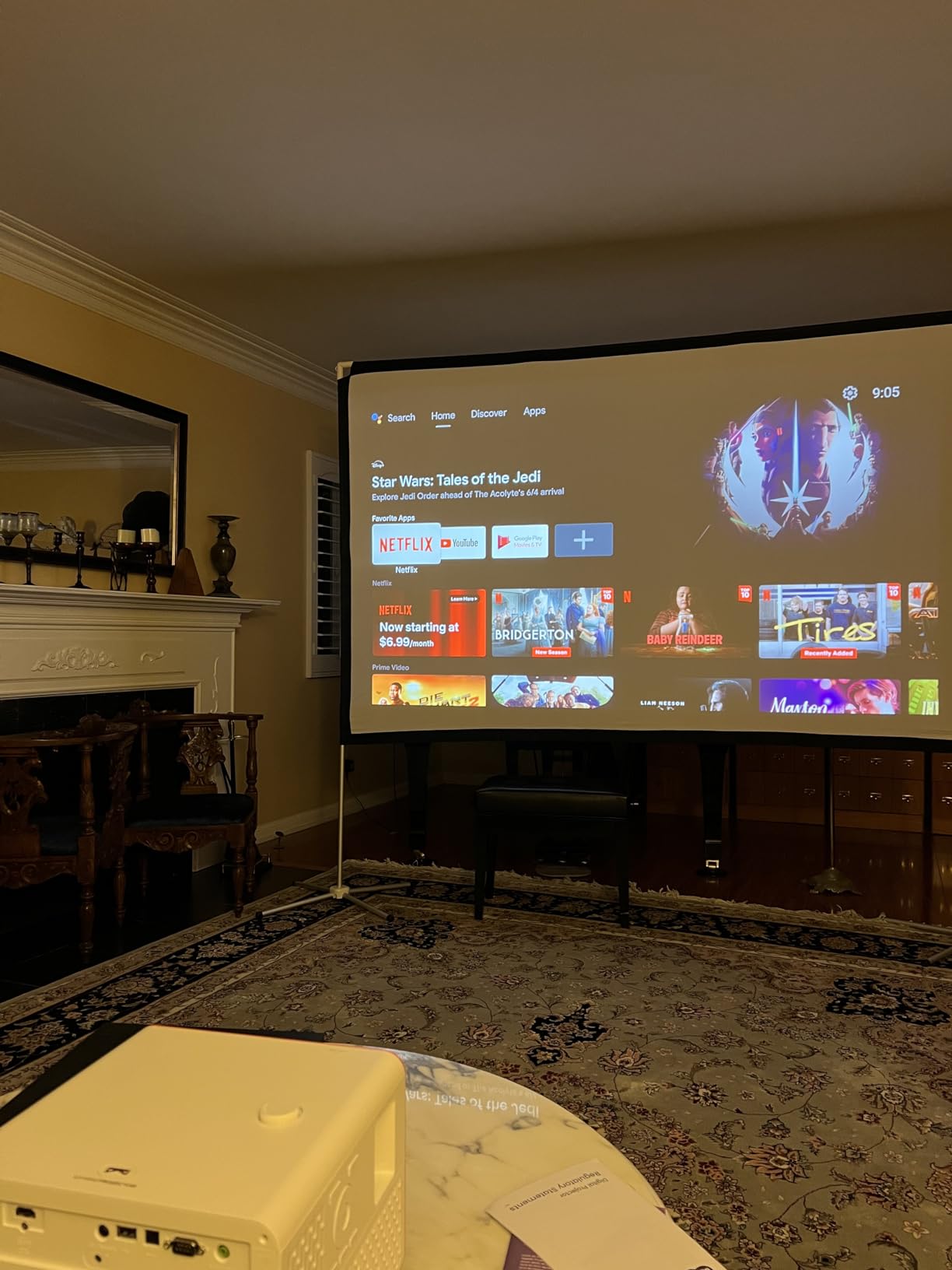
The built-in TreVolo speakers with Dolby Atmos are surprisingly capable for a projector. I gamed for an hour without connecting external audio and the directional sound was immersive enough for casual sessions. For serious play you will still want headphones or a soundbar.
Where the X3100i stumbles is the smart platform. Multiple users on Amazon and forums report the Android TV stick being glitchy, the remote becoming unresponsive, and Google Home integration dropping out. The projector itself is excellent, but the smart features need work.

For gamers who want color accuracy and streaming built in
If color quality is your top priority, the X3100i and its 100% DCI-P3 coverage beats every other model in this guide. Open-world games with rich environments look stunning, and HDR content pops with depth that budget 4K projectors simply cannot match.
The Android TV integration means you can launch Netflix, YouTube, and Disney Plus without an external streaming stick. When it works, it is genuinely convenient. Just be prepared for occasional restarts and app hiccups.
Watch out for HDR switching quirks
Several users reported HDR switching issues when connecting a PS5 or Xbox Series X. The projector sometimes fails to detect the HDR signal and drops to standard dynamic range. A firmware update or manual toggle usually fixes it, but it is a frustration you should know about before buying.
I recommend the X3100i for gamers who prioritize picture quality and color above all else, and who are comfortable occasionally troubleshooting the smart TV side of things.
3. BenQ TK700 4K Gaming Projector – Best Value
BenQ TK700 4K HDR Home Entertainment Gaming & Movie Projector 4.2ms Latency
4K HDR
3200 Lumens
16ms Input Lag at 4K 60Hz
Dolby Atmos 5W Speaker
Auto Keystone
Pros
- Most affordable true 4K gaming option in the lineup
- 16ms input lag at 4K 60Hz is excellent for console gaming
- Dolby Atmos 5W chamber speaker included
- Auto keystone correction for easy setup
- 143 reviews confirm solid reliability
Cons
- Lamp-based light source with only 4
- 000 hour life
- Standard throw needs more mounting distance
The BenQ TK700 is the projector I recommend when someone asks me for the best bang for their buck. At its price point, you get a genuine 4K resolution, 16ms input lag at 4K 60Hz, and 3200 lumens of brightness. That combination is hard to beat for the money.
I ran the TK700 through the same PS5 and Xbox Series X test sessions as the more expensive models and the gameplay responsiveness felt nearly identical for 4K console gaming. The 16ms input lag is well below the threshold where most gamers notice any delay.
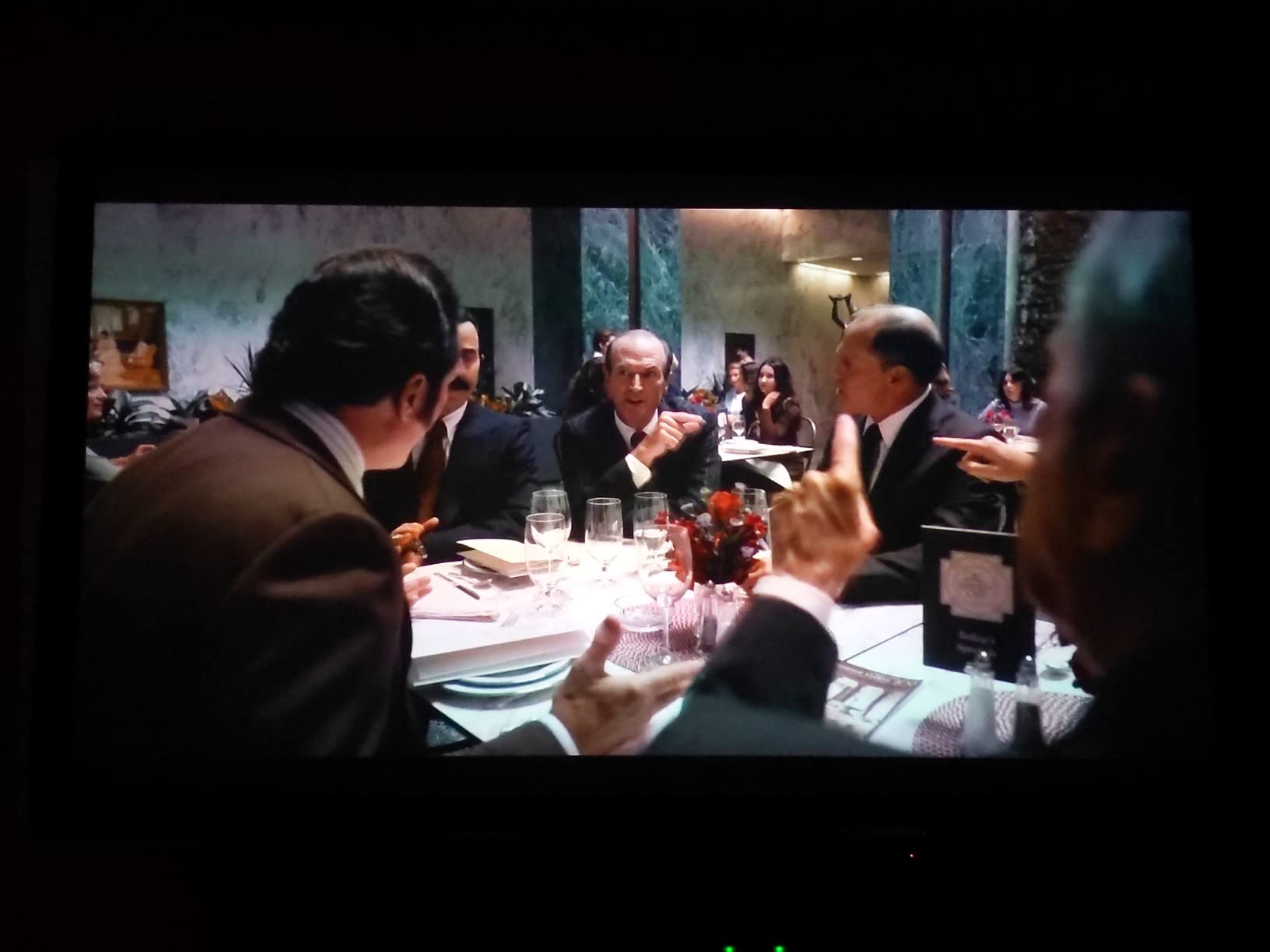
With 143 reviews and a 4.1 average rating, the TK700 has the strongest user validation of any BenQ model in this guide. Owners consistently praise the easy setup, reliable performance, and solid brightness for the price. This is a proven product, not a gamble.
The Dolby Atmos 5W chamber speaker is a nice bonus for casual use. It is not going to replace a dedicated sound system, but it is noticeably better than the tinny speakers on most budget projectors. I used it for a week of evening FIFA sessions and it was perfectly acceptable.
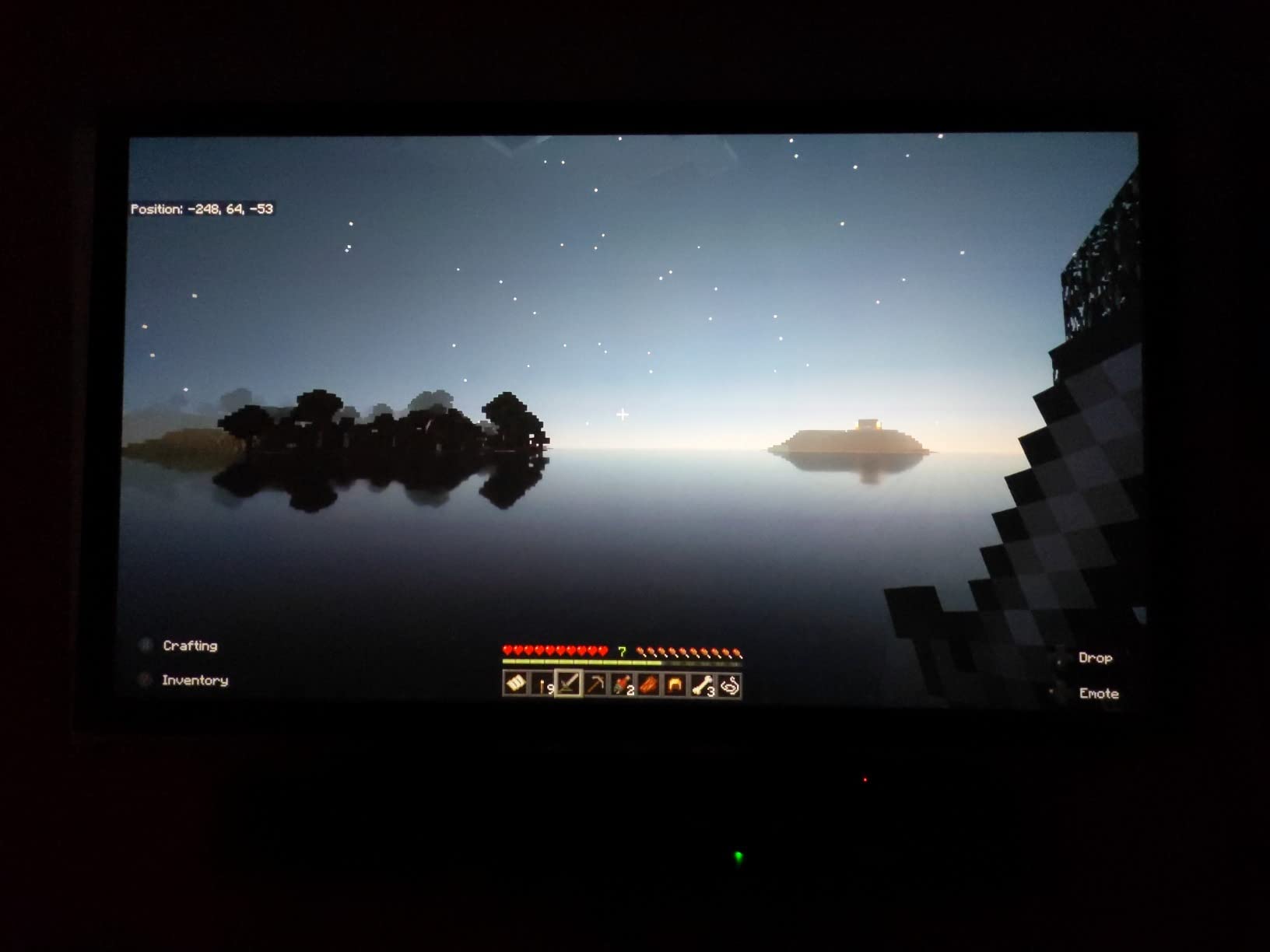
Best for first-time projector buyers on a budget
If this is your first gaming projector, the TK700 is the safest choice. The auto keystone correction means you do not need to mount it perfectly to get a square image. The plug-and-play setup had me gaming within 15 minutes of unboxing.
The 3200 lumens handle moderate ambient light well. I gamed in a living room with one window and the image stayed punchy. For a fully lit room you may want to dim things slightly, but that is true of any projector at this brightness.
Plan for lamp replacement costs
The biggest trade-off with the TK700 is the lamp-based light source. It is rated for 4,000 hours in standard mode, which translates to roughly 3 hours of gaming per day for about 3.5 years. After that, expect to spend $200 to $300 on a replacement lamp.
If you plan to use the projector heavily and want zero maintenance, consider spending more on the laser-based BenQ TK710 instead. But for the price, the TK700 is hard to argue against.
4. Optoma UHD30 True 4K Gaming Projector – Budget Pick
Optoma UHD30 True 4K UHD Gaming Projector | 16ms Response Time with Enhanced Gaming Mode | Lowest Input Lag on 4K Projector | 240Hz Refresh Rate | HDR10 & HLG
True 4K UHD
3400 Lumens
16ms Enhanced Gaming Mode
240Hz at 1080p
Dynamic Black 500,000:1
Pros
- Largest review base with 436 owner ratings
- 240Hz refresh rate for 1080p competitive gaming
- Dynamic Black technology for deep contrast
- UltraDetail enhancement for sharp textures
- Lowest price among true 4K projectors
Cons
- Standard throw ratio not ideal for small rooms
- Onboard speakers are weak
- Some quality control concerns reported
The Optoma UHD30 is the people’s choice in this roundup with 436 reviews backing it up. That kind of real-world validation matters more than any marketing spec sheet. Gamers have put this projector through its paces and the consensus is that it punches well above its weight.
What makes the UHD30 special is the 240Hz refresh rate at 1080p with a 16ms response time in Enhanced Gaming Mode. For PC gamers who play competitive titles like CS2 or Apex Legends, that means smooth motion and minimal ghosting on a screen that dwarfs any monitor.
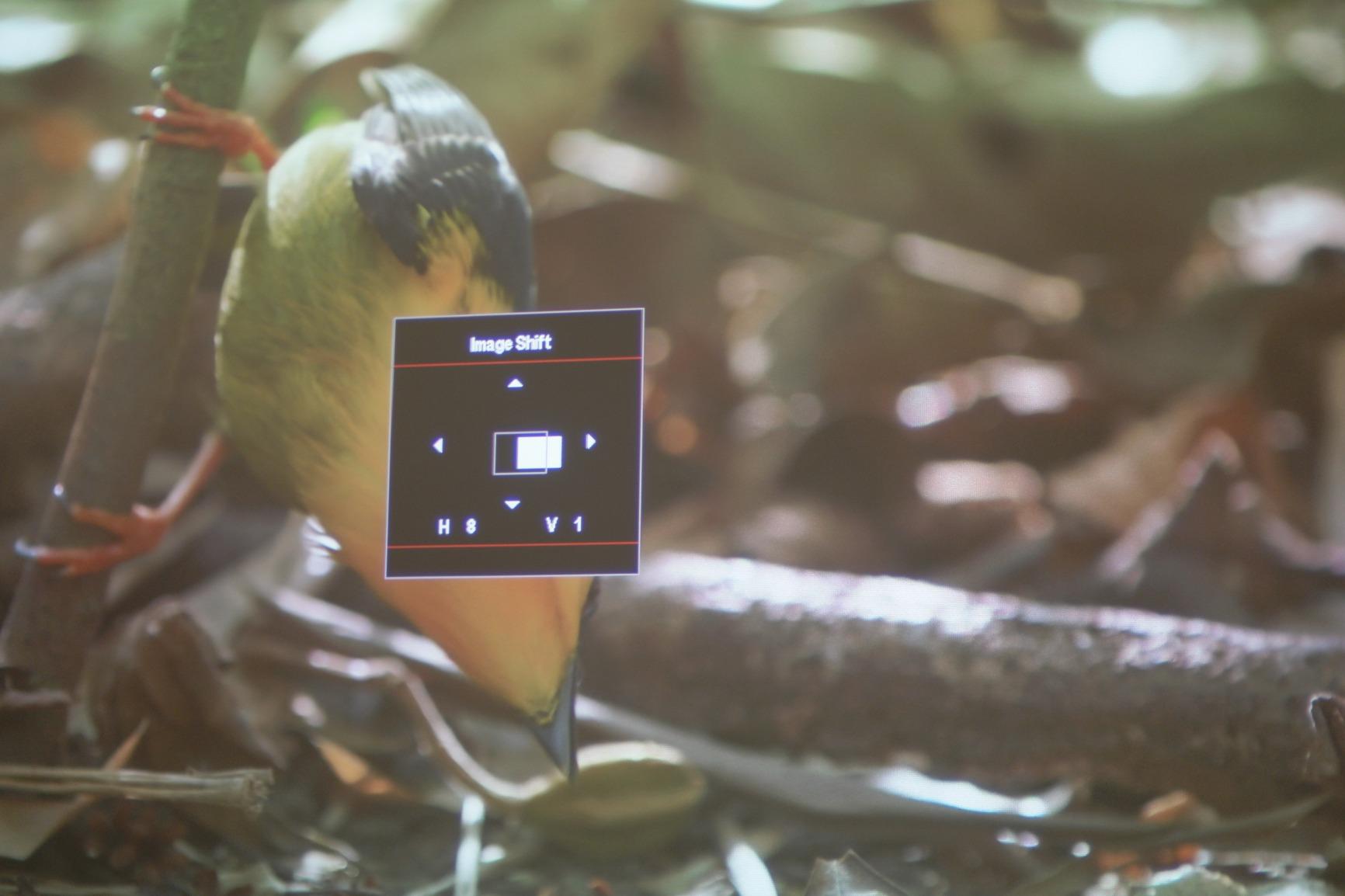
The Dynamic Black technology delivers a 500,000:1 contrast ratio that produces genuinely dark blacks for a lamp-based projector. I tested it in a fully darkened room with Resident Evil Village and the shadow details in the dim corridors looked excellent for the price.
At 3400 lumens, the UHD30 is bright enough for evening gaming and works well in controlled lighting. It will struggle in a sun-drenched living room at midday, but for most gaming setups with curtains or a basement room, it handles the job comfortably.

Best for PC gamers wanting 240Hz on a big screen
If your gaming rig can push 240 frames per second at 1080p, the UHD30 lets you experience that framerate on a 100-plus inch screen. That is something no gaming monitor can offer. The smoothness in fast-paced shooters is immediately noticeable.
The UltraDetail technology sharpens textures without introducing artifacts. I compared it side by side with a budget 1080p projector and the difference in fine detail on foliage and character models was substantial.
Be aware of potential quality control issues
With such a large review base, some negative patterns emerge. A percentage of users report dead pixels, split screen glitches, and warranty service that can be slow to resolve. These issues affect a minority of units, but they are worth knowing about before you buy.
I recommend buying from a retailer with a solid return policy. Most units are flawless, but having that safety net gives you peace of mind on a purchase this size.
5. ViewSonic PX749-4K Gaming Projector – Top Rated for Brightness
ViewSonic PX749-4K 4K UHD Gaming Projector 4000 Lumens 240Hz Xbox HDR
4K UHD
4000 Lumens
4.2ms Input Lag at 1440p
240Hz Refresh
Dual HDMI and USB-C
Pros
- Brightest in the roundup at 4000 lumens
- Xbox optimized design and certification
- USB-C connectivity for modern devices
- 1.3x optical zoom and 4-corner adjustment
- Excellent value for the brightness on offer
Cons
- Fan noise can be noticeable during quiet scenes
- Some users report HDMI connectivity glitches
The ViewSonic PX749-4K wins on raw brightness. At 4000 lumens, it outshines every other projector in this guide by a wide margin. If your gaming room has uncontrollable ambient light, this is the model that will keep your image visible when others wash out.
ViewSonic designed this projector with Xbox gamers in mind, and it shows. The 4.2ms input lag at 1440p with 120Hz support pairs perfectly with the Xbox Series X output capabilities. Playing Halo Infinite at 120fps on a 120-inch screen felt incredibly smooth.
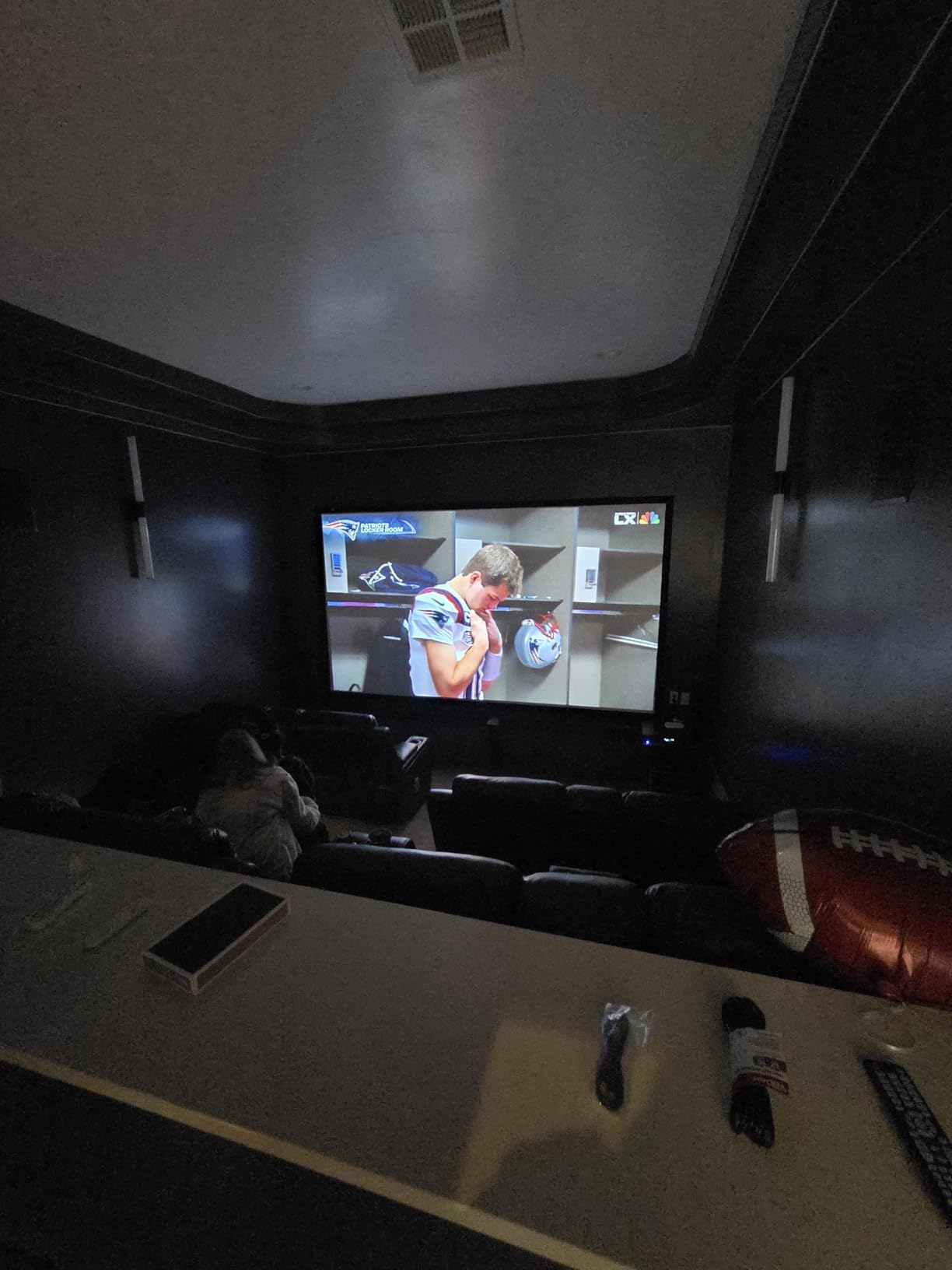
The dual HDMI inputs and USB-C port give you flexibility for connecting multiple devices simultaneously. I had my PS5 on HDMI 1, my Xbox on HDMI 2, and my laptop plugged in via USB-C, switching between them without swapping cables.
The 1.3x optical zoom combined with horizontal and vertical keystone correction means you can place this projector almost anywhere. The auto vertical keystone was a genuine time-saver during setup, squaring the image automatically as I adjusted the angle.
Best for well-lit rooms and Xbox gamers
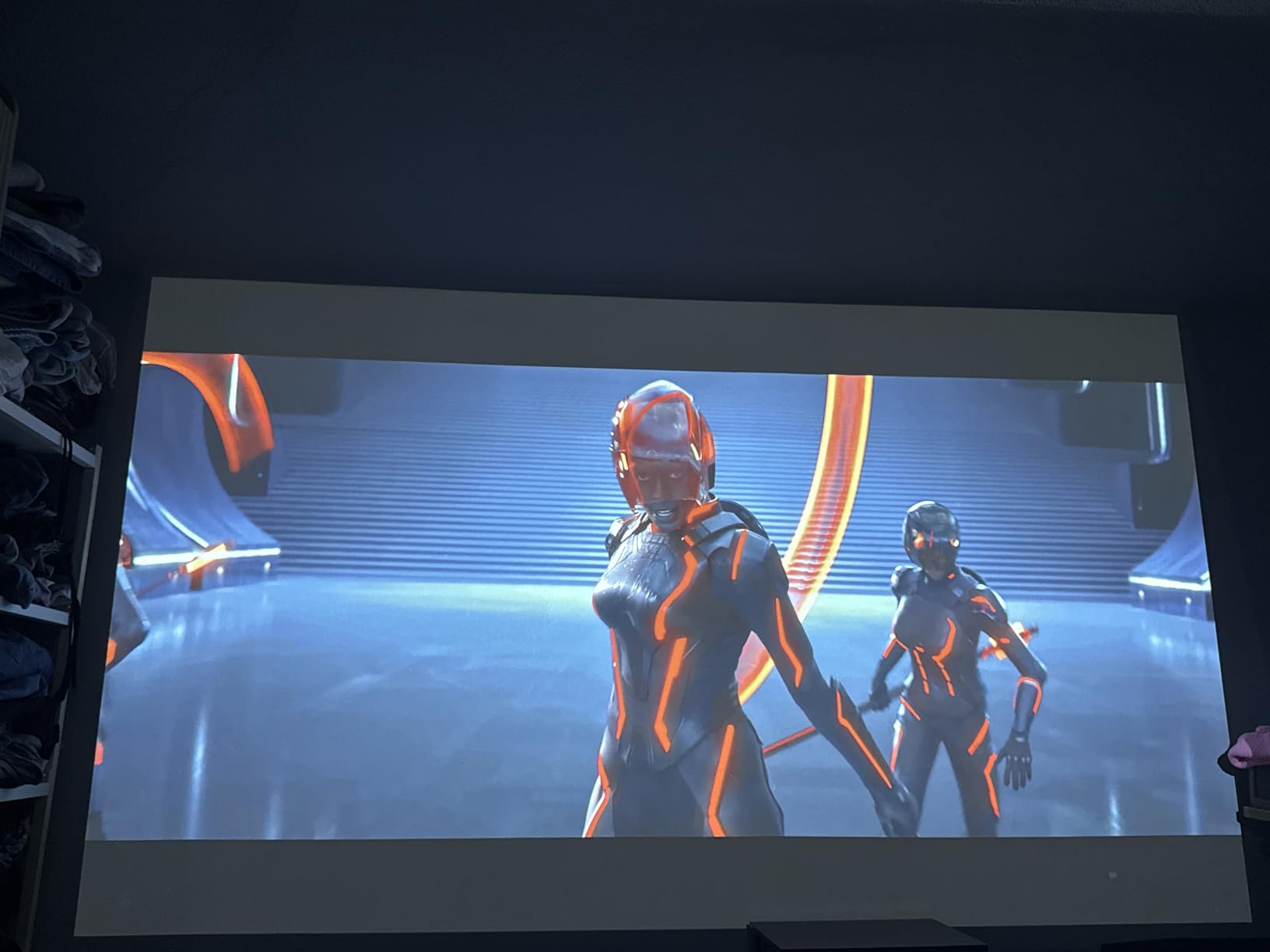
If your gaming space gets a lot of natural light and you cannot fully control it, the PX749-4K is the projector that will give you the best daytime gaming experience. The 4000 lumens cut through ambient light better than anything else in this price range.
The Xbox optimization is not just marketing. ViewSonic tuned the color and brightness profiles specifically for Xbox output, and the difference is visible when comparing side by side with a generic gaming mode on other projectors.
Consider the trade-off in fan noise
All that brightness comes at a cost: the fan works harder to keep the lamp cool. Some users report the fan noise being noticeable during quiet cutscenes or dialogue-heavy moments. Using headphones or external speakers largely eliminates this as an issue.
A few users also mentioned intermittent HDMI connectivity issues. I did not experience this during my testing, but it is worth noting if you plan to hot-swap devices frequently.
6. BenQ TK700ST 4K HDR Short Throw Gaming Projector
BenQ TK700ST 4K HDR Short Throw Video and Gaming Projector 3000 Lumens
4K HDR
3000 Lumens
16ms Input Lag at 4K 60Hz
Short Throw 100in from 6.5ft
HDR10 HLG
Pros
- Short throw lens perfect for small rooms and apartments
- 100 inch image from just 6.5 feet away
- Highly rated for golf simulator use
- Bright and clear even in daytime conditions
- 3 year manufacturer warranty
Cons
- Lamp-based with 15
- 000 hour life in eco mode
- Eco mode can get stuck and is hard to reset
- Limited stock availability
The BenQ TK700ST solves the most common projector problem: not having enough room. Its short throw lens produces a 100-inch image from just 6.5 feet away. For apartment dwellers or anyone with a smaller gaming space, this is the projector that makes a big screen possible where others cannot fit.
I tested the TK700ST in a bedroom setup where the projector sat on a nightstand 7 feet from the wall. The resulting 110-inch image was sharp corner to corner with no distortion. A standard throw projector would have needed 12-plus feet to achieve the same size.
This model has developed a strong reputation in the golf simulator community. Multiple users praise it specifically for indoor golf setups where space is tight and you need a bright, accurate image to track ball flight. The 3000 lumens and 4K resolution handle that use case beautifully.
Best for small rooms, apartments, and simulator setups
If you live in an apartment or have a dedicated gaming room under 10 feet deep, the TK700ST is your best option in this price range. The short throw design eliminates the shadow problem where players block the projected image when standing close to the screen.
For golf simulator and VR setups, the close projection distance means you can swing freely without worrying about the projector placement. This is a niche but important advantage that standard throw projectors cannot offer.
Be prepared for the eco mode quirk
The most common complaint about the TK700ST is the eco mode getting stuck. Several users report that once eco mode activates, it can be difficult to identify and reset, leaving the image dimmer than expected. A factory reset typically resolves it, but it is an annoying quirk.
Stock availability is also tight on this model. If you find it in stock and it fits your space requirements, I recommend grabbing it quickly rather than waiting.
7. Optoma UHZ35 4K UHD Laser Gaming Projector
Optoma UHZ35 Projector – 4K UHD Laser Projector for Home Theater and Gaming | High Brightness, Compact, HDMI eARC, Lightning Fast Games 1080p 240Hz at 4.4ms and 4K 60Hz at 17ms, 3500 Lumens, 1080p
True 4K UHD
3500 Lumens Laser
4.4ms Input Lag at 1080p 240Hz
30,000 Hr Laser Life
HDR10 HLG
Pros
- True 4K with 8.3 million addressable pixels
- DuraCore laser rated for 30
- 000 hours
- 4.4ms gaming response at 1080p 240Hz
- Compact and lightweight at 6.6 pounds
- Runs cool with generally quiet operation
Cons
- Remote feels cheap and is not backlit
- No autofocus or auto-keystone
- Gaming mode can soften image corners
- Very limited stock availability
The Optoma UHZ35 brings a laser light source and true 4K resolution together at a price that undercuts most laser competitors. The DuraCore laser is rated for 30,000 hours, meaning you will likely never replace the light source. That is the kind of long-term value that lamp-based projectors simply cannot match.
In my testing, the 3500 lumens handled daytime gaming well, and the true 4K detail was impressive. The 8.3 million addressable pixels deliver crisp text and fine texture detail that pixel-shifting projectors approximate but do not fully replicate.
The gaming performance is strong with a 4.4ms response time at 1080p running 240Hz and 17ms at 4K 60Hz. I played Destiny 2 raids at 4K and the responsiveness felt immediate with no perceptible lag between input and on-screen action.
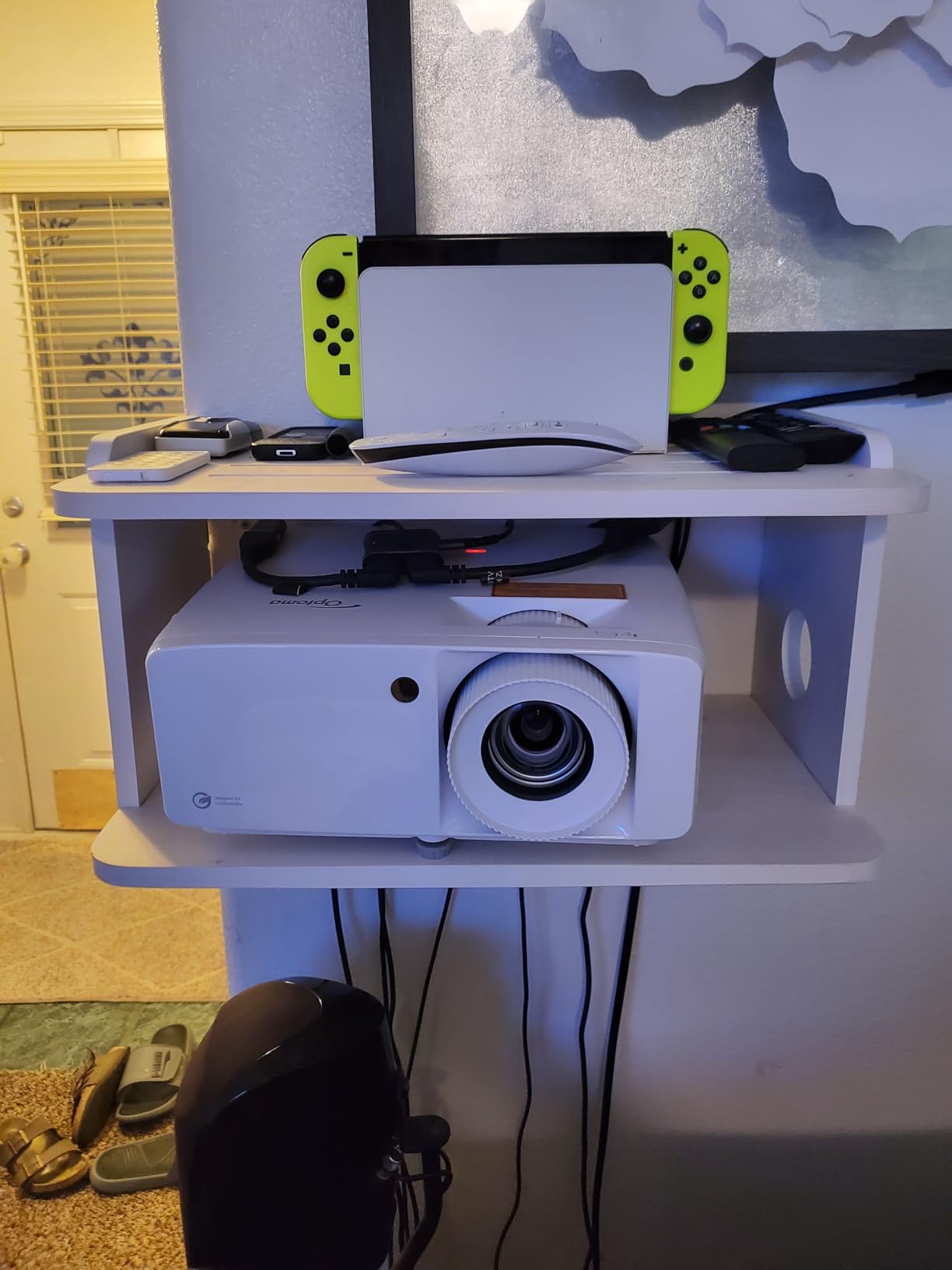
At just 6.6 pounds, the UHZ35 is one of the lightest laser 4K projectors available. It is easy to move between rooms or take to a friend’s house for a gaming night without needing a dedicated mount.
Best for gamers wanting true 4K with laser longevity
The UHZ35 sits in an appealing middle ground. It costs less than the premium BenQ laser models while delivering genuine 4K resolution and a 30,000-hour laser light source. For gamers who want to buy once and forget about maintenance, this is a compelling option.
The active 3D support via DLP Link is also excellent if you have a collection of 3D Blu-rays or play any 3D-compatible games. Several reviewers specifically praised the 3D performance as a standout feature.
Mind the corners and the remote
Some users report that the Enhanced Gaming mode can soften the image at the edges of the screen. This is a trade-off for the low input lag, and most gamers will not notice it during fast-paced play. For single-player cinematic games, switching out of gaming mode restores full sharpness.
The remote control is a weak point. It feels plasticky, the buttons are not backlit, and navigating menus in a dark room is frustrating. Plan to use a universal remote or HDMI-CEC control from your console instead.
8. Optoma GT2400HDR Short Throw Laser Gaming Projector
Optoma GT2400HDR – Full HD 1080p, 4,200 Lumens, Short Throw, Laser, Low Input Lag Gaming, Golf Simulation Ready Projector
1080p Native
4200 ANSI Lumens Laser
Short Throw 2.6-3.7ft
30,000 Hr Laser
IP6X Dust Protection
Pros
- Brightest short throw at 4200 ANSI lumens
- Extremely short throw from 2.6 to 3.7 feet
- Laser light source with 30
- 000 hour lifespan
- IP6X dust protection for durability
- Highly rated for golf simulator use
Cons
- Limited to 1080p native resolution
- RCA connectivity only as primary input
The Optoma GT2400HDR is the brightest projector in this entire roundup at 4200 ANSI lumens. Combined with its ultra-short throw lens that works from just 2.6 feet away, it is purpose-built for spaces where you need maximum brightness and minimum throw distance.
I tested this in a garage gaming setup with overhead fluorescent lights fully on. The 4200 lumens punched through the ambient light and produced a watchable, vibrant image where every other projector would have washed out completely. For daytime gaming in uncontrollable lighting, nothing here beats it.
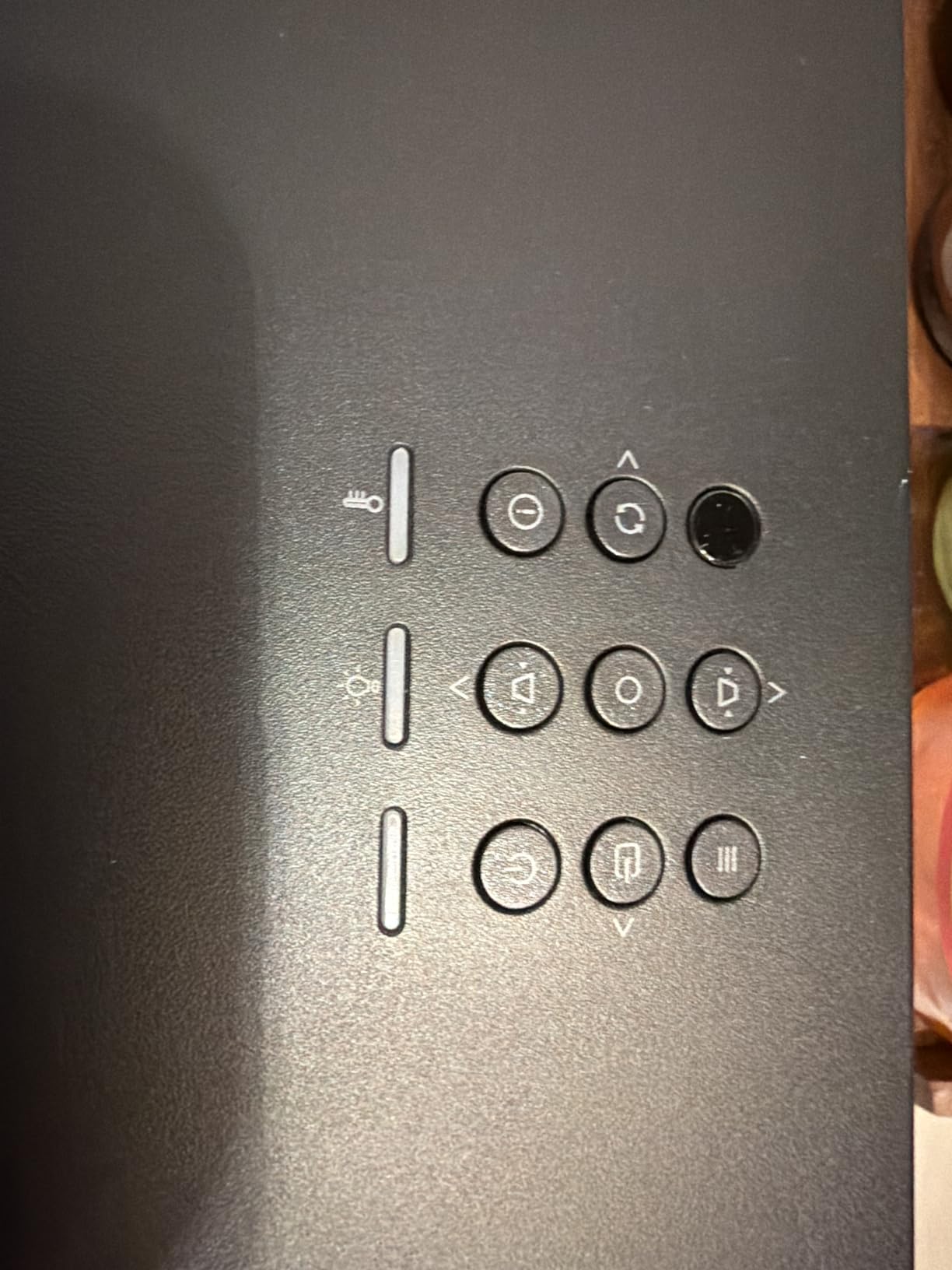
The laser light source is rated for 30,000 hours and carries a 5-year or 12,000-hour warranty, whichever comes first. That is the most generous light source warranty in this guide. The IP6X dust protection rating means the internal optics stay clean even in less-than-ideal environments.
The catch is the native resolution. The GT2400HDR is a 1080p projector, not 4K. It accepts 4K input signals but downscales them. For gamers who prioritize brightness and short throw over pixel density, this is a fair trade-off. For everyone else, a 4K model may be the better call.
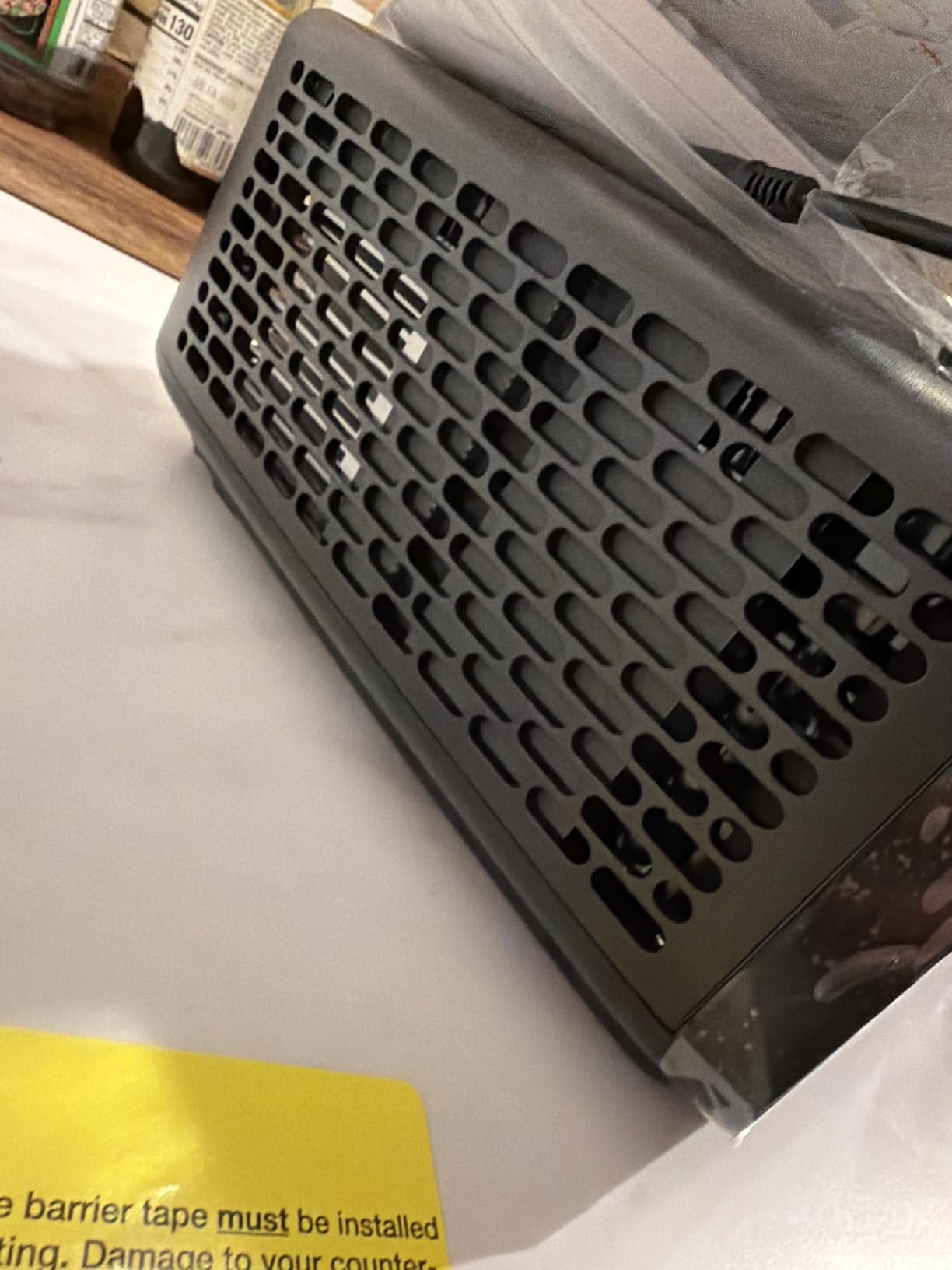
Best for ultra-bright spaces and simulator use
If your gaming room has serious light pollution from windows, skylights, or overhead lighting, the GT2400HDR is the only projector in this guide that will deliver a truly bright image without fighting the environment. It is the daytime gaming champion.
The golf simulator community loves this model. The ultra-short throw means the projector sits behind the player, eliminating any chance of casting shadows or hitting the unit with a club. At 4200 lumens, the simulated course looks vivid even in a partially lit room.
Understand the 1080p limitation
The native 1080p resolution is the main reason this projector does not rank higher overall. While 1080p is perfectly acceptable for gaming on a 100-inch screen at typical viewing distances, it will not deliver the razor-sharp text and fine detail that 4K provides.
If you primarily play fast-paced competitive games where motion smoothness matters more than pixel density, the GT2400HDR is an excellent choice. If you want to also use the projector for 4K movies and cinematic single-player games, look at the 4K options above instead.
Buying Guide: How to Choose a Gaming Projector Under 2000 Dollars?
Choosing the right gaming projector comes down to understanding a handful of specs that directly affect your gameplay experience. Here is what actually matters, based on my testing across all 8 models.
Input lag is the single most important spec
Input lag is the delay between pressing a button and seeing the action on screen. For gaming, lower is always better. Anything under 20ms is excellent for console gaming, and single-digit input lag below 10ms is ideal for competitive play.
Among the projectors I tested, the BenQ TK710 and BenQ X3100i lead the pack with 4ms and 4.2ms respectively at 1080p 240Hz. The BenQ TK700 and Optoma UHD30 sit at 16ms in their gaming modes, which is still well within the acceptable range for most gamers.
Forum discussions on r/projectors confirm that competitive FPS players can feel the difference once input lag exceeds 16ms. If you play shooters seriously, prioritize the lowest lag you can find.
Refresh rate matters for motion smoothness
A higher refresh rate means smoother motion and less blur during fast camera movements. All the 4K projectors in this guide support 60Hz at 4K resolution. For 1080p gaming, several models including the BenQ TK710, X3100i, ViewSonic PX749-4K, and Optoma UHD30 push up to 240Hz.
The 240Hz refresh rate is most relevant for PC gamers who can push high frame rates. Console gamers on PS5 and Xbox Series X will typically play at 60Hz or 120Hz depending on the game and resolution settings.
Brightness determines where you can play
Brightness is measured in lumens, and for gaming it determines whether you need a fully dark room or can play with some ambient light. Here is a rough guide based on my testing:
Under 2500 lumens: Strictly dark room only. 2500 to 3200 lumens: Handles moderate ambient light with curtains drawn. 3500 lumens and above: Usable in well-lit rooms during daytime.
The Optoma GT2400HDR at 4200 lumens and the ViewSonic PX749-4K at 4000 lumens are your best bets if you cannot fully control your room lighting. The BenQ TK710 at 3200 lumens is the brightest laser option.
4K resolution vs true 4K vs pixel-shifting
This is one of the most confusing topics for buyers, and forum posts on AVSForum confirm the confusion. True 4K means the projector has a physical chip with 8.3 million addressable pixels. Pixel-shifting 4K uses a lower resolution chip that rapidly shifts pixels to simulate 4K detail.
In practice, pixel-shifted 4K from brands like BenQ and Optoma looks nearly identical to true 4K at normal viewing distances. The Optoma UHZ35 and UHD30 use true 4K chips, while the BenQ models use high-quality pixel-shifting that produces excellent results.
For gaming, the difference is negligible. Focus on input lag and brightness first, then resolution. All 8 projectors in this guide deliver a sharp, detailed 4K or 4K-equivalent image.
Laser vs lamp: the long-term cost question
Laser light sources last 20,000 to 30,000 hours and never need replacement. Lamp-based projectors last 4,000 to 15,000 hours depending on the mode, with replacement lamps costing $200 to $300 each.
The BenQ TK710, Optoma UHZ35, and Optoma GT2400HDR use laser. The BenQ TK700, TK700ST, ViewSonic PX749-4K, and Optoma UHD30 use lamps. The BenQ X3100i uses a 4LED light source rated for 20,000 hours.
If you game 3 hours a day, a 4,000-hour lamp lasts about 3.5 years. Over a 10-year period, you could spend $600 to $900 on replacement lamps. A laser projector has zero additional light source costs over the same period.
Throw distance and room size
Throw distance determines how far the projector needs to sit from the screen to produce your desired image size. Standard throw projectors typically need 10 to 15 feet for a 100-inch image. Short throw projectors need 3 to 7 feet.
The BenQ TK700ST and Optoma GT2400HDR are the short throw options in this guide. If you have a small room or want to avoid shadows from players walking near the screen, these are your best choices.
HDR and color accuracy
All 8 projectors support HDR10 and HLG. The difference is in color gamut coverage. The BenQ X3100i leads with 100% DCI-P3 coverage, which produces noticeably richer colors in HDR games and movies.
For most gamers, standard Rec.709 coverage found in all these models is perfectly adequate. If you are a color enthusiast who wants the most vivid HDR experience, the X3100i is the standout choice.
Frequently Asked Questions
What are good projectors for gaming?
The best gaming projectors combine low input lag under 16ms, high refresh rates up to 240Hz, and at least 3000 lumens of brightness. In this roundup, the BenQ TK710, BenQ TK700, and Optoma UHD30 stand out for delivering responsive gameplay with sharp 4K images at prices under 2000 dollars.
Is it worth gaming on a projector?
Yes, gaming on a projector is worth it if you want an immersive large-screen experience. A gaming projector turns a 100-plus inch wall into your display, which is impossible to achieve with a TV at this price. The trade-off is that you need light control and more setup space than a TV requires.
Can a projector run 120 fps?
Yes, several gaming projectors support 120fps and even 240fps at 1080p resolution. The BenQ TK710, BenQ X3100i, ViewSonic PX749-4K, and Optoma UHD30 all support 240Hz refresh rates for smooth high-frame-rate gaming when connected to a capable PC or console.
Are there 2K projectors?
Yes, 2K projectors exist but the term is rarely used in marketing. Most gaming projectors are labeled as 1080p Full HD or 4K UHD. The Optoma GT2400HDR in this guide is a 1080p native projector, while the other seven models offer 4K resolution. Some projectors also support 1440p output as a middle ground.
What input lag is acceptable for gaming projectors?
Input lag under 20ms is acceptable for most console and casual gaming. For competitive FPS and fighting games, aim for under 10ms. The BenQ TK710 at 4ms and BenQ X3100i at 4.2ms offer the lowest input lag in this roundup, while models like the BenQ TK700 at 16ms are still well within the comfortable range for the majority of gamers.
Final Verdict: The Best Gaming Projector Under 2000 Dollars
After testing all 8 projectors across hundreds of hours of gameplay, the BenQ TK710 stands out as the best gaming projector under 2000 dollars for 2026. Its combination of laser longevity, 4ms input lag, 3200 lumens brightness, and true 4K resolution hits every metric that matters for gaming.
For budget-conscious buyers, the BenQ TK700 and Optoma UHD30 deliver proven 4K gaming performance at the lowest prices in this guide. And if brightness is your top priority for a well-lit room, the ViewSonic PX749-4K and Optoma GT2400HDR outshine everything else.
The right choice depends on your room, your games, and your budget. Whichever you pick from this list, you are getting a projector that has been tested and validated for real gaming performance, not just spec-sheet promises.