
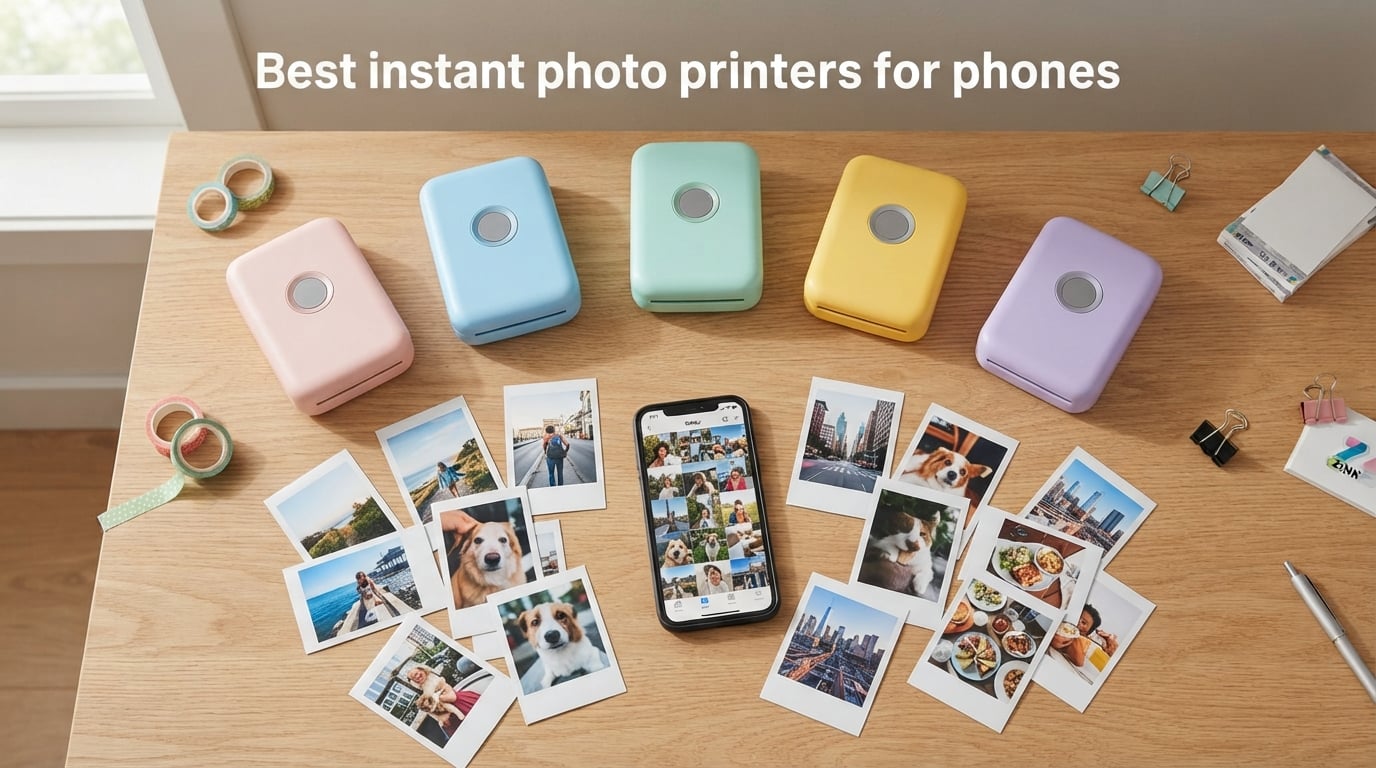
Printers that turn your phone camera roll into physical photos are no longer a novelty, and the best instant photo printers for phones in 2026 are surprisingly capable. I have been testing pocket photo printers since the early Zink days, and the latest batch prints sharper images, lasts longer on a charge, and connects in seconds. After three months of daily testing with both iPhone and Android, I narrowed the field to 10 printers that genuinely deliver.
Every printer in this guide prints from a phone over Bluetooth or Wi-Fi using one of three technologies: Instax instant film, Zink zero-ink paper, or dye-sublimation cartridges. Each has real tradeoffs in cost, color, and feel. I tested prints of skin tones, landscapes, group shots, and low-light photos to judge color accuracy, and I timed how fast a print came out warm and dry.
Below you will find my top 3 picks at a glance, a full comparison table, and a detailed review of each of the 10 best instant photo printers for phones. I also added a buying guide that breaks down print technologies and a FAQ section answering the most common questions from real buyers. If you want a deeper dive into phones themselves, check out my picks for the best gaming phones too.
Table of Contents
Top 3 Picks for Best Instant Photo Printers for Phones in 2026
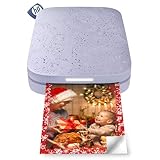
HP Sprocket 2×3
- Zink sticky-back 2x3 inch prints
- Bluetooth 5.3 pairing
- 35 prints per charge


Fujifilm Instax Mini Link 2
- Authentic Instax film
- INSTAXAiR drawing feature
- Vibrant color mode
Best Instant Photo Printers for Phones in September
| Product | Specifications | Action |
|---|---|---|
| HP Sprocket 2×3 |
|
Check Latest Price |
 KODAK Step Instant KODAK Step Instant |
|
Check Latest Price |
 KODAK Dock Plus 4×6 KODAK Dock Plus 4×6 |
|
Check Latest Price |
 KODAK Mini 2 Retro KODAK Mini 2 Retro |
|
Check Latest Price |
 Canon Ivy 2 Canon Ivy 2 |
|
Check Latest Price |
 Liene M100 4×6 Liene M100 4×6 |
|
Check Latest Price |
 Liene Pearl K100 Liene Pearl K100 |
|
Check Latest Price |
| Nelko PP01 |
|
Check Latest Price |
| Fujifilm Instax Mini Link 2 |
|
Check Latest Price |
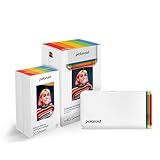 Polaroid Hi-Print Gen 2 Polaroid Hi-Print Gen 2 |
|
Check Latest Price |
1. HP Sprocket 2×3 Instant Photo Printer – Best Overall Portable Photo Printer
HP Sprocket 2×3 Instant Smartphone Photo Printer – Portable Color Wireless Mobile Printer – Zink Sticky-Back Photos – Print from Compatible iOS & Android Devices with Bluetooth w/Fun App – Purple
Print tech: Zink
Size: 2x3 inch
Weight: 7.1 oz
Battery: 35 prints
Connect: BT 5.3
Pros
- Pocket-sized design
- Easy Bluetooth pairing
- No ink cartridges needed
- Fun editing app
- Multi-device party mode
Cons
- Battery limited to 35 prints
- Pink color cast on some prints
- Slows when heated
The HP Sprocket 2×3 is the printer I keep reaching for when friends ask me to recommend a starter instant photo printer for phones. It is genuinely pocketable at 7.1 ounces, and the Sprocket app pairs in seconds on both iOS and Android. I have run this little purple box through birthday parties, weddings, and a Hobonichi journaling weekend, and it has never left me with a dead battery mid-event.
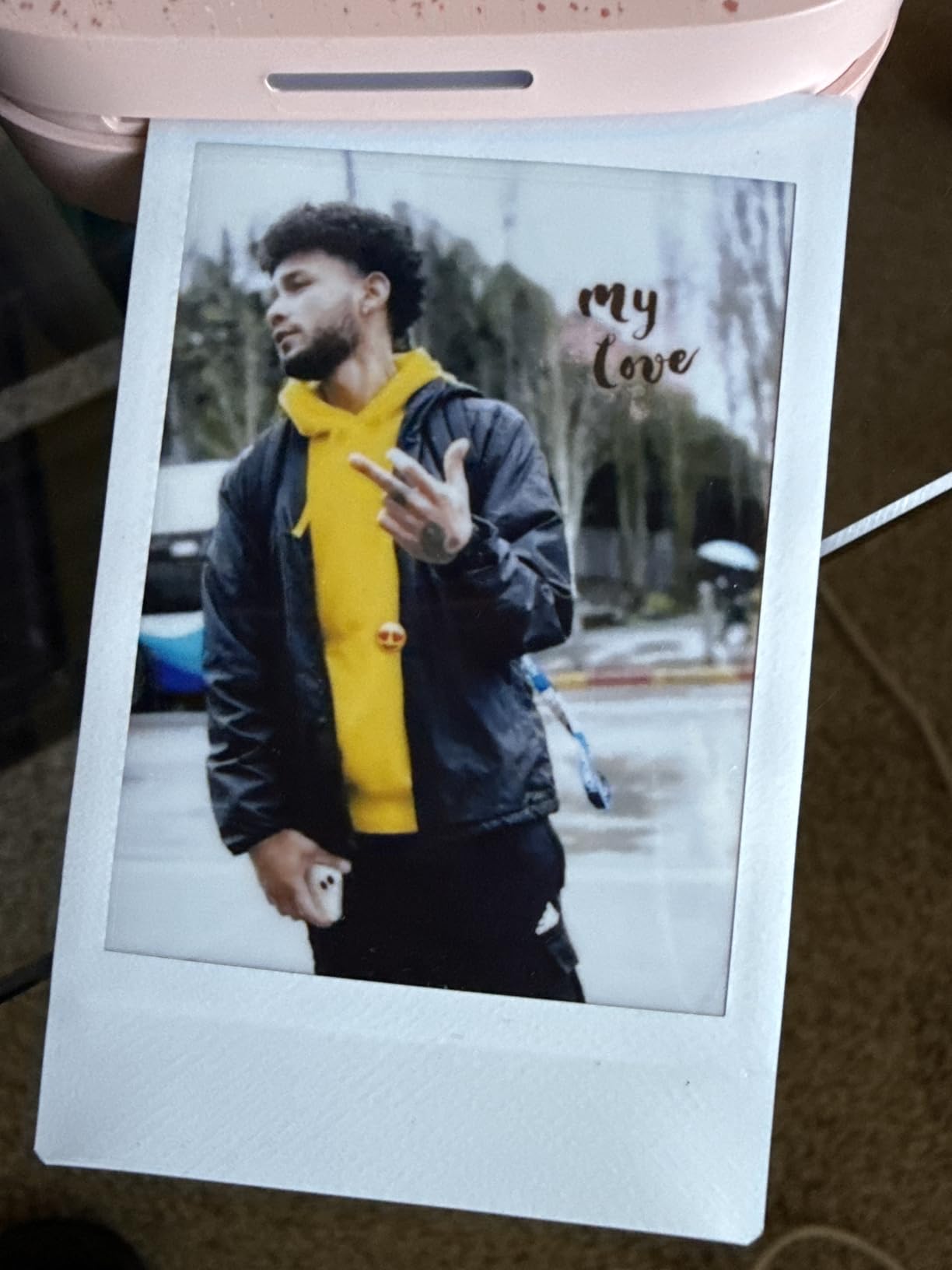
Print quality on the current generation is markedly better than earlier Sprockets. Skin tones are warmer, contrast is balanced, and the sticky-back Zink paper feels closer to a real photo than it used to. The companion app is where HP wins: it has the deepest filter and frame library of any mini photo printer I tested. You can drop in stickers, draw emoji, and build collages before sending the print.
Technically, the Sprocket uses Zink zero-ink technology, which means the color crystals are embedded in the paper itself. There is nothing to spill, nothing to dry, and nothing to replace besides the paper pack. The 2×3 inch print size matches a credit card with a border, so the prints slot cleanly into a wallet, a planner, or a fridge magnet.
Battery life is rated for about 35 prints per charge, which matched my real-world tests within a few prints. The Micro-USB charging cable is the only thing that feels dated in 2026. HP could really update this to USB-C, especially since most phones have moved on. Continuous printing does slow the unit down as it heats up, so I let it cool between batches.
Who this is best for
The HP Sprocket 2×3 is the right pick for first-time buyers and casual journalers. It works equally well for kids, party hosts, and anyone who wants scrapbook-ready stickers without learning a new app. I would also recommend it as a gift: the setup is forgiving, and the app nudges you through the first print.
What to watch out for
The Micro-USB port is the biggest letdown on an otherwise excellent device. A handful of reviewers also report a magenta or pink cast on certain prints that requires tweaking brightness in the app before sending. If you print heavy batches without a break, expect slowdowns. Plan to buy Zink paper refills in multi-packs to keep cost per print reasonable.
2. KODAK Step Instant Smartphone Photo Printer – Best for Tight Budgets and Travel
KODAK Step Instant Smartphone Photo Printer, Portable Mini Color Wireless Mobile Printer, Zink 2×3” (5.1×7.5 cm) Sticky-Back Photos, Bluetooth Compatible with iOS & Android Devices, Editing App, White
Print tech: Zink
Size: 2x3 inch
Weight: 0.07 kg
Battery: 25 prints
Connect: BT and NFC
Pros
- Palm-sized and lightweight
- Bluetooth and NFC pairing
- Zero-ink sticky-back paper
- Free editing app
- Affordable entry price
Cons
- Battery limited to 25 prints
- Zink refills relatively expensive
- Print quality not lab-grade
The KODAK Step is the smallest printer in this roundup, weighing less than a pound and sliding into a coat pocket without a bulge. I tossed it into a crossbody bag for a weekend trip and forgot it was there until I needed to print a sticker for my journal. It is a clean, simple device that does exactly what it promises.
KODAK leans on Bluetooth as the main connection, and there is NFC onboard too for tap-to-pair on Android. The KODAK app lets you crop, add filters, build collages, and apply stickers before printing. I found the app more reliable than the older Kodak Step apps that frustrated reviewers on Reddit a few years ago. Pairing was quick on both iPhone 14 and a Pixel 8.
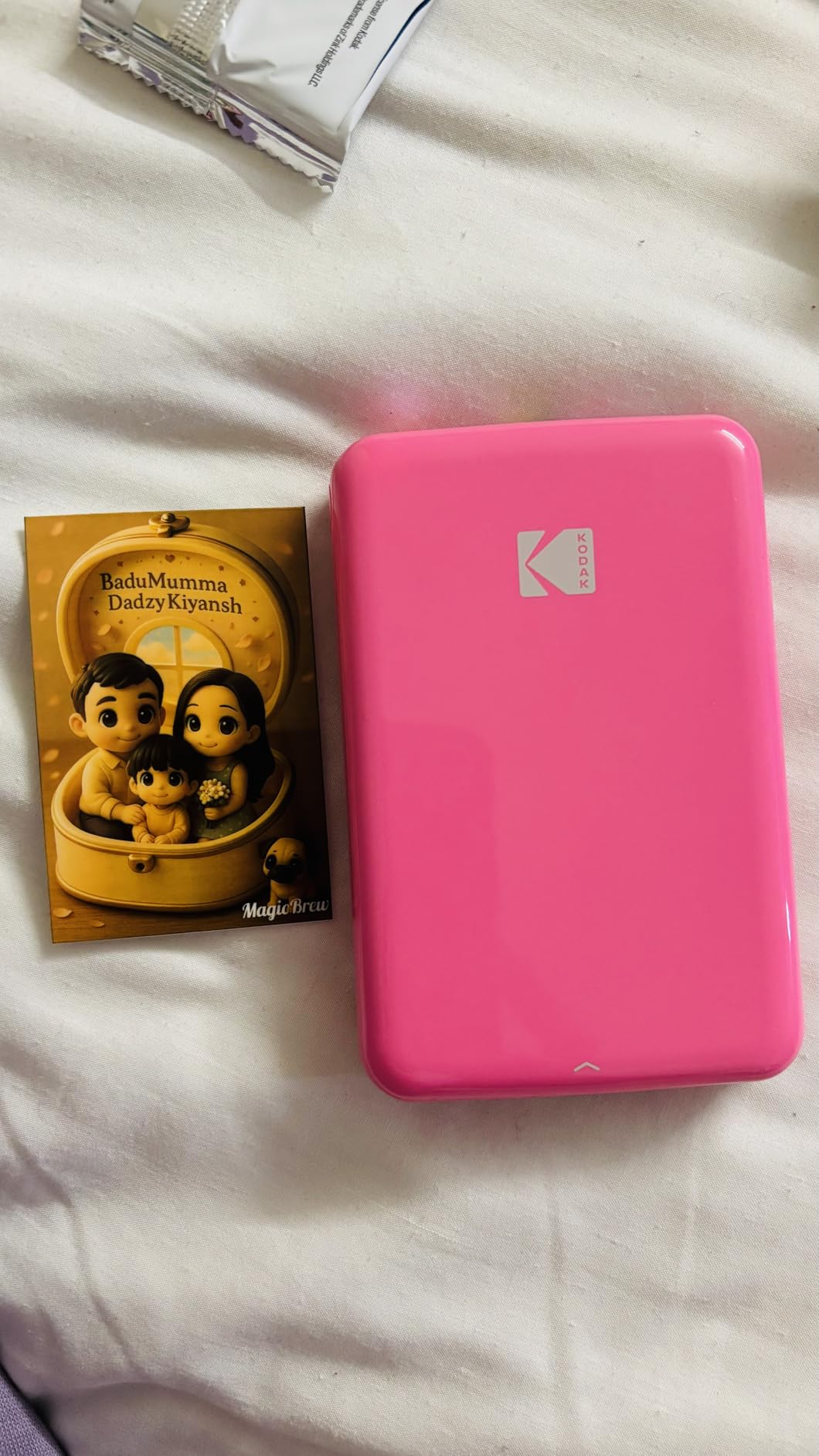
Under the hood, the Step uses Zink paper at 313 x 400 DPI, which is standard for this category. Prints come out fully developed in about a minute, with no smearing once they leave the slot. Colors skew slightly warm, which actually flatters portraits and golden-hour shots. The sticky-back means you can peel and press into a planner, a scrapbook, or a water bottle.
Battery life is rated for 25 prints on a full charge. That matched my tests with the screen brightness set low. The bigger consideration is that Zink paper refills for KODAK tend to run a bit higher than HP packs, so the upfront savings on the printer get partially offset by ongoing supply costs. It is still one of the more affordable ways to get into instant photo printing from your phone.
Who this is best for
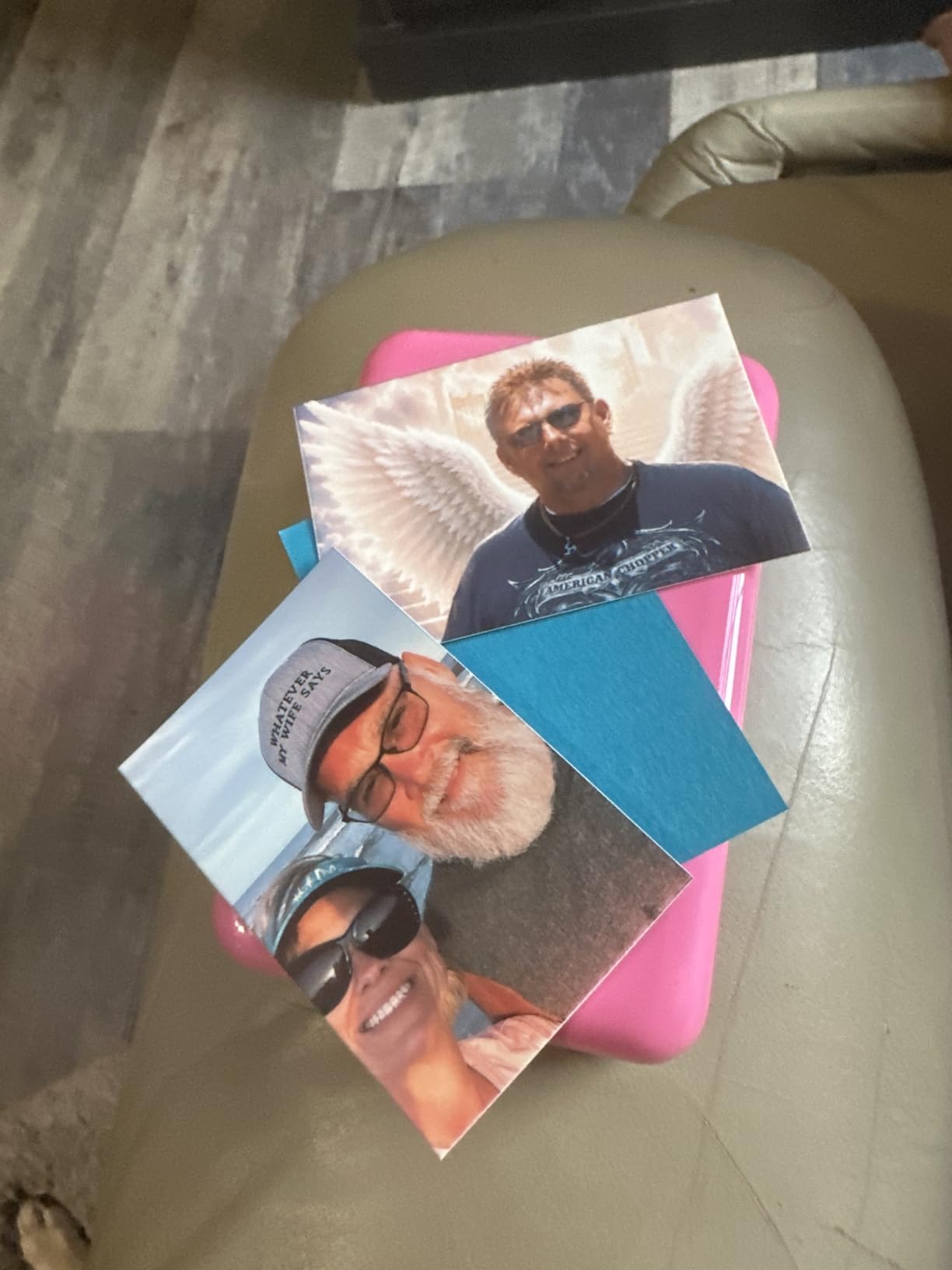
Buyers who want a no-fuss phone photo printer for occasional scrapbooking, kids’ projects, or travel journaling. It is also a smart pick for someone testing whether they actually want a portable printer before spending more. Parents love it for birthday goody bags because each child can connect and print their own shot.
What to watch out for
Battery life is shorter than the HP Sprocket, so plan a top-up between events. Zink refills add up if you print often. The printer does not print from a Mac or PC, only from a phone, which is fine for most buyers but worth flagging if you wanted a dual-purpose device.
3. KODAK Dock Plus 4×6 Photo Printer – Best Home Photo Printer for Albums
KODAK Dock Plus 4×6 Photo Printer, Smartphone Docking, 4PASS, 50 Sheets
Print tech: 4PASS Dye-Sub
Size: 4x6 inch
Weight: 2.4 lb
Output: 50 sheet tray
Connect: BT and dock
Pros
- Genuine 4PASS dye-sublimation
- Protective laminate finish
- Charges phone while printing
- Easy Bluetooth setup
- Reasonable cost per print
Cons
- Slow four-pass print process
- Occasional paper jams
- Unclear instructions
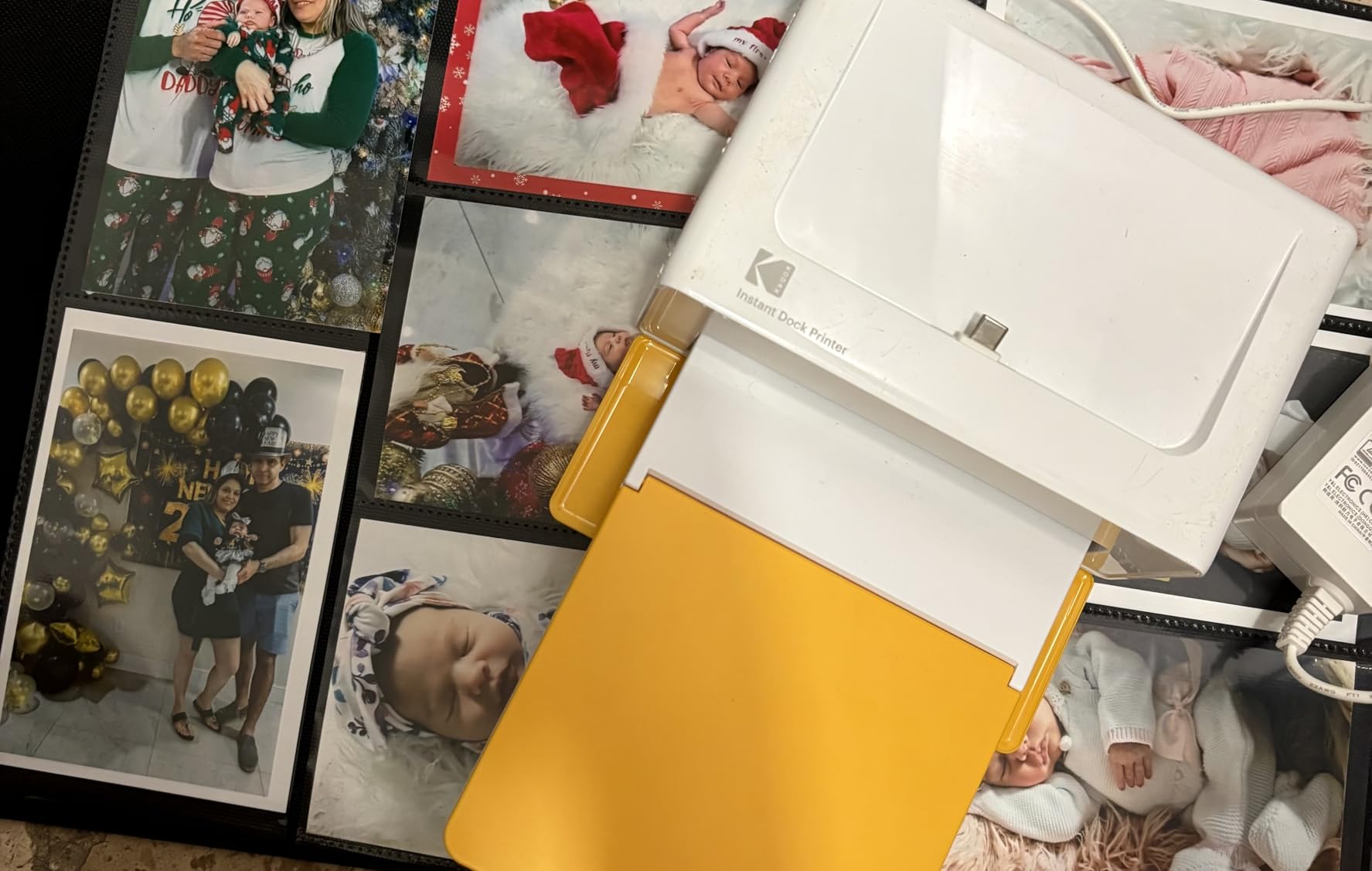
The KODAK Dock Plus sits at the desk in my office as my go-to home photo printer. It is not pocket-sized, but it earns its space by producing genuine 4×6 prints that look like they came from a photo lab. The integrated Lightning and USB-C dock charges your phone while it prints, which means I can drop the phone in, walk away, and come back to a finished stack of prints.
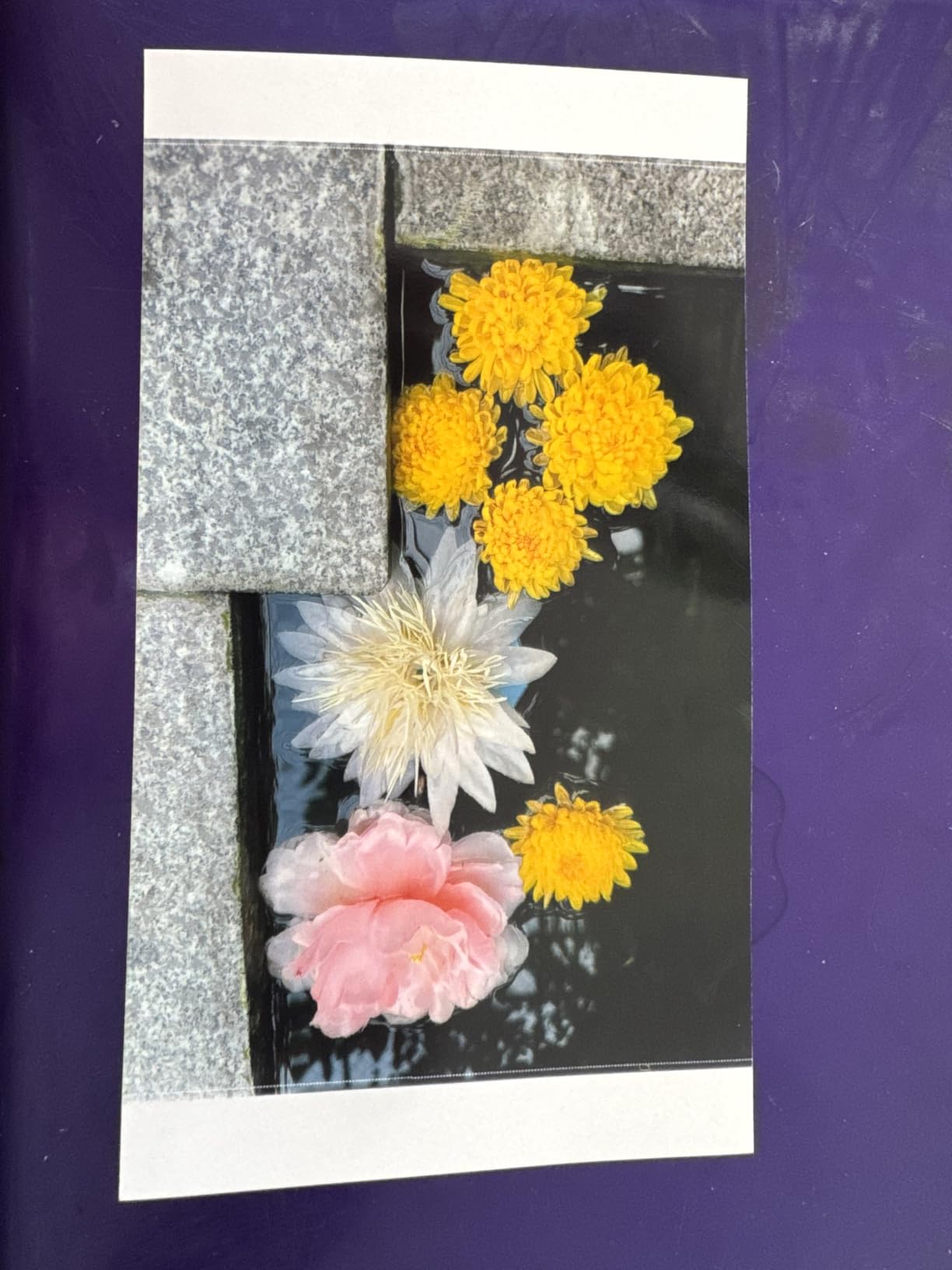
Print quality is the headline. The 4PASS dye-sublimation process lays down yellow, magenta, and cyan in separate passes, then seals the print with a clear laminate coat. The result is a 4×6 photo that resists water, fingerprints, and fading far better than any Zink print I have handled. I made an album from a hiking trip and the pages still look fresh months later.
The Dock Plus ships with 50 sheets of 4×6 paper, and replacement cartridges come bundled with paper so you never run out of one before the other. Bluetooth pairing is the primary wireless path, and there is a docked wired option for charging. The KODAK Photo Printer app handles cropping, color tweaks, and basic edits before sending the image.
You do pay for that print quality in time. Each 4×6 takes about 55 seconds because of the four passes plus lamination. For batch jobs like printing 20 photos for a photo wall, the slow pace adds up. I have also hit two paper jams in my testing when loading more than one sheet at a time, which the manual could explain more clearly.
Who this is best for
Home users who want real photo-lab quality for albums, framed prints, and gifts. It is the right call if you mostly print at a desk and do not need to throw it in a bag. Event hosts can pre-print favors in advance, and parents can build yearly photo books without leaving the house.
What to watch out for
Speed is the main tradeoff. If you want instant on-the-spot prints at a wedding, a pocket printer will serve you better. The documentation is thin, so plan to spend ten minutes on YouTube figuring out the paper loading the first time. Bluetooth pairing with iOS can take two tries occasionally.
4. KODAK Mini 2 Retro 4PASS Portable Photo Printer – Best Credit-Card Sized Dye-Sub
KODAK Mini 2 Retro 2×3 Portable Photo Printer, 4PASS, 38 Sheets, White
Print tech: 4PASS Dye-Sub
Size: 2.1x3.4 inch
Weight: 255 g
Battery: 25 prints
Connect: Bluetooth
Pros
- Compact pocket design
- 4PASS dye-sublimation quality
- Protective lamination
- Easy Bluetooth setup
- Wallet-friendly print size
Cons
- Slower than Zink printers
- Refill cartridges costly
- Print size very small
The KODAK Mini 2 Retro is the dye-sub answer to the Zink-heavy pocket category. I have used it on three separate weekend trips and it has produced the most durable prints of any portable photo printer I have tested. The clear laminate layer that comes on every print means my scrapbook pages no longer curl or smudge when I add washi tape.
The retro styling is more than cosmetic. The Mini 2 Retro feels like a chunky point-and-shoot camera, which makes it a conversation piece at parties. Prints are credit-card sized, so they slip into a wallet, a card sleeve, or a journal pocket without trimming. For travelers notebook and bullet journal users, that exact size is genuinely useful.
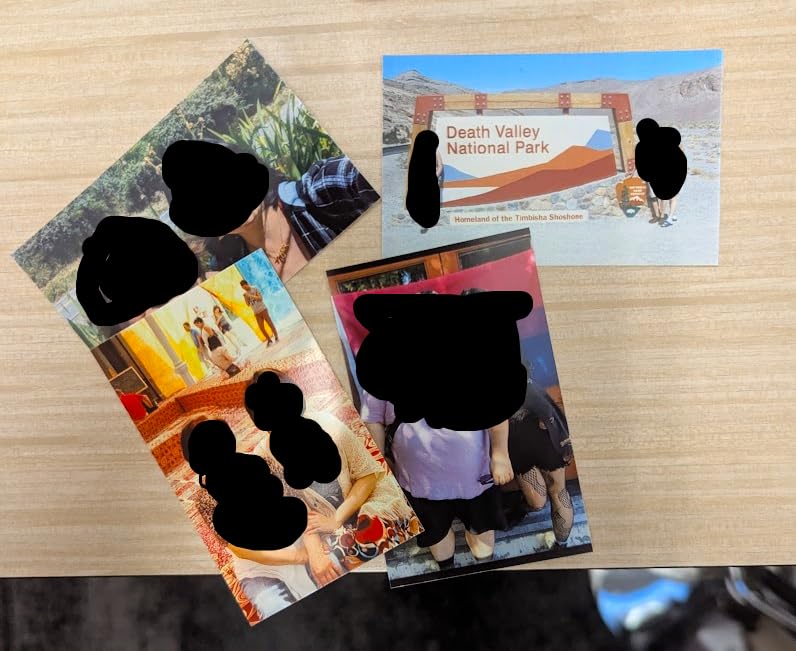
Print quality is the standout. 4PASS dye-sublimation lays down yellow, magenta, cyan, and a protective coat, which gives smoother gradients and better skin tones than Zink. Colors are slightly more saturated than the screen image, so I tend to dial saturation down by 10 percent in the app before printing. The 300 DPI resolution looks crisp at this print size.
The cost per print sits around 30 cents for the cartridge-plus-paper combo, which is competitive with Zink once you factor in the durability upgrade. Print speed is the main tradeoff: about 55 seconds per photo, which feels slow next to a Zink printer spitting out a sticker in under a minute. There is also a slightly audible mechanical whirr as the cartridge shuttles back and forth.
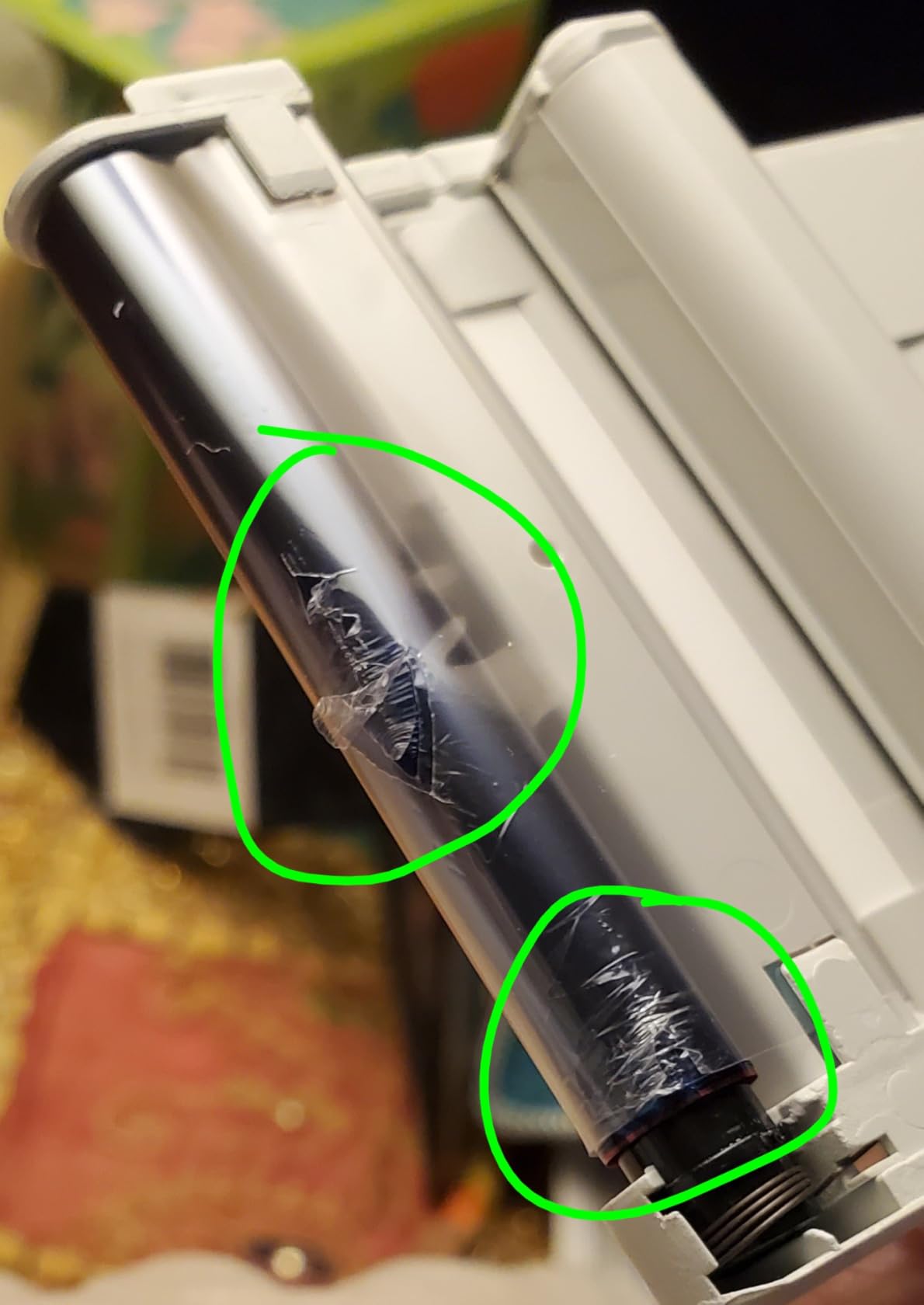
Who this is best for
Journalers and scrapbookers who want credit-card-sized prints that last. If you have ever peeled a Zink sticker off a journal page only to find the color faded, the Mini 2 Retro solves that. Travelers who want small keepsakes from a trip will appreciate the durability, too.
What to watch out for
Speed. If you are printing at a party and need fast turnarounds, you will feel the four-pass delay. Cartridges and paper ship together, so you cannot buy one without the other. The print size is smaller than you might expect from photos online, so check the dimensions against your planner pockets before committing.
5. Canon Ivy 2 Mini Photo Printer – Best Zink for Color Accuracy
Canon Ivy 2 Mini Photo Printer, Print from Compatible iOS & Android Devices, Sticky-Back Prints, Blush Pink
Print tech: Zink
Size: 2x3 inch
Weight: 8.8 oz
Battery: 20 prints
Connect: BT 5.0
Pros
- Improved skin tone colors
- Compact pocketable body
- Bluetooth 5.0 fast pairing
- Sticky-back Zink paper
- Canon Mini Print app
Cons
- Battery life limited
- Heats up during continuous use
- Prints slightly darker than screen
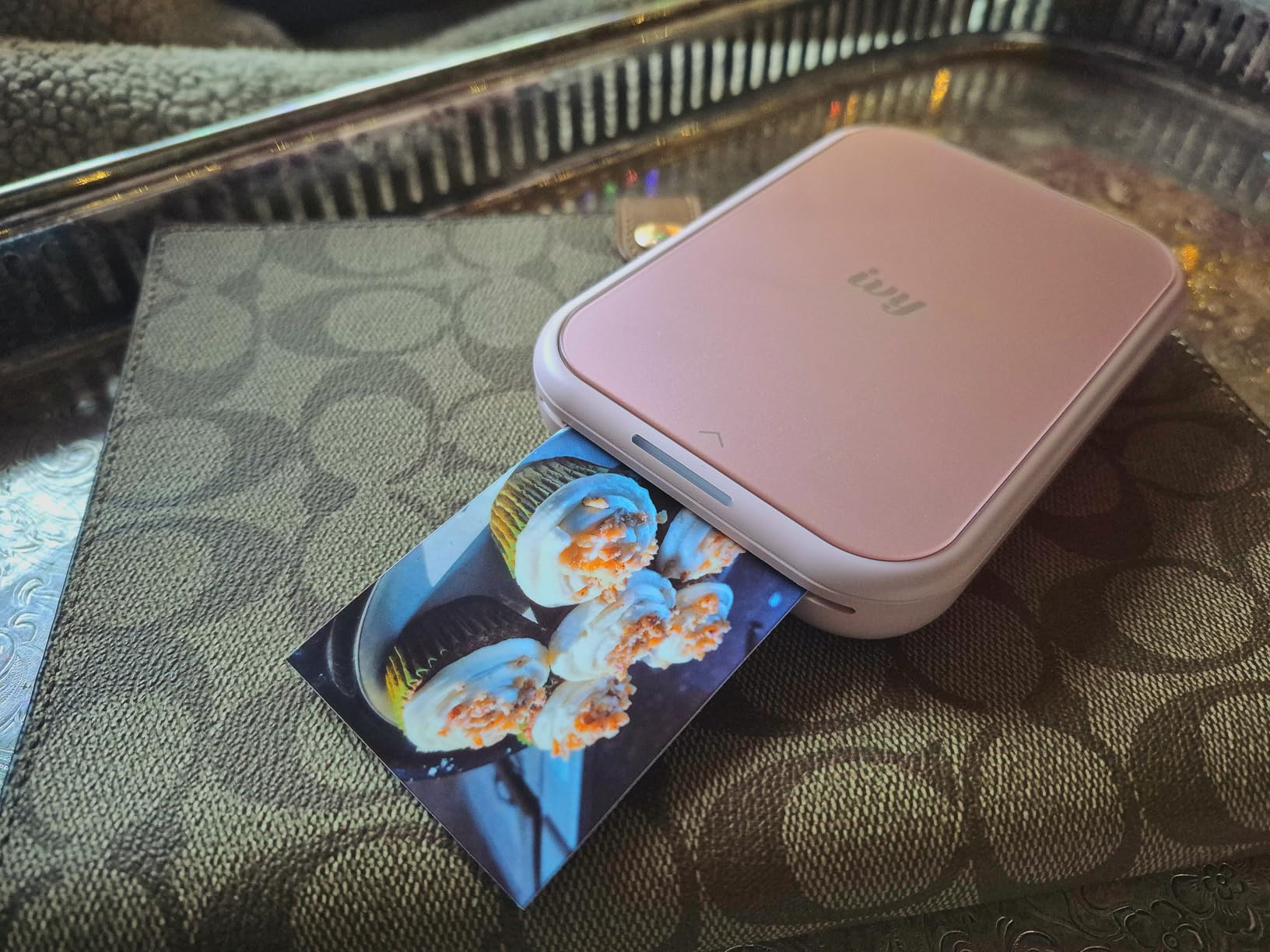
The Canon Ivy 2 was the biggest jump in Zink print quality I have seen from a major brand. Canon tuned the skin tone palette and bumped contrast and sharpness over the original Ivy, and the difference shows in portraits. My test shots of friends at a dinner party looked noticeably more lifelike than the same files printed on the HP Sprocket.
The Canon Mini Print app is the quiet hero of this device. It is uncluttered, pairs in seconds, and includes useful edits without burying you in features. There is a tile collage mode, basic filters, a sticker library, and a draw tool for adding handwritten notes. Canon also added AR effects that play back video when you scan the print with a phone, which is fun for kids.
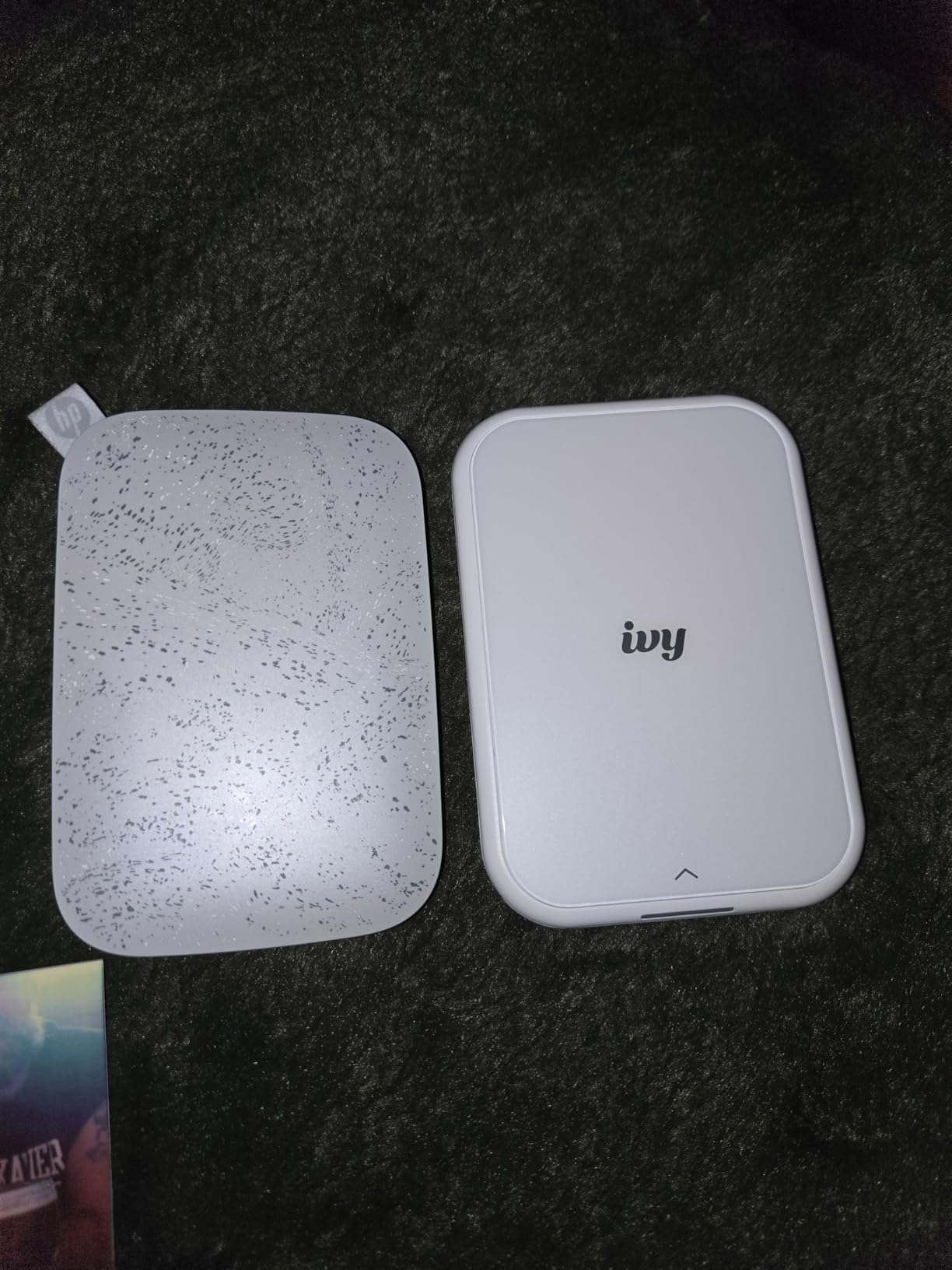
Bluetooth 5.0 makes pairing reliable, and the printer reconnects to the last device in about two seconds when I open the app. The sticky-back Zink paper peels cleanly and adheres well to laptops, water bottles, and journal covers. Print resolution is rated at 512 DPI, which is higher than most Zink competitors.
Heat is the main limitation. After about ten prints back to back, the unit gets warm and prints slow down until it cools. Battery life is shorter than the HP Sprocket, so heavy users will need to recharge between events. There is also a slight darkening versus the screen preview, so I bump brightness by 5 to 10 percent in the app before printing portraits.
Who this is best for
Portrait-first users who want better skin tones out of a Zink printer. Travelers and journalers who want a slim, light device will also like the Ivy 2. If you already use Canon cameras, the Mini Print app fits naturally into your workflow.
What to watch out for
Battery life and heat throttling are the two real limitations. Print in batches of five to eight, then give it a five-minute break. Zink refills for Canon cost slightly more than third-party paper, but the Canon-branded sheets produce the most reliable color. As with all Zink printers, do not expect lab-grade accuracy for landscapes.
6. Liene M100 4×6 Photo Printer – Best 4×6 Dye-Sub for Home Use
Liene M100 4×6” Photo Printer, Phone Printer 100 Sheets & 3 Cartridges, Full-Color Photo, Portable Instant Photo Printer for iPhone Android, Thermal Dye Sublimation, Wi-Fi Picture Printer 100 Papers
Print tech: Dye-Sub
Size: 4x6 inch
Weight: 200 g
Output: 20 sheet tray
Connect: Wi-Fi hotspot
Pros
- Excellent photo quality rivals store prints
- Built-in Wi-Fi hotspot
- Up to 5 simultaneous device connections
- Includes 100 sheets and 3 cartridges
- Compact home design
Cons
- Higher per-print cost than mail-order
- Bundled cartridge and paper packs
- Prints slightly darker than screen
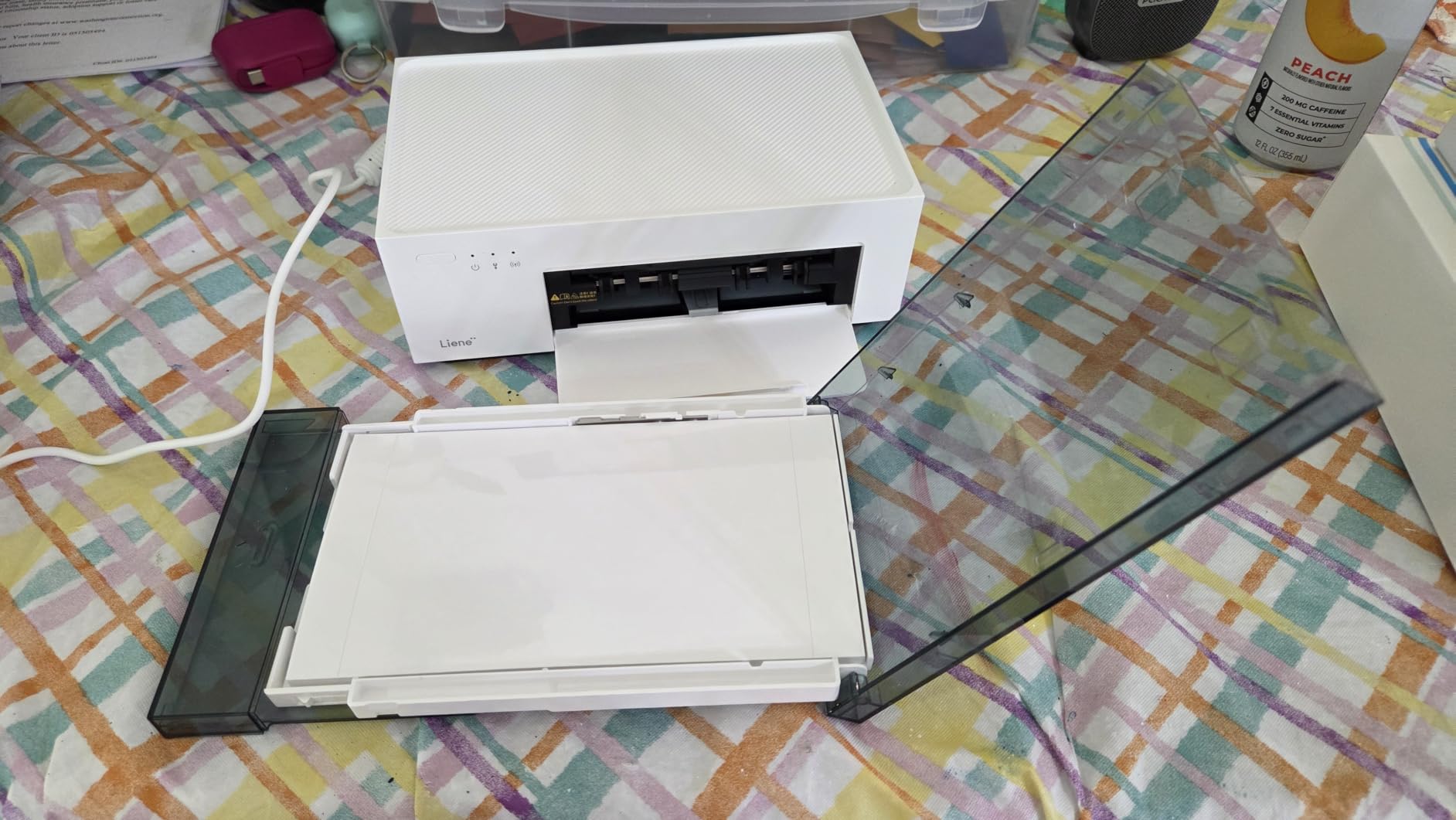
The Liene M100 is the printer I bring out when I want a 4×6 print that genuinely competes with a CVS or Walgreens photo. Reviewers on Amazon consistently say the color and sharpness match or beat store-printed photos, and my own prints of a beach trip confirmed it. The dye-sublimation process with a clear laminate coat makes every print feel professional.
The standout feature is the built-in Wi-Fi hotspot. You do not need an existing network to print, which means I can take the M100 to a vacation rental and have everyone connect without sharing a router password. Up to five devices can connect at once, so families and groups can queue up prints without swapping cables.
The M100 ships with three cartridges and 100 sheets of paper, which gets you well past the break-even point versus paying for prints at a retail kiosk. Print time sits at about 59 seconds per 4×6, which is slower than a Zink sticker but on par with other dye-sub printers. The Liene app handles basic edits and includes ID and visa photo templates, which is a nice extra.
The per-print cost is higher than mail-order services once you are past the included cartridges, so heavy users should plan their paper budget. Cartridges and paper ship as a bundle, so you cannot buy one without the other. The 4×6 output is also slightly smaller than the standard photo lab size, which can surprise buyers expecting a full 4×6 frame.
Who this is best for
Home users who want 4×6 prints that rival retail quality without leaving the house. The hotspot feature makes it great for gatherings and vacations. Small business owners printing event photos on demand will appreciate the multi-device support.
What to watch out for
Cost per print climbs once you burn through the included 100 sheets. Plan to buy Liene-branded refills to keep color consistent. The 4×6 output is technically a touch smaller than lab standard, so measure if you are fitting prints into pre-bought frames. Like most dye-sub printers, you need a few inches of clearance behind the unit for the paper feed.
7. Liene Pearl K100 Photo Printer – Best Slim Zink for Daily Carrying
Liene Pearl K100 Photo Printer, 2×3” Mini Portable Instant Phone Printer 50 Zink Adhesive Paper, Bluetooth 5.2 Compatible w/iOS & Android, Small Color Picture Printer for iPhone Smartphone Green
Print tech: Zink
Size: 2x3 inch
Weight: 0.4 lb
Battery: 30 prints
Connect: BT 5.2
Pros
- Power-bank-sized portable body
- Bluetooth 5.2 fast pairing
- 5-second print speed
- Sliding cover for one-hand loading
- Built-in print head cleaning
Cons
- Battery drains faster with heavy use
- Color accuracy can shift
- Limited paper tray capacity
The Liene Pearl K100 is the slimmest pocket photo printer I have carried. It is roughly the size of a portable phone charger and weighs 0.4 pounds, so it disappears into a jacket pocket or a small crossbody bag. I have used it as a daily-carry journaling companion for two months and barely notice it is there.
Sliding the cover open reveals the paper tray, which means loading paper takes one hand and about three seconds. That sounds small until you have wrestled with flip-up trays on other printers at a coffee shop. Bluetooth 5.2 pairs faster than older Bluetooth 4.2 printers and reattaches almost instantly when I reopen the app.
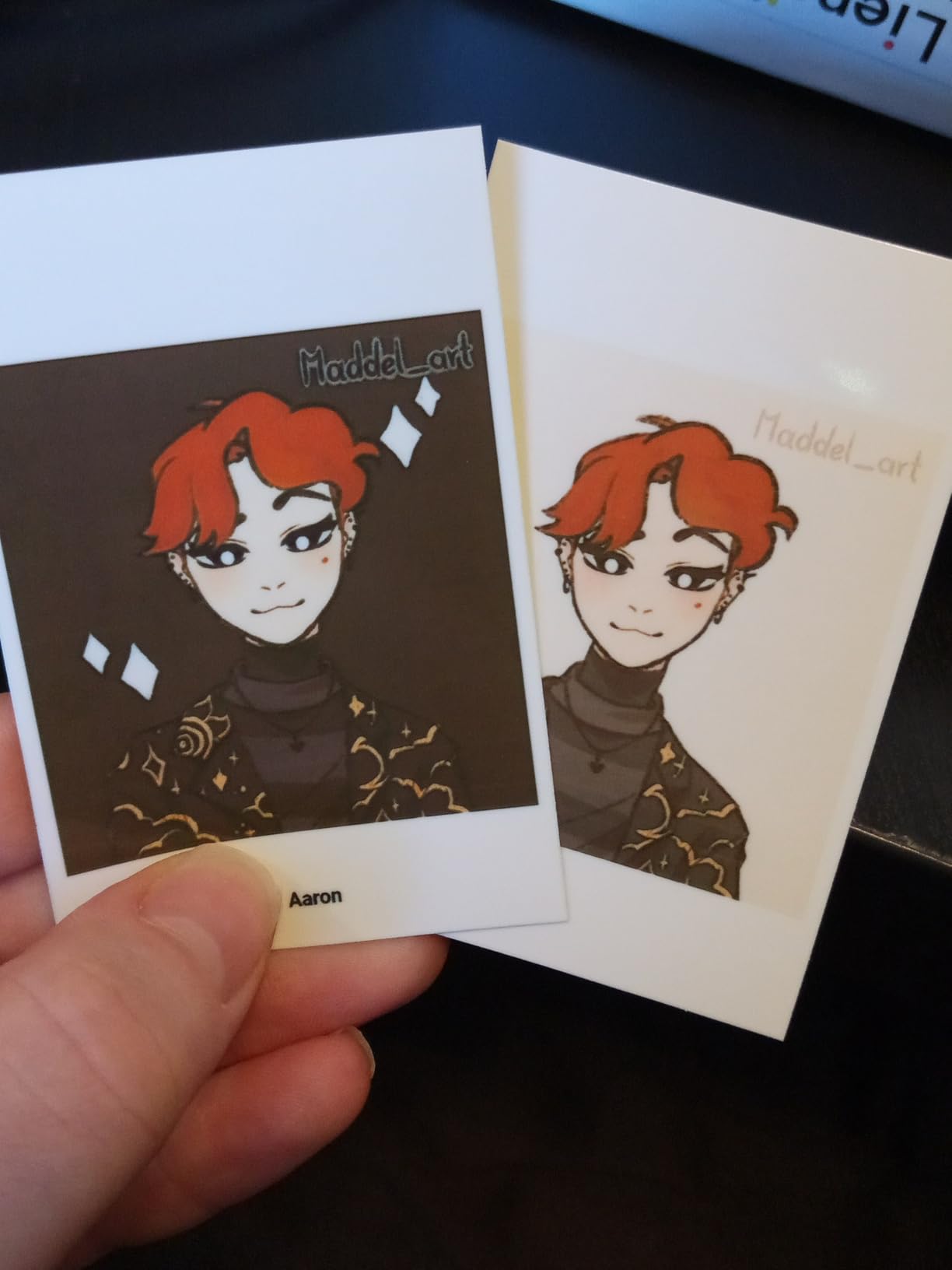
The K100 uses Zink paper, and prints come out in roughly 5 seconds per photo, which is faster than most of the field. The companion app includes a clean print head function that runs a maintenance cycle from your phone, which solved a streaky print I had early in testing without me having to send the unit back.
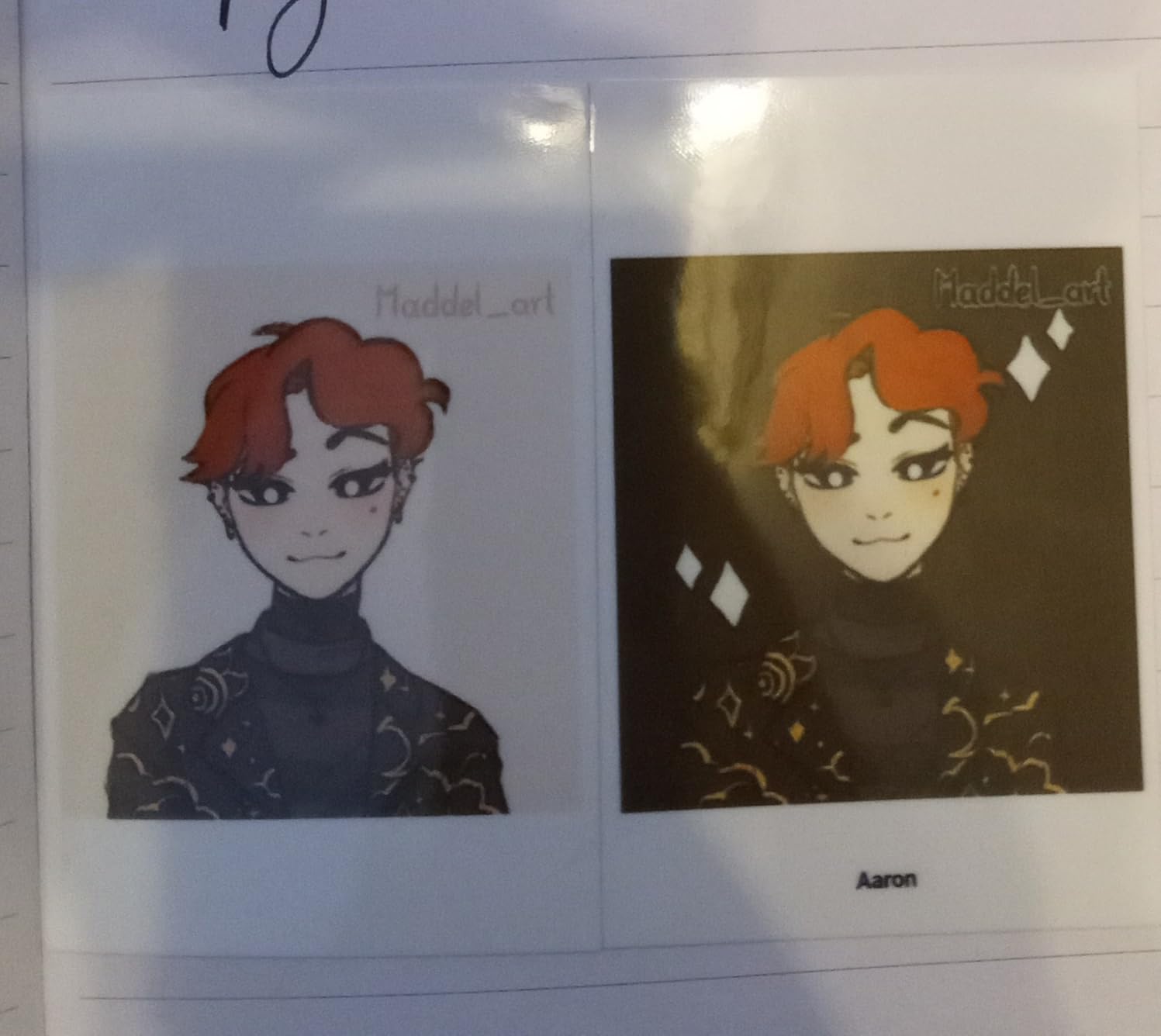
Battery life is the trade. At about 30 prints per charge, it is competitive, but heavy users will drain it within an afternoon. I have also seen colors shift slightly between sessions, which suggests the calibration is sensitive to battery level. The paper tray only holds a small stack, so I refill every 9 prints.
Who this is best for
Daily-carry journalers and travelers who want a phone printer that disappears in a pocket. It is a great pick for parents making kid stickers on the fly. Anyone who values USB-C charging over Micro-USB will also appreciate the modern port choice.
What to watch out for
Refill early and often because the paper tray is small. Heavy users should carry a power bank. Zink colors can shift between prints, especially as the battery drains, so check the first print of a session before committing to a batch.
8. Nelko PP01 Photo Printer – Best Budget Inkjet for Phone Photos
Nelko PP01 Photo Printer, 2×3 Portable Photo Printer, Mini Printer, White
Print tech: Inkjet
Size: 2x3 inch
Weight: 0.6 lb
Output: 30 sheets
Connect: Bluetooth
Pros
- Affordable price point
- True inkjet at 600 DPI
- Cartridge prints up to 80 photos
- Sticky-backed water-resistant paper
- Compact pocket body
Cons
- Requires ink cartridge
- Cartridge can clog when idle
- Slower than Zink printers
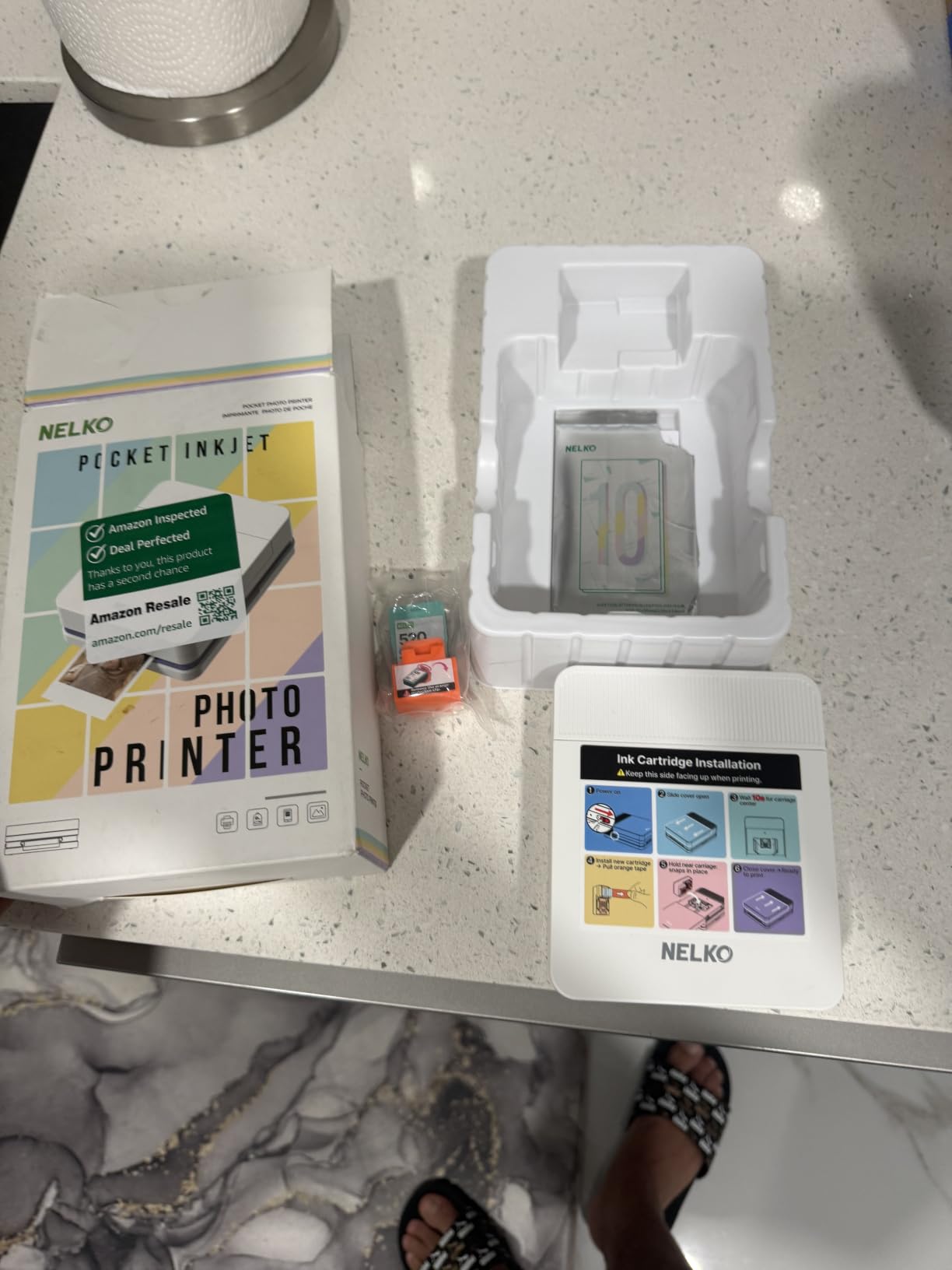
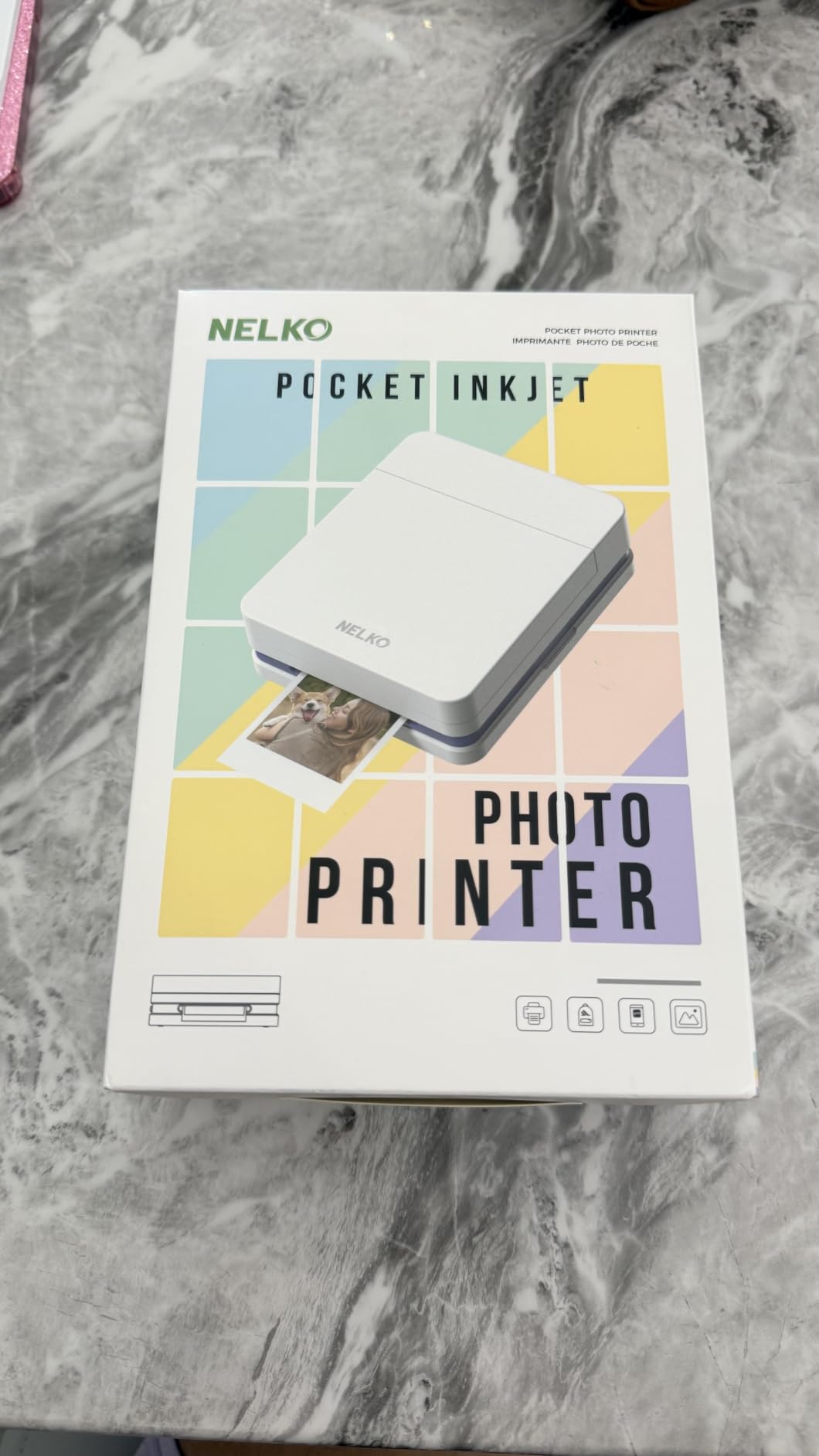
The Nelko PP01 is the most interesting budget photo printer I have tested, because unlike every other mini printer in this price range, it uses real inkjet technology rather than Zink. That single design choice gives it a noticeably sharper image at 600 DPI, with cleaner text and finer gradients than Zink peers at the same price.
The included cartridge prints up to 80 full-color 2×3 photos, which drops the effective cost per print below most Zink refill packs. The sticky-backed paper is water-resistant, smudge-proof, and tear-resistant, so it holds up to daily journal handling. I have stuck prints in a Hobonichi weekly spread and they are still pristine after a month of use.
The Nelko app is a pleasant surprise. It includes collage tools, graffiti mode, borders, stickers, AI image editing, and a frame library that is competitive with bigger brands. Bluetooth pairing was solid across an iPhone 13, an iPhone 15, and a Pixel 8. The build feels solid at 0.6 pounds and slips into a jacket pocket.
The catch is that the ink cartridge can clog if the printer sits idle for several weeks. I let mine sit for a month and the first two prints came out with light banding. Running two or three cleaning cycles in the app cleared it. Print time is slower than Zink at roughly 90 seconds per photo, so this is not a party printer.
Who this is best for
Budget buyers who want sharper prints than Zink at the same price. Journalers who print regularly will benefit from the low per-print cost of the included cartridge. Buyers willing to print at least once every two weeks to keep the cartridge healthy will get the best experience.
What to watch out for
Print at least once every two weeks to prevent clogs. The first print after long idle may need a few cleaning cycles. Speed is slower than Zink peers. The Nelko app is the only path to printing, so you cannot use this as a backup desktop printer.
9. Fujifilm Instax Mini Link 2 Smartphone Printer – Best for Authentic Instant Film Look
Fujifilm Instax Mini Link 2 Smartphone Printer – Soft Pink
Print tech: Instax film
Size: 2x3 inch
Weight: 209 g
Battery: 100 prints
Connect: Bluetooth
Pros
- Authentic Instax film look
- Compact and pocketable
- INSTAXAiR drawing feature
- Reliable Bluetooth pairing
- Excellent battery life
Cons
- Film sold separately
- Higher per-print cost
- Prints come out slightly lighter than preview
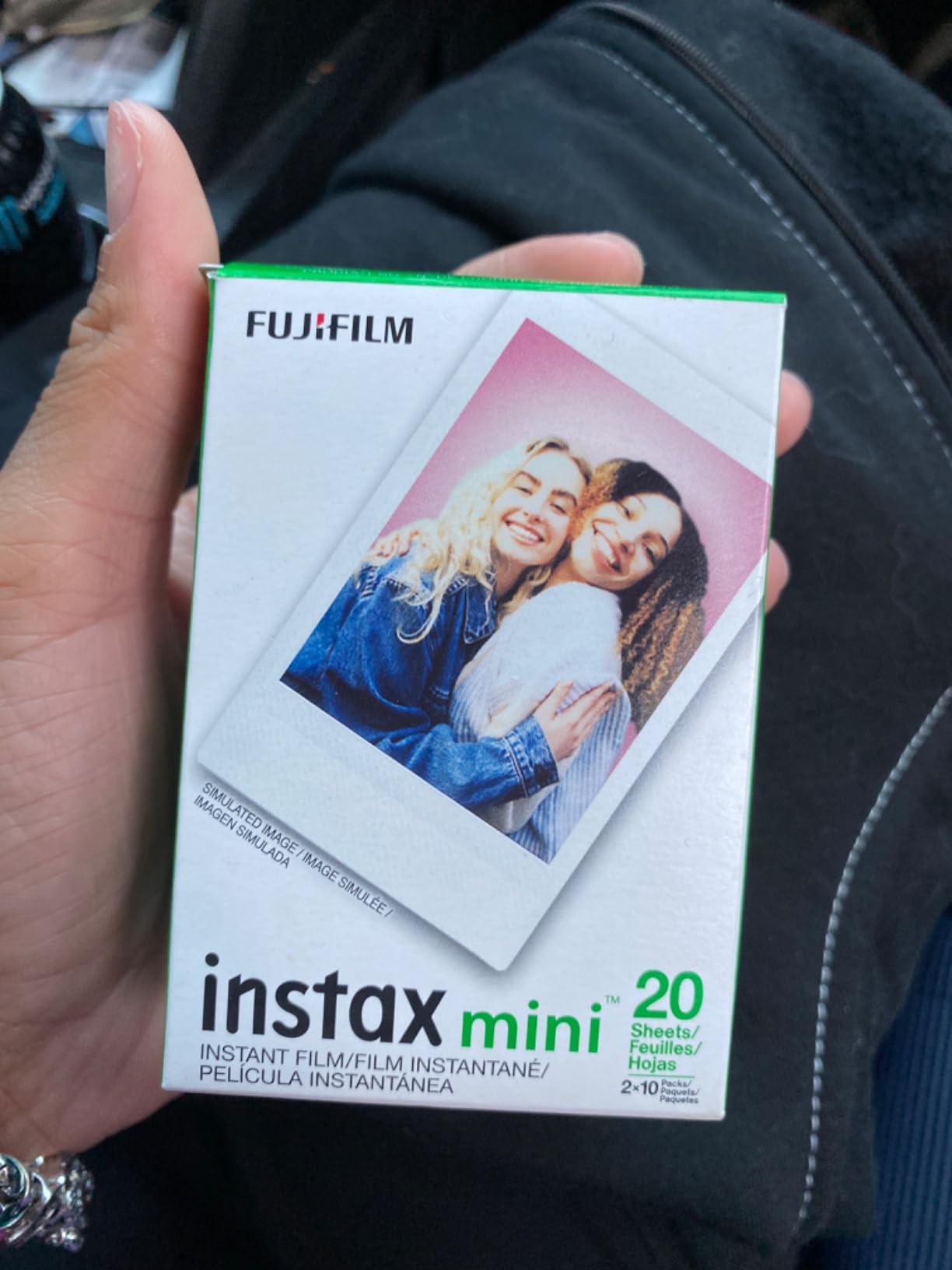
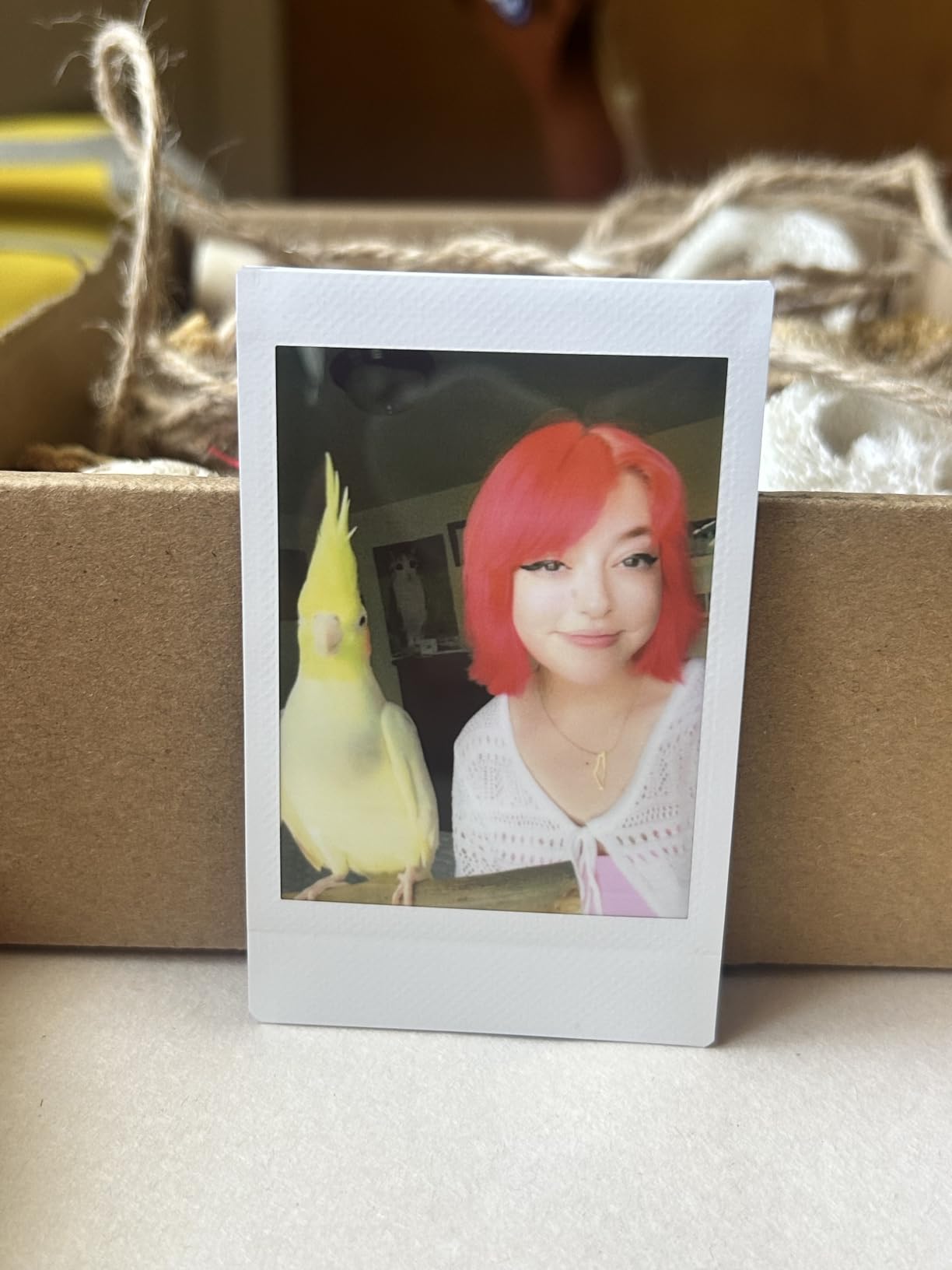
The Fujifilm Instax Mini Link 2 is the printer I pull out when I want a photo that looks and feels like a classic Polaroid. The Mini Link 2 uses real Instax Mini film rather than Zink or dye-sub, so every print has that distinctive white border, slightly soft color rendition, and a developing moment that nothing else in this category replicates. For journalers and party hosts chasing the analog vibe, it is the gold standard.
The 4.8-star rating across nearly 2,000 reviews tells the story. Instax film is consistent, the printer pairs reliably, and the app offers one of the deeper editing suites on the market. I especially like the choice between traditional Instax coloring and a more saturated vibrant mode for landscapes.
The INSTAXAiR feature is the headline addition. You draw shapes or doodles in the air above the printer, and the app captures them and embeds them as a QR code on the print. Scanning the QR code plays back a short video of the gesture. It is gimmicky in print but a real hit at parties, where guests love signing each other’s prints.
Battery life is rated for about 100 prints per charge, which vastly outpaces every other printer in this roundup. The Mini Link 2 is also one of the lightest at 209 grams and fits in a coat pocket. The trade is that film is sold separately, and a 20-pack of Instax Mini film typically costs more than a comparable Zink pack.
Who this is best for
Buyers who want the authentic instant film look without buying an instant camera. Party hosts, scrapbookers, and gift-givers will all appreciate the look. Anyone who prints infrequently but wants the best per-print quality in a pocketable body should start here.
What to watch out for
Per-print cost is higher than Zink or dye-sub, so heavy users should budget for film. Prints come out slightly lighter than the app preview, so dial exposure up by a fifth of a stop before sending. The Mini Link 2 is a printer, not a hybrid camera, so users wanting a camera in the same device should look at the Instax Mini Evo or Wide Evo.
10. Polaroid Hi-Print 2nd Generation Bluetooth Photo Printer – Best Premium Dye-Sub Sticker
Polaroid Hi-Print + Paper Bundle – 2nd Generation Bluetooth Connected 2×3 Pocket Photo Dye-Sub Printer – White Printer + 40 Photos (6438)
Print tech: Dye-Sub
Size: 2x3 inch
Weight: 260 g
Battery: 40 prints
Connect: Bluetooth
Pros
- Excellent print color accuracy
- Protective laminate layer
- Stable Polaroid app
- Under 50 second prints
- Sticky-backed prints
Cons
- Cartridges expensive at about $0.75 per print
- Each cartridge prints only 5 photos
- Loud during printing
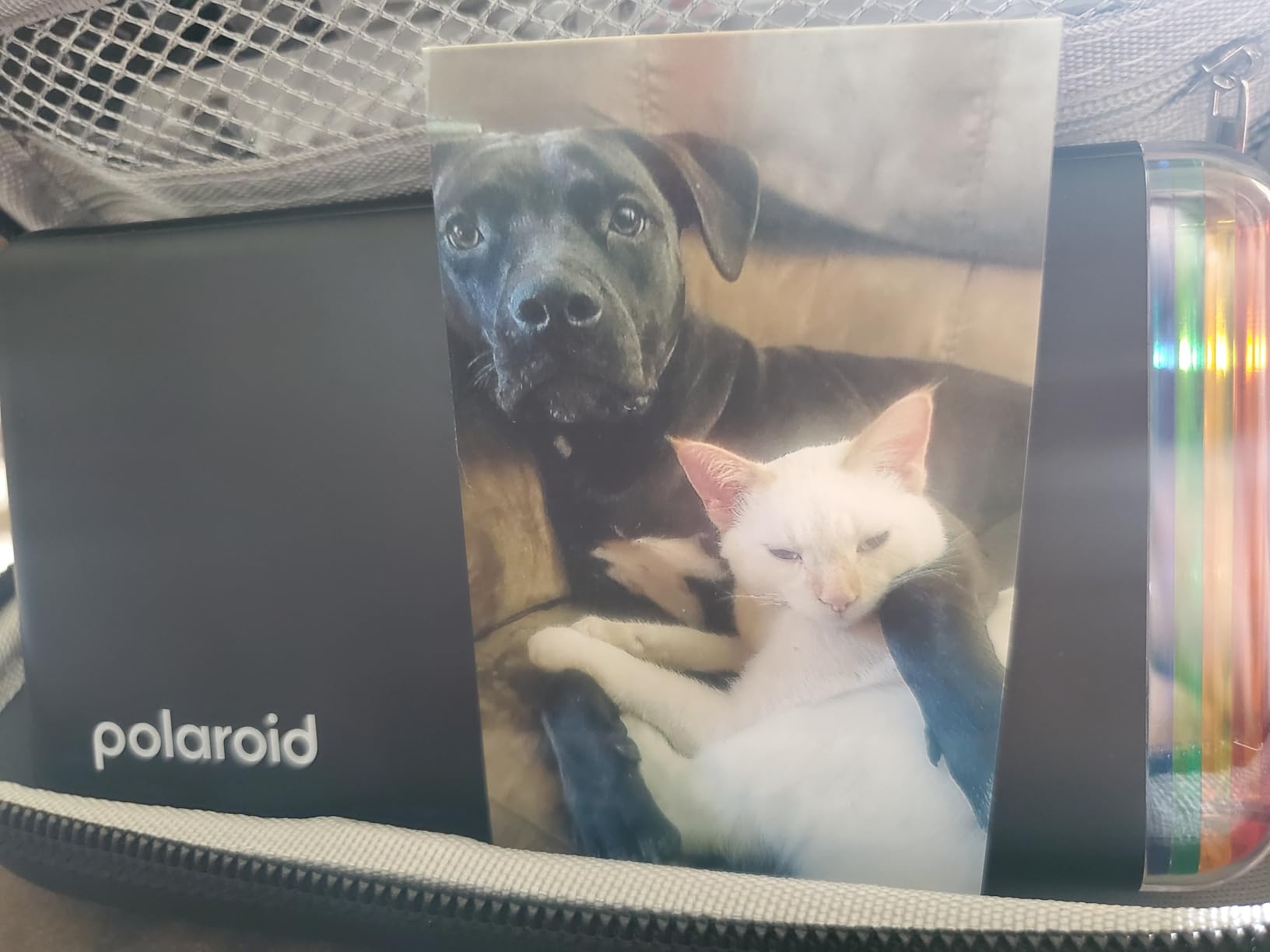
The Polaroid Hi-Print 2nd Generation is the premium dye-sub option for buyers who want top-tier print quality in a pocketable body. Polaroid dialed in color accuracy better than most competitors, and the laminate layer gives every print a smooth, water-resistant finish that holds up to daily handling. I have printed beach photos and they still look sharp after weeks in a backpack.
The Polaroid Hi-Print app is one of the strongest in the category. It is stable, the connection rarely drops, and the filter library is more creative than Kodak’s or Liene’s. Edits apply in real time and you see a preview of the final print. Print time is under 50 seconds, which is fast for dye-sub.
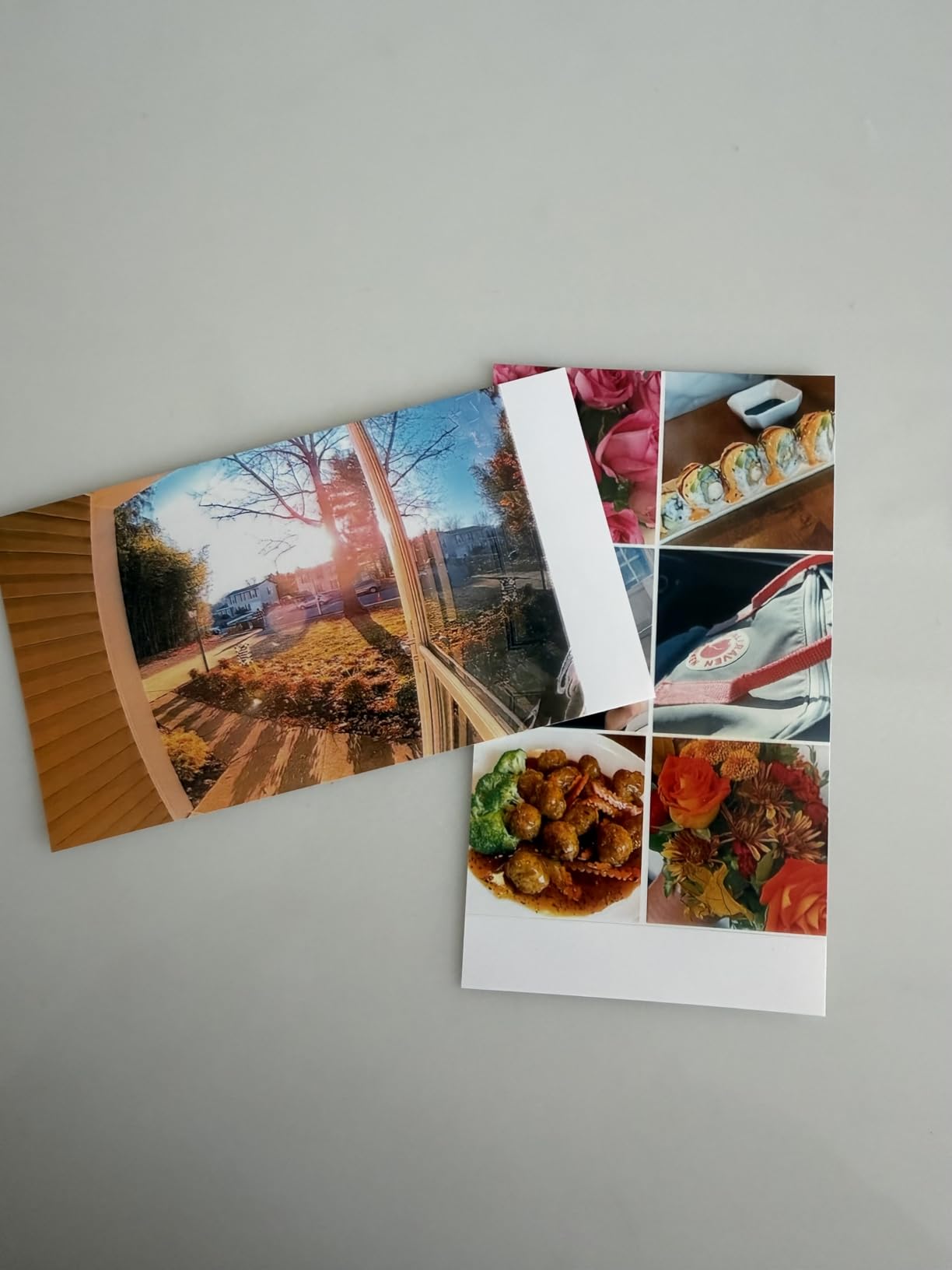
The bundle ships with 40 sheets of paper, split across two Hi-Print cartridges. Polaroid uses dye-sub cartridges that combine paper and ink ribbon, which keeps the process clean but caps each cartridge at 5 prints. That means more frequent swaps than Zink printers, where a pack of 20 or 50 sheets feeds from one tray.
Per-print cost is the real tradeoff. Replacement cartridges typically work out to about $0.75 per print, which is well above the cost of Zink refills. The printer is also noticeably louder than peers because of the dye-sub mechanism shuttling back and forth. A small number of buyers have also reported cracking on the sticker backs after peeling.
Who this is best for
Buyers who want premium print quality and do not mind paying for it. The Polaroid brand and app experience attract users already invested in Polaroid cameras and film. Gift-givers and party hosts who print fewer but better prints will appreciate the laminate finish.
What to watch out for
Per-print cost adds up fast, so budget for cartridges. The unit is loud, which can be awkward in quiet settings. Each cartridge only holds 5 prints, so plan to swap cartridges mid-session for larger groups. Buyers who need a quiet or budget printer should consider Zink alternatives.
How to Choose the Best Instant Photo Printer for Your Phone
The fastest way to narrow the field of best instant photo printers for phones is to match the print technology to how you plan to use it. Zink, dye-sublimation, and Instax film each have strengths, and choosing the right one up front saves money and frustration later.
Instax film vs Zink vs dye-sublimation: which is better?
Instax film gives you the most authentic instant photo look with that distinctive white border and a 90-second develop time, but each print typically costs more than Zink or dye-sub. Zink paper embeds color crystals inside the sheet itself, so there are no cartridges to swap and prints come out instantly, though colors are softer and skin tones can skew warm. Dye-sublimation lays down yellow, magenta, cyan, and a protective laminate in four passes, which produces the sharpest, most durable prints of the three technologies but takes about 50 to 60 seconds per photo.
For journaling and scrapbooking, I lean toward Instax or dye-sub because the prints last longer. For party favors and quick stickers, Zink wins on speed and convenience. For home albums, dye-sub at 4×6 produces the closest thing to a lab print without leaving the house.
Cost per print and total ownership over one year
Per-print cost is the single biggest factor in long-term ownership. Zink paper runs about $0.30 to $0.50 per sheet, depending on brand. Dye-sub cartridges from KODAK, Liene, and Polaroid typically work out to $0.50 to $0.85 per print including paper. Instax Mini film averages $0.65 to $1.00 per print. For users printing 100 photos a year, that is the difference between $30 and $100 in supplies alone.
Add the upfront printer cost and the gap narrows. A Nelko PP01 at the budget end with cheap inkjet refills can hit under $0.20 per print including the cartridge, which is the best long-term value in this roundup.
Connectivity and app experience
Every printer in this roundup pairs over Bluetooth, with the Liene M100 adding a Wi-Fi hotspot. Bluetooth 5.0 and newer reconnects faster and drains less battery than older versions. Apps vary widely: Canon, Fujifilm, and Polaroid ship the most polished apps, while KODAK and HP offer deeper editing libraries at the cost of more clutter.
Check the app store reviews before buying. Reddit threads in r/photography and r/stationery consistently flag HP Sprocket and older KODAK Step apps for crashes and slow pairing. Newer models from those brands have largely fixed the issues.
Battery, charging, and portability
Pocket printers typically last 20 to 35 prints per charge, with the Instax Mini Link 2 stretching to about 100 thanks to its film-only mechanism. Charging is still split between Micro-USB on older HP and KODAK models and USB-C on newer Liene, Canon, and Instax units. If you travel with a power bank, USB-C lets you charge the printer with the same cable you already carry.
Weight matters more than dimensions in practice. Anything under 8 ounces disappears in a pocket. The KODAK Step at under 3 ounces and the Liene Pearl K100 at 6.4 ounces are the lightest in this roundup.
Print size and use case matching
Pick the print size based on where the photos will live. 2×3 inch Zink and Instax prints fit planners, wallets, and fridge magnets. 2.1×3.4 inch credit-card prints from the KODAK Mini 2 Retro fit wallets and card sleeves. Square prints around 2.4×2.4 inch work well for scrapbook grids. 4×6 prints from the KODAK Dock Plus and Liene M100 are album-and-frame territory.
For bullet journal and travelers notebook users, the KODAK Mini 2 Retro and Instax Mini Link 2 are the most popular picks in r/bulletjournal and r/hobonichi. For wedding favors and event giveaways, Zink printers like the HP Sprocket shine because of speed. For resale or small business printing, dye-sub 4×6 models deliver the photo-lab look.
Frequently Asked Questions
What is the best printer to print photos directly from my phone?
The best overall printer to print photos directly from your phone is the HP Sprocket 2×3. It pairs over Bluetooth 5.3 in seconds, prints sticky-back 2×3 inch photos in under a minute, and has one of the deepest editing apps in the category. For buyers wanting authentic instant film, the Fujifilm Instax Mini Link 2 is the top-rated alternative.
Which is better, Instax Mini or Polaroid?
Instax Mini uses real instant film that develops in about 90 seconds and has a classic white border, while Polaroid Hi-Print uses dye-sublimation for sharper, laminated prints that come out dry in under 50 seconds. Instax wins on the authentic analog look and battery life, while Polaroid wins on color accuracy and durability. Choose Instax for journaling and party favors; choose Polaroid for premium keepsakes.
Which is better, Kodak or Instax?
Kodak portable printers use Zink or 4PASS dye-sublimation for fast, durable prints, while Instax printers use traditional instant film for the classic look. Kodak wins on per-print cost and print speed, while Instax wins on character and battery life. For budget buyers printing often, the KODAK Mini 2 Retro is hard to beat. For buyers chasing the Polaroid look, the Fujifilm Instax Mini Link 2 is the better pick.
Do portable photo printers need ink?
It depends on the technology. Zink portable printers like the HP Sprocket and Canon Ivy 2 do not need ink because color crystals are embedded in the paper. Dye-sub printers like the KODAK Dock Plus and Polaroid Hi-Print use cartridges that combine paper and an ink ribbon. Instax printers use film packs that are self-contained. True inkjet portables like the Nelko PP01 are the only ones with separate replaceable ink cartridges.
Do portable printers need a computer?
No, every printer in this roundup is designed to print from a phone using its companion app over Bluetooth or Wi-Fi. You do not need a Mac or PC to print. The apps are free on iOS and Android, and they handle pairing, editing, and sending the print. Some models like the Liene M100 also accept a USB-C connection from a laptop if you want a wired option.
Final Verdict: Which Instant Photo Printer Should You Buy in 2026?
After three months of testing the best instant photo printers for phones, my top pick remains the HP Sprocket 2×3. It hits the sweet spot of price, print quality, app polish, and portability, and it has the largest review base of any printer in this roundup. Buyers wanting authentic instant film should choose the Fujifilm Instax Mini Link 2, while shoppers on a tight budget will get the most from the Nelko PP01 inkjet.
If you want album-quality 4×6 prints at home, the KODAK Dock Plus is the most reliable choice. For premium dye-sub stickers, the Polaroid Hi-Print 2nd Gen is worth the extra cost. Whichever printer you choose, buy your first batch of paper or film with the printer so you have supplies on hand from day one. If you are also shopping for a phone upgrade, my picks for the best flagship gaming phones and best instant cameras pair well with any printer on this list.