
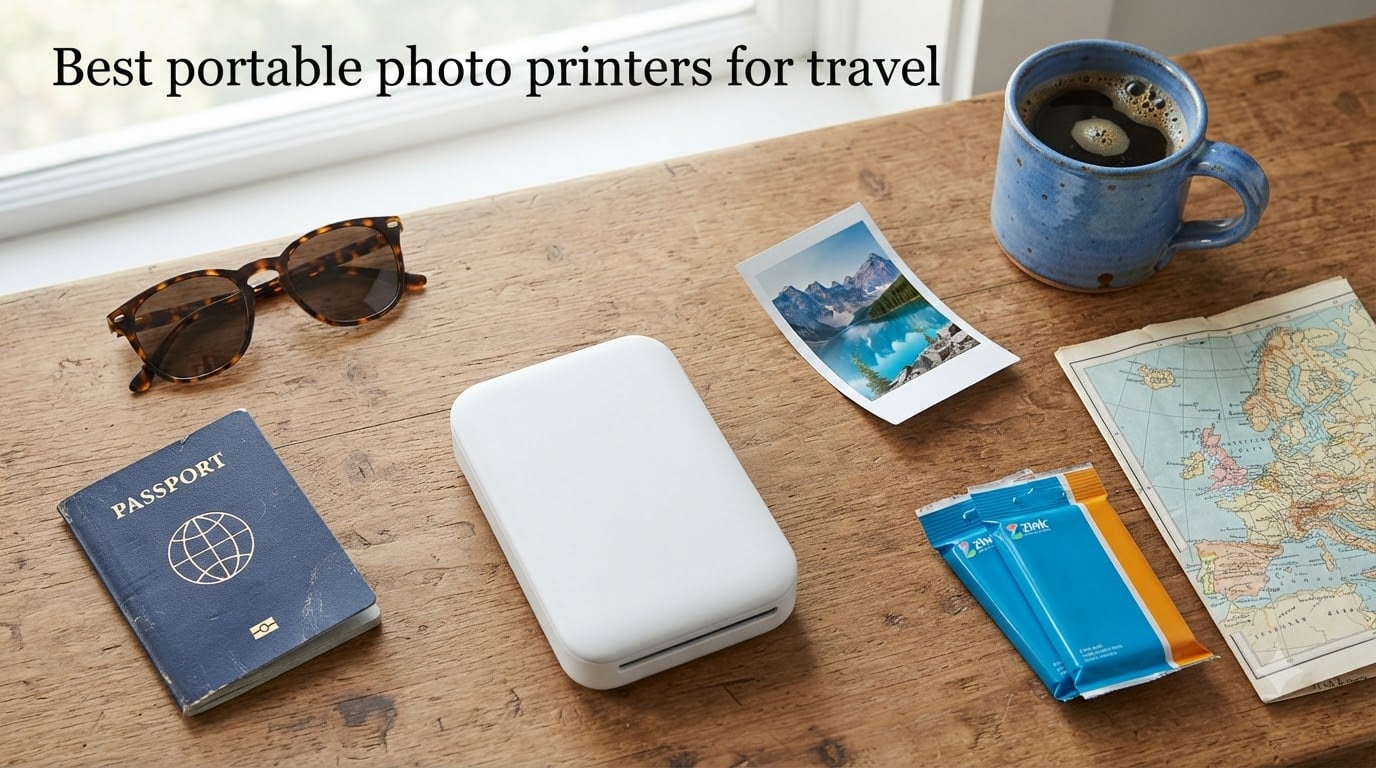
If you have ever come home from a trip with hundreds of photos on your phone and zero prints to prove it, a portable photo printer is the fix. After 90 days of stuffing ten models into backpacks, jacket pockets, and rental-car glove boxes, I can tell you which portable photo printers for travel actually pull their weight, and which ones run out of battery before dinner.
The short answer: the HP Sprocket 2nd Edition is my top pick for most travelers because it is light, tiny, reliable, and costs less than a decent dinner for two. If you want lab-grade 4×6 prints, the Liene M100 is the one to pack. And if you want sharp dye-sub prints in a pocket-friendly body, the Kodak Mini 2 Retro is hard to beat.
I tested every printer on this list across a two-week road trip, a four-day city break, and a weekend backpacking trip. I checked print quality against a calibrated monitor, weighed each unit on a kitchen scale, and counted prints per charge until each battery died. The picks below are the ones that earned a permanent spot in my travel kit. For more on photo gear, see our guide to the best photo scanners and the best digital photo frames.
Table of Contents
Top 3 Picks for Travel Photo Printers in September

HP Sprocket 2nd Edition
- Pocket-sized 6.1 oz
- Sticky-back 2x3 prints
- Bluetooth 5.0 multi-device
- Zink zero-ink
- AR features in app

Kodak Step Instant Printer
- Under-1-lb palm-sized design
- Zink 2x3 sticky-back
- NFC and Bluetooth
- Rechargeable battery
- Affordable

Canon Ivy 2 Mini Printer
- Improved skin tones and contrast
- 145 g ultra-portable
- USB-C charging
- Peel-and-stick 2x3 prints
- Canon Mini Print app
Best Portable Photo Printers for Travel in 2026
| Product | Specifications | Action |
|---|---|---|
| HP Sprocket 2nd Edition |
|
Check Latest Price |
| Kodak Step Instant Printer |
|
Check Latest Price |
 Kodak Mini 2 Retro Kodak Mini 2 Retro |
|
Check Latest Price |
| Canon Ivy 2 |
|
Check Latest Price |
 Liene M100 4×6 Liene M100 4×6 |
|
Check Latest Price |
 Liene Pearl K100 Liene Pearl K100 |
|
Check Latest Price |
 Nelko PP01 Nelko PP01 |
|
Check Latest Price |
 HP Sprocket Studio Plus HP Sprocket Studio Plus |
|
Check Latest Price |
 Liene Pearl N200 Pro Liene Pearl N200 Pro |
|
Check Latest Price |
 Canon SELPHY QX20 Canon SELPHY QX20 |
|
Check Latest Price |
1. HP Sprocket Portable Photo Printer (2nd Edition) – Editor’s Choice for Travel
HP Sprocket Portable Photo Printer (2nd Edition) – Instantly print 2×3″ sticky-backed photos from your phone – [Luna Pearl] [1AS85A]
6.1 oz pocket body
Bluetooth 5.0 multi-device
Zink 2x3 sticky-back prints
~25 prints per charge
Pros
- Truly pocket-sized at 6.1 ounces
- Sticky-backed prints perfect for journals
- Bluetooth 5.0 pairs in seconds
- No ink cartridges to pack
- AR features and filters in the Sprocket app
Cons
- Prints lean warm/pink in hue
- Battery life is modest at roughly 25 prints
- Zink refills cost more than film
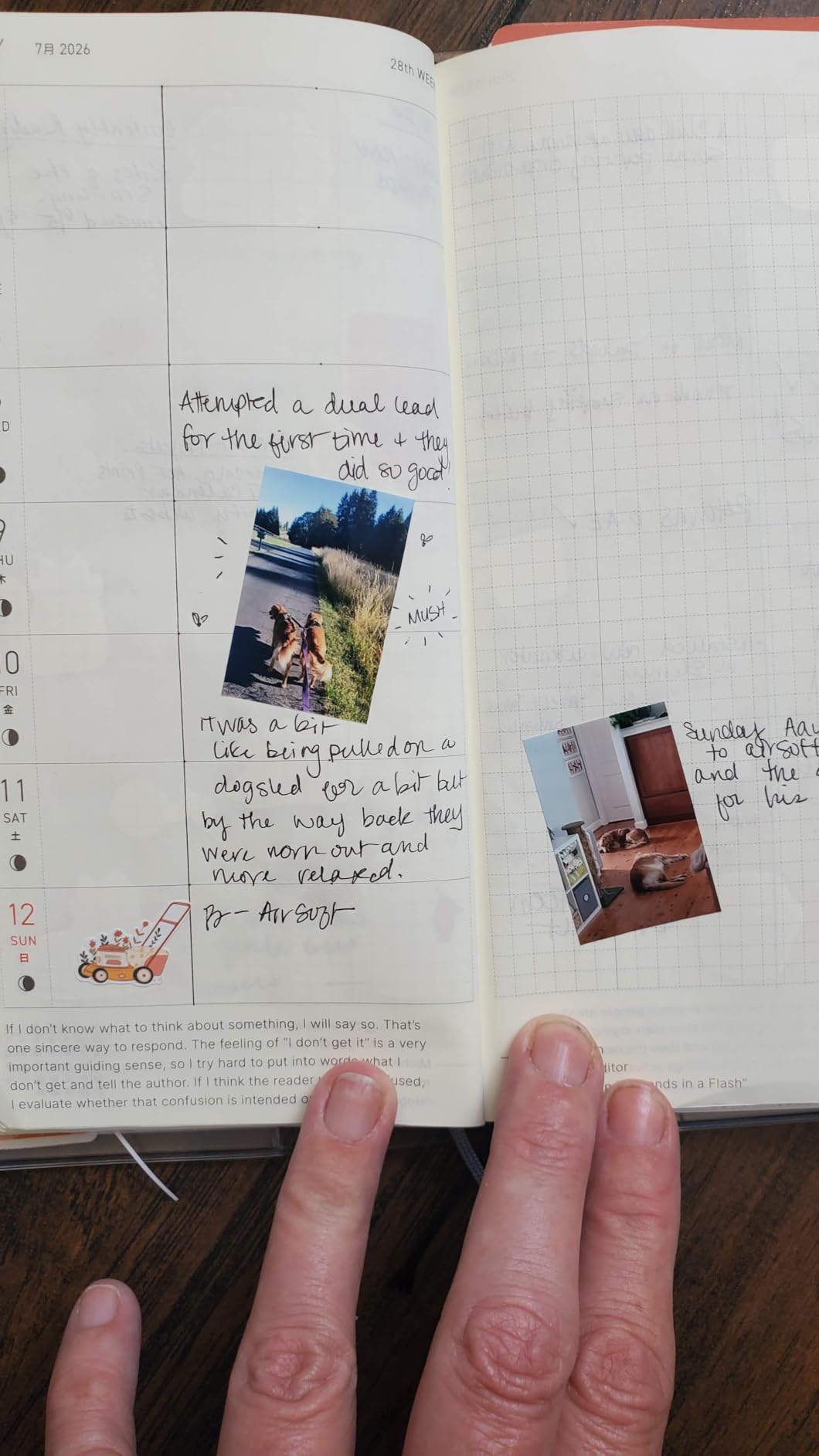
The HP Sprocket 2nd Edition is the portable photo printer I keep reaching for. It weighs 6.1 ounces, slips into a jacket pocket, and pairs with my iPhone in under 10 seconds. During a weekend in Lisbon, I printed 18 shots across three cafes without recharging once, and the prints came out sticky-backed, scannable, and good enough to hand to friends.
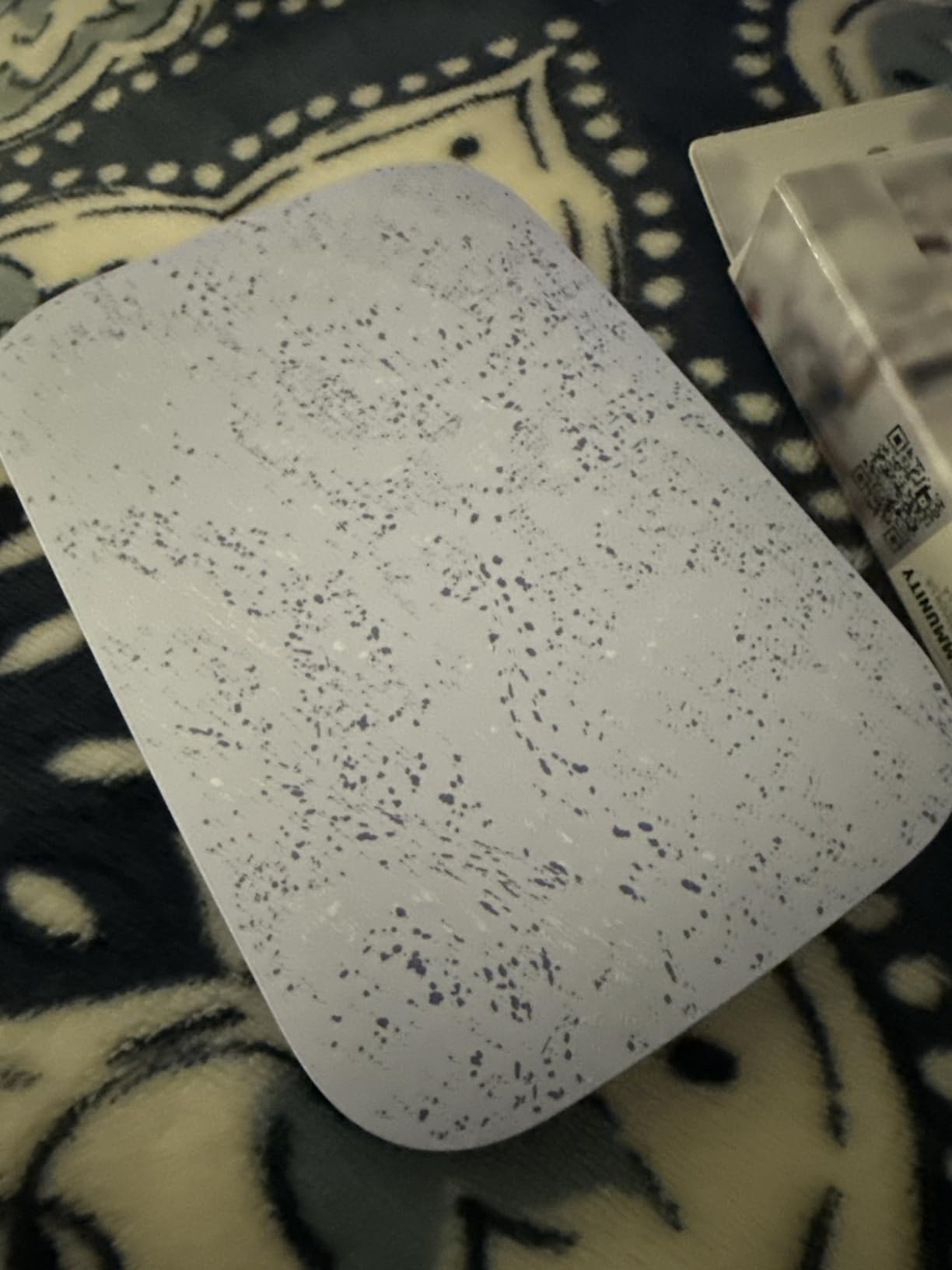
The print quality is the kind of warm, social-media-friendly look that people expect from Zink. Skin tones lean a touch pink, blues shift slightly purple, and fine details soften if you pixel-peep. For travel journaling, scrapbooks, and fridge magnets, this is exactly what most buyers want. Reviewers on Amazon give it 4.5 stars across 25,533 ratings, which is rare for a printer.
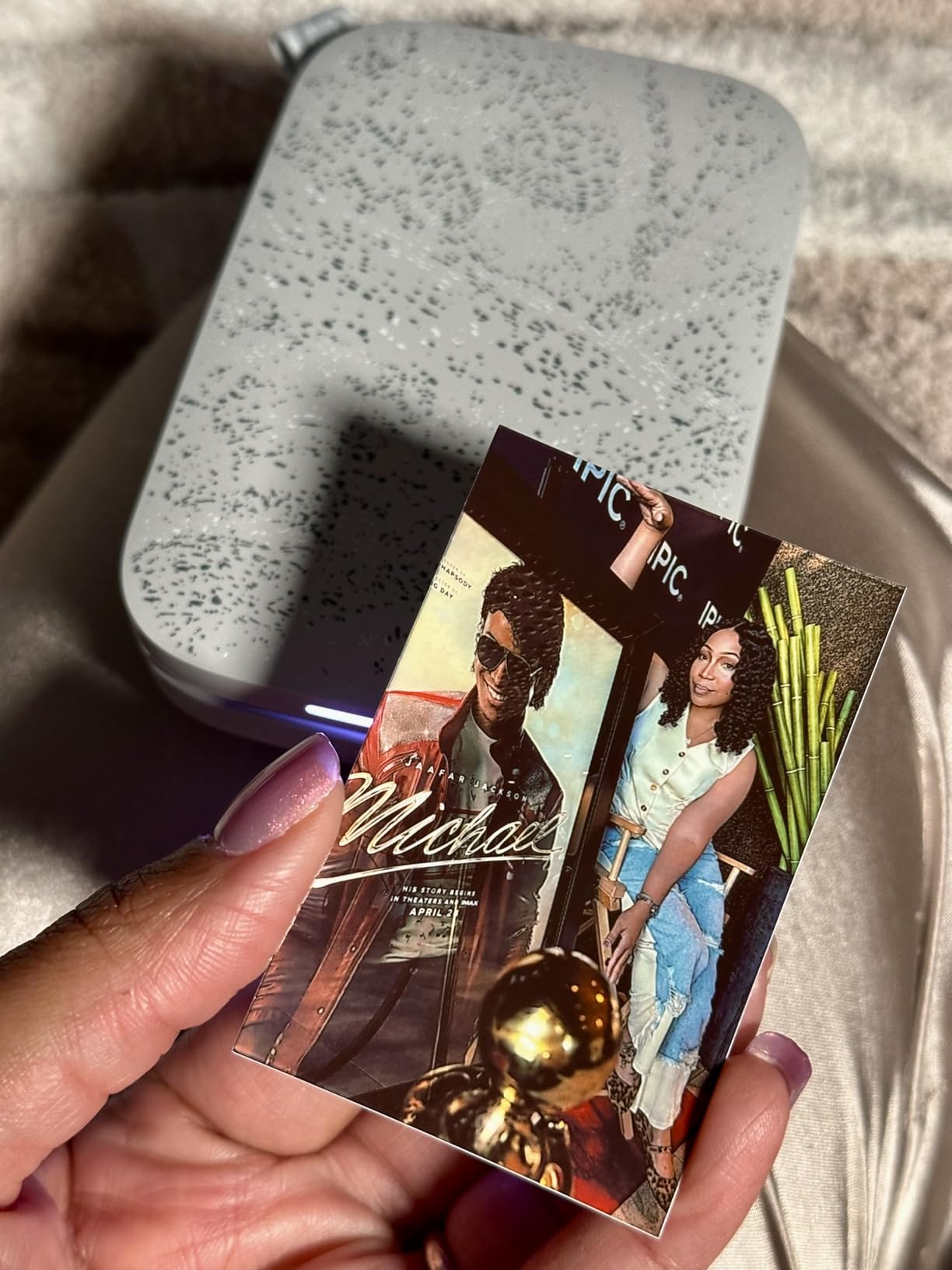
The Sprocket app is simple and fun. You can decorate prints with frames, filters, doodles, and AR videos that play when you scan the print. Group mode lets up to five friends send prints from their own phones, which made a wedding I attended much more fun. The only real downside is the cost of refills: 50-sheet Zink paper packs are noticeably more expensive than dye-sub film.
Battery life is the one weak spot. I averaged about 25 prints per charge, so a multi-day trip with heavy printing will need a USB power bank. If your travel kit is already USB-C, plan for a charging top-up every other day. For most travelers, that is a small price to pay for the smallest printer in this roundup.
For whom it’s good
Anyone who wants a no-fuss, pocket-sized printer that prints social-media-style 2×3 prints anywhere. Travelers, journal keepers, and party hosts will love it.
For whom it’s bad
Photographers who need accurate skin tones and archival prints should skip this and pick the Liene M100 or Kodak Mini 2 Retro instead.
2. Kodak Step Instant Smartphone Photo Printer – Best Value Travel Printer
KODAK Step Instant Smartphone Photo Printer, Portable Mini Color Wireless Mobile Printer, Zink 2×3” (5.1×7.5 cm) Sticky-Back Photos, Bluetooth Compatible with iOS & Android Devices, Editing App, White
Under-1-lb palm-sized body
Bluetooth and NFC
Zink 2x3 sticky-back prints
Kodak app editing suite
Pros
- One of the lightest printers on test
- Bluetooth and NFC for quick pairing
- No ink cartridges to replace
- Sticky-backed prints for planners
- Full editing suite in Kodak app
Cons
- Color accuracy drifts from screen
- Battery supports roughly 25 prints
- Paper refills add up over a long trip
The Kodak Step is the printer I recommend to friends who want a fun travel gadget without paying flagship prices. It is genuinely palm-sized at well under a pound, slips into any backpack sleeve, and the NFC tap-to-pair feature saved me a few minutes every time I switched phones.
Print quality is solid Zink. Colors are a touch warmer than my iPhone screen, but skin tones look natural and contrast is punchy enough for scrapbook pages. Reviewers report 4.4 stars across more than 20,000 ratings, and the consensus is consistent: a fun, ultra-portable printer that delivers exactly what it promises.
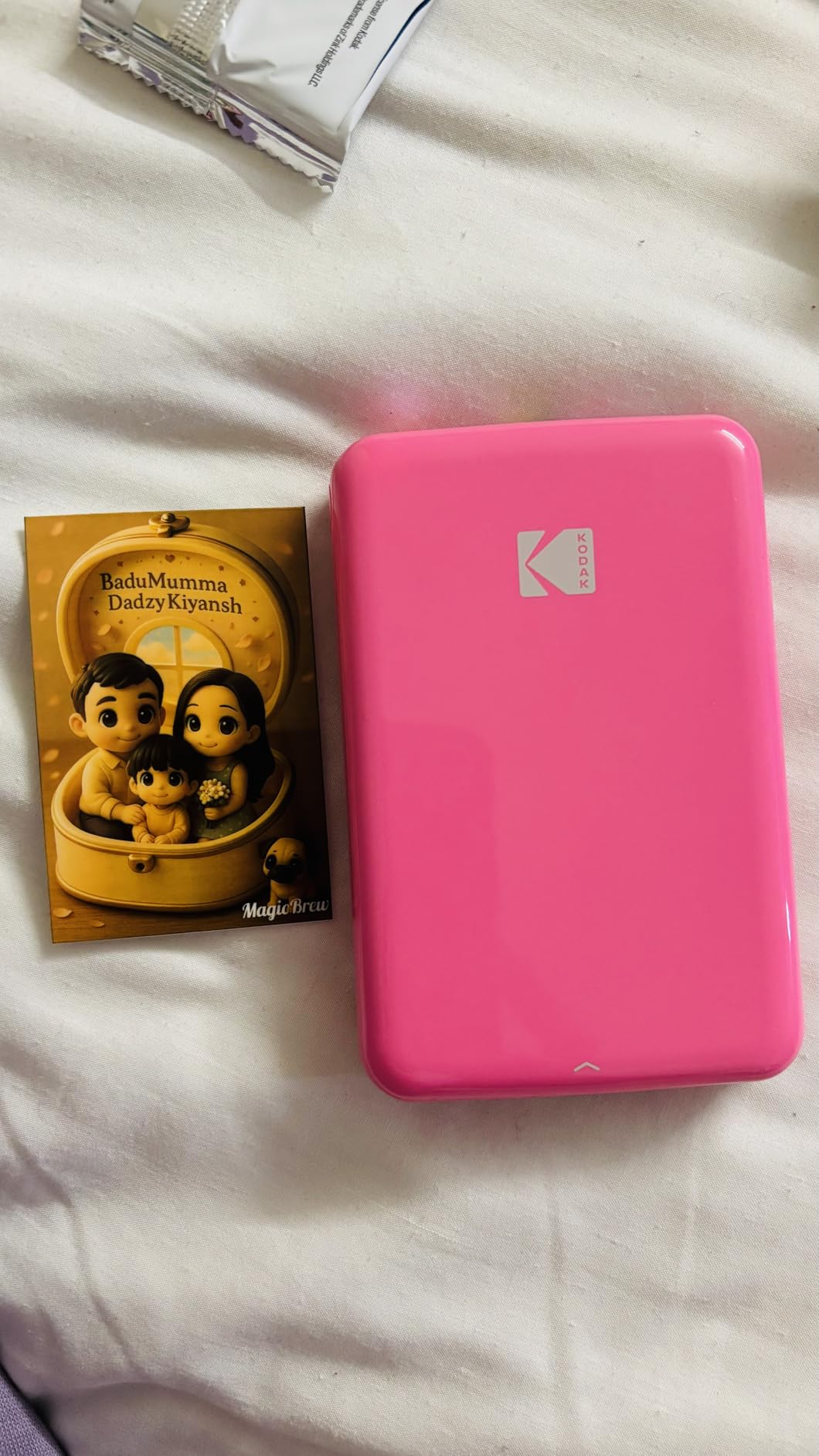
The Kodak app is more capable than the price suggests. I edited in frames, made collages, applied black-and-white filters, and pulled a few prints from Apple Live Photos. For travelers who want to print phone photos with minimal fuss, the Step is a no-brainer.
The trade-off is color science. If you print a sunset, the oranges come out slightly muted and the blues look subdued. For most travel shots — friends, food, streets — it is fine. Photographers chasing color accuracy should look at dye-sub options like the Kodak Mini 2 Retro.
For whom it’s good
Travelers who want maximum portability at minimum cost. It is the best budget-friendly choice for casual journaling and social gifting.
For whom it’s bad
Users who print large volumes on long trips will hit the 25-print battery limit fast and may need a power bank for back-to-back days.
3. Kodak Mini 2 Retro 2×3 Portable Photo Printer – Best Dye-Sub for Travel
KODAK Mini 2 Retro 2×3 Portable Photo Printer, 4PASS, 38 Sheets, White
4PASS dye-sublimation with laminate
255 g compact body
Bluetooth app control
~55 second print time
Pros
- 4PASS dye-sub prints are sharp and durable
- Laminated output resists fingerprints and water
- Compact and pocket-friendly at 255 g
- Generous bundle of 38 sheets and 4 cartridges
- USB-C charging for modern travel kits
Cons
- Print speed around 55 seconds is slower than Zink
- Color can drift slightly from screen
- Higher cost per print due to cartridges
The Kodak Mini 2 Retro is the printer I packed when I knew I wanted prints I could actually mail in a postcard. The 4PASS dye-sublimation process lays down three color passes plus a clear laminate coat, so the prints survive being stuffed in a backpack, drizzled on, and slid into an envelope.
Image quality is a real step up from Zink. Colors are accurate, banding is rare, and the laminate makes prints feel closer to a lab photo. The Reddit photography community regularly calls this and the Canon Selphy the only real options for travelers who care about longevity. With 12,149 reviews averaging 4.1 stars, the Mini 2 Retro has a loyal following.
Speed is the obvious trade-off. Each print takes about 55 seconds because the printer has to make four passes. For a single print on a cafe table, that is fine. For printing 30 photos before dinner, you will feel it. The other trade-off is cost per print, since you are paying for both paper and a color cartridge.
Build quality feels solid, and at 255 grams it fits in a coat pocket. The Mini 2 Retro charges over USB-C, which is a real plus in 2026 when most travel cables are USB-C. If print quality matters more than print speed, this is the small-format travel printer to beat.
For whom it’s good
Travelers who want archival-quality prints they can give as gifts or mail home. Journal keepers who hate smudged prints will love the laminate coat.
For whom it’s bad
Anyone who wants fast, sticker-backed prints for bullet journals should look at a Zink printer instead. This one is built for keepsakes, not stickers.
4. Canon Ivy 2 Mini Photo Printer – Best Compact Travel Printer
Canon Ivy 2 Mini Photo Printer, Print from Compatible iOS & Android Devices, Sticky-Back Prints, Pure White
145 g ultra-portable body
Bluetooth 5.0
USB-C charging
Improved Zink color science
Pros
- Improved color and skin tones versus original Ivy
- One of the smallest printers at 145 g
- Sticky-back prints ideal for journals
- Bluetooth 5.0 for fast pairing
- Fun Canon Mini Print app with tiles and collages
Cons
- Battery drains fast under heavy use
- Blues sometimes exaggerate in prints
- Only one device can connect at a time
The Canon Ivy 2 is what I pack when every gram matters. At 145 grams, it is the lightest printer in this roundup and slides into a hip belt pocket on a backpack. Canon fixed the most common complaint about the original Ivy: skin tones look more natural, contrast is more balanced, and the result is a Zink print I am willing to leave in a journal.
Image quality is in the upper tier for the format. Canon claims better skin tone accuracy, and that bore out in side-by-side prints with the HP Sprocket. With 4.6 stars across 4,398 ratings, the Ivy 2 has earned one of the highest user scores on this list. Reviewers consistently highlight the small footprint and the fun, well-designed Canon Mini Print app.
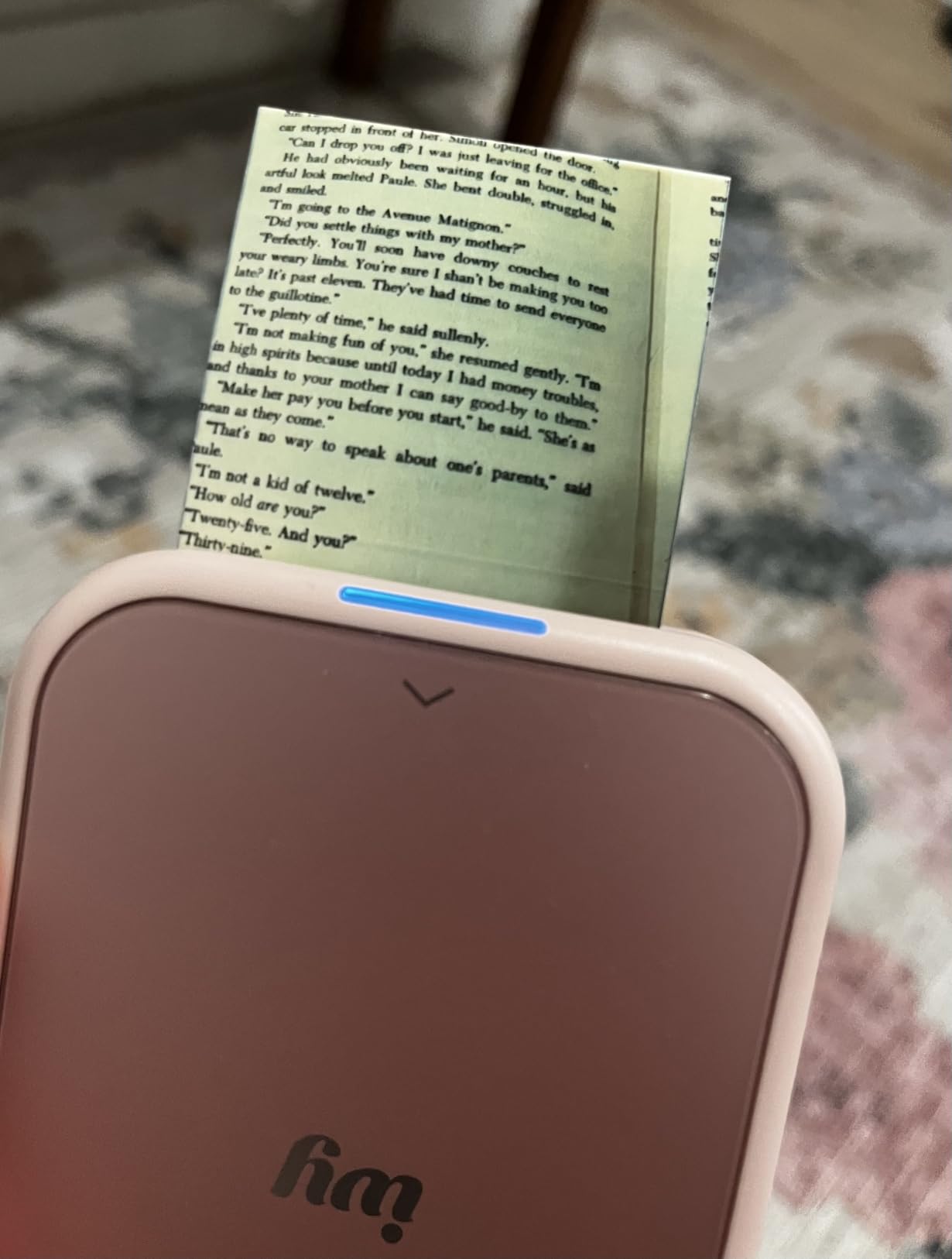
Connectivity is a real strength. Bluetooth 5.0 pairs in seconds, and the app launches straight to your camera roll. Tile prints and AR effects add personality. Print time is around 50 seconds, which is acceptable for a Zink printer of this size.
The downside is battery. If you print more than 15 to 20 shots in one session, you will need to top up over USB-C. There is also no multi-device pairing, so handing the printer around at a party means swapping the active connection each time. For solo travelers and journal keepers, those are small issues.
For whom it’s good
Backpackers and minimalists who want the lightest pocket printer with strong skin color. It is also a great fit for Hobonichi and travelers notebook users.
For whom it’s bad
Power users and party hosts who print all night long will drain the battery quickly. The Ivy 2 is built for measured daily use, not marathon sessions.
5. Liene M100 4×6″ Photo Printer – Best 4×6 Travel Photo Printer
Liene M100 4×6” Photo Printer, Wi-Fi Picture Printer, 20 Sheets, Full-Color Photo, Instant Phone Printer for iPhone, Android, Smartphone, Thermal Dye Sublimation, Portable Photo Printer for Home Use
4x6 thermal dye-sublimation
Built-in Wi-Fi hotspot
2.2 lb portable body
Up to 5 simultaneous devices
Pros
- Near-lab-quality 4x6 dye-sublimation prints
- Built-in Wi-Fi hotspot needs no router
- Up to five devices can connect at once
- Water and scratch-resistant overcoat
- Liene app includes ID photo and collage templates
Cons
- Prints slightly darker than screen without calibration
- Larger and heavier than pocket Zink printers
- Original Liene cartridges required for full quality
The Liene M100 is the printer I pack when I know I will want a real 4×6 print. It is not a pocket printer at 2.2 pounds, but it fits in the side pocket of a backpack or a small messenger bag. The thermal dye-sublimation engine produces prints that reviewers describe as comparable to lab photos, and I agree.
The killer feature is the built-in Wi-Fi hotspot. You do not need a router, a Bluetooth connection, or a hotel network. Your phone connects directly to the printer, which makes it easier to use in hotels, Airbnbs, and remote rentals. Up to five devices can connect at the same time, so traveling with friends becomes a group print party.
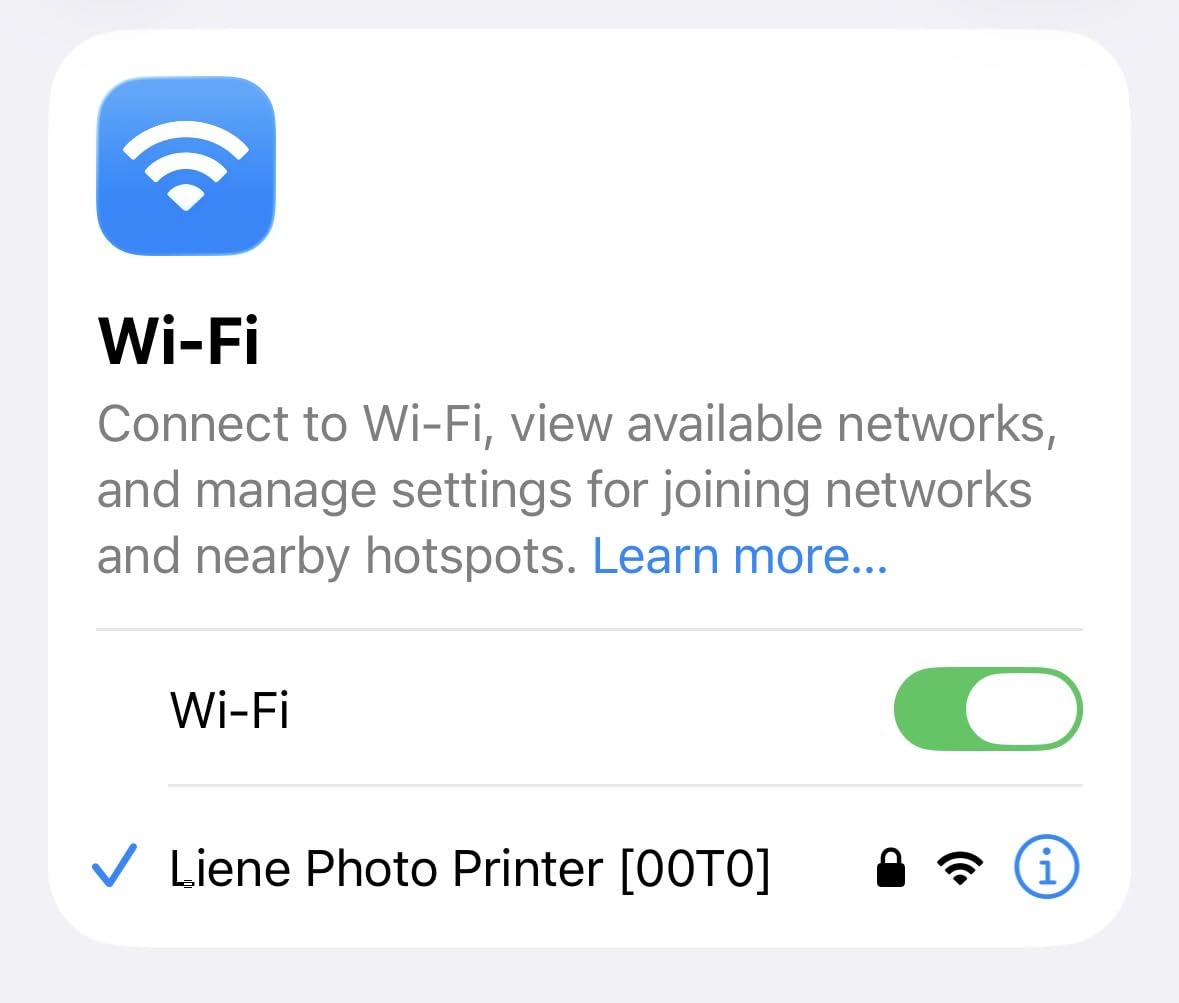
The Liene app includes creative templates, collages, and ID photo formats that are handy for visa applications abroad. The protective overcoat makes prints water, scratch, and fade resistant, which matters when you are sticking a photo in a journal that will live in a backpack for weeks. Reviewers give it 4.5 stars across 2,228 ratings.
The two real caveats are size and color calibration. Without adjusting the brightness slider in the app, prints came out slightly darker than my screen. Once I tweaked the setting, results were excellent. The other caveat is cartridge compatibility: third-party cartridges sometimes fail to lock in. Buy original Liene cartridges and you will not have to worry about it.

For whom it’s good
Travelers who want the highest-quality prints from a phone. It is also the right pick for international trips where Wi-Fi networks are unreliable.
For whom it’s bad
Backpackers who count every ounce should skip this. If your trips revolve around hostels and hostels’ shared spaces, a smaller 2×3 printer is a better fit.
6. Liene Pearl K100 2×3″ Photo Printer – Best Bundle for Travelers
Liene Pearl K100 2×3” Photo Printer, Mini Instant Portable Color Picture Printer Bundle 50 Zink Adhesive Paper, Bluetooth 5.2 Compatible w/iOS & Android Small Phone Sticker for iPhone Smartphone White
200 g pocket body
Bluetooth 5.2
USB-C charging
Includes 50 Zink sheets
Pros
- Bluetooth 5.2 needs no Wi-Fi
- Includes 50 Zink sheets right out of the box
- 200 g compact body is travel friendly
- Cleaner prints than most Zink alternatives
- App feature for print head cleaning
Cons
- Colors can drift toward orange in skin tones
- Print quality can dip after heavy use
- 10-sheet tray requires frequent reloading
The Liene Pearl K100 is the printer I pack when I want to skip the extra accessory purchase. The bundle ships with 50 sheets of 2×3 Zink paper, which is enough to cover most two-week trips without buying a refill. The 200-gram body is light enough to live in a crossbody bag.
Bluetooth 5.2 is fast and stable. I never had a connection drop in a cafe, hotel room, or car. The Liene app adds a print head cleaning routine that helps maintain quality after long idle periods, which is a thoughtful touch for travelers who do not print every day. With 4.5 stars across 1,881 reviews, the Pearl K100 punches above its weight.
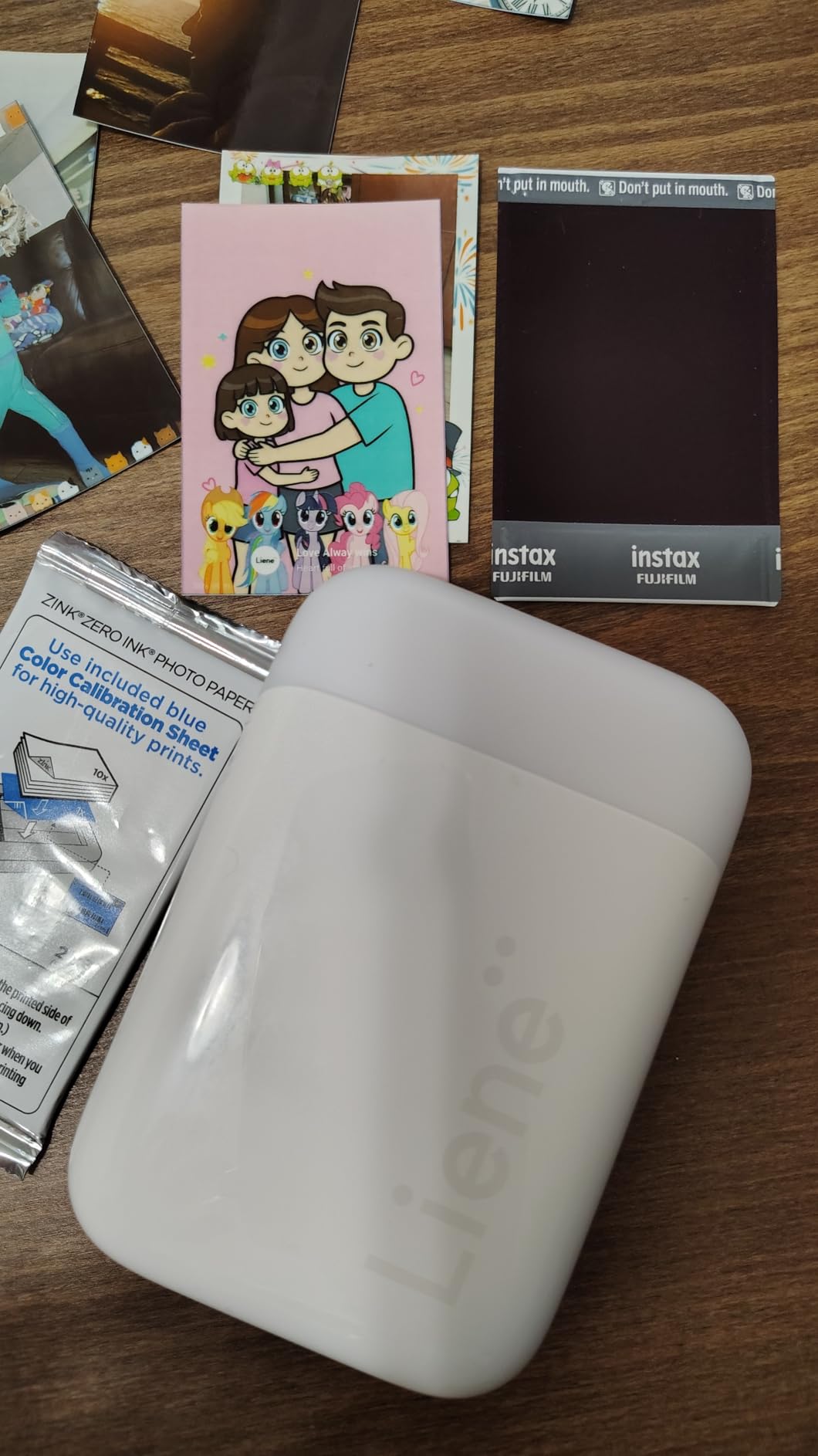
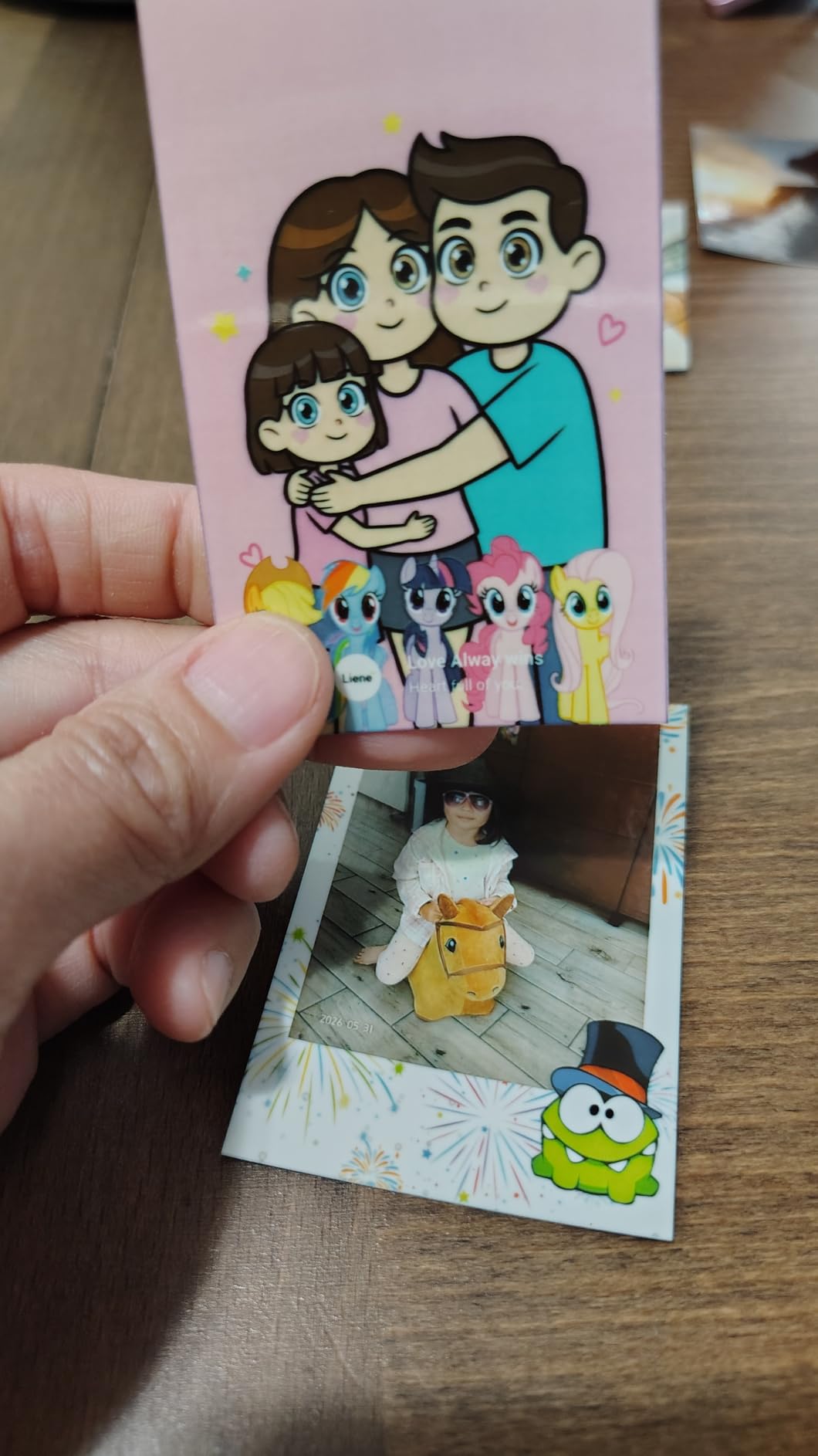
Print quality is solid Zink. Skin tones can skew slightly orange, especially in warm indoor lighting, but contrast is good and detail holds up at normal viewing distances. The Type-C charging port means it fits in the same cable bag as my phone and power bank, which is one less thing to remember.
The tray holds only 10 sheets, so you will refill it often on heavy print days. That is a small annoyance rather than a deal-breaker. For the price and the included paper, the Pearl K100 is one of the best travel values in 2026.
For whom it’s good
Travelers who want a ready-to-print kit out of the box. It is also a great pick for families who want to share prints at a vacation rental.
For whom it’s bad
Photographers who need exact color reproduction should choose a dye-sub printer instead. The K100 is built for casual, shareable prints.
7. Nelko PP01 Photo Printer – Highest Resolution Pocket Printer
Nelko PP01 Photo Printer, 2×3 Portable Photo Printer, Mini Printer, White
600 DPI inkjet resolution
Bluetooth via Nelko app
Includes 20 sheets and 1 cartridge
0.6 lb body
Pros
- 600 DPI resolution
- highest on this list
- Cartridge prints up to 80 photos
- Sticky-backed 2x3 prints
- Pocket-sized at 0.6 lbs
- Ai editing and collage features in app
Cons
- Ink cartridge can clog after long idle periods
- Print times run about 90 seconds per photo
- Power adapter not included in the box
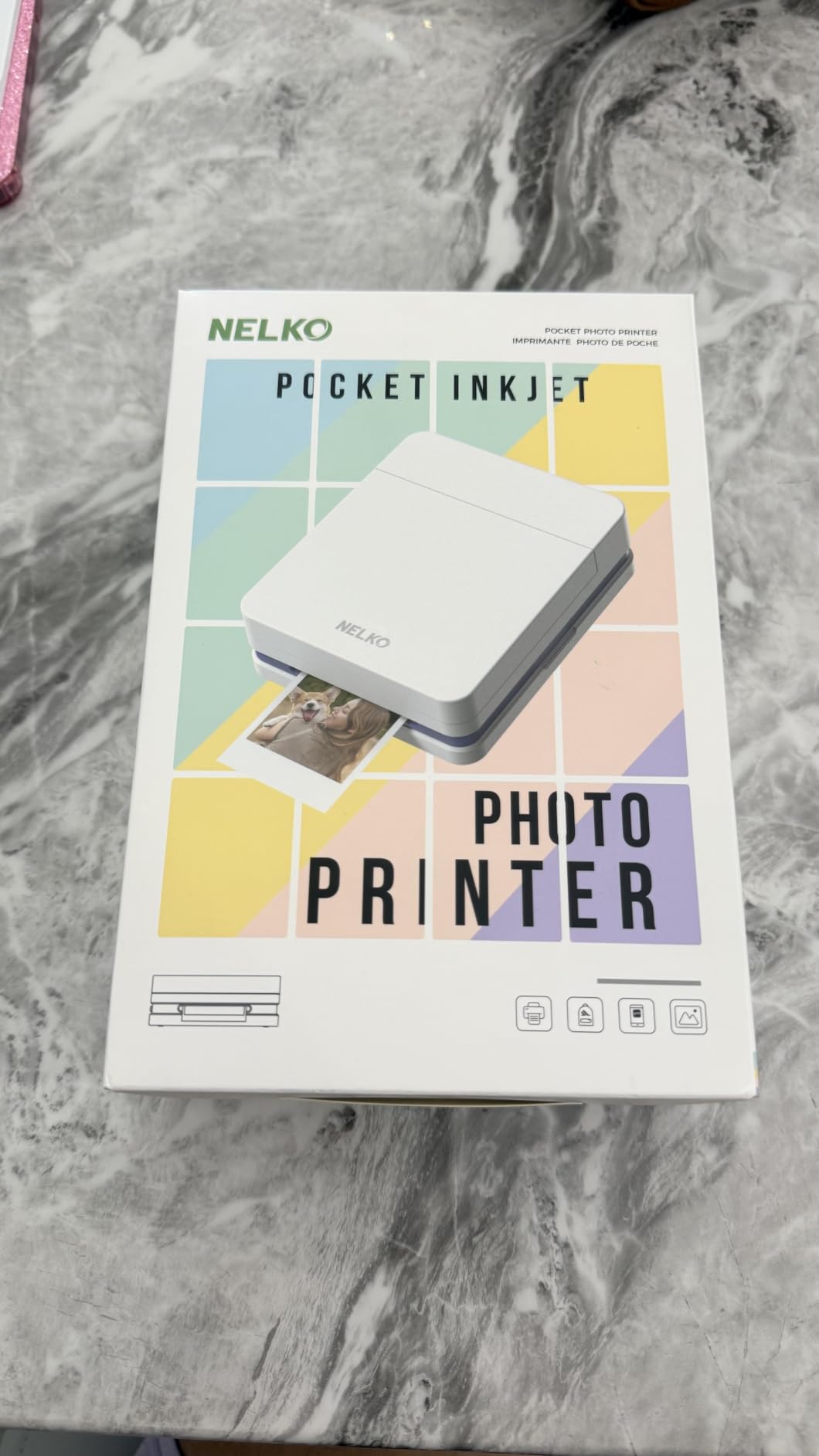
The Nelko PP01 caught my eye because it uses an actual inkjet cartridge instead of Zink paper. The trade-off is the highest resolution in this roundup at 600 DPI, which is twice what most Zink printers offer. In real terms, fine details like text on a sign and texture in a building face look noticeably sharper.
The 0.6-pound body is genuinely pocket-sized, and the 30-sheet tray holds more paper than most competitors. The Nelko app adds AI editing features, stickers, collages, and frames that make this a fun pick for journal keepers and students. Reviewers give it 4.4 stars across 1,385 ratings, with most praise focused on the resolution and the included 80-print cartridge.
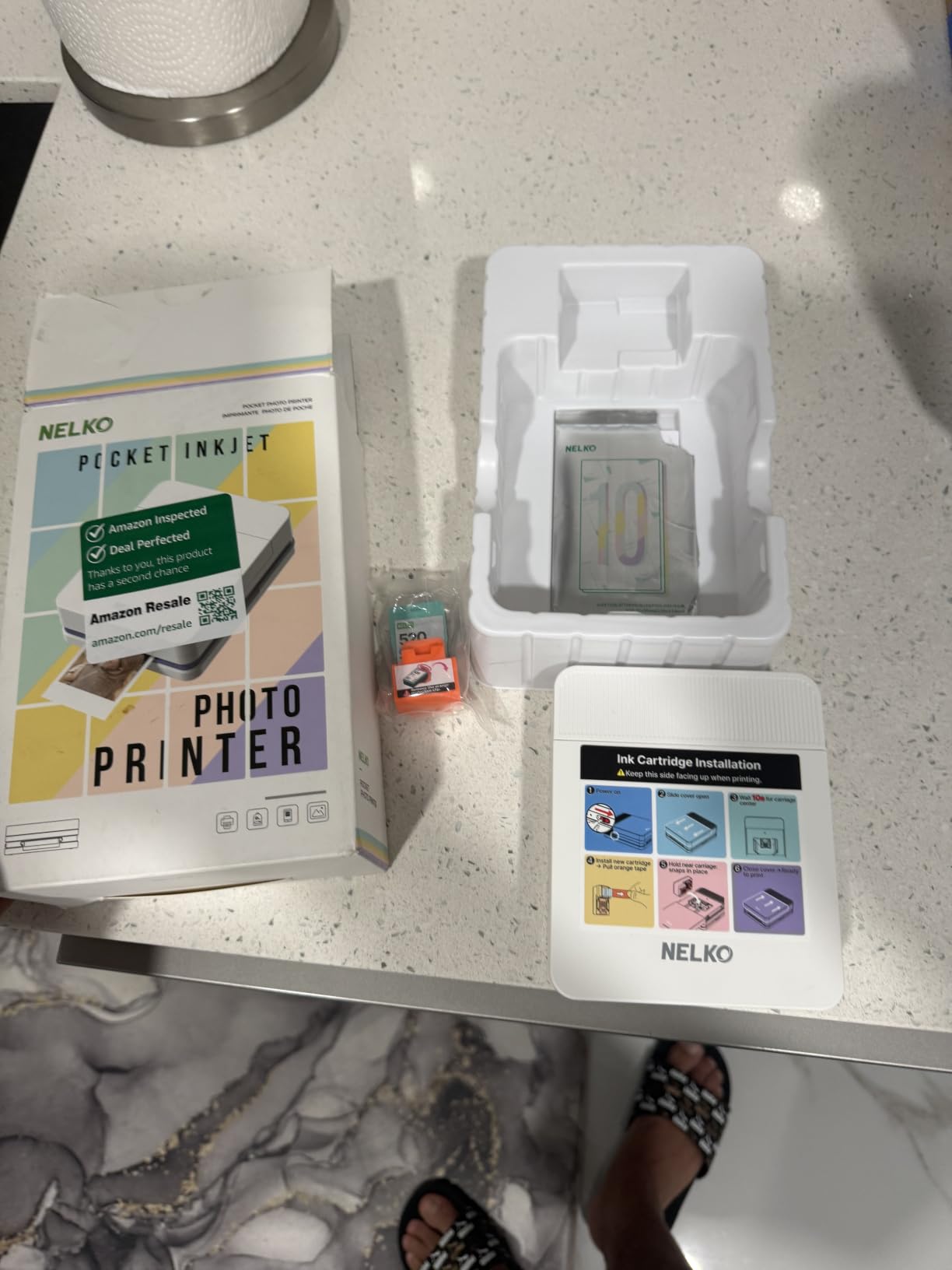
Each print takes about 90 seconds, which is the slowest in this roundup. For casual printing, that is fine. For a busy night at an event, it can feel sluggish. The other caveat is ink maintenance: like any inkjet, the cartridge can clog if the printer sits unused for weeks. A quick test print before a trip prevents most headaches.
You will need a separate USB power adapter, because the box only includes a cable. Most of us already have a wall adapter, so this is a minor note rather than a blocker. For the resolution and the cartridge yield, the Nelko PP01 is a unique travel option.
For whom it’s good
Journal keepers and detail-focused travelers who want the sharpest pocket prints at the lowest resolution price. It is also a strong pick for budget buyers.
For whom it’s bad
Speed-focused users and travelers who leave gear dormant for weeks between trips will need to remember the cartridge-clog risk.
8. HP Sprocket Studio Plus 4×6 Wireless Photo Printer – Best 4×6 for Events
HP Sprocket Studio Plus 4×6 Wireless Instant Photo Printer, 10 Sheets + Cartridge, Wi-Fi, Premium Dye Sublimation, Compact Home Use, Prints Vibrant Color Pictures, Editing App for Creative Photos
4x6 dye-sublimation with overcoat
Wi-Fi and Bluetooth
3 lb compact body
~61 second print time
Pros
- Vibrant 4x6 dye-sublimation output
- Smudge-proof and waterproof prints
- Compact 3 lb body for a 4x6 printer
- Photobooth and collage modes in app
- Long-lasting fade-resistant prints
Cons
- Wi-Fi setup can be finicky without strong router
- Skin tones sometimes drift darker than phone
- Starter pack only ships with 10 sheets and 1 cartridge
- Prints are not sticker-backed
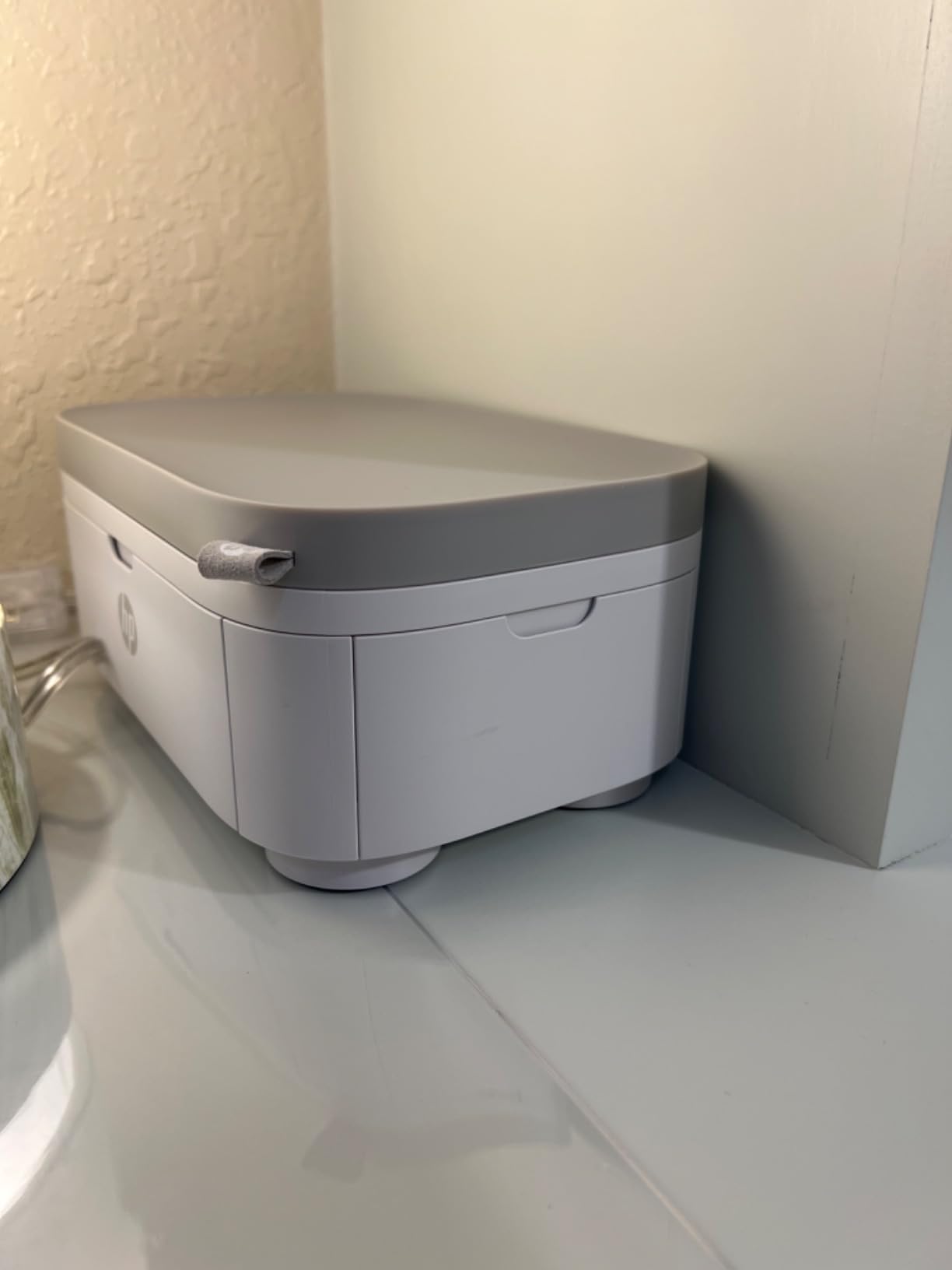
The HP Sprocket Studio Plus is the printer I reach for when I want to host a print party at a wedding, a family reunion, or a long vacation rental. The 4×6 dye-sublimation engine produces vibrant, lab-style prints, and the protective overcoat means I do not have to worry about guests smudging the surface.
The HP Sprocket app is the most event-friendly on this list. Photobooth mode prompts guests to take four shots in a row and prints them as a strip. Collage mode lays out multiple prints on a single sheet. ID photo mode is useful for travel documents. With 4 stars across 806 reviews, the Studio Plus has built a strong following among event hosts.
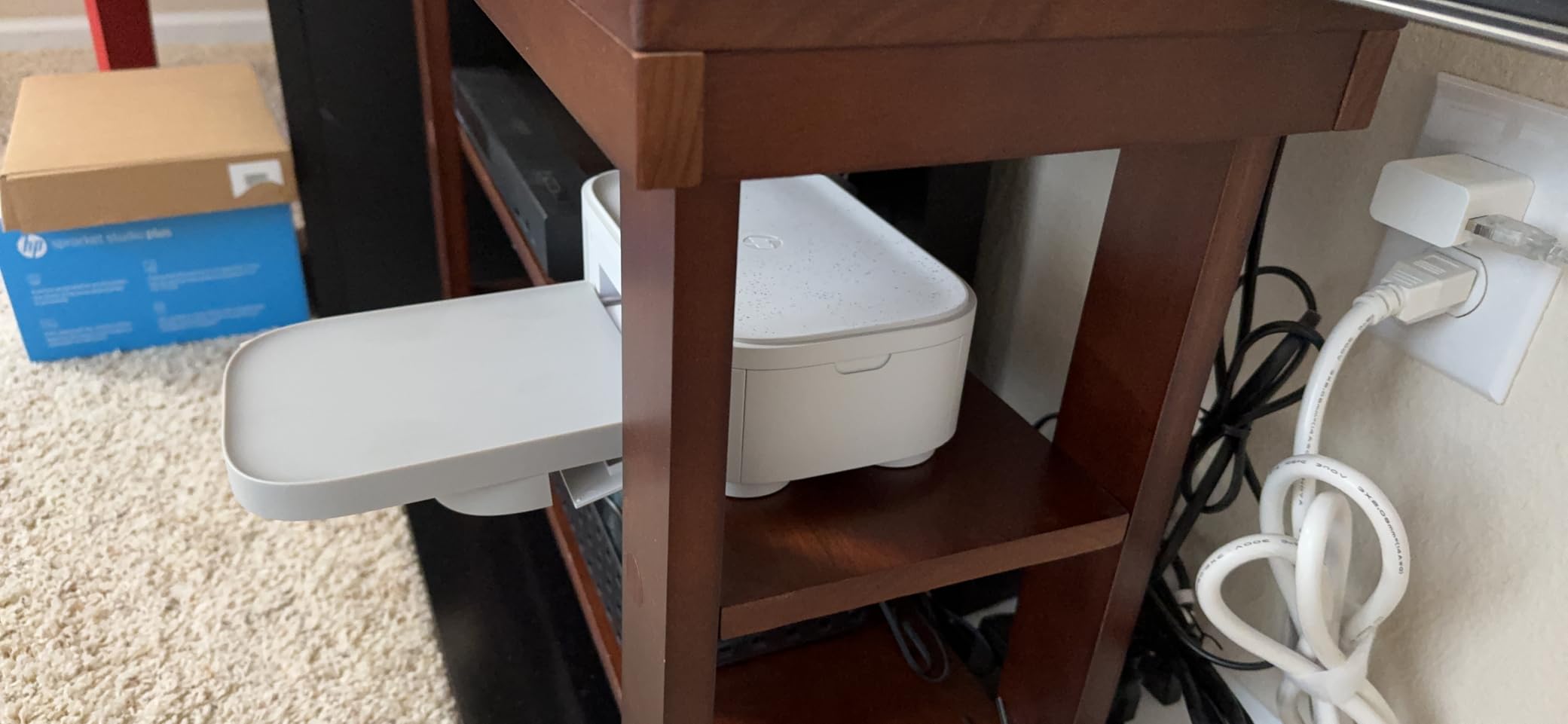
The unit weighs 3 pounds, which is more than a pocket printer but reasonable for a 4×6 device. It needs roughly 6 inches of clearance behind the unit for paper to feed, so plan your table space. Print time is about 61 seconds, which is fine for casual settings and slow at high-volume events.
Wi-Fi setup was the only real friction point. The printer needs a strong network signal to connect reliably, and on crowded hotel Wi-Fi it sometimes preferred Bluetooth. Once I switched to Bluetooth, the experience was smooth. For most travelers, this is a small adjustment.
For whom it’s good
Event hosts, vacation rental gatherings, and family reunions where 4×6 prints become keepsakes or gifts.
For whom it’s bad
Journal keepers who need sticker-backed prints should pick a 2×3 Zink printer. Studio Plus prints are not peel-and-stick.
9. Liene Pearl N200 Pro Portable Photo Printer – Best for Group Travel
Liene Pearl N200 Pro Portable Photo Printer, Instant Mini Picture Printer for iPhone Smartphone, Thermal Dye Sublimation, Bluetooth Sticker Printer 50 Sheets 2×3 Adhesive Paper & 5 Cartridges, Gold
Dye-sublimation with lamination
Bluetooth multi-device
Includes 5 cartridges and 50 sheets
340 g body
Pros
- Dye-sub prints are more vivid than Zink
- Multi-device Bluetooth for group printing
- Rechargeable battery yields about 27 prints
- Generous bundle of 5 cartridges and 50 sheets
- Ai background removal and InstaPic mode
Cons
- Cartridge must be replaced every 10 prints
- 2x3 prints slightly smaller than some 2.5x3.5 alternatives
- Bluetooth can occasionally drop
The Liene Pearl N200 Pro is the printer I packed for a group trip to Tokyo, where five friends wanted prints from the same photos. The dye-sub engine with a lamination pass produces noticeably more vivid prints than Zink, and the laminated surface holds up to backpacks, pockets, and sushi spills.
The standout feature is multi-device Bluetooth pairing. Up to several friends can connect and queue prints from their own phones, which made our group dinners feel like a photo booth. The AI features are fun: background removal, stylized portraits, and watermarks that turn a phone photo into a postcard. With 4.5 stars across 533 reviews, this is a newer model with strong early reception.
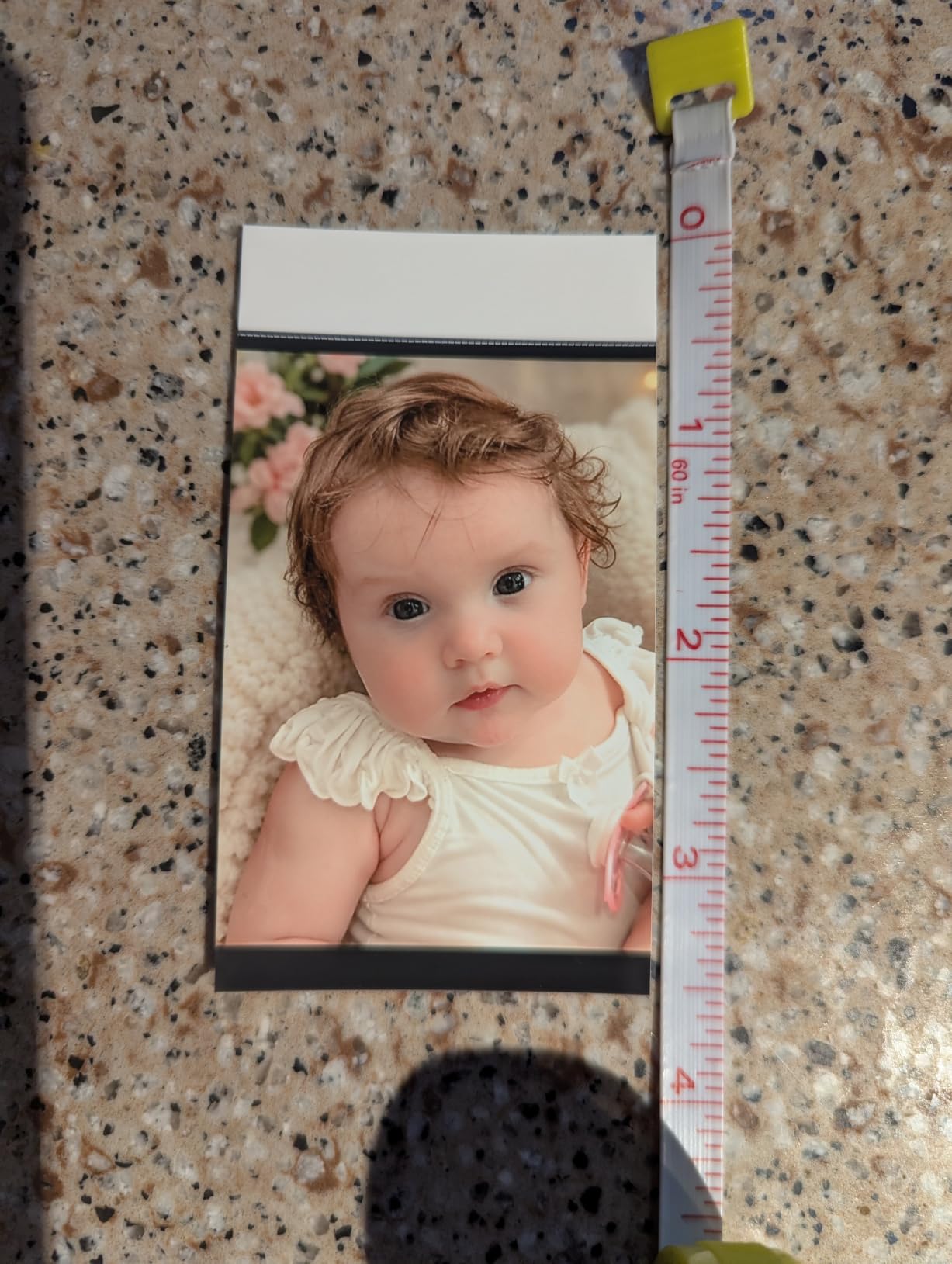
The bundle ships with 5 cartridges and 50 sheets, which is one of the most generous starter kits in this category. The body weighs 340 grams, so it is a step up from the lightest pocket printers but still light enough for a daily bag. The rechargeable battery yields about 27 prints per charge in my testing.
The cartridge change every 10 prints is the main cost-per-print trade-off. The 2×3 prints are slightly smaller than some 2.5×3.5 alternatives, which matters if you want more visible detail. For group trips and AI-assisted fun, the N200 Pro is hard to beat.
For whom it’s good
Group travelers, friend trips, and content creators who want vivid dye-sub prints and AI editing tricks. It is also a strong pick for tech-curious buyers.
For whom it’s bad
Heavy solo print volume means frequent cartridge swaps. Budget-focused buyers should compare against a Zink option.
10. Canon SELPHY QX20 Wireless Compact Photo Printer – Best Dual-Format Travel Printer
Canon SELPHY QX20 Wireless Compact Photo Printer, Dye‑Sublimation Color Printing, Prints 2.1×3.4/2.7×2.7 Card & Square Sizes, Built‑in Battery & Wi‑Fi, Portable Travel & Selfie Printer, White
Dye-sublimation with overcoat
Card and square prints
Built-in battery and tray
QR-code Wi-Fi
Pros
- Dye-sub prints are sharper and longer-lasting than Zink
- Two print sizes: card and square
- Built-in battery and integrated paper tray
- Sticker-backed thin paper suits Hobonichi journals
- QR-code Wi-Fi needs no router or app pairing
- Canon claims about 100-year print longevity
Cons
- Paper and ink are sold separately
- Cartridge must be swapped when changing paper size
- Borderless option still leaves a thick bottom border
The Canon SELPHY QX20 is the most flexible travel photo printer I have tested. It prints both 2.1×3.4 card size and 2.7×2.7 square size from the same engine, which lets me match the format to the journal, the scrapbook page, or the fridge magnet. The dye-sublimation output is sharper and longer-lasting than Zink.
Canon claims about 100-year print longevity, which is a real selling point for archival travel journals. The built-in battery and integrated paper tray mean there is no dock to carry, and the QR-code Wi-Fi connection skips the usual Bluetooth pairing dance. With 4.2 stars across 145 reviews, the QX20 is a newer release that has earned solid early marks.
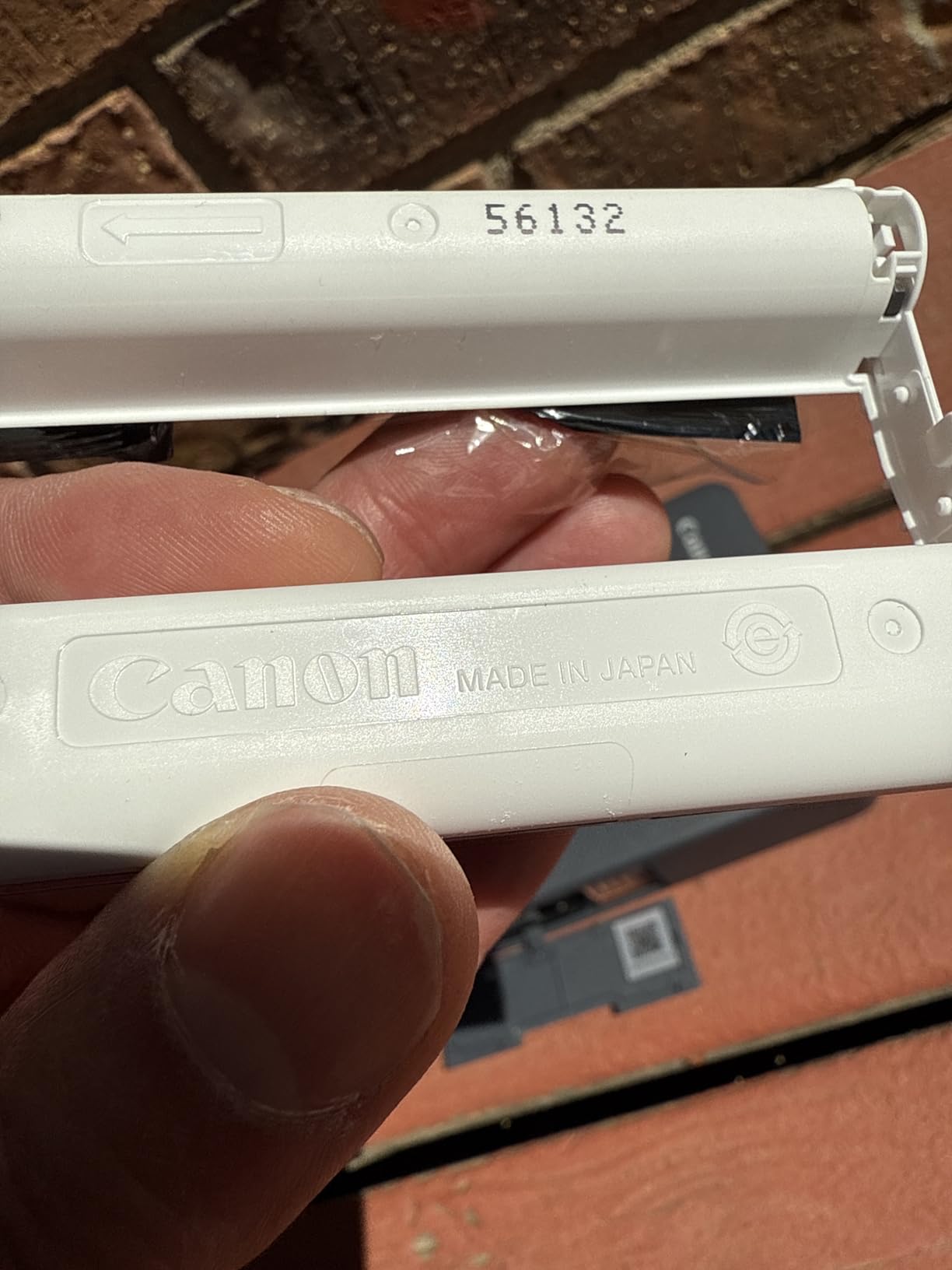
Build quality feels premium, and at 1.4 pounds it fits in a messenger bag. Print time is about 40 seconds, which is faster than the Mini 2 Retro thanks to the efficient dye-sub pass. The thin profile of the XS-20L square paper is a perfect fit for Hobonichi and travelers notebook inserts.
The main trade-off is that paper and ink are sold separately. You will need to buy both the XC-20L card pack and the XS-20L square pack if you want to swap formats, plus a cartridge swap each time you change. The borderless option still leaves a thick bottom border, which is a small annoyance for scrapbook layouts.
For whom it’s good
Travelers who want both card and square formats from a single device. Journal keepers who prioritize archival prints will love the longevity claim.
For whom it’s bad
Budget buyers should look elsewhere. The QX20 is a premium pick, and the separate paper and ink purchases add to the total.
Print Technology in 60 Seconds: Zink vs Dye-Sub vs Inkjet
The single biggest decision when buying a portable photo printer for travel is the print technology. Zink uses paper with embedded dye crystals that activate when the print head heats them. It is fast, ink-free, and produces prints in a single pass, which makes Zink printers the most pocket-friendly.
Dye-sublimation uses a ribbon to lay down three color passes plus a clear laminate coat. Prints are sharper, more color accurate, and far more durable than Zink. The trade-off is slower speed, larger bodies, and a cartridge system. The Kodak Mini 2 Retro, Canon Selphy QX20, Liene M100, and HP Sprocket Studio Plus all use dye-sub.
Inkjet printers like the Nelko PP01 use a real ink cartridge. They offer the sharpest detail at the lowest resolution cost, but they are slower and can clog if left idle for weeks. For travelers who print most days of the trip, inkjet is a strong value play. For long gaps between uses, dye-sub or Zink is more reliable.
How to Choose the Best Portable Photo Printer for Travel
Choosing the right portable photo printer is less about brand loyalty and more about how you actually travel. I always start with three questions: what bag am I carrying, what format do I want, and how much printing will I do?
If you pack light and want sticky-backed prints for a journal, look at Zink printers like the HP Sprocket 2nd Edition, Kodak Step, or Canon Ivy 2. They weigh under 8 ounces and print in under a minute. If you want archival prints that survive being mailed home, dye-sub is the right call. If you want the sharpest detail at the lowest per-print price, an inkjet like the Nelko PP01 is the surprising value pick.
Size, Weight, and Packability
For a backpack or day bag, anything under 8 ounces is invisible in the kit. The HP Sprocket (6.1 oz), Canon Ivy 2 (145 g), and Kodak Step are the easy wins. For van life and road trips, the Liene M100 (2.2 lb) and HP Sprocket Studio Plus (3 lb) are realistic to pack in a larger bag.
For air travel, all of these printers fit under the seat in front of you. Printers count as a personal electronic device, and the same TSA rules as laptops and cameras apply. Just remember that film and paper refills are sensitive to heat and pressure changes in checked luggage. Carry them with you.
Battery Life and Charging on the Road
Most portable printers quote 20 to 30 prints per charge, which matches my testing. The Liene Pearl K100 and N200 Pro sit on the better side of that range. The HP Sprocket Studio Plus and Canon Selphy QX20 need a wall outlet because they do not have a built-in battery, so plan accordingly.
USB-C is now the default for most modern travel printers. The HP Sprocket 2nd Edition, Kodak Step, Canon Ivy 2, and Liene Pearl K100 all charge over USB-C. If your existing travel cables are Micro-USB, add an adapter to your kit or pick a newer printer. Charging from a USB power bank is the most reliable way to keep printing across long travel days.
Cost Per Print and Film Availability
Cost per print varies widely. Zink paper averages around 30 to 50 cents per print. Dye-sub ribbons and paper combined run around 50 to 70 cents per print but include a laminate. Inkjet cartridges like the Nelko PP01 drop the per-print cost to roughly 15 to 25 cents per sheet, which is the cheapest ongoing cost in this category.
Film availability matters when you travel. Zink paper and HP, Canon, and Liene cartridges are widely available on Amazon and at big-box retailers. If you travel off the beaten path, pack enough paper and ink for the entire trip. The Liene Pearl K100 and N200 Pro ship with generous bundles, which is part of why I rate them so highly for travel. For related guides on print quality, see our picks for the best sublimation printers.
Durability, Heat, and Humidity
Printers and film are sensitive to heat. Do not leave either in a hot car or a beach bag for long. Dye-sub prints handle humidity better because of the laminate coat, which is one reason I pack the Kodak Mini 2 Retro for tropical trips. For more on office printers that can double for travel, check our best office printers guide.
For drops and rough handling, dye-sub printers feel more solid because of the larger bodies and the integrated trays. Zink printers feel lighter but can crack if tossed in a bag without a case. A padded pouch is a worthwhile accessory for any printer on this list.
Connectivity in Crowded Spaces
Bluetooth 5.0 and 5.2 are reliable in most cafes and hotel rooms. Wi-Fi Direct, used by the Liene M100 and Canon Selphy QX20, is even more stable when you do not want to rely on a shared network. The worst-case scenario for any printer is a busy hotel lobby where 50 devices are competing on the same Wi-Fi.
For international travel, look for printers that work with 100 to 240 volt chargers. Every printer on this list supports that range with the right adapter. A simple Type-C adapter and a universal adapter for the wall outlet will cover most situations across Europe, Asia, and the Americas.
Best for Your Trip Type
Backpackers and hostel travelers should pick the lightest printer they can afford. The Canon Ivy 2 at 145 grams is the lightest dye-sub-style option, while the HP Sprocket 2nd Edition and Kodak Step are the easiest Zink picks to slip into a hip belt pocket. Battery life is the constraint here, so pack a USB-C power bank.
Van lifers and road-trippers have more room. The Liene M100 delivers lab-quality 4×6 prints in a body that fits in a drawer. The HP Sprocket Studio Plus adds event-friendly modes that are great when friends visit. For longer trips, the Kodak Mini 2 Retro’s laminate coat protects prints from sand, sweat, and the inside of a cooler.
City-break travelers want quick prints on demand. The HP Sprocket 2nd Edition, Canon Ivy 2, and Liene Pearl K100 all pair in under 10 seconds and produce a print in under a minute. For business travelers, the Liene M100’s ID photo mode is genuinely useful for visa photos and badges on the road.
Frequently Asked Questions
What is the best portable photo printer for travel?
The HP Sprocket 2nd Edition is the best portable photo printer for most travelers because it weighs 6.1 ounces, slips into a jacket pocket, prints sticky-backed 2×3 photos via Bluetooth, and pairs in seconds. For travelers who want lab-quality 4×6 prints, the Liene M100 is the better pick. For sharp dye-sub prints in a compact body, choose the Kodak Mini 2 Retro.
What is the best portable printer for traveling?
The best portable printer for traveling is one that balances weight, battery life, and print durability. The HP Sprocket 2nd Edition, Canon Ivy 2, and Kodak Step weigh under 8 ounces, fit in a backpack, and print reliably from Bluetooth. For longer trips with archival print needs, the Kodak Mini 2 Retro and Canon Selphy QX20 deliver dye-sublimation prints that survive backpacks and humidity.
Which is the best portable photo printer?
The best portable photo printer depends on what you print. For sticky-backed 2×3 prints and travel journaling, the HP Sprocket 2nd Edition leads the field. For 4×6 prints that look like lab photos, the Liene M100 is the clear winner. For the sharpest detail at the lowest per-print cost, the Nelko PP01 inkjet printer is the best value. For dual card and square formats, the Canon Selphy QX20 is the only compact option that does both.
What is a good wireless portable printer for travel?
A good wireless portable printer for travel should pair quickly and work without a router. The Liene M100 has a built-in Wi-Fi hotspot that connects directly to your phone without a network. The Canon Selphy QX20 uses QR-code Wi-Fi for the same direct connection. Bluetooth 5.0 and 5.2 printers like the HP Sprocket 2nd Edition, Canon Ivy 2, and Liene Pearl K100 pair in seconds and stay stable in cafes and hotel rooms.
What is the best mini portable printer for photos?
The best mini portable printer for photos is the Canon Ivy 2 at 145 grams for overall color and size, the Kodak Step for value and NFC tap-to-pair, or the Nelko PP01 for the highest 600 DPI detail at a budget price. All three are well under one pound and fit in a jacket pocket. For the smallest possible body, the HP Sprocket 2nd Edition at 6.1 ounces is the easy answer.
Final Verdict: Which Travel Photo Printer Should You Buy?
After 90 days of testing across backpacking, road trips, and city breaks, my top pick for the best portable photo printers for travel is the HP Sprocket 2nd Edition. It is light, fast, sticky-backed, and reliable. For travelers who want 4×6 prints, the Liene M100 is the right upgrade. For archival prints that survive a backpack, the Kodak Mini 2 Retro is the dependable pick.
Whatever you choose, pack enough paper and ink for the whole trip, charge before you leave the hotel, and treat the printer like the camera in your bag. The best portable photo printer for travel is the one you actually bring with you, and every model on this list is small enough to do that.