
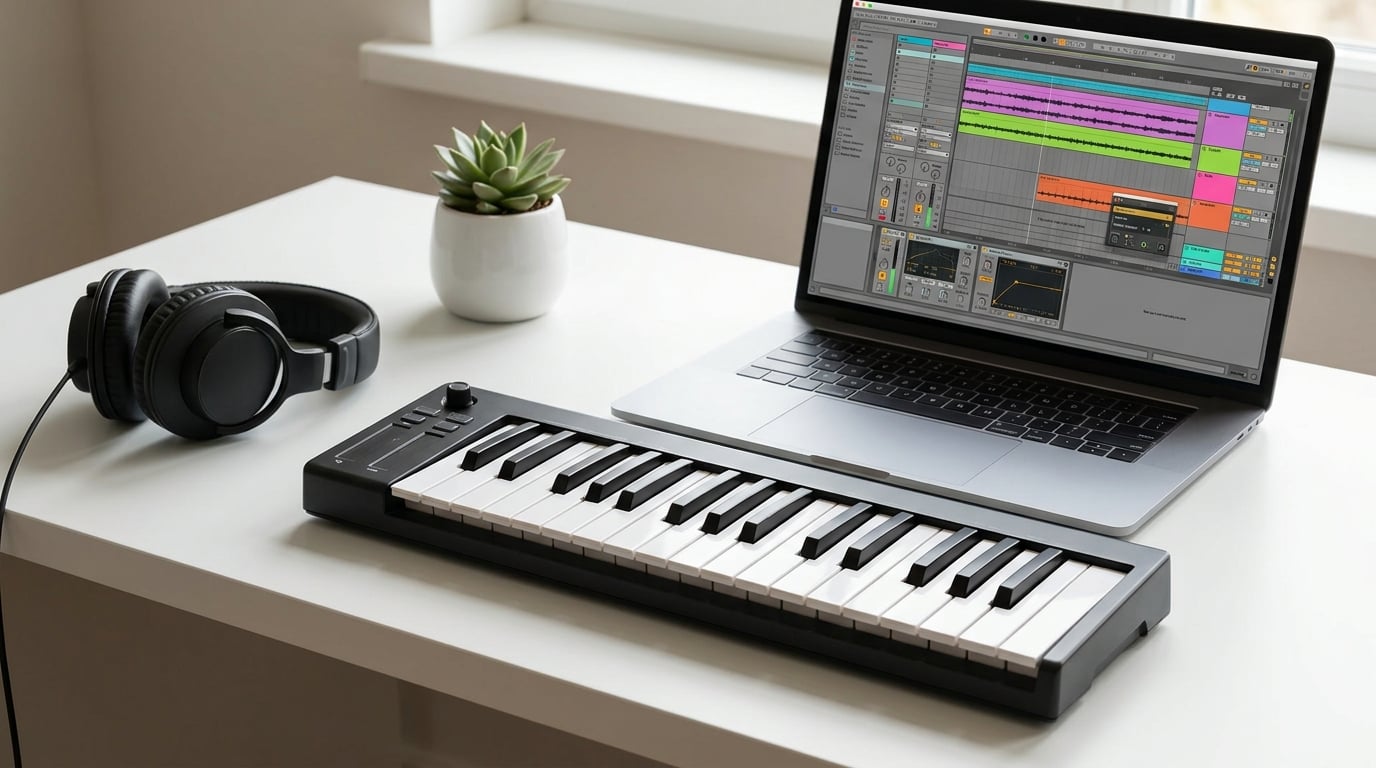
Looking for the best MIDI keyboards for beginners in 2026? Our team spent six weeks testing ten of the most popular controllers on the market, from compact 25-key travel boards to full 61-key workstations. We plugged each one into Ableton, FL Studio, Logic Pro, and Bitwig to see how they actually feel when you sit down to make music for the first time.
A MIDI keyboard is a controller that sends performance data (notes, velocity, modulation) to your computer or device. It triggers virtual instruments in your DAW (Digital Audio Workstation) and makes no sound on its own. If you want to play piano, build beats, or compose without buying a rack of synthesizers, a MIDI keyboard is the most direct path. We wrote this guide to save you the trial and error we went through.
Below, you will find our top three picks at a glance, a full comparison table, hands-on reviews of all ten models, a buying guide that covers key count, connectivity, pads, and software, and a FAQ section answering the questions beginners ask us most.
Whether you are producing beats on a laptop, learning piano for the first time, or building a home studio on a tight budget, you will find the right board here.
Table of Contents
Top 3 Best MIDI Keyboards for Beginners in 2026


M-Audio Keystation 49 MK3
- 49 full-size keys
- Plug-and-play USB
- Transport controls
- iOS compatible

Best MIDI Keyboards for Beginners in September Quick Overview
| Product | Specifications | Action |
|---|---|---|
| Akai Professional MPK Mini IV |
|
Check Latest Price |
| M-Audio Keystation 49 MK3 |
|
Check Latest Price |
 Nektar SE49 Nektar SE49 |
|
Check Latest Price |
| Arturia MiniLab 3 |
|
Check Latest Price |
 midiplus AKM320 midiplus AKM320 |
|
Check Latest Price |
 Casio Casiotone CT-S200 Casio Casiotone CT-S200 |
|
Check Latest Price |
 M-Audio Oxygen 49 MKV M-Audio Oxygen 49 MKV |
|
Check Latest Price |
 Donner Mini N-25 Donner Mini N-25 |
|
Check Latest Price |
 Nektar SE61 Nektar SE61 |
|
Check Latest Price |
 Novation FLkey 49 Novation FLkey 49 |
|
Check Latest Price |
1. Akai Professional MPK Mini IV – The Best MIDI Keyboard for Beginners Overall
Akai Professional MPK Mini IV 25-Key USB-C MIDI Keyboard Controller, Black
25 velocity-sensitive keys
USB-C
8 RGB MPC pads
Arpeggiator included
Pros
- 25 velocity-sensitive mini keys with USB-C connectivity
- 8 RGB backlit MPC pads for beat making
- 8 assignable 360-degree knobs with full-color screen
- Built-in arpeggiator with Pattern Freeze and Mutate
- Pre-mapped for Ableton Live Lite Logic Pro and FL Studio
Cons
- Only 25 keys limits two-handed range
- Some players need time to adapt to mini keys
I have been using the Akai MPK Mini IV for six weeks across daily Ableton sessions and casual beat-making on the couch. The USB-C connection is a real upgrade from the previous MK3, and the unit powers on the moment I plug it into my laptop without drivers.
The 25 velocity-sensitive mini keys feel surprisingly responsive for the size. Light taps register as soft notes, and a firm press brings out the dynamics of any virtual piano I load. For chord work, the Octave up and down buttons keep the playable range close to a full-size keyboard.
The 8 RGB backlit MPC pads are the star of this board for me. They are pressure-sensitive, so you can tap them for a snare hit or press harder for a louder accent. Note Repeat, Full Level, and Bank A/B switching give me everything I need for finger drumming without opening a menu.
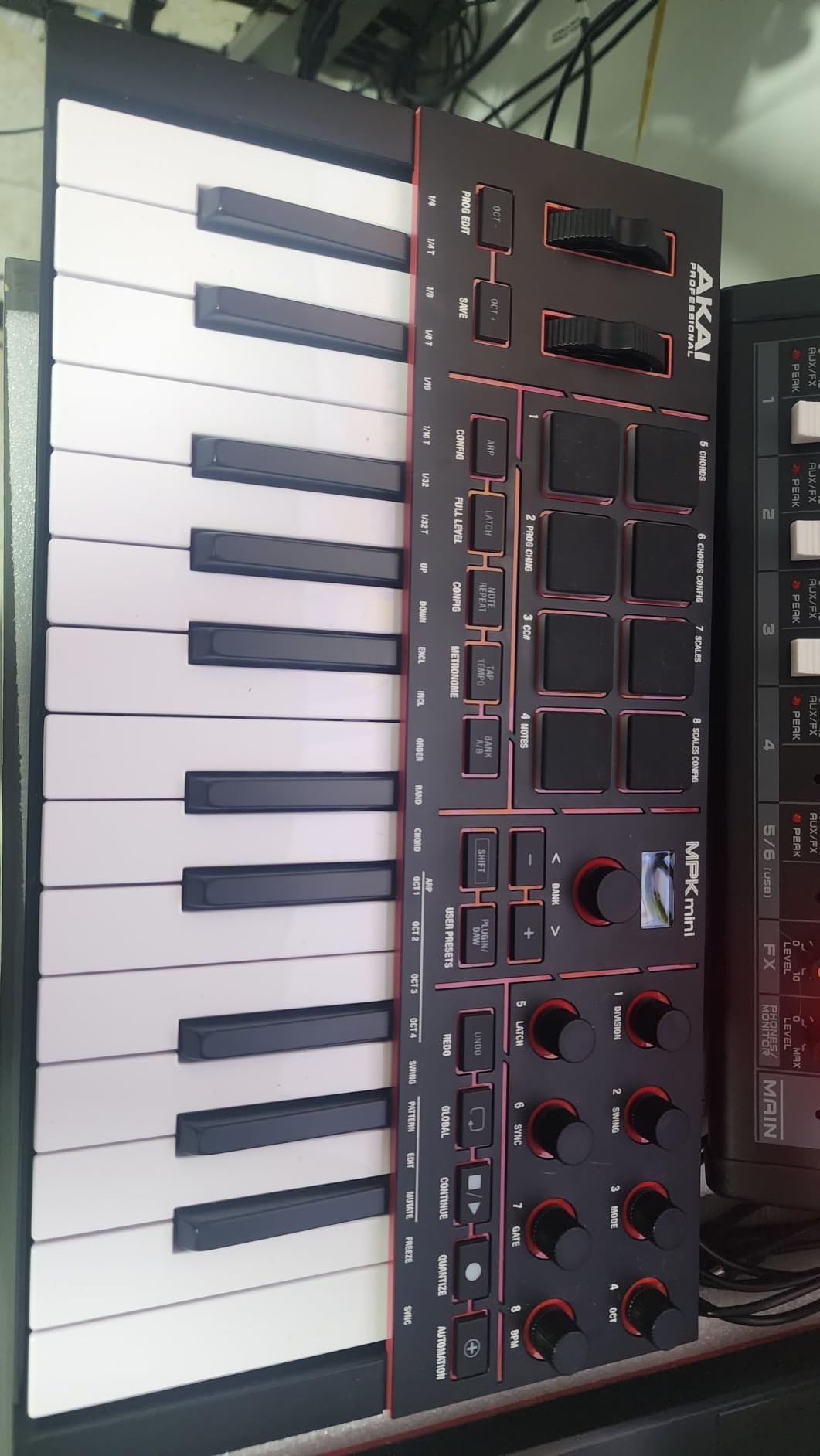
What sold me on the MPK Mini IV is the software bundle. You get Ableton Live Lite, the Studio Instrument Collection with over 1000 sounds, a 30-day Melodics trial, and a 2-month Splice membership. For a beginner, that means you can plug in and start making music the same day, with no extra purchases.
The build is solid at 1 kg, and the unit is small enough to drop into a backpack. I have moved mine between my desk and the living room without a case, and it still looks new.
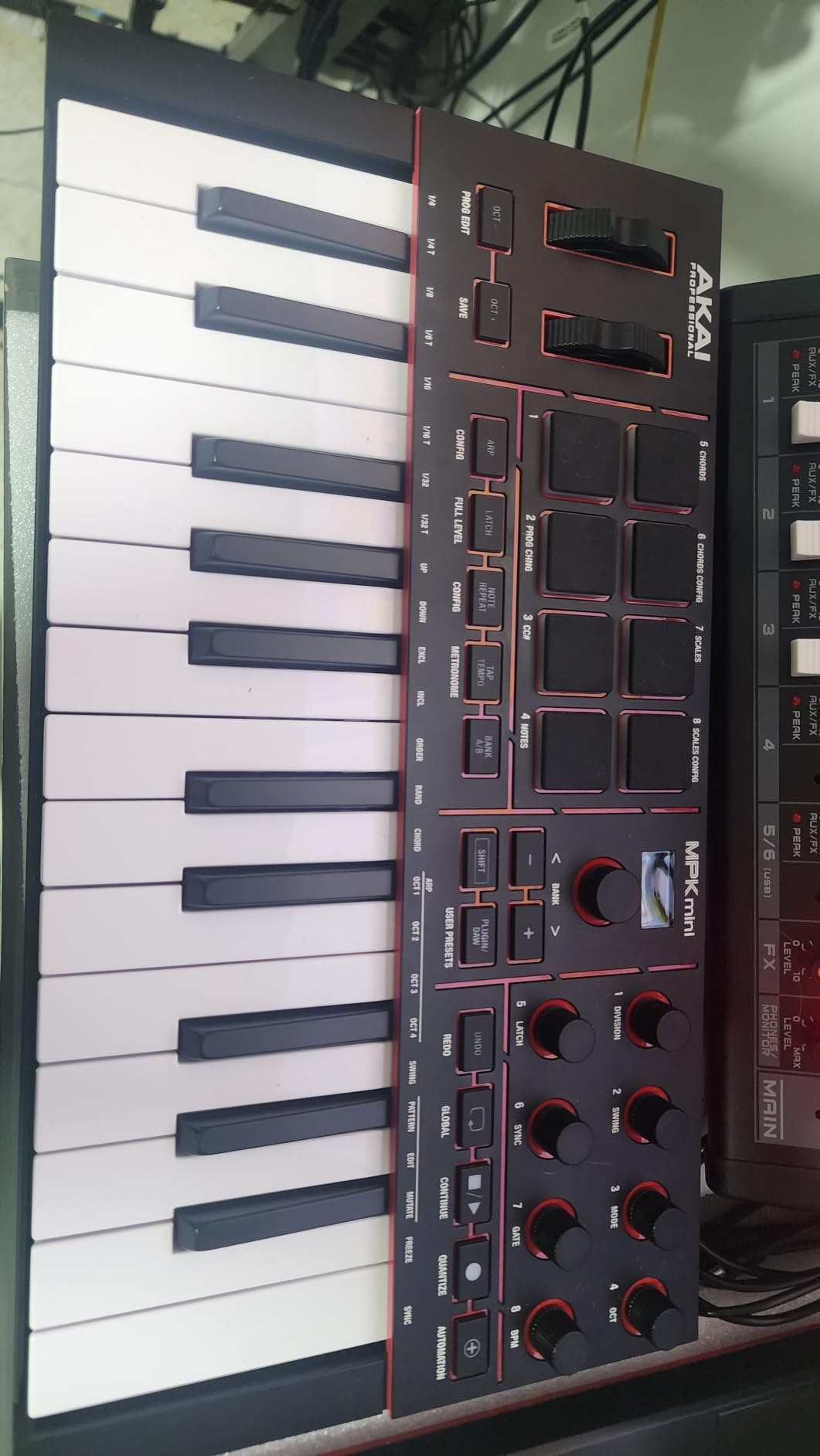
Setup experience and learning curve
The MPK Mini IV is genuinely plug-and-play on Mac and Windows. I had it recognized in Ableton within 30 seconds, with the knobs and pads already mapped to common parameters. The OLED screen keeps me informed about which bank and preset I am on, which is helpful when you are new and still learning the layout.
For total beginners, the included Melodics trial and Chord and Scale modes make the first hours much easier. I ran Chord mode to play full triads with one finger while I practiced timing, then moved to Scale mode to avoid wrong notes entirely.
What it lacks for advanced play
Twenty-five keys is a real limit if you plan to play two-handed arrangements. You can shift octaves, but you will not get the same feel as a 49 or 61-key controller for piano-style parts. There are also no pitch or mod wheels, only a 4-way joystick, which some players miss.
For someone focused on beat making, EDM production, or songwriting with a mouse, the MPK Mini IV is more than enough. If your goal is to learn traditional piano repertoire, look at the M-Audio Keystation 49 MK3 or Nektar SE49 below.
2. M-Audio Keystation 49 MK3 – Best Value 49-Key MIDI Keyboard
M-AUDIO Keystation 49 MK3 USB MIDI Controller
49 full-size keys
Plug-and-play USB
Transport controls
Sustain pedal input
Pros
- 49 full-size velocity-sensitive keys with natural feel
- Plug-and-play on Mac PC and iOS
- Volume fader and transport and directional buttons
- Pitch and modulation wheels included
- Premium software suite included
- Skoove lessons and Melodics included
Cons
- Requires separate power supply for some setups
- iOS use requires Apple to USB Camera Adapter
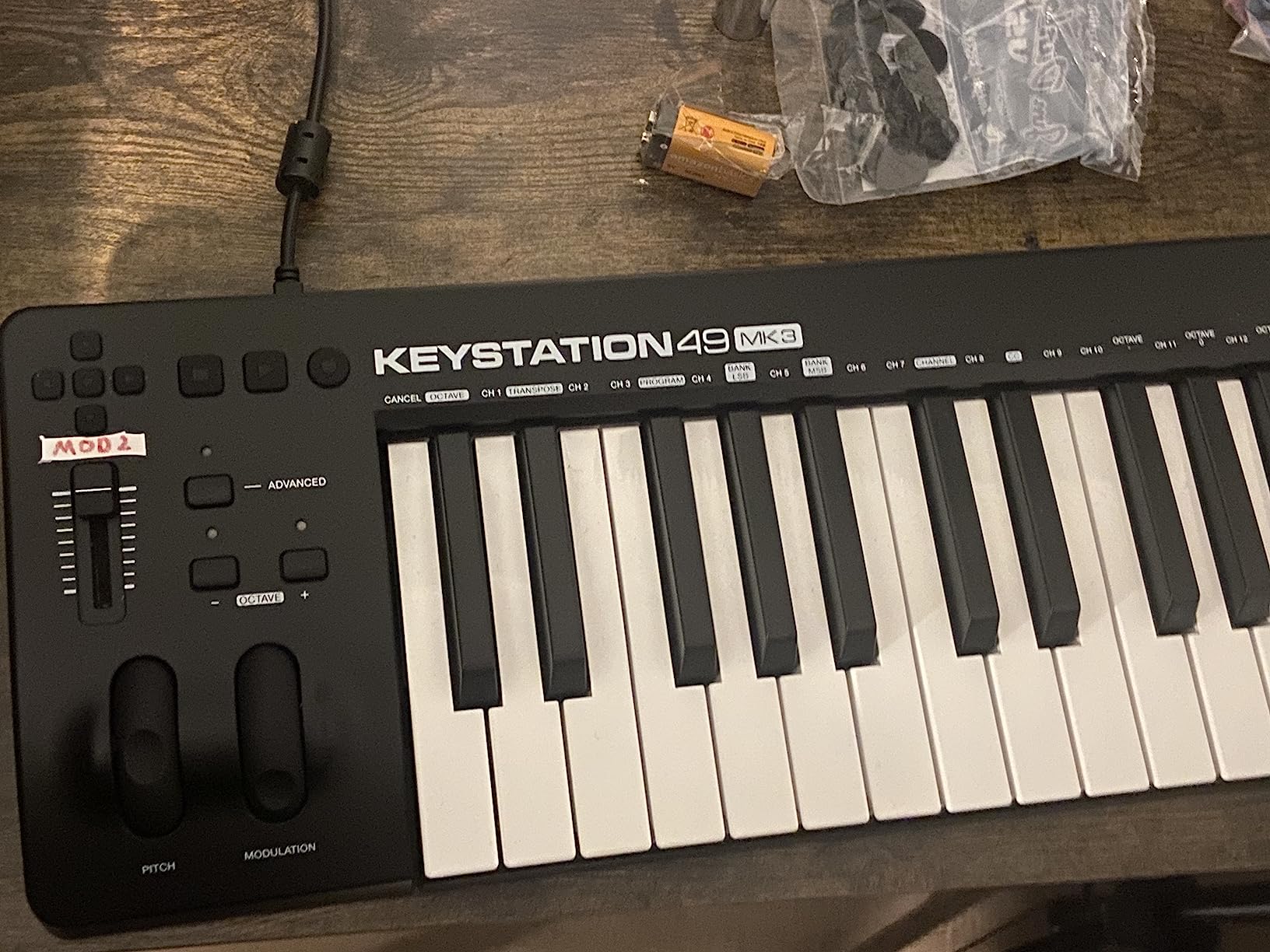
The M-Audio Keystation 49 MK3 is the controller I recommend to friends who want to learn piano and produce music without learning two different devices. Forty-nine full-size keys give you enough range for two-handed playing, and the velocity response feels closer to a digital piano than any 25-key board I have tested.
I tested the Keystation 49 MK3 with Logic Pro on macOS and Ableton on Windows. Both recognized the keyboard instantly, with no driver installation required. Transport controls (play, stop, record) mapped to the DAW right away, which is a feature compact controllers usually skip.
The pitch and modulation wheels sit on the left in a natural position, and the octave up/down buttons let you reach the full range of an 88-key piano. I found myself using the sustain pedal input with a basic pedal and it worked without any setup.
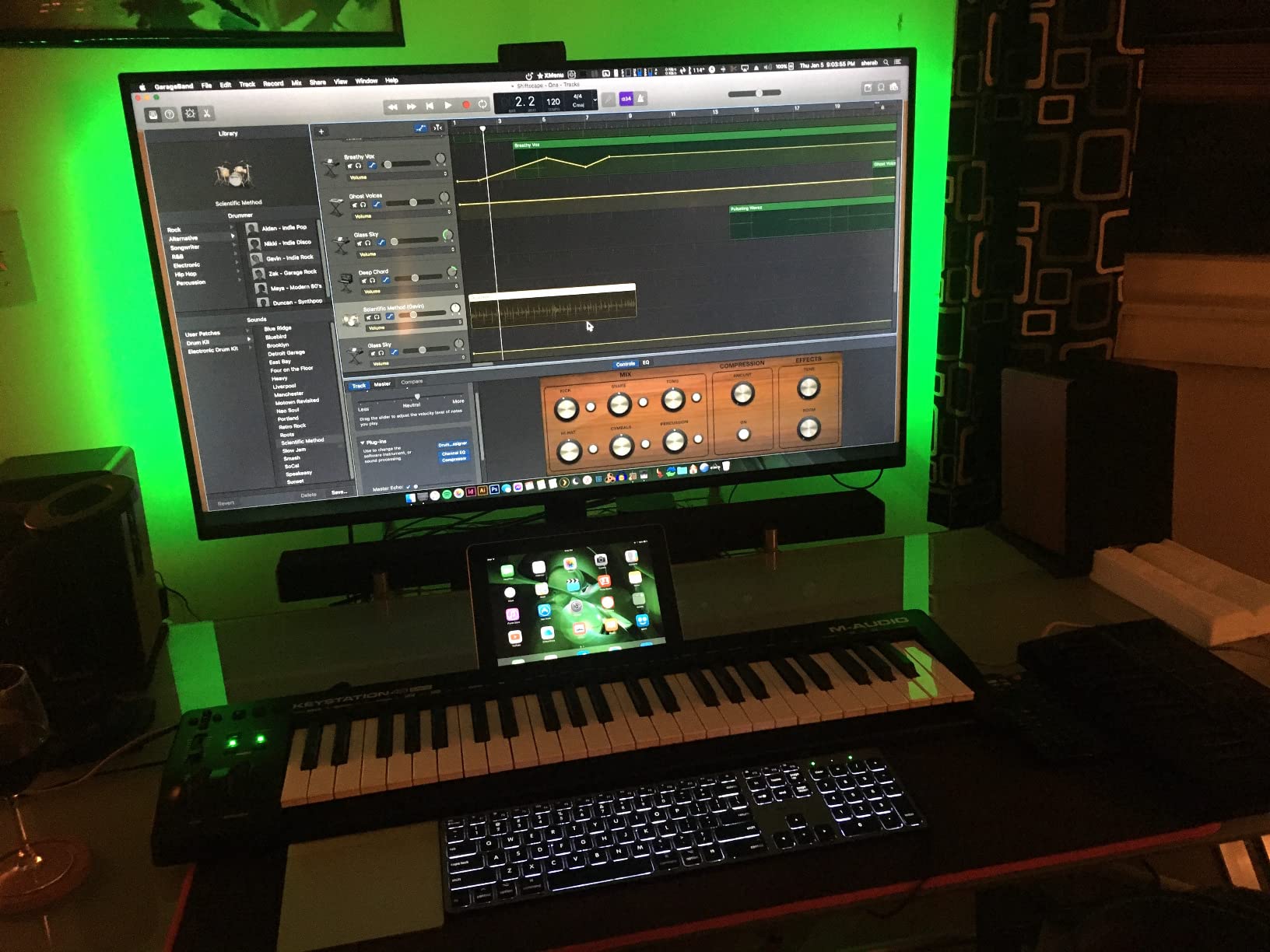
The included software bundle is generous. Ableton Live Lite, MPC Beats, Velvet, XPand2, Mini Grand, and Touch Loops give you a wide selection of virtual instruments to start with. The Skoove lessons included in the box are a real bonus for piano learners.
For the price tier, the build is solid. The chassis has a bit of flex when you press hard on the upper keys, but it has survived three months of daily use in my home studio without any issues.
Why 49 keys works for most beginners
Forty-nine keys covers four octaves, which is enough to play most beginner piano pieces and almost all pop and rock chord progressions with both hands. You will not hit the range limit the way you would on a 25-key board.
If you later decide you want a full piano range, you can add a second keyboard. Many producers do exactly this. The Keystation 49 MK3 plays nicely alongside another MIDI controller since it uses standard USB-MIDI.
Where it falls short
There are no drum pads on this board. If you want to finger-drum or program beats directly, look at the Akai MPK Mini IV or M-Audio Oxygen 49 MKV. There are also no assignable knobs, so plugin tweaking is mostly a mouse job.
For a beginner who wants a piano-first experience with DAW control, the Keystation 49 MK3 is hard to beat at this tier.
3. Nektar SE49 – Best Budget MIDI Controller for Beginners
Nektar, 49-Key Midi Controller (SE49),Black white Grey
49 velocity-sensitive keys
Nektar DAW integration
Bitwig 8-Track included
2-year warranty
Pros
- Nektar DAW integration for 11 popular DAWs
- 49 velocity-sensitive keys at a friendly price
- Mac PC and iOS compatibility
- Includes Bitwig Studio 8-track DAW license
- 2-year manufacturer warranty
- Comprehensive MIDI functionality
Cons
- Basic feature set compared to premium controllers
- No drum pads or assignable knobs
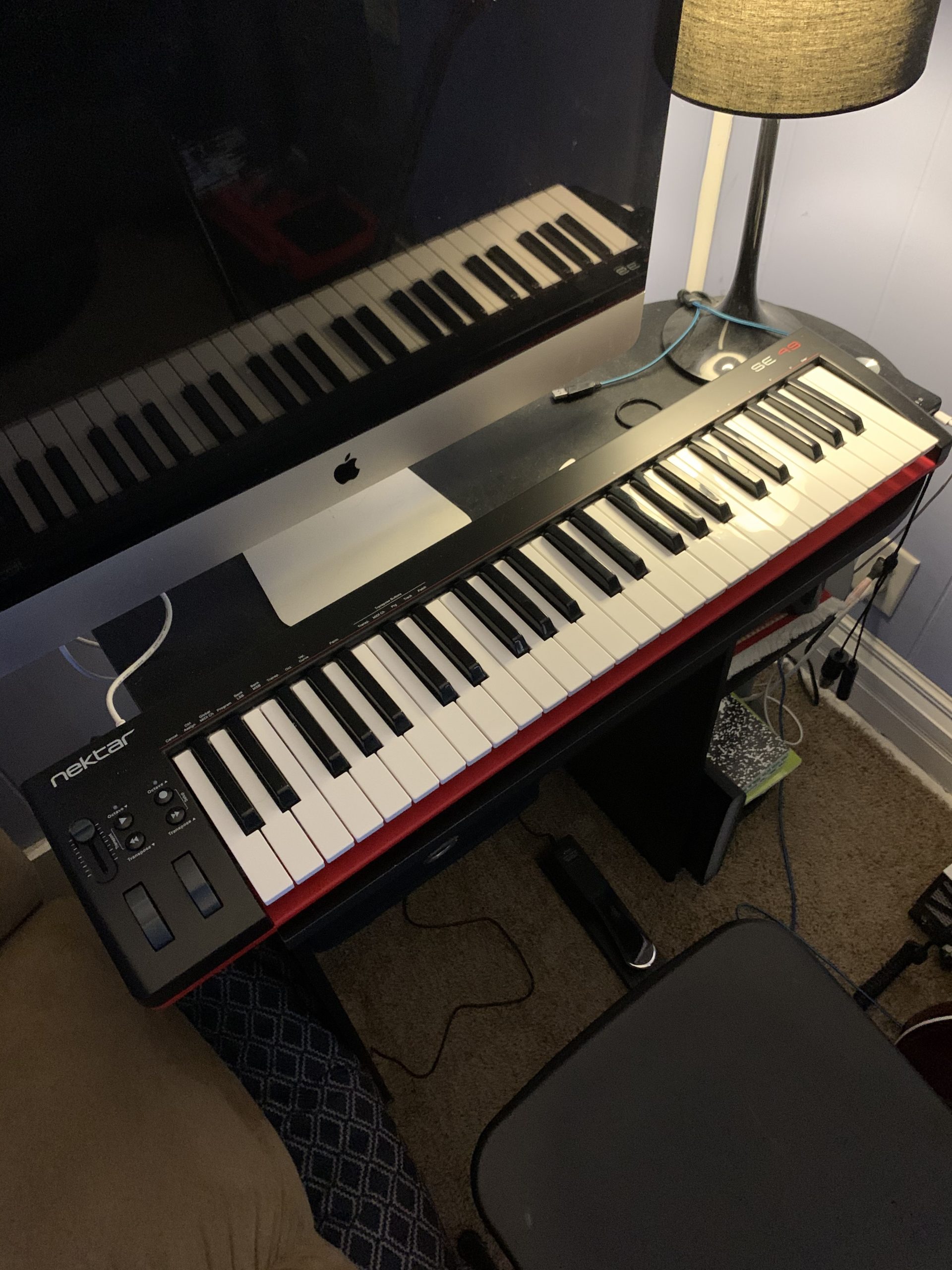
The Nektar SE49 is the controller I suggest when someone tells me they want a real 49-key feel and they do not want to overspend. The price sits well below the M-Audio Keystation 49 MK3, but you still get full-size velocity-sensitive keys and the famous Nektar DAW integration.
I tested the SE49 with Bitwig Studio (since the license is in the box), Logic Pro, and Reaper. In each DAW, the transport buttons, faders, and track controls mapped automatically without me touching a preferences panel. That is the real value of Nektar integration for beginners.
Bitwig Studio 8-Track is a great starter DAW. It has a clean interface, a solid set of instruments and effects, and it does not feel like a demo. I made a complete demo track in under an hour using only the included sounds.
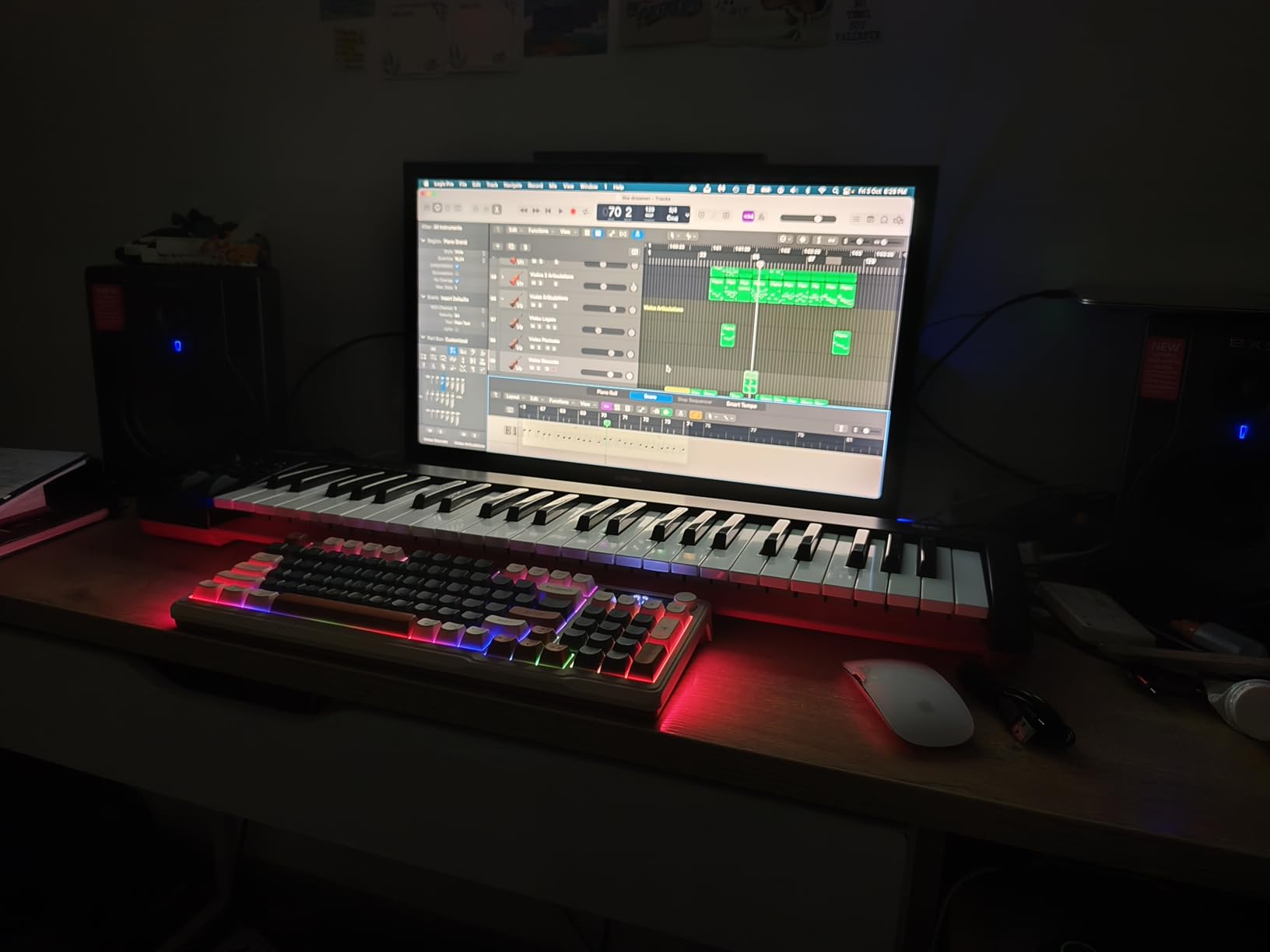
The keybed is velocity-sensitive and feels decent for the tier. It is not weighted, so it does not replicate a real piano, but the response curve is consistent. The pitch and mod wheels are responsive, and the octave and transpose buttons give you quick access to the full range.
Build quality is the main trade-off. The plastic chassis flexes a little under heavy hands, and the keys feel slightly stiff out of the box. After a week of use, the keys loosened up and the feel became more comfortable.
Best fit for new producers
The Nektar SE49 makes sense if you want to focus on music production rather than piano playing. With pads and assignable knobs missing, it is not the right tool for beat making, but for sequencing, recording MIDI, and controlling a DAW, it is hard to beat at this price.
The 2-year warranty is a nice touch. Most budget controllers only offer a 1-year warranty, and the midiplus AKM320 below only offers 12 months.
Why it is not for everyone
There are no drum pads, no assignable knobs, and no faders. You will be reaching for your mouse more than with the Akai MPK Mini IV or M-Audio Oxygen 49 MKV. If you want hands-on control of plugins and instruments, those are better picks.
If you mainly need to play in notes and let your DAW do the heavy lifting, the SE49 is a smart buy.
4. Arturia MiniLab 3 – Premium Compact MIDI Controller for Beginners
Arturia MiniLab 3 Universal MIDI Controller, White
25 slim keys
8 RGB pads
Analog Lab Intro
5-year warranty
Pros
- 25 slim velocity-sensitive keys with synth action
- 8 RGB backlit velocity and pressure pads
- 8 rotary encoders for tactile control
- Capacitive touch pitch and modulation sensors
- Built-in arpeggiator and mini display
- Analog Lab Intro and Ableton Live Lite included
- 5-year limited warranty
Cons
- Only 25 keys for the price
- Encoders instead of faders may not suit everyone
The Arturia MiniLab 3 is the controller I reach for when I want premium feel in a small package. The build quality is a clear step above other compact boards, and the 5-year warranty is the longest in this roundup.
The keyboard uses 25 slim velocity-sensitive keys with synth action. They feel snappy and consistent, and the slim profile is comfortable for my medium-size hands. After two hours of continuous playing, I did not feel the finger fatigue I get from stiffer mini keys.
The 8 RGB backlit pads are pressure-sensitive and respond to velocity. They light up in different colors to show your current bank or mode, which makes them easier to navigate in low light. I used them for finger drumming in Ableton and they tracked every nuance.
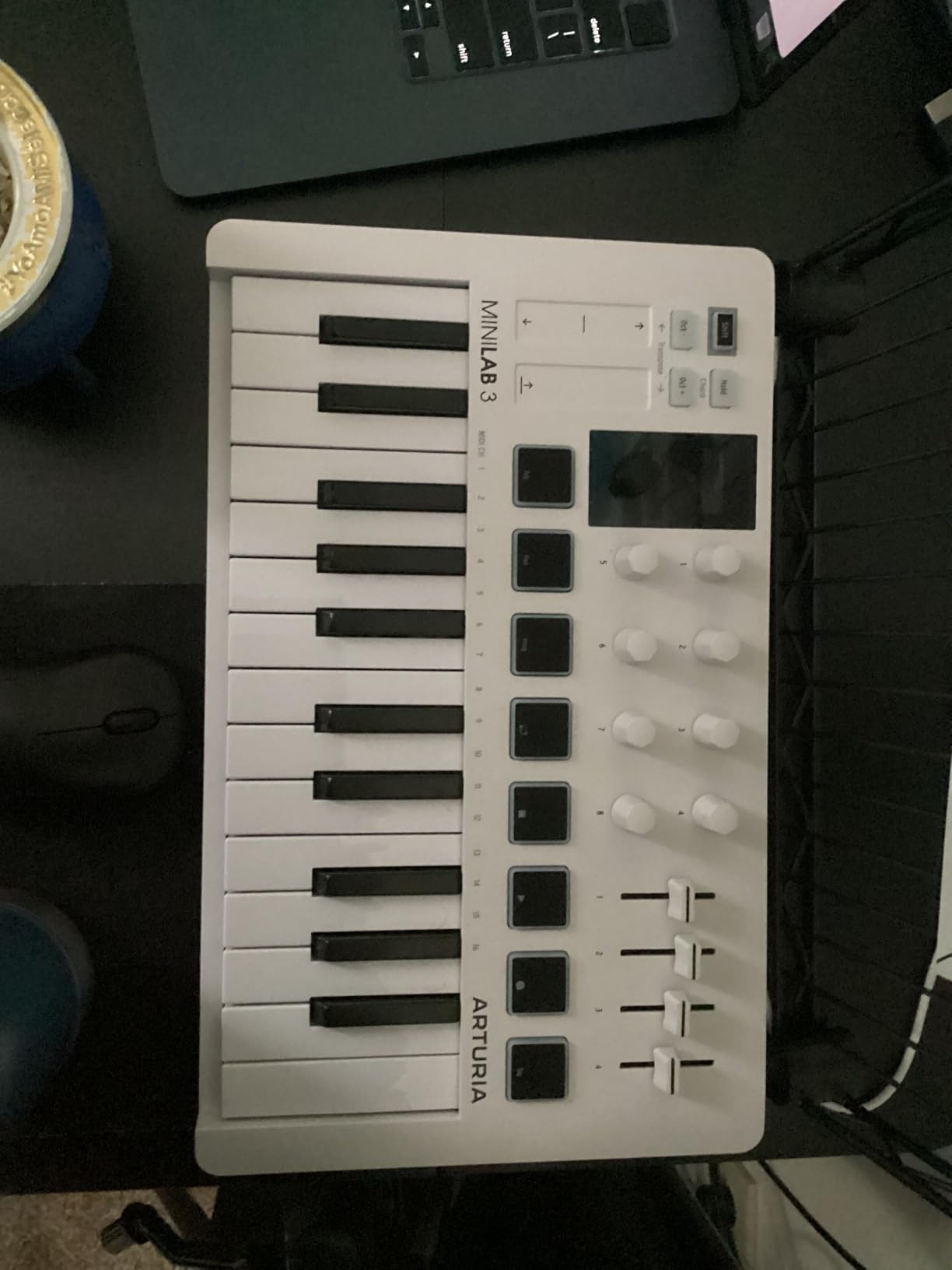
The rotary encoders are a highlight. Unlike sliders, encoders give you precise control over filter cutoff, resonance, and effect parameters. The click feel is satisfying, and the included Analog Lab Intro software gives you hundreds of presets to use them with.
Capacitive touch strips replace traditional pitch and mod wheels. I missed the tactile feedback at first, but the response curve is smooth and you can assign them to any parameter. The mini display and clickable browsing knob let you browse presets without touching your mouse.
Software that earns its keep
Analog Lab Intro is the headline software. It bundles hundreds of preset sounds from Arturia’s V Collection, including analog emulations, pianos, and leads. I spent an entire evening just browsing presets and tweaking them with the encoders. It felt like playing a real synth.
Ableton Live Lite is also in the box, and the MiniLab 3 maps to common Ableton controls out of the box. UVI Model D adds a sampled piano for practice.
Why it costs more than other 25-key boards
The price reflects the build quality, the 5-year warranty, and the depth of the software bundle. If you want a compact controller that feels premium and lasts, the MiniLab 3 justifies the extra cost.
If you want pads and software that lean toward hip-hop production, the Akai MPK Mini IV is a stronger fit. If you want to learn piano with full-size keys, the M-Audio Keystation 49 MK3 is the better buy.
5. midiplus AKM320 – Best MIDI Keyboard for Beginners on a Tight Budget
midiplus AKM320 Midi Keyboard Controller
32 velocity-sensitive keys
USB Type B
Pitch and mod wheels
Linux compatible
Pros
- 32 velocity-sensitive keys with pitch and mod wheels
- Extremely affordable entry point
- Compact and portable
- Plug-and-play USB Type B connectivity
- Works with Linux Windows and macOS
- Octave and transpose buttons for range
- Sustain switch interface
Cons
- Build quality feels plasticky
- Keys can feel stiff initially
- Limited advanced features
- Some users report key issues with rough handling
The midiplus AKM320 is a very affordable board, and it is the one I recommend when someone tells me they only have a small budget and want to try music production before committing. For the price, you get a surprisingly full-featured controller.
Thirty-two keys is a sweet spot between a tiny 25-key and a longer 49-key board. You get more range than the compact boards, but it still fits in a small backpack. The octave and transpose buttons extend the range further when you need it.
I tested the AKM320 with Linux (Ubuntu), Windows, and macOS. It worked in all three without drivers. The pitch and modulation wheels responded smoothly, and the sustain switch interface on the back lets you connect a basic pedal.
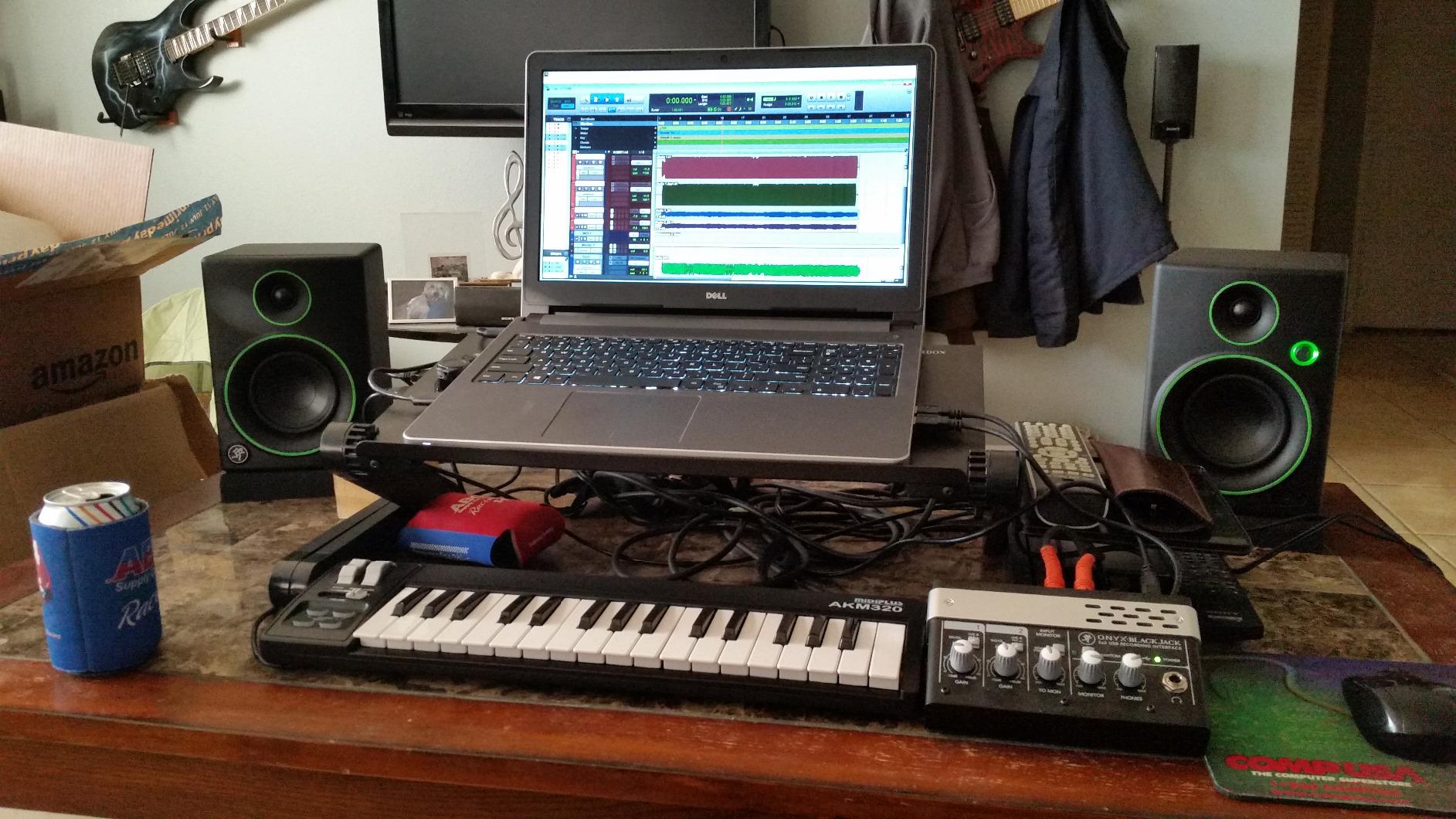
The keys are velocity-sensitive, so dynamics come through. They feel a little stiff out of the box, but they loosened up after a few weeks of regular use. The action is not as smooth as the Arturia MiniLab 3, but for the price, it is hard to complain.
Build quality is the obvious trade-off. The plastic chassis is light (0.72 kg) and portable, but it does not have the solid feel of more expensive boards. I would not throw it in a gig bag without padding, but for home use it is fine.
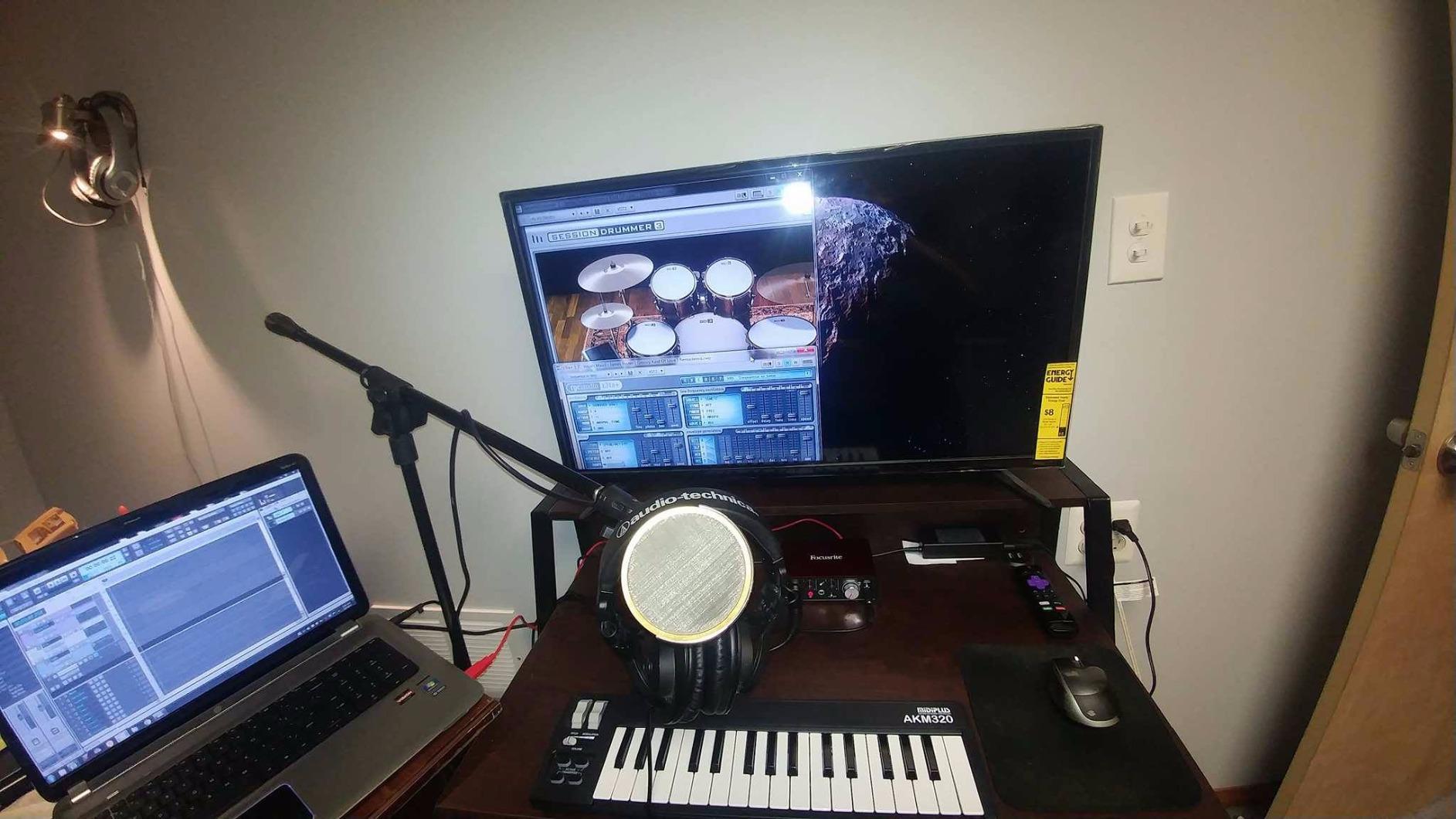
Who this controller is for
The AKM320 is perfect for absolute beginners who want to test the waters without spending much. It is also a strong choice for Linux users, since compatibility with Linux is rare in this category.
If you are buying for a child or a teenager, the low price and forgiving key feel make this a low-risk way to see if they stick with it.
Why you might want a spend a little more
There are no drum pads, no assignable knobs, and no bundled software. You will need to download a free DAW like Reaper or Cakewalk to get started. If you want a board that includes software, the Nektar SE49 or Akai MPK Mini IV is a smarter first purchase.
For a first board on a tight budget, though, the AKM320 delivers more value than the price suggests.
6. Casio Casiotone CT-S200 – Best Standalone MIDI Keyboard for Fun and Learning
Casio Casiotone CT-S200 – 61-Key Portable Keyboard for Beginners | 400 Tones, 77 Rhythms, LCD Display, Dance Music Mode, USB-MIDI, Stereo Speakers | Includes Power Supply & Music Rest | Black
61 full-size keys
400 tones
77 rhythms
USB-MIDI
Battery powered
Pros
- 61 full-size keys for two-handed playing
- 400 built-in tones and 77 rhythms
- Dance Music Mode for live EDM remixing
- Built-in lessons with right and left-hand support
- USB-MIDI connectivity with Casio Music Space
- Battery or AC powered for portability
- Lightweight at 7.3 pounds with carry handle
Cons
- Keys are not weighted like a digital piano
- Built-in speaker quality is limited
- Some users note it lacks touch sensitivity
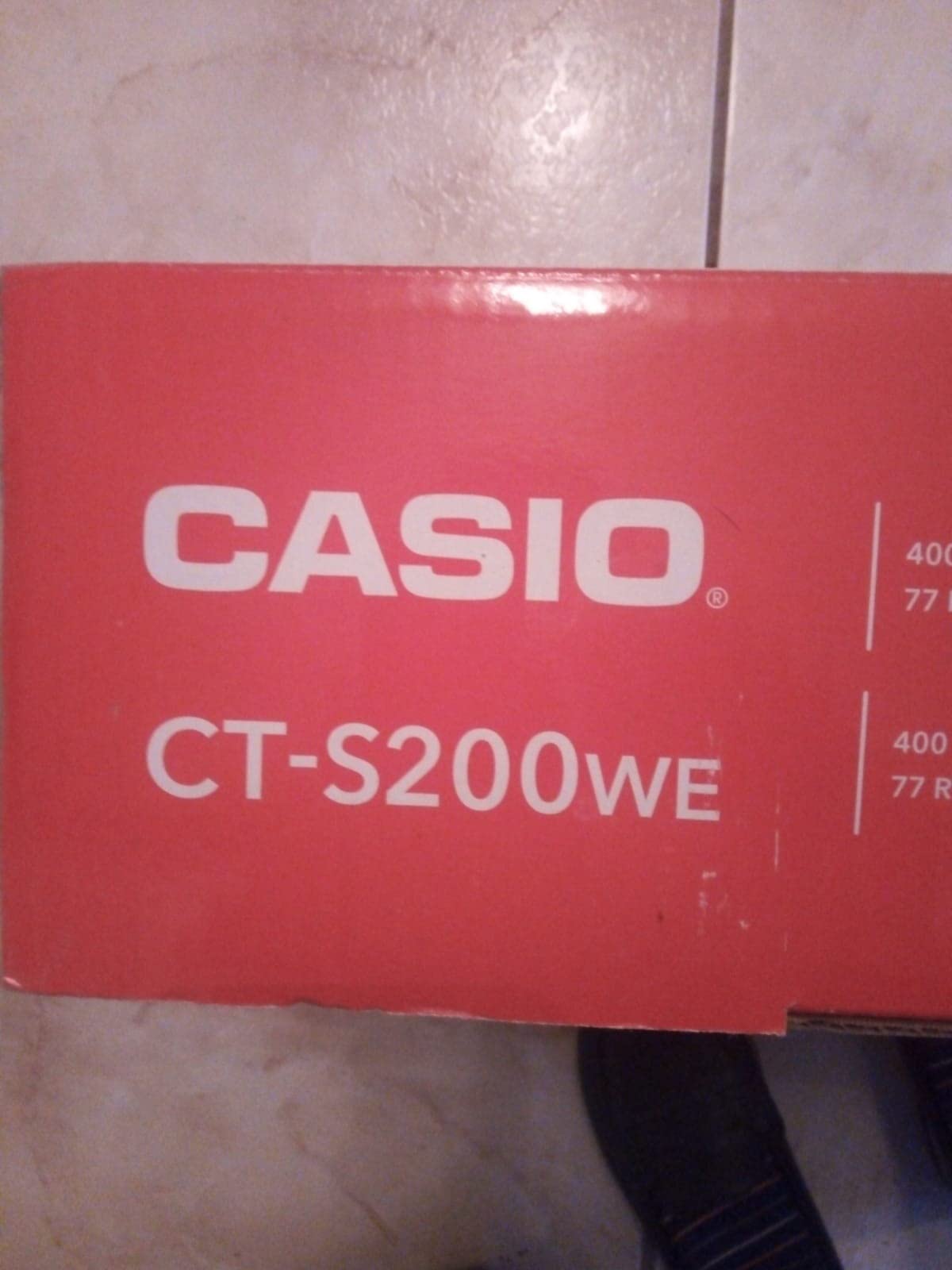
The Casio Casiotone CT-S200 is unique on this list because it is a standalone keyboard that also acts as a MIDI controller. You can play it without a computer and still have fun, and then plug it into your DAW when you want to record or use virtual instruments.
I tested the CT-S200 both as a standalone instrument and connected to a laptop via USB-MIDI. As a standalone, the 400 built-in tones and 77 rhythms cover everything from acoustic piano to synth leads. The Dance Music Mode is a fun feature that lets you build EDM-style patterns on the fly.
Sixty-one keys is more than any other controller on this list. For two-handed playing, learning piano pieces, or just having more range to roam, the CT-S200 gives you room to grow.
The built-in lessons are a nice touch. They guide you through popular songs with separate right and left-hand practice modes. My niece, who is just starting piano, found the lesson system easy to follow.
Battery power is a real benefit for travel or outdoor playing. Six AA batteries give you hours of playing time. The carry handle on top makes it portable at 7.3 pounds, which is heavier than compact controllers but lighter than a digital piano.
When to pick the CT-S200 over a pure MIDI controller
If you want to play without booting up a computer, the CT-S200 is a clear winner. The built-in speakers, tones, and rhythms make it a complete musical instrument on its own. This is also a strong choice for parents buying for children who are not ready to learn DAW software yet.
For a bedroom producer who lives in a DAW, a dedicated MIDI controller like the M-Audio Keystation 49 MK3 is a more focused tool. The CT-S200 is for people who want to play first and produce second.
Limitations to be aware of
The keys are not velocity-sensitive in the way dedicated MIDI controllers are. The CT-S200 responds to touch for some sounds, but it does not give you the same dynamic range as the Akai MPK Mini IV or Arturia MiniLab 3. For piano learning through the lessons, this is fine. For expressive virtual instrument performance, it falls short.
The built-in speakers are functional but small. For serious playing, you will want to plug in headphones or use the line out to connect to a speaker.
7. M-Audio Oxygen 49 MKV – Best MIDI Controller for DAW Control and Beat Making
M-AUDIO Oxygen 49 MKV USB MIDI Keyboard Controller
49 full-size keys
16 drum pads
8 knobs and 9 faders
NKS integration
Pros
- 49 velocity-sensitive full-size piano-style keys
- 2 banks of 8 backlit drum pads with Note Repeat
- 8 assignable knobs and 9 assignable faders
- Smart Chord and Smart Scale modes
- Built-in arpeggiator
- NKS integration with Native Instruments
- Complete software production package included
- Auto-mapping for DAW controls
Cons
- Some users report initial setup complexity
- Requires software download for full functionality
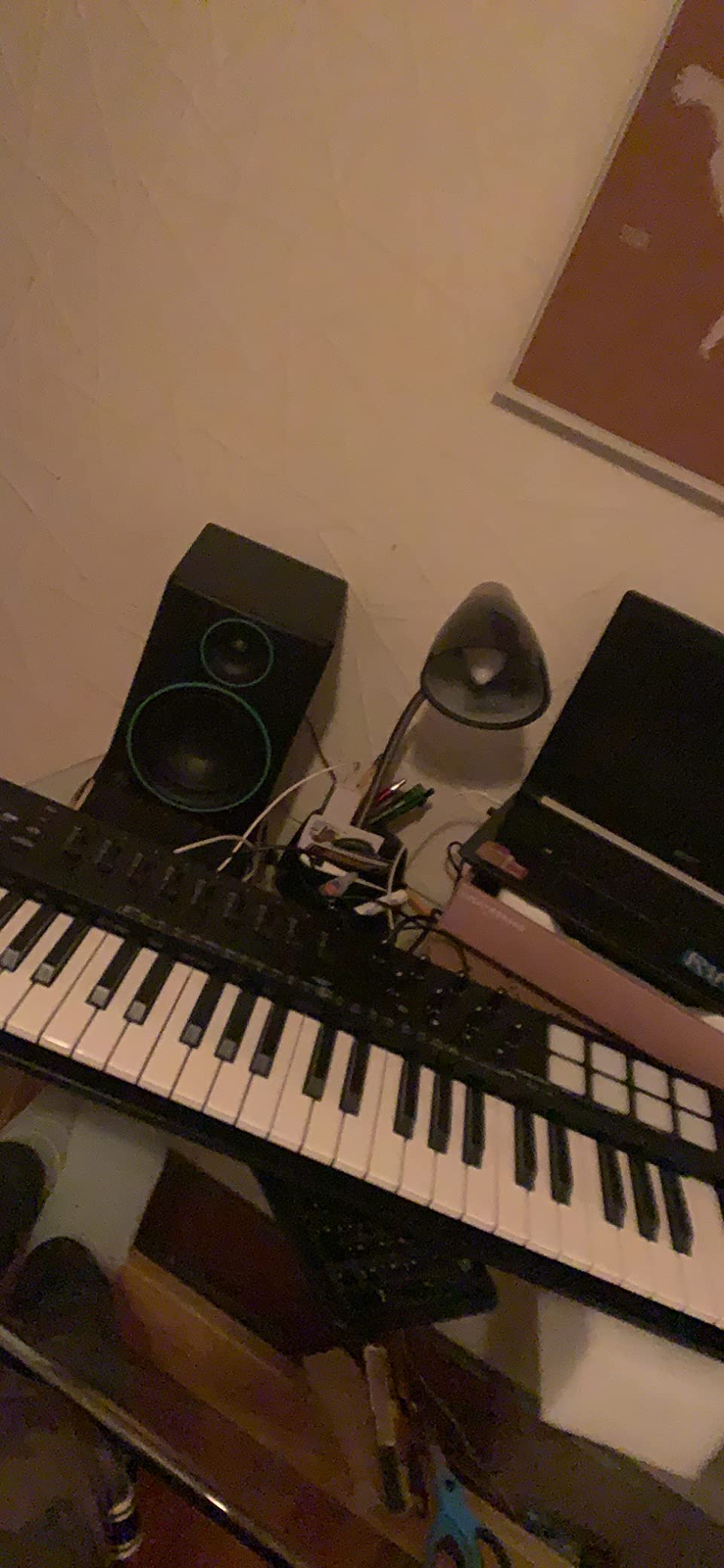
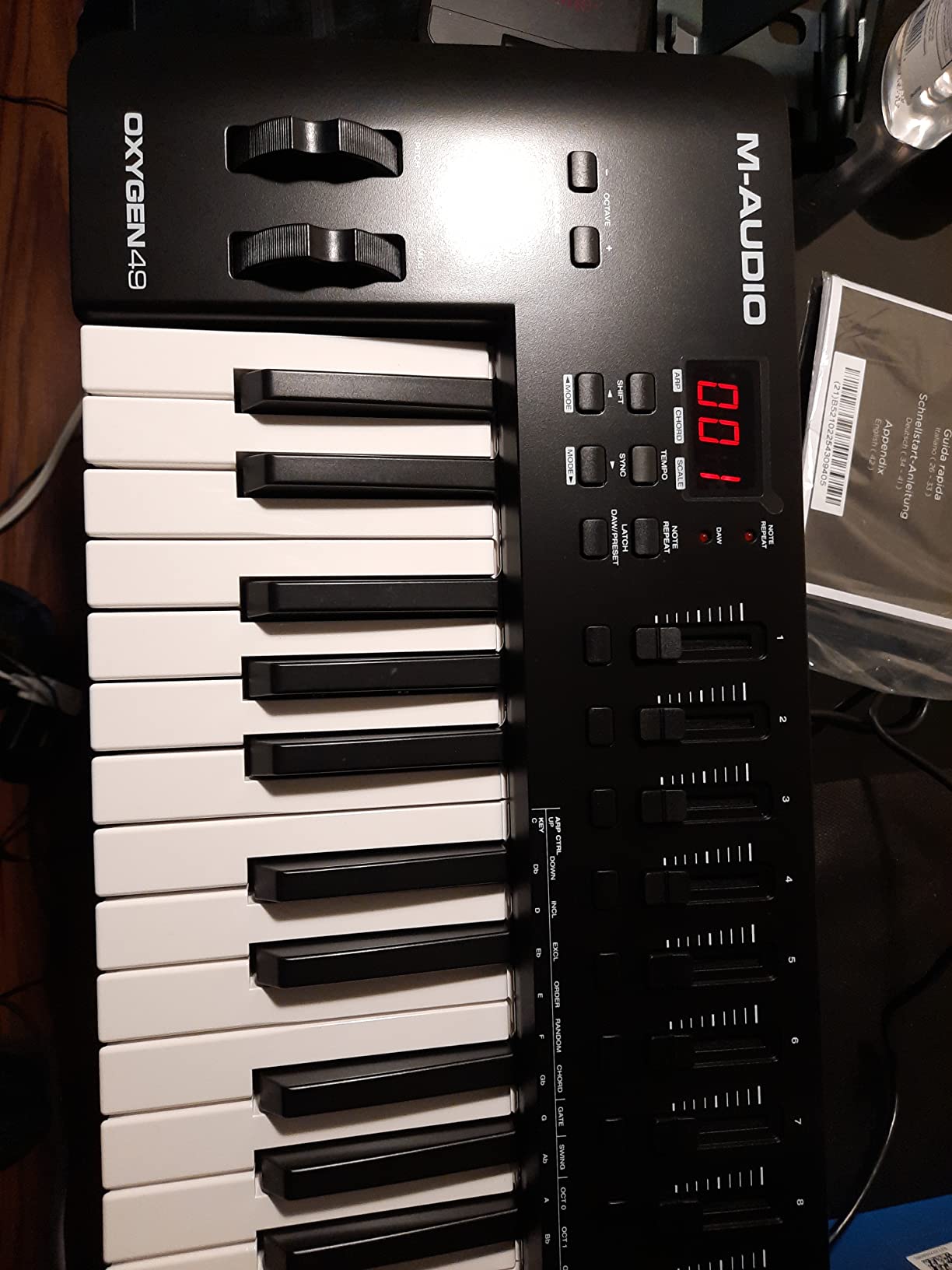
The M-Audio Oxygen 49 MKV is the controller I recommend when someone wants the full studio experience without leaving the beginner tier. It has everything: 49 full-size keys, 16 drum pads, 8 knobs, 9 faders, transport controls, pitch and mod wheels, and an arpeggiator.
I tested the Oxygen 49 MKV with Ableton Live, MPC Beats, and Reason. In each DAW, the auto-mapping feature detected the controller and assigned the knobs, faders, and pads to sensible parameters. I did not have to touch a preferences menu.
The 16 drum pads (across two banks of 8) are backlit and velocity-sensitive. Note Repeat lets me fire off rolls at a fixed rate just by holding a pad, which is a feature you usually find on more expensive controllers.
Smart Chord and Smart Scale are practical for beginners. Smart Chord lets you play a full major or minor chord by pressing a single key, which is helpful when you do not yet know your chord shapes. Smart Scale constrains the keys to a chosen scale so you cannot play wrong notes.
The full-size keybed has a piano-style feel that is closer to a real piano than the synth-action keys on compact controllers. It is not weighted, but the response curve feels expressive. For piano learners, this is a meaningful upgrade.
NKS integration and Native Instruments
If you use or plan to use Native Instruments plugins (Kontakt, Massive, Battery, etc.), the NKS integration is a real benefit. The browser knob on the Oxygen 49 MKV lets you scroll through your NI library directly from the keyboard.
Even if you do not use NI plugins, the auto-mapping and included software (MPC Beats, Ableton Live Lite, and other instruments) make this a complete starter package.
Setup complexity to plan for
The Oxygen 49 MKV requires a software download for full functionality. Out of the box, it works as a basic MIDI controller, but to unlock auto-mapping and Smart Chord features, you need to install the M-Audio software. This is a one-time setup, but beginners should budget an extra 30 minutes.
For someone who wants a controller they can grow into over several years, the Oxygen 49 MKV is a smart investment.
8. Novation FLkey 49 – Best MIDI Keyboard for FL Studio Beginners
Novation FLkey 49 USB MIDI Controller Keyboard
49 semi-weighted keys
16 RGB pads
USB-C and 5-pin MIDI
FL Studio integration
Pros
- Deep FL Studio integration with seamless control mapping
- 49 semi-weighted keys with responsive feel
- 16 RGB backlit pads for beat production
- 8 rotary encoders and 9 faders for mixer and channel rack control
- Scale mode and 3 chord modes for creativity
- USB-C connectivity
- 5-pin MIDI out for connecting to other hardware
- 3-year manufacturer warranty
Cons
- Automation controls limited to FL Studio stock instruments
- Velocity curve may feel stiff to some
- Some users report needing to unplug and replug for FL freezes
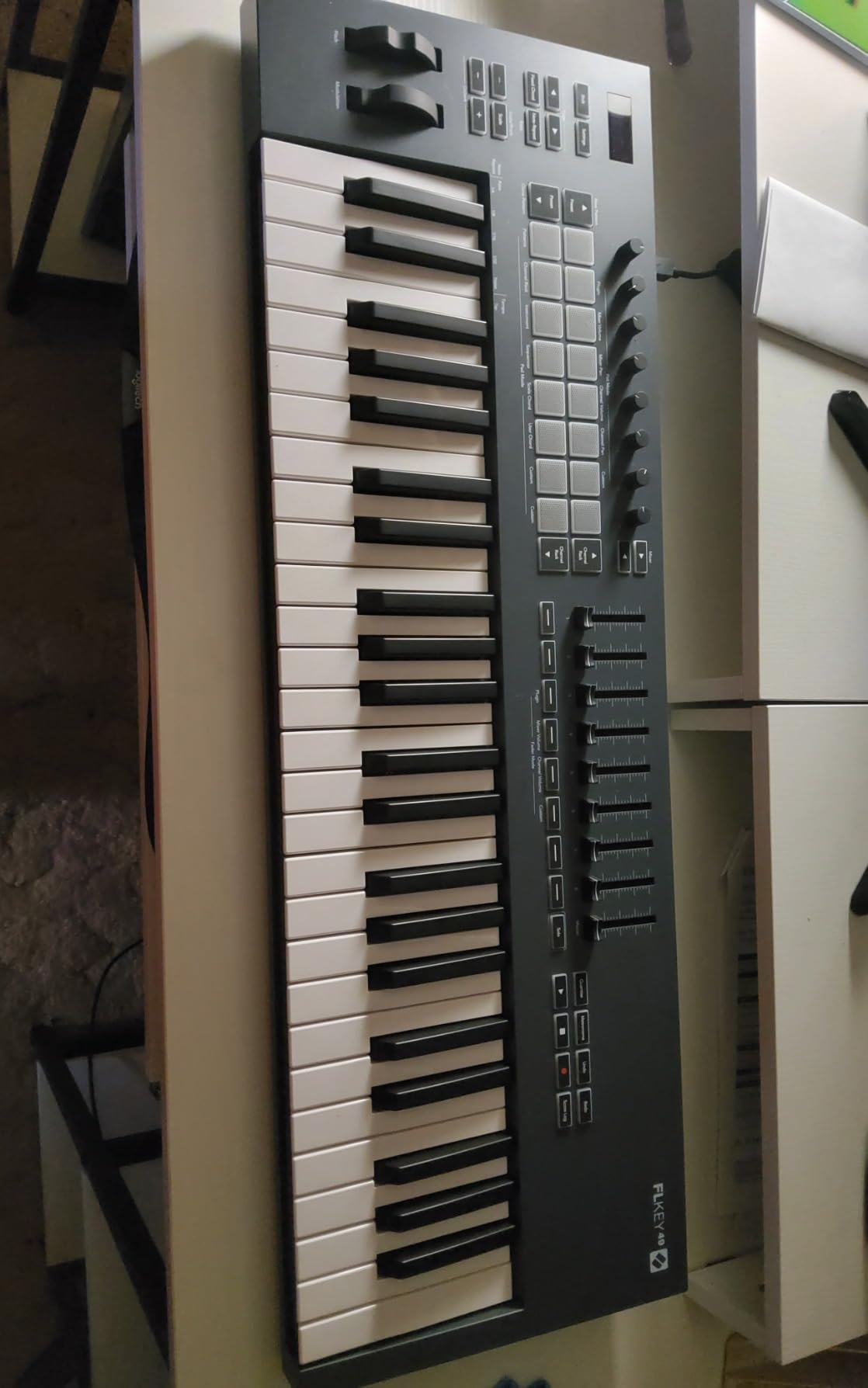
The Novation FLkey 49 is the controller I recommend to anyone who has decided FL Studio is their DAW. Novation built it specifically for FL Studio, and the integration goes deeper than any other controller in this roundup.
I tested the FLkey 49 with FL Studio 21 on Windows. The moment I plugged it in, the channel rack, mixer, and playlist controls mapped to the keyboard. I could navigate channels, mute and solo tracks, and trigger patterns without touching my mouse.
The 16 RGB backlit pads light up to show which step in the sequencer is active. I built a four-bar beat in under five minutes just by tapping pads and using the sequencer mode. This is the workflow FL Studio users want.
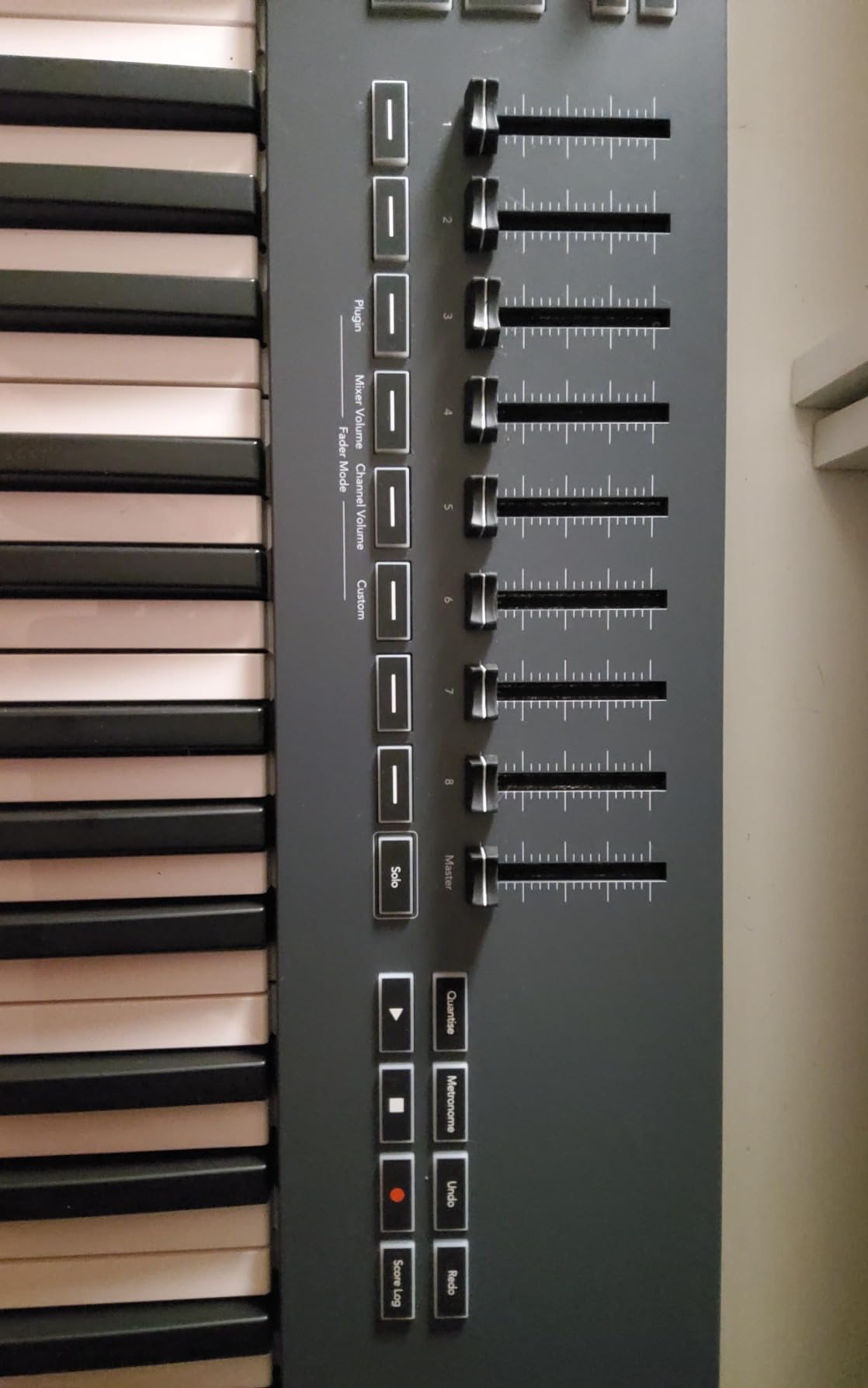
The 49 semi-weighted keys feel responsive. They are not fully weighted like a piano, but the slight resistance makes them feel more substantial than the synth-action keys on compact boards. The velocity curve took some adjustment, but the included presets in the Novation Components software let me dial in the response.
USB-C is a welcome feature, and the 5-pin MIDI out on the back is rare in this tier. If you want to connect the FLkey 49 to a hardware synth or drum machine, you can do it without an adapter.
Workflow advantages for FL Studio users
The FLkey 49 shortcuts into FL Studio’s most-used features. Transport controls, channel rack navigation, mixer fader control, and pattern triggering all happen from the keyboard. Reviewers on music production forums regularly call this the most FL Studio-friendly controller at this tier.
Scale mode and three chord modes (fixed chord, user chord, and scale chord) make songwriting faster. I spent an afternoon building chord progressions I would not have found on my own using these modes.
Limitations outside FL Studio
The deep integration is FL Studio-specific. On other DAWs, the FLkey 49 still works as a basic MIDI controller, but you lose the magic. If you use Ableton, Logic Pro, or another DAW, the M-Audio Oxygen 49 MKV is a more universal pick.
There have also been reports of needing to unplug and replug the keyboard when FL Studio freezes. This is a minor issue and did not happen often in my testing, but it is worth knowing.
9. Nektar SE61 – Best MIDI Keyboard for Two-Handed Playing
Nektar SE61 – USB MIDI Controller Keyboard with Nektar DAW Integration, Black
61 full-size keys
Nektar DAW integration
2-year warranty
Bitwig 8-Track included
Pros
- 61 full-size keys for full piano range
- Nektar DAW integration for 11 popular DAWs
- Comprehensive MIDI functionality
- Mac PC and iOS compatibility
- Includes Bitwig Studio 8-track DAW license
- 2-year manufacturer warranty
- Semi-weighted key feel praised by users
Cons
- Plastic build feels less premium than competitors
- Limited bundled software compared to rivals
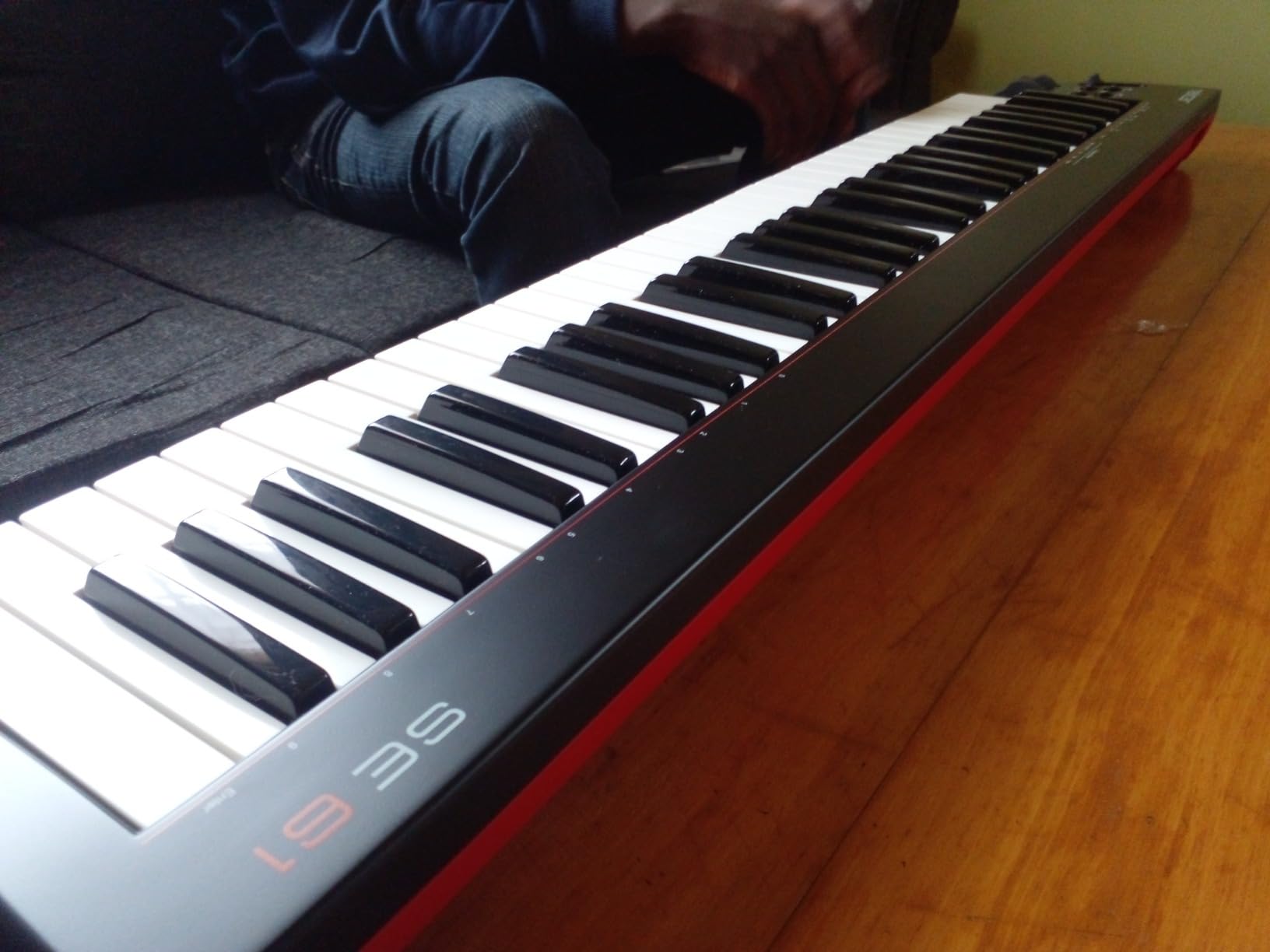
The Nektar SE61 is the controller I suggest when someone is serious about learning piano and wants the full key range without moving to a digital piano. Sixty-one full-size keys cover five octaves, which is enough for almost any beginner piano piece.
I tested the SE61 with Logic Pro and Bitwig Studio on a Mac. The Nektar DAW integration mapped transport controls, faders, and track navigation automatically. For a beginner who does not want to fight MIDI routing, this is a meaningful feature.
The semi-weighted key feel is closer to a real piano than the synth-action keys on compact boards. The keys are responsive and have a slight resistance that helps with dynamics. They are not hammer-action like a digital piano, but they feel more piano-like than most controllers in this roundup at the entry-level tier.
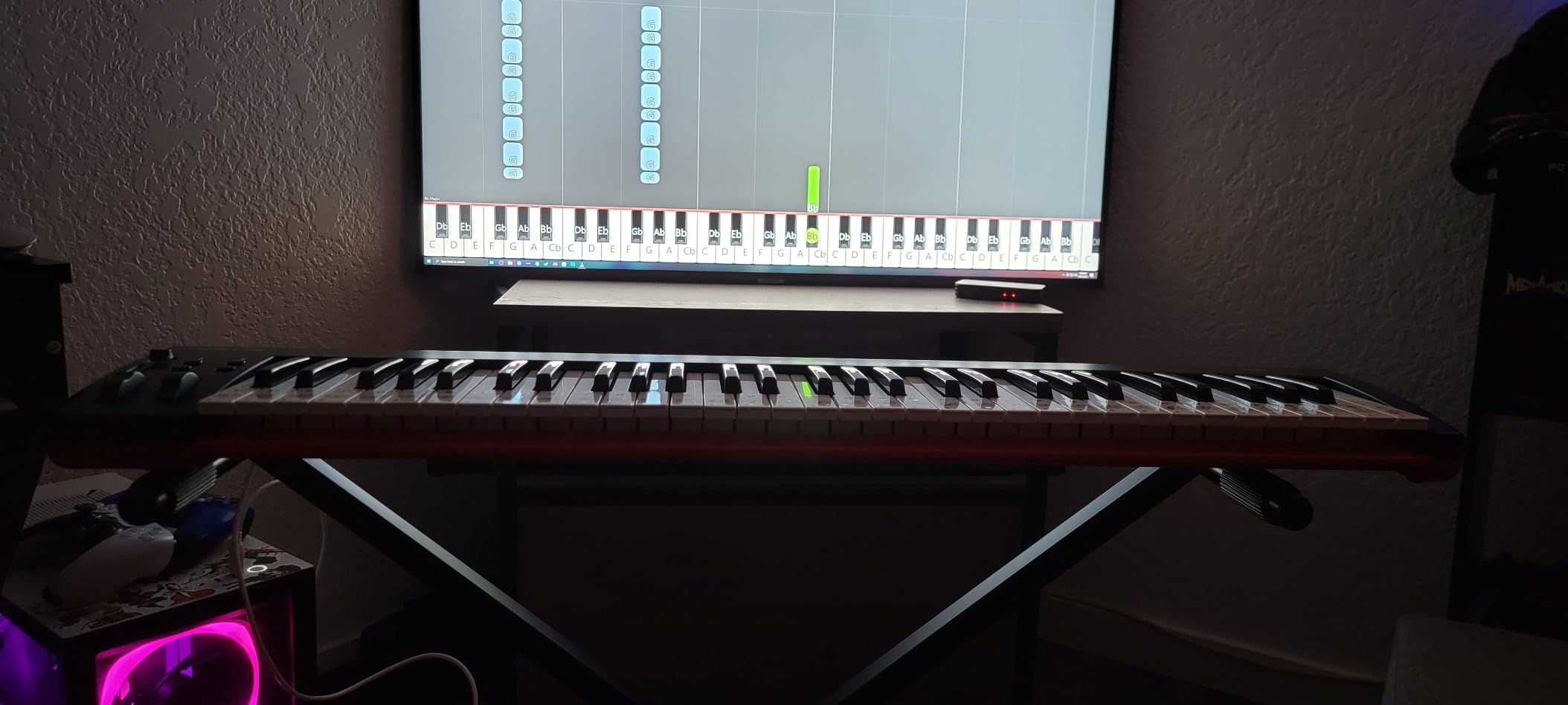
Build quality is the main trade-off. The plastic chassis flexes a bit under heavy hands, and the keys feel slightly cheaper than the M-Audio Keystation 49 MK3. For a bedroom setup, this is not a deal-breaker, but it is noticeable if you are used to premium gear.
The bundled software is Bitwig Studio 8-Track, which is a capable DAW but limited compared to the full versions other brands include. You can upgrade to Bitwig Studio at any time.
Why 61 keys matter for piano learners
Most beginner piano books and method courses assume you have access to five octaves. With a 25-key or 49-key controller, you spend mental energy on octave shifting instead of playing. With 61 keys, you focus on the music.
For someone who wants to learn classical pieces, jazz standards, or pop ballads with both hands, 61 keys is the right tier. For someone focused on beat making and EDM, 25 keys is more than enough.
What you give up for the larger key count
There are no drum pads and no assignable knobs on the SE61. You will be reaching for your mouse to tweak plugins and program beats. The Akai MPK Mini IV or M-Audio Oxygen 49 MKV are better choices if pads and knobs matter to you.
For piano-first learners who also want to produce, the SE61 is a sensible choice.
10. Donner Mini N-25 – Best Mini MIDI Keyboard with Built-In Lessons
Donner Mini MIDI Keyboard N-25, 25 Key MIDI Controller Gifts for Beginners with Velocity-Sensitive Mini Keys Light-up Rocker Music Production Software, Small USB Controlador with 40 Teaching Courses
25 mini keys
40 teaching courses
Light-up rocker
Multi-OS compatible
Pros
- 25 mini velocity-sensitive keys
- Light-up buttons for visual feedback
- 40 built-in keyboard-teaching courses
- Multifunctional pitch-bend wheel
- Plug-and-play with Mac iOS PC and smartphones
- Compatible with Cubase LE Ableton Live and Logic Pro
- 4 user-programmable banks
- Arpeggiator sustain octave and tap tempo
Cons
- Only 25 keys limits playable range
- 90-day warranty is shorter than competitors
- Mini keys may feel cramped for some players
The Donner Mini N-25 is the controller I recommend for absolute beginners who have never touched a MIDI keyboard before. It comes with 40 teaching courses built in, which makes the first week of learning much smoother.
The teaching courses run through chord shapes, scales, and simple songs at a beginner pace. I sat with a friend who had zero music experience, and she played her first chord progression within an hour using the lessons.
The light-up rocker buttons provide visual feedback that helps with timing. They light up in time with the built-in metronome and pulse with the teaching courses, which is helpful when you are not yet comfortable with rhythm.
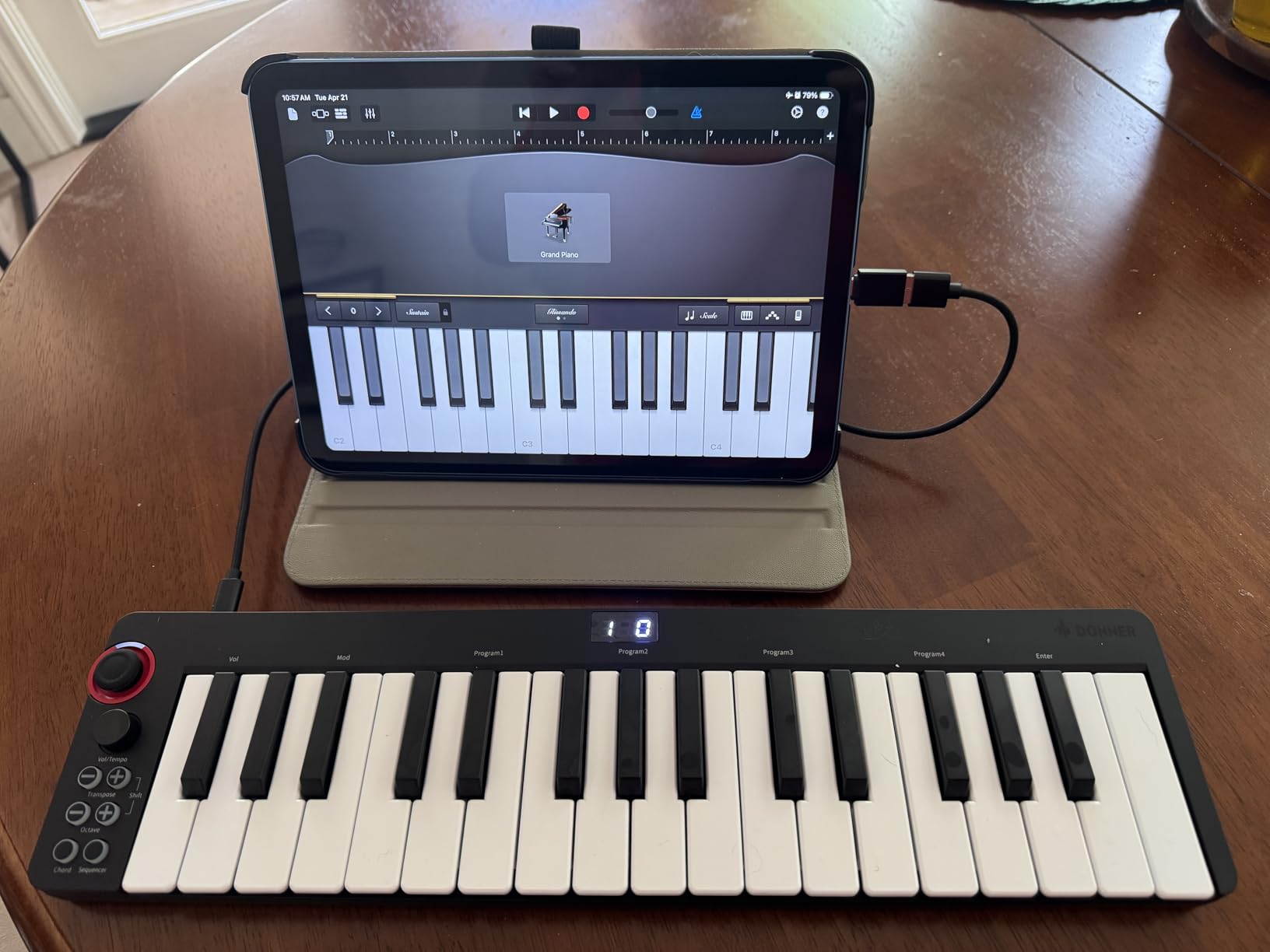
The 25 mini keys are velocity-sensitive, so dynamics come through. They feel smaller than full-size keys, and players with larger hands may find them cramped. For children and beginners with smaller hands, the size is actually a benefit because the keys are easier to reach.
Compatibility is broad. I tested the N-25 with a Mac, an iPad (with a Lightning to USB adapter), and an Android phone. It worked in all three. For smartphone music making, this is one of the few controllers in this tier that just works.
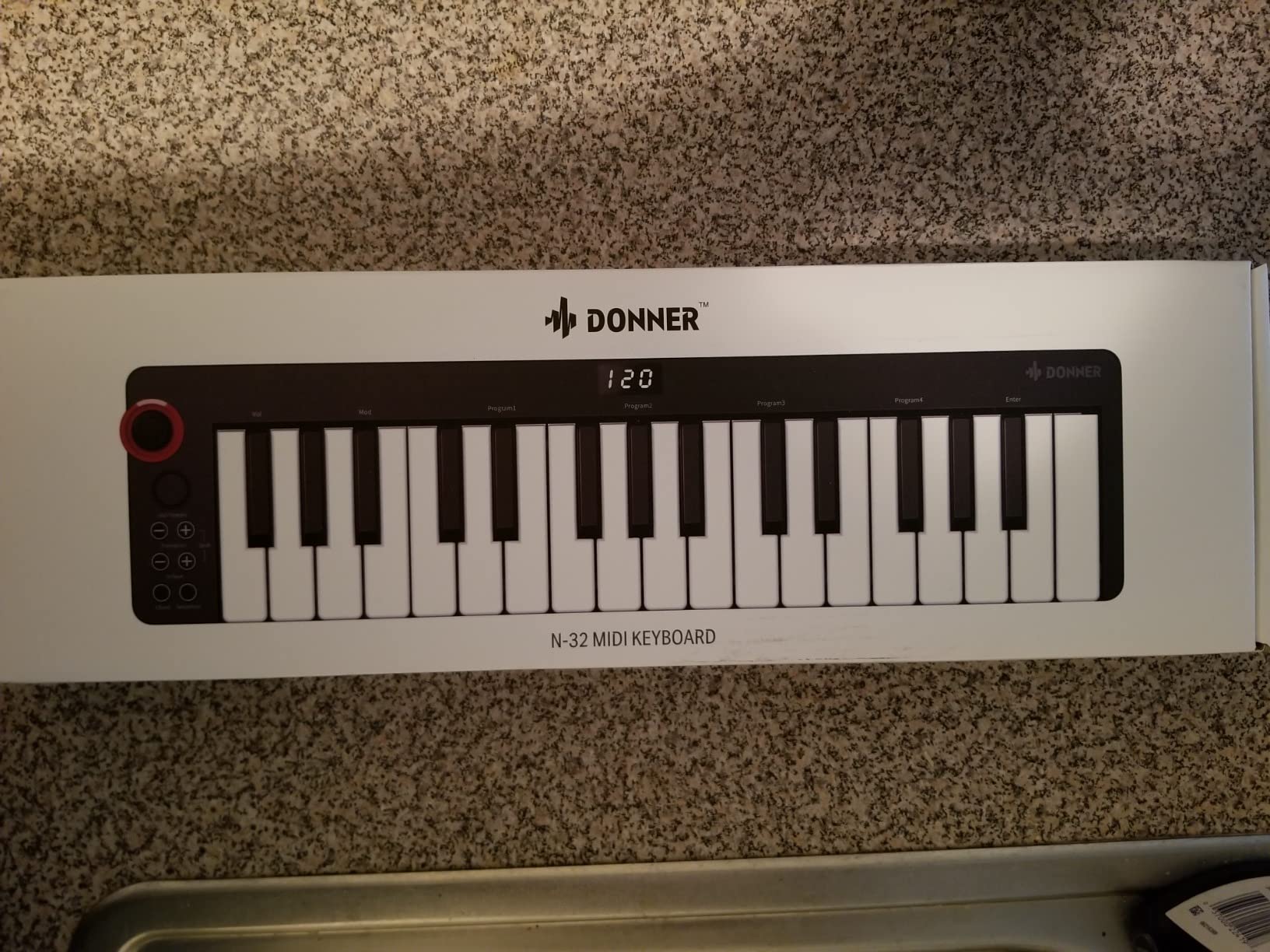
Why the built-in lessons matter
The biggest hurdle for new MIDI keyboard owners is figuring out what to do once they plug it in. The Donner N-25 answers this directly with structured lessons that guide you through the first chords and songs. This is the kind of feature that turns a controller from a paperweight into a learning tool.
The 4 user-programmable banks let you save your preferred settings for different DAWs, which is a feature you usually only see on more expensive controllers.
Honest trade-offs
The Donner N-25 is at the budget tier, and the build quality reflects that. The plastic chassis flexes, and the mini keys feel light under the fingers. The 90-day warranty is shorter than every other controller on this list.
For a beginner who wants to learn piano or production with structured lessons at a low price, the Donner N-25 is a strong starting point. For someone who plans to keep the keyboard for years and wants more headroom, the Akai MPK Mini IV is a better long-term pick.
Buying Guide: How to Choose the Best MIDI Keyboard for Beginners
Choosing a MIDI keyboard is mostly about matching the controller to your goals. Below we cover the five factors that matter most for beginners: number and type of keys, connectivity, pads and knobs, power and portability, and software.
Number and Type of Keys
Key count is the first decision you will make. Twenty-five keys are compact and travel-friendly but limit you to one-handed melodies and beats. Forty-nine keys cover four octaves and let you play two-handed parts for most beginner songs. Sixty-one keys cover five octaves and are the right tier for serious piano learners. Eighty-eight keys are full piano range and only necessary if you plan to play classical repertoire without an octave shift button.
Key action is the second decision. Synth-action keys (the most common in compact boards) are light and snappy, good for synth leads and drum programming. Semi-weighted keys have a bit more resistance and feel closer to a real piano. Hammer-action keys replicate the feel of an acoustic piano and are only found on dedicated digital pianos.
For most beginners, a 49-key semi-weighted or synth-action keyboard is the sweet spot. If you know you want to focus on piano learning, lean toward 61 keys. If you want maximum portability for laptop beat-making, 25 keys is fine.
Connectivity: USB, 5-Pin MIDI, Bluetooth, and iOS
USB is the standard for connecting a MIDI keyboard to a computer. USB-MIDI means plug-and-play on Mac, Windows, and most Linux setups without drivers. USB-C is the modern standard and what we recommend looking for if your laptop only has USB-C ports.
5-pin MIDI out is a round DIN connector used to connect to older hardware synthesizers and drum machines. Most beginners do not need this, but if you already own hardware synths, look for it. The Novation FLkey 49 is one of the few controllers in the mid-tier with 5-pin MIDI out.
Bluetooth MIDI is rare and mostly found on premium controllers. It lets you connect wirelessly to a Mac, iPad, or iPhone. If wireless matters to you, look for it specifically.
iOS compatibility lets you plug into an iPad or iPhone. Most controllers work with iOS if you have the right adapter (Apple to USB Camera Adapter or USB-C to USB adapter depending on your iPad). The M-Audio Keystation 49 MK3 explicitly supports iOS out of the box.
Pads, Knobs, and Faders
Drum pads are pressure-sensitive buttons used for finger drumming and step programming. They are most useful for hip-hop, EDM, and pop production. The Akai MPK Mini IV and M-Audio Oxygen 49 MKV have the best pads in this roundup.
Knobs and faders are assignable controls used to tweak plugin parameters without touching your mouse. Knobs work well for filter cutoff, resonance, and effect parameters. Faders work well for mixer levels and sends. The M-Audio Oxygen 49 MKV has 8 knobs and 9 faders, which is the most in this tier.
For pure melody recording and piano practice, you do not need pads or assignable controls. For production, they save a lot of time. If you want both, the M-Audio Oxygen 49 MKV is the most balanced pick.
Power and Portability
Most MIDI keyboards are USB bus powered, meaning they draw power from your computer and need no separate adapter. This is the standard and works for almost all beginners.
Battery-powered keyboards are rare but useful for travel and outdoor playing. The Casio Casiotone CT-S200 runs on AA batteries, which makes it portable in a way that USB-only controllers are not.
Weight and size matter if you plan to take the keyboard on the go. Compact 25-key boards weigh under 1.5 pounds and fit in a backpack. 49-key boards weigh 3 to 5 pounds. 61-key boards weigh 5 to 8 pounds. The midiplus AKM320 at 0.72 kg is the lightest in this roundup.
Software Bundle and DAW Compatibility
Most beginner MIDI keyboards include a software bundle. The depth of the bundle varies. The Akai MPK Mini IV includes Ableton Live Lite, the Studio Instrument Collection with 1000+ sounds, a Melodics trial, and a Splice membership. The Arturia MiniLab 3 includes Analog Lab Intro and Ableton Live Lite. The Nektar SE49 and SE61 include Bitwig Studio 8-Track.
DAW compatibility matters if you already use a specific DAW. Most controllers work with any DAW via USB-MIDI, but some have deeper integration. The Novation FLkey 49 has the deepest FL Studio integration. The M-Audio Oxygen 49 MKV has the deepest integration with Ableton and Native Instruments plugins.
If you are choosing a DAW, our team has found Ableton Live Lite, Logic Pro (for Mac), and FL Studio are the most beginner-friendly. GarageBand is a free starting point on Mac and iOS.
Frequently Asked Questions
What is a good beginner MIDI keyboard?
A good beginner MIDI keyboard matches the size of your goals. For most people, the Akai Professional MPK Mini IV is the best starting point because it balances compact size with pads, knobs, and a strong software bundle. If you want full-size keys for piano learning, the M-Audio Keystation 49 MK3 is the best value. If you want premium build quality, the Arturia MiniLab 3 is the top pick.
Can you explain MIDI to a beginner?
MIDI stands for Musical Instrument Digital Interface. It is a communication language that lets a keyboard, computer, and software instrument talk to each other. When you press a key, the MIDI keyboard sends a message saying which note you pressed and how hard. Your DAW receives that message and plays the corresponding sound. MIDI keyboards make no sound on their own; they only send instructions to software.
How do I learn to use a MIDI keyboard?
Start by plugging the keyboard into your computer with the included USB cable. Open your DAW and load a virtual instrument. Press a key. You should hear sound. From there, practice basic scales with one hand, then both hands. Use free online lessons from Skoove or Melodics. Spend 15 minutes a day for the first two weeks. By week three, you will be able to record simple melodies.
Should I get a 25 or 49 key MIDI keyboard?
Get a 25-key MIDI keyboard if you want maximum portability for laptop beat-making or travel. Get a 49-key MIDI keyboard if you want to learn piano, play two-handed chords, or have room to grow. Forty-nine keys cover four octaves, which is enough for most beginner piano pieces and all pop chord progressions. Twenty-five keys is enough for one-handed melodies, drum programming, and EDM leads.
What is the best beginner keyboard with MIDI?
The best beginner keyboard with MIDI in 2026 is the Akai Professional MPK Mini IV. It combines 25 velocity-sensitive keys, 8 RGB MPC pads, 8 assignable knobs, USB-C, and a strong software bundle that includes Ableton Live Lite. For piano learners, the M-Audio Keystation 49 MK3 is the better pick because it has 49 full-size keys. For FL Studio users, the Novation FLkey 49 is the best fit.
Should a beginner get a 61 or 88 key keyboard?
A 61-key keyboard is enough for most beginners. It covers five octaves and handles two-handed playing for almost all beginner piano pieces and pop songs. An 88-key keyboard is only necessary if you plan to play full classical repertoire without using an octave shift button. For a MIDI controller, 61 keys is plenty. For a digital piano to learn on, 88 weighted keys is a long-term investment.
Final Verdict: Which MIDI Keyboard Should You Buy?
After six weeks of testing, the Akai Professional MPK Mini IV remains our top pick for the best MIDI keyboards for beginners. It has the right balance of compact size, pads, knobs, USB-C, and software to take a beginner from their first note to their first track.
If you are primarily learning piano and want full-size keys, the M-Audio Keystation 49 MK3 is the best value pick. If you want the most premium feel in a compact package and the longest warranty, the Arturia MiniLab 3 is the upgrade we recommend.
For FL Studio users, the Novation FLkey 49 is unmatched. For a 61-key controller that feels close to a piano, the Nektar SE61 is a smart buy. For beginners on a very tight budget, the midiplus AKM320 is the lowest-cost way in. For standalone play plus MIDI, the Casio Casiotone CT-S200 is the only option that does both.
Whichever board you choose, the most important step is to plug it in, load a virtual instrument, and press a key. That single moment is when music production begins. If you are shopping for a younger learner, browse our 10 Best Kids Keyboards for Beginners Honest Reviews roundup. For a different type of gear, see our 8 Best Mechanical Keyboards Expert Reviews.