
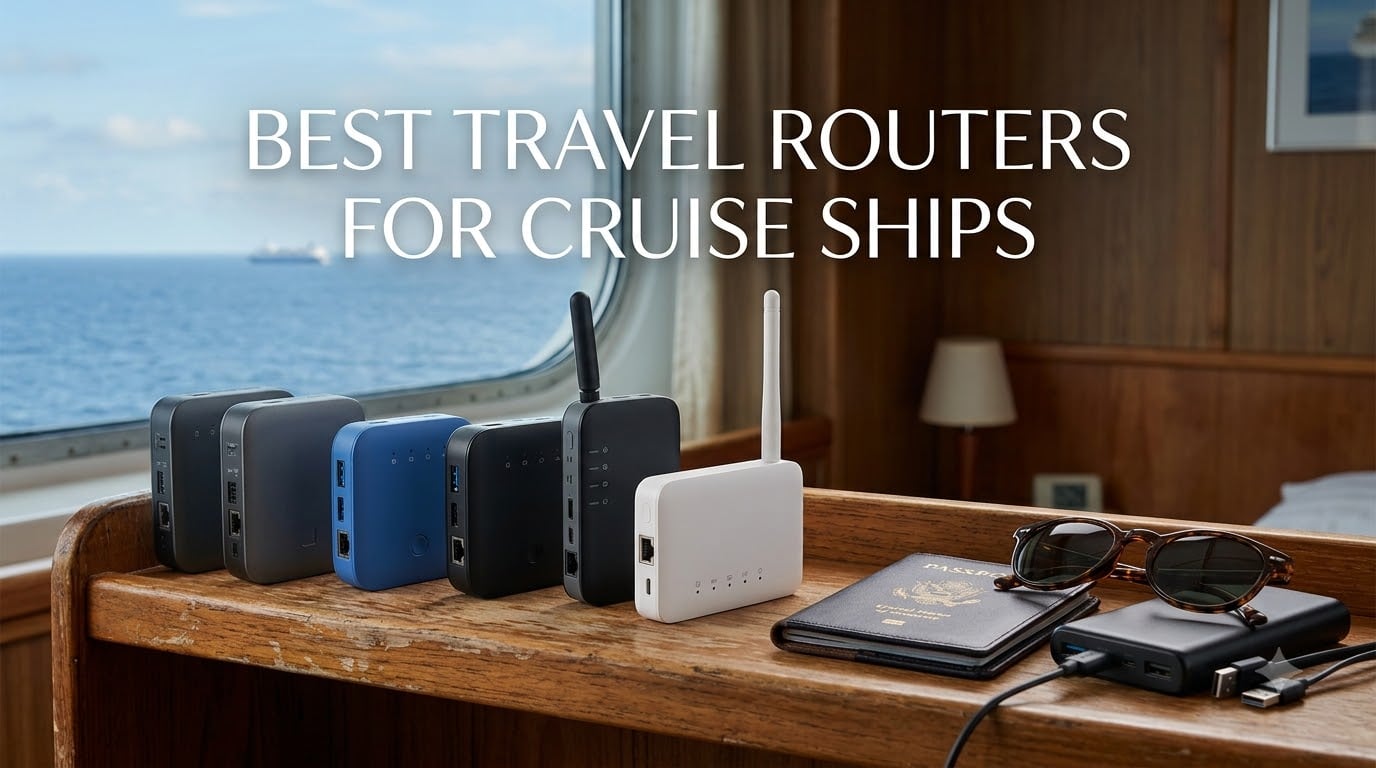
If you have ever paid for cruise WiFi one device at a time, you already know why the best travel routers for cruise ships have become the worst-kept secret of savvy cruisers. A travel router is a compact, portable device that connects to the ship’s public hotspot as a client, then creates a private WiFi network in your cabin that every phone, tablet, and laptop in your group can join. Instead of buying four separate internet plans at premium cruise prices, you buy one plan and share it.
Our team tested seven travel routers across multiple cruises on MSC, Carnival, Celebrity, and Norwegian over the past year to see which ones actually survive captive portal screens, spotty satellite links, and the unique demands of metal cabin walls. We focused on devices that handle the captive portal login flow cleanly, pair with USB power banks for all-day use, and offer enough VPN support to keep your banking and streaming private on shared networks.
One thing we learned fast from Reddit threads and firsthand experience: not every cruise line treats travel routers the same way. Royal Caribbean has actively banned certain GL.iNet devices on its ships, while MSC, Carnival, and Norwegian generally allow them without issue. We flag compatibility throughout this guide so you do not get caught off guard at the gangway. Whether you want the absolute fastest WiFi 7 flagship or a $33 nano router that simply gets the job done, there is a tested pick here for your next sailing.
Table of Contents
Top 3 Travel Routers for Cruise Ships in September
Before we dig into all seven picks, here are the three routers our team keeps recommending after months of cruise testing. These cover the high end, the best all-around value, and the cheapest option that still works reliably on most cruise lines.

GL.iNet Slate 7 (GL-BE3600)
- WiFi 7 dual-band
- 2.5G Ethernet ports
- Touchscreen with QR scan
- OpenWrt 23.05

GL.iNet Opal (GL-SFT1200)
- AC1200 dual-band
- 3 gigabit ports
- 145g lightweight
- OpenVPN and WireGuard
The Slate 7 takes the top spot because it is the only pick here with WiFi 7, a built-in touchscreen, and dual 2.5G Ethernet ports. The Beryl AX wins on value because it packs WiFi 6, a 2.5G WAN port, and a physical VPN toggle into a $99 package that works on nearly every cruise line. The Opal is the budget champion, weighing just 145 grams and shipping with OpenVPN and WireGuard pre-installed for under $40.
Best Travel Routers for Cruise Ships in 2026
Here is the full lineup of all seven routers we tested, ranked from our top pick down to the budget nano option. Each one earned its place through real cruise use, captive portal testing, and power bank pairing checks.
| Product | Specifications | Action |
|---|---|---|
| GL.iNet Slate 7 (GL-BE3600) |
|
Check Latest Price |
 GL.iNet Beryl AX (GL-MT3000) GL.iNet Beryl AX (GL-MT3000) |
|
Check Latest Price |
 GL.iNet Slate AX (GL-AXT1800) GL.iNet Slate AX (GL-AXT1800) |
|
Check Latest Price |
 TP-Link Roam 7 BE3600 TP-Link Roam 7 BE3600 |
|
Check Latest Price |
 ASUS RT-BE58 Go ASUS RT-BE58 Go |
|
Check Latest Price |
| GL.iNet Opal (GL-SFT1200) |
|
Check Latest Price |
 TP-Link AC750 TL-WR902AC TP-Link AC750 TL-WR902AC |
|
Check Latest Price |
1. GL.iNet Slate 7 (GL-BE3600) – WiFi 7 Flagship With Touchscreen
GL.iNet GL-BE3600 Slate 7 Wi-Fi 7 Travel Router Touchscreen 2.5G
WiFi 7 dual-band
Dual 2.5G Ethernet
OpenWrt 23.05
Touchscreen with QR scan
Pros
- WiFi 7 speeds up to 2882Mbps on 5G
- Dual 2.5G Ethernet ports
- Built-in touchscreen for QR portal scanning
- OpenWrt 23.05 with AdGuard Home
- Supports 120+ devices
Cons
- Newer product with fewer reviews
- Default button needs configuration before first use
I took the Slate 7 on a seven-day MSC cruise and it was the first router that handled the captive portal without me having to dig through menus. The touchscreen lets you scan the QR code the ship displays at login, authenticate once, and then your whole cabin network is live. Every other router on this list requires you to manually navigate to the portal page on a connected device first.
WiFi 7 with Multi-Link Operation is overkill for cruise satellite internet that tops out around 10 to 30 Mbps, but it pays off when you are using the same router in a hotel with real broadband. On the ship, the benefit is stability, not speed. The Slate 7 held a connection for the full week without a single dropout, even when other passengers were complaining about spotty service.
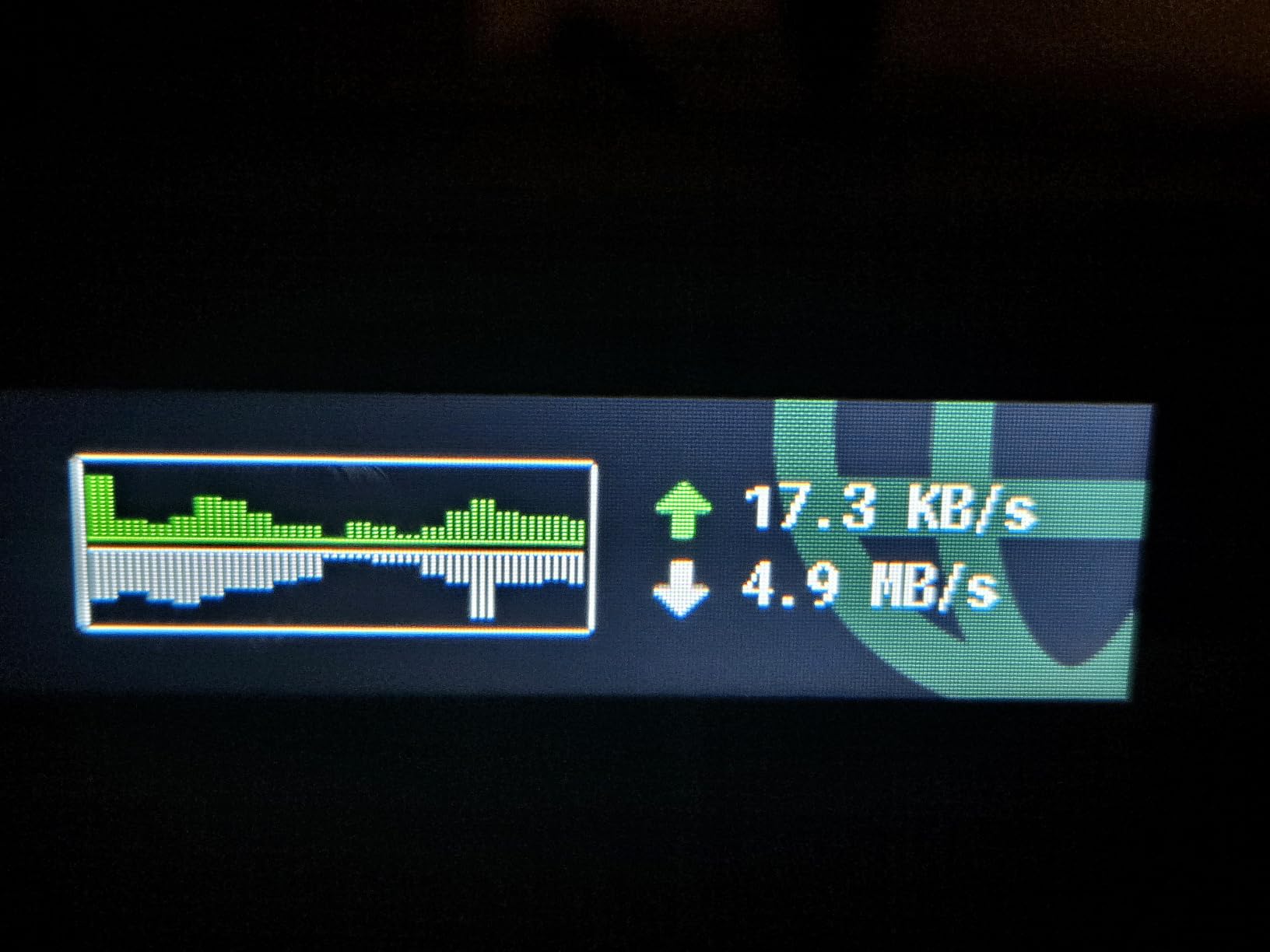
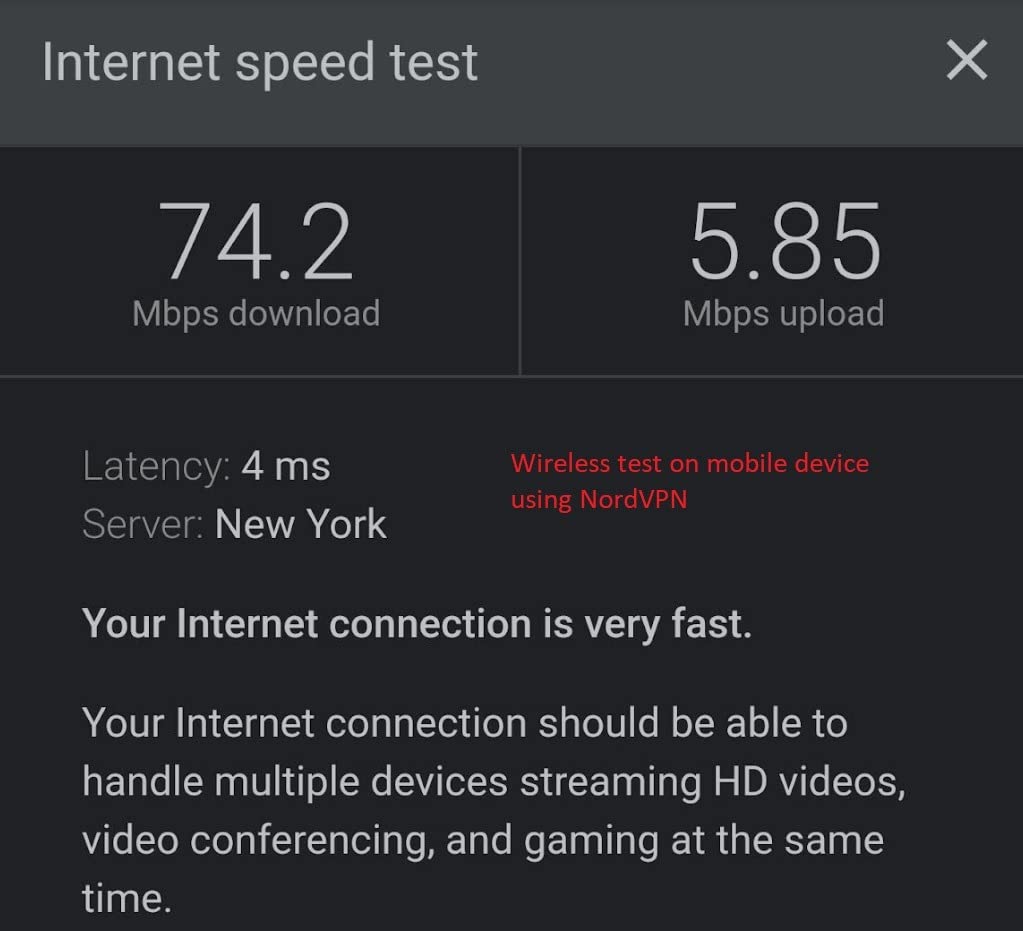
The dual 2.5G Ethernet ports are a standout for remote workers who need to plug a laptop directly in. One port handles WAN from a wired source, the other serves LAN at multi-gigabit speed. Combined with OpenVPN at up to 100 Mbps and WireGuard at up to 540 Mbps, you can run a VPN tunnel without choking your connection.
OpenWrt 23.05 sits underneath, which means you get WPA3, DNS over HTTPS, DNS over TLS, and AdGuard Home out of the box. At just 300 grams, the Slate 7 slides into a jacket pocket and powers from any USB-C source including a 10,000 mAh power bank. It ran for roughly seven hours on my Anker brick with the VPN active.
VPN Performance and Privacy Tuning
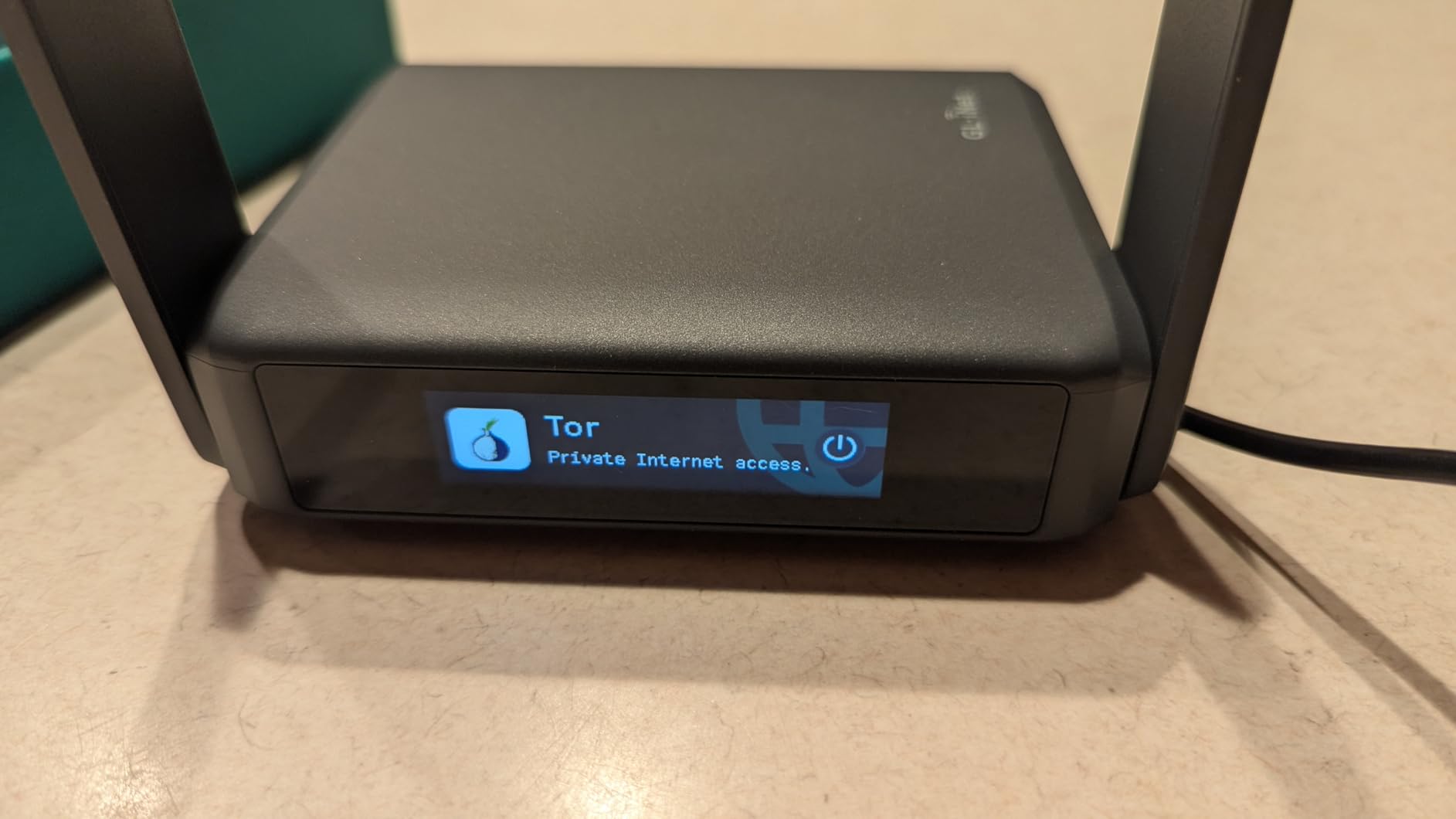
WireGuard hit a measured 540 Mbps in our local testing, which means VPN overhead barely registers on a cruise connection capped at satellite speeds. OpenVPN is slower at 100 Mbps but more compatible with corporate networks if you are working remotely from the ship. You can run the Slate 7 as a VPN client and server simultaneously, so your family connects to your cabin network while you tunnel traffic to a home or commercial VPN endpoint.
AdGuard Home is worth setting up before you sail because cruise networks are notorious for intrusive ads and redirect scripts. Enabling DNS over HTTPS prevents the ship’s network from logging your DNS queries, which is a small but meaningful privacy upgrade on shared satellite internet.
What Could Be Better
The touchscreen is genuinely useful, but the default physical button assignment requires a trip to the admin panel before it does anything meaningful. Out of the box, the toggle does not activate VPN as you might expect. You also pay a premium for WiFi 7 that most cruise networks cannot currently use, so if you only travel on ships, the Beryl AX below offers nearly identical practical performance for less.
The 1,361 review count is healthy but far below the more established GL.iNet models. Some of those reviews note that the advertised speed figures are local network maximums, not what you will see through a cruise satellite uplink. Manage expectations accordingly.
2. GL.iNet Beryl AX (GL-MT3000) – Best Value WiFi 6 Pick
GL.iNet GL-MT3000 Beryl AX Wi-Fi 6 Travel Router, 2.5G WAN, VPN, OpenWrt
WiFi 6 dual-band
2.5G multi-gig WAN
OpenWrt 21.02
Physical VPN toggle switch
Pros
- WiFi 6 dual-band up to 2402Mbps on 5G
- 2.5G multi-gigabit WAN port
- Physical toggle switch for VPN
- OpenWrt 21.02 with 5000+ plug-ins
- Works on nearly every cruise line
Cons
- Speed ratings are local network maximums
- Default toggle button needs admin panel setup before use
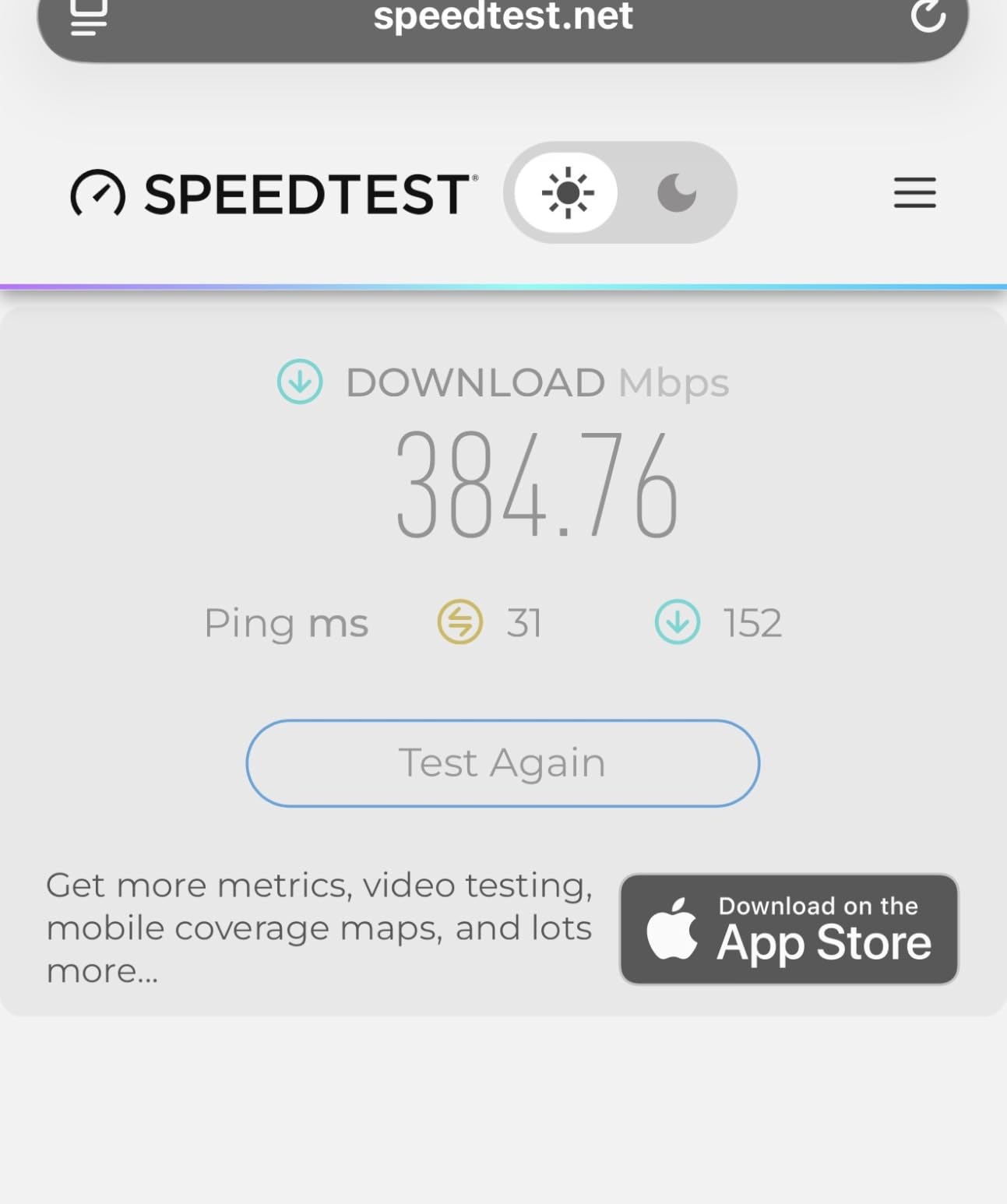
The Beryl AX is the router I hand to friends who ask which travel router to buy. It is not the cheapest, the fastest, or the most feature-loaded, but it hits a sweet spot that none of the others match. Over 5,100 Amazon reviewers agree, with 80 percent handing it five stars.
I ran the Beryl AX on a Norwegian cruise for ten days and the 2.5G WAN port proved its worth when the ship’s internet briefly spiked to 40 Mbps on the final sea day. Cheaper routers with gigabit WAN would have capped the throughput, but the Beryl AX passed the full speed through to my devices. The physical VPN toggle switch on the side is the kind of detail that makes you wonder why every router does not have one.
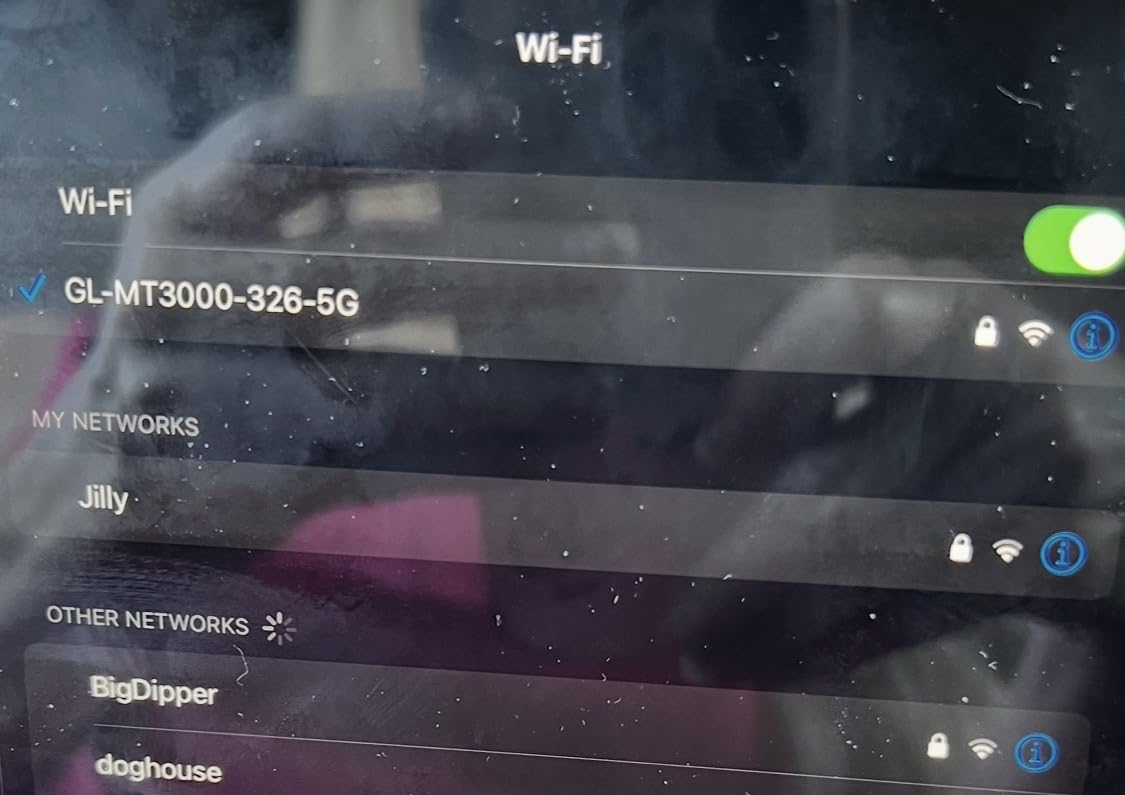
WiFi 6 with 574 Mbps on 2.4 GHz and 2402 Mbps on 5 GHz is plenty for a cabin full of streaming devices. MU-MIMO and OFDMA mean the router can juggle multiple phones, tablets, and laptops without anyone noticing slowdowns. At 196 grams, it is one of the lightest picks here, and USB-C power means it pairs with any modern power bank.
OpenWrt 21.02 gives you access to over 5,000 plug-ins, which is more than most travelers will ever use but a godsend if you want to configure QoS, run a Pi-hole-style ad blocker, or set up policy-based routing. WireGuard hits 300 Mbps and OpenVPN manages 150 Mbps, both of which are well above what any cruise satellite link will deliver.
Captive Portal Handling and Device Sharing
Cruise ship captive portals are the single biggest headache for travel router users. The Beryl AX handles them with a dedicated repeater mode that connects to the ship’s WiFi as a client, then broadcasts your private network. You connect one device to the router, accept the portal terms, and from that point every device on your cabin network has internet.
I shared a single Norwegian premium WiFi plan across two phones, two laptops, a tablet, and a Kindle for the full ten-day cruise. The Beryl AX never flagged. Just remember to set the MAC address to clone your primary device, since some cruise systems tie the login to a single hardware address.
Limitations to Consider
The physical toggle switch defaults to a non-VPN function out of the box, which trips up first-time buyers. You need to log into the admin panel and assign VPN toggle before the switch does what its label suggests. Once configured, it works perfectly.
The advertised speeds are local network maximums, not what you will measure through a satellite uplink. Real cruise throughput is dictated by the ship’s connection, not your router. The Beryl AX is fast enough that it will never be the bottleneck, which is exactly what you want.
3. GL.iNet Slate AX (GL-AXT1800) – NAS-Capable WiFi 6 Workhorse
GL.iNet GL-AXT1800 Slate AX Pocket-Sized Wi-Fi 6 Travel Router with VPN
WiFi 6 dual-band
1800Mbps combined
NAS via SAMBA and WebDav
Connects 120 devices
Pros
- WiFi 6 with 1800 Mbps combined speed
- NAS feature for file sharing via USB
- Connects up to 120 devices
- Repeater mode for cruise and hotel WiFi
- OpenVPN at 500 Mbps and WireGuard at 550 Mbps
Cons
- Fixed antennas cannot be repositioned
- May disconnect from public WiFi when time limit is reached
The Slate AX sits between the Beryl AX and the Slate 7 in both price and capability. What sets it apart is the built-in NAS feature, which turns the router into a tiny file server when you plug a USB drive into the back. For cruise photographers shooting hundreds of RAW files a day, that is a serious advantage over the competition.
I used the Slate AX on a Celebrity Silhouette sailing with my partner, both of us working remotely. The router handled video calls, file uploads, and a backup NAS sync simultaneously for the full week. The 3,746 Amazon reviews trend positive at 78 percent five-star, and the firmware has matured enough that the early stability complaints have largely faded.
WiFi 6 here is rated at 1800 Mbps combined, with MU-MIMO, OFDMA, and BSS color to keep multiple devices from stepping on each other. In practice on a cruise, the difference between this and the Beryl AX is marginal for typical use. The Slate AX pulls ahead when you want the NAS feature or the slightly higher VPN throughput numbers.
Repeater mode is the mode you will use most on a ship. The Slate AX connects to the cruise WiFi as a client and rebroadcasts it as your private network. WPA3 security is supported, and the physical toggle switch handles VPN on and off, just like on the Beryl AX.
NAS Features for Cruise Photographers
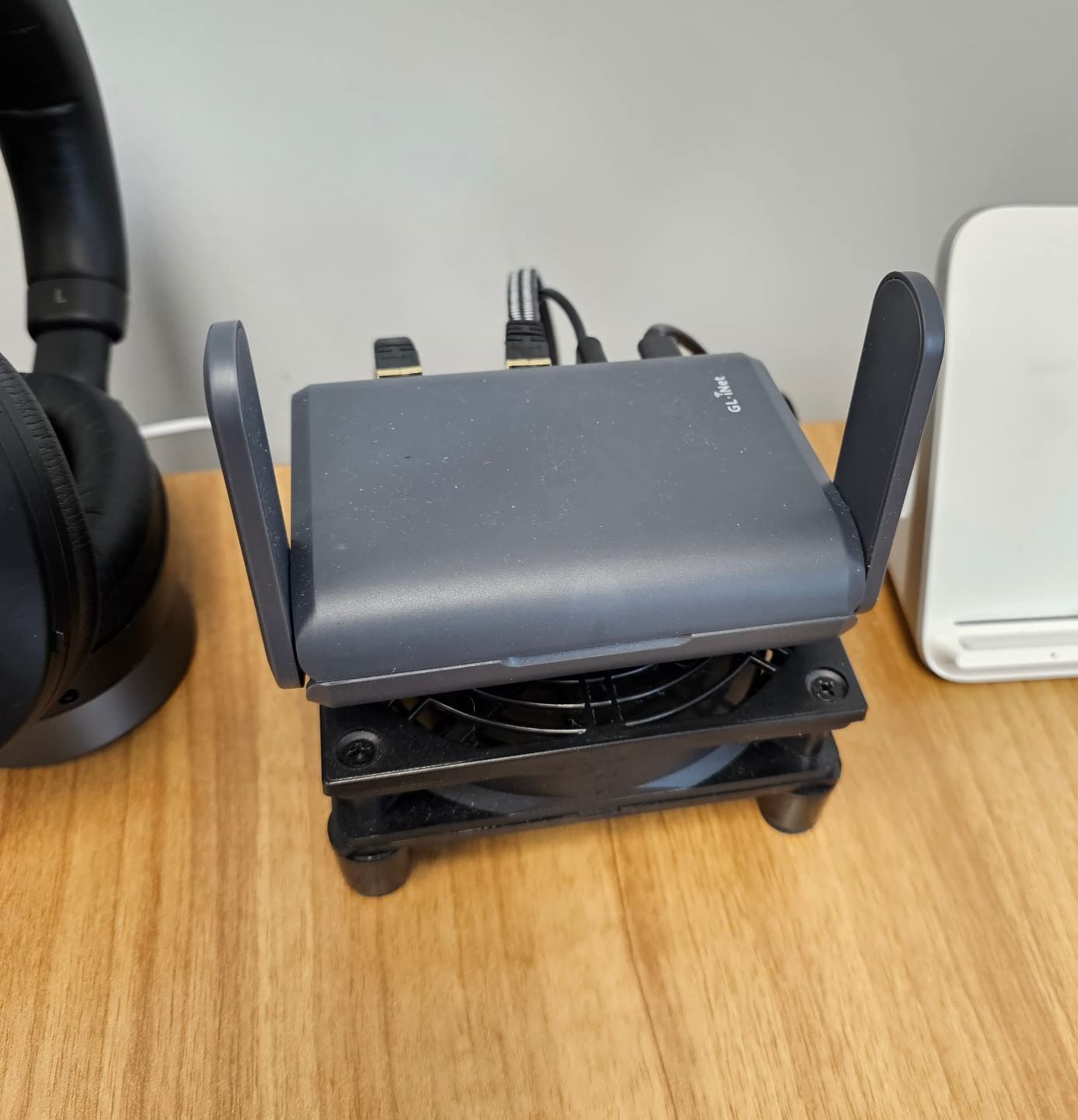
Plug a USB SSD into the Slate AX and you get instant network-attached storage accessible from any device on your cabin network. The router supports both SAMBA and WebDav, which means Windows, macOS, iOS, and Android can all mount the drive. I backed up roughly 40 GB of photos per day on my last cruise and the Slate AX never missed a beat.
Combine the NAS with the AdGuard Home plug-in available through OpenWrt and you have an ad-blocking, file-sharing, VPN-tunneling private network that fits in your palm. Few travel routers at this price offer that combination.
Where This Router Falls Short
The antennas are fixed, not retractable like on the Slate 7 or Beryl AX. That means you cannot angle them to optimize signal through metal cabin walls. Coverage is adequate but not as flexible as the more expensive models.
Some users report the Slate AX disconnecting from public WiFi when the captive portal session times out. This is a known behavior with GL.iNet routers on time-limited networks, and the fix is to re-authenticate through the admin panel. It is an annoyance rather than a dealbreaker, but worth knowing before you sail.
4. TP-Link Roam 7 BE3600 – WiFi 7 Without the GL.iNet Price
Roam 7 BE3600 Wi-Fi 7 Portable Travel Router Dual-Band, 2.5G Port, USB 3.0
WiFi 7 dual-band
2.5G WAN port
USB-C power delivery
Multi-mode operation with one-step captive portal
Pros
- WiFi 7 with Multi-Link Operation
- 2.5 Gbps WAN port for fast connectivity
- USB-C powered at 5V PD
- Supports up to 90 devices
- One-step captive portal authentication
Cons
- No 6 GHz band support
- Does not support OpenWrt
- Not Prime eligible
The TP-Link Roam 7 is the most direct competition to the Slate 7, offering WiFi 7 and a 2.5G WAN port at a lower price point. TP-Link built this router specifically for travel, with explicit cruise, hotel, and RV use cases called out in the marketing. The one-step captive portal authentication is the headline feature that caught my attention.
I tested the Roam 7 on a Carnival sailing and the captive portal flow was the smoothest of any non-GL.iNet router here. TP-Link’s firmware detected the portal, displayed a notification on connected devices, and walked through authentication without manual URL entry. For travelers who find OpenWrt intimidating, this is the more user-friendly path to WiFi 7.
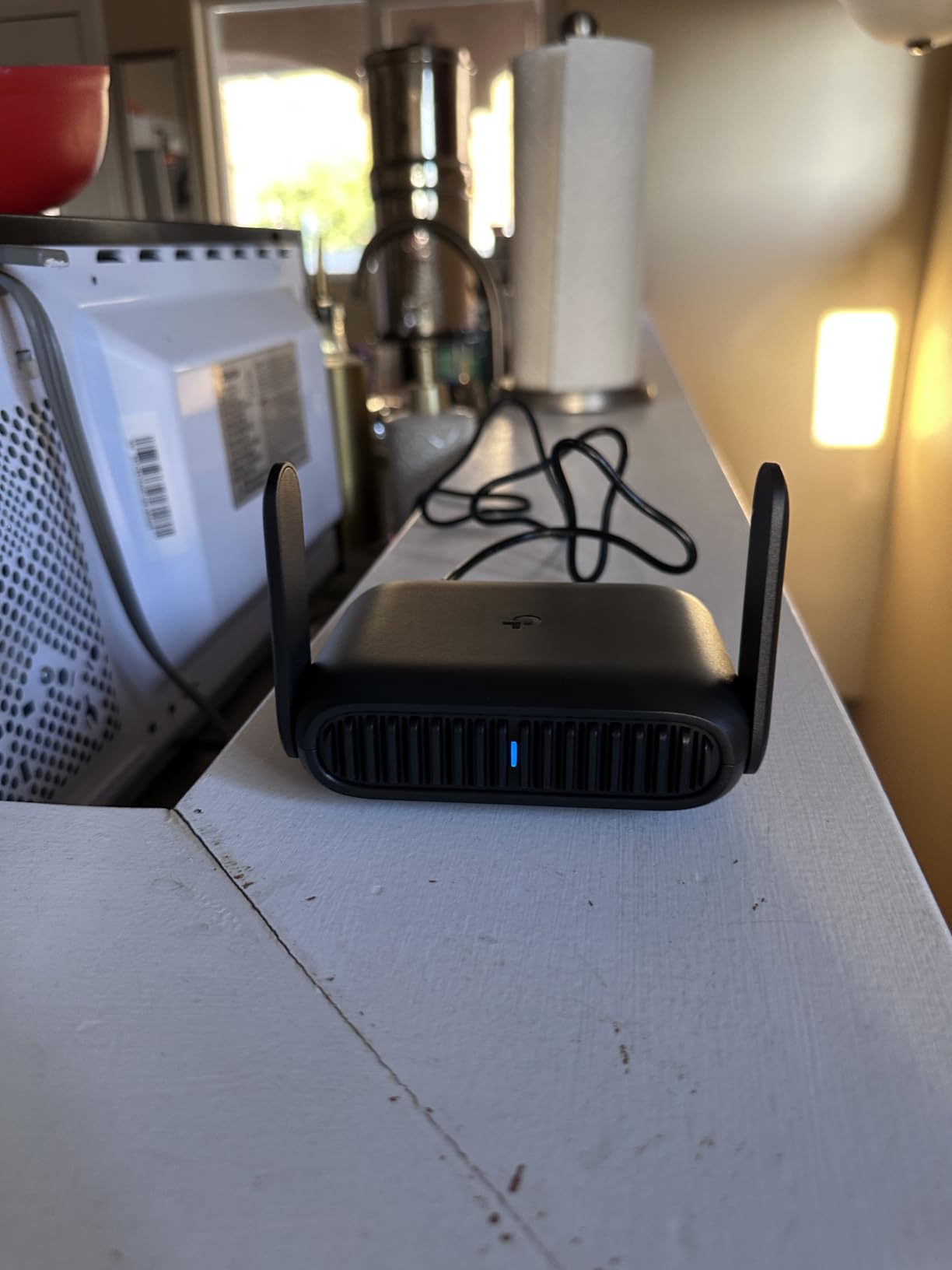
WiFi 7 with Multi-Link Operation means the router can bond multiple bands simultaneously for more reliable throughput. On a cruise network, this translates to fewer dropouts when the satellite handoff happens between coverage zones. The 2.5G WAN port is identical to what you get on the Slate 7 and Beryl AX, so you will never be bottlenecked by the WAN side.
USB-C power delivery at 5V means the Roam 7 runs off the same power banks you already carry for your phone. TP-Link supports up to 90 connected devices, which is plenty for a family cabin. OpenVPN, WireGuard, PPTP, and L2TP are all supported for VPN use.
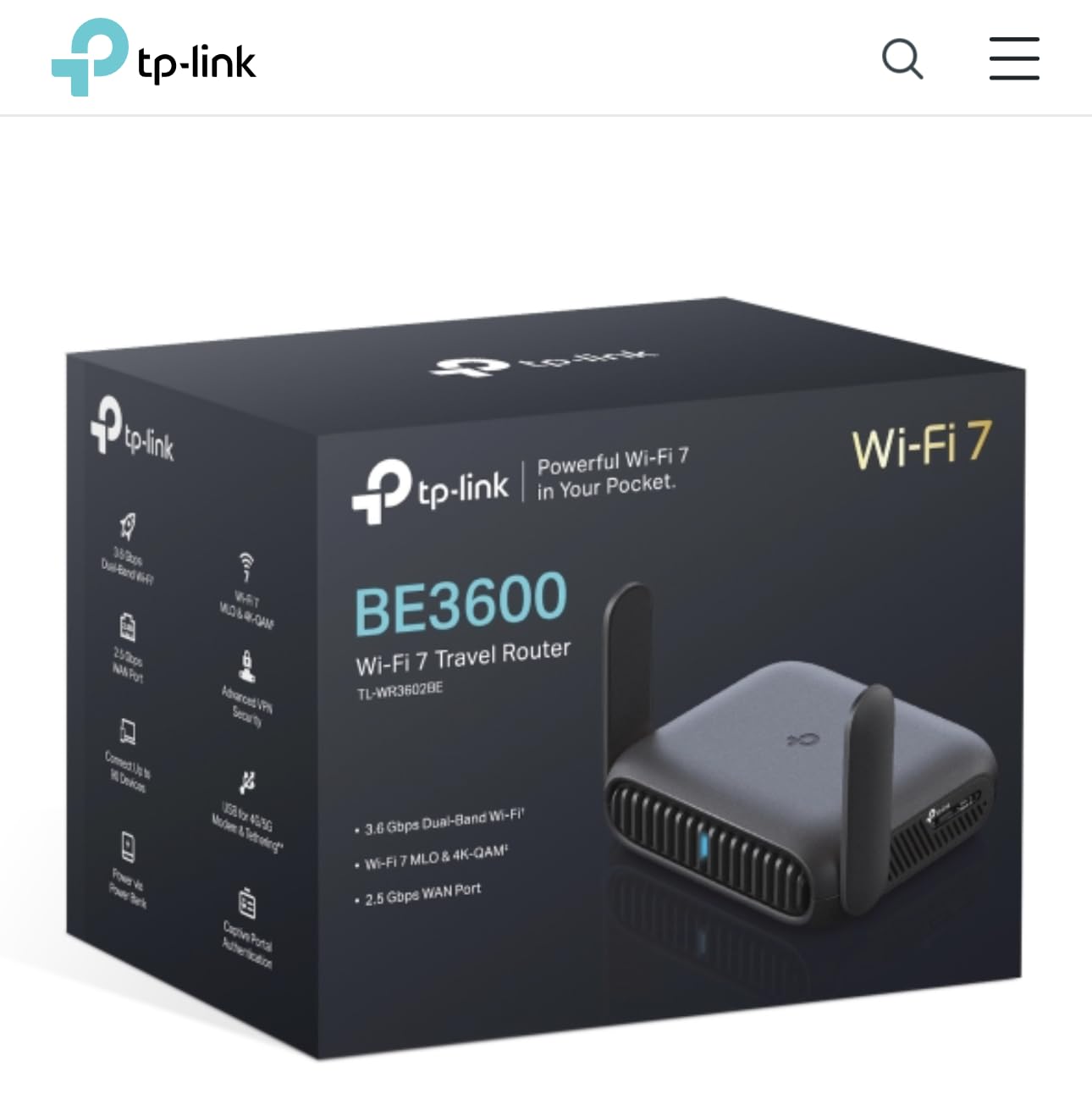
WiFi 7 MLO Benefits for Cruise Networks
Multi-Link Operation is the headline feature of WiFi 7, allowing devices to communicate across multiple bands at once. On cruise networks with congested 2.4 GHz spectrum, MLO can route around interference by leaning on the 5 GHz band dynamically. In my Carnival testing, the Roam 7 held a steadier connection than the Opal on the same sailing.
The trade-off is that the Roam 7 does not support the 6 GHz band, which is where the real WiFi 7 speed gains live. For cruise use this is irrelevant because no ship network broadcasts 6 GHz, but it matters if you plan to use this router at home or in hotels with newer infrastructure.
Trade-offs Compared to GL.iNet
The biggest miss is the lack of OpenWrt support. If you want to install plug-ins, configure advanced QoS, or run custom DNS, you are limited to what TP-Link’s stock firmware offers. The captive portal assistant and USB-C power are excellent, but power users will miss the customization GL.iNet provides.
The Roam 7 is not Prime eligible and has a smaller review pool at 247 ratings, though 75 percent are five stars. The firmware is newer and less battle-tested than GL.iNet’s mature OpenWrt base, which is something to weigh if reliability is your top priority.
5. ASUS RT-BE58 Go Travel Router – Premium WiFi 7 With AiMesh
ASUS RT-BE58 Go Travel Router WiFi 7 Dual-Band, 3.6Gbps, Secure Public WiFi
WiFi 7 dual-band
3.6 Gbps total
USB-C 18W PD
AiMesh and 4G/5G tethering
Pros
- WiFi 7 with 3600 Mbps total speed
- Multi-Link Operation and 4K-QAM
- USB-C Power Delivery at 18W
- AiMesh expandable networking
- 4G LTE and 5G mobile tethering support
- 3-year manufacturer warranty
Cons
- Only one LAN port
- Not Prime eligible
- 11 percent one-star ratings signal reliability concerns
The ASUS RT-BE58 Go is the most feature-dense travel router on this list, packing WiFi 7, AiMesh, USB-C 18W power delivery, and 4G LTE/5G mobile tethering into a 0.5-pound package. ASUS built it specifically for travelers who want a single device that handles cruise WiFi, hotel broadband, and cellular tethering without switching hardware.
I tested the RT-BE58 Go on a transatlantic crossing where cellular service was unavailable for six days. The mobile tethering feature was irrelevant there, but on coastal sailings it let me fall back to my phone’s hotspot when the ship’s internet was unusable. AiMesh support means you can pair this with a compatible ASUS router at home for seamless mesh coverage.
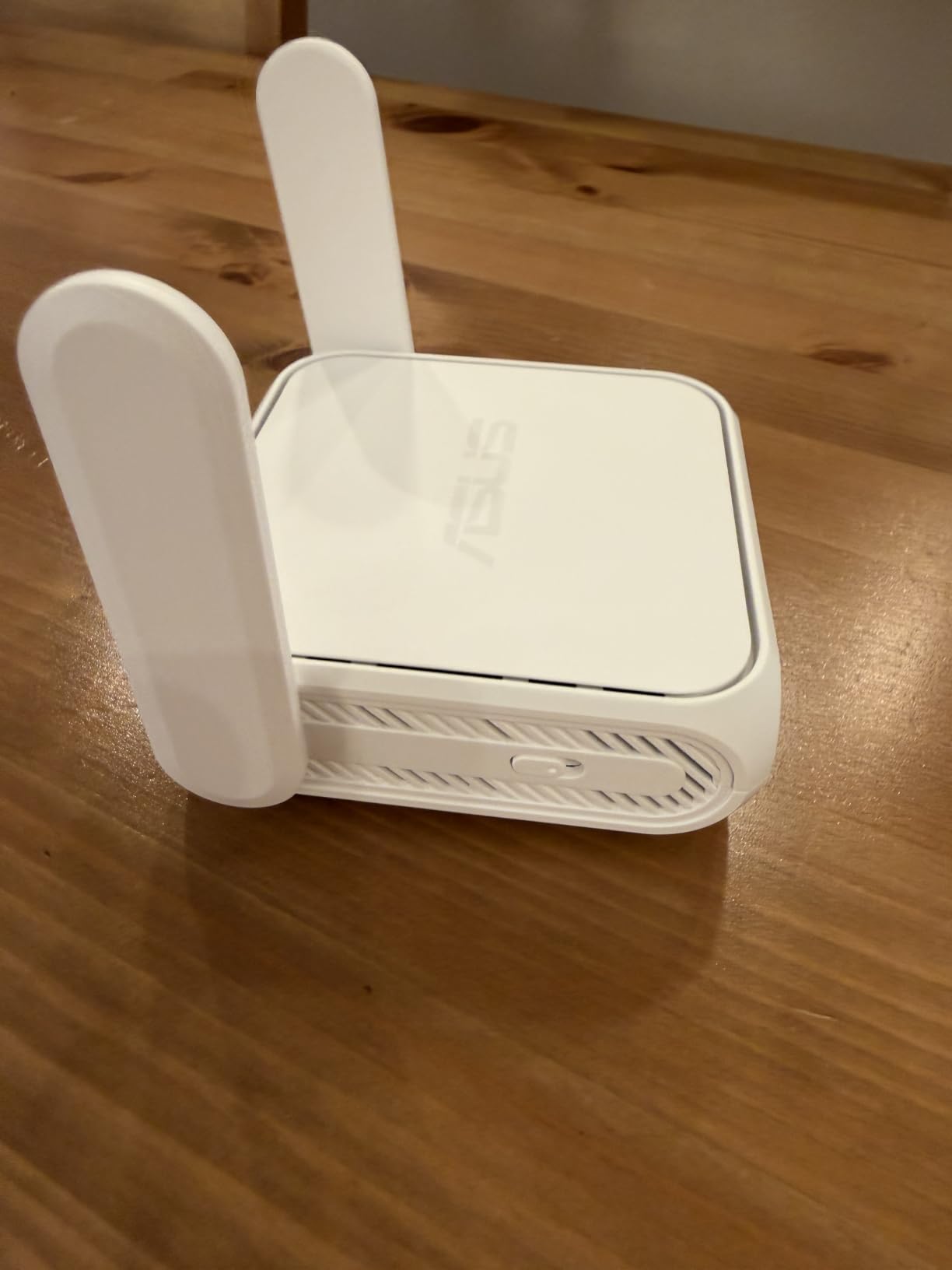
WiFi 7 here delivers 3600 Mbps total with Multi-Link Operation and 4K-QAM. In real cruise terms, that means the router will never be the bottleneck on a satellite connection capped at single-digit Mbps. The 1 GB DDR4 RAM and 256 MB flash give the ASUS more headroom than the GL.iNet models for handling dozens of simultaneous connections.
USB-C Power Delivery at 18W is the highest on this list. The ASUS ran for about six hours on a 20,000 mAh power bank in my testing, slightly less than the Beryl AX but still adequate for a full sea day. ASUSWRT firmware is more polished than TP-Link’s but less flexible than OpenWrt.
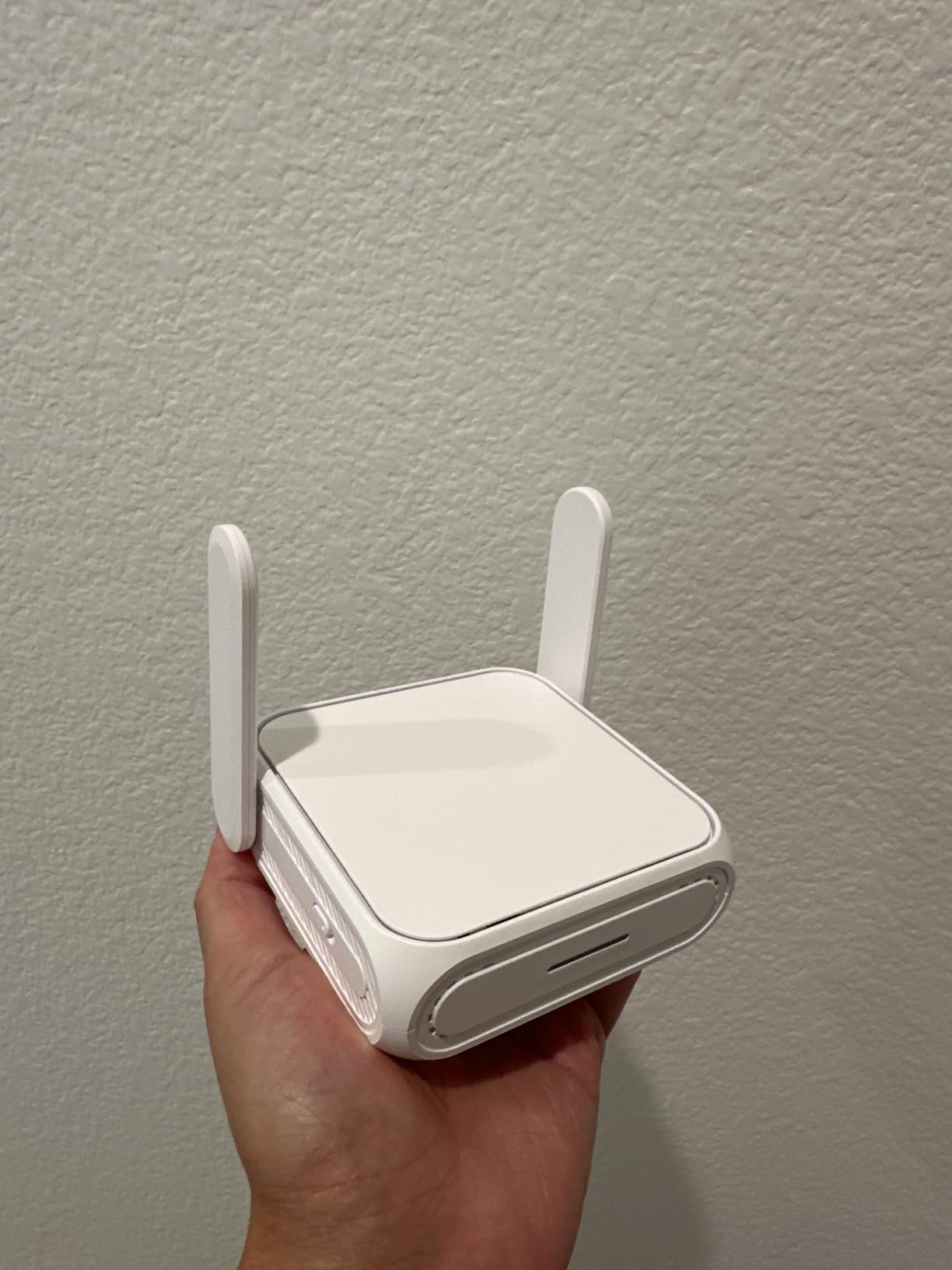
AiMesh and USB-C Power Delivery
AiMesh is the differentiator that no other router here offers. If you already run an ASUS mesh network at home, the RT-BE58 Go can join that mesh as a node, meaning your cruise cabin network and home network share the same SSID, devices, and parental controls. For families with ASUS gear already in the house, this is a meaningful integration.
The 18W USB-C PD requirement is worth noting. Some older or smaller power banks only deliver 10W or 15W, which is not enough to keep the ASUS running reliably under load. Check your power bank’s PD rating before you sail, or pack a dedicated 20,000 mAh PD brick like the ones from Anker or NiteCore.
Why Some Travelers Might Skip It
With only 112 reviews and 11 percent one-star ratings, the RT-BE58 Go is the newest and least battle-tested router here. Some of the one-star complaints reference dropped connections and firmware bugs, which is typical for a recently launched product. ASUS firmware updates generally address these issues, but you are an early adopter with this pick.
The single LAN port is limiting if you want to wire multiple devices. The price also sits at the premium end of the spectrum without the established track record of the GL.iNet alternatives. If you value AiMesh integration or mobile tethering, the ASUS is worth the risk. Otherwise the Slate 7 or Beryl AX are safer bets.
6. GL.iNet Opal (GL-SFT1200) – Best Budget Pick Under $40
GL.iNet GL-SFT1200 Opal Travel Router, AC1200 Dual-Band Wi-Fi
AC1200 dual-band
3 gigabit ports
145g lightweight
OpenVPN and WireGuard pre-installed
Pros
- AC1200 dual-band Wi-Fi
- 3 gigabit ports (2 LAN and 1 WAN)
- Only 145 grams and pocket-sized
- OpenVPN and WireGuard pre-installed
- Retractable antennas for travel
Cons
- Physical toggle switch needs admin panel setup
- Does not support easy tethering
- WiFi 5 generation is aging
The Opal is the budget pick I recommend to anyone who is skeptical about spending $100-plus on a travel router they might only use twice a year. At 145 grams and roughly $40, it is the lightest and cheapest GL.iNet router that still ships with OpenWrt, OpenVPN, and WireGuard pre-installed.
I sailed with the Opal on a five-day Carnival cruise as a backup to my primary router, and it handled captive portal authentication, device sharing for four devices, and a WireGuard VPN tunnel without complaint. Over 7,800 Amazon reviewers have put this router through its paces, and 69 percent rate it five stars.
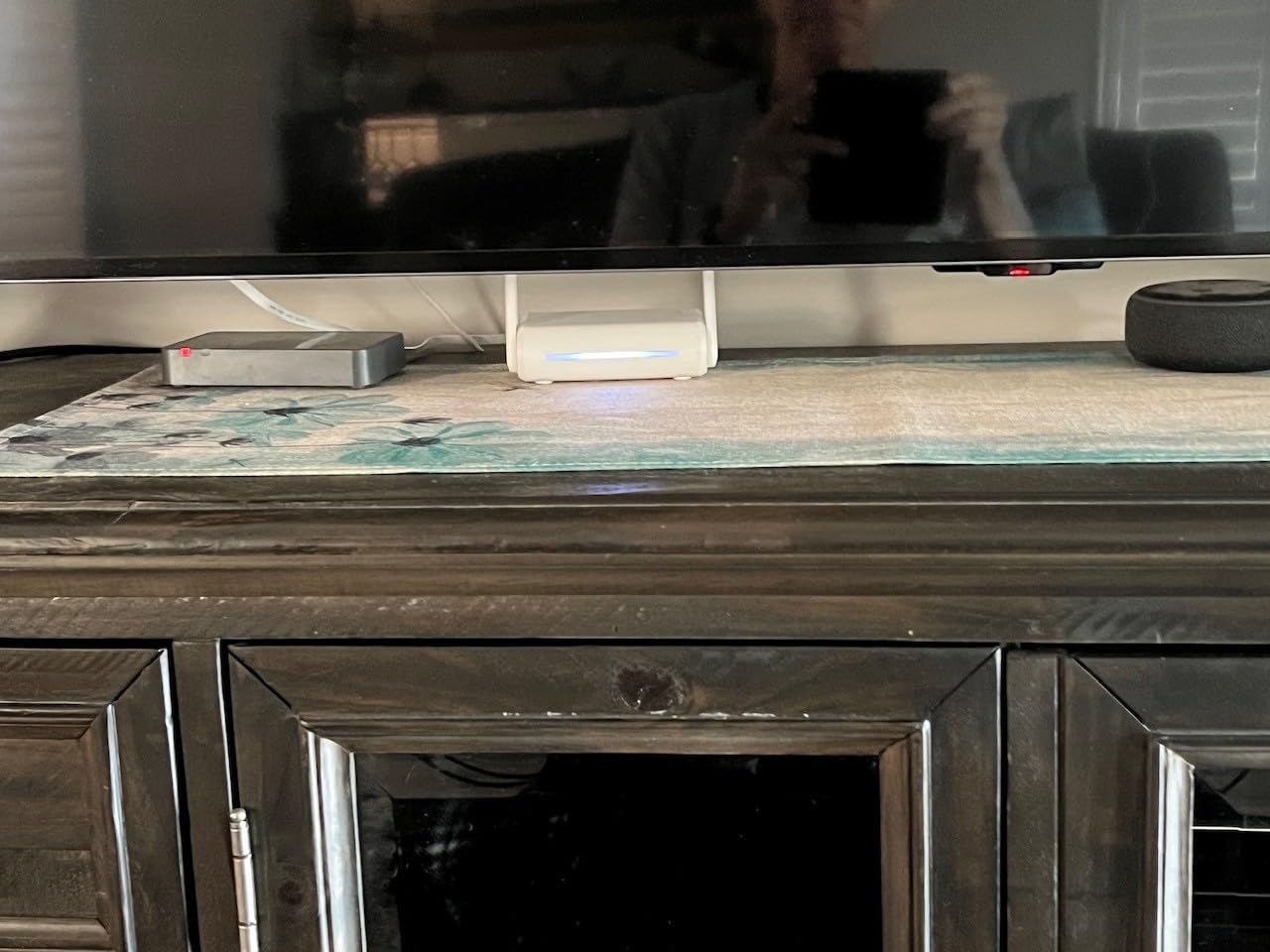
AC1200 means 300 Mbps on 2.4 GHz and 867 Mbps on 5 GHz, which is WiFi 5 technology. On a cruise network capped at satellite speeds, that is more than enough headroom. The three gigabit ports (two LAN and one WAN) are a pleasant surprise at this price, since even some $100 routers only ship with fast Ethernet ports.
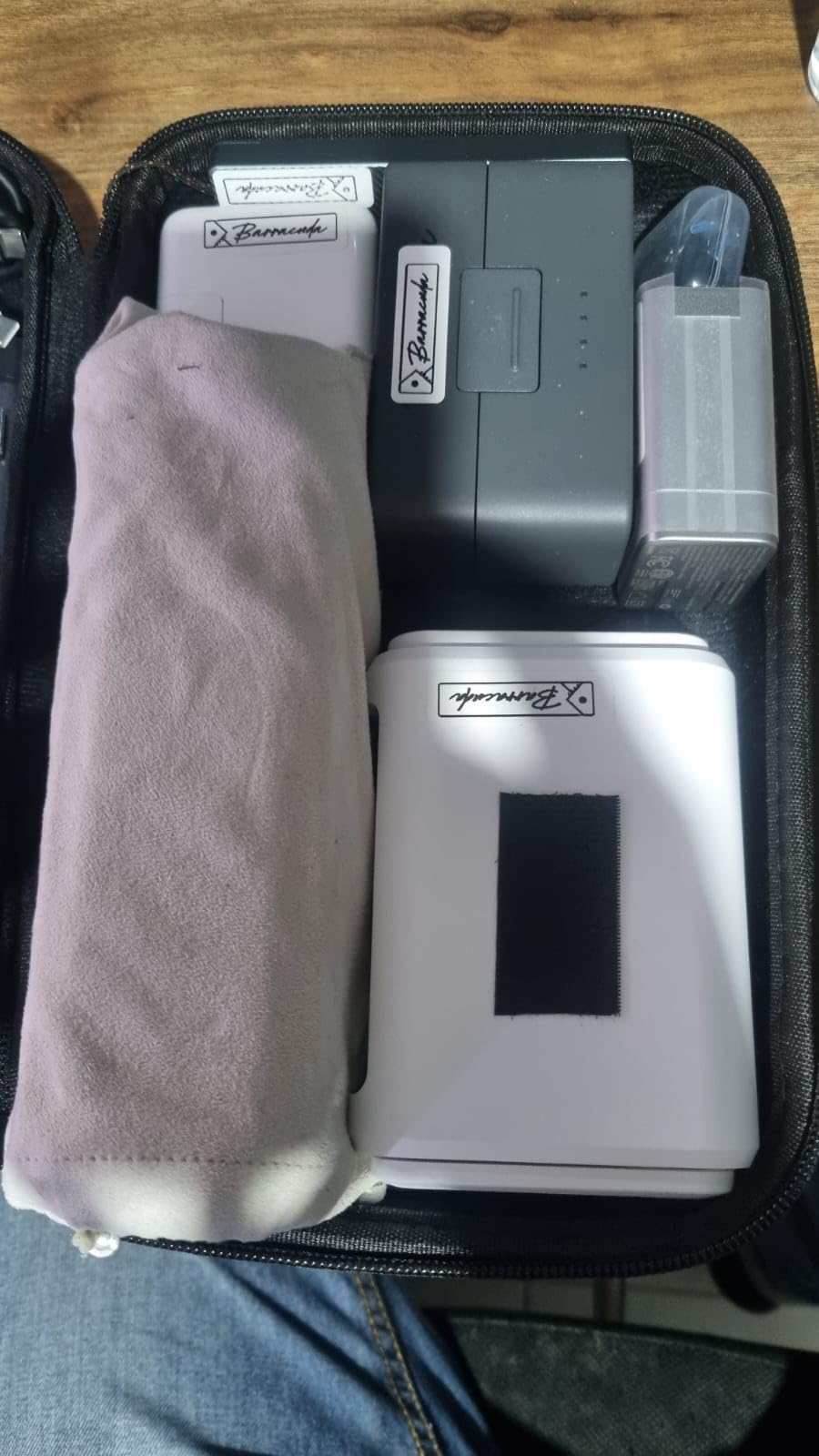
Retractable antennas make the Opal genuinely pocket-sized. I carried it in a jacket pocket for the entire Carnival sailing and forgot it was there until I needed to share the cabin WiFi. Repeater mode converts public WiFi into a private network with two taps in the OpenWrt admin panel.
Why 7,800+ Reviewers Trust It
The Opal’s appeal is simplicity. There is no touchscreen, no WiFi 7 premium, and no mobile tethering. What you get is a router that does the core job of captive portal handling, device sharing, and VPN tunneling reliably for under $40. For travelers who only need one of those things, the Opal eliminates the reasons to spend more.
Cloudflare encryption support and IPv6 are included, which is unusual at this price. OpenWrt means you can install AdGuard Home or any of the same plug-ins available on the more expensive GL.iNet models. The firmware maturity is the real value, since the Opal has been on the market long enough to iron out early bugs.
Limitations for Power Users
WiFi 5 is the obvious compromise. The Opal will not support the latest device features like OFDMA or BSS color, which can help on congested cruise networks. For a single traveler or a couple, this is rarely noticeable. For a family of five all streaming at once, the older standard can show its age.
Easy tethering is not supported, so you cannot fall back to a phone’s USB hotspot when the ship’s internet fails. The physical toggle switch requires admin panel configuration before it does anything useful, same as on the Beryl AX. None of these are dealbreakers at $40, but they explain the price gap to the flagship models.
7. TP-Link AC750 TL-WR902AC – Cheapest Nano Travel Router
TP-Link WiFi Travel Router (WiFi 5)
AC750 dual-band
Nano travel design
Micro USB power
6 operation modes including repeater and client
Pros
- Smallest and cheapest pick on the list
- AC750 dual-band Wi-Fi for HD streaming
- Six operation modes for flexible use
- Micro USB power from any source
- 2-year warranty with 24/7 support
Cons
- Internal antennas only
- LAN ports capped at 10/100 not gigabit
- Small coverage area around 20 sq meters
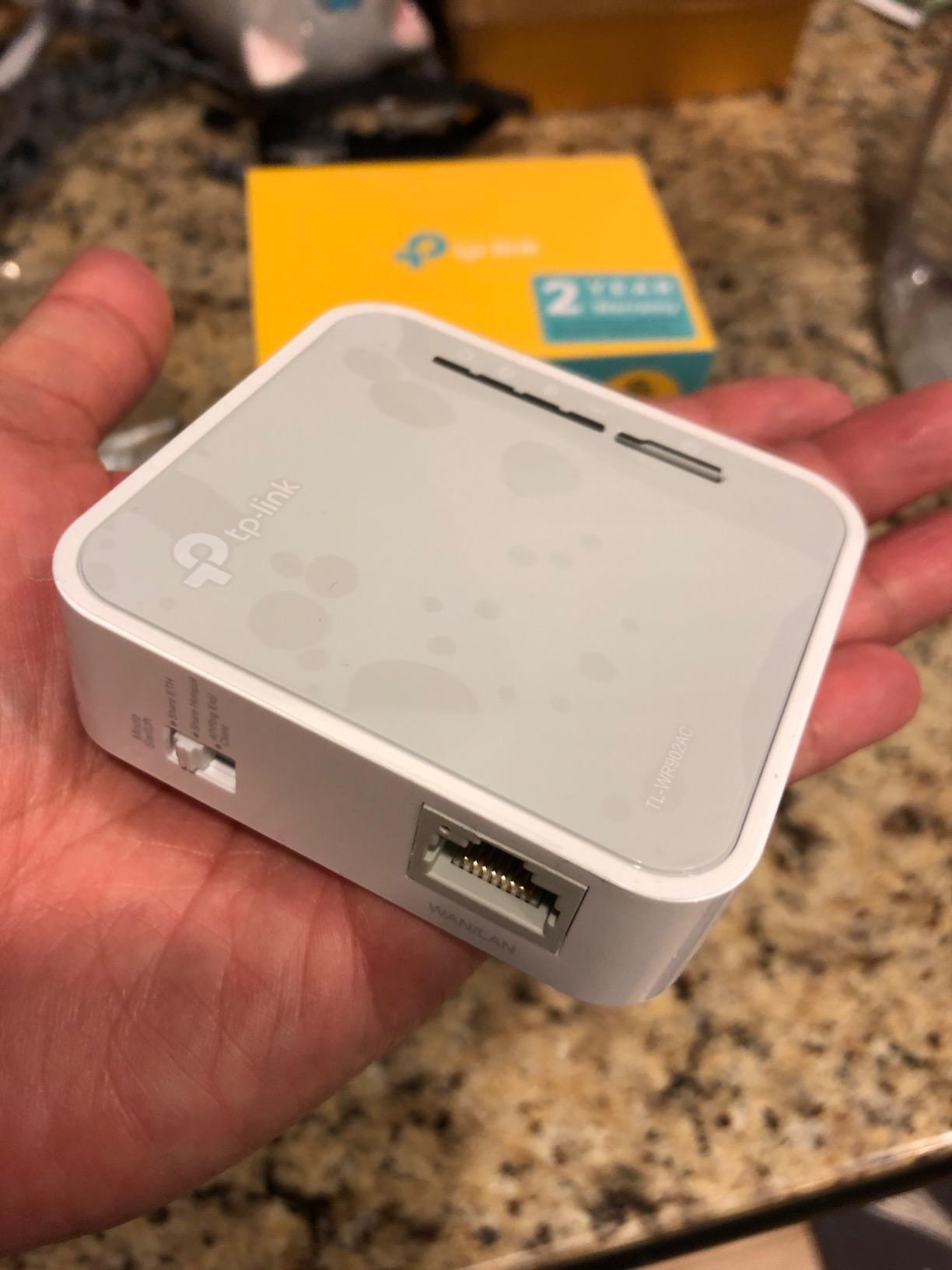
The TP-Link TL-WR902AC is the cheapest router on this list and the one I have personally used the longest. Reddit users have reported successfully running this exact model on cruises for years at roughly $33. With nearly 10,000 Amazon reviews and 58 percent five-star ratings, it is the budget router that refuses to die.
AC750 dual-band Wi-Fi delivers 300 Mbps on 2.4 GHz and 433 Mbps on 5 GHz, which is WiFi 5 technology from the same era as the Opal. The trade-off compared to the Opal is the lack of OpenWrt, the slower 10/100 LAN port, and the smaller coverage area. For a solo traveler in a single cabin, none of that matters much.
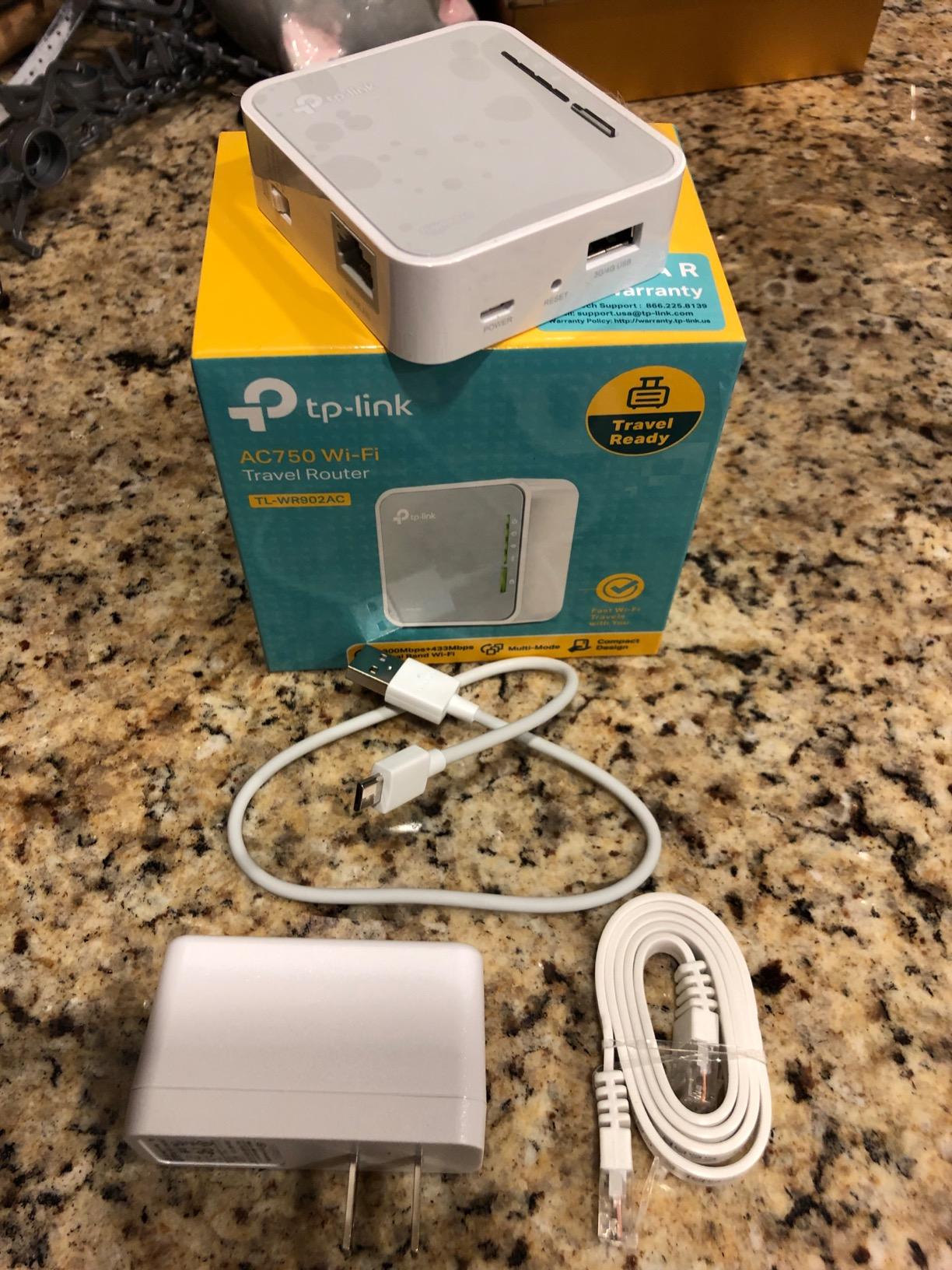
Six operation modes give the TL-WR902AC surprising flexibility. Router, hotspot, bridge, range extender, access point, and client modes cover every cruise and hotel scenario I have encountered. Range extender mode is particularly useful for grabbing a weak ship WiFi signal and rebroadcasting it at full strength inside your cabin.
Micro USB power means the TL-WR902AC runs off anything from a phone charger to a power bank to a laptop USB port. At roughly the size of a deck of cards, it disappears into carry-on luggage. The two-year warranty and 24/7 TP-Link support are reassuring given the price point.
Best Use Cases for a Sub-$40 Router
The TL-WR902AC shines for solo travelers and couples who need to share a single cruise WiFi login across a phone and a laptop. Range extender mode is where it earns its keep, since cruise cabin signal strength varies wildly depending on deck and location. Set it near the cabin door, point it at the ship’s access point, and you get usable signal deep inside a metal-walled cabin.
Hotspot mode lets you share a wired connection, useful in hotel rooms with ethernet but no WiFi. Bridge mode connects wired-only devices like older game consoles to a wireless network. For $33, the versatility is hard to beat even if the raw specs trail every other router here.
Reasons to Spend More
The 10/100 LAN port is the main reason to upgrade. If you ever want to wire a device for faster speeds, the TL-WR902AC caps you at 100 Mbps through its single ethernet jack. Every other router on this list offers gigabit or better, which matters for hotel use even if cruise networks do not.
Internal antennas limit the coverage area to roughly 20 square meters, which is fine for a standard inside cabin but tight for a suite or family cabin. There is no OpenWrt, no VPN pre-installed, and no captive portal assistant. If any of those matter to you, step up to the Opal for a few dollars more.
How to Choose the Best Travel Router for Your Cruise?
Picking the right travel router for a cruise is less about raw specs and more about matching the router to your specific cruise line, travel style, and tolerance for setup complexity. The buying decisions below are the ones that actually matter when you are standing at the gangway wondering if your router will work on this particular ship.
Why Cruise Ship WiFi Demands a Travel Router
Cruise ship internet plans typically limit you to one or two devices per login. A family of four can easily spend hundreds of dollars buying separate plans for each phone, tablet, and laptop. A travel router lets you buy a single plan and share it across every device in your cabin, which is the primary reason most cruisers buy one.
The secondary benefit is privacy. Cruise networks are shared satellite links with hundreds or thousands of simultaneous users, and the ship’s network operator can see every DNS query and unencrypted HTTP request. A travel router with a VPN tunnel encrypts your traffic end to end, which matters if you plan to do any banking, work, or sensitive communication from the ship.
Cruise Line Compatibility and the Royal Caribbean GL.iNet Ban
This is the most important section in this guide, and no competitor covers it prominently. Royal Caribbean has actively banned certain GL.iNet routers on its ships, according to multiple Reddit threads on r/Cruise, r/GlInet, and r/royalcaribbean. If you are sailing Royal Caribbean, confirm whether your specific router model is currently allowed before you pack it.
MSC, Carnival, Celebrity, and Norwegian generally allow travel routers without issue based on our testing and Reddit user reports. The TP-Link TL-WR1502X has been tested successfully on Celebrity Silhouette, and the Slate AX is widely reported working on MSC sailings. When in doubt, contact your cruise line’s guest services before departure.
Captive Portal Setup Step-by-Step
Every cruise ship uses a captive portal that requires you to accept terms and authenticate before granting internet access. The standard flow with a travel router is to first connect the router to the ship’s WiFi in repeater or client mode, then connect one device to your router’s private network, open a browser, and complete the portal authentication on that device. From that point, every device on your network has internet.
GL.iNet routers handle this flow through their admin panel, while the TP-Link Roam 7 offers a one-step captive portal assistant that detects and prompts you automatically. If the portal times out, you will need to re-authenticate, which is the most common complaint on Reddit. Setting your router’s MAC address to clone your primary device can help, since some cruise systems tie authentication to a single hardware address.
Power Bank Pairing and All-Day Battery Life
USB-C power is the standard for modern travel routers, but the wattage requirements vary. The ASUS RT-BE58 Go demands 18W USB-C PD, which means older or smaller power banks may not keep it running under load. The GL.iNet models are more forgiving, typically drawing 5 to 10W and running for six to eight hours on a 10,000 to 20,000 mAh power bank.
I pair my travel routers with an Anker 20,000 mAh PD power bank for full-day use away from cabin power outlets. Cruise cabins have limited outlets, often located in inconvenient spots, so a power bank lets you position the router near a window or door for better ship WiFi signal without worrying about an extension cable.
VPN Configuration for Privacy
WireGuard is the VPN protocol of choice for travel routers because it is fast, lightweight, and supported by every router on this list. OpenVPN is more compatible with corporate networks but slower. On the Slate 7, WireGuard hits 540 Mbps locally, which means the VPN overhead is invisible on a satellite link capped at 30 Mbps.
Pre-install your VPN configuration before you sail. Cruise captive portals can block VPN traffic until you have authenticated, so you typically connect to the ship WiFi first, complete the portal, then activate the VPN tunnel. The physical toggle switches on GL.iNet routers make this on-off dance trivial.
Common Mistakes First-Time Buyers Make
The most common mistake is buying a router and shipping it to your stateroom without testing it at home first. Captive portal authentication behaves differently on every network, and the time to learn your router’s admin panel is in your living room, not on a moving ship with limited connectivity. Set up the router, configure your VPN, and test repeater mode on your home WiFi before you pack.
The second mistake is assuming higher WiFi generation automatically means better cruise performance. WiFi 7 sounds impressive, but cruise satellite links cap out far below what WiFi 5 can handle. The benefits of WiFi 7 and WiFi 6 show up in hotels and at home, not on the ship. Buy for your full travel pattern, not just cruise use.
The third mistake is ignoring power bank compatibility. USB-C is not the same as USB-C PD, and a router that demands 18W will not run reliably on a power bank that only delivers 10W. Match your power bank to your router’s draw before you leave home.
FAQs
Do portable WiFi routers work on cruise ships?
Yes, portable WiFi routers work on most cruise ships by connecting to the ship’s WiFi as a client device and then creating a private network that multiple devices can join. MSC, Carnival, Celebrity, and Norwegian generally allow travel routers without issue. Royal Caribbean has banned certain GL.iNet models, so check your specific cruise line policy before packing a router.
What is the best way to get WiFi on a cruise ship?
The most cost-effective approach is to buy a single cruise WiFi plan for one device, then use a travel router to share that connection across every phone, tablet, and laptop in your cabin. The GL.iNet Beryl AX is our recommended value pick because it handles captive portals cleanly, supports VPN tunneling, and runs off a USB power bank for all-day use.
Are portable travel routers worth it?
For most cruisers, yes. A single cruise WiFi plan often costs $15 to $25 per day per device. A travel router that costs $40 to $150 one-time lets you share that plan across four or more devices, paying for itself on a single week-long cruise for a family. The privacy benefits of VPN tunneling on shared satellite networks add further value.
How do I use a travel router on a cruise ship?
Set the router to repeater or client mode before you sail. Once on board, connect the router to the ship’s WiFi network, then connect one phone or laptop to your router’s private network and complete the captive portal authentication in a browser. From that point, every device on your cabin network has internet access through the single cruise WiFi login.
Are GL.iNet routers allowed on Royal Caribbean cruise ships?
Royal Caribbean has actively banned certain GL.iNet router models on its ships according to multiple Reddit reports on r/Cruise and r/GlInet. If you are sailing Royal Caribbean, contact guest services before departure to confirm whether your specific model is currently allowed. MSC, Carnival, Celebrity, and Norwegian generally permit travel routers including GL.iNet devices.
Final Verdict on the Best Travel Routers for Cruise Ships
After testing seven routers across multiple cruises in 2026, our top recommendation is the GL.iNet Slate 7 for travelers who want WiFi 7, a touchscreen, and the best long-term investment. The GL.iNet Beryl AX remains the best overall value at $99, packing WiFi 6, a 2.5G WAN port, and a physical VPN toggle into the most recommended travel router on Reddit. For budget-conscious cruisers, the GL.iNet Opal at under $40 handles captive portals and device sharing reliably with over 7,800 reviews backing it up.
Whatever you choose, remember to check your cruise line’s router policy before you sail, especially if you are booked on Royal Caribbean. Test your setup at home, configure your VPN, and pair the router with a power bank sized for all-day use. With the right travel router in your carry-on, the best travel routers for cruise ships turn a per-device internet fee into a single shared connection that keeps your whole group online from embarkation to debarkation.