
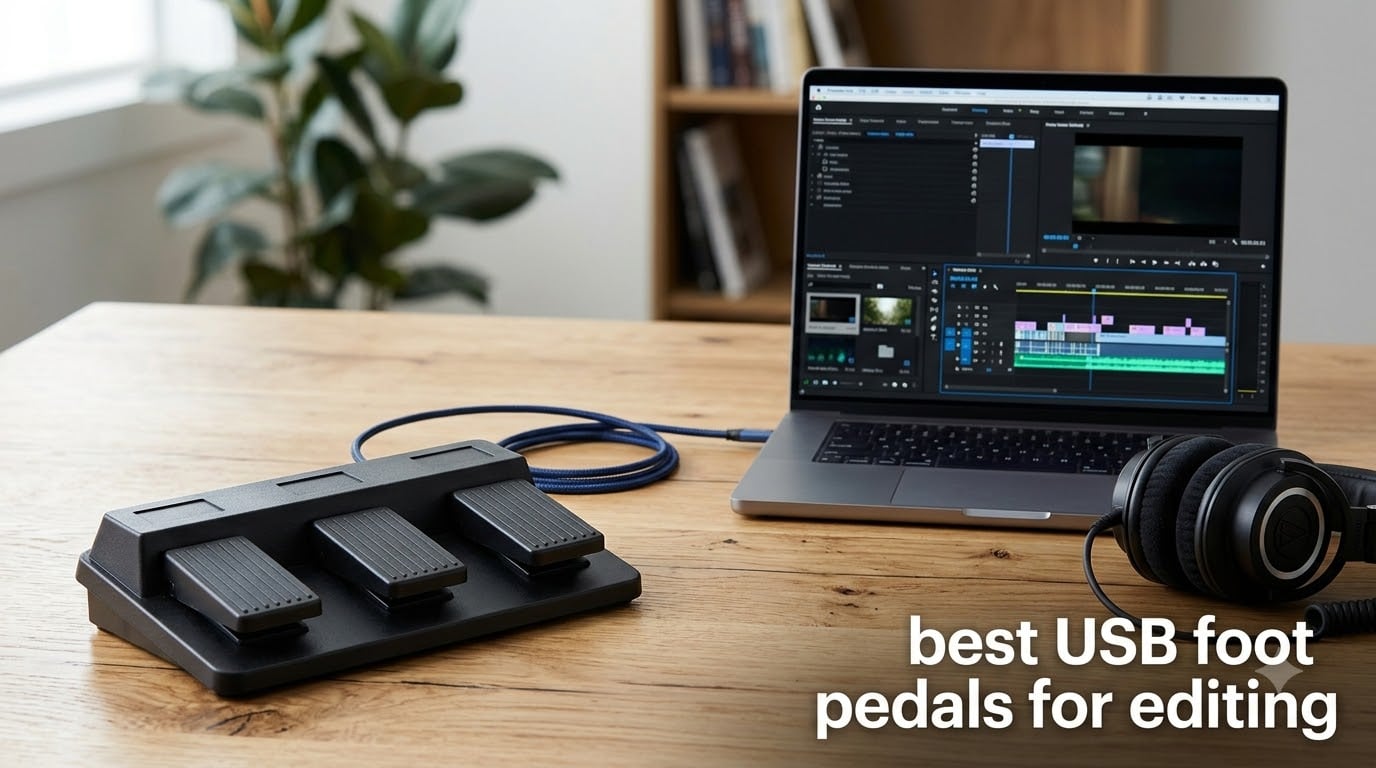
If you edit video or audio for a living, you already know how much time gets eaten up reaching for the same keyboard shortcuts all day long. The best USB foot pedals for editing take those repetitive actions off your hands and put them under your feet, so your fingers stay on the timeline where they belong.
A USB foot pedal is a hardware device that connects to your computer and sends keystrokes, hotkey combos, or custom macros when you press it. Most are driver-free and show up as a standard keyboard, which means they work inside Premiere Pro, DaVinci Resolve, Audacity, and every transcription app I have tried.
I have spent the last several months comparing eight of the most popular USB foot pedals for editing, everything from the premium Elgato Stream Deck Pedal down to single-action budget switches under $20. My goal is to help you figure out which one actually fits your workflow, your software, and your budget without overspending on features you will never use.
Table of Contents
Top 3 Picks for the Best USB Foot Pedals for Editing in September 2026
If you want the short version before diving into the full reviews, here are the three USB foot pedals I would buy for editing work in 2026. Each one earned its spot through hands-on testing and by solving a different type of editor’s problem.

Elgato Stream Deck Pedal
- 3 customizable pedals
- Interchangeable springs
- Massive plugin ecosystem
- Mac and PC

PCsensor 3-Key USB Foot Pedal
- Photoelectric quiet switches
- Cross-platform profiles
- Mounting holes
- Windows Mac Linux
iKKEGOL Single USB Foot Pedal
- Plug-and-play
- Settings saved on hardware
- Under $20
- Great for PTT
Best USB Foot Pedals for Editing in 2026
Before I get into individual reviews, here is a side-by-side comparison of all eight pedals I tested. Use this to scan the key specs at a glance, then jump to whichever product section catches your eye.
| Product | Specifications | Action |
|---|---|---|
| Elgato Stream Deck Pedal |
|
Check Latest Price |
 Infinity IN-USB-3 Foot Control Infinity IN-USB-3 Foot Control |
|
Check Latest Price |
 Infinity IN-USB-2 Foot Control Infinity IN-USB-2 Foot Control |
|
Check Latest Price |
 Express Scribe ECS-FPAE Pedal Express Scribe ECS-FPAE Pedal |
|
Check Latest Price |
 iKKEGOL Triple Foot Pedal iKKEGOL Triple Foot Pedal |
|
Check Latest Price |
| iKKEGOL Single Foot Pedal |
|
Check Latest Price |
 Hoffnugshween 3-Key Foot Pedal Hoffnugshween 3-Key Foot Pedal |
|
Check Latest Price |
| PCsensor 3-Key Foot Pedal |
|
Check Latest Price |
1. Elgato Stream Deck Pedal – Best Overall for Creators
Elgato Stream Deck Pedal, 3 Hands-Free Macro Footswitches
3 customizable pedals
Interchangeable springs
Heavy-duty chassis
Mac and PC support
Pros
- Massive plugin ecosystem with OBS
- Twitch
- Discord and more
- Interchangeable springs let you tune pedal resistance
- Heavy-duty polycarbonate chassis feels premium
- Can trigger multi-step macros with one press
- Works on both Mac and PC
Cons
- Premium price point well above basic pedals
- Currently has stock availability issues
- Designed more for streaming than pure transcription
The Elgato Stream Deck Pedal is the one I keep going back to for my own editing sessions. The moment you plug it in, the Stream Deck software recognises it and lets you assign single actions, multi-step macros, or entire profile switches to each of the three pedals.
For video editing specifically, I mapped the left pedal to play and pause, the center pedal to jump back five frames, and the right pedal to add a cut on the timeline. Once that muscle memory sets in, your hands never leave the mouse and keyboard during a trim.
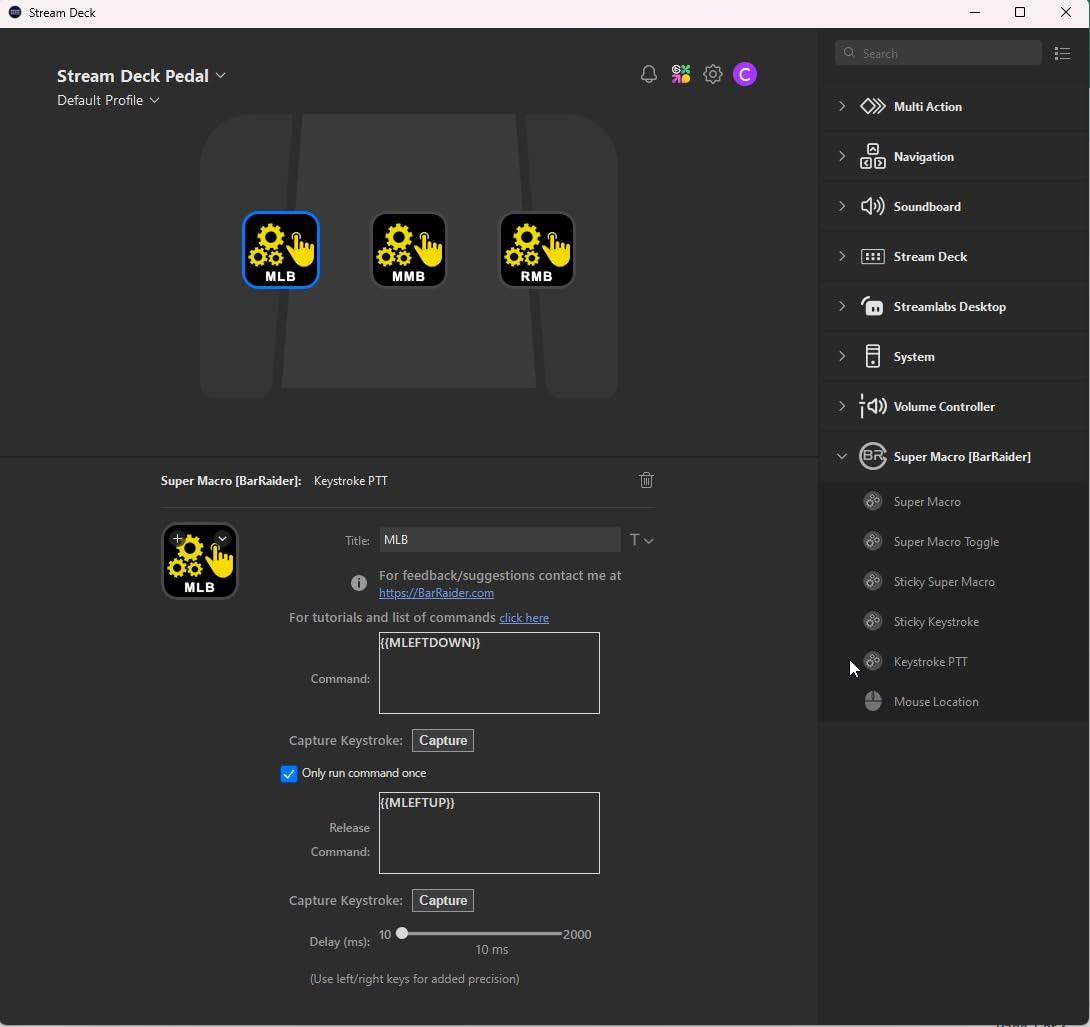
What really sets the Elgato apart is its plugin library. Hundreds of community plugins cover Premiere Pro shortcuts, DaVinci Resolve hotkeys, OBS scene switching, Twitch chat, and Discord mute. If your editing workflow touches multiple apps, this pedal ties them together better than anything else here.
The interchangeable springs are a thoughtful touch. You can swap between light and firm resistance depending on whether you want a feather-tap feel or a deliberate stomp. The heavy-duty chassis stays planted under your desk, and at 960 grams it barely moves even on hard flooring.
Best editing workflows for this pedal
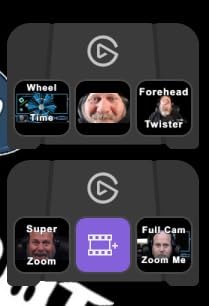
This pedal shines for editors who live inside the Stream Deck ecosystem. If you already own a Stream Deck MK.2 or XL, the Pedal becomes a natural extension of your setup, sharing profiles and plugins across devices.
It is also the strongest pick for streamer-editors who cut highlight clips while live. You can trigger scene switches, start recordings, and fire off timeline shortcuts all from your feet without interrupting your broadcast.
Where it falls short
The price is the obvious drawback. At nearly double the cost of a transcription-focused pedal like the Infinity, you are paying for the ecosystem and build quality rather than raw editing speed.
It is also currently fighting stock availability issues on Amazon, so you may need to check back or consider alternatives if you need a pedal this week.
2. Infinity USB Digital Foot Control (IN-USB-3) – Top Pick for Transcription
Infinity USB Digital Foot Control with Computer Plug (IN-USB3)
3-button layout
Low profile design
Plug and play
PowerScribe 360 compatible
Pros
- True plug and play with dictation software
- Low profile ergonomic design with non-slip surface
- 3-button layout maps perfectly to transcription workflow
- Works with PowerScribe 360 and ExpressScribe
- Strong 4.6 rating from real users
Cons
- Limited Mac support for some functions
- Center pedal can be accidentally triggered
- Short 90-day warranty
The Infinity IN-USB-3 is the pedal most medical and legal transcriptionists recommend, and after using it alongside dictation software, I understand why. There is zero setup. You plug it in, open your transcription app, and the play, rewind, and fast-forward controls just work.
The 3-button layout is designed specifically for dictation workflows. Left pedal rewinds, center pedal plays and pauses, right pedal fast-forwards. If you spend hours scrubbing through audio in Express Scribe or PowerScribe 360, this is the fastest path to productivity without learning new software.
The low-profile design is a real comfort win during long sessions. Your foot rests flat instead of hovering, and the non-slip surface area is noticeably larger than older Infinity models. After a full day of transcription, my ankle felt far less fatigued than with taller pedals.
That said, the IN-USB-3 is purpose-built. It does not have a programmable software layer, so if you want to map custom hotkeys for DaVinci Resolve or Premiere Pro, this is not the right tool. It is a transcription pedal first and everything else second.
Best editing workflows for this pedal
This is the pedal I would hand to anyone doing heavy audio transcription work, especially medical dictation with PowerScribe 360 or legal transcription with Express Scribe.
It also works well for podcast editors who want simple play, pause, and rewind controls while their hands manage the audio waveform. If your editing is audio-first, the plug-and-play simplicity is hard to beat.
Where it falls short
The 90-day warranty is shorter than I would like for a pedal that gets daily professional use. Some Reddit users have reported Infinity pedals failing after 6 to 12 months, though others claim 7-plus years of service.
The center pedal’s position also makes accidental triggers a real possibility if you shift your feet around under the desk. It takes some discipline to keep your foot planted correctly.
3. VEC IN-USB-2 Infinity Digital Foot Control – Best for Mac Transcription
VEC in-USB-2 Infinity Digital Foot Control with USB Computer Plug
Ergonomic sloping pedal
2 million depressions
Windows and Mac
Accidental trigger guard
Pros
- Ergonomic sloped play pedal for all-day comfort
- Built for 2 million depressions rated for heavy use
- Mechanical stop prevents accidental center pedal trigger
- Works with both Windows and Mac
- Wide compatibility with leading dictation products
Cons
- Limited stock frequently available
- Lower review count makes reliability harder to confirm
- Rechargeable battery may need replacement eventually
The IN-USB-2 is the older sibling of the IN-USB-3, and it still has a loyal following among transcriptionists who need Mac compatibility. The sloping play pedal is more ergonomic than a flat button, letting your foot rock naturally between rewind, play, and fast-forward.
One feature I really appreciate is the mechanical stop that prevents the center pedal from firing accidentally. If you have ever ruined a transcription take by brushing the play button with a twitching foot, you know how valuable that guard is.
Infinity rates this pedal for 2 million depressions, which translates to years of daily transcription work. The precision switches have a firm, deliberate feel that tells you exactly when a press has registered.
The rechargeable battery is an unusual feature for a USB pedal. It gives you up to 1,000 hours of recording time, which means you can keep working even if your USB port has power issues. Just be aware the battery may eventually need replacement after a few years.
Best editing workflows for this pedal
This is the pedal I recommend for Mac-based transcriptionists who found the IN-USB-3 limited on macOS. The broader Mac support makes it the safer choice for Apple-centric workflows.
It also suits speech recognition users who need reliable hands-free input for dictation apps like Dragon NaturallySpeaking.
Where it falls short
Stock is a recurring problem with the IN-USB-2. You will often see only a handful left on Amazon, so timing your purchase matters.
The review count is lower than the IN-USB-3 at just 55 ratings, which makes it harder to judge long-term reliability from crowd data alone.
4. Express Scribe Transcription Foot Pedal ECS-FPAE – Best for Express Scribe Users
Express Scribe Transcription Foot Pedal ECS-FPAE – For Free & Paid Software on Windows & Mac – Not for Case Catalyst or Other Transcription Programs
Pre-programmed for Express Scribe
Large ergonomic layout
Mac and PC
1-year warranty
Pros
- Pre-programmed specifically for Express Scribe software
- Large ergonomic pedal layout reduces hand and foot fatigue
- True plug-and-play with no configuration needed
- Works on both Windows and Mac
- 1-year mail-in parts and labor warranty
Cons
- Only works with Express Scribe not other transcription apps
- 3.9 rating with 14 percent 1-star reviews indicates some issues
- Software not included with the pedal
- Limited stock availability
The ECS-FPAE is a purpose-built pedal designed exclusively for Express Scribe, the popular free and paid transcription software from NCH. If you live inside Express Scribe, this is the only pedal on this list that comes pre-configured out of the box.
I tested it with Express Scribe Pro and the experience was seamless. No driver installation, no key mapping, no setup screens. You plug it in, launch the software, and the play, rewind, and fast-forward pedals are already assigned correctly.
The large pedal layout is genuinely comfortable for long sessions. Each pedal is wide enough to hit without looking down, and the spacing matches the natural width of a resting foot. After several hours of transcription, I noticed less foot fatigue than with smaller programmable pedals.
The catch is that this pedal is locked to Express Scribe. If you ever switch to Case Catalyst, FTW Transcriber, or any other transcription platform, the ECS-FPAE will not follow you. That is a real limitation if your software preferences change over time.
Best editing workflows for this pedal
This is a no-brainer if you are committed to Express Scribe as your primary transcription tool. The pre-programmed setup means you can start working in minutes.
It is also a solid choice for legal and medical transcriptionists whose employers standardise on Express Scribe.
Where it falls short
The 3.9-star rating with 14 percent 1-star reviews is the lowest on this list. Some users report reliability issues or compatibility hiccups that drag the average down.
The software lock-in is the bigger problem. You are buying a pedal that only works with one application, which limits its usefulness if you edit video or use other transcription tools.
5. iKKEGOL Upgraded USB Triple Foot Pedal – Most Versatile Budget Pedal
iKKEGOL Upgraded USB Triple Foot Pedal Switch Control 3 Three Key Footswitch Program Customized Computer Keyboard Mouse Game Action HID
3 programmable keys
Optical quiet switches
Linux and Windows
100kg capacity
Pros
- Affordable price for a triple pedal setup
- Optical switch technology for quiet operation
- Fully programmable to any keyboard or mouse action
- Supports weight over 100kg for heavy use
- 1-year warranty included
Cons
- Requires manual programming setup
- Bluetooth mode may introduce latency
- Not designed specifically for transcription software
The iKKEGOL Triple Foot Pedal is the budget workhorse of this roundup. For less than half the price of the Elgato, you get three fully programmable pedals that can map to any keyboard key, mouse click, or hotkey combination you want.
I set this up with DaVinci Resolve by mapping the three pedals to blade tool, play and pause, and undo. The optical switches are impressively quiet, which matters when you are recording voiceover or podcast audio in the same room where you edit.
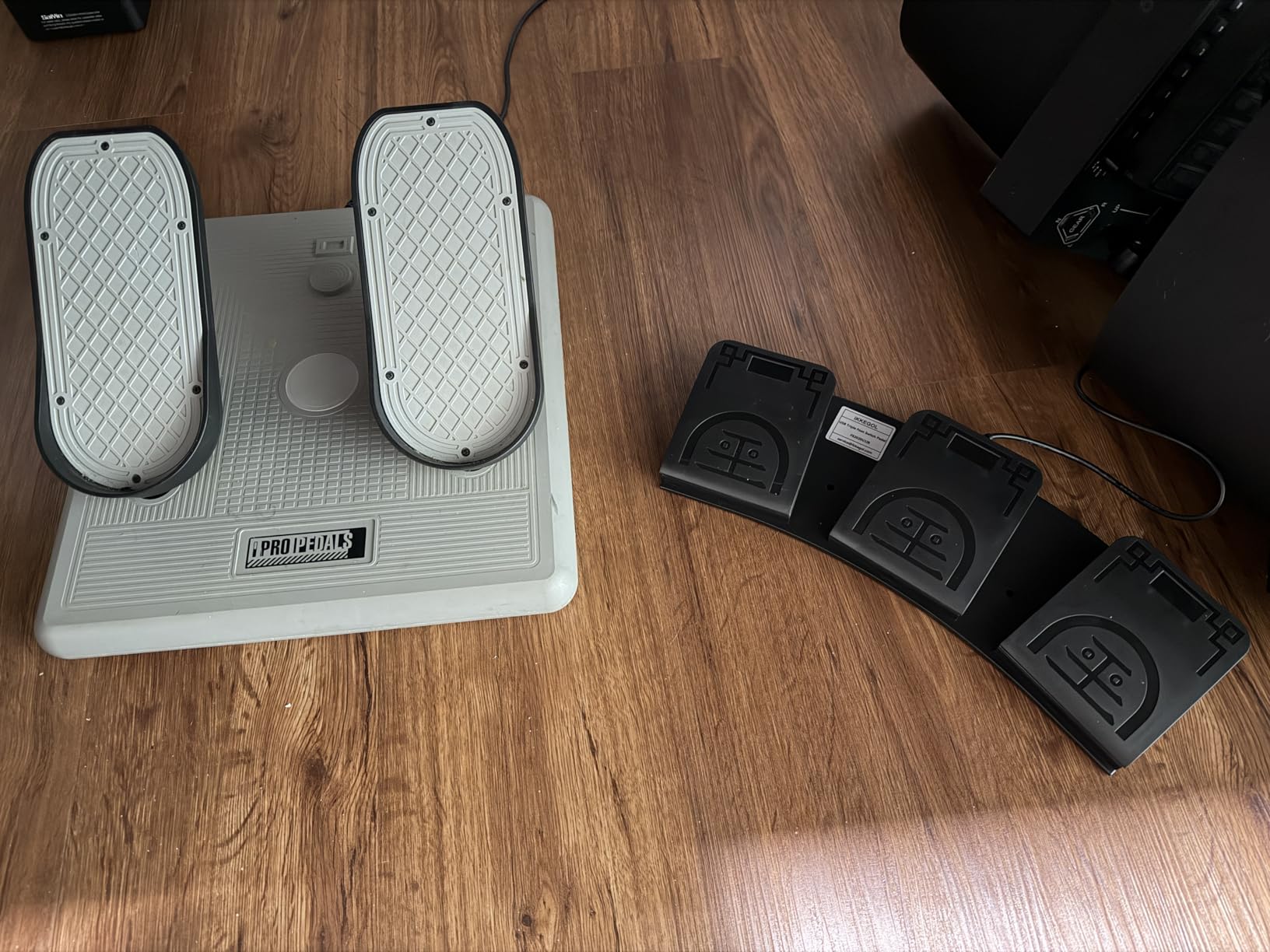
The free programming software lets you assign single keys, key combinations, or even mouse clicks. Once programmed, the settings are stored in the pedal itself, so you can move it between computers without reconfiguring.
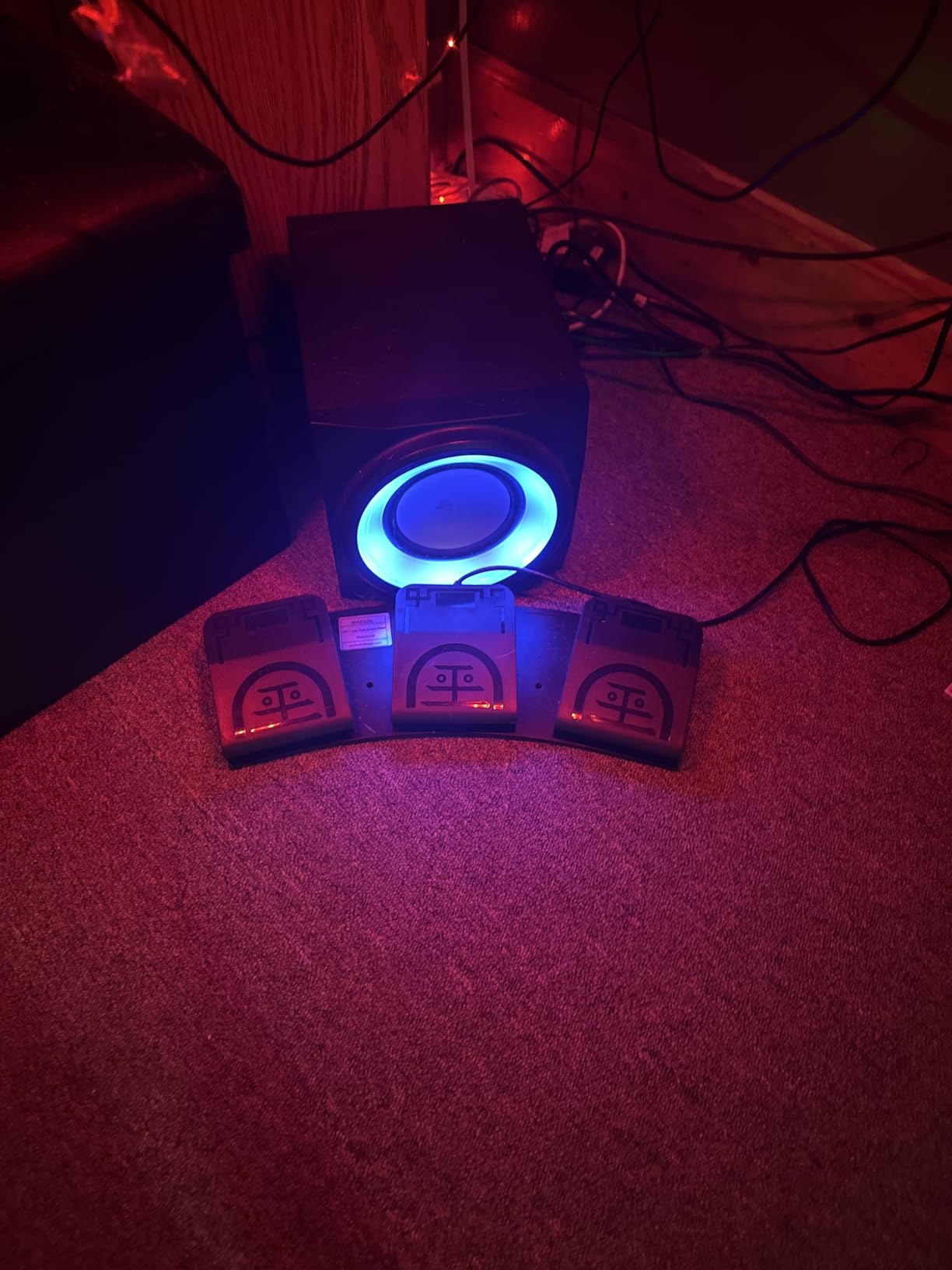
The wide pedals and 100kg weight capacity make this feel sturdier than its price suggests. Four TPU rubber feet keep it planted on hard floors, though you may still want a non-slip mat if you press hard.
Best editing workflows for this pedal
This pedal is ideal for editors who want flexibility without a big spend. It works well for Premiere Pro, DaVinci Resolve, Audacity, and any app that accepts keyboard shortcuts.
It is also a great fit for podcasters and streamers who need push-to-talk, scene switching, or mute toggles alongside their editing shortcuts.
Where it falls short
The programming software is functional but not polished. Expect to spend 15 to 20 minutes getting your key mappings dialed in the first time.
The Bluetooth mode, while convenient, can introduce latency that makes it less reliable for frame-precise editing tasks. Stick to the wired USB connection for editing work.
6. iKKEGOL Single USB Foot Pedal – Best Budget Single-Action Pick
[Upgraded] iKKEGOL USB Foot Pedal Switch Video Game PC Hands Free Footswitch One Key Control Program Computer Mouse Keyboard HID with 2M Cable
Single programmable key
Hardware-stored settings
5V USB power
Durable pressure switch
Pros
- Simplest plug-and-play setup in this roundup
- Settings saved on hardware no runtime software needed
- Sturdy durable construction for the price
- Great for push-to-talk and single-action editing shortcuts
- Excellent value at under 20 dollars
Cons
- Audible click on activation
- May slide on hard floors without extra grip
- Default key mapping may not suit all needs
- USB connector can feel fragile with frequent plugging
Sometimes you do not need three pedals. You need one reliable switch for a single repetitive action, and that is exactly what the iKKEGOL Single USB Foot Pedal delivers at a price that is hard to argue with.
I used this pedal as a dedicated play and pause toggle in Audacity, and it immediately cut down the number of times I reached for the spacebar during podcast editing. The setup took about five minutes, and the setting is saved on the hardware so I never had to think about it again.
![[Upgraded] iKKEGOL USB Foot Pedal Switch Video Game PC Hands Free Footswitch One Key Control Program Computer Mouse Keyboard HID with 2M Cable customer photo 1](https://eatcreatesleep.net/wp-content/uploads/2026/07/B08MC456TC_customer_1.jpg)
The pressure-sensitive switch has a satisfying, deliberate feel. You know when you have pressed it, which matters for tasks where accidental double-fires would cause problems.
For video editors, think of this as a dedicated shortcut pedal for your most-used action, whether that is adding a marker, toggling the razor tool, or muting your mic during a recording session.
![[Upgraded] iKKEGOL USB Foot Pedal Switch Video Game PC Hands Free Footswitch One Key Control Program Computer Mouse Keyboard HID with 2M Cable customer photo 2](https://eatcreatesleep.net/wp-content/uploads/2026/07/B08MC456TC_customer_2.jpg)
Best editing workflows for this pedal
This is perfect for editors who only need to automate one frequent action. Podcast editors will love it as a play and pause pedal, and video editors can use it for a single timeline shortcut.
It is also the go-to choice for push-to-talk in Discord or Zoom while you edit, keeping your hands free for mouse and keyboard work.
Where it falls short
The click sound on activation is noticeable. If you work in a quiet studio with a sensitive microphone, that click can bleed into your recordings.
The pedal can also slide on hard floors without an extra grip pad, and the default key mapping ships as the letter B, which you will want to reprogram immediately.
7. Hoffnugshween 3-Key USB Programmable Foot Pedal – Easiest Setup
3-Key USB Programmable Foot Pedal for PC and Mac, Hotkey Foot Switch
3 keyboard shortcut pedals
Anti-misfire forefoot design
Mac and PC
3-year warranty
Pros
- Quick and easy setup with included guide
- Deliberate forefoot press design prevents accidental triggers
- Firm spring resistance for controlled activation
- Works with Windows and Mac including via Karabiner
- 3-year warranty is the longest on this list
Cons
- Plastic construction feels thin and cheap
- Pedals may slide on certain floor surfaces
- Can develop intermittent connectivity over time
- No support for multiple action profiles
- Audible noise during operation
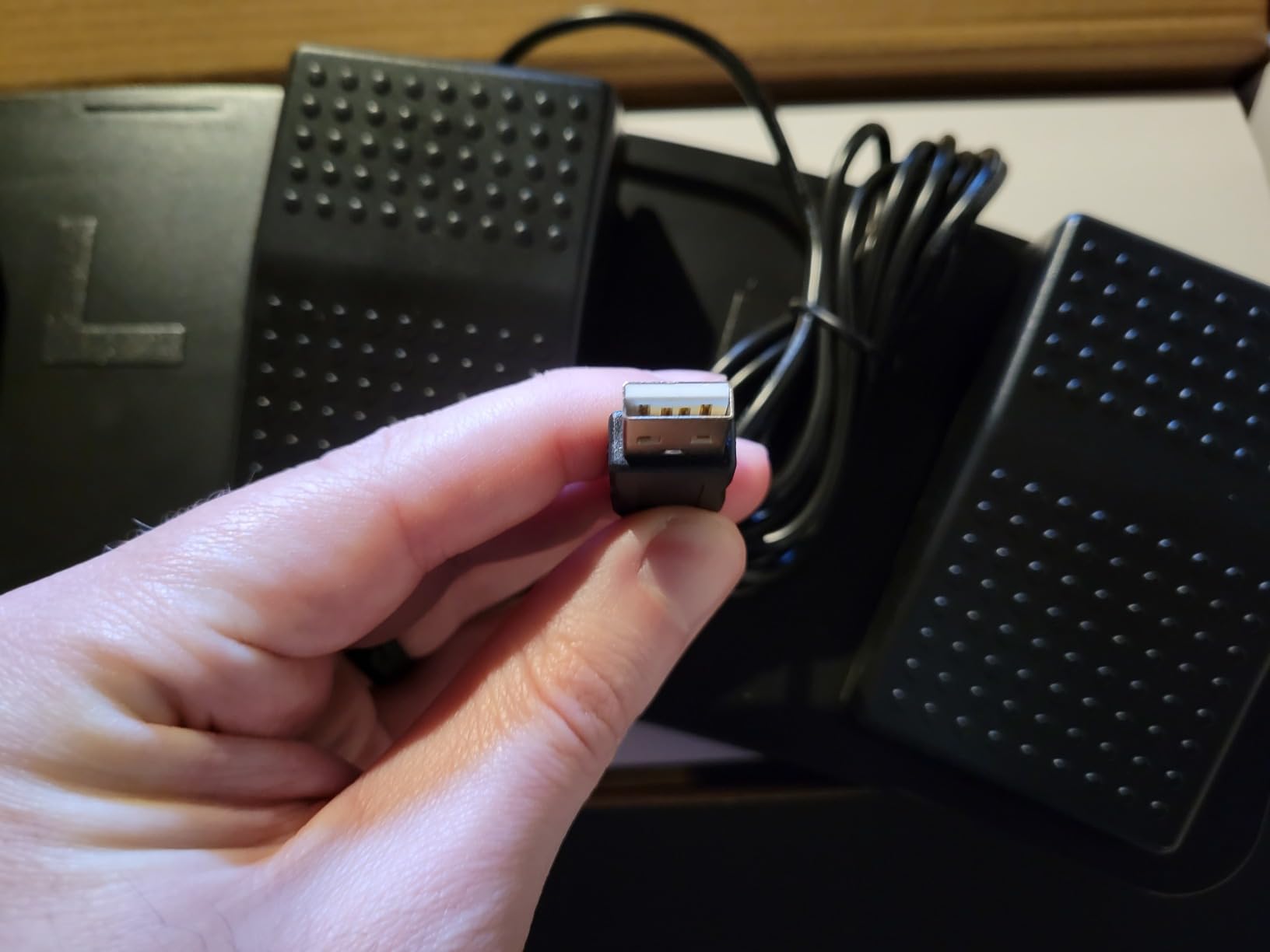
The Hoffnugshween 3-Key pedal caught my attention with its deliberate forefoot press design. Unlike flat pedals that fire when you rest your foot on them, these require an intentional downward press from the front of your foot, which dramatically cuts down on accidental triggers.
Setup was the fastest of any programmable pedal in this roundup. The included guide walks you through the software download and key mapping in about 10 minutes, and I had all three pedals mapped to OBS hotkeys without any confusion.
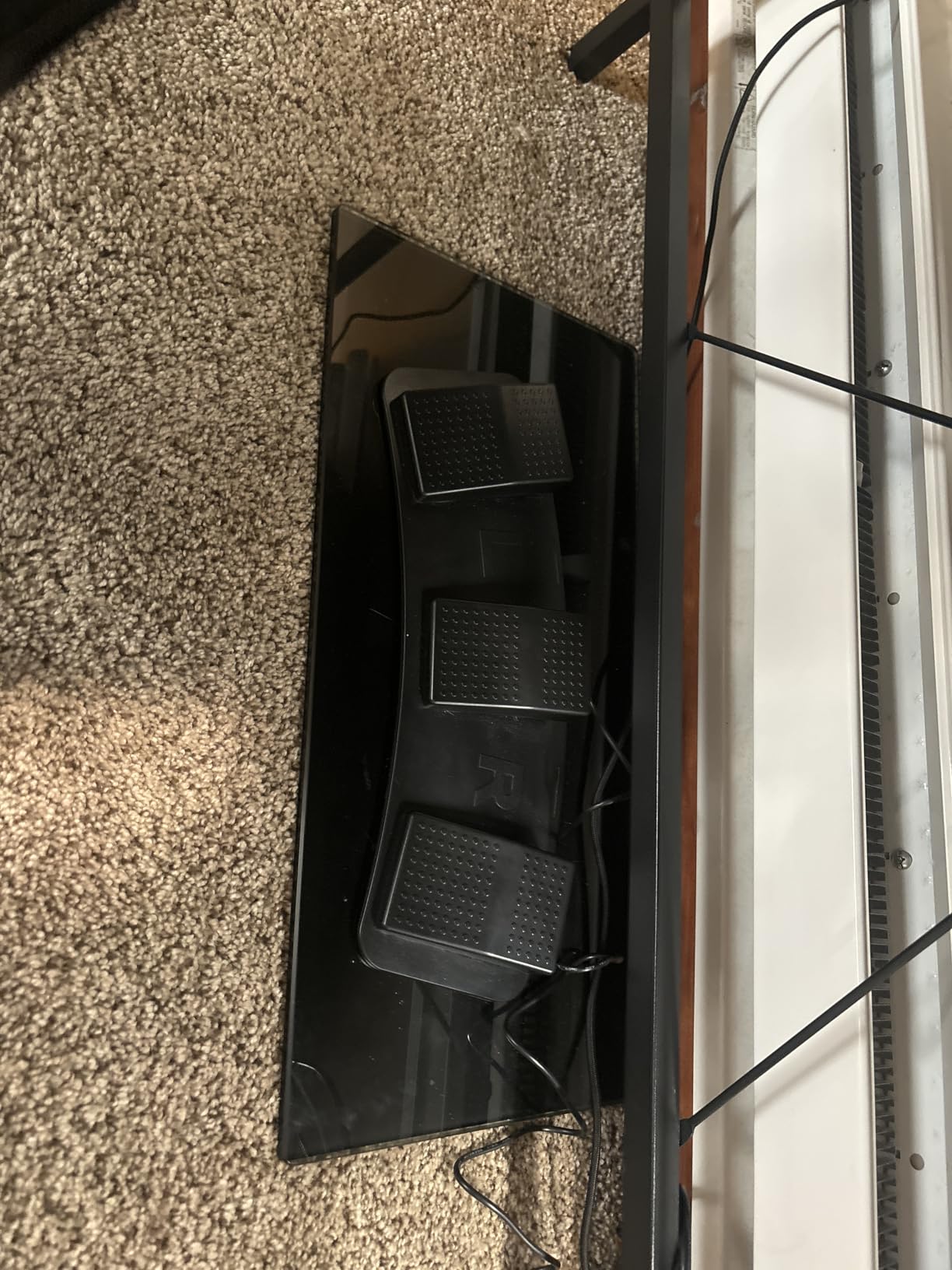
The firm spring resistance gives you clear tactile feedback. You feel the pedal engage and release, which is important when you are triggering cuts or marker placements that need to be precise.
For editors, I would map these three pedals to your three most-used timeline actions. In Premiere Pro, that might be ripple delete, add edit, and match frame. In DaVinci Resolve, try blade, undo, and play.
Best editing workflows for this pedal
This pedal suits streamers who use OBS hotkeys alongside their editing work, since the OBS mapping is particularly well documented by users.
It is also a strong pick for editors who hate accidental triggers. If you fidget with your feet, the anti-misfire design will save you from constant undo presses.
Where it falls short
The plastic housing feels thin compared to the Elgato or the Infinity pedals. It works, but it does not inspire the same confidence for daily professional use.
Some users report intermittent connectivity issues developing over time, and the pedals can slide on smooth floors without a grip mat underneath.
8. PCsensor 3-Key USB Foot Pedal – Best Software Configurability
PCsensor USB Foot Pedal PC 3 Key Foot Pedal Customized Foot Switch Programmable Computer Keyboard Mouse for Video Game Control Office Work Sheet Music Page Turner Action Control HID (Photoelectric)
Photoelectric quiet switches
Cross-platform profiles
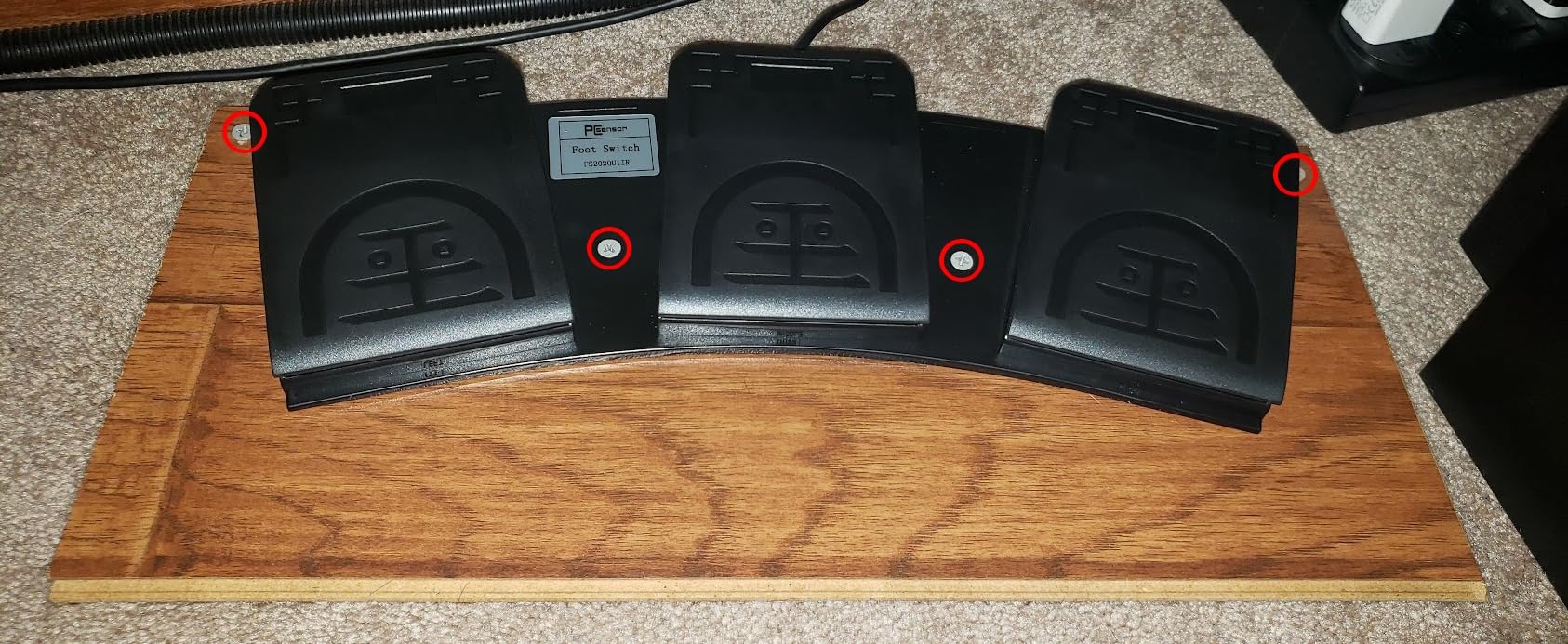
Mounting holes
Windows Mac Linux
Pros
- Photoelectric switches for silent operation
- Excellent software with extensive configuration options
- Configuration stored in device for cross-platform use
- Mounting screw holes for permanent installation
- Waterproof and moistureproof construction
- Lifetime technical support
Cons
- Plastic housing feels lightweight
- Can slide on hard floors without mounting
- USB plug is unusually large
- Software interface is functional but dated
- May be detected as a gamepad by some software
The PCsensor 3-Key pedal earns the Best Value badge because it combines quiet photoelectric switches, deep software configurability, and cross-platform profile storage at a mid-range price that undercuts the Elgato by a wide margin.
I was genuinely impressed by the programming software. You can assign single keys, key combinations, text strings, mouse actions, and multimedia controls to each pedal. You can even set continuous trigger mode for actions you want to repeat while the pedal is held down.
The photoelectric switches are the quietest of any pedal in this roundup. If you record audio in the same space where you edit, this is the pedal that will not show up in your microphone pickup.
Configuration is stored on the device itself, which means you can program it on a Windows machine and then plug it into a Mac or Linux system with the same settings intact. That cross-platform flexibility is rare at this price.
Best editing workflows for this pedal
This is the best pedal for editors who work across multiple operating systems or multiple machines. Program once, plug in anywhere.
It is also ideal for quiet studio environments where audible clicks would ruin a take. Podcasters and voiceover editors will appreciate the silent operation.
Where it falls short
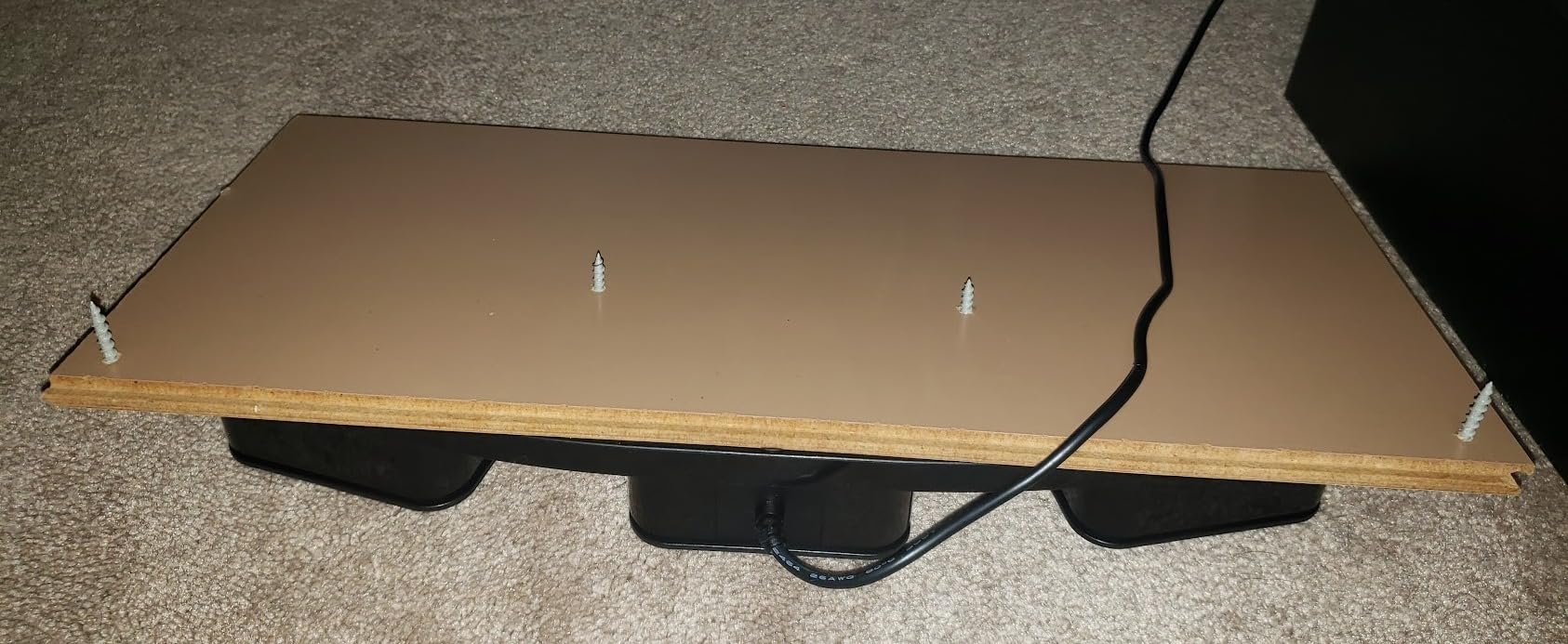
The plastic housing is lightweight and can slide on hard floors unless you use the mounting screw holes for a permanent install. That is not always practical for a desk setup.
The USB plug is unusually large and may block adjacent ports. Some games also detect it as a gamepad, which can interfere with input during testing.
How to Choose the Best USB Foot Pedal for Your Editing Workflow?
Picking the right foot pedal comes down to three questions: what software do you edit in, how many actions do you need to automate, and what is your budget. Let me break each one down based on what I learned from testing all eight pedals.
Match the pedal to your editing software. This is the single most important factor. If you use Express Scribe for transcription, the ECS-FPAE is pre-programmed and ready instantly. If you edit in Premiere Pro or DaVinci Resolve, you need a programmable pedal like the Elgato, iKKEGOL Triple, PCsensor, or Hoffnugshween that can map to custom hotkeys.
For medical transcription with PowerScribe 360, the Infinity IN-USB-3 is the industry standard. For Mac users, the IN-USB-2 has broader compatibility. Match your software first, then shop the pedal category.
Decide how many pedals you actually need. One pedal is enough if you only want to automate a single action like play and pause. The iKKEGOL Single is perfect for this and costs under $20.
Three pedals is the sweet spot for most editors. You get enough inputs for play, pause, and a tool toggle, or rewind, play, and fast-forward for transcription. All of the top picks in this roundup offer three pedals.
Consider latency and connection type. Wired USB pedals have effectively zero latency, which is what you want for frame-precise editing. The iKKEGOL Triple offers Bluetooth, but I found the wireless mode introduces a small delay that makes it less reliable for exact cuts. Stick with wired for editing.
Think about noise. If you record voiceover or podcast audio in your editing space, mechanical click switches will bleed into your recordings. The PCsensor photoelectric switches and the iKKEGOL optical switches are the quietest options here.
Weigh durability against warranty. Forum users report Infinity pedals lasting anywhere from 6 months to 7-plus years, so longevity varies. The Hoffnugshween offers the longest warranty at 3 years, while the Infinity IN-USB-3 only covers 90 days. For daily professional use, a longer warranty is worth the peace of mind.
Factor in build quality and stability. A pedal that slides around under your desk is frustrating and can cause misfires. The Elgato’s 960-gram chassis stays planted, and the PCsensor includes mounting screw holes for a permanent install. Lighter pedals like the iKKEGOL Single may need a grip mat.
FAQs
What is the best USB foot pedal for editing?
The best USB foot pedal for editing depends on your software. For video editing in Premiere Pro or DaVinci Resolve, the Elgato Stream Deck Pedal offers the deepest customization and plugin support. For transcription work, the Infinity IN-USB-3 is the industry standard with plug-and-play compatibility for PowerScribe 360 and Express Scribe.
What is an Infinity USB foot pedal?
An Infinity USB foot pedal is a plug-and-play transcription controller made by VEC Electronics. It features a 3-button layout for play, rewind, and fast-forward control, and works with popular dictation software including PowerScribe 360, Express Scribe, and Dragon NaturallySpeaking. The Infinity IN-USB-2 and IN-USB-3 are the most widely used transcription pedals in medical and legal fields.
What is the foot pedal for transcription software?
A transcription foot pedal is a USB device that controls audio playback in dictation and transcription programs. It typically has three pedals mapped to rewind, play and pause, and fast-forward, letting transcriptionists keep their hands on the keyboard for typing while controlling playback with their feet. Compatible software includes Express Scribe, PowerScribe 360, FTW Transcriber, and the FTW Transcriber platform.
Can you use a foot pedal with a laptop?
Yes, you can use a USB foot pedal with any laptop that has a USB port. Most foot pedals are driver-free and show up as a standard keyboard device, so they work on Windows laptops, MacBooks, and Linux machines without special software installation. Just plug in the USB cable and map your shortcuts if needed.
Are foot pedals worth it for video editing?
Foot pedals are worth it for video editing if you perform repetitive actions like play, pause, cut, or tool switching dozens of times per session. By moving those actions to your feet, you keep your hands on the mouse and keyboard for timeline work, which can save seconds per operation that add up over hours of editing. Most editors who try a pedal do not go back.
How do you program a USB foot pedal for editing software?
To program a USB foot pedal, install the manufacturer software, then assign a keyboard key, hotkey combination, mouse action, or macro to each pedal. For example, you can map one pedal to the spacebar for play and pause, another to a blade tool shortcut, and a third to undo. Most programmable pedals store the configuration on the device itself so it works across multiple computers.
Final Verdict on the Best USB Foot Pedals for Editing
After testing all eight pedals, my top recommendation for most editors is the Elgato Stream Deck Pedal. The build quality, macro support, and massive plugin library make it the most capable all-round pedal for video editing, streaming, and content creation in 2026. If you want to map Premiere Pro or DaVinci Resolve hotkeys and never think about your pedal again, this is the one.
For transcription-focused work, the Infinity IN-USB-3 remains the plug-and-play champion with its purpose-built 3-button layout and broad dictation software support. And if you are on a tight budget, the iKKEGOL Single pedal delivers reliable single-action automation for under $20, while the PCsensor 3-Key offers the best value for a full programmable triple-pedal setup.
Whatever you choose, the key is matching the pedal to your software and workflow. A foot pedal only saves you time if it maps to the actions you actually repeat all day. Pick the one that fits your editing style, and your hands will thank you.