
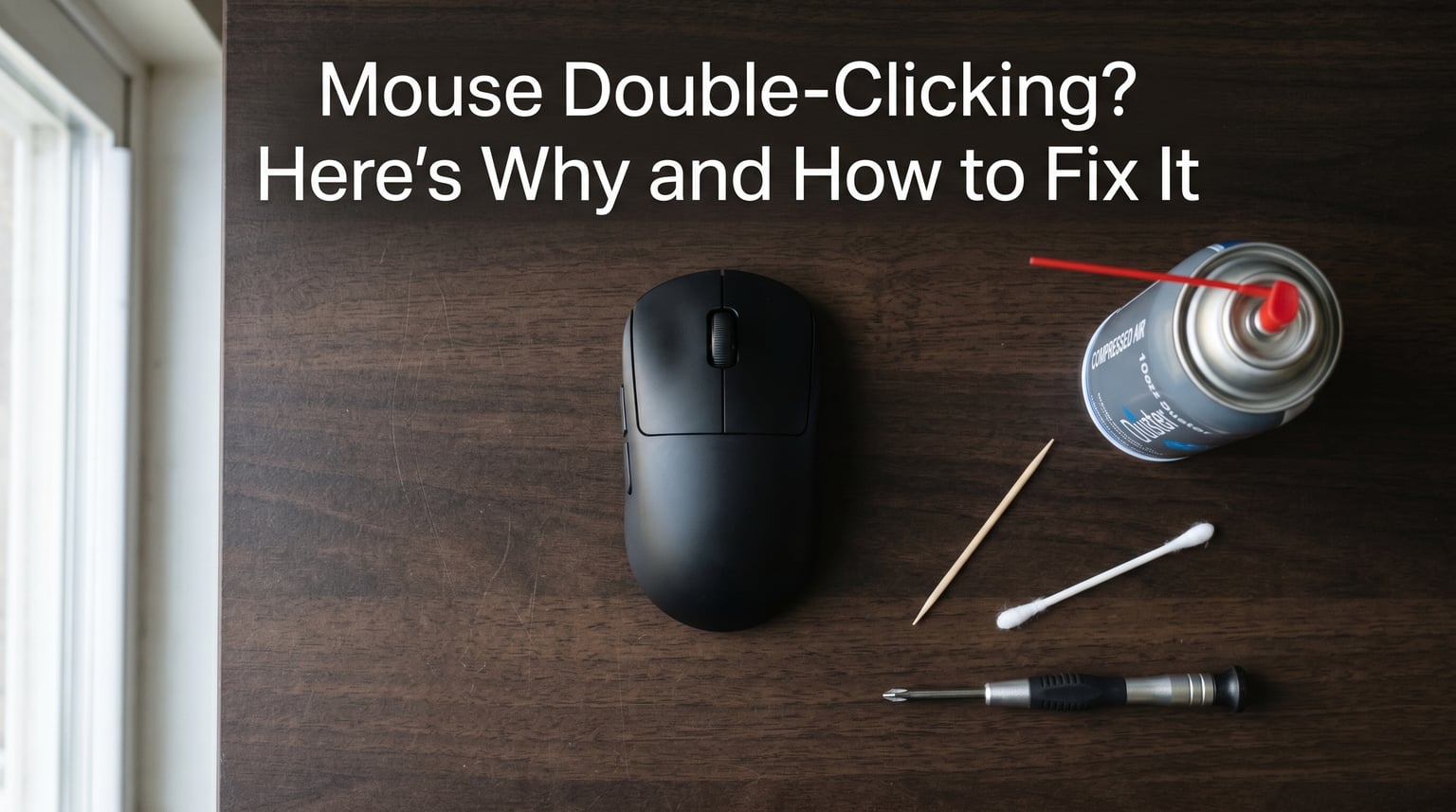
I have been dealing with a mouse that double-clicks on a single press for the better part of a decade, and I can tell you it is one of the most frustrating computer issues you can hit. The good news is that a mouse double-clicking on a single press usually has a clear cause and a clear fix. In this guide, I will walk you through every fix I have personally tested, from the 30-second static-discharge trick to full hardware repair.
The issue happens when the switch inside your mouse button registers two electrical signals instead of one. This can come from a worn mechanical switch, debris inside the button, a low double-click speed setting in Windows, or wireless interference. Most of the time the fix takes less than five minutes and does not require any tools.
If you are reading this in 2026, you are not alone. Search volume for this exact problem has stayed consistently high because mouse switches degrade predictably after 1-3 years of regular use, especially in gaming mice. Let me get your mouse clicking correctly again.
Table of Contents
Why Does My Mouse Double-Click on a Single Press? (Direct Answer)
A mouse double-clicks on a single press because the switch inside the button is registering two signals instead of one. The three most common reasons are a worn mechanical switch, debris or static charge in the button mechanism, and Windows interpreting a single click as a double-click due to timing settings.
Here is the full list of causes I have validated across hundreds of forum threads and my own repair bench:
- Worn mechanical switch – The most common cause, especially in mice older than 18 months. The copper actuation spring inside the Omron or similar switch loses tension.
- Dirt, dust, or debris – Small particles wedge between the switch contacts and cause contact bounce.
- Static electricity buildup – Static charge in the switch housing causes the contacts to fire twice. Reddit users consistently report this is fixed by breathing into the button gap.
- Double-click speed set too low – Windows treats two quick clicks as one double-click when the threshold is too sensitive.
- Corrupt or outdated mouse driver – Driver bugs can cause the system to register phantom clicks.
- Low or failing wireless mouse battery – Power fluctuations cause the wireless signal to register two clicks.
- USB power management – Windows may briefly suspend power to the USB port, which the mouse interprets as a click-release-click sequence.
- Bad Windows update – Some Windows updates have introduced double-click bugs that get patched in later updates.
Quick Fixes You Can Try Right Now (No Disassembly)
Before you open the mouse or change any settings, try these three fixes. They are the most upvoted solutions on r/MouseReview and they have worked for me on at least a dozen mice over the years. Each takes under a minute.
The Squeeze and Shake Method
Squeeze the mouse button hard for about 10 seconds, then shake the mouse firmly, then blow into the gap between the button and the shell. Repeat the squeeze-shake-blow cycle three times. This works because the squeeze reseats the actuation spring and the shake dislodges debris. Reddit user u/jah4ir originally posted this fix in 2021 and it has hundreds of confirmation comments.
Blow Out the Switch (Static Discharge Fix)
Place your mouth directly over the gap between the left mouse button and the mouse body, and exhale sharply. The moisture from your breath discharges any static buildup in the switch. I know this sounds strange, but I have used this trick on a Logitech G502 that was double-clicking on every press and it fixed it for six months. If your breath is not enough, try blowing compressed air into the gap.
The Hairdryer Trick
Set a hairdryer to its lowest heat setting and aim it into the cracks around the mouse button for 30-60 seconds. The gentle heat evaporates any moisture inside the switch and can free up a sticking actuation spring. Multiple Reddit users in r/IndianGaming and r/pcmasterrace report this fix lasting several months on Logitech and Corsair mice. Keep the dryer moving and never use high heat – you do not want to melt any plastic.
How to Fix Mouse Double-Clicking in Windows 10 and 11
If the physical fixes did not work, the next thing to test is software. Windows has a specific setting called “double-click speed” that determines how the system interprets rapid clicks, and if it is set too sensitive, a single press can register as two. These four steps will rule out every common software cause.
Adjust Double-Click Speed
This is the most common software fix and the easiest to test. Open the Control Panel, navigate to “Mouse,” and find the “Mouse Properties” window. On the “Buttons” tab, you will see a slider labeled “Double-click speed.” Drag it toward “Slow” – this raises the threshold so Windows requires more time between clicks to register a double-click. Click “Apply” and test your mouse. If the double-clicks stop, you have found your fix.
Reinstall or Update Your Mouse Driver
Open Device Manager (right-click the Start button), expand “Mice and other pointing devices,” right-click your mouse, and select “Uninstall device.” Check the box to delete the driver software, then restart your computer. Windows will reinstall a fresh driver on boot. If you are using a gaming mouse from Logitech, Corsair, or Razer, also reinstall the brand software (Logitech G Hub, iCUE, or Synapse). A corrupt driver is the second most common software cause after the speed setting.
Disable USB Power Management
Windows can briefly cut power to USB ports to save energy, and this can cause a mouse to register phantom clicks. Go back to Device Manager, expand “Universal Serial Bus controllers,” right-click each USB Root Hub, choose “Properties,” go to the “Power Management” tab, and uncheck “Allow the computer to turn off this device to save power.” Repeat for every USB Root Hub entry. This is especially common on laptops and is a frequent cause of double-clicks on wireless mice.
Run Hardware and Devices Troubleshooter
Open Command Prompt as Administrator and run msdt.exe -id DeviceDiagnostic. The Hardware and Devices troubleshooter will scan for known issues with your mouse and other pointing devices. It will not catch everything, but it can flag driver conflicts and Windows update-related bugs that cause double-clicks.
Cleaning Your Mouse to Stop Double-Clicks
If software fixes did not solve the problem, debris inside the switch is the next most likely cause. A speck of dust, a crumb, or a hair can wedge between the switch contacts and cause the click to bounce. Cleaning your mouse takes about ten minutes and requires only basic supplies.
Compressed Air Cleaning
Unplug your mouse or remove the batteries. Hold it upside down and spray short bursts of compressed air into the gaps around the buttons. Tilt the mouse at different angles to let debris fall out. Do not hold the can upside down – the propellant can spray liquid and damage the switch. This is the same method Corsair recommends on their support page for mice that start double-clicking.
Deep Cleaning Around the Switch
If compressed air does not work, you can use a wooden toothpick or a soft-bristled brush to gently clean around the button mechanism without opening the mouse. Slide the toothpick along the edge of the button to scrape out compacted debris. Avoid using metal tools – they can scratch the plastic or short the contacts. For stubborn grime, a cotton swab lightly dampened with isopropyl alcohol (90% or higher) works well. Let the mouse dry completely before plugging it back in.
Hardware Causes: Why Mouse Switches Fail
After 18-36 months of regular use, the mechanical switches inside almost every mouse will start to fail. This is a physical wear issue, not something software can fix. Understanding why switches fail will help you decide whether to repair or replace your mouse.
Worn Mechanical Switches
Most mice built in the last decade use Omron switches, which contain a small copper spring that snaps back when you press the button. After millions of presses, that spring loses tension and starts to bounce. When it bounces, the switch makes and breaks contact two or three times in rapid succession, and the mouse registers multiple clicks. The fix is either replacing the switch (requires soldering) or replacing the mouse.
Logitech and Corsair-Specific Issues
Logitech mice have a well-documented history of switch failure, particularly in the G500, G700s, and G903 series. The issue is well known in the r/MouseReview community and has been traced to quality differences between Omron switches made in Japan versus China. Corsair mice have a similar problem with their flagship models. If you own a Logitech or Corsair mouse that is double-clicking after 1-2 years of use, the switch is almost certainly the cause. If your mouse is still under warranty, contact the manufacturer – both brands have replaced affected units.
Debounce and Actuation Spring Failure
Inside every switch is a small spring and a piece of metal that physically moves when you press the button. The spring pushes the metal back to its resting position after each press. When the spring weakens, the metal does not snap back cleanly and bounces. Mouse firmware includes a “debounce” setting that ignores very short double-firings, but once the bounce exceeds the debounce threshold, the firmware can no longer filter it out. This is why the issue gets worse over time and eventually stops responding to software fixes.
When Software Fixes Don’t Work: Advanced Solutions
If you have tried the squeeze method, the static discharge fix, every Windows setting, and a thorough cleaning, and the mouse is still double-clicking, the switch itself is almost certainly worn out. You have three remaining options.
Click Filtering Software
ClickGuardian and similar programs filter out double-clicks at the software level. They monitor the timing between clicks and ignore any second click that comes within a configurable window (usually 50-100 milliseconds). This is a good option for expensive gaming mice that are out of warranty. It does not fix the underlying switch problem, but it makes the mouse usable again without opening it up.
When to Replace the Switch (Soldering)
If you are comfortable with a soldering iron, you can replace the failed switch with a high-quality aftermarket switch like the Omron D2F-01F. Replacement switches cost under a dollar each, and the soldering job takes about 30 minutes for a first-timer. The r/MouseReview community has detailed guides for popular models including the Logitech G Pro, G502, and Corsair M65. This is the best option for expensive mice that you want to keep using.
When to Buy a New Mouse
If your mouse is a budget model (under $40), replacement usually makes more sense than repair. Even a $20 basic mouse will outlast a $15 repair job, and you get a warranty. Also consider replacement if the switch is failing in a mouse that is more than 3 years old – the other switches will fail soon. For expensive gaming mice, weigh the cost of a replacement switch and your time against simply buying a new mouse.
FAQs
Can mouse double-click be fixed?
Yes, a mouse double-clicking on a single press can usually be fixed. The most effective fixes are adjusting Windows double-click speed, cleaning the switch with compressed air, and using the squeeze-and-shake method. For worn mechanical switches, you can either replace the switch with soldering or use click filtering software as a workaround.
How do I disable double mouse click in Windows?
Open Control Panel, go to Mouse, and click the Buttons tab. Drag the Double-click speed slider toward Slow to make Windows less sensitive to rapid clicks. Click Apply. You can also turn off double-click to open files and folders in File Explorer Options under the General tab.
Why does my mouse double-click on a single press?
The most common reasons are a worn mechanical switch inside the button, debris or static charge in the switch housing, double-click speed set too low in Windows, and USB power management briefly cutting power. For mice over 18 months old, the mechanical switch is the most likely cause.
How to fix double click issues on a wireless mouse?
For wireless mice, first replace or fully charge the battery – low power causes phantom clicks. Then disable USB power management in Device Manager. If the issue persists, try the squeeze-and-shake method and adjust the double-click speed in Windows settings. Wireless interference from USB 3.0 ports can also cause this – try a different USB port or use a USB extender.
Why do I suddenly have to double-click everything?
If you used to single-click to open files and now have to double-click, your Windows settings may have been changed by an update. Open File Explorer, click the three-dot menu, choose Options, and on the General tab make sure Double-click to open an item is selected. Also check that your mouse double-click speed is not set too slow.
Final Thoughts on Fixing a Mouse That Double-Clicks
A mouse that double-clicks on a single press is almost always fixable, and in most cases the fix takes less than five minutes. Start with the squeeze-and-shake method and the static-discharge breath trick – they work more often than you would expect and cost nothing. If those do not help, work through the Windows settings: double-click speed, driver reinstall, and USB power management.
If the problem persists after all the software and physical fixes, your switch is mechanically worn. At that point, decide between click filtering software as a workaround, soldering in a replacement switch, or buying a new mouse. In 2026, most mice last 2-4 years before the switches start to fail, so if your mouse is older than that, replacement is usually the most practical choice.