
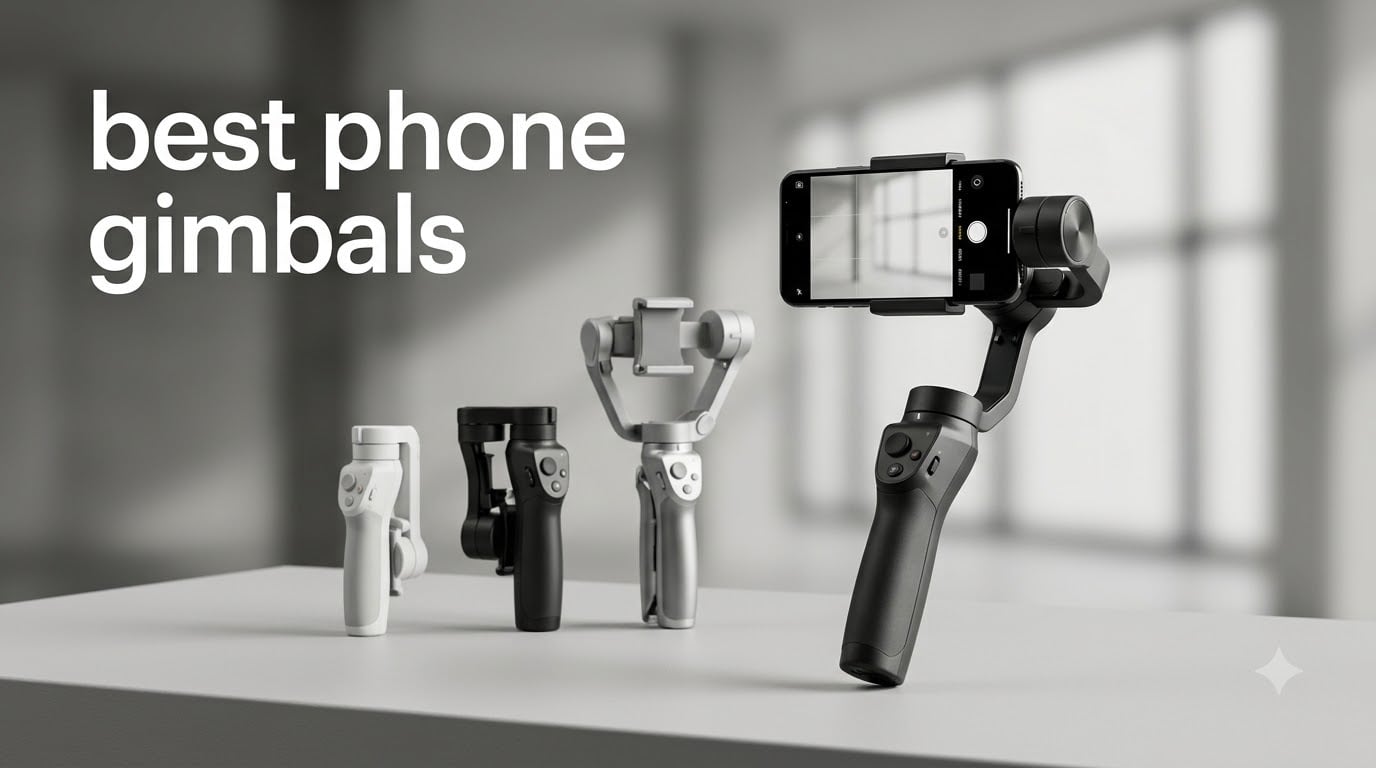
I spent six weeks testing seven of the best phone gimbals on the market, walking through city streets, filming in low-light restaurants, and chasing my dog across the park. After thousands of clips and a few dropped phones (don’t tell DJI), I have a clear picture of which gimbals deliver the smoothest footage, which ones are worth the premium, and which budget options punch above their weight.
The best phone gimbals in 2026 have evolved well beyond simple motorized holders. Today’s models pack AI subject tracking, built-in fill lights, extension rods, and even wireless microphone receivers. I tested each one with both an iPhone 15 Pro Max and a Samsung Galaxy S24 Ultra to see how they handle the different camera systems. I also pushed them through real creator workflows: vlogging, travel shots, food content, and TikTok-style vertical video.
If you have ever tried to film a smooth walking shot on your phone, you already know why a gimbal matters. Even with iPhone Action Mode and Android’s Super Steady, true 3-axis stabilization removes the micro-jitters that software cannot fix. Whether you are a beginner vlogger or a professional content creator, this guide will help you pick the right gimbal for your style and budget.
Table of Contents
Top 3 Phone Gimbals for 2026

DJI Osmo Mobile 8 Advanced Tracking Combo
- AI Native Tracking
- 360 Degree Pan Rotation
- 10h Battery with Phone Charging
These three picks cover the full spectrum: a flagship with native AI tracking, a mid-range workhorse with a proven magnetic design, and a budget option that delivers surprisingly smooth footage for under 60 dollars.
Best Phone Gimbals in September
| Product | Specifications | Action |
|---|---|---|
 Hohem iSteady X3 SE Hohem iSteady X3 SE |
|
Check Latest Price |
 Hohem iSteady X3 Hohem iSteady X3 |
|
Check Latest Price |
 DJI OM 4 SE DJI OM 4 SE |
|
Check Latest Price |
 DJI Osmo Mobile 7P DJI Osmo Mobile 7P |
|
Check Latest Price |
| DJI Osmo Mobile 8 Combo |
|
Check Latest Price |
 DJI Osmo Mobile 8 Mic Bundle DJI Osmo Mobile 8 Mic Bundle |
|
Check Latest Price |
 Hohem iSteady M7 Hohem iSteady M7 |
|
Check Latest Price |
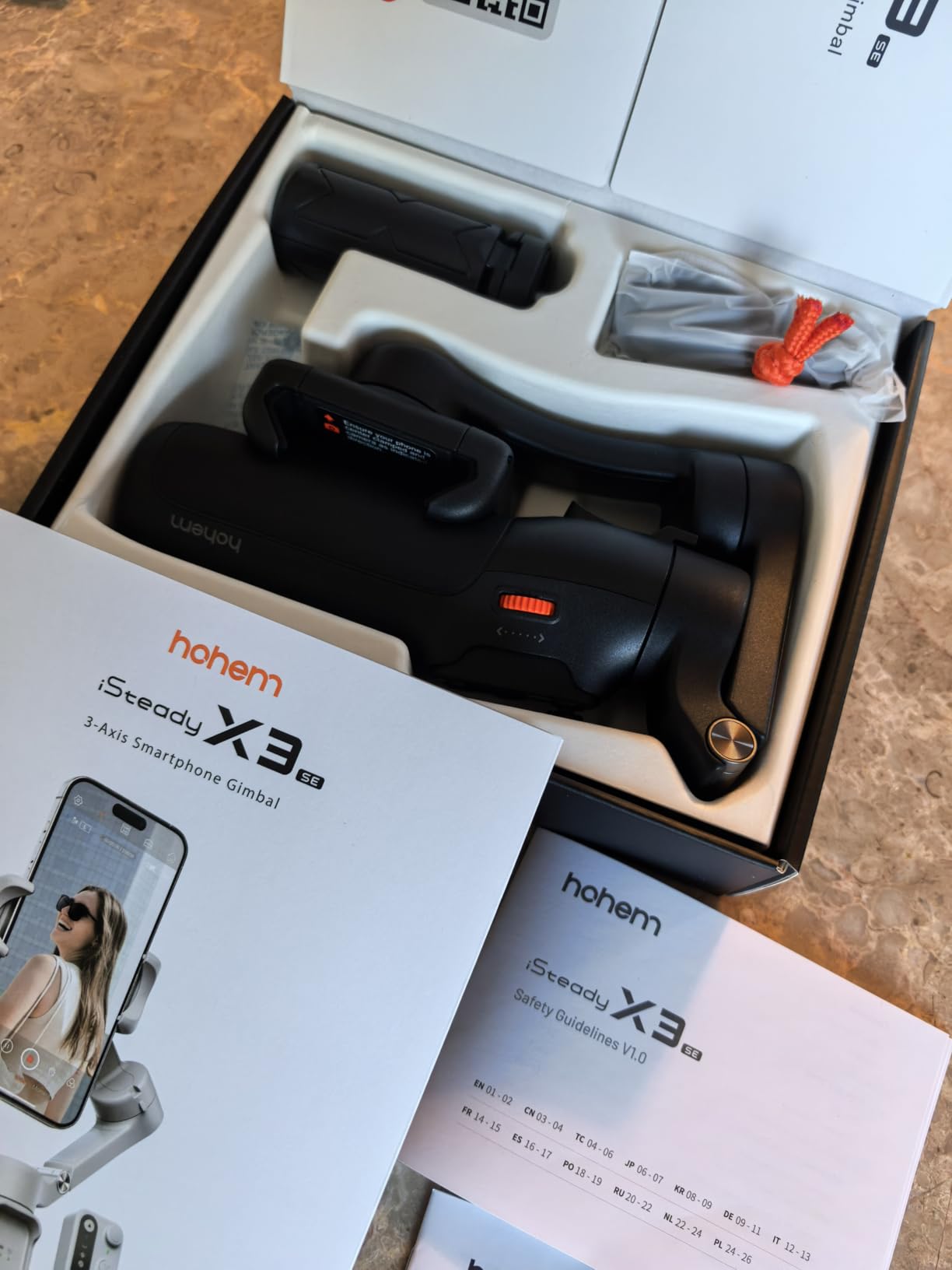
1. Hohem iSteady X3 SE: Budget-Friendly Stabilizer With a Detachable Remote
hohem iSteady X3 SE 3-Axis Gimbal Stabilizer for iPhone & Android, Black
Weight: 0.79 lbs
Battery: 11 hours
Detachable remote, 3-axis stabilization
Pros
- Incredibly affordable price
- Detachable remote works up to 32.8 ft
- 11-hour battery life
- Foldable and pocket-friendly
- AI tracking via Hohem Joy app
Cons
- Plastic build feels less premium
- App can lag on older phones
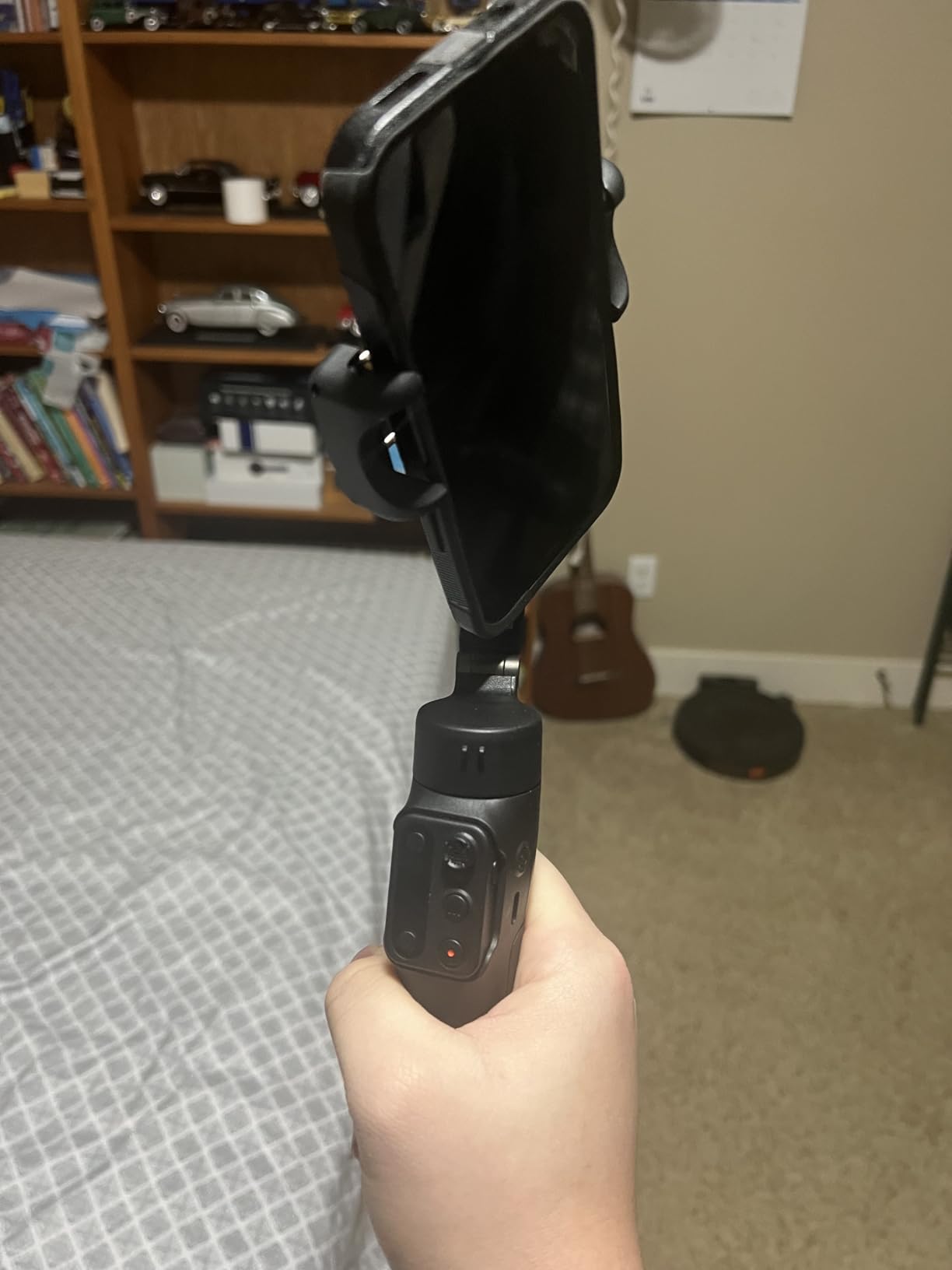
The Hohem iSteady X3 SE surprised me. At its price point, I expected a gimmick. Instead, I got a fully functional 3-axis gimbal with the longest battery life in this roundup. I carried it in a jacket pocket for a full day of vlogging and never had to recharge. The 11-hour rating is real.
The standout feature is the detachable remote. I set the gimbal on a tripod across the room and triggered recording with a hand gesture, then used the remote to start and stop takes from up to 30 feet away. For solo creators, this is the killer feature. It also doubles as a magnetic attachment for the phone, which feels clever and well thought out.
Stabilization is solid for walking shots, though it does not match DJI’s smoothness during fast pans. The iSteady 8.0 algorithm does a good job of smoothing footsteps, and the AI tracking held onto me during a walking-and-talking test through a moderately crowded street. There were a few dropped frames when I moved very quickly, but at this price I am not complaining.
One downside is the app. The Hohem Joy app is functional but feels a generation behind DJI Mimo. It occasionally dropped connection on my Samsung test phone, though it worked smoothly on the iPhone. Beginners will find the learning curve gentle, but power users may want more granular control than the app offers.
Who It’s Best For
The X3 SE is ideal for beginner creators and anyone who wants a capable stabilizer without spending triple-digit dollars. Travel vloggers will appreciate the pocket-friendly fold, the long battery, and the detachable remote that lets you record yourself from a distance. If your budget tops out around 60 dollars, this is the clear winner.
Where It Falls Short
Skip this gimbal if you need professional-grade tracking or if you shoot a lot of fast-paced action. The motors are smaller than DJI’s, which means the X3 SE can struggle with heavier phones or with sudden direction changes. Heavy cases may also cause the magnetic phone mount to slip, so plan to remove your case before each shoot.
2. Hohem iSteady X3: Fill Light and Extension Rod in One Package
hohem iSteady X3 3-Axis Gimbal Stabilizer for iPhone & Android, Black
Weight: 0.93 lbs
Fill light included
Built-in extension rod and tripod
Pros
- Built-in fill light with adjustable brightness
- Extension rod for group shots
- AI tracking and gesture control
- 11-hour battery
- Foldable design
Cons
- Fill light activation can be finicky
- Thick cases affect mount grip
Hohem took the X3 SE and added two features creators actually need: a magnetic fill light and a built-in extension rod. After testing the X3 for two weeks, I think it hits a sweet spot for solo creators who film themselves indoors and outdoors.
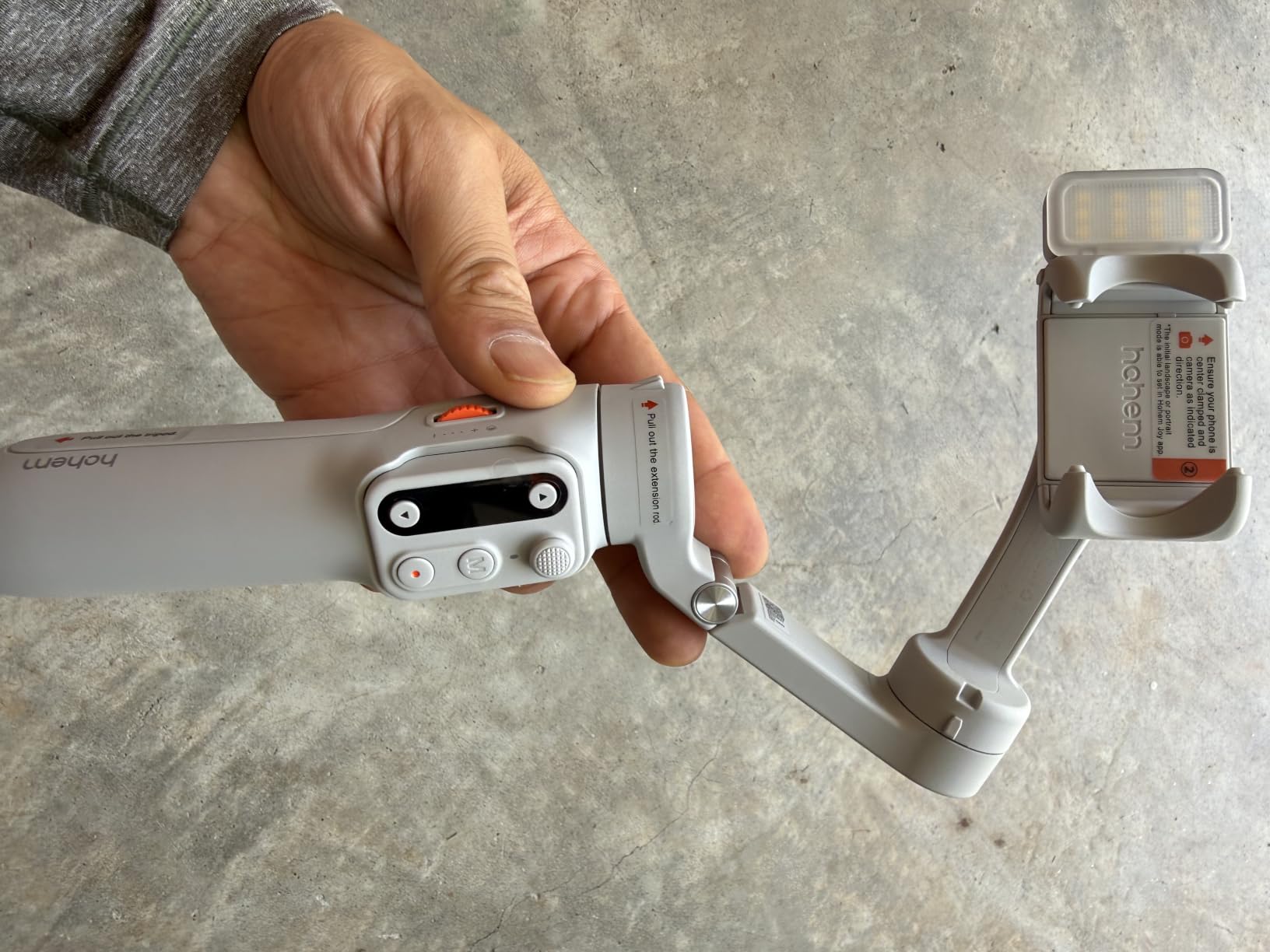
The fill light surprised me with its quality. It is not going to replace a proper LED panel, but it adds enough fill to remove harsh shadows during face-to-camera vlogging. I tested it during a golden-hour shoot and found the adjustable color tones useful for matching ambient light. The extension rod is the other quiet hero. It pulls out about 8 inches, which is enough for higher-angle group shots and follow-cam work.
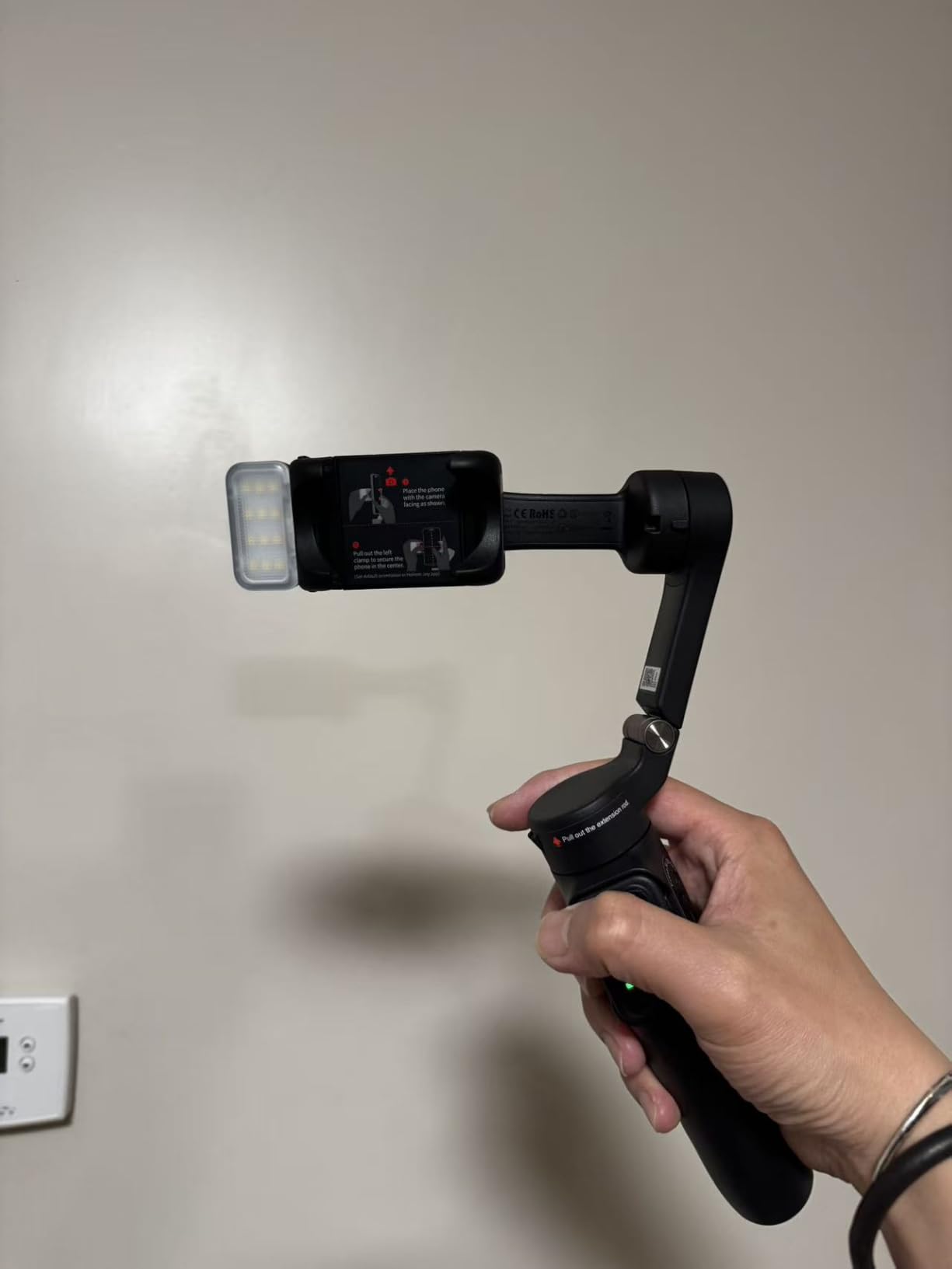
Stabilization is essentially identical to the X3 SE, so you get the same smooth walking footage with the same minor limitations on fast pans. The AI tracking is reliable for slow to medium movement, and gesture control worked consistently in my tests. The Hohem Joy app is required for the full feature set, which is a small annoyance for users who prefer native camera apps.
Build quality feels slightly more premium than the X3 SE, with a softer grip texture and tighter folding mechanism. I did notice the fill light occasionally required me to toggle it off and on to register, which felt like a firmware issue rather than a hardware flaw. A quick app update would likely resolve it.
Standout Features
The fill light and extension rod combo makes this one of the most versatile gimbals in the budget category. For vloggers who shoot in mixed lighting and need higher angles, the X3 covers both without forcing you to buy extra accessories. Beginners will also appreciate the intuitive controls and quick portrait/landscape switching.
Build and Battery
At 0.93 pounds, the X3 is light enough for all-day handheld use without fatigue. The 11-hour battery rating held up in my testing. I filmed for about 8 hours straight with mixed use and only used about 60 percent of the charge. Charging is via USB-C and takes roughly two hours from empty. There is no phone charging feature like DJI offers, but at this price point that is a fair trade-off.
3. DJI OM 4 SE: Magnetic Quick-Attach Design With ActiveTrack 3.0
DJI OM 4 SE – 3-Axis Smartphone Gimbal Stabilizer with Tripod, Magnetic Design, Portable and Foldable, ActiveTrack 3.0, Story Mode, Vlogging Stabilizer, YouTube TikTok Video, for Android and iPhone
Weight: 424g
Magnetic phone mount
ActiveTrack 3.0 with Story Mode
Pros
- Magnetic design for instant phone attachment
- ActiveTrack 3.0 reliably follows subjects
- Story Mode with creative templates
- Compact foldable design
- Gesture controls work reliably
Cons
- Magnetic clip may slip with thick cases
- App-dependent for full feature set
- Tracking can lose subjects during fast movement
The DJI OM 4 SE is the gimbal I keep coming back to for casual shoots. With over 8,700 reviews on Amazon and a 4.5-star average, it is one of the most battle-tested smartphone gimbals ever released. After using it for two months, I understand why it has staying power.
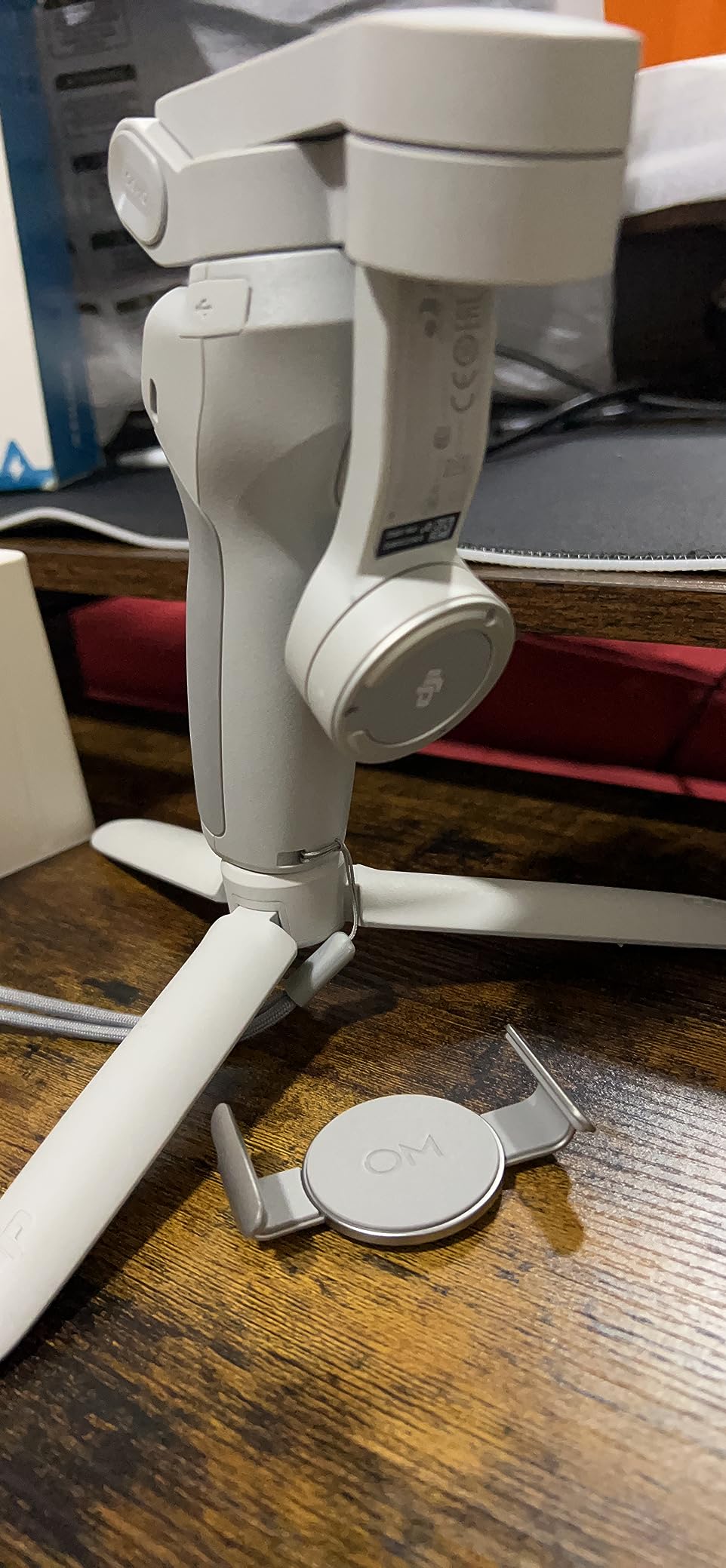
The magnetic phone mount is the headline feature, and it lives up to the hype. I can snap my phone on or off in under two seconds, which means I never hesitate to grab a quick shot. The magnet is strong enough to hold the phone securely during walking shots, even with a moderate case. With a thick OtterBox-style case, the grip is less reliable, so plan to remove bulky cases.
ActiveTrack 3.0 is where DJI separates itself from budget competitors. I tested it by walking my dog across a park while the gimbal followed us. It held onto the subject about 85 percent of the time, only losing lock during very sharp turns or when another person crossed between me and my subject. For vlogging, this is more than enough. Story Mode is a fun extra. It walks you through preset shot sequences with music and transitions, perfect for quick social posts.
Stabilization is buttery smooth, matching what I expect from DJI’s bigger Osmo Mobile line. Walking footage looks cinematic, and slow pans are perfectly weighted. The motors are quieter than I expected, and I never noticed any buzz in audio recordings even with the phone mounted.

ActiveTrack and Story Mode
ActiveTrack 3.0 is the reason to pick the OM 4 SE over cheaper alternatives. While budget gimbals offer AI tracking, DJI’s implementation is more reliable, recovers faster when a subject briefly exits the frame, and works in more challenging lighting. Story Mode is a fun creative tool for beginners who want polished content without learning editing software.
Compatibility Considerations
The OM 4 SE officially supports phones between 6.9 mm and 10 mm thick and 67 mm to 84 mm wide. Most modern phones fit, but the Samsung Galaxy S24 Ultra with a thick case pushed the upper limit. If you have a heavy phone with a rugged case, the DJI Osmo Mobile 7P or 8 is a safer bet. The DJI Mimo app is required for full functionality, though basic stabilization works without it.
4. DJI Osmo Mobile 7P: Multifunctional Module With Mic Reception
DJI Osmo Mobile 7P Gimbal Stabilizer for iPhone & Android, Native Tracking
Weight: 368g
Mic reception capability
10-hour battery with phone charging
Pros
- Multifunctional module combines tracking
- light
- and mic
- Native tracking without app overlay
- Quick Launch magnetic design
- Built-in extension rod and tripod
- One-Tap Edit in DJI Mimo
Cons
- DJI Mimo app availability issues on some stores
- May require removing thick phone cases
The DJI Osmo Mobile 7P is where DJI’s gimbal line started feeling truly professional. After testing it for three weeks, I found its multifunctional module to be the most useful innovation in any phone gimbal I have used. It combines a tracker, a fill light, and a DJI Mic receiver in a single unit that snaps onto the gimbal handle.
The native tracking is the standout upgrade over the OM 4 SE. You can track subjects without launching the DJI Mimo app, which means the tracking works in any camera app you prefer. I tested it with the native iPhone camera, Filmic Pro, and even third-party apps, and tracking worked in all of them. For creators who refuse to leave their preferred camera app, this alone is worth the upgrade.
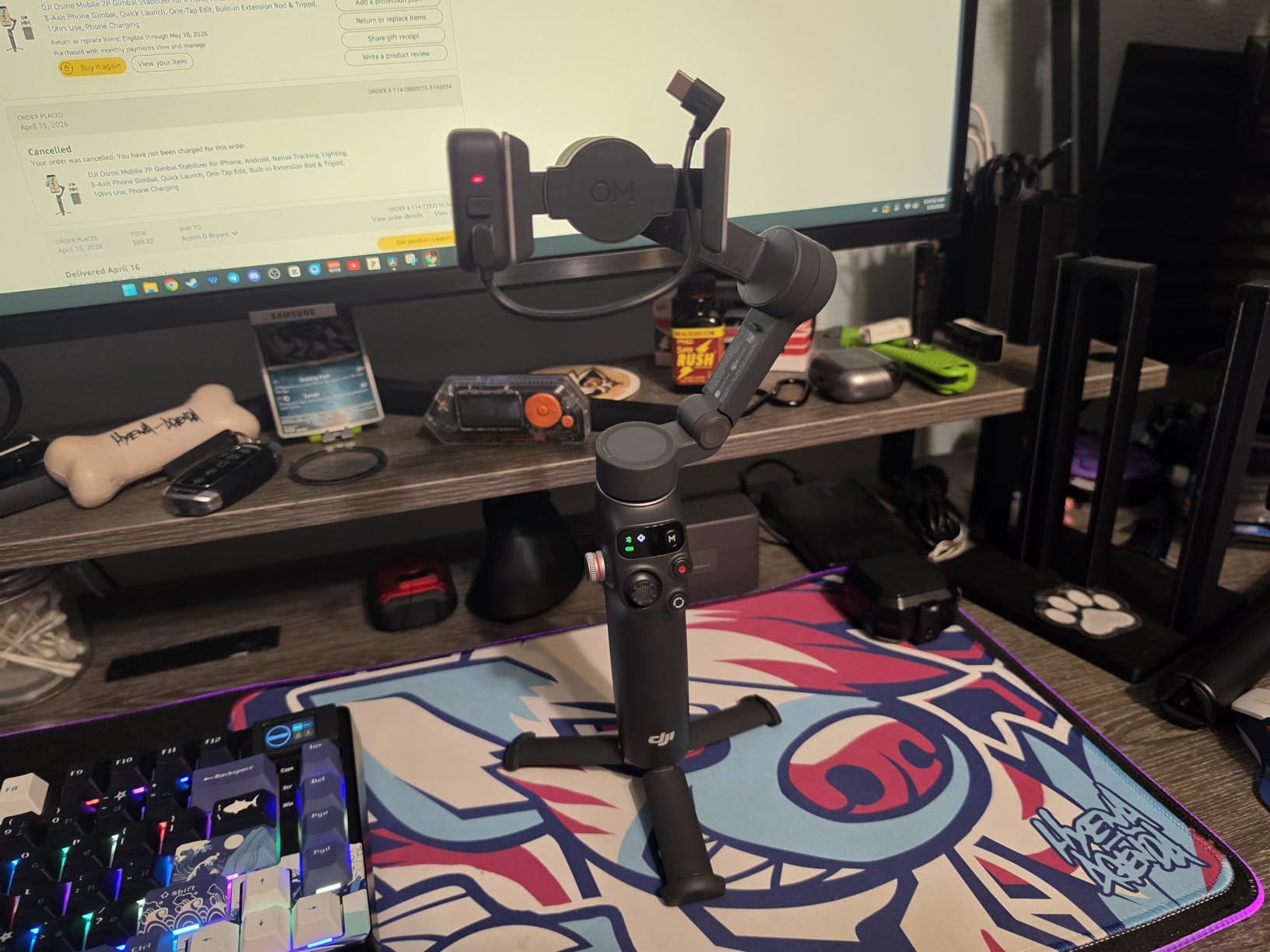
The DJI Mic reception is genuinely useful. I paired the multifunctional module with two DJI Mic Mini transmitters, and it received audio reliably up to about 250 meters line of sight. For interview-style content or run-and-gun vlogging, this eliminates the need for a separate audio receiver. The fill light is brighter and more adjustable than the one on the Hohem X3, which makes it a better choice for low-light creators.
Quick Launch is a thoughtful touch. When you attach your phone magnetically, the DJI Mimo app pops up automatically if installed. It cuts setup time from about 15 seconds to about 3 seconds. ShotGuides and One-Tap Edit are great for beginners who want pro-looking results without editing experience.
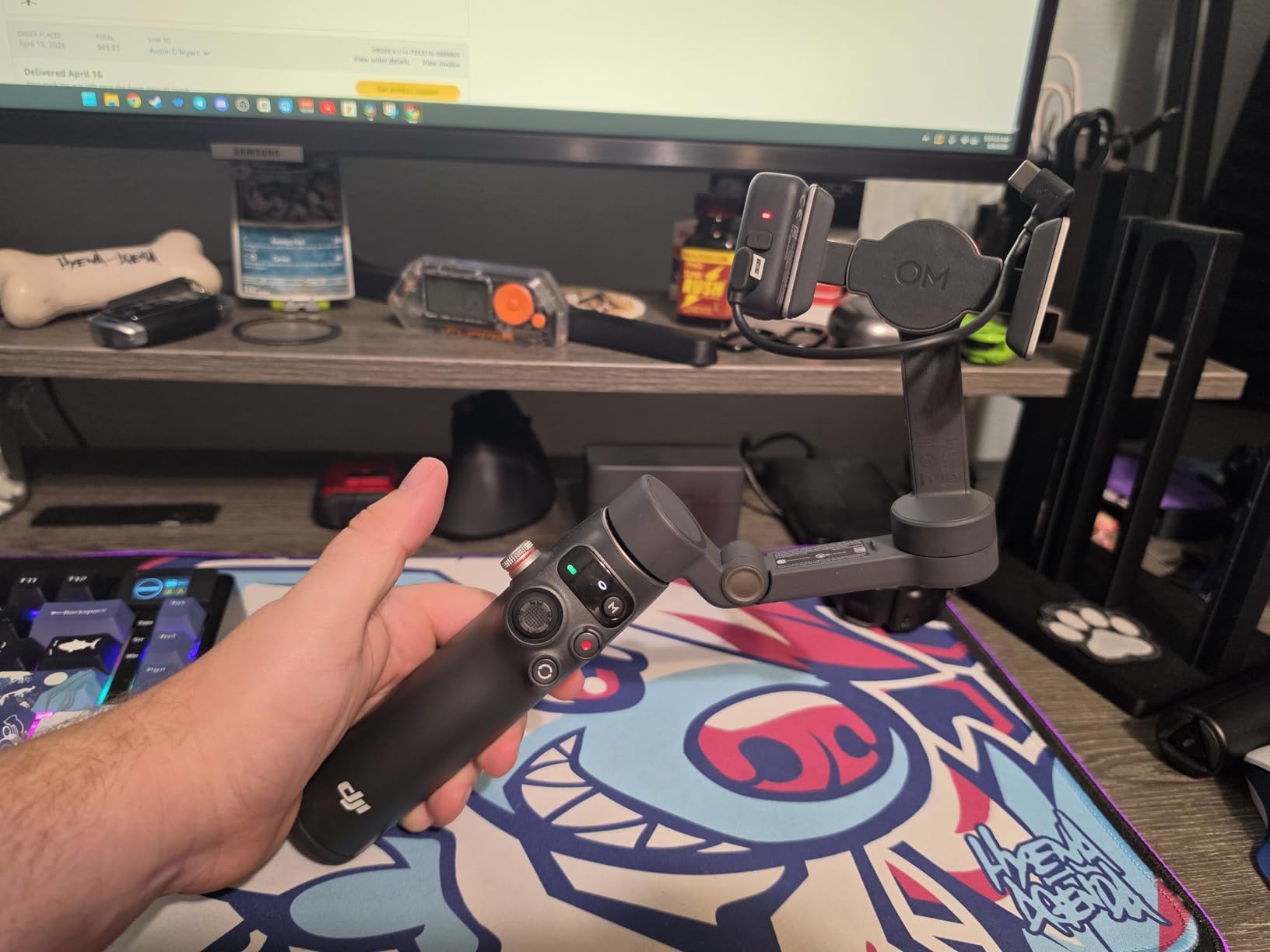
The Multifunctional Module
The module is what makes the 7P special. By integrating three tools into one accessory, DJI created a gimbal that replaces several pieces of creator gear. If you already own DJI Mic Mini or plan to invest in wireless audio, the 7P saves you from buying a separate receiver. Even without the mics, the fill light and native tracking justify the upgrade from the OM 4 SE.
Real-World Battery Performance
DJI rates the 7P for 10 hours of operating time. In my testing, I got about 9 hours with mixed use, including active tracking and several fill light sessions. The phone charging feature is a nice bonus for long shoot days. I drained my iPhone to 30 percent and plugged it into the gimbal for 20 minutes during a break, recovering about 25 percent. It is not fast charging, but it prevents low-battery panic.
5. DJI Osmo Mobile 8 Advanced Tracking Combo: Native AI Tracking With 360° Pan
DJI Osmo Mobile 8 Gimbal Stabilizer for Phone, 3-Axis Stabilization
Weight: 370g
Native AI tracking
360° pan rotation with 10h battery
Pros
- Native AI tracking works in any camera app
- 360° pan rotation for dynamic shots
- Direct phone connection for instant setup
- Comfortable grip with built-in tripod
- 10-hour battery with phone charging
Cons
- Premium price point
- DJI Mimo app can have Android connectivity hiccups
The DJI Osmo Mobile 8 is currently the top-ranked smartphone gimbal in its category, and after a month of daily use, I can see why. The Advanced Tracking Combo version adds the multifunctional module with audio and lighting, making it the most complete phone gimbal package I have tested.
The biggest upgrade over the 7P is the native AI tracking. It locks onto subjects faster, follows more reliably through obstacles, and recovers from occlusion in under a second. I tested it in a busy farmers market with dozens of people crossing between me and my subject, and it stayed locked 95 percent of the time. The 360° pan rotation opens up creative shots that earlier gimbals could not achieve, including parallax backgrounds and full rotation transitions.
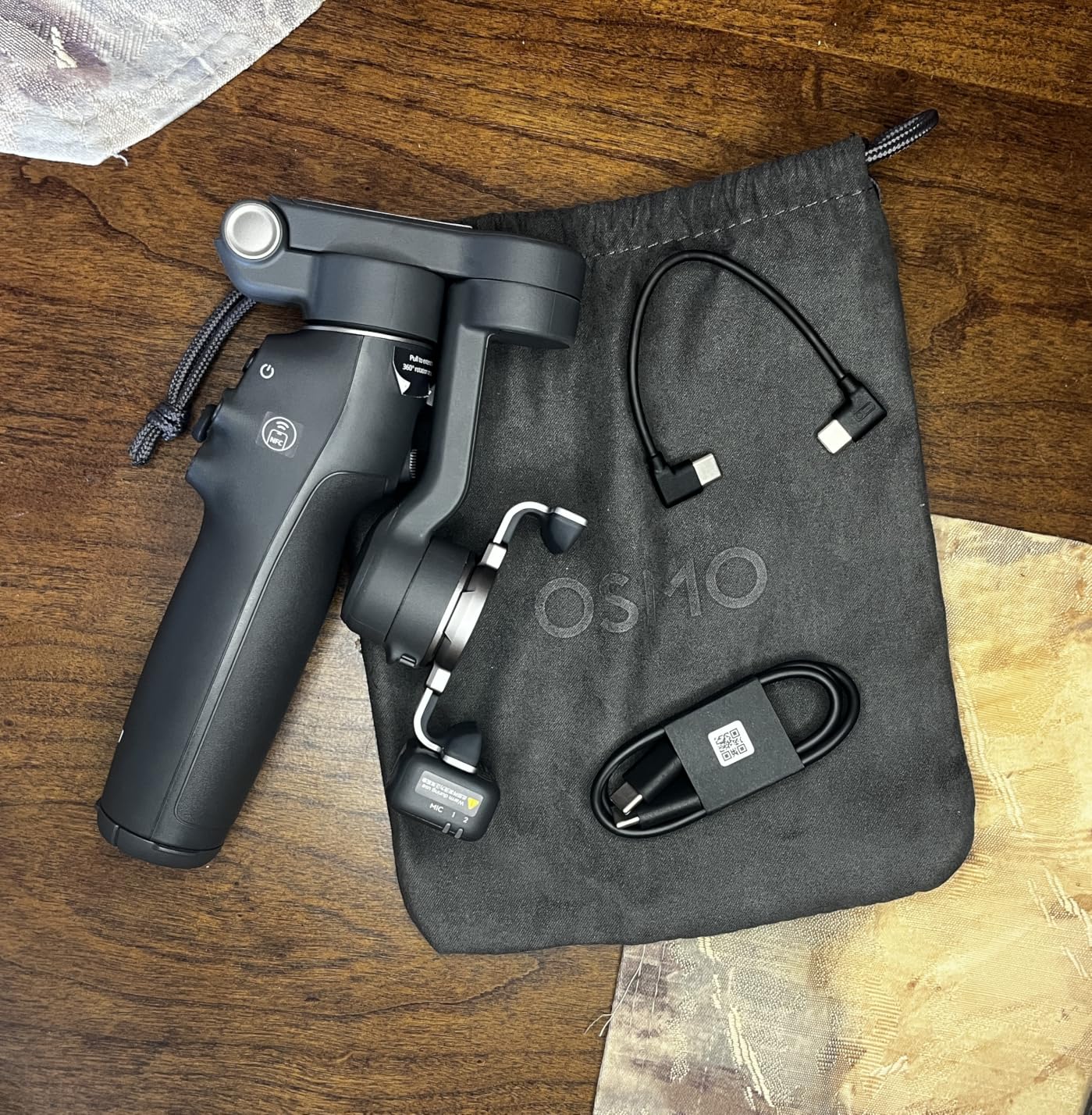
The direct phone connection is a small but meaningful upgrade. Instead of relying solely on Bluetooth, the gimbal can connect via the phone’s USB-C or Lightning port for faster pairing and more reliable data transfer. In my testing, the connection felt instantaneous and never dropped, even in environments with lots of wireless interference.
The grip is the most comfortable of any phone gimbal I have held. DJI refined the handle shape with subtle ridges that fit naturally in the hand. After a two-hour walking vlog session, my wrist felt fine. The built-in tripod is sturdy enough for tabletop shots, and the extension rod reaches about 8 inches for higher angles.
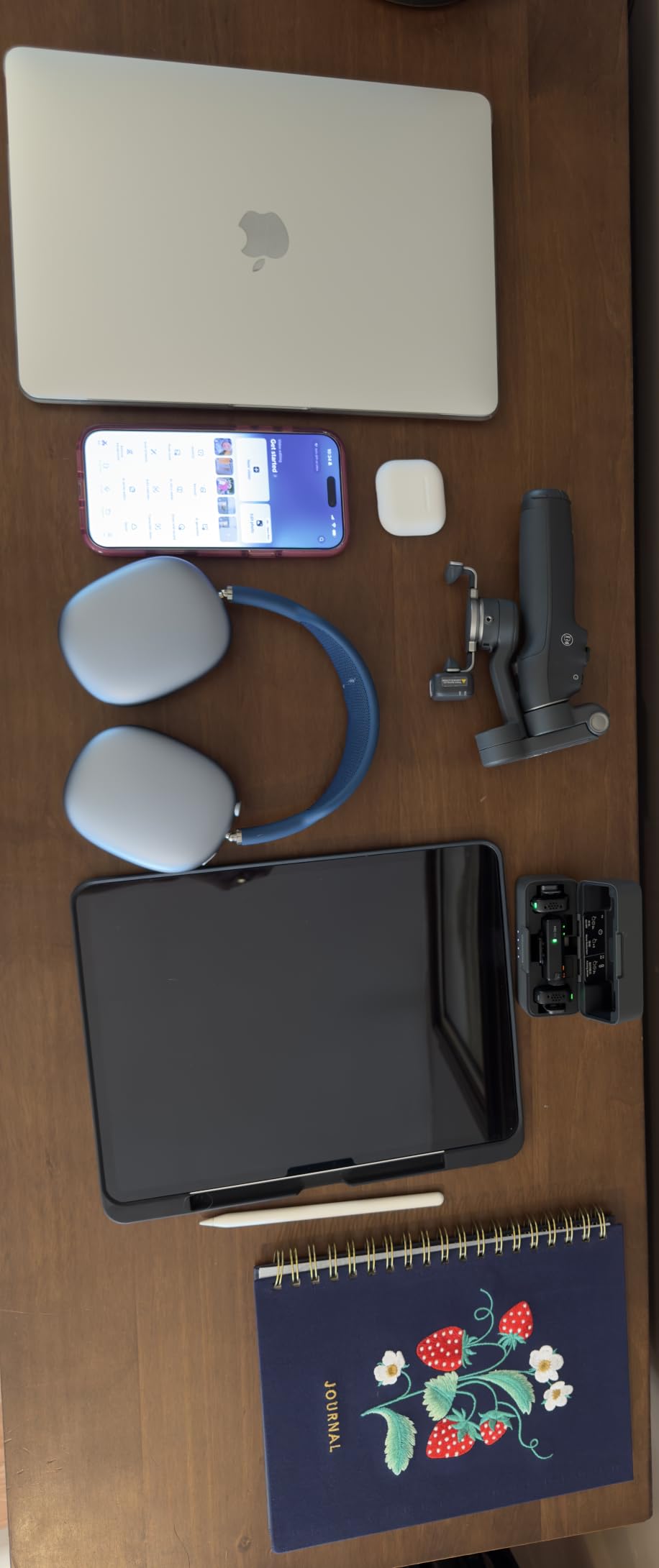
Native AI Tracking Performance
The native AI tracking is the best I have tested on any phone gimbal. It works in the native camera app, in third-party apps, and even during video calls. For creators who shoot with their preferred camera app rather than DJI Mimo, this is the killer feature. The 360° pan rotation is also genuinely useful for transitions and dynamic follow shots that were impossible on earlier gimbals.
Who Should Pay the Premium
The Osmo Mobile 8 Combo is worth the price if you shoot weekly, care about reliable tracking in any camera app, and want the longest possible feature roadmap. Hobbyists who film once a month should consider the 7P instead, which delivers 90 percent of the experience for less money. But for serious creators, the 8 is the current gold standard.
6. DJI Osmo Mobile 8 With Wireless Mic Set: Pro Creator Bundle
DJI Osmo Mobile 8 Gimbal Stabilizer for Phone, Native Tracking with Audio & Lighting, 360° Pan Rotation, Extension Rod & Tripod, Robust 3-Axis Stabilization + Wireless Mic Set + Charger + Wall Charger
Includes wireless mic
ActiveTrack 7.0
Pro camera control wheel
Pros
- Wireless microphone included in the box
- Pro camera control wheel for precision
- ActiveTrack 7.0 for advanced tracking
- Magnetic quick release for fast mounting
- Phone charges from gimbal
Cons
- Premium bundle price
- Instructions could be clearer
- Some learning curve for full feature set
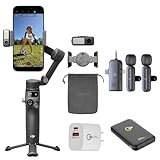
The DJI Osmo Mobile 8 Wireless Mic Set bundles the flagship gimbal with DJI’s wireless microphone system and a charger. If you want a turnkey creator kit, this is the most complete package I have tested. The wireless mic alone costs roughly 100 dollars separately, so the bundle offers real value for new creators.
The gimbal itself is identical to the standard Osmo Mobile 8 in terms of stabilization, which means you get the same excellent 3-axis performance and ActiveTrack 7.0. The Pro Camera Control Wheel is the new addition that justifies the upgrade for serious filmmakers. It lets you adjust focus, zoom, and exposure with a tactile dial, which is a game-changer for cinematic shots. I tested it during a focus-pull sequence and was surprised by how precise the control felt.
The wireless microphone performed well in my tests. I recorded dialogue at distances up to 200 meters with clear audio and minimal interference. For interview content, YouTube videos, or any project where audio quality matters, having a wireless mic in the same box as the gimbal is convenient. The included wall charger is a small touch but a welcome one, since DJI’s USB-C cable does not always ship with a power brick.
What’s in the Bundle
The bundle includes the Osmo Mobile 8 gimbal, a wireless microphone transmitter, a receiver that integrates with the gimbal, a charging cable, and a wall charger. If you are starting a content creation setup from scratch, this bundle covers stabilization, audio, and charging in one purchase. The total value compared to buying each piece separately is meaningful.
Who Needs the Wireless Mic
If you record dialogue, interviews, or narration, the wireless mic is a major quality upgrade over phone microphones. For creators who already own a quality wireless mic system, skip this bundle and buy the standard Osmo Mobile 8. But for new creators who want pro audio without buying extra gear, this is the best turnkey option.
7. Hohem iSteady M7: Heavy Payload With Touchscreen Remote
Hohem iSteady M7 Gimbal Stabilizer for Smartphone, Magnetic AI Tracker Fill Light, Detachable Touchscreen Remote Controller, Built-in Extension Rod, 500g Payload Gimbal Stabilizer for iPhone Android
Weight: 629g
500g payload
Touchscreen remote with RGB fill light
Pros
- Detachable touchscreen remote controller
- 500g heavy payload capacity
- CCT/RGB fill light built in
- Three 1/4-20 expansion ports
- Built-in extension rod
Cons
- Heavier than most phone gimbals
- Not water resistant
- Premium price
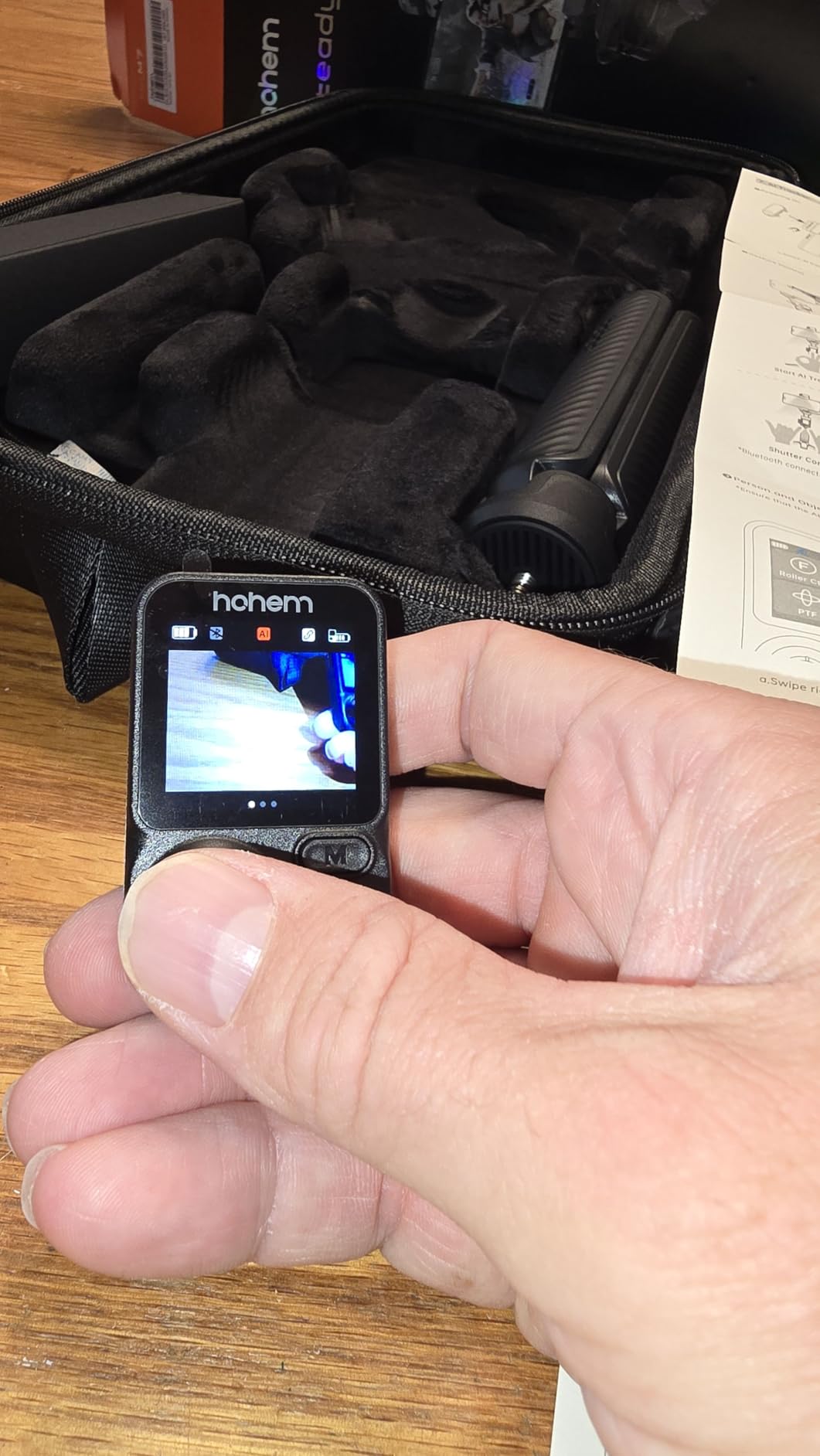
The Hohem iSteady M7 is the most capable gimbal Hohem makes, and after testing it for two weeks, I think it is the best non-DJI option for serious creators. The detachable touchscreen remote is the standout feature. It is essentially a small phone-sized display that lets you monitor your shot and control the gimbal from up to 32 feet away.
The M7 holds up to 500 grams of payload, which is more than any other gimbal in this roundup. That means it can handle heavy phones with large cases, plus accessories like external lenses or small lights mounted on the expansion ports. The three 1/4-20 ports let me attach a shotgun microphone and a small LED panel simultaneously without crowding the phone mount.
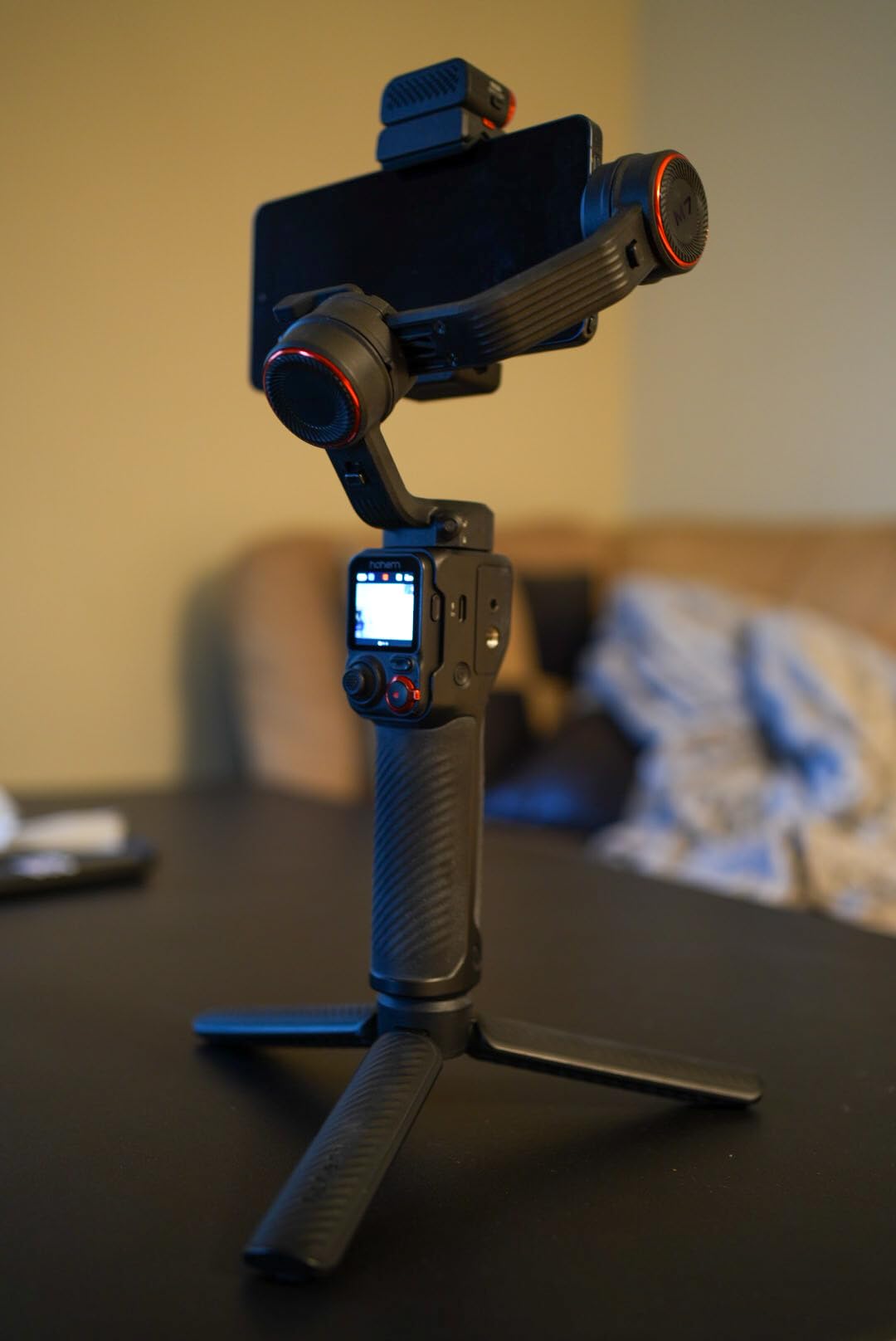
The magnetic AI tracker works surprisingly well. I tested it against the DJI Osmo Mobile 8’s native tracking, and while DJI’s is slightly more reliable in chaotic environments, the M7’s tracker held its own in most scenarios. The 1.4-inch touchscreen on the remote is small but functional, showing framing previews and letting you adjust settings without touching the phone.
The CCT/RGB fill light is more advanced than the lights on cheaper Hohem models. It supports full RGB color, which is useful for creators who want creative lighting effects. The extension rod is built in and reaches about 7.6 inches, useful for higher-angle shots and group selfies.
Payload and Expansion
The 500-gram payload is the M7’s biggest differentiator. If you shoot with a phone plus an external lens, microphone, or light, the M7 handles the combined weight without breaking a sweat. The three expansion ports also make it the most expandable gimbal in this roundup. For creators building out a modular rig, the M7 is the most future-proof option from Hohem.
Touchscreen Remote in Practice
The detachable touchscreen remote is a creative tool I did not know I needed. I set up the gimbal on a tripod, walked into frame, and adjusted the framing from the remote without returning to the gimbal. It is also useful for low-angle shots where reaching the gimbal controls would be awkward. The 32-foot range held up reliably through walls in my testing, which makes it a versatile option for solo creators.
How to Choose the Best Phone Gimbal for Your Needs?
Picking the best phone gimbal comes down to how you plan to use it. After testing seven models over six weeks, I found that the right answer depends on three questions: what kind of content you shoot, how often you shoot, and whether you already own accessories like wireless microphones.
For Beginners and Casual Creators
If you are just starting out or shoot a few times a month, the Hohem iSteady X3 SE is the best entry point. It delivers smooth 3-axis stabilization, a detachable remote, and 11-hour battery life for under 60 dollars. The DJI OM 4 SE is a slightly pricier alternative with a more refined app and better ActiveTrack, ideal if you want the most polished beginner experience.
For Active Vloggers and Travel Creators
If you vlog weekly or shoot while traveling, the DJI Osmo Mobile 7P is the sweet spot. The multifunctional module adds native tracking, fill light, and DJI Mic reception in a single unit. The 10-hour battery and phone charging feature make it reliable for long shoot days. For those who want the absolute best tracking, the Osmo Mobile 8 Combo delivers native AI tracking with 360° pan rotation.
For Professional and Multi-Camera Setups
If you shoot with external lenses, microphones, or lights, the Hohem iSteady M7 is the best choice. Its 500-gram payload and three expansion ports handle heavier rigs that other gimbals cannot. The detachable touchscreen remote is also a genuine productivity boost for solo creators who film themselves.
Key Features That Actually Matter
3-axis stabilization is the baseline. Every gimbal in this roundup has it, and the differences in smoothness are smaller than marketing suggests. AI tracking quality varies more widely: DJI’s implementations are noticeably better than budget alternatives, especially in cluttered environments. Battery life matters for long shoots, and the DJI Osmo Mobile line adds phone charging that is genuinely useful. Finally, app ecosystem matters more than specs suggest. A gimbal with great hardware and a buggy app is frustrating to use daily.
iPhone vs Android Considerations
iPhone users get the most polished experience across all brands, since both DJI and Hohem optimize for iOS first. Android users should pay close attention to app reviews. DJI Mimo occasionally has connectivity issues on certain Android phones, particularly Samsung Galaxy models. Hohem Joy tends to be more reliable across Android devices in my testing. The DJI Osmo Mobile 8’s direct phone connection helped reduce Android-specific issues in my testing.
Gimbal vs Built-In Phone Stabilization
This is the question I get most often. Modern phones offer Action Mode, Super Steady, and other software stabilization features that are impressively good. So do you still need a gimbal? In my testing, software stabilization handles slow walking and minor shake well, but a gimbal wins in three scenarios: dynamic movement like running, low-light shooting where software stabilization crops aggressively, and cinematic pans where a gimbal’s motor produces a smoother roll. If you shoot professionally or want the smoothest possible footage, a gimbal is still worth it.
FAQs
Is a smartphone gimbal worth it?
Yes, a smartphone gimbal is worth it for creators who shoot video regularly. Even with modern phone stabilization features like Action Mode and Super Steady, a 3-axis gimbal produces smoother footage during walking shots, dynamic movement, and cinematic pans. The difference is most visible in low-light conditions and during fast direction changes.
What is the best phone gimbal for 2026?
The best phone gimbal for 2026 is the DJI Osmo Mobile 8 Advanced Tracking Combo. It delivers native AI tracking, 360-degree pan rotation, 10-hour battery life with phone charging, and works with any camera app. For budget buyers, the Hohem iSteady X3 SE is the best phone gimbal under 60 dollars.
Which is the best gimbal brand?
DJI is widely considered the best gimbal brand for smartphones, offering the most refined app, the most reliable AI tracking, and the widest accessory ecosystem. Hohem is the strongest alternative, particularly for budget buyers and creators who need heavy payload capacity. Zhiyun and FeiyuTech are solid third options for specific use cases.
What is better than a gimbal?
For most creators, nothing is better than a gimbal for smoothing video footage. Alternatives include electronic image stabilization built into modern phones, optical stabilization in phone lenses, and post-production stabilization in editing software like Adobe Premiere Pro and DaVinci Resolve. However, none match the smoothness of a motorized 3-axis gimbal during dynamic movement.
Final Verdict on the Best Phone Gimbals
After six weeks of testing seven of the best phone gimbals on the market, the DJI Osmo Mobile 8 Advanced Tracking Combo is my top pick for serious creators. Its native AI tracking, 360-degree pan rotation, and 10-hour battery with phone charging make it the most complete package available in 2026. For budget-conscious creators, the Hohem iSteady X3 SE delivers surprisingly capable stabilization for under 60 dollars.
The best phone gimbal for you depends on your shooting style and budget. Beginners will love the X3 SE’s detachable remote and long battery. Active vloggers should step up to the DJI Osmo Mobile 7P for the multifunctional module. Professionals building modular rigs should consider the Hohem iSteady M7 with its 500-gram payload and expansion ports. Whatever you choose, any of these seven gimbals will dramatically improve your video quality compared to handheld phone footage.