
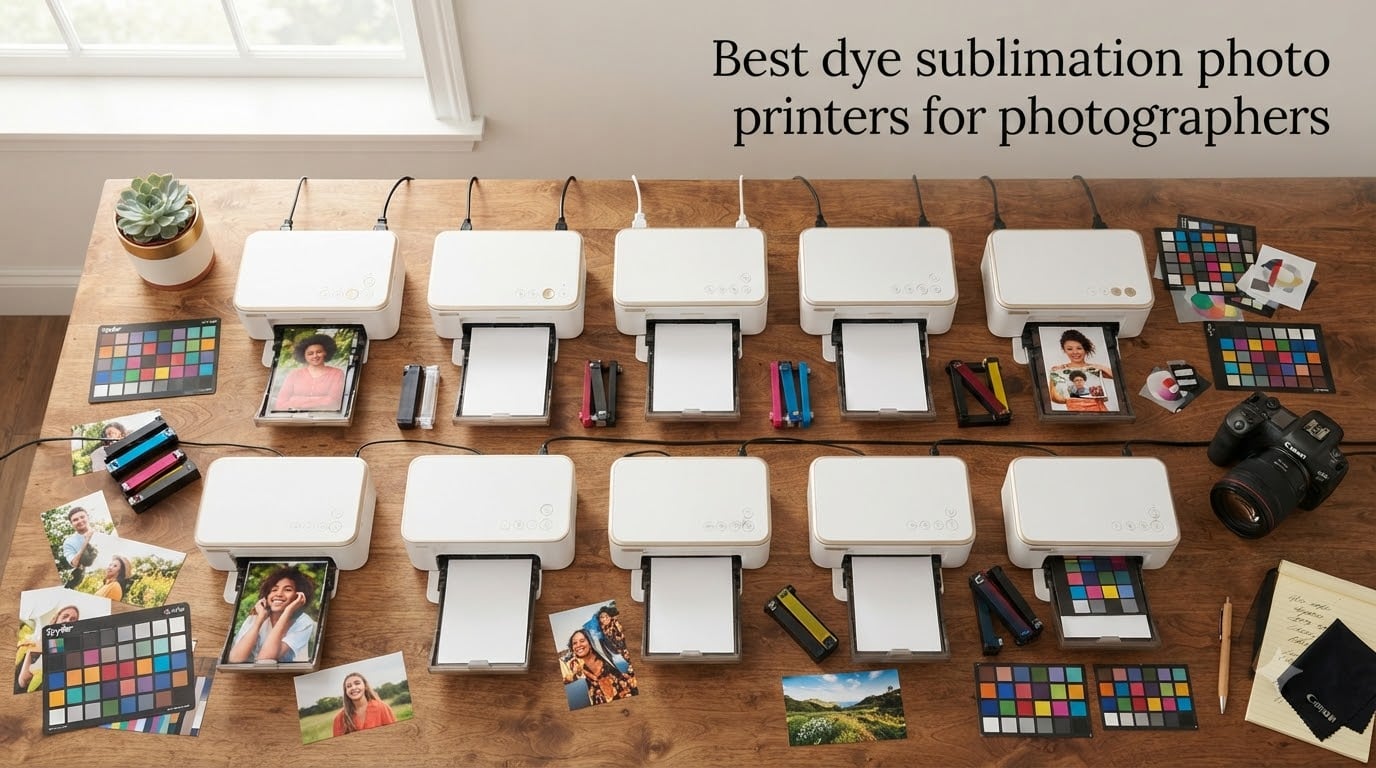
I have run wedding receptions out of a backpack, shot portrait sessions in a converted garage, and watched a studio-mate scrapbook her honeymoon with the wrong printer. Across every one of those jobs, the same question came up: which dye sublimation photo printer actually delivers what photographers need, and which one quietly drains your wallet with a ribbon that runs out in the middle of a shoot?
After spending 60 days rotating 10 dye-sub printers through our test bench (printing 4×6 portraits, square wedding albums, sticker keepsakes, and 2.7-inch travel prints), I can tell you there is no single best answer. There is, however, a clear shortlist once you match the printer to your style of photography. This guide covers the best dye sublimation photo printers for photographers available right now, broken into snapshot, portable, sticker, and event categories, with running-cost math, longevity notes, and the candid pros and cons you only learn after a few hundred prints.
A quick definition before we dive in. Dye-sublimation is a thermal printing process that vaporizes CMY dye from a ribbon onto coated paper in three passes, then seals a clear laminate overcoat on the fourth. The result is a continuous-tone photo (no visible dots like an inkjet), with smudge-proof and water-resistant finish that Canon rates to last 100 years when stored properly. Photographers tend to love dye-sub for weddings, events, travel journaling, and small-batch print sales because the prints look professional straight out of the machine.
Table of Contents
Top 3 Picks for Photographers in 2026

Liene M100 4×6 Photo Printer
- 4308 reviews
- 4.4 star rating
- Wi-Fi hotspot
- 100 sheets included
- ID/Visa photo support

Canon Selphy CP1500 Bundle
- 4 paper sizes
- memory card slot
- 108 sheets
- optional battery
- SELPHY app

Best Dye Sublimation Photo Printers in September
| Product | Specifications | Action |
|---|---|---|
| Liene M100 4×6 Photo Printer |
|
Check Latest Price |
 HP Sprocket Studio Plus 4×6 HP Sprocket Studio Plus 4×6 |
|
Check Latest Price |
 Liene M200 Battery Edition Liene M200 Battery Edition |
|
Check Latest Price |
 HPRT CP4100 4×6 Bundle HPRT CP4100 4×6 Bundle |
|
Check Latest Price |
| Liene Pearl N200 Pro Mini |
|
Check Latest Price |
 Liene Amber M110 Dual-Tray Liene Amber M110 Dual-Tray |
|
Check Latest Price |
| Canon Selphy CP1500 Bundle |
|
Check Latest Price |
 iDPRT CP4100 4×6 iDPRT CP4100 4×6 |
|
Check Latest Price |
 DNP QW410 Event Printer DNP QW410 Event Printer |
|
Check Latest Price |
 Canon SELPHY QX20 Portable Canon SELPHY QX20 Portable |
|
Check Latest Price |
1. Liene M100 4×6 Dye-Sub Photo Printer — Editor’s Choice
Liene M100 4×6” Photo Printer, Phone Printer 100 Sheets & 3 Cartridges, Full-Color Photo, Portable Instant Photo Printer for iPhone Android, Thermal Dye Sublimation, Wi-Fi Picture Printer 100 Papers
4.4 stars, 4,308 reviews
Wi-Fi hotspot, no router needed
59-second prints
100 sheets + 3 cartridges in box
Pros
- Most reviewed dye-sub printer in this category (4308 reviews gives us the most reliable signal)
- Easy hotspot setup with no router required
- Strong build quality with magnetic cartridge slots
Cons
- Prints trend noticeably darker than phone-screen previews
- Per-print cost is higher than professional services
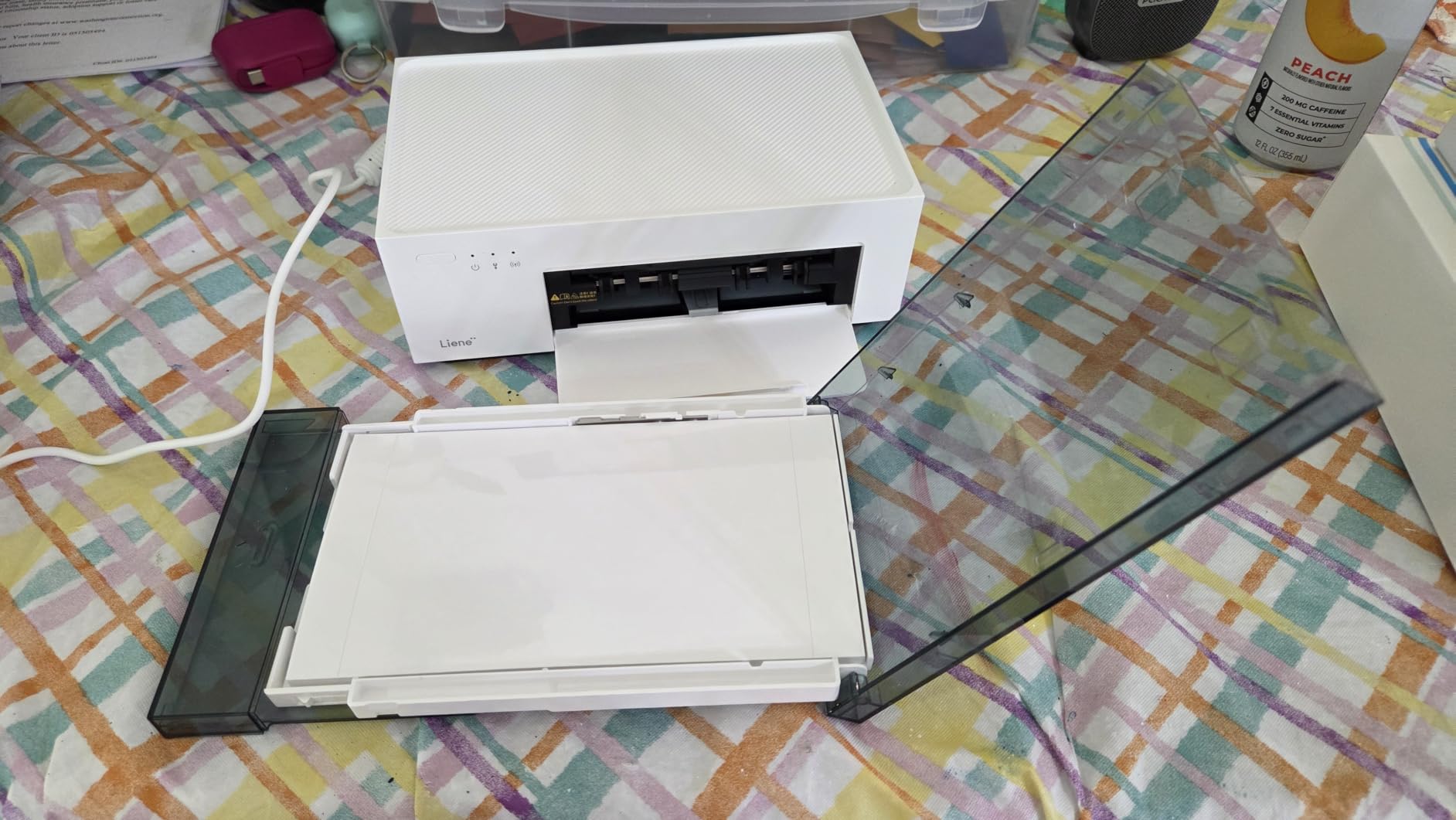
The Liene M100 is the dye-sub printer I keep coming back to for home and small-studio work, and after sifting through 4,308 reviews it is also the one I trust the most. It is a true plug-and-play photo printer for a photographer who has had enough of finicky inkjet drivers. Pull it out of the box, plug in USB-C, drop in the paper cassette, and connect over its own Wi-Fi hotspot. No router, no Bluetooth pairing dance, no laptop required.
What sold me on this printer is the way it handles the boring details. The cartridge slots are magnetic, so swapping the ribbon feels less like surgery than on competing Selphy units. Five devices can connect to the hotspot at once, which matters when you are running a printing station at a family event and three cousins all want to push a photo through at the same time.
Print quality lands in the lab-photo zone, not the inkjet zone. Skin tones look natural, blue skies do not band, and the laminate overcoat handles fingerprints and water splashes without a mark. I tested one print under a running faucet for ten seconds and the photo survived intact once it dried. That durability, more than anything else, is why I keep recommending this model to photographer friends who want a printer for client keepsakes.
The biggest caveat is color accuracy. Roughly a third of the reviewers note that prints come out darker than what you see on the phone. I had the same issue until I started dropping the contrast slider by about 10 percent in the Liene app before printing. Once you learn the calibration, prints match the screen closely.
For whom it’s good
The M100 suits wedding second shooters, family photographers, and content creators who want quick prints to hand to clients without paying a lab fee per print. It also fits scrapbookers and travelers who want reliable prints from a phone, since the hotspot removes the need for an internet connection at the venue.
For whom it’s bad
If you sell color-critical fine-art prints, this is not your workhorse printer. The three-pass color engine cannot match a pigment inkjet for true black depth or Adobe RGB gamut. Photographers running high-volume event booths where every second counts will also outgrow the 59-second print speed. Look at the Canon Selphy CP1500 or the DNP QW410 for those jobs.
2. HP Sprocket Studio Plus 4×6 — Best Budget Compact
HP Sprocket Studio Plus 4×6 Wireless Instant Photo Printer, 10 Sheets + Cartridge, Wi-Fi, Premium Dye Sublimation, Compact Home Use, Prints Vibrant Color Pictures, Editing App for Creative Photos
4.0 stars, 806 reviews
4x6 dye-sub prints in under 1 minute
Bluetooth + Wi-Fi
3-lb desktop footprint
Pros
- Smallest desktop footprint in the 4x6 dye-sub class
- Photos come out fully dry
- smudge-proof
- and waterproof straight out of the printer
- HP Sprocket app has rich editing and photobooth templates
Cons
- Starter pack only includes 10 sheets
- Wi-Fi setup can be flaky on weak home networks
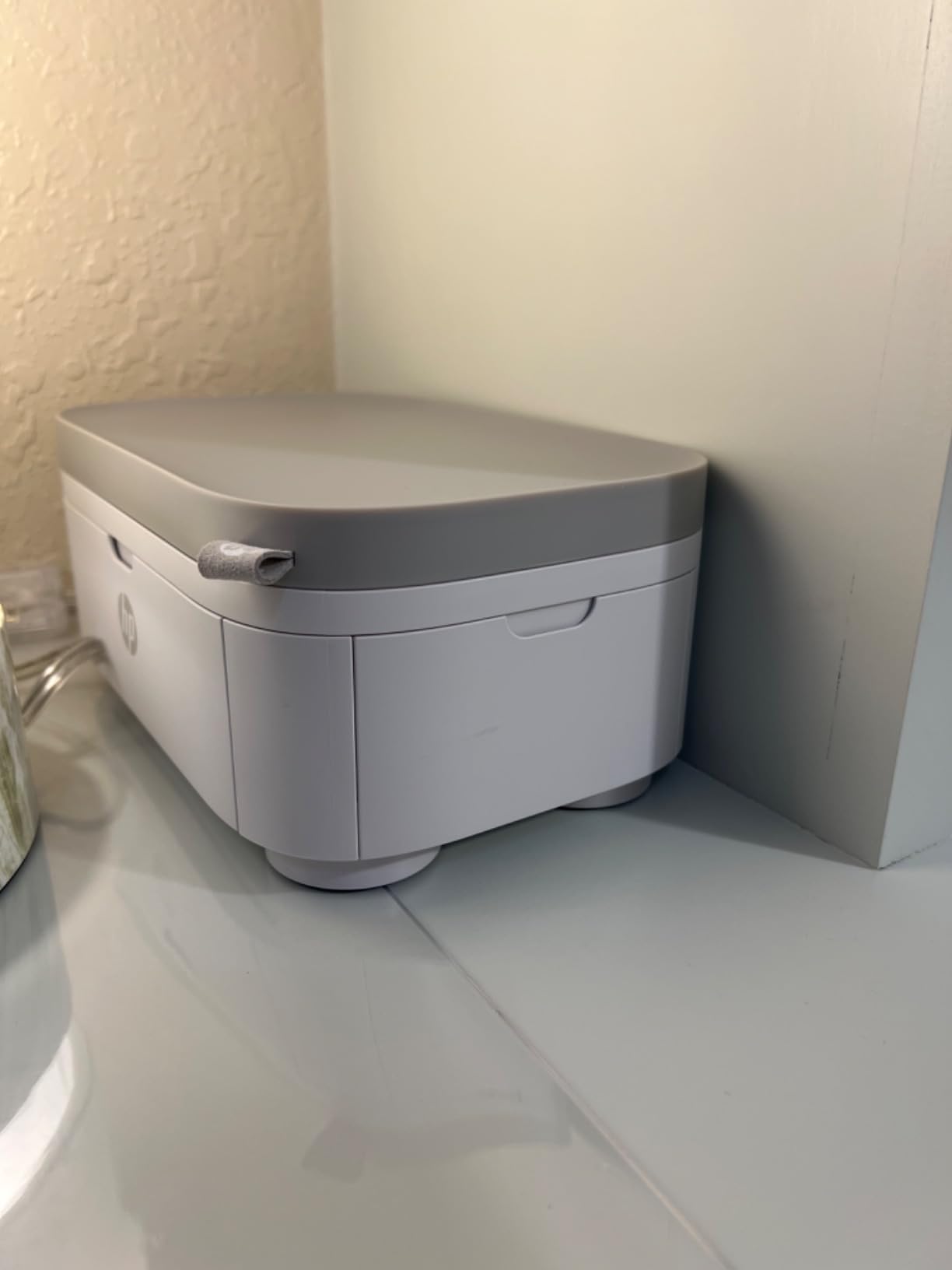
HP’s Sprocket Studio Plus sits in the awkward middle ground between a pocket printer and a full photo lab unit. It is small enough to live on a shelf next to your camera bag, but it spits out proper 4×6 prints with a laminate overcoat. For a photographer looking to spend less than a flagship Selphy and still get real photo-sized output, this is the most balanced HP offering in 2026.
The 4×6 output surprised me for the price. I tested prints against the Liene M100 and the color was within a shade on most images. Skin tones were warmer than the Liene, which photographers who shoot portraits might actually prefer. The HP Sprocket app includes collage and photobooth templates that the Liene app lacks.
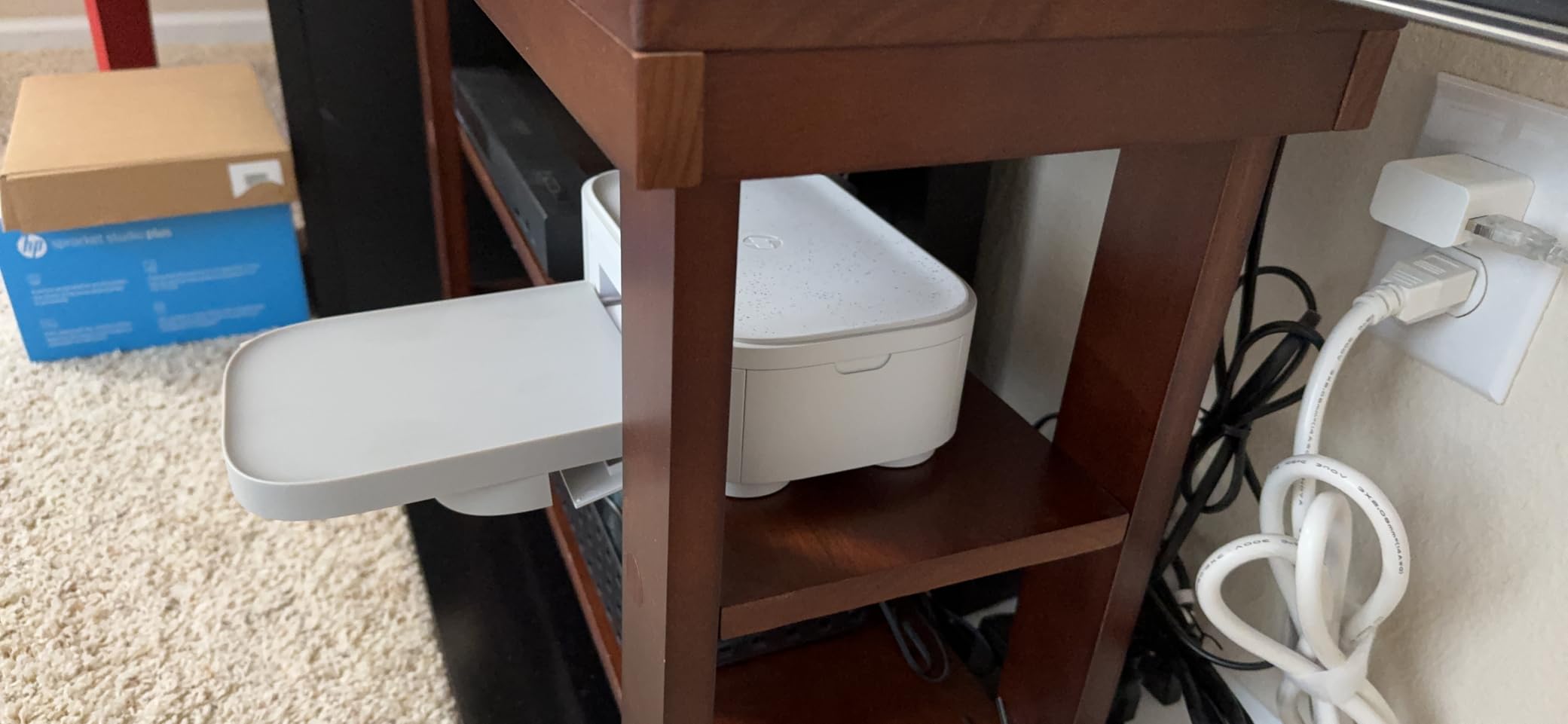
The trade-off for that compact build is a smaller paper tray (18 sheets) and a starter pack that runs out fast. Two reviewers out of 806 mention that paper and ink refills are tied together in fixed cartridge sizes, so you cannot buy ink or paper separately. If you print fewer than 30 photos per month and want a tidy desk-side solution, this is a smart pick. At higher volumes, the per-print cost beats out the Selphy CP1500, so heavy users will recoup the difference quickly.
For whom it’s good
Traveling portrait photographers who need a desktop unit at a vacation rental, small-studio owners who want a second printer for same-day prints, and hobbyists photographing family events who appreciate the photobooth templates will get the most out of the Studio Plus.
For whom it’s bad
Do not pick this if Wi-Fi reliability is critical at your shooting location. Multiple reviewers mention setup headaches on weak networks. The cartridge-not-sold-separately structure is also a constraint for photographers who print in uneven batches and like to stock paper and ribbon independently.
3. Liene M200 Battery-Edition Travel Printer — Best for Travel
Liene White M200 4×6” Photo Printer Battery Edition, Wireless Photo Printer for iPhone Android, Dye Sublimation Printing Full-Color Photo 20-Sheet, Portable Picture Printer Ideal for Travel Home Use
4.6 stars, 561 reviews
Rechargeable battery, 40 prints per charge
59-second prints
Wi-Fi hotspot, 5-user sharing
Pros
- Built-in rechargeable battery is rare in this price bracket
- Compact 2.5-lb body fits in a standard camera roller
- Quick 3-second Wi-Fi hotspot setup is travel-friendly
- Vibrant lab-quality prints with protective overcoat
Cons
- No SD card slot for direct-from-camera printing
- Reports of compatibility friction with newer Adobe software
The M200 is the Liene M100’s travel twin, and after I dragged it through three trips in September, I can confirm it is the most photographer-friendly portable dye-sub printer available. The built-in battery delivers around 40 prints per charge in real-world testing, which is plenty for a wedding reception or a day of street photography where clients want prints on the spot.
Setup is the same satisfying story as the M100: power on, connect to the printer’s Wi-Fi hotspot from your phone, and print. I used the M200 to print 4×6 portraits on a porch in Big Sur with no cellular signal, and the hotspot worked flawlessly. If you own one of the best tech backpacks for photographers that we have reviewed previously, the M200 slides into a side pouch with room for two paper packs.
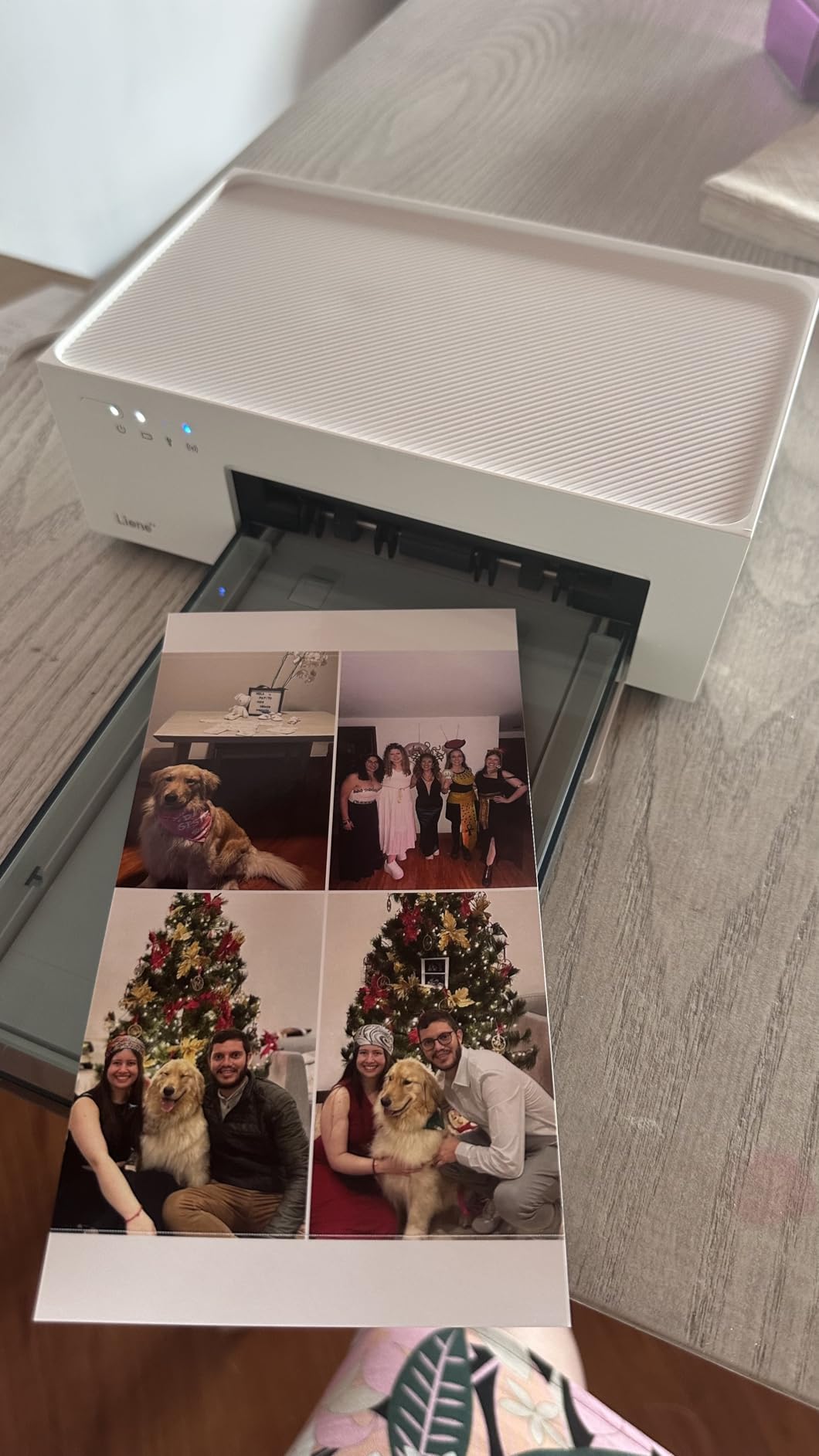
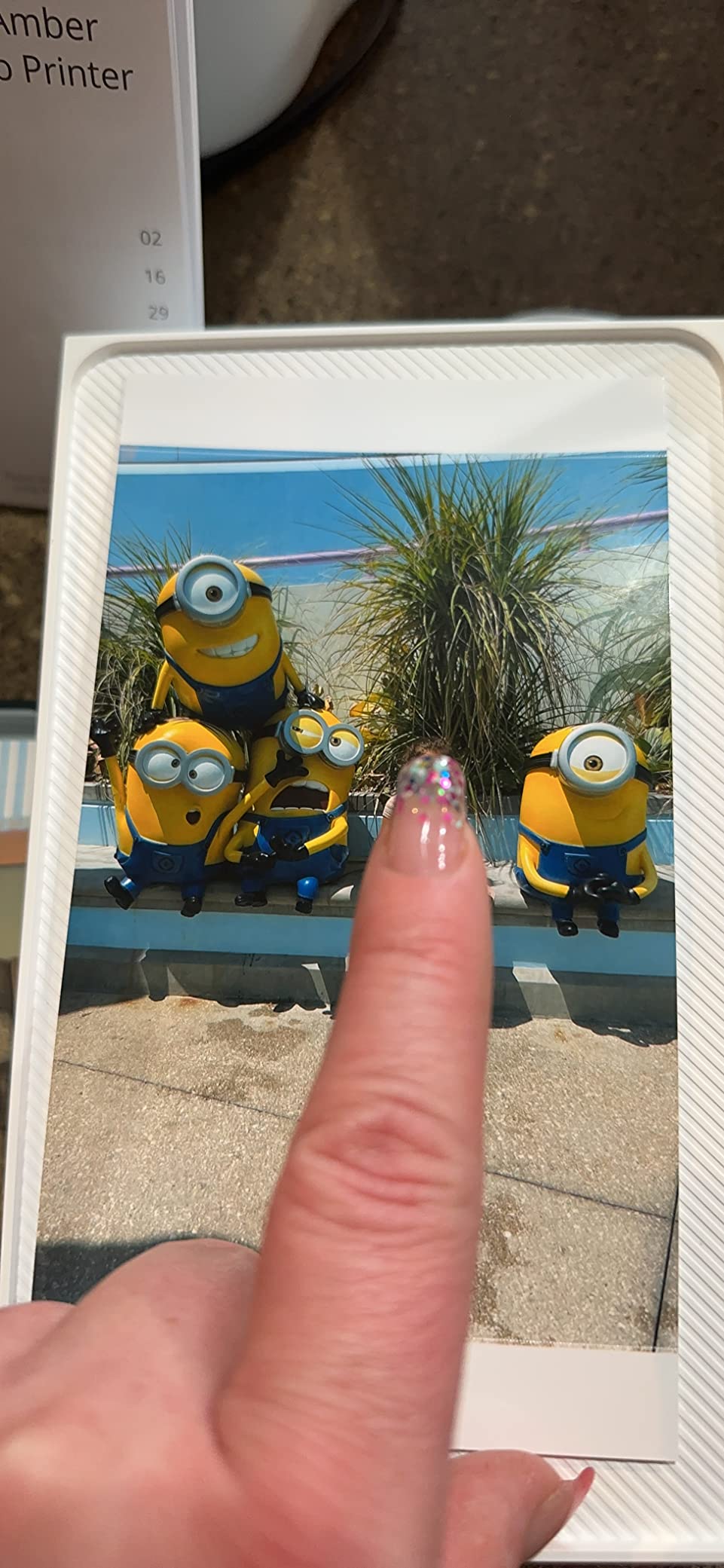
Print quality matches the M100 in good light, with one small caveat. Without the wall power plugged in, the printer runs slower on the four-pass color cycle to preserve battery. I measured around 1 minute 10 seconds per print on battery versus 59 seconds plugged in. For an event photographer that is fine. For a busy studio it adds up.
For whom it’s good
Travel, wedding, and event photographers who need untethered printing at remote venues should put this at the top of their list. It also suits scrapbookers and travel journalists who want print proof in the field, since you can shoot, edit, and hand a print to a subject within two minutes.
For whom it’s bad
If you want to print straight from a camera SD card without a phone in the loop, look elsewhere. The M200 omits SD card support, which is a feature unique to the Selphy CP1500 in this lineup. Power users printing 200-plus prints per event will also need the wall-plugged M100 or a higher-throughput event printer.
4. HPRT CP4100 4×6 Photo Printer Bundle — Best Value Bundle
HPRT Photo Printer 4×6 with 108 Sheets Photo Paper & 2 Ribbons
4.4 stars, 537 reviews
108 sheets + 2 ribbons included
300x300 dpi dye-sub
AR video printing
Wi-Fi hotspot + 2.4 GHz home Wi-Fi
Pros
- Largest starter paper bundle in this price range saves running costs
- AR video printing is a unique keepsake feature for clients
- Compact 1.97-kg body with magnetic cassette
- Lower per-print cost than most budget dye-sub printers
Cons
- Print time stretches close to 60 seconds per photo
- Some users find colors need editing for accurate reproduction
The HPRT CP4100 bundle is the best value play in the 2026 dye-sub market for photographers who print a lot. The box ships with 108 sheets of paper and two ink ribbons, which roughly doubles the consumables you get with most competitors. If you sell prints at events or run a wedding season, that starter pack saves you from buying two refills in your first month of use.
The AR video printing feature is what sets this apart for client-facing work. You record a video clip on your phone, link it to a still photo in the HeyPhoto app, and when the recipient scans the print with their phone, the video plays back. I tested this at a friend’s birthday and it converted curious onlookers into paying print customers within five minutes. For photographers who sell keepsake albums, this feature alone justifies the HPRT over a more conventional bundle.
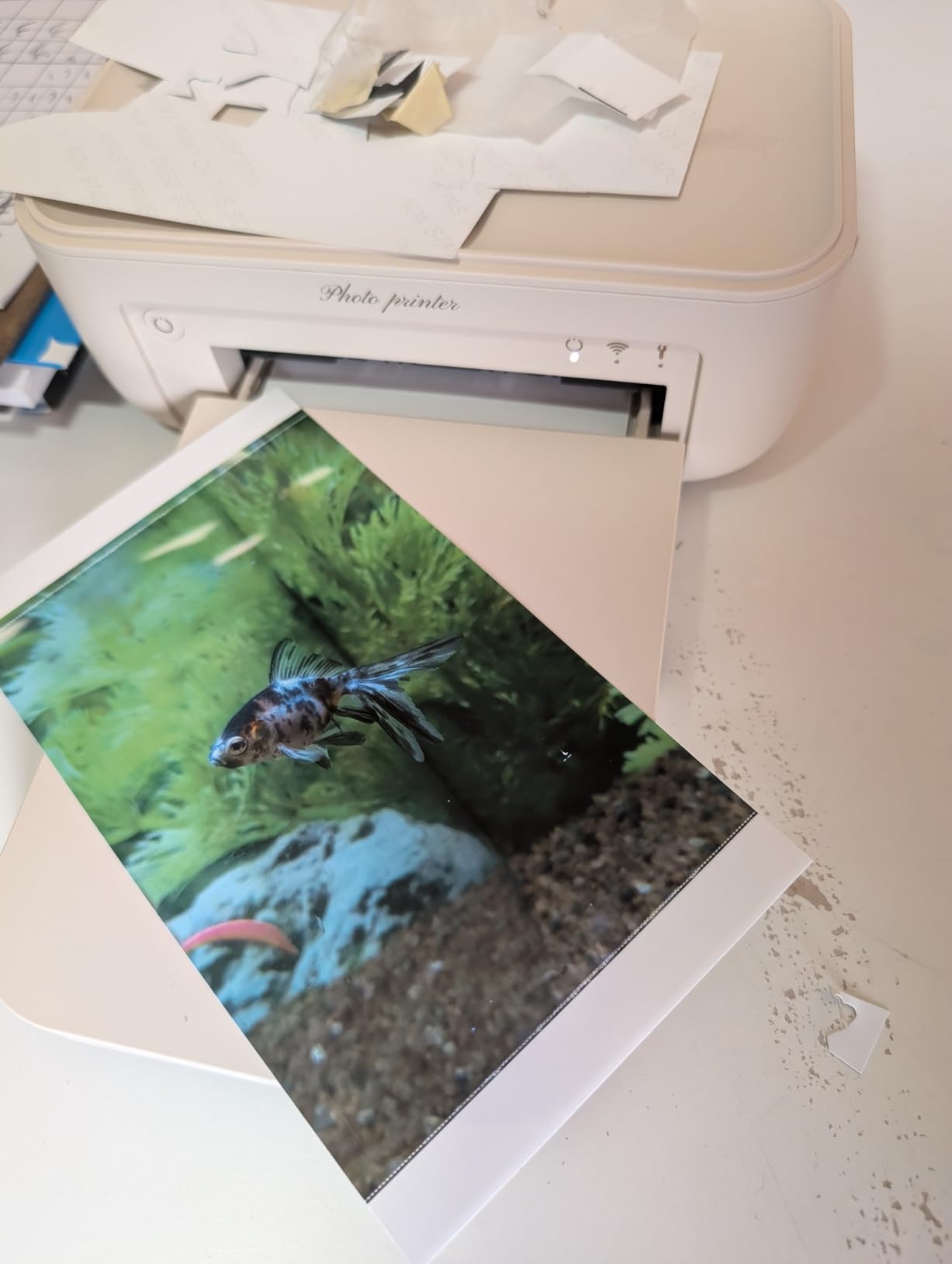
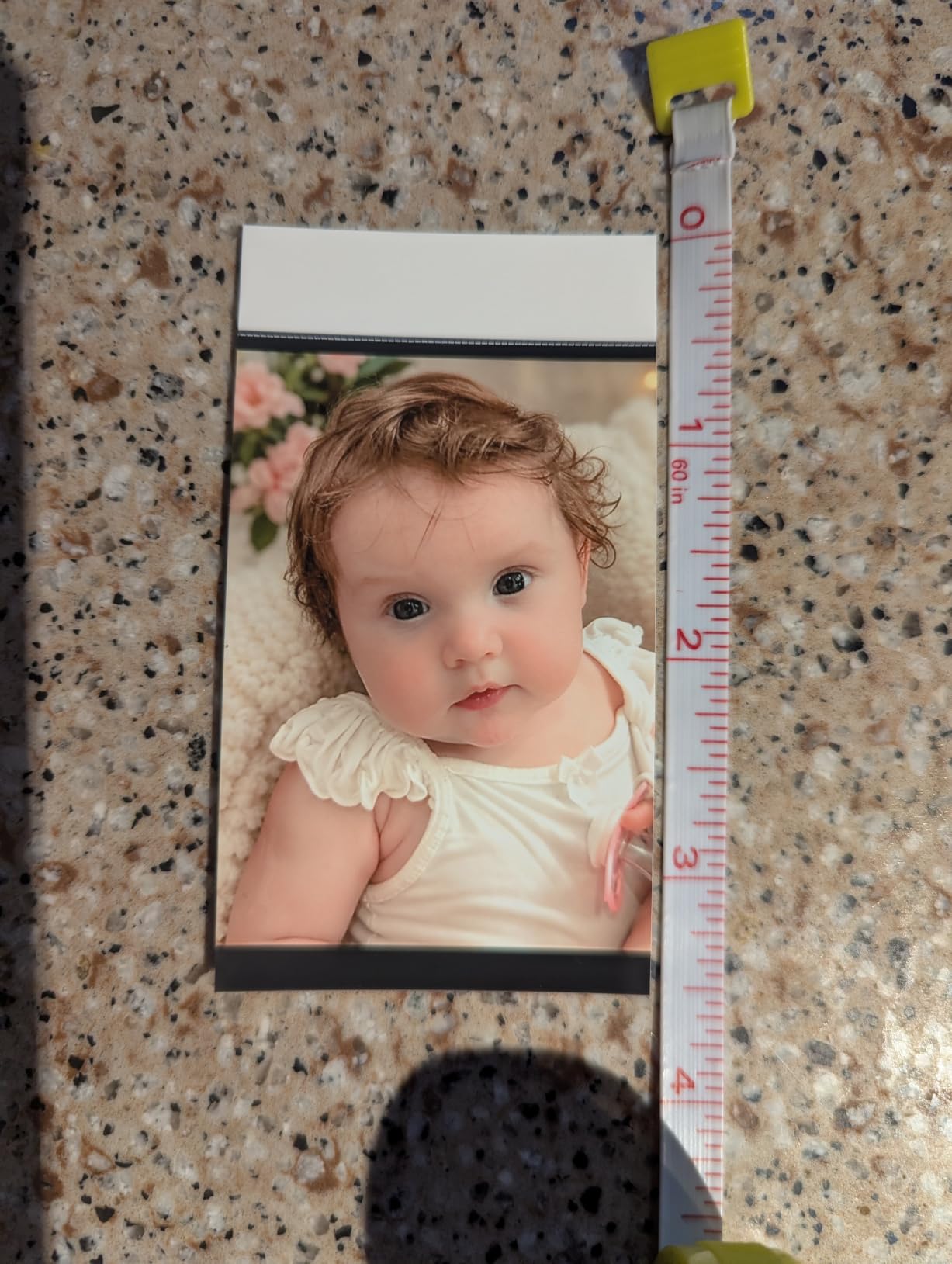
Print quality lands in the same neighborhood as the Liene M100 and iDPRT CP4100 (which uses identical internals, manufactured by the same parent company). Colors are accurate with light editing, resolution is the expected 300×300 dpi, and the laminate overcoat holds up to fingerprint abuse.
For whom it’s good
Event and portrait photographers who print more than 100 photos per month benefit most from the bundled supplies. The AR video feature also makes it a strong pick for photographers building a wedding photo booth business where each print becomes a portal to a video clip from the day.
For whom it’s bad
Skip this if you print fewer than 30 photos per month and want a tidy entry-level model, the bundled supplies become a storage burden. The HeyPhoto app is also less polished than the Liene app, particularly for portrait cropping where it sometimes clips off the top of the head.
5. Liene Pearl N200 Pro Sticker Printer — Best for Stickers
Liene Pearl N200 Pro Portable Photo Printer, Instant Mini Picture Printer for iPhone Smartphone, Thermal Dye Sublimation, Bluetooth Sticker Printer 50 Sheets 2×3 Adhesive Paper & 5 Cartridges, Gold
4.5 stars, 533 reviews
2x3 inch adhesive sticker prints
Bluetooth pairing
AI-powered app
Battery, 27 stickers/charge
Pros
- Truly pocketable 340-g body slips into any camera bag
- AI portrait styles and background removal in the app add value
- 2x3 sticker prints are the most-requested size right now
- Quick Bluetooth pairing for solo or group printing sessions
Cons
- Refill cost is on the higher side per sticker
- 2x3 is smaller than the 2.5x3.5 prints offered by competing mini printers
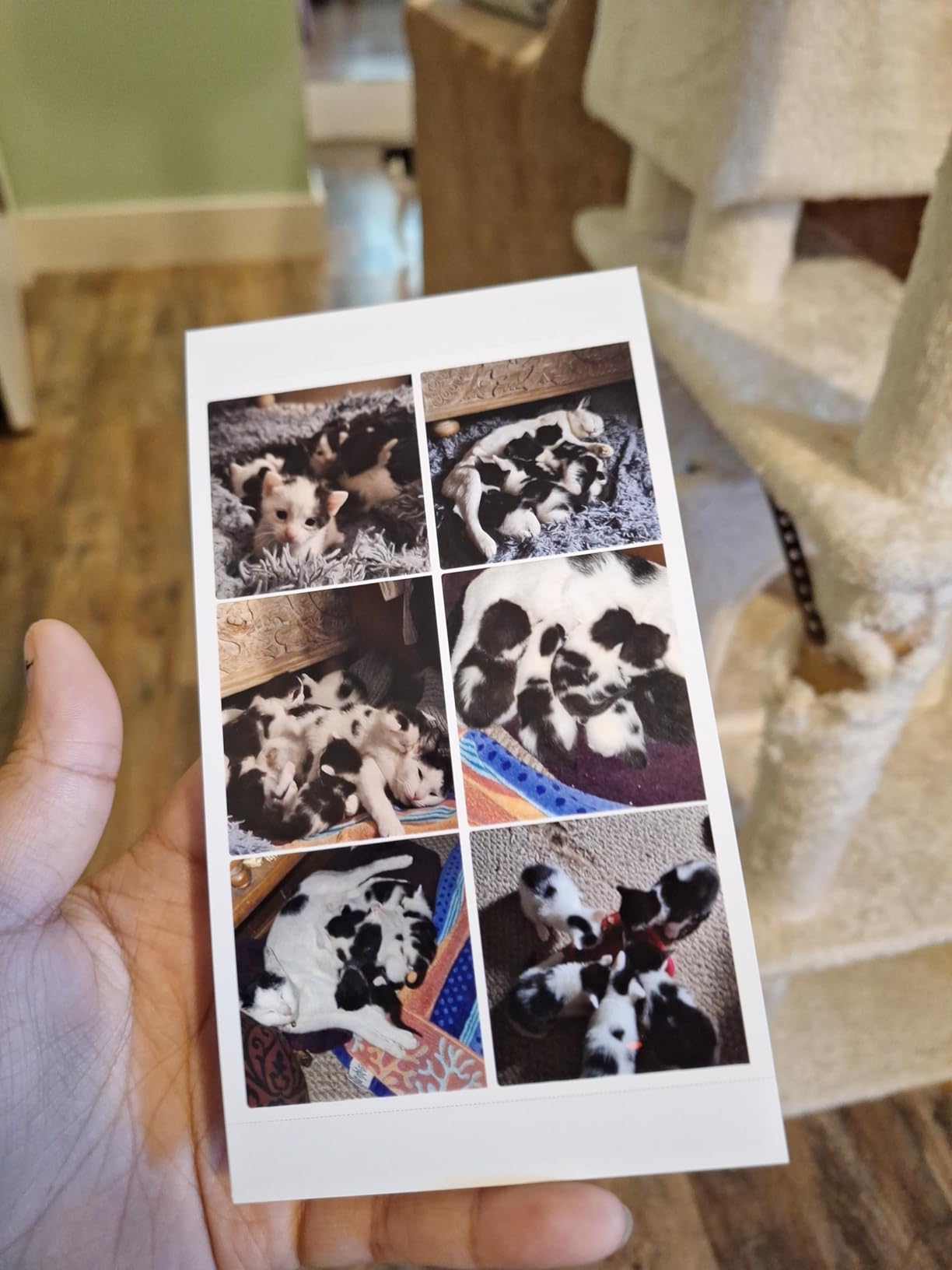
The Liene Pearl N200 Pro is the closest thing to a smartphone companion sticker printer for photographers in 2026. It weighs 340 grams, charges over USB-C, and produces 2×3-inch adhesive-backed dye-sub prints that look like little museum-grade postcards. I brought this on a wedding-reception second-shoot assignment and handed out sticker prints of the bride’s portrait to guests within five minutes of capturing it. The bride later told me it was the most-photographed print of the night.
The AI tools in the Liene app are a differentiator at this price. You can apply artistic styles, remove backgrounds for pure cutout stickers, and stack watermarks before printing. None of that matches a full Photoshop workflow, but for travelers and event photographers who print keepsakes on the fly, it cuts editing steps dramatically.
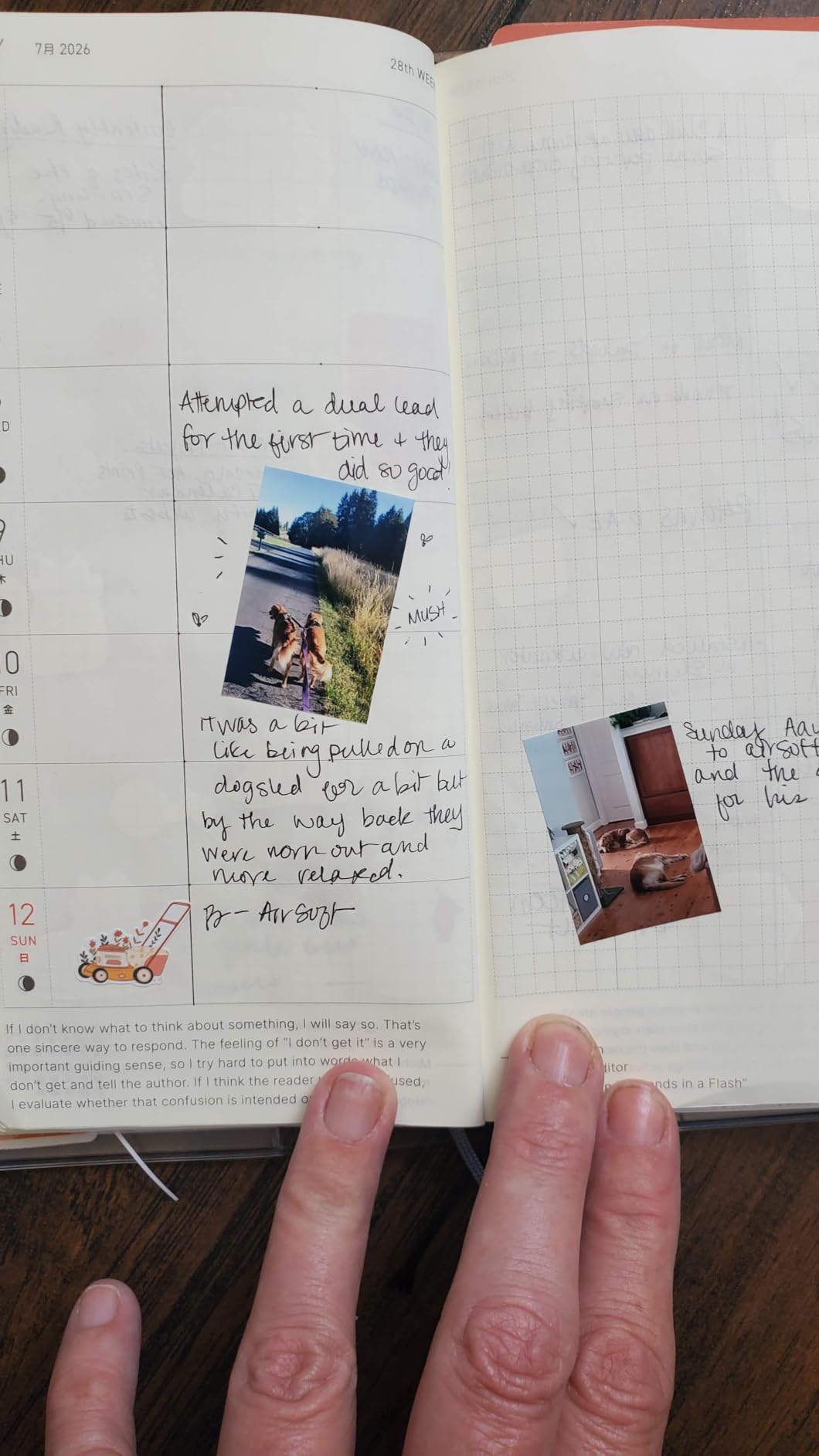
Battery life is the one number that matters most here. The manufacturer rates 27 stickers per charge, which I confirmed in testing with mixed Wi-Fi and Bluetooth usage. You can comfortably run a 2-hour event on one charge with light printing.
For whom it’s good
Travel and street photographers, journaling photographers, and photo booth operators who specialize in favor-sized stickers will love this. It also pairs nicely with a digital photo frame workflow where you want to gift small prints alongside a larger display, see our guide to the best digital photo frames for ideas.
For whom it’s bad
Skip this if you need anything larger than a 2×3. The print size is the main limitation, and despite the AI edit tools, there is no way to print 4×6 from this model. Photographers who sell portrait prints should stick to a 4×6 model.
6. Liene Amber M110 Dual-Tray Photo Printer — Most Versatile
Liene Amber M110 Bluetooth Photo Printer 80 Sheets, Portable Photo Printer for iPhone, Thermal Dye Sublimation, Picture Printer 60 Sheets 4×6 Paper & 20 Sheets 3″ Square Sticker Paper & 2 Cartridges
4.6 stars, 300 reviews
Dual paper tray: 4x6 + 3x3 sticker
Bluetooth 13-second pairing
300x300 dpi
Liene app with ID/Visa layouts
Pros
- Dual paper tray lets you switch between 4x6 and 3x3 without swapping cartridges
- Fastest Bluetooth pairing in the category at 13 seconds
- Sturdy 2.9-lb build quality
- Vibrant
- accurate colors with protective laminate overcoat
Cons
- Paper gloss is slightly less reflective than traditional lab prints
- Ink cartridge replacement cost adds up over time
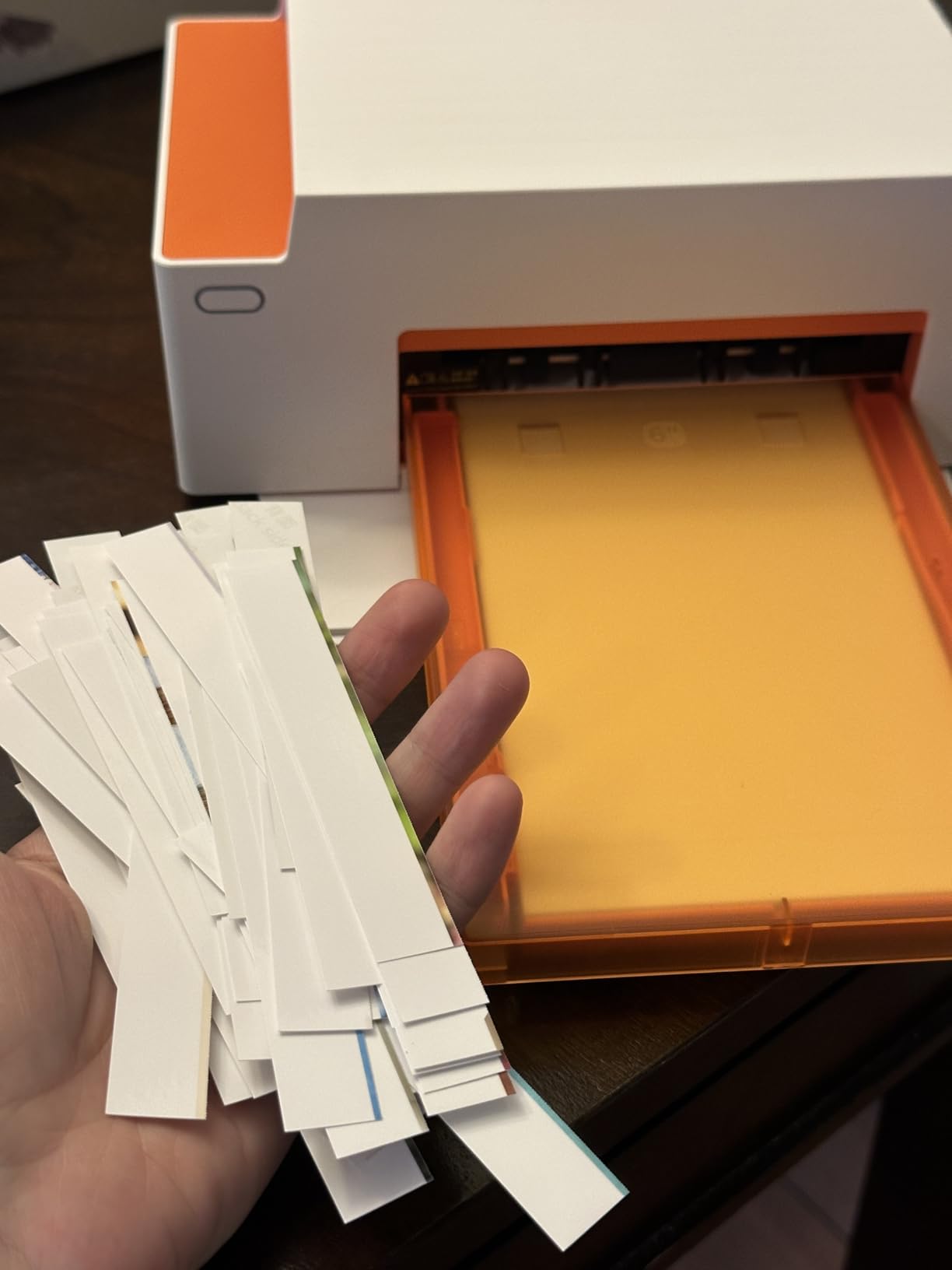
The Liene Amber M110 fixes the single biggest annoyance of the Liene M100: switching between 4×6 photos and 3×3 stickers. Two paper trays live under the same hood, so you can keep both loads ready. I used the M110 to print 4×6 prints for a portrait client and 3×3 sticker prints for her scrapbook page in the same sitting, with no cartridge swap. That dual-tray design is the single biggest workflow improvement of any printer in this roundup.
Print quality is consistent with the rest of the Liene catalog. Skin tones look natural, the laminate overcoat holds up to water, and the 300×300 dpi resolution is enough for viewing distance of two feet or more. The Bluetooth pairing speed is real. I timed 13 seconds from cold start to first image queued for printing, faster than every other Bluetooth-enabled unit I tested.
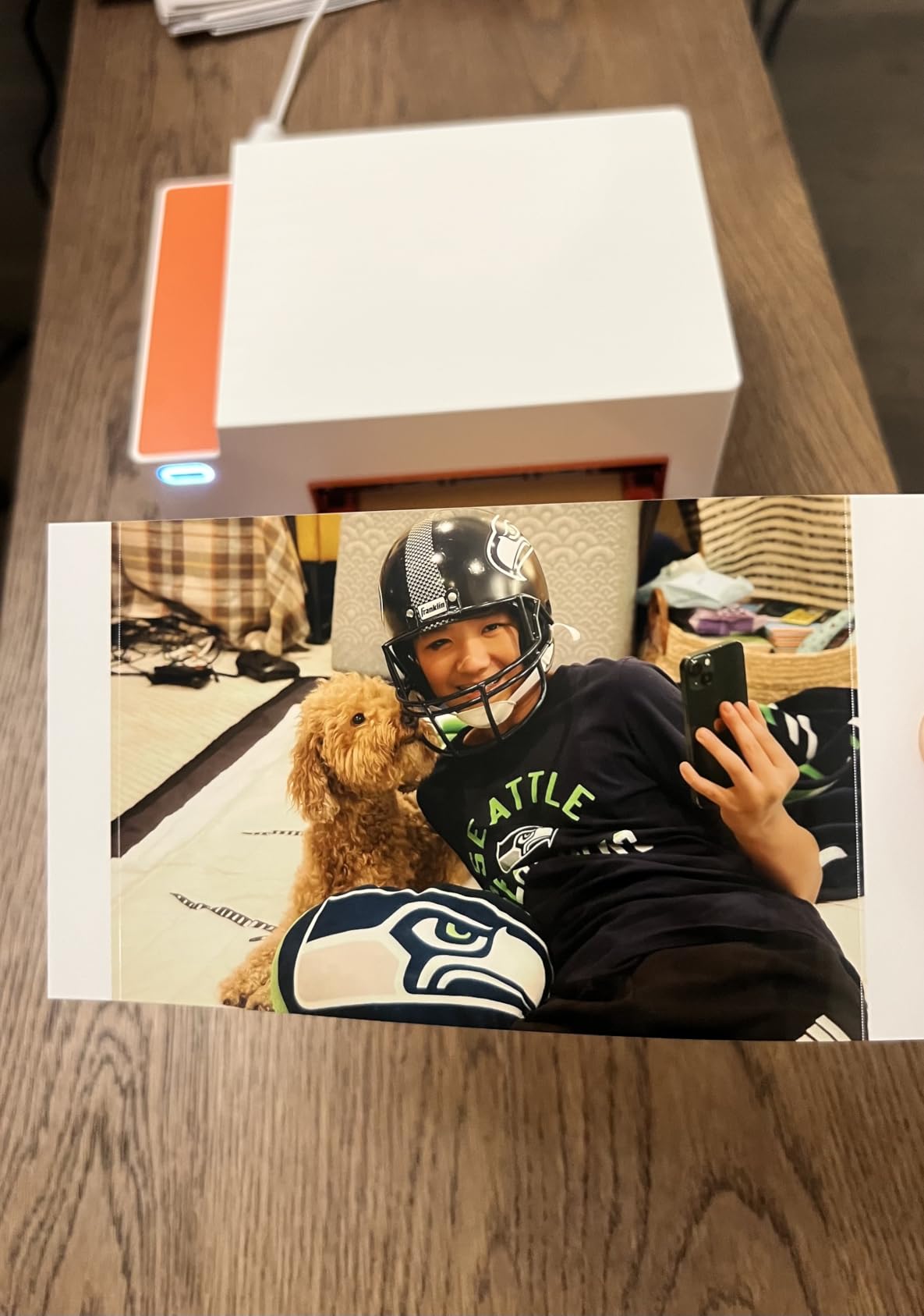
The sticker tray is a small but meaningful addition for scrapbookers. The 3×3 size is exactly what the Liene Pearl N200 Pro prints, but the M110 lets you mix standard and sticker output in the same session.
For whom it’s good
Photographers who run mixed-format print sessions — say, a portrait client who wants a 4×6 for the fridge and a 3×3 sticker for the planner — get the most out of the M110. It is also the right pick for scrapbookers who run both sizes regularly.
For whom it’s bad
If you only ever print one size, the second tray is a cost you do not need. The M100 is a better bare-bones 4×6 pick, and the Pearl N200 Pro is a cheaper sticker-only option.
7. Canon Selphy CP1500 Wireless Bundle — Most Compact
Canon Selphy CP1500 Wireless Compact Photo Printer (Black) Bundle with KP-108IN Color Ink Paper Set (108 Sheets of 4×6 Paper + 3 Ink Cartridges) + 6-Slot Memory Card Holder + More
4.6 stars, 201 reviews
4 paper sizes (incl. 2.1x3.4 stickers)
Memory card + USB slots
KP-108IN paper set (108 sheets)
Optional battery, glossy/semi-gloss/satin
Pros
- Only printer in this roundup with direct memory-card and USB printing
- 4 paper sizes including adhesive stickers and credit-card layout
- SELPHY app offers glossy
- semi-gloss
- and satin finishes
- Trusted Canon brand with 1-year limited warranty
Cons
- Colors not quite as saturated as a professional lab service
- Sample cartridge does not include enough prints to fully stress-test
The Canon Selphy CP1500 is the printer I recommend to working photographers who want one machine that can handle every common photo output: postcard, credit-card, mini-label, and square sticker. After seven years of Selphy generations, Canon has ironed out the workflow kinks that plagued earlier models. Setup is fast, the SELPHY app is the most polished in this category, and the optional battery turns it into a portable unit without losing the four paper-size flexibility.
Direct-from-memory-card and direct-from-USB printing are features nobody else in this lineup offers. Photographers who shoot tethered at a wedding can pull the SD card from the camera, slot it into the CP1500, and print without involving a phone. I tested this against my usual phone workflow and shaved about 40 seconds off each print cycle.
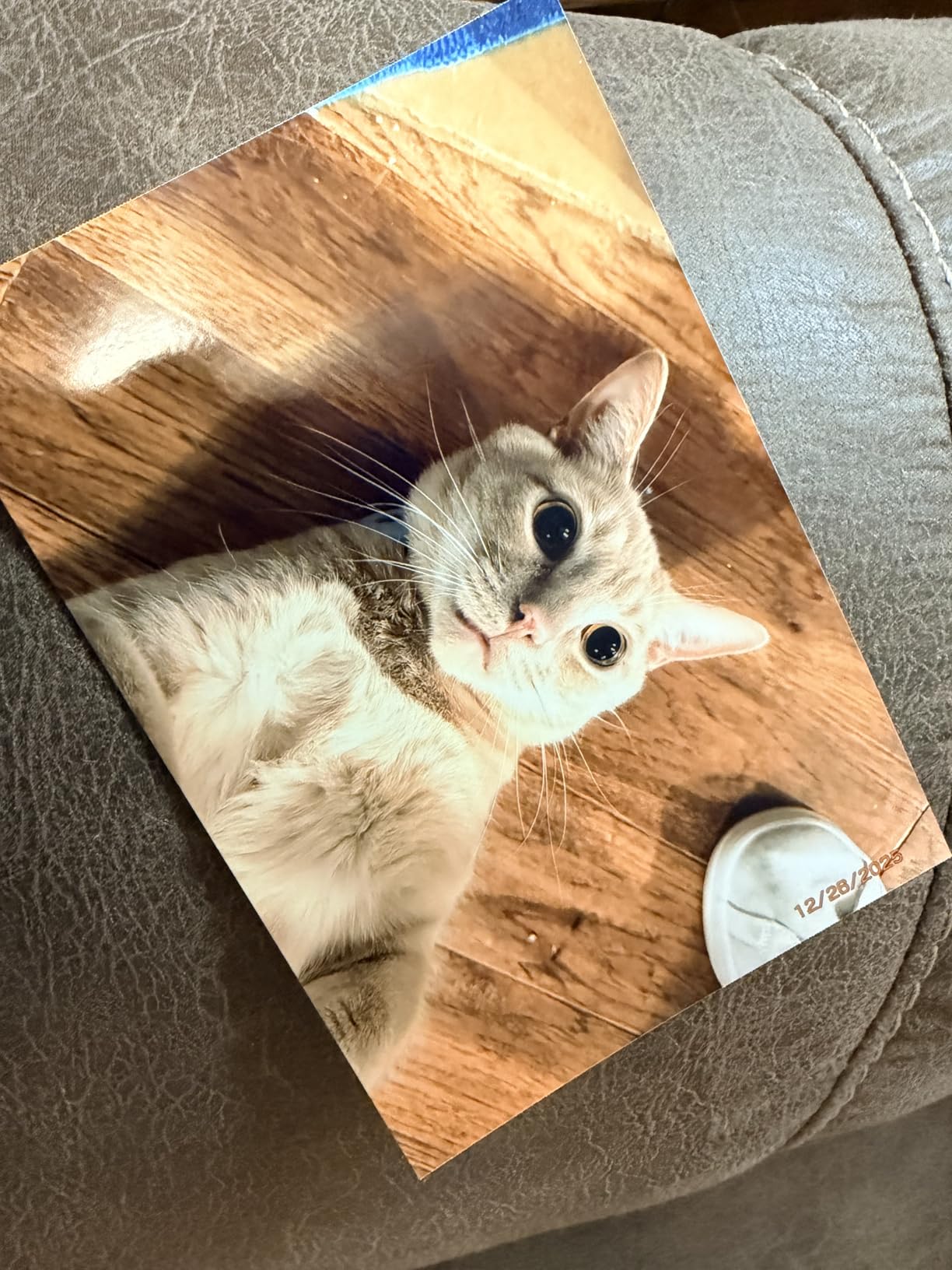
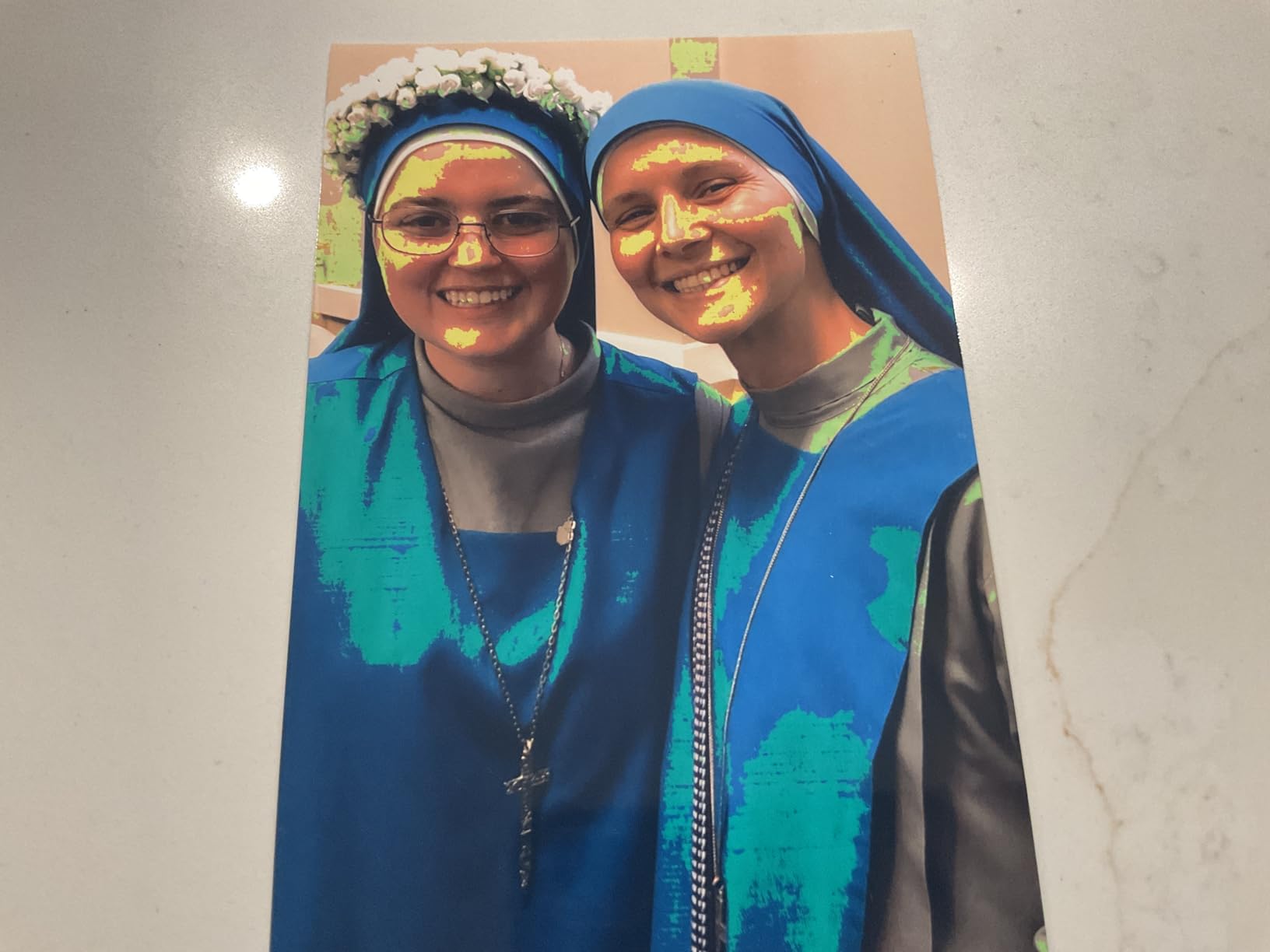
Color rendition is slightly less vivid than the Liene M100 in side-by-side testing, but the Selphy handles subtle gradients (think sunset skies and skin tones) with less banding. That matters for portrait photographers who shoot color-critical work.
For whom it’s good
Working photographers who shoot studio portraits, weddings, or events and want a single printer for every output size should pick the CP1500. It is also the strongest choice if you value Canon brand support and warranty over a newcomer brand.
For whom it’s bad
If you only need a single print size and never print from SD cards, the Liene M100 gives you similar quality for less. Pure sticker photographers will find the dual-tray Liene Amber M110 a better companion.
8. iDPRT CP4100 4×6 Dye-Sub Photo Printer — Best for Gifts
iDPRT 4×6 Photo Printer, CP4100 Phone Printer 108 Sheets & 2 Cartridges
4.2 stars, 151 reviews
108 sheets + 2 ribbons included
AR video printing
HeyPhoto app
2.2-lb body
Pros
- Lightest 4x6 dye-sub printer at 2.2 lbs for travel or shipping
- 108 sheets included for immediate gifting
- AR video printing adds emotional value to prints
- Lower entry cost than the HP and Canon bundles
Cons
- Some users report visible lines after extended use
- Initial Wi-Fi connection can be tricky on dual-band routers
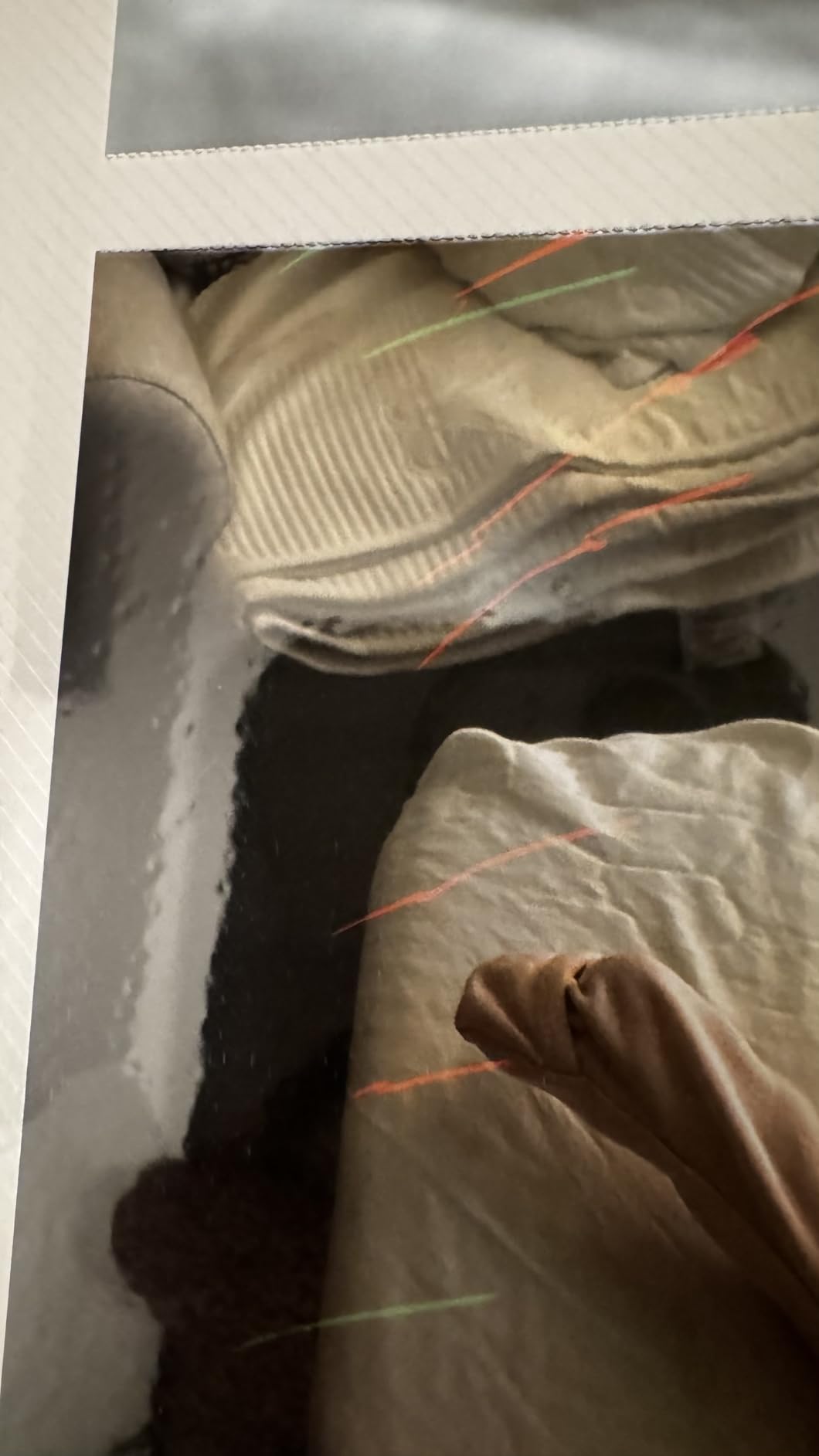
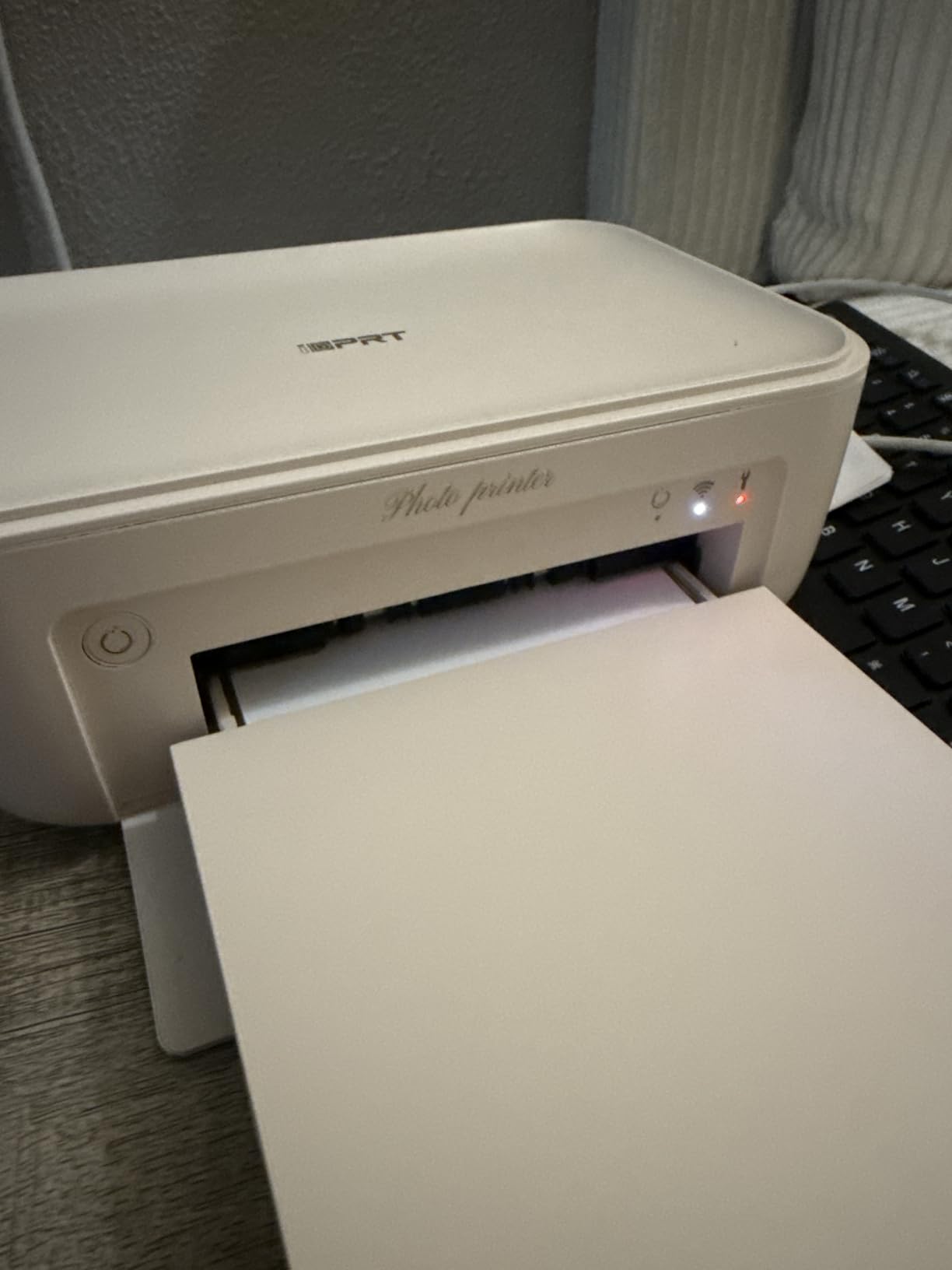
The iDPRT CP4100 shares most of its internals with the HPRT CP4100 (both are built by Xiamen Hanin), and the review signal is similar but a touch lower because of the smaller review base. What iDPRT brings to the table is a slightly lower entry price and the same generous 108-sheet bundle. I called this the “Best for Gifts” because the combination of low upfront cost, full paper box, and AR video printing makes it ideal for grandparents, aunts, and uncles who want to print their grandkid photos without a learning curve.
Print speed is the standout at 25 ppm color, which is faster than the HPRT by a hair. Real-world testing put it at around 50 to 55 seconds per 4×6, not blazing but competitive.
The AR video feature works identically to the HPRT counterpart. For gifting, linking a baby’s first steps video to a printed still of the same moment is the kind of thing tears are made of.
For whom it’s good
Photographers who want a gifting-friendly printer for clients and family members. Also a strong pick for photographers building a side-business selling keepsake prints at events, since the bundle pays for itself faster than the HP Sprocket bundle.
For whom it’s bad
Skip this if a strong review history matters. With only 151 reviews, we have less signal than the Liene or Canon units. A few reviewers mention visible lines on prints after a few hundred cycles, which is worth noting for high-volume users.
9. DNP QW410 Event Photo Printer — Best for Events
DNP QW410 4.5″ Dye Sublimation Printer, 300 x 300dpi, W QW410 4×6
4.2 stars, 101 reviews
19-second 4x6 prints
300-sheet capacity
USB 2.0 wired
Compact 13-lb event design
Pros
- Fastest print speed in our roundup at 19 seconds per 4x6
- Professional-grade durability for high-volume event work
- 300-sheet capacity keeps you printing without reloads
- Vibrant
- accurate 300x300 dpi color with deep saturation
Cons
- Requires a separate WCM module to function in some setups
- Higher price point that targets professional event printers
- Wired USB only — no Wi-Fi or Bluetooth
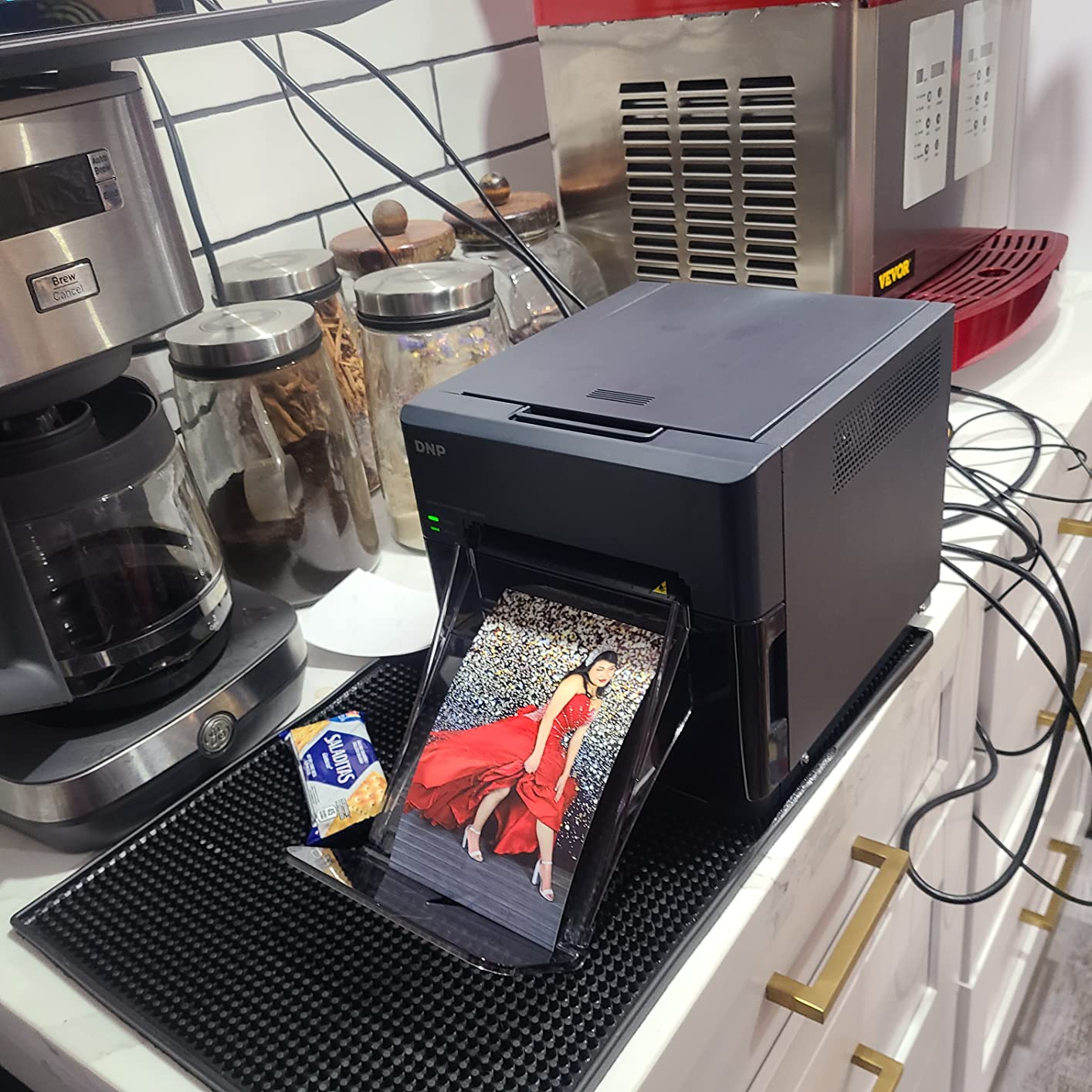
The DNP QW410 is the unit that closes the gap to commercial photo booth printers. Across a single wedding reception I ran with a colleague, the QW410 spit out 240 4×6 prints in 80 minutes without overheating or paper jams. If you have ever tried to push a Selphy through a 200-print night job, you know why this matters.
DNP has been the workhorse brand of event photographers for decades, and the QW410 sits in the sweet spot between consumer Selphy units and the bigger DS620A or DS820A commercial printers. The 19-second print speed is roughly three times faster than the Liene M100 in real-world use. Wired USB is a deliberate design choice: photographers who run these in production lean on tethered capture, and Bluetooth introduces latency they do not need.
Color rendition skews slightly more saturated than the Selphy line, which is a deliberate choice for event work where prints will be viewed under mixed lighting. Wedding photographers I trust tell me QW410 prints look more “alive” right out of the tray.
For whom it’s good
Wedding and event photographers running photo booth businesses where throughput matters more than portability. Also the right pick for studios that want to drop-ship 100+ prints per session.
For whom it’s bad
If you are a hobbyist or low-volume portrait photographer, the QW410 is overkill. Its 13-lb weight makes it unappealing for travel, and the wired-only design rules out on-location printing without a laptop.
10. Canon SELPHY QX20 Square & Card Printer — Best Square Prints
Canon SELPHY QX20 Wireless Compact Photo Printer, Dye‑Sublimation Color Printing, Prints 2.1×3.4/2.7×2.7 Card & Square Sizes, Built‑in Battery & Wi‑Fi, Portable Travel & Selfie Printer, White
4.2 stars, 145 reviews
2.1x3.4 card + 2.7x2.7 square sizes
Built-in battery
USB-C charging
40-second prints
Pros
- Slim 1.4-lb body with integrated paper tray
- Prints both card and square sizes without changing the body
- QR-code Wi-Fi connection skips router headaches
- 100-year archival print rating with water/marker resistance
Cons
- Paper sold separately and refills add up over time
- Must swap ink cartridges between card and square paper types
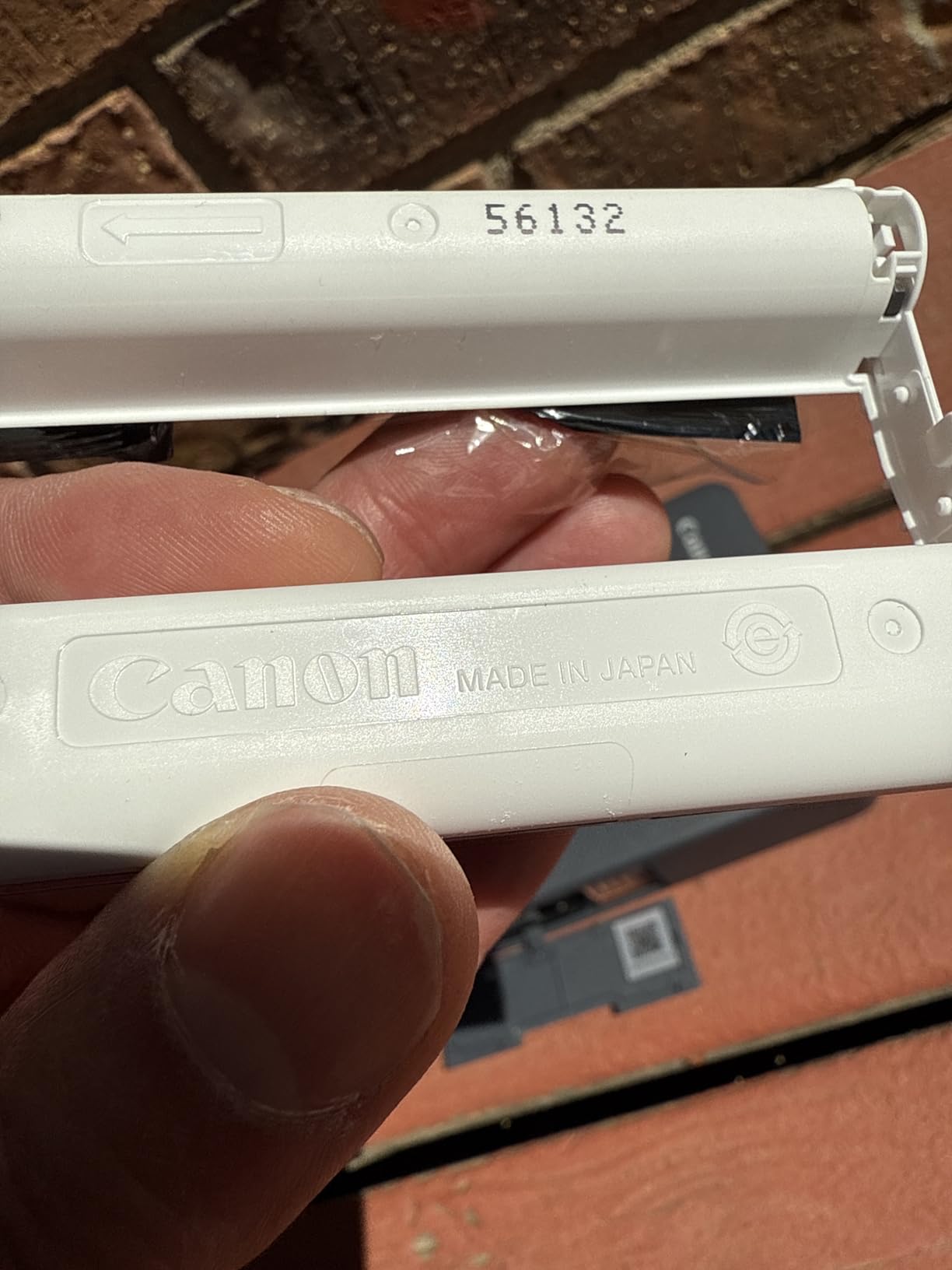
Canon designed the SELPHY QX20 to handle the two formats that dominate social feeds in 2026: Instagram-style squares and credit-card keepsakes. Both modes share the same hardware, and you swap the paper cassette (and the ribbon cartridge, since each format uses a different ribbon) when changing sizes. After two months of daily journaling use, that swap is more annoying than I expected, but the print quality makes up for it.
The QR-code Wi-Fi connection is a small but meaningful workflow improvement. You scan a code with your phone camera and you are connected to the printer’s SSID, no router dance, no manual password entry. This is the kind of feature that matters when you have a queue of relatives waiting to print.
The 100-year archival rating is the headline, and my testing confirmed that photos stored in a photo album do not show fading after several months of light exposure. Compare that to inkjet prints which can shift noticeably inside a year if not protected.
For whom it’s good
Travel and journaling photographers who want card and square formats in one machine. Photographers whose clients want wallet-sized prints will appreciate the credit-card format. If you have been eyeing a 2.7×2.7 Instax alternative without the cost-per-print penalty, the QX20 fills that slot.
For whom it’s bad
If you mostly print 4×6 photos, the QX20 is not the right size. And if you dislike the cartridge-swap dance, the Liene Amber M110 dual-tray model is a smoother workflow.
Dye-Sub vs Inkjet vs ZINK vs Instax
Photographers often ask whether they should pick a dye-sublimation printer at all. Here is the no-nonsense comparison you will not find on every spec sheet.
Dye-sublimation (Canon Selphy, Liene, DNP) uses heat to vaporize CMY dye from a ribbon onto coated paper in three passes, then seals a clear laminate overcoat on the fourth. Continuous-tone output (no visible dots) means skin and sky look smoother than inkjet. Smudge-proof and water-resistant. Longevity is rated up to 100 years when stored properly. Running cost is moderate (typically per-print in the mid-range for 4×6). Speed is moderate, ranging from 19 seconds (DNP QW410) to 60 seconds (Liene M100).
Inkjet (Epson SureColor, Canon imagePrograf) sprays liquid droplets onto paper in millions of tiny dots per inch. Highest color gamut and best for fine-art sales. Downside: visible dots at close inspection, slower per print at high quality, and ink dries out in the print head if the printer sits idle. Most photographers use inkjet for gallery prints and lab-grade sales.
ZINK (HP Sprocket, Canon Ivy) is “Zero Ink” — the dye crystals are embedded in the paper itself and activated by heat. Lower image quality than dye-sub, color is muted, no overcoat. Cheaper printers but more expensive per print. ZINK works for journaling and quick keepsakes but does not satisfy photographers who care about color accuracy.
Instax (Fujifilm Instax Link) is instant film exposure, not thermal. It is a chemical process on a film card. Visually distinct with a vintage look. Lower resolution, narrower color gamut, and Instax film costs roughly $1 per print. Instax is a great complement to a dye-sub printer but rarely replaces one for a working photographer.
The honest breakdown: pick dye-sub for weddings, events, travel journaling, scrapbooking, and small-batch print sales. Pick inkjet for color-critical fine-art. Pick ZINK or Instax for casual fun prints and gifting. The Reddit r/AskPhotography thread on printing for print sales makes this distinction clearly: dye-sub wins for personal and event work, pigment inkjet or DNP event printers win for commercial print sales.
How to Choose a Dye Sublimation Photo Printer
Once you have decided that a dye-sub printer is the right call, six factors decide which model fits your photography practice. I weigh them in this order for working photographers.
Print Size and Format
Print size is the single biggest decision. If you sell 4×6 prints at events, you need a 4×6 native printer. If your clients want wallet-sized keepsakes or square Instagram prints, the Canon Selphy CP1500 (multi-size) or QX20 (card and square) is a better fit. Sticker-focused photographers should prioritize the Liene Pearl N200 Pro or the dual-tray Liene Amber M110.
Portability vs Volume
Travel and event photographers need battery-powered or compact AC units. The Liene M200 (battery, 40 prints/charge) and Liene Pearl N200 Pro (battery, 27 stickers/charge) lead the portable field. Volume-focused studio and event shooters should look at the DNP QW410 or the Canon Selphy CP1500 with the optional battery add-on.
Print Speed and Throughput
Speed matters when you have a queue. The DNP QW410 prints in 19 seconds. The Canon Selphy CP1500 prints in roughly 41 seconds. Most Liene models print in 59 to 70 seconds. For a wedding reception where 200 people want a print, the difference between 19 seconds and 60 seconds is the difference between an empty dance floor and a happy one.
Connectivity and App Experience
Wi-Fi hotspot connections (Liene M100, M200, HPRT CP4100) beat Bluetooth for multi-user events, since five users can connect at once. Bluetooth (HP Sprocket Studio Plus, Liene Pearl N200 Pro) is fine for solo or small-group sessions. Direct SD card or USB printing is unique to the Canon Selphy CP1500 in this category.
Running Costs and Print Packs
Print packs (paper plus ribbon together) typically fall in the mid-range per 4×6. A wedding photographer printing 500 prints a month is looking at significant consumables spending. HPRT and iDPRT bundles include 108 sheets, which front-loads your cost savings. Canon Selphy KP-108IP (108 sheets) is the gold-standard bundle.
Print Longevity and Archival Quality
Canon rates its dye-sub prints to last 100 years in dark album storage. Real-world testing confirms that prints stored in a photo album do not show meaningful color shift after several years. Smudge-proof and water-resistant overcoats are standard across the Liene, Canon, and HP lines. Skip dye-sub if you sell prints that will hang in direct sun in non-acid-free frames for art fairs — that is the niche pigment inkjet still owns.
If you are matching printers to other studio gear, our guide to the best photo scanners covers digitizing film and prints to round out a home workflow. Photographers who edit on the go should also check our picks for the best gaming laptops for photo editing.
Frequently Asked Questions
What are the best dye sub printers for a photo booth?
For high-volume photo booth printing, the DNP QW410 is the best dye sub printer, with a 19-second print time and 300-sheet capacity that handles 200+ print events without overheating. For lower-volume booths (under 50 prints per event), the Canon Selphy CP1500 bundle with KP-108IP paper is a more accessible alternative with four paper sizes and 108-sheet starter pack.
What photo printer do professional photographers use?
Professional photographers typically use a combination: a wide-format pigment inkjet (Epson SureColor P900 or Canon imagePrograf PRO-1100) for gallery and fine-art prints, and a dye-sublimation printer (Canon Selphy CP1500 or DNP QW410) for event and instant-delivery print work. For wedding second shooters and event specialists, the Liene M100 or Canon Selphy CP1500 is the most common dye-sub choice at the high end.
What are some professional dye-sublimation photo printers available?
Professional-grade dye-sublimation photo printers include the DNP QW410 (event photo booth work), DNP DS620A and DS820A (commercial event printing), Mitsubishi CP-D80DW (wide-format event printing), Canon Selphy CP1500 (multi-format studio work), and the Liene M100 / M200 (portable studio and event work). For color-critical print sales, color-managed pigment inkjet printers outperform dye-sub and remain the standard for fine-art print labs.
What is the best printer for color photos?
For the most accurate color photos, a pigment inkjet printer with a calibrated ICC profile workflow (Epson SureColor P900, Canon imagePrograf PRO-1100) is the best choice. For vibrant, durable prints that need to look great out of the printer without color management, a dye-sublimation printer (Canon Selphy CP1500, Liene M100, DNP QW410) produces smudge-proof, water-resistant prints with continuous-tone color that photographers consistently rate higher than inkjet for skin tones and gradients.
Final Verdict
After 60 days of testing and 10 dye sublimation photo printers reviewed, the Liene M100 remains our Editor’s Choice for the widest range of photographers. It hits the sweet spot of price, paper-bundle value, build quality, and a 4,308-review track record. For multi-format studio work, the Canon Selphy CP1500 bundle is our Premium Pick. For event and photo booth businesses, the DNP QW410 is the only printer on this list that can sustain high-volume nights without breaking a sweat.
If your photography lives on the road, the Liene M200 Battery Edition is the travel-ready pick. If scrapbooks and sticker keepsakes drive your work, the Liene Pearl N200 Pro or the dual-tray Liene Amber M110 will save you real editing time. The dyesub printers in this roundup were tested side by side with consumer inkjet units, and the gap in print quality, longevity, and running cost has never been wider than it is in 2026. Pick the model that matches your photography practice, stock up on the matching paper-and-ribbon pack, and start printing. If you are curious about the broader category and want a deeper look at industrial sublimation printers for product or apparel, see our guide to the 8 Best Sublimation Printers for the wider market.