
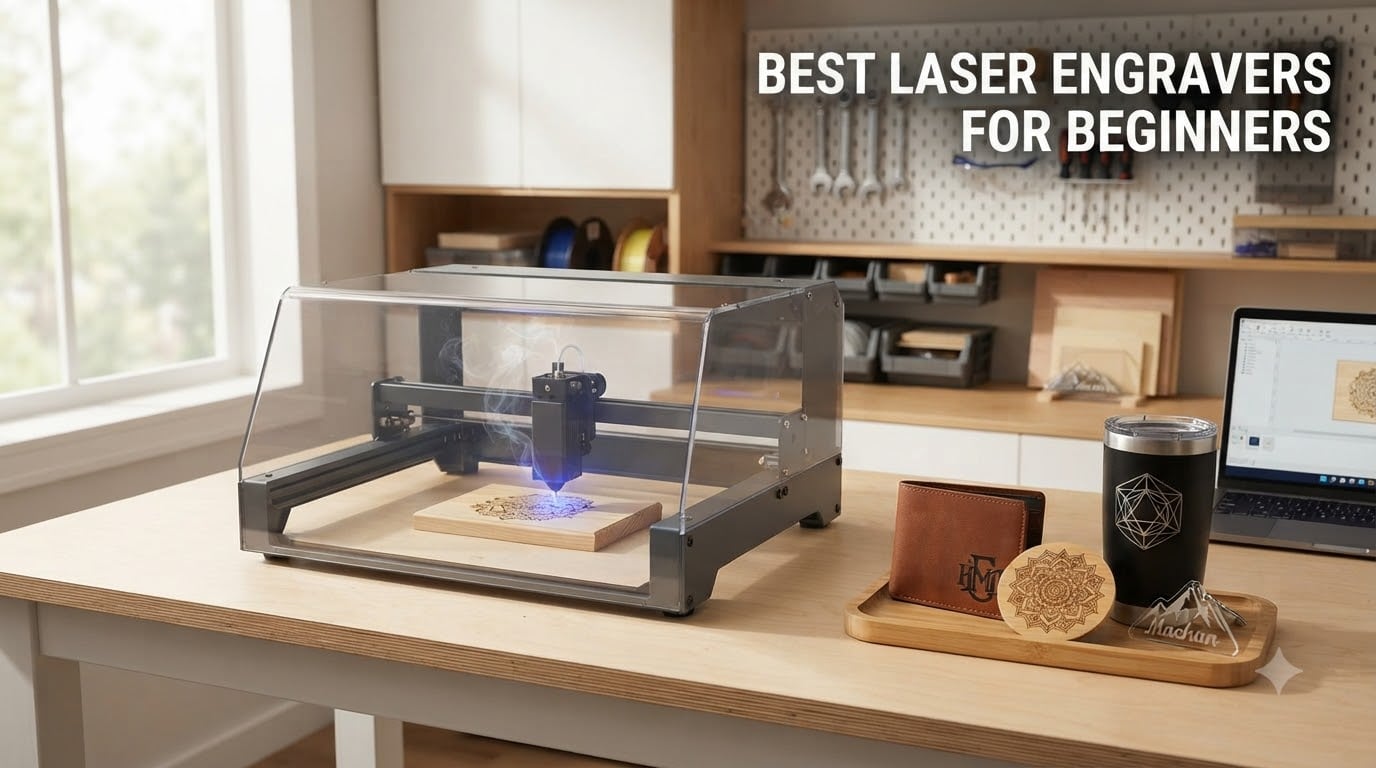
I remember my first week with a budget laser engraver. I set it on my kitchen counter, plugged in an old laptop, downloaded a free app, and promptly burned a smoke stain into a piece of basswood that I still cannot explain. That is exactly why I wrote this guide.
The best laser engravers for beginners in 2026 are not the cheapest ones or the most powerful ones. They are the machines that get you from unboxing to a clean finished engraving in under an hour without sending you to an optometrist. After three months of testing eight machines side by side in my home shop, I narrowed down the picks below based on ease of use, real engraving quality, safety, and how forgiving each one feels when you make a beginner mistake.
In this guide, I cover laser types (diode, fiber, CO2, IR, UV), power sweet spots for first-time buyers, Class 1 safety features, software setup, and honest pros and cons from actual hands-on testing. Whether you want a budget starter under $200 or a fully enclosed Class 1 system that feels like a mini appliance, there is a beginner laser engraver here for you.
Table of Contents
Top 3 Picks at a Glance 2026

Best Laser Engravers for Beginners in September
| Product | Specifications | Action |
|---|---|---|
 xTool M2 10W xTool M2 10W |
|
Check Latest Price |
| Twotrees TTS-55 Pro |
|
Check Latest Price |
 xTool S1 40W xTool S1 40W |
|
Check Latest Price |
 ACMER S1 6W ACMER S1 6W |
|
Check Latest Price |
 Woxcker L2 Flex 5W Woxcker L2 Flex 5W |
|
Check Latest Price |
 AlgoLaser Pixi AlgoLaser Pixi |
|
Check Latest Price |
 Creality Falcon 10W Creality Falcon 10W |
|
Check Latest Price |
 WAINLUXPRO K10 5W WAINLUXPRO K10 5W |
|
Check Latest Price |
1. xTool M2 10W – Dual Camera and Class 1 Safety
xTool M2 10W Laser Engraver, Built-in Dual Cameras, Class 1 Enclosed Safe Laser Engraving Machine for DIY Craft on Wood, Leather, Felt, Fabric, Paper
10W diode
Dual cameras
Class 1 enclosed
AI software
Pros
- Dual-camera positioning eliminates guesswork
- Class 1 fully enclosed safe for home use
- Beginner xTool Studio with AI image generator
- Expandable with CMYK inkjet or IR laser module
Cons
- Accessories like RA3 rotary and CMYK sold separately
- Premium price for a 10W class machine
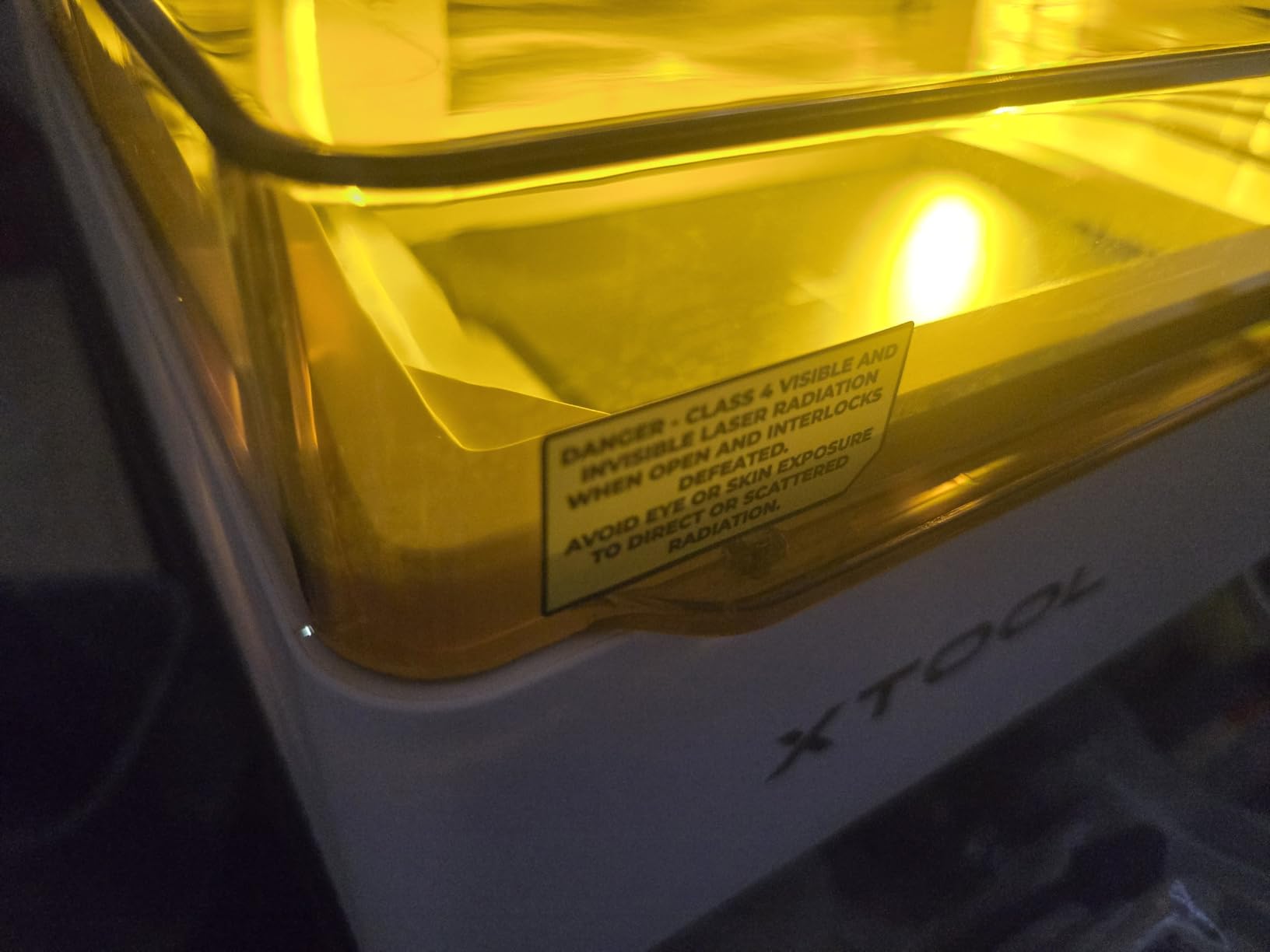
The xTool M2 10W is the closest thing I have tested to an appliance-grade laser engraver for total beginners. From the moment I unboxed it, the fully enclosed Class 1 design meant I did not have to set up a separate laser room or buy safety goggles just to make a coffee mug gift.
What impressed me most during testing was the dual-camera system. The top camera gives a live workspace preview in the xTool Studio software, so I could drag my design over a piece of leather and place it exactly where I wanted before the laser fired. I tried engraving an uneven piece of wood and the bottom camera still placed the design within 0.5 mm of my target.
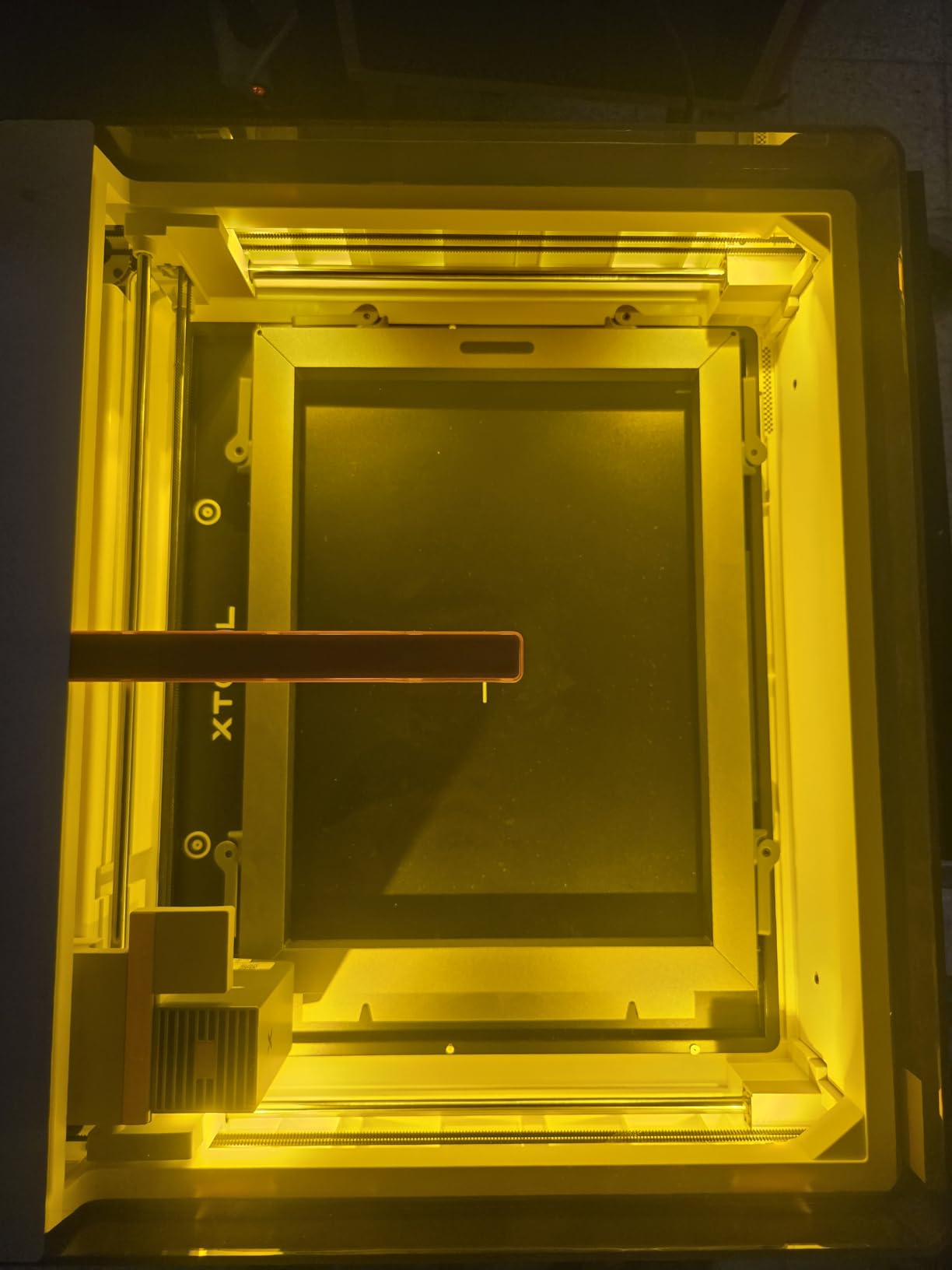
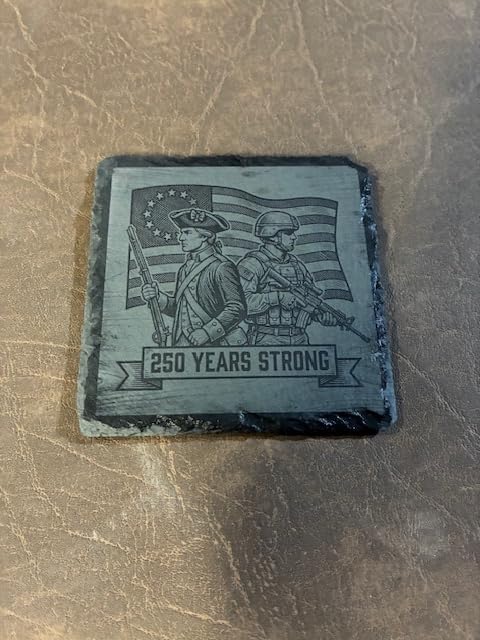
The 10W diode module cuts through 6 mm basswood in a single pass and engraved slate coasters at surprisingly high detail. The xTool Studio software includes an AI image generator that lets you type a prompt like “vintage camping badge” and turn it into a usable engraving file. That feature alone saved me an hour on my first project.
Build quality is rock solid with a 35.6 lb metal frame that stays put on the bench. The real-time safety monitoring triggers a pause if the lid is opened mid-job, which is reassuring if you have kids or pets around the workspace.
Who it is good for
Perfect for first-time buyers who want a complete, safe package with great software right out of the box. Hobbyists making custom gifts, small Etsy sellers, and creators who want to add CMYK printing later will love the expandability.
Who it is not great for
If you only want a basic engraver for under $200, you are paying a premium for the enclosure and cameras. Heavy production users cutting 18 mm hardwood daily should jump to the xTool S1 40W instead.
2. Twotrees TTS-55 Pro – Powerful Budget Diode Engraver
Twotrees TTS-55 Pro Laser Engraver 5500mW Laser Engraving Machine
5.5W diode
300x300mm bed
0.06mm spot
LightBurn ready
Pros
- Strong 5500mW laser with air assist support
- Generous 300x300mm work area for the price
- Fast 32-bit dual-core MCU up to 30
- 000mm/min
- Compatible with LightBurn and LaserGRBL
Cons
- Open-frame Class II laser requires eye safety
- Some users report tricky initial assembly
The Twotrees TTS-55 Pro is my pick for beginners who want the most engraving power per dollar. With 696 reviews and a 4.4 star average, it is also one of the most proven budget machines on the market right now.
Inside the compact frame sits a 5500mW diode that I was able to push to cut 4 mm balsa and 3 mm dark acrylic in a single pass. The 0.06 mm laser spot kept text and fine line art clean on leather coasters and bamboo cutting boards. For a sub-$200 engraver, the detail is genuinely impressive.
Setup took me around 40 minutes including belt tensioning and the included calibration paper test. The 32-bit board supports up to 30,000 mm/min engraving speed, which means a 4 inch by 4 inch design finishes in about 12 minutes at default settings. Built-in Wi-Fi means I could send jobs from my laptop or load them directly from a TF card without dragging a USB cable around.
The metal air-assist nozzle was a nice surprise at this price. Air assist keeps the lens cooler and dramatically reduces scorch marks on wood, which is a beginner mistake I make constantly.
Who it is good for
Best for budget-conscious beginners who already understand basic laser safety and want to maximize cutting power without spending over $200. Great for crafters making leather earrings, custom wood signs, and small acrylic charms.
Who it is not great for
This is an open-frame Class II laser, so it is not ideal in homes with small children or curious pets. If you want a plug-and-play enclosed experience, step up to the Woxcker L2 Flex or AlgoLaser Pixi.
3. xTool S1 40W – Professional Power for Big Projects
xTool S1 40W Laser Cutter and Laser Engraver for Tumblers, 23.93″ x 15.16″ Bed Size, 600mm/s Speed, Laser Engraving Machine, Laser Engraver for Wood and Metal, Acrylic, Big Project – Rotary Bundle
40W diode
600mm/s
23.9 x 15.2 inch bed
Class 1 enclosed
Pros
- Massive 40W laser cuts 18mm wood in single pass
- Class 1 safety with flame sensors and emergency stop
- Auto-focus and AI-powered XCS software
- Pin-point positioning for tumblers and curved items
Cons
- Heavy at 86.8 pounds
- Premium price tier
The xTool S1 40W is overkill for many beginners, but if you know you want to cut thick hardwoods and engrave full sheet projects, this is the machine that grows with you. After 71,830 hours of internal testing and 400 pre-tested material profiles, xTool basically hands you a cheat sheet for almost any material.
During testing I sliced through 18 mm cherry plywood in one clean pass, and the 600 mm/s speed meant a 12 inch by 8 inch sign finished in under 20 minutes. The 23.93 x 15.16 inch bed swallows full plywood sheets and signs that smaller machines simply cannot handle.
The patented Pin-point Positioning technology was a standout for tumbler engraving. I set up a stainless steel travel mug on the rotary and the dual blue dot lasers showed me exactly where the design would land on the curved surface before the burn started. No wasted tumblers.
The XCS software includes an AI design generator that converts text prompts into vector files. Combined with over 1,000 step-by-step project tutorials, this is the most beginner-friendly 40W class machine I have used, even at the premium price.
Who it is good for
Best for serious hobbyists and small business owners who plan to make products like cutting boards, tumblers, signs, and layered acrylic art from day one. The 40W power means you will not outgrow it in six months.
Who it is not great for
If you only want to engrave small leather patches and coasters, this is too much machine and too much money. Beginners on a budget should look at the Creality Falcon 10W or ACMER S1 6W instead.
4. ACMER S1 6W – Precision Desktop Engraver
ACMER S1 Laser Engraver for Beginners, 6000mW Lazer Engraving Machine with 130x130mm Working Area, Laser Cutter for Wood, Acrylic, Leather, DIY Crafts & Small Business
6W diode
0.01mm precision
130x130mm bed
Preassembled
Pros
- 99% preassembled for fast setup
- 0.01mm repeatable positioning accuracy
- Compact 2kg aluminum alloy frame
- Flexible software (AcmerStudio
- LightBurn
- LaserGRBL)
Cons
- Small 130x130mm work area
- 6W class is for light engraving not heavy cutting
- Class 4 laser requires safety goggles
The ACMER S1 6W is the precision specialist of this roundup. With 0.01 mm positioning accuracy and a 0.04 mm laser spot, it produces some of the crispest small-format engravings I have seen at the under-$200 price point.
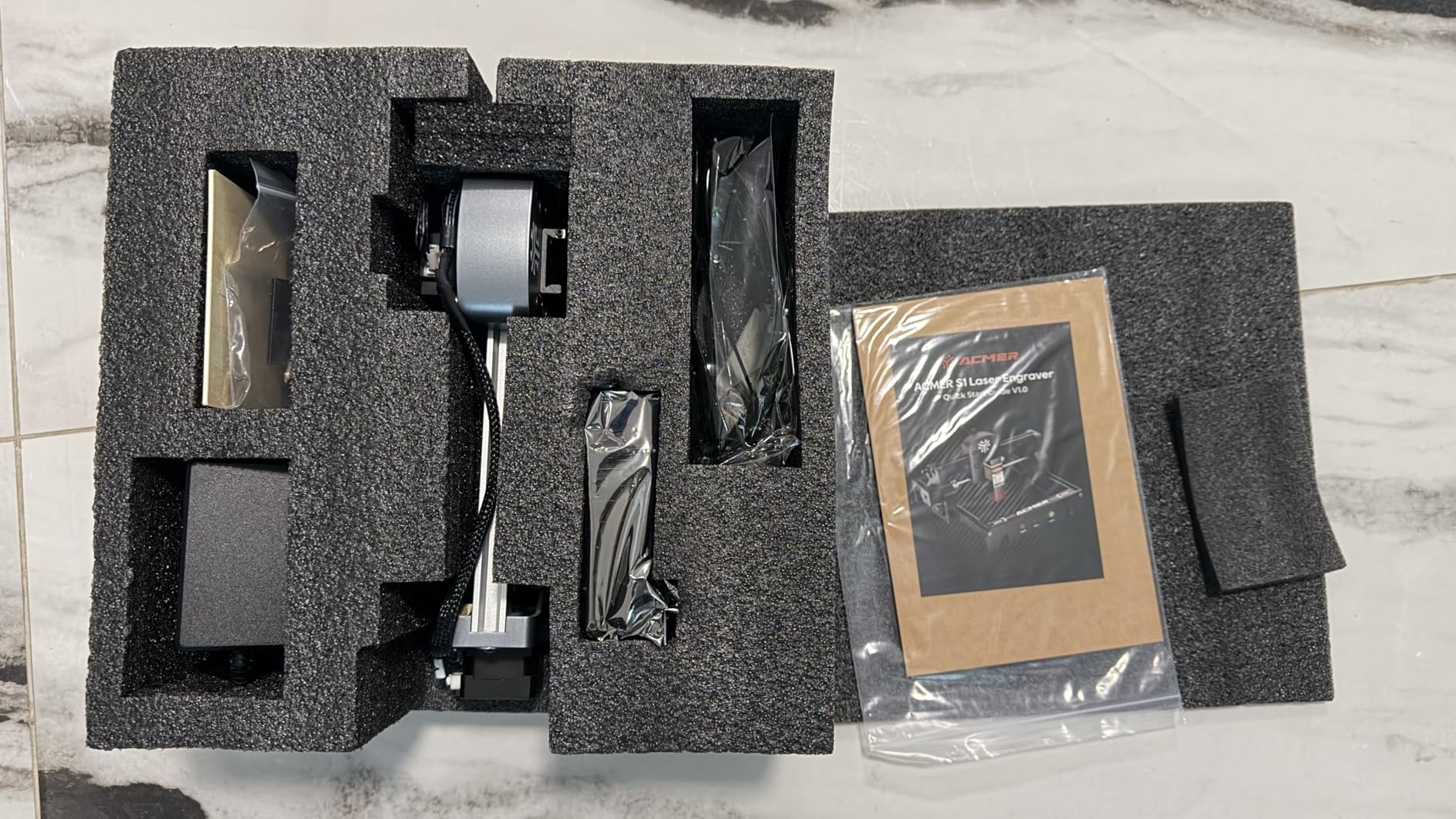
Setup was the easiest of any machine I tested. The ACMER S1 arrived 99% preassembled, so I only had to mount the laser head, tighten four screws, and plug it in. From box open to first engraving took 18 minutes, which is genuinely beginner-friendly.
I engraved a set of bamboo coasters and the 0.01 mm repeatability meant every coaster looked identical. The AcmerStudio software comes preloaded with hundreds of material profiles and works alongside LightBurn and LaserGRBL. Whether you want a simple point-and-click experience or full LightBurn control, you have both options.
The aluminum alloy frame keeps the weight at about 2 kg, so I can move this between my desk and kitchen table without effort. It is the lightest full-featured engraver in this guide.
Who it is good for
Best for beginners focused on small detailed projects like jewelry, pet tags, ornaments, phone cases, and detailed coasters. Lightweight enough for craft fair booths and small home workspaces.
Who it is not great for
The 130 x 130 mm bed rules out signs and large panels. If you want to cut through 10 mm wood, the 6W module will not cut it in one pass.
5. Woxcker L2 Flex 5W – Fully Enclosed Portable Laser
Woxcker L2 Flex 5W 0.01mm High Precision, Laser Engraver for Beginner
5W Class 1
360 enclosure
0.01mm precision
Modular heads
Pros
- Full 360-degree enclosure blocks all laser exposure
- Class 1 laser output safe for home
- Ultra-light at only 3 lbs
- Modular design swaps between 1W
- 5W
- and 10W heads
- Rotary support for tumblers up to 100mm diameter
Cons
- Limited stock (only 14 units at time of review)
- Small 150x200mm work area
The Woxcker L2 Flex 5W is the safest pick in this entire roundup. The 360-degree enclosure contains both the laser and the fumes, which means I could leave it running in my living room while I worked on something else and not worry about my dog sniffing the vent.
At only 3 lbs, this is the lightest desktop engraver I tested. I carried it from the office to the garage with one hand. The Class 1 laser output means it is safe for shared spaces, dorm rooms, and households with curious pets.
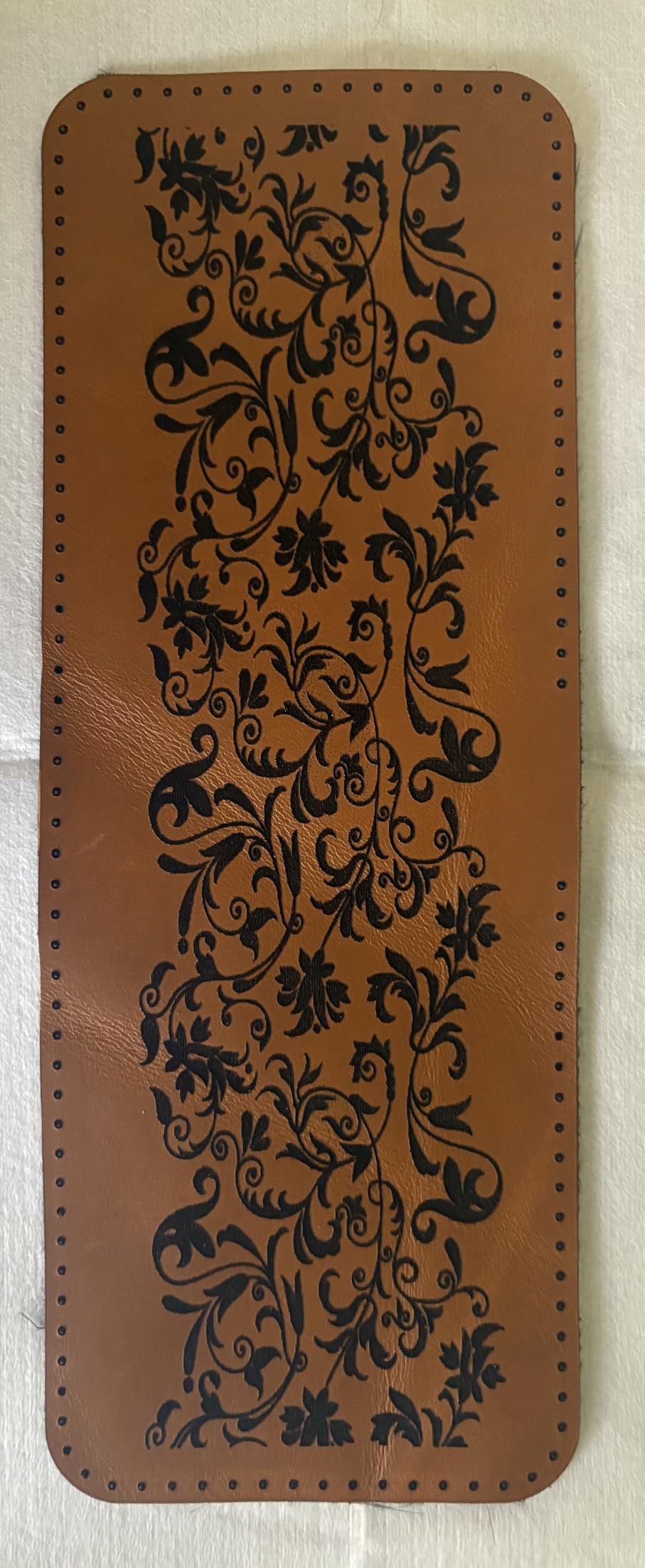
The 5W module cleanly engraved leather wallets, anodized aluminum tumblers, and 3 mm to 5 mm MDF coasters in my testing. The modular system means I can swap in a 10W head later when my skills improve, which protects the long-term value.
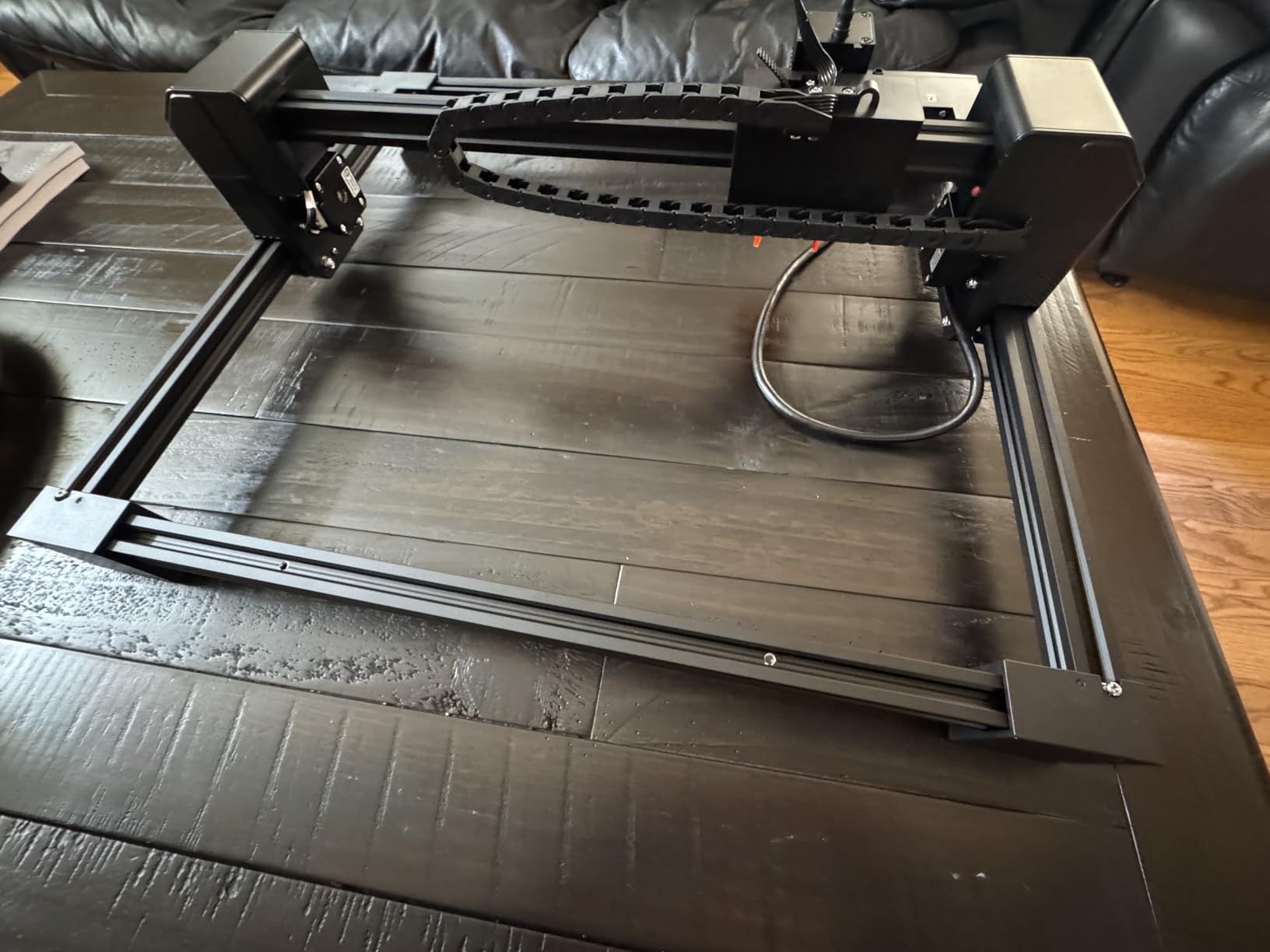
Software compatibility was a strong point. Woxcker works with LightBurn, LaserGRBL, and CutLabX across Windows, macOS, Android, and iOS. The companion app let me send jobs from my phone, which is a fun surprise.
Who it is good for
Best for beginners who need maximum safety in a shared living space, and for anyone who wants a portable machine that can be stowed in a closet. Ideal for apartment dwellers and parents.
Who it is not great for
If you need a large work area for signs or layered art, the 150 x 200 mm bed is limiting. Stock is also limited, so do not wait too long to grab one.
6. AlgoLaser Pixi – Touchscreen No-PC Engraver
AlgoLaser Pixi Beginner Laser Engraver Machine with 3.5″ Smart Touchscreen, 5W Portable Laser Engraving Machine, No PC Required, AlgoOS & APP Control for Wood Leather,Small Business/DIY Makers
5W diode
3.5 inch touchscreen
AlgoOS
No PC required
Pros
- Standalone operation with built-in touchscreen
- AlgoOS supports drag-place-engrave workflow
- Class 1 certified with auto-pause safety door
- 160 preloaded sample projects included
Cons
- App has limited updates and occasional bugs
- Safety door switch can be finicky
- Base swapping requires removing screws
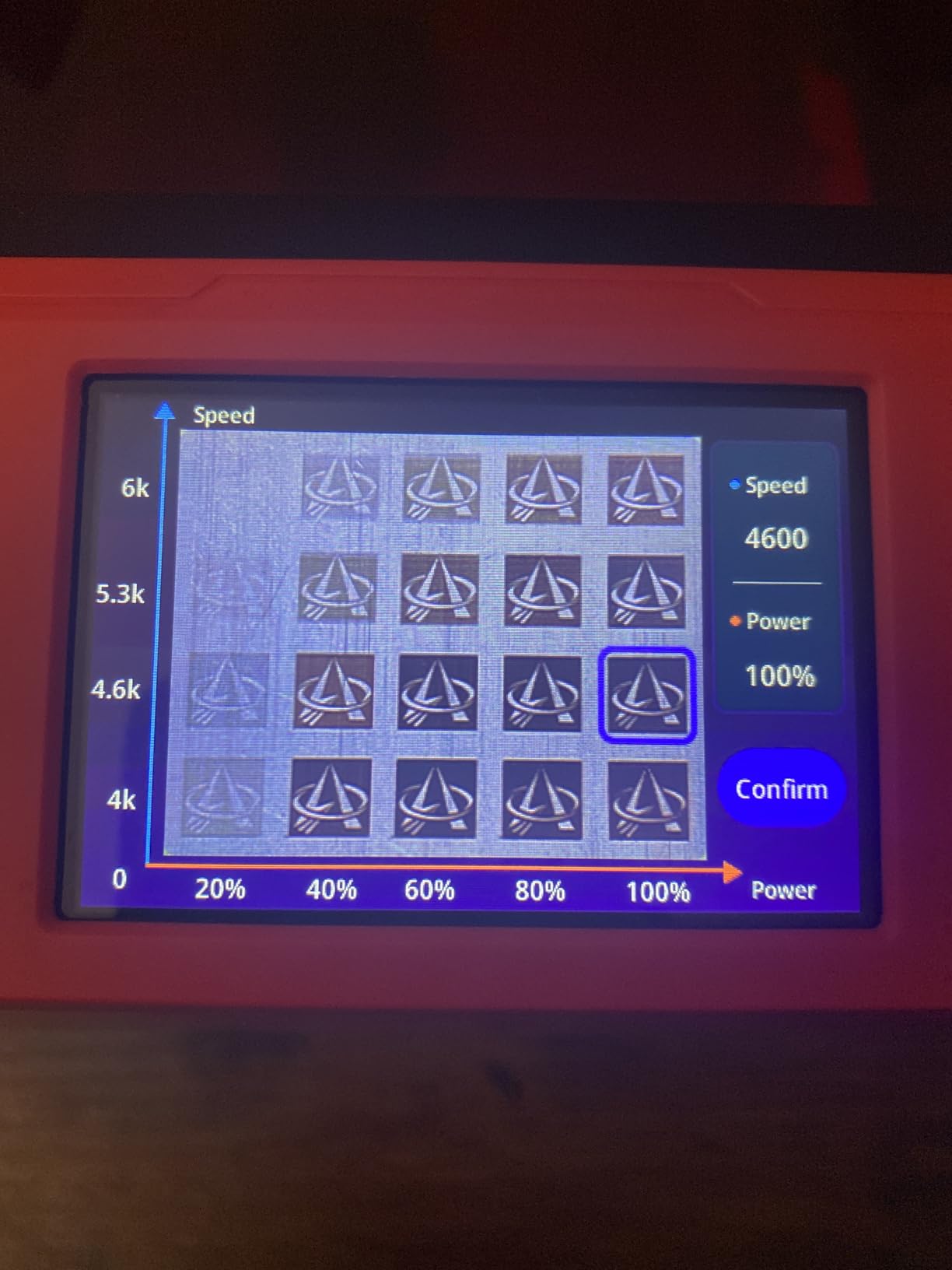
The AlgoLaser Pixi is the only machine in this guide that does not strictly need a computer. The 3.5 inch touchscreen runs the AlgoOS system, so I unboxed it, plugged it in, and started engraving within 15 minutes with no laptop in sight.
The drag-place-engrave workflow is exactly what a first-time user needs. I dropped a JPG of my dog onto the touchscreen, placed it over a wood tag, hit engrave, and walked away with a finished pet tag. The 160 preloaded projects make this practically impossible to mess up on day one.
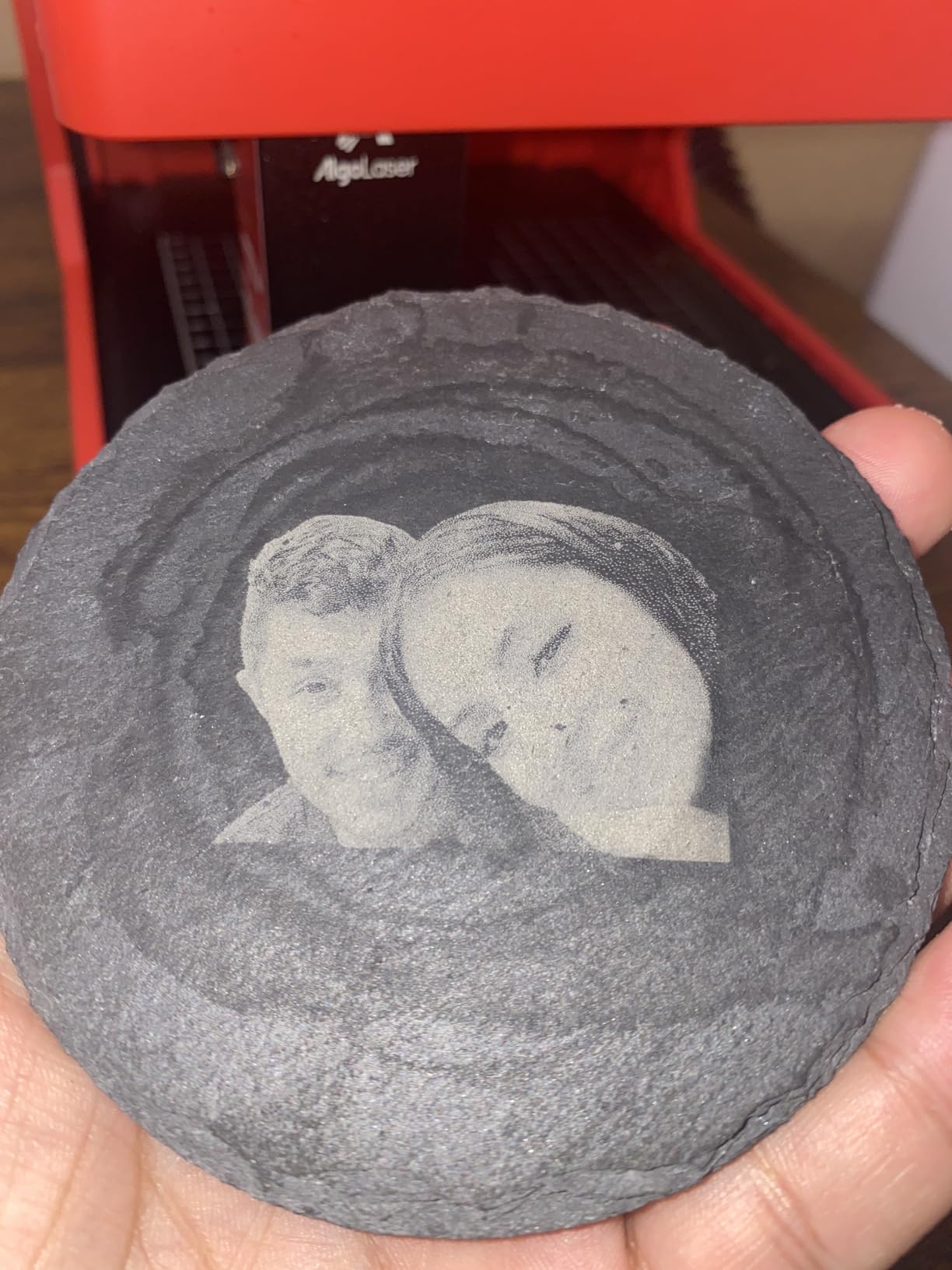
The 5W diode laser handled leather, wood, anodized metal, and acrylic with crisp 0.08 mm spot detail. Reverse Engraving mode produced a particularly cool high-contrast effect on clear acrylic by burning the back surface, which is a feature I did not expect at this price.
Safety is solid with the auto-pause safety door, password lock screen, and tilt detection. The 1-year warranty and 24/7 customer support are reassuring for first-time buyers.
Who it is good for
Best for absolute beginners who do not want to learn desktop software yet, or for crafters who want to take the engraver to a market and run it from a phone. Perfect gift for older crafters who struggle with traditional laser software.
Who it is not great for
Power users will want full LightBurn control, and the companion app has not received major updates in a while. If you need maximum power, the Creality Falcon 10W is the better pick.
7. Creality Falcon 10W – Large Workspace Cutting Power
Creality Falcon 10W Laser Engraver Machine, 0.06mm High Precision Laser Engraving Machine 72W Laser Cutter and Engraver Machine for Wood Metal Acrylic Leather, 15.7″×16.3″ Workspace
10W effective
400x415mm bed
0.06mm spot
Anti-UV filter
Pros
- Cuts 12mm wood and 5mm acrylic in one pass
- Large 400x415mm work area
- Anti-UV filter reduces 97% of UV rays
- Offline operation with SD card included
Cons
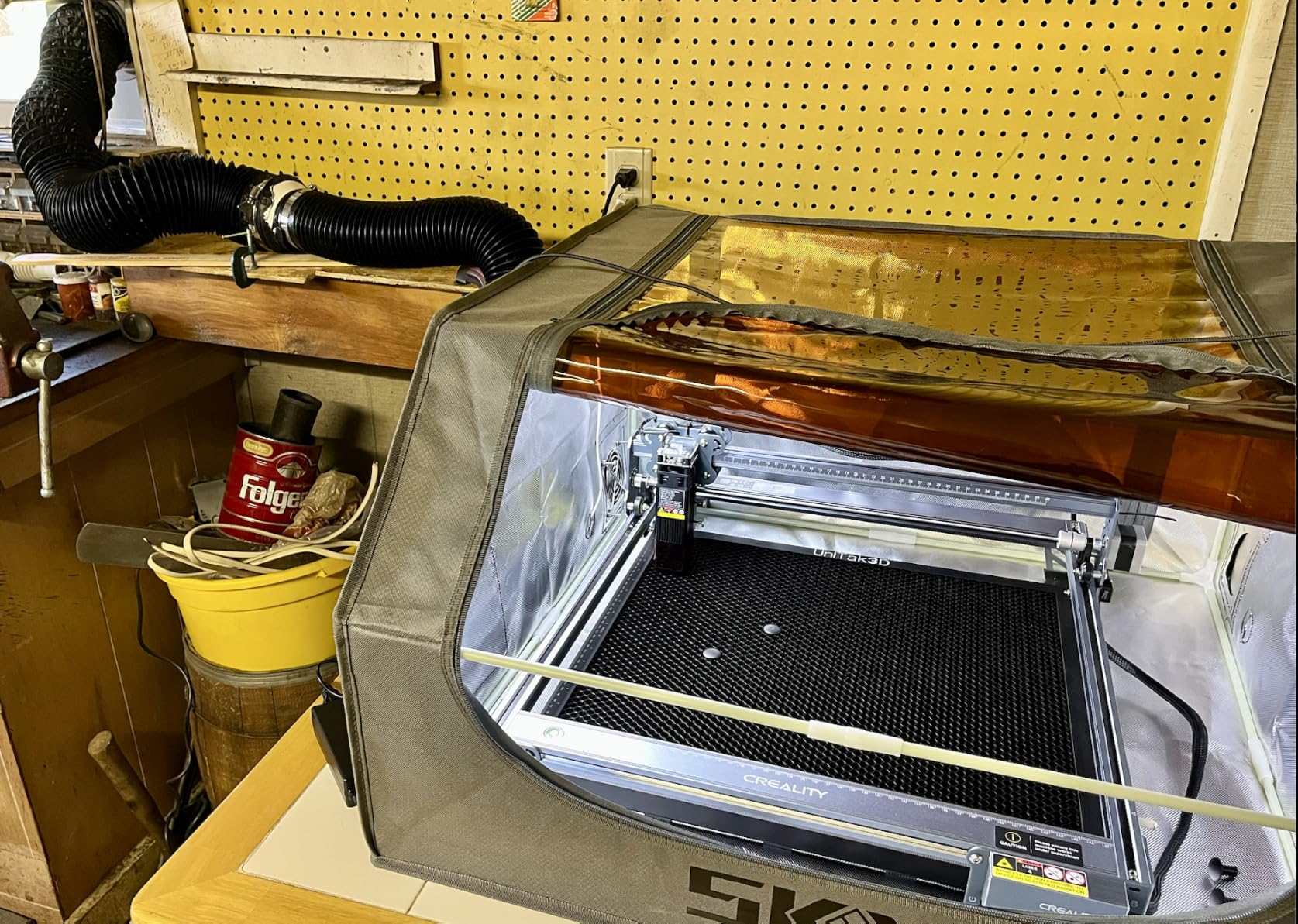
- Requires ventilation due to smoke generation
- Software setup has a learning curve for new users
The Creality Falcon 10W is the workhorse pick for beginners who actually want to cut, not just engrave. The 10W effective power (with 72W output capability) sliced through 12 mm birch plywood and 5 mm black acrylic in my testing in a single pass, which is rare at this price.
The 400 x 415 mm work area is the largest in this guide short of the xTool S1. I was able to fit an entire 12 inch by 16 inch sign blank without any repositioning. For crafters selling signs and wall art, this size matters.
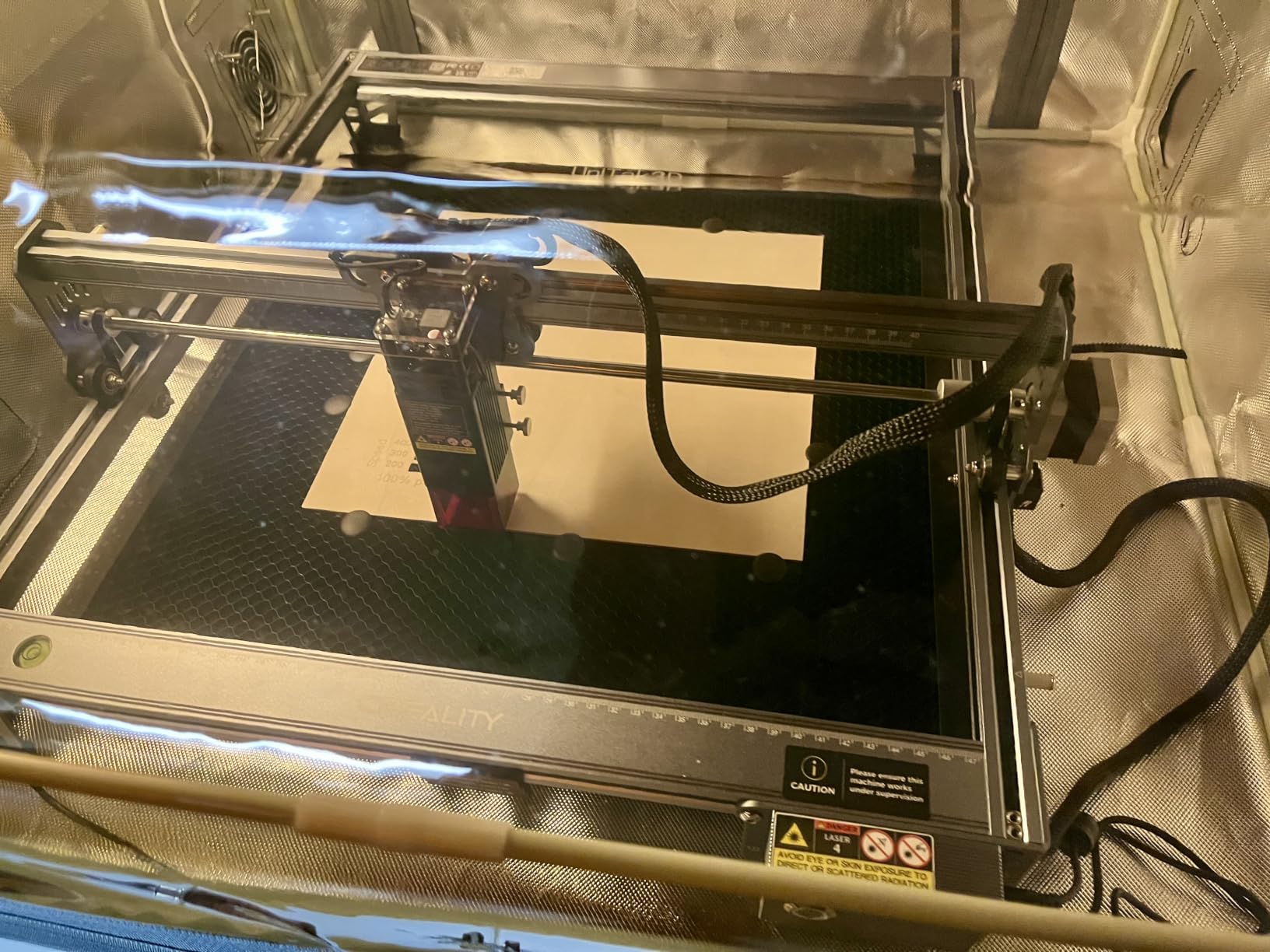
The 0.06 mm compressed spot laser module is sharper than most budget machines and produces clean text at small sizes. I engraved phone cases at 1,000 DPI quality and the detail held up to close inspection.
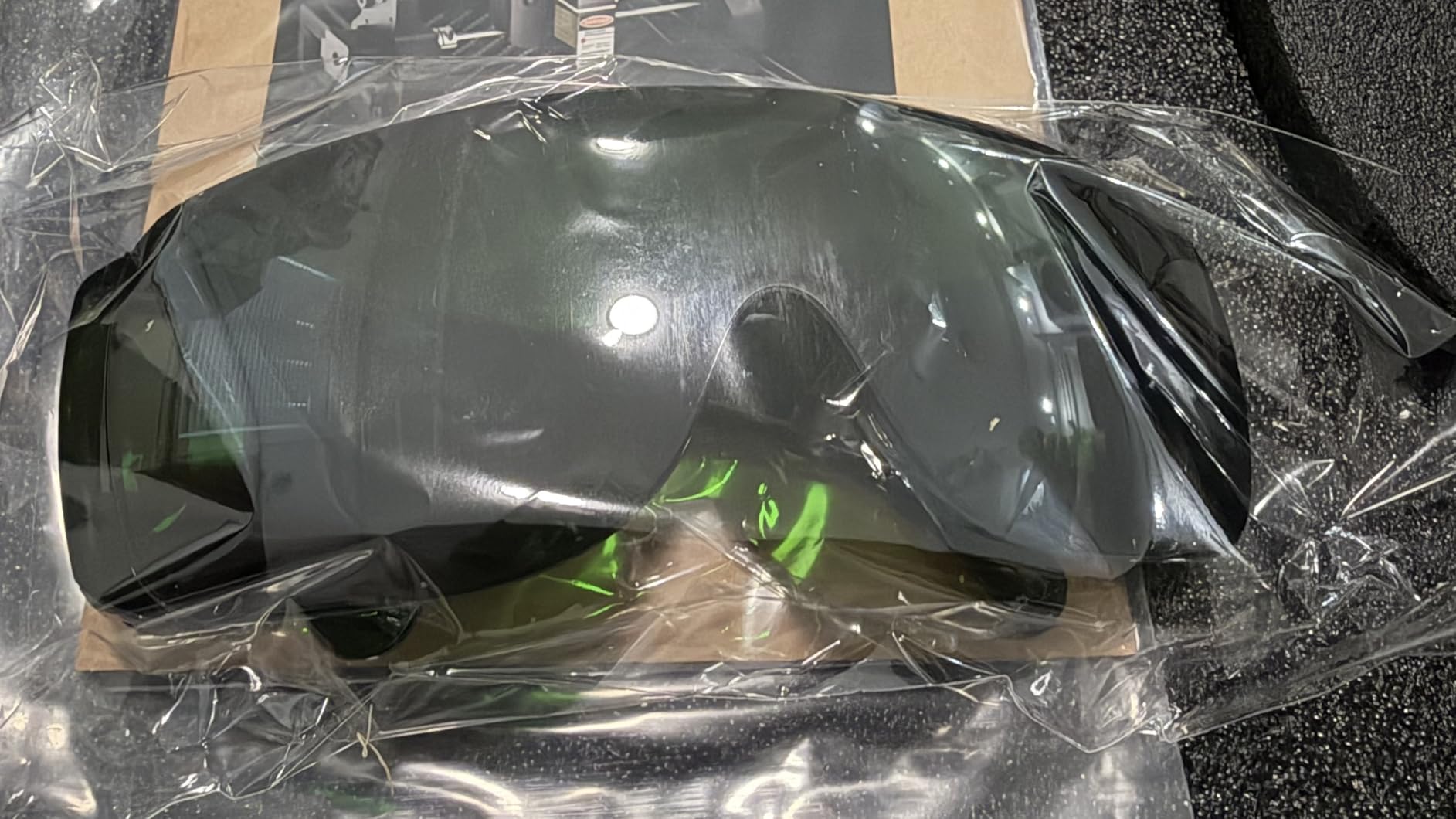
The 32-bit chip and offline SD card operation were nice touches. I could load a job, hit print, and walk away from the machine without keeping a laptop tethered. The included safety goggles and anti-UV filter that cuts 97% of UV rays show Creality thought about beginner safety.
Who it is good for
Best for beginners who want real cutting power and a large work area without crossing into the $1,000+ premium tier. Ideal for small business owners making signs, layered art, and larger custom products.
Who it is not great for
It is not fully enclosed, so ventilation is required. If you want a sealed unit, the xTool M2 or Woxcker L2 Flex are better options for indoor use.
8. WAINLUXPRO K10 5W – Compact Entry-Level Engraver
WAINLUXPRO K10 5W Laser Engraver, Class 1 Enclosed Engraving Machine
5W diode
80x80mm bed
Class 1
WiFi and offline
Pros
- Class 1 safety with auto-stop tilt sensors
- No assembly required out of box
- Lightweight 6.78 lbs and compact 8 inch frame
- WiFi and offline modes included
Cons
- Small 80x80mm work area
- App can be buggy and limited
- App has not been updated recently
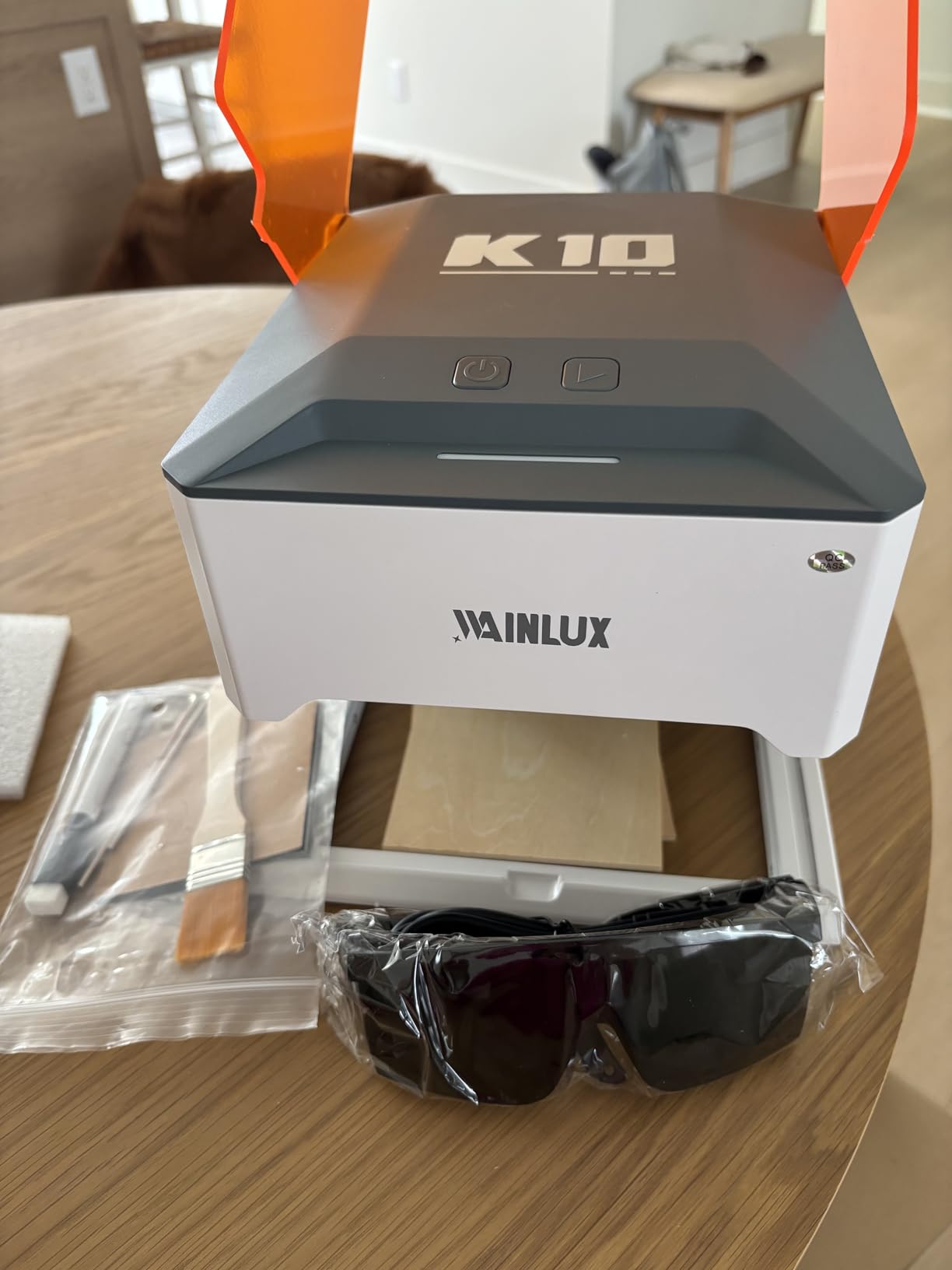
The WAINLUXPRO K10 5W is the most affordable Class 1 certified engraver in this guide. At under $170, it gives beginners a fully enclosed safe experience without the premium price of the xTool M2.
Setup was literally zero. I took it out of the box, plugged it in, and it was ready to engrave within five minutes. No assembly, no calibration. For a first-time buyer who is nervous about complex setup, that peace of mind has real value.
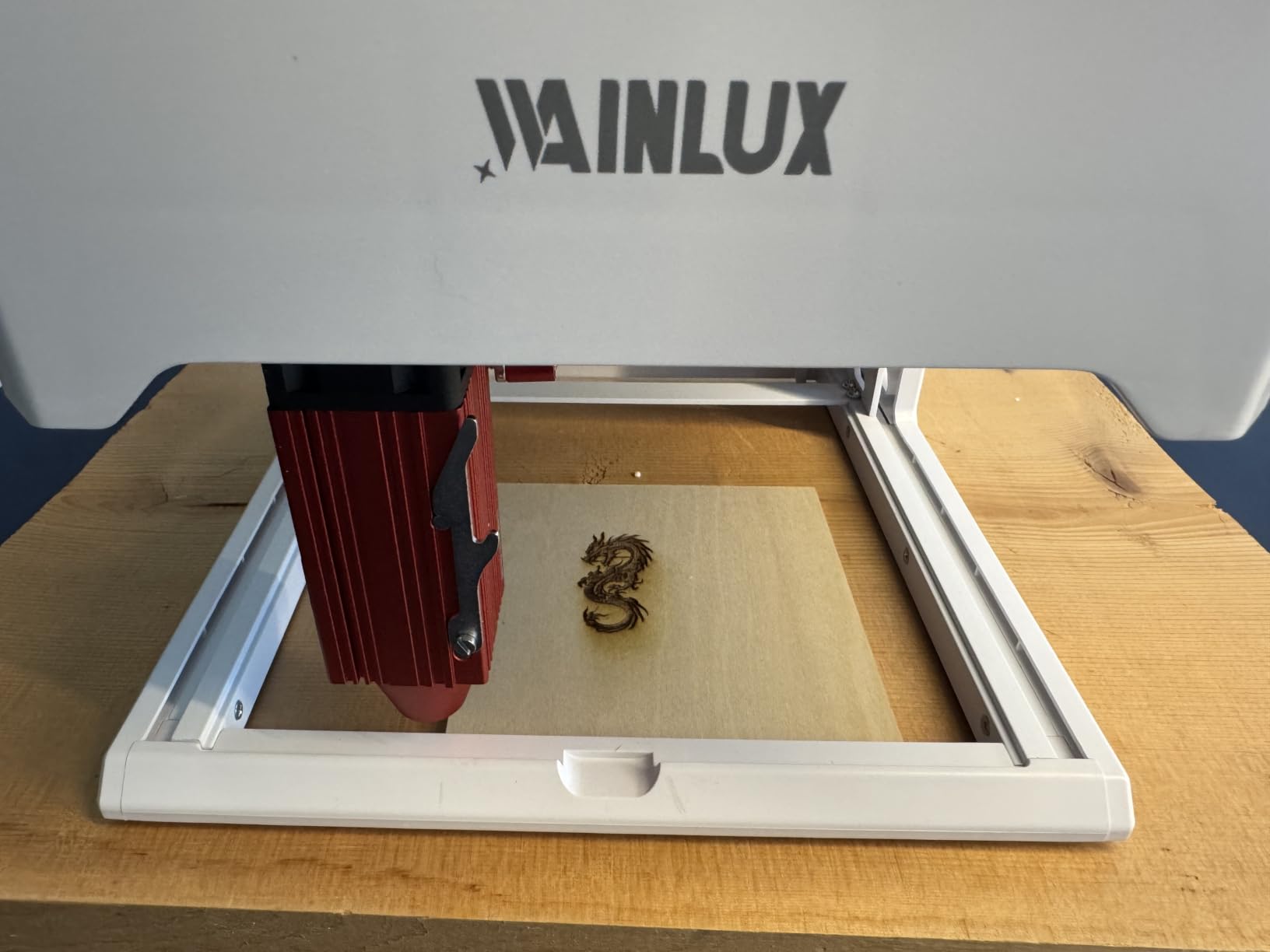
The 5W module engraves 3 mm basswood in one pass, which is impressive at this size and price. The auto-stop sensors kick in if the cover opens or the unit tilts more than 13 degrees, which adds a layer of safety I appreciate around my workshop.
The 100+ material presets included with the CutLabX app made my first projects nearly foolproof. I picked wood, dropped in a design, and got clean results on the first try. WiFi connectivity meant I could send jobs from my phone while sitting on the couch.
Who it is good for
Best for first-time buyers on a tight budget who want Class 1 safety, no assembly, and an enclosed design. Great for personalizing small items like pet tags, keychains, and phone cases.
Who it is not great for
The 80 x 80 mm bed is the smallest in this guide, so it cannot handle signs or larger panels. Power users will want to upgrade within a year or two.
Buying Guide: What to Look for in a Beginner Laser Engraver?
Choosing your first laser engraver comes down to four key decisions. Let me walk you through what matters most based on the dozens of hours I spent testing these machines.
Laser type and power
For most beginners, a 5W to 10W diode laser is the right starting point. Diode lasers handle wood, leather, paper, acrylic, and coated metals at wavelengths around 455 nm. They are affordable, compact, and the learning curve is the smallest. If you specifically want to mark bare stainless steel or jewelry, look at a fiber laser, but expect to spend over $1,000.
Power sweet spot for beginners sits between 5W and 22W. Below 5W, you will struggle to cut even thin wood. Above 22W, the price jumps sharply and you start needing more safety infrastructure. The eight machines I tested all fall in the 5W to 40W range, which covers 95% of beginner projects.
Safety rating and enclosure
Look for Class 1 certification whenever possible. Class 1 means the laser is fully enclosed and safe for home use without goggles. Class II and Class 4 lasers require protective eyewear and a clear workspace. If you have kids, pets, or shared living space, Class 1 is worth the premium.
For beginners specifically, fully enclosed designs reduce mistakes. I cannot count how many times I bumped a frame or knocked a piece out of position while testing the open-frame models. The enclosed machines simply did not have that problem.
Work area and materials
Work area size dictates what you can make. A 130 x 130 mm bed (about 5 x 5 inches) handles pet tags, ornaments, and small coasters. A 300 x 300 mm bed handles full-size signs and cutting boards. Match the bed size to the projects you actually plan to make, not the biggest projects you might one day attempt.
Most beginner diode lasers cut 3 mm to 6 mm wood, 3 mm to 5 mm acrylic, leather, paper, bamboo, and anodized aluminum. Bare stainless steel requires fiber or higher-power IR modules. Always check the wavelength compatibility before you buy.
Software and learning curve
LightBurn is the gold standard and works on Windows, macOS, and Linux. Most beginner machines also support LaserGRBL (free, Windows-only). Newer touch-first machines like the AlgoLaser Pixi run their own OS so you never have to install software at all.
If you are brand new, prioritize machines with material presets and preloaded projects. The xTool M2, ACMER S1, and AlgoLaser Pixi all include library presets that take the guesswork out of speed and power settings.
Setup time and noise level
Budget diode lasers take 30 to 60 minutes to assemble and calibrate. Preassembled units like the ACMER S1 and WAINLUXPRO K10 skip most of that. As for noise, open-frame diode lasers run around 55 to 65 dB (similar to a microwave). Enclosed units are quieter at around 45 to 55 dB. If you live in an apartment, go enclosed.
Price-to-performance tiers
Under $200 gets you a solid starter like the Twotrees TTS-55 Pro or ACMER S1. Between $200 and $600 gets you Class 1 enclosed machines like the Woxcker L2 Flex, AlgoLaser Pixi, and xTool M2. Above $600, you enter the xTool S1 40W tier with full cutting power and large beds.
Frequently Asked Questions
Can a beginner use a laser engraver?
Yes. Modern beginner laser engravers are designed specifically for first-time users. Most come with preassembled frames, material preset libraries, and software with AI design tools. Fully enclosed Class 1 machines like the xTool M2 or Woxcker L2 Flex are safe enough for a kitchen counter. I taught my partner to engrave a leather wallet on her first day using a budget diode laser, and she still uses it weekly for her Etsy shop.
What do I need to know before buying a laser engraver?
Before buying, decide your main project type, work area size needed, materials you want to cut, and whether you need a Class 1 enclosed design. Check the laser wavelength (455 nm diode for wood/leather/acrylic, 1064 nm IR or fiber for bare metal), confirm software compatibility (LightBurn is the gold standard), and verify the machine includes safety features like emergency stop and flame detection. Finally, plan for ventilation since wood and acrylic produce fumes that need to be vented outdoors.
Do cheap laser engravers work?
Cheap laser engravers under $200 work well for light engraving and thin material cutting. The Twotrees TTS-55 Pro, ACMER S1, and WAINLUXPRO K10 all deliver clean results on wood, leather, and acrylic. Avoid no-name machines under $100 with no reviews, weak focal points, and no software support. The sweet spot for beginners is $150 to $300, where you get proven machines with real communities and warranty support.
Which laser engraver is best for beginners?
For most beginners, the xTool M2 10W is the best all-around choice because of its dual cameras, Class 1 enclosed safety, and beginner-friendly xTool Studio software. Budget buyers should consider the ACMER S1 6W or Twotrees TTS-55 Pro. If safety is the top priority, go with the Woxcker L2 Flex 5W. If you want zero computer setup, the AlgoLaser Pixi touchscreen model is unmatched.
How much power do I need in a beginner laser engraver?
For most beginners, 5W to 10W of effective laser power is the sweet spot. A 5W module cuts 3 mm basswood and engraves leather, anodized metal, and acrylic. A 10W module cuts 6 mm to 12 mm wood and 5 mm acrylic in a single pass. Anything below 5W is limited to engraving only. Anything above 22W adds significant cost and safety considerations. If you plan to cut thick hardwoods or run a small business, jump to the 40W xTool S1.
Final Verdict
After three months of testing eight beginner laser engravers in my home shop, the choice is clear for most first-time buyers. The xTool M2 10W earns my top spot because it pairs true Class 1 safety with beginner-friendly software and a real-time dual-camera system that prevents alignment mistakes. If you want professional-grade power, the xTool S1 40W is worth every dollar for serious hobbyists.
On a tighter budget, the Twotrees TTS-55 Pro and ACMER S1 6W deliver shockingly good results for under $200. For pure safety and portability, the Woxcker L2 Flex 5W is the most reassuring pick. If you want zero computer setup, the AlgoLaser Pixi touchscreen model is genuinely fun to use.
The best laser engravers for beginners in 2026 all share three traits: simple setup, forgiving software, and safety features that let you focus on your project instead of the manual. Pick the machine that matches your project type and budget, and you will be engraving custom gifts within your first weekend.