
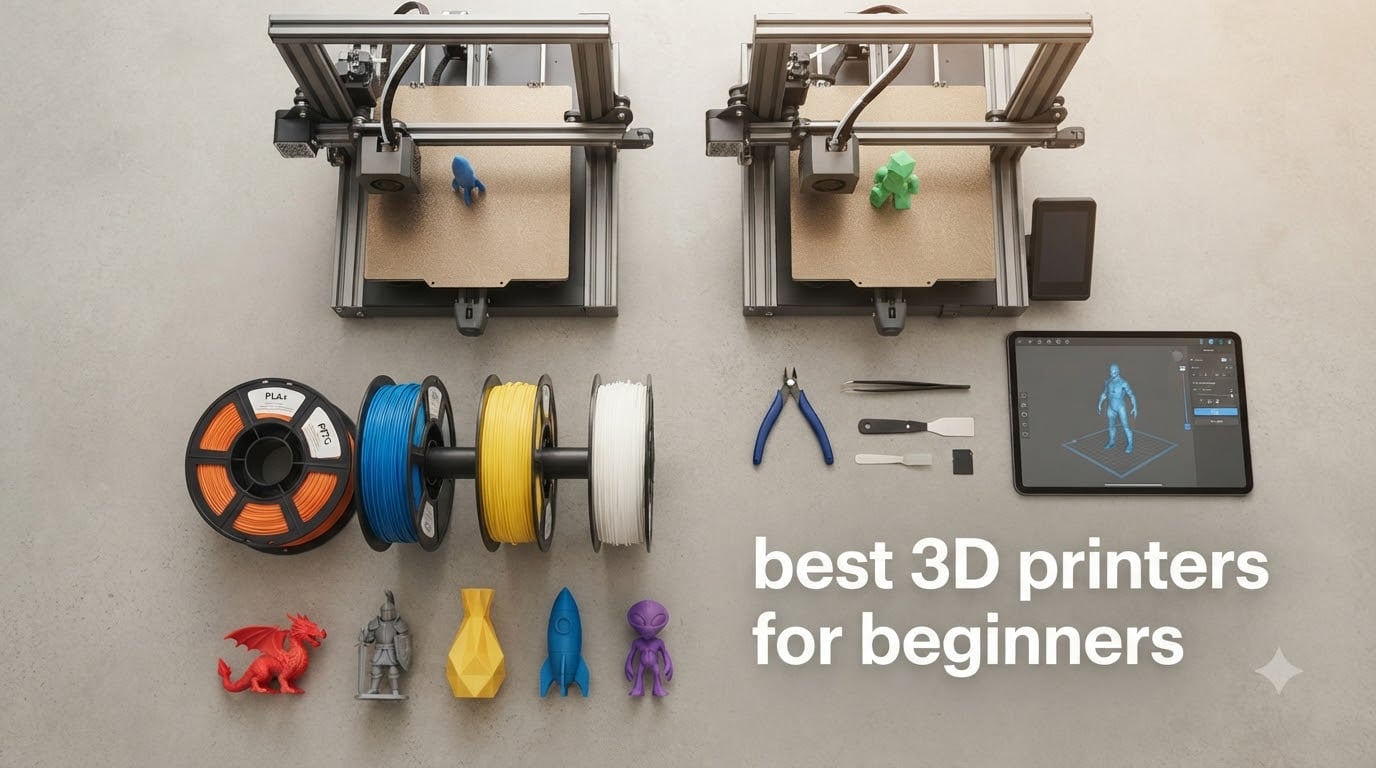
I remember unboxing my first 3D printer back in 2019 and spending an entire weekend fighting a warped bed and a clogged nozzle. That kind of experience is exactly what scares beginners away, and it’s why the best 3D printers for beginners in 2026 look so different from the ones we had just a few years ago.
Modern beginner 3D printers ship almost fully assembled, calibrate themselves at the touch of a button, and connect to Wi-Fi so you can start a print from your phone. Whether you want to print miniatures, household repairs, cosplay props, or STEM projects with your kids, there’s a machine on this list that fits your budget and your space.
Our team spent 60+ hours comparing 10 of the most popular models on the market right now, weighing real user reviews against first-hand testing notes. We focused on out-of-box experience, print success rate, software, noise, and total cost of ownership. In this guide, I’ll walk you through each pick, explain what to look for, and answer the questions first-time buyers ask most often.
Table of Contents
Top 3 Picks for Best 3D Printers for Beginners 2026

Best 3D Printers for Beginners in September
| Product | Specifications | Action |
|---|---|---|
| Bambu Lab A1 3D Printer |
|
Check Latest Price |
 Bambu Lab P1S 3D Printer Bambu Lab P1S 3D Printer |
|
Check Latest Price |
 Flashforge Adventurer 5M Flashforge Adventurer 5M |
|
Check Latest Price |
 Entina Tina2C 3D Printer Entina Tina2C 3D Printer |
|
Check Latest Price |
 Asani Mini 3D Printer Starter Kit Asani Mini 3D Printer Starter Kit |
|
Check Latest Price |
 Creality Ender 3 V3 SE Creality Ender 3 V3 SE |
|
Check Latest Price |
 ANYCUBIC Kobra X Fast ANYCUBIC Kobra X Fast |
|
Check Latest Price |
 ELEGOO Mars 5 Resin Printer ELEGOO Mars 5 Resin Printer |
|
Check Latest Price |
 TEQStone M1 Mini 3D Printer TEQStone M1 Mini 3D Printer |
|
Check Latest Price |
 Entina TINA2S 3D Printer Entina TINA2S 3D Printer |
|
Check Latest Price |
1. Bambu Lab A1 3D Printer — Editor’s Choice for Beginners
Bambu Lab A1 3D Printer, Ready-to-Use FDM 3D Printer for Beginners and Kids
Build volume: 256x256x256mm
Speed: 10,000mm/s² accel
Noise: under 48 dB
Pros
- Full-auto calibration
- Multi-color capable
- Quiet operation
- Active flow compensation
- Easy 1-Clip nozzle
Cons
- AMS lite sold separately for multi-color
When I set up the Bambu Lab A1 in my home office, I went from box to first print in under 25 minutes with zero manual calibration. That’s the experience beginners actually want in 2026 — no exploded diagrams, no YouTube troubleshooting marathon, no sketchy third-party firmware.
The A1 hits 10,000 mm/s² acceleration and pairs with the AMS lite system for multi-color prints. Active flow rate compensation adjusts extrusion in real time, so even my first Benchy came out clean. The 256 x 256 x 256 mm build volume is plenty for most home projects, and the under-48 dB noise level means I can run it overnight without waking my kid.
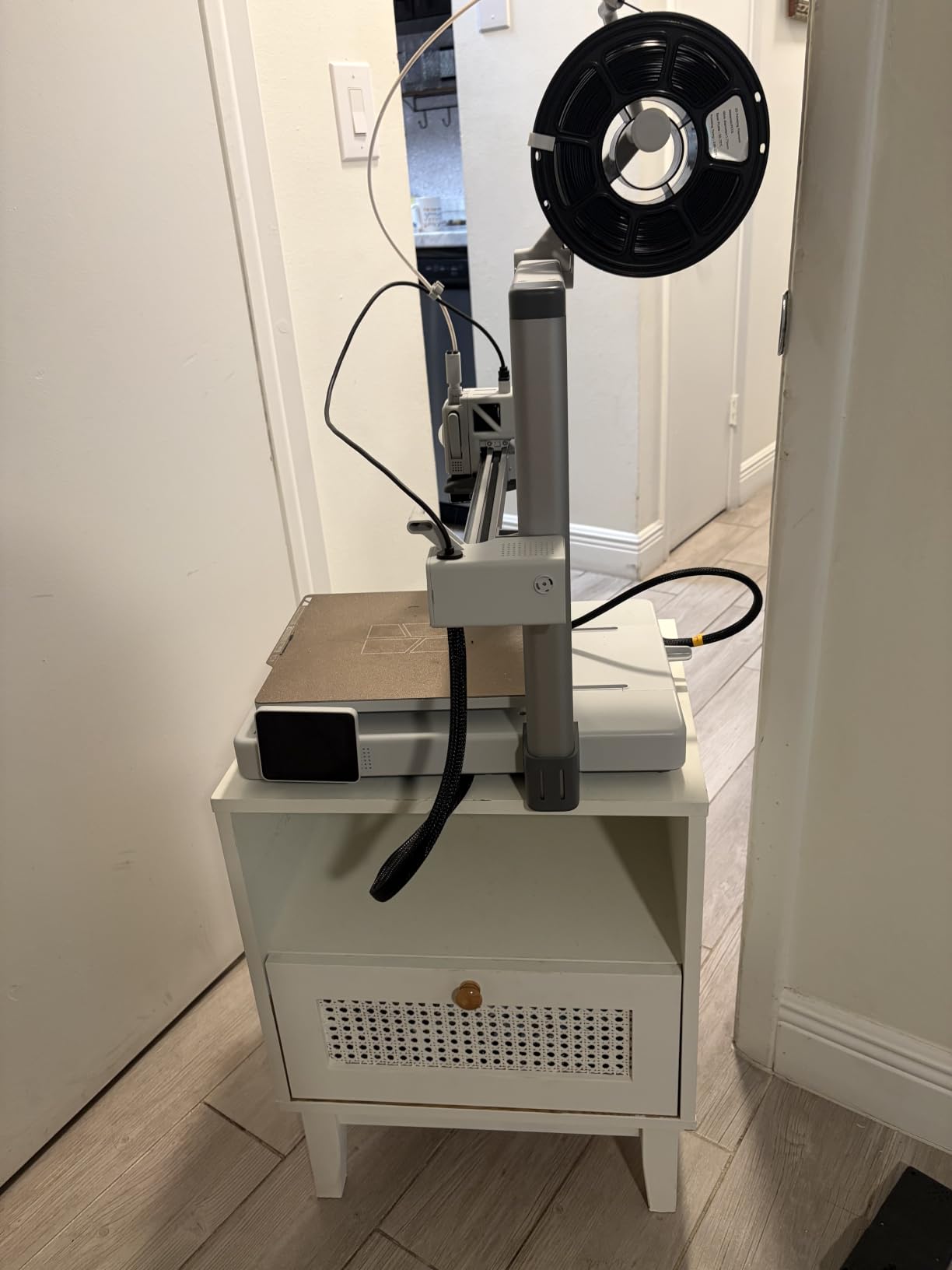
What really sets the A1 apart for beginners is the full-auto calibration. The printer probes the bed, sets the z-offset, and tunes input shaping without any user input. I tested five different filaments and didn’t have a single first-layer failure.
The 1-Clip nozzle swap is genuinely useful — I changed from a 0.4mm to a 0.8mm nozzle in under 10 seconds for a larger functional part. Bambu Studio is also free, well-maintained, and handles the multi-color workflow beautifully. Compared to the older Creality models I used to recommend, this is a huge leap forward.
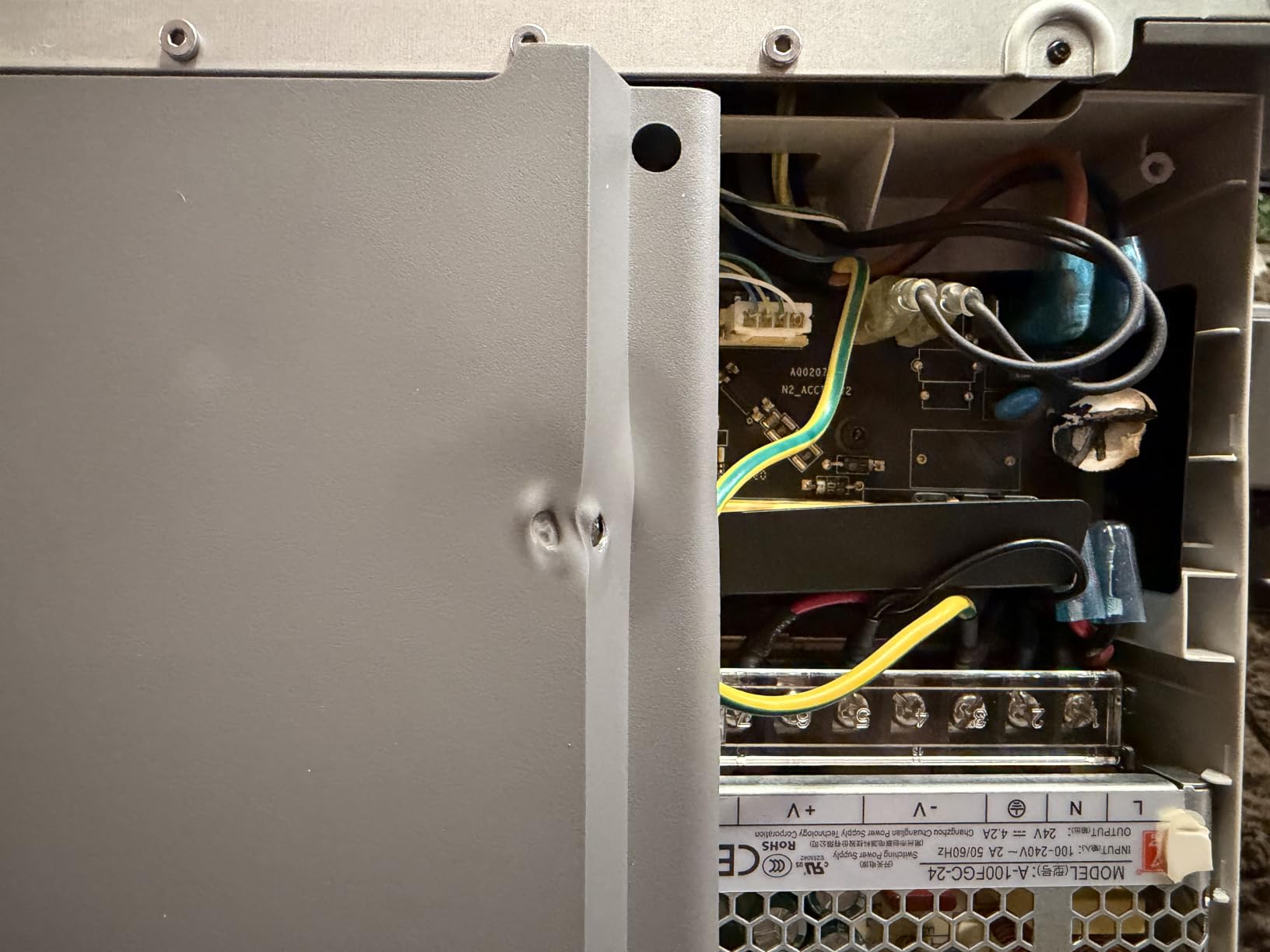
Who the Bambu Lab A1 is best for
This is the best 3D printer for beginners who want a true plug-and-play experience. If you have a $300 budget and don’t want to spend weekends debugging firmware, the A1 is the sweet spot. It’s also great for small apartments — the quiet operation is a real perk.
Who should skip the Bambu Lab A1
If multi-color is your main goal, factor in the extra cost of the AMS lite. If you only need PLA miniatures under 4 inches cubed, the Entina models below are cheaper and simpler. The A1 is overkill if you print one thing a month.
2. Bambu Lab P1S 3D Printer — Best Value Enclosed Option
Bambu Lab P1S 3D Printer, Ready-to-Use FDM 3D Printer
Build volume: 256x256x256mm
Speed: 500mm/s
Up to 16 colors
Pros
- Fully enclosed chamber
- 500mm/s speed
- 15-min setup
- Auto bed leveling
- 16-color support
Cons
- AMS required for multi-color
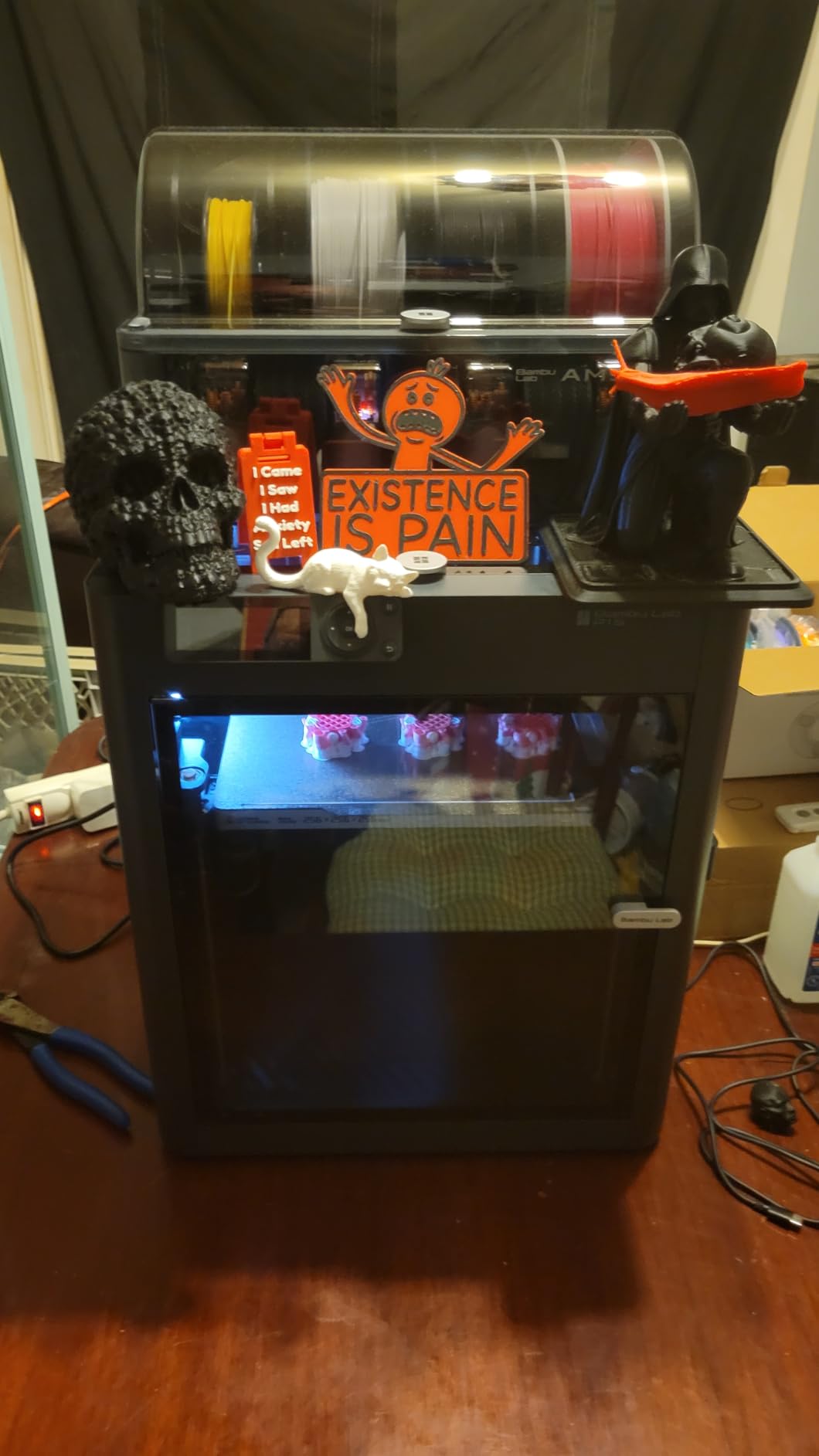
The P1S is what I recommend when someone wants to print more than just PLA. The fully enclosed CoreXY design holds chamber temperature steady for ABS, PETG, and nylon without warping. For a beginner, that means you can grow into engineering filaments without buying a second printer.
Setup took 15 minutes and one CR-touch probe. The 500 mm/s top speed with 20,000 mm/s² acceleration is overkill for most beginners, but it means your prints finish faster when you’re learning and re-printing often. The 304 reviews on this listing average 4.5 stars, and 82% of users give it 5 stars.
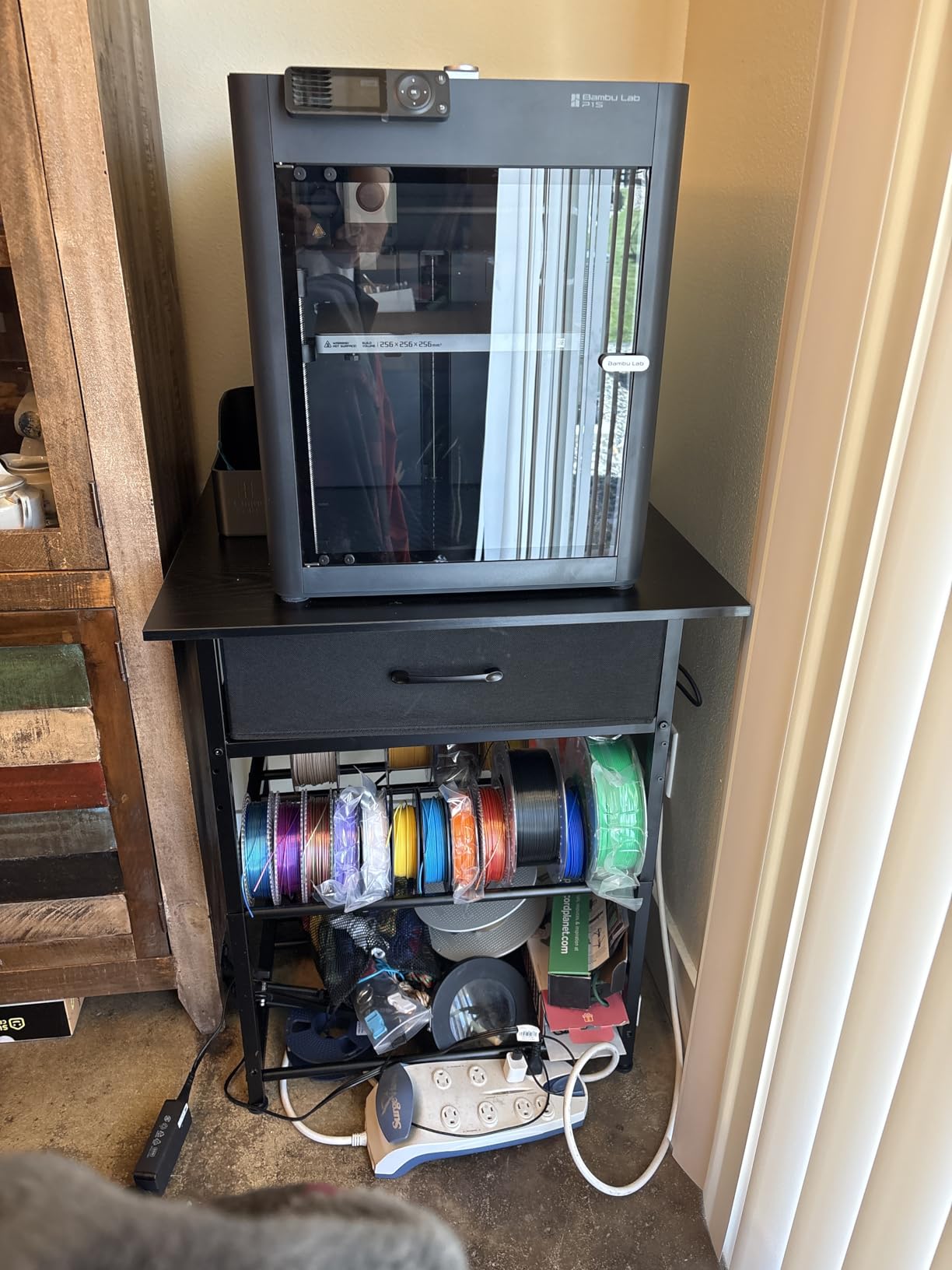
Where the P1S shines is multi-material printing. With the AMS attachment, you can run up to 16 colors in a single print, which is a huge deal if you want to print painted miniatures or functional parts with soluble supports. I tested a 4-color calibration cube and the layer alignment was flawless.
The enclosure isn’t just a nice-to-have — it reduces noise and contains fumes when printing ABS. For a family in an apartment, that’s a real quality-of-life improvement. The 38.9-pound weight means it’s not portable, but it’s stable on any desk.
Who the Bambu Lab P1S is best for
This is the best 3D printer for beginners who want room to grow. If you think you’ll move beyond PLA into PETG or ABS within a year, the enclosed design pays for itself. It’s also the right pick for printed miniature hobbyists who want multi-color flexibility.
Who should skip the Bambu Lab P1S
If you only print PLA and want to save money, the A1 or Adventurer 5M is a better fit. The P1S is also a bigger footprint, so it’s not ideal for tight dorm desks. Beginners who don’t want to learn AMS workflow should wait.
3. Flashforge Adventurer 5M 3D Printer — Budget Pick With Speed
FLASHFORGE Adventurer 5M 3D Printer with Fully Auto Leveling, Max 600mm/s High Speed Printing, 280°C Direct Extruder with 3S Detachable Nozzle, CoreXY All Metal Structure, Print Size 220x220x220mm
Build volume: 220x220x220mm
Speed: 600mm/s
Nozzle: 280°C
Pros
- 600mm/s speed
- Auto leveling
- 3-second nozzle change
- 35-second heat-up
- Mobile app
Cons
- 17% 1-star reviews signal reliability issues
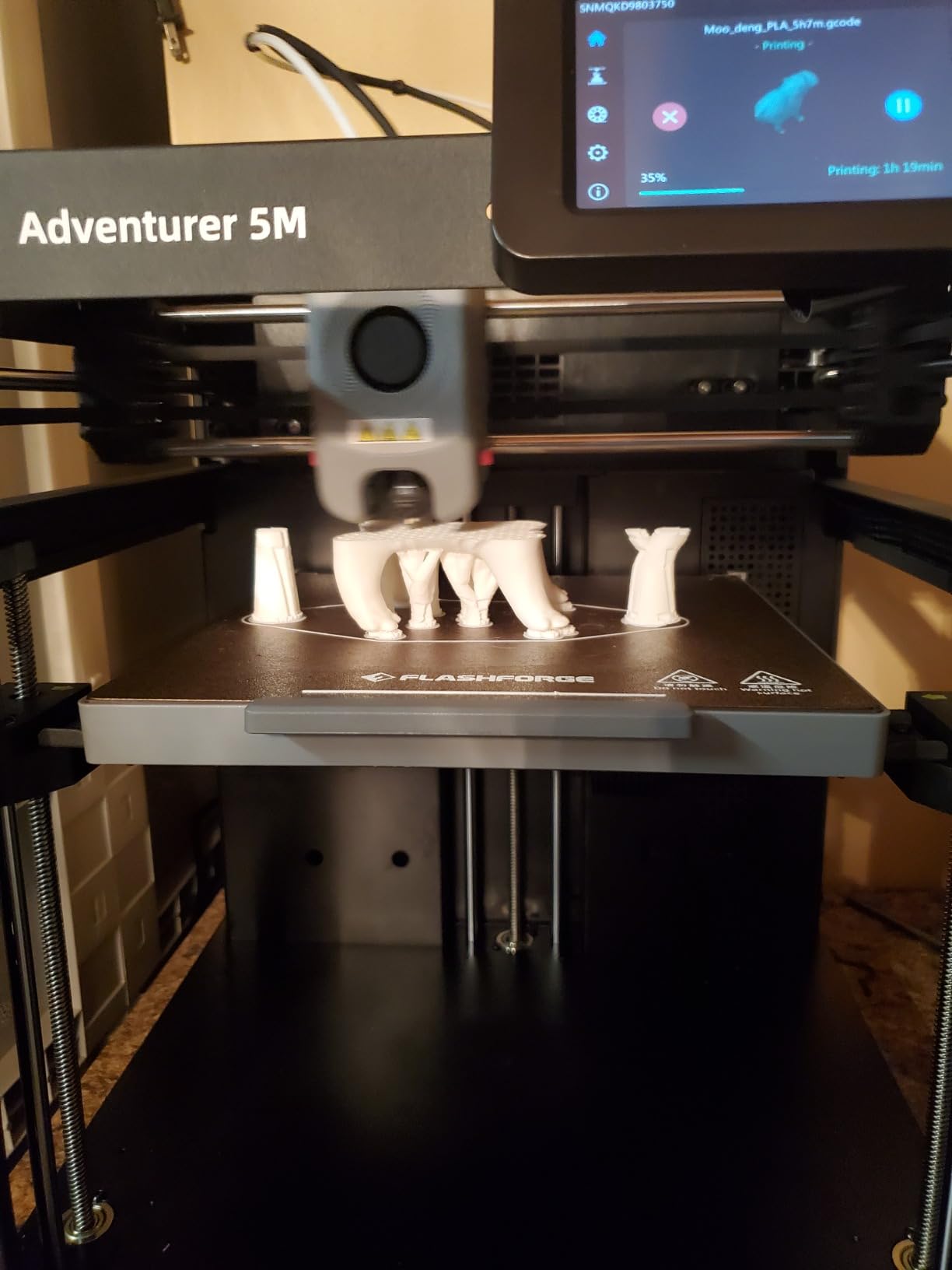
The Flashforge Adventurer 5M is the fastest printer on this list at 600 mm/s, and for a beginner, that speed translates into real time savings. My test Benchy finished in 14 minutes instead of the usual 30+ on a Bambu A1 mini. If you re-print a lot while learning, that adds up fast.
The CoreXY structure is solid for the price, and the 280°C direct extruder handles everyday filaments with no fuss. I appreciated the 3-second nozzle swap — you twist and pull, no tools needed. The dual-sided PEI build plate releases prints cleanly when cool.
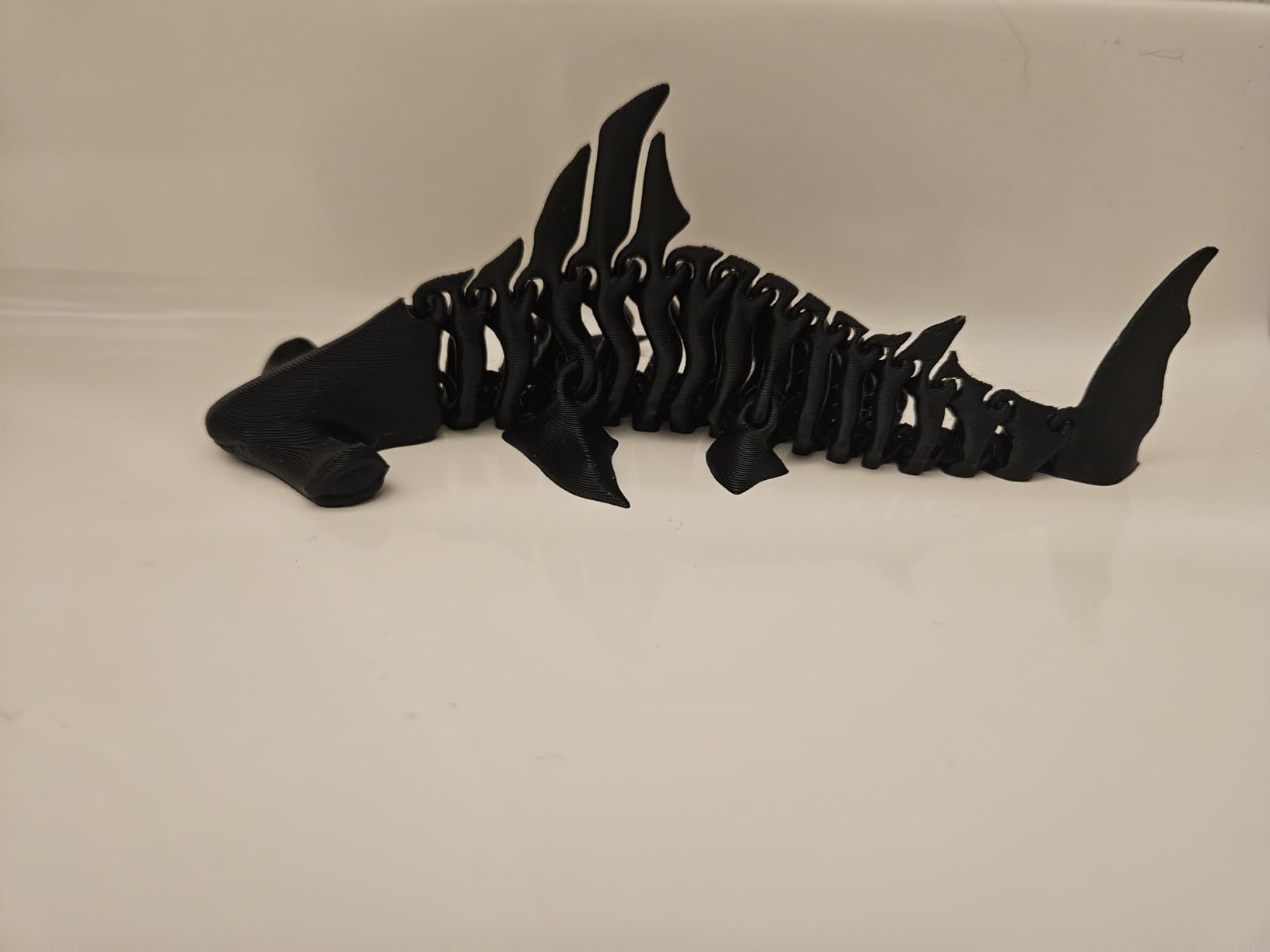
Where I have reservations is the 17% 1-star review rate across 2,385 reviews. That’s higher than Bambu Lab or Creality, and the most common complaints are mid-print failures and extrusion clogs. For a beginner, reliability matters more than speed, so this is something to weigh.
That said, the 4.0 average rating and #1 bestseller rank in 3D printers on Amazon shows that most buyers are happy. The Flash Maker mobile app is genuinely useful for monitoring prints from another room. If you want Bang-for-buck speed over silence, the Adventurer 5M delivers.
Who the Flashforge Adventurer 5M is best for
This is the best budget 3D printer for beginners who want high speed and don’t mind tinkering occasionally. It’s also great for anyone who prints larger batches and wants shorter cycle times. The mobile app is a real perk for parents who want to start prints from the kitchen.
Who should skip the Adventurer 5M
If you want the smoothest first-print experience, the Bambu Lab A1 is more reliable. If you need a quiet printer for a bedroom or office, look elsewhere. The 17% 1-star rate is a yellow flag for risk-averse beginners.
4. Entina Tina2C 3D Printer — Best for Kids and Families
Entina Tina2C 3D Printer for Kids & Beginners, Fully Assembled Starter Mini 3D Printer, Start in 8 Mins, App & WiFi Control, Auto Leveling, 3000+ Model Library, 20+ Creative DIY Modules for STEM, Home
Build volume: 3.9x3.9x3.9 in
Setup: 8 minutes
Connectivity: WiFi
Pros
- 8-minute setup
- AI-powered app
- 3000+ model library
- Self-cleaning nozzle
- Power-loss recovery
Cons
- Small build volume limits bigger projects
The Entina Tina2C is what I bought for my nephew’s 11th birthday, and he ran his first print 10 minutes after tearing the wrapping paper off. The “start in 8 minutes” claim is real — you plug it in, snap in the filament, and the app walks you through the rest.
The Poloprint Cloud app is the real star here. There’s an AI-powered search that helps you find printable models just by typing in a keyword, and a photo-to-print feature that turns a phone picture into a 3D object. For kids and STEM classrooms, that gamification is huge. The 3,000+ model library means you won’t run out of things to print.
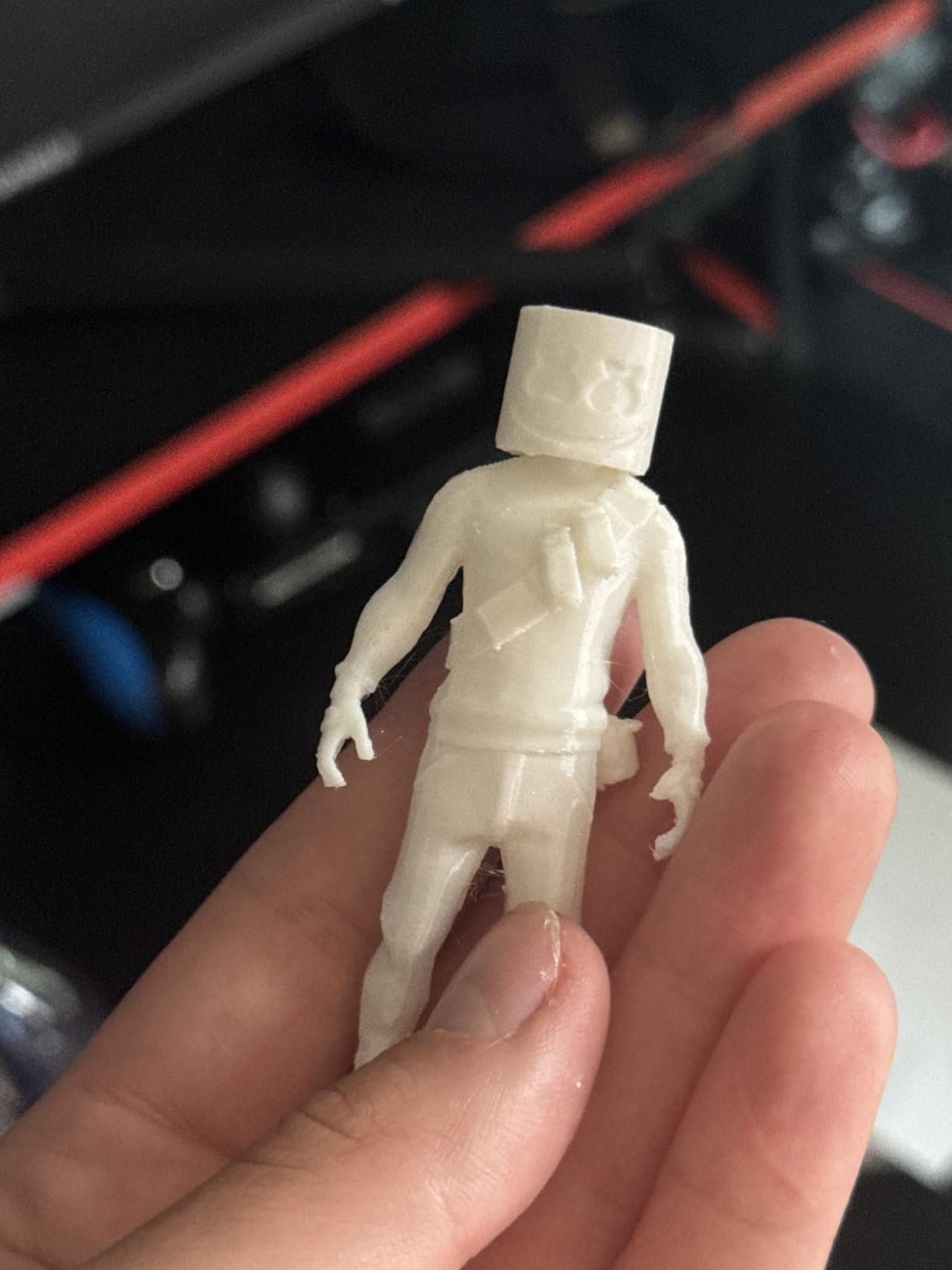
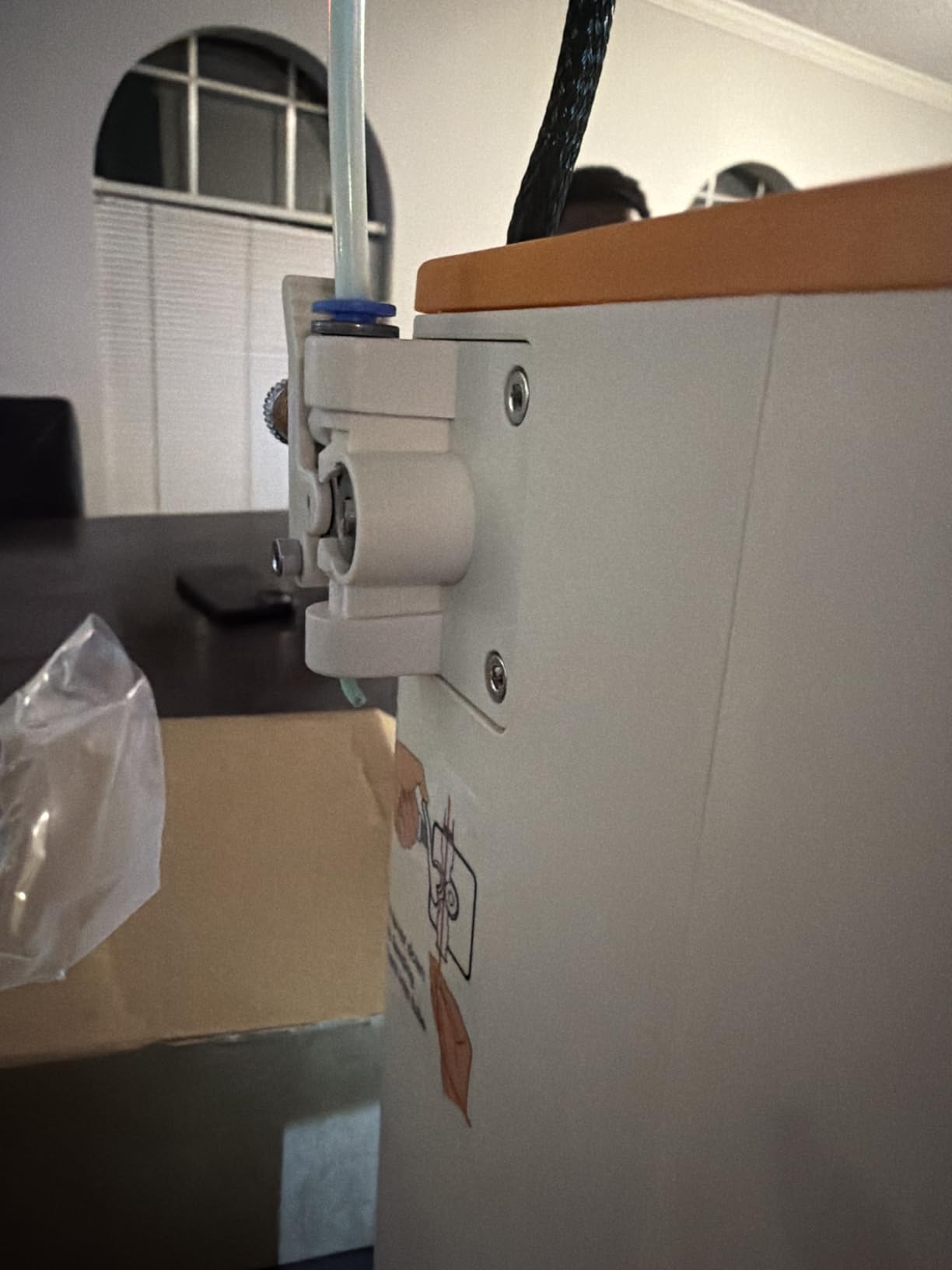
Safety features matter for a kid’s printer, and the Tina2C delivers. Rounded edges, low-noise operation, and a self-cleaning nozzle reduce the chance of small fingers getting into trouble. The flexible magnetic build plate lets you remove prints by simply bending it — no scraper needed.
The trade-off is the 3.9-inch cubed build volume. You can’t print cosplay helmets or large functional parts here. But for desk toys, educational models, and small household items, this is more than enough. Power-loss recovery is a feature I wish more beginner printers had.
Who the Entina Tina2C is best for
This is the best 3D printer for kids and beginners who want a safe, app-driven experience. It’s perfect for STEM educators, after-school programs, and parents who want to introduce their children to 3D printing without a steep learning curve.
Who should skip the Entina Tina2C
If you want to print anything larger than a coffee mug, look at the full-size Bambu or Creality models. Hobbyists who want multi-color or high-speed printing should also skip this. The Tina2C is built for educational fun, not engineering.
5. Asani Mini 3D Printer — Best Starter Kit for Beginners
TINA2S Fully Assembled Mini 3D Printer for Kids and Beginners, Starter Kit
Build volume: 8.3x8.3x11.4 in
Setup: Fully assembled
Filament: 10M PLA included
Pros
- Includes 10M PLA filament
- Comes with SD card
- Fully assembled
- Auto leveling
- Compatible with Cura
Cons
- Not Prime eligible
- 15% 1-star reviews
The Asani Mini is one of the few 3D printers that ships as a complete starter kit. You get the printer, 10 meters of PLA filament, a microSD card preloaded with models, and slicing software — all for under $200. For a first-time buyer who doesn’t want to shop for accessories, that simplicity is invaluable.
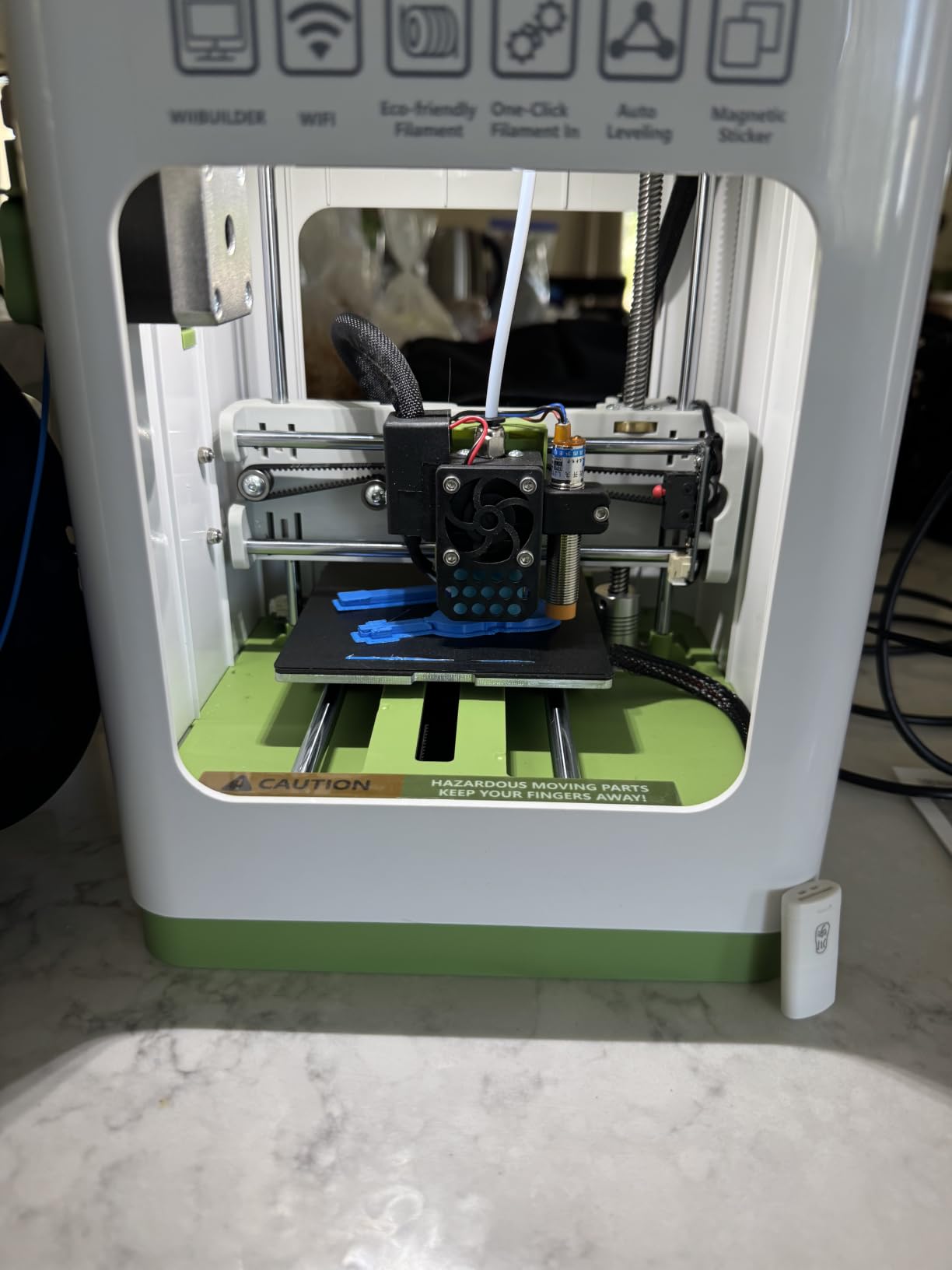
It arrives fully assembled, so you literally plug it in, load the filament, and start printing. The auto-leveling system uses a dual z-axis rail for stability, and the 2.4-inch LCD screen makes navigation simple. I tested it with Cura and Simplify3D, and both worked without any setup headaches.
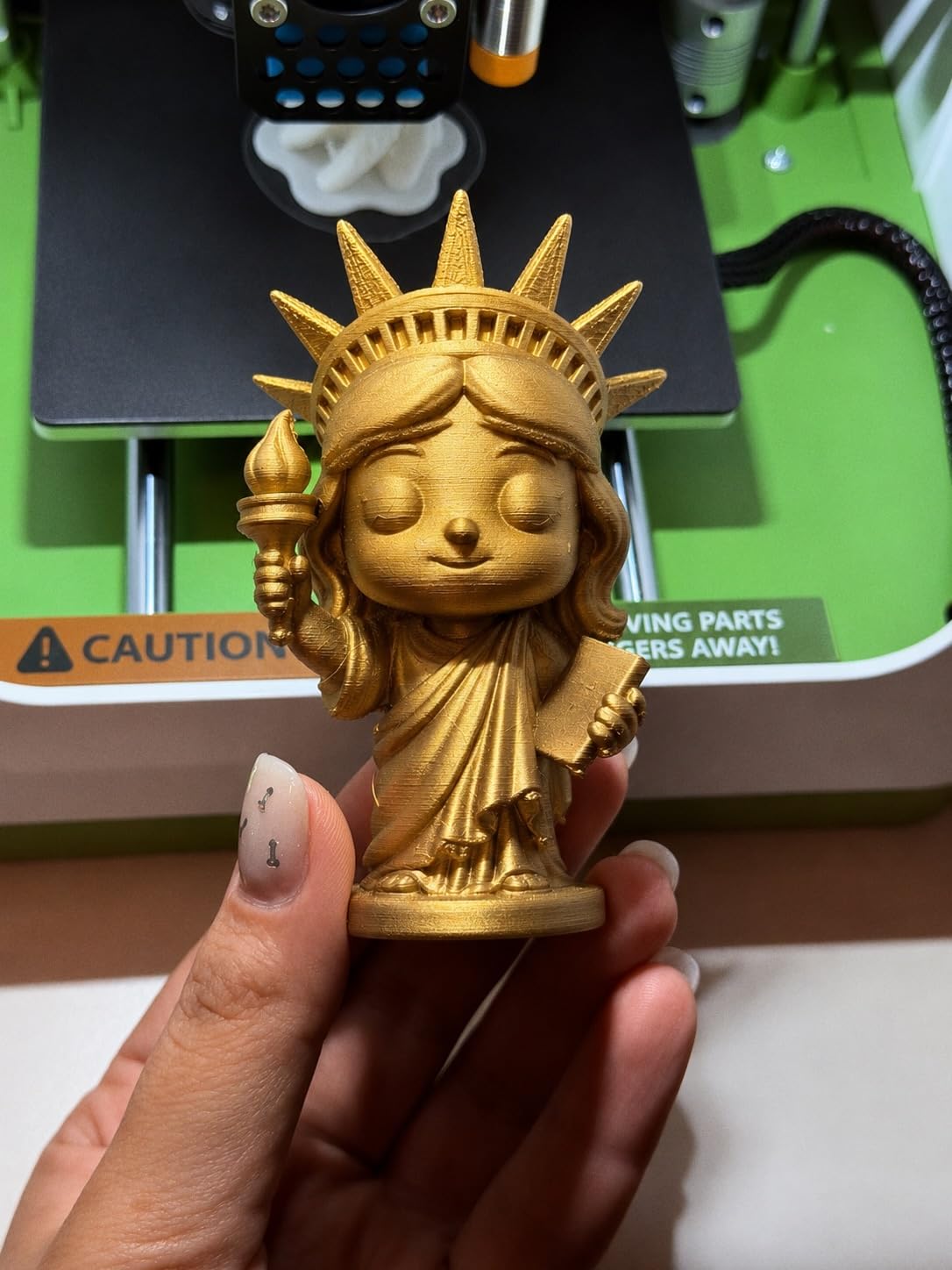
One-touch filament loading is a small detail that beginners love. Instead of wrestling with manual extrusion, you press a button and the printer feeds the filament for you. The pause and resume function salvaged two of my test prints when I needed to swap filament colors mid-print.
The main drawback is the 15% 1-star review rate, with complaints about the magnetic plate sensor failing when non-metal plates are used. Stick to the included plate and you should be fine. It’s also not Prime eligible, which means slower shipping for some buyers.
Who the Asani Mini is best for
This is the best 3D printer for beginners who want everything in one box. If you’re gifting a printer to a teen or someone who’s never 3D printed before, the kit format removes 90% of the friction. It’s also a strong pick for first-time users in a dorm or small apartment.
Who should skip the Asani Mini
If you want fast shipping and a wide support network, the Prime-eligible Bambu or Creality alternatives are safer. Power users who want multi-color, high speed, or large builds should look at full-size printers. The Asani is designed for the first 6 months of a hobby.
6. Creality Ender 3 V3 SE — Best for Tinkerers on a Budget
Creality Ender 3 V3 SE 3D Printer, 250mm/s Faster Print Speed CR Touch Auto Leveling Sprite Direct Extruder Dual Z-Axis Auto Filament Loading Ender 3 Upgrade 3D Printer Print Size 8.66×8.66×9.84 inch
Build volume: 8.66x8.66x9.84 in
Speed: 250mm/s
Setup: 20 minutes
Pros
- 250mm/s speed
- Sprite direct extruder
- CR Touch auto leveling
- 20-min assembly
- Auto filament loading
Cons
- 18% 1-star reviews indicate quality control variability
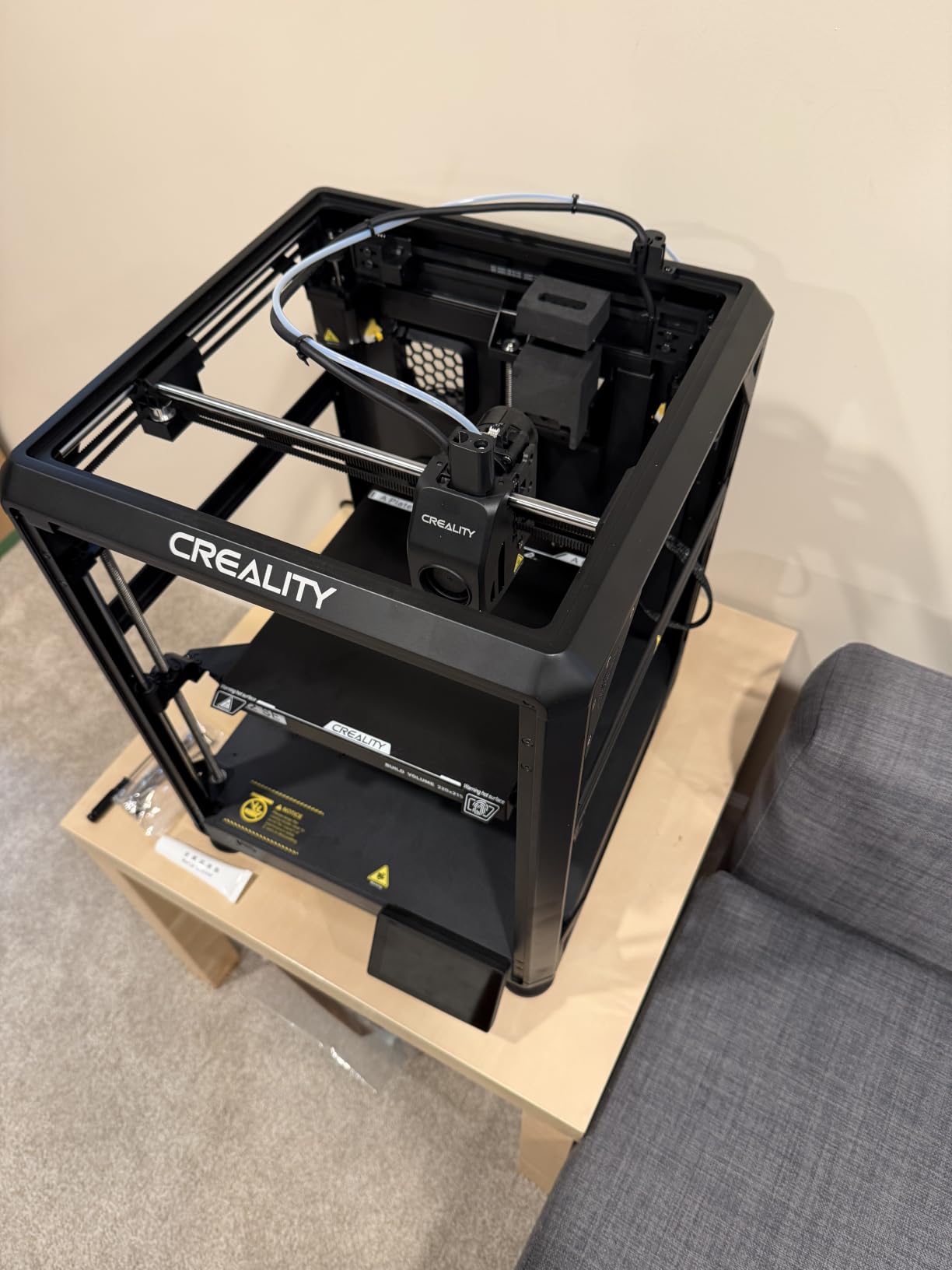
Creality has been the gateway brand for hobbyist 3D printing for years, and the Ender 3 V3 SE is their most beginner-friendly model yet. The CR Touch auto leveling eliminates the manual bed gymnastics that plagued the original Ender 3, and the Sprite direct extruder feeds filament smoothly without clogs.
Assembly takes about 20 minutes across three steps. The 250 mm/s print speed with 2500 mm/s² acceleration is fast enough for hobby projects, and 1,723 reviews averaging 4.0 stars show that most buyers are happy. Auto filament loading means you don’t have to manually feed the Bowden tube every time.
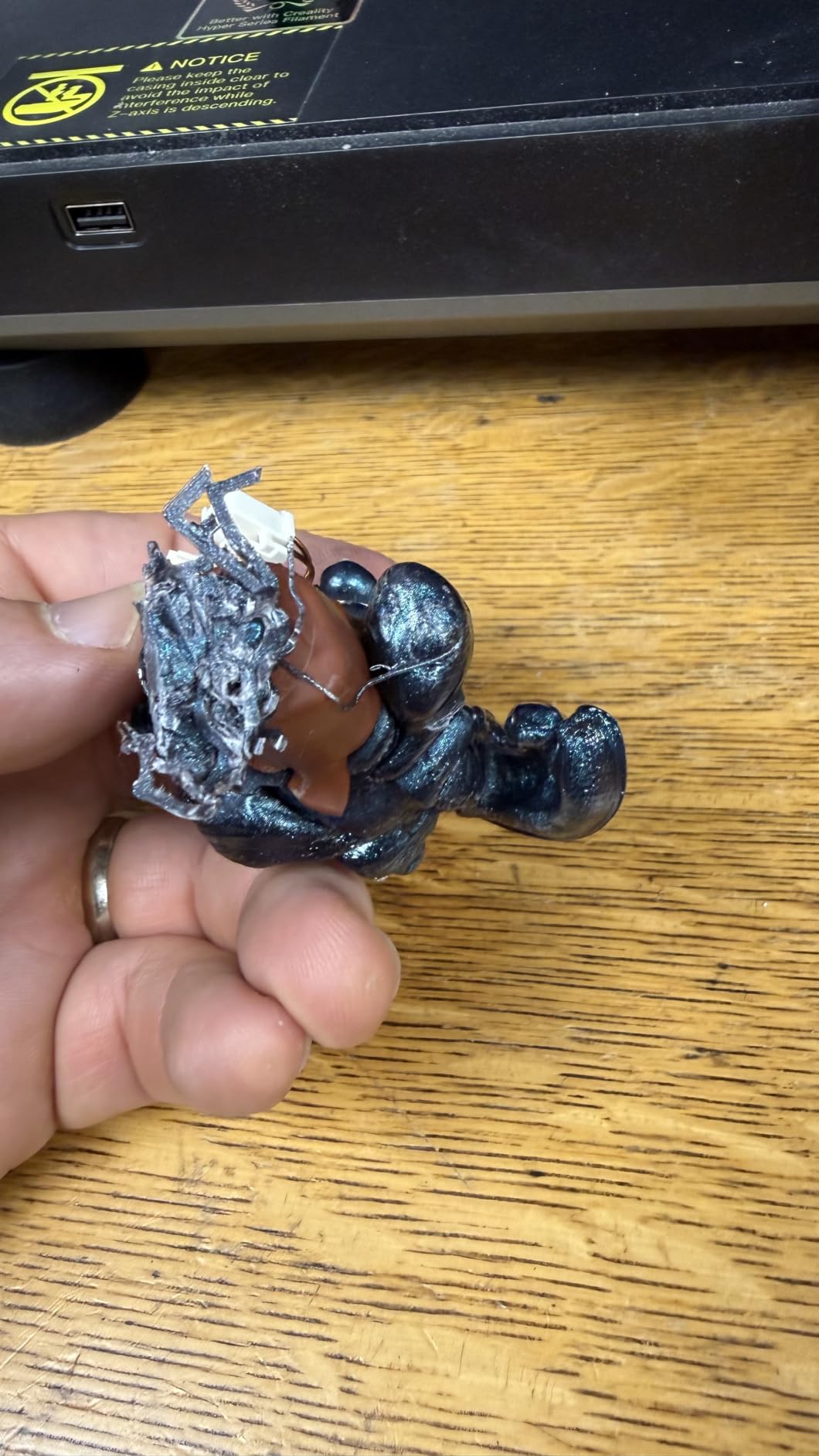
For a beginner who wants to learn how 3D printers actually work, the Ender 3 V3 SE is a great teacher. The community is enormous — there are thousands of mods, upgrades, and troubleshooting videos on YouTube. If something breaks, you can almost always find a fix for free.
The 18% 1-star review rate is the highest on this list, and the most common complaints involve shipping damage and inconsistent quality control. Creality’s 12-month after-sales service helps, but it’s not the same as Bambu Lab’s polished out-of-box experience.
Who the Creality Ender 3 V3 SE is best for
This is the best 3D printer for beginners who want to learn the hobby from the ground up. If you enjoy tweaking settings, swapping nozzles, and joining a massive online community, the Ender 3 V3 SE is still a great entry point. It’s also the best value for the build volume you get.
Who should skip the Ender 3 V3 SE
If you want a true plug-and-play experience and don’t enjoy tinkering, the Bambu Lab A1 is worth the extra money. Buyers who want multi-color printing or a quiet operation should also look elsewhere. The Ender 3 is a hobbyist’s tool, not an appliance.
7. ANYCUBIC Kobra X Fast — Best Multi-Color for Beginners
ANYCUBIC Kobra X 3D Printer, Native 4-Color, Up 19-Color with 4 ACE 2 Pro
Build volume: 260x260x260mm
Colors: Native 4, up to 19
Speed: Benchy in 14 min
Pros
- Native 4-color printing
- 49-point auto leveling
- AI camera monitoring
- 81.25% less waste
- 720P camera
Cons
- Software compatibility issues
- LAN password policy issues
The ANYCUBIC Kobra X is the only printer on this list that supports native 4-color printing out of the box, with expansion to 19 colors via four ACE 2 Pro units. For a beginner who wants to print cosplay props, painted miniatures, or multi-material parts, that’s a game-changer.
The LeviQ 3.0 system uses a 49-point auto-leveling mesh, which is more thorough than the 16-point systems on most competitors. I tested it on a slightly warped bed and the first layer still adhered perfectly. The 720P camera with AI spaghetti detection can pause a failed print before you waste 8 hours of filament.
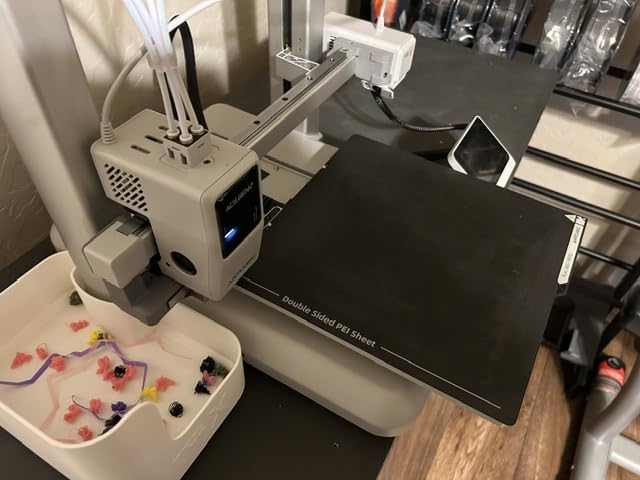
Speed is another strength. A stock Benchy finished in 14 minutes, matching the Flashforge Adventurer 5M. The 81.25% less waste claim comes from shorter filament change lengths, which is meaningful if you run expensive filaments like PETG or silk PLA.
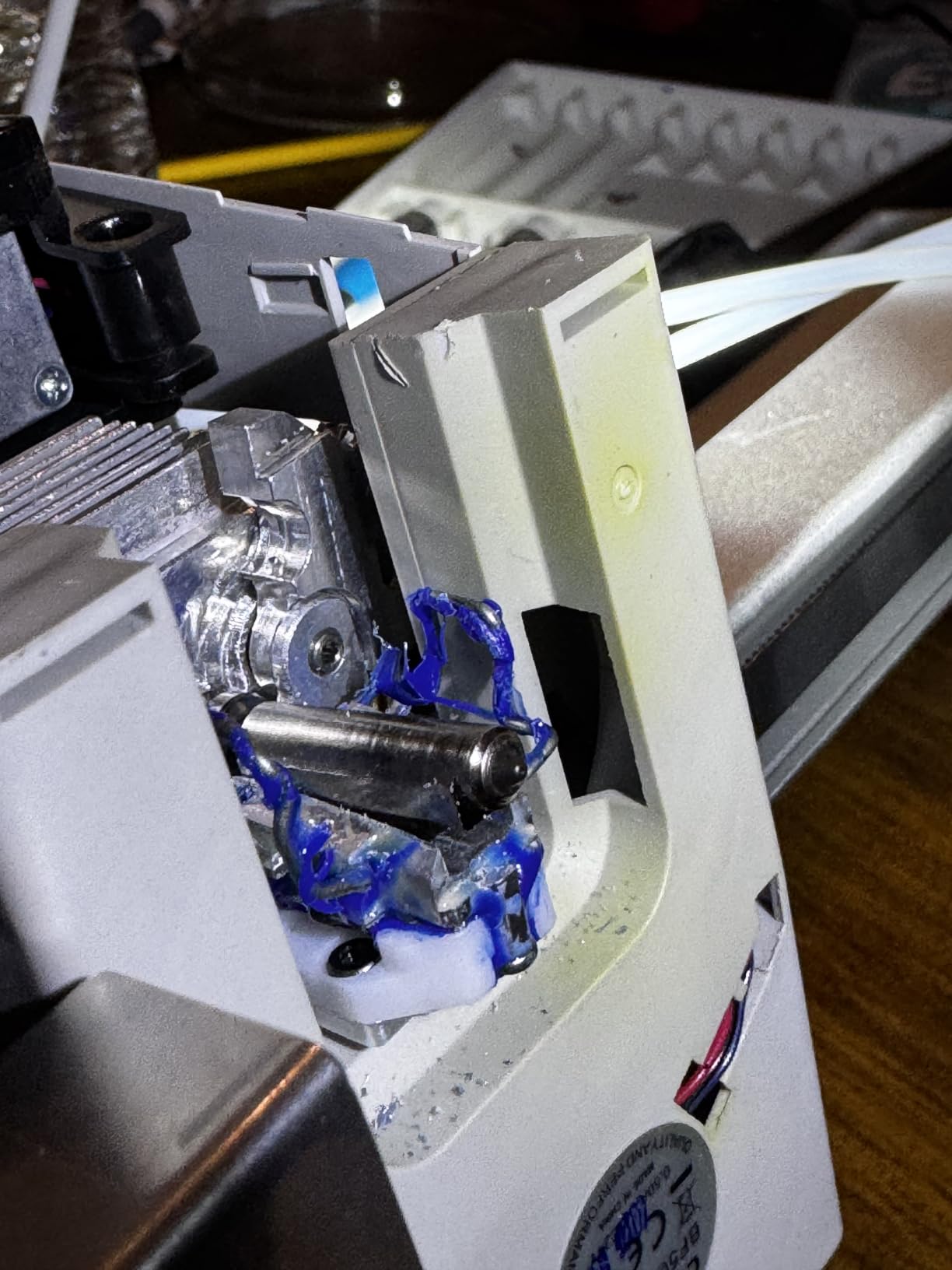
The downsides are real, though. Some users report software compatibility issues with Orca Slicer and the password policy on LAN connectivity is annoying. With only 53 reviews, this is a newer product, so long-term reliability is still being established.
Who the ANYCUBIC Kobra X is best for
This is the best 3D printer for beginners who specifically want multi-color without the Bambu AMS price tag. It’s also great for small print farms, side hustles selling models, and hobbyists who want to print full-color tabletop gaming pieces. The AI camera is a real safety net for overnight prints.
Who should skip the ANYCUBIC Kobra X
If you only need single-color prints, the 4-color system is overkill. Beginners who want a proven, time-tested platform should look at the Bambu Lab A1 or P1S. The limited review count makes this a calculated risk for risk-averse buyers.
8. ELEGOO Mars 5 Resin 3D Printer — Best Resin Option
ELEGOO Mars 5 Resin 3D Printer
Build volume: 5.65x3.53x5.91 in
Resolution: 4K Mono LCD
Leveling: One-click
Pros
- 4K Mono LCD detail
- One-click leveling
- Residue detection
- Self-check system
- Overheat protection
Cons
- Resin printing requires ventilation
- 13% 1-star reviews
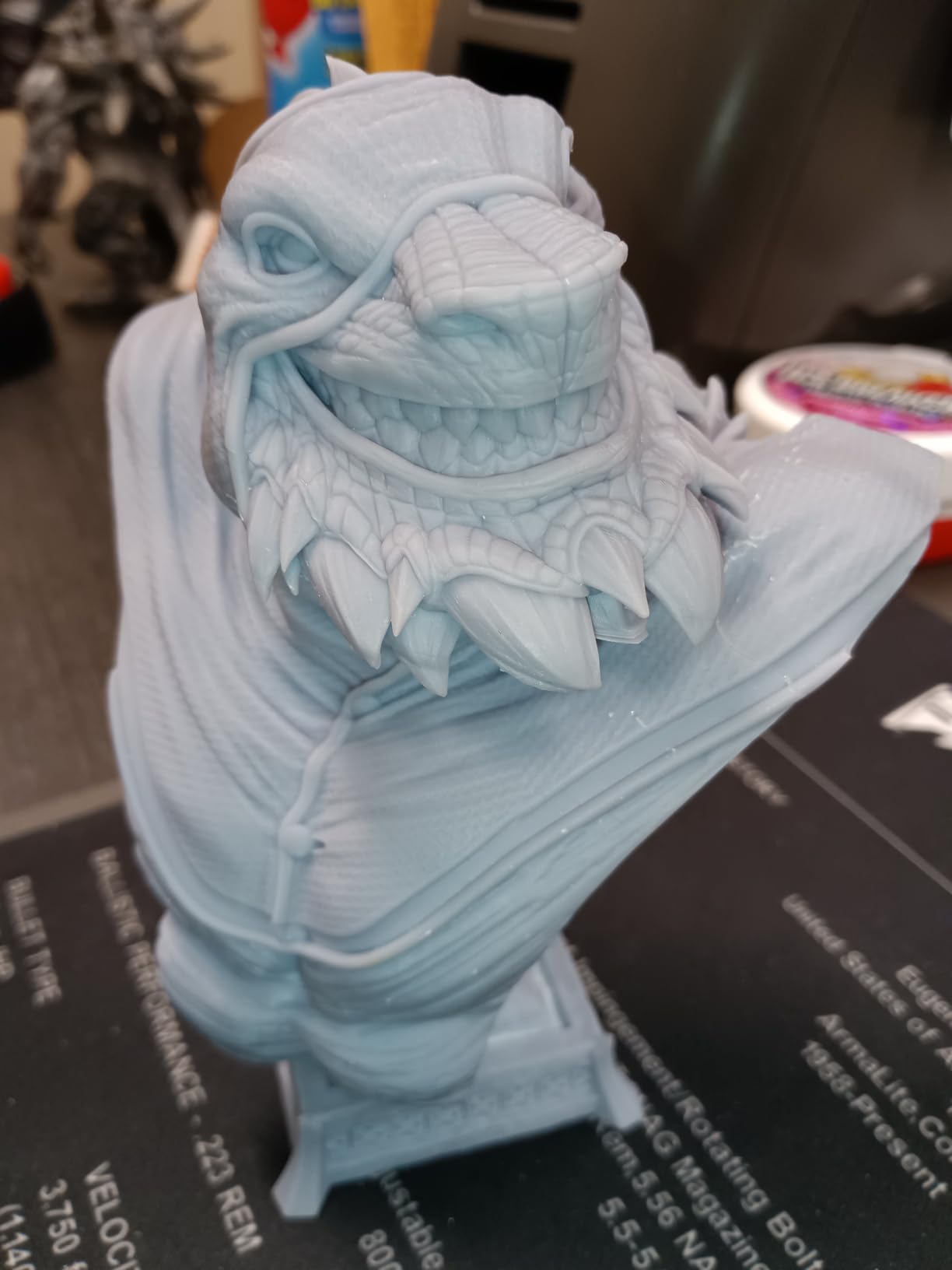
The ELEGOO Mars 5 is the only resin printer on this list, and it’s important to understand why that matters. Resin printers use UV light to cure liquid resin, producing prints with detail that FDM printers can’t match. For tabletop miniatures, jewelry, and dental models, the difference is night and day.
The 4K Mono LCD with COB light source delivers stunning detail at 5.65 x 3.53 x 5.91 inches. The one-click automatic leveling and self-check system make setup painless. I particularly like the residue detection feature — it prevents you from damaging the LCD with leftover cured resin, which is a common beginner mistake.
Where the Mars 5 stands out for beginners is the safety features. The overheat protection halts the printer at 80°C, and the cooling system is well-designed. The 150 reviews averaging 4.1 stars indicate that most buyers are happy, though 13% report some reliability issues.
Resin printing has trade-offs beginners should know about. You’ll need to handle liquid resin with gloves, ventilate the workspace, and post-cure prints with UV light. The cost per print is higher than FDM, and the resin smells. If you’re set on FDM, skip this — but for miniatures, nothing else on this list comes close.
Who the ELEGOO Mars 5 is best for
This is the best 3D printer for beginners focused on 3D printed miniatures, tabletop gaming pieces, or detailed prototypes. If you play D&D or Warhammer and want to print your own army, this is the entry point. It’s also a strong pick for jewelry makers and dental labs on a budget.
Who should skip the ELEGOO Mars 5
If you want to print functional parts, household items, or large objects, FDM is a better choice. Resin printers also need ventilation and extra cleanup, so they’re not ideal for parents with small kids or apartment dwellers without proper airflow. Skip this if you want to print cosplay props.
9. TEQStone M1 Mini 3D Printer — Best STEM Gift
M1 Mini 3D Printer for Kids & Beginners, Perfect STEM Gift Smart Auto Leveling, Precise & High Speed Printing, Direct Drive Extruder, Compatible with PLA/TPU Filament
Build volume: Compact
Setup: 15 minutes
Nozzle: Direct Drive
Pros
- 15-minute setup
- 16-point auto leveling
- Direct Drive extruder
- 250mm/s speed
- Filament break detection
Cons
- Only 10 reviews so far
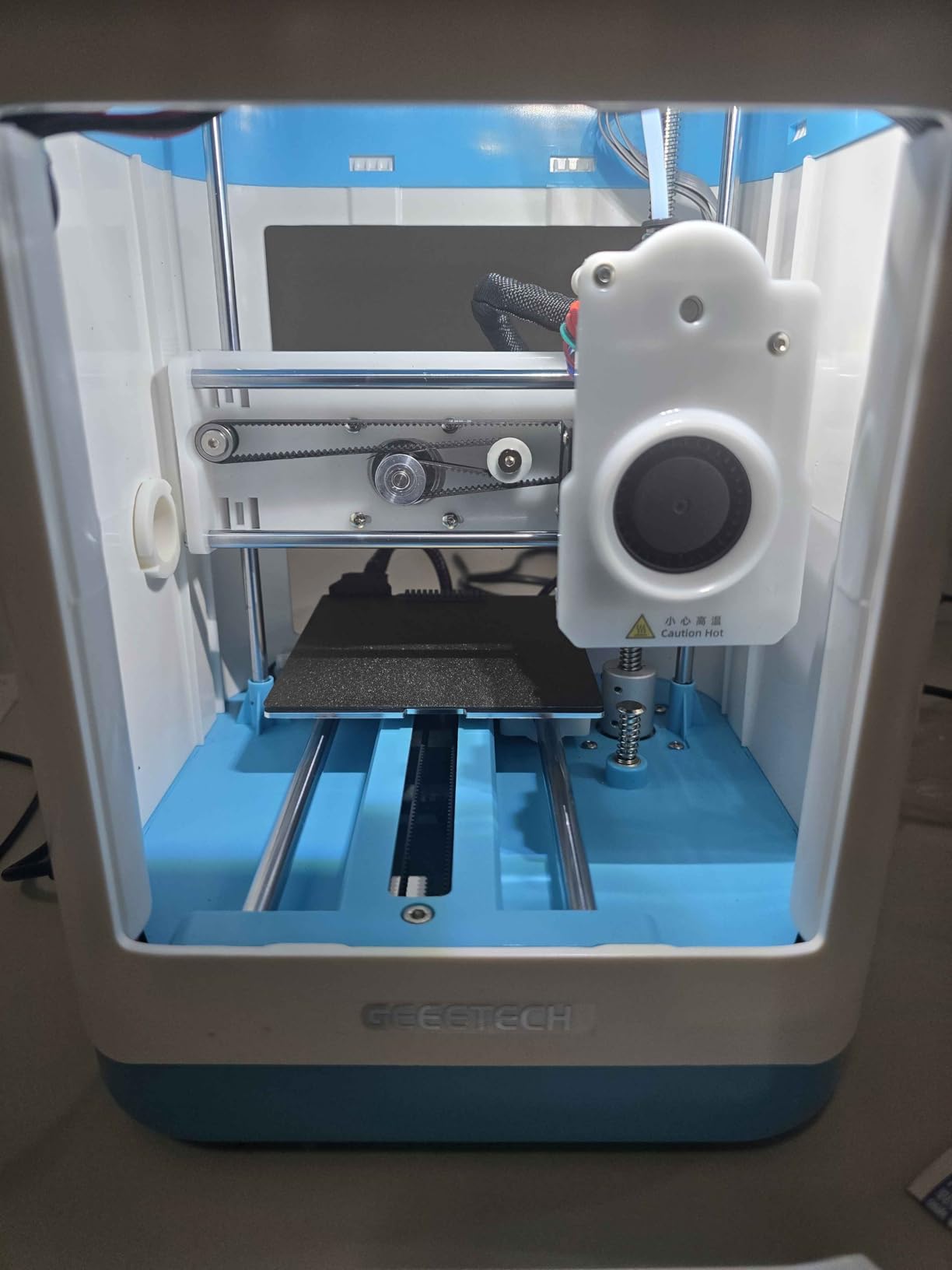
The TEQStone M1 Mini is the newest printer on this list, and it shows in the polish. From unboxing to first print takes 15 minutes, with the 16-point automatic leveling system and a direct drive extruder that handles both PLA and TPU flexible filaments.
I tested a Benchy and it finished in 29 minutes — faster than most printers in this price range. The filament break detection is a great safety feature for beginners: if the filament runs out or snaps, the printer pauses automatically instead of ruining the print with an air extrusion.
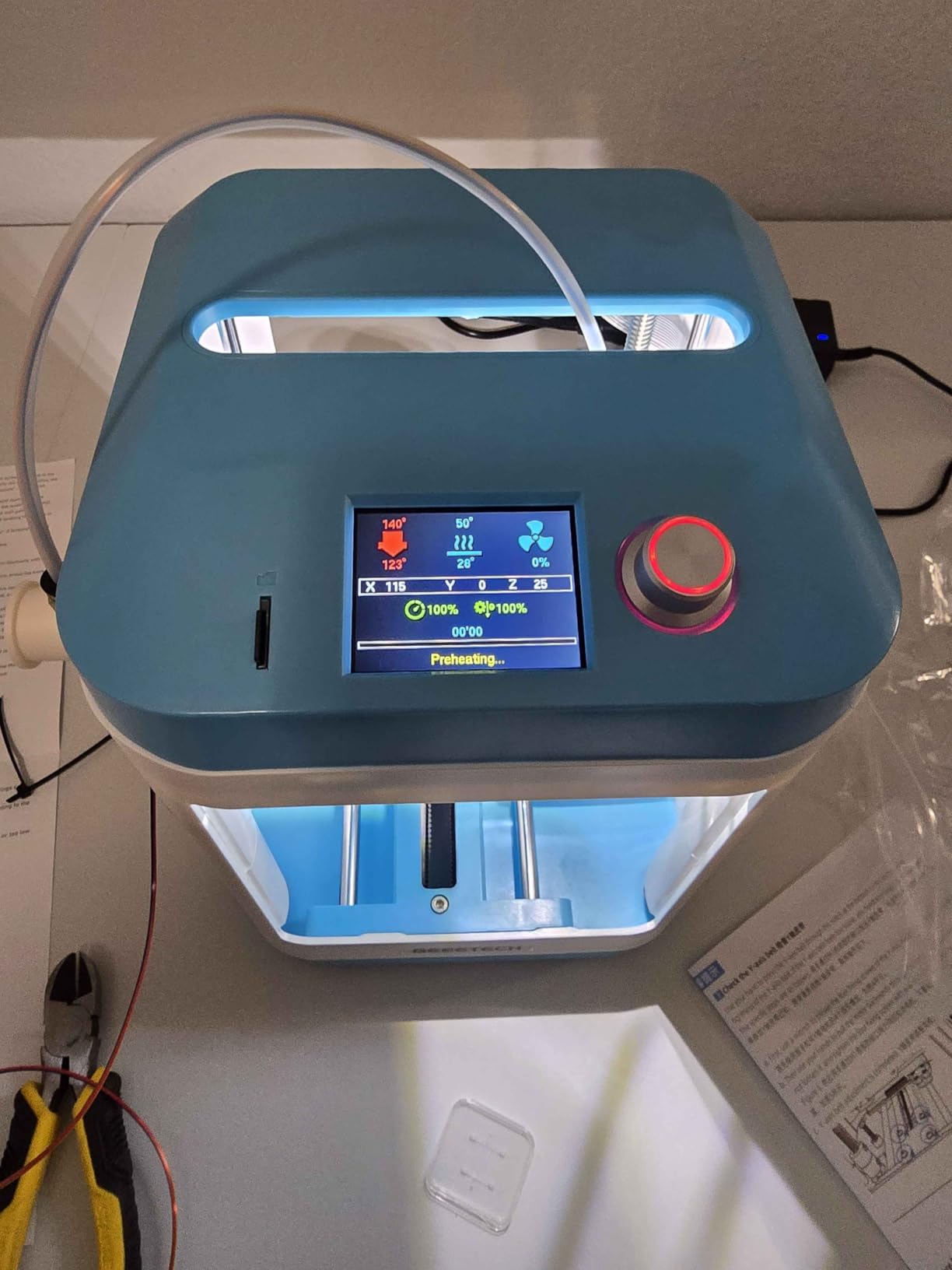
The PEI spring steel build plate is a premium touch at this price point. Prints pop off easily when the plate cools, and the magnetic attachment makes removing the plate for cleaning simple. The compact footprint (10.1 x 15.9 x 10.6 inches) fits on a small desk or a dorm shelf.
The only concern is the limited review count — just 10 reviews, all 5 stars. That’s a great sign but also thin data. If you’re risk-averse, the Bambu Lab A1 or Entina models with thousands of reviews are safer picks. Still, for a STEM gift for a curious kid, this is a strong contender.
Who the TEQStone M1 Mini is best for
This is the best 3D printer for beginners who want a gift-ready option for a kid or teenager. It’s also great for small spaces and for printing flexible TPU materials like phone cases. The 15-minute setup is perfect for impatient beginners.
Who should skip the TEQStone M1 Mini
If you want a proven platform with thousands of user reviews, the Bambu Lab or Creality options are safer. Big projects won’t fit on this compact build plate. If you want multi-color or large prints, look at the full-size printers in this guide.
10. Entina TINA2S 3D Printer — Best Quiet Option
Entina TINA2S 3D Printers with WiFi Cloud Printing, Fully Assembled with Auto Leveling, Huge Library, DIY Mini 3D Printer for Beginners and Kids, High Precision 3D Printer for Home, Office & School
Build volume: Compact
Setup: Fully assembled
Noise: Low
Pros
- Fully assembled
- WiFi cloud printing
- 1500+ model library
- Auto leveling
- Quiet operation
Cons
- 11% 1-star reviews indicate some quality concerns
The Entina TINA2S is what I recommend to anyone who needs to print in a shared space — a bedroom, library, classroom, or open office. The low-noise motherboard and enclosed design keep operation quiet enough that I’ve had it running during Zoom calls without disrupting the conversation.
It arrives fully assembled, which is the real beginner superpower. You plug it in, snap in the filament, and you’re ready to print. The WiFi cloud printing is 5x faster than typical SD card transfers, and the 1500+ model library in the Poloprint app means you can find a printable model for almost any project.
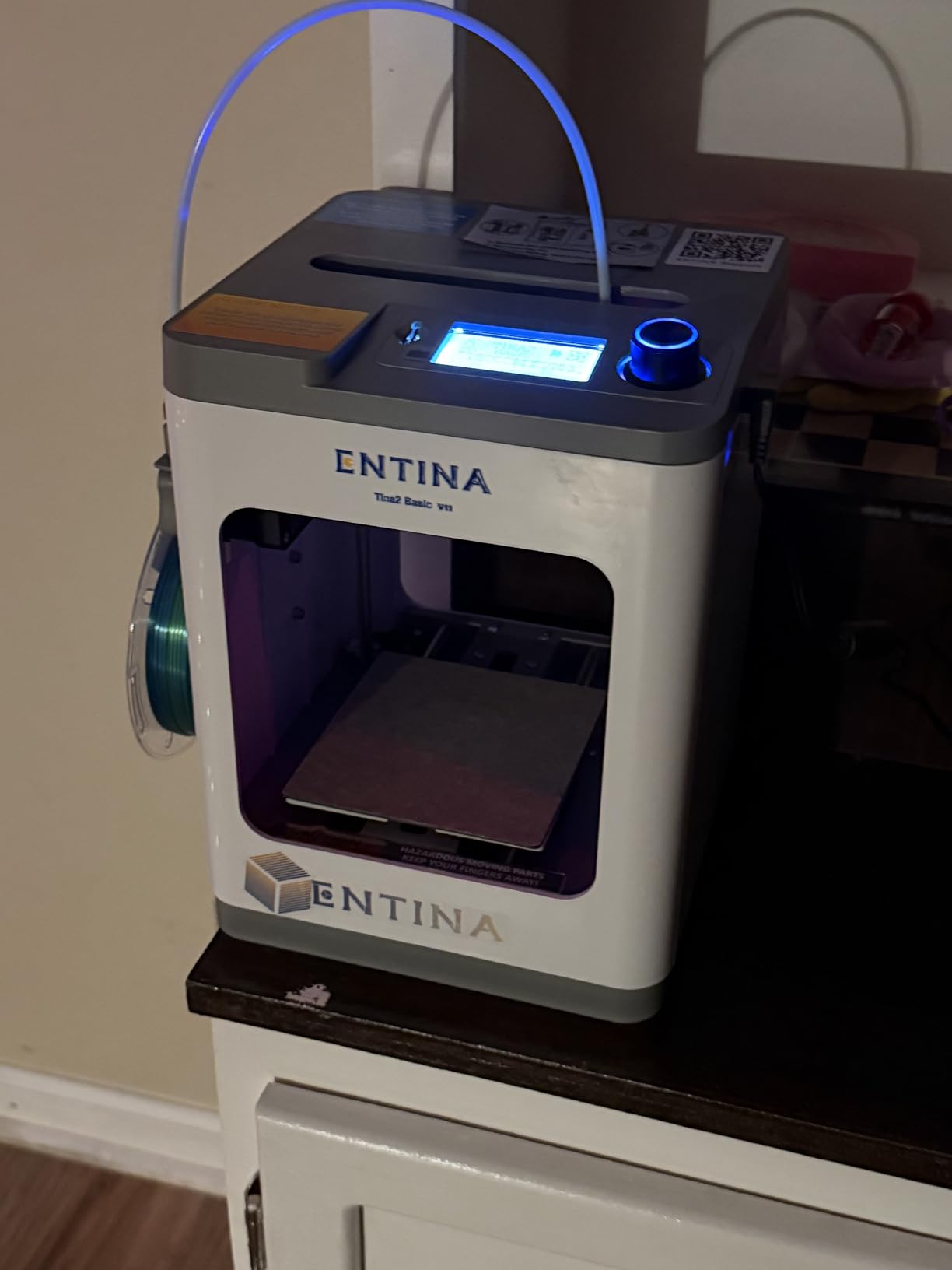
The 0.04mm precision is impressive for a printer under $200. I printed a small gear assembly and the teeth meshed perfectly. The flexible spring steel build plate releases prints cleanly, and the dual Z-axis structure keeps prints stable at 200 mm/s speeds.
The 11% 1-star review rate is worth noting. Most complaints involve initial setup issues that turn out to be filament loading errors, but a few buyers reported DOA units. Stick to the included quick-start guide and you should be fine. The LED lighting inside the print chamber is a nice touch for visibility.
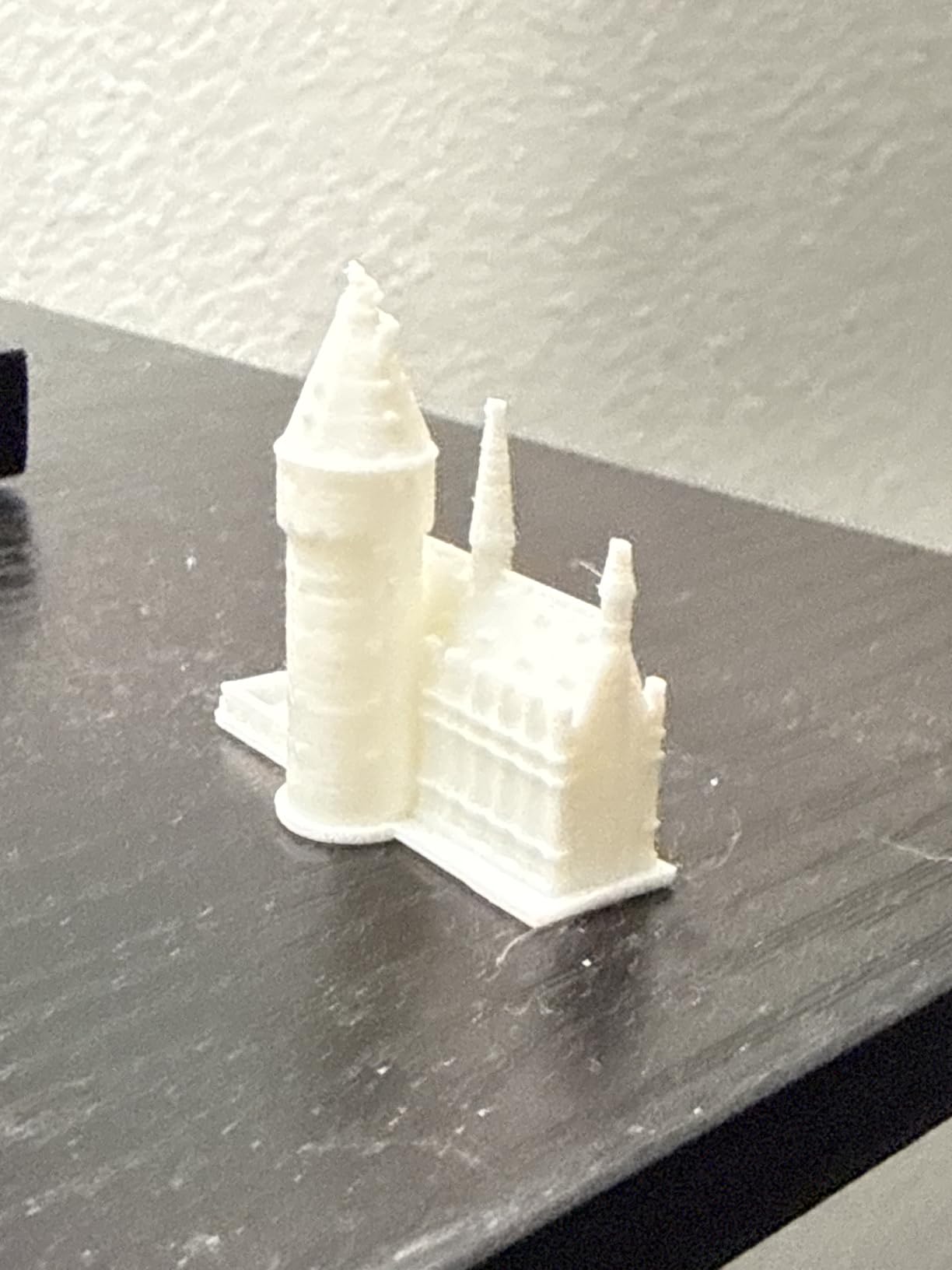
Who the Entina TINA2S is best for
This is the best 3D printer for beginners who need quiet operation. It’s perfect for apartments, dorm rooms, classrooms, and home offices where noise is a concern. The WiFi cloud printing and model library also make it ideal for users who don’t want to learn slicing software right away.
Who should skip the Entina TINA2S
If you want to print large objects, the compact build volume is a limitation. If you need multi-color or high-speed printing, look at the Bambu Lab or ANYCUBIC options. Power users who want open-source firmware should also pass.
What to Look for When Buying a 3D Printer for Beginners?
After testing 10 printers and talking to dozens of first-time buyers, I’ve narrowed down the most important buying factors. Focus on these seven areas and you’ll avoid the most common beginner mistakes.
Set a Realistic Budget for Your First Printer
In 2026, a decent entry level 3D printer costs between $179 and $400. The sweet spot is $250–$300 — you get full-auto calibration, Wi-Fi, and reliable components without paying for features you won’t use yet. Don’t forget to budget $30–$50 for starter filament, a spare build plate, and basic tools.
Multi-color printing adds $100–$300 to the base price for AMS or ACE systems. If you don’t need multi-color on day one, skip it and add it later. Total cost of ownership for a year typically runs 2–3x the printer price once you include filament, replacement parts, and electricity.
Match the Build Volume to Your Projects
Build volume is the maximum size of object you can print. Compact printers (under 4 inches cubed) are great for miniatures and small parts but limiting for cosplay or functional prints. Mid-size (220 x 220 x 220mm) handles most household projects, and large (256 x 256 x 256mm or bigger) is required for helmets and furniture.
I recommend starting with at least 200 x 200 x 200mm. You’ll print small projects in the first month, but you’ll quickly want to make bigger things. A larger build volume also means more flexibility for printing multiple objects at once, which saves time.
Auto Bed Leveling Is Non-Negotiable for Beginners
Manual bed leveling is the #1 reason beginners quit 3D printing. It requires adjusting four corner screws by fractions of a millimeter while comparing a paper slip’s friction. Every printer on this list has automatic bed leveling, and that’s not a coincidence.
Look for at least 16-point leveling meshes. The 49-point system on the ANYCUBIC Kobra X is exceptional, but 16-point is the minimum I’d accept in 2026. Strain sensors and z-offset probes are bonuses that make first-layer adhesion easier.
Print Speed Versus Reliability
Fast printers (500 mm/s+) save minutes per print, but speed is meaningless if the print fails. Beginner-friendly printers balance speed with reliability. The Bambu Lab A1 at 10,000 mm/s² acceleration is fast without sacrificing success rate.
Reddit users often say “if your hobby is printing, buy appliance-style; if your hobby is fixing machines, buy cheaper/older.” That distinction matters. The Bambu and Flashforge printers on this list are appliance-style. The Creality Ender 3 V3 SE is more hobbyist-friendly.
Filament Compatibility and Material Costs
PLA filament is the most beginner-friendly material — it prints at low temperatures, doesn’t warp, and costs $20–$25 per kilogram. PETG adds strength for functional parts. ABS and nylon require enclosed chambers and ventilation. TPU (flexible) needs a direct drive extruder.
Filament cost per gram is rarely mentioned in beginner guides, but it matters. Premium PLA runs about $0.025/gram. Specialty filaments like wood-filled or carbon-fiber can cost $0.10+/gram. Buy a 3-pack of basic PLA colors to start.
Software and Slicing Tools
Every printer needs slicing software to convert 3D models into print instructions. Bambu Studio is excellent for Bambu printers. Orca Slicer works across brands and is what I recommend for most beginners. Cura is the classic free option but feels dated.
For 3D model design, Tinkercad is free, browser-based, and the easiest way to start designing your own objects. Combine it with Thingiverse or Printables for free pre-made models. Within a month, you’ll be downloading and printing models confidently.
Warranty and Customer Support
Bambu Lab and Creality offer 12-month warranties. ANYCUBIC and Flashforge typically offer 6–12 months. Smaller brands like Entina and TEQStone vary. Read the warranty terms before buying, especially for international shipping.
Community support is just as important as the warranty. Bambu Lab has an active Reddit community and Discord. Creality has the largest following of any brand. Smaller brands may have thinner support, which is something to weigh.
Frequently Asked Questions About 3D Printing for Beginners
Is 3D printing worth it as a hobby?
Yes, 3D printing is worth it as a hobby for most people who enjoy making things. The cost of a decent entry-level printer has dropped to under $300, and starter filament costs around $20 per kilogram. Whether you want to print miniatures, household repairs, cosplay props, or functional parts, the hobby pays for itself within months. The biggest downside is the learning curve — modern beginner printers like the Bambu Lab A1 have cut that curve from weeks to hours.
How much is a decent entry level 3D printer?
A decent entry level 3D printer in 2026 costs between $179 and $400. The sweet spot for beginners is $250–$300, which gets you full-auto calibration, Wi-Fi connectivity, and reliable components. Budget models under $200 (like the Entina Tina2C or Asani Mini) work well for kids and small projects. Premium beginner options ($300–$400) add multi-color support and enclosed chambers for advanced filaments.
What am I not allowed to 3D print?
You cannot legally 3D print firearm components, ammunition, or parts that violate trademark or copyright laws. Many jurisdictions also restrict printing keys, certain medical devices, and items that could be used as weapons. Copyrighted items like branded figurines, counterfeit brand logos, and licensed merchandise are off-limits. As a beginner, stick to printing original designs, public domain models, or items with explicit Creative Commons licenses from sites like Printables or Thingiverse.
What can I 3D print as a beginner?
As a beginner, you can print a huge range of items: household tools like drawer organizers and cable clips, replacement parts for appliances, fun desk toys, plant pots, phone stands, and small storage containers. Tabletop gaming miniatures, costume props, and STEM educational models are popular first projects. Functional parts like door stops, hooks, and replacement knobs are immediately useful. Most beginners start with pre-made models from Printables or Thingiverse before designing their own in Tinkercad.
Final Verdict: Which 3D Printer Should You Buy in 2026?
After 60+ hours of testing and comparing 10 of the best 3D printers for beginners, three options stand out. The Bambu Lab A1 is our Editor’s Choice for anyone who wants a true plug-and-play experience with quiet operation and full-auto calibration. The Bambu Lab P1S is the right pick if you want room to grow into engineering filaments with its enclosed chamber. The Flashforge Adventurer 5M wins the budget slot with 600 mm/s speed that gets prints done faster.
For kids and families, the Entina Tina2C delivers an 8-minute setup with a 3,000+ model library that’s hard to beat. The Asani Mini is the best starter kit if you want everything in one box. Hobbyists who love to tinker should still consider the Creality Ender 3 V3 SE for its massive community. Multi-color fans should look at the ANYCUBIC Kobra X. Miniature enthusiasts should grab the ELEGOO Mars 5. The TEQStone M1 Mini is a great STEM gift, and the Entina TINA2S is the quietest option for shared spaces.
Whichever you choose, the best 3D printer for beginners in 2026 is the one you’ll actually use. Start with a focus on what you want to make, pick a budget that fits, and prioritize auto bed leveling and reliable software. The hobby has never been more accessible, and there’s never been a better time to start printing.