
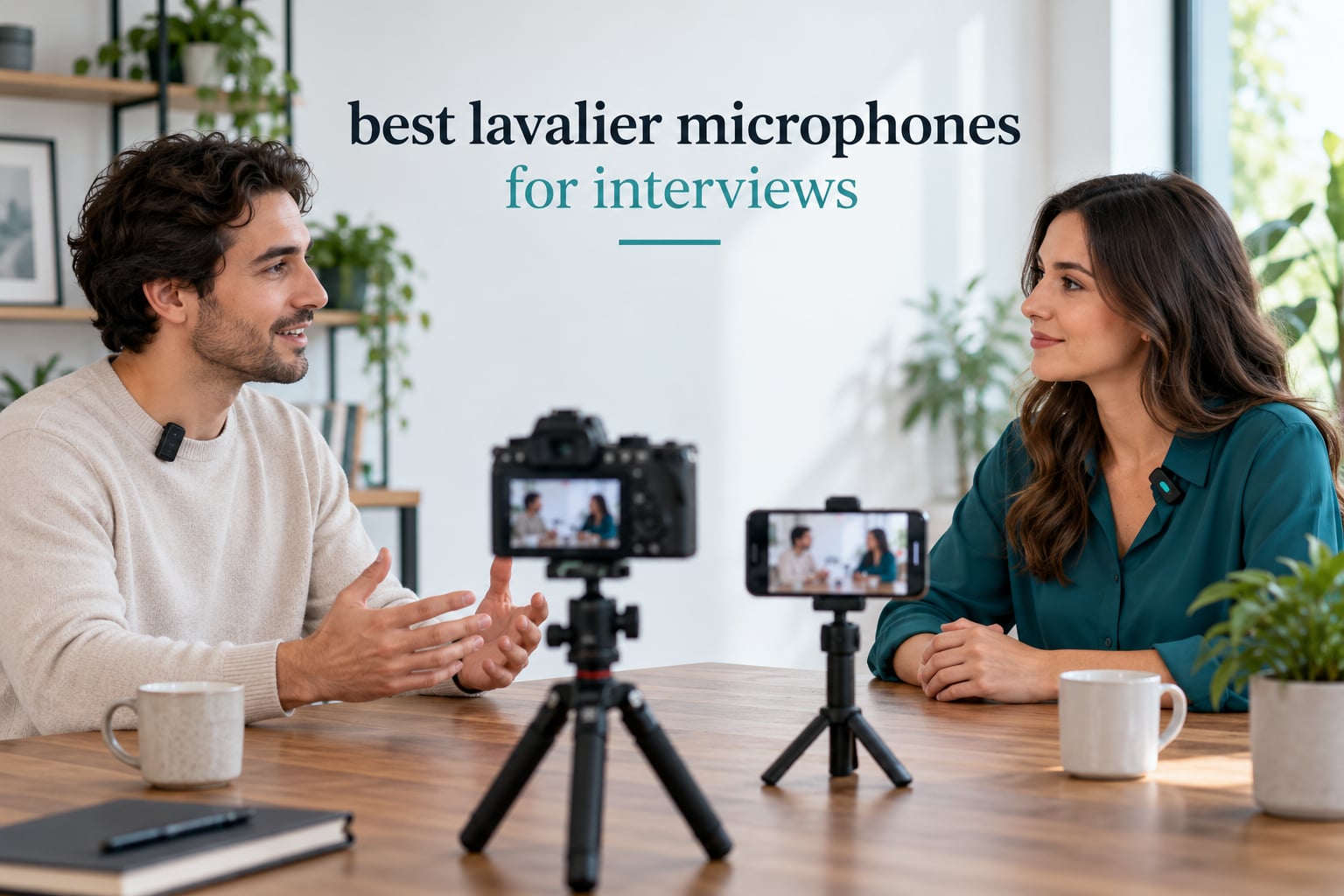
If you only need one answer: the DJI Mic Mini is the best lavalier microphone for interviews we tested in 2026, because two transmitters, a 300 metre range, two levels of noise cancelling and automatic limiting give you a clean two-person setup with no app required.
Interview audio is the least forgiving kind of recording there is. Nobody reads a script, nobody repeats a line, and a single dropout or clothing rustle can spoil an hour of footage. A lavalier microphone, also called a lapel mic or clip-on mic, solves half of that by keeping the capsule 15 to 20 centimetres below the chin, where the voice is far louder than anything in the room.
What separates the ten systems below is not capsule type but three practical things: whether the signal is wired or wireless, whether each speaker gets an independent channel, and whether a backup copy exists when the transmission fails. Read our dual wireless lavalier system guide first if a two-person conversation is the shape of most of your work, and if you only want the wireless tier covered in more depth, our wireless lavalier mics for interviews roundup goes deeper on that half of the market.
Table of Contents
Top 3 Picks for Best Lavalier Microphones for Interviews in October

DJI Mic Mini
- 2 TX plus mobile receiver
- 300m range
- 11.5 hours runtime
- 2-level noise cancelling
- automatic limiting

Hollyland Lark M2
- 2 button-size transmitters
- 48kHz/24-bit
- 1000ft range
- 30 hours with case
- app-adjustable noise cancelling

Rode Lavalier GO
- 4.0mm sub-miniature capsule
- 3.5mm TRS output
- 1.2m Kevlar cable
- foam pop shield included
All 10 Best Lavalier Microphones for Interviews in 2026
| Product | Specifications | Action |
|---|---|---|
| DJI Mic Mini |
|
Check Latest Price |
| Hollyland Lark M2 |
|
Check Latest Price |
 Mini Mic Pro Mini Mic Pro |
|
Check Latest Price |
 Hollyland LARK A2 Hollyland LARK A2 |
|
Check Latest Price |
| Rode Lavalier GO |
|
Check Latest Price |
 NEEWER CM28 NEEWER CM28 |
|
Check Latest Price |
 BOYA mini 2 BOYA mini 2 |
|
Check Latest Price |
 MAONO UL10 MAONO UL10 |
|
Check Latest Price |
 PowerDeWise Dual Set PowerDeWise Dual Set |
|
Check Latest Price |
 Ecomxia WM300 Ecomxia WM300 |
|
Check Latest Price |
1. DJI Mic Mini: the Best Lavalier Microphone for Interviews Overall
DJI Mic Mini (2 TX + 1 Mobile RX), Ultralight, Active Noise Cancelling
2 TX plus mobile RX
300m range
11.5 hours
Omnidirectional
70dB SNR
Pros
- Two transmitters cover a two-person interview out of the box
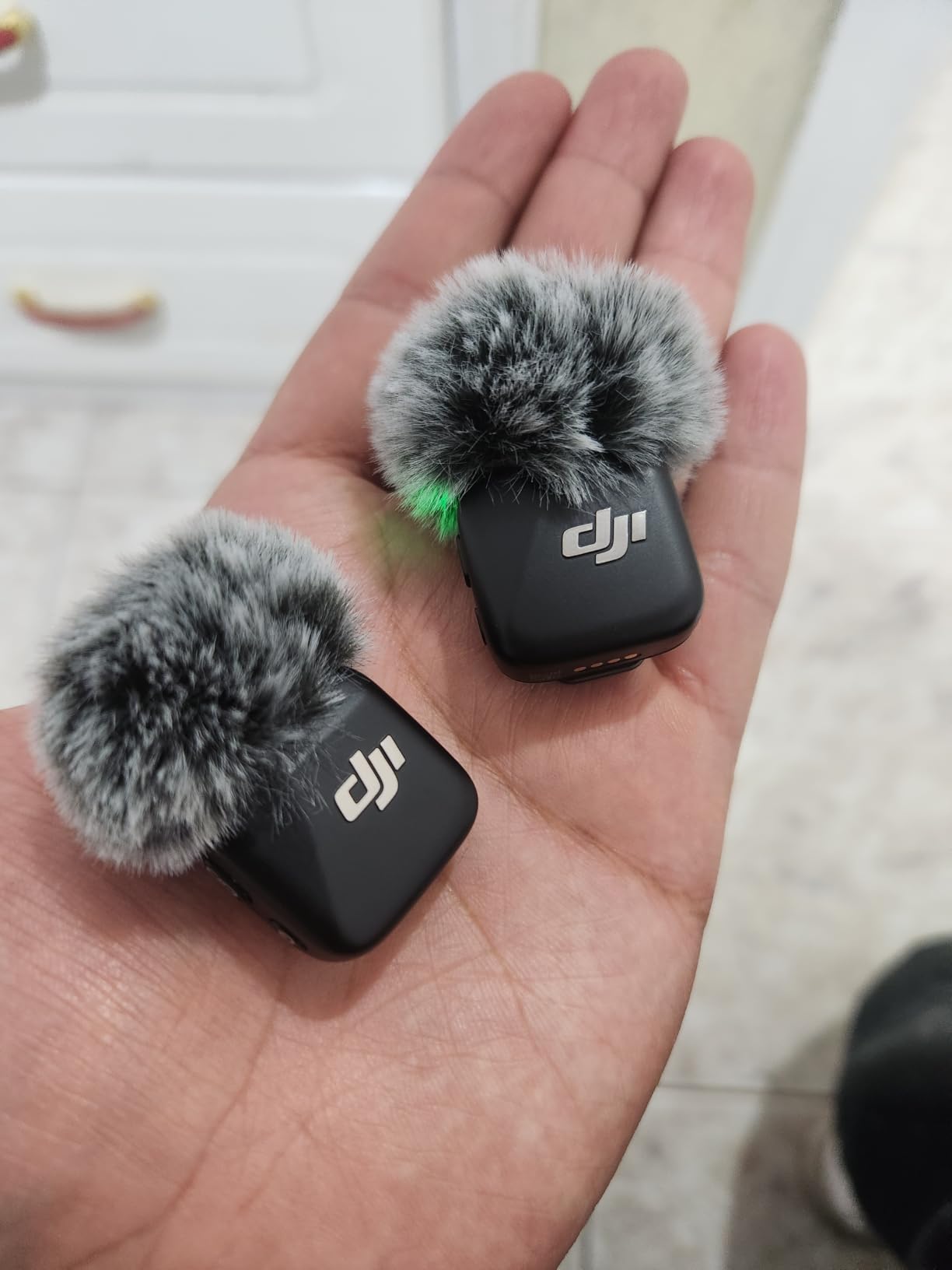
- 10g transmitters disappear under a collar
- USB-C plug-and-play with no app required for basic use
- Automatic limiting stops clipping before it happens
Cons
- No physical mute button on the transmitter
- Transmitters only fit inside the charging dock
- Bluetooth direct connection works with select DJI devices only
The audio is clear and detailed with low background noise, and the headline feature for interview work is not the capsule at all. It is that you get two transmitters and a receiver, so each person in the conversation records to their own channel. That single feature is why so many people buy into this tier rather than a single-mic kit, as users on r/microphone note when they point out that most wireless lav kits let you mic up a second person for free.
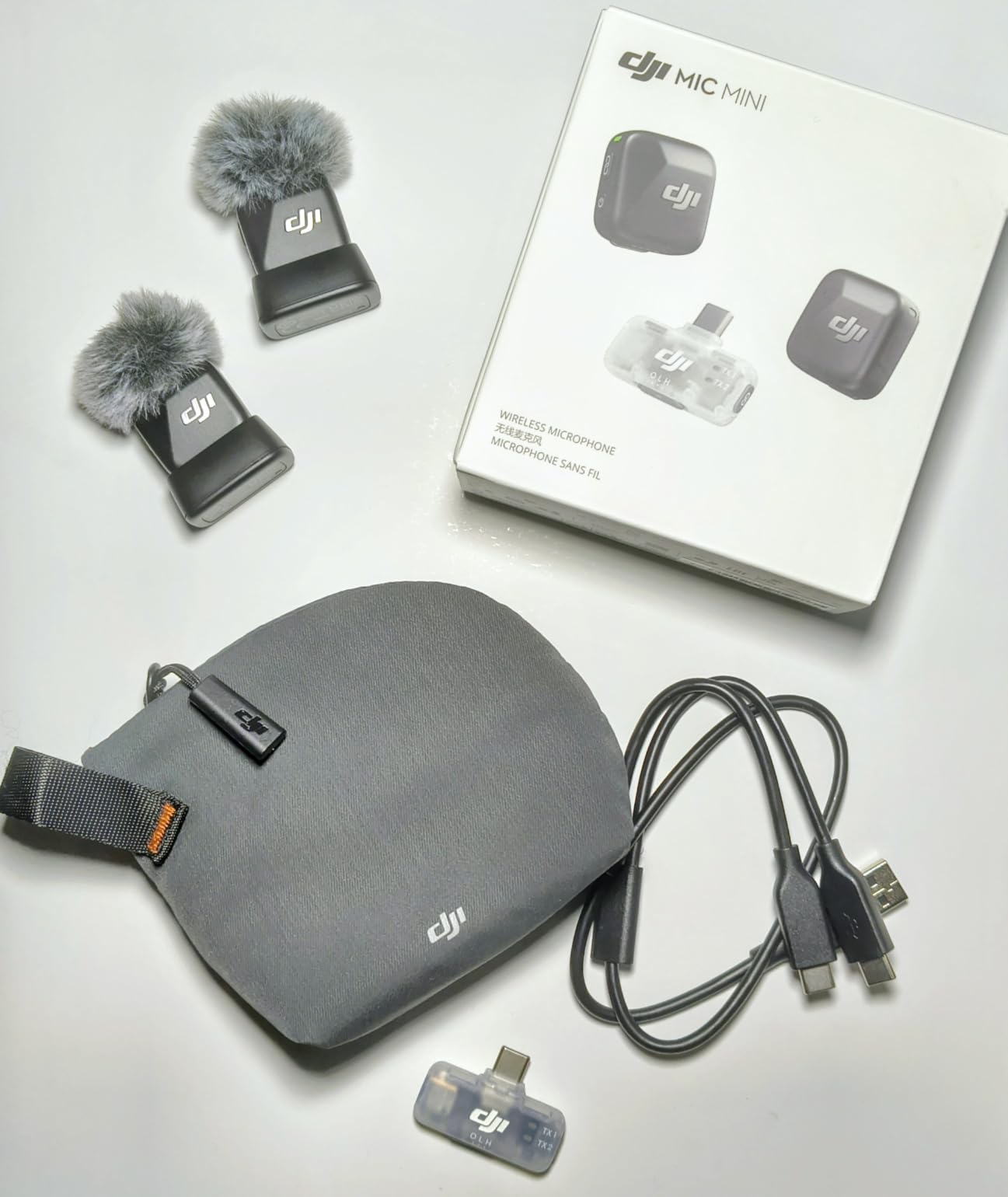
The 300 metre maximum transmission range is far more than an interview needs, and that headroom is the point. Interview locations are the worst case for 2.4GHz transmission: brick walls, office Wi-Fi access points, laptops, LED lighting and a dozen phones on the table all compete for the same spectrum. More range does not guarantee a clean link, but a system rated that far out has far more headroom for the frequencies it uses.
Two noise cancelling levels are included, with Basic for quiet interiors and Strong for noisy rooms. I leave cancelling off for most interviews, because it thins the voice in a way that survives the edit. Automatic limiting is the feature I would keep on permanently. It reacts in real time when a subject laughs or leans in, and it has saved two takes for me where a loud laugh would otherwise have clipped.
What the DJI Mic Mini handles better than the alternatives
Setup speed. There is no pairing ritual and no menu diving. Plug the mobile receiver into a phone, tablet or laptop over USB-C, press record, and the signal is there. For an interview where you are also running a camera, juggling cables, the shortest path from bag to rolling is worth a lot.
Battery life also removes a category of risk. Eleven and a half hours of total operating time covers a full shooting day with two people miked, including breaks, without anyone watching a battery indicator.
Where the DJI Mic Mini will disappoint you
There is no physical mute button on the transmitter. If you need instant mute during an interview, you are either reaching for the app or powering the unit down, and powering down ends the recording.
The kit also has no small case for carrying transmitters alone, because they are shaped to fit inside the charging dock. And the Bluetooth direct connection only works with selected DJI cameras and devices, so treat it as a DJI feature rather than a general shortcut.
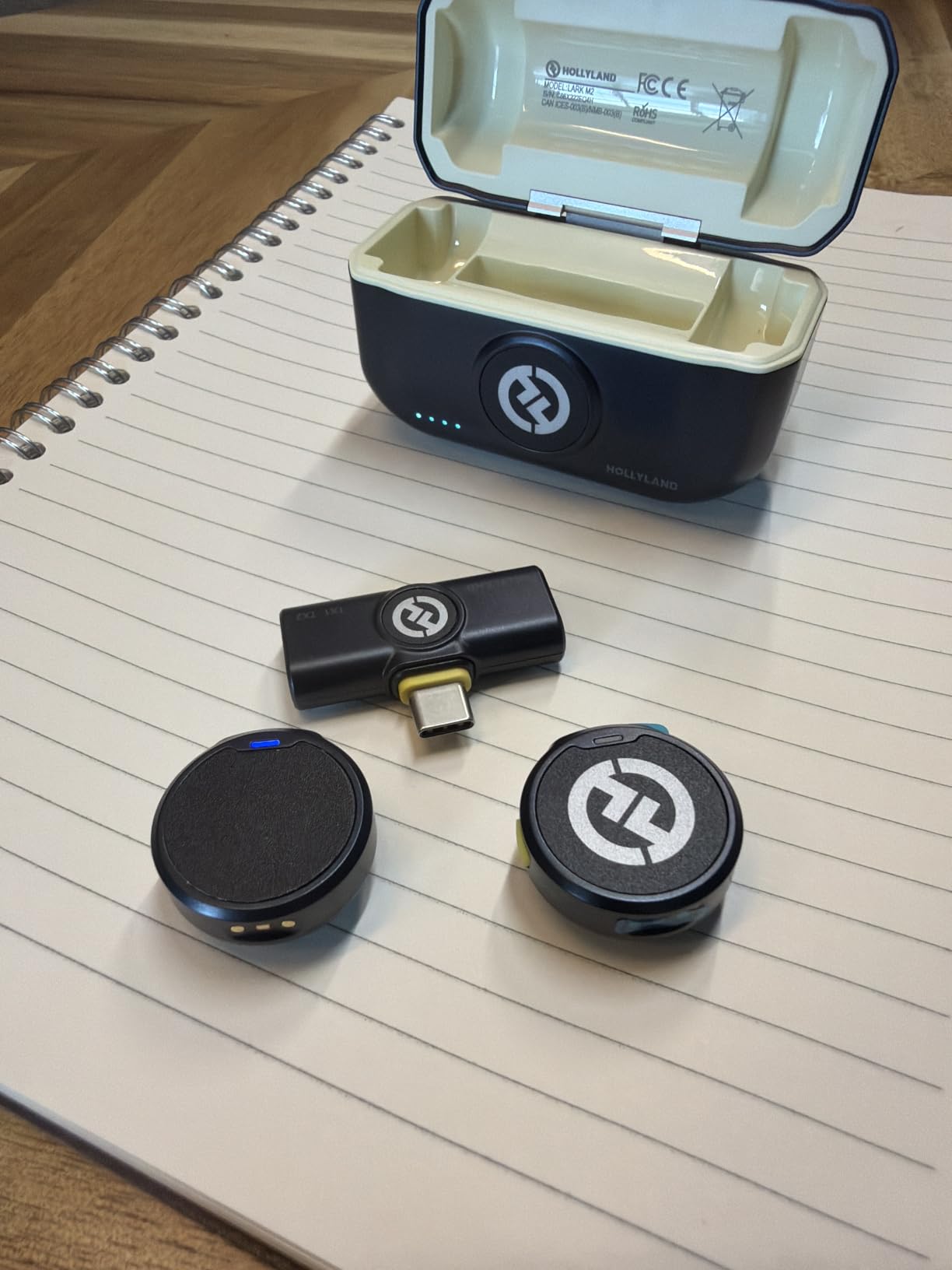
2. Hollyland Lark M2: Best for Two-Person Interviews on a Phone
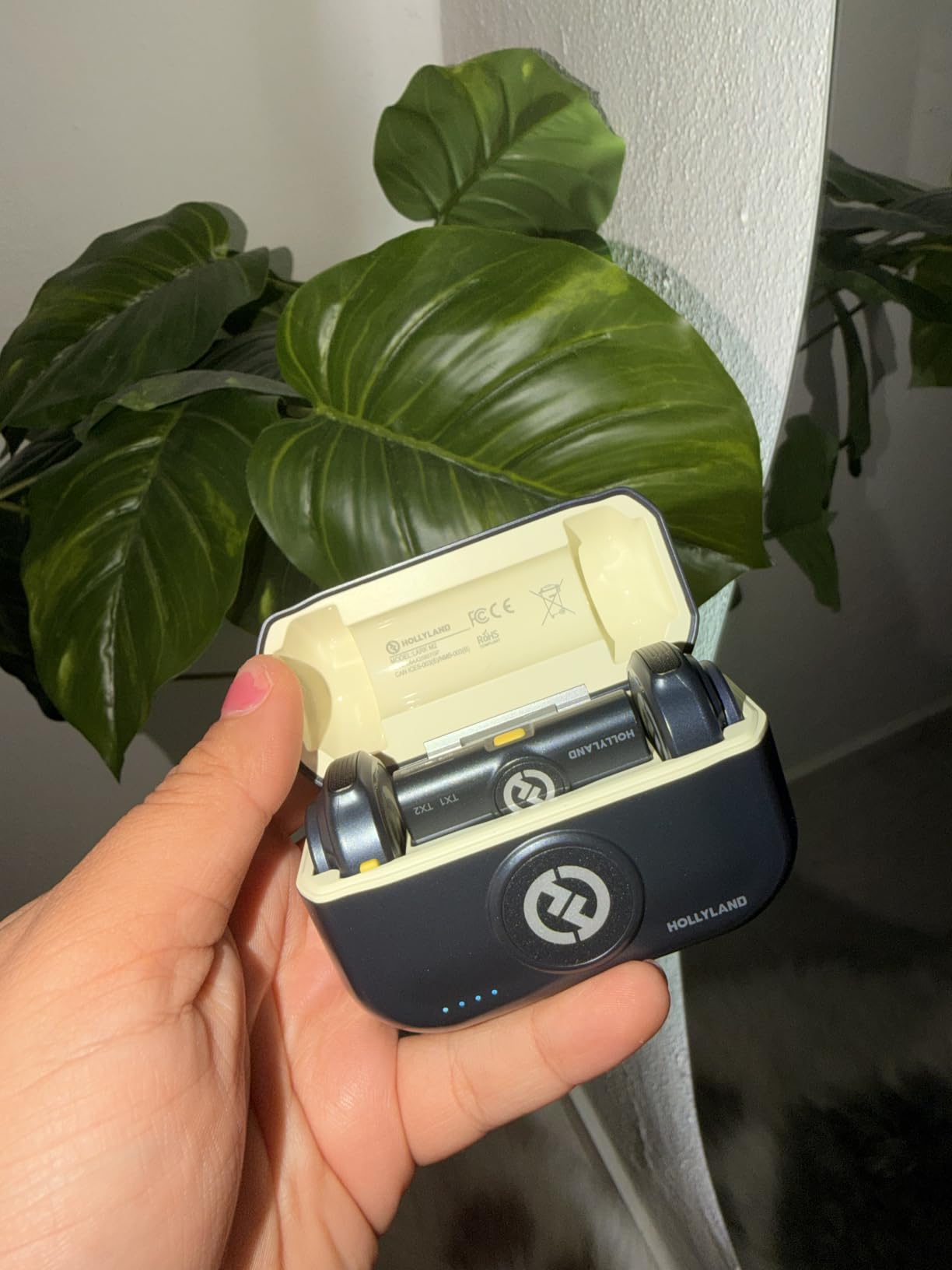
Hollyland Lark M2 Wireless Microphone for iPhone15/16/17&Android, USB C Mini Lapel Microphone Wireless, 1000ft Range, Hi-Fi Audio, Noise Cancellation, 30H Battery for Video Recording, Streaming
2 TX plus USB-C RX
9g each
1000ft range
48kHz/24-bit
70dB SNR
Pros
- Factory pre-paired so setup is instant
- 48kHz/24-bit with 70dB SNR
- Charging case doubles as storage
- Remote starts phone recording from the transmitter
Cons
- Button-sized transmitters are easy to misplace
- Highest noise cancelling level sounds thin in loud rooms
- USB-C receiver can be pushed out by thick cases
Audio quality sits at 48kHz/24-bit with a 70dB signal-to-noise ratio, which reviewers consistently describe as studio grade for the money. That is plenty for a spoken interview and leaves headroom for the light processing you will apply later without amplifying noise underneath it.
The stated range is up to 1,000 feet line of sight, and for interview work what matters is how it behaves when a wall is in the way. In an ordinary office or home it has been flawless for me. In a building with dense Wi-Fi I would still run the five-minute test described in the specs section below before anyone sits down.
Battery is the sleeper feature here. Ten hours per charge sounds ordinary, but the charging case supplies two full recharges in under 90 minutes, giving 30 hours total. A multi-interview day where you record in the morning and afternoon does not need a second kit.
Why interview crews pick the Lark M2
Reliability of connection is what users report most, and in interview work that is the number one requirement. You should never have to wonder whether the recording is actually capturing, because that uncertainty follows you through the whole edit. Nobody wants to stop a guest to check levels mid-conversation.
The double-press remote on the transmitter can start and stop phone video recording, which removes a cable from the rig entirely. With a subject wearing one and the phone on a stand, you have a single-cable-free interview setup.
Where the Lark M2 falls short
Coin-sized transmitters get lost. That is not a design flaw so much as a fact of life, and several owners treat the charging case as essential rather than optional because it is the only reliable way to keep track of both units.
At the strongest noise cancelling setting voices start to sound thin and processed. On a quiet interview recording there is no reason to use it. Firmware updates through the HollyAudio app have also caused friction for some users, so check your version before a shoot day rather than during one.
3. Mini Mic Pro: Best Budget Pick for First-Time Interviewers
Mini Mic Pro (Latest Model – #1 Microphone for iPhone & Android, Wireless Mini Microphone, Clear Voice, Noise Cancelling, Lavalier Mic for TikTok, YouTube & Interviews
2 wireless lavaliers plus receiver
USB-C and Lightning adapters
6 hours per charge
Omnidirectional
Pros
- Lowest cost entry point with clear voice capture
- No apps or Bluetooth pairing needed
- Wind protection and clips included in the box
- Lightweight and easy to pack
Cons
- Heavily compressed signal sounds thin
- Low battery indicator is easy to miss while recording
- No Bluetooth so it depends on the dongle receiver
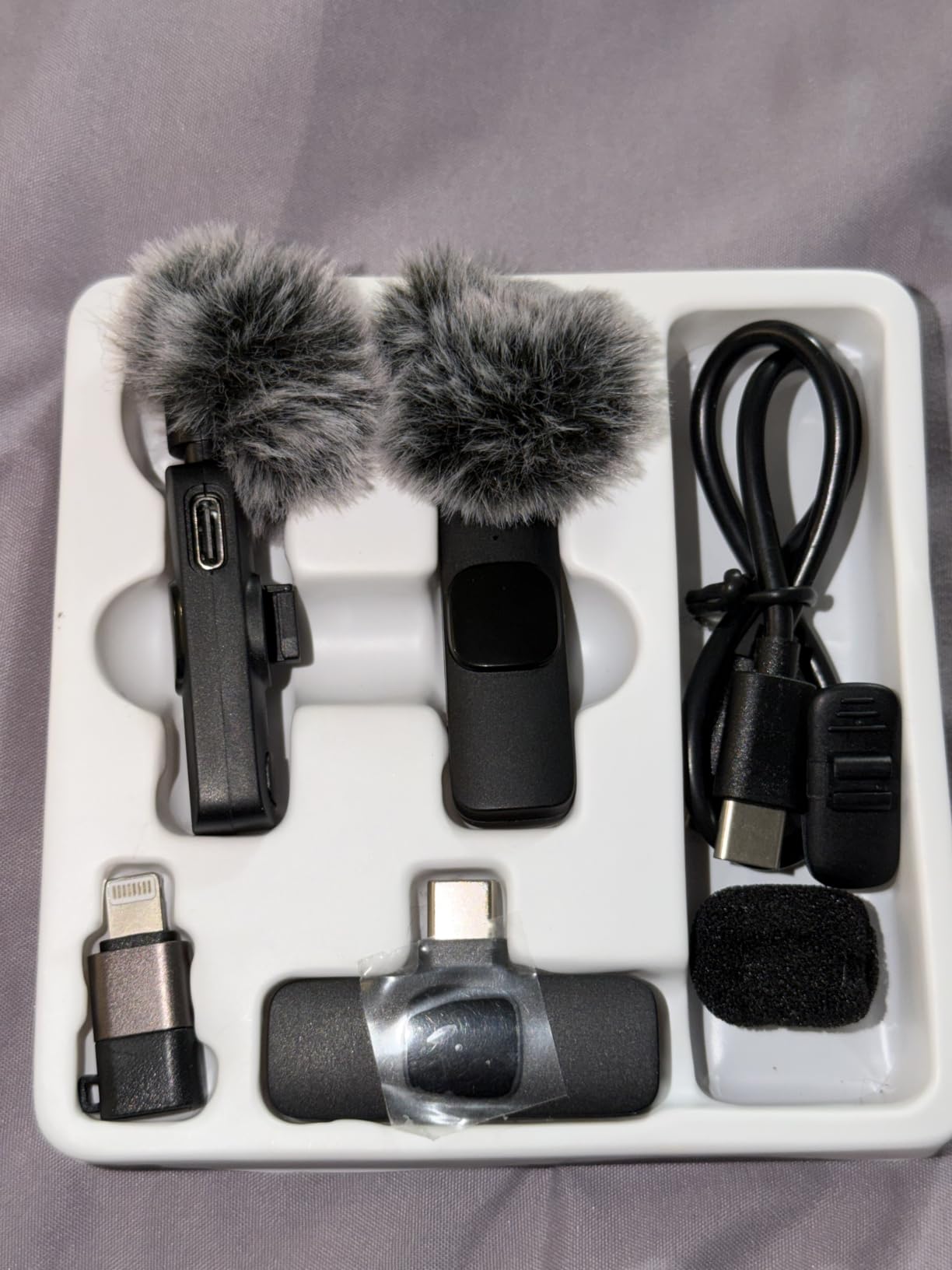
This is the fastest kit to get working, which is why it is the first one we recommend to someone recording their first interview. There is no app, no Bluetooth menu and no account to create. You plug the receiver into a phone with the included USB-C or Lightning adapter and start recording.
You get two microphones in the box, so a two-person conversation still records cleanly. Foam and deadcat windshields come in the kit too, which is unusual at this level and saves you a separate purchase before an outdoor interview.
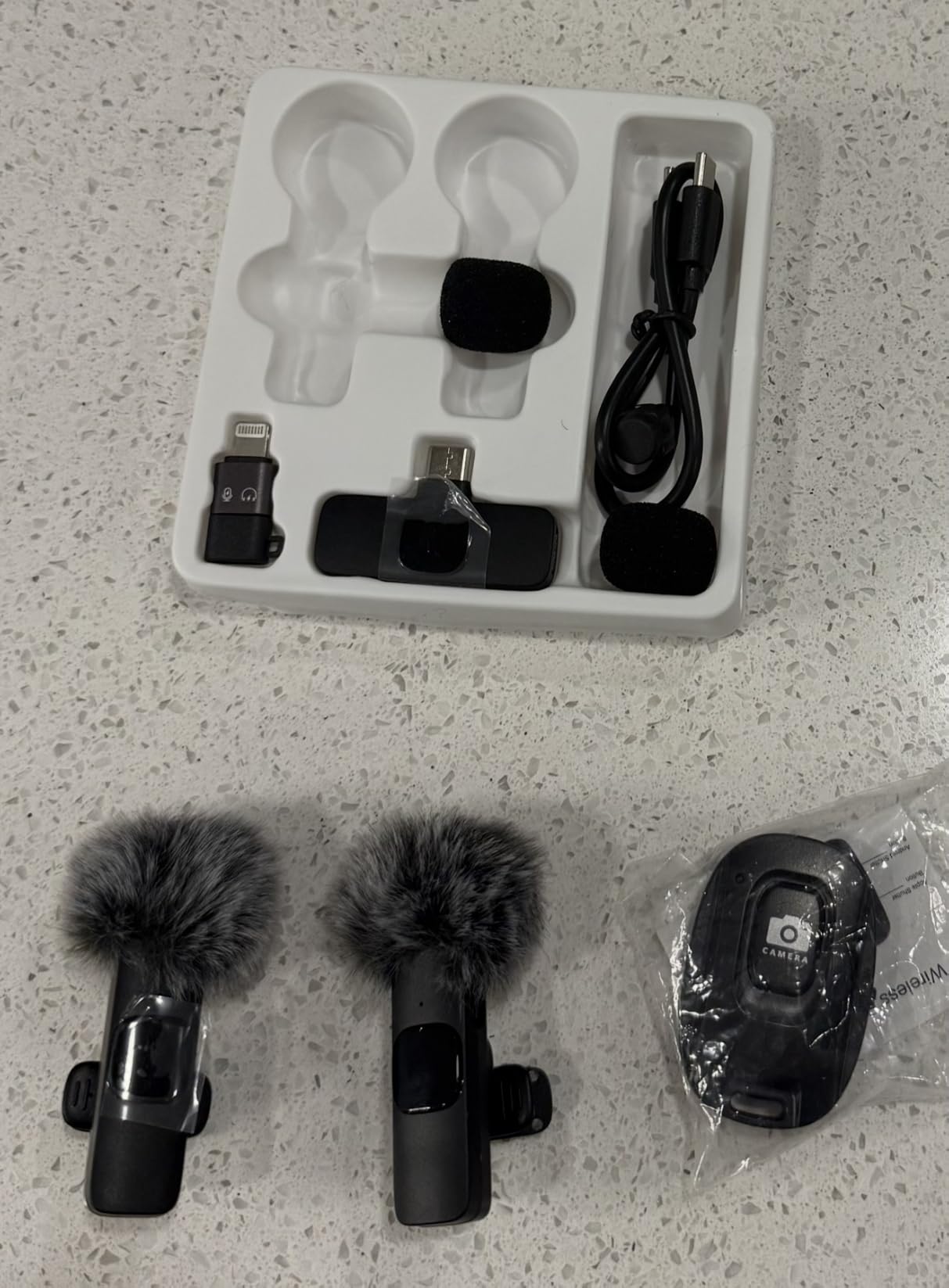
Where expectations need setting clearly is audio character. Audio-critical users report that the compressed wireless signal sounds thin with little low-frequency response compared with a wired microphone, and that matches what I hear. It is a clear upgrade on a phone’s built-in mic, but it is not the same as a wired lav.
Runtime is up to six hours per charge, and the phone can charge while recording, so a long session does not force a break.
Who this kit suits
Anyone whose interview budget has to come from somewhere else. If the total amount you can spend is small, this is the fastest route to audio that does not sound like a phone microphone in a large empty room. Two mics, adapters and wind protection in one box is a lot of setup removed.
It is also a sensible second kit to keep as a backup. Units this small get dropped, and having a spare pair in a bag costs almost nothing.
Where the Mini Mic Pro falls short
There is no Bluetooth, so everything depends on the dongle receiver and the joint where it meets USB-C. That joint is the fragile point, and there are reports of it breaking after a phone drop, which is worth knowing if you work on location.
The low battery light blinks when charge runs down but is easy to miss while recording. Check it at the start of a take, not the end. And for anything published as a long-form documentary piece, the thinness in the signal is a limitation you cannot fix in post.
4. Hollyland LARK A2: Best System With a Backup Safety Track
Hollyland LARK A2(2TX+1RX+Charging Case) Wireless Microphone, AI Auto-Limit
2 TX plus USB-C RX and case
48kHz/24-bit
minus 6dB safety track
8.5g per transmitter
Pros
- Safety track gives a second recording layer against clipping
- 42 hours total battery with the case
- Three levels of AI noise cancellation
- Fast setup with phone charging during recording
Cons
- Occasional dropouts at longer distances in heavy interference
- Higher noise cancelling levels sound slightly unnatural
- Tiny magnetic accessories are easy to lose
The LARK A2 Duo is the system I recommend when an interview will be paid work. Its 48kHz/24-bit capture, 68dB SNR and 120dB SPL handling are unremarkable on paper for a kit at this level, but the two features above them are not: AI Auto-Limit reacts in real time to prevent clipping, and a minus 6dB safety track records a second, quieter copy underneath.
That safety track matters more for interviews than it does for any other content. Subjects speak unpredictably, laugh without warning and lean into the microphone, so a quiet parallel track gives you material to rescue when the main channel is unusable.
At 8.5 grams the transmitters clip discreetly to a collar or pocket, and the included case both charges and stores them, which removes the lost-transmitter problem that plagues button-sized kits.
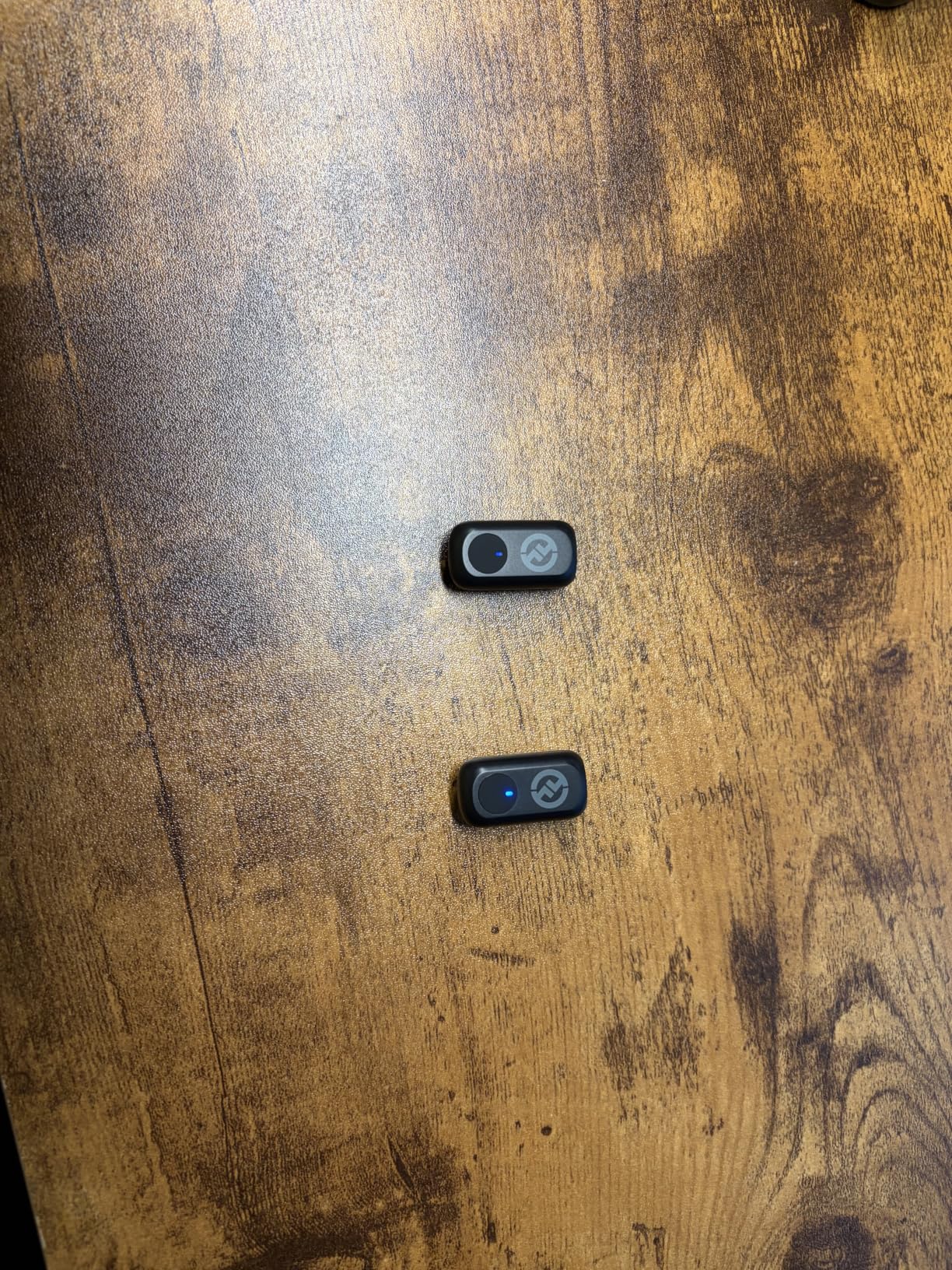
Transmission is rated at 200 metres using 2.4GHz anti-interference technology. Reviewers do report occasional small dropouts at longer distances or in areas with heavy wireless congestion, so I still recommend a signal test before an interview in an unfamiliar building.
The recording workflow is straightforward once the transmitters are on: monitor both channels through the receiver, adjust each level independently, and leave the safety track running underneath. Because the -6dB copy sits permanently below the main channel, you do not have to decide at the moment of recording whether you will need it later.
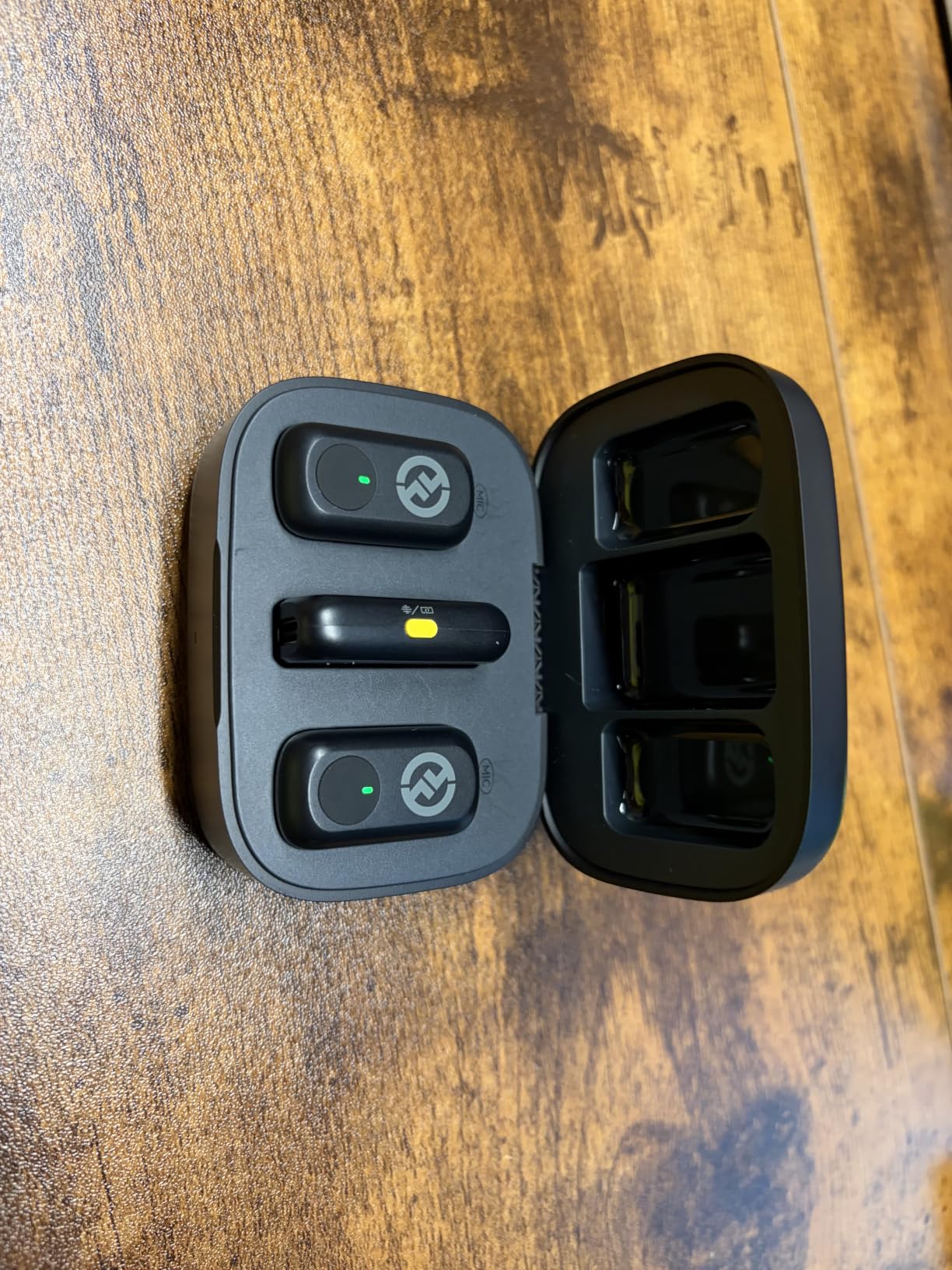
Controls you actually use on set
The tap controls are unusual and genuinely useful: one tap toggles noise cancelling, two taps mute and three taps start recording. Being able to mute and start a recording from the subject’s own transmitter removes a lot of cable management and cross-talk risk.
Battery is the other quiet strength. Seven hours per transmitter, nine with power saving, and 42 hours total from the case. A five-minute USB-C charge returns about an hour of runtime, which is a useful morning-of reassurance.
Where the LARK A2 falls short
The dropouts reported at distance are the main caution, particularly in offices with heavy wireless traffic. And like every noise cancelling system here, the higher settings process the voice enough to be noticeable, so keep it on the lowest level that solves the problem or leave it off.
One small practical warning: peel the protective plastic off the charging sensors before first use, or the case will not charge the transmitters properly. The tiny magnetic accessories are also genuinely easy to lose, so keep the case with the kit rather than in a bag.
5. Rode Lavalier GO: Best Wired Lavalier for Camera Work
Rode Lavalier GO Professional Wearable Microphone,Black
Wired 3.5mm TRS
4.0mm capsule
1.2m Kevlar cable
67dB SNR
2 year warranty
Pros
- Clear natural voice capture
- Top-mounted capsule hides under clothing without muffling
- Kevlar-reinforced cable survives normal handling
- Works with DJI transmitters and GoPro Media Mod
Cons
- Needs a TRRS adapter for phone use
- Clip cannot rotate to adjust orientation
- Picks up more ambient noise than expected when very close to a loud source
The Lavalier GO is the wired option that stays in the camera bag regardless of what wireless kit is in use. A wired lav cannot drop a signal, cannot run out of battery and cannot hit interference, and for interviews recorded on the camera itself, that reliability beats convenience.
Capture is omnidirectional with a sub-miniature 4.0mm capsule and a 67dB signal-to-noise ratio. Long-term users across film, streaming and event work describe the sound as clear and broadcast-style, neither overly bassy nor bright, and I agree after repeated A/B comparisons against the wireless kits above.
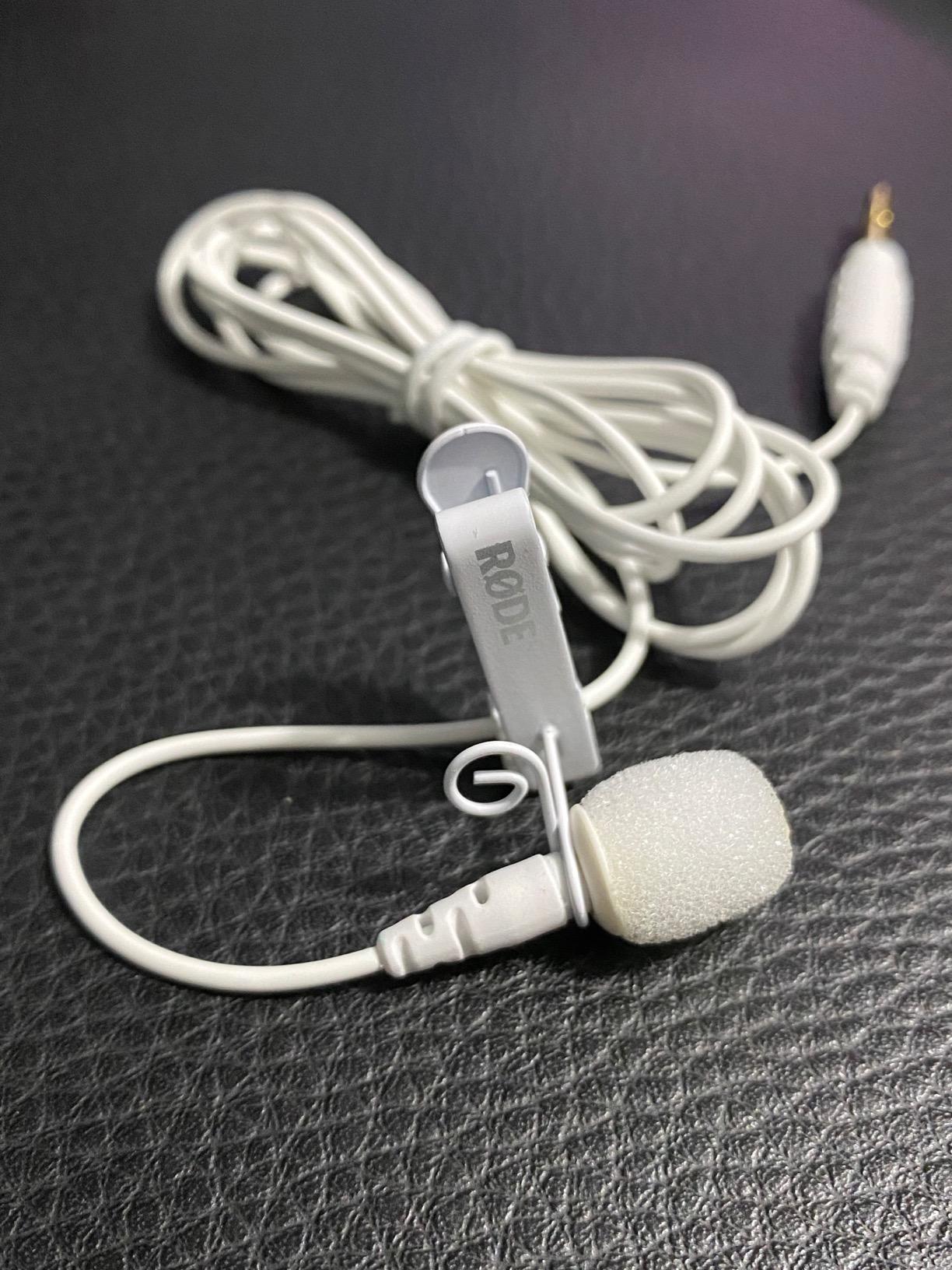
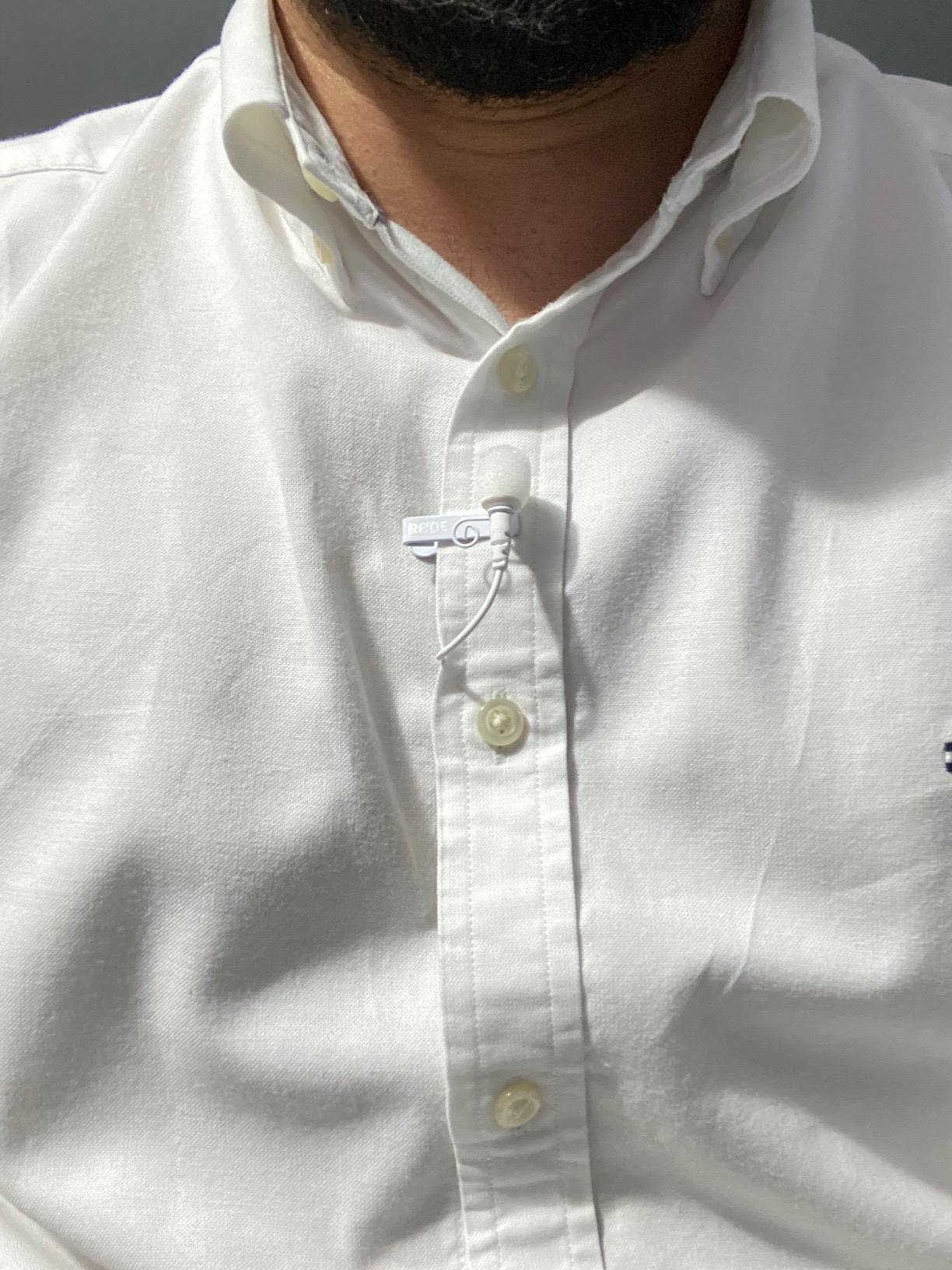
The capsule sits at the top of the body rather than the front, which is why it can hide under a shirt collar without muffling the way many lavaliers do when pushed under fabric. The supplied clip includes in-built cable management so the cable exits downward along the placket instead of pulling at the mic.
The 1.2 metre Kevlar-reinforced cable is the detail that matters on location. It has been pulled, coiled and dragged along a floor in our testing without failing, and it feeds straight into a camera, an audio interface or a wireless transmitter. Users also report it pairing well with DJI wireless transmitters and the GoPro Media Mod for setups where the cable would otherwise be the weak point.
When a wired lav is the correct interview choice
Interview audio is expendable only if the recording survives. If your interview is shot to camera and recorded on the same device, the wired lav removes every failure mode we discuss in this guide: no frequency hopping to lose, no battery to die, no pairing to fail in front of a guest.
It is also the only category here with no latency to consider. A wired signal arrives the instant it is spoken, which matters if you are monitoring in headphones while recording video.
Where the Lavalier GO falls short
Connecting to a phone needs a TRRS adapter, and that is one more failure point in a bag you are already juggling. The clip does not rotate, so orientation is whatever you set it to once. Some users also find the default gain runs a little hot and lower it on the recorder, which takes a minute of setup.
Only a foam pop shield is included. For outdoor interviews buy a proper windscreen, because a foam sleeve will not handle wind. And placed very close to a loud source it picks up more ambient sound than you might expect from an omnidirectional capsule.
6. NEEWER CM28: Best for Recording a Backup Track on Every Transmitter
NEEWER CM28 Wireless Lavalier Microphone, Smart Noise Cancelling Lav Mic, 48KHz/16Bit 9hrs Uncompressed Recording, 200m Range, 4GB Storage for iPhone, Android, Camera, 1 RX + 2 TX + Charging Case
2 TX plus RX
4GB onboard storage each
9 hours TX
48kHz WAV backup
LCD status display
Pros
- Transmitters record standalone uncompressed 48kHz WAV to 4GB each
- Nine hour transmitter runtime with a protective case
- One-click noise cancelling and an informative LCD status display
Cons
- Listed as unidirectional
- so less forgiving of off-axis placement
- Bulkier than button-sized competitors
- Real range depends heavily on obstructions
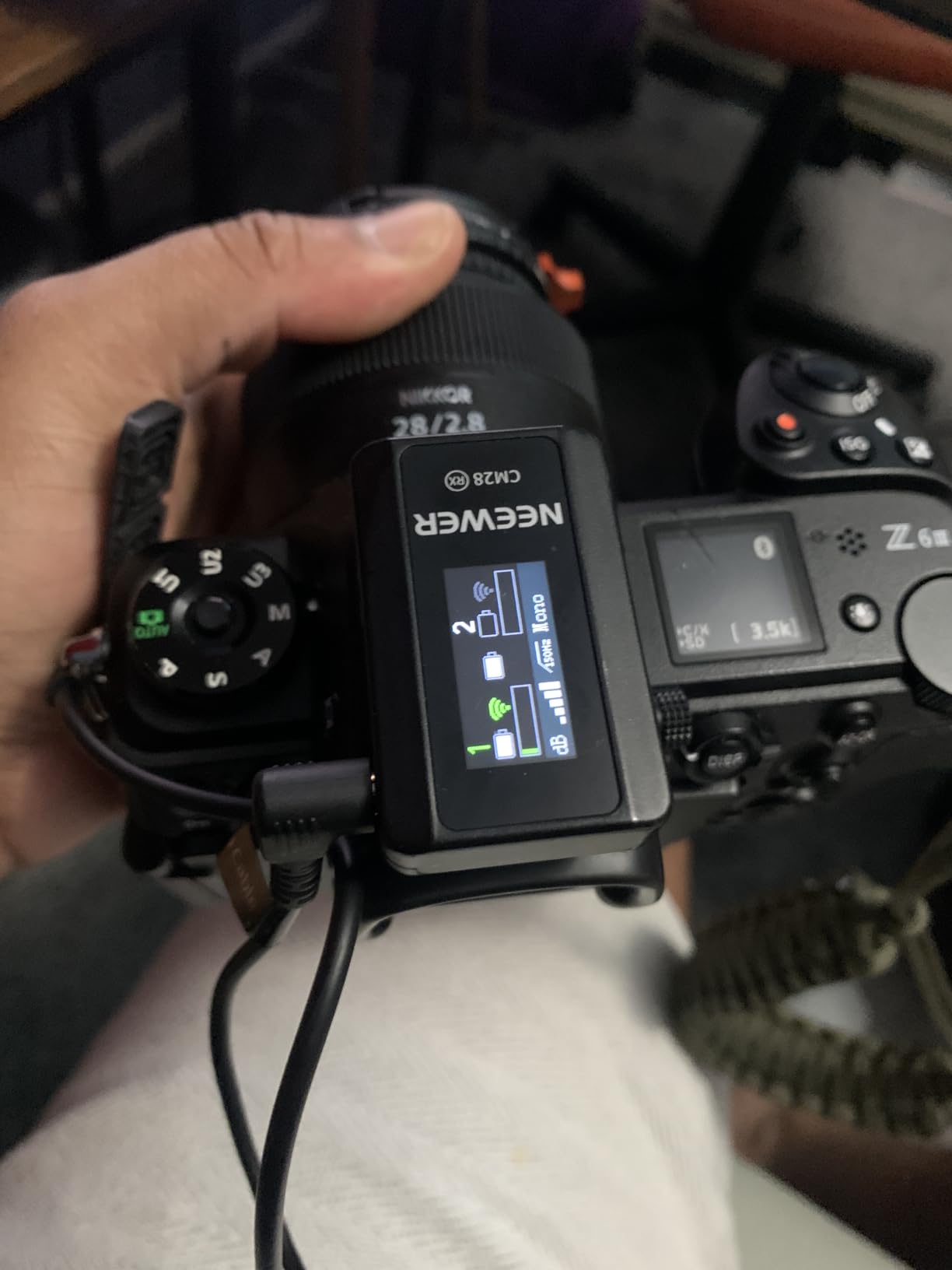
This is the only kit here where each transmitter works as a completely independent recorder. Each one stores up to nine hours of uncompressed 48kHz WAV to 4GB of onboard storage, so every interview is captured locally and transmitted at the same time. If you have lost an interview to a wireless dropout before, this is the direct answer to that problem.
It also doubles as a standalone recording pen, which means you can hand a transmitter to a subject and walk away with an independent track in their pocket.
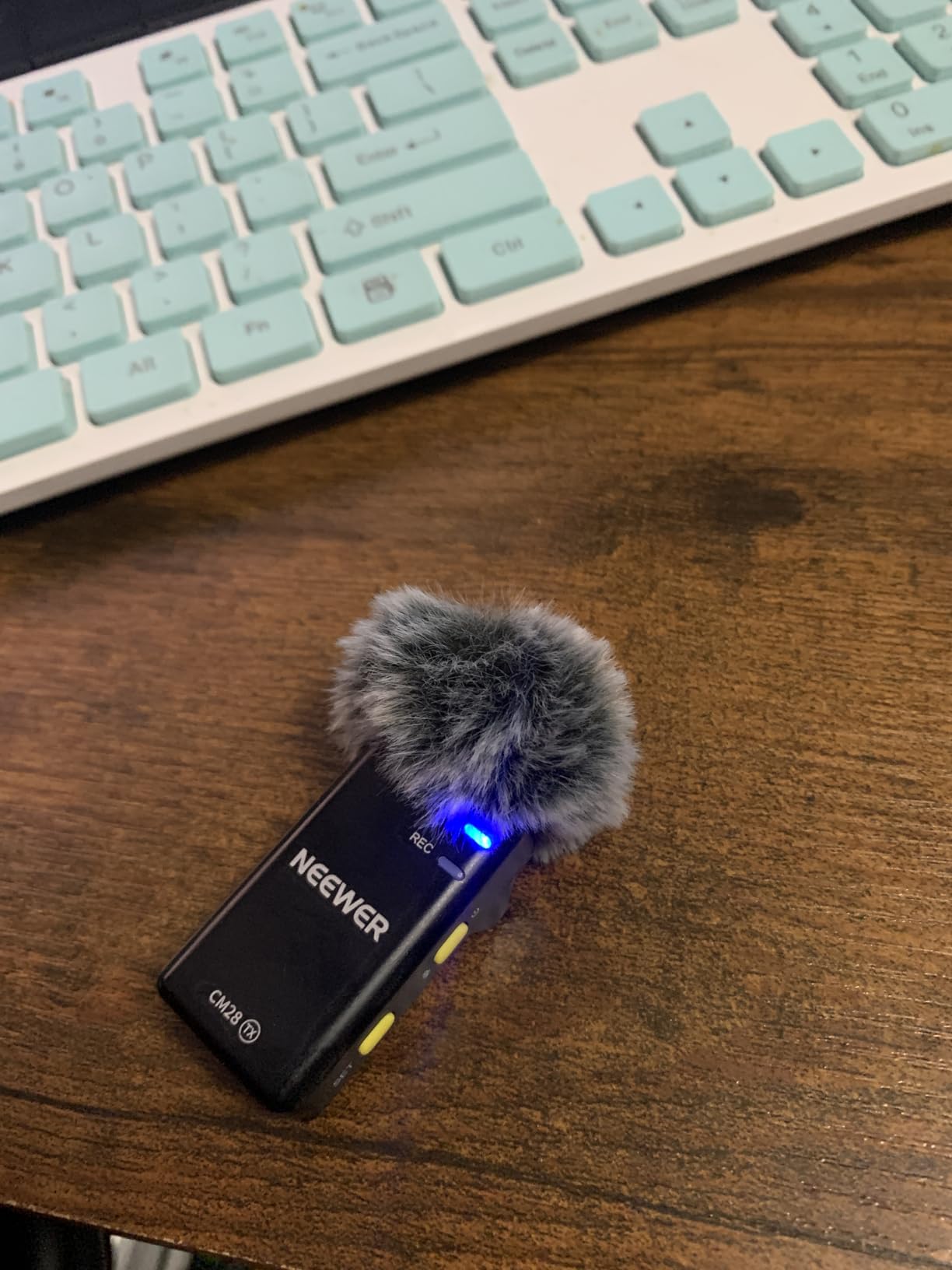
Runtimes are nine hours per transmitter and eight for the receiver, and the charging case gives two recharges. An LCD on each unit shows mode, volume, battery, connection and noise reduction status, so you can confirm everything without opening an app, which is faster than most alternatives.
There are three export modes, Mono, Stereo and Ms, plus one-tap dB gain. Mono is what you want for a two-person interview where you will cut between speakers; Ms gives you headroom if a subject suddenly gets loud.
Why onboard backup recording changes an interview workflow
When each transmitter writes its own WAV, you can set one up, walk away from the subject and trust that the audio exists. You are no longer dependent on the receiver staying alive for the full length of the conversation, and you are not relying on one device to hold the only copy.
After a dropout, you pull the internal files and lay them against the main track. The two will not align perfectly, but the local copy carries the dialogue and the transmission carries the ambience, and that combination is usually enough to rebuild a usable take.
Where the NEEWER CM28 falls short
The listed polar pattern is unidirectional, which is less forgiving than omnidirectional when a subject turns their head or the mic sits off-axis. For interviews with movement, keep the capsule pointed at the mouth.
The LCD and controls make these units bulkier than button-sized competitors, so they are more visible on camera. And the stated 200 metre range applies in unobstructed areas, so real-world range varies with the building you are standing in.
7. BOYA mini 2: the Lightest Transmitters at 5 Grams
BOYA mini 2 Wireless Lavalier Microphone for iPhone 15/16/17 & Android
5g transmitters
48kHz/24-bit
80dB SNR
30 hours with case
328ft range
Pros
- 5g transmitters are effectively invisible in clothing
- 80dB SNR with 120dB SPL headroom
- Limiter and minus 12dB safety track protect takes
- App control of gain
- noise cancelling and EQ
Cons
- No Bluetooth
- so the USB-C receiver is required
- Camera support limited to recent DJI Action and Pocket models
- Signal can drop out near walls and buildings
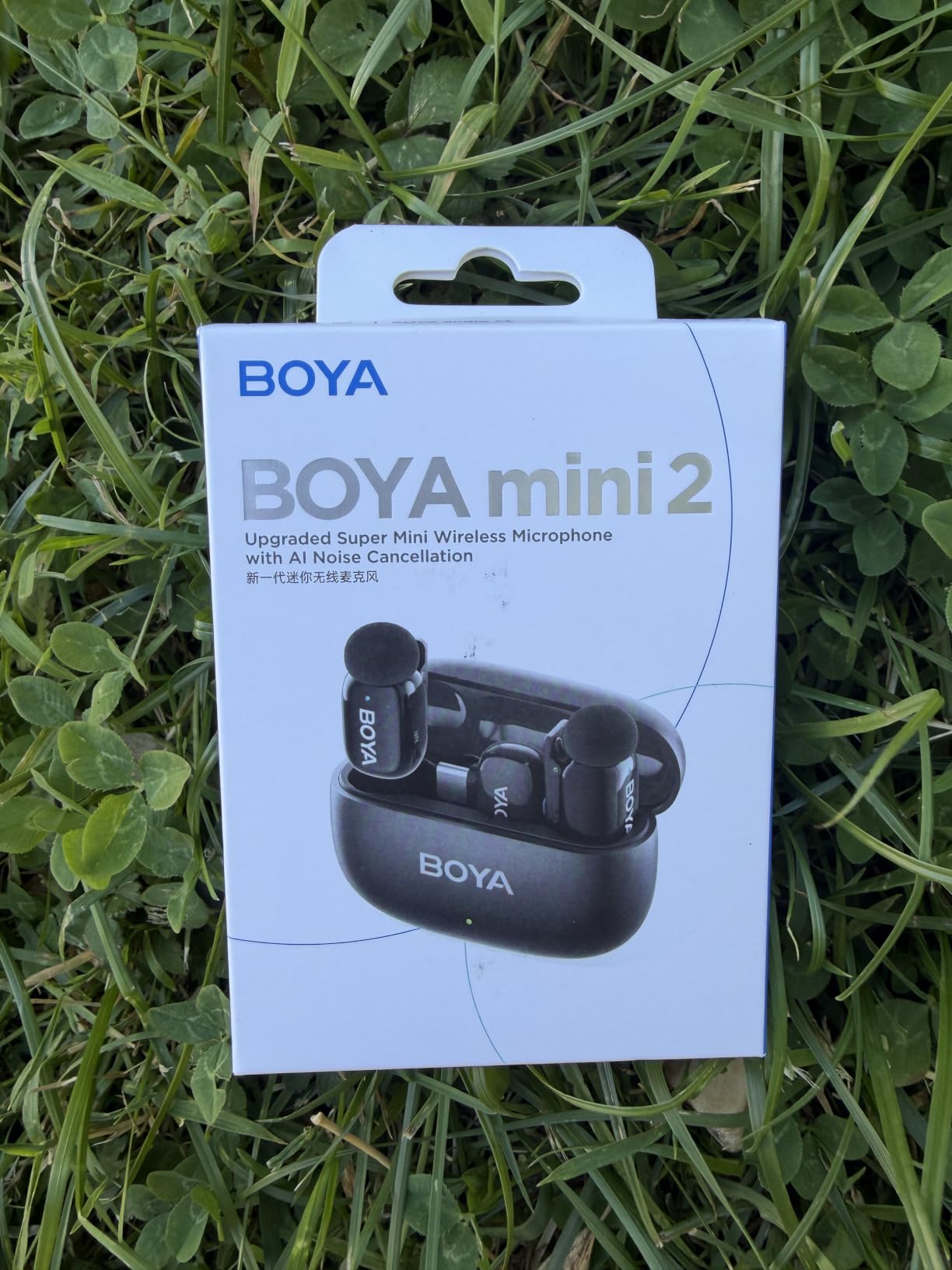
At five grams per transmitter the BOYA mini 2 is the smallest hardware here, and for interviews shot in close framing that is not a trivial detail. Nothing about the mic is visible, which matters when the guest is the point of the shot.
Recording is 48kHz/24-bit at 80dB SNR with 120dB SPL handling, which is a strong specification set for the size. A limiter prevents real-time distortion and a minus 12dB safety track guards against clipping, so a sudden laugh has somewhere to go.
Two noise cancelling levels are offered, with Strong at minus 40dB and Light at minus 15dB. The free BOYA Central app handles volume, noise cancelling and EQ presets with six levels of gain control, which is more adjustment than most systems at this size allow.
Battery reaches 30 hours with the charging case, and transmission is rated at up to 328 feet. That is plenty of reach for an interview in a room, and the smaller capsule means it is a system you can forget you are wearing.
Where discretion is the deciding factor
If your interview is video-led, a visible transmitter under the collar is often the thing a subject reacts to, covering their mouth or tugging at the cable. Five grams removes that problem almost entirely, and reviewers consistently point to the form factor as the reason they keep reaching for this kit.
The app control also means fine adjustments happen before the subject arrives rather than during the conversation.
Where the BOYA mini 2 falls short
There is no Bluetooth. Everything runs through the USB-C receiver, which adds a point of failure and rules out direct phone pairing. Camera compatibility is also restricted to recent DJI Action 2, 3 and 4 and the DJI Pocket 3, so if your interview is shot on another action camera, check before you buy.
The lower rating reflects connection friction more than audio quality, and some users report the signal dropping out near walls and buildings. For outdoor interviews in dense built-up areas, test the link first.
8. MAONO UL10: Best Wired Lavalier for PC Recording and Video Calls
MAONO UL10 USB Lavalier Microphone, 192kHz/24bit for Interview and Vlogging
Wired USB
192kHz/24-bit
78dB SNR
78-inch cable
Omnidirectional
Pros
- Direct USB plug-and-play with no adapter
- High 192kHz/24-bit sampling and 78dB SNR
- Very light with an aluminium lapel clip
- Comes with 78-inch cable and foam windscreen
Cons
- Wired USB design limits it to computers
- 78-inch fixed cable is awkward in tight setups
- No on-mic gain control so levels depend on the computer input
Remote interviews have a specific microphone problem: only the host is miced properly, while the guest speaks through laptop speakers and their own earbuds. Fixing the host side costs almost nothing, and the MAONO UL10 is the simplest version of that fix.
It is a USB lavalier, so it plugs straight into a laptop and is recognised as a microphone. There is no interface, no adapter and no gain to hunt for.
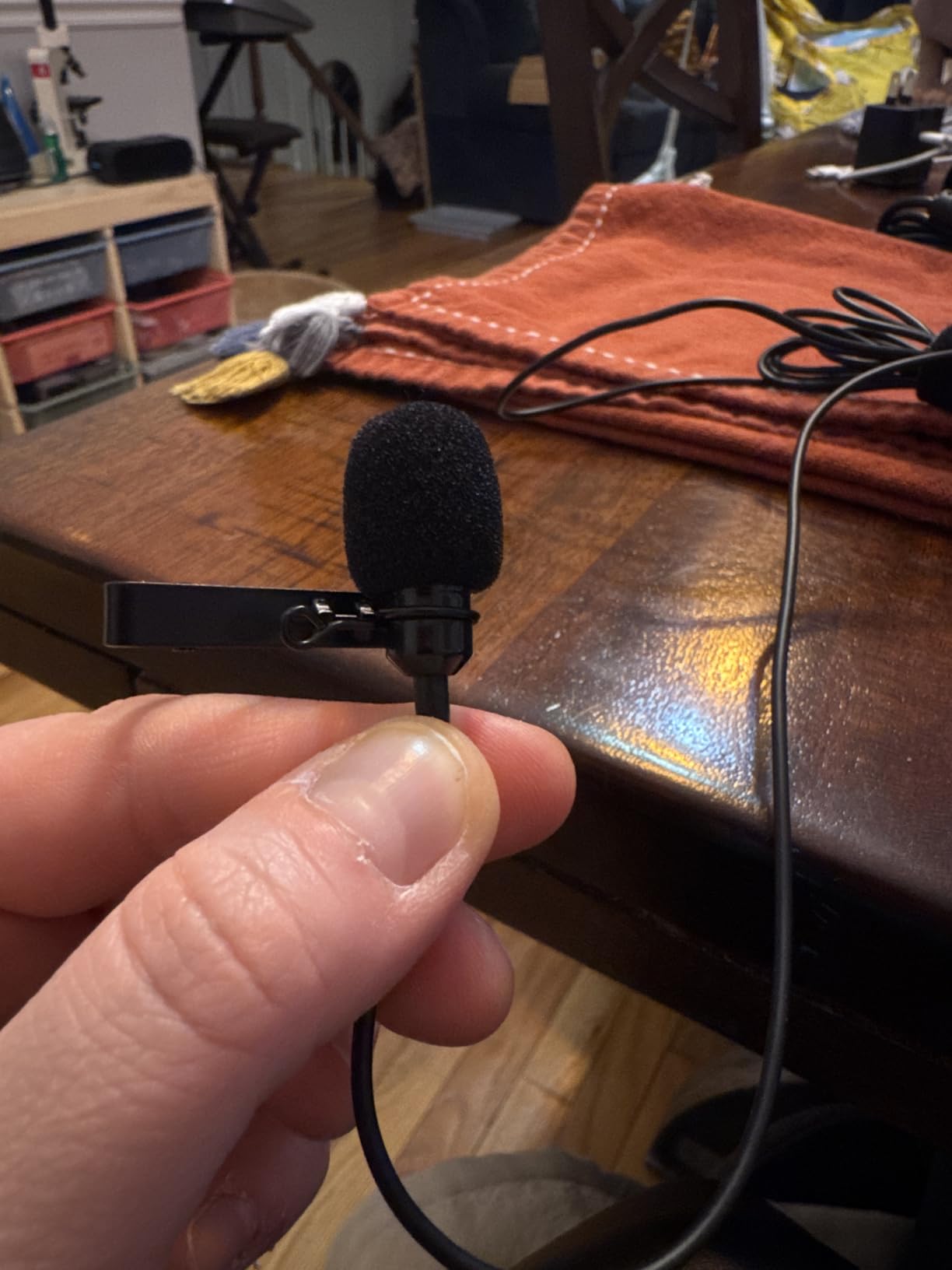
The specification sheet claims 192kHz/24-bit sampling with a 78dB signal-to-noise ratio and an omnidirectional capsule. The sample rate is marketing headroom more than anything useful for speech, but the signal-to-noise figure is respectable and the sound is clean for voice.
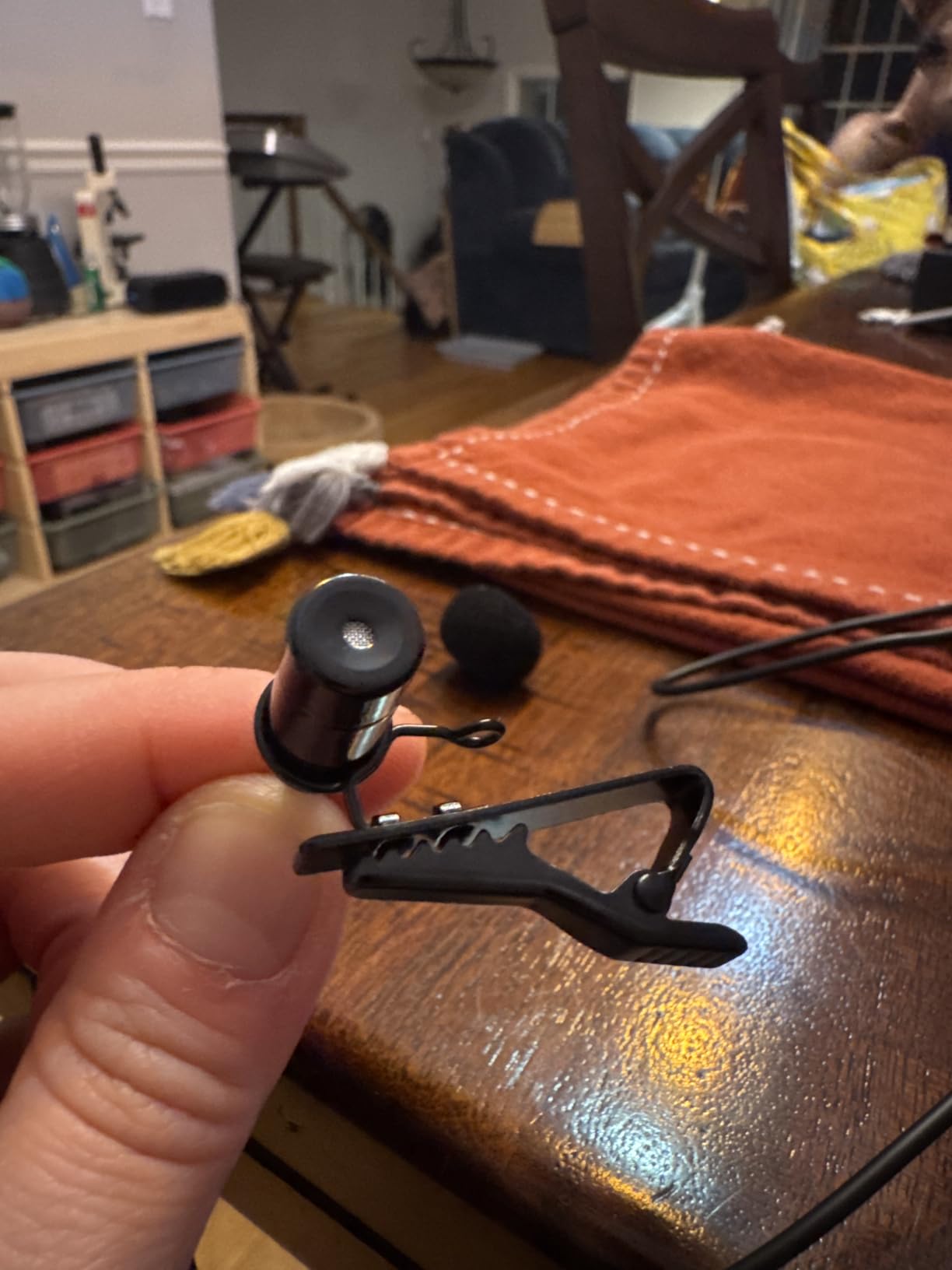
It is also light, with a small aluminium clip for a collar, tie or pocket, and the box includes a 78-inch cable and a foam windscreen, so nothing extra is needed for indoor interviews.
Which interview situations this suits
Any interview recorded on a computer rather than a camera. That includes remote calls where you control your own audio, online courses, webinar interviews and internal business conversations recorded through a laptop.
Because it draws power from USB, there is no battery anxiety on a long call, and the microphone will not stop working halfway through a conversation because something ran flat.
Where the MAONO UL10 falls short
It is computer only. It will not connect to a phone or a camera, which rules it out for any on-location or mobile interview. The fixed 78-inch cable is also awkward in a tight desk setup and cannot be shortened.
There is no gain control on the body, so the level depends entirely on your computer input settings. Set the input to the external mic before you start, and check your levels in the first ten seconds rather than discovering clipping an hour later.
9. PowerDeWise Dual Set: Best Budget Wired Set for Two Speakers
PowerDeWise Dual Lavalier Microphone Set for iPhone, Android & Camera – Professional Clip-On Lapel Microphones for Interviews, Podcasting, YouTube, Video Recording, Vlogging & Online Teaching
Dual wired lavaliers
3.5mm jack
75dB SNR
Y-splitter included
No batteries or apps
Pros
- Records two speakers at once with balanced sound
- No batteries
- charging or apps at all
- Kit includes extension cables
- adapter
- windshields and pouch
- Good low end and a slightly muted tone
Cons
- Can pick up hum when cables run near powered equipment
- Both mics are mono so no separate left and right tracks
- Clip durability is a recurring complaint
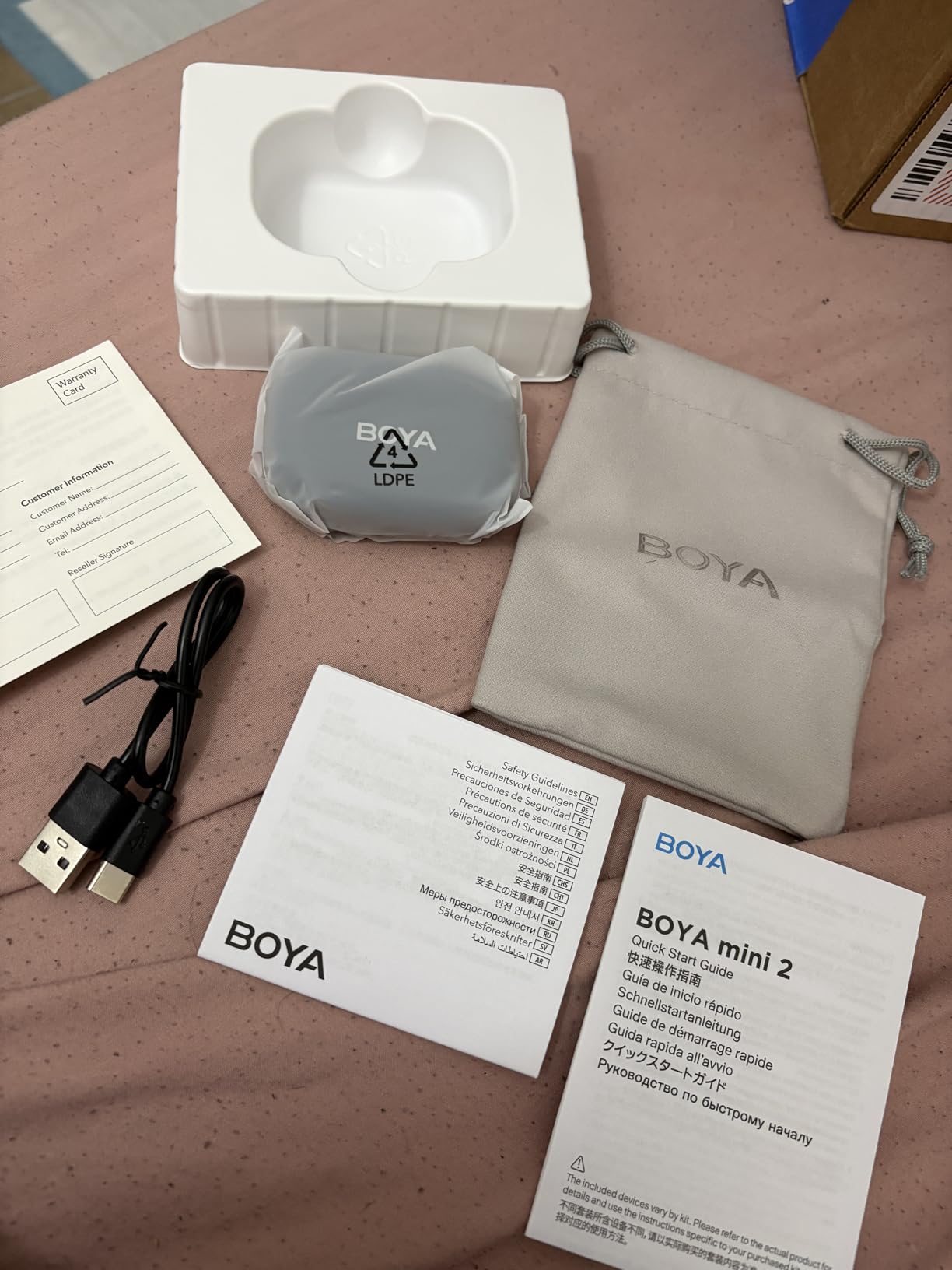
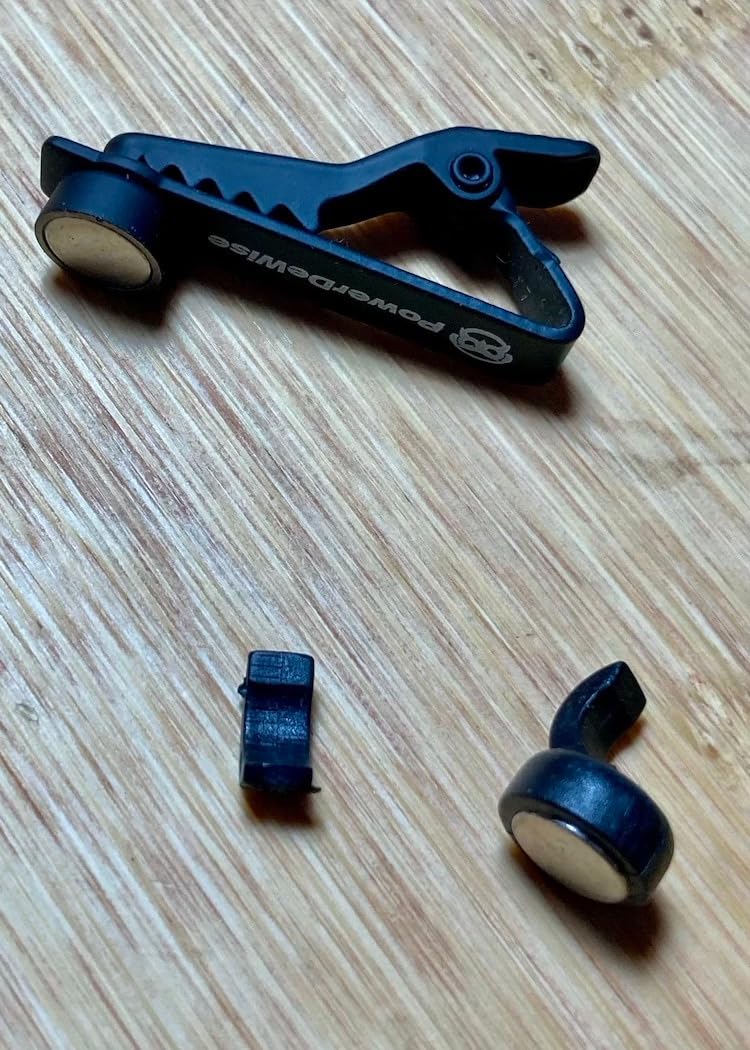
The kit is genuinely complete: two clip-on microphones, extension cables, a Y-splitter, a TRRS/TRS adapter, foam windshields and a carrying pouch. Buyers rate that completeness as much as the sound itself.

Signal-to-noise ratio is 75dB across a 20Hz to 20kHz frequency range, and reviewers describe the tone as clear with a pleasant, slightly muted character and good low end. It beats a camera’s built-in microphone by a wide margin on both voices.
Compatibility is broad through the 3.5mm jack: smartphones, DSLR and mirrorless cameras, laptops, tablets, PCs and recorders. An iPhone needs a Lightning adapter, which is the one thing you may need to buy separately.
Where this wired pair still wins
Interview reliability. A wired pair has no transmission to lose and no battery to die halfway through a long conversation, and for a two-person conversation at one table both mics run into a single input with no wireless coordination at all.
It is also a strong choice for practice, student interviews and any shoot where budget leaves no room for accessories. If the microphone fails, nothing is lost but the cost of the kit.
Where the PowerDeWise pair falls short
Route cables away from monitors, computers, lights and mains wiring, because users report noticeable interference hum when they run alongside powered equipment. That is a fixing habit, not a hardware fault, but it catches people out on a busy desk.
Both microphones are mono, so the Y-splitter does not produce separate left and right tracks, and you cannot edit each speaker independently. Clip durability is also a recurring complaint, so buy a spare clip if the kit travels. On iPhones you will need a Lightning adapter.
10. Ecomxia WM300: Best for Quick Phone Interview Sessions
Ecomxia 2 Pcs Wireless Lavalier Microphone for iPhone iPad Android with Charging Case 7H Clip on Lapel Microphone Wireless for Video Recording Vlogging, YouTube, Interview, 3 Mode Denoise, 70ft
2 TX plus receiver
70ft range
8 hours per charge
3 denoise modes
Lightning and USB-C
Pros
- Genuine plug-and-play with no pairing or apps
- Three denoise modes including automatic AI and a reverberation setting
- Charging case with four indicator lights for battery level
- Omnidirectional pickup stays consistent if the mic shifts
Cons
- Lightning connector can fail to seat with thick cases
- Some Android phones need an in-app microphone setting changed
- Occasional reports of units not connecting to particular phones
This is built for the quick interview: someone arrives, you clip two mics on, you plug in and press record. Recording starts in about a second and there is no pairing step, which is the whole point of this end of the market.
Three noise reduction modes cover most situations. An automatic AI mode handles steady background hum, a manual reduction setting suits a busier room, and a reverberation mode is aimed at echoier interiors such as small meeting rooms where a lav otherwise picks up every reflected sound.
The two-pack lets two people record into one video, and the omnidirectional condenser pickup stays consistent even if a mic shifts slightly on the collar during a long conversation, which is a real advantage over a more directional capsule.
Range is up to 70 feet, roughly 20 metres. That covers an office, a home, a car and most interview locations without any risk, and the 700mAh battery gives up to eight hours on a two-hour charge.
Where it fits an interview workflow
Short-form and social interviews where speed matters more than maximum fidelity. The charging case both stores and charges, and its four indicator lights show remaining power at 25, 50, 75 and 100 percent, so you can check both mics at a glance before a subject arrives.
Manual controls are also straightforward: press up or down to stop and resume recording, hold the M button to power off.
Where the Ecomxia WM300 falls short
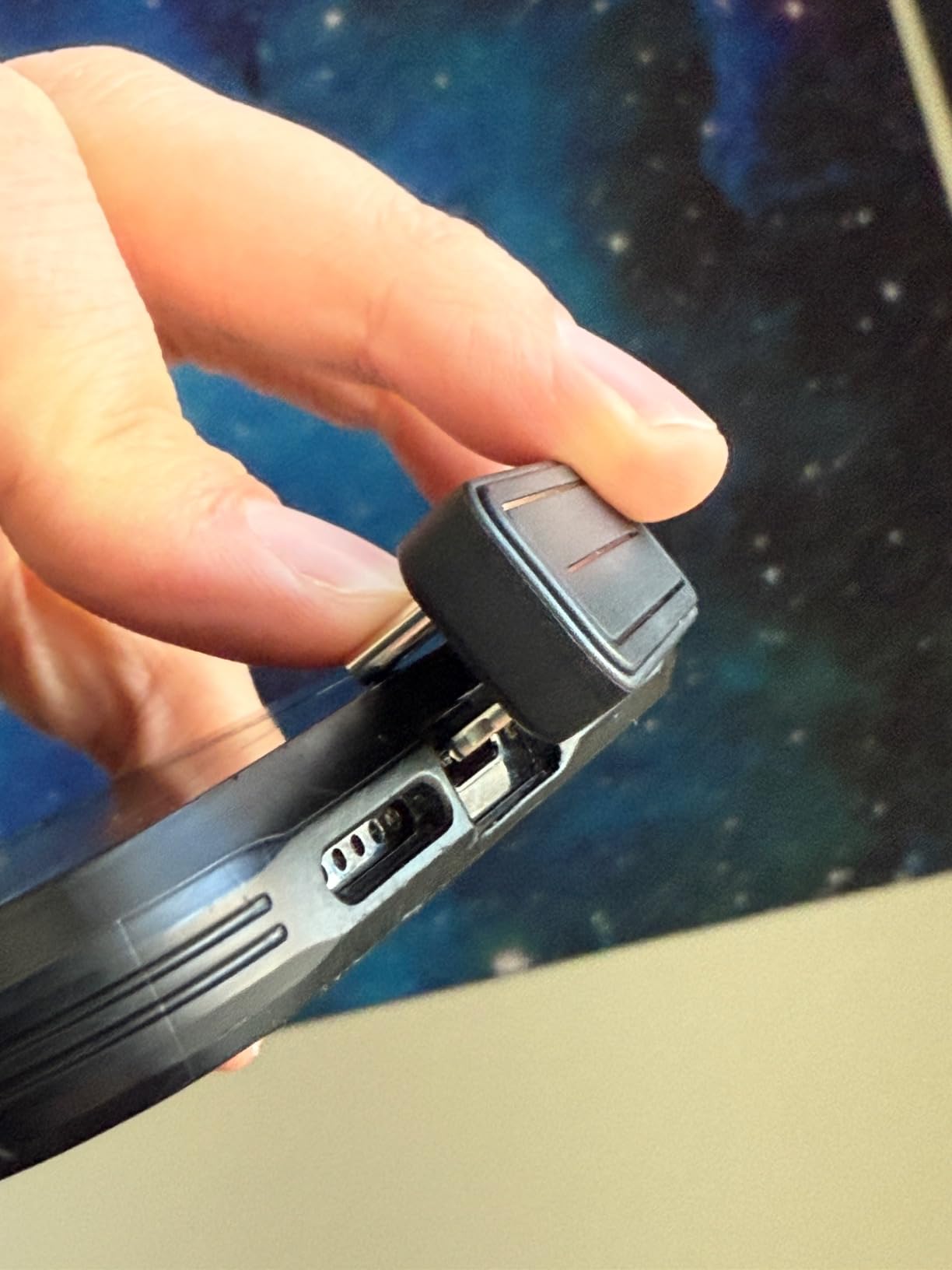
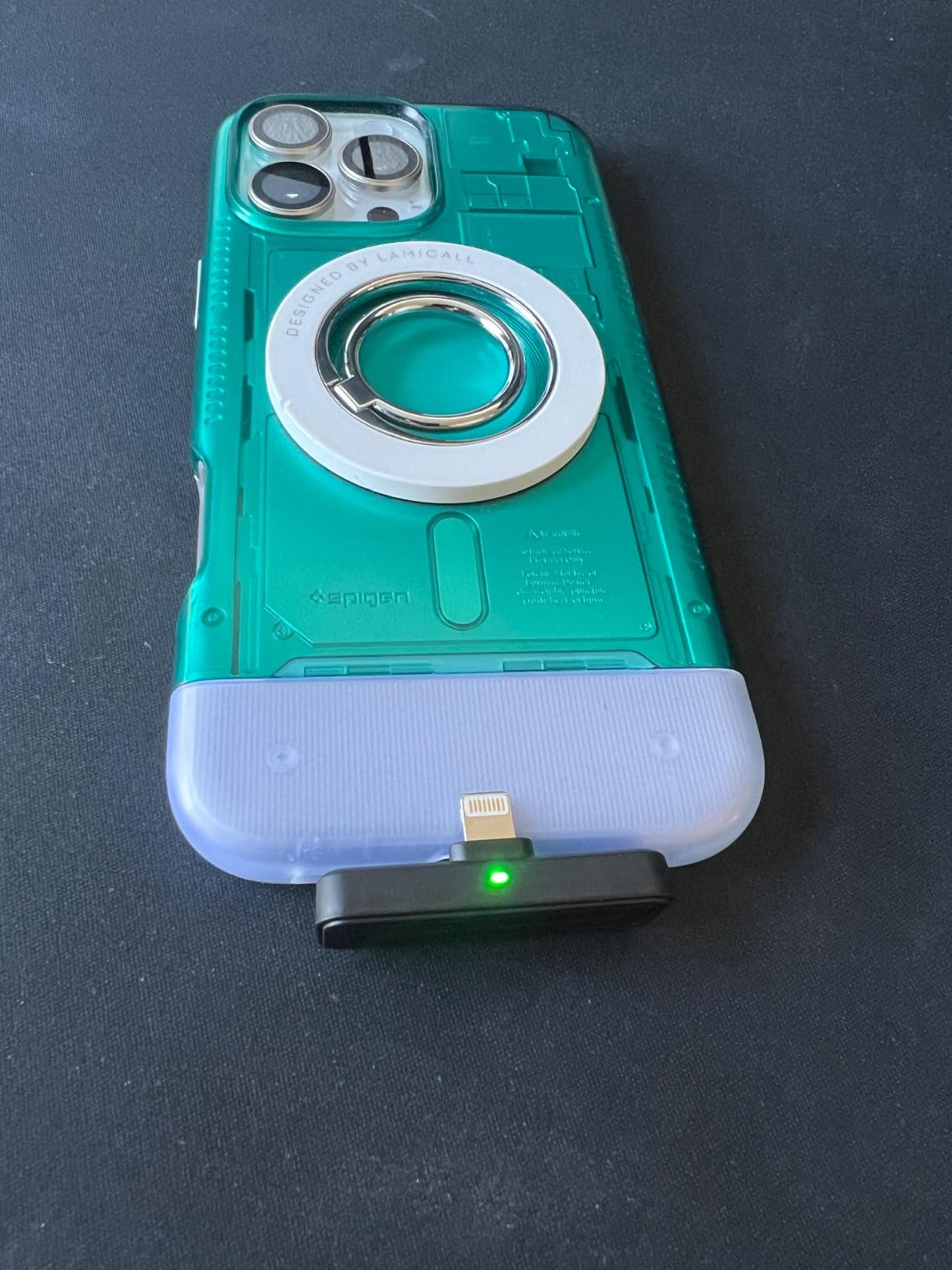
The Lightning connector on the receiver side is short and can fail to seat properly with a thick phone case. Some Android phones also require changing an in-app microphone setting before the external mic is used, which the listing does not explain, and a few buyers report units that never connected at all.
The case plastic also feels inexpensive. For a single interview that is fine; for a kit that travels in a bag every week, buy a pouch to keep the mics from ending up somewhere you cannot find them.
Wired vs Wireless Lavaliers for Interview Work
The wired and wireless decision comes down to one question: is the recording device already in your hand? If you are recording into a camera or a dedicated recorder that accepts 3.5mm or USB, a wired lav removes every failure mode we discuss in this guide. No signal to lose, no battery to die, no pairing to fail in front of a guest, and no latency between what a subject says and what you hear in your headphones.
Wireless wins when the subject moves, when you are recording on a phone, or when a visible cable would ruin the shot. A practical middle ground costs nothing: buy a wired lav and plug it into a wireless transmitter. The Rode Lavalier GO is explicitly compatible with DJI wireless transmitters and the GoPro Media Mod, so you can use the better capsule and still record to a phone.
One forum point worth keeping in mind, from the professional audio side of the discussion: lavs are like any other microphone, and you get what you pay for. But placement and technique do more for interview sound than a step up in tier does.
How to Mic a Two-Person Interview
Two people, one conversation, and both voices intelligible is the setup most people attempt first. The rule is simple: one transmitter per speaker, never one transmitter shared between two people, because a capsule 20 centimetres from one mouth and 40 centimetres from the other cannot balance them.
1. Clip each capsule 15 to 20cm below the chin. On a shirt, that lands around the centre of the placket or the middle of a tie. Any lower and you pick up chest rumble, clothing rustle and room tone instead of voice.
2. Point the capsule at the mouth and tape it down. A magnetic clip or spring clip can drift as someone gestures. A strip of surgical tape over the capsule and cable removes the handling noise that forum users consistently rank as the biggest audio complaint, above the microphone model itself.
3. Give each speaker an independent channel. Every kit here with two transmitters records each person separately, which is what lets you cut cleanly between answers later. Monitor both feeds before you start and match the levels so the quieter speaker is not buried.
4. Set gain so the loudest moment sits well below clipping. Ask each subject to laugh and lean in once during setup. On kits with automatic limiting or a safety track, that spike is protected, but on a wired lav into a camera it is not.
5. Run a five-minute interference test in the actual room. Before the subject arrives, hold the transmitter at the clip position, walk around the space, and play back twenty seconds of it. Offices with dense Wi-Fi and access points are where 2.4GHz systems struggle, and users report dropouts and static in buildings where the same kit worked fine at home.
6. Add wind protection for anything outdoors. The foam windscreen in the box handles breath and plosives. Wind needs a proper deadcat or furry cover, and no microphone model compensates for the noise of wind across an unprotected capsule.
7. Decide on the backup track before you record. If your kit records internally, turn it on and confirm it is writing. A system like the NEEWER CM28 stores a full local WAV on each transmitter, which turns an unrecoverable dropout into a repairable edit.
On the video side, remember what experienced filmmakers say about lavs: placing the mic on the outside of clothing is far less intimidating for a non-professional subject, and they forget it is there.
Specs That Matter for Interviews (and Ones You Can Ignore)
Polar pattern. Most lavaliers here are omnidirectional, which means they pick up equally from front and back and forgive imperfect placement. That is what you want for interviews, because subjects turn their heads. One kit in this list, the NEEWER CM28, is listed as unidirectional, which means a speaker who turns away drops in level, so keep it aimed at the mouth.
Signal-to-noise ratio versus self-noise. These are the same measurement stated two ways, and the higher the SNR, the less noise you amplify when you raise your levels. Anything from 68dB upward is comfortable for speech. Below that and you are editing noise all the way through.
Internal or backup recording. This is the single feature that changes your risk profile. A transmitter that records its own copy keeps working when the receiver link fails. Ask the question directly of any kit that does not advertise it, because most budget wireless sets record nowhere but at the receiver.
Noise cancelling. Useful in a genuinely noisy room, and a liability in a quiet one. Every system here processes the voice at its higher settings, and processed speech is harder to listen to for long. Start on the lowest setting or off and only increase it if the recording demands it.
Battery and the charging case. Ten hours per transmitter sounds generous, but a long day with two people miked plus recharging time is where the case matters. Kits that reach 30 or 42 hours in total remove a whole category of anxiety.
2.4GHz versus UHF. Every wireless kit in this roundup uses 2.4GHz. It is the modern choice because it fits into phones and cameras without a separate receiver, and it uses frequency hopping to avoid collisions. The trade is congestion: in offices, hotels and modern homes, the same band carries Wi-Fi and Bluetooth, so test before an interview rather than during one.
Specs you can ignore. Sampling rates above 48kHz. A 192kHz/24-bit microphone records speech you cannot hear the difference between, and the file is large. Also ignore maximum SPL figures above 120dB, which are room reflections rather than your subject, and frequency response claims extending to 20kHz, since speech rarely carries above 15kHz and extra bandwidth in that range collects noise instead.
What you do need to check. Connector type against your actual device. A USB receiver, a 3.5mm jack and a Lightning port are three different worlds, and a thick phone case can stop a USB-C receiver seating properly. We covered the wider options in our wireless lavalier microphone guide, and if your interview is video-led rather than audio-led, our shotgun microphone picks cover the alternative many crews carry as a second angle.
Frequently Asked Questions
What is the best lavalier mic for interviews?
For most interview work the DJI Mic Mini is the strongest all-round choice in 2026. It ships with two transmitters and a mobile receiver, so each speaker records to an independent channel, and it adds two levels of noise cancelling, automatic limiting against clipping and a 300 metre transmission range. The Hollyland Lark M2 is the alternative if phone recording and all-day battery life matter more.
What mics do interviewers use?
Professional interviewers and broadcast crews typically wear a wired or wireless lavalier rather than a boom or desktop microphone. Common broadcast choices include DPA 6066 capsules, a Sennheiser capsule with a beltpack, and Shure AD-series wireless systems, usually paired with two transmitters so each guest records to a separate channel. For most non-broadcast work, a dual-transmitter 2.4GHz kit covers the same need at a far lower cost.
What is the best microphone for phone interviews?
For phone recording, choose a kit with a USB-C or Lightning receiver that plugs straight into the handset, because Bluetooth adds pairing steps and occasional dropouts. The Hollyland Lark M2 and DJI Mic Mini both provide a direct USB-C receiver and two transmitters. Avoid kits whose receiver has a short connector that can be pushed out by a thick phone case.
Which wireless mic is better, DJI or Rode?
The difference is how they work rather than which brand wins. DJI kits in this roundup pair by USB-C with no app required and add noise cancelling and automatic limiting, which suits phone and tablet interview work. Rode systems here are wired-first and give you a dependable capsule and cable that plugs into cameras, interfaces or a DJI transmitter. Pick DJI for mobility and built-in processing, and Rode when you record to a camera and want zero wireless risk.
What’s the difference between a lavalier and a lapel mic?
There is no difference at all. Lavalier and lapel are two names for the same device: a small clip-on microphone that attaches to clothing near the collar to capture close-range voice hands-free. The names that do mark a difference are wired versus wireless, and whether the transmitter records a backup copy on its own storage.
How do you reduce clothing rustle on a lavalier mic?
Place the capsule 15 to 20cm below the chin rather than lower on the chest, point it directly at the mouth, and secure it so it cannot move. A strip of surgical tape over the capsule and its cable removes almost all handling noise, and routing the cable down the placket with the clip stops it rubbing against fabric. Adding a foam windscreen also cuts the low-frequency thump fabric contact creates.
Which Lavalier Mic Should You Buy in 2026?
The DJI Mic Mini is our best lavalier microphone for interviews in 2026. Two transmitters, a 300 metre range, automatic limiting and no app in the basic workflow make it the least likely of the ten to fail on a shoot day. If you record on a phone all day, the Hollyland Lark M2 gives you more total battery and a smaller transmitter, and if you record into a camera, the wired Rode Lavalier GO removes wireless risk entirely.
One rule covers the rest: clip every capsule 15 to 20cm below the chin, one microphone per speaker, and run a five-minute signal test before the guest arrives. Technique does more for interview audio than any model on this list. If you want to go deeper on the wireless side, read our guide to lavalier mics for streaming next.