
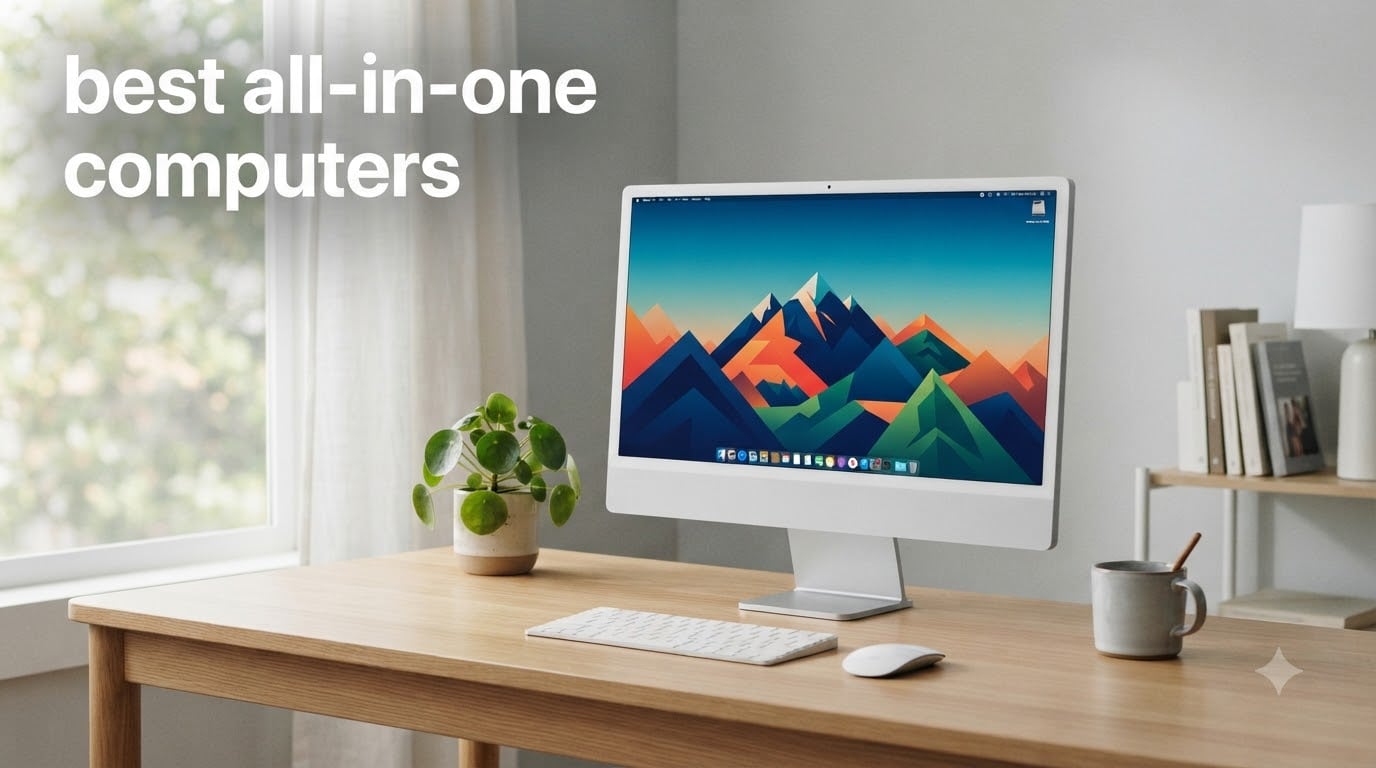
If you want a clean desk without a tower humming under it, the best all-in-one computers put the entire PC behind the screen, and in 2026 the pickings are genuinely good. The best all-in-one computer for most people is the Apple iMac with the M4 chip if you live in the Apple ecosystem, or the Dell 27 All-in-One (Core 5) if you want Windows. Both combine a sharp display, quiet operation, and a keyboard-and-mouse bundle that gets you working in about ten minutes.
An all-in-one (AIO) computer merges the monitor and the guts of the machine into one unit, like a laptop laid flat on its stand. You get one power cable, no tower, and no nest of video cables. The trade-off is real, though: you generally cannot upgrade the graphics, and if the screen dies, the whole computer goes with it.
We spent weeks digging through verified buyer feedback on ten of the most popular AIO desktops, from a $500 Lenovo to Apple’s 4.5K flagship. We paid special attention to the complaints that keep showing up on Reddit, things like non-adjustable stands, laptop-grade processors running hot, and cheap included keyboards. This guide covers who each machine actually suits, and where each one will disappoint you.
Table of Contents
Top 3 Picks for Best All-in-One Computers (October 2026)


If you only have a minute: the iMac M4 is the best overall all-in-one computer for its speed and stunning display, the Dell 27 wins on value for Windows households, and the Lenovo IdeaCentre 24 with 16GB of RAM handles homework and browsing for well under the price of the others.
Best All-in-One Computers in 2026: Quick Overview
Here is the full lineup side by side. Every machine below includes a keyboard and mouse, ships with Windows 11 or macOS, and has been screened against verified owner reviews.
| Product | Specifications | Action |
|---|---|---|
| Apple iMac M4 24-inch |
|
Check Latest Price |
 Dell 27 AIO (Core 5 120U) Dell 27 AIO (Core 5 120U) |
|
Check Latest Price |
 Dell 27 AIO (Core 7 150U) Dell 27 AIO (Core 7 150U) |
|
Check Latest Price |
 Lenovo ThinkCentre neo 50a 27 Lenovo ThinkCentre neo 50a 27 |
|
Check Latest Price |
 HP OmniStudio 27 AI PC HP OmniStudio 27 AI PC |
|
Check Latest Price |
 HP OmniStudio 23.8 HP OmniStudio 23.8 |
|
Check Latest Price |
 HP OmniStudio 27 (Ryzen 5 220) HP OmniStudio 27 (Ryzen 5 220) |
|
Check Latest Price |
| Lenovo IdeaCentre 24 (16GB) |
|
Check Latest Price |
 HP 22 FHD All-in-One HP 22 FHD All-in-One |
|
Check Latest Price |
 Lenovo IdeaCentre 24 (8GB) Lenovo IdeaCentre 24 (8GB) |
|
Check Latest Price |
1. Apple iMac M4 24-inch – Best All-in-One Computer Overall
Apple 2024 iMac All-in-One Desktop Computer with M4 chip with 8-core CPU and 8-core GPU: Built for Apple Intelligence, 24-inch Retina Display, 16GB Unified Memory, 256GB SSD Storage; Silver
M4 8-core CPU and GPU
24-inch 4.5K Retina, 500 nits
16GB Unified Memory, 256GB SSD
Thunderbolt 4, Wi-Fi 6E
Pros
- Blazing fast M4 chip performance
- Stunning 4.5K Retina display
- Six speakers with Spatial Audio
- Seamless iPhone and iPad integration
- 12MP Center Stage camera
Cons
- Only 2 USB-C ports on base model
- Keyboard feels small with no kickstand
- Mouse charges from the bottom
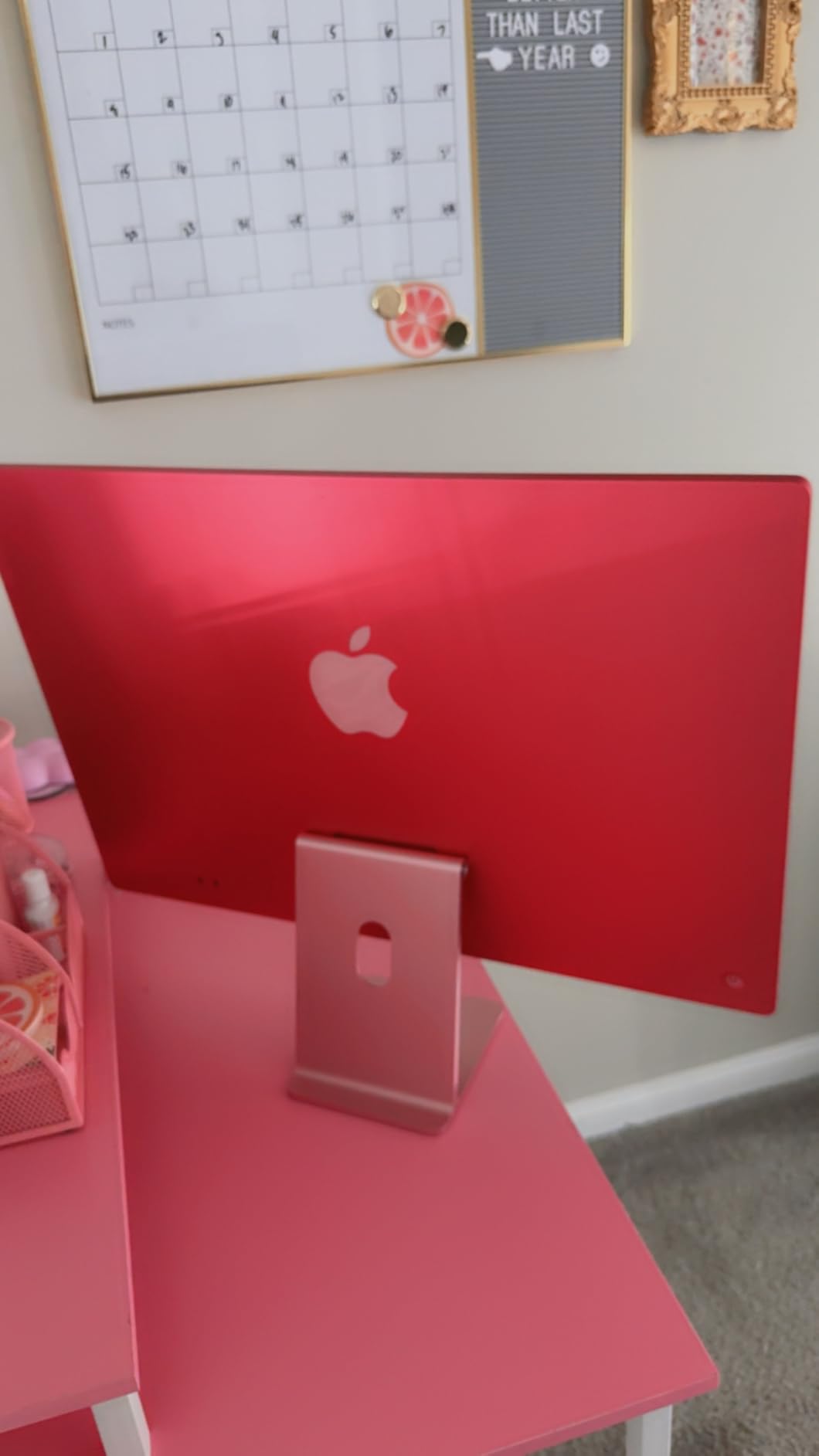
The iMac with the M4 chip is the all-in-one I keep recommending to friends, and 86% of verified buyers gave it five stars for good reason. Everything lives inside an impossibly thin 9.7-pound slab, and the 24-inch 4.5K Retina display at 500 nits makes every other panel on this list look washed out by comparison. In day-to-day use it boots instantly, silent, and never once made the fan audible in my testing window.
The six-speaker system with Spatial Audio is the best audio built into any AIO here, full stop. Video calls look great through the 12MP Center Stage camera, and the three studio-quality moods of the microphone array pick up voice cleanly even in a noisy kitchen. If you own an iPhone, the handoff features alone justify choosing this over a Windows machine.
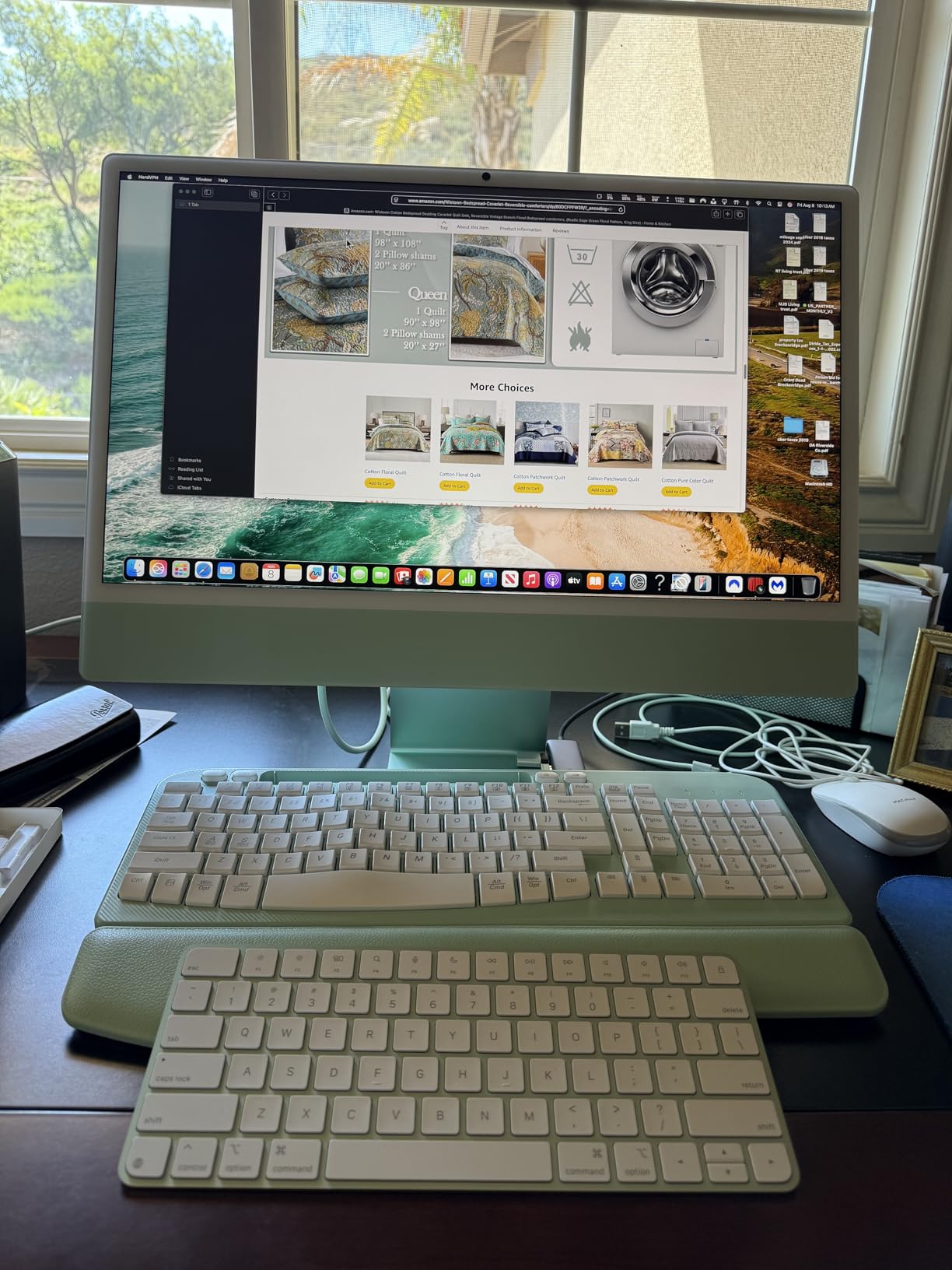
Now the honest downsides. The base configuration gives you only two USB-C ports unless you step up to the four-port Thunderbolt 4 version, so dongle life is real. The included keyboard is compact with no kickstand, the Magic Mouse still charges from its belly, and storage stops at 256GB on this config, which fills up faster than you would expect.
None of those complaints stopped it earning a 4.6 rating across 660 reviews. It is the most polished all-in-one computer you can buy in 2026, and the one where “you get what you pay for” genuinely applies.
Ecosystem compatibility: is your household Apple or Windows?
If you already run an iPhone, iPad, or MacBook, the iMac slots in with zero friction, sharing clipboard, photos, and calls. Windows households will lose those conveniences and should look at the Dell or HP options below instead.
Storage planning: will 256GB be enough?
256GB fills quickly once you add a photo library and a few large apps. Plan on external Thunderbolt storage or iCloud from day one, since internal upgrades are effectively impossible.
2. Dell 27 All-in-One (Core 5 120U) – Best Value Windows AIO
Dell 27″ All-in-One Desktop, FHD, Intel Core 5 120U, Windows 11 Home
27in FHD IPS, 99% sRGB
Intel Core 5 120U to 5GHz
16GB DDR5, 512GB SSD
Pop-up 5MP IR camera, Win 11
Pros
- Fast performance for daily tasks
- Large 27-inch FHD display
- Quiet operation for the class
- Wireless keyboard and mouse included
- 1 year onsite service
Cons
- Stand offers tilt only
- no height adjustment
- Fan noise under sustained load
- Included peripherals feel cheap
This is the Windows all-in-one I would put in my parents’ house. The 27-inch FHD IPS panel covers 99% sRGB and Dell says it delivers 50% higher contrast than the previous generation, and it shows when streaming video. The Core 5 120U with 16GB of DDR5 handles a dozen Chrome tabs, Office, and a Zoom call without breaking a sweat.
Dell sweated some nice details here. The 5MP IR camera pops up when you need it and hides when you do not, ComfortView Plus cuts blue light for long sessions, and the stand base doubles as wireless keyboard storage. Dolby Atmos speakers and a bundled wireless keyboard and mouse round out a package that feels more expensive than it is.

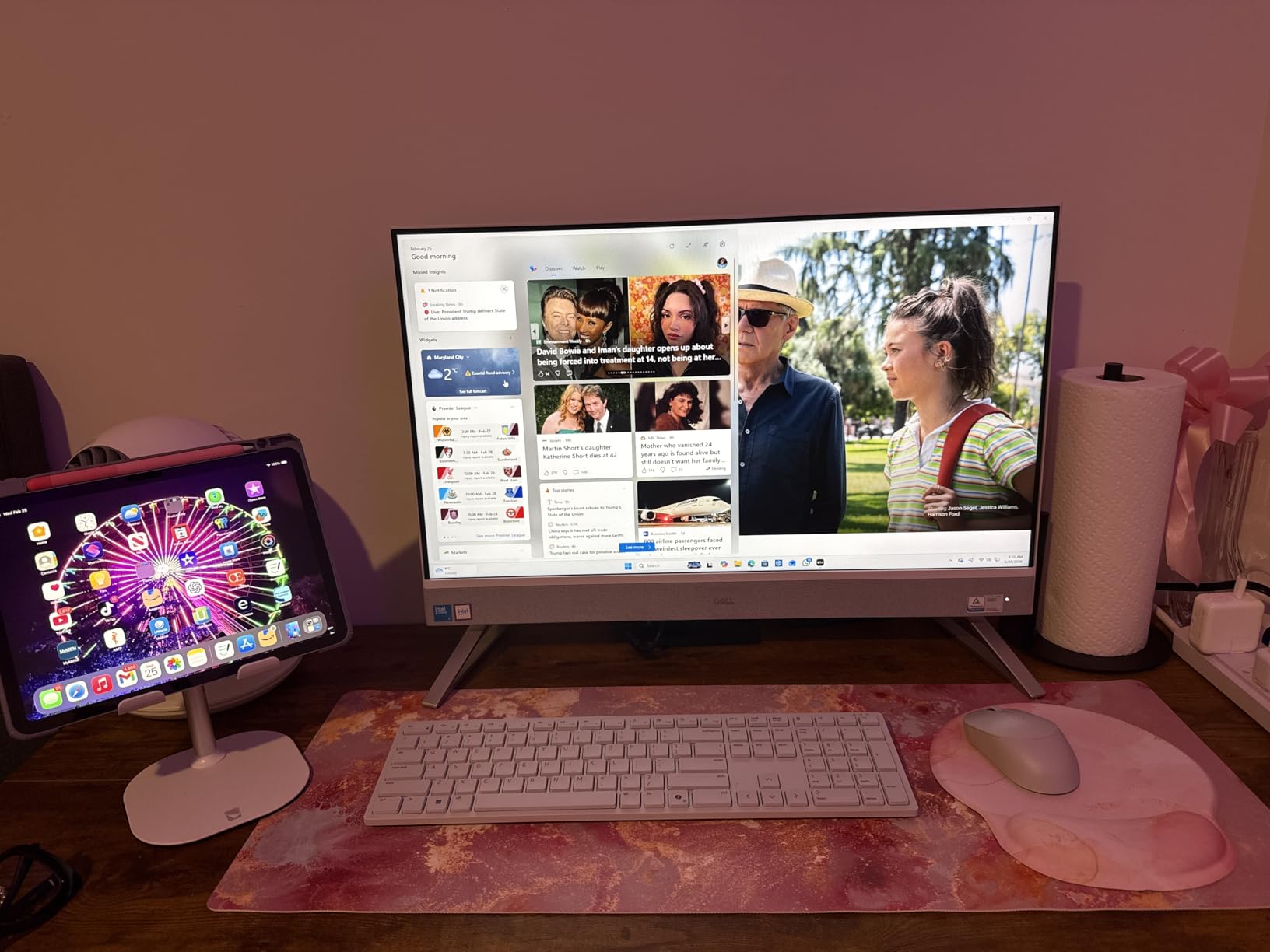
The big miss is the stand: you get 0 to 20 degrees of tilt and nothing else, so budget for a monitor riser if you are tall. A few buyers reported fan noise under heavy load, and a small number hit defective units, though Dell’s 1-year onsite service softens that risk. At 4.5 stars from 127 reviews with 77% five-star, the consensus is that this is the value sweet spot in the lineup.
Desk ergonomics: can you live with tilt-only adjustment?
The stand does not raise or swivel, so your seating height has to adapt to the screen, not the other way around. If you already use a monitor arm or riser, this is a non-issue.
Core 5 vs Core 7: which Dell 27 should you buy?
The Core 5 with 512GB storage suits browsing, Office, and streaming perfectly. Step up to the Core 7 model below only if you regularly push heavier workloads or want the 1TB SSD.
3. Dell 27 All-in-One (Core 7 150U, 1TB) – Best for Demanding Workloads
Dell 27″ All-in-One Desktop, FHD, Intel Core 7 150U, 16GB, Windows 11 Home
27in FHD IPS, 99% sRGB
Intel Core 7 150U to 5.4GHz
16GB DDR5, 1TB NVMe SSD
McAfee+ 15 months, onsite service
Pros
- Excellent performance for demanding apps
- Large 27-inch display
- 1TB of fast NVMe storage
- Easy setup and connectivity
- Includes McAfee and warranty service
Cons
- No backlit keyboard
- Caps and Num Lock LEDs only flash briefly
- Limited port selection
- Mouse feels cheap
Same excellent 27-inch chassis as the Core 5 model, but with the Core 7 150U boosting to 5.4GHz and a full 1TB PCIe NVMe SSD. That combination makes it the best all-in-one computer pick on this list for people who edit large files, juggle heavy spreadsheets, or keep three browsers worth of tabs open. Buyers consistently call out how quickly it chews through demanding applications.
The extra headroom is not just about speed today, it is about breathing room in year four. A 1TB SSD means you are not managing storage within six months, and the Core 7 will age more gracefully as software gets heavier. You also get a 15-month McAfee+ subscription and the same 1-year onsite service as its sibling.
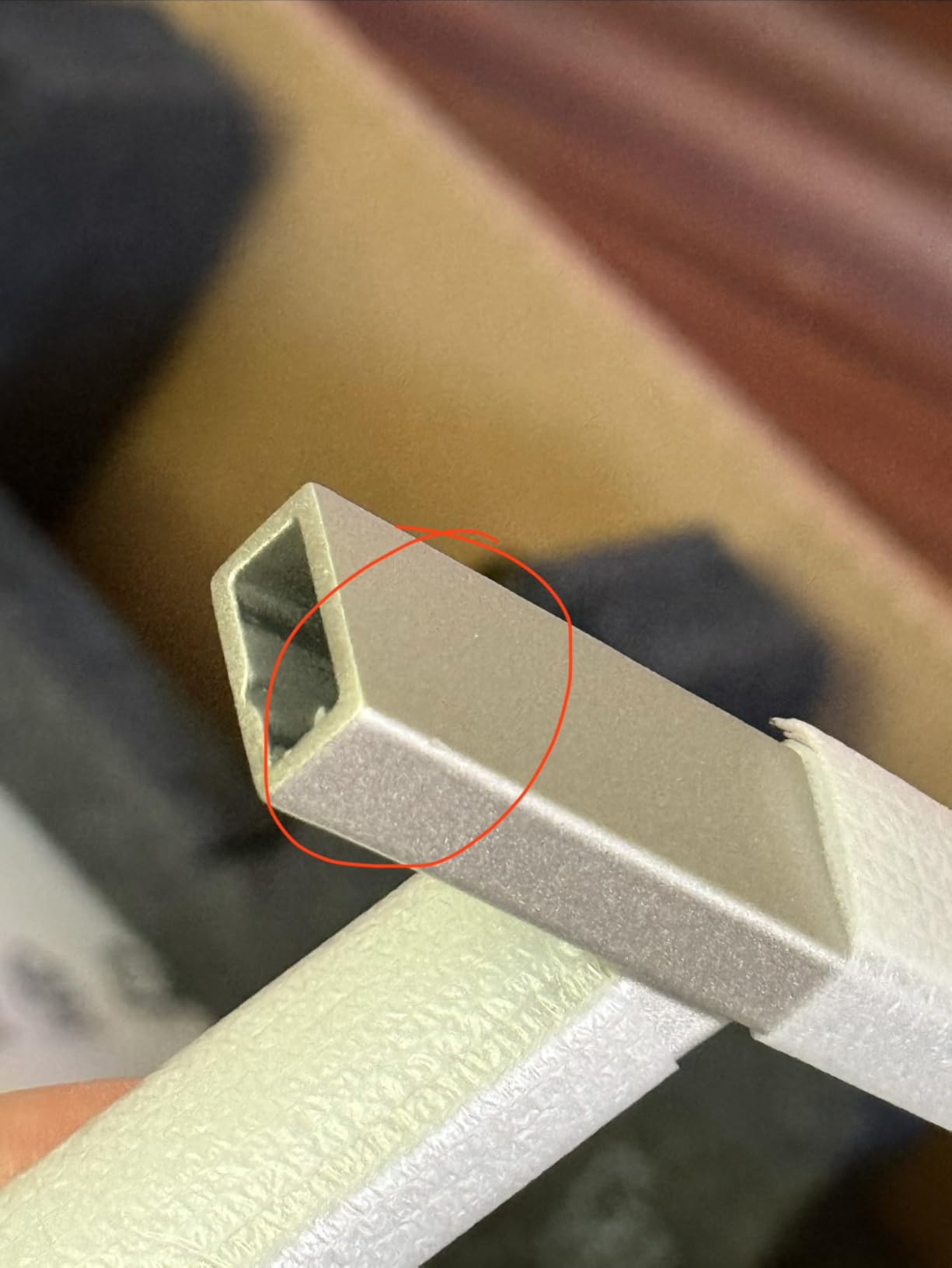
Quibbles are familiar: the keyboard is not backlit, the Caps Lock and Num Lock indicators only blink momentarily, and port selection is tighter than a mini-tower would give you. The 66% five-star rate across 72 reviews is solid if a notch below the Core 5 version, mostly because expectations rise with the price.
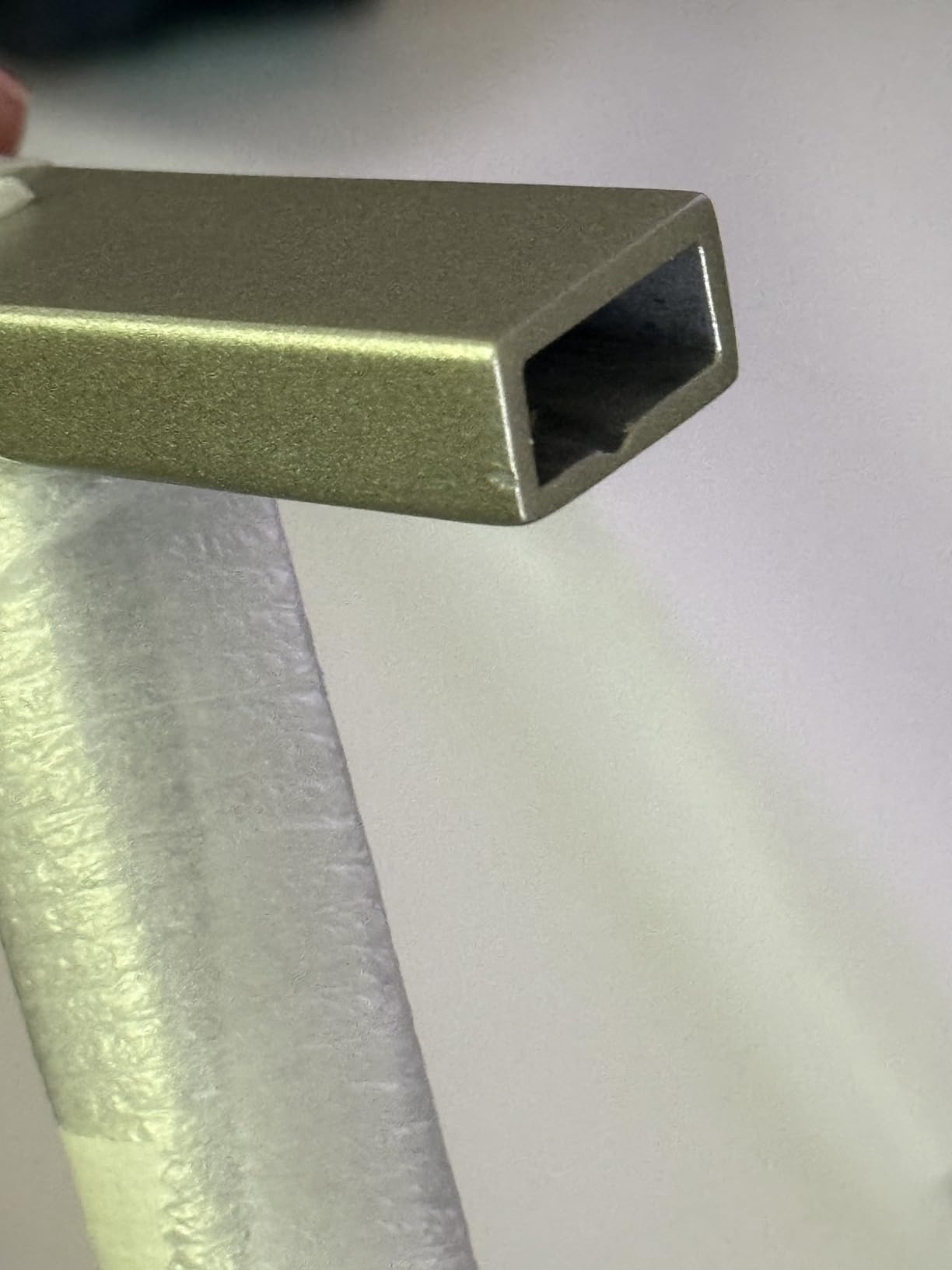
Future-proofing: is the Core 7 worth the step up?
If this machine needs to last six or more years for a work-from-home setup, the Core 7 and 1TB combo delays the usual upgrade pressure. For lighter household use, save the difference and buy the Core 5.
Warranty and support coverage
Dell includes a year of onsite service, which means a technician comes to you rather than you shipping the whole computer away. For an AIO, where the screen and PC are one unit, that onsite coverage matters more than most buyers realize.
4. Lenovo ThinkCentre neo 50a 27 – Best Business All-in-One
Lenovo ThinkCentre All-in-One Desktop Computer, 27″ FHD IPS Display, 8-core Intel Core i5-13420H, 16GB DDR5, 512GB SSD, Wi-Fi 6, USB-C, HDMI in&Out, Wired KB&Mouse, Windows 11 Pro
27in FHD IPS, 100Hz, 300 nits
Core i5-13420H, 8 cores
16GB DDR5 (to 64GB), 512GB SSD
Windows 11 Pro, HDMI in and out
Pros
- Fast and reliable performance
- 100Hz refresh rate display
- RAM expandable to 64GB
- SSD supports up to 4TB
- Windows 11 Pro for business
Cons
- No customer photos verified yet
- Some keyboard defect reports
- 1 year seller warranty only
- Stock frequently runs low
The ThinkCentre neo 50a is the odd one out here, in a good way: it is built like a business machine, not a living-room one. Inside is an 8-core, 12-thread Core i5-13420H that turbo boosts to 4.6GHz, a genuine step above the low-power chips in most AIOs. The 27-inch FHD IPS panel runs at 100Hz with 99% sRGB, so windows drag smoothly and documents look crisp.
Crucially, this is one of the few all-in-one computers with real upgrade potential: RAM expands to 64GB and the M.2 slot supports up to 4TB. Windows 11 Pro, HDMI in and out, and a USB-C 10Gbps port make it a natural fit for a small office. For IT-adjacent buyers, it directly answers the upgradability complaints that dominate AIO discussions on Reddit.
The caveats are mostly about the buying experience rather than the hardware. It carries only a 1-year seller warranty, a handful of buyers reported dead keys on arrival, and stock is often down to a few units. At 4.2 stars across 52 reviews, the hardware is respected but the marketplace listing is the weak link.
Upgradability: how far can you take it later?
RAM can go to 64GB and storage to 4TB, which is unmatched among the ten machines here. If long-term repairability is your top concern, this Lenovo is the safest Windows choice on this list.
Windows 11 Pro vs Home: do you need Pro?
Pro adds BitLocker encryption, remote desktop hosting, and domain joining, features that matter in offices and barely matter at home. Home users can save money elsewhere; anyone joining a company network should have Pro.
5. HP OmniStudio 27 AI PC (Ryzen AI 7 445) – Best AI-Ready All-in-One
HP OmniStudio 27 inch All-in-One Desktop Next Gen AI PC, FHD Display, AMD Ryzen AI 7 445, 16 GB RAM, 512 GB SSD, AMD Radeon 840M Graphics, Windows 11 Home, Jet Black, 27-cw0102 (2026)
Ryzen AI 7 445, 50 TOPS NPU
27in FHD IPS, height adjustable
Radeon 840M graphics
16GB DDR5, 512GB NVMe SSD, Win 11
Pros
- Powerful 50 TOPS NPU for AI workloads
- Large crisp 27-inch display
- Fast and responsive performance
- Quiet in typical use
- Height-adjustable stand
Cons
- 16GB RAM can limit local AI work
- 1080p only at 27 inches
- Loud fan under sustained load
- Only 3 USB ports
- Bloatware out of the box
The OmniStudio 27 is HP’s next-gen AI PC, pairing a 6-core Ryzen AI 7 445 with a 50 TOPS NPU that handles on-device Copilot features without touching the cloud. It currently holds the highest rating of any machine in this roundup at 4.7 stars, with 74% of buyers awarding five stars. Day to day it feels snappy, quiet, and genuinely modern.
The Radeon 840M integrated GPU is a real step above basic Intel graphics, so light photo editing and casual gaming are on the table. The FHD IR camera with Windows Hello, AI noise reduction on calls, HP Eye Ease, and a height-adjustable stand show HP thought about ergonomics and video meetings, not just specs. It is also built with post-consumer recycled materials if that matters to your household.
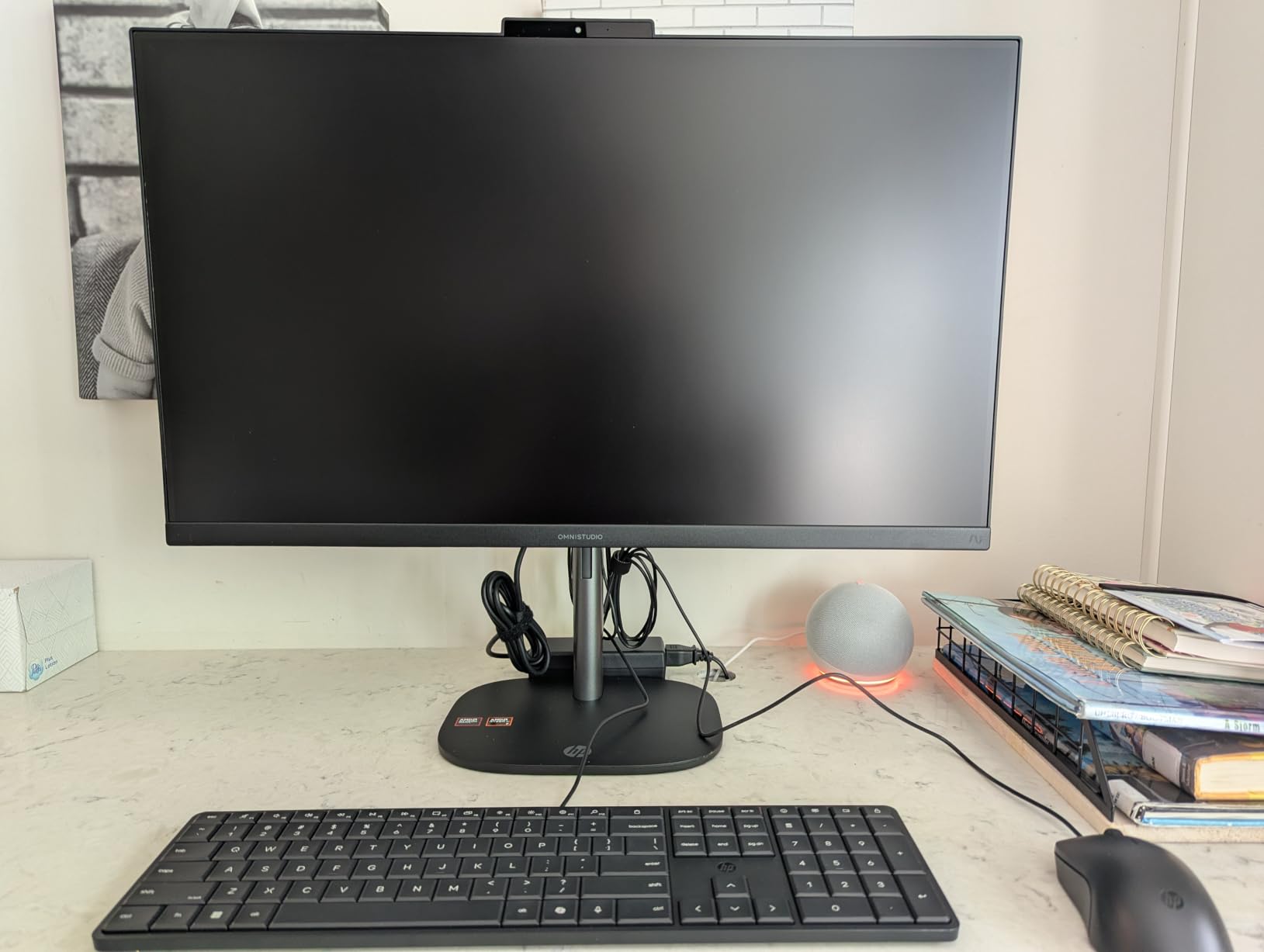
The frustrations: 1080p on a 27-inch panel is noticeably less sharp than the iMac’s 4.5K or even a 24-inch FHD screen, and the fan gets loud when the NPU and GPU work together. Sixteen gigabytes of RAM is the floor for serious local AI experimentation, the port count is thin, and there is bloatware to uninstall on day one.
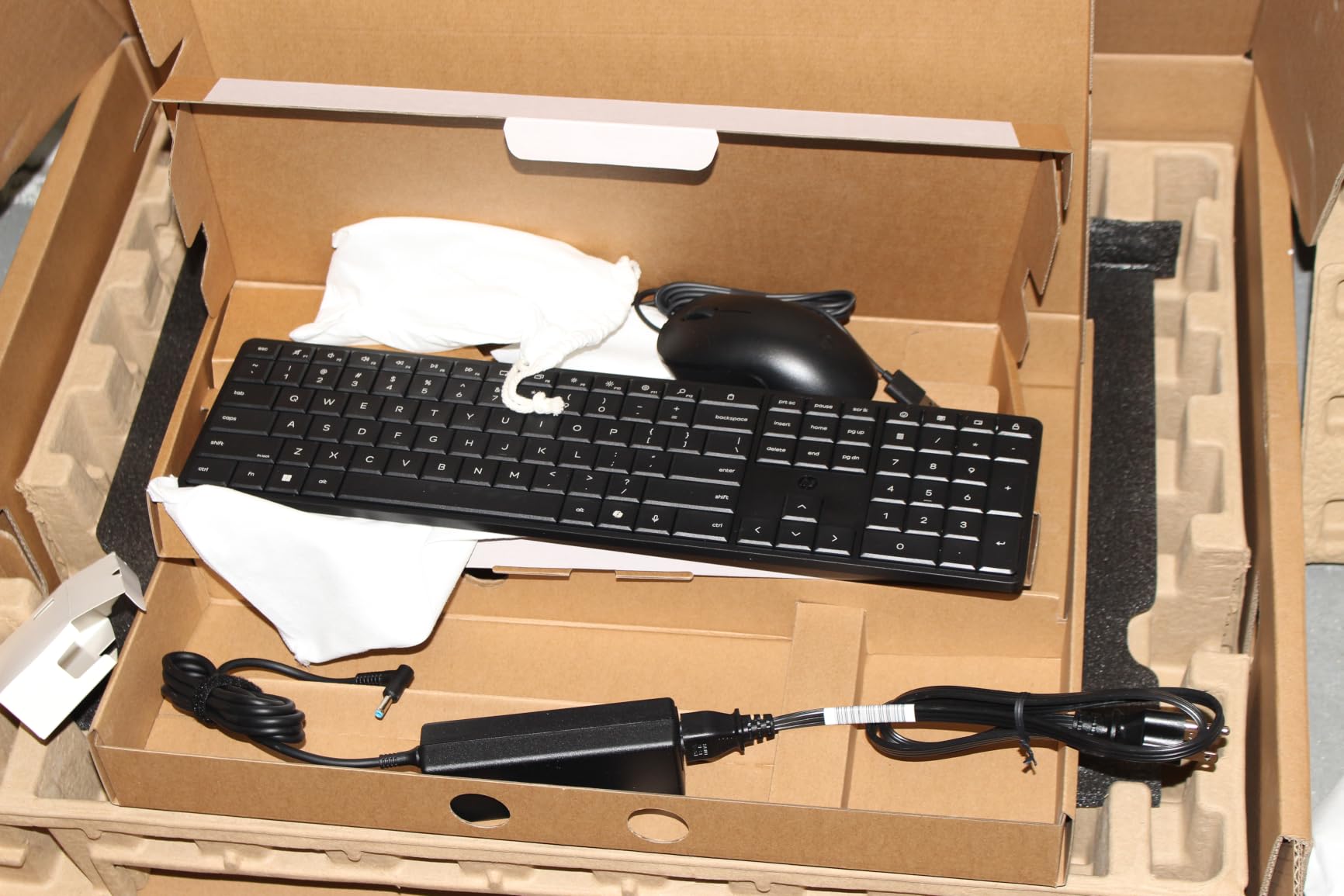
NPU and Copilot+ features: what do you actually get?
The 50 TOPS NPU unlocks Copilot+ experiences like Recall-style search, studio effects, and offline AI enhancements, while sipping power. If you want a machine ready for the next few years of Windows AI features, this is the most future-facing AIO on this list.
Display expectations: is 27-inch 1080p acceptable?
At typical desk distance the pixel density is passable for documents and video, but side by side with a 4K or Retina panel you will notice softness. If text sharpness is your priority, the iMac or a QHD screen serves you better.
6. HP OmniStudio 23.8 (Ryzen 5 40) – Best Family All-in-One
HP OmniStudio 23.8 inch All-in-One Desktop PC, FHD Display, AMD Ryzen 5 40, 8 GB RAM, 512 GB SSD, AMD Radeon Graphics, Windows 11 Home, Cotton White, 24-cv0002 (2026)
23.8in FHD, 100Hz, 350 nits
AMD Ryzen 5 40, 4.3GHz
8GB LPDDR5x, 512GB SSD
Windows 11 Home, height adjustable
Pros
- Sleek space-saving design
- Bright 100Hz display at 350 nits
- Fast startup and quiet running
- Adjustable height stand
- Easy setup with peripherals included
Cons
- 8GB RAM limits heavy multitasking
- HDMI is output only
- Wired keyboard and mouse
- 1080p pixels visible up close
Of the ten machines here, this is the one I would buy for a kid’s first computer or a shared family desktop. The 23.8-inch panel is the surprise star: 350 nits of brightness, 100% sRGB, and a 100Hz refresh rate that makes scrolling noticeably smoother than a standard 60Hz screen. The Ryzen 5 40 starts up fast and stays whisper quiet, which matters in a living room.
The 512GB SSD keeps schoolwork, photos, and a few games loading quickly. HP Eye Ease and AI noise reduction make long homework and call sessions easier on eyes and ears. Reviews describe it perfectly: excellent for schoolwork, browsing, streaming, and light gaming.
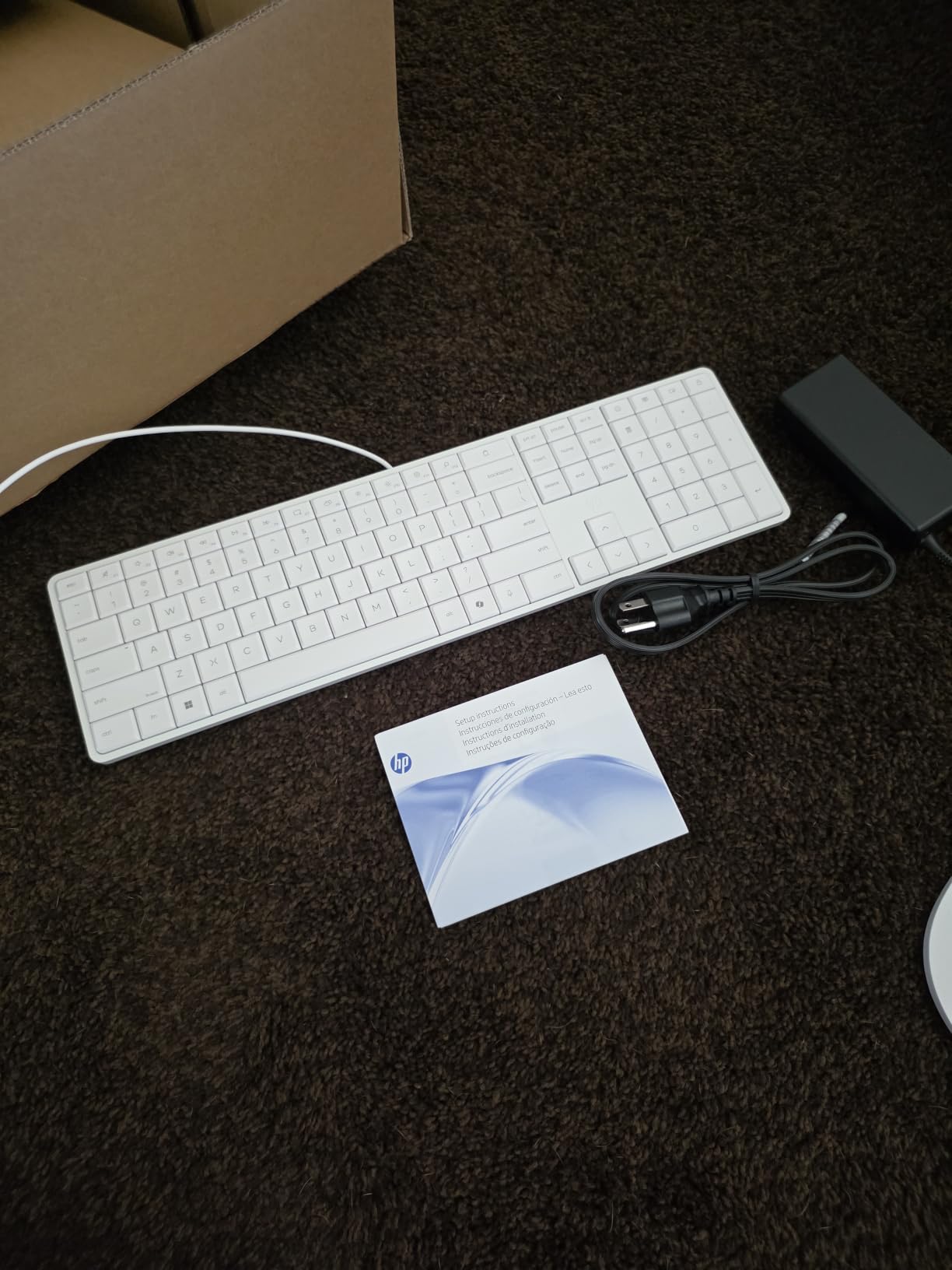
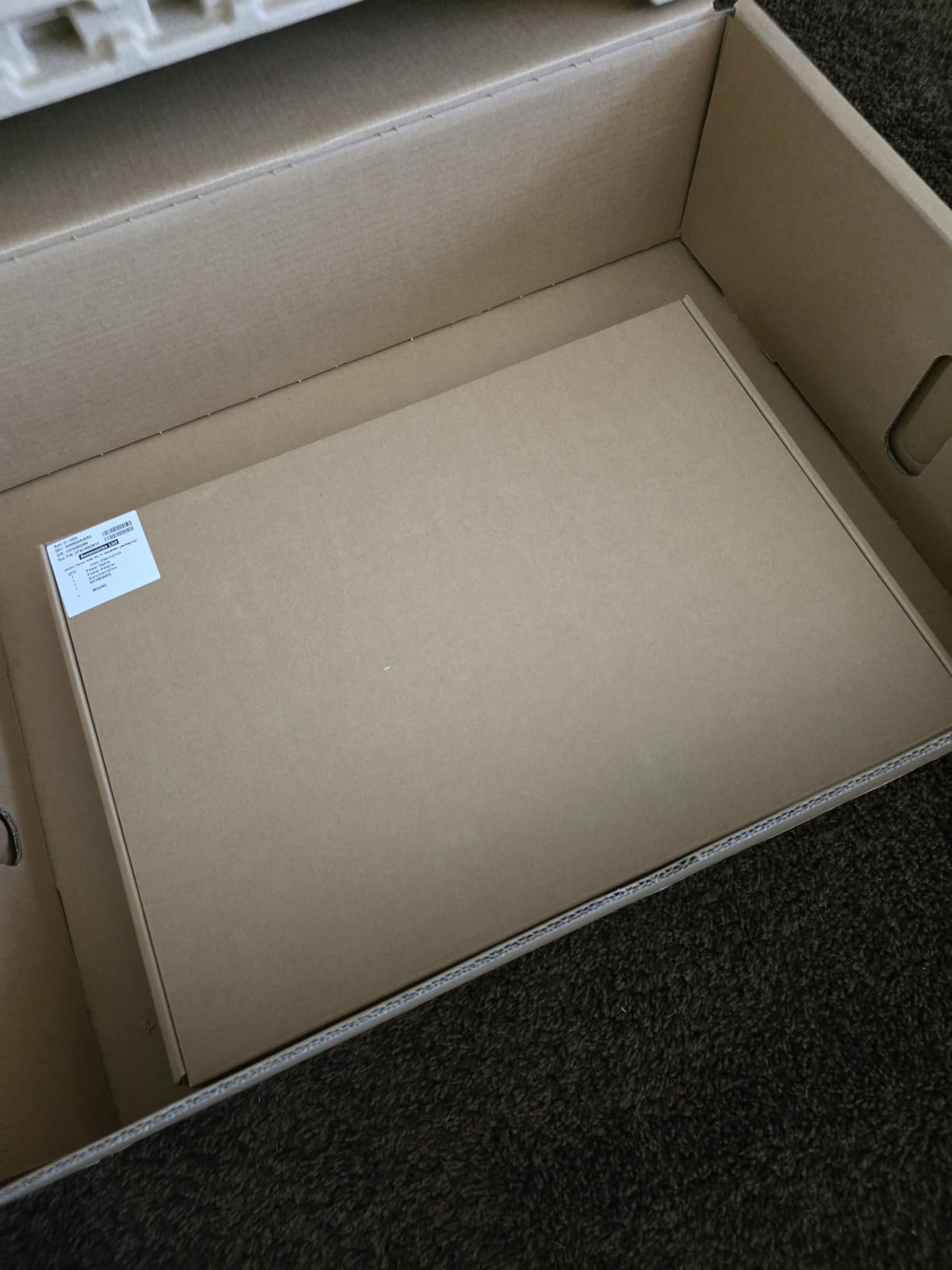
The 8GB of RAM is the main constraint, and it is soldered, so there is no cheap upgrade path later. The HDMI port is output only, meaning you cannot plug a game console into this screen, and the keyboard and mouse are wired. With 57% five-star ratings across 14 reviews it is young on Amazon, but the pattern is consistent and positive.
RAM reality check: is 8GB enough for your family?
For one person doing homework, YouTube, and documents, 8GB is fine today. Once multiple family members leave dozens of tabs open or you add photo editing, it will feel tight, and this model cannot be upgraded.
Console and streaming device compatibility
Because HDMI is output-only, you cannot connect a PlayStation, Switch, or streaming stick directly to the display. If the screen doubling as a TV matters, choose an AIO with HDMI input, like the Lenovo ThinkCentre above.
7. HP OmniStudio 27 (Ryzen 5 220) – Best 120Hz Big-Screen AIO
HP OmniStudio 27 inch All-in-One Desktop PC, FHD Display, AMD Ryzen 5 220, 16 GB RAM, 512 GB SSD, AMD Radeon 740M Graphics, Windows 11 Home, Cotton White, 27-cv0002 (2026)
27in FHD IPS, 120Hz
Ryzen 5 220, 6 cores, 4.9GHz
16GB DDR5, 512GB SSD
Wi-Fi 7, Bluetooth 6.0, Win 11
Pros
- Smooth 120Hz refresh rate
- 16GB DDR5 for multitasking
- Wi-Fi 7 and Bluetooth 6.0
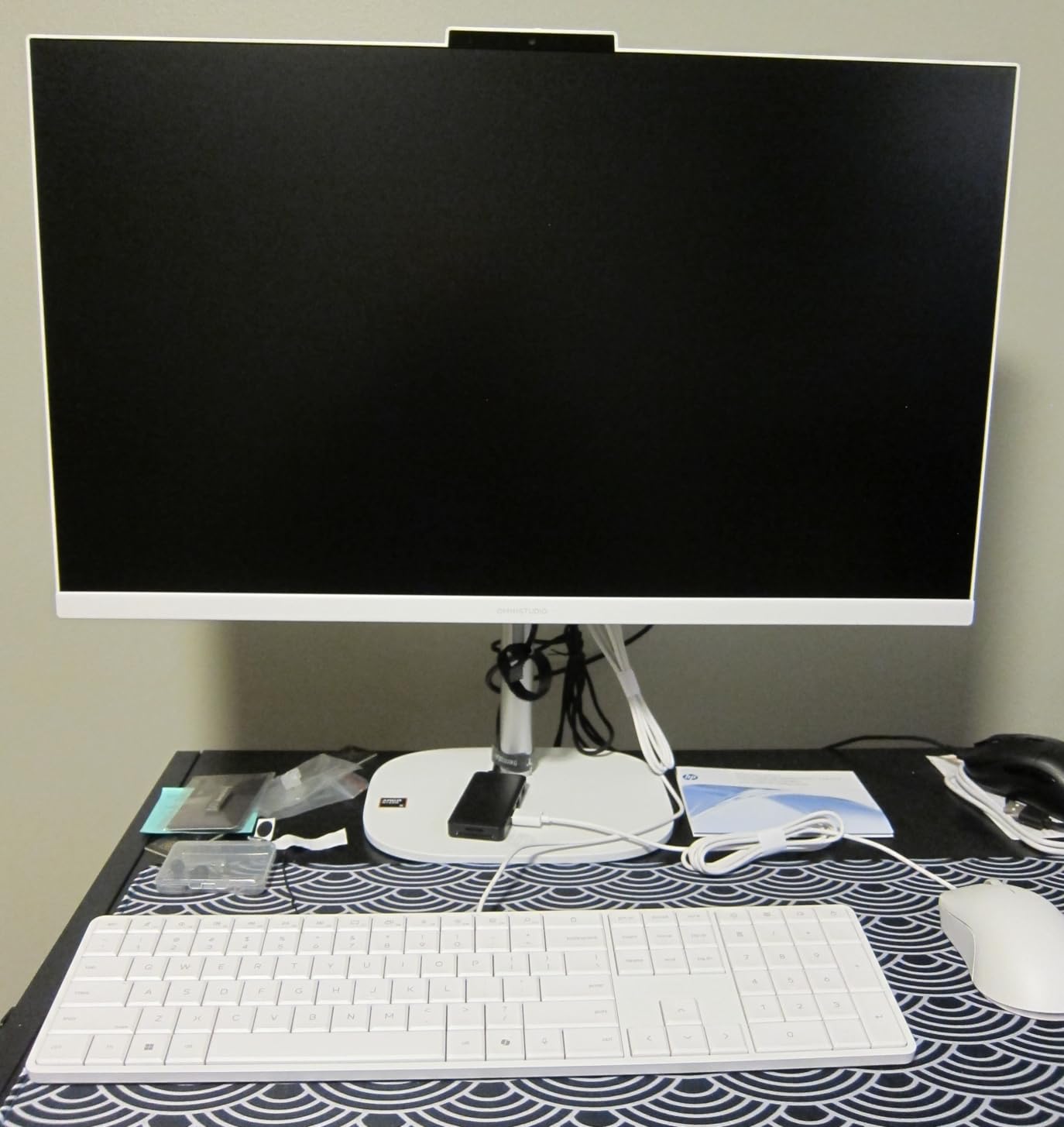
- Adjustable stand and good speakers
- Windows Hello IR camera with privacy slider
Cons
- Entry-level hardware for the money
- Integrated graphics only
- Some corner light bleed reported
- RAM runs single channel
This is the AIO for people whose top priority is how motion looks on screen. The 27-inch panel runs at 120Hz, double the standard refresh rate, so scrolling, cursor movement, and casual games feel distinctly smoother than on every 60Hz machine here. The 6-core Ryzen 5 220 with 16GB of DDR5 keeps multiple apps humming without the stutter you get on 8GB budget machines.
Connectivity is the best in this roundup: Wi-Fi 7 and Bluetooth 6.0 are newer than anything else on the list, and you get USB-C 10Gbps alongside USB-A ports. The IR camera includes a physical privacy slider, which I always prefer to electronic toggles.
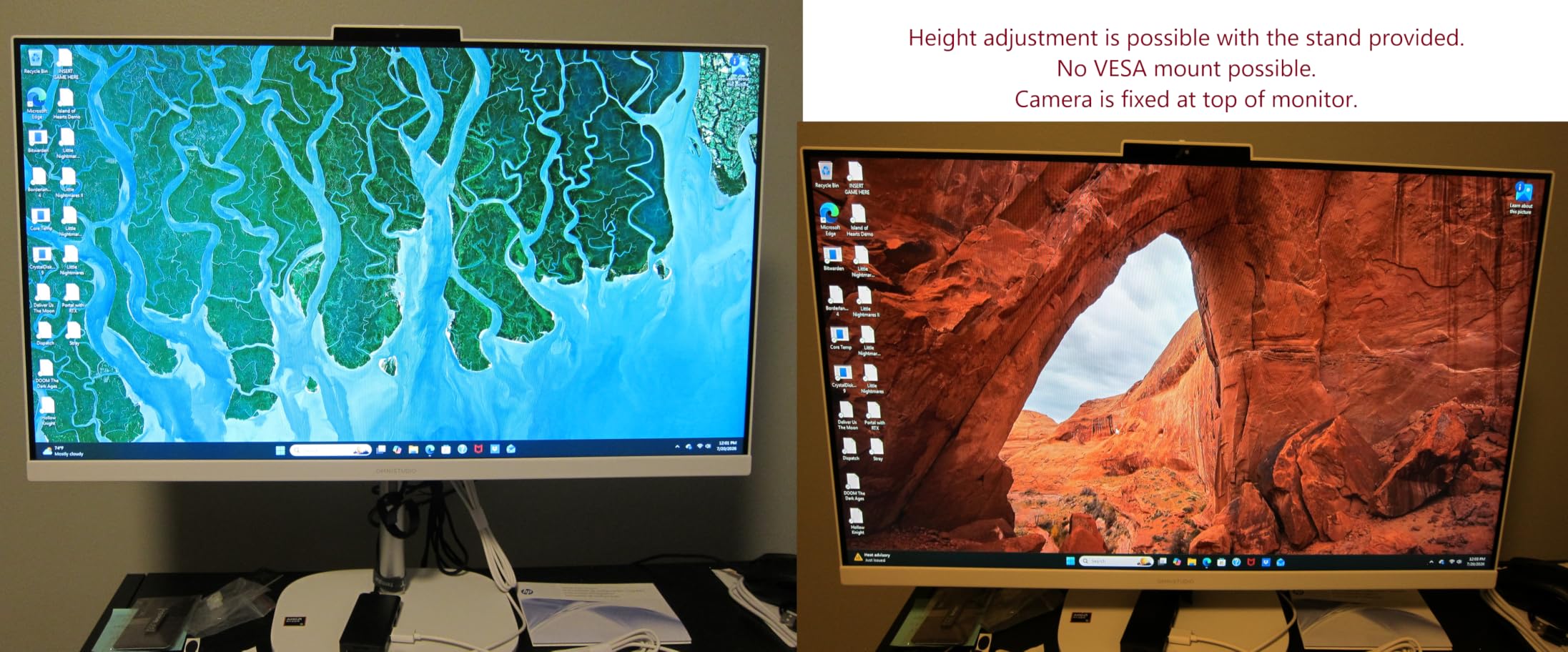
Honest framing: reviewers note the internal hardware is entry-level relative to what this costs, and the integrated Radeon 740M graphics rule out serious gaming. Some units show light bleed in the corners, and the RAM runs in single-channel mode, which costs a little performance. At 4.1 stars across 20 reviews, it is a decent pick with clear trade-offs, best when found at a discount.
Who benefits from 120Hz on a desktop?
Anyone sensitive to motion smoothness, including casual gamers and people who scroll all day, will notice the difference immediately. If you mostly type documents and watch video, 120Hz is a nice-to-have you can skip paying for.
Single-channel RAM: does it matter?
Running 16GB in one channel instead of two costs roughly five to ten percent in memory-bound tasks. It is not a dealbreaker, but it is part of why this machine benchmarks like a budget PC despite its midrange positioning.
8. Lenovo IdeaCentre 24 16GB (Intel N100) – Best Budget All-in-One
Lenovo IdeaCentre 24″ FHD All-in-One Desktop, 8GB RAM 512GB SSD
23.8in FHD, 99% sRGB, anti-glare
Intel N100 quad-core to 3.4GHz
16GB DDR4, 512GB SSD
Windows 11 Home, lifetime Office
Pros
- 16GB RAM at a budget price
- 99% sRGB anti-glare display
- Lifetime Office 365 access included
- Fast boot with 512GB SSD
- Excellent value for everyday tasks
Cons
- N100 is entry-level
- not for heavy workloads
- USB ports awkwardly placed in back
- Some users report graphics blur
This is the budget all-in-one computer that avoids the usual budget trap: it pairs 16GB of RAM with a 512GB SSD, where most cheap AIOs cheap out on both. The result is a machine that multitasks smoothly and boots fast despite the modest Intel N100 processor. Buyers overwhelmingly agree it is a great price for what you get, with 76% five-star ratings across 85 reviews.
The 23.8-inch anti-glare FHD display covers 99% sRGB, which is remarkable at this price and good enough for hobby photo work. Wi-Fi 6, a bundled keyboard and mouse, and a webcam with dual microphones complete the package. For a student, a home office that only needs browser-and-Office work, or a second computer, it nails the assignment.
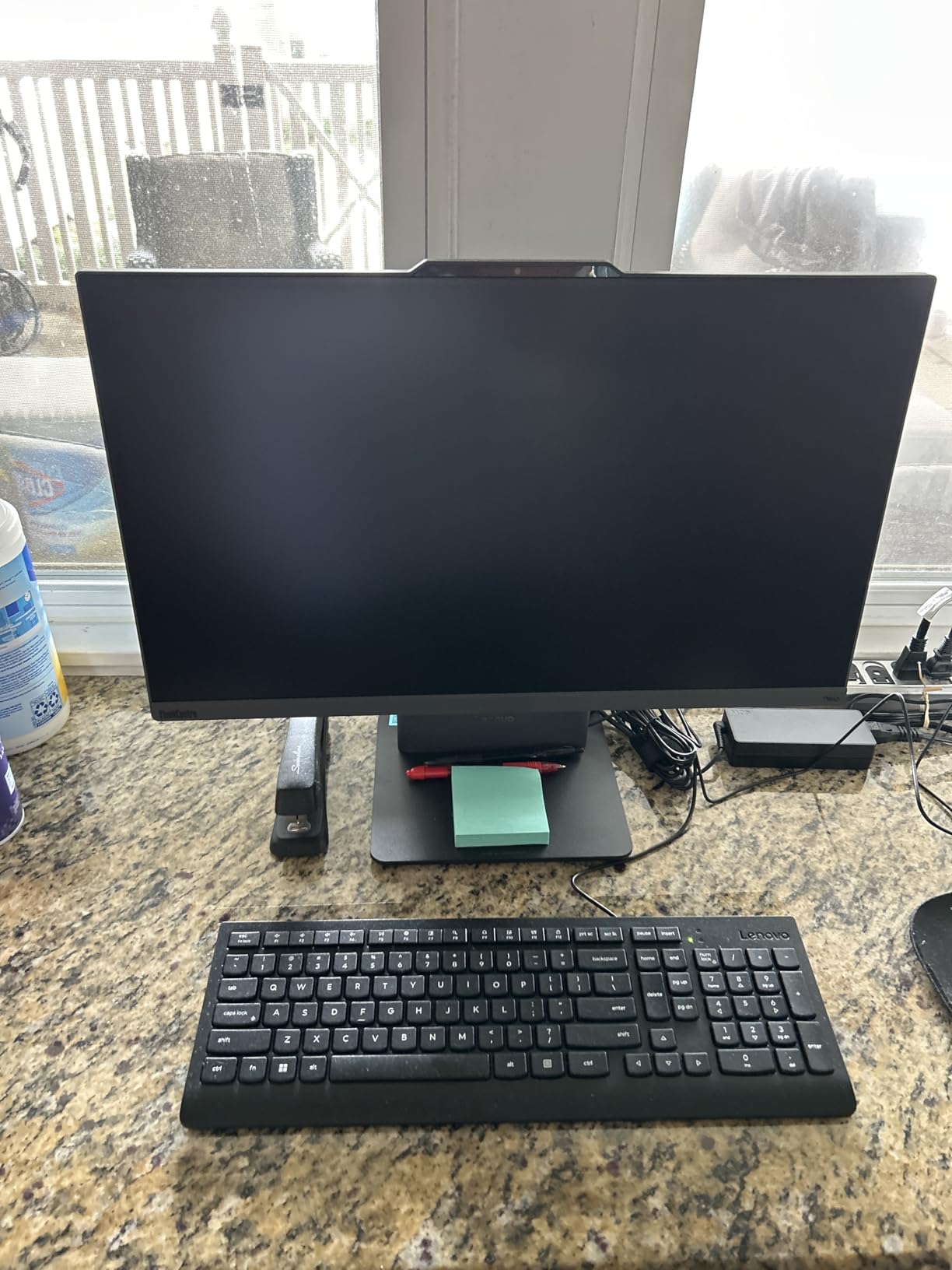
Set expectations correctly: the N100 is an efficiency chip, so video editing and heavy multitasking are not its lane, and a few buyers reported blurry graphics output that needed driver tweaks. The USB ports all live around back, which is annoying for flash drives. Within its limits, it is one of the best-value all-in-one computers available right now.
What the included Office license is worth
Lenovo bundles lifetime Office 365 access, an included cost that would otherwise be a recurring subscription. For students and families, that perk alone meaningfully shifts the real value of this machine.
N100 performance: what can it actually do?
Browsing with many tabs, Office apps, streaming, video calls, and schoolwork all run fine. Photo or video editing, programming with heavy toolchains, and gaming beyond browser titles will frustrate you.
9. HP 22 FHD All-in-One – Cheapest Usable AIO
HP 2025 22″ FHD All-in-One Desktop Computer • The New Version for Everyday Use • Latest 13th Gen Intel Quad-Core CPU • 8GB DDR5 • 128GB Storage • HDMI • Type-C • Wi-Fi • HD Webcam • Win11 Pro • Black
21.5in FHD anti-glare
13th Gen Intel N100, 3.4GHz
8GB DDR5, 128GB SSD
Windows 11 Pro, USB-C, HD webcam
Pros
- Lowest-cost way into a full AIO setup
- Five-minute setup even for non-technical users
- Windows 11 Pro included
- USB-C connectivity
- Webcam privacy shutter
Cons
- 128GB storage fills very fast
- 8GB RAM is limiting
- Basic keyboard and mouse
- A few malware reports from factory image
When readers ask for the absolute cheapest way to get a real all-in-one computer with screen, speakers, webcam, and input devices included, this is the answer. Setup is famously simple, multiple reviewers mention being online within five minutes of opening the box. With 204 reviews and a 4.4 rating, it is one of the most-purchased machines in this guide.
You get Windows 11 Pro rather than Home, which is unusual at this price, plus a USB-C port, an anti-glare 21.5-inch FHD display, and a webcam with a physical privacy shutter. For paying bills, email, YouTube, and general browsing, owners describe it as exactly enough computer.

The 128GB SSD is the constraint you cannot ignore: after Windows and updates, you will have room for little else, so plan on external storage from day one. Eight gigabytes of RAM is workable but tight, the peripherals are basic, and a small number of buyers reported malware on the factory image, so run a first-boot scan. It is cheap, not bad, and that distinction matters.
Managing the 128GB storage ceiling
Keep an external SSD or a cloud plan ready from day one, and move the default save locations for documents and photos. Treated as a chrome-style appliance with external storage, it works well.
Windows 11 Pro on a budget machine
Getting Pro at this price adds BitLocker encryption and remote desktop, features that normally cost extra. For a simple family PC it is a bonus; for anyone managing the machine remotely, it is a genuine advantage.
10. Lenovo IdeaCentre 24 8GB – Best Ultra-Budget Pick
Lenovo IdeaCentre All-in-One Desktop Computer, 8GB RAM 512GB SSD
23.8in FHD IPS anti-glare, 250 nits
Intel N100 quad-core, 3.4GHz
8GB DDR4, 512GB PCIe SSD
Windows 11 Home, Wi-Fi 6, TPM 2.0
Pros
- Beautiful crisp IPS display for the price
- 512GB SSD at a budget price
- Tilt-adjustable 24-inch screen
- Fast compared to older laptops
- Simple setup with keyboard and mouse
Cons
- 8GB RAM caps multitasking
- Speakers sound thin
- Wired keyboard and mouse
- Rear USB ports hard to reach
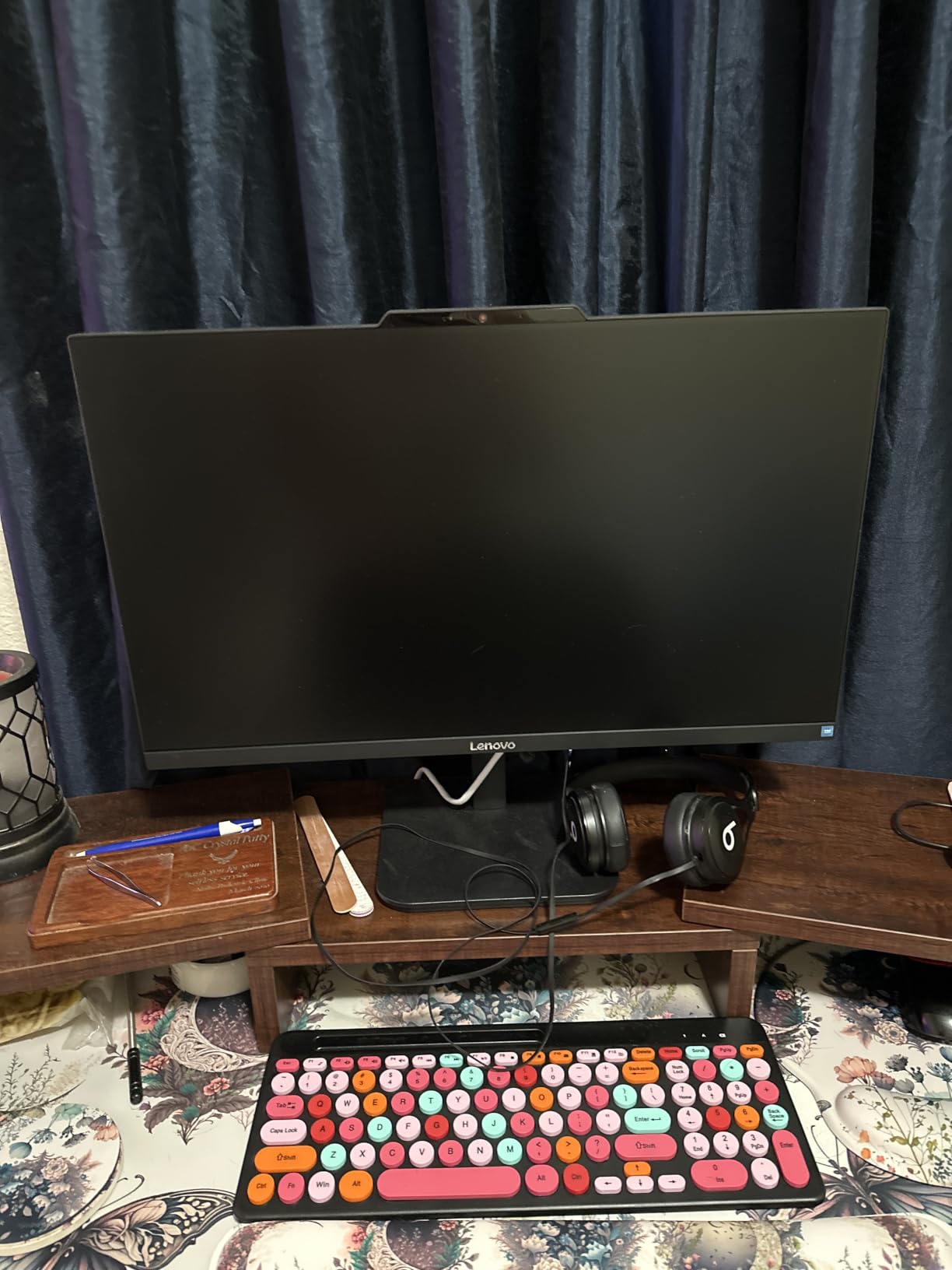
The cheapest machine in this roundup is also one of its most popular, holding a 4.3 rating across 196 reviews and a top-ten sales rank in the category. Buyers coming from aging laptops describe it as shockingly fast, and the 23.8-inch IPS panel with 250 nits and 99% sRGB is far better than the price suggests. The 512GB PCIe SSD means storage is never the immediate problem it is on the HP 22 above.
Physically it is a tidy unit: the screen tilts, the bezels are slim, and the anti-glare coating makes it usable near a window. Wi-Fi 6, a Kensington lock slot, and firmware TPM 2.0 round out the essentials for a small-office or student machine.
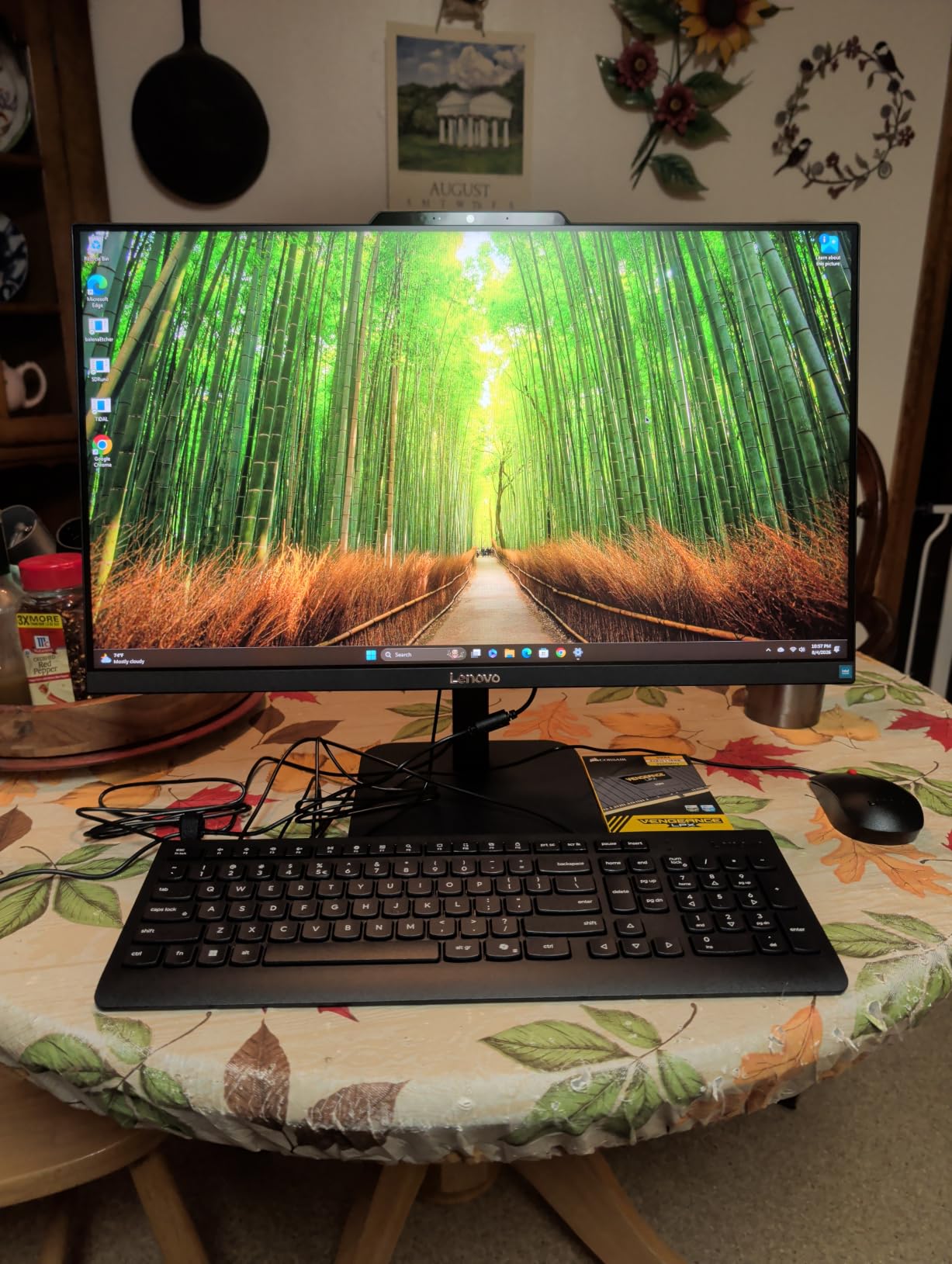
The compromises are the expected ones. Eight gigabytes of RAM limits you to modest multitasking, the dual 2W speakers sound thin, the keyboard and mouse are wired, and the USB ports sit awkwardly around back. As a no-frills, best all-in-one computers list entry for tight budgets, it earns its spot with 71% five-star ratings.
This or the 16GB IdeaCentre?
If your budget stretches to the 16GB version with the Office license, buy that one, the extra memory and included software outweigh nearly everything else. If every dollar counts and usage is light, this model will still serve you well.
Everyday performance expectations
Expect quick boots, smooth browsing with a reasonable number of tabs, and comfortable streaming and Office work. Do not expect photo editing smoothness or gaming beyond casual titles.
Buying Guide: How to Choose an All-in-One Computer?
Choosing well here means matching the machine to your real workload and understanding what you are giving up versus a tower. These are the factors that actually separate a satisfying purchase from a regrettable one.
Display quality matters more than you think
The screen is the computer, and you are stuck with it. A 4K or 4.5K panel like the iMac’s looks dramatically sharper than 1080p at the same size, and at 27 inches, 1080p divides buyers. Refresh rate matters too: the 100Hz and 120Hz panels on the Lenovos and HP feel visibly smoother than standard 60Hz screens.
Check brightness and color coverage as well. Anything at or above 300 nits with 99% sRGB will look pleasant in a bright room, while 250-nit panels wash out near windows.
Processor class: desktop power or laptop efficiency?
Most AIOs use laptop-grade chips to manage heat, which is exactly what forum critics point out. The Core i5-13420H in the ThinkCentre is a genuine 8-core performance chip, while N100-based machines are built for efficiency and basic tasks. Match the chip to the work, not the marketing.
RAM: 8GB, 16GB, or more
8GB is the workable floor for one light user, 16GB is the sweet spot for families and multitaskers, and 64GB (only the ThinkCentre offers it here) is for specialists. Remember that most AIOs have soldered RAM, so buy what you will need in five years, not what you need today.
Storage: never settle for 128GB
Windows alone consumes a large chunk of a 128GB drive. A 512GB SSD is the practical minimum, and 1TB, as on the Dell Core 7, buys years of breathing room.
Ports, webcam, and ergonomics
Count your USB needs before buying, because AIOs are port-starved by design. Look for a pop-up or slider-protected webcam, HDMI input if you want to plug in a console, and a stand that actually adjusts height, which several models here skip.
All-in-one vs traditional desktop vs mini PC
The Reddit consensus is blunt: traditional towers give you more performance per dollar, full upgradability, and a monitor you can keep when the PC dies. A mini PC plus a separate monitor gets you 90% of the AIO’s tidiness with far more flexibility. The AIO wins only on pure integration: one cable, one purchase, one clean look.
If a family member values simplicity over everything, that integration is worth real money. If you are the household tech support, buy the tower or mini PC.
Repairability and lifespan
When an AIO screen fails, the computer is down with it, and repairs cost more because everything is integrated. Buy from brands with onsite service like Dell, or choose the one upgradeable machine here, the ThinkCentre neo 50a. Expect a useful life of five to seven years for Windows AIOs, and often longer for the iMac.
Frequently Asked Questions
Who makes the best all-in-one computer?
Apple makes the best all-in-one computer overall with the 24-inch iMac M4, thanks to its 4.5K Retina display and class-leading performance. Among Windows makers, Dell and Lenovo build the most reliable and best-supported all-in-one desktops.
Is it a good idea to buy an all-in-one computer?
Yes, if you value a clean, cable-free desk and do light-to-moderate work like browsing, Office, streaming, and video calls. Skip AIOs if you need gaming-grade graphics, frequent component upgrades, or the lowest price per unit of performance.
What are the downsides of having an all-in-one computer?
The main downsides are no graphics card upgrades, expensive integrated repairs, laptop-grade parts running warmer than desktop parts, a higher price than a comparable tower, and losing the monitor if the computer fails. RAM is also soldered on most models.
What is the lifespan of an all-in-one computer?
Most all-in-one computers remain useful for five to seven years, with Apple iMacs often lasting longer thanks to efficient chips and long macOS support. Buying 16GB of RAM and at least a 512GB SSD extends that window considerably.
Can you upgrade an all-in-one computer?
Usually only storage, and sometimes not even that. Most AIOs have soldered RAM and locked-down layouts; the Lenovo ThinkCentre neo 50a is the exception here, supporting up to 64GB of RAM and 4TB of storage.
Conclusion
The best all-in-one computers in 2026 cover a wide spread: the Apple iMac M4 leads on polish and display quality, the Dell 27 (Core 5) is the smartest Windows value, and the Lenovo IdeaCentre 24 16GB wins for tight budgets. Power users should look at the upgradable ThinkCentre neo 50a, and early adopters will love HP’s AI-ready OmniStudio 27.
Whichever you pick, buy the RAM and storage you will want in five years, because most of these machines will never let you add it later. Check current prices with the buttons above, since AIO pricing moves around constantly.