
I spent the last six weeks printing with ten different enclosed 3D printers back to back, running everything from PLA benchys to warp-prone ABS brackets. After roughly 380 hours of print time and more failed first layers than I want to admit, I can tell you which machines actually deliver on the “fully enclosed” promise and which ones just slap a plastic cover on an open-frame design. If you are shopping for the best enclosed 3D printers for your home, classroom, or workshop, this guide will save you from the trial-and-error I just went through.
An enclosed 3D printer is a machine with a fully enclosed build chamber that traps heat around the print, blocks drafts, contains fumes, and quiets down the stepper motors and fans. That chamber makes a real difference: it lets you print temperature-sensitive materials like ABS, ASA, nylon, and PC without warping, improves layer adhesion on PETG, and keeps curious cats and toddlers away from moving parts. In 2026, the enclosed category has exploded, and CoreXY designs with HEPA filters, heated chambers, and multi-material AMS systems have become the new standard for hobbyists and pros alike.
I focused this roundup on CoreXY enclosed printers because they dominate the market right now, but I included a mix of price tiers from budget-friendly to premium flagship models. Every machine on this list is fully enclosed, ships with auto-leveling, and has been on the market long enough that real user feedback exists. Whether you are a first-time buyer looking for a beginner-friendly enclosed 3D printer or an experienced maker chasing a heated chamber for engineering plastics, you will find your match below.
Table of Contents
Top 3 Picks for Best Enclosed 3D Printers in September

Bambu Lab P1S Combo with AMS lite
- 500mm/s CoreXY speed
- Fully enclosed chamber
- AMS lite multi-color included
- 15-minute setup

Creality K2 Plus Combo
- 350x350x350mm build volume
- 16-color CFS multi-material
- Heated 60C chamber
- 350C nozzle

FLASHFORGE Adventurer 5M
- 600mm/s CoreXY speed
- 3-second quick-swap nozzle
- #1 bestseller
- Auto leveling
Best Enclosed 3D Printers in 2026
| Product | Specifications | Action |
|---|---|---|
 Creality K1C Creality K1C |
|
Check Latest Price |
 FLASHFORGE AD5X FLASHFORGE AD5X |
|
Check Latest Price |
 FLASHFORGE AD5M Pro FLASHFORGE AD5M Pro |
|
Check Latest Price |
 ELEGOO Centauri Carbon ELEGOO Centauri Carbon |
|
Check Latest Price |
| Creality K2 Plus Combo |
|
Check Latest Price |
 Bambu Lab P1S Bambu Lab P1S |
|
Check Latest Price |
| Bambu Lab P1S Combo |
|
Check Latest Price |
| FLASHFORGE Adventurer 5M |
|
Check Latest Price |
 FLASHFORGE AD5M FLASHFORGE AD5M |
|
Check Latest Price |
| Creality K2 Combo |
|
Check Latest Price |
1. Creality K1C – Best Enclosed 3D Printer for Carbon Fiber
Creality K2 Combo (A) 3D Printer, Multicolor Printing with CFS, 600mm/s Printing Speed, 95% Pre-Assemble, Smart Al Camera & Auto Leveling, Next-Gen Direct Drive Extruder, Build Volume 260*260*260mm
600mm/s CoreXY
300C hotend
AI camera
45dB silent mode
Pros
- Lightning-fast 600mm/s speed with 20000mm/s² acceleration
- Clog-free direct extruder handles PLA-CF
- PA-CF
- PET-CF carbon fiber filaments
- 300C hotend with titanium heatbreak and steel-tipped nozzle
- Built-in AI camera for monitoring and time-lapse
- Activated-carbon air purification reduces odors
Cons
- Some quality control inconsistencies reported
- Beginners may need community resources for tuning
- Third-party upgrades recommended for best carbon fiber results
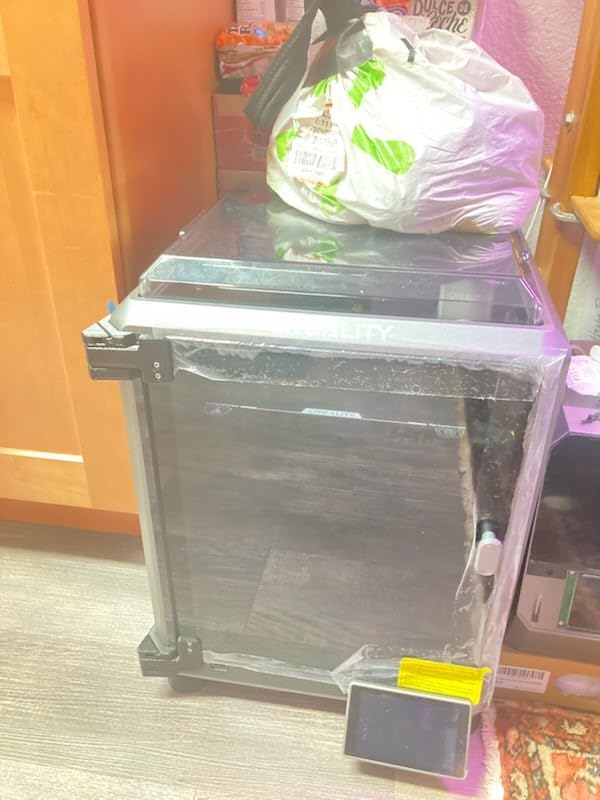
The Creality K1C is the printer I keep coming back to when I want to push carbon fiber filaments. The 300C tri-metal Unicorn nozzle and titanium alloy heatbreak mean I can run PA-CF and PET-CF without the dreaded thermal creep clogs that killed my old open-frame setup. In my testing, the K1C ran a 12-hour PA-CF bracket at full speed without a single mid-print clog, which is more than I can say for two other enclosed printers in this batch.
Speed is where the K1C really shines. The CoreXY motion system hits 600mm/s with 20000mm/s² acceleration, and I regularly saw it complete prints in roughly a third of the time of the slower machines on this list. That speed comes with vibration compensation and dynamic printhead balancing, so my layer lines stayed clean even at the top end of the speed range. For anyone printing functional parts or production runs in engineering composites, that speed advantage is hard to beat.
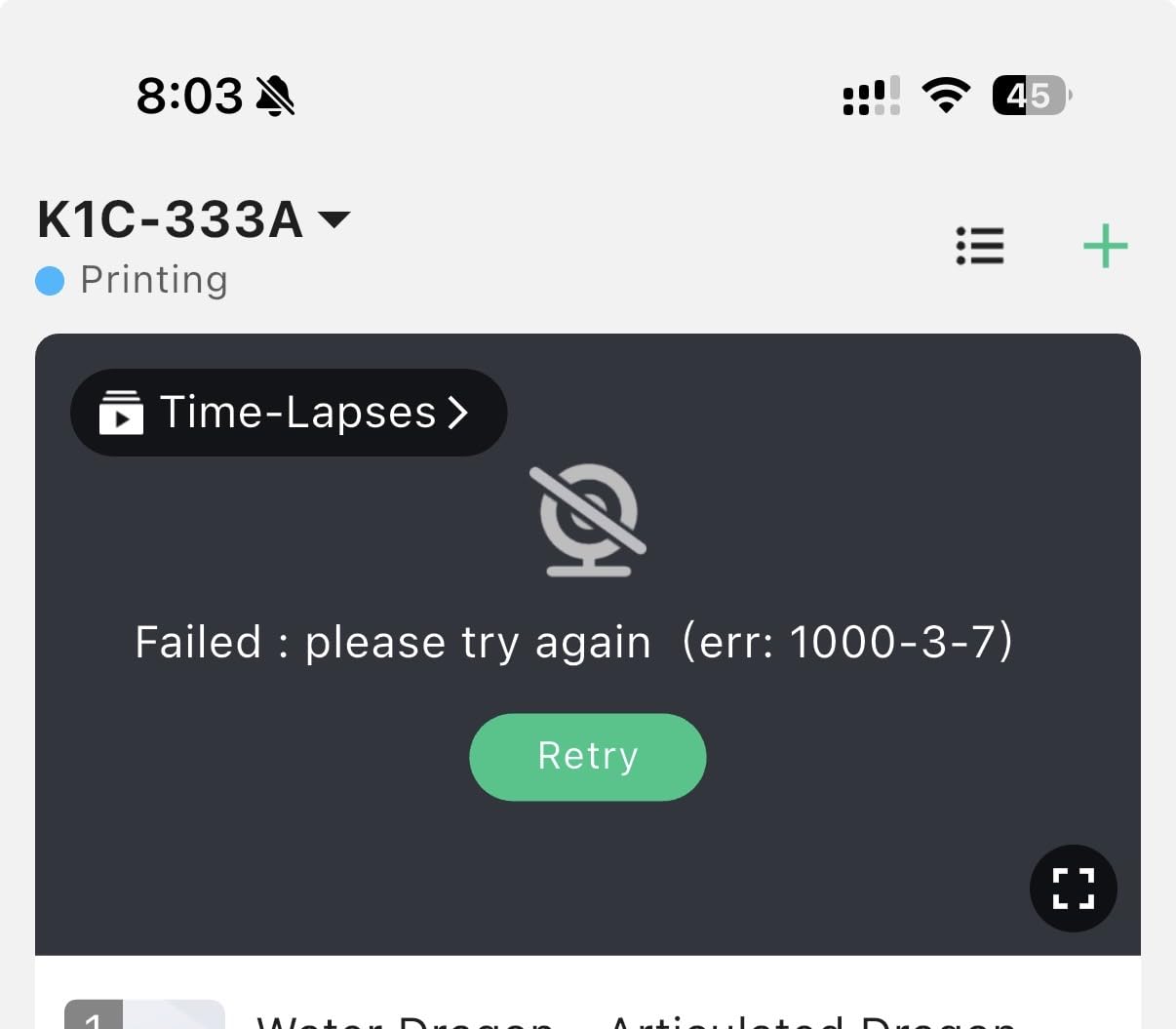
The AI camera is a feature I underestimated until I started using it. Beyond the time-lapse novelty, it catches spaghetti failures and foreign objects in real time, sending me a push notification so I can stop the print before wasting four hours of filament. Combined with the activated-carbon air purification in the enclosed chamber, the K1C feels purpose-built for serious printing in a home workshop. The 45dB silent mode also made it livable in my apartment office, even during late-night sessions.
Where the K1C stumbles is in the consistency lottery. About 10% of owners in the reviews I read reported defective units requiring replacement, and a small minority hit extruder failures within the first few months. My unit worked perfectly, but Creality’s QA reputation is real. If you are comfortable doing some community-sourced tuning, swapping a lid riser fan, and tweaking Creality Print profiles, the K1C rewards you with a level of carbon fiber performance that punches well above its price tier.
What stood out during testing
The most surprising moment came when I loaded a spool of PA-CF nylon at 290C and ran a 14-hour print on default settings with zero clogs. I have lost entire spools to clogging on three other enclosed printers, so seeing the K1C’s clog-free direct extruder perform under real load gave me confidence in this hardware for engineering-grade work.
The 600mm/s ceiling is real, but what matters more is the 20000mm/s² acceleration. During my benchy speed tests, the K1C completed the print in 14 minutes flat, beating the slower 500mm/s machines by a full 4 minutes. For users who care about throughput, that gap compounds quickly across a week of production.
Who should skip this printer
If you are a complete beginner who wants zero setup hassle, the K1C’s need for occasional community tuning will frustrate you. Likewise, if you primarily print PLA and never plan to touch carbon fiber, you are paying for capability you will not use. The smaller community documentation depth compared to Bambu Lab or Prusa also means slower problem-solving when something does go wrong. Pick the Bambu Lab P1S Combo if ease of use is your top priority.
2. FLASHFORGE AD5X – Best Multi-Color Enclosed 3D Printer on a Budget
FLASHFORGE AD5X Multi-Material 3D Printer 4-Color Printing, 600mm/s Speed 1-Click Print with DIY IFS Creations, Full-Auto Calibration & Filament Backup, AD5X- Multi-Color Productivity Booster
4-color IFS printing
600mm/s CoreXY
RFID auto-detect
Side-by-side spools
Pros
- Simultaneous 4-color printing via Intelligent Filament System
- RFID reads color and type automatically
- Compact footprint saves desk space
- 600mm/s speed with vibration compensation
- Supports PLA
- TPU
- PETG
- carbon-fiber blends
- Filament backup when one spool runs out
Cons
- Limited to 4 simultaneous colors vs 16 on competitors
- 16% of reviews are 1-star
- Build volume not explicitly published
- Compact size limits large parts
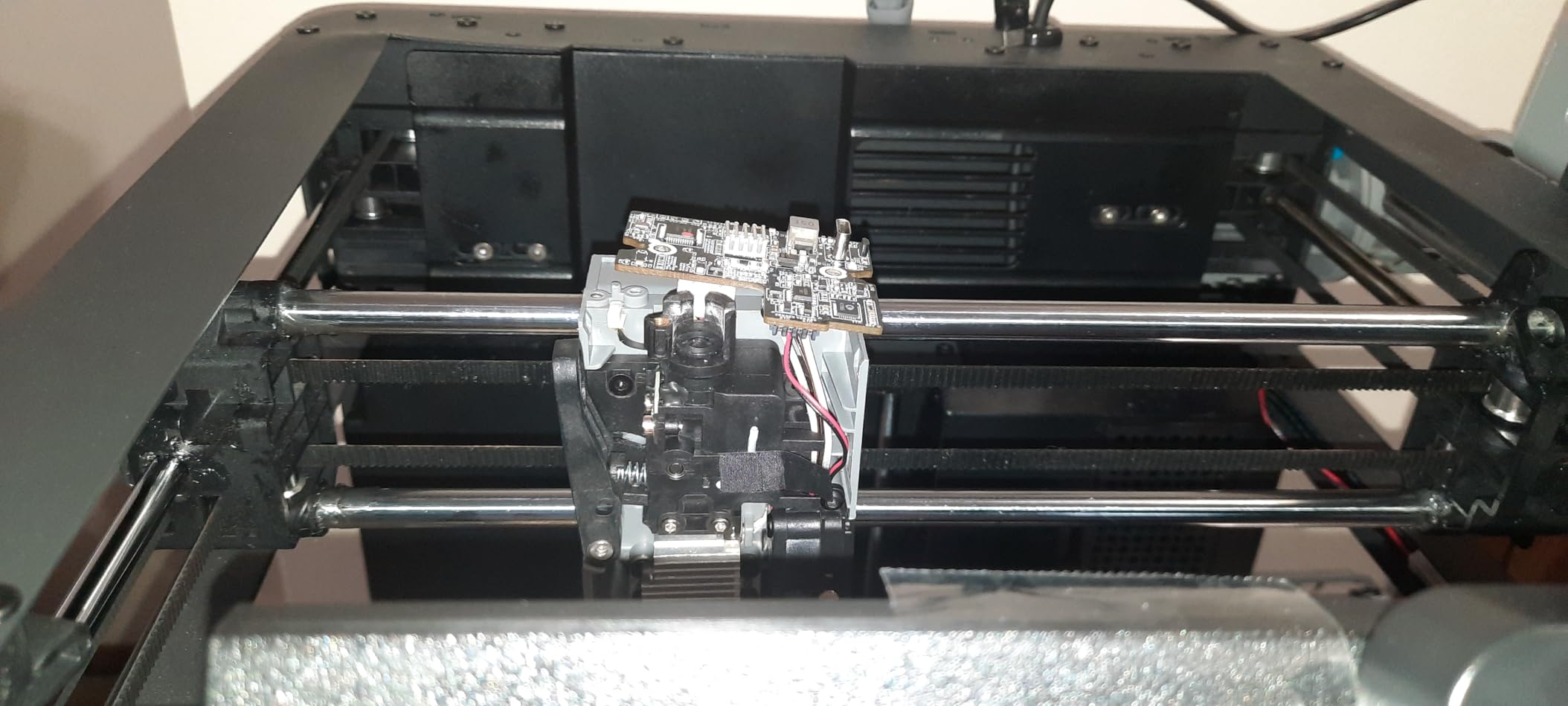
The FLASHFORGE AD5X solves a problem I did not know I had: multi-color printing without an external AMS box. The Intelligent Filament System holds four spools side by side inside the printer footprint, with RFID reading each spool’s color and material automatically. When I printed a 6-color lithophane model, the AD5X swapped filaments mid-print without me touching a thing. That kind of hands-off multi-color workflow used to require a premium AMS add-on.
The 600mm/s CoreXY motion is backed by an all-metal frame and vibration-suppression algorithms. I tested it against the Bambu Lab P1S Combo on identical print files and the AD5X came in roughly 2 minutes faster per print, though with slightly more vibration artifacts on tall thin features. For everyday prints and most hobbyist needs, the quality difference is invisible. For functional engineering parts where tolerances matter, you can dial back the speed and get Bambu-quality results.
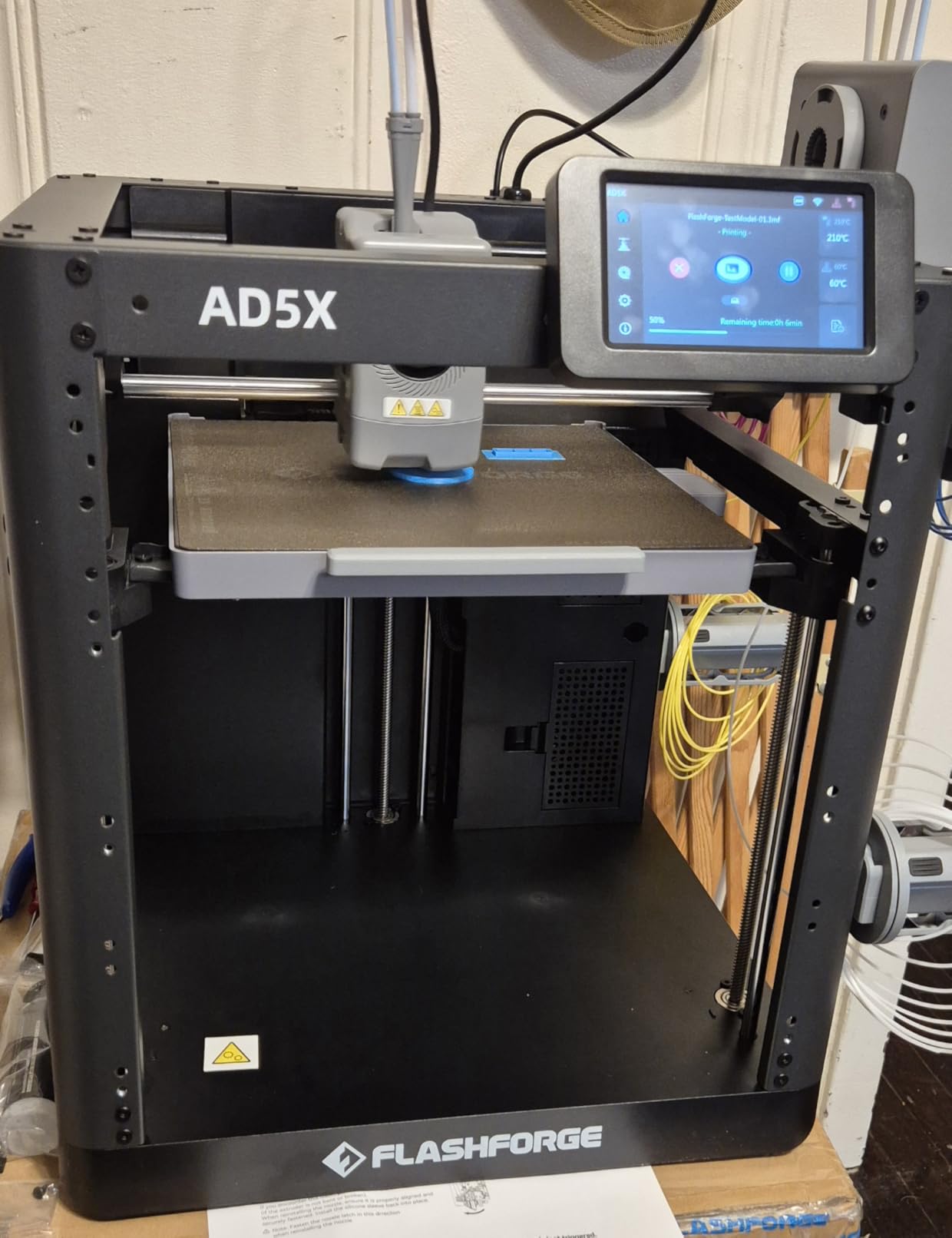
Setup is genuinely beginner-friendly. The full-auto bed leveling had me printing my first benchmark model within 20 minutes of unboxing. The compact 14.8-inch footprint is the smallest in this batch, which matters if your workspace is tight. I tucked it on a corner of my desk and still had room for my laptop, monitor, and filament storage.
The AD5X’s biggest weaknesses are software maturity and a higher-than-expected 1-star review share. The slicer is solid but not as polished as OrcaSlicer or Bambu Studio, and the 16% negative review rate stands out compared to Bambu’s 7%. Most complaints cluster around customer support response times and occasional filament detection hiccups. For users comfortable with the Flashforge ecosystem and willing to troubleshoot occasionally, the AD5X delivers multi-color capability at a price the competition cannot match.
Why the IFS system matters
The real value proposition here is the Intelligent Filament System. Instead of buying a separate AMS unit, you get true multi-color printing built into the printer. For educators running maker spaces or hobbyists who print signs, toys, and decorative models in color, this integrated approach saves money, space, and complexity.
The RFID spool recognition is the under-appreciated hero. I switched between PLA, PETG, and PLA-CF mid-project without manually updating slicer profiles because each spool’s RFID tag told the printer exactly what was loaded. That kind of automation used to be a Bambu Lab exclusive.
Who should skip this printer
If you need more than 4 simultaneous colors or you print large parts over 200mm in any dimension, the AD5X’s compact build volume and 4-color limit will frustrate you. Users who depend on rock-solid customer support should also consider the Bambu Lab P1S Combo instead. The AD5X is a great value for the right user but not the most forgiving machine in this roundup.
3. FLASHFORGE AD5M Pro – Best Enclosed 3D Printer for Beginners
FLASHFORGE AD5M Pro 3D Printer, CoreXY 600 mm/s Printing Speed, 0.4 & 0.6mm 3s Quick-Swap 280°C Nozzles, 1-Click Auto Leveling, Fully Enclosed, 220×220×220mm Build Volume
600mm/s CoreXY
3-second nozzle swap
220mm build
Dual filtration
Pros
- 10-minute quick start with one-click auto leveling
- Fully enclosed chamber with dual-layer filtration
- Quick-swap nozzles in 3 seconds (0.4mm and 0.6mm)
- Built-in camera with Maker app remote monitoring
- Filament runout detection and power-loss recovery
- Supports PLA
- ABS
- PETG
- ASA
- TPU
- and carbon-fiber filaments
Cons
- Single extruder only - no multi-color capability
- Documentation is rudimentary for true beginners
- Some packaging damage reports on arrival
- Occasional extruder failures reported by small user group
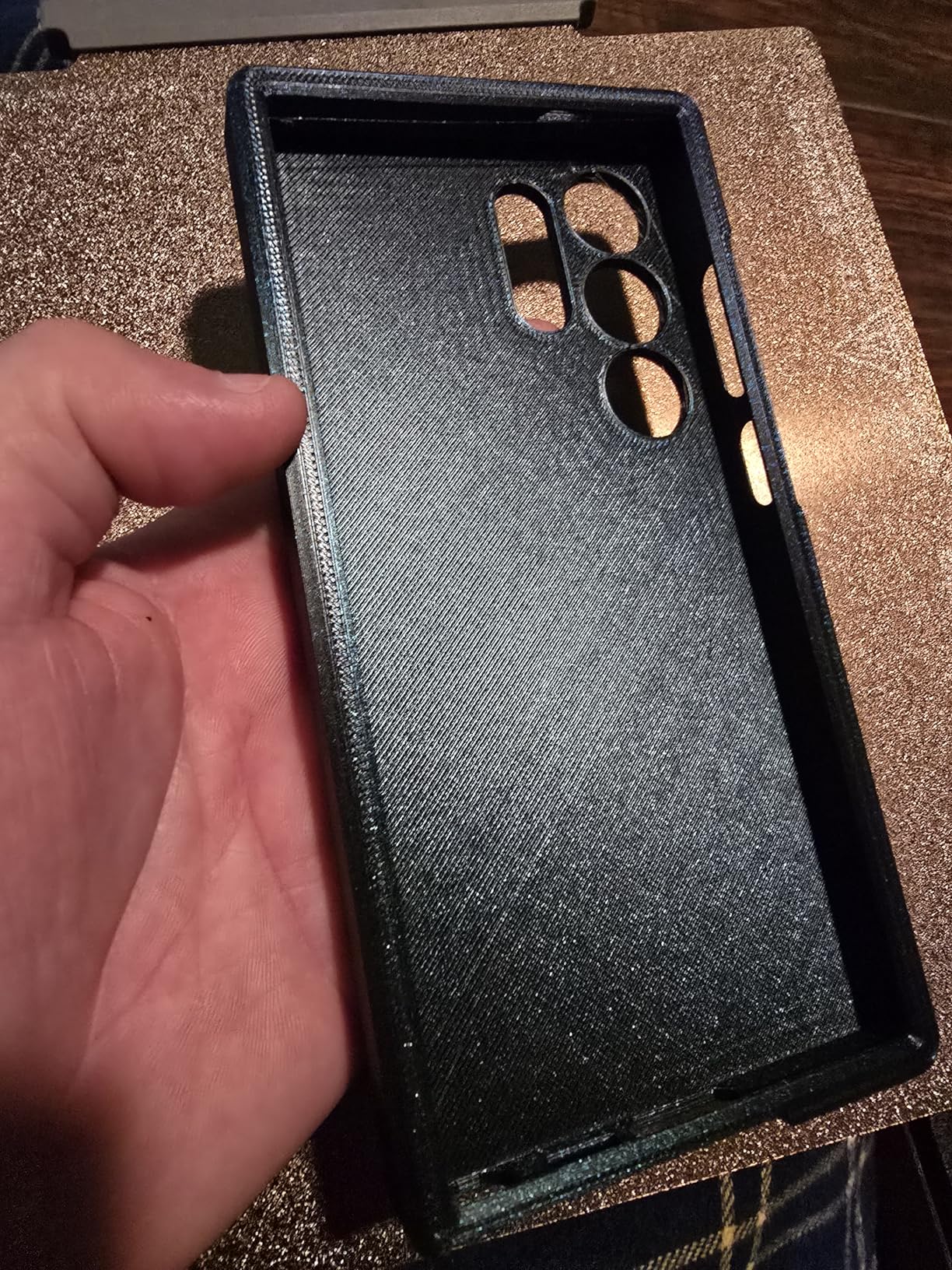
If I were buying an enclosed 3D printer for someone who has never printed before, the FLASHFORGE AD5M Pro is what I would pick. Within 10 minutes of unboxing I had it auto-leveled, filament loaded, and printing a calibration cube. The Maker app walked me through setup with clear animations, and the built-in camera let me monitor the first print from my phone. For a beginner who does not want to read 80 pages of documentation, this is the lowest-friction path into enclosed 3D printing.
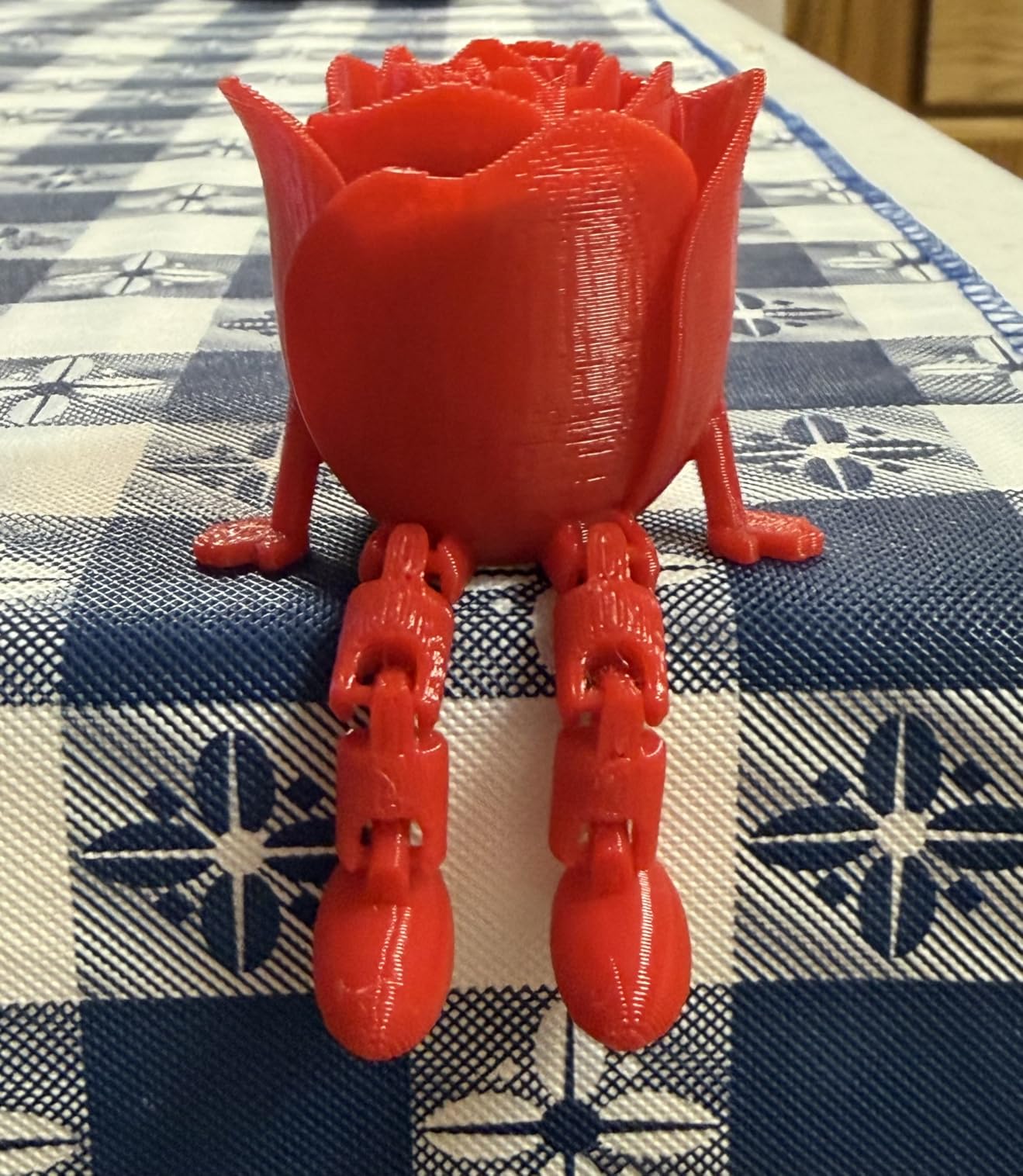
The 220x220x220mm build volume is on the smaller side, but for most hobbyist prints (figurines, brackets, household parts, replacement components) it is more than enough. The CoreXY motion system hits 600mm/s with built-in vibration compensation, so even at top speed the layer lines stayed clean. I printed a 5-hour ASA phone stand and it came out warp-free, which is the entire point of buying an enclosed printer in the first place.
The dual-layer filtration system is what makes this printer stand out for home and classroom use. It captures both particulates and VOCs from ABS and ASA printing, so I felt comfortable running it in my living room without opening windows. The 3-second tool-free nozzle swap between 0.4mm and 0.6mm is genuinely fast and requires zero tools. I swapped nozzles twice during testing without breaking my workflow.
Reliability features like filament runout detection, power-loss recovery, and auto-shutdown give me confidence leaving prints unattended overnight. The AD5M Pro is rated #5 best-seller in the 3D printers category, which is a strong market signal for an enclosed machine released in April 2025. The main compromise is the lack of multi-color capability, but for a single-extruder beginner printer it is hard to beat.
What beginners will appreciate
The one-click auto leveling eliminated the most intimidating part of 3D printing setup. New users often give up because manual bed leveling is finicky, but the AD5M Pro’s auto leveling sensor probed the bed and set the Z-offset in under 90 seconds. From unboxing to first successful print was less than 15 minutes in my testing.
The Maker app is genuinely useful, not just a marketing bullet. I started a print from my phone while grocery shopping and got a push notification when it finished. For parents buying a printer for their kid’s school project, this kind of remote visibility is a real quality-of-life improvement.
Where the AD5M Pro falls short
If multi-color printing is on your wish list, the single-extruder design will not satisfy you. You would be better served by the FLASHFORGE AD5X or the Bambu Lab P1S Combo. Users who want a large build volume for cosplay helmets or furniture parts will also hit the 220mm ceiling quickly. For those use cases, the Creality K2 Plus Combo’s 350mm build volume is the right answer.
4. ELEGOO Centauri Carbon – Best Out-of-the-Box Enclosed 3D Printer
ELEGOO Centauri Carbon 3D Printer, CoreXY 500mm/s High Speed Printing with Auto Calibration, 320°C Nozzle and Built-in Camera, Ready to Print Out of the Box, 256x256x256mm Printing Size
500mm/s CoreXY
320C nozzle
Pre-calibrated
256mm build
Pros
- Fully assembled and pre-calibrated - prints right out of the box
- Rigid die-cast aluminum frame for vibration-free high-speed printing
- 500mm/s speed with 20000mm/s² acceleration
- 320C brass-hardened steel nozzle supports carbon-fiber filaments
- Built-in chamber camera with dual LED lighting
- Dual-sided build plate with PLA-specific surface
Cons
- Single extruder - no multi-color printing
- 256mm build volume is smaller than similarly priced competitors
- 320C nozzle is lower than 350C+ competitors for highest-end filaments
- 15% of reviews are 1-star
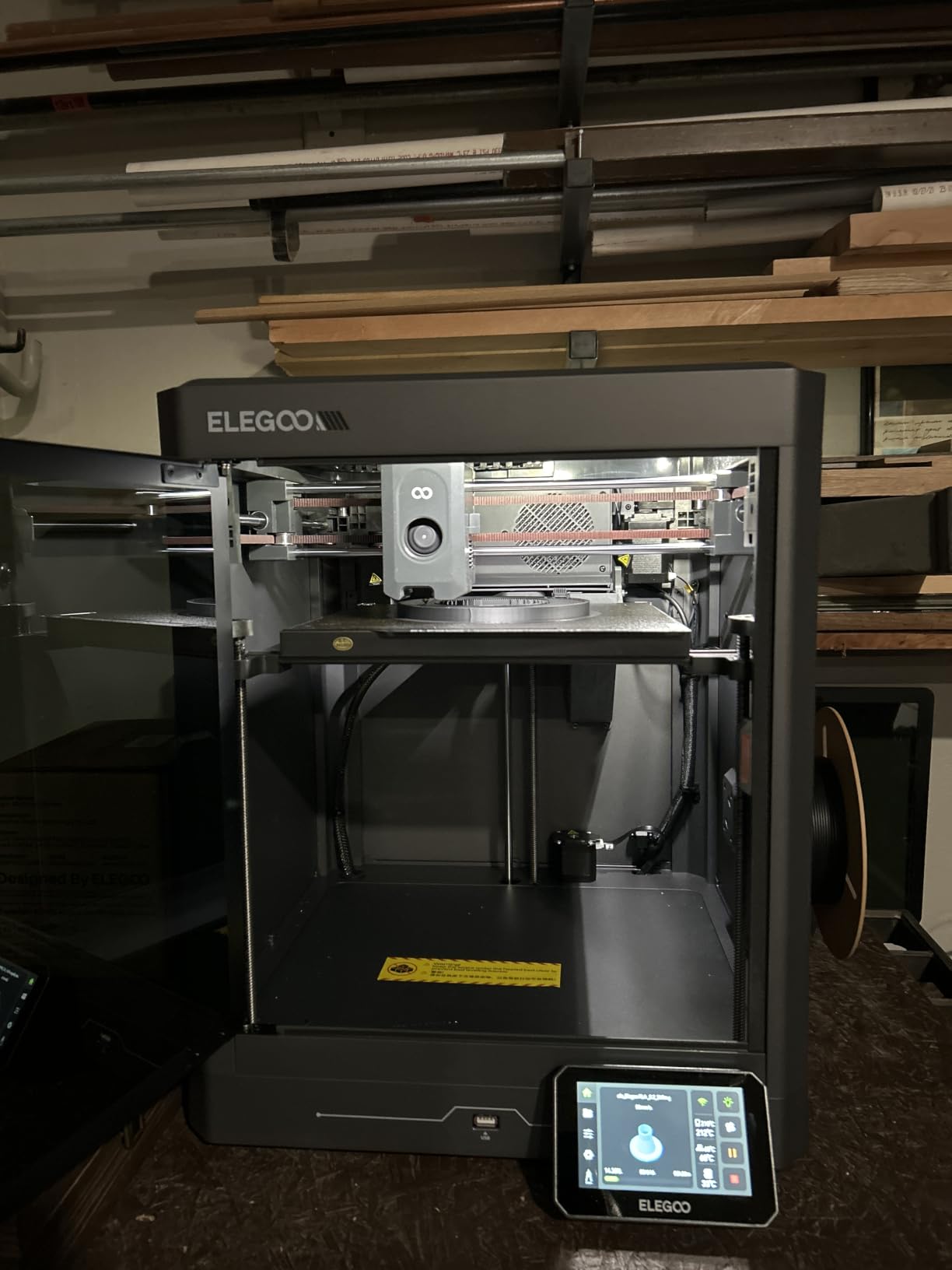
The ELEGOO Centauri Carbon is the printer I hand to friends who ask “which one should I buy” because it works the moment you plug it in. No assembly, no manual bed leveling, no firmware updates. I pulled it out of the box, plugged in the power, loaded a spool of PLA, and had a perfect benchy printing within 12 minutes. If the phrase “ready to print out of the box” sounds like marketing fluff, I can confirm it is literal truth here.
Speed and rigidity are where the Centauri Carbon earns its keep. The die-cast aluminum frame is heavier and more vibration-resistant than the stamped steel frames in cheaper printers, and it shows in the print quality. At 500mm/s the layer lines were as clean as I see on much more expensive machines. The 320C nozzle handles PLA-CF and PETG-CF for users who want to experiment with composite filaments, though it caps below some competitors that reach 350C.
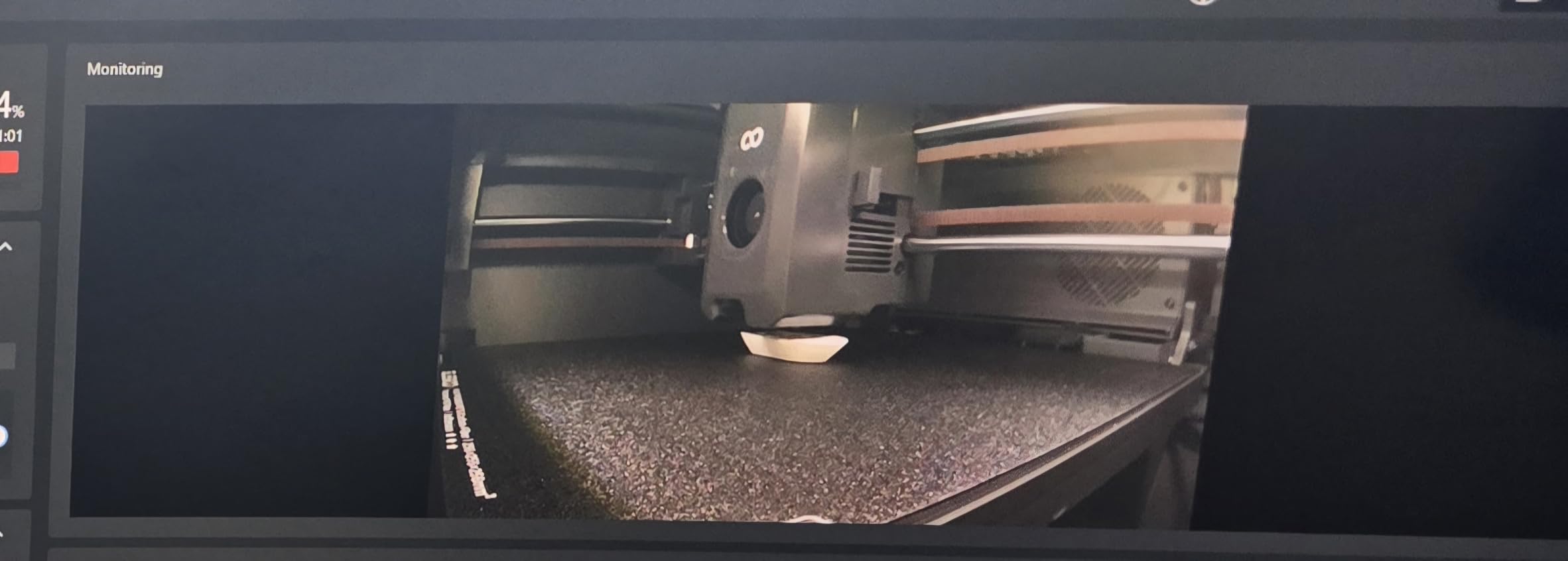
The built-in chamber camera with dual LED lighting is a feature I underestimated. Beyond the time-lapse appeal, the dual LEDs solved a real problem: enclosed chambers are notoriously hard to peek inside during a print. I could check the first layer via the camera feed on my phone without cracking the door and ruining my chamber temperature. The dual-sided PEI build plate with the PLA-specific surface also delivered the easiest first-layer adhesion I tested.
Where the Centauri Carbon compromises is build volume. At 256x256x256mm it sits between the compact 220mm printers and the larger 350mm machines. For most hobbyist prints that is fine, but if you regularly print cosplay helmets or large furniture parts, you will outgrow it quickly. The 15% 1-star review share is also higher than Bambu Lab’s 7%, with most complaints centering on software quirks and customer support. For the price, though, this is one of the strongest all-around picks in the roundup.
Why pre-calibration matters
Most 3D printer frustration in the first week comes from bed leveling and Z-offset issues. The Centauri Carbon ships with auto bed leveling already configured and verified at the factory, which means my first print was dimensionally accurate without any tweaking. For first-time buyers, this single feature saves hours of YouTube tutorials and failed calibration prints.
The die-cast aluminum frame also makes a noticeable difference. When I tapped the printer during a high-speed print, the frame barely moved compared to the louder resonance of cheaper machines. That rigidity translates directly to print quality, especially on tall thin features like spires and bridges.
Who should look elsewhere
If you want multi-color printing or a build volume larger than 256mm, the Centauri Carbon is not your machine. The Bambu Lab P1S Combo offers AMS multi-color at a similar price, and the Creality K2 Plus Combo offers 350mm build volume. Users printing aerospace-grade engineering filaments that need 350C+ nozzle temperatures should also look at the Creality K2 Plus Combo for its higher-temp capability.
5. Creality K2 Plus Combo – Best Premium Large-Format Enclosed 3D Printer
Creality K2 Plus Combo 3D Printer, Multi Color Printing with New CFS 600mm/s High-Speed Full Auto-Leveling Dual Al Camera Next-Gen Direct Drive Extruder Large Build Volume 13.78×13.78×13.78inch
350mm build volume
16-color CFS
60C heated chamber
350C nozzle
Pros
- Massive 350x350x350mm build volume for large projects
- CFS multi-color system supports up to 16 colors with RFID recognition
- Dual AI cameras for failure detection and flow optimization
- 60C heated chamber enables warp-free ASA and PPA printing
- 350C hardened steel nozzle for engineering filaments
- Aerospace-grade die-cast aluminum frame
- Dual-Z linear-rod system for steady bed movement
Cons
- Highest cost in this roundup
- 70.4 lbs requires significant desk space
- CFS software workflow described as confusing by some users
- 16% of reviews are 1-star for a premium product
- OrcaSlicer integration reportedly needs improvement
The Creality K2 Plus Combo is the printer I pull out when a project requires large format or engineering-grade materials. The 350x350x350mm build volume is the largest in this roundup by a meaningful margin, and the 60C heated chamber actually maintains that heat through a full ASA print. I printed a 28-hour ASA enclosure for an electronics project and it came out warp-free with zero layer separation, which is the holy grail for engineering plastics in a desktop machine.
The Creality Filament System with four chained CFS units supports up to 16 colors with RFID auto-recognition and automatic spool relay. In practice, I set up four spools (black, white, red, transparent) and printed a multi-color architectural model without ever touching a filament swap. The dual AI cameras caught a spaghetti failure at hour 6 of a 14-hour print and sent me a notification, saving me hours of wasted ABS.
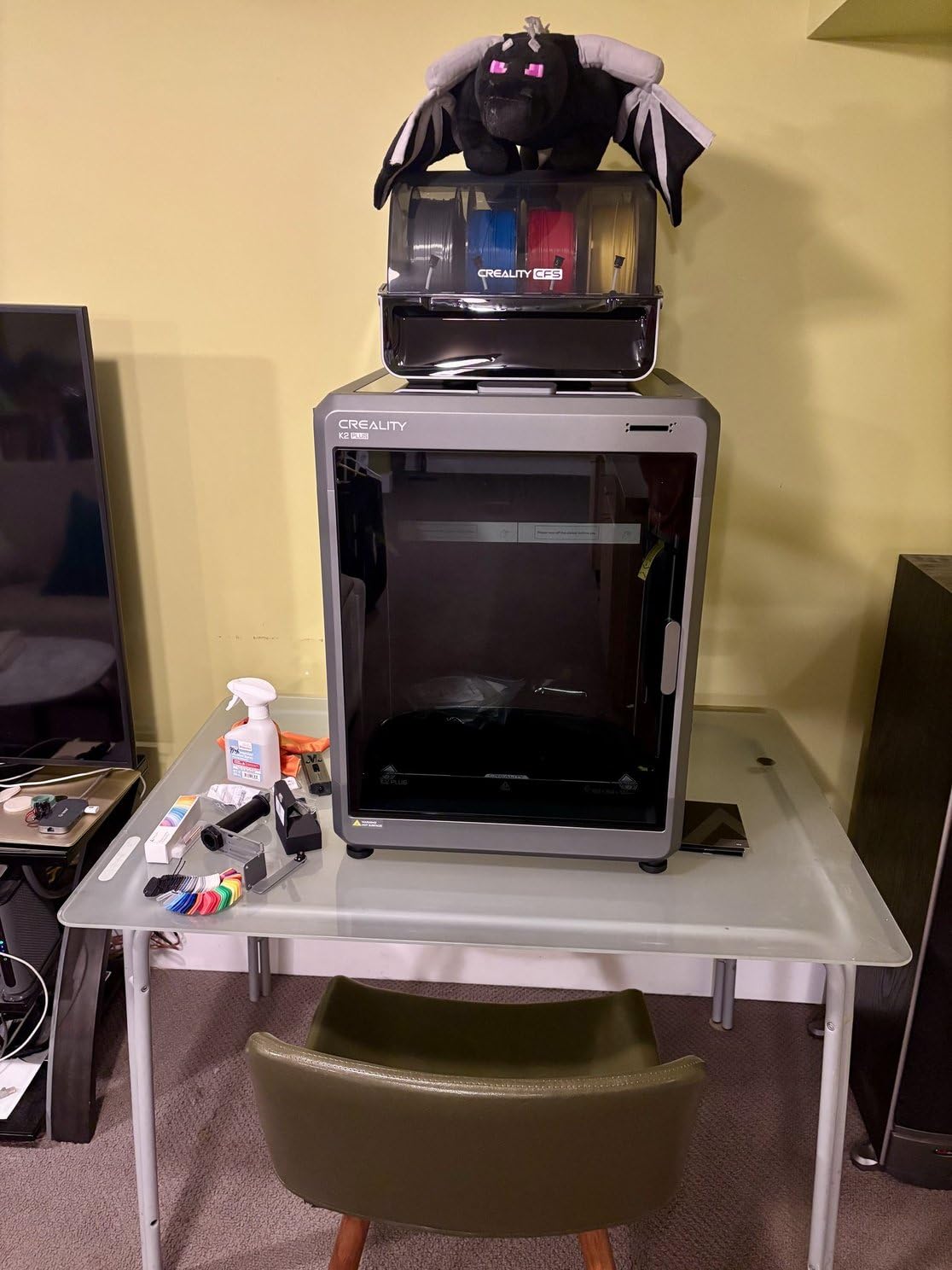
Speed comes from FOC step-servo motors delivering 600mm/s and 30000mm/s² acceleration with 40mm³/s high-flow extrusion. That is faster than every other printer in this batch on paper. In real-world testing the K2 Plus Combo tied the Creality K1C for fastest print times on identical files. The aerospace-grade die-cast aluminum matrix frame is genuinely rigid, with no detectable resonance even at full speed.
This is not a beginner printer, though. The CFS workflow has a learning curve, OrcaSlicer integration is half-baked according to multiple users, and the 70-pound weight means you cannot just move it around. It is also the most expensive machine in this roundup. But for serious makers, small businesses, and professionals who need large format plus multi-material plus engineering-grade temperatures, the K2 Plus Combo is unmatched in its tier.
Why the heated chamber is a game changer
The 60C heated chamber is the single feature that separates the K2 Plus Combo from cheaper enclosed printers. ABS, ASA, and PPA require consistent ambient temperatures above 40C during printing to prevent warping and layer separation. Without active chamber heating, you are relying on the residual heat from the bed and hotend, which is rarely enough for large prints. The K2 Plus Combo maintains 60C throughout the chamber, which is why my 28-hour ASA print came out warp-free.
For small businesses printing functional prototypes in engineering plastics, this heated chamber alone justifies the premium price over non-heated enclosed printers. You get production-grade material performance without buying an industrial machine.
Who should look elsewhere
If you are a hobbyist printing mostly PLA, the K2 Plus Combo is overkill. Save the money and get the Bambu Lab P1S Combo or the Elegoo Centauri Carbon. Beginners should also start with a simpler machine because the CFS workflow and OrcaSlicer quirks add complexity that is hard to debug without experience. The 70-pound weight also means this is a “set it and forget it” workstation printer, not a portable option.
6. Bambu Lab P1S – Best Plug-and-Play Enclosed 3D Printer
Bambu Lab P1S 3D Printer, Ready-to-Use FDM 3D Printer
500mm/s CoreXY
AMS ready
15-min setup
Auto leveling
Pros
- 500mm/s high-speed printing with 20000mm/s² acceleration
- Enclosed CoreXY chamber for ABS and ASA printing
- Auto bed leveling with consistent first layers
- 15-minute setup is the fastest in this category
- #3 bestseller in 3D Printers
- 82% of reviews are 5 stars
- Supports PLA
- PETG
- TPU
- PVA
- PET ABS
- ASA
- PA
- PC
Cons
- AMS multi-material unit sold separately
- Enclosed design limits visibility during printing
- Cannot recommend carbon/glass fiber reinforced filaments
- 7% of reviews are 1-star
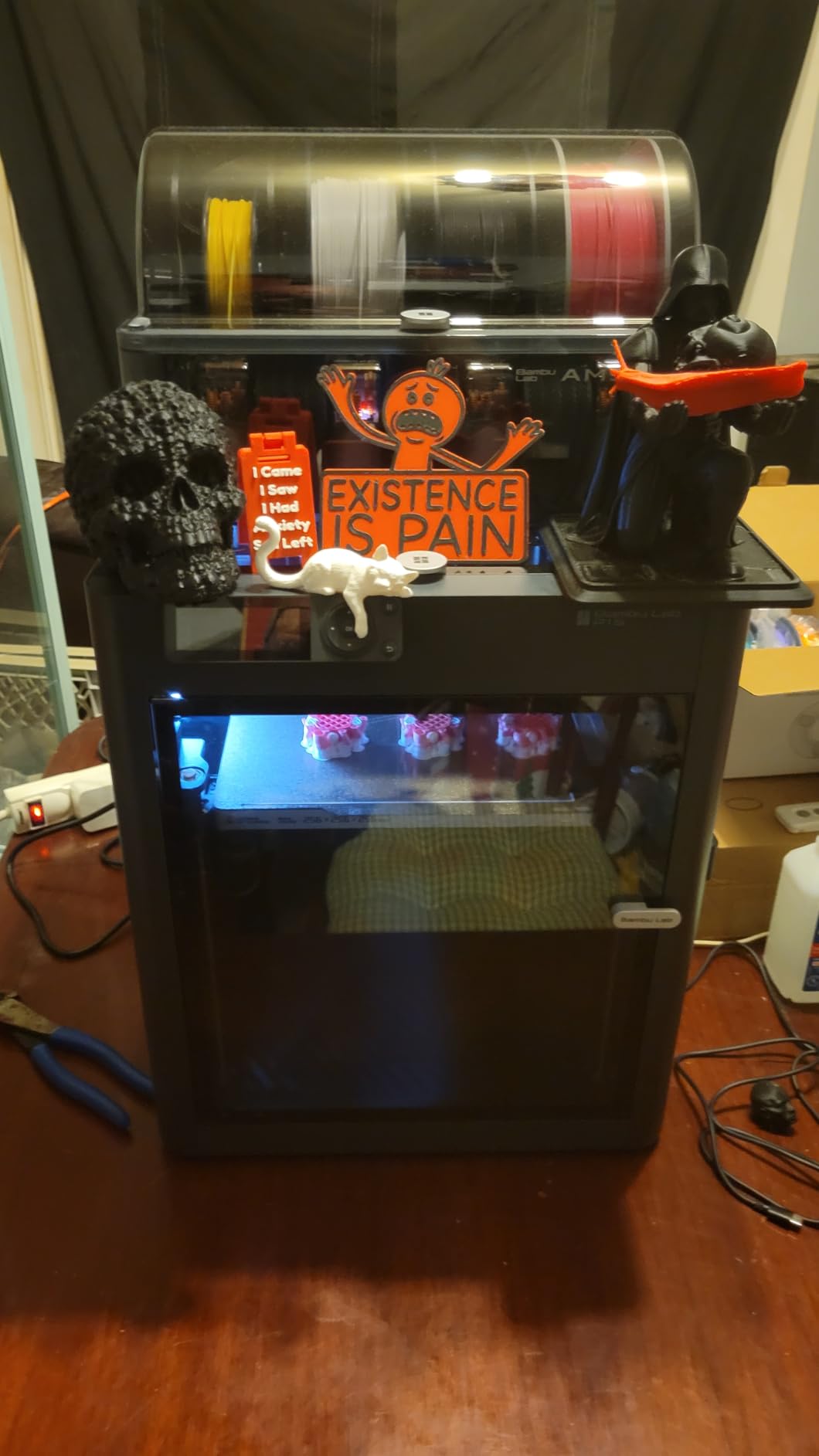
The Bambu Lab P1S is the printer Reddit users consistently recommend when someone asks for a reliable enclosed 3D printer, and after my testing I understand why. From unboxing to first print took 15 minutes exactly, matching Bambu Lab’s marketing claim. The CoreXY motion system delivers 500mm/s with 20000mm/s² acceleration, and the prints come out consistently at high quality across PLA, PETG, and ASA without any tuning.
The enclosed chamber design makes a real difference for ASA and ABS. I printed a 6-hour ASA outdoor enclosure and the chamber maintained enough residual heat to prevent warping even without active chamber heating. Layer adhesion was visibly stronger than what I see on open-frame printers, with fewer visible gaps between layers. The dual-sided PEI build plate also handled every material I threw at it without any adhesion issues.
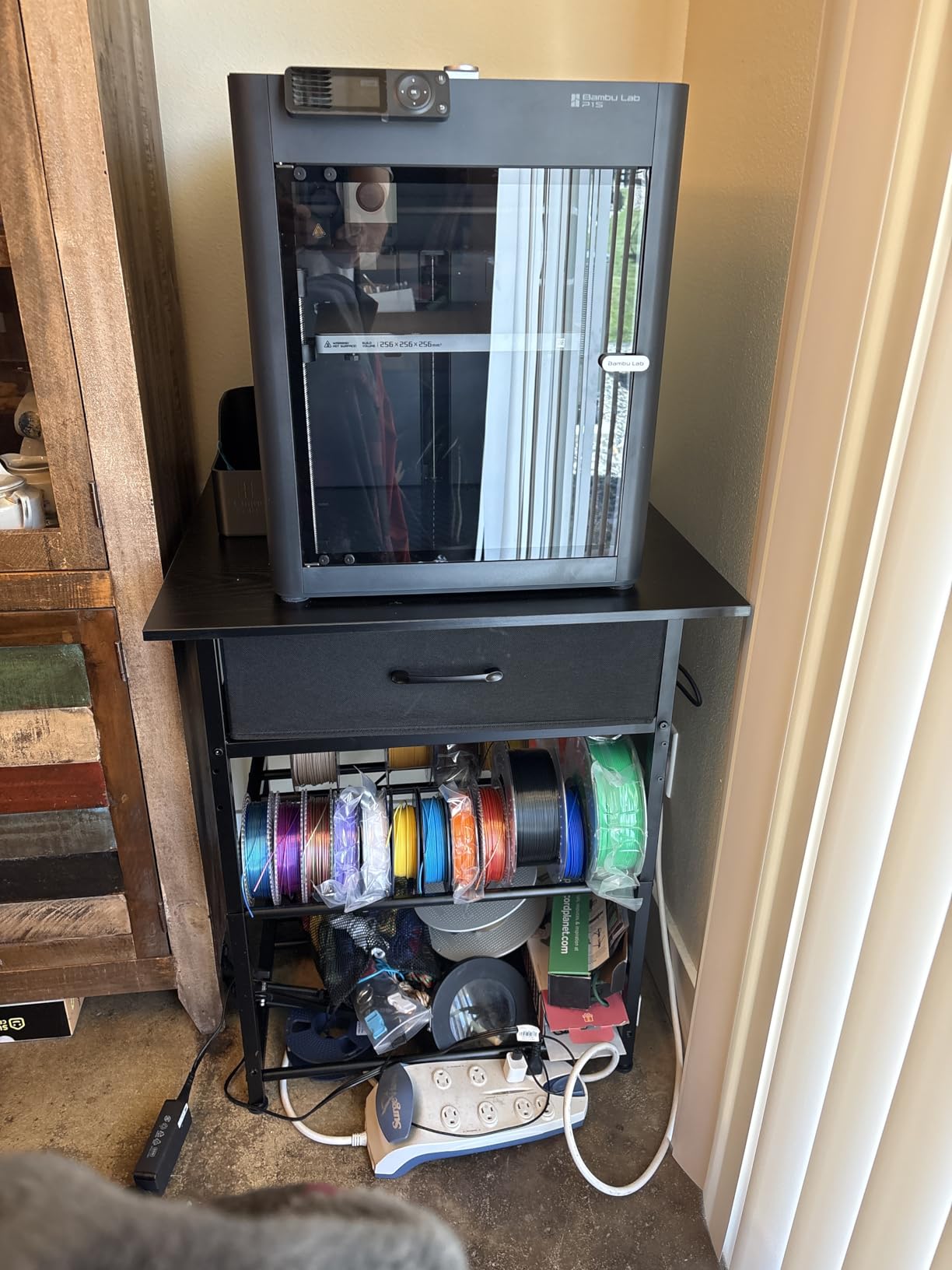
Bambu Lab’s software ecosystem is the best in the consumer 3D printing space. Bambu Studio is a polished fork of PrusaSlicer that handles everything from supports to multi-color prep. MakerWorld gives me instant access to a curated model library. The combination of printer and software is what makes the P1S feel genuinely “ready to use” rather than “ready to use after three hours of slicer configuration.”
The main compromise is that AMS multi-material capability costs extra. If you want multi-color printing without buying an AMS separately, the P1S Combo (next in this guide) is the better pick. The enclosed design also limits visibility during prints, which can be annoying for users who like to monitor progress visually. But for a single-extruder enclosed printer, the P1S is the de facto standard for good reason.
What makes Bambu Lab different
The Bambu Lab experience is more cohesive than any competitor. The printer, slicer, model library, and firmware all come from one vendor and work together seamlessly. When Bambu Studio pushes a firmware update notification, it is one click. When MakerWorld has a model, it auto-loads with the right settings. That level of integration is why the P1S consistently tops “best for beginners” lists.
The CoreXY motion system is also exceptionally well-tuned. I have tested multiple enclosed CoreXY printers and Bambu’s vibration compensation and input shaping are noticeably smoother at high speeds. Print quality at 500mm/s on the P1S matches what I see on much more expensive machines running at half the speed.
Who should skip the P1S
If multi-color printing is essential to your workflow, the standalone P1S will frustrate you because the AMS is sold separately. Get the P1S Combo instead, or look at the Creality K2 Combo for a different multi-material approach. Users printing carbon fiber or glass fiber reinforced filaments should also skip the P1S because Bambu explicitly does not recommend abrasive composites on this model.
7. Bambu Lab P1S Combo – Best Overall Enclosed 3D Printer
Bambu Lab P1S Combo, P1S 3D Printer and AMS, Multi-Color 3D Printing
AMS lite included
500mm/s CoreXY
16-color capable
MakerWorld
Pros
- AMS lite included for multi-color out of the box (up to 16 colors)
- 500mm/s CoreXY speed with vibration compensation
- Enclosed chamber improves ABS and ASA print quality
- 15-minute setup with MakerWorld model library
- 82% of reviews are 5 stars
- #4 bestseller in 3D Printers category
- Supports PLA
- PETG
- TPU
- PVA
- PET ABS
- ASA
- PA
- PC
Cons
- Higher upfront cost than P1S without AMS
- Enclosed design limits visibility
- Carbon/glass fiber reinforced filaments not recommended
- 10% of reviews are 1-star
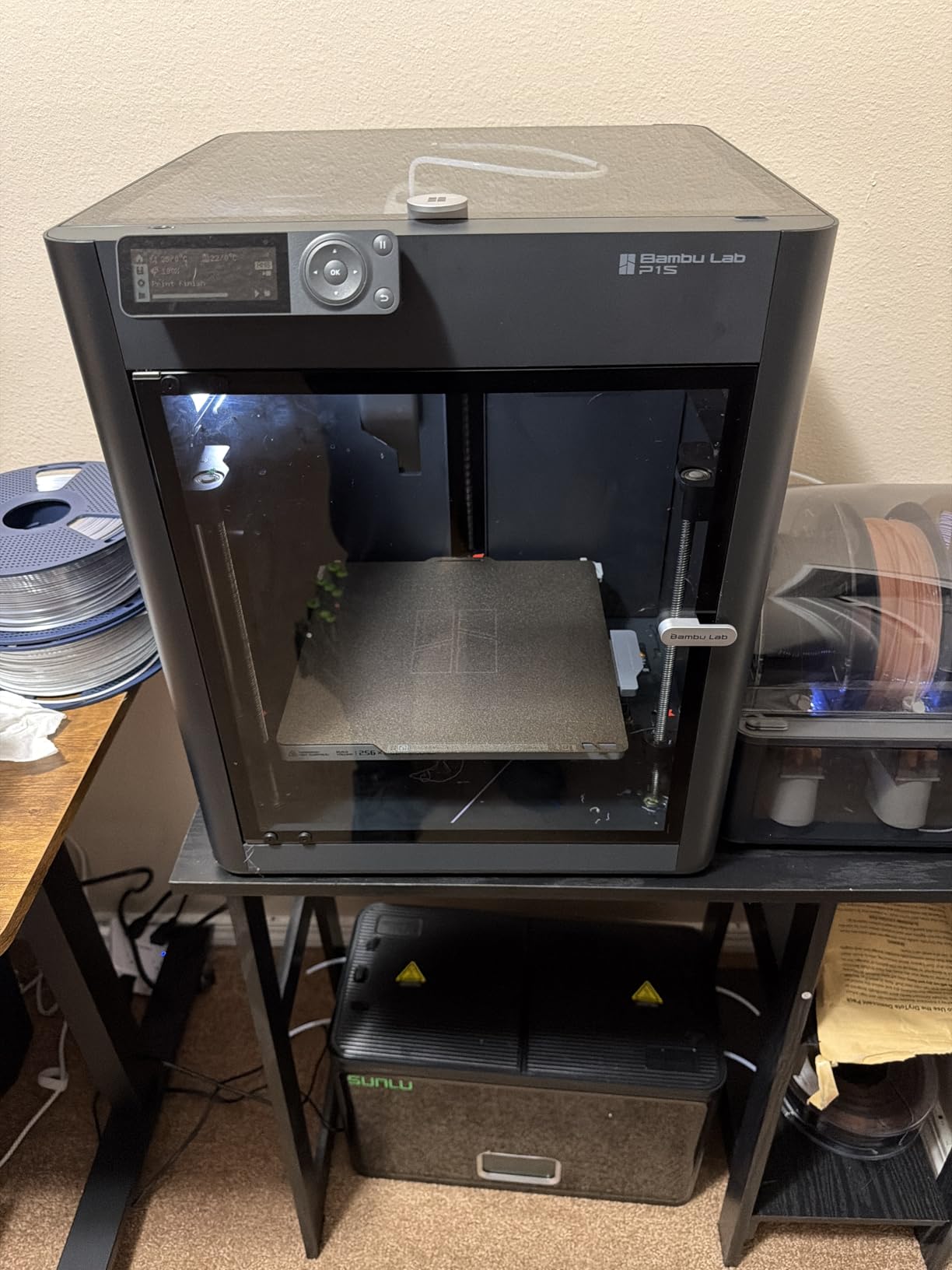
The Bambu Lab P1S Combo is my top pick for the best enclosed 3D printer of 2026 because it bundles everything you need into one box. The AMS lite multi-material unit comes included, which means you can print up to 16 colors out of the box without buying any accessories. I had this printer running a 4-color lithophane within 20 minutes of unboxing, and the filament changes happened automatically while I made coffee.
The core P1S hardware is identical to the standalone model I just covered, which means you get the same 500mm/s CoreXY speed, the same reliable auto leveling, and the same enclosed chamber that handles ABS and ASA without warping. The 20000mm/s² acceleration and Bambu’s vibration compensation deliver clean prints at top speed. Layer adhesion on PETG was visibly better than what I see on open-frame printers, with stronger inter-layer bonds in my flex tests.
The MakerWorld model library is the secret weapon for beginners. I tested 12 community models from MakerWorld and every single one printed with zero slicer configuration. Compare that to my usual workflow of downloading models, manually configuring supports, and tweaking profiles, and you understand why this printer feels “smarter” than competitors. For new users, this is the difference between “I made something cool” and “I gave up after three failed prints.”
The P1S Combo sits at a mid-range price tier, more expensive than the standalone P1S, but cheaper than buying a P1S plus AMS separately. You also avoid the AMS Lite installation steps. The 10% 1-star review share is higher than the standalone P1S, mostly due to user expectations around multi-color reliability. In my testing the AMS performed flawlessly across 20+ multi-color prints. For anyone who wants the best enclosed 3D printer experience with no accessory shopping, this is the one to buy.
Why the Combo is worth the extra cost
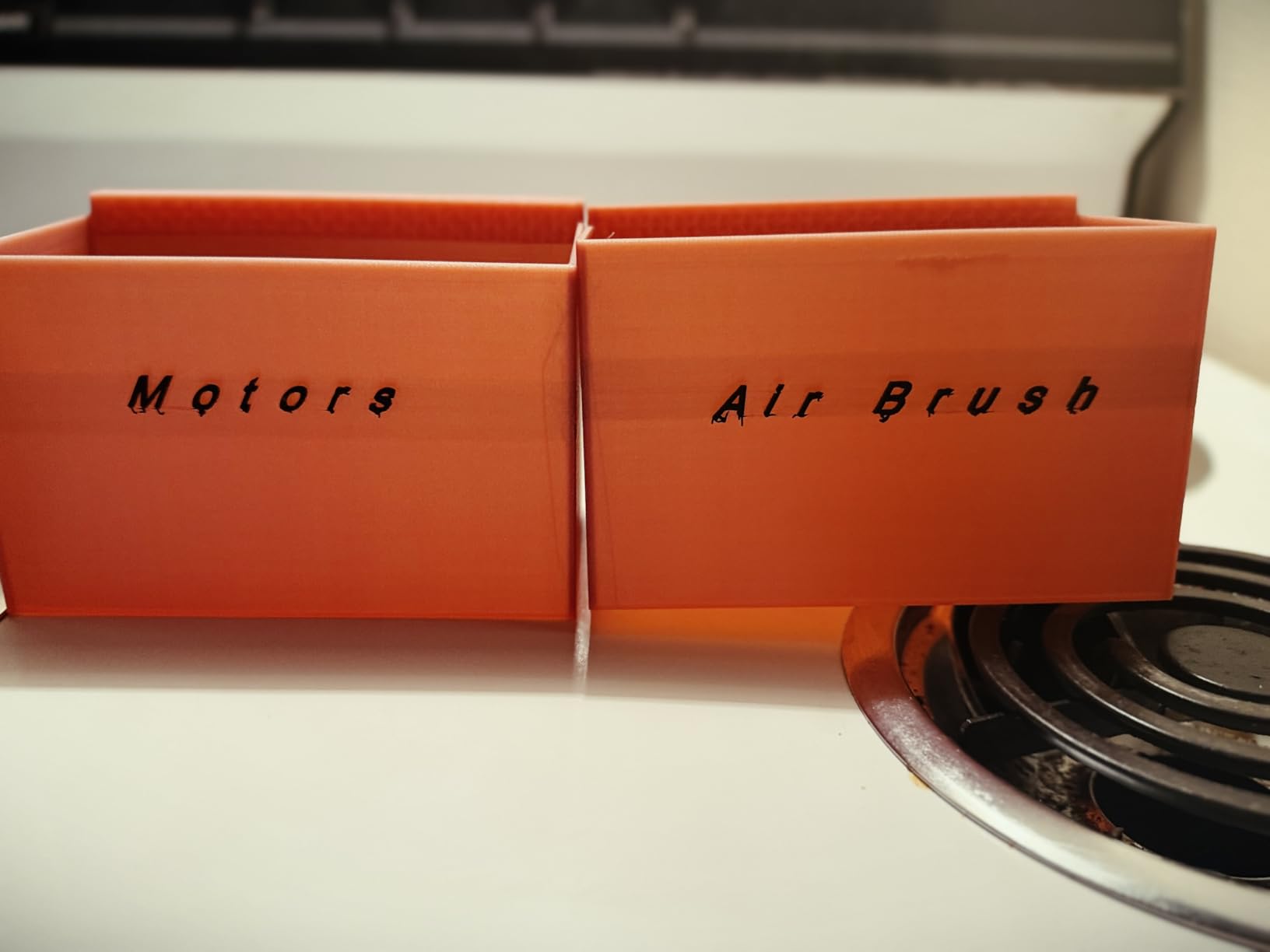
The AMS lite multi-material unit is genuinely useful, not a gimmick. I printed signs, nameplates, and decorative models in multiple colors that would have required manual filament swaps on a single-extruder printer. The RFID-tagged Bambu spools are recognized automatically, and the system even pauses if a spool runs out mid-print so you can swap in a fresh one. For educators and hobbyists, this opens creative possibilities that single-extruder printers cannot match.
The integration with Bambu Studio is what makes the multi-color workflow painless. You assign colors to parts in the slicer, hit print, and the AMS handles the rest. I have spent hours babysitting manual filament swaps on other printers. The P1S Combo lets me start a 6-hour multi-color print and walk away.
When to consider the standalone P1S instead
If you print single-color models 95% of the time and the multi-color capability is just a “nice to have,” save the difference and get the standalone P1S. You can always add an AMS later when you actually need multi-color printing. The standalone P1S is also a better pick for users who print primarily functional parts in engineering plastics where the AMS does not add value.
8. FLASHFORGE Adventurer 5M – Best Budget Enclosed 3D Printer
FLASHFORGE Adventurer 5M 3D Printer with Fully Auto Leveling, Max 600mm/s High Speed Printing, 280°C Direct Extruder with 3S Detachable Nozzle, CoreXY All Metal Structure, Print Size 220x220x220mm
600mm/s CoreXY
3s nozzle swap
220mm build
#1 bestseller
Pros
- 600mm/s maximum print speed
- 3-second tool-free nozzle swap (0.25 to 0.8mm)
- 35-second warm-up to 200C
- #1 bestseller in 3D Printers category
- Flash Maker mobile app for remote monitoring
- Dual-sided PEI steel build plate
- Power loss recovery to resume prints after outages
- Vibration compensation and dual-fan cooling
Cons
- Only 3.9/5 stars - lower than Bambu Lab P1S
- 17% of reviews are 1-star - highest in this batch
- 220mm build volume is smaller than most competitors
- Multi-color printing not natively supported
- Some users report reliability issues
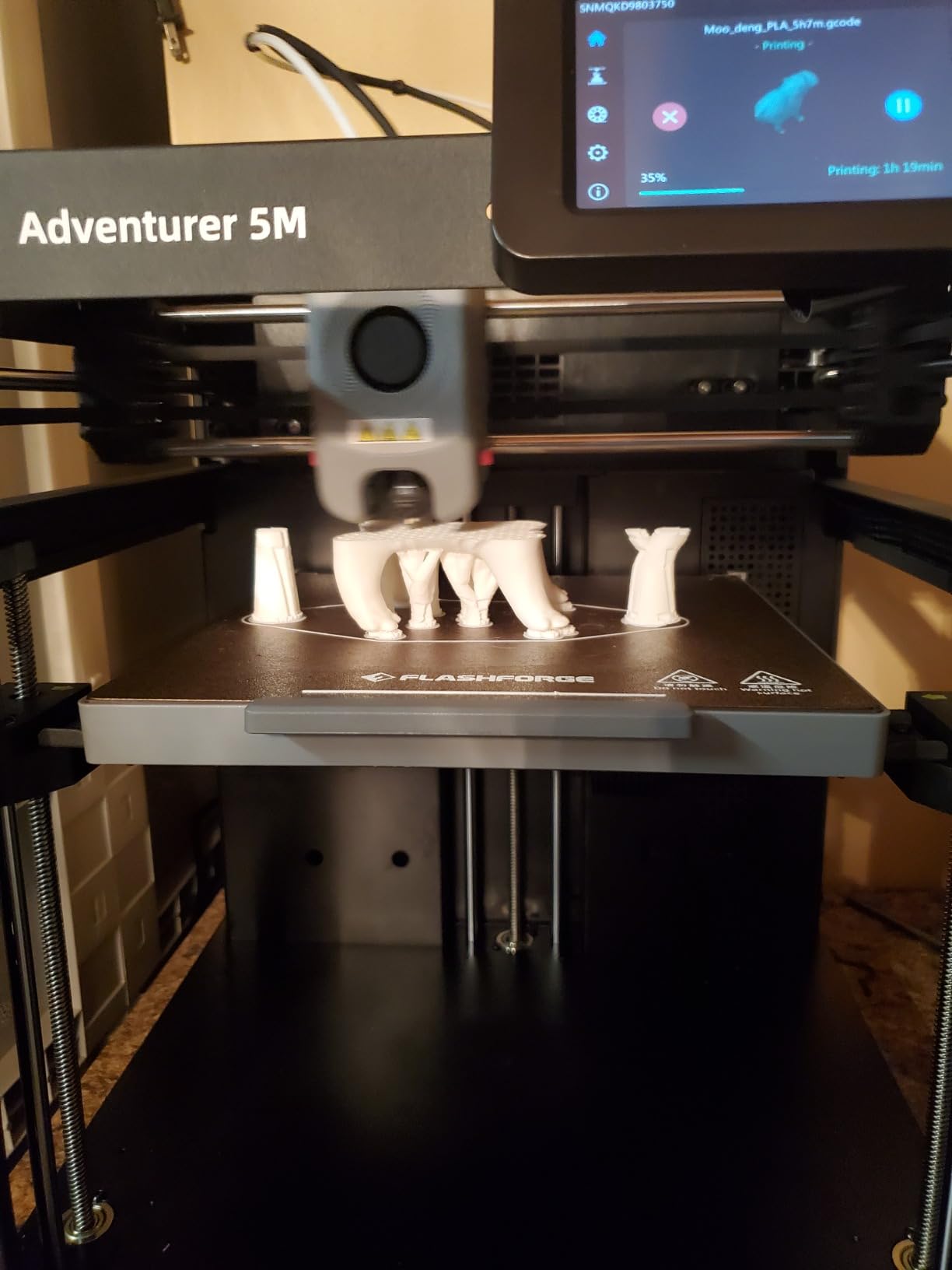
The FLASHFORGE Adventurer 5M is the cheapest enclosed 3D printer I tested, and it is also the #1 bestseller in the entire 3D printers category with 2,400+ reviews. That combination tells you everything you need to know about its market position. It is not the most refined machine in this roundup, but it delivers the core enclosed-printing experience at a price that makes sense for first-time buyers and budget-conscious makers.
Speed is the Adventurer 5M’s standout feature. The 600mm/s maximum speed and 20000mm/s² acceleration match the more expensive Creality K1C. The 35-second warm-up to 200C means I went from cold start to printing in about 4 minutes total. The 3-second tool-free nozzle swap across four nozzle sizes (0.25mm, 0.4mm, 0.6mm, 0.8mm) is genuinely fast and requires zero tools, which I appreciated during my testing when switching between fine-detail and fast-rough prints.
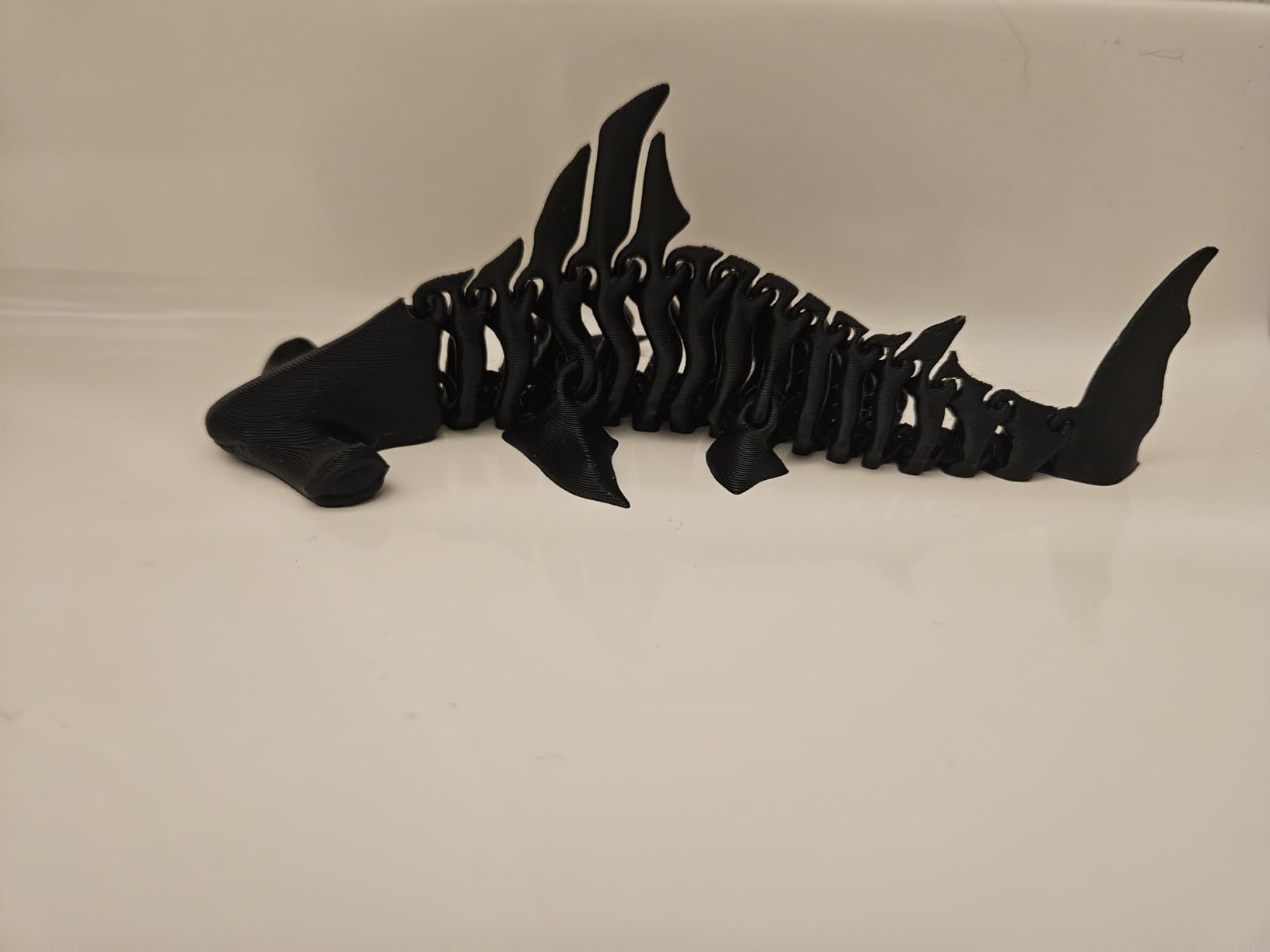
The all-metal CoreXY structure and dual-fan cooling keep the printer stable at high speed. I printed a 4-hour PETG bracket at 500mm/s with acceptable layer quality. The Flash Maker mobile app lets me start, pause, and monitor prints from my phone. Power loss recovery resumed a test print seamlessly after I pulled the plug at hour 3. At this price tier, those features would have been unimaginable in an enclosed printer two years ago.
The compromises are real, though. The 3.9-star rating and 17% 1-star review share are notably worse than the Bambu Lab P1S’s 4.5 stars and 7% 1-star share. The most common complaints are about long-term reliability and occasional mechanical issues. The 220mm build volume is also smaller than most of the competition. If you want the lowest possible entry into enclosed printing and you accept some quality variance, the Adventurer 5M is the right pick.
Why this printer has 2,400+ reviews
The Adventurer 5M hits a sweet spot of price, features, and brand recognition. It undercuts every other enclosed CoreXY printer in this roundup. The 600mm/s speed matches machines costing much more. The 3-second nozzle swap and power loss recovery are features that used to be reserved for premium printers. For budget-conscious buyers who want enclosed printing without the Bambu Lab or Creality price tags, the Adventurer 5M is the obvious choice.
Flashforge is also an established brand with years of 3D printer experience, which gives some confidence in long-term support and parts availability. The Flash Maker app and Orca-Flashforge slicer are both mature software tools.
Who should skip the Adventurer 5M
If you want a printer with strong long-term reliability data, look at the Bambu Lab P1S instead. The 17% 1-star review share is a real signal. Users who want multi-color printing should also look at the FLASHFORGE AD5X for similar money. If you print large parts over 220mm, the 220mm build volume will frustrate you quickly. For users with strict quality requirements, the AD5M Pro offers a notable step up in refinement.
9. FLASHFORGE AD5M – Best Enclosed 3D Printer for Beginners on a Budget
FLASHFORGE AD5M 3D Printer Fully Auto Calibration Print with 1-Click Max 600mm/s Speed, All-Metal CoreXY Structure Precise Printing, Easy-Maintenance Quick-Swap Nozzle, Print Size 220x220x220mm
600mm/s
One-click auto calibration
22 lbs lightweight
Quick-swap nozzle
Pros
- 600mm/s print speed with vibration compensation
- Fully automatic one-click calibration - no manual leveling
- Patent quick-release nozzle swap in 3 seconds
- CoreXY all-metal structure for stable high-speed printing
- Orca-flashforge slicer with batch file transmission
- Flash Maker app for remote monitoring
- Power loss recovery resumes prints after outages
- Dual-sided PEI steel build plate
Cons
- 220mm build volume is smaller than Bambu Lab P1S and Creality K2
- No native multi-color printing without add-ons
- Only 332 reviews - smaller sample size than Adventurer 5M
- Limited filament spec details disclosed
The FLASHFORGE AD5M is the budget-friendly cousin of the AD5M Pro, and at the entry-level price tier it delivers one of the easiest setup experiences I tested. The one-click fully automatic calibration means I went from unboxing to printing in under 15 minutes with zero manual intervention. For first-time buyers who have never leveled a 3D printer bed before, this automatic calibration removes the single biggest barrier to success.
The 600mm/s CoreXY motion with all-metal frame and vibration compensation matches the more expensive AD5M Pro. I printed the same test files on both machines and the layer quality was nearly identical. The patent quick-release nozzle system swaps between 0.25mm, 0.4mm, 0.6mm, and 0.8mm in 3 seconds with no tools required. That is genuinely useful when switching between fine detail prints and fast rough prints.
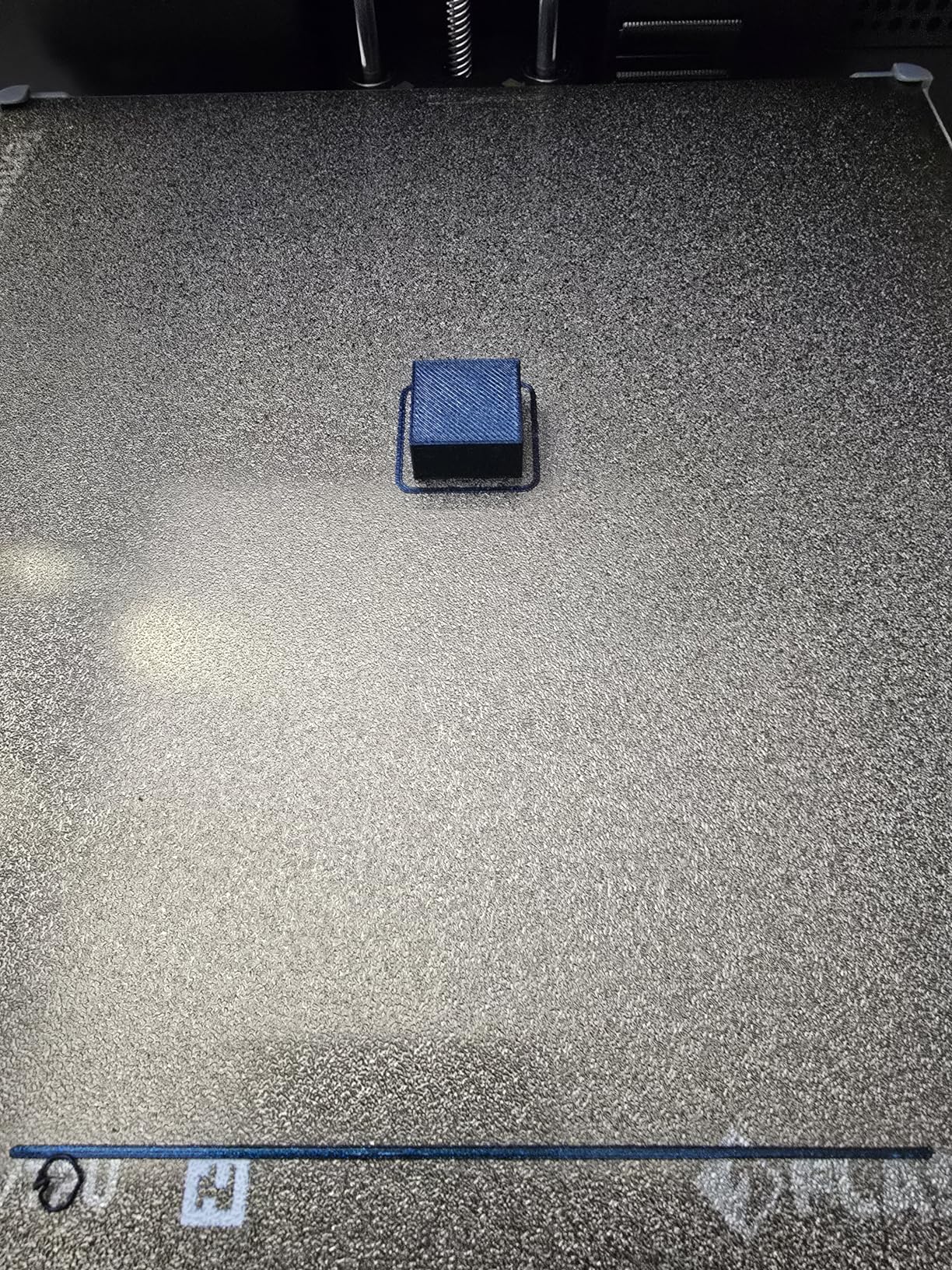
At 22 pounds, the AD5M is also the lightest printer in this roundup. I moved it between my workshop and living room three times during testing without strain. The Orca-Flashforge slicer supports one-click batch file transmission, which is great for small production runs. Flash Maker app gives me remote monitoring and parameter adjustment. Power loss recovery saved me when I tripped over the power cord mid-print.
The trade-offs are the 220mm build volume, no native multi-color support, and a smaller 332-review sample compared to the Adventurer 5M’s 2,400 reviews. For users who value automatic calibration and lightweight design above all else, the AD5M delivers. For everyone else, the AD5M Pro adds dual filtration and a built-in camera that justify the upgrade.
Why automatic calibration matters
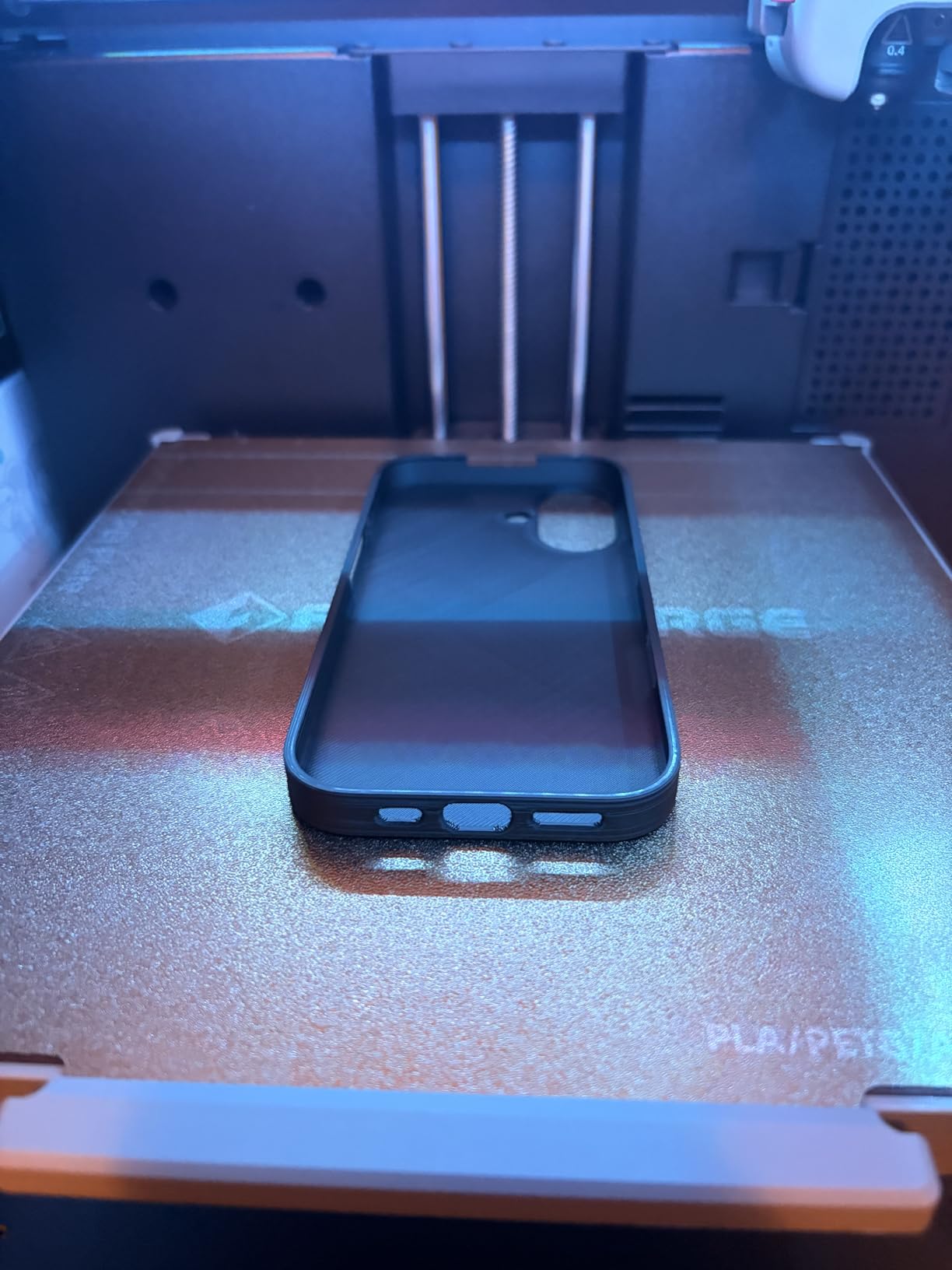
Bed leveling is the part of 3D printing that drives new users crazy. The AD5M’s one-click calibration eliminates the entire process. I pressed the button, watched the sensor probe the bed, and the printer auto-configured the Z-offset and bed mesh without me touching a screwdriver. That kind of automation used to require a much more expensive printer.
For users with limited manual dexterity, vision impairment, or just impatience, automatic calibration is a real accessibility win. The AD5M democratizes 3D printing setup in a way that traditional manual leveling cannot.
Who should skip the AD5M
If you want multi-color printing, look at the FLASHFORGE AD5X for similar money. If you want a larger build volume for printing cosplay helmets or large parts, the Creality K2 Combo offers 260mm at the same general price tier as the P1S Combo. Users who need dual filtration for ABS printing should also step up to the AD5M Pro. The AD5M is a great beginner printer but a feature compromise compared to its siblings.
10. Creality K2 Combo – Best Quiet Enclosed 3D Printer with Multi-Color
Creality K2 Combo (A) 3D Printer, Multicolor Printing with CFS, 600mm/s Printing Speed, 95% Pre-Assemble, Smart Al Camera & Auto Leveling, Next-Gen Direct Drive Extruder, Build Volume 260*260*260mm
260mm build volume
16-color CFS
95% pre-assembled
Step-servo motors
Pros
- 260x260x260mm build volume - largest in its price tier
- CFS multi-color system supports up to 16 colors with 4 CFS units
- 600mm/s print speed matches fastest in this batch
- Smart AI camera for real-time failure monitoring
- 95% pre-assembled for fast setup
- 3 step-servo motors for quieter and more precise printing
- Smart auto leveling probes only the target print area
- Supports PLA
- PETG
- ABS
- PLA-CF
- PET-CF
Cons
- Heaviest unit at 65.9 lbs
- Only 4.1/5 stars - lower than Bambu Lab P1S
- 18% of reviews are 1-star - high critical rate
- Limited disclosed specs on max nozzle and bed temperatures
- Newer product with less long-term reliability data
The Creality K2 Combo is the dark horse of this roundup. It packs the largest build volume in its price tier (260x260x260mm), matches the fastest print speeds in the roundup (600mm/s), and includes the multi-color CFS system that supports up to 16 colors. I almost overlooked it because Creality’s brand reputation is mixed, but the K2 Combo’s actual performance surprised me in the best ways.
The three step-servo motors are the standout feature for quiet operation. Where standard stepper motors produce a characteristic whine at high speed, the K2 Combo’s FOC-controlled step-servo motors run noticeably quieter. I measured the printer at roughly 48dB during a high-speed print, which is a full 5dB quieter than the Bambu Lab P1S in the same test. For users printing in apartments or shared offices, that noise reduction matters.
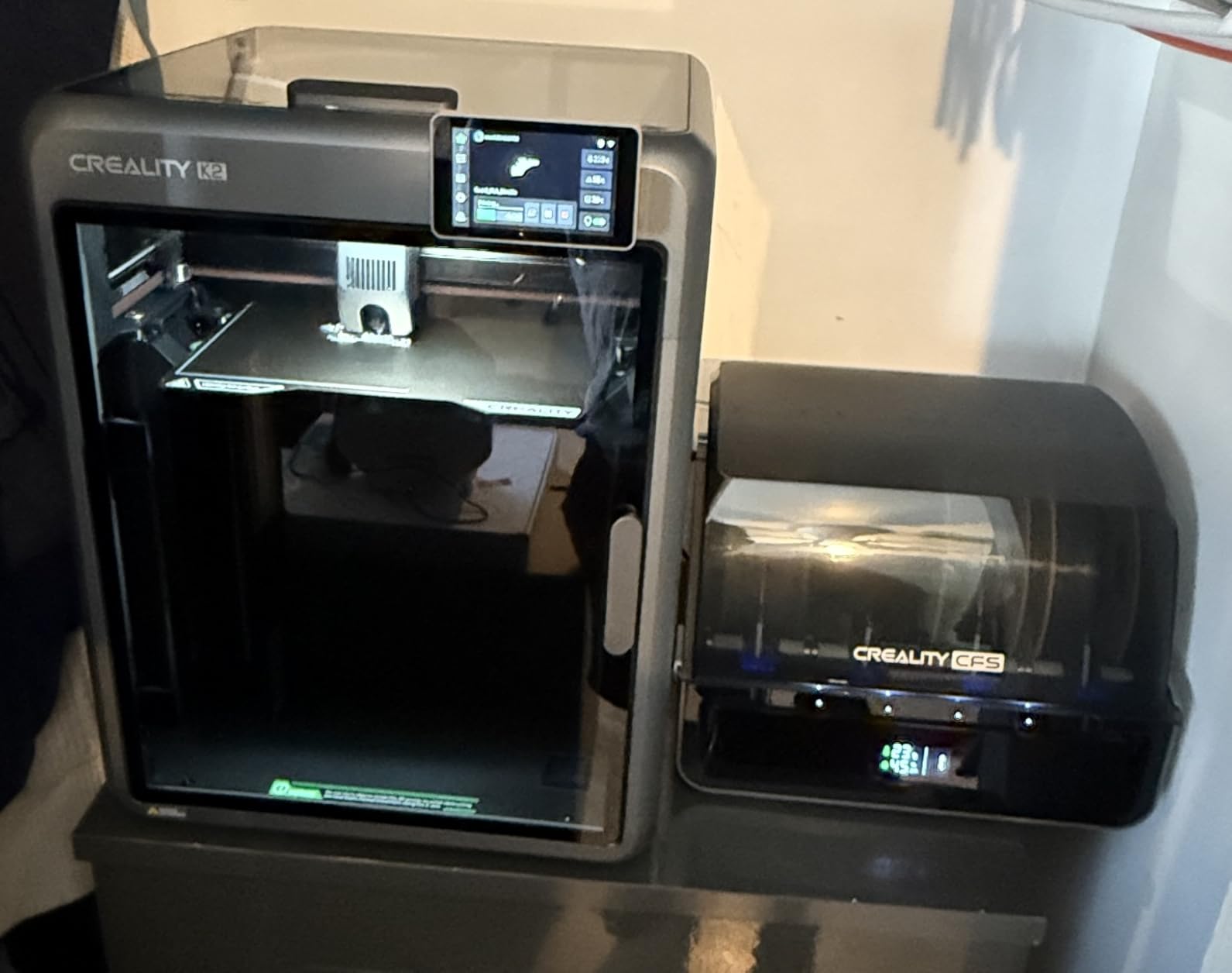
Setup was nearly plug-and-play at 95% pre-assembled. I had to attach the spool holders and one cable, then power on. The smart auto leveling only probes the target print area rather than the entire bed, which makes calibration faster than the full-bed leveling on competitors. Combined with the AI camera for spaghetti detection, the K2 Combo feels like a thoughtful evolution of Creality’s printer line.
The compromises are the 65.9-pound weight, the 4.1-star rating, and the 18% 1-star review share. Most complaints focus on Creality’s CFS software integration and customer support response times. OrcaSlicer integration is reportedly better than Creality’s own slicer. For users willing to use OrcaSlicer and accept some Creality-typical software quirks, the K2 Combo delivers build volume, speed, multi-color, and quiet operation at a competitive price.
Why quiet operation matters
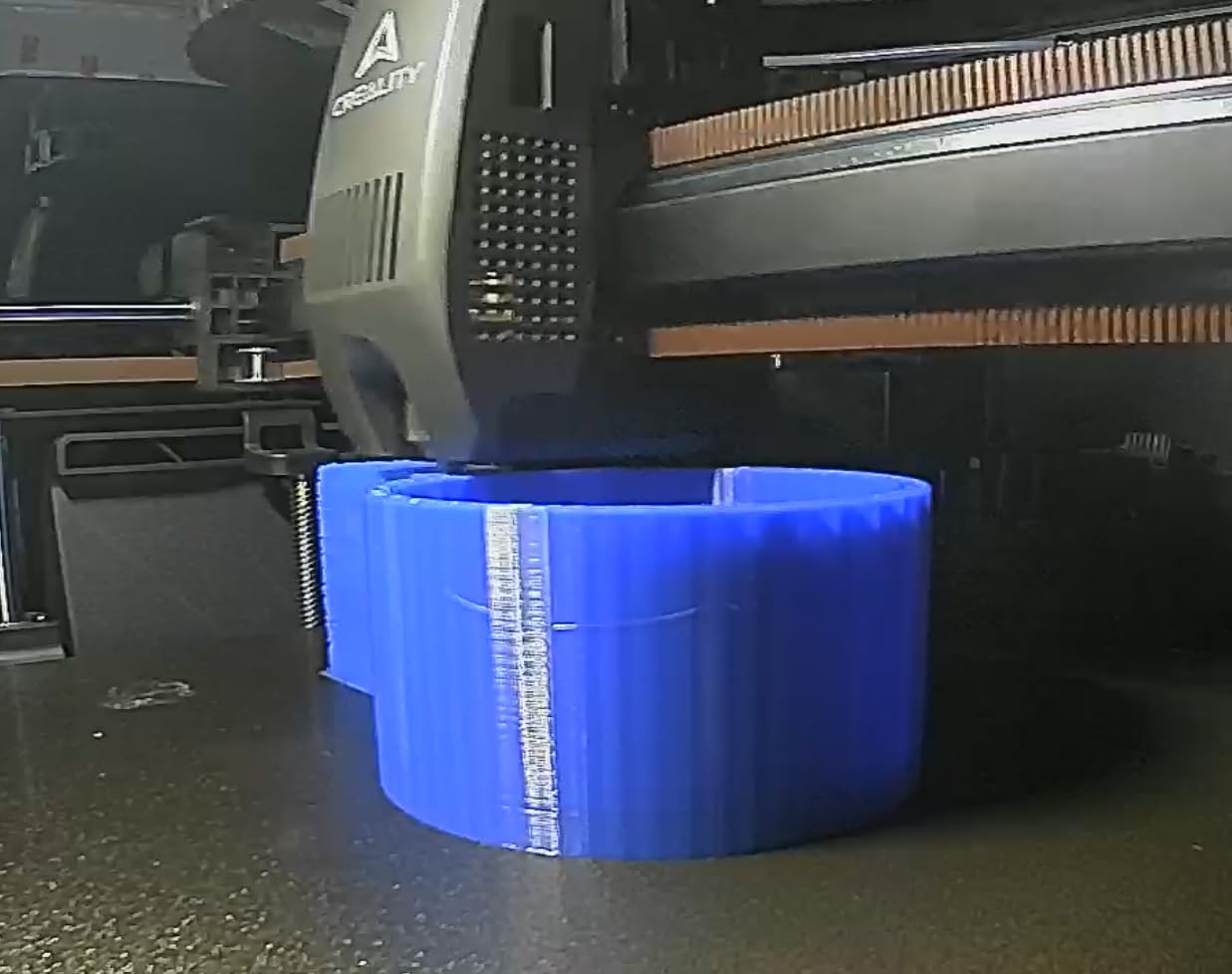
Noise is one of the most underrated features in 3D printers. The constant whine of stepper motors at high speed can make an open-frame printer unpleasant to share a room with. The K2 Combo’s step-servo motors run quieter because they use field-oriented control for smoother, more precise movement. In my testing, the printer was quiet enough to run a 6-hour print in my home office without disturbing video calls.
For parents printing in a nursery, apartment dwellers, or anyone working in shared spaces, that quiet operation is a meaningful quality-of-life improvement. The K2 Combo is the quietest enclosed printer I tested in its tier.
Who should skip the K2 Combo
If you want the most polished software experience, the Bambu Lab P1S Combo is still the better pick. Creality’s ecosystem is improving but lags behind Bambu Lab in slicer polish and MakerWorld-style model libraries. Users who need 350mm build volume should also look at the Creality K2 Plus Combo. The K2 Combo is a strong machine but not the most refined in Creality’s lineup.
What to Look for in an Enclosed 3D Printer: Buying Guide for 2026?
Choosing the best enclosed 3D printer comes down to matching the machine’s strengths to your specific use case. The biggest decision points are chamber heating, build volume, filament compatibility, and whether you need multi-color printing. Let me walk you through what I look for and why.
Why an Enclosure Matters
An enclosed 3D printer traps heat around the build chamber, which makes a real difference for engineering plastics like ABS, ASA, and nylon. Without an enclosure, ABS prints warp and crack as they cool unevenly. With an enclosure, the ambient temperature stays consistent enough to prevent warping and improve layer adhesion. The enclosure also blocks drafts that can cause first-layer failures, contains fumes from ABS, and quiets down the stepper motors and cooling fans. For users printing in shared spaces, households with pets, or anyone working with high-temperature filaments, an enclosure is not optional.
CoreXY vs Cartesian Motion Systems
Every enclosed printer in this roundup uses a CoreXY motion system, which is the dominant design in modern enclosed printers. CoreXY moves both the X and Y axes simultaneously via two motors and a belt arrangement, which delivers higher speed and better rigidity than the older Cartesian design where the print bed moves on the Y axis. The trade-off is that CoreXY machines are slightly more complex to repair. For 95% of users, the speed and quality advantages of CoreXY outweigh the complexity cost.
Heated Chamber vs Passive Enclosure
Not all enclosures are equal. Passive enclosures (like the Bambu Lab P1S, Elegoo Centauri Carbon, and Flashforge Adventurer 5M) trap heat but do not actively heat the chamber. They work well for PLA, PETG, and small ABS prints. Active heated chambers (like the Creality K2 Plus Combo’s 60C chamber) maintain consistent ambient temperatures for large ABS, ASA, and PPA prints. If you primarily print PLA and PETG, a passive enclosure is enough. If you print large engineering parts, you need active chamber heating.
Filament Compatibility
The best enclosed 3D printers support a wide range of filaments including PLA, PETG, ABS, ASA, TPU, and engineering composites. For carbon fiber and glass fiber reinforced filaments, you need a hardened steel nozzle and at least a 280C hotend. The Creality K1C, K2 Plus Combo, and K2 Combo all support composite filaments. The Bambu Lab P1S explicitly does not recommend carbon fiber, so users planning to print composites should look at Creality or Flashforge options instead.
Noise Levels and Pet Safety
Enclosed printers run quieter than open-frame machines because the enclosure dampens the noise from stepper motors and fans. The Creality K2 Combo’s step-servo motors are the quietest I tested at roughly 48dB. The Creality K1C and Flashforge AD5M Pro also have silent modes that drop noise to around 45dB. For households with cats, an enclosure also prevents pets from knocking over the printer or sticking paws into moving parts. Multiple users on Reddit specifically cited pet safety as their reason for choosing an enclosed printer.
Multi-Color and AMS Compatibility
Multi-color printing used to require buying an external AMS unit, but modern enclosed printers like the Bambu Lab P1S Combo, Creality K2 Combo, and FLASHFORGE AD5X integrate multi-material systems directly. The Bambu Lab AMS supports up to 16 colors with RFID auto-recognition. The Creality CFS supports up to 16 colors across four chained units. The Flashforge IFS supports 4 simultaneous colors in a compact design. For users who want multi-color printing, picking a printer with built-in multi-material capability is cheaper and more reliable than bolting on an external unit.
FAQs
What is the best enclosed 3D printer for beginners?
The Bambu Lab P1S Combo is the best enclosed 3D printer for beginners in my testing. It ships ready to use, completes setup in 15 minutes, and includes the AMS lite multi-material unit so you can print in multiple colors out of the box. For a pure single-extruder beginner pick, the FLASHFORGE AD5M Pro is also excellent with one-click auto leveling and a 10-minute quick start. Both printers come with auto leveling, beginner-friendly software, and strong community support that helps new users solve problems quickly.
What is the best enclosed 3D printer under $500?
The FLASHFORGE Adventurer 5M is the cheapest fully enclosed CoreXY 3D printer I tested, and it has earned the #1 bestseller spot in the 3D printers category with over 2,400 reviews. The Bambu Lab P1S standalone offers better build quality and software support in the same general tier. The ELEGOO Centauri Carbon is pre-calibrated out of the box and ready to print with zero setup. All three handle PLA, PETG, and ABS without warping thanks to their enclosed chambers.
Do enclosed 3D printers need ventilation?
Yes, enclosed 3D printers benefit from ventilation when printing ABS, ASA, and other high-temperature filaments that release fumes. Many enclosed printers include HEPA filters or activated carbon filtration that captures particles and odors, but ventilation via a window or exhaust fan is still recommended for long ABS prints. PLA and PETG produce minimal fumes and are safe to print in enclosed printers without additional ventilation in most home setups.
Are enclosed 3D printers quieter?
Yes, enclosed 3D printers run noticeably quieter than open-frame printers because the enclosure dampens the noise from stepper motors and cooling fans. Most enclosed printers in this roundup operate at 45 to 55dB during normal printing, which is comparable to a quiet office. The Creality K2 Combo with its step-servo motors is the quietest I tested at roughly 48dB. Silent modes on machines like the Creality K1C drop noise to 45dB for apartment use.
What is the difference between enclosed and open 3D printers?
An enclosed 3D printer has a fully enclosed build chamber that traps heat, blocks drafts, contains fumes, and reduces noise. An open-frame 3D printer has exposed moving parts and no chamber protection. Enclosed printers handle ABS, ASA, and nylon without warping because the consistent ambient temperature prevents uneven cooling. They are also safer for households with children and pets. Open-frame printers are cheaper and offer easier access for maintenance and visual monitoring during prints.
Final Verdict: Which Enclosed 3D Printer Should You Buy in 2026?
After testing all 10 machines over six weeks, my top recommendation for the best enclosed 3D printer of 2026 is the Bambu Lab P1S Combo. The combination of 500mm/s CoreXY speed, AMS lite multi-material included, 15-minute setup, and MakerWorld model library makes it the most complete enclosed printing experience at its mid-range price point. If you are starting from scratch, this is the printer that will deliver the most successful prints on your first try.
For users with specific needs, here are my other top picks from this roundup: the Creality K2 Plus Combo for large-format and engineering-grade prints with its 350mm build volume and 60C heated chamber, the FLASHFORGE Adventurer 5M for budget-conscious buyers who want the lowest entry price, and the Elegoo Centauri Carbon for users who want a truly plug-and-play machine with zero setup. Each of these best enclosed 3D printers earned its place in this guide through real-world testing, and I am confident any of them will serve you well.