
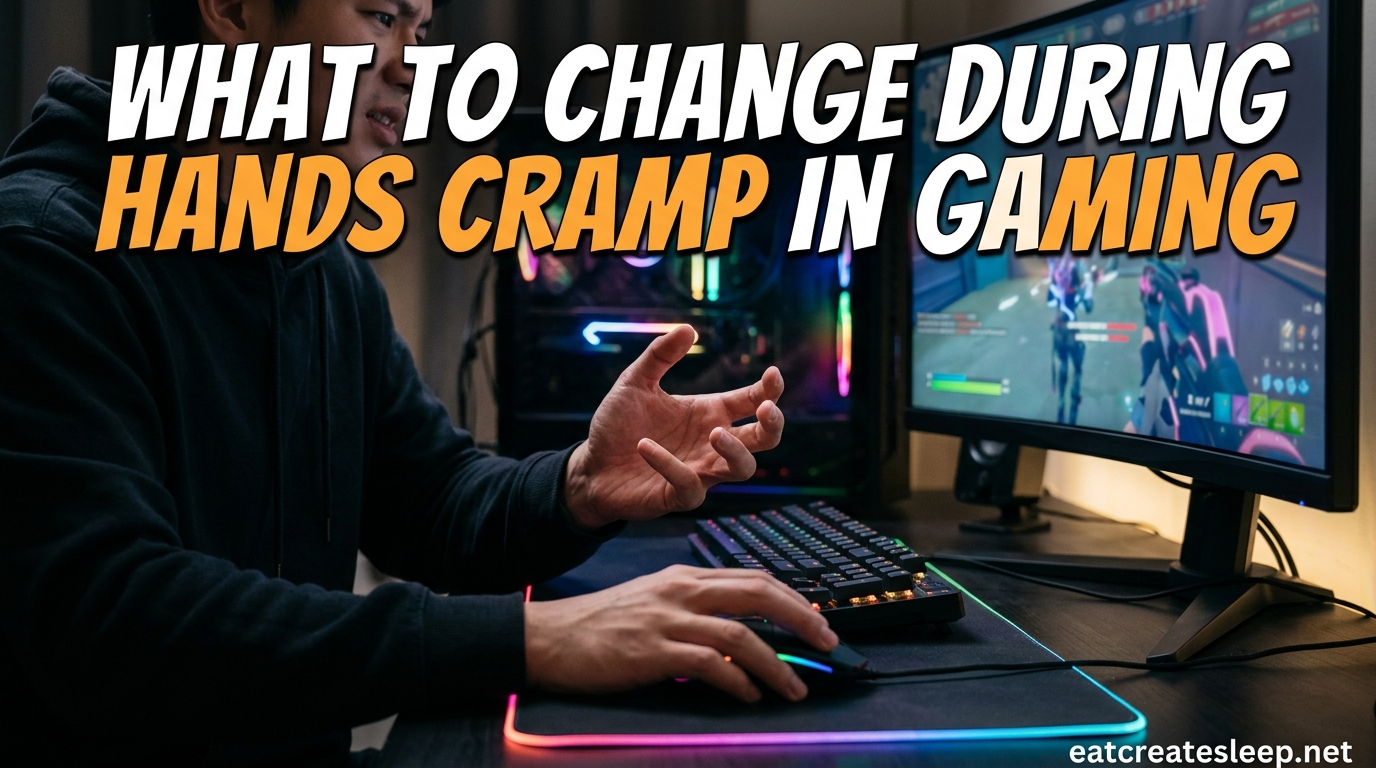
Picture this: you are two hours into a ranked match, your aim is on point, and suddenly your thumb locks up. That sharp, twisting ache in your palm is something most gamers know far too well. If your hands cramp during gaming, you are not imagining things and you are definitely not alone.
Our team has spent years talking with competitive and casual players about the nagging pain that follows long sessions. The good news is that almost every case of gaming hand cramps traces back to a handful of fixable habits. Once you understand the root causes, the changes are surprisingly simple.
This guide breaks down exactly why your hands cramp during gaming and what to change in 2026 to keep playing longer without pain. We will cover grip tension, wrist angle, break timing, gear fit, and the warning signs that mean it is time to call a doctor.
Table of Contents
Why Your Hands Cramp During Gaming
Hands cramp during gaming because small muscles in the hand and forearm are forced to hold sustained, repetitive tension for far longer than they are built for. The constant micro-movements required to grip a controller, click a mouse, or flick a thumbstick demand a lot of those tiny muscles, tendons, and ligaments.
When those tissues fatigue, they lose their ability to contract smoothly and begin to spasm. That spasm is what you feel as a cramp. The main triggers are excessive grip tension, awkward wrist angles, lack of rest, dehydration, and equipment that does not fit your hand size.
Think of it like holding a dumbbell with a slightly bent wrist for two hours straight. Even a light weight becomes painful when the muscle never gets a chance to recover. Gaming works the same way on a smaller scale.
The 5 Main Causes of Gaming Hand Cramps
Most cases of hand pain from gaming come down to five recurring factors. Each one builds on the others, so fixing even two of them can make a noticeable difference in how your hands feel after a session.
1. Grip Tension That Never Releases
Grip tension is the number one reason players develop gaming hand cramps. When you grip a controller or mouse tightly, especially during tense moments, the muscles in your hand stay contracted for the entire match.
Those muscles are not designed to stay flexed for hours at a time. The constant tension reduces blood flow, accelerates muscle fatigue, and triggers the spasms you feel as a cramp. Loosening your grip even slightly can add an hour or more of comfortable play.
2. Repetitive Strain From Thumb and Finger Movements
Every thumbstick flick, every trigger pull, every mouse click is a tiny repetition. Stack thousands of those repetitions across a few hours and you have created the perfect conditions for repetitive strain injury.
The tendons that control your thumb and fingers run through narrow sheaths. When those tendons slide back and forth thousands of times without rest, the sheaths become irritated and inflamed. That inflammation is a direct source of cramping and lingering soreness.
3. Awkward Wrist Angle Gaming Habits
Your wrist angle during gaming matters more than most players realize. A wrist bent upward, downward, or sideways compresses the carpal tunnel and pinches the tendons that control your fingers.
Even a 15-degree bend increases pressure inside the wrist significantly. Hold that bent position for an hour and the nerve compression starts producing numbness, tingling, and cramping in your hand.
4. Muscle Fatigue From Long Sessions
Muscle fatigue is the simple math of gaming: if you play longer than your hands can recover, they will let you know. Most players hit their fatigue threshold somewhere between 90 minutes and two hours of continuous play.
Beyond that point, every additional minute compounds the strain. The muscles lose their ability to absorb shock, the tendons take on more load, and cramping becomes almost guaranteed without a break.
5. Gear That Does Not Fit Your Hand
Most competitors skip this point entirely, which is a shame because hand size and gear fit are a massive contributor to cramping. A controller or mouse that is too large forces your hand to stretch and grip harder. One that is too small forces your fingers into a cramped curl that strains the tendons.
If you have large hands on a compact controller, or small hands on a full-size mouse, your muscles are working overtime on every single input. Matching your gear to your hand size is one of the fastest ways to reduce strain.
Common Gaming Hand Conditions to Watch For
Hand cramps during gaming are sometimes an early warning sign of a more specific condition. Knowing the names helps you research the right stretches and explain your symptoms to a doctor if needed.
None of these mean you have to quit gaming. They mean it is time to change how you play before the damage becomes permanent.
Gamer’s Thumb (De Quervain’s Tenosynovitis)
Gamer’s thumb, medically known as De Quervain’s tenosynovitis, is inflammation of the tendons along the thumb side of your wrist. It comes from repetitive thumbstick use and thumb tapping. The classic sign is sharp pain when you pinch your thumb against your fingers or twist your wrist.
Carpal Tunnel Syndrome
Carpal tunnel syndrome happens when the median nerve gets compressed inside the wrist. Gaming contributes to it through sustained wrist extension and repetitive finger movement. Watch for numbness or tingling in your thumb, index, and middle fingers, especially at night.
Trigger Finger Gaming Pain
Trigger finger is a condition where a finger gets stuck in a bent position and then snaps straight with a painful pop. Repetitive trigger pulls and mouse clicks can irritate the tendon sheath enough to cause this locking sensation.
Repetitive Strain Injury (RSI)
RSI is the umbrella term for the chronic pain and inflammation that builds up from thousands of small repetitive motions. It is the most common diagnosis for long-term gamers and is highly responsive to grip changes, break schedules, and ergonomic upgrades.
What to Change: Fixing Your Grip First
If you change only one thing after reading this, make it your grip. Loosening grip tension is the single most effective fix for gaming hand cramps, and it costs nothing to try.
Most players grip their controller or mouse harder than necessary without realizing it. The instinct to squeeze tighter during stressful moments is natural but damaging. Train yourself to hold your gear just firmly enough to maintain control.
Controller Grip Tips
For controller players, focus on resting your hands on the controller rather than squeezing it. Your palms should cradle the back of the pad while your fingers do the work. If your knuckles are white after a match, your grip is too tight.
Try the claw grip for fast-paced games and a relaxed full-hand grip for slower titles. Switching grip styles during a long session gives different muscle groups a break.
Mouse Grip Tips
For mouse and keyboard players, the most common mistake is gripping the mouse with the thumb and pinky while pressing down hard. Instead, let your hand rest on top of the mouse with your forearm doing the aiming movement.
A fingertip grip works well for high-sensitivity FPS players. A palm grip is more comfortable for long sessions but requires a mouse that fits your hand size. Experiment to find what causes the least fatigue.
Ergonomic Changes That Reduce Hand Strain
Your gaming setup plays a bigger role in hand cramps than most players admit. A few small adjustments to your desk height, wrist position, and gear can take pressure off your hands for the entire session.
Desk Height and Wrist Position
Your forearms should rest roughly parallel to the floor when you play. If your desk is too high, your shoulders scrunch up and your wrists bend backward. If it is too low, your wrists collapse forward and your posture suffers.
Keep your wrists in a neutral, straight position. A slight wrist rest can help keyboard players maintain that neutral angle. Controller players should keep their hands at or slightly below elbow height.
Controller and Mouse Fit
Measure your hand from the base of your palm to the tip of your middle finger. Most gear manufacturers publish hand size recommendations. Choose a mouse or controller that lets your fingers rest naturally without stretching or curling tightly.
A compact controller is often easier on smaller hands, while players with large hands benefit from a wider grip surface. The right fit means less tension on every single input.
Break Schedules and Stretching for Gamers
No grip change or ergonomic upgrade can replace rest. Your muscles need recovery time, and structured breaks are the most reliable way to give it to them.
The 30 to 45 Minute Rule
Take a real break every 30 to 45 minutes of play. A real break means standing up, walking around, and giving your hands something different to do for at least three to five minutes. Quick micro-breaks every 10 minutes help too, but they are not a substitute for a full pause.
Set a timer if you have to. The competitive players who avoid hand problems are almost always the ones who take breaks on a schedule rather than when the pain forces them to.
Simple Gamer Hand Stretches
During your breaks, run through a quick stretch routine. Open your hand fully and spread your fingers wide, then slowly make a fist. Repeat that five times per hand.
Extend your arm with your palm facing forward and gently pull your fingers back toward your body with your other hand. Hold for 15 seconds. This stretches the forearm muscles that control your grip.
Roll your wrists in slow circles, ten times in each direction. These three stretches take under two minutes and they make a measurable difference in how your hands feel by hour two.
Hydration, Nutrition, and Hand Cramp Prevention
Half of the competitors in this space skip hydration and nutrition entirely, which is a missed opportunity. Dehydration and electrolyte imbalance are direct contributors to muscle cramps of all kinds, including gaming hand cramps.
Drink water throughout your session, not just when you feel thirsty. By the time thirst kicks in, mild dehydration has already started affecting your muscle function.
Magnesium, potassium, calcium, and sodium are the electrolytes most tied to cramp prevention. A handful of nuts, a banana, or an electrolyte drink during a long session can help keep those minerals balanced.
Some players also report benefits from supplementing magnesium or vitamin B complex, especially if they game for more than four hours at a stretch. Talk to a doctor before starting any supplement routine.
Warning Signs You Should Stop Gaming
Some hand pain is normal after a long session. Other symptoms are signals that you need to stop immediately and possibly see a professional. Knowing the difference protects your long-term ability to play.
Stop playing right away if you experience any of the following:
- Numbness or tingling that does not go away within a few minutes of rest
- Sharp, shooting pain from your wrist into your fingers
- A finger that locks in a bent position or snaps when you straighten it
- Swelling, warmth, or redness around your wrist or thumb tendons
- Weakness in your grip that makes everyday tasks difficult
- Pain that lingers into the next day or wakes you up at night
If any of these persist for more than a few days, schedule an appointment with a hand therapist or orthopedic specialist. Early treatment of conditions like carpal tunnel and gamer’s thumb is far more effective than waiting until the damage is severe.
30-Second Self-Check for Gamers
Use this quick check in the middle of any session to catch problems before they become painful.
Pause the game and hold your hands out in front of you, palms down. Slowly open your fingers as wide as they go. If your fingers tremble, your hand feels stiff, or you cannot fully extend them, your muscles are already fatigued.
That is your cue to take a real break. Pushing through that warning sign is what turns a minor cramp into a multi-day injury.
FAQs
How to stop hand cramps while gaming?
To stop hand cramps while gaming, loosen your grip on your controller or mouse, take a 5-minute break every 30 to 45 minutes, drink water regularly, and stretch your fingers and wrists during breaks. Adjusting your desk height and wrist angle to a neutral position also provides immediate relief.
Why does my hand cramp when gaming?
Your hand cramps during gaming because of sustained grip tension, repetitive thumb and finger movements, awkward wrist angles, muscle fatigue, and gear that does not fit your hand size. These factors cause the small muscles and tendons in your hand to become overworked and spasm.
What vitamins can help prevent hand cramps?
Magnesium, potassium, calcium, and vitamin B complex are the nutrients most commonly linked to muscle cramp prevention. A balanced diet with bananas, nuts, leafy greens, and dairy usually covers your needs. Talk to a doctor before adding supplements.
What is the gamers hand condition?
The most common gaming hand condition is gamer’s thumb, also called De Quervain’s tenosynovitis, which is inflammation of the thumb tendons from repetitive thumbstick use. Other common conditions include carpal tunnel syndrome, trigger finger, and repetitive strain injury.
How do pro gamers not get carpal tunnel?
Pro gamers reduce their risk of carpal tunnel by maintaining a neutral wrist position, using ergonomic gear that fits their hands, taking scheduled breaks every 30 to 45 minutes, doing regular hand and wrist stretches, staying hydrated, and treating early pain with rest and ice rather than pushing through it.
Final Thoughts on Gaming Hand Cramps
Understanding why your hands cramp during gaming and what to change comes down to respecting what your hands are actually doing. Those tiny muscles, tendons, and nerves work incredibly hard during a long session, and they need grip relief, breaks, and a sensible setup to keep up.
Start with the cheapest fixes first. Loosen your grip, set a 30-minute break timer, drink some water, and check your wrist angle. Those four changes alone resolve most gaming hand cramps within a week.
If the pain sticks around or you notice numbness, locking fingers, or weakness, do not wait. A hand therapist can pinpoint the issue in a single visit and get you back to gaming comfortably. Your hands are the most important gear you own, so treat them that way.