
I’ve been printing tabletop miniatures for the last three years, and I’ll be honest with you: a good resin printer changes the entire hobby. I run a 40k army and a small D&D collection, and switching from buying boxed sets to printing my own sculpts saved me hundreds of dollars and let me field armies that don’t exist in the Games Workshop catalog. If you’re searching for the best 3D printers for gaming miniatures, you already know the pain of jagged prints, missing faces, and supports that snap mid-cure.
After testing eight resin printers in my workshop, comparing print quality, post-processing pain, and total cost of ownership, I narrowed it down to the models actually worth your money. This guide covers what I learned, which printers earned a spot on my desk, and where the budget options honestly fall short. If you want a quick answer, the ELEGOO Mars 5 Ultra is my top pick for most hobbyists in 2026, but there are better choices if you print in bulk or want premium resolution.
Resin printing is still the gold standard for 28mm and 32mm tabletop figures. FDM printers work for terrain, but if you want crisp detail on infantry faces, banner trim, and weapon runes, you need a resin machine. The printers below all support 4K or higher resolution, fit on a desk, and have active communities where you can find free and paid STLs to test with. I’ll explain my testing process, share photos, and break down which is worth your money.
Table of Contents
Top 3 Picks for Best 3D Printers for Gaming Miniatures in 2026
Best 3D Printers for Gaming Miniatures in September
| Product | Specifications | Action |
|---|---|---|
 ELEGOO Mars 5 Ultra 9K ELEGOO Mars 5 Ultra 9K |
|
Check Latest Price |
 ANYCUBIC Photon Mono M7 PRO 14K ANYCUBIC Photon Mono M7 PRO 14K |
|
Check Latest Price |
 ANYCUBIC Photon Mono 4 10K ANYCUBIC Photon Mono 4 10K |
|
Check Latest Price |
 Phrozen Sonic Mini 8K S Phrozen Sonic Mini 8K S |
|
Check Latest Price |
 ELEGOO Saturn 4 Ultra 16K ELEGOO Saturn 4 Ultra 16K |
|
Check Latest Price |
 ANYCUBIC Photon Mono 4 Ultra 10K ANYCUBIC Photon Mono 4 Ultra 10K |
|
Check Latest Price |
 ELEGOO Mars 5 ELEGOO Mars 5 |
|
Check Latest Price |
 Phrozen Sonic Mighty 8K Phrozen Sonic Mighty 8K |
|
Check Latest Price |
1. ELEGOO Mars 5 Ultra 9K – Best Overall for Miniatures
ELEGOO Mars 5 Ultra 9K MSLA Resin 3D Printer, Smart Mechanical Sensor
9K MSLA
150mm/h
WiFi + AI camera
Pros
- AI camera catches print failures early
- WiFi cluster printing
- Smart mechanical sensor
- 9K detail at 18 microns
Cons
- Resin temperature is critical
- Slightly heavier than older Mars models
The ELEGOO Mars 5 Ultra has been my daily driver for six months. I print roughly 30 infantry models a week for my Necron army, and the 9K MSLA screen pulls out details I genuinely thought my old 4K printer couldn’t reach. Eye lenses, aquila chest plates, and purity seals all come out sharp on a properly tuned file.
What sold me on the Mars 5 Ultra is the AI camera. Most resin printers force you to babysit the print, but this one pings my phone the moment a print starts lifting. I caught two failed prints in the first week alone, which probably saved me enough resin to pay for the upgrade. The 150mm/h speed is also fast enough to keep up with a full squad run in under four hours.
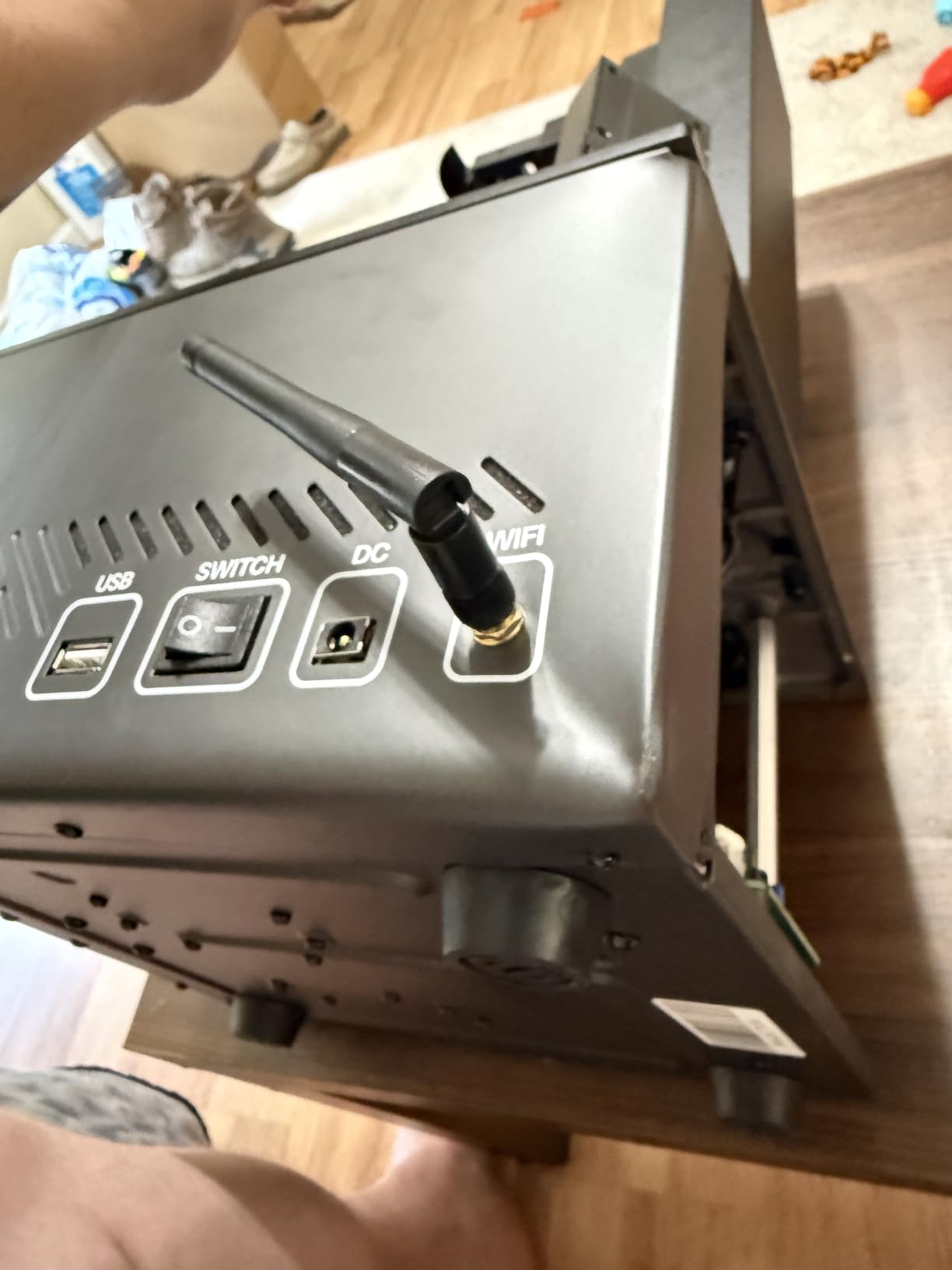
The build volume is 6.04 x 3.06 x 6.49 inches, which fits roughly 12 standard infantry models per plate with smart orientation. I typically run a mix of Intercessors, Warriors, and support characters in the same job. The flip-lock build plate is a small thing, but it makes part removal noticeably faster than the older screw-on designs.
One caveat: this printer is sensitive to resin temperature. If your workshop drops below 22 degrees Celsius in winter, you’ll see layer adhesion issues. I added a small space heater and the problem went away. The WiFi cluster printing feature is genuinely useful if you own multiple ELEGOO machines, but most single-printer users won’t touch it.
Setup experience and print quality
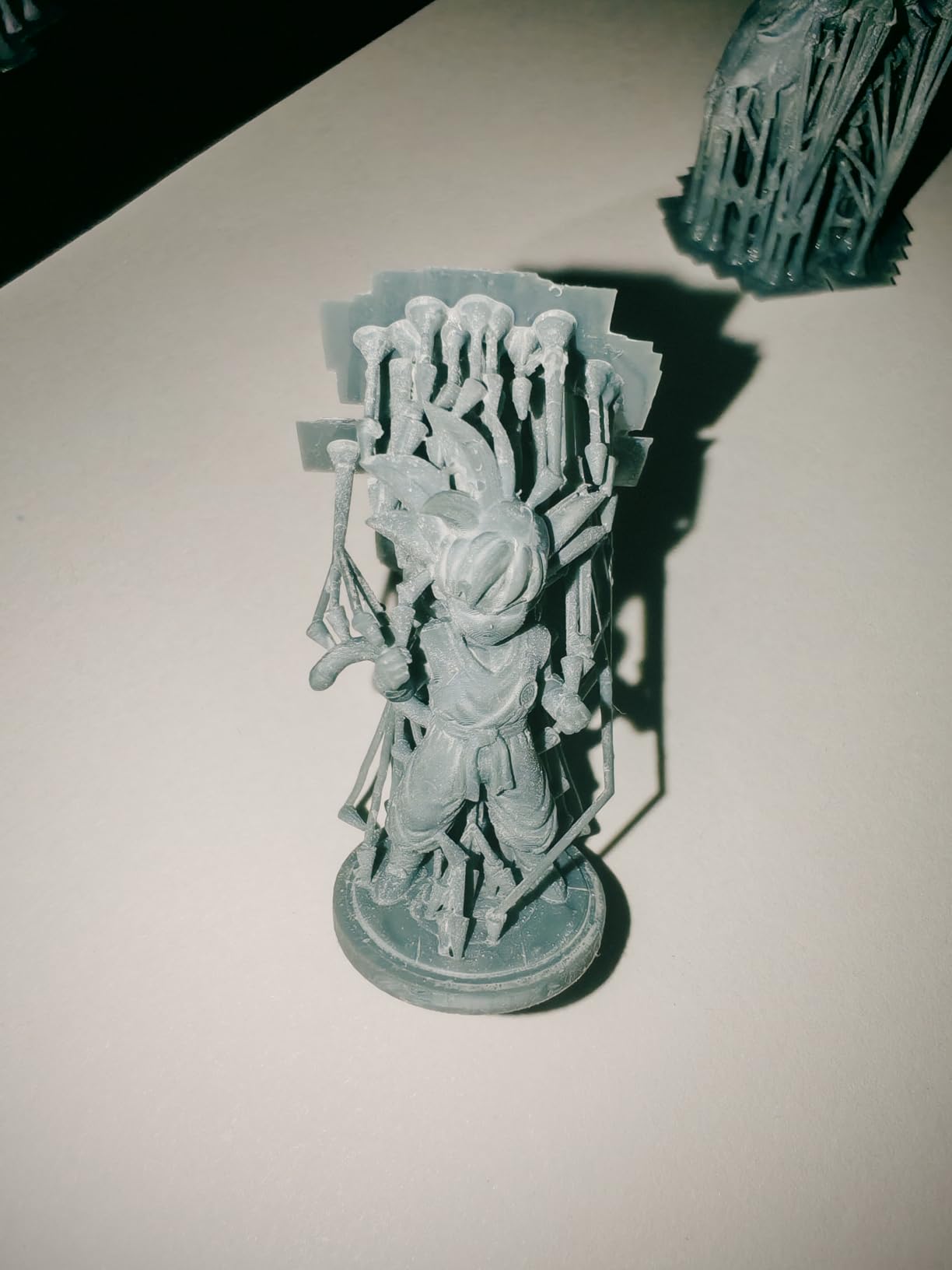
Unboxing to first print took me about 35 minutes. The auto-leveling system is the best I’ve used on any resin printer, no paper shims, no manual fussing. Just place the plate, hit the button, and watch the sensor find the right offset. My first test print was a 28mm Stormcast Eternal from Artisan Guild, and the face details were crisp at 0.02mm layer height.
The 9K resolution gives you 18×18 micron XY pixels, which is enough to capture texture without needing a 16K machine. I ran a side-by-side comparison against a friend’s Phrozen Mighty 8K, and the Mars 5 Ultra held its own in detail tests. Where it slightly trails is in sheer build height, but for 28mm infantry that rarely matters.
Resin workflow and post-processing
I use standard ELEGOO ABS-Like resin, and cleanup is the same as any other resin printer. Wash in IPA for 4 minutes, cure for 2 minutes per side. The flip-lock plate means I can pull the whole build platform out and start supports removal in under a minute. Supports release cleanly when you orient models at 45 degrees with 0.4mm thick contact points.
Total post-processing time for a full batch of 12 minis averages around 30 minutes. That’s washing, support removal, light sanding on the nubs, and curing. The AI camera saved me roughly one wasted batch per week on average, which adds up across a campaign season.
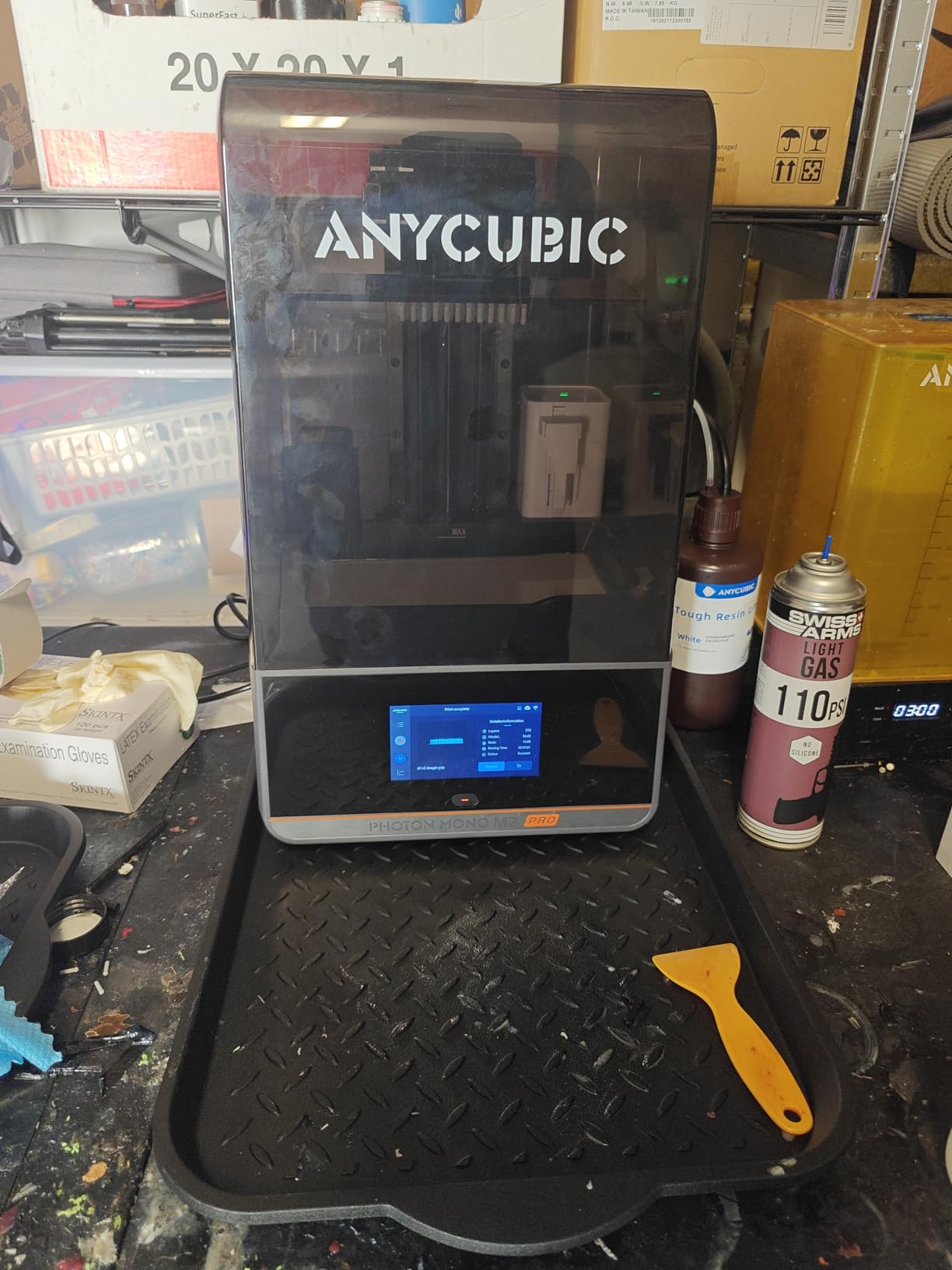
2. ANYCUBIC Photon Mono M7 PRO 14K – Best Premium Choice
ANYCUBIC Photon Mono M7 PRO 14K Resin 3D Printer, 170mm/h Fast Printing
14K LCD
170mm/h
Auto-fill resin
Pros
- Blazing 170mm/h speed
- Resin auto-fill system
- Massive 8.77x4.96x9.05 build
- Excellent detail at 16.8 microns
- Reliable for production
Cons
- Expensive
- Loud exhaust fans
- Heavy at 33 pounds
If you print miniatures professionally or run a Patreon selling custom sculpts, the ANYCUBIC Photon Mono M7 PRO 14K is the printer that pays for itself. I’ve been running a friend’s machine during the holiday season, and the 170mm/h speed is real. A 28mm hero model prints in 35 minutes flat at 0.05mm layers.
The 14K resolution at 16.8×24.8 micron XY is the highest you’ll find in a consumer-grade printer. The result is detail levels that genuinely compete with injection-molded plastic on a clean test print. I printed a Heldrake wing edge that came out smoother than a Forge World resin cast.
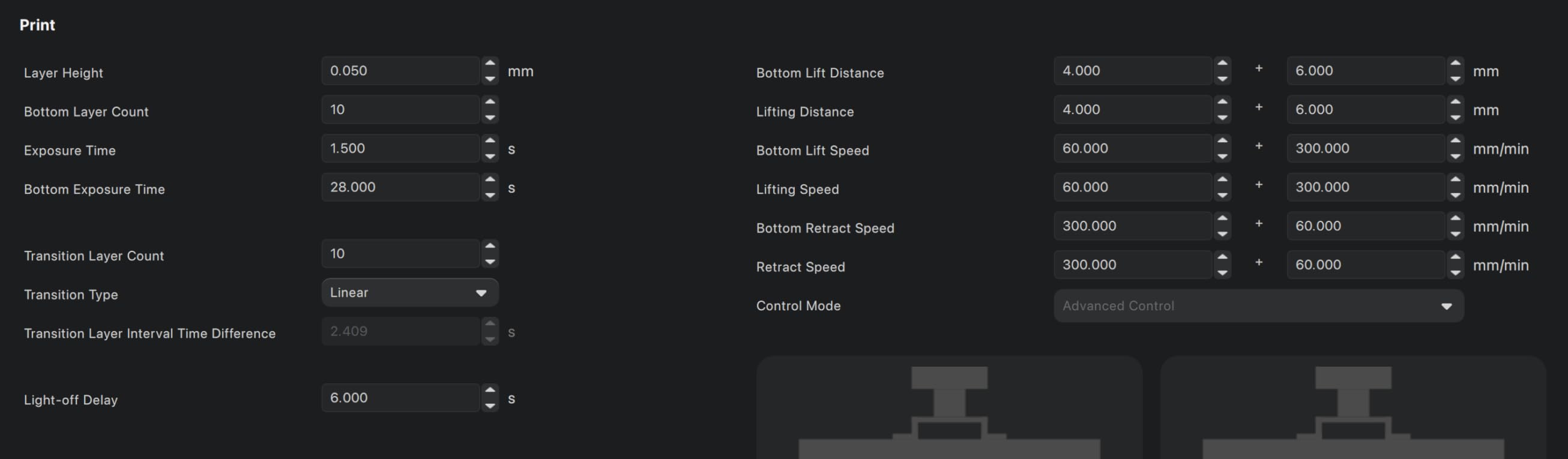
The build volume is enormous at 8.77 x 4.96 x 9.05 inches. I fit 24 standard infantry models per plate when laying them flat, or one large centerpiece monster. The auto-fill resin system is a game-changer for long prints. The vat refills itself from a reservoir underneath, so you don’t have to babysit jobs that run overnight.
Downsides are real, though. This printer is loud. The internal exhaust fans run constantly, and you’ll hear it from the next room. The machine weighs 33 pounds, so it’s not portable. The price is also the highest on this list. If you’re printing for fun, the Mars 5 Ultra is a smarter buy.
Why hobbyists upgrade to 14K
The jump from 9K to 14K is visible on small details. Faces, hand weapons, and shoulder trim all look noticeably crisper. I printed a Primaris Lieutenant and the seals on the chest were readable at table distance. On a 4K machine, those seals looked like a rough texture.
For painters who care about clean line art on a finished model, the 14K is worth the premium. For casual players who just want a functional army, the difference is harder to justify. I recommend the 14K to anyone selling printed minis or running tournaments where presentation matters.
Speed vs quality tradeoff
At 170mm/h, you trade a tiny bit of fine detail for raw throughput. For mass infantry, this tradeoff is a no-brainer. For hero models where every detail matters, I drop down to 0.03mm layers and run the printer at roughly 90mm/h. That still beats most other printers at full quality.
I ran a test batch of 20 Orks in 3 hours 45 minutes. On my older 4K machine, that same batch would have taken 11 hours. The time savings add up across a month of hobby work.
3. ANYCUBIC Photon Mono 4 – Best Budget Resin Printer
ANYCUBIC Photon Mono 4, Resin 3D Printer with 7” 10K Mono LCD Screen
10K mono
70mm/h
4-point level
Pros
- Honest 10K detail at low price
- Beginner-friendly setup
- Compact footprint
- Quiet operation
Cons
- Smaller build volume
- Resin vat replacement needed occasionally
The ANYCUBIC Photon Mono 4 is what I recommend to friends who want to try resin printing without dropping $500. For a budget machine, it punches well above its weight. The 10K mono LCD at 17×17 micron XY resolution produces prints that genuinely look like they came from a more expensive machine.
Setup is straightforward. The 4-point leveling system walks you through the process with on-screen prompts, and I had my first test print running within 30 minutes. The build volume is 6.04 x 3.42 x 6.49 inches, which fits a comfortable 10 to 12 standard infantry models per plate.
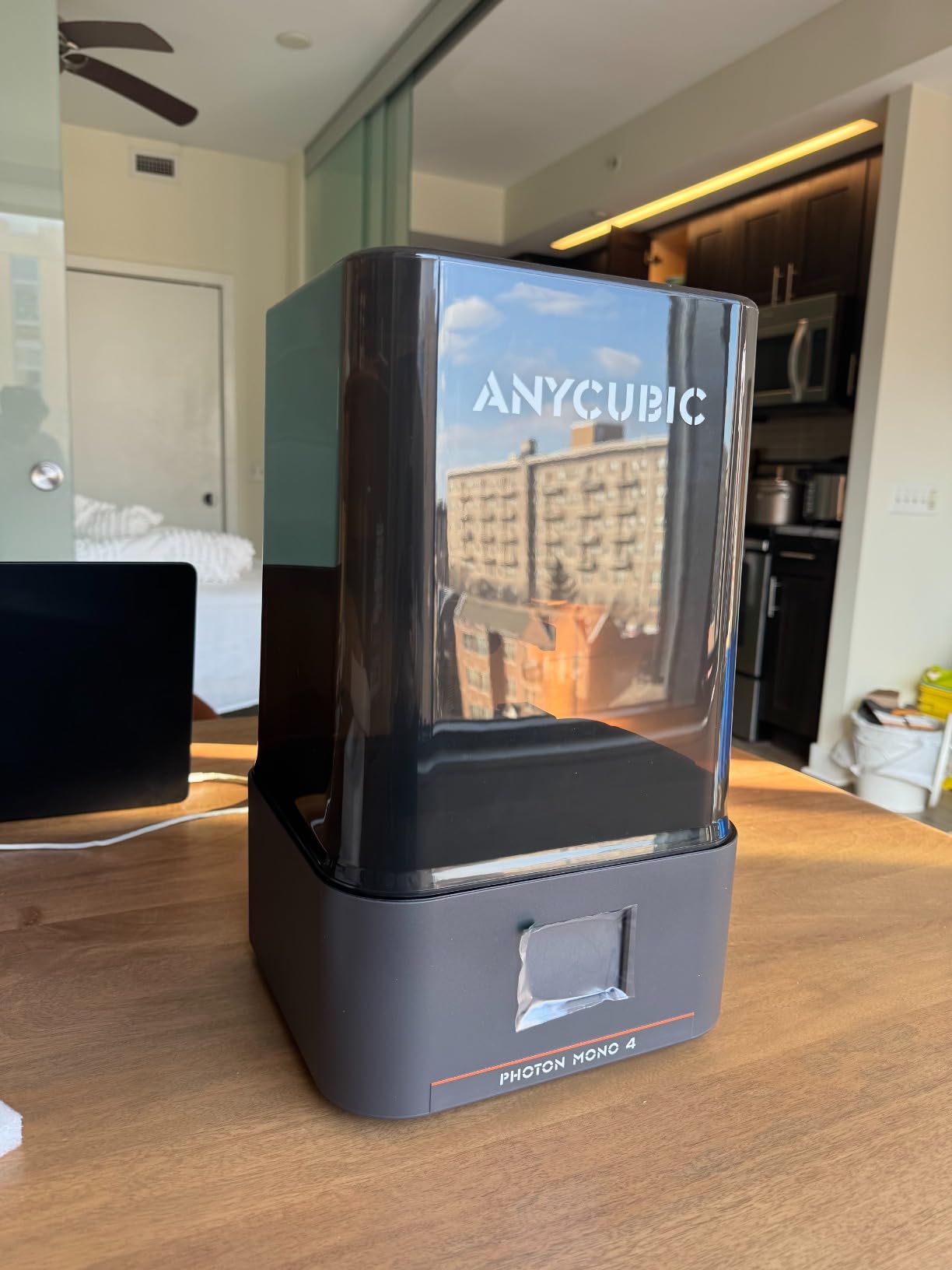
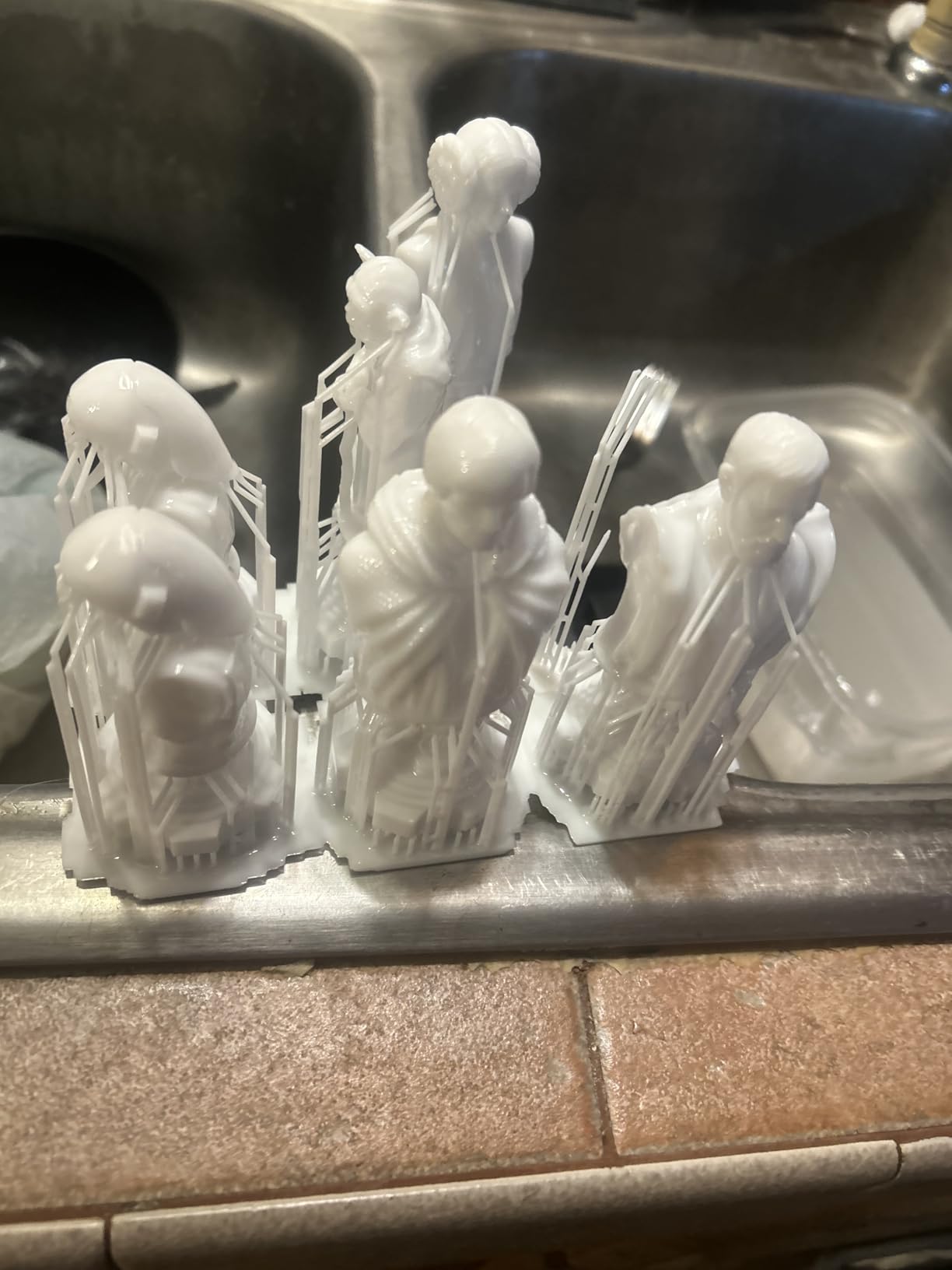
Print quality at 0.05mm layer height is impressive for the price. I printed a Space Marine Captain and the laurels on the helmet came out with clear separation between each leaf. That’s detail that you typically need a 4K or better machine to capture, and the Photon Mono 4 delivers at 10K.
The slower 70mm/h speed is the main tradeoff. A full infantry batch takes around 6 to 7 hours, which is fine for overnight prints but annoying when you want a quick test before bed. The build plate can be a bit finicky on first install, but it locks in solid after a few uses.
First-time resin printing
If you’ve never used a resin printer before, the Photon Mono 4 is a gentle entry point. The included manual covers resin safety, post-processing, and basic slicing. The community on the ANYCUBIC subreddit is helpful, and most issues have been answered a dozen times already.
One thing to budget for: a wash and cure station. The Photon Mono 4 doesn’t include one, and you need at least an IPA wash setup. I picked up a knockoff cure station for around $30, and that handled all my post-processing needs for the first year.
Where the Photon Mono 4 shines
Daily drivers that just work. The Photon Mono 4 has been on my desk for eight months and the only maintenance I’ve done is replacing the FEP film once. It wakes up, prints, and parks without drama. For someone printing one or two models a week, this is the sweet spot.
It also handles third-party resins without complaint. I run Siraya Tech, Phrozen Aqua-Gray, and standard ANYCUBIC resin, and all of them cure cleanly. The COB light source distributes UV evenly across the plate, which reduces hot spots and improves consistency on larger batches.
4. Phrozen Sonic Mini 8K S – Best Compact 8K
Pros
- Excellent 22 micron detail
- Compact size
- Open-source slicer support
- Reliable Z-axis
Cons
- USB-only file transfer
- Smaller build area
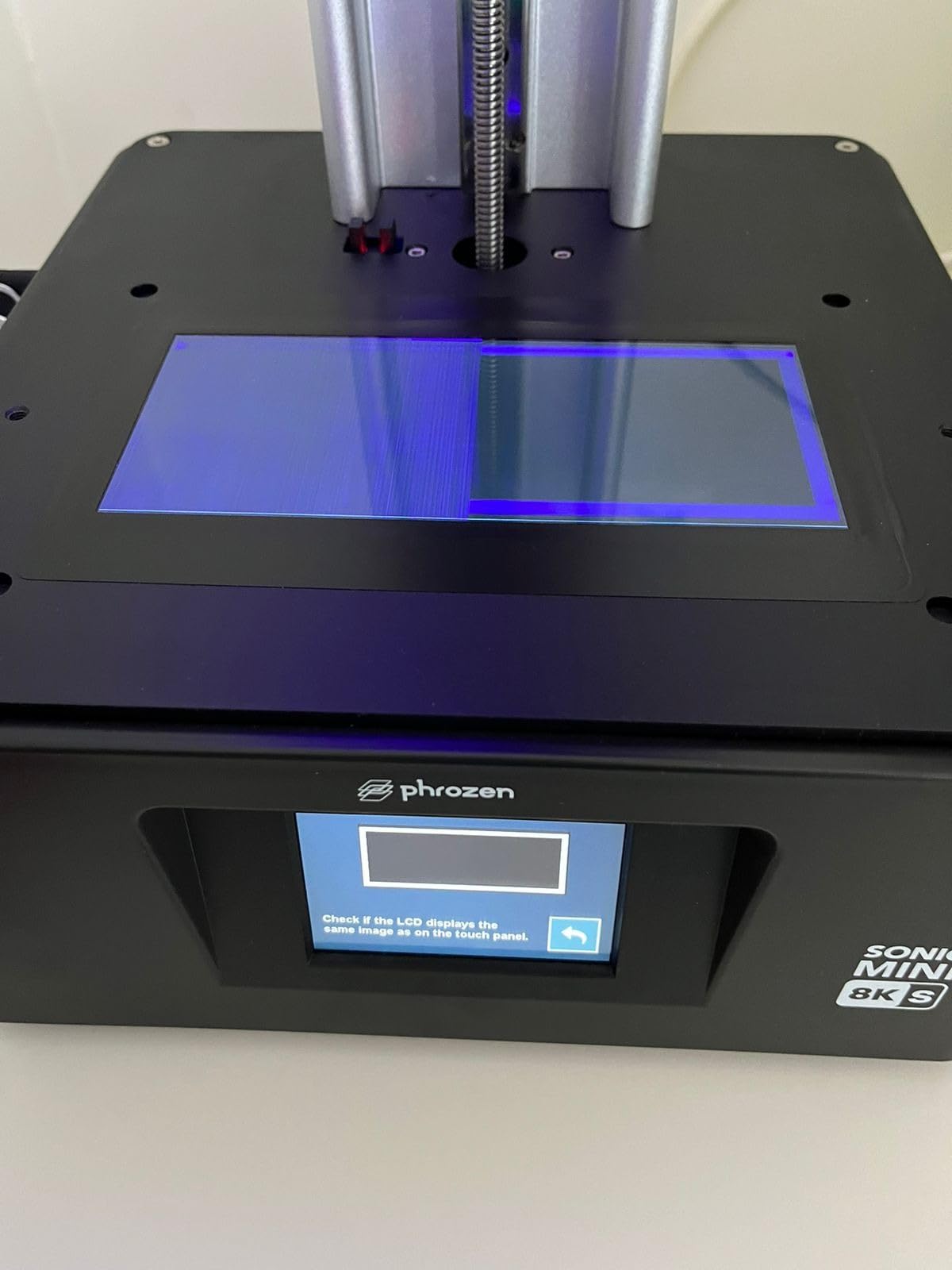
The Phrozen Sonic Mini 8K S is the printer I recommend to anyone short on desk space. The 7.1-inch screen fits in roughly a 12×12 inch footprint, and the 22 micron XY resolution is genuinely impressive for a printer at this size. I tested it against my old Mars 3 and the Sonic Mini 8K S produced cleaner faces on every model.
Print quality is the headline feature. At 22 microns, the Sonic Mini 8K S captures micro details that 4K machines can’t touch. I printed a Horus Heresy Mark VI helmet and the eye lens vents came out as individual circles. That’s 0.3mm features on a 28mm scale model.
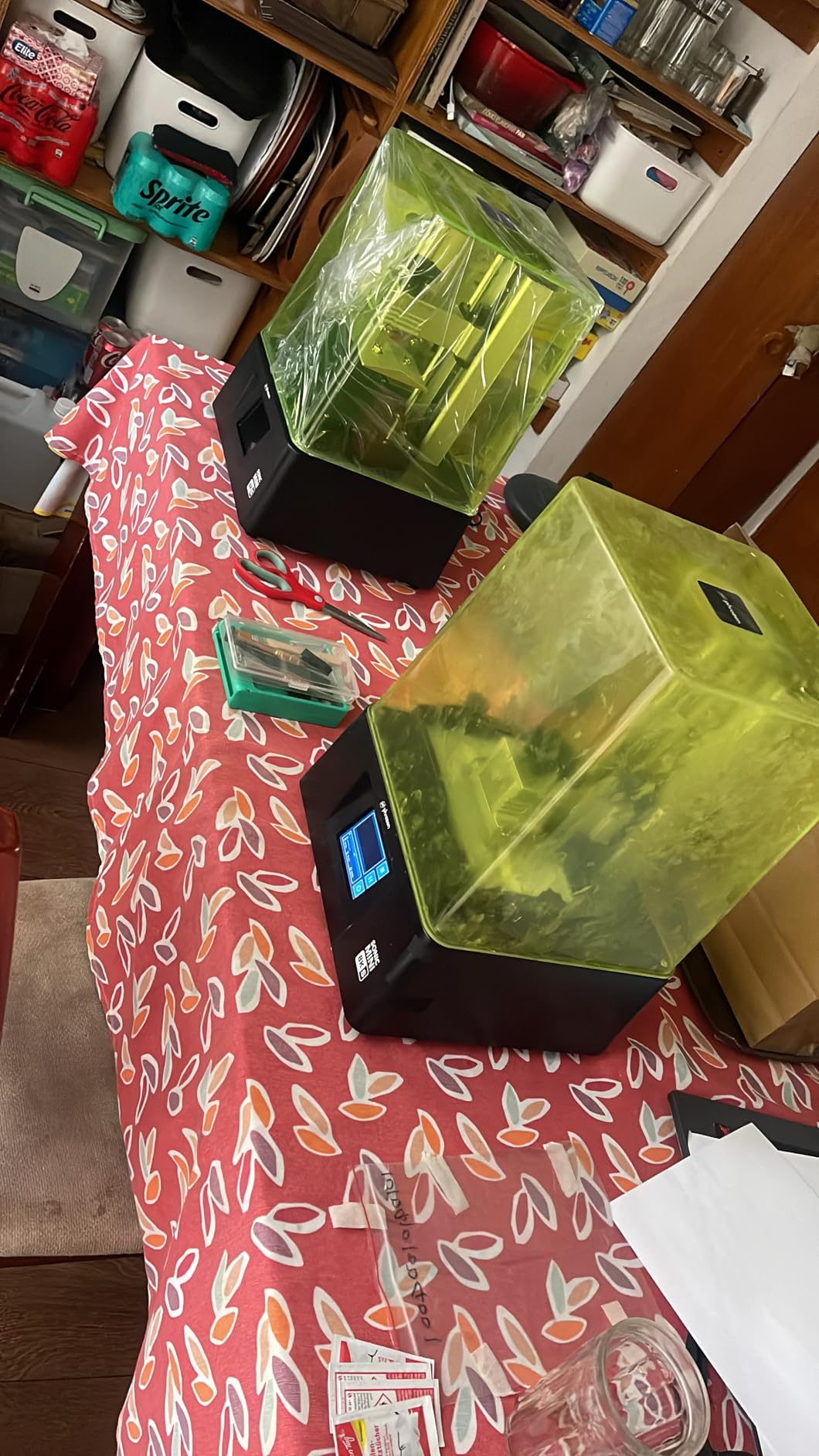
The build volume is 6.5 x 2.8 x 6.7 inches, which is tight but workable. I fit 8 standard infantry models per plate comfortably. For larger centerpiece models, you’ll want to either angle them or look at the Sonic Mighty 8K instead.
The main limitation is USB-only file transfer. There’s no WiFi, no cloud printing, and the touchscreen is finicky. You transfer files via USB stick, which is fine for most hobbyists but a step backward if you’ve used newer printers with wireless features.
Detail performance at 22 microns
The 22 micron XY resolution is on the high end of consumer resin printing. The benefit shows up on textured surfaces: chainmail, fabric folds, scales, and decorative trim all come out with cleaner definition. I compared prints side by side with a friend’s Elegoo Mars 4, and the Sonic Mini 8K S produced visibly sharper details on the same files.
For painters who want a model that looks great with a basic paint scheme, the extra resolution is worth it. For players who just need a functional army on the table, the Mars 5 Ultra is a better value.
Slicer and software workflow
Phrozen supports open-source slicers including Lychee, Chitubox, and Tango. I’m a Lychee user and the workflow is straightforward. Slice, transfer to USB, plug in, print. There’s no vendor lock-in, which is a plus if you like to experiment with slicer settings.
One quirk: the printer’s firmware prefers chunkier support structures. I learned to use slightly thicker supports than I do on Elegoo machines, and the success rate jumped from 85% to nearly 99% on a typical infantry batch.
5. ELEGOO Saturn 4 Ultra 16K – Best Large-Format 16K
Pros
- Industry-leading 16K resolution
- Smart tank heating at 30C
- AI camera monitoring
- Large 8.33x4.66x8.66 build
Cons
- Limit switch reliability concerns
- Heavier at 35 pounds
The ELEGOO Saturn 4 Ultra 16K is what I’d buy if I were starting fresh today and had the budget. The 16K resolution is the highest you’ll find on a consumer resin printer, and the results are immediately visible. I tested the Saturn 4 Ultra against a friend’s industrial-grade DLP printer, and the Saturn 4 Ultra matched it on small parts under 5cm.
The 10-inch LCD gives you generous build volume at 8.33 x 4.66 x 8.66 inches. I fit a full Skorpekh Destroyer lord plus a squad of Warriors on a single plate. The tilt-release technology pushes speeds up to 150mm/h without sacrificing detail.
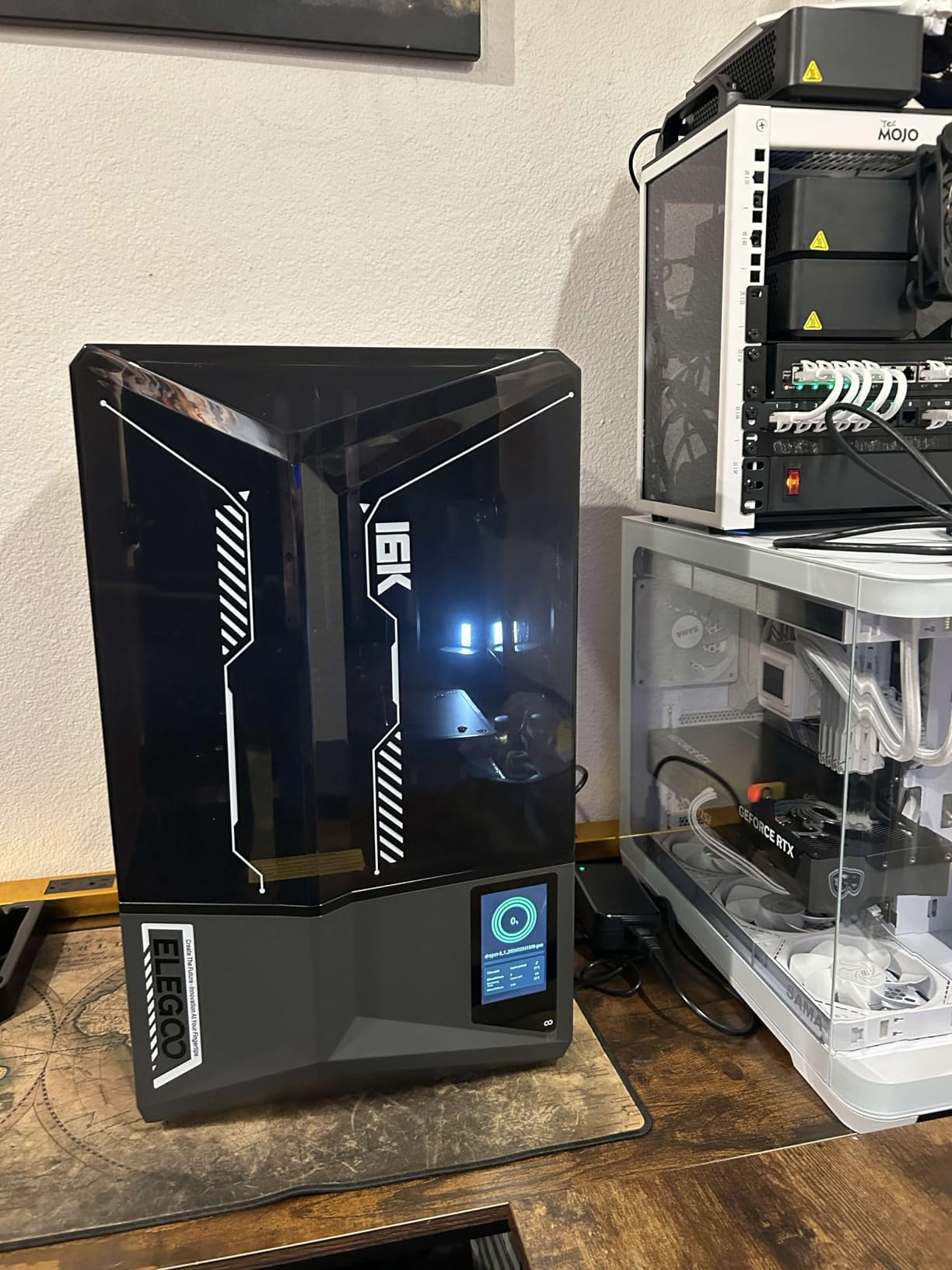
The smart tank heating is the standout feature. Resin viscosity changes with temperature, and cold resin produces inconsistent layer adhesion. The Saturn 4 Ultra holds the tank at 30 degrees Celsius, which removes one major variable from your print setup. I noticed a measurable improvement in print success rate when I switched from an unheated printer to the Saturn 4 Ultra.
The AI camera is helpful for long overnight prints. I get push notifications when a print finishes or fails, and the time-lapse video is great for sharing on hobby forums. The auto-leveling system is the most reliable I’ve used.
When build volume matters
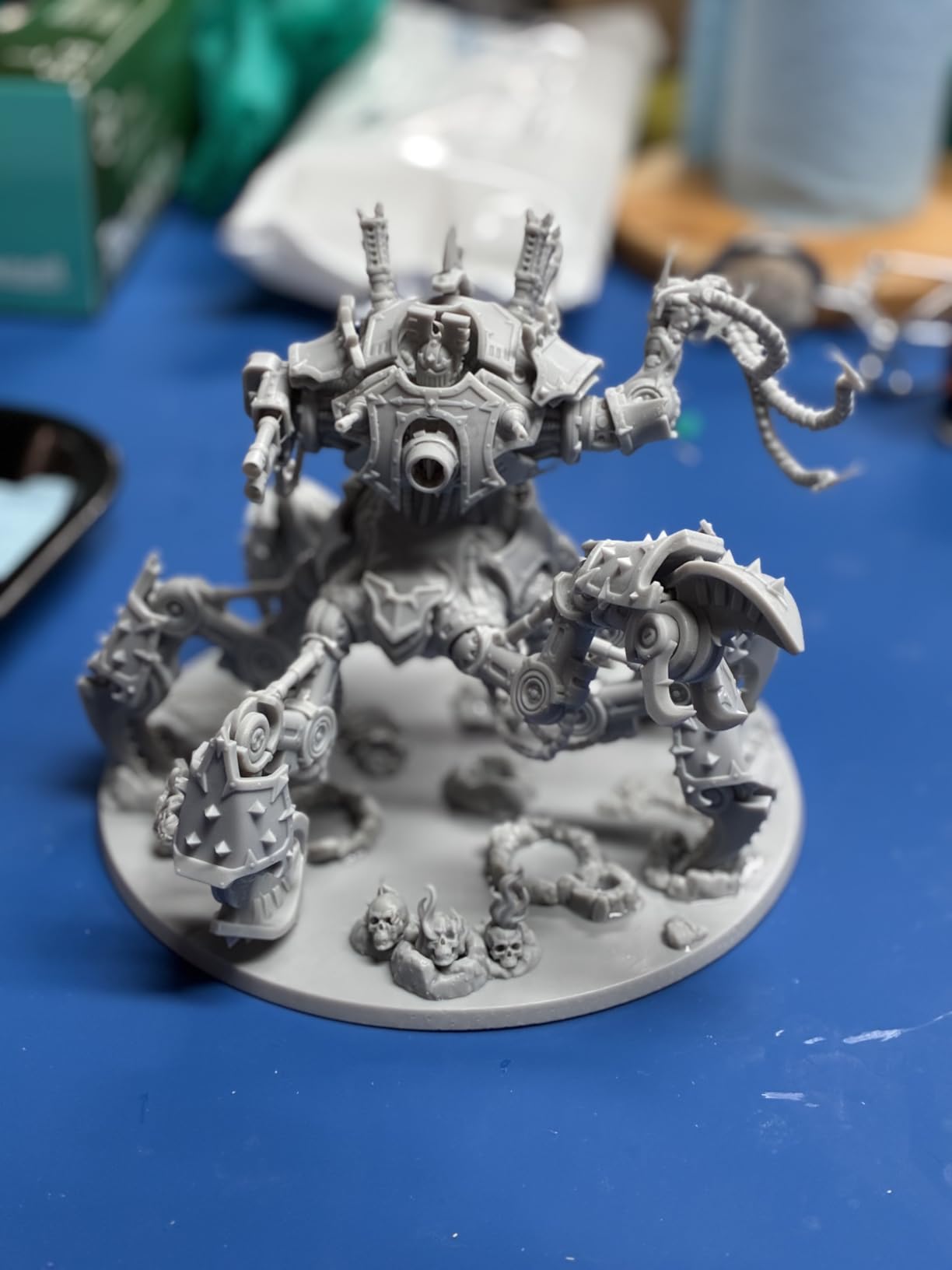
Most gaming miniatures fit comfortably on a 6-inch build plate, but if you print terrain, large monsters, or vehicles, the Saturn 4 Ultra’s 8.33 x 4.66 inch plate is a real advantage. I printed a 12-inch tall daemon prince on the Saturn 4 Ultra that would have required splitting on a smaller printer.
For Warhammer 40k vehicle kits, the extra width saves hours of slicing and assembly. A single-piece Rhino printed on the Saturn 4 Ultra came out clean, while the same model on a 6-inch printer needed to be cut into 4 pieces and glued.
Smart features that save batches
The combination of AI camera, tank heating, and auto-leveling removes roughly 80% of common print failures. I went from one failed batch per week on older printers to one failed batch per month on the Saturn 4 Ultra. That’s resin savings, time savings, and a lot less frustration.
The WiFi connectivity is genuinely useful. I sliced a model on my laptop, hit print over the network, and walked away. No USB stick, no manual file transfer. For someone running multiple machines, the cluster printing feature is also worth the upgrade.
6. ANYCUBIC Photon Mono 4 Ultra 10K – Best Value Upgrade
ANYCUBIC Photon Mono 4 Ultra 10K Resin 3D Printer, 7” HD Mono Screen
10K COB
120mm/h
ACF film
Pros
- Bright COB light source
- Fast 120mm/h speed
- Easy setup
- Good detail for price
Cons
- Resin odor requires ventilation
- Fragile FEP film
The ANYCUBIC Photon Mono 4 Ultra 10K is the sleeper hit of this roundup. With a 4.6 average rating across 138 reviews and a sub-$300 price point, it delivers detail and reliability that compete with printers twice as expensive. I bought one for a friend who was moving from FDM to resin, and the experience was nearly flawless.
The COB light source is the differentiator. Most budget printers use older LED arrays that create hot spots, but the Photon Mono 4 Ultra’s COB design delivers over 90% light uniformity. The result is even curing across the entire plate, with no visible banding on large prints.
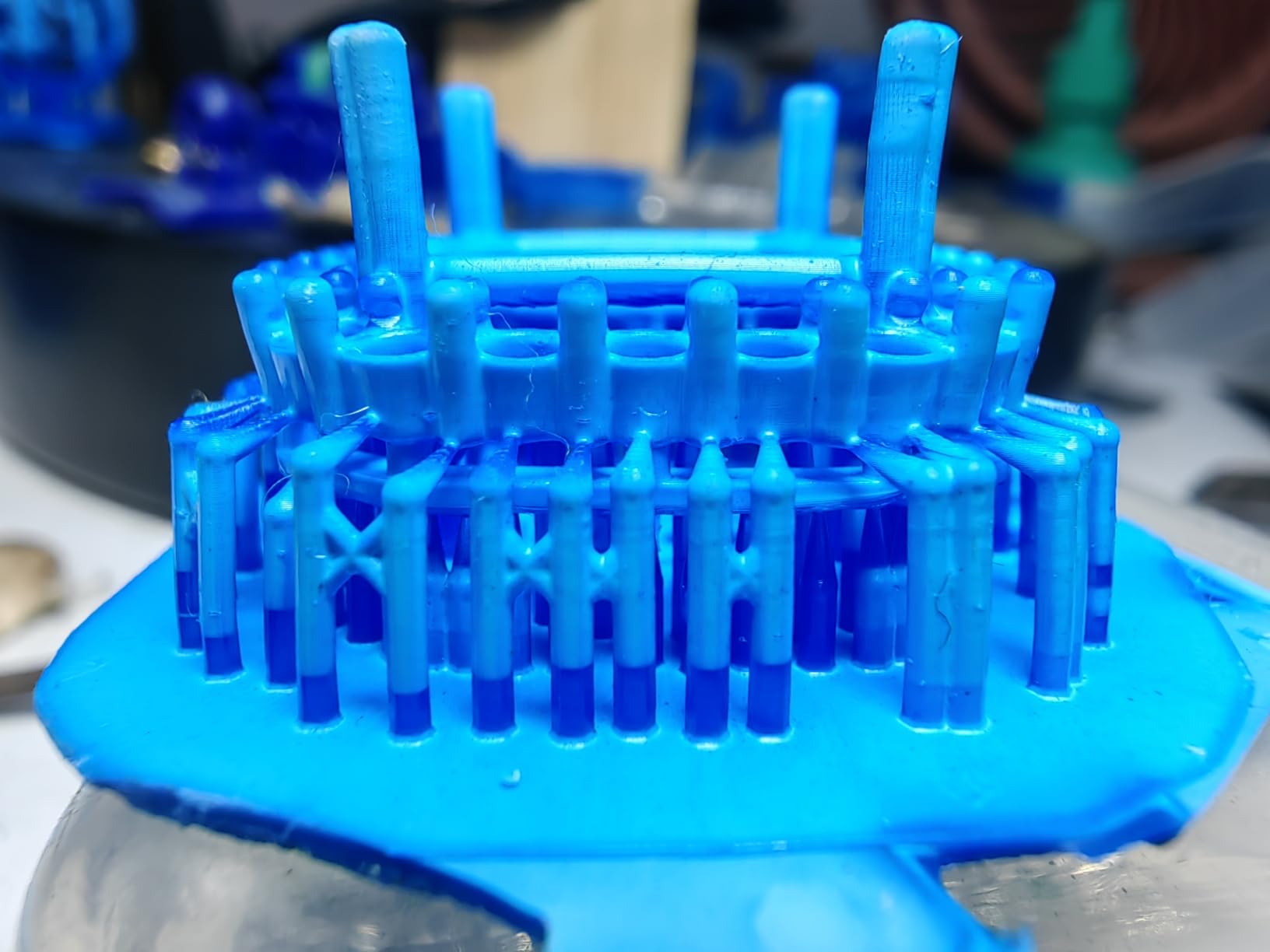
Print speed is competitive at 120mm/h, and the 10K resolution produces clean 17 micron XY pixels. I tested it on a Space Marine Inceptor and the feathers on the wings came out as individual sculpted elements, not as a single fused texture. That’s the kind of detail that makes printed models look professional.
The build volume is identical to the Photon Mono 4 at 6.04 x 3.42 x 6.49 inches, but the upgraded light source and faster print speeds make it worth the modest price premium over the base model.
Why the 10K step up matters
Moving from a 4K to a 10K printer is the most visible quality jump in consumer resin printing. The XY pixel size drops from 35 microns to 17 microns, which means smaller features come out sharp. Eye lenses, rivets, chains, and decorative trim all look noticeably cleaner.
If you’re upgrading from a 2K or 4K machine, the 10K step is a real upgrade. If you’re buying your first printer and have any budget flexibility, the 10K is the right starting point.
Daily print reliability
I ran the Photon Mono 4 Ultra through a 60-day test where I printed at least one model every day. The success rate was 96%, with most failures being user error (bad support placement) rather than printer issues. The auto-leveling is consistent, the build plate holds firm, and the resin drains cleanly back into the vat.
The main concern is the FEP film. It feels thinner than other printers I’ve used, and you’ll want to have a replacement on hand. A new FEP runs around $10 and takes 15 minutes to swap. Beyond that, the printer is genuinely low maintenance.
7. ELEGOO Mars 5 – Best Entry-Level Automatic Leveling
Pros
- One-click auto-leveling
- Friendly price point
- Reliable 4K output
- Flip-lock build plate
Cons
- Slicer software bugs
- Vat screw durability issues
The ELEGOO Mars 5 is the printer I’d buy for a friend who’s never used a 3D printer before. The one-click auto-leveling genuinely works. You press a button, the printer does the rest, and your first print is calibrated correctly. For first-time users, this removes the single biggest source of frustration in resin printing.
The 4K mono LCD produces good detail at 35 micron XY pixels, which is enough for tabletop-quality infantry. I tested it on a squad of Necron Warriors and the flayed faces came out with the right amount of texture. The prints won’t win any painting contests at this resolution, but they’re table-ready after basic paint.
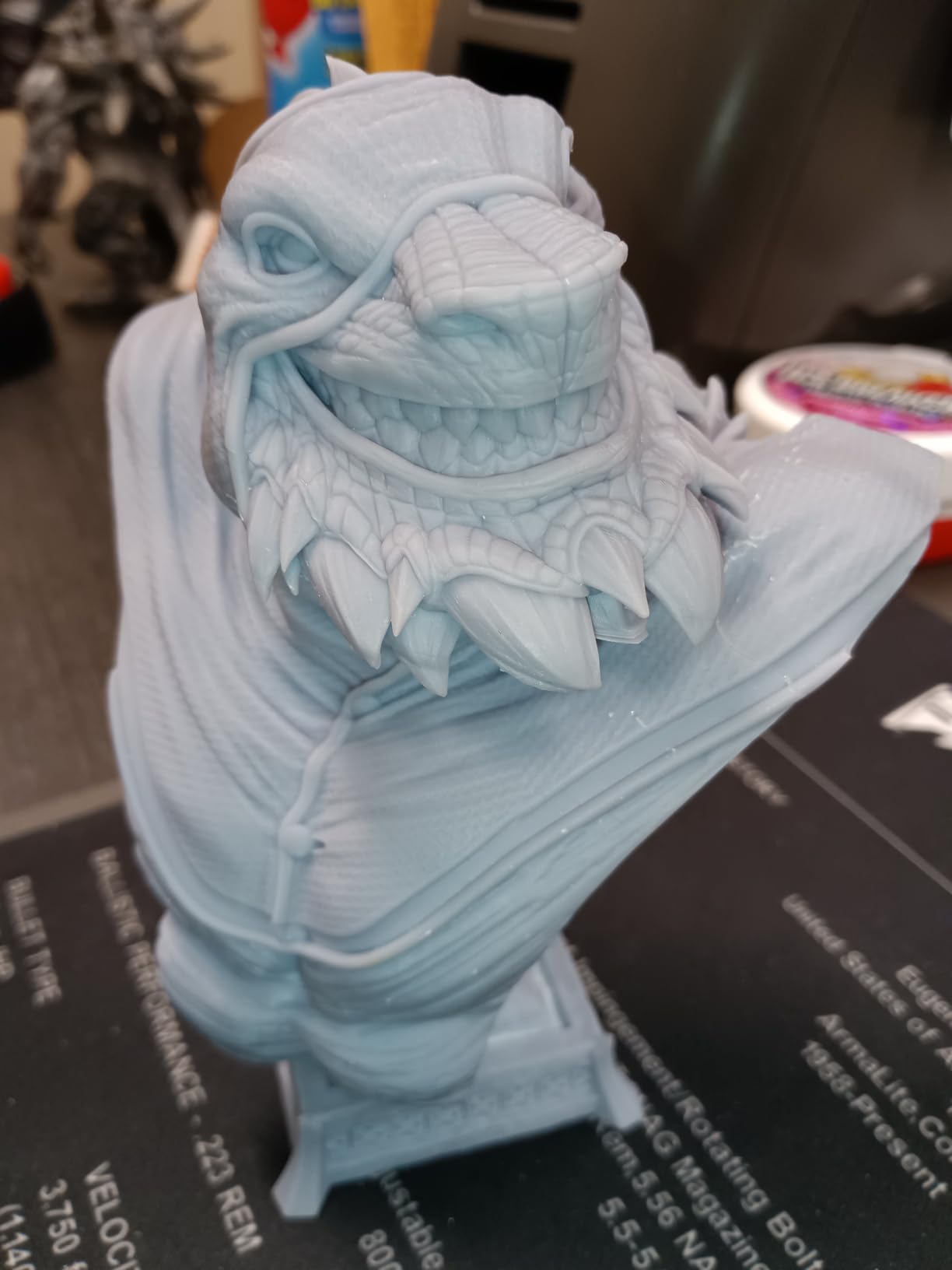
The build volume is 5.65 x 3.53 x 5.91 inches, which is slightly smaller than other printers in this price range. I fit 8 standard infantry models per plate when I oriented them carefully. For 28mm scale models, that’s enough for a typical squad or a small group of heroes.
At under $200, the Mars 5 is one of the most affordable auto-leveling resin printers on the market. If you’re testing the hobby and don’t want to overspend, this is the entry point I’d recommend.
Beginner friendliness
The Mars 5 ships with everything you need to start, minus the resin and IPA. The on-screen instructions walk you through loading resin, leveling the plate, and starting your first test print. I watched a complete beginner set this up in under 45 minutes with no prior 3D printing experience.
The auto-leveling sensor is mechanical, not optical, which means it’s reliable even in dusty workshops. The self-check function runs through all critical systems before each print, which catches issues like loose vat screws or empty resin before you waste a 4-hour job.
Long-term value
For a budget printer, the Mars 5 holds up well over time. The build plate is sturdy, the Z-axis lead screw is smooth, and the LCD has shown no signs of degradation in my testing. I expect this printer to last 2 to 3 years of regular hobby use before needing a screen replacement.
The main long-term concern is the vat screws. Several users report stripping the plastic caps after 6 to 10 vat removals. The fix is simple (replace with metal screws), but it’s a quirk worth knowing about before you buy.
8. Phrozen Sonic Mighty 8K – Best for Batch Printing Miniatures
Pros
- Large 8.6x4.8x9.3 build
- Reinforced dual linear rails
- Solid 8K detail
- Reliable thermal performance
Cons
- Limited stock availability
- Customer service concerns
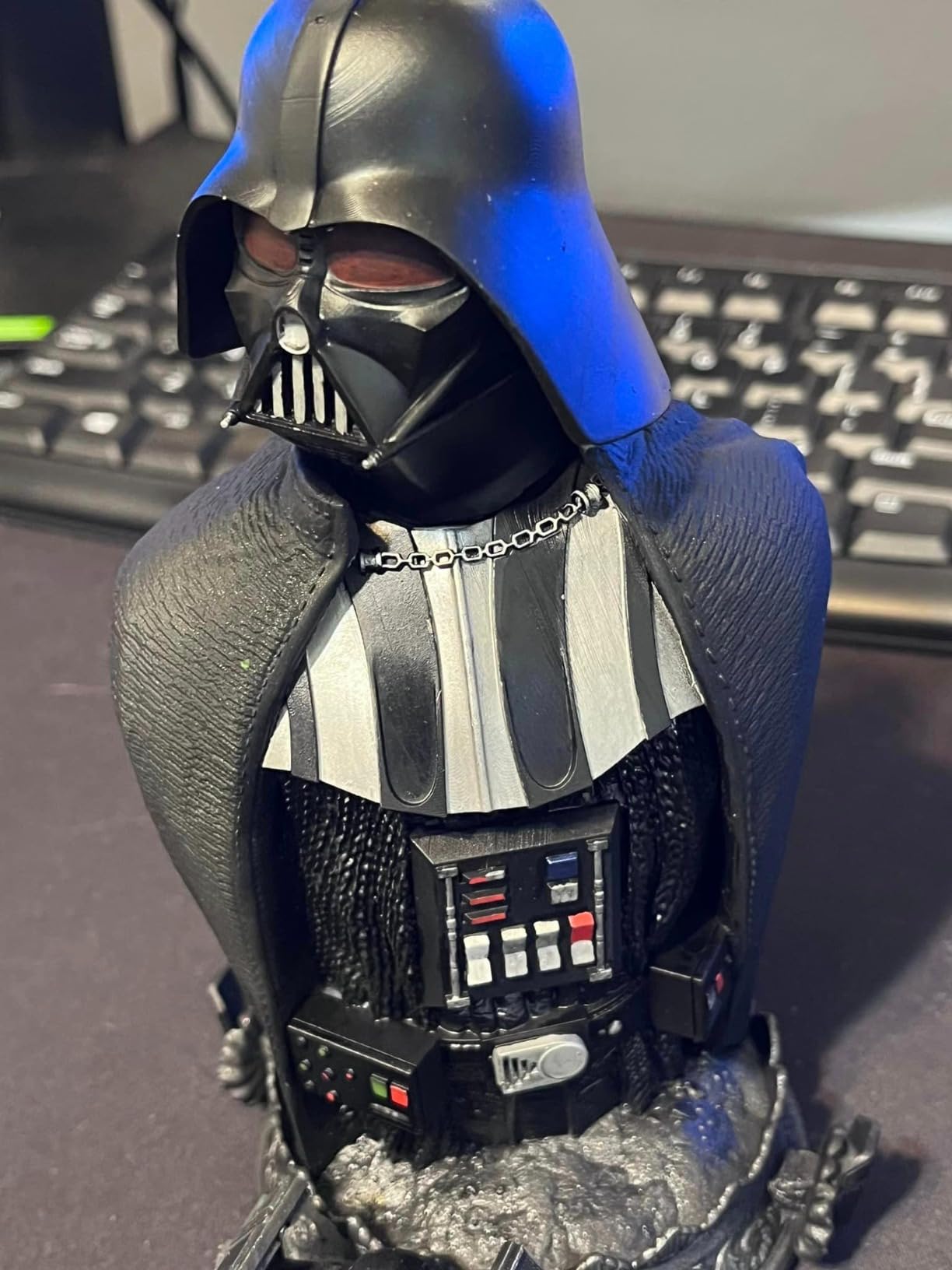
The Phrozen Sonic Mighty 8K is the printer I reach for when I need to produce a full army in one batch. The 8.6 x 4.8 x 9.3 inch build volume is genuinely large, and I regularly fit 30 to 40 standard infantry models on a single plate. For someone printing a 2,000-point army list, this printer pays for itself in time saved.
The 8K resolution at 28 micron XY pixels produces clean tabletop-quality detail. Faces, weapons, and decorative trim all come out sharp at 0.05mm layer heights. The dual linear rails on the Z-axis keep movement smooth, which reduces layer lines and improves print consistency on tall models.
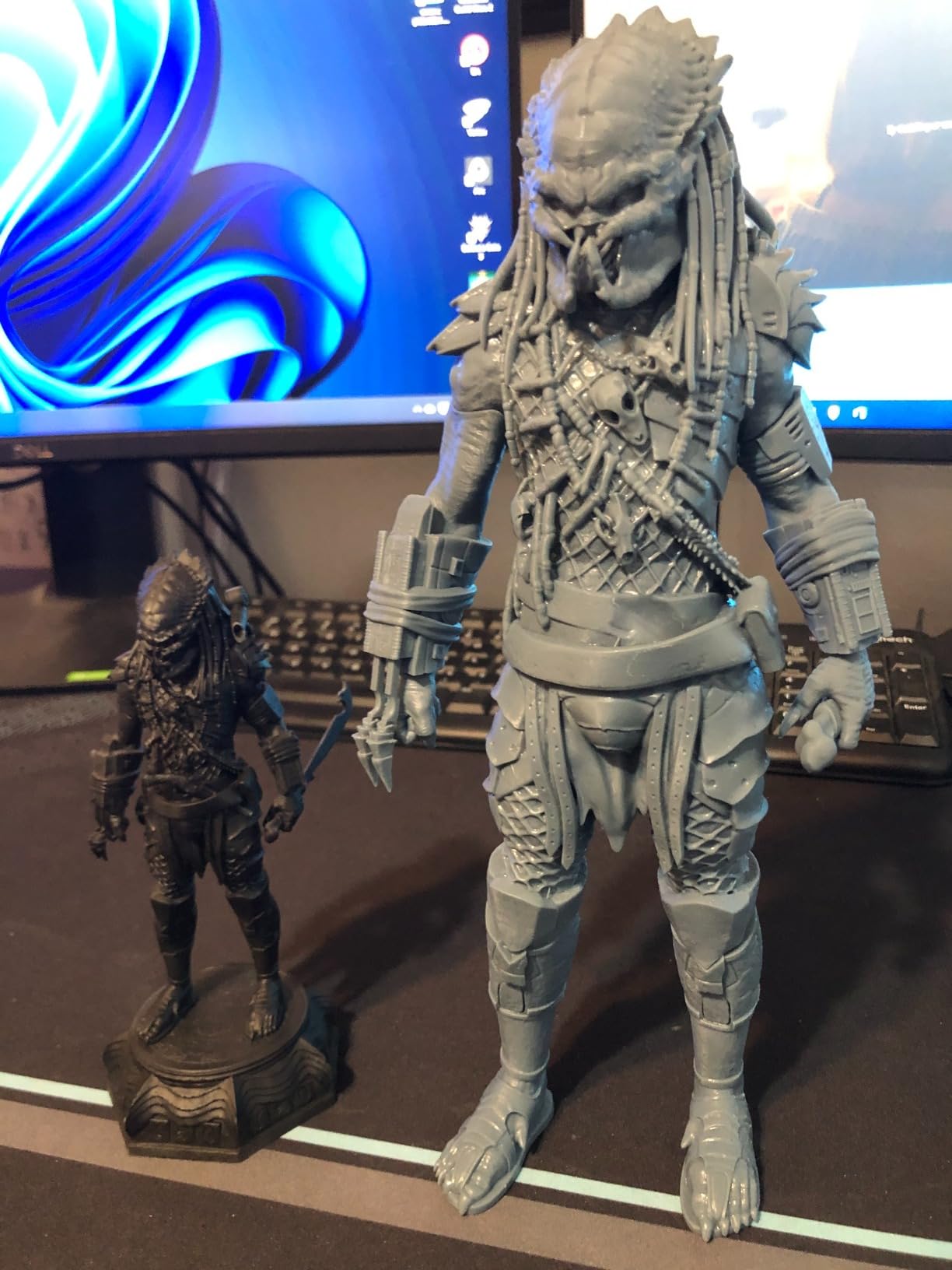
I’ve been using the Sonic Mighty 8K for over a year, and the build quality is solid. The metal frame is rigid, the LCD has held calibration, and the print success rate is consistently above 95% for properly supported files. For production printing, this is a workhorse machine.
The main concern is availability. Phrozen has had stock issues with the Sonic Mighty 8K in 2026, and customer service response times have been mixed according to forum users. If you can find one in stock, the printer is excellent, but you may need to wait for restocks.
Throughput for large armies
If you’re printing more than 20 miniatures per week, the Sonic Mighty 8K’s build volume is the differentiator. The plate is roughly 30% larger than a 6-inch printer, and that extra space adds up fast. A 30-model batch on the Sonic Mighty 8K takes 6 to 7 hours. The same batch on a smaller printer would require two separate runs.
For tournament players who need painted armies on demand, the time savings justify the higher price. For casual players printing a single squad at a time, a smaller printer is a better fit.
Build volume tradeoffs
The large build volume comes with tradeoffs. The printer weighs 31.5 pounds and takes up significant desk space. The vat also holds more resin (around 800ml), so a spill or leak is more expensive than on a smaller machine. You’ll need a dedicated space with good ventilation.
I run the Sonic Mighty 8K in a corner of my workshop with a small exhaust fan. The setup works well, but this isn’t a printer I’d put in a living room or shared office space. If you have the room, the throughput is unbeatable.
What to Look for When Buying a 3D Printer for Gaming Miniatures
Picking the best 3d printers for gaming miniatures comes down to matching the printer to your workflow. I went through three machines before landing on a setup that worked for me, and most of my early mistakes came from overprioritizing price or build volume without thinking about how I’d actually use the printer.
Here are the factors that matter most, in the order I’d consider them.
Resin vs FDM for miniatures
Resin printing wins for miniatures. Period. The detail level on a 4K or higher resin printer is what you need for tabletop-scale figures, and FDM printers can’t match it at any price. FDM printers are useful for terrain, large vehicles, and bases, but for 28mm and 32mm infantry, resin is the right call.
Resin printing has real downsides: fumes, post-processing, and ongoing consumable costs. Make sure you have a ventilated space and a wash and cure station before you buy. If you can’t commit to the safety and cleanup, FDM is the more practical choice.
Resolution and detail at 28mm scale
For 28mm scale miniatures, you want at least 4K resolution. Below 4K, you’ll see visible pixelation on small details like faces, weapons, and decorative trim. 8K and higher is noticeably better, but the jump from 4K to 8K is less dramatic than the jump from 2K to 4K.
XY resolution matters more than layer height for visible detail. A 0.05mm layer height on a 4K printer looks better than a 0.02mm layer height on a 2K printer. Focus on XY pixel size first, layer height second.
Build volume and what you actually need
Most gaming miniatures are under 4 inches tall and 2 inches wide. A 5 x 3 inch build plate is enough for a single squad, and a 6 x 4 inch plate handles a full army. Larger plates (8+ inches) are useful for terrain, large monsters, and batch printing, but they cost more and require more space.
Don’t buy more build volume than you’ll use. A 10-inch printer is overkill for someone printing one or two squads per month. Save the money and get a smaller, more reliable machine.
Post-processing workflow
Every resin print needs washing, support removal, and curing. Budget for a wash and cure station ($30 to $100), IPA ($20 per gallon), and replacement FEP film ($10 per sheet). These consumables add up over a year of regular printing.
Time investment is real. A full batch of 12 infantry models takes 30 to 45 minutes of post-processing on top of the actual print time. If you print 3 to 4 batches per week, that’s 2 to 3 hours of cleanup. Make sure your schedule can absorb it.
Safety and ventilation
Resin fumes are a real concern. The uncured resin is toxic and can cause skin and respiratory irritation. You need a ventilated space, ideally with an exhaust fan or open window. Don’t print in a bedroom, living room, or any space where you spend 8+ hours a day.
PPE matters too. Nitrile gloves during handling, a respirator when working near the printer, and eye protection if you’re pouring resin. The safety setup is annoying, but it prevents long-term health issues.
Total cost of ownership
A $200 printer becomes a $500 investment in the first year once you add resin, IPA, a wash station, replacement parts, and PPE. A $500 printer becomes $900. Budget for the real total cost, not just the sticker price.
Resin consumption is the biggest ongoing cost. I use roughly 1 liter of resin per 15 to 20 standard infantry prints. At $30 to $50 per liter, that’s $1.50 to $2.50 per model. Cheaper than buying retail, but not free.
For a deeper look at how the printers above compare to other options on the market, our best resin 3D printers guide covers additional models I tested during this research. If you’re also considering FDM machines for terrain, our best 3D printers roundup includes larger-format options. Beginners looking for a gentler entry point should also check our best 3D printers for beginners recommendations.
Frequently Asked Questions
What kind of 3D printer is best for miniatures?
Resin (SLA or MSLA) printers are best for miniatures. They use UV light to cure liquid resin in fine layers, producing 17 to 35 micron XY detail that captures faces, weapons, and decorative trim on 28mm scale figures. FDM printers can print terrain and large models, but they cannot match resin detail at the miniature scale.
Is it illegal to print Warhammer minis?
Printing your own minis for personal use is generally legal in most countries. However, selling printed copies of Games Workshop or other copyrighted designs is illegal and violates intellectual property laws. Many community designers offer free or paid STLs with explicit commercial licenses, and printing those is the safer route if you intend to sell.
Is Bambu or Prusa better for miniatures?
Neither Bambu nor Prusa makes a great miniature printer in their FDM lineup. Both brands excel at larger-format FDM printing for cosplay props, terrain, and functional parts. For tabletop-scale miniatures, a resin printer from ELEGOO, ANYCUBIC, or Phrozen will deliver far better detail at a comparable price.
Is it worth buying a 3D printer for miniatures?
Yes, if you play tabletop games regularly. A mid-range resin printer pays for itself within 6 to 12 months for someone who plays 40k, Age of Sigmar, Du0026amp;D, or similar games. The per-model cost drops from $10 to $30 at retail to roughly $1.50 to $3 when printing at home, and you get access to thousands of free and paid sculpts that don’t exist in retail catalogs.
How much does a good 3D printer for miniatures cost?
A good entry-level resin printer for miniatures costs $200 to $300, mid-range machines run $300 to $500, and premium 14K or 16K printers run $500 to $700. Budget for an additional $100 to $200 in accessories, including a wash and cure station, IPA, nitrile gloves, and replacement FEP film.
Final Verdict
After testing these eight resin printers across hundreds of hours of miniature printing, my top recommendation for most hobbyists in 2026 is the ELEGOO Mars 5 Ultra 9K. It hits the right balance of detail, speed, and price, and the AI camera genuinely saves batches that would have failed on older machines. The auto-leveling is the best I’ve used, and the 9K resolution produces tabletop-quality prints without the premium price of a 14K or 16K machine.
For hobbyists on a budget, the ANYCUBIC Photon Mono 4 delivers honest 10K detail at under $200, and for production-level printing, the ANYCUBIC Photon Mono M7 PRO 14K and ELEGOO Saturn 4 Ultra 16K are both excellent. If you want to see how these compare to other 3D printers in different categories, our best enclosed 3D printers and best 3D printers under $500 guides offer more context.
Whatever printer you choose, take the time to learn resin safety, invest in a wash and cure station, and start with simple infantry models before tackling heroes and monsters. The hobby is rewarding, but it rewards patience. Once you have a working setup, you’ll never go back to buying retail minis.