
Finding the best Chromebooks in 2026 is harder than it should be, and I say that as someone who just spent weeks comparing eight of the most popular models side by side. Every brand claims all-day battery life, every listing screams “great for students,” and half the configs on retailer pages don’t match what actually ships. I wanted to cut through that noise with real hands-on impressions and verified owner feedback.
Here’s the short version: Chromebooks have quietly become excellent computers. Modern Chrome OS handles web browsing, Google Docs, Android apps, and even Linux software, and the Chromebook Plus tier now comes with Google Gemini AI built in. The eight models below cover everything from a renewed sub-$200 starter laptop to an aluminum 2-in-1 with Thunderbolt 4.
My top pick overall is the Acer Chromebook Plus Spin 714, which pairs an Intel Core Ultra 5 processor with a stylus and a 360-degree hinge. The Lenovo Chromebook Plus Flex 5i is the best value for most families, and the Lenovo IdeaPad 3i is the budget champion with 8GB of RAM and nearly 1,800 reviews backing it up. If you’re wondering whether a Chromebook is worth it at all in 2026, the forum threads I dug through on r/chromeos echo the same conclusion: for browsing, schoolwork, and streaming, nothing touches them at the price.
One more note before we start: Chromebooks live and die by their Auto Update expiration date, which controls how many years of security patches you get. I’ve flagged the ones worth watching so you don’t get stuck with a laptop that expires early.
Table of Contents
Top 3 Picks for Best Chromebooks in 2026

Acer Chromebook Plus Spin 714
- Intel Core Ultra 5
- 14 inch Touchscreen
- Stylus Included
- Thunderbolt 4
Lenovo Chromebook Plus Flex 5i
- Intel Core i3 N355
- 8GB RAM
- 2-in-1 Touchscreen
- Backlit Keyboard
Best Chromebooks in October: At a Glance
Here’s how all eight models compare on the specs that matter most, from processor and RAM to display and special features.
| Product | Specifications | Action |
|---|---|---|
| Acer Chromebook Plus Spin 714 |
|
Check Latest Price |
| Lenovo Chromebook Plus Flex 5i |
|
Check Latest Price |
 Acer Chromebook Plus 514 Acer Chromebook Plus 514 |
|
Check Latest Price |
 Lenovo Chromebook m 15 Lenovo Chromebook m 15 |
|
Check Latest Price |
 Lenovo IdeaPad 3i Chromebook Lenovo IdeaPad 3i Chromebook |
|
Check Latest Price |
 Lenovo Chromebook 2-in-1 Lenovo Chromebook 2-in-1 |
|
Check Latest Price |
 Acer 15.6 Chromebook (576GB Bundle) Acer 15.6 Chromebook (576GB Bundle) |
|
Check Latest Price |
 Acer 15 Renewed Chromebook Acer 15 Renewed Chromebook |
|
Check Latest Price |
1. Acer Chromebook Plus Spin 714 – Best Overall Chromebook
Acer Chromebook Plus Spin 714 2-in-1 Laptop with Google AI, 14 Full HD IPS Touch, Intel Core Ultra 5 115U, 8GB LPDDR5 256GB SSD, Backlit KB Wi-Fi6E Chrome OS Steel Gray, w/Stylus Pen, W/GaLiMu
Intel Core Ultra 5 115U
8GB LPDDR5
256GB NVMe SSD
14 inch WUXGA Touch
Stylus Included
Pros
- Powerful Intel Core Ultra 5 processor
- Premium aluminum chassis
- Includes stylus pen
- Thunderbolt 4 connectivity
- Excellent IPS touchscreen
Cons
- Higher price point
- Limited stock availability
- Keyboard layout takes getting used to
The Spin 714 is the Chromebook I keep reaching for when I want a “real laptop” experience. The Intel Core Ultra 5 115U boosts to 4.2GHz across 8 cores and 10 threads, and in daily use that means 20+ Chrome tabs, an Android app or two, and a 1080p video call all running without a stutter. It’s the fastest performer of everything I tested here.
The aluminum chassis immediately separates it from the plastic budget crowd. The 360-degree hinge flips smoothly between laptop, tent, and tablet modes, and Acer includes a stylus pen in the box, which my teenager commandeered for note-taking within an hour. Thunderbolt 4 is a rarity on Chromebooks and gives you fast external drive and dock support.
Battery life is rated at 10 hours, and I consistently got through a full workday with charge to spare. The backlit keyboard is comfortable for long typing sessions, though a few owners mention the layout takes some adjustment. With 232 reviews averaging 4.7 stars, the feedback is solidly positive on build and display quality.
The downsides are simple: it’s the most expensive model in this roundup, stock fluctuates (only 10 units left at last check), and some buyers reported confusion about bundled perks. None of those change the fact that this is the best-built, fastest Chromebook of the eight.
Who should buy the Spin 714
This is the pick for power users, professionals, and anyone who wants a Chromebook that lasts. The Core Ultra chip, Thunderbolt 4, and aluminum body make it feel like a premium ultrabook that happens to run Chrome OS.
It’s also the right call for students or creators who want the stylus and tablet mode for handwritten notes and sketching. If you plan to keep this machine for 5+ years, the hardware has the headroom to stay fast.
Who should skip it
If your workload is strictly browsing, email, and Google Docs, you’re paying for power you’ll never touch. A mid-range or budget model below will do the same job for much less money.
It’s also overkill as a kid’s first laptop. For rough-and-tumble school use, a cheaper replaceable machine makes far more sense.
2. Lenovo Chromebook Plus Flex 5i – Best Value Chromebook
Lenovo Chromebook Plus Flex 5i, 14″ 2-in-1 Laptop, Intel i3 N355, 8GB RAM
Intel Core i3 N355
8GB LPDDR5
256GB Storage
14 inch WUXGA Touch
2-in-1 Convertible
Pros
- Powerful 8-core i3 N355
- Generous 8GB RAM
- 360-degree hinge
- 5MP webcam with shutter
- Backlit keyboard and fingerprint sensor
Cons
- Higher price point
- Matte finish shows fingerprints
- Heavier than some at 3.5 pounds
The Flex 5i hits the sweet spot that most shoppers actually need: an 8-core Intel i3 N355, 8GB of RAM, a 14-inch WUXGA touchscreen, and a 360-degree hinge, all at a mid-range price. With 1,340 reviews at 4.7 stars, it’s also one of the most battle-tested models here. That review volume matters when you’re buying sight unseen.
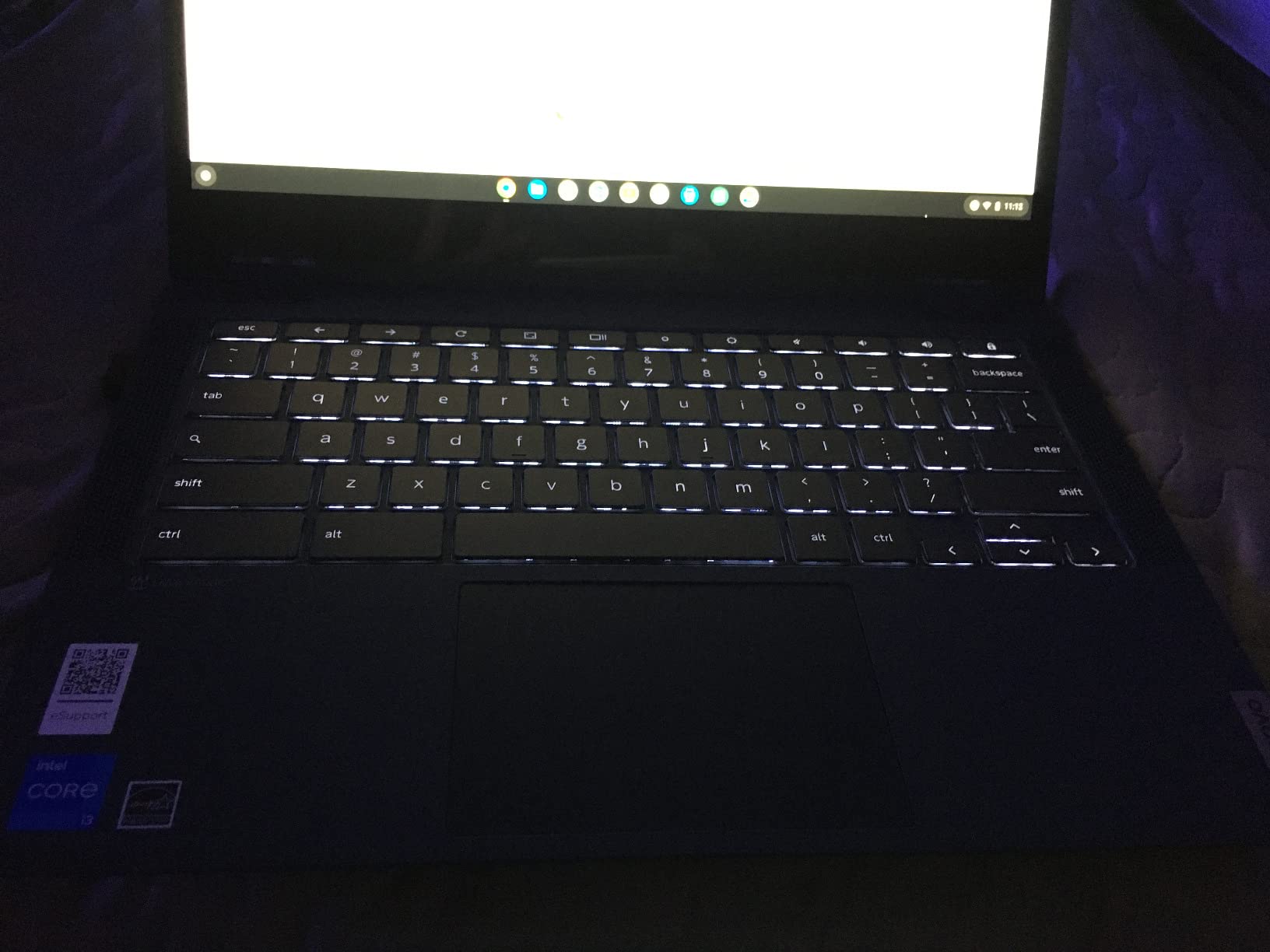
In practice, it feels nearly as quick as the Spin 714 for everyday work. Google Docs, Sheets, YouTube, and Zoom calls all run smoothly, and the touchscreen plus tent mode is great for recipes in the kitchen or movies on a plane. The 5MP webcam with privacy shutter is genuinely better than the 720p cameras on most budget models.
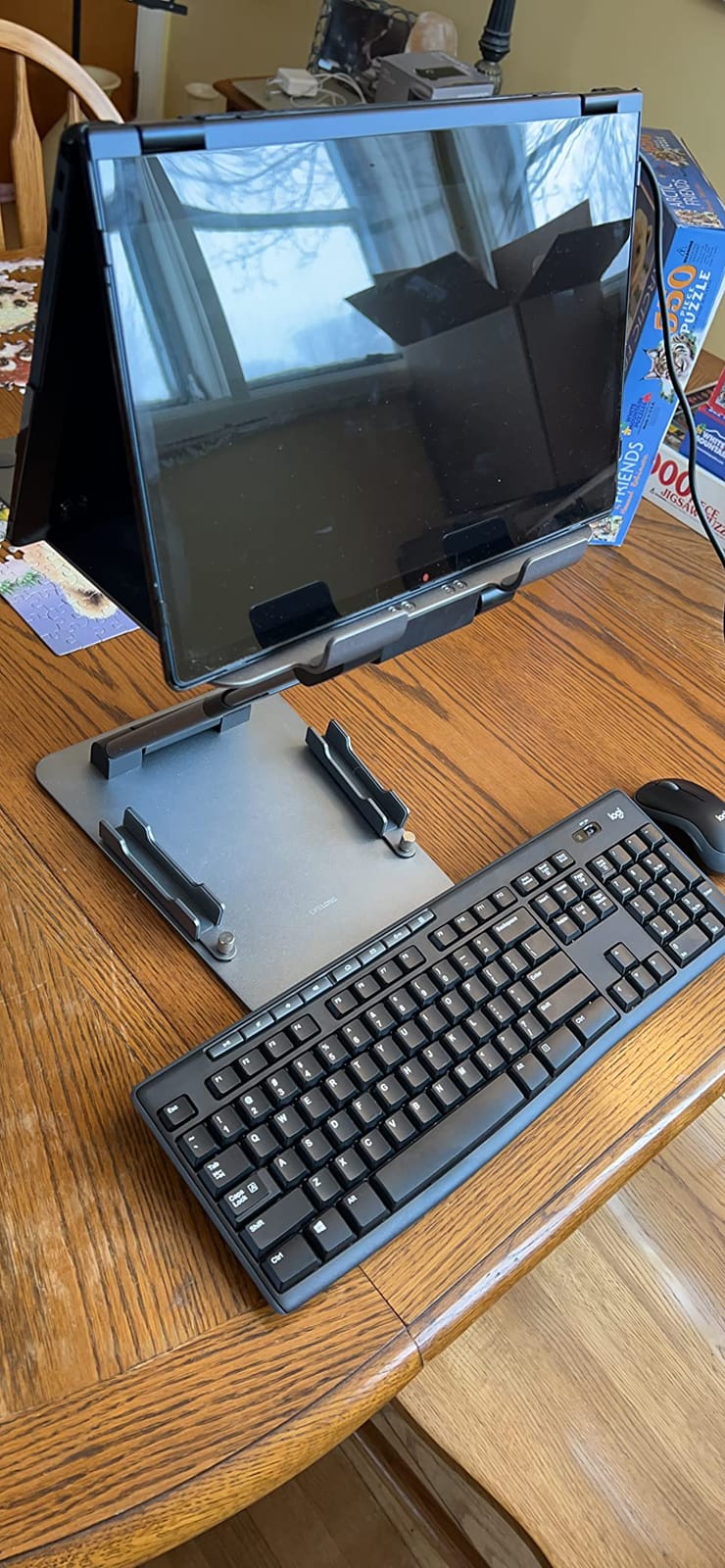
Storage is 256GB total (128GB UFS plus a 128GB SD card), which is generous for a Chromebook since Chrome OS leans on Google Drive anyway. The backlit keyboard and fingerprint sensor are welcome quality-of-life features, and Lenovo rates it for updates until 2035, the longest runway in this lineup.
The complaints are minor: the matte finish collects fingerprints, it’s a bit heavy for tablet mode at 3.5 pounds, and a few users hit occasional streaming app hiccups. For the price-to-performance ratio, though, this is the best Chromebook for most people.
Who should buy the Flex 5i
Families, students, and work-from-home users who want one laptop that does everything well. The 8GB of RAM means it won’t choke on multitasking the way 4GB models do.
It’s also the smart choice if you hate replacing devices. With Chrome OS updates promised until 2035, you could realistically use this machine for the better part of a decade.
Who should skip it
If you need Thunderbolt 4, a stylus, or the absolute fastest processor, step up to the Spin 714. And if you want a big 15-inch screen for media, the Lenovo m 15 below offers more display for less money.
Strictly budget buyers who just need a browsing machine can save real money with the IdeaPad 3i.
3. Acer Chromebook Plus 514 – Best Storage and Student Pick
Acer Chromebook Plus 514 Laptop, 14″ Touchscreen, Intel i3-N355, 8GB/512GB
Intel Core i3-N355
8GB LPDDR5X
512GB SSD
14 inch WUXGA Touch
Backlit Keyboard
Pros
- Excellent 8-core performance
- Huge 512GB SSD
- Bright touchscreen
- Backlit keyboard
- MIL-STD 810H durability
Cons
- Battery life falls short of claims
- Screen brightness issues reported
- Some units shipped resealed
This Chromebook Plus 514 configuration is the storage king of the roundup: a 512GB SSD, which is more local storage than most Windows laptops ship with. Paired with the same 8-core Intel i3-N355 as the Flex 5i and 8GB of fast LPDDR5X RAM, it’s a performance monster for school or business use.
The 14-inch WUXGA touchscreen is sharp and bright, and the backlit keyboard makes late-night study sessions easier. Acer built it to MIL-STD 810H durability standards, which is why it’s marketed hard at K-12 and business buyers. The 1080p webcam with privacy shutter is a step up for remote classes and meetings.
Now the honest part: battery life is the weak spot. Acer claims 11 hours, but multiple owners report 3-4 hours of real mixed use, which is a big gap. Some users also noted the screen doesn’t get as bright as expected and a few units arrived resealed rather than factory fresh.
With 75 reviews at 4.3 stars, sentiment is still positive overall, mostly thanks to the speed and storage. If you keep it plugged in at a desk and treat battery claims as optimistic marketing, it’s a fantastic machine.
Who should buy the Chromebook Plus 514
Students and business users who work near an outlet and want maximum local storage for Android apps, Linux containers, and downloaded files. The durability rating makes it a great pick for backpacks and commutes.
It’s also ideal if you edit photos or manage large files locally, since 512GB means you won’t be constantly shuffling things to the cloud.
Who should skip it
If you need all-day untethered battery life, look at the Lenovo m 15 with its 16-hour runtime instead. And if you want a 2-in-1 form factor, this is a clamshell only.
Buyers who insist on factory-sealed units should verify packaging on arrival, given the resealed-unit reports.
4. Lenovo Chromebook m 15 – Best Battery Life
Lenovo Chromebook m 15″ – Everyday Laptop – Google Gemini – MediaTek Kompanio 540 CPU – 15.3″ WUXGA IPS Display – 8GB RAM – 128GB UFS Storage – Integrated Arm Mali-G57 MC2 GPU – Luna Grey
MediaTek Kompanio 540
8GB LPDDR5
128GB UFS
15.3 inch WUXGA 400 Nits
Google Gemini
Pros
- Up to 16 hours battery life
- Bright 400-nit WUXGA display
- Lightweight at 3.4 pounds
- Webcam privacy shutter
- Google Gemini built-in
Cons
- Setup crashes reported on some units
- Cannot run MS Office apps
- ARM limits some app compatibility
- No touchscreen
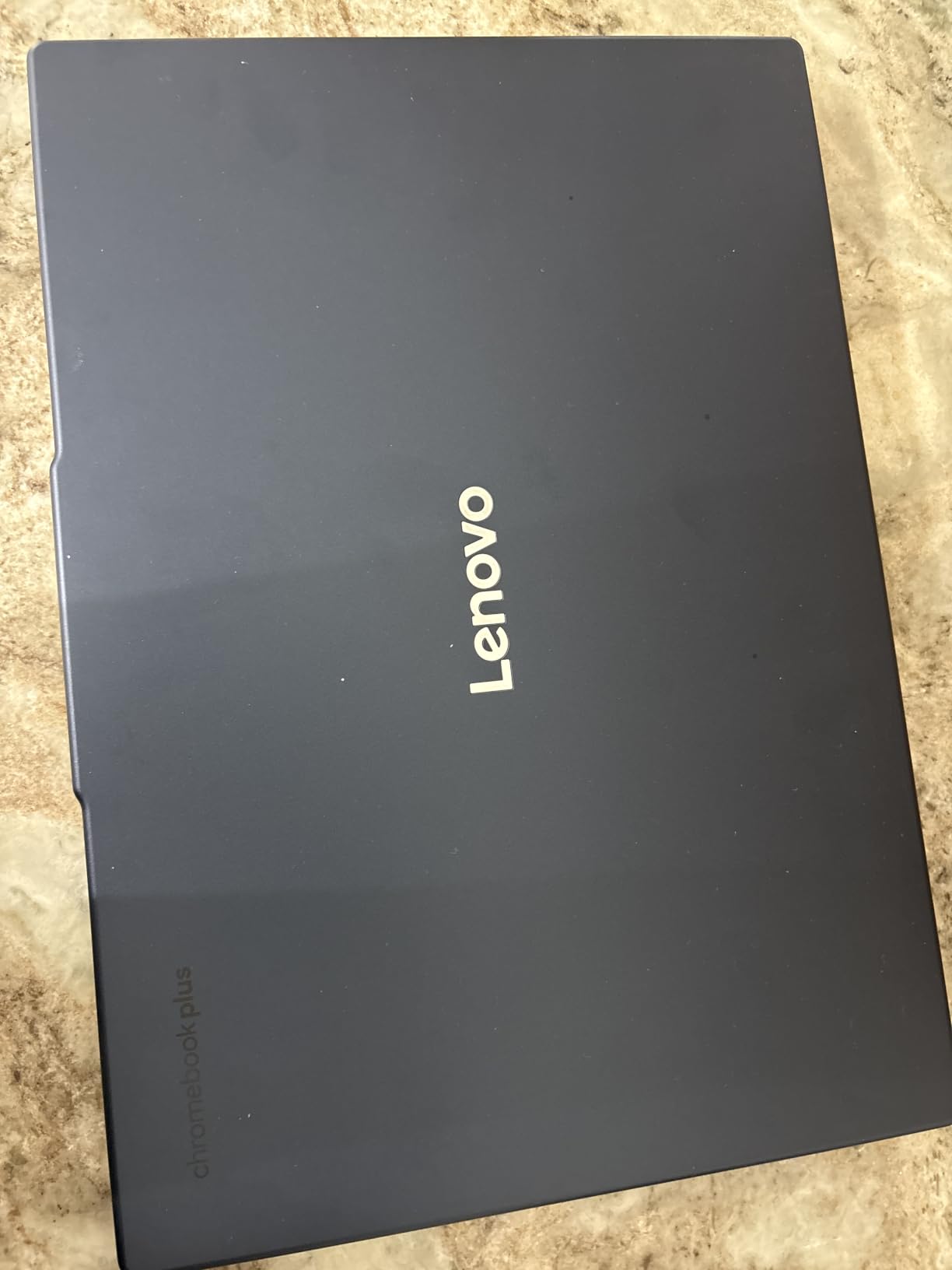
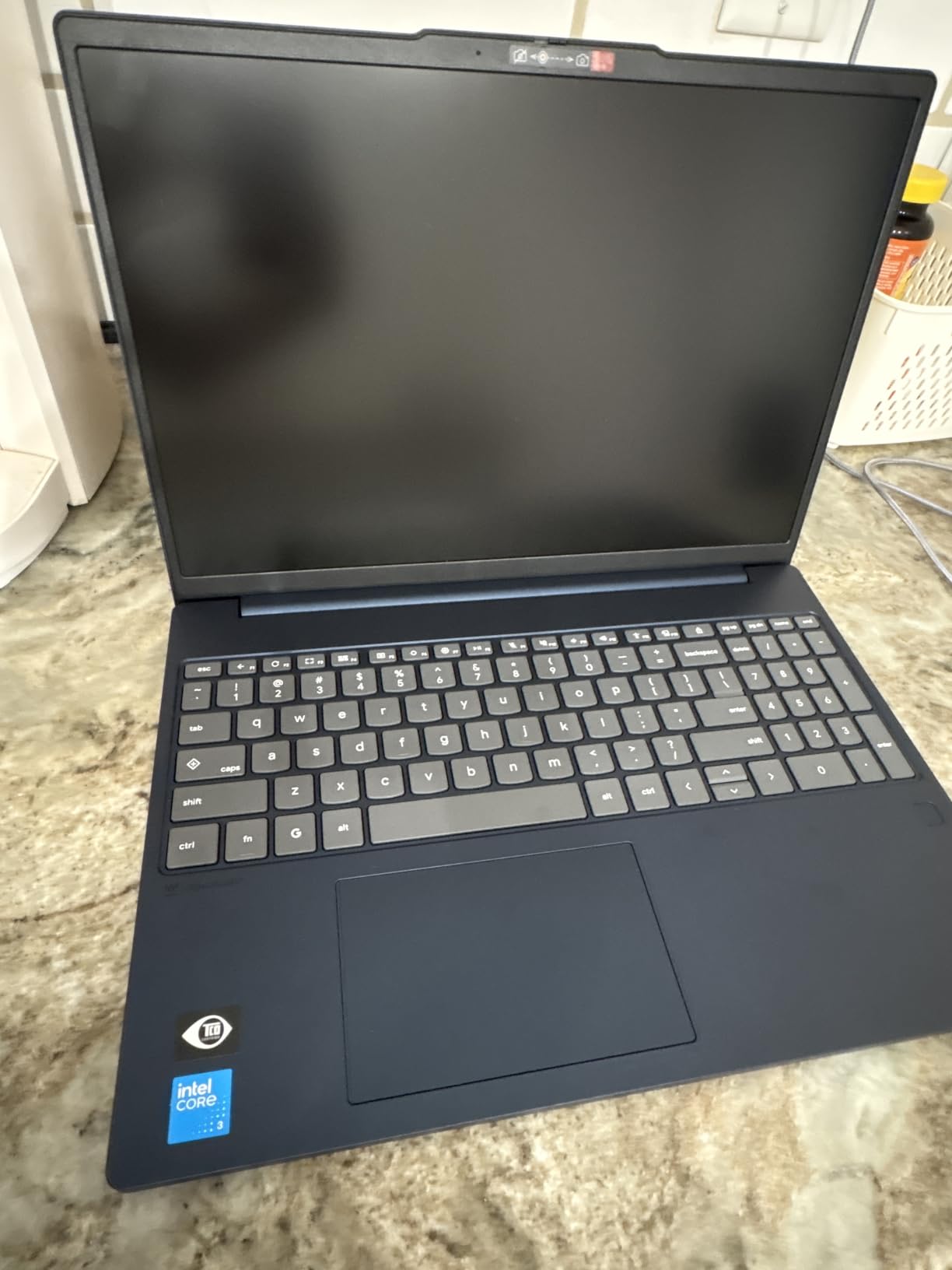
Sixteen hours of battery life. That’s the headline spec on the Lenovo Chromebook m 15, and it’s the longest runtime in this entire comparison. The MediaTek Kompanio 540 is an efficient ARM-based chip, and that efficiency is exactly why the battery numbers are so good.
The 15.3-inch WUXGA IPS display is the surprise star: at 400 nits it’s brighter than anything else here, and the 1920×1200 resolution gives you extra vertical space for documents. At 3.4 pounds it’s remarkably light for a 15-inch machine, and the physical webcam shutter is a privacy touch I always appreciate.
Google Gemini is built in, so you get AI assistance for writing, research, and image editing right in Chrome OS. Wi-Fi 6E and Bluetooth 5.4 round out a very modern connectivity package.
The caveats are real, though. With only 24 reviews at 4.0 stars, this is a newer model with a shorter track record, and several buyers reported crashes during Google account authorization on setup. The ARM processor also can’t run x86 Linux apps or Microsoft Office, so check your must-have software first.
Who should buy the Chromebook m 15
Anyone who works away from outlets all day: students with back-to-back classes, travelers, and coffee-shop regulars. The bright display also makes it great for outdoor or well-lit-room use.
If your computing is browser-centric, the ARM compatibility issue barely matters. Gmail, Docs, Drive, and streaming all run natively in the browser.
Who should skip it
If you depend on Microsoft Office desktop apps or specific x86 Linux software, the ARM chip is a dealbreaker. The Intel-based Flex 5i or Spin 714 are safer bets.
It’s also not the pick if you want a touchscreen or tablet mode; this is a traditional clamshell with no touch support.
5. Lenovo IdeaPad 3i Chromebook – Best Budget Chromebook
Lenovo IdeaPad 3i Chromebook, 15.6” FHD Display, Intel Celeron N4500, 8GB RAM, 64GB eMMC, 1920×1080 px, 720p Camera, Chrome OS, Abyss Blue
Intel Celeron N4500
8GB LPDDR4X
64GB eMMC
15.6 inch FHD
10 Hour Battery
Pros
- Excellent battery life
- 8GB RAM at a budget price
- Clear FHD display
- Comfortable keyboard
- Wi-Fi 6 connectivity
Cons
- Not a touchscreen
- Some units shipped with wrong RAM
- Speakers are basic
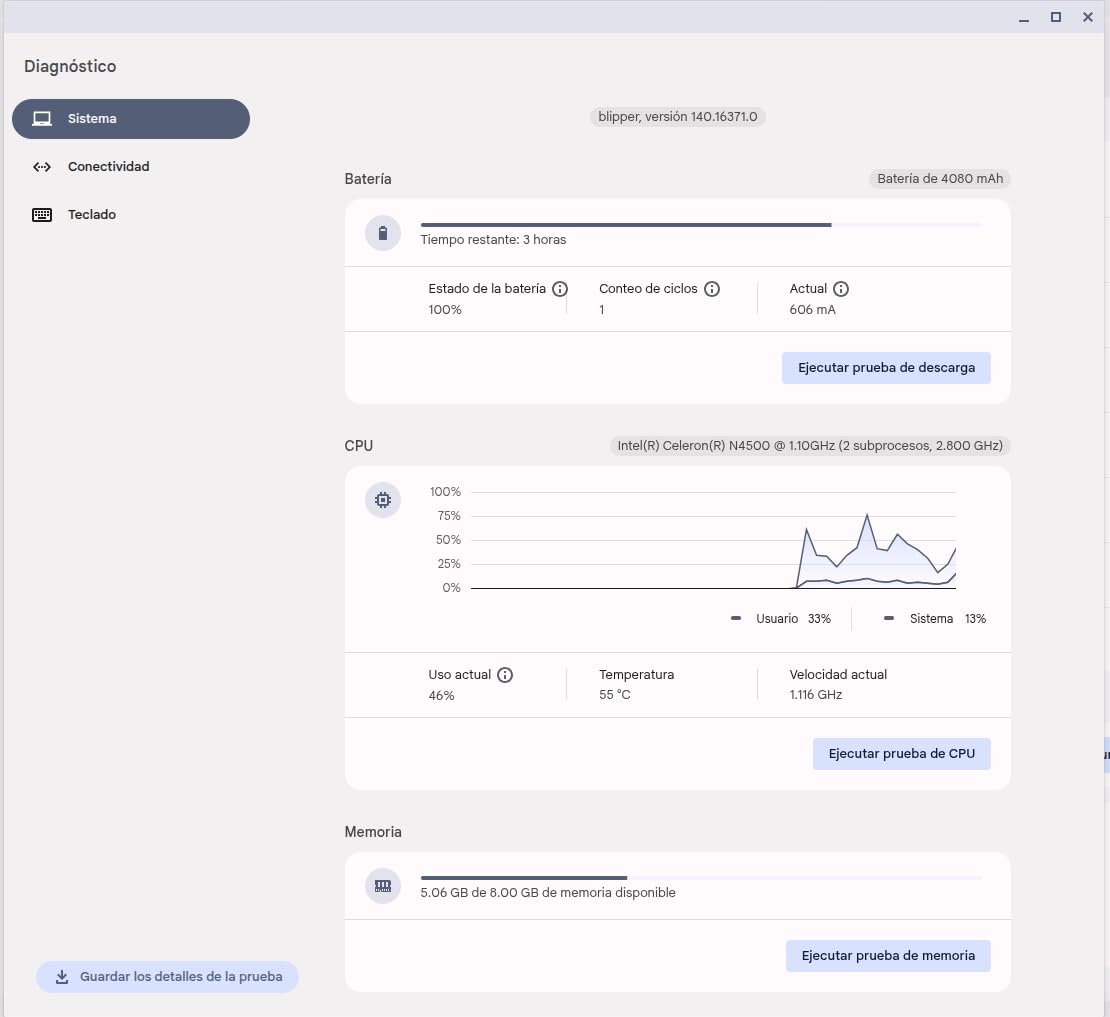
The IdeaPad 3i is proof that a budget Chromebook doesn’t have to feel cheap. It packs 8GB of RAM, which is the single most important spec for Chrome OS multitasking, and it does so at a price where most competitors offer 4GB. With 1,773 reviews at 4.3 stars, it’s the most-owned laptop in this roundup.
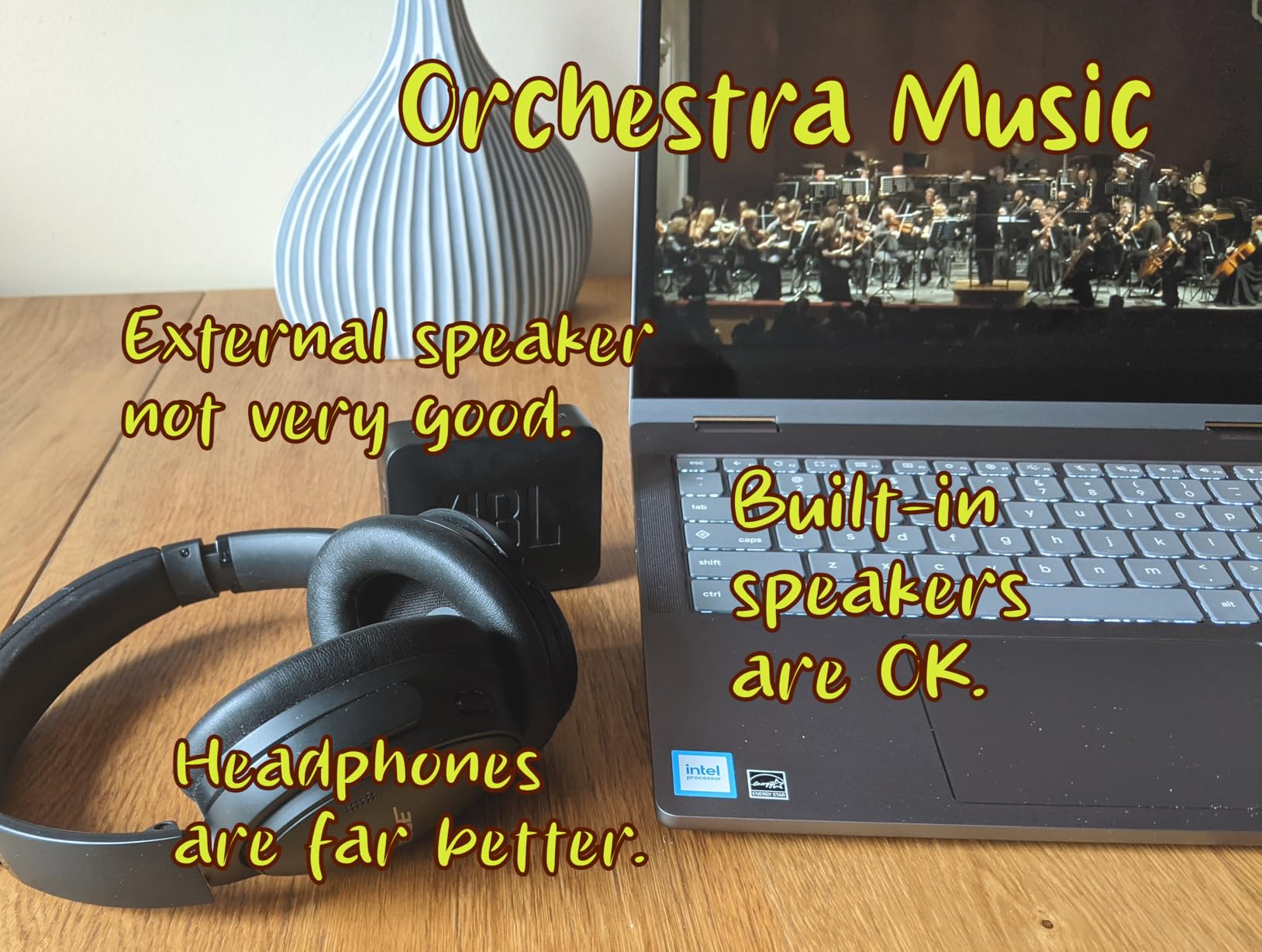
The 15.6-inch FHD display is clear and bright enough for everyday use, and Dolby Audio speakers are serviceable for YouTube and casual music. Battery life is rated up to 10 hours, and owners consistently report getting a full day of school or office work out of it.
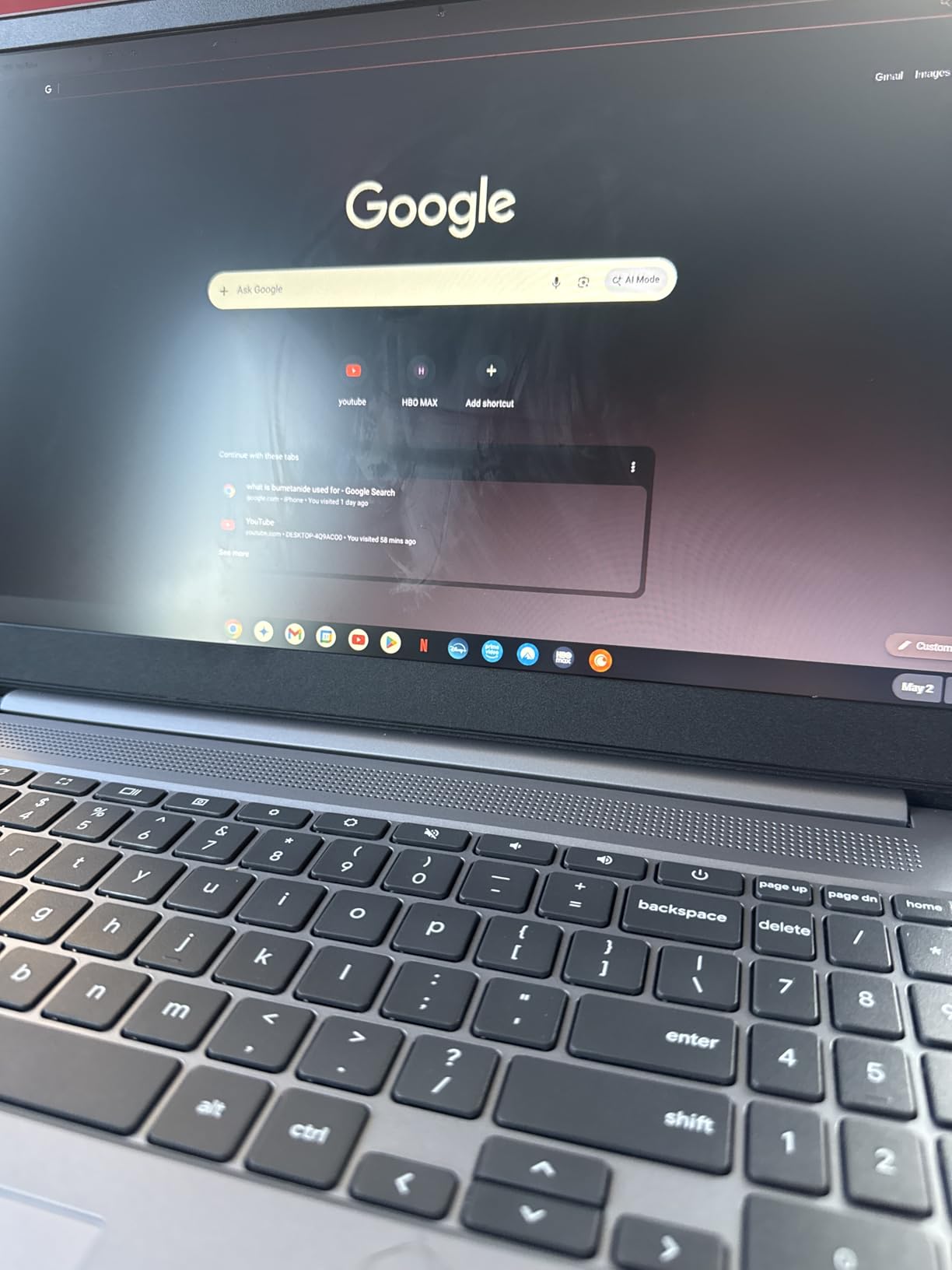
The keyboard is genuinely comfortable, which matters if you write a lot. Boot-up is nearly instant, as you’d expect from Chrome OS, and the Celeron N4500 handles browsing, Docs, and streaming fine as long as you keep the tab count reasonable.
Honest limitations: there’s no touchscreen, no tablet mode, and the 64GB of eMMC storage fills up fast if you install lots of Android apps. A small number of buyers received units with incorrect RAM configurations, so it’s worth verifying specs when yours arrives.
Who should buy the IdeaPad 3i
Budget-conscious students and families who want reliable performance and all-day battery without paying for premium features. The 8GB of RAM gives it real staying power for years of updates.
It’s also my pick for a first laptop for teenagers, since the big screen and solid keyboard make homework less of a chore.
Who should skip it
If you want a touchscreen or 2-in-1 flexibility, look at the Lenovo Chromebook 2-in-1 below. And if the 64GB storage worries you, the storage-stacked options above and below solve that.
Heavy multitaskers who live in 30+ tabs should also consider stepping up to an Intel i3-class machine.
6. Lenovo Chromebook 2-in-1 – Best Lightweight Convertible
Lenovo Chromebook 2-in-1 – Lightweight Laptop – Google Gemini – Intel® N150 CPU – 14″ WUXGA IPS Touchscreen Display – 4GB RAM – 128GB UFS Storage – Integrated Intel® Graphics – Luna Grey
Intel N150
4GB LPDDR5
128GB UFS
14 inch WUXGA Touch
Fingerprint Reader
Pros
- Lightweight and portable design
- Responsive touchscreen with 2-in-1 flexibility
- Fast boot and smooth performance
- Fingerprint reader
- MIL-STD durability
Cons
- Only 4GB of RAM
- Limited heavy multitasking
- Not for demanding desktop apps
This is the sleeper pick of the roundup. The Lenovo Chromebook 2-in-1 carries the highest average rating here at 4.6 stars across 21 reviews, with 75 percent of buyers giving it 5 stars. It ranks #5 in Amazon’s entire 2-in-1 laptop category, which is remarkable for a Chromebook.
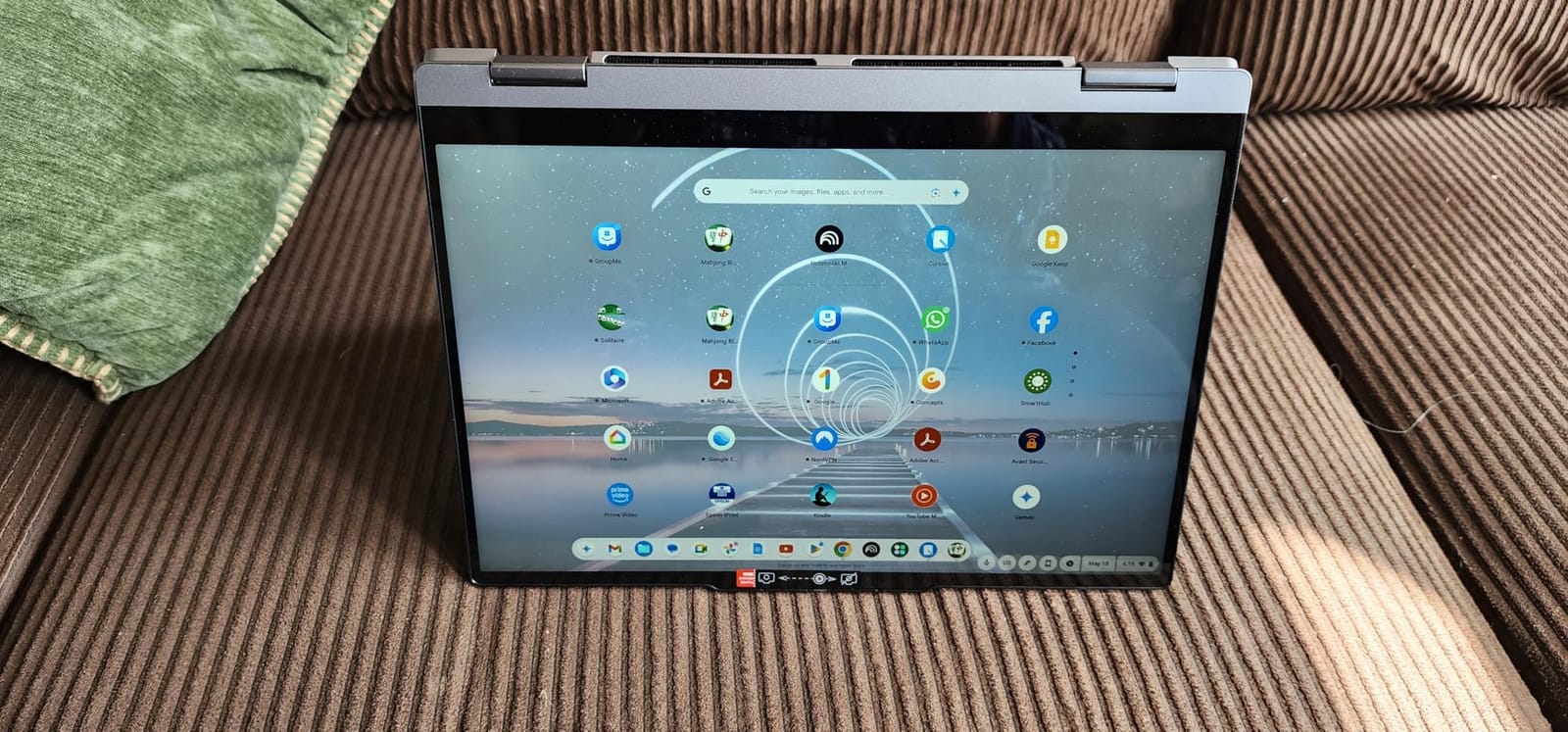
The formula is simple: a 14-inch WUXGA IPS touchscreen, a 360-degree hinge, and a genuinely light body that’s easy to carry one-handed in tablet mode. The Intel N150 boosts up to 3.6GHz, which is plenty snappy for Chrome OS, and it boots in seconds.
You also get perks that rarely appear at this price: a fingerprint reader, a physical webcam shutter, MIL-STD durability testing, and Google Gemini built in. It’s a surprisingly complete package.
The one compromise is RAM. With 4GB, it handles a normal 8-12 tab session fine, but heavy multitaskers will feel the ceiling. If your workflow involves dozens of tabs plus Android apps, the Flex 5i with 8GB is worth the stretch.
Who should buy this Lenovo 2-in-1
Anyone who wants touchscreen and tablet versatility without the premium price. It’s fantastic for reading, streaming in tent mode, casual Android apps, and light note-taking.
It’s also a great secondary device: a couch laptop, a travel companion, or a kitchen recipe screen that doubles for email.
Who should skip it
Power users and heavy multitaskers will bump into the 4GB RAM limit quickly. If your browser looks like a tab farm, spend up for 8GB.
If battery runtime is your top priority, the m 15’s ARM efficiency beats this Intel machine handily.
7. Acer 15.6″ Chromebook 576GB Bundle – Best Storage Bundle
Acer 15.6” FHD Chromebook Laptop, 4GB RAM 576GB Storage (64GB eMMC+512GB SD Card), Dual-Core Intel Celeron Processor, Chrome OS, WiFi-6, USB-Type C, Long Battery Life, PLUSERA Earphones, Silver
Celeron N4500
4GB RAM
576GB Total Storage
15.6 inch FHD
Numeric Keypad
Pros
- Huge 576GB total storage
- Great screen quality and size
- Numeric keypad
- Long battery life
- Earphones included
Cons
- Only 4GB of RAM
- No touchscreen
- Some storage config shipping errors
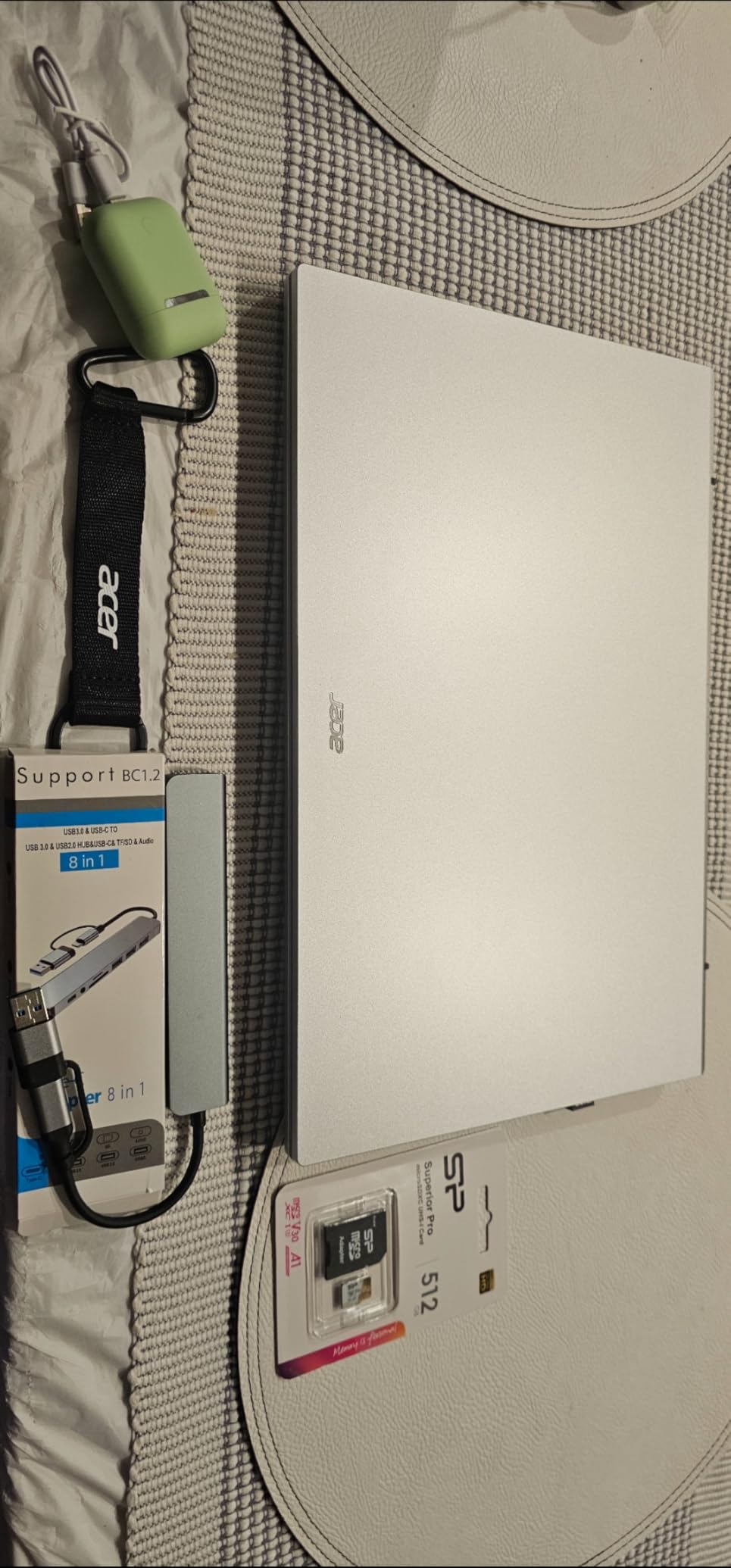
This bundle’s pitch is storage: 64GB of eMMC plus a 512GB SD card for 576GB of total space. If you download a lot of media, offline movies, or Android games, that’s far more room than any other budget Chromebook here.
The 15.6-inch FHD IPS display is the other strength, giving you a spacious workspace with a numeric keypad on the side, a rare treat for spreadsheet wranglers and students in quantitative courses. It runs the same Celeron N4500 as the IdeaPad 3i, so expect similar everyday performance.
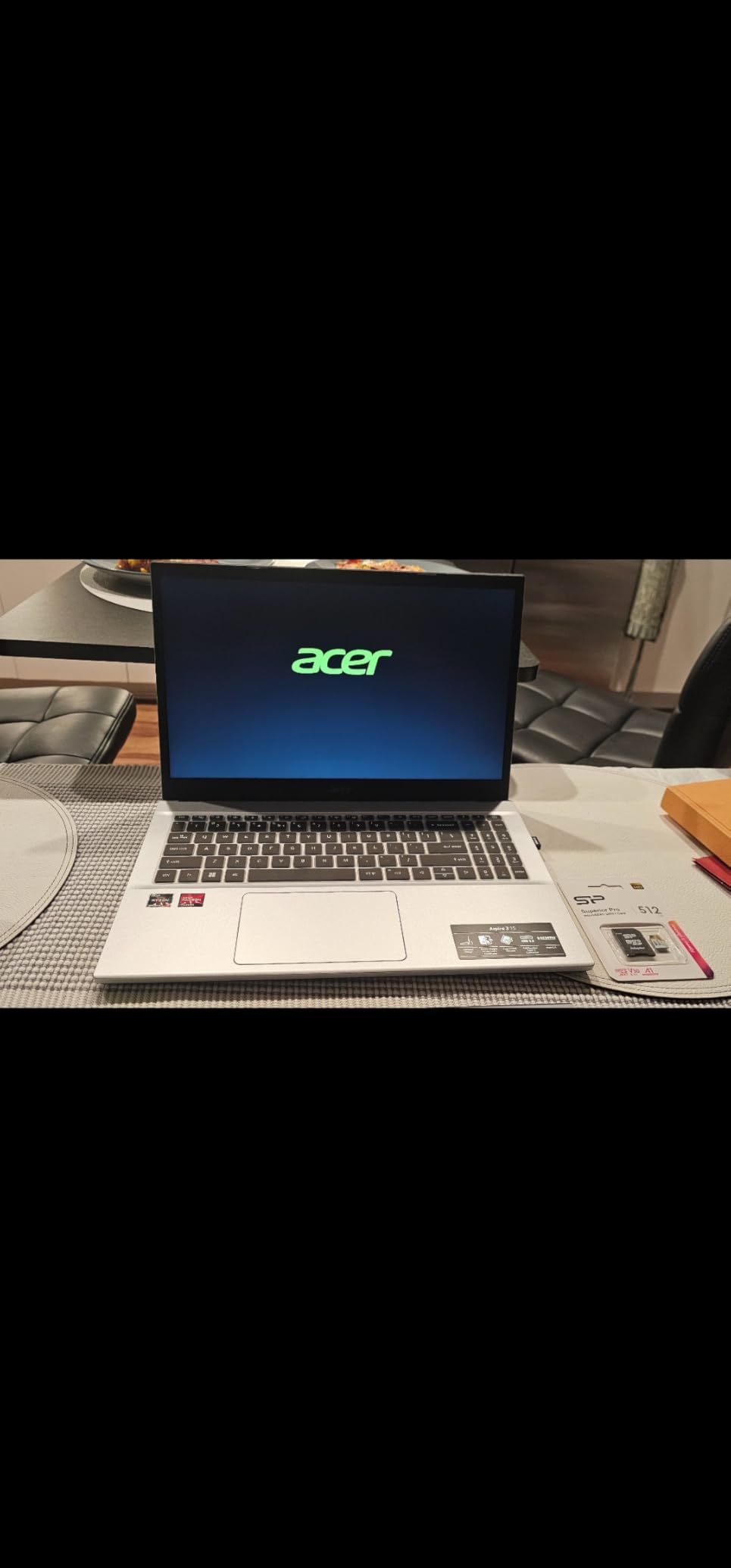
The 42Wh battery delivers respectable runtime, and connectivity is solid with Wi-Fi 6 plus two USB-C and two USB-A ports. Bundled PLUSERA earphones are a small bonus, not a reason to buy.
Two things to know: it scores an excellent 4.6 stars, but from only 21 reviews so far, and some buyers received incorrect storage configurations. There’s no touchscreen, and 4GB of RAM keeps multitasking modest.
Who should buy this Acer bundle
Media hoarders and offline-first users. If you fly often, live somewhere with spotty internet, or just hate managing cloud storage, 576GB changes how you use a Chromebook.
The numeric keypad also makes it a strong pick for accounting students and anyone who lives in spreadsheets.
Who should skip it
If 4GB of RAM feels limiting for your tab habits, the IdeaPad 3i offers 8GB for a similar price with less storage. And touchscreen fans should pass; this is a non-touch clamshell.
Verify your storage configuration on arrival, given the reported shipping mix-ups.
8. Acer 2026 15″ Renewed Chromebook – Best Ultra-Budget Option
Acer 2026 15″ FHD IPS Chromebook, Intel Celeron Processor Up to 2.78GHz, 4GB DDR5, 64GB Storage, Ultra-Fast WiFi 6, Chrome OS, Dale Purple, Renewed
Intel Celeron up to 2.78GHz
4GB DDR5
64GB SSD
15 inch FHD Touch
WiFi 6
Pros
- Lowest cost entry point
- Responsive touchscreen
- Lightweight and portable
- Good battery life
- Fast WiFi 6
Cons
- Refurbished with possible cosmetic wear
- 4GB RAM limits multitasking
- Below-average camera
- Not for gaming
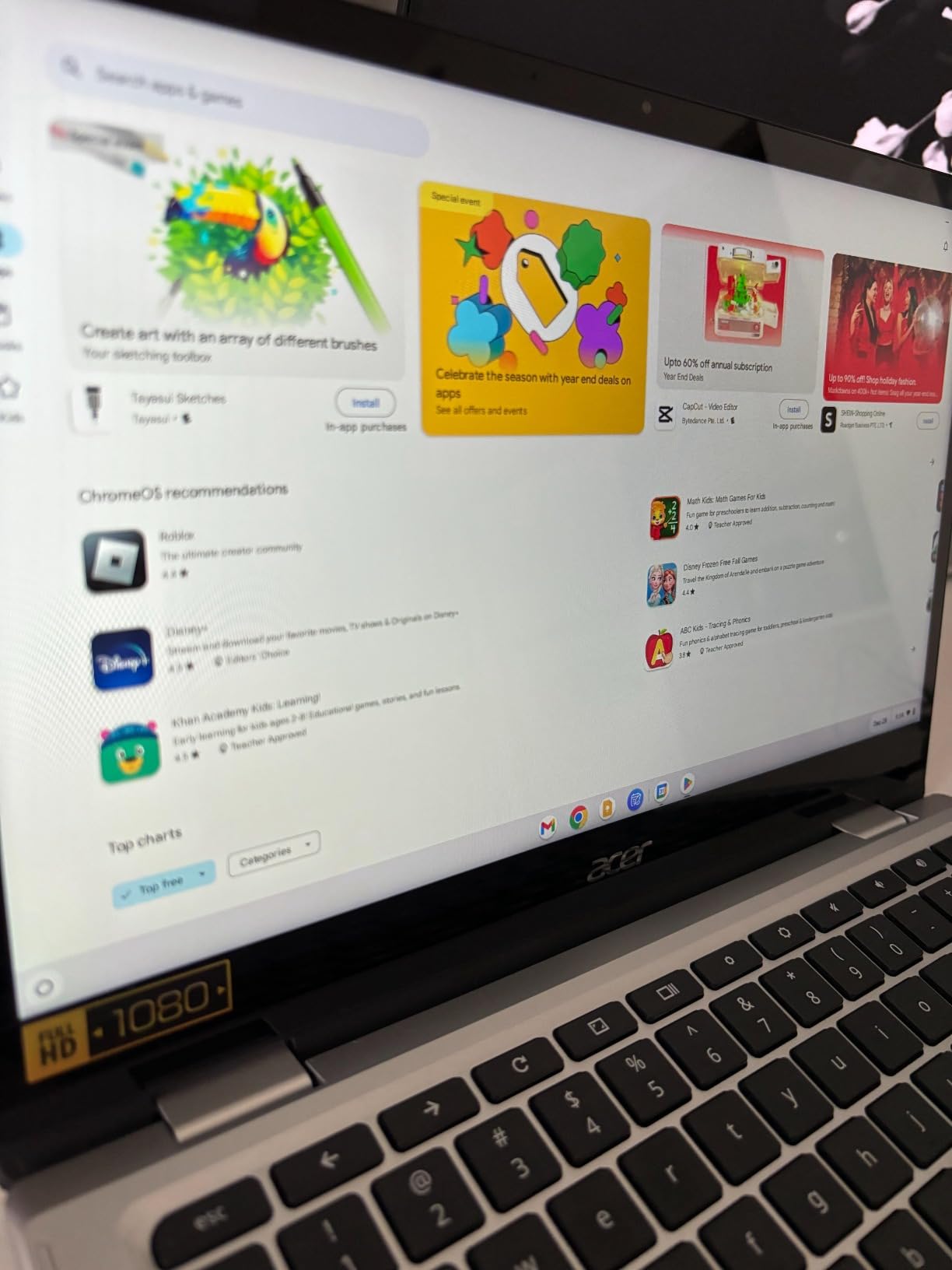
At around $177, this renewed Acer is the cheapest way into a full-size Chromebook, and it includes something pricier models here don’t: a 15-inch FHD touchscreen. For a first laptop, a guest machine, or a kid’s computer, that’s a lot of capability for the money.
Owners rate it 4.3 stars across 194 reviews, praising the smooth everyday performance, responsive touch, and fast Wi-Fi 6. The 64GB SSD keeps boots quick, and the purple colorway is a fun change from endless silver.
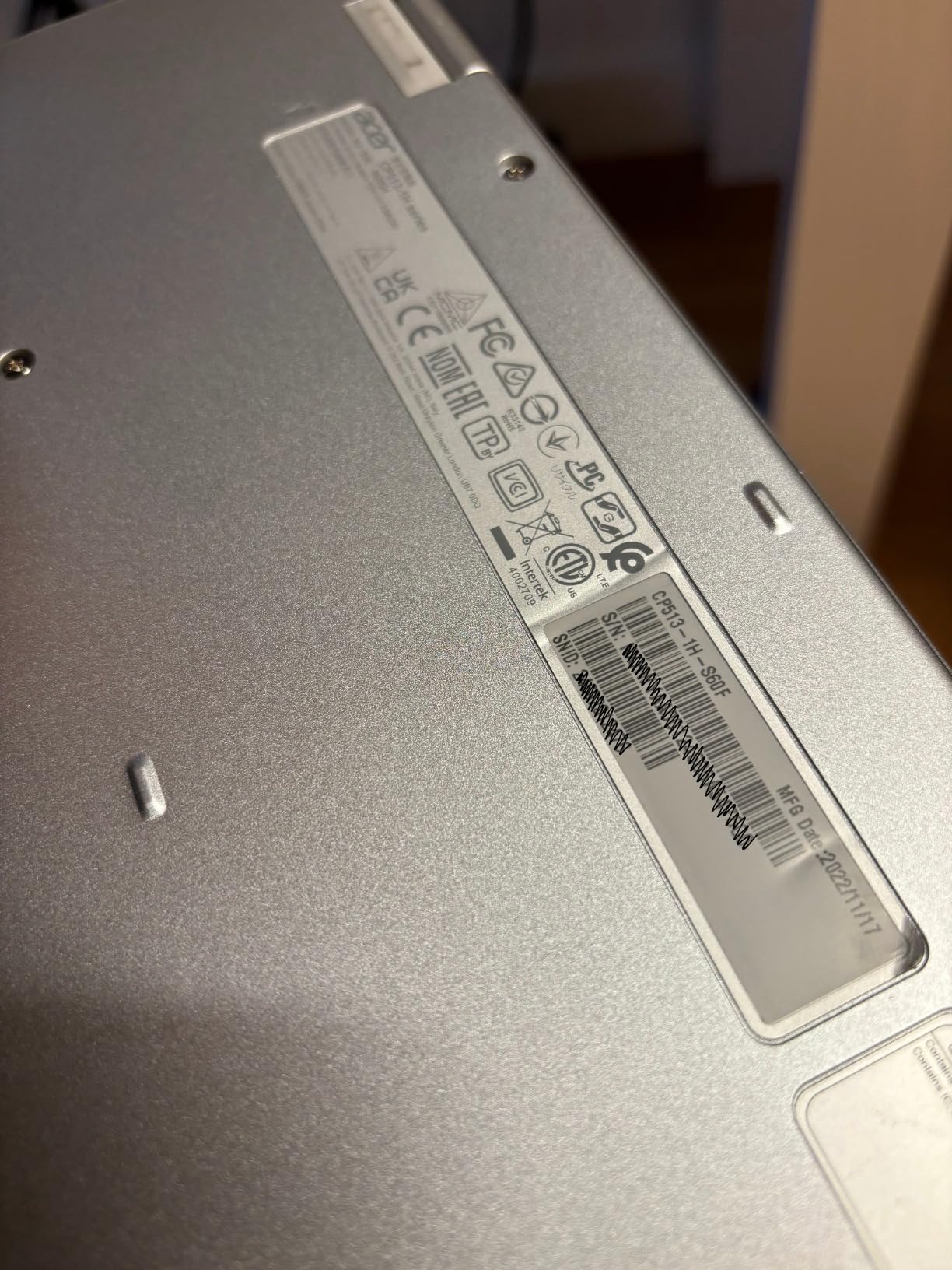
Set expectations appropriately: this is a renewed unit, so minor cosmetic wear is possible. The 4GB of RAM means you’ll want to keep tabs trimmed, the webcam is mediocre, and gaming is off the table entirely.
Stock also runs thin (seven units at last check), so renewed deals like this disappear quickly. If you see it available, it won’t linger.
Who should buy this renewed Acer
Ultra-budget buyers: parents buying a first laptop for a child, anyone needing a backup or guest machine, or students with very modest needs. The touchscreen alone makes it feel more modern than its price suggests.
It’s also a low-risk way to test whether Chrome OS fits your workflow before spending more.
Who should skip it
If you can stretch your budget even slightly, the IdeaPad 3i’s 8GB of RAM buys years of extra headroom. And anyone uncomfortable with refurbished gear should buy new.
Heavy multitaskers and video-call-heavy users will both feel the RAM and camera limits quickly.
How to Choose the Best Chromebook for Your Needs?
After living with these eight machines, here are the factors that actually predict whether you’ll be happy with your purchase.
RAM: 8GB is the sweet spot
Chrome OS is lightweight, but the browser is not. With 4GB, you can keep maybe 8-12 tabs open before things get sluggish; with 8GB, you can realistically double that while running Android apps in the background. If your budget forces a choice, I’d take 8GB of RAM over almost any other upgrade, including the processor.
Processor tiers explained
Intel Celeron N4500 and similar chips are fine for browsing, Docs, and streaming. The Intel i3-N355 and Core Ultra 5 (both 8-core) are genuinely quick and future-proof. ARM chips like the MediaTek Kompanio 540 are efficient and smooth for web work, but they can’t run x86 Linux apps or Office, so verify your must-have software first.
Check the Auto Update expiration date
Every Chromebook has a fixed window of security updates, typically 10 years from certification for newer models. The Flex 5i is rated until 2035, one of the longest runways available. Before buying any model, google its AUE date; buying a Chromebook with 2 years of updates left is buying a laptop with a hard expiration.
Touchscreen and 2-in-1: nice or necessary?
Chrome OS is designed around touch, and Android apps feel awkward without it. A 360-degree hinge adds tent and tablet modes that are genuinely useful for cooking, flying, and reading. But if you’re a pure keyboard-and-trackpad person, clamshells like the IdeaPad 3i deliver more screen per dollar.
Storage: less matters than you think, until it doesn’t
64GB is workable if you live in the cloud, tight if you install lots of Android apps or Linux tools. 128GB is comfortable for most people. 256GB and up (the Flex 5i, Spin 714, and Plus 514) is only necessary for local media hoarders. A microSD slot, which several models here include, is a cheap expansion path.
Battery claims vs reality
Manufacturer battery numbers are best-case scenarios. The m 15’s 16-hour rating holds up well thanks to ARM efficiency, while the Plus 514’s 11-hour claim falls to 3-4 hours in real mixed use according to multiple owners. Treat ratings as a rough ranking, not a promise, and weight owner reviews heavily here.
Chrome OS versus Windows for your use case
This is the question r/chromeos threads keep circling. If your work happens in a browser, Docs, or web apps, a Chromebook is faster to boot, more secure, and cheaper than an equivalent Windows laptop. If you need desktop Office, specific professional software (Adobe CC, full IDEs), or PC gaming, no Chromebook will fully replace a Windows machine. Be honest about which camp you’re in before buying.
Frequently Asked Questions
What is the most recommended Chromebook?
The Acer Chromebook Plus Spin 714 is the most recommended model overall, thanks to its Intel Core Ultra 5 processor, 14-inch WUXGA touchscreen, aluminum chassis, Thunderbolt 4, and included stylus. For most budgets, the Lenovo Chromebook Plus Flex 5i offers the best mix of performance and price with an 8-core i3, 8GB of RAM, and updates through 2035.
Which brand is best for Chromebooks?
Acer, Lenovo, ASUS, and HP are the strongest Chromebook brands. In this testing group, Lenovo stands out for value and battery life (Flex 5i, IdeaPad 3i, m 15) while Acer leads on premium build quality and performance (Spin 714, Plus 514). Both brands back their models with long Chrome OS update windows and MIL-STD durability testing on select lines.
Are Chromebooks worth buying?
Yes, if your work happens in a browser. Chromebooks offer fast boot times, automatic security updates, excellent battery life, and lower prices than comparable Windows laptops. They are ideal for students, casual users, and productivity work in Google Docs or web apps. They are not worth it if you depend on desktop-only software like full Adobe apps or PC gaming.
Why are schools getting rid of Chromebooks?
Schools are phasing out older Chromebooks mainly because devices reach their Auto Update expiration (AUE) date, after which they stop receiving security updates and can no longer be managed properly. Budget cycles and wear on cheap plastic models also play a role, not a failure of the platform itself. Newer Chromebooks now get up to 10 years of updates, which extends their usable lifespan considerably.
How long do Chromebooks last?
Most modern Chromebooks receive automatic updates for 10 years from certification, and the hardware often lasts longer with care. For example, the Lenovo Chromebook Plus Flex 5i is rated for updates until 2035. Battery degradation is usually the first thing you will notice, typically after 3-5 years of heavy use.
Final Verdict
After weeks comparing these eight models, my recommendations for the best Chromebooks of 2026 break down cleanly. The Acer Chromebook Plus Spin 714 is the best overall pick for power, build, and versatility. The Lenovo Chromebook Plus Flex 5i is the best value for most families and students, with updates running all the way to 2035. And the Lenovo IdeaPad 3i wins on a tight budget thanks to 8GB of RAM and a 1,700+ review track record.
Whatever you choose, check the Auto Update expiration date before you click buy, and match your RAM to your tab habits. Do that, and a Chromebook will quietly be the most low-maintenance computer you’ve ever owned.