
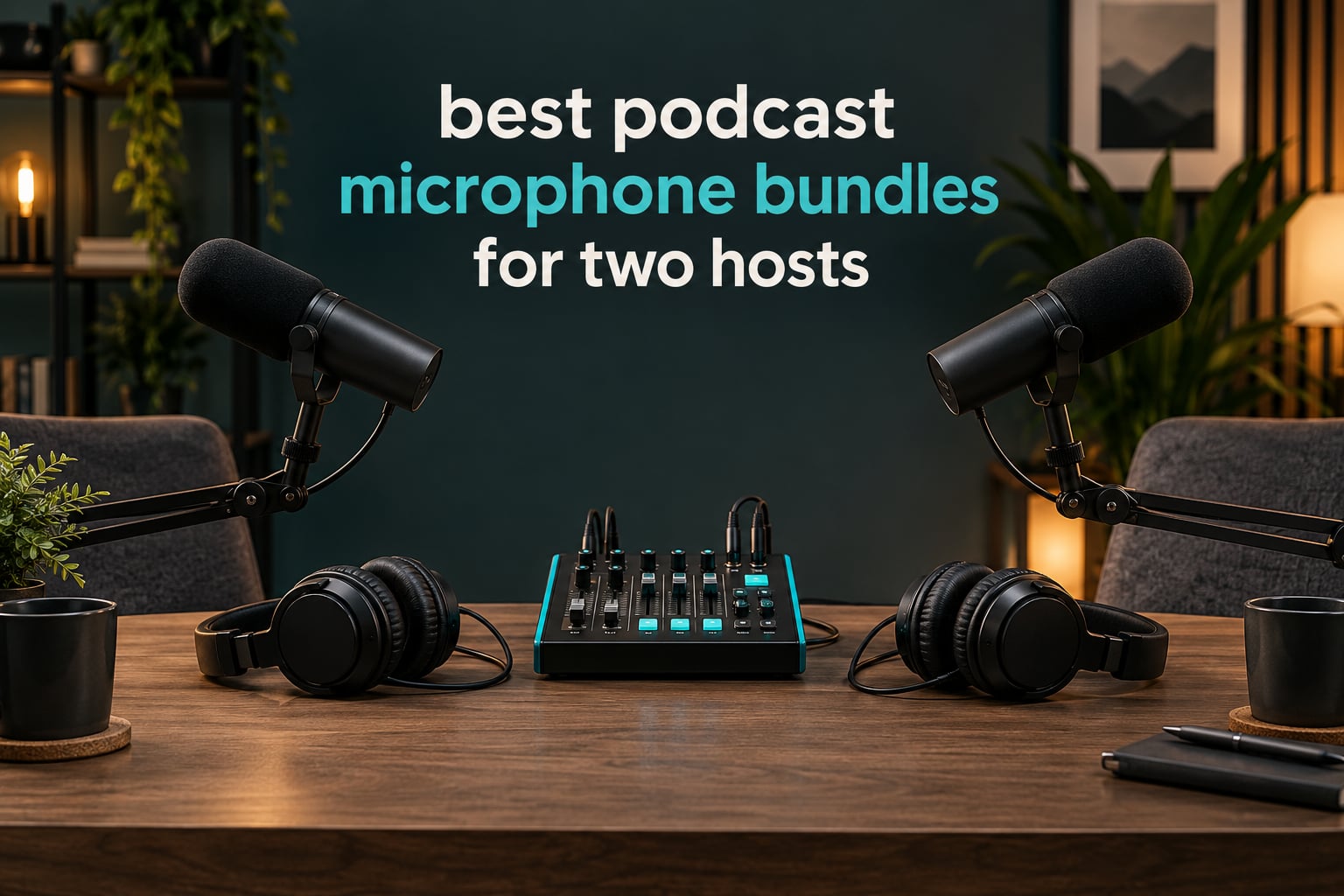
The most common mistake I see in two-host podcast recordings is not buying the wrong microphone. It is sharing one. A duo sits opposite each other with a single mic between them, records a full conversation, and only discovers the problem in the edit: levels swing wildly, the tone goes hollow as each speaker leans in and out, and neither voice can be raised or cleaned without damaging the other.
That story is not hypothetical. In a r/podcasting thread, a new duo described recording a full episode on one shared mic in bidirectional mode before going back to research. The fix was simple and cheap: one mic per host, each on its own track, positioned at the same distance from the same mouth. That is the whole reason podcast microphone bundles for two hosts exist, and it is why we built this roundup around the two-host buyer rather than around microphone brands.
A two-host bundle is a pre-packaged kit holding everything two people need to record together: two microphones, usually matched, an audio interface or mixer to give each one its own input, two pairs of closed-back headphones, two stands or boom arms, the cables to connect them, and pop filters or windscreens. Get that right and a two-person show is genuinely simple to produce, because the audio arrives already split into two editable tracks.
Over the past few months our team has worked through the current crop of two-person bundles, from a wireless-USB-XLR hybrid that needs no interface at all to a portable rig that runs off an internal battery. We read the review patterns carefully, and we flagged where each bundle leaves something out, because a kit that ships without headphones or without a second stand means a second purchase anyway. For context on how we evaluate multi-piece hardware kits, our streaming bundle roundup uses the same framework.
Below is what we found, updated for 2026, covering ten bundles across roughly a tenfold spread in cost. The short version: the biggest jump in quality between these kits comes from microphone type and from whether the mixer gives each host a real independent gain control, not from the number of sound effects packed into the box.
Table of Contents
Top 3 Best Podcast Microphone Bundles for Two Hosts in 2026
These three cover the range most readers need. The MAONO PD200W is the one we would buy, the Brvomussy kit is the strongest value, and the Movo PodPro is the only one here built for recording away from a desk.

MAONO PD200W Hybrid Wireless Bundle
- Wireless
- USB and XLR in one microphone
- One receiver tracks both hosts separately
- 82dB signal-to-noise ratio
- 18-month warranty

Brvomussy Two-Person Bundle
- Mixer plus two BM-800 condensers
- Two boom arms and double pop filters
- Two earphones included
- Works across six platforms

Movo PodPro Portable Bundle
- Battery-powered dual-channel interface
- Two XLR dynamic microphones
- Headphones and stands for both hosts
- USB-C and Lightning cables
All 10 Two-Host Podcast Microphone Bundles Compared in October
Every bundle below includes two microphones. What separates them is microphone type, whether a mixer or interface with a real per-channel gain control is included, and whether headphones come in the box. Use the Check Latest Price buttons for current pricing, since these bundles move frequently.
| Product | Specifications | Action |
|---|---|---|
| MAONO PD200W Hybrid Wireless Podcast Bundle for 2 |
|
Check Latest Price |
| Brvomussy Podcast Equipment Bundle for 2 |
|
Check Latest Price |
| Movo PodPro Portable Podcast Bundle |
|
Check Latest Price |
 Zoom PodTrak P4next Bundle with Two ZDM-1 Mic Packs Zoom PodTrak P4next Bundle with Two ZDM-1 Mic Packs |
|
Check Latest Price |
 TENLAMP G10 Creator Audio Mixer Bundle TENLAMP G10 Creator Audio Mixer Bundle |
|
Check Latest Price |
 ALPOWL Podcast Equipment Bundle for Two ALPOWL Podcast Equipment Bundle for Two |
|
Check Latest Price |
 Movo PodPak2T Two-Pack Condenser Bundle Movo PodPak2T Two-Pack Condenser Bundle |
|
Check Latest Price |
 MAONO MaonoCaster AME2 Duo Bundle MAONO MaonoCaster AME2 Duo Bundle |
|
Check Latest Price |
 Hayner-Seek M100 Dual XLR Dynamic Kit Hayner-Seek M100 Dual XLR Dynamic Kit |
|
Check Latest Price |
 Hayner-Seek P2 Two-Person Condenser Kit Hayner-Seek P2 Two-Person Condenser Kit |
|
Check Latest Price |
1. MAONO PD200W Hybrid Wireless Podcast Bundle for Two
MAONO PD200W Hybrid Wireless Podcast Equipment Bundle for 2
Wireless, USB and XLR
30mm dynamic cardioid capsule
82dB signal-to-noise
60m range and 60 hour battery
18-month warranty
Pros
- Three connection types in a single microphone
- One receiver records each host on a separate track
- Dynamic capsule stays usable in an untreated room
- MaonoLink app control of EQ
- reverb and presets
Cons
- Single-channel specification despite the two-mic pairing
- Camera and Lightning accessories sold separately
- Dynamic capsule needs more gain for a quiet voice
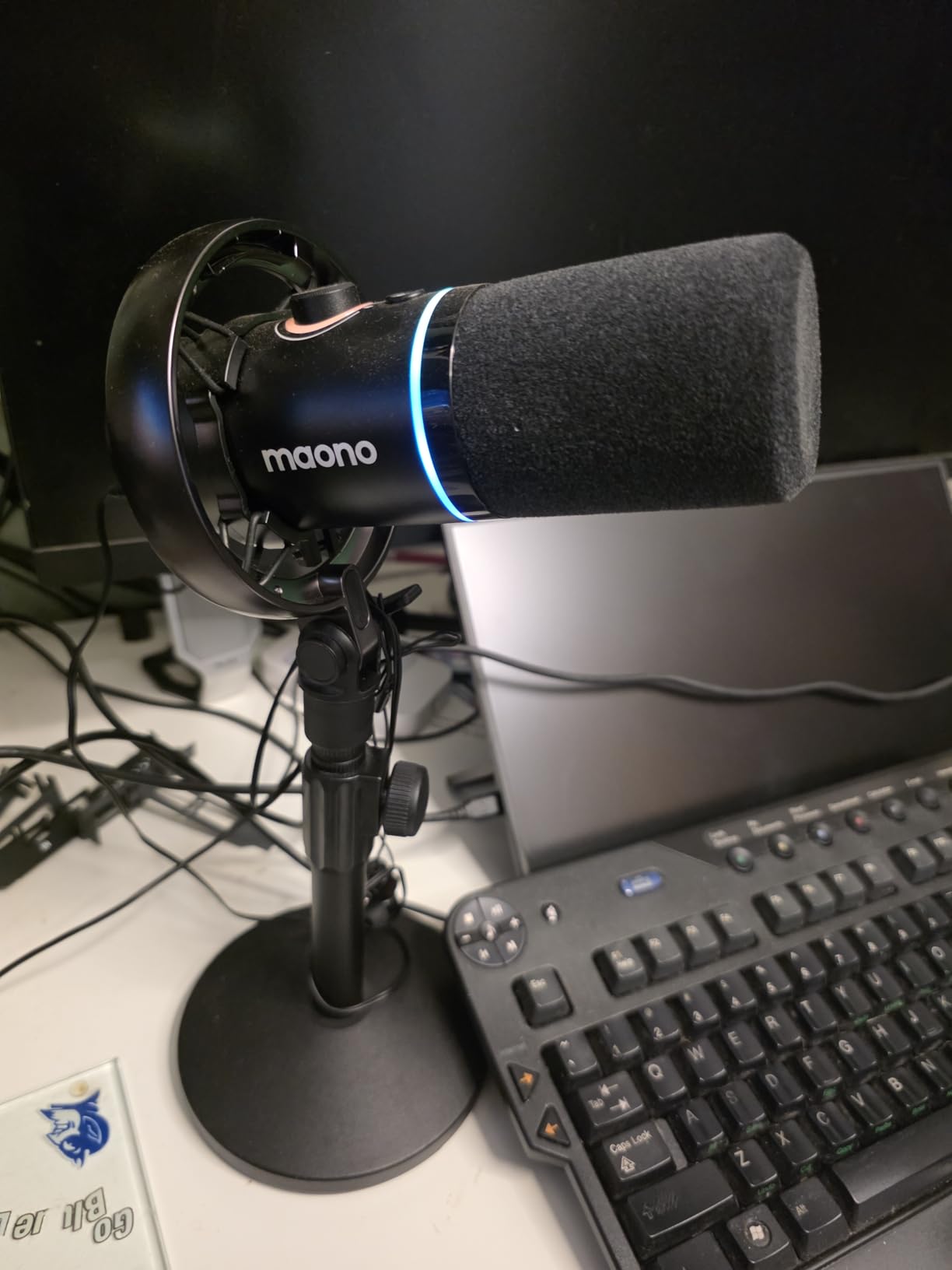
The MAONO PD200W is the best podcast microphone bundle for two hosts overall, because it is the only kit here where the microphones do not care where the recording happens. Each mic runs wireless to a single receiver, over USB into a computer, or over XLR into a conventional interface, which means the same pair covers a desk show, a camera shoot and a trip out of the house.
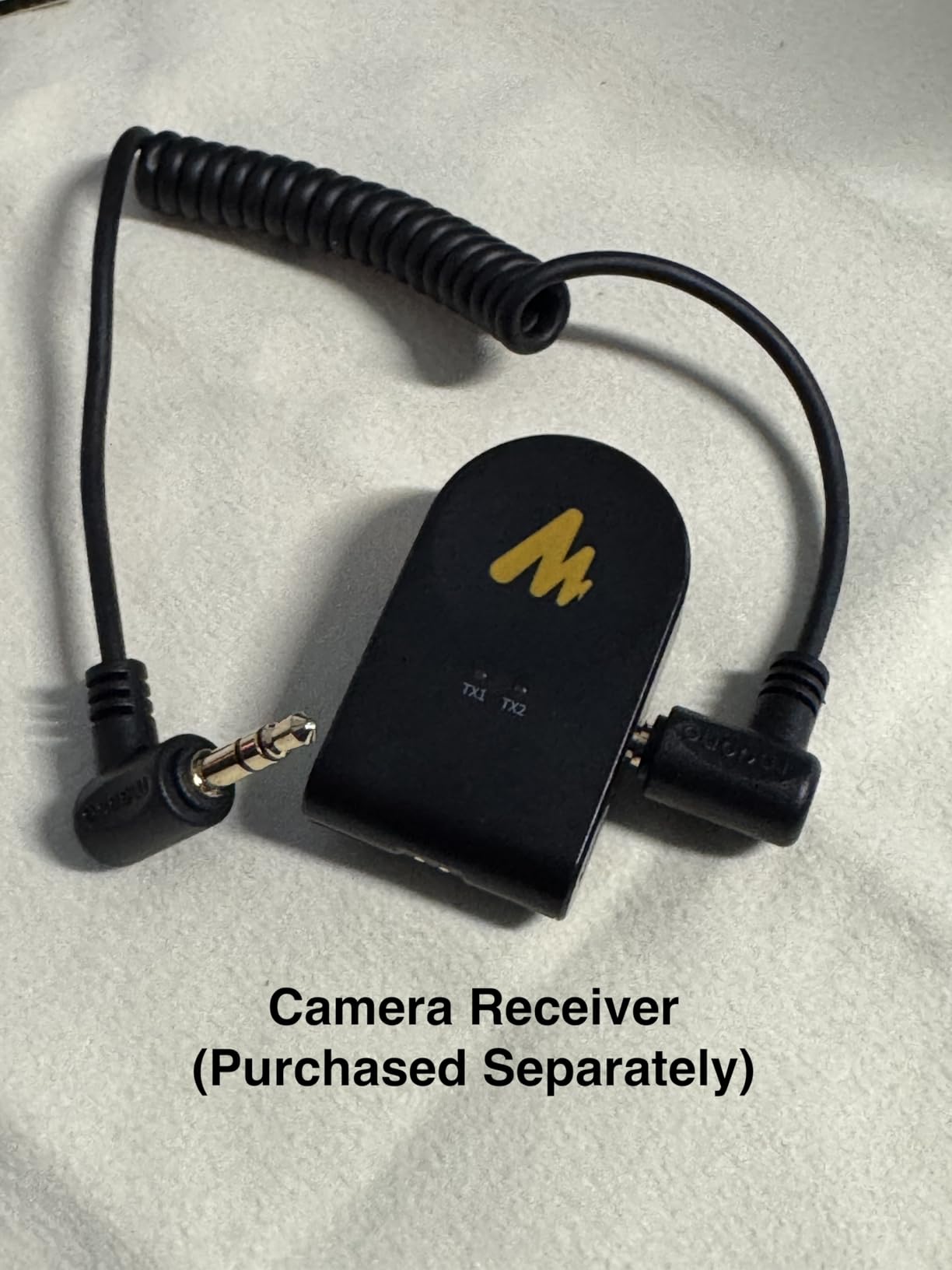
For a two-host show, the single receiver is the feature that matters most. Both mics pair to it, and each host is captured on a separate track, so editing later behaves the way a two-host conversation should. The 30mm dynamic capsule with cardioid pickup is the right call for a shared room, and the listed 82dB signal-to-noise ratio is respectable for a dynamic at this tier.
There is real software behind it. MaonoLink runs on Mac and Windows and gives you EQ, reverb control and four master-tuned presets, plus a three-stage noise reduction stage that takes the edge off room echo. Reviewers consistently single out that combination of flexible connectivity and app-based control as the reason to buy it rather than a cheaper two-mic set.
What you gain from the hybrid connection
The practical benefit is redundancy. If your show is recorded at a desk and the interface fails, the mics still work over USB. If you are filming and the computer is not in the room, wireless carries the audio. The 60m range and long battery runtime also mean a two-person interview walk-and-talk needs no cables at all.
Where it falls short
The listed channel count is one, even though the receiver pairs two microphones, so track behaviour depends on the receiver software rather than on hardware metering. Camera and Lightning accessories are not in the box, which matters if you film on a phone. Quiet voices will also need more gain than a condenser would, since a dynamic capsule is less sensitive by design.
2. Brvomussy Podcast Equipment Bundle for Two
Brvomussy Podcast Equipment Bundle for 2, Audio Interface with Voice Changer Condenser Microphones for Gamer, All-in-One Audio Mixer Perfect for Live Streaming, Singing, YouTube, Gaming
Two BM-800 condenser microphones
DSP sound card mixer
10 sound effects and 4 voice variations
Double-layer pop filters included
1 year warranty
Pros
- Mixer
- two condensers
- boom arms and earphones in one box
- Mixer supports two people broadcasting simultaneously
- Double pop filters and foam windshields for each mic
- Works with smartphones
- PCs
- consoles and major mobile systems
Cons
- Condenser capsules pick up room noise readily
- A boom arm and shock mount per mic makes a large desk setup
- Some buyers needed a full charge or driver support first
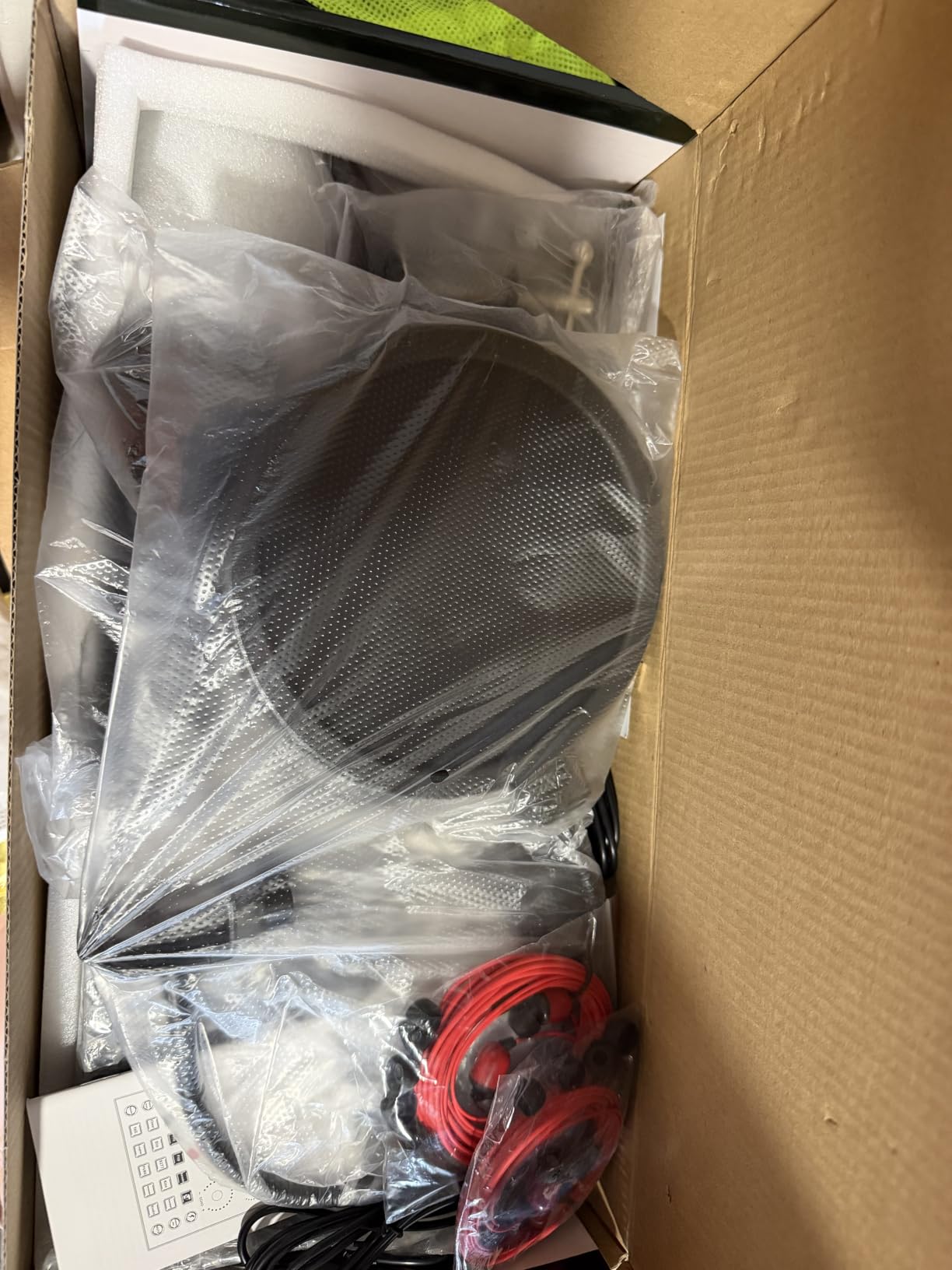
The Brvomussy bundle is the best value two-person kit on this list, and the reason is scope. You open the box and find a mixer, two BM-800 condenser microphones, two boom arms, shock holders, pop protection, foam covers, earphones and the cables. There is no second shopping trip, which is exactly the problem forum buyers keep running into when a kit ships without monitoring.
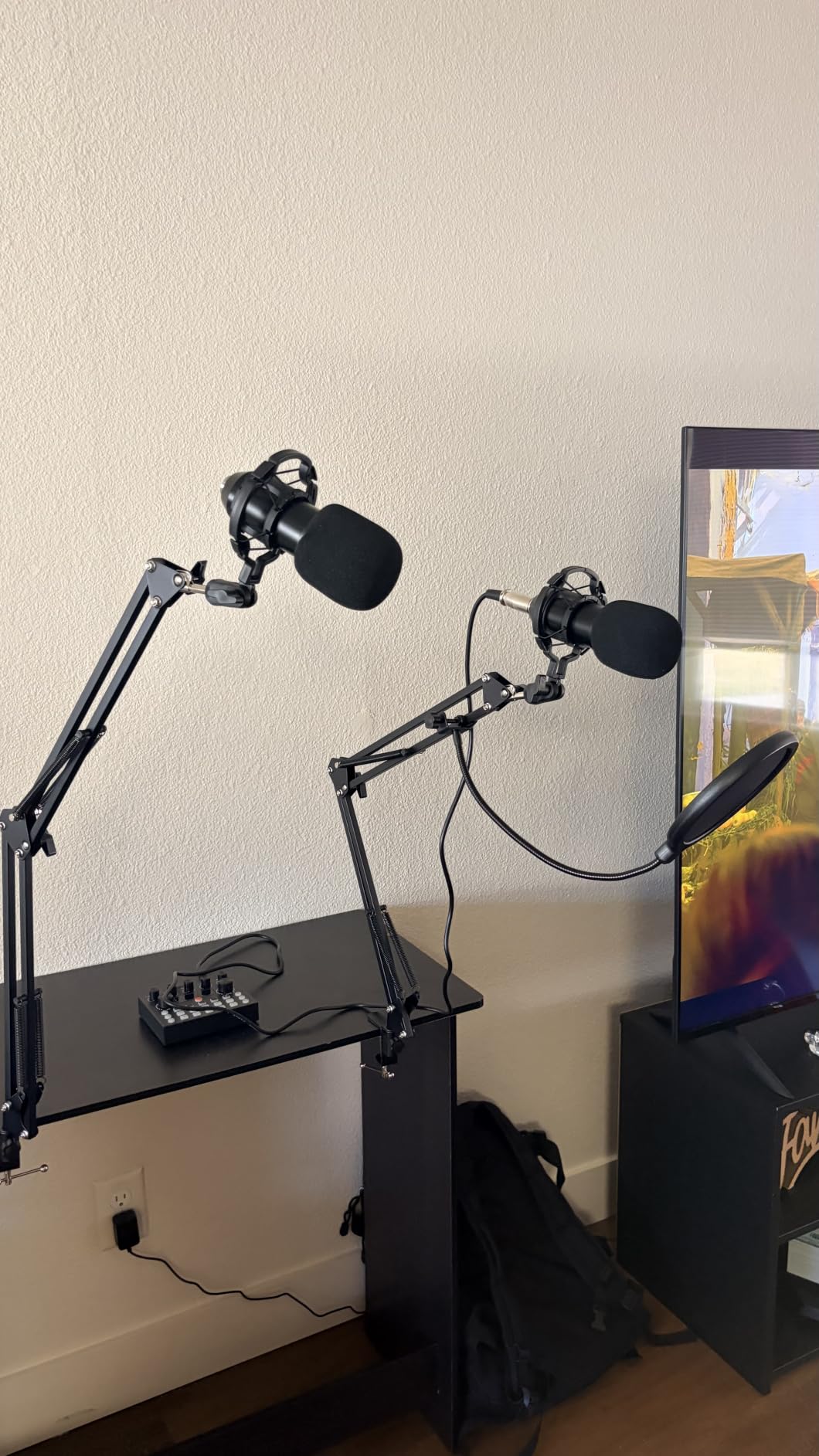
The mixer is the piece that makes it work for two. It supports two people broadcasting at the same time, with a DSP sound card underneath offering 10 sound effects, 13 functions and four voice variations. For a co-host conversation that is more than enough, and for a duo doing any kind of live format it is closer to ideal.
Compatibility is genuinely broad. The same bundle runs on smartphones, PCs, consoles, Windows, iOS, Android, Mac and Chrome OS, which makes it a safe first podcast purchase for two people who are not certain where they will record.
What the mixer actually gives you
Two-channel mixing with per-mic control is the whole value proposition. Each host gets a level, each host gets a record, and neither host is stuck speaking over the other. There is also an instrument input if you ever want guitar or bass under the conversation, which most two-host bundles at this level leave out.
Where the trade-offs sit
Two condenser microphones in one shared room is the main compromise. Condenser capsules pick up more of the room, more of the traffic outside, and more of the second speaker. Two boom arms plus two shock mounts also means a large, fiddly desk arrangement that you will assemble more than once. A few buyers also reported needing a full battery charge or driver support before the first take.
3. Movo PodPro Portable Podcast Bundle
Movo PodPro Portable Podcast Equipment Bundle for iPhone/Android Phones
MDX-2 dual-channel interface with 8 hour battery
Two CastMic cardioid dynamic XLR mics
48V phantom power
USB-A, USB-C and Lightning outputs
1 year warranty
Pros
- Full two-person mobile rig with interface
- mics
- headphones and stands
- Battery-powered interface for travel recording
- Dynamics hold up in rooms a condenser would not
- Travel case included
- Fast replacement reported by several buyers
Cons
- Second mic channel sometimes runs distorted and low
- Initial setup takes longer than expected
- Interface knobs occasionally fail to change the mix
- Support is English only
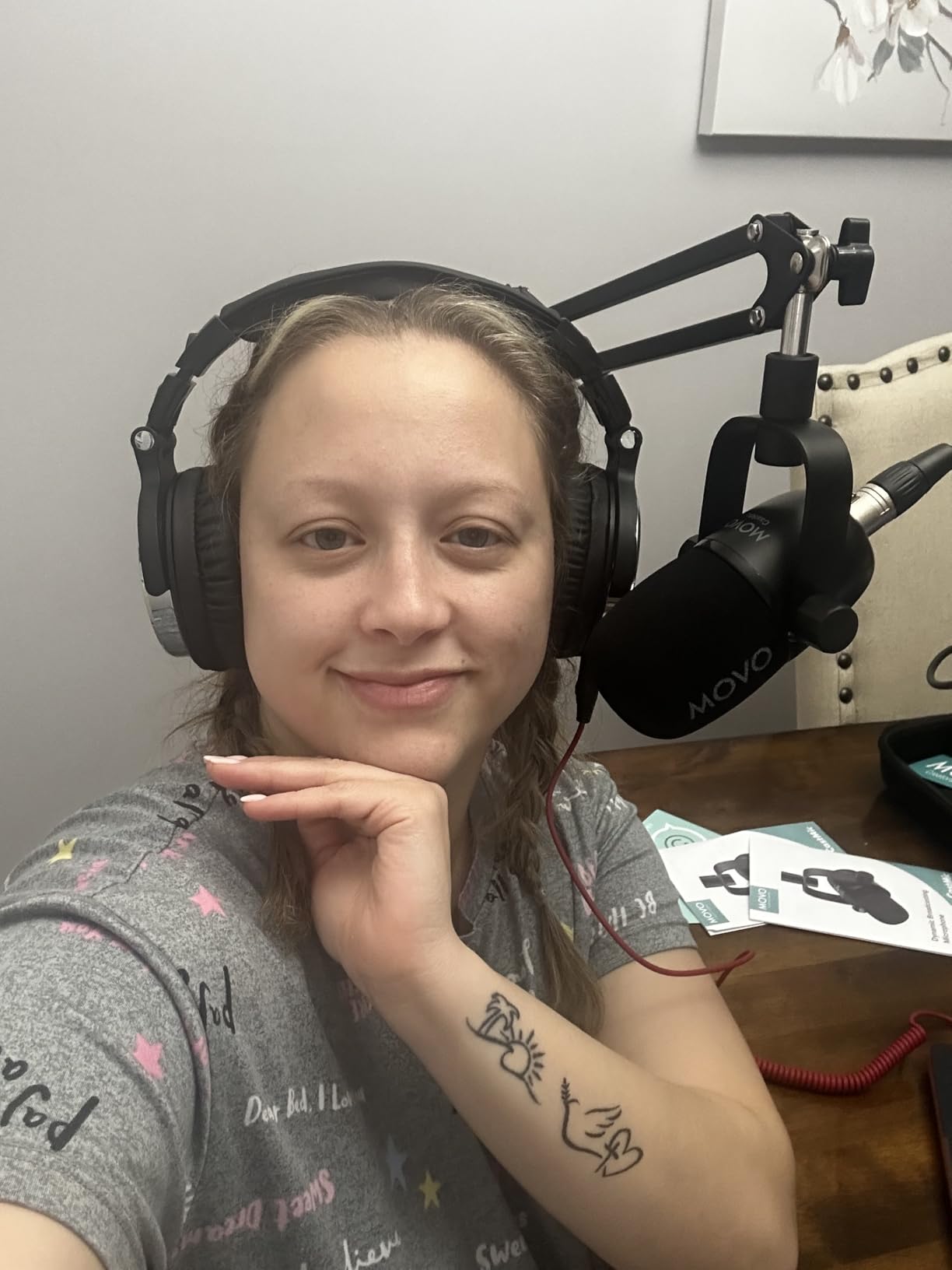
The Movo PodPro is the best bundle here for two hosts who record away from a desk. It pairs a dual-channel MDX-2 interface with two CastMic cardioid dynamic microphones, two pairs of studio headphones, two tabletop stands and XLR cables, and the whole thing runs on an internal battery for roughly eight hours.
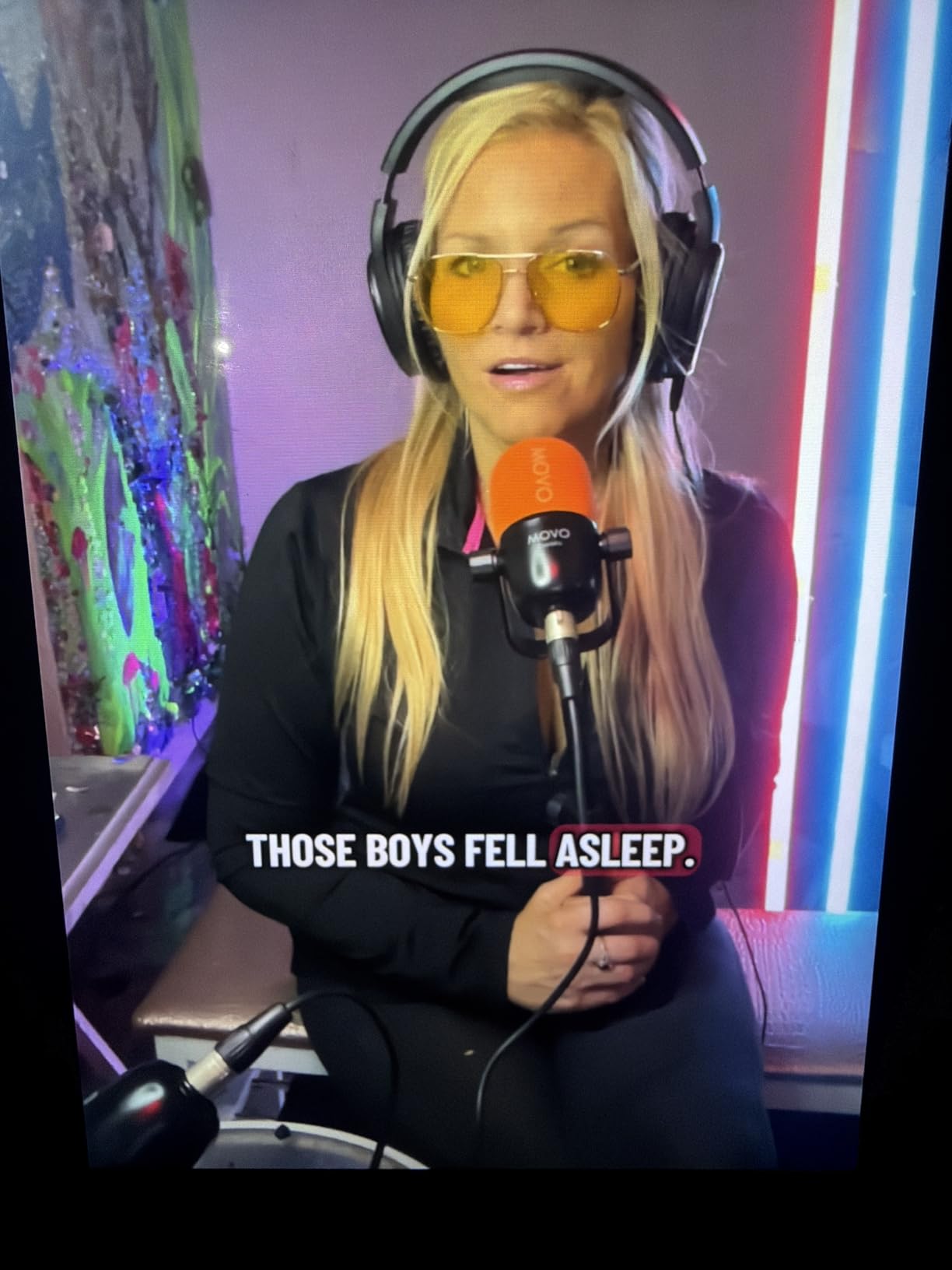
Owners regularly compare the audio favourably to much cheaper kits, and that is the dynamic capsule doing its job. Cardioid dynamics tolerate a noisy room far better than the condensers in the budget bundles, which is why this one holds up in bedrooms, guest rooms and other untreated spaces.
The connection options are the quiet strength. USB-A, USB-C and Lightning cables are all included, so the same rig goes into a PC, a Mac, an iPhone, an iPad or an Android device without an adapter hunt. Two XLR inputs with 48V phantom power and two headphone outputs mean each host monitors independently, and a travel case makes the kit genuinely portable rather than merely compact.
Who this suits best
A duo that interviews people in different locations, records on-site, or wants to start recording without buying a desk setup first. The battery and the phone cables remove the two things that most often block a mobile two-host session: power and adapters. It also pairs well with editing software such as Audacity, Adobe Audition or GarageBand.
What to watch for
The most repeated complaint targets the second mic channel, with some owners reporting distortion or low volume on it. Setup also takes longer than the box implies, and a few buyers found the interface knobs would not change the mix. The cable count adds clutter to a two-person table, and support is English only.
4. Zoom PodTrak P4next Bundle With Two ZDM-1 Mic Packs
Zoom PodTrak P4next Podcast Recorder Bundle with 2xZDM-1 Mic Packs
Four-input multitrack recorder
Two ZDM-1 supercardioid dynamic mics
Two ZHP-1 closed-back headphones
Up to 70dB gain per input
1 year manufacturer warranty
Pros
- Recorder
- microphones
- headphones
- tripods
- windscreens and cables in one box
- Four XLR inputs leave room for a third and fourth host
- Up to 70dB gain accepts demanding condensers
- Four headphone outputs with individual volume
- AI noise reduction and Tone Enhancement built in
Cons
- Recording holds two microphones
- so extra inputs need more gear
- On-board DSP is simplified versus a desktop DAW
- Bundled headphones are closed-back for long sessions
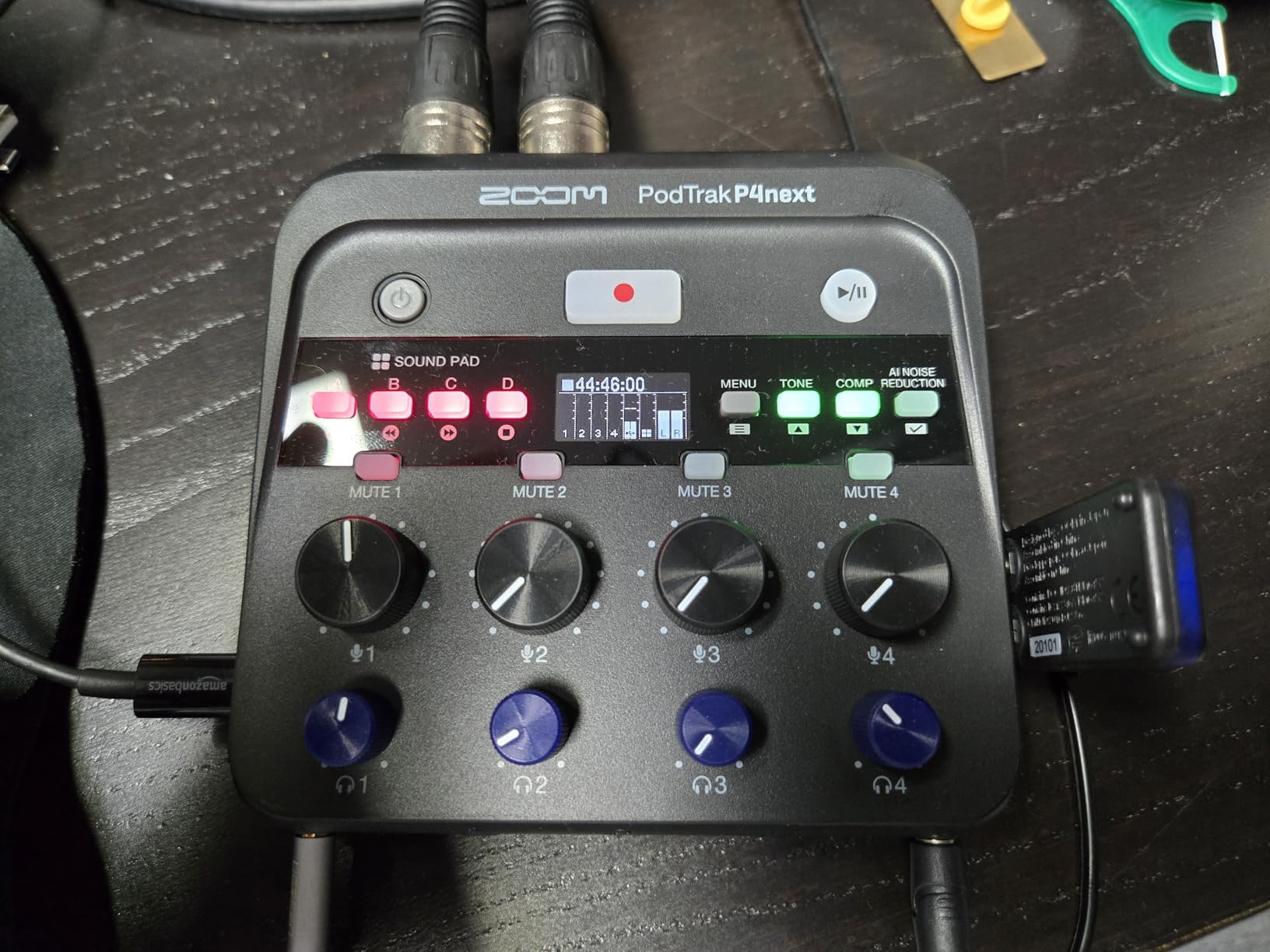
The Zoom PodTrak P4next bundle is the one to buy if a third or fourth host may join later. It ships with two ZDM-1 supercardioid broadcast dynamic microphones, two ZHP-1 closed-back headphones, two tabletop tripods, two windscreens and two XLR cables, all paired with a four-input multitrack recorder.
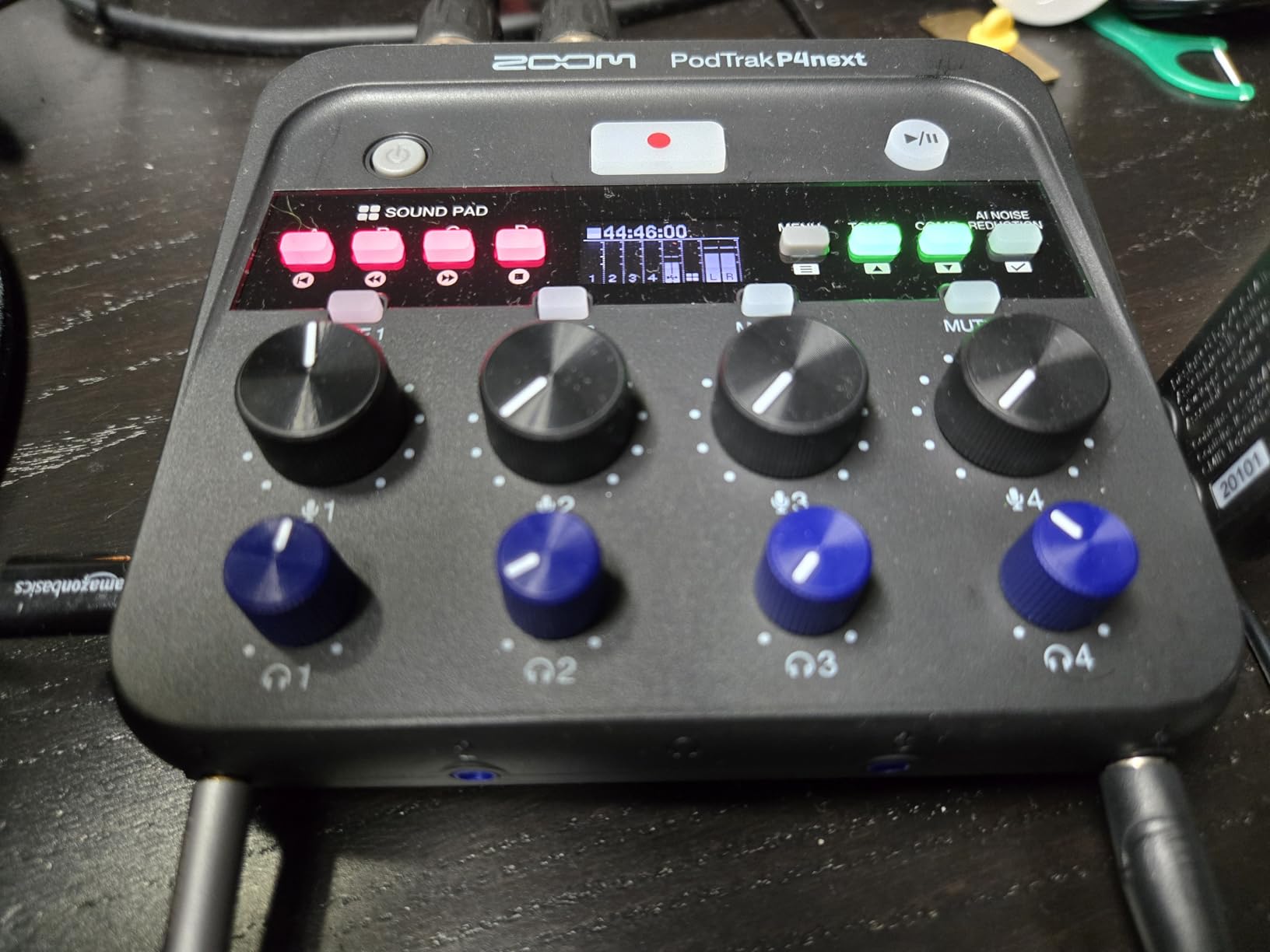
The four XLR inputs are the reason to look twice. Two hosts use two of them, and the remaining two stay available for a guest in the room or a call-in participant. Gain runs up to 70dB per input, which is high enough to run a demanding condenser if your room is treated rather than a bedroom.
Monitoring is handled properly, with four headphone outputs and individual volume controls so each host sets their own level. AI noise reduction, Tone Enhancement and a compressor are built in, which shortens post-production considerably for a new show, and the unit can record straight to a phone for synced video capture.
Why four inputs matter later
Most two-host bundles are dead ends. When the third person arrives you are buying a splitter, more cables and another way to monitor. Here you simply plug in. That is a real cost difference over a two-year podcast life, and it is the reason this kit earns a slot despite being more than a two-host bundle strictly needs.
What the extra hardware costs you
You are paying for capacity you may not use on day one, and the recorder itself only captures two microphones from the supplied set, so additional inputs still need their own mics. The on-board DSP is simplified next to a full desktop DAW, and the bundled headphones are closed-back, which some listeners find tiring across a long session.
5. TENLAMP G10 Creator Audio Mixer Bundle With Dual Microphones
TENLAMP G10 Creator Audio Mixer Bundle with Dual Microphones
G10 sound board with two 3.5mm condensers
Zero-latency headphone monitoring
Independent gain per channel
Follow Singing mode
Bluetooth and USB-C
Pros
- Purpose-built for two creators with matched microphones
- Follow Singing mode keeps backing tracks out of the audience mix
- Zero-latency monitoring with independent per-channel gain
- Plug-and-play on PC
- Mac
- iPhone and Android with no drivers
Cons
- Highest one-star share in this group at 13 percent
- Microphones connect through 3.5mm jacks rather than XLR
- Effects-heavy design helps less for straight conversation
- Uneven quality control between units
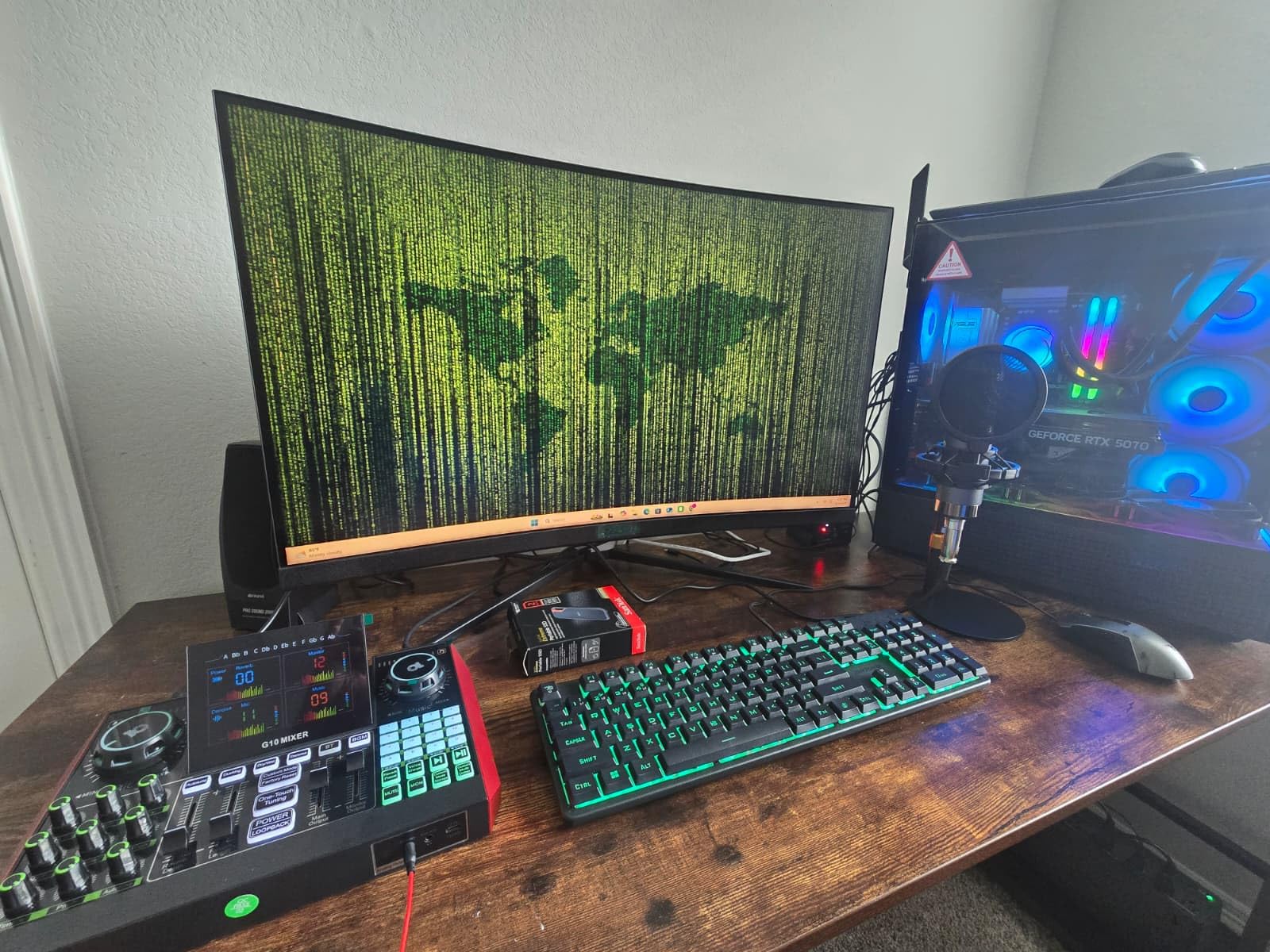
The TENLAMP G10 is built for two creators recording together in a live format rather than for a quiet conversation. It pairs a G10 live sound board with two matched condenser microphones on desktop stands, and the mixer layout is designed around two people working at once.
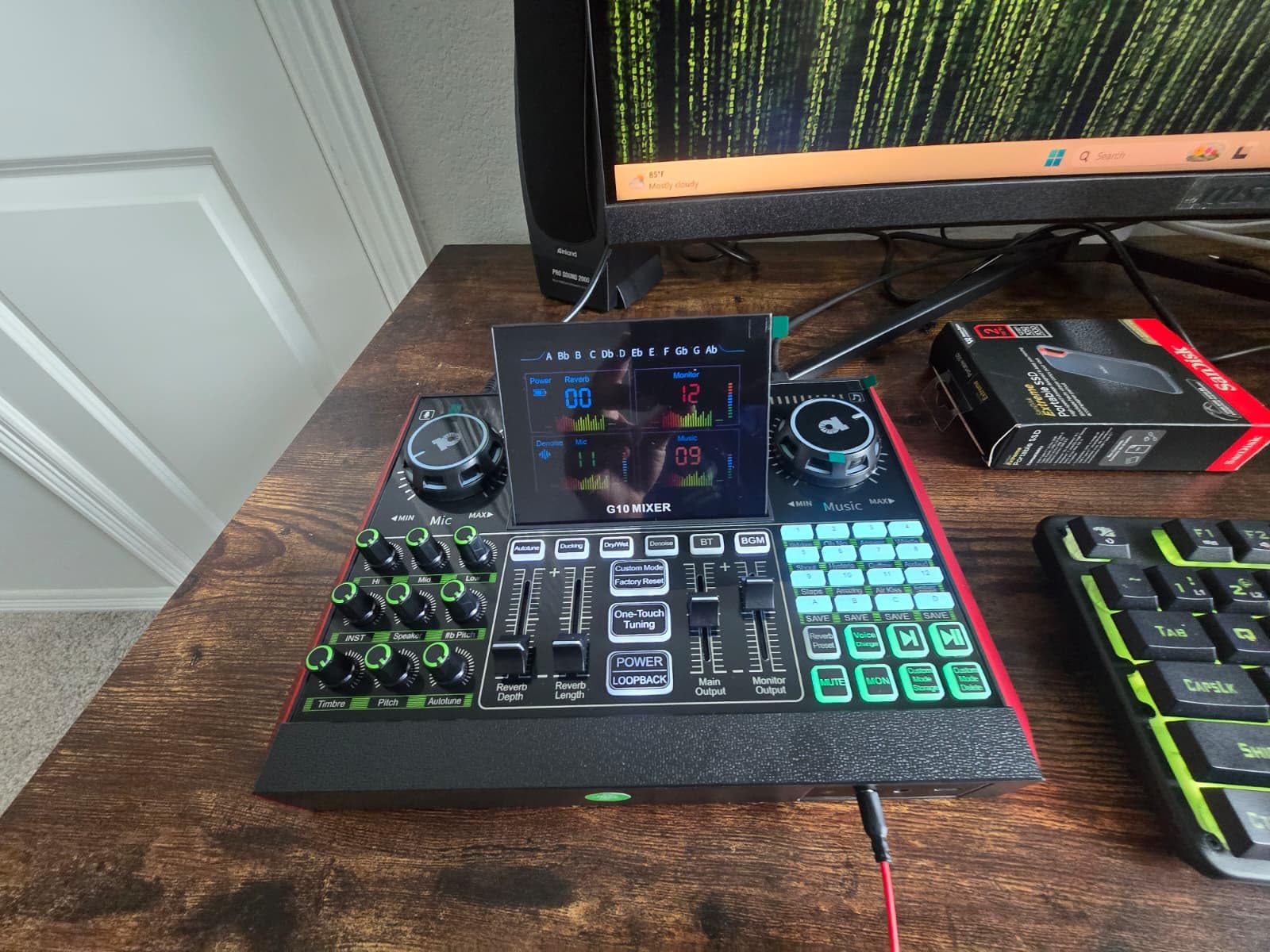
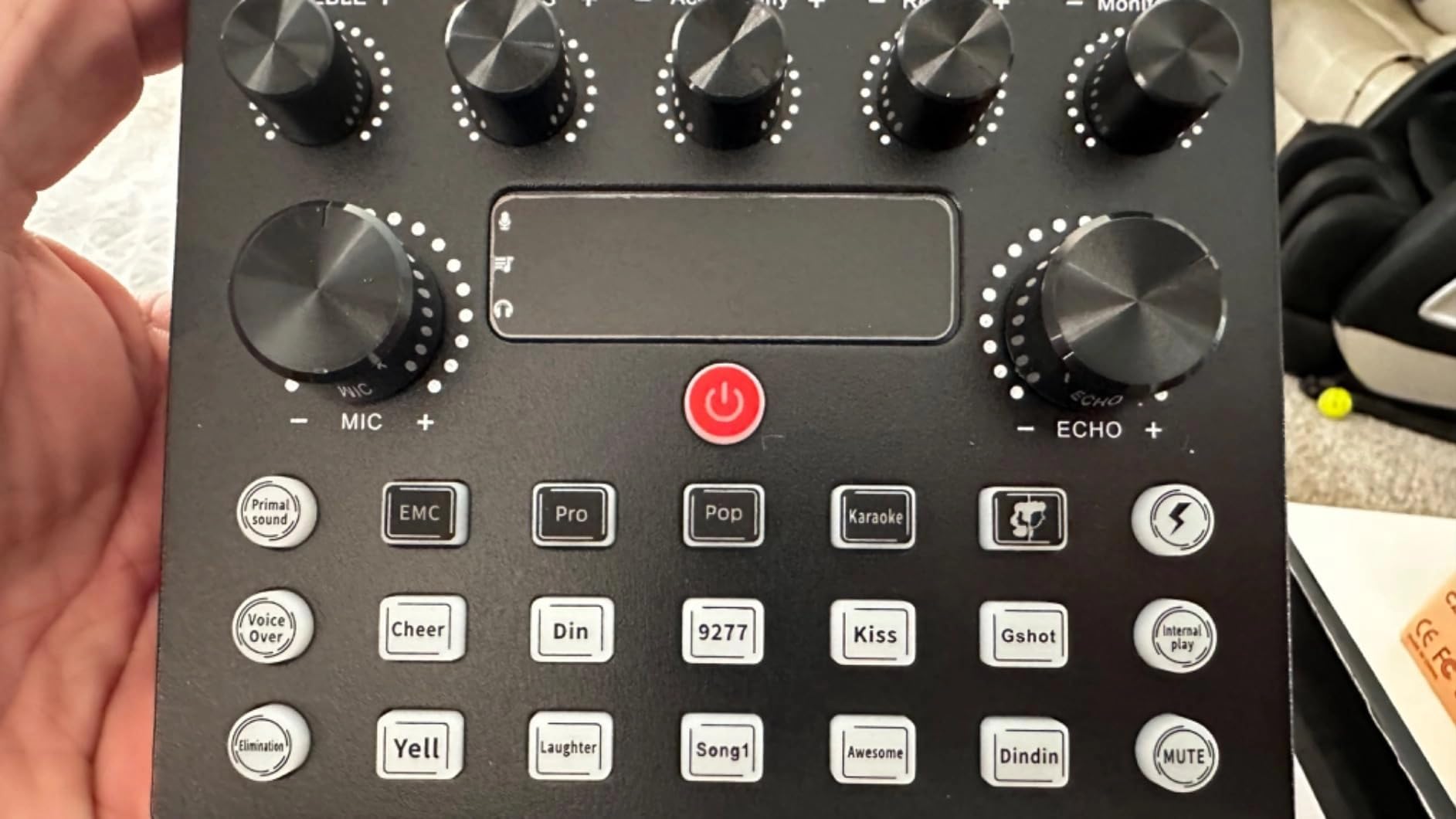
The features that matter for a duo are specific and good. Follow Singing mode separates a backing track from the audience mix, which is the problem every two-host stream hits. Zero-latency headphone monitoring with independent gain and a one-click mute per channel means each host hears themselves and can drop out without touching the other host’s chain.
There is also a voice changer, auto-tune, reverb and pitch control, and it runs on PC, Mac, iPhone and Android without drivers. It also carries the largest review base in this group, which makes the rating spread easy to read. If the show is going out to a console crowd rather than a podcast feed, our console accessory bundle roundup covers the capture side that usually gets overlooked.
Where the two-channel design earns its keep
Independent per-channel gain and per-channel mute are the two controls a two-host show touches every session. Having both on the board means neither host has to reach for software settings mid-recording. Zero-latency monitoring also removes the delay that otherwise makes live two-host conversation awkward.
What the review spread tells you
At 4.1 from a large review count, this is the lowest average here, and the distribution explains it. Thirteen percent of ratings sit at one star with another large block at two stars, which points to uneven quality control between units rather than a design flaw. The 3.5mm microphone connections are also less serviceable than XLR, and the effects library buys you little if you are recording straight dialogue.
6. ALPOWL Podcast Equipment Bundle for Two
Podcast Equipment Bundle For 2, ALPOWL Audio Interface with Cardioid Designer BM800 Mic for Gamer and All-In-One DJ Mixer, perfect for Live Streaming, Singing, YouTube, Gaming
Two BM-800 cardioid condensers
V8 live sound card
Scissor arm stands and shock mounts
365-day replacement service
1 year warranty
Pros
- Lowest-cost way to get two microphones
- a mixer and all mounting gear
- Scissor arms
- shock mounts
- pop filters and foam caps for both mics
- Plug-and-play on Windows and Mac with no phantom power
- Backed by a 365-day replacement service
Cons
- Condenser capsules pick up background noise readily
- 78dB signal-to-noise and 78dB audible noise are modest
- Effect-led sound card suits gaming more than dialogue
- Generic shared model designation across the parts
The ALPOWL bundle is the budget pick, and the honest way to describe it is that it is a complete two-person kit at the lowest entry point we found. Two BM-800 cardioid condenser microphones, a V8 live sound card, scissor arm stands, shock mounts, double-layer pop filters, foam caps and earphones all ship together.
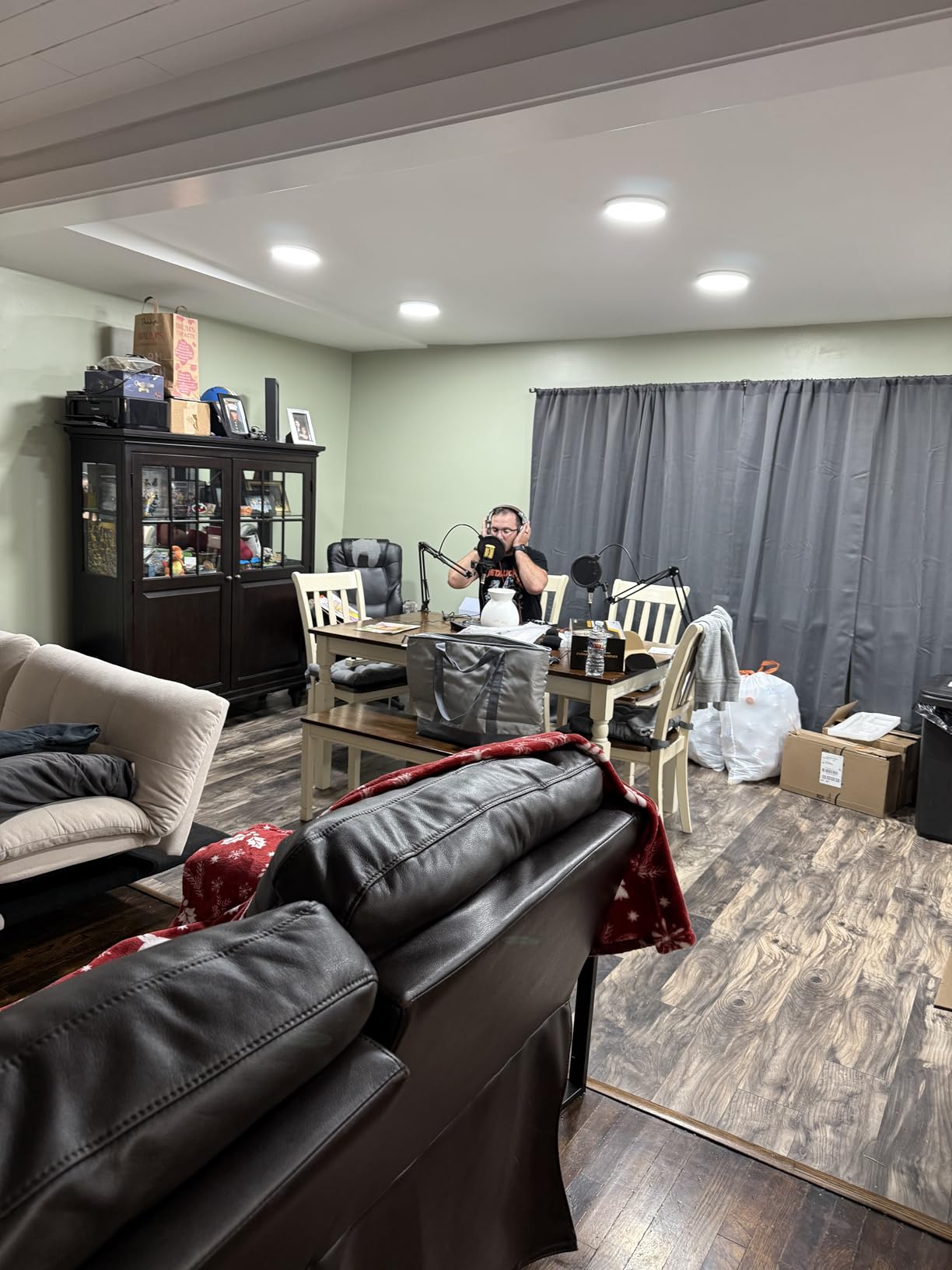
Two details make it friendlier than it looks. It needs no phantom power, so there is no preamp hunt and no gain that only opens up with the right switch. And the suspension scissor arms let both hosts set the same distance from their mouths, which is the single most effective thing a two-host setup can do for consistency.
It also works with OBS, Audacity and iMovie, plus smartphones and consoles, and it comes with a 365-day replacement service and lifetime technical support. That replacement window is longer than the one-year warranty on most kits in this group, which matters at this price.
Why no phantom power is a real advantage
Condenser microphones normally need 48V phantom power from an interface. Removing that requirement means one less setting to get wrong before your first take, which is a genuine win for a duo recording their first episodes and not wanting to read a manual first.
What you give up at this price
The audio ceiling is low. A listed 78dB signal-to-noise ratio and 78dB audible noise are modest, and condenser capsules in an untreated room will record traffic, hum and both hosts at once. The sound card is effect-led and designed more for gaming and streaming than for a two-host conversation, and the parts share one generic model designation, which makes support questions harder to answer.
7. Movo PodPak2T Two-Pack Condenser Microphone Bundle
Movo PodPak2T 2-Pack Universal XLR Condenser Microphone Podcasting Equipment Bundle for 2 – Includes 2 Cardioid Mics, Desktop Stands, Shock Mounts, Pop Filters and Cables – Podcast and YouTube Kit
Two cardioid XLR condenser microphones
48kHz and 16-bit with zero latency
20Hz to 20kHz response
Dual-layer pop filters
1 year warranty
Pros
- Two matched cardioid condensers in one bundle
- 48kHz and 16-bit capture with zero latency
- Stands
- shock mounts
- pop filters
- windscreens and XLR cables all included
- Height-adjustable steel desktop stands suit two hosts
- Also sold in one-pack and four-pack sizes
Cons
- No audio interface or mixer included
- Microphones need 48V phantom power
- Condenser sensitivity captures room noise
- Single-channel spec means two separate inputs required
The Movo PodPak2T is the cleanest matched pair in this group. Two identical cardioid condenser microphones, which matters more than most buyers expect: matched capsules mean matched tone, and tone you can correct with gain still has to be corrected with EQ.
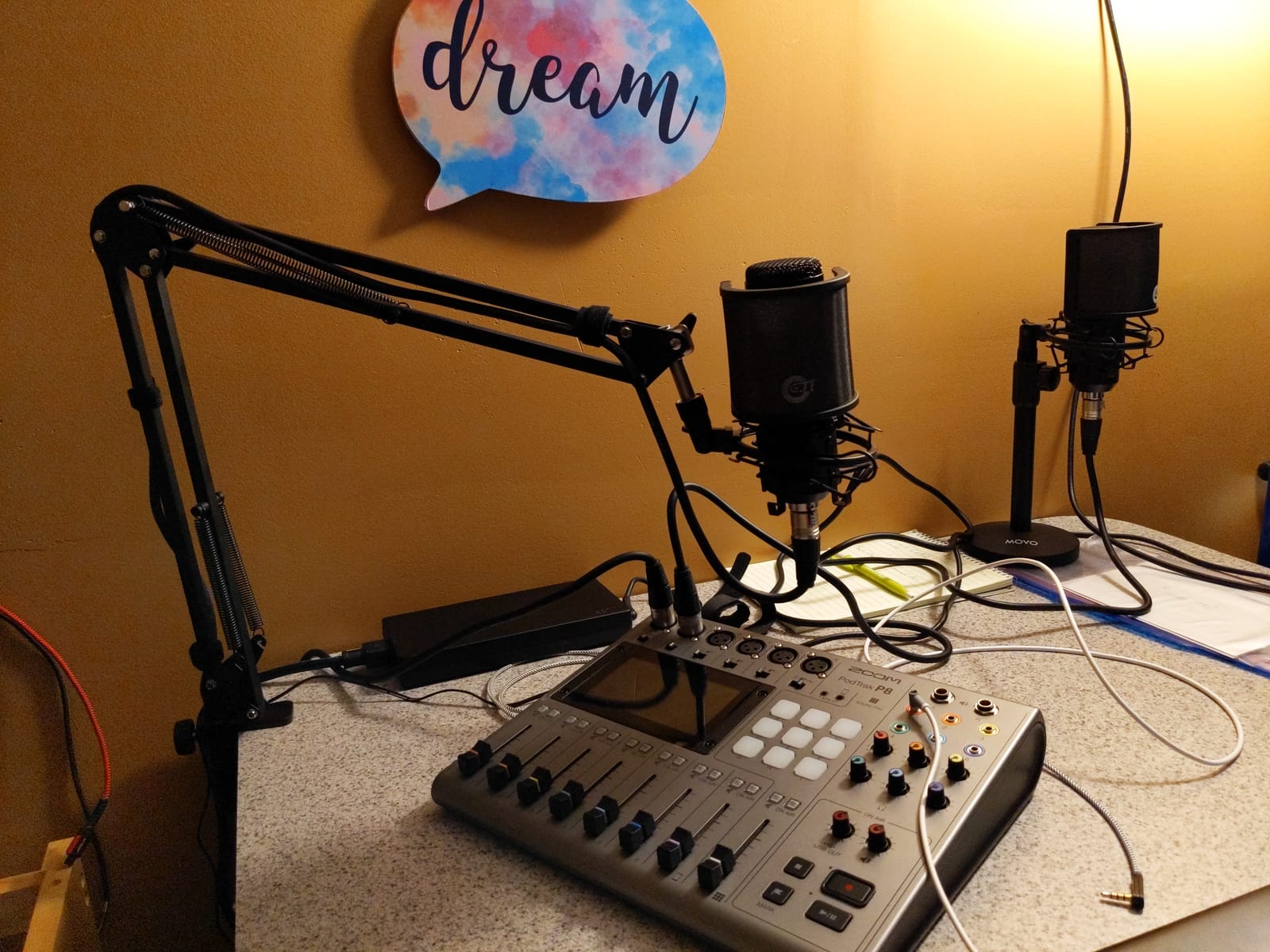
The accessory list is unusually complete for a mic pair. You get two height-adjustable steel desktop stands, two shock mounts, two dual-layer nylon mesh pop filters, foam windscreens and XLR cables, so apart from an interface the two hosts are ready to record. Capture is 48kHz at 16-bit with a 20Hz to 20kHz response and zero latency.
The stands deserve a specific mention for two-host work. Height adjustability is what lets a taller and a shorter host sit at the same effective distance, which is where level consistency actually comes from.
What this bundle does not include
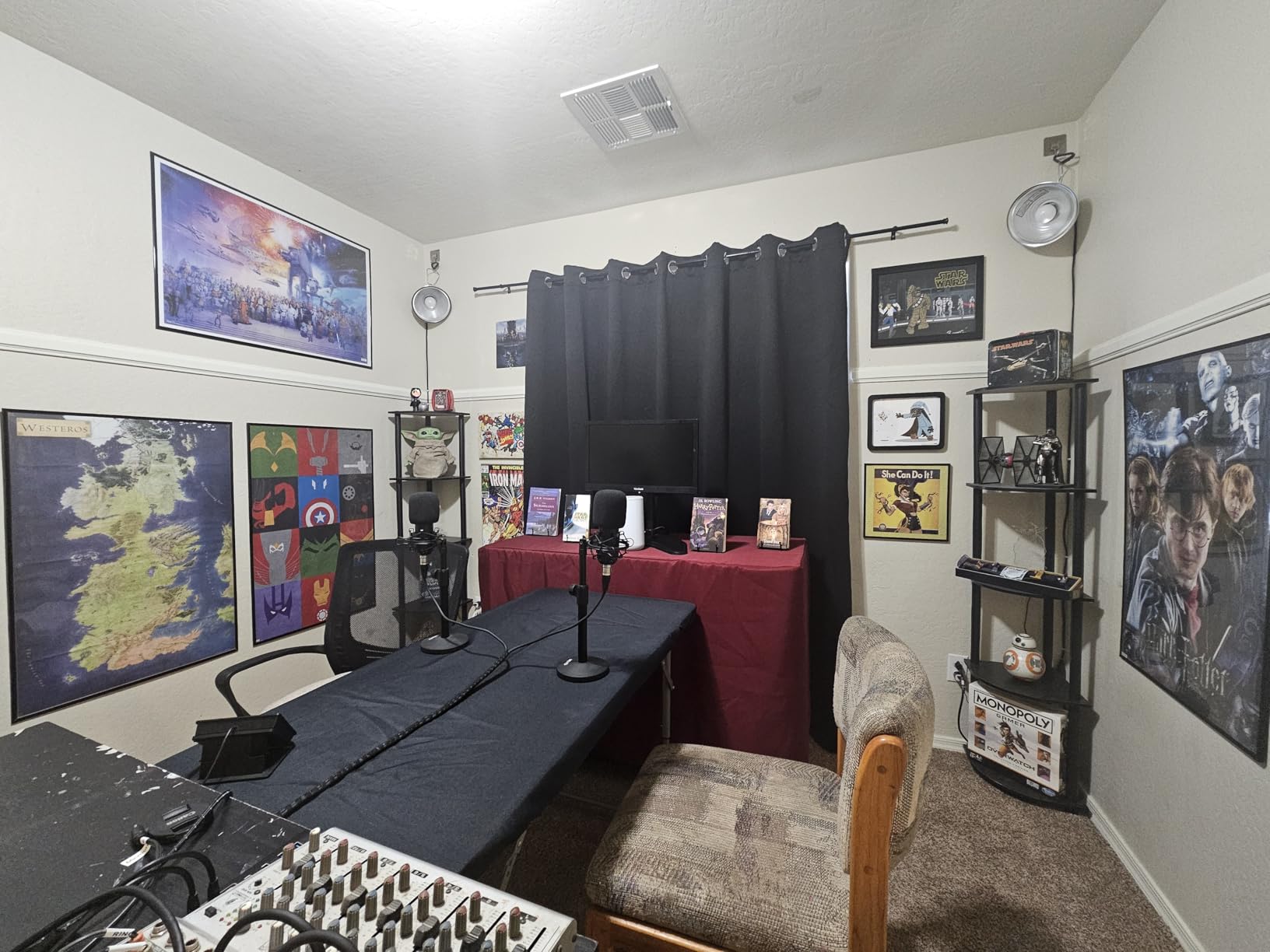
There is no interface or mixer here, and both microphones need 48V phantom power from whatever hardware you pair them with. That is the deciding question for this kit: if you already own an interface, or your plan is to buy one, this is a matched pair at a good price. If you are starting from nothing, it is only part of a setup.
Room considerations for a condenser pair
Condenser sensitivity is the defining trade-off. It means the microphone hears the room, the traffic outside, and the second host as clearly as it hears the first. Cardioid pickup limits some of that, but it does not remove it, and in a shared room with two speakers the reflections add up faster than they do with one.
8. MAONO MaonoCaster AME2 Duo Bundle
MAONO-MaonoCaster-Podcast Equipment Bundle for 2-includes All-in-one Audio Interface with Premium Mic Preamp, XLR Condenser Microphone, and 3.5MM Mic for Podcast Recording, Streaming, DJ (AME2 Duo)
All-in-one interface with XLR and 3.5mm inputs
Preamp with phantom power to 60dB
32-bit chipset with denoise
Eleven custom sound pads
1 year warranty
Pros
- One interface takes both an XLR mic and a 3.5mm mic
- Premium preamp with phantom power and three gain levels to 60dB
- 32-bit chipset with built-in denoise
- Eleven custom pads with one-key looping
- Sidechain
- music-only and loopback switches
Cons
- The two microphones are different types
- so matching takes work
- Effect-heavy feature set exceeds a two-host conversation
- Condenser sensitivity exposes untreated rooms
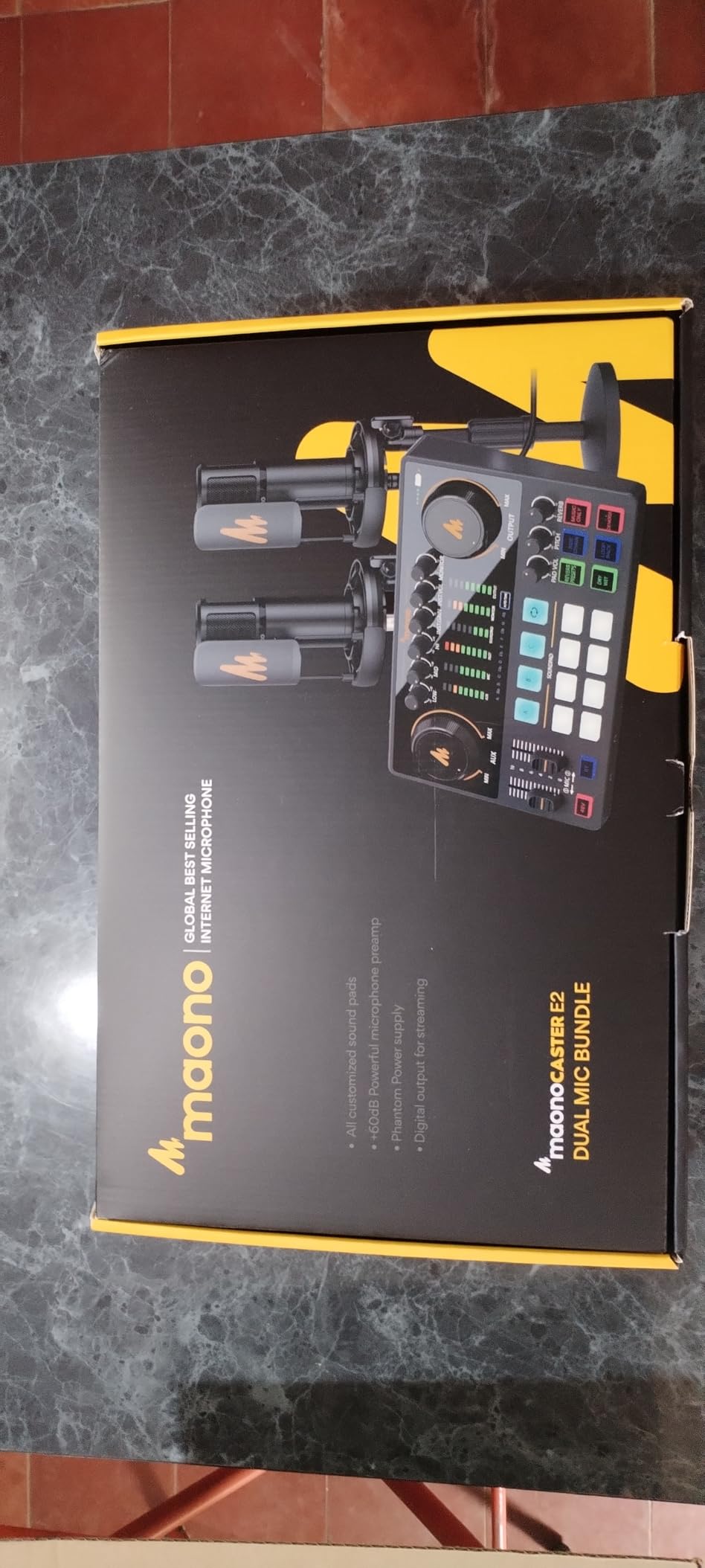
The MAONO MaonoCaster AME2 Duo is the bundle to consider when the show is not only a conversation. Its distinguishing feature is an interface that accepts an XLR microphone and a 3.5mm microphone at the same time, so one host can use a proper studio mic while the other uses a simpler one on the same box.
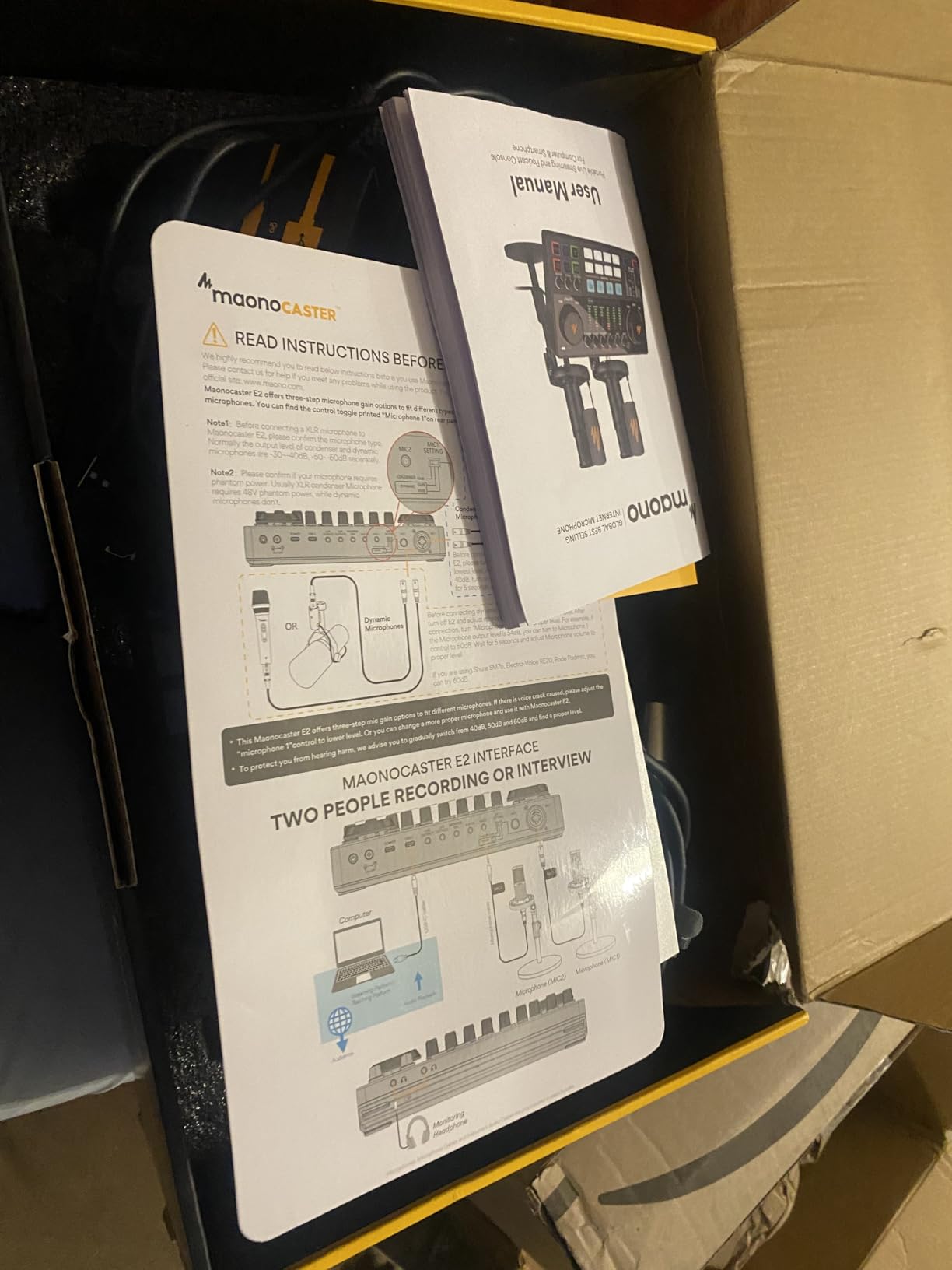
Underneath, the preamp is the strongest in this group for a kit at this level. It provides phantom power and three gain levels reaching 60dB, and the 32-bit chipset carries a denoise function that improves the default sound before you touch an editor. Eleven custom pads, three of which record up to a minute, cover intros, stingers and outros without a second device.
There are six reverb modes, a 12-step auto-tune, treble, mid and bass EQ, and pitch control, plus sidechain, music-only and loopback switches. Shock mounts, table stands, metal pop filters and both XLR and TRRS cables are in the box.
When a mixed microphone pair helps
One host on XLR and one on 3.5mm is a genuine advantage when one person is a better, louder talker than the other, or when you want a spare input for a lavalier or a headset. The interface handles both without a second box, and independent mic input control means each channel is separate on the way into the computer.
The matching problem
Because the two supplied microphones are different types, one XLR and one 3.5mm, gain and tone matching between hosts takes real work rather than a single knob. The effect set is also deeper than a straight two-host conversation needs, and the condenser sensitivity means an untreated room stays audible in the recording.
9. Hayner-Seek M100 Dual XLR Dynamic Microphone Kit
M100 Podcast Equipment Bundle,2 XLR Dynamic Mics & Audio interface
Two metal dynamic XLR microphones
Dual XLR inputs on the console
Independent mic volume and real-time monitoring
8 sound effects and 4 voice changes
90-day warranty
Pros
- Dynamic XLR microphones stay quiet in untreated rooms
- Console-free one-box design for mic control and monitoring
- Dynamics hold up with an air conditioner running nearby
- Instrument input accepts guitar or bass
- Customer service replaced a defective unit quickly
Cons
- Only two of four inputs are XLR
- Minimal documentation for phone and Bluetooth setup
- Some units reported weak denoise and low output
- Only a 90-day manufacturer warranty
The Hayner-Seek M100 is the answer when a dynamic microphone is non-negotiable. Two metal-construction dynamic XLR mics sit alongside a console that accepts both, which is unusual at this price and puts a full two-person chain on one desk.
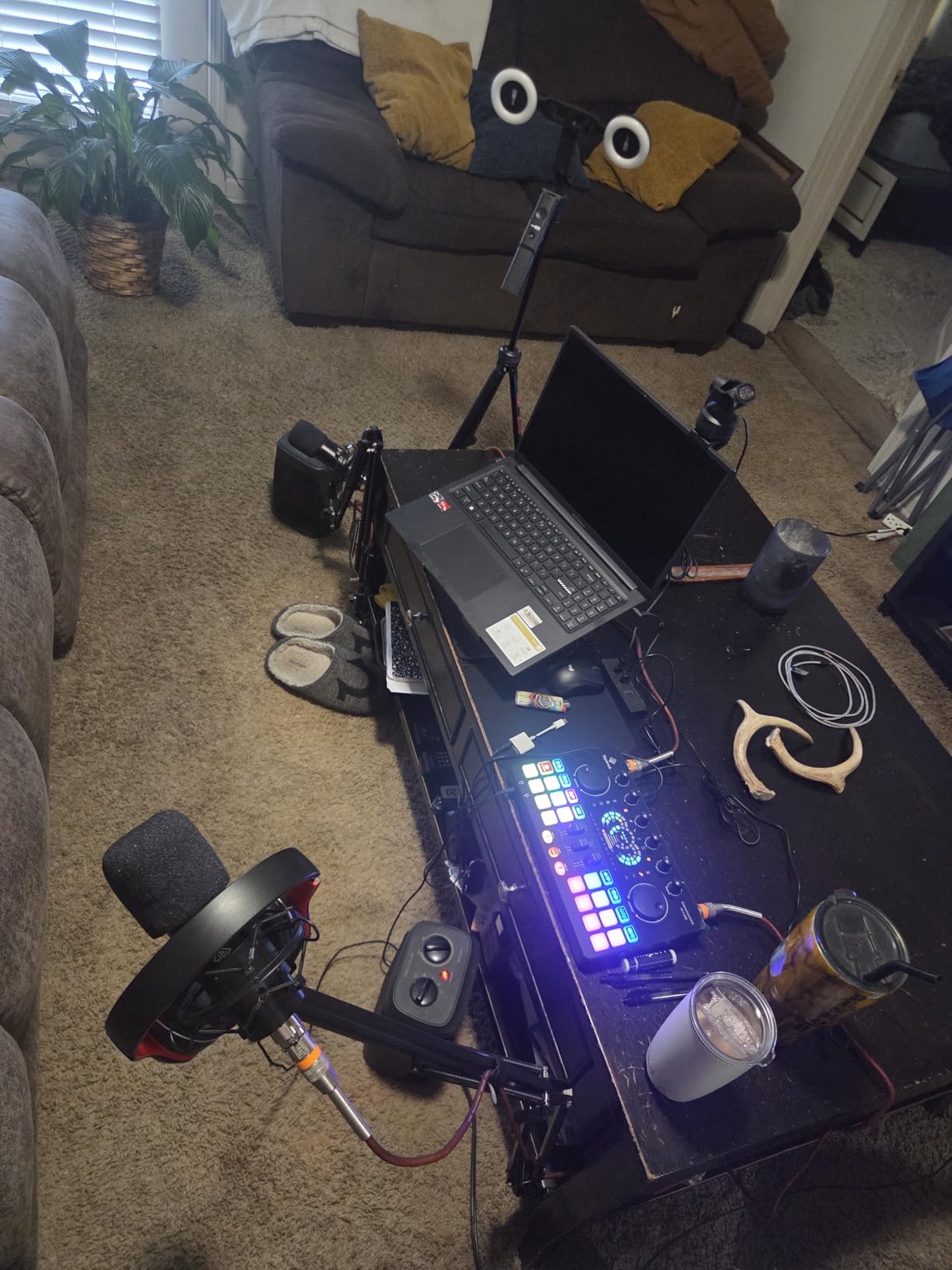
Dynamics are the right call for the rooms most first-time duos actually record in. Reviewers note the capsules rejecting room noise well even with an air conditioner running nearby, and they handle plosives better than the condenser kits above. The one-box design puts mic control, effects and monitoring in a single unit with independent mic volume, one-click mute and real-time monitoring.
There are 8 sound effects, 4 voice changes and 12 auto-tune settings, plus a 6.5mm instrument input if you want guitar or bass under the conversation, and it is plug-and-play with PCs, laptops, smartphones, tablets, PS4 and Xbox.
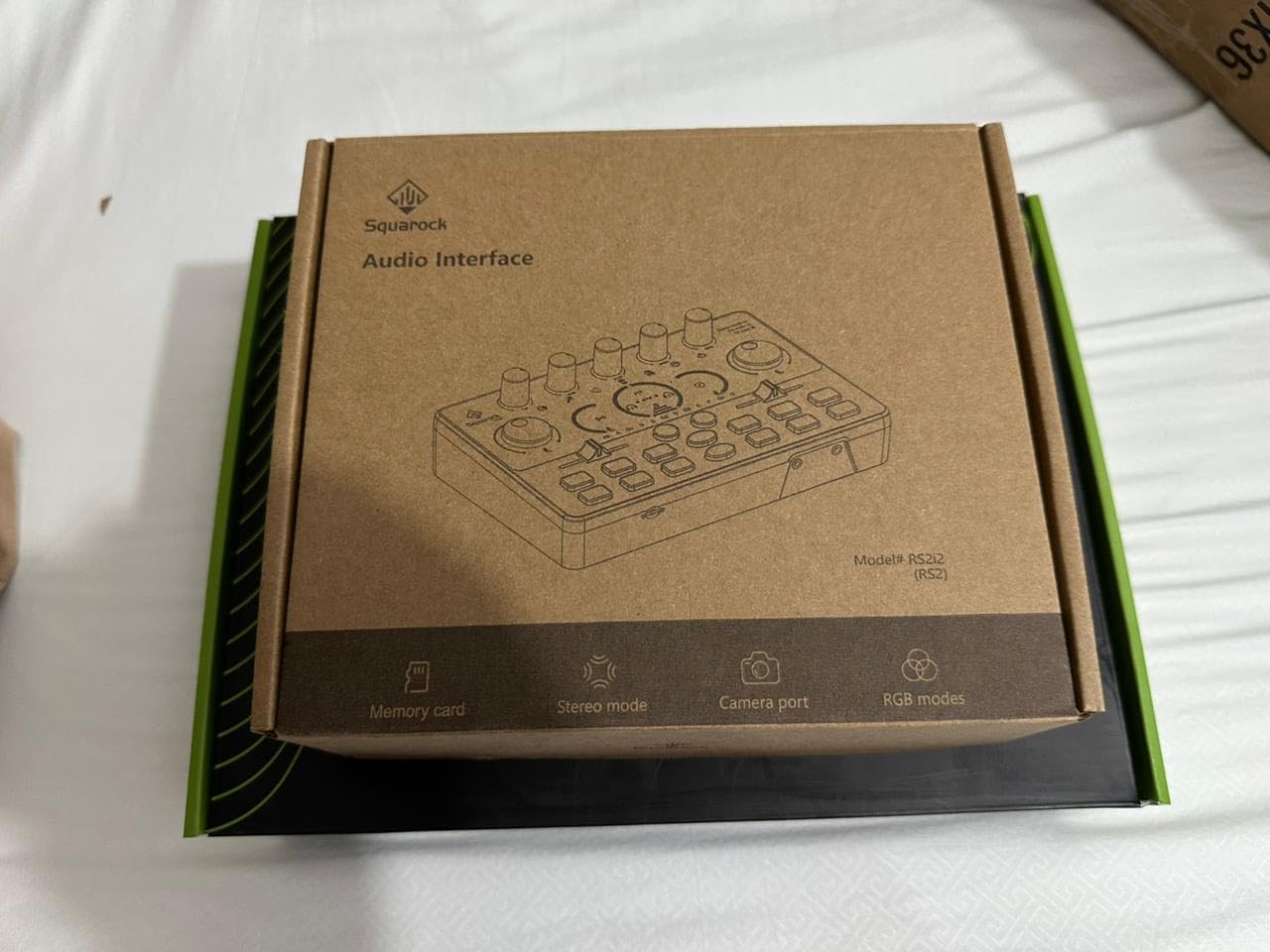
Why dynamics win in a shared room
A dynamic capsule needs the mic close, which is also where you want it for two-host work. Placed at the same short distance for both hosts, they reject most of the room and the second speaker. That is why this kit is the sensible answer to a noisy apartment, and why it is one of the few options here that does not need treatment to be usable.
What to check before buying
Only two of the four inputs are XLR, so a third and fourth microphone needs a splitter. Documentation is thin, which makes the Bluetooth and phone setup hard for a first-time user. A small number of buyers reported weak noise reduction and low output on the units they received, and the 90-day manufacturer warranty is the shortest in this group by a wide margin.
10. Hayner-Seek P2 Two-Person Condenser Kit
P2 Podcast Equipment Bundle for 2,Condenser Mics with Audio Mixer Streaming
Two condenser microphones and boom arms
Mixer with noise reduction dial
120kHz sample and 24-bit capture
7 sound modes and 12 effects
Works with OBS and Zoom
Pros
- Lowest-cost complete kit with two condensers
- two boom arms
- mixer
- earphones and cables
- Noise reduction dial is effective for the money
- Quick to assemble and beginner friendly
- Wide compatibility including OBS
- TikTok and Zoom
Cons
- Condenser capsules need the mic close or audio cuts out
- Two people on separate headsets cannot hear each other
- Computer connection needs a data cable rather than a charge cable
- Thin manual and unhelpful QR support link
The Hayner-Seek P2 is the simplest complete two-person kit here, and the best first purchase for a duo who has never recorded before. Two condenser microphones, two cantilever boom arms, a mixer with noise reduction, earphones and cables are all in the box, and it assembles in minutes.
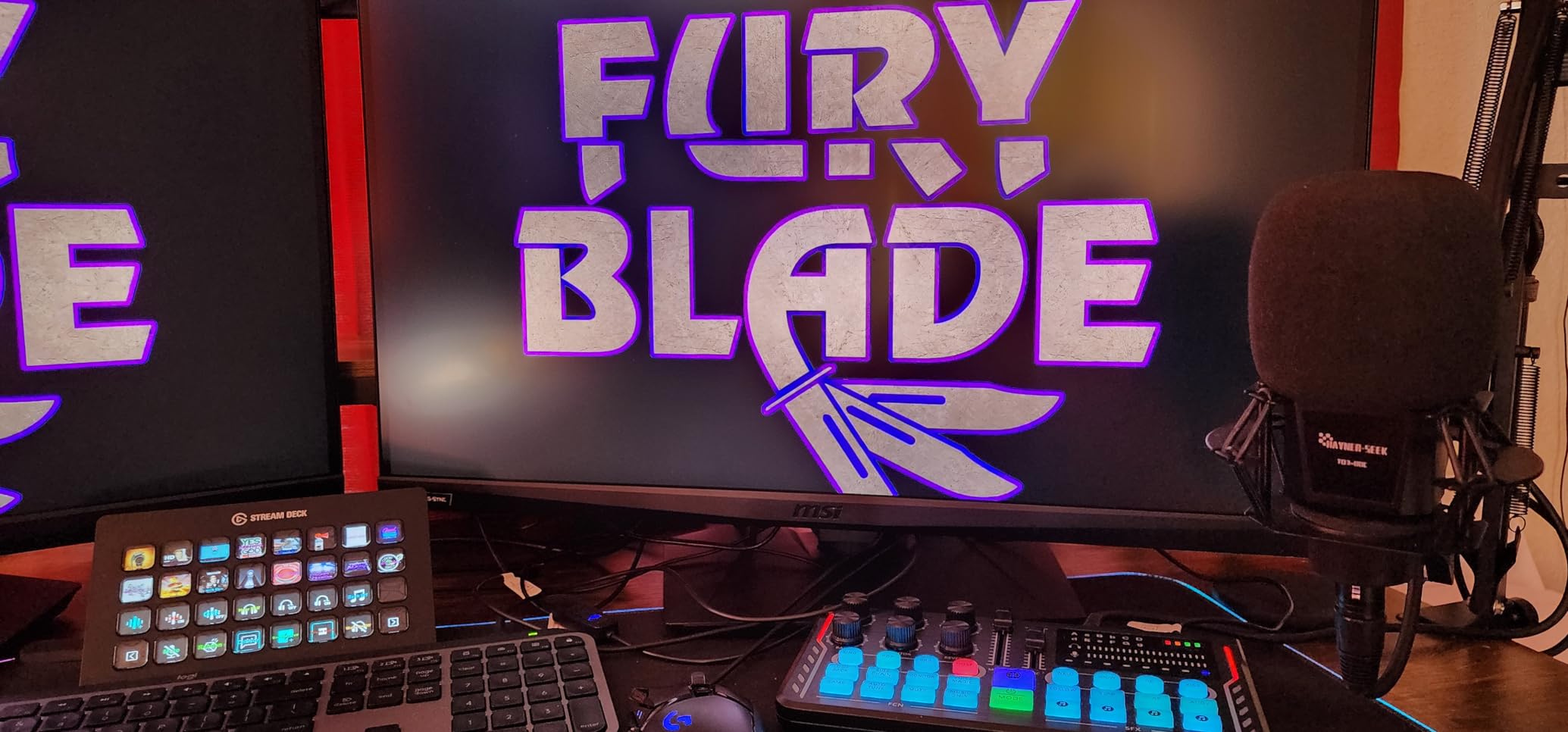
The mixer carries mixing, treble and bass adjustment, noise reduction and accompaniment controls, along with 7 sound modes, 12 sound effects and 4 voice effects. Reviewers find the noise reduction dial genuinely effective in loud surroundings for what this costs, and the platform support covers Windows, iOS, Android, YouTube, TikTok, Zoom and OBS.
Capture is listed at 120kHz sample rate and 24-bit, which is a generous specification claim for a kit at this level and is one reason it still appeals to buyers on a very tight budget.
What the monitoring arrangement gets wrong
This is the flaw to understand before you buy. With two people on separate mics and separate earphones, you cannot hear the other host, which makes a two-host conversation genuinely harder to run. Budget for a way to hear each other, and check the monitor output before your first recording session rather than after it.
Other limits worth knowing
The condensers need to sit close to the mouth or the audio cuts out, which again puts the burden on consistent placement. Connecting to a computer needs a data or file transfer cable rather than a standard charge cable. The printed manual is thin and the QR support link is unhelpful, and a small number of buyers received units that did not work out of the box.
How to Choose a Two-Host Podcast Microphone Bundle
Once you accept that each host needs their own mic on their own track, the decision narrows fast. Four things decide it: microphone type, what the mixer gives each host, what the box leaves out, and how much growth you need.
The four bundle architectures
Bundles in this category fall into four shapes, and knowing which one you are buying explains most of the differences you will hear.
Two-USB bundles plug straight into a computer and need no interface at all. Two-USB-plus-interface bundles treat two mics as two computer inputs. XLR-plus-interface bundles route both microphones through one audio interface or mixer, which is the traditional podcasting route. All-in-one recorder bundles record to a device rather than to a computer, so the audio never touches your machine during the session.
The MAONO PD200W sits across several of these because each mic supports wireless, USB and XLR. The Zoom bundle is the clearest example of the recorder architecture.
USB or XLR for a two-host show
USB wins on setup speed and price. Each microphone is its own computer input, gain is usually a dial on the mic, and there is no interface to configure. It is the right answer for a desk show with a quiet room and a fixed pair of hosts.
XLR wins on control and growth. A single interface gives you per-channel preamps, proper metering, and a mixer where both hosts can be balanced in one place. It is also the only architecture that scales cleanly to a third and fourth host without changing anything else. For an untreated room, XLR with dynamics is also the most forgiving combination available.
Do you need a mixer or an interface
You need one of the two, and here is the honest answer: if your bundle includes a mixer with independent per-channel gain, you do not need an interface. A mixer routes both mics, gives each host a level, and outputs a single signal to the computer. An interface is the minimal version of that job with fewer features.
You only need a separate interface if your bundle ships microphones without one, such as the matched condenser pair on this list, or if you want finer metering and lower-latency monitoring than a small console provides.
Bundle versus buying separately
Bundles are usually cheaper when the components are entry-level commodity gear, because the mixer, the boom arms and the cables are all sold together. That is exactly the case for most kits here.
Bundles are usually not cheaper when you want a specific microphone. If you already know you want one broadcast dynamic model rather than whatever the kit includes, buying two of the same microphone and one two-channel interface will usually cost less over time and give you a better result. The honest framing: a bundle is a way to buy a starting point, not a way to buy a specific tool.
Matching levels for two hosts
One host is always louder than the other. This is the most common complaint about a shared microphone, and the fix is deliberate rather than automatic.
Set the louder host’s gain so their peaks sit around 12dB below clipping, then reduce the quieter host’s gain until their loudest normal speaking moment matches. Record 30 seconds of each host at the same distance, compare the waveforms, and repeat. Do this once and write the numbers down, because both hosts will drift away from their marks.
Mic placement and room treatment
Put both microphones the same distance from both mouths, roughly 6 to 12 inches, angled slightly off-axis. A scissor or boom arm makes this repeatable, which is why the kits that include two arms are easier to keep consistent over a long run.
On treatment, a two-host room needs more than a one-host room because there are two sources of reflections in the same space. Cheap fixes that work: thick fabric or a duvet behind both speakers, a rug on the floor, bookcases or a wardrobe door acting as a diffuser behind the mic position, and shutting off fans and air conditioning during recording. Condenser bundles in this roundup benefit far more from those four steps than from an upgrade to a more expensive microphone.
Headphones, monitoring and scaling
Each host needs their own closed-back pair. Open-back headphones leak sound into the microphones and undo the two-track separation you paid for. Zero-latency monitoring matters most for live two-host shows where a delayed headphone feed makes conversation difficult.
If a third host is plausible, count the inputs before you buy. Four XLR inputs and four headphone outputs, as on the Zoom bundle, mean nothing changes later. Two inputs mean a splitter, more cables and a new monitoring solution.
One more honest note for two people who are not in the same room: none of these bundles solve remote recording. In that case each host records locally and tracks are combined in post, which is a different purchase entirely.
Frequently Asked Questions
What is the best microphone for two-person podcasting?
For most two-host shows, the best podcast microphone bundle for two hosts is one with two matched dynamic microphones, a mixer or interface giving each host independent gain, two pairs of closed-back headphones, and two adjustable stands. Dynamic capsules handle untreated rooms better than condensers, and independent per-channel gain is what stops one host from always sounding louder. The MAONO PD200W leads our roundup because the same mics work wired or wireless.
Do both podcast hosts need their own microphone?
Yes. Each host should have their own microphone on its own recorded track. A shared microphone produces uneven levels as each person moves, a hollow comb-filtered tone, and no way to edit either voice independently. A single mic can work in a treated studio with a skilled engineer, but for a two-host show recorded in a normal room, two matched mics is the minimum that produces a usable episode.
What is the difference between a USB and an XLR microphone kit?
A USB kit plugs each microphone directly into a computer, so setup takes minutes and there is no interface to configure. An XLR kit routes both microphones through one audio interface or mixer, which adds per-channel preamps, proper metering and a single place to control both hosts. USB suits a fixed desk show in a quiet room. XLR suits an untreated room, a live format that needs zero-latency monitoring, and any plan to add a third or fourth host later.
Do I need a mixer for a two-person podcast?
You need something that gives each microphone its own input and its own level control. If the bundle includes a mixer with independent per-channel gain, you do not need to buy an interface as well, since the mixer already routes both mics to the computer as one signal. An interface is the minimal version of that job. You only need one separately if your bundle ships microphones with no mixer, no interface and no all-in-one recorder.
Should I buy a podcast bundle or individual microphones?
Buy a bundle when you are starting out, because it removes the second shopping trip for a mixer, stands, pop filters and cables, and those entry-level components cost more as separate items. Buy individually when you already know which microphone you want, since two of the same better microphone plus one two-channel interface often cost less than a bundle that includes something you will not use. A bundle is a starting point, not a specification.
Conclusion
Two hosts need two microphones, two inputs and two pairs of headphones. Everything else on this list is preference, and the single most common failure is sharing one mic between two people and discovering it during the edit.
Our pick for the best podcast microphone bundles for two hosts in 2026 is the MAONO PD200W, because two dynamic microphones that work over wireless, USB and XLR cover every recording situation a duo will actually meet. Go with the Brvomussy kit for the most complete box at the lowest outlay, and the Movo PodPro if the show leaves the house.
Whatever you choose, set both mics the same distance from both mouths, match the gains properly, and record two tracks from day one. If you are still assembling the rest of the kit, our accessory bundle roundup covers the supporting gear that usually gets forgotten.