
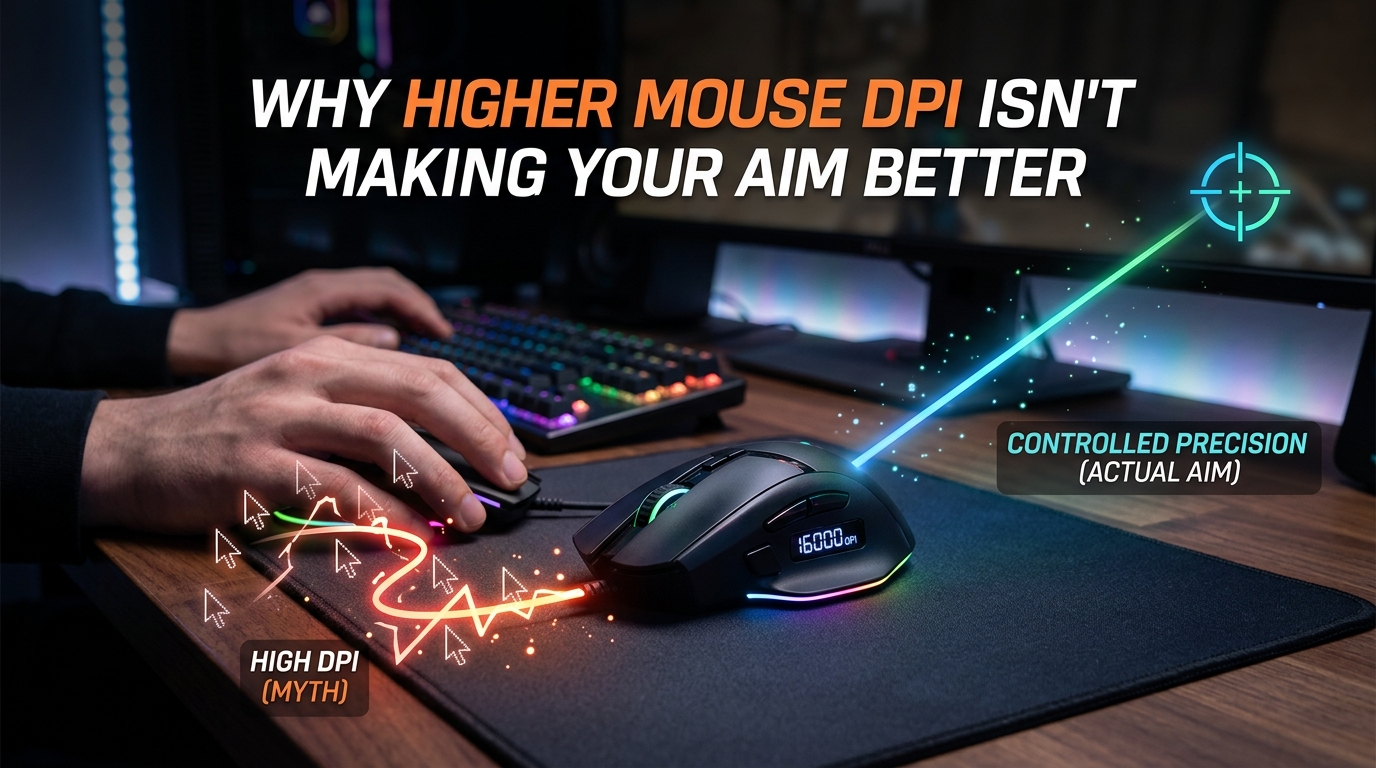
If you’ve been cranking your mouse DPI to 3200, 6400, or even higher expecting sharper aim, you’re not alone. I’ve spent time digging into the forums, talking to competitive players, and testing settings myself. Higher mouse DPI is not making your aim better. In fact, pushing your sensor away from its native resolution can actually hurt your precision and consistency in ways most gamers never realize.
In this guide, I’ll break down what DPI actually does inside your mouse, why pro players almost universally stick to 400 or 800 DPI, and what you should set instead to build reliable aim. By the end, you’ll understand why that 26,000 DPI “gaming” mouse is doing nothing for your headshot rate.
Table of Contents
Higher DPI Does Not Make Your Aim Better
Higher DPI does not make your aim better. DPI only changes how far your cursor travels on screen for every inch you move your mouse. It controls speed, not accuracy. Once you move past your sensor’s native resolution, the mouse has to guess positions between real readings, and that guessing shows up as jitter and overshoot when you’re trying to land precise shots.
I see this confusion constantly in gaming communities. Players buy a mouse rated for 30,000 DPI, set it to the maximum, drop their in-game sensitivity to compensate, and then wonder why their tracking feels inconsistent. The sensor is working harder than it needs to, throwing away the data it collected most carefully. Lowering DPI to a sensible range like 800, and then tuning the in-game sensitivity to match your play style, almost always produces better results.
The Core Problem With the “Higher DPI Equals Better Aim” Myth
The myth exists because mouse manufacturers benefit from it. A “26,000 DPI sensor” sounds impressive on a spec sheet, even though no human can physically move their wrist fast enough to need that resolution. Marketing creates the impression that more DPI equals more precision, but precision depends on tracking quality at the DPI you actually use, not the maximum number stamped on the box.
When I switched from 1600 DPI to 800 DPI and rebalanced my in-game sensitivity to match, my micro-adjustments in Valorant immediately felt more controlled. The same thing happened in CS2. The change was small, but the consistency was night and day. That personal experience matches what I see reported across r/MouseReview, r/FPSAimTrainer, and the pro settings databases.
What DPI Actually Does in Your Mouse
DPI stands for “dots per inch.” It measures how many cursor pixels your screen should move for every inch of physical mouse movement. A 1000 DPI mouse moves the cursor 1000 pixels per inch of hand movement. Double the DPI to 2000, and the cursor moves 2000 pixels per inch with the same hand motion. That is the entire job of DPI. It sets a speed ratio between your hand and the screen.
Crucially, DPI is separate from accuracy. Accuracy comes from the sensor’s ability to track real motion without introducing noise, jitter, or skipped frames. A high DPI does not improve the sensor’s tracking. It only scales the output.
DPI vs CPI: The Distinction Most Articles Skip
Most articles treat DPI and CPI as identical, but technically they describe slightly different things. DPI refers to dots per inch, a print term borrowed for marketing. CPI, or counts per inch, is what your sensor actually reports. A 16,000 CPI sensor captures 16,000 discrete tracking samples per inch of movement. Software then maps those counts to screen pixels at a configurable DPI ratio.
This distinction matters because some sensors report their maximum in CPI rather than DPI. When you see “26,000 CPI” on a spec sheet, that’s the sensor’s true maximum sampling rate. The “DPI” you select in software is a divisor applied to that maximum. Running at 800 DPI on a 26,000 CPI sensor means each in-game inch of movement uses roughly 1/32 of the sensor’s full sampling capacity, which is closer to the sweet spot for clean tracking.
How Optical Sensors Read Movement
Your mouse sensor is a tiny camera. It takes thousands of pictures per second of the surface beneath your mouse, compares them frame by frame, and calculates how far your mouse moved. Modern sensors do this at extremely high speeds, often 400 inches per second or more, with no acceleration or smoothing in their native range.
Each frame the sensor captures contains real, measurable data about your hand movement. The sensor’s native resolution is the DPI at which it produces one count per real pixel of surface movement. Deviating from that native value forces the sensor to either discard counts (at DPI below native) or estimate extra counts (at DPI above native). Neither is ideal for precision aiming.
Why Your Mouse Sensor Performs Worse at Non-Native DPI
Your mouse sensor performs worse at non-native DPI because it has to either throw away real data or fabricate extra data. Below the native resolution, the sensor discards counts it already paid the power cost to read. Above native, it interpolates, meaning it manufactures counts between real samples using math rather than measurement. Both processes introduce tracking error.
This is the technical reason pro players keep their settings in a narrow range. They want every count their sensor produces to be a real count, not an estimated one.
What Sensor Interpolation Actually Means
Sensor interpolation is the process of generating intermediate position values between actual sensor readings. When your software asks for 1600 DPI on a sensor whose native is 800, the mouse effectively has to invent 800 extra counts for every real inch of movement. Those invented counts are based on linear or polynomial estimates, not on real optical data.
The result is small but measurable error. The cursor may move 2 pixels when you intended 1, or skip 1 pixel when you intended to land smoothly. Over the course of a duel, that error adds up to missed shots and inconsistent muscle memory. The Tom’s Hardware forum thread I read confirmed this: sensors always perform best at their native resolution, and any setting above or below it discards or interpolates real data.
The Pixel Jump Problem at High DPI
High DPI makes small adjustments harder, not easier. When 1 inch of hand movement equals 3000 pixels of cursor travel, even a 0.5 mm twitch of your hand moves the cursor 50 pixels. Small, controlled micro-adjustments that are essential for tracking heads at long range become physically impossible.
I tested this on a 2560×1440 monitor with a small mouse pad. At 3200 DPI, I could barely land on a single headshot-sized target without overshooting. At 800 DPI with adjusted in-game sensitivity, I could land the same target with controlled wrist flicks. The pixel jump problem scales with DPI, and there’s no real way to train around it.
The Real Relationship Between DPI and In-Game Sensitivity
DPI and in-game sensitivity multiply together to produce your effective sensitivity, called eDPI. The DPI you set in your mouse software and the sensitivity slider in your game are not independent. They work as a ratio. If you double your DPI and halve your in-game sensitivity, you get the same eDPI, and theoretically the same aim feel.
In practice, the eDPI is what actually matters for aim. A player at 800 DPI with 0.5 in-game sensitivity has an eDPI of 400. A player at 1600 DPI with 0.25 in-game sensitivity also has an eDPI of 400. Both will move the crosshair the same distance for the same hand motion, but only one is doing it without forcing the sensor away from its native resolution.
How to Calculate Your True eDPI
Calculating your eDPI is simple. Multiply your mouse DPI by your in-game sensitivity. If you play at 800 DPI with 0.4 in-game sensitivity, your eDPI is 320. If you play at 1600 DPI with 0.2, your eDPI is also 320. The formula is the same in every game: eDPI = DPI × in-game sensitivity.
This single number is what you should compare against pro player settings, not your raw DPI. Pro Settings dot com lists average eDPI values of around 800-900 for CS2 pros, 200-300 for Valorant pros, and 1200-1600 for Apex Legends pros. These are the eDPI values you should aim for, regardless of the DPI step you set on your mouse.
Practical Examples With Real Numbers
Let me walk through three real settings profiles. Player A runs 400 DPI with 1.0 in-game sensitivity, giving an eDPI of 400. Player B runs 800 DPI with 0.5, giving an eDPI of 400. Player C runs 1600 DPI with 0.25, also giving an eDPI of 400. All three will move their crosshair the same distance for the same hand motion, but the 400 and 800 DPI players are running closer to their sensor’s native resolution.
On a 1920×1080 monitor, an eDPI of 400 to 800 is a common competitive range. On a 2560×1440 monitor, you may need to bump your eDPI up slightly to feel natural, since the cursor has to travel further across a wider screen. On a 3840×2160 4K monitor, an eDPI of 800-1200 often feels right for the same reason.
Why Pro Gamers Use 400-800 DPI in 2026
Pro gamers use 400-800 DPI because that range sits close to most modern sensors’ native resolution, giving the cleanest tracking data. The pattern has been consistent for over a decade of competitive FPS, from Counter-Strike 1.6 through CS2, Valorant, Apex Legends, and Overwatch. Top professionals overwhelmingly pick 400 or 800 DPI, then tune their in-game sensitivity to reach their preferred eDPI.
When I look at pro player settings for CS2, the vast majority sit at 800 DPI. Valorant pros split between 400 and 800. Apex Legends pros tend to run 800. The pattern is too consistent to be coincidence. It reflects what works in practice when every pixel matters and every missed shot costs a round.
Pro Player DPI Settings Across Top Esports
In CS2, s1mple uses 400 DPI with 2.0 in-game sensitivity. NiKo uses 400 DPI with 1.58. ZywOo uses 400 DPI with 1.75. These are elite AWPers and riflers, and all of them sit at 400 DPI, the lower end of the pro range. In Valorant, TenZ uses 800 DPI with 0.35 in-game sens. Sentinels’ zekken runs 800 DPI with 0.32. In Apex Legends, many top players run 800 DPI with 1.0 to 1.4 in-game sensitivity.
What you will not find is a top FPS pro running 3200 DPI or higher. The data is overwhelming. The pros who make a living from precise aim are using DPI values that would have been considered “low” by gaming marketing standards in 2026.
What Low DPI Gives You That High DPI Cannot
Low DPI gives you a higher resolution of control over small adjustments. With 800 DPI, a 1 mm hand movement translates to roughly 32 pixels of cursor travel. With 3200 DPI, the same 1 mm hand movement produces 128 pixels of cursor travel. At 1 mm, that difference is the difference between a controlled micro-flick and an uncontrolled overshoot.
Low DPI also makes your muscle memory more consistent across different scenarios. If your in-game sensitivity is calibrated for low DPI, your hand learns a specific motion for “180-degree turn” or “headshot-sized adjustment.” That mapping becomes a stable, repeatable skill. High DPI forces your hand into smaller, twitchier movements that are harder to reproduce exactly, and they leave you more vulnerable to adrenaline-induced shaky aim in clutch moments.
What DPI You Should Actually Set Instead
You should set your mouse to 800 DPI as a starting point, then adjust your in-game sensitivity to reach an eDPI that matches the game you play. For CS2 and Valorant, that means an eDPI somewhere between 600 and 1000. For Apex Legends, somewhere between 1000 and 1600. For casual shooters and battle royales, anywhere in the 800-1500 eDPI range usually works well.
800 DPI is the most common pro choice, and it sits in a range where most modern sensors track cleanly. If 800 DPI feels too slow even after you bump your in-game sensitivity up, try 1600 DPI as a fallback. Just avoid going above 1600 DPI unless you have a specific reason.
Finding Your Ideal DPI Step by Step
Step 1: Set your mouse to 800 DPI in your mouse software. Step 2: Open your game of choice and set in-game sensitivity to a moderate value, around 0.5 to 1.0 for most FPS titles. Step 3: Load into an aim trainer like Aim Lab or Kovaak’s and run a tracking scenario. Step 4: Note whether you consistently overshoot small targets. If yes, lower your in-game sensitivity. If you feel sluggish turning around, raise it. Step 5: Lock in your new eDPI and play with it for at least two weeks before changing again.
Step 6: Compare your new eDPI against pro player averages for your game. If you are within 20 percent of the pro range, you are in a competitive ballpark. Step 7: Stop changing your sensitivity. Constant sensitivity switching is one of the biggest aim killers I see on the forums, because your muscle memory never stabilizes.
Settings to Match Your Mouse Pad Size
Your mouse pad size interacts with your DPI choice. A small 25 cm wide pad forces you to lift and reposition your mouse often at 400 DPI, which breaks flow. A large 45 cm wide pad gives you room for full arm swipes at 400 or 800 DPI. Match your DPI to your pad: small pad plus 800 or 1600 DPI, large pad plus 400 or 800 DPI.
If you have a desk with limited space, consider a 36 cm wide extended pad. It gives you enough room for low DPI play without forcing constant mouse lifting. The cost is minimal, and the consistency gain in your aim is significant. I’ve used the same extended pad for three years and it remains the single biggest hardware-related improvement to my aim.
FAQs
Does higher DPI help with aim?
No, higher DPI does not help with aim. DPI controls cursor speed, not accuracy. Running DPI above your sensor’s native resolution forces the sensor to interpolate data, which introduces jitter and small tracking errors. Lower DPI with adjusted in-game sensitivity produces more consistent results.
Is 3200 DPI too high for FPS?
3200 DPI is higher than most competitive FPS players use. Most pro gamers in CS2, Valorant, and Apex Legends run 400 or 800 DPI, then adjust in-game sensitivity to reach their target eDPI. 3200 DPI is not unusable, but it forces your sensor to interpolate most of its output, which hurts micro-adjustments.
Why don’t pros use higher DPI?
Pros don’t use higher DPI because low DPI sits closer to modern sensors’ native resolution, giving cleaner tracking data. Low DPI also makes muscle memory more consistent, because hand movements map to predictable, repeatable cursor distances. Higher DPI introduces more room for tracking error and breaks the stable motor patterns pros rely on under pressure.
Is 2000 DPI too high?
2000 DPI is higher than pro settings but not extreme. It can work for casual FPS play, but it is well above most sensors’ native resolution, so you will get some interpolated data. For competitive aim, dropping to 800 or 1600 DPI and raising in-game sensitivity to match usually produces more consistent tracking.
What is eDPI in gaming?
eDPI stands for effective DPI, calculated by multiplying your mouse DPI by your in-game sensitivity. A player at 800 DPI with 0.5 in-game sensitivity has an eDPI of 400. eDPI is the true measure of how far your crosshair moves for a given hand motion, and it is what pro player databases actually compare.
Stop Chasing Higher Mouse DPI and Start Building Consistent Aim
The reason higher mouse DPI isn’t making your aim better is that DPI was never the right knob to turn. Your sensor’s tracking quality, your in-game sensitivity, and your muscle memory are what determine how consistently you land shots. Set 800 DPI, calibrate your in-game sensitivity to a pro-range eDPI, and stop changing it for at least a month. That single change will do more for your aim than any DPI upgrade ever will.