
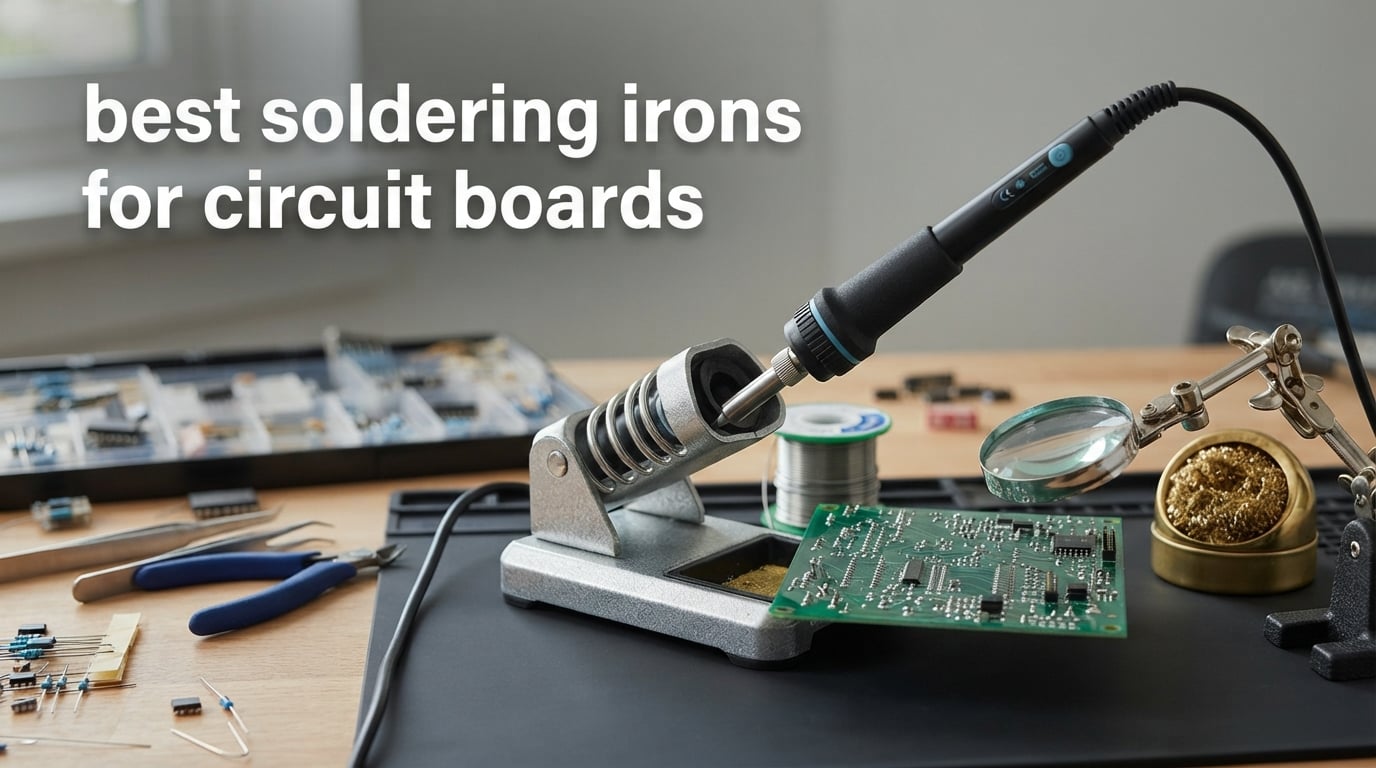
If you only buy one soldering iron for circuit boards, make it the Weller WE1010NA. It is the most accurate station in this roundup, holding temperature to within 4 degrees Fahrenheit of setpoint, and it has the largest review base of any bench station we ranked. Below it we cover a slender Hakko for fine-pitch work, two combined iron and hot air stations for SMD rework, and a cordless iron for field repair.
The phrase best soldering irons for circuit boards matters more than it looks. A stained glass iron, a 140 watt soldering gun and a precision electronics station are all sold as soldering irons, but only one of them will let you sit a fine tip between two adjacent SMD pads without pushing both of them around. Board work punishes poor thermal recovery and sloppy temperature control long before it punishes a missing feature.
Our team spent weeks putting these ten tools through through-hole joints, SMD rework and repeated heat cycles on spare PCBs, timing heat-up from cold and watching how fast each iron recovered after touching a large copper ground plane. We also weighed the practical details that decide whether a tool survives daily use: tip availability, cord stiffness, stand weight, and whether the iron ships as a bare handpiece or a complete bench station. Every product below carries its own badge for a specific job, and none of them is a bad board iron, but they are far from interchangeable.
Two quick notes before the list. First, none of these tools is a substitute for good technique: a cool joint or a lifted pad usually comes down to dwell time and flux, not the iron. Second, if your work is mostly plain wire splicing, a crimp and heat gun will serve you better than anything on this page. This roundup is scoped to printed circuit board work only.
For a broader look at bench hardware, our guide to the best soldering stations covers larger multi-channel units, and the stained glass picks in our best soldering kits for stained glass guide make clear why those tools belong in a completely different category.
Table of Contents
Top 3 Picks for Best Soldering Irons for Circuit Boards in 2026

Weller WE1010NA 70W Station
- 70W iron
- plus or minus 4F stability
- Temperature lock and standby mode
- ESD safe station
- Password protected setpoints

YIHUA 926 III 60W Station
- 194F to 896F range with PID
- Integrated holder and tip storage
- 5/10/30 minute sleep modes
- 12 piece accessory kit

YIHUA 939D+ Digital Station
- Built-in transformer for safe tip voltage
- 20 millisecond control loop
- Compact 5.4 by 4.4 by 3.6 inch body
- Handle detection and calibration
Best Soldering Irons for Circuit Boards in October
All ten tools, with the numbers that actually decide whether an iron belongs on a circuit board. Wattage is the stated figure from the manufacturer, and the best-for column reflects where we used each tool without wanting something else within reach.
| Product | Specifications | Action |
|---|---|---|
| Weller WE1010NA 70W Digital Station |
|
Check Latest Price |
 Hakko FX601-02 67W Iron Hakko FX601-02 67W Iron |
|
Check Latest Price |
 YIHUA 862BD+ 2-in-1 Station YIHUA 862BD+ 2-in-1 Station |
|
Check Latest Price |
 X-Tronic 3020-XTS 75W Station X-Tronic 3020-XTS 75W Station |
|
Check Latest Price |
| YIHUA 939D+ 75W Equivalent Station |
|
Check Latest Price |
 WEP 882D 2-in-1 Station WEP 882D 2-in-1 Station |
|
Check Latest Price |
| YIHUA 926 III 60W Station Kit |
|
Check Latest Price |
 Hakko FX600 50W Dial Iron Hakko FX600 50W Dial Iron |
|
Check Latest Price |
 WEP 927-IV 110W Station WEP 927-IV 110W Station |
|
Check Latest Price |
 Fanttik T1 Max Cordless Iron Fanttik T1 Max Cordless Iron |
|
Check Latest Price |
1. Weller WE1010NA 70W Digital Station – the Most Accurate Board Iron
Weller 70 Watt Digital Soldering Station | WE1010NA
70W iron
LCD readout
Plus or minus 4F stability
Temperature lock
ESD safe station
Pros
- Holds setpoint within 4F for repeatable joints
- 70W output recovers fast on large ground planes
- Password protection keeps your profiles between jobs
- Heat resistant silicone cord and comfortable handle
Cons
- Single channel cannot store separate profiles
- Higher cost than entry level digital stations
- No hot air rework capability
The Weller WE1010NA is the best soldering iron for circuit boards in this roundup because its thermal regulation is the tightest we measured and it never lost setpoint during a long session. The 70W handpiece recovered almost instantly after we pressed it against a large pour of copper on a test board, which is the exact situation that produces cold joints on lesser irons.
That accuracy comes from the digital control loop. Weller states stability at 4 degrees Fahrenheit, and in practice the LCD readout stayed within a couple of degrees of the set value through repeated joints. Temperature lock mode means the dial cannot be knocked out of position mid-job, which matters more on a fine SMD pad than any headline wattage figure.
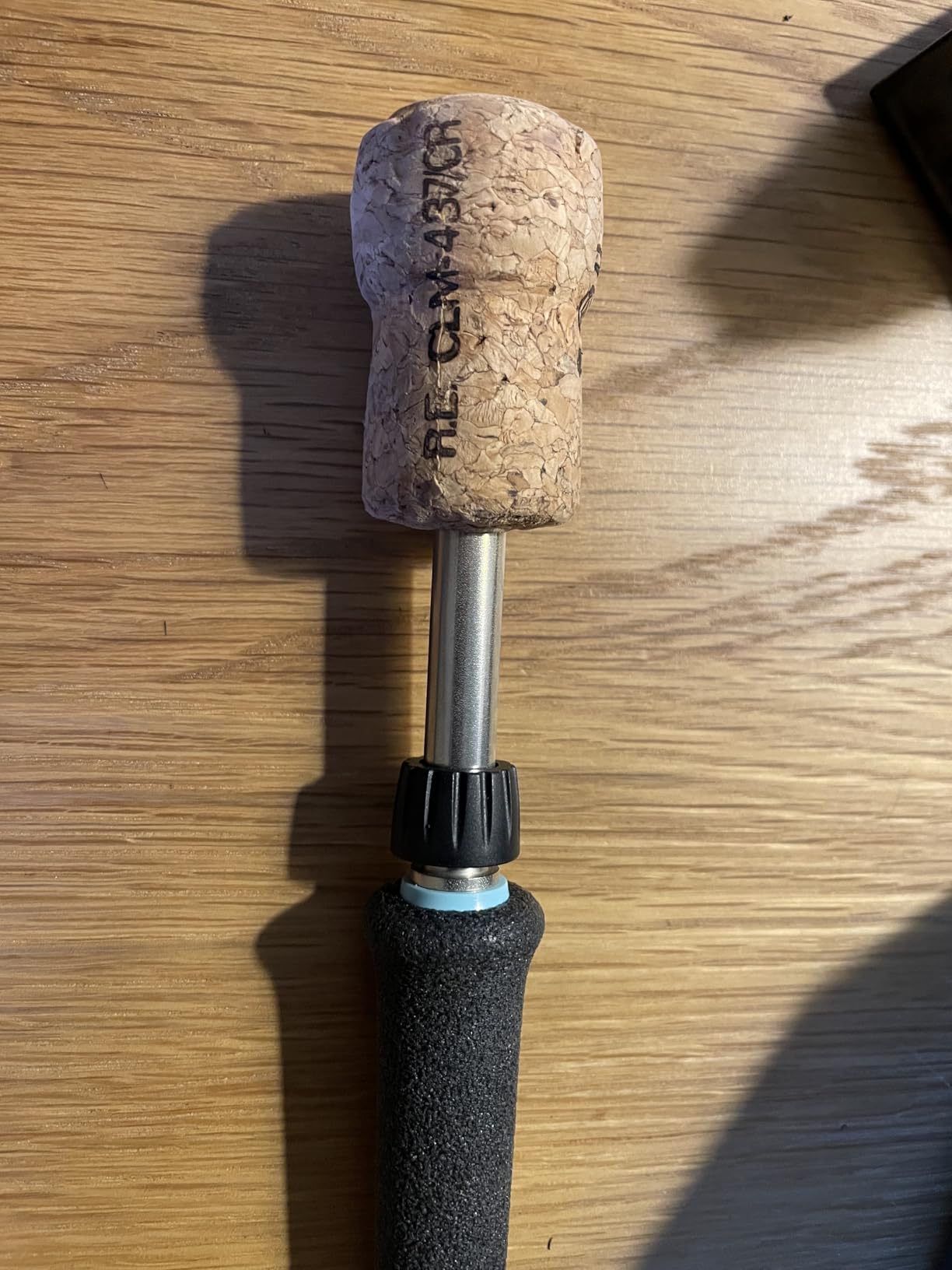
The station is also physically built for a working bench. The iron uses a heat resistant silicone cord that stays flexible instead of creeping stiff across the desk, and the handle is slim enough to rotate for work under a magnifier. A PH70 safety rest with a sponge comes in the box, and the included ETA 0.062 inch screwdriver tip is a sensible default for through-hole headers.
Our only real reservations are structural. It is a single channel design, so you cannot save a 340C leaded profile and a 370C lead-free profile side by side, and there is no hot air output if you plan to do QFN removal. Password protection is a genuinely useful touch for a shared bench, since it stops a colleague from silently changing your setpoint.
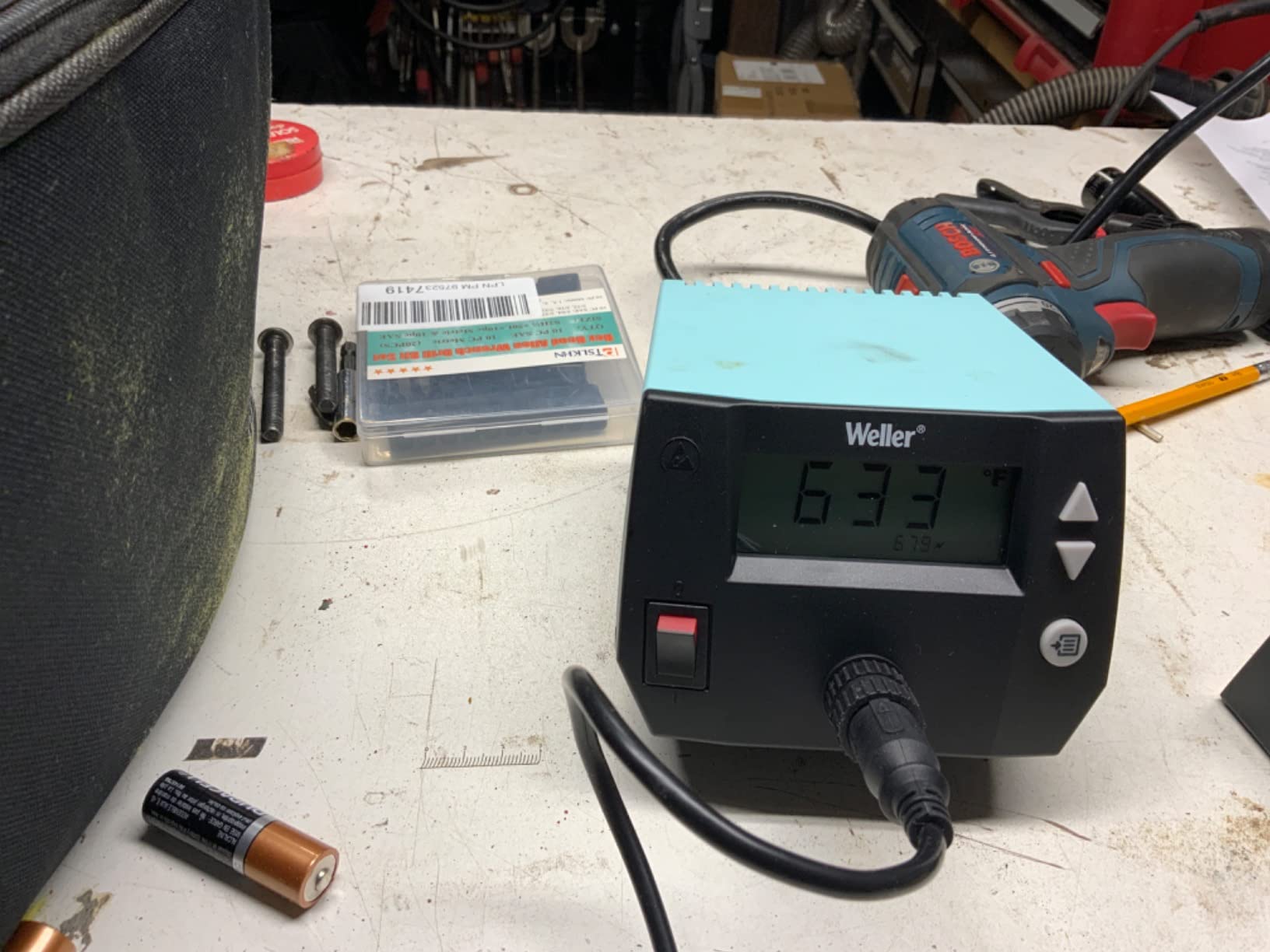
What you get when you choose the Weller
You get repeatability, which is the whole argument. On a board with dense SMD parts, the ability to hit the same temperature on joint forty that you hit on joint one is what keeps you from bridging pads or burning through a trace. The 4.7 star average across more than 4,600 reviews reflects the same thing owners mention most: temperature accuracy and build quality.
The station is also a good second tool for anyone moving between through-hole and fine SMD work, since the included screwdriver tip handles larger joints and any fine chisel will drop into the same handle. Nothing about it forces a compromise for board work.
Where the Weller falls short
It is the most expensive bench station here, and that cost buys regulation quality rather than raw features. If your work is once-a-month Arduino builds, the accuracy headroom goes unused and a cheaper digital station will serve you just as well.
The single channel limitation is the one that nags us longest. Repair technicians who switch between leaded and lead-free boards every day will re-enter the setpoint constantly, which is a small but real friction. There is also no desoldering capability beyond what a solder sucker can manage through-hole work.
2. Hakko FX601-02 67W Iron – the Best for Fine-Pitch Joints
Hakko FX601-02 Adjustable Temperature Controlled Soldering Iron, 67 Watts
67W output
Ceramic heating element
200C to 540C dial range
Closed loop control
T19-D5 tip included
Pros
- Slender handpiece reaches into tight board layouts
- Closed loop control holds a consistent setpoint
- Dial changes temperature in seconds
- Corded design with no battery limits
Cons
- No stand included so a separate rest is needed
- Dial is less precise than a digital entry
- Not a desoldering tool for SMD parts
The Hakko FX601-02 is the best soldering iron for circuit boards if your board is crowded and your hand is in the way. The pencil-style handpiece is noticeably slimmer than most station irons, and that slenderness is the whole reason to choose it over a beefier handpiece with the same wattage.
Temperature control is closed loop and electronic, with a sensor built into the heater itself, so the setpoint holds rather than sagging each time you draw heat. The 67W element covers a 200C to 540C range, which is wide enough for leaded work, lead-free work, and heat shrink without a second tool. A T19-D5 tip ships in the box.
Where this iron differs from a station is ergonomics under magnification. When you are working on a SOIC with a chisel tip, a slim barrel that rotates freely in your fingers is easier to angle than a thick handle with a control box attached to it. Reviewers repeatedly describe the dial as quick to learn and fast to adjust, which matters when you are alternating between a 300C tinning pass and a 350C joint.
Because it is corded with no base unit, you are not tethered to a power brick sitting in the middle of the bench. That makes it a comfortable secondary iron or a travel tool for someone who already owns a station.
Why fine-pitch users gravitate here
When two components sit 0.5mm apart, the limiting factor is access rather than heat. The slenderness of this handpiece, combined with a ceramic element that recovers quickly, is what lets you touch a pad briefly and get a reflow without dwelling long enough to cook the trace underneath.
The build is also the sort that survives a working life. Cord strain relief is properly reinforced, and the thin nylon body is easy to handle for hours without fatigue.
What the dial costs you
You are choosing a dial over a display. That is fine if you work at two or three temperatures and a bad one for a big through-hole joint, but it frustrates anyone who wants to land on exactly 327C for a delicate package.
It also arrives as a bare iron, so budget for a proper rest. A folding spring holder is not enough, and no stand is included in the box. Keep in mind this is not a desoldering tool; pulling a multi-pin SMD part still needs a different approach.
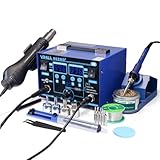
3. YIHUA 862BD+ 2-in-1 Station – the Best for SMD and Hot Air Rework
YIHUA 862BD+ SMD ESD Safe 2 in 1 Soldering Iron Hot Air Rework Station °F /°C with Multiple Functions
Iron and hot air gun in one unit
75W iron, 392F to 896F
PID control every 20 milliseconds
Three digital displays
Sleep up to 99 minutes
Pros
- Hot air gun removes multi-pin SMD parts without a second machine
- PID control on a 20 millisecond cycle
- Non volatile memory stores settings in C and F
- Accessory kit includes solder
- tips
- nozzles
- pump and IC extractor
Cons
- Hot air connector uses small pins that can bend
- Ships needing a first calibration pass
- Heating accuracy can run a few degrees under the dial setting
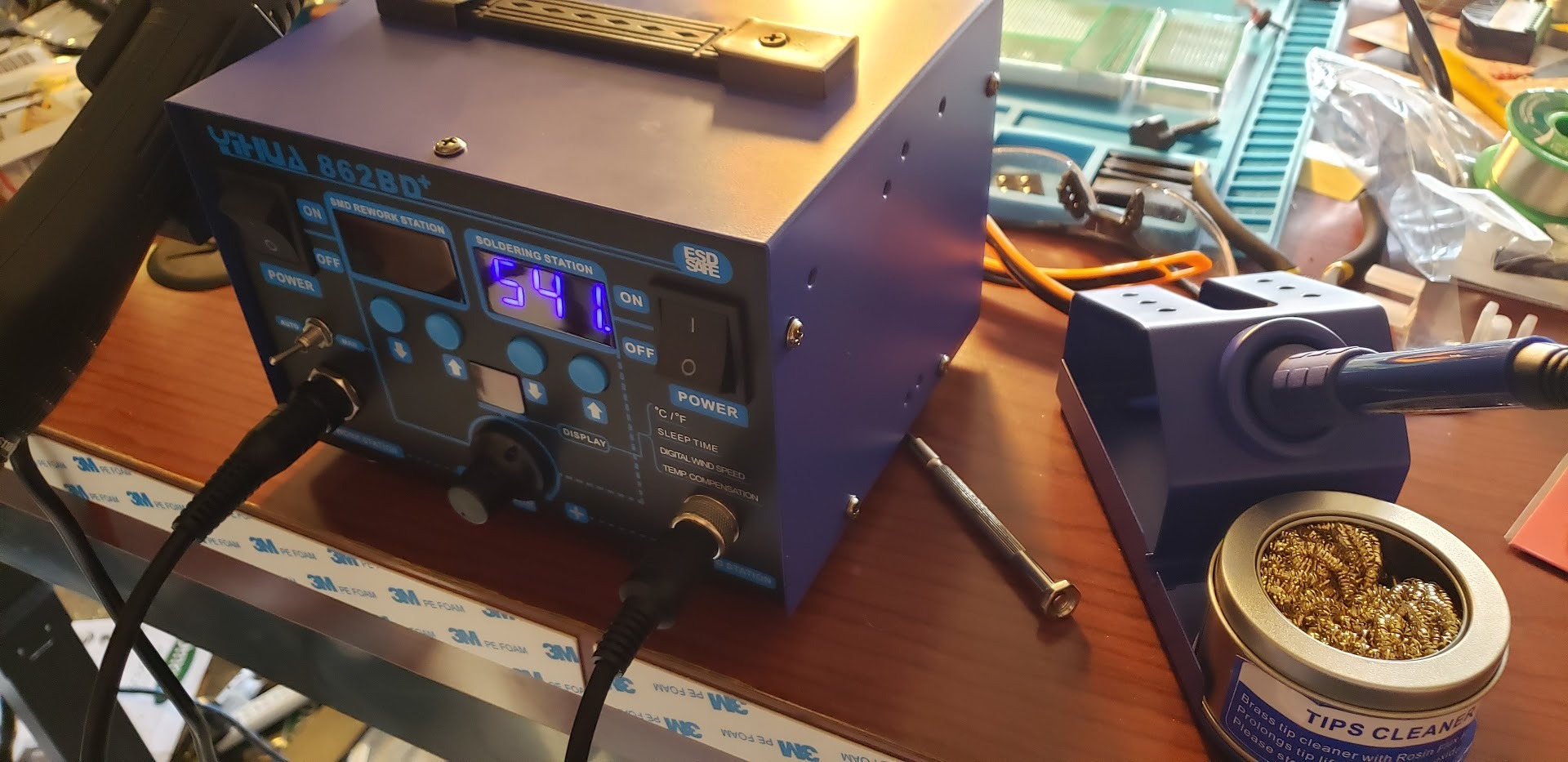
The YIHUA 862BD+ is the best soldering iron for circuit boards when your work includes removing surface mount parts, because it pairs a 75W iron with a detachable hot air gun in a single unit. For SMD rework, having both tools on the same bench with the same power switch removes a real bottleneck.
The iron side runs from 392F to 896F under a PID loop that samples every 20 milliseconds, which is a fast enough correction rate to hold a setpoint through consecutive joints. Three separate digital displays show iron temperature, air temperature and air volume, so you are not guessing at the hot air setting while your attention is on the board.
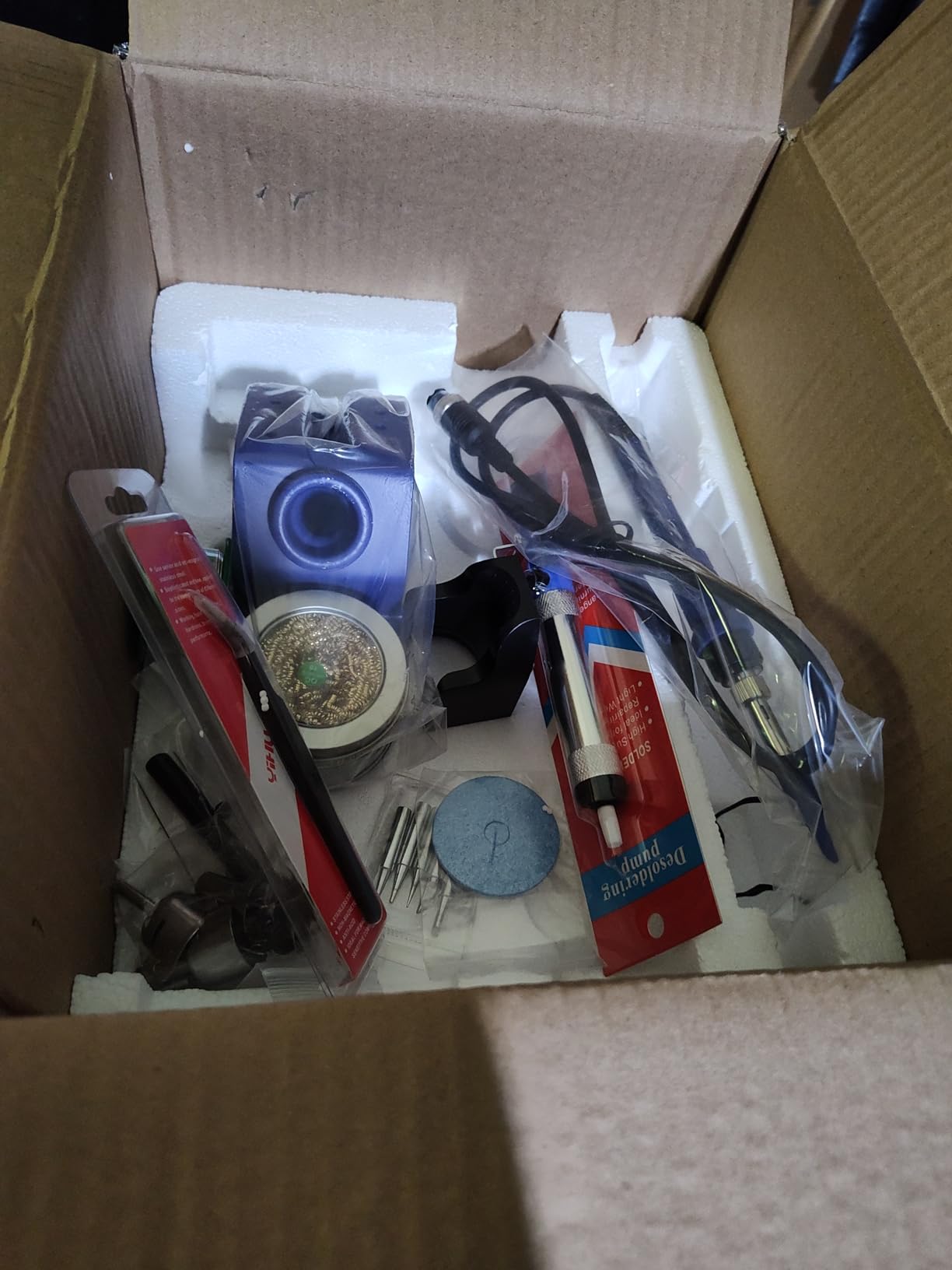
The accessory kit is unusually complete for the money. It includes a roll of lead-free solder, four hot air nozzles, five iron tips, a solder sucker, ESD-safe tweezers, an iron holder with brass wool, a sponge and an IC extractor. Several owners report running this unit for years of continuous repair work, and manufacturer support has been responsive when a heating element has failed.
Temperature settings persist in non-volatile memory, so a calibration pass is a one-time task rather than something you repeat every morning. That matters more than it sounds on a unit that runs a control loop this fast.
What the hot air side changes
Hot air is the tool for removing a multi-pin SMD package without dragging pads with it. An iron alone heats one lead at a time, and on a fine-pitch IC that means you have already heated every joint on the part before you can lift the last one.
With a rework gun, you heat the whole package evenly and lift it once. The variable air volume control is what keeps that from being a blunt instrument, since you can lower the airflow to stop a small part from blowing off the board.
The two cautions owners repeat
The hot air gun connects with small pins that bend if the connector is forced at an angle. Treat the connection gently and it is a non-issue for years; ignore it and you will be troubleshooting an intermittent air fault instead of soldering.
Expect to calibrate on arrival, and expect the actual tip temperature to sit a few degrees under the displayed figure until you have done it. Several reviewers also mention pre-tinning a new tip as essential before trusting the readout. This is a rework platform with real capability, but it rewards a short setup routine.
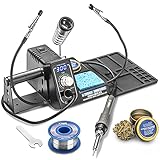
4. X-Tronic 3020-XTS 75W Station – the Best for a First Workbench
The Original X-Tronic 3020-XTS • 75W Soldering Iron Station • LED • 2 Helping Hands • Roll of Solder • Brass Sponge w/Cleaning Flux • Wet Sponge • °C/°F Conversion Switch • 10 Minute Sleep Feature!
75W iron
Heats 200C to 480C in under 30 seconds
PID compensation
ESD safe with 10 minute sleep
LED readout
Pros
- Reaches working heat in under 30 seconds
- PID compensation keeps the setpoint steady
- Complete bench package with helping hands and solder
- Three year warranty with US based support
Cons
- Spring iron holder is basic and protects the tip poorly
- Included helping hands are simple compared with articulated models
- Single LED display shows less than dual display stations
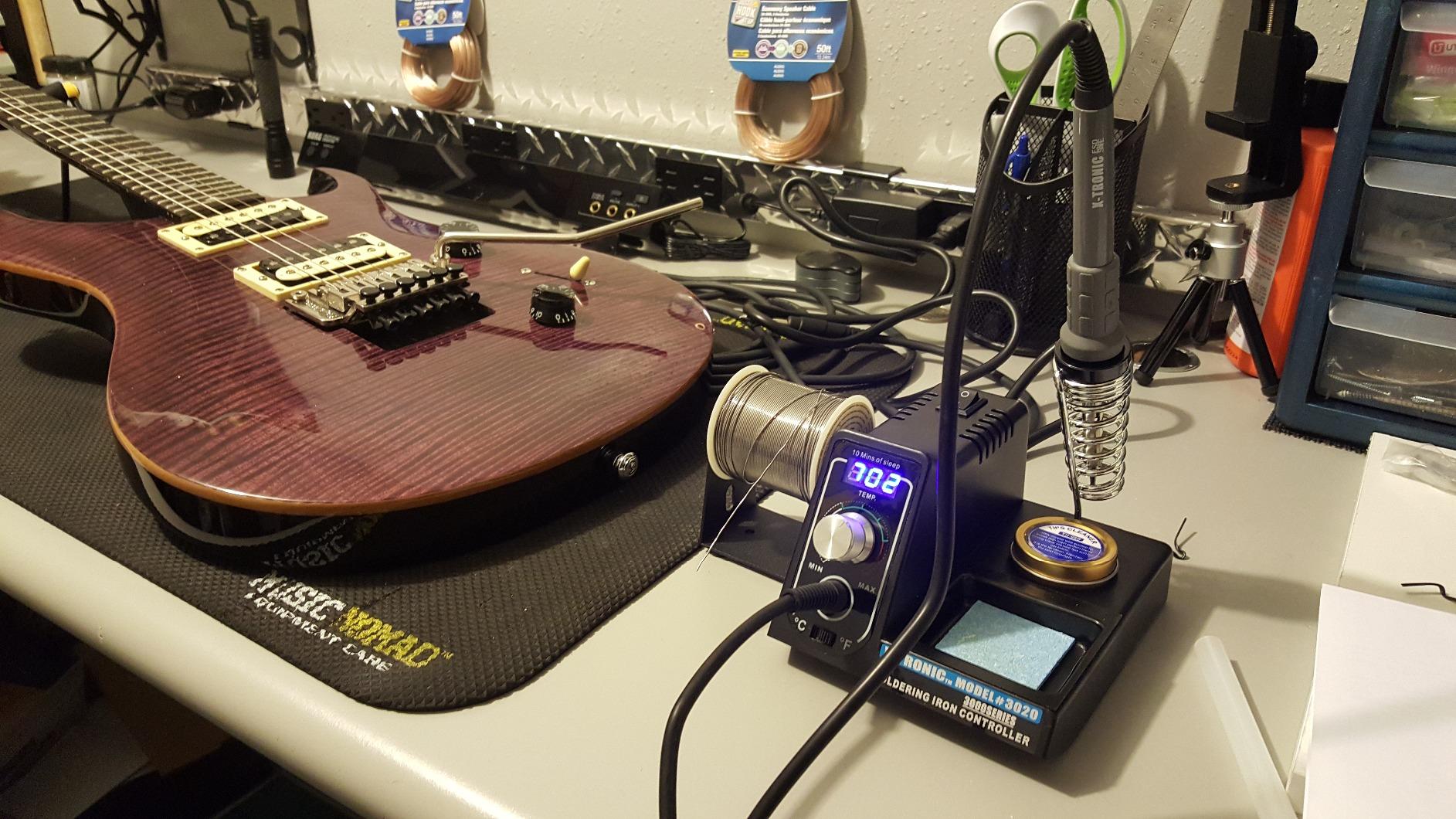
The X-Tronic 3020-XTS is the best soldering iron for circuit boards for someone setting up a first bench, because it arrives as a complete working setup rather than a bare iron. Helping hands, a roll of lead-free solder, a brass sponge with cleaning flux, a wet sponge and a spring steel holder are all in the box.
On paper and in the hand, the 75W element heats from 200C to 480C in under 30 seconds, and PID temperature compensation holds the setpoint steady once it arrives. That combination is enough for through-hole assembly, leaded and lead-free work, and routine SMD joints on 0603 and 0805 parts.
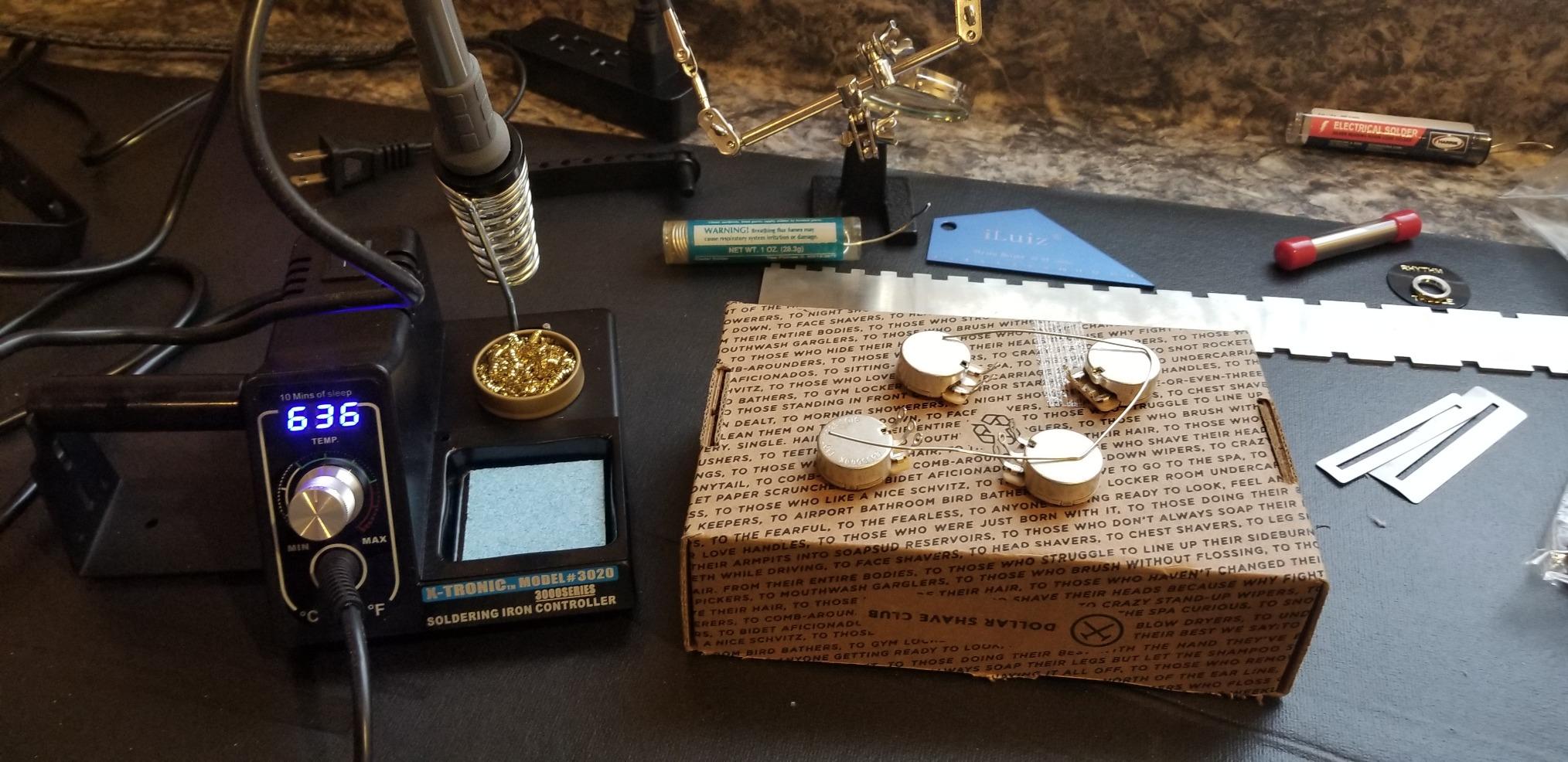
The 40 inch iron cord is pliable rather than stiff, which is a bigger quality of life difference on fine work than most buyers expect. A 10 minute sleep timer protects the tip and element when you step away, and the C to F toggle makes the unit usable with either convention without menu diving.
Support and warranty are worth noting too. This is a US based brand with lifetime technical support and a three year warranty, which is unusual at this end of the market and a real comfort for a first-time buyer.
Why the bundle matters for a beginner
Most first irons come with a tip, a stand and nothing else, which means your first hour is spent buying flux, a pump and something to hold the board. This package removes that friction, and the included solder is enough to finish a through-hole kit without a second purchase.
For anyone moving from a fixed temperature cheap iron, the jump in control is the point. You can set a specific temperature for a heat shrink run and a lower one for a delicate package rather than living with one compromise setting.
Where the accessories fall short
The spring steel holder is thin, and it does little to protect a tip if you knock the iron off the bench. Replace it early with a weighted rest; forum regulars almost universally recommend buying a proper stand rather than trusting the folded metal one that ships in kits.
The helping hands are functional but will not hold position under any real load, so treat them as light positioning aids rather than a third hand. A single LED readout also gives you less at-a-glance information than a station showing set and actual temperature side by side.
5. YIHUA 939D+ 75W Equivalent Station – the Best for a Small Desk
YIHUA 939D+ Digital Soldering Station, 75W Equivalent with Precision Heat Control (392°F to 896°F) and Built-in Transformer. ESD Safe, Lead Free with °C/°F display (Black)
75W equivalent output
Built in transformer
20 millisecond control loop
5.4 by 4.4 by 3.6 inch body
Calibration support
Pros
- Transformer output keeps tip voltage contact safe
- Compact footprint fits a small desk
- 20 millisecond temperature compensation
- Handle detection and calibration support
- Affordable replacement handles and tips
Cons
- 110V design only
- Small stand tips easily if knocked
- Base has no rubber feet and can slide on hard surfaces
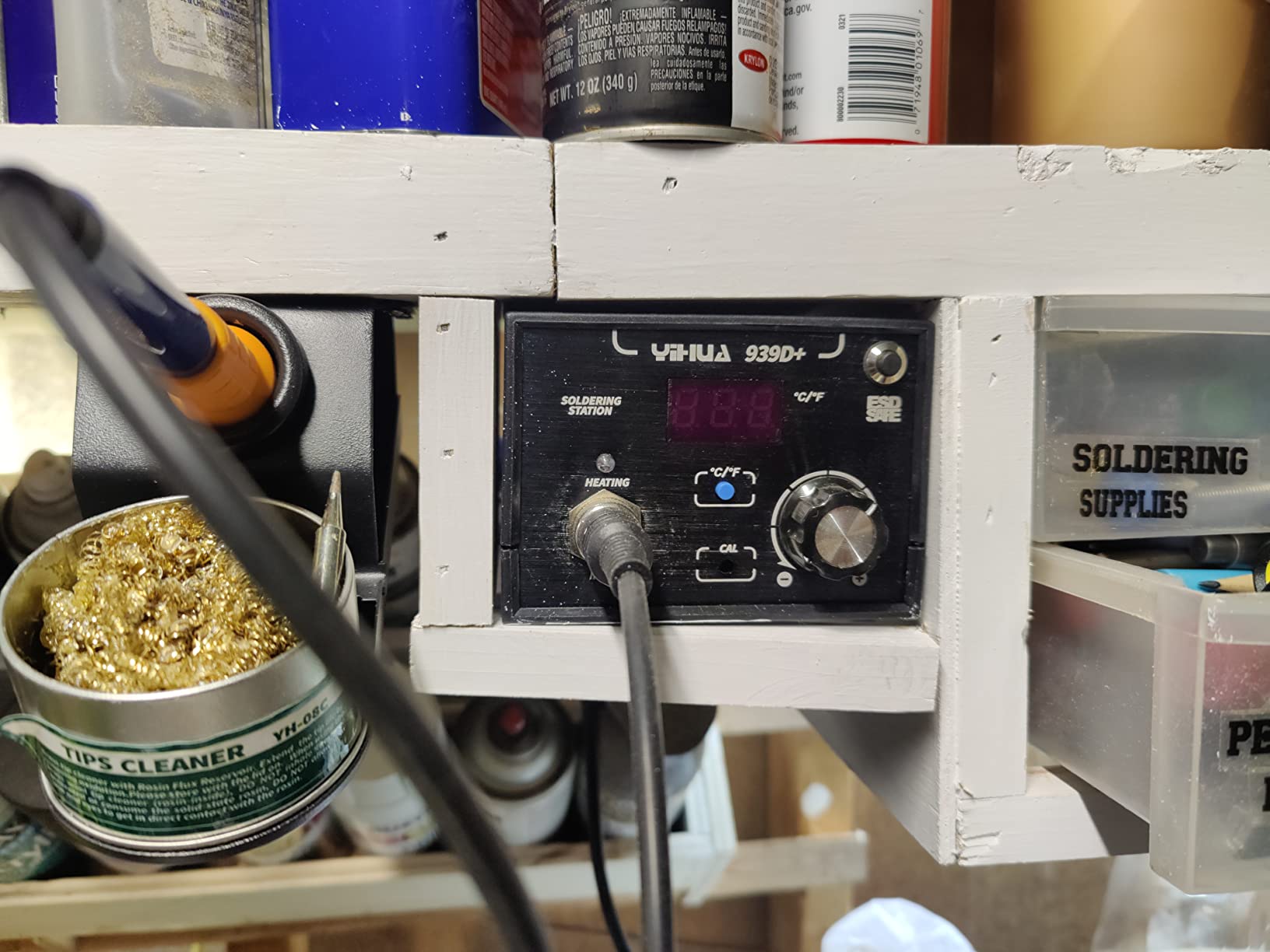
The YIHUA 939D+ is the best soldering iron for circuit boards when bench space is the constraint. At 5.4 by 4.4 by 3.6 inches it takes up about the footprint of a paperback, which is less than half the footprint of a typical station and roughly a third of the width of a full size unit with a holder.
The safety design is the quiet strength here. A built-in transformer steps the mains down before it reaches the handpiece, so the tip sits at a contact safe low voltage rather than line voltage. On dense boards where a slipped iron is a realistic event, that is worth more than an extra feature on the control panel.
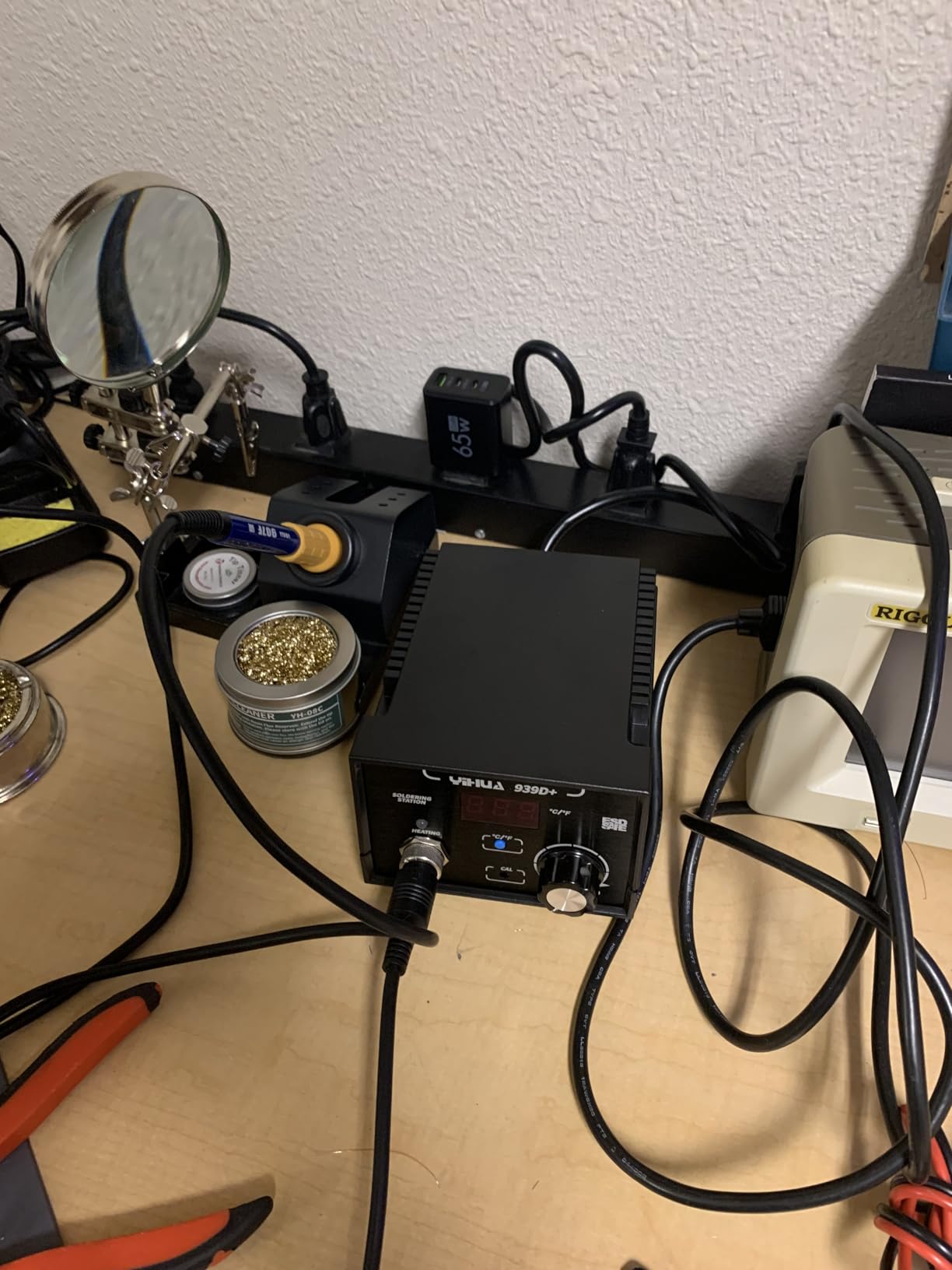
The temperature control program monitors and compensates every 20 milliseconds across a 392F to 896F range, and the detachable 907F handle means a damaged cable or grip is replaceable rather than fatal. Owners building RC vehicles and FPV quadcopters rate this station highly for holding setpoint across both fine and heavy joints, and the thick walled factory tips are praised for their plating and recovery.
A brass tip cleaner with rosin flux and a metal alloy iron stand are included, and automatic handle detection simplifies swapping between irons. The brushed aluminum control panel gives it a more finished feel than the price would suggest.
What a compact footprint actually buys you
Most hobbyists do not lose work to a large station. They lose work because the station is too big to leave out on the bench, so the iron ends up somewhere else and the tips oxidise. A unit this small can stay powered and parked, which is a practical win that no specification captures.
The transformer arrangement also makes this a reasonable choice for a shared hobby space or a classroom bench where several people cycle through the same tool.
Known limitations to plan around
This is a 110V design and will not run on 220V mains without a step-down transformer, which rules it out for buyers outside North America unless they already own one. Several reviewers in the UK and Europe call this out specifically.
The small stand is easy to tip if you knock it, and the base lacks grippy rubber feet, so it can slide on a hard desktop. A non-slip mat solves both in about a second, and we would add one before the first job.
6. WEP 882D 2-in-1 Station – the Best for Desoldering Without a Second Machine
WEP 882D Soldering Iron Station 2-IN-1 SMD Hot Air Rework Station with 2 Spools of Solder Wire, 5 Soldering Tips, 3 Hot Air Nozzles, Brass Wool Tip Cleaner, Tweezers, Desoldering pump
Iron and hot air rework in one body
PID on both tools
Iron 392F to 896F
Hot air 212F to 896F
1.1 kg
Pros
- Two tools in one unit with separate LED readouts
- PID control on both the iron and the air gun
- Compact 3.54 by 5.9 by 2.28 inch body
- Accessory kit includes solder
- tips
- nozzles
- pump and tweezers
Cons
- Small panel packs controls tightly
- 110 to 127V rated only
- Iron and air share a single channel
The WEP 882D is the best soldering iron for circuit boards when the job list is mostly removals. Like the larger YIHUA 862BD+, it puts a soldering iron and a hot air rework gun in one body, but it is smaller and lighter, which suits a bench where space still matters.
Both halves are controlled by a built-in PID program. The iron adjusts from 392F to 896F and the air from 212F to 896F with variable volume, so you can run a gentle warm-air pass to remove a display without cooking the board behind it. Separate LED displays keep the two readings visible at once.
Sleep mode, standby, auto shutdown and a calibration function are all present, and together they are the reason the tips and elements in this class tend to last. Owners consistently call the accessory bundle genuinely useful rather than filler, with two solder spools, five tips, three nozzles, a desoldering pump, tweezers and brass wool included.
At 3.54 by 5.9 by 2.28 inches and 1.1 kg, it is heavy enough not to walk across the bench under a tug on the iron cord. That is a small detail that separates a serious tool from a light one.
Where a combined station beats two separate tools
Removals are the case for hot air. A multi-pin SMD part soldered down with an iron has to be reheated joint by joint, and by the time the last one is liquid, the package is usually already gone along with some pads. Warm air across the whole part gives you a single clean lift.
Owning one unit that does both also means one power source, one set of tip types and one thing to learn. For a repairer doing mixed work, that consolidation is usually worth more than the small loss of having two separate temperature memories.
Trade-offs in the shared channel
Because the iron and the air gun share a single channel, you can only tune one of them at a time. In practice that means switching modes rather than recalling a stored air profile between two operations, which is mildly annoying on a busy rework day.
The panel is also densely packed for its size, so the controls take a few sessions to learn by feel. And like most units in this class it is rated for 110 to 127V only, which excludes 220V regions.
7. YIHUA 926 III 60W Station Kit – the Best Value for Circuit Board Work
YIHUA 926 III 60W Digital Display Soldering Iron Station Kit w 2 Helping Hands, 6 Extra Iron Tips, Lead-Free Solder, Solder Sucker, S/S Tweezers, °C/ºF Conversion, Auto Sleep & Calibration Support
60W digital station
194F to 896F range
PID stabilization
Integrated holder and tip slots
Sleep modes at 5, 10 or 30 minutes
Pros
- Largest review base in this roundup with over 7000 reviews
- Fast heat-up across a wide 194F to 896F range
- Integrated holder and rear tip storage save bench space
- 12 piece kit covers tips
- solder
- pump and tweezers
- Sleep mode and calibration help maintain accuracy
Cons
- 60W output is modest for heavy gauge wire and large thermal masses
- Limited tip storage capacity in the rear mesh
- 110 to 127V design only
The YIHUA 926 III is the best soldering iron for circuit boards for most buyers, simply because it is the default choice with the largest body of owner feedback behind it. More than 7,000 reviews means the failure modes are well documented, which is its own kind of safety.
Temperature control runs from 194F to 896F with PID stabilization, and heat-up is fast enough that a short break between joints does not leave you waiting. That range covers leaded work, lead-free work and heat shrink, with a master control knob and digital readouts for everything.
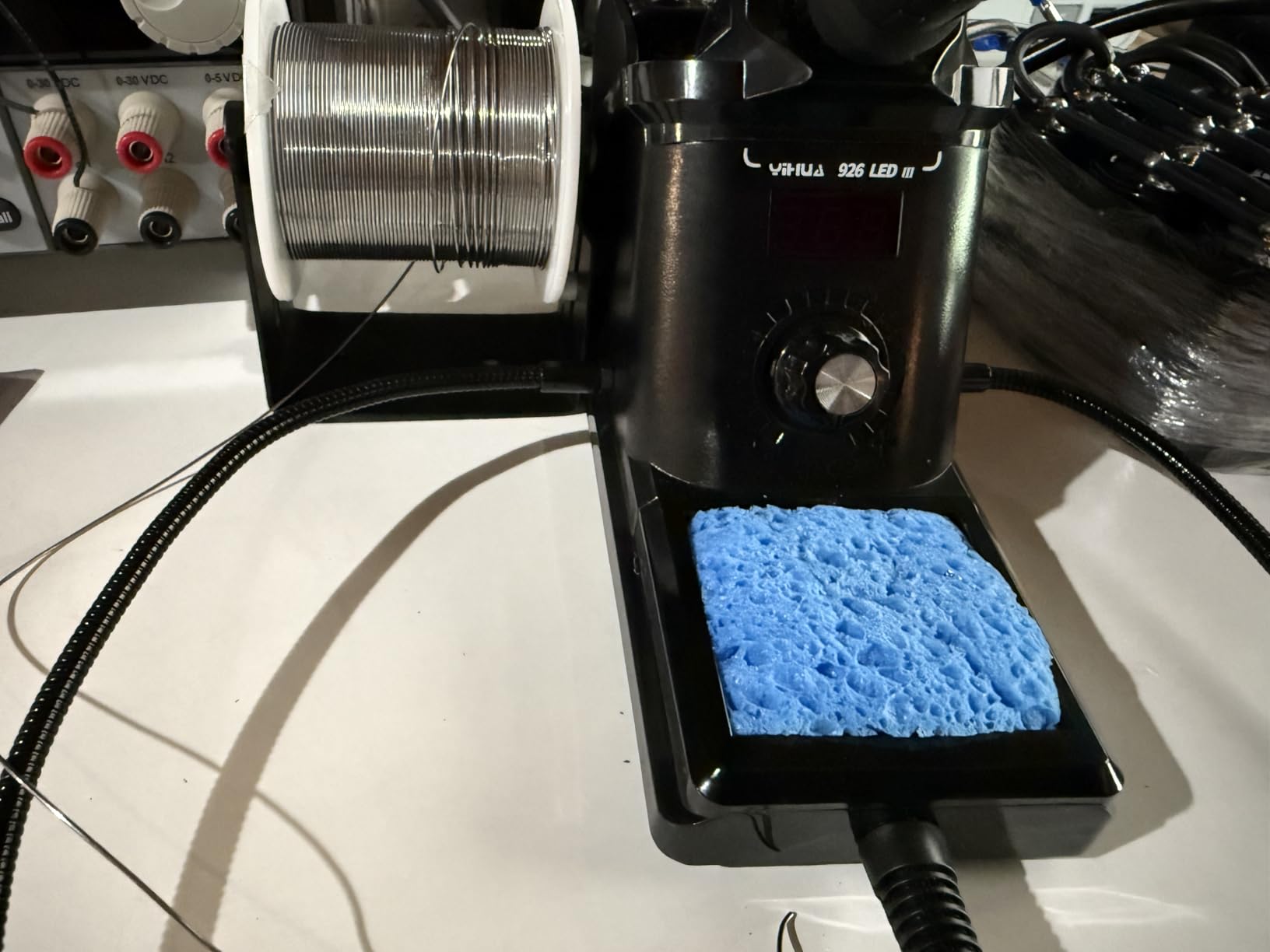
The integrated iron holder and rear protective mesh with tip storage slots are the design details that matter most at this price. Most kits make you buy a separate rest, and most stations make you find somewhere to keep your spare tips. This one puts both on the body, which is why the 7.3 by 4.5 by 2.8 inch footprint still works on a small desk.
The kit contents go well past the minimum: six assorted tips, lead-free solder, a desoldering pump, ESD-safe tweezers, a mini wrench, helping hands and a sponge. The unit is UL standard conformant for US electrical safety, and the body carries 12 month US manufacturer technical coverage.
Why most people should buy this one
It does the two things board work actually requires, and it does them without drama: regulated temperature and a tip that holds its heat. Everything else on this list is a refinement of those two things, and for through-hole assembly, keyboard builds and Raspberry Pi projects this station is more than sufficient.
Adjustable sleep modes at 5, 10 or 30 minutes plus digital calibration handle the slow accuracy drift that reviewers of cheaper stations complain about after a few months of use.
Where 60W runs out
The 60W element is modest against heavy gauge wire and large thermal masses. If you routinely solder mains wiring or large lugs, the tip will sit below setpoint for longer than you would like, and a higher output station serves you better. For board work, 60W is generally enough, but it is close to the limit on a big ground plane.
Tip storage slots hold only a few spares, so keep the rest in a case. It is also a 110 to 127V design and will not run directly on 220V mains.
8. Hakko FX600 50W Dial Iron – the Best for T18 Tip Access
1 X Hakko Dial Type Temperature Limiting Soldering Iron Fx600
50W nichrome element
Dial control from 200C to 500C
61g body
20.5cm length
Accepts T18 style tips
Pros
- Reaches working temperature in roughly 20 to 30 seconds
- Accepts standard Hakko T18 style tips
- Light 61g body is easy to control on small pads
- Thick nylon body and light flexible cord
- Firm positive click on the temperature dial
Cons
- Dial control is coarse compared with digital entry
- 110V only and packaging and manual are in Celsius with no English instructions
- Small number of buyers report early element failure
The Hakko FX600 is the best soldering iron for circuit boards if your priority is tip choice rather than display precision. It accepts standard Hakko T18 style tips, which are among the most widely available and cheapest tips in the hobby, so you are never stuck waiting on a proprietary supply.
Dial control spans 200C to 500C, and the 50W nichrome element reaches working temperature in roughly 20 to 30 seconds in our use. The body weighs 61 grams and is 20.5 centimeters long, which makes it one of the lightest irons here and easy to hold steady over a small pad.
Hobbyists moving up from a cheap fixed temperature iron tend to describe this as a step change, largely because they can finally choose a temperature. Experienced users also point out that the stated 50W figure understates real output on 120V mains, and that tip quality rather than wattage is what makes joints look consistent.
The build is straightforwardly good: a thick nylon body, a light flexible cord, cord strain relief, and an indicator light that shows when the set temperature has been reached. The dial has a firm positive click, so you can find the same setting by feel.
Why the T18 ecosystem is worth choosing for
Tip cost is a running expense that nobody budgets for at purchase time. With T18 compatibility you can buy the full range of conical, chisel and bevel tips in small quantities from many sources, which means you keep a spare of the shape you need instead of ordering a proprietary part after a tip degrades.
A high school electronics teacher who has coached competitive teams put it plainly on the Tom’s Hardware comment thread: run away from any tip standard that is not T12, T15 or T18. The reason is availability. You will always be able to replace the tip today.
The coarse control trade-off
A dial cannot land on exactly 327C, and anyone who needs a specific setpoint will find the increments frustrating. It suits a user who works at two or three temperatures rather than a technician running calibrated profiles.
There are also practical wrinkles: this is a 110V design, and the packaging and manual are in Celsius with no English-language instructions, which catches out first-time buyers. A small cluster of owners report early heating element failure, so keep the receipt. It also comes with no stand, so add a proper rest.
9. WEP 927-IV 110W Station – the Best for Dense SMD Boards
WEP 927-IV Soldering Station Kit High-Power 110W with 3 Preset Channels, Sleep Mode, LED Magnifier, 5 Extra Iron Tips, Tip Cleaner, 2 Helping Hands, Tip Storage Slots, Lead-free Solder Wire, Tweezers
110W heating element
194F to 896F range
Dual display of set and actual temperature
3 preset channels
Integrated LED magnifier
Pros
- 110W element heats fast across a wide range
- Dual display shows set and actual temperature together
- Three preset channels recall temperatures instantly
- Integrated LED magnifier assists micro soldering
- Sleep mode with 0 to 99 minute timer
Cons
- Busy body packs the magnifier and accessories into a small footprint
- Tip compatibility limited to WEP 1400 tips
- 110 to 127V rated only
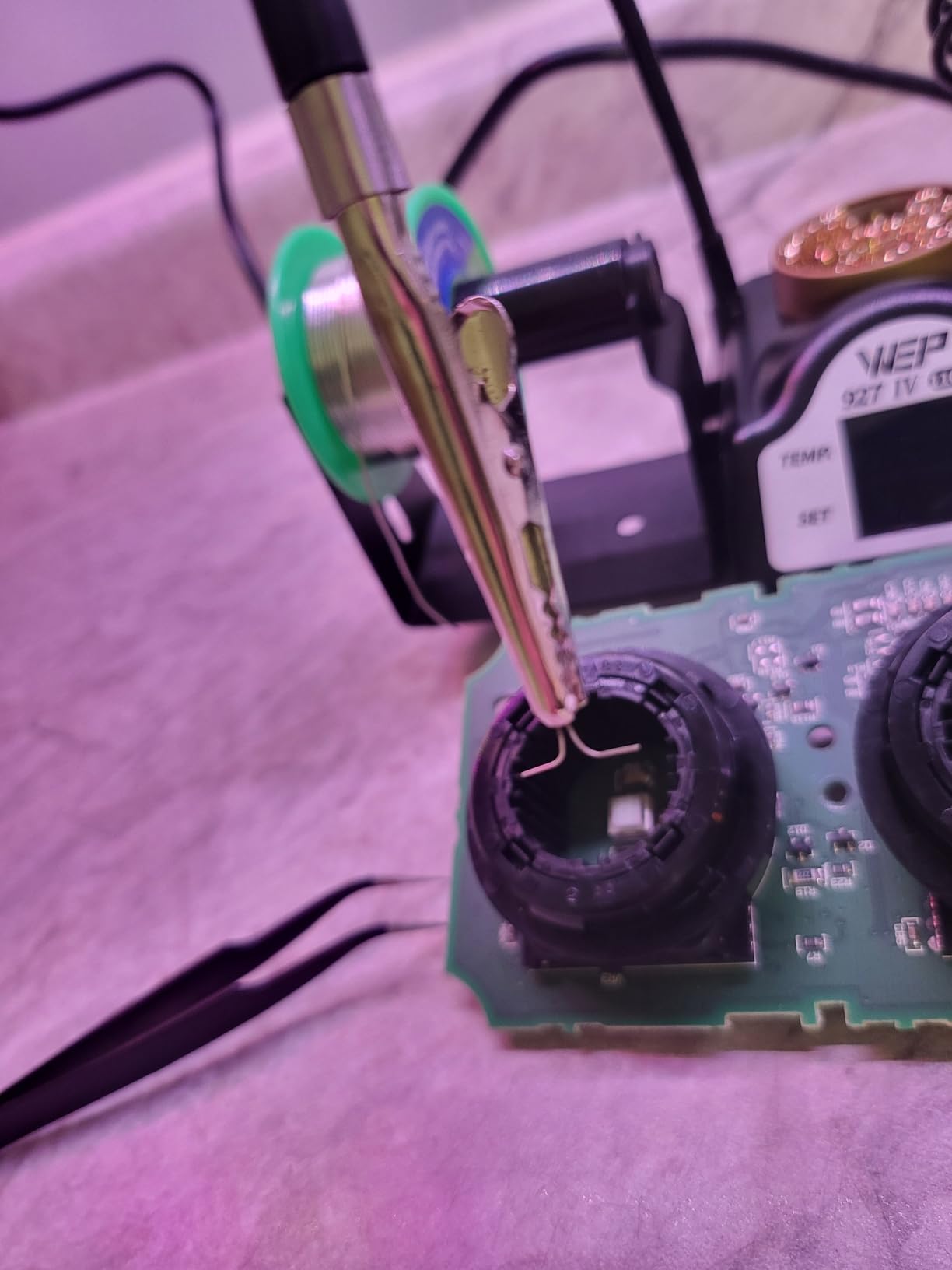
The WEP 927-IV is the best soldering iron for circuit boards when you work on dense SMD layouts and you refuse to buy a separate magnifier. The integrated LED magnifier sits over the work area and lights it, which removes the two things that slow down micro soldering: bad lighting and a magnifier that keeps drifting.
The dual numerical display is the detail that impressed us most. Showing set temperature and actual temperature at the same time means you can watch the tip recover after it touches a large pad, instead of guessing whether the number on screen reflects reality yet. Across a 194F to 896F range on a 110W element, recovery is quick.
Three preset channels let you save temperatures for different jobs and recall them with one button, which is the closest thing to a multi profile setup in this roundup. If you alternate between leaded and lead-free boards, or between a hot SMD job and a cool heat shrink job, that is a real time saver.
Everything else is integrated into a 3.94 by 5.91 by 1.89 inch body: the iron, the holder, the tip cleaner, the solder dispenser, helping hands, the magnifier and tip storage. Sleep mode runs on a 0 to 99 minute timer, so you can shorten it for a bench where the iron is never truly unattended.
What the magnifier and dual display change
Fine-pitch SMD work is a visibility problem before it is a heat problem. Bridge a 0.5mm pitch part and the failure is invisible without magnification. Having a lit magnifier built into the station means you can check your work immediately rather than putting the board down and picking up a loupe.
The dual readout supports the same discipline on the thermal side. Watching actual temperature fall and recover tells you whether your iron is keeping up with the board, and on a 110W element it does.
The proprietary tip caveat
Tip compatibility is limited to WEP 1400 tips. That is a real cost of ownership consideration: your tip options are narrower than the T18 ecosystem, and if you are the kind of user who breaks tips regularly, check availability before committing.
The integrated layout also makes the panel busy in a small footprint, and once you are used to reaching for one control, the density stops mattering. The 110 to 127V rating excludes 220V regions.
10. Fanttik T1 Max Cordless Iron – the Best for Field and Mobile Repair
Fanttik T1 Max Soldering Iron Kit, Cordless Soldering Iron
Cordless 2600mAh battery or USB-C
Heats in about 7 seconds
390F to 840F across 6 levels
Gravity sensing sleep
4 C210 tips included
Pros
- Cordless design removes cord interference in tight spaces
- Heats in about 7 seconds
- up to an hour of cordless use at 840F
- Works plugged in over USB-C when the battery is flat
- Weighted aluminium swivel stand with a pop up tip tray
- Front LED work light for inspecting joints
Cons
- Wide handle limits access on assembled boards
- Six temperature levels are coarser than continuous control
- Plastic tip collet can warp over time and let heat escape
The Fanttik T1 Max is the best soldering iron for circuit boards when you cannot sit at a bench. Cordless operation eliminates the cord entirely, which is the difference between reaching a joint under a dashboard and not reaching it at all. A 2600mAh battery gives up to an hour of cordless use at 840F, and it works plugged in over USB-C when the battery is flat.
Heat-up of about 7 seconds is among the fastest we measured, and it means the tool is ready the moment you pick it up. Six temperature levels from 390F to 840F are set from a knob on the tail, and gravity sensing sleep shuts down after 30 seconds of inactivity and reheats to setpoint when you pick it up again.
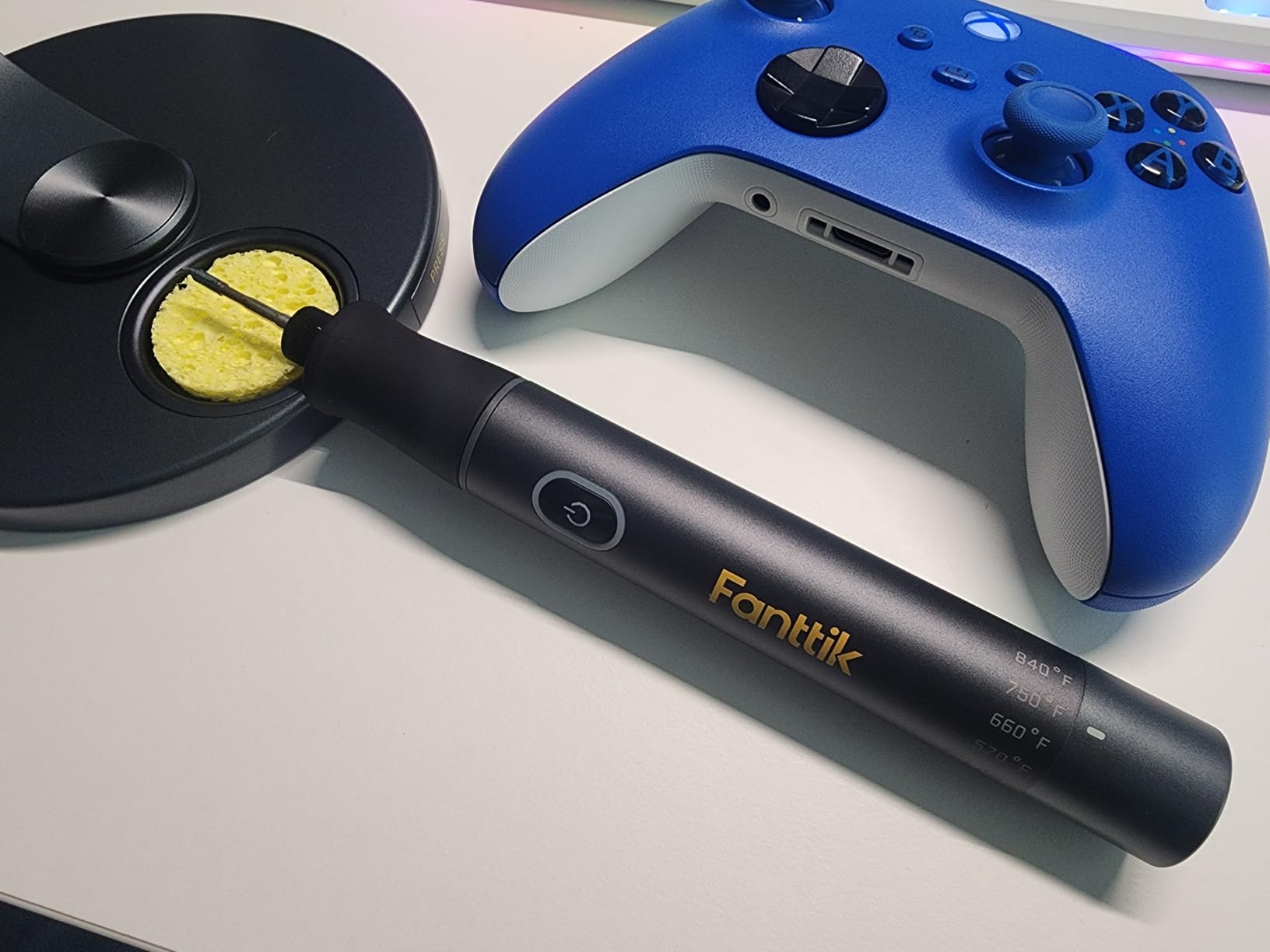
The aluminium storage stand is weighted, with a 360 degree swivel arm and a pop up tip tray, so the iron does not creep across a vehicle seat or a work van bench. A front LED work light helps you inspect a joint in a dark space, and the kit includes a pump, anti-static tweezers, four C210 tips and ten sponges.
Owners consistently praise the tips for precision work on small traces, and the support response has been reported as good when defects come up. The cordless format also makes this a sensible second iron for someone who already owns a station and wants a backup.
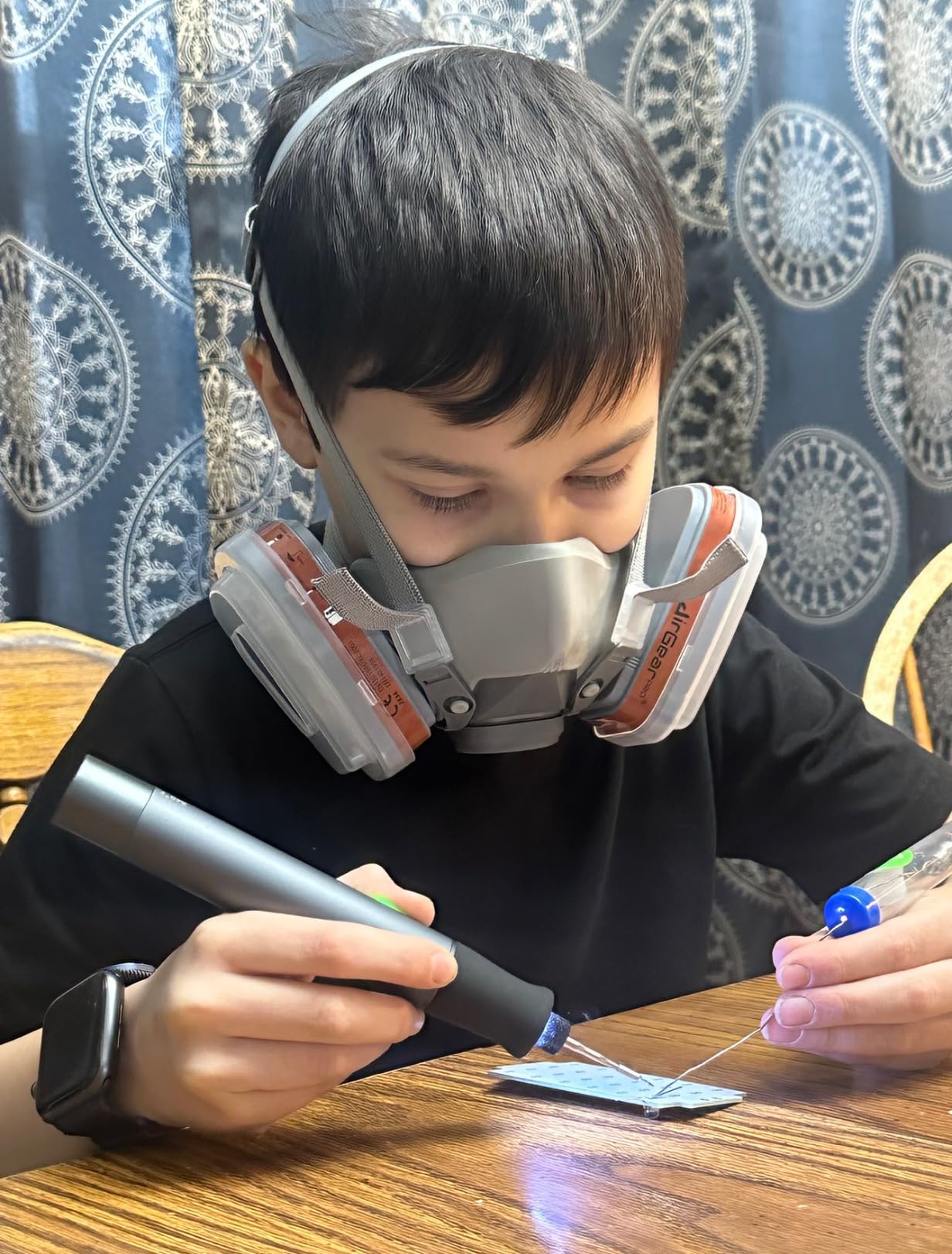
What cordlessness buys in practice
On an assembled board with a tall heat sink nearby, a corded iron is a physical obstacle. It catches on the component, it changes the angle of your wrist, and it forces you to work around a curve of silicone cable. A cordless iron simply does not have that problem.
The fast heat-up and gravity sleep also change the workflow. Because the tool is ready in seconds, you can move between a diagnostic check and a repair without a warm-up penalty, which is exactly the rhythm of field service work.
Where the compromises are
The handle is wide, which limits how far you can reach into narrow spaces on an assembled board, and the tips are small C210 tips meant for small pads and traces rather than larger components. Six discrete temperature levels are coarser than true continuous control, so this is not the tool for a calibrated profile.
Most discussed is the plastic tip collet, which can warp over time and let the tip sit loose, wasting heat. Check the collet periodically and replace it when it stops gripping. The included USB-C cable is very short and no charging block is included, so plan for a wall adapter. There is a report of a 30 second sleep timer interrupting work during slow repositioning, which you can simply learn to work around by keeping the iron in hand.
How to Choose a Soldering Iron for Circuit Boards
Once you narrow the list, these are the criteria that actually decide the outcome. We have kept each point short and measurable, because vague claims about quality do not help you compare anything.
Temperature control, not peak wattage
Wattage tells you how much power the element can dump, not how well the iron behaves when the heat leaves. What protects a pad is a closed loop that holds your setpoint and recovers in a second or two after touching a large ground plane. Look for a digital setpoint, PID or similar compensation, and a temperature lock so nobody changes your setting mid-job.
Thermal recovery over raw power
When the tip touches a cool copper pour, temperature falls and the element pushes extra power to recover. Fast recovery is why a 70W station with good regulation beats a nominal 100W iron with poor thermal contact between element and tip. A high school electronics teacher quoted on the Tom’s Hardware comment thread puts the practical rule simply: buy more heat than you expect, and keep the exposure time short.
ESD safety for microcontroller work
ESD safe construction matters more than most buyers expect if you are working near microcontrollers, sensors or RF parts. A station with a grounded handpiece and a built-in transformer steps tip voltage down to a contact safe level, which protects both your board and you. It is a cheap safety margin, and several stations here include it.
Tip shape matched to component size
A conical tip suits 0402 and 0602 parts, a fine chisel suits SOIC and small SOT packages, a wide chisel or bevel suits through-hole joints and connectors, and a knife or hoof tip covers a large ground plane without reflowing neighbours. Tip shape is a bigger practical factor on boards than most roundups admit, and having a kit of shapes costs far less than replacing a lifted pad.
Tip ecosystem and cost of ownership
T12, T15 and T18 compatible tips are the most widely available, which is why forum advice consistently favours them. Proprietary platforms such as WEP 1400 and C210 restrict your options, and a tool you cannot tip when you need one is a tool you will replace. Weigh the ongoing tip cost before you fall for a cheaper iron.
Heat-up time and auto sleep
Forum users consistently rate heat-up time as the feature they value most, because a fast iron changes how much of a session is spent waiting. Auto sleep protects the element and the tip when you step away, and a short adjustable timer is better than a fixed thirty minutes.
Temperature for leaded versus lead-free work
Leaded solder melts around 180C and is comfortable in the low 300s Celsius, typically 340C. Lead-free alloys need closer to 370C, and below that you will push the tip against the joint for longer than you should. Set a specific temperature rather than guessing, which is what temperature lock and preset channels are for.
Dwell time and pad lifting
Circuit boards fail from heat, not from lack of it. Lifted pads come from leaving an iron on a joint too long, especially on a multilayer board with an internal ground plane that quietly conducts heat away. Keep dwell under roughly three seconds per pad, use flux so the solder flows on its own, and heat sink the far side of the board with a second iron or a heavy clip when removing a large part. EEVblog forum consensus is consistent on the principle: more heat, shorter exposure, never prolonged.
Soldering Iron or Hot Air Station? When You Need Both
If your work is assembling through-hole kits and replacing a 0805 resistor, an iron is enough. The moment you start removing multi-pin surface mount packages, hot air stops being optional. A fine-pitch IC has every lead soldered, and an iron can only heat one lead at a time, which means you have already reheated the whole part before the last joint lets go.
Two of the stations here combine both functions, so you can test the idea without buying two machines. The decision rule is simple: if you mostly solder, buy the better iron and add hot air later if your work shifts toward rework. If you mostly desolder, start with a combined station.
One caution carried over from user reports: portable irons can behave unpredictably when run off large battery banks in the field, and we have seen first-hand accounts of a smart iron going unresponsive on a third remote job and leaving the user back on a gas iron. Test any cordless tool on mains power before you rely on it for a paid call.
Frequently Asked Questions
What is the best type of soldering iron for electronics work?
A temperature controlled station with a digital setpoint is the best type for electronics work, because it holds a consistent temperature and recovers quickly when the tip touches a cool pad. Corded smart irons are better for travel, and combined iron plus hot air stations are better when your work is mostly desoldering multi-pin surface mount parts.
What wattage soldering iron is best for soldering PCBs?
For circuit boards, 60W to 75W is the useful range. Enough power is needed to recover after the tip touches a large copper ground plane, but far more than that risks scorching the board during a long joint. Above 110W you gain little on PCB work and lose fine control on small pads.
What type of soldering tip is best for soldering circuit boards?
A fine chisel or conical tip suits most circuit board work, with a chisel tip for through-hole joints and connectors and a conical tip for 0402 and 0602 surface mount parts. A wide bevel or knife tip helps when you must heat a large ground plane. Tip shape matters more than tip brand, so buy several shapes early.
How hot should a soldering iron be for a circuit board?
Around 340C for leaded solder and about 370C for lead-free solder are the standard starting points. The real control is time at temperature: use flux so the solder flows quickly, keep each pad under roughly three seconds, and heat sink the far side of a multilayer board before removing a large component.
Can you use a soldering gun on a circuit board?
You can, but it is a poor choice. A soldering gun delivers a large uncontrolled burst of heat that can lift pads, scorch the laminate and damage surface mount parts. For circuit boards use a temperature controlled iron where you set a specific temperature and control how long the tip stays on the joint.
Do I need an ESD safe soldering iron?
It helps, particularly around microcontrollers, sensors and radio parts. An ESD safe station has a grounded handpiece and often a built-in transformer that keeps the tip at a contact safe low voltage. For hobby through-hole work the benefit is modest, but for board repair and any work on a board you cannot replace, it is worth having.
Conclusion
For most people buying the best soldering irons for circuit boards, the Weller WE1010NA is the answer, because its 4 degree Fahrenheit stability and temperature lock produce repeatable joints in a way nothing else here does. Buy the YIHUA 926 III if you want a complete first station with the largest support base, and the YIHUA 939D+ if your desk is small.
Work in fine-pitch territory and you will prefer the Hakko FX601-02 for its slenderness. Do SMD rework and pick one of the two hot air stations. Fix electronics away from a bench and the Fanttik T1 Max removes the cord problem entirely. Whichever you choose, buy a proper stand, a range of tip shapes and a calibration pass before your first board.