
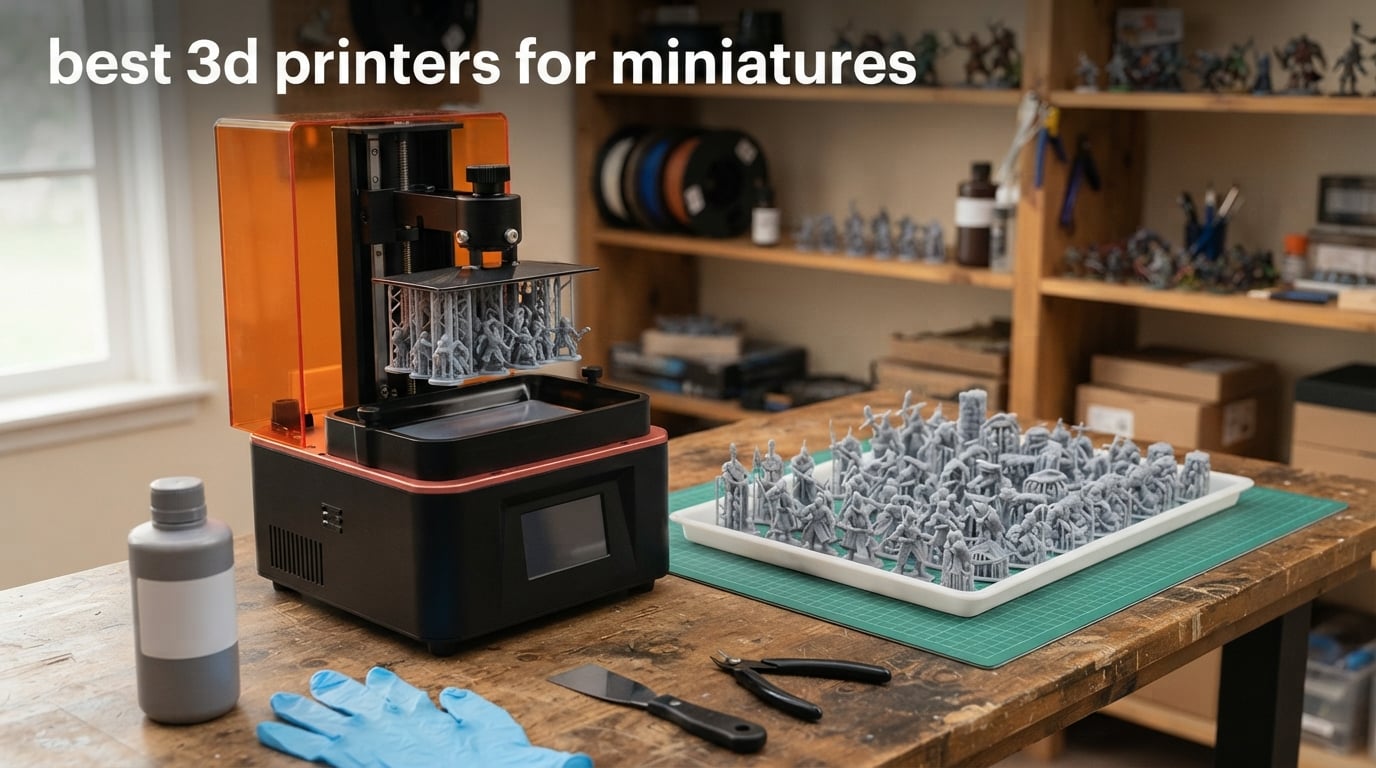
If you only read one thing about miniature printing, read this: for 28mm and 32mm figures you need an MSLA resin printer, not a filament printer. A good resin machine gives you roughly 14-24 micron XY pixels, which captures faces, chainmail and weapon edges. Filament printers top out near 200 micron layers, and those ridges are visible to the naked eye once primer goes on. For terrain and buildings, filament is still the right tool.
That is the whole argument, and it is why the best 3D printers for miniatures on this list are all resin. We compared six current-generation MSLA machines on the only metrics that change how a painted miniature turns out: pixel size, light source uniformity, how the model releases from the plate, and how many figures you can fit in one batch. Build volume matters far less than most buyers assume, which we explain further down.
I want to be straight about how this list was made. It is a spec and review-analysis comparison built from manufacturer documentation and a large body of owner feedback, not hands-on bench testing in our own workshop. Where owners report a failure mode, we say so plainly rather than smoothing it over. Our broader picks across formats sit in our complete 3D printer guide and our resin printer roundup.
Six printers made the cut. We did not pad the list with accessories, bundles or superseded models, which means you will not find dead SKUs on it. If you are still working out whether resin is worth it at all, jump to the buying guide and the safety section, because resin handling is the one real hurdle between you and a finished army.
Table of Contents
Top 3 Picks for Best 3D Printers for Miniatures in October

Anycubic Photon Mono 4
- 17x17 micron 10K mono LCD
- Compact and quiet
- 4-point one-and-done leveling

Elegoo Mars 5 Ultra
- 18 micron 9K mono LCD
- Tilt release at 150 mm/h
- Self-leveling plate and camera
All 6 Printers at a Glance in 2026
Everything below is drawn from the manufacturer specifications and owner feedback for each machine. Read the quick overview for the shape of the list, then use the individual sections for the reasoning.
| Product | Specifications | Action |
|---|---|---|
| Anycubic Photon Mono 4 |
|
Check Latest Price |
| Elegoo Mars 5 Ultra |
|
Check Latest Price |
 Elegoo Saturn 4 Ultra 16K Elegoo Saturn 4 Ultra 16K |
|
Check Latest Price |
 Anycubic Photon Mono M7 Pro Anycubic Photon Mono M7 Pro |
|
Check Latest Price |
 Anycubic Photon P1 Anycubic Photon P1 |
|
Check Latest Price |
 Phrozen Sonic Mega 8K S Phrozen Sonic Mega 8K S |
|
Check Latest Price |
1. Anycubic Photon Mono 4 – The Detail Pick That Fits a Small Desk
ANYCUBIC Photon Mono 4, Resin 3D Printer with 7” 10K Mono LCD Screen
17x17 micron 10K mono LCD
153x87x165 mm build volume
LighTurbo matrix light source
7.7 lb footprint
Pros
- Exceptionally sharp detail for 28mm minis
- Layer lines effectively invisible at normal settings
- Printing within 30 minutes of unboxing
- Four-point leveling rarely needs repeating
- Compact and quiet for a home office
Cons
- Touchscreen or LCD failures reported by some owners
- Vats and FEP film crack over time
- Build volume smaller than buyers expect
- Photon Workshop software is basic
The Mono 4 is the machine I keep coming back to, and it wins this list on evidence rather than hype. It has more owner feedback behind it than anything else here, and the pattern in those reviews is unusually consistent: when a print finishes, the detail is excellent. Faces read, chainmail separates into links, and a cape edge looks like a cape edge.
The spec that matters is a 7-inch 10K monochrome LCD at 9024×5120, which works out to a 17×17 micron XY pixel. For a 28mm figure standing roughly 32mm tall, that pixel size gives you a surface smooth enough to prime and paint without heavy sanding. That is the threshold, and this machine clears it.
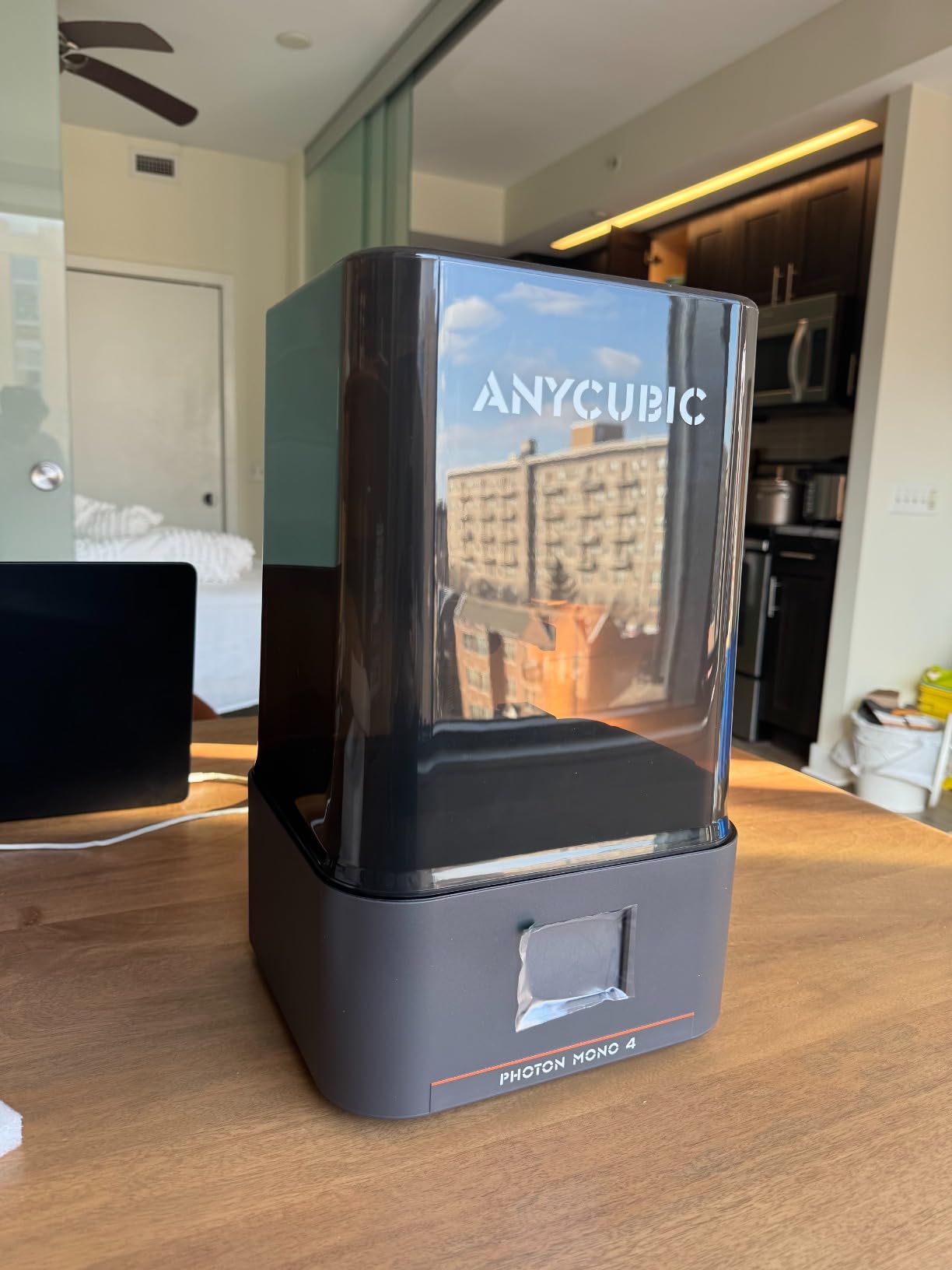
Owners also praise the LighTurbo matrix light source for even illumination, which matters more than it sounds. Uneven light across a plate means some areas over-cure and others under-cure, and you get inconsistent bases. Reports of layer lines becoming virtually invisible at ordinary slicing settings come up often in the reviews.
The workflow is the other strength. Four-point leveling is a one-and-done job, owners report first prints within half an hour of unboxing, and print resume after a power cut completes correctly. That combination of fast setup and predictable behaviour is what makes this the safest first resin printer on the list.
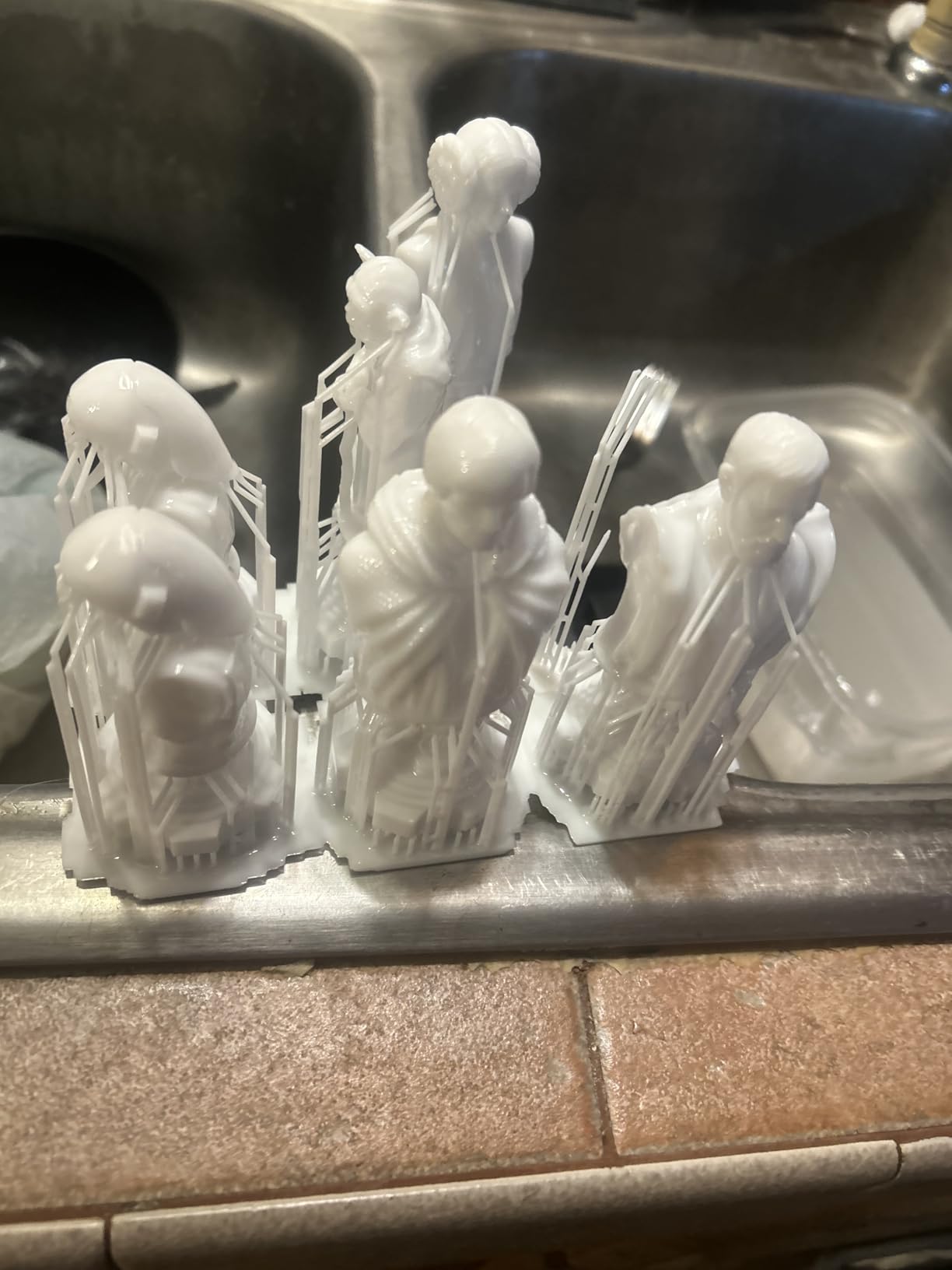
How it handles a 32mm print in practice
The build volume is 153.4 x 87 x 165 mm, which is compact. Owners print Hero Forge scale characters and diorama pieces on it successfully, and a full unit of infantry fits comfortably across the plate. The recurring complaint is that buyers overestimate the height first, then find a tall bust or a mounted figure needs rescaling or splitting.
Note also that Anycubic APP service is not supported for this model, and Photon Workshop is the slicing software. Owners describe its navigation as basic. It does its job, but the polished app experience you get on newer machines is not here.
Where it falls short
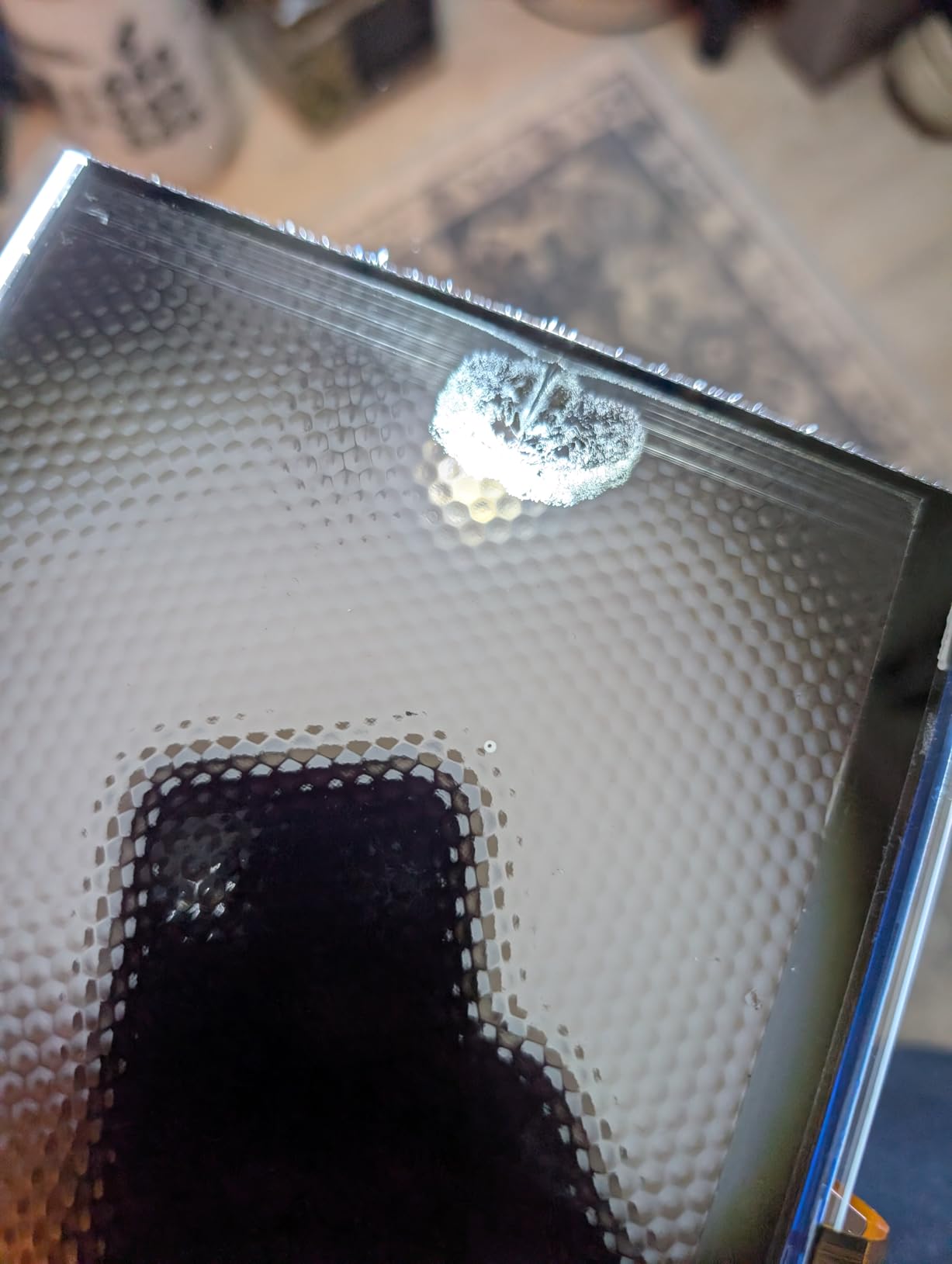
The honest weakness is consumable and component longevity. Owners report touchscreen or LCD failures sometimes within weeks, and vats and FEP film that crack or break over time. None of this is a reason to skip the machine, but budget for a spare vat and a screen replacement rather than treating the purchase as a one-time cost.
Exposure, lift speed and temperature settings also need real dialing in rather than running on defaults. That is normal resin practice, not a flaw, but budget an evening of test prints before you queue an army.
2. Elegoo Mars 5 Ultra – The Beginner Pick That Levels Itself
ELEGOO Mars 5 Ultra Resin 3D Printer
18 micron 9K mono LCD
Tilt release up to 150 mm/h
Self-leveling plate
AI camera with Wi-Fi
Pros
- Detail far beyond entry-level filament output
- Tilt release roughly halves print time
- Self-leveling removes the top beginner failure point
- Camera with Wi-Fi for unattended prints
- Works well out of the box
Cons
- Small build plate
- UV lid has no hinges
- Camera easily blocked by tall builds
- Rounded resin spout makes pouring messy
The Mars 5 Ultra solves the exact problem that stops most beginners: bed leveling. Its self-zeroing build platform handles the step that causes the majority of first-print failures, and first-time resin owners report good results with little exposure tuning. For someone who has never opened a resin vat before, that matters more than raw resolution.
The screen is a 7-inch 9K monochrome LCD at 18 micron XY resolution, which sits alongside the Mono 4 in the class that actually produces paint-ready surfaces. The interesting technology here is tilt release, where the machine peels the model off the release film instead of yanking it straight up.
The speed difference is measurable. Owners report a standard 32mm Hero Forge miniature dropping from roughly 2 hours 15 minutes on earlier Mars models to about 1 hour 10 minutes on this one. When you are printing a full unit rather than one character, that is the difference between an evening and an afternoon.
What the monitoring features are really worth
The AI camera watches the build in real time and alerts on an empty plate, warping and failed layers, and a mechanical sensor with residue detection protects the LCD. Self-diagnostics also flag resin level and leveling problems before they waste a print. Owners treat these as the features that make the difference day to day rather than novelty extras.
There is a three-month Chitubox Pro subscription included, which brings auto-orient and support tools. Wi-Fi cluster printing lets you control more than one machine from a single device, which matters if you scale up to two printers later.
Where it falls short
The compact build area is the main limitation, and some buyers report it cannot handle even a cup-sized print. For 28mm and 32mm work that is rarely a real problem, but it rules the machine out for busts and large display models.
The UV lid has no hinges, so the whole lid comes off and eats vertical space in a tight setup. The camera is easily blocked by tall builds and its feed is low resolution, which is frustrating when you are monitoring an overnight print. A small number of owners also report the build plate film tearing during a failed print and pushing resin toward the electronics, so keep the machine on a washable surface.
3. Elegoo Saturn 4 Ultra 16K – The Heated Vat Detail Machine
ELEGOO Saturn 4 Ultra 16K Resin 3D Printer
16K monochrome LCD
Intelligent tank heating at 30 C
AI camera with chamber light
Tilt release up to 150 mm/h
Pros
- Strongest detail class in this roundup
- Heated tank cuts bubbles and layer separation
- Automatic leveling makes it plug and play
- Camera and chamber light for all-day monitoring
- Tilt release shortens cycle times
Cons
- Heaviest machine here at 35.5 pounds
- Higher resin consumption than entry-level models
- Chamber camera blocked by tall builds
- Widest spread of reliability complaints in the list
This is the machine to buy if detail is the entire point of your hobby. The 16K monochrome LCD is the highest panel class here, and owners single it out for smooth surfaces and lifelike texture on display models and painted miniatures. If you paint faces and want the eyes and hair separation to hold up under a magnifier, this is the strongest entry in the list.
The feature that actually changes day-to-day reliability is smart tank heating, which holds resin at 30 C. Warmer resin flows better, which improves layer adhesion and reduces both bubbles and layer separation. Owners frequently attribute fewer failed prints at higher speeds directly to the heated tank, and that is the honest reason to choose this over a cheaper 9K or 10K machine.
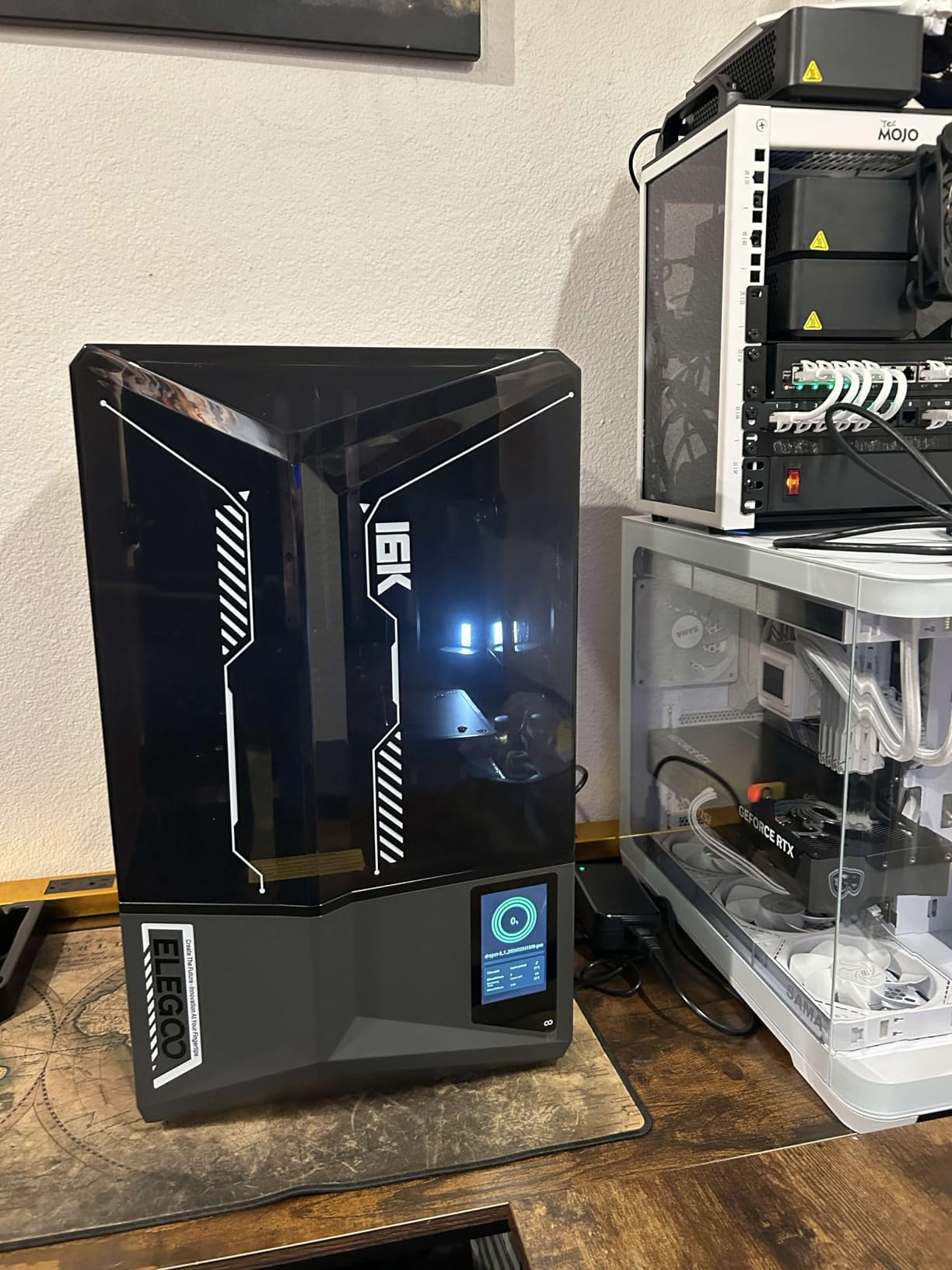
Everything else is designed to remove decisions. Automatic leveling needs no manual adjustment at all, tilt release peels models at speeds up to 150 mm/h, and a mechanical sensor with residue detection protects the screen. Alarms cover resin shortage and leveling failure.
The AI camera comes with a built-in chamber light, so you can check a print at any hour, get instant warp and empty-plate alerts, and capture time-lapse footage of the build. That is genuinely useful for a machine you might run overnight three times a week.
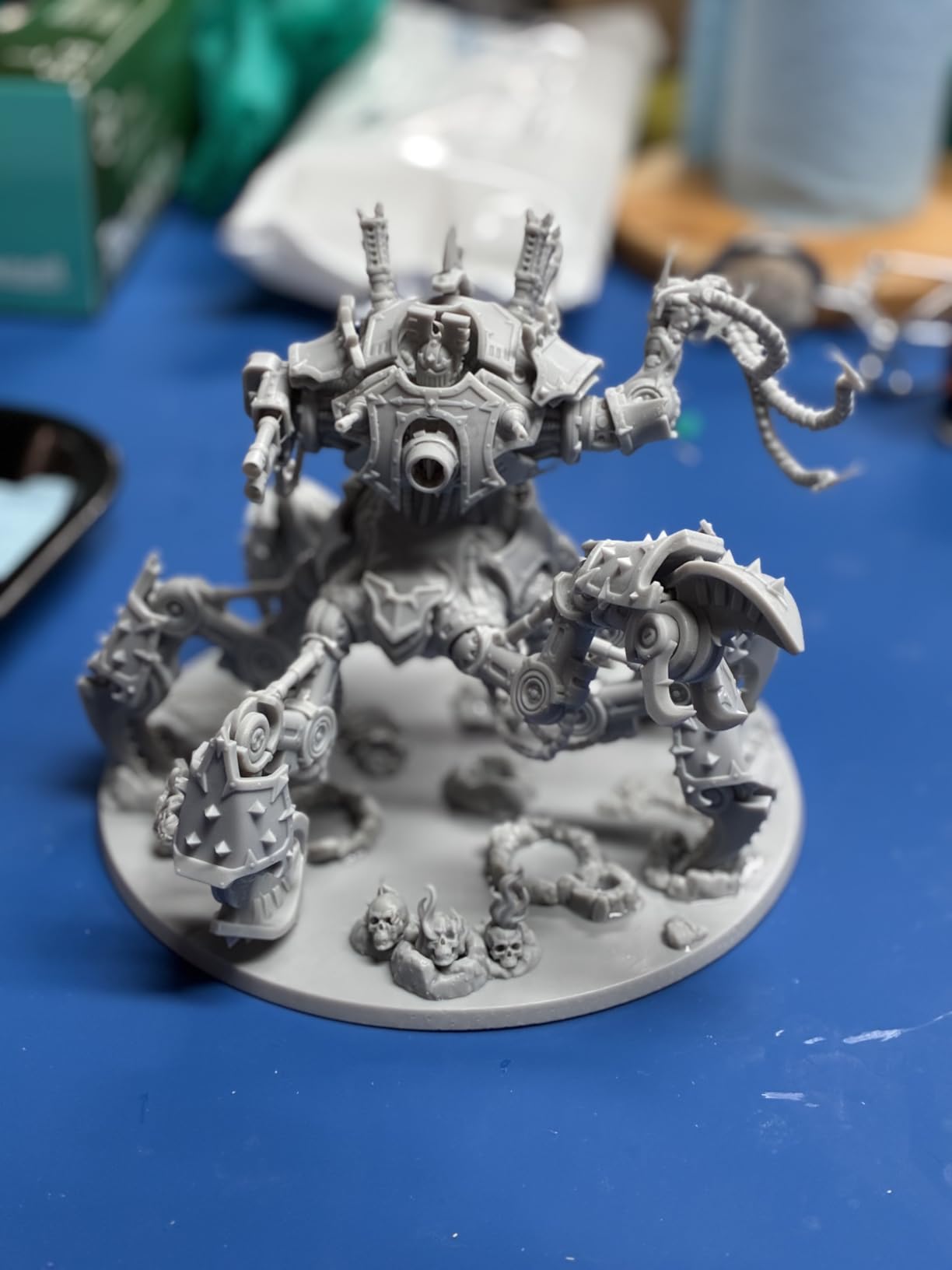
What a 16K panel actually buys you
Honest framing matters here, because resolution marketing is where most buyers get oversold. The jump from a 4K panel to 8K is obvious on a miniature. The jump from 10K to 16K is real but far subtler, and mostly shows on faces, hair and fine texture on larger display models rather than on a rank-and-file infantryman.
If you paint mostly 28mm foot soldiers, the heated vat and reliable release matter more to your finished results than the extra panel resolution. If you print busts, characters and display models, the 16K panel earns its place.
Where it falls short
Size and weight are the first costs. At 35.5 pounds and 24 x 17 x 15 inches, this needs real bench space and a deliberate setup, and that is a genuine constraint in a small flat or a shared room.
It also draws more resin than entry-level machines, which raises your running costs and makes vat management more frequent. More importantly, the 4.2 average is the widest spread on this list, with a 13 percent one-star share that points to a meaningful tail of early hardware and reliability complaints. Treat that as part of the deal and keep a spare screen and vat on hand.
4. Anycubic Photon Mono M7 Pro – Speed and a Plate That Takes Big Models
ANYCUBIC 14K Resin 3D Printer Photon Mono M7 Pro with 170mm/h High Speed
170 mm/h at 0.1 mm layers
14K LighTurbo 3.0 optics
223x126x230 mm build volume
Resin auto-fill and Airpure
Pros
- Fastest resin speed in this roundup
- Large build volume suits big batches
- Temperature-controlled vat helps in cold rooms
- Auto-fill and recycling cut resin handling
- Airpure meaningfully reduces odor
Cons
- Lowest average rating here at 3.9
- Multiple reports of early LCD and Z-axis failure
- Prints detach from the plate even at higher exposure
- Auto-fill unit fails intermittently
Two reasons to consider the M7 Pro. First, speed: 170 mm/h at 0.1 mm layer thickness, which is the fastest figure in this roundup, running 30.77 percent faster than standard resin at that layer height. Second, capacity: a 223 x 126 x 230 mm build volume that takes large models and full batches without splitting them.
The optics are a LighTurbo 3.0 14K system with Fresnel lenses and front-facing reflectors angled at 3 degrees or less, and owners rate the detail output as excellent for the money. The temperature-controlled resin vat adjusts resin temperature dynamically, which owners credit with improving success rates in cold rooms.
Resin handling is the quiet star. The auto-fill unit supports continuous refilling during a print plus one-key recycling, and a bundled Anycubic Airpure odor filtration unit meaningfully reduces resin smell. For anyone printing in a small space, that combination is worth a lot.
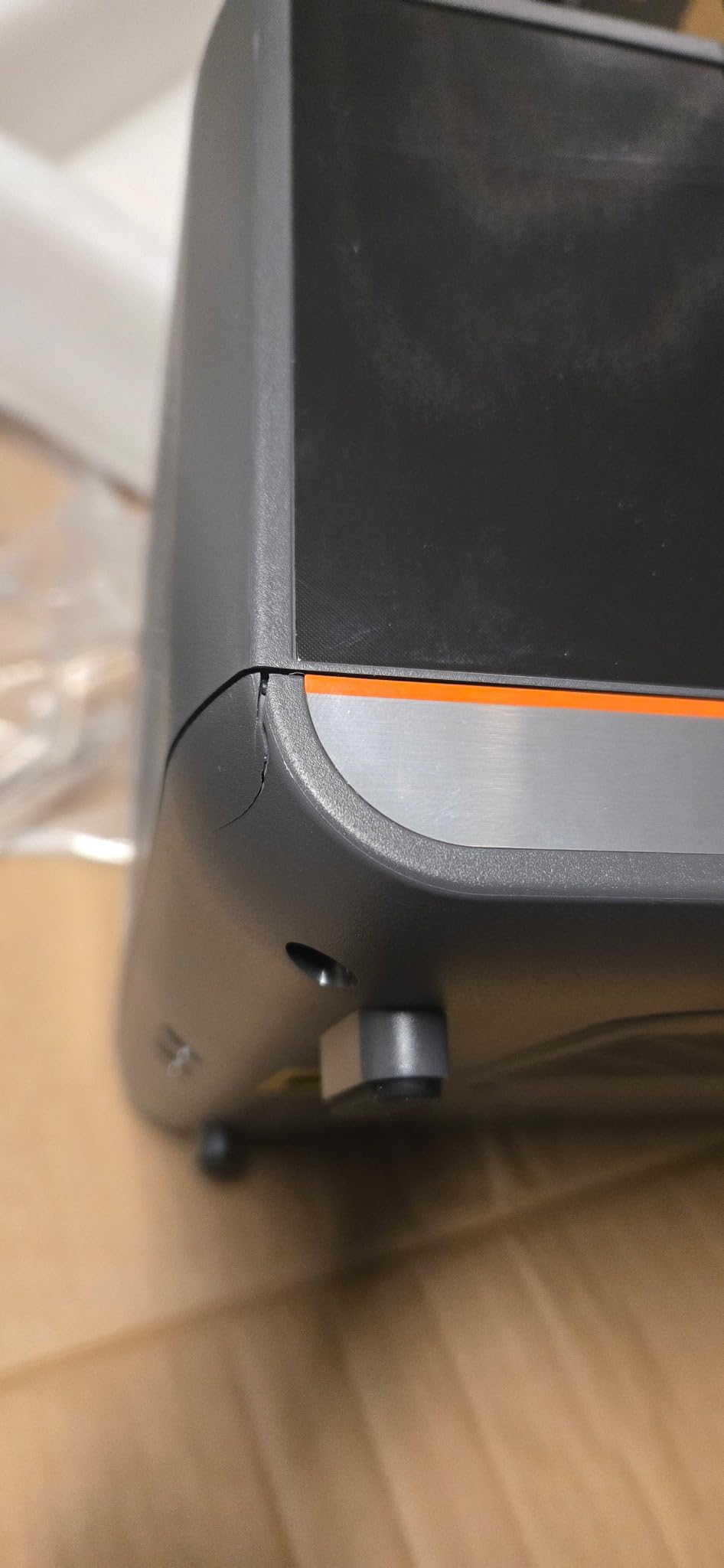
When the auto-fill genuinely earns its keep
Long unattended runs are the case for this machine. Continuous refill means a large batch does not stop halfway through because the vat ran low, and the temperature-controlled vat plus high speed together mean a big plate of minis completes while you are at work or asleep. Support did resolve one LCD failure with a free replacement in about four business days.
If you are producing army quantities rather than characters, that throughput is the argument. A 28mm infantryman is a small object, and the machine’s advantage is how many of them it can finish per session.
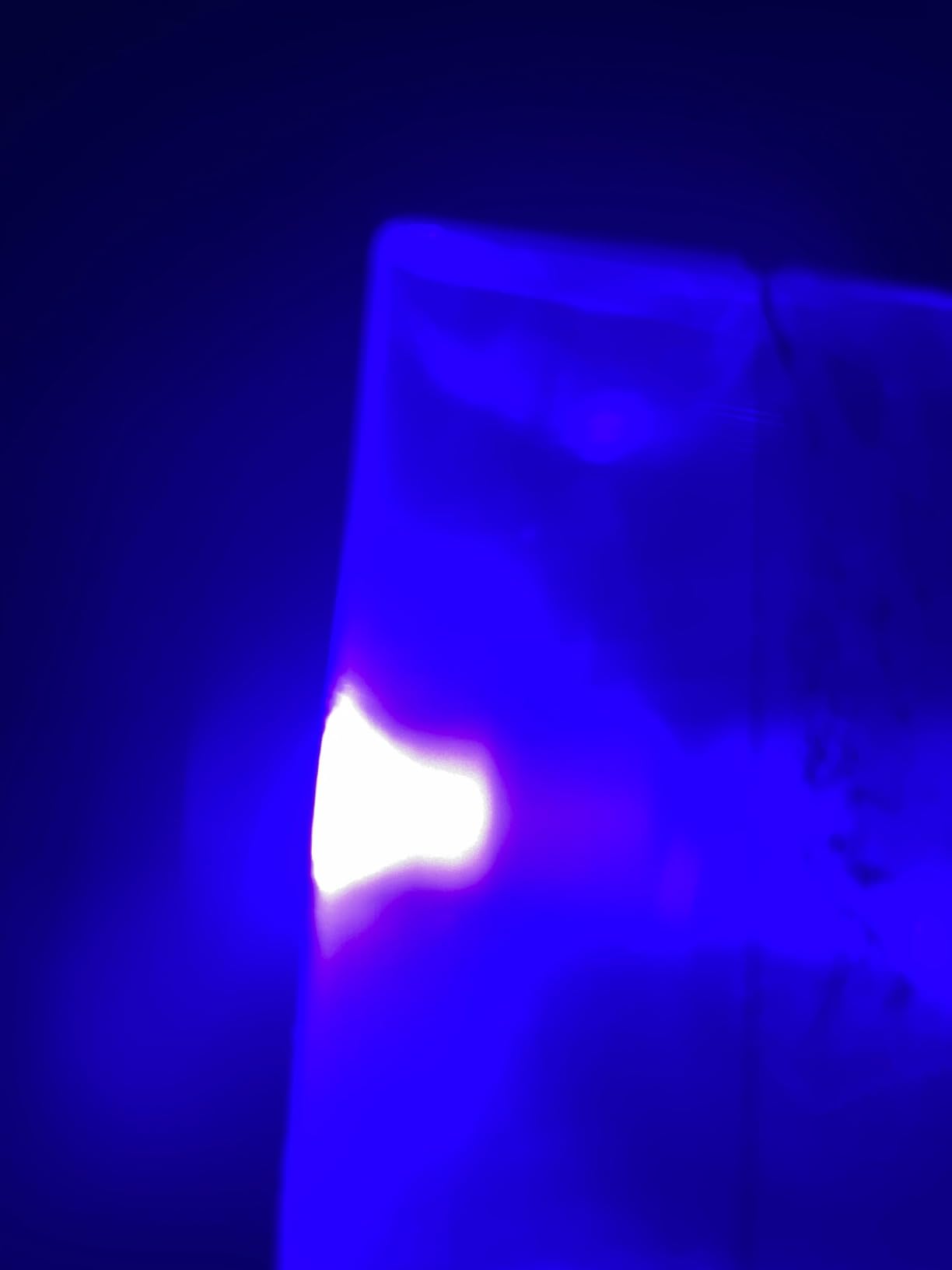
Where it falls short
Be careful with this one. At a 3.9 average with 66 reviews, it has the lowest rating in the roundup and a 15 percent one-star share. Owners report multiple LCD failures, including one after only 27 prints and another after fewer than 50, plus a Z-axis motor failure within 30 days and a zero point that reportedly needs relearning every few prints.
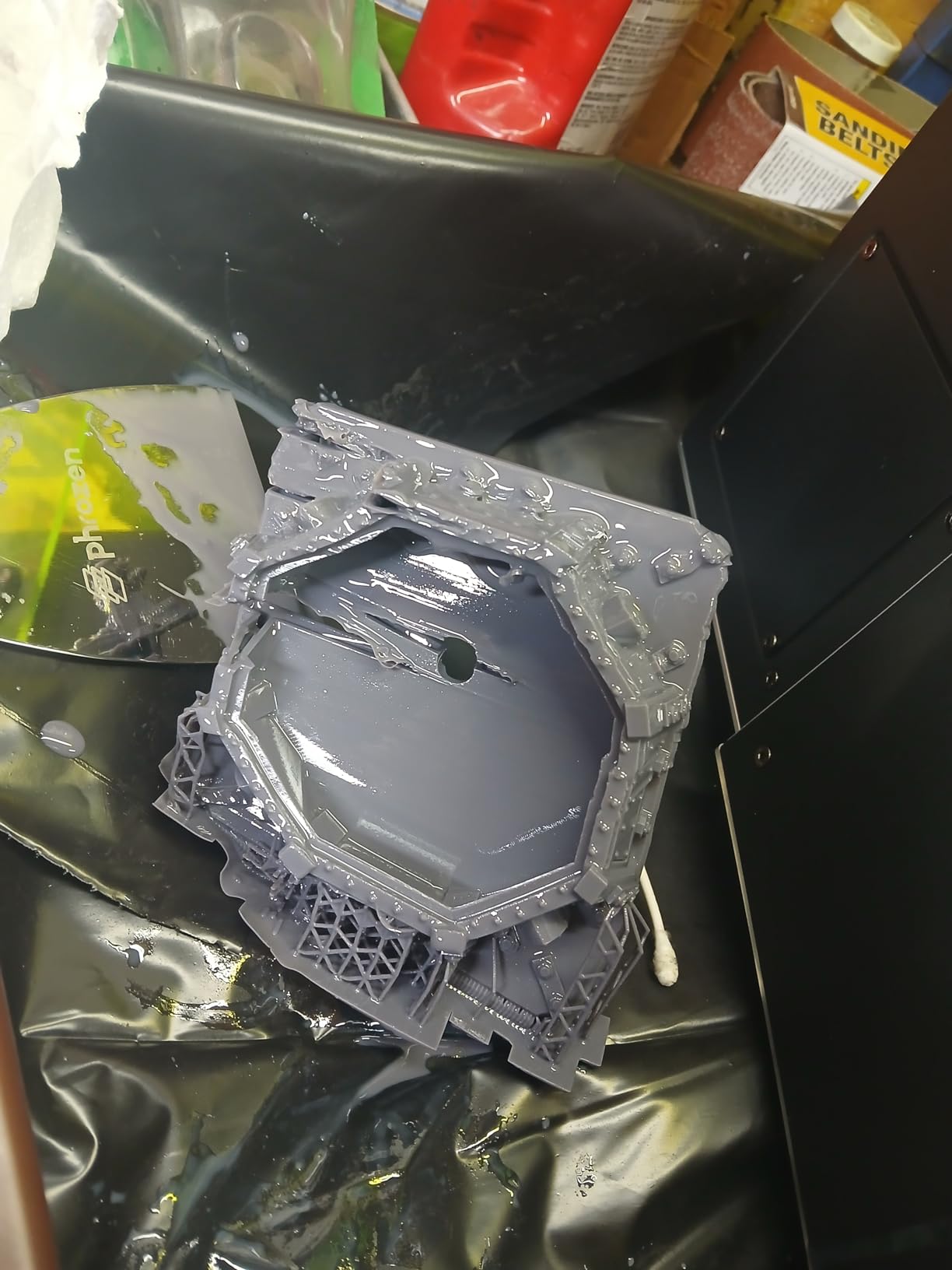
Print detachment is a recurring theme too. Owners report prints coming off the plate even after increasing exposure, and a fallen print can puncture the vat film without the machine throwing an error. The auto-fill unit also fails intermittently, which undercuts the main selling point, and the resin sensor and auto-feed tubing are reported as failure candidates.
Software is a further mark against it. Photon Workshop is described as cumbersome, lacking printer monitoring and basic file operations, with poor translation. The physical design draws criticism as well, from lid fit to a tray spout that runs down the outside. If you want this speed, buy it with a spare screen and vat, or pick the Photon P1 instead.
5. Anycubic Photon P1 – The 14K Panel With Nothing To Adjust
ANYCUBIC Photon P1 14K Resin 3D Printer with Auto-Leveling
16.8x24.8 micron 10.1-inch 14K LCD
0.3 mm minimum aperture
Smart Leveling 3.0
Wave Release cuts force 60 percent
Pros
- 14K panel with a 0.3 mm minimum aperture
- Factory calibration removes manual leveling
- Stable wobble-free Z motion
- Handles resin up to 8000 cps viscosity
- Preconfigured resin profiles print without calibration
Cons
- Large and heavy at 29.7 pounds
- Only 58 reviews so far
- Newer platform with limited long-term feedback
- 9 percent one-star share on early reports
The Photon P1 is the newest machine here, and its appeal is restraint. You get a 10.1-inch 14K monochrome LCD at 13,312 x 5,120 pixels, which is a 16.8 x 24.8 micron XY pixel, plus a stated minimum aperture of 0.3 mm aimed squarely at fine miniature detail. Then the machine removes the things beginners usually get wrong.
Smart Leveling 3.0 arrives factory calibrated, self-checks before each print, and gives real-time pressure feedback at four corners. You do not level this bed. Combined with pre-configured profiles for Anycubic resins, that means useful output without manual calibration, which is a bigger deal for a first machine than any resolution number.
Motion quality is the other quiet strength. Ball screws and precision guide rails with a precision-engineered platform minimize vibration for smoother Z movement, and owners describe the Z motion as stable and wobble-free. Wave Release Technology generates micro-airflow during plate lifting and cuts release force by 60 percent, which lowers failure rates on long prints.
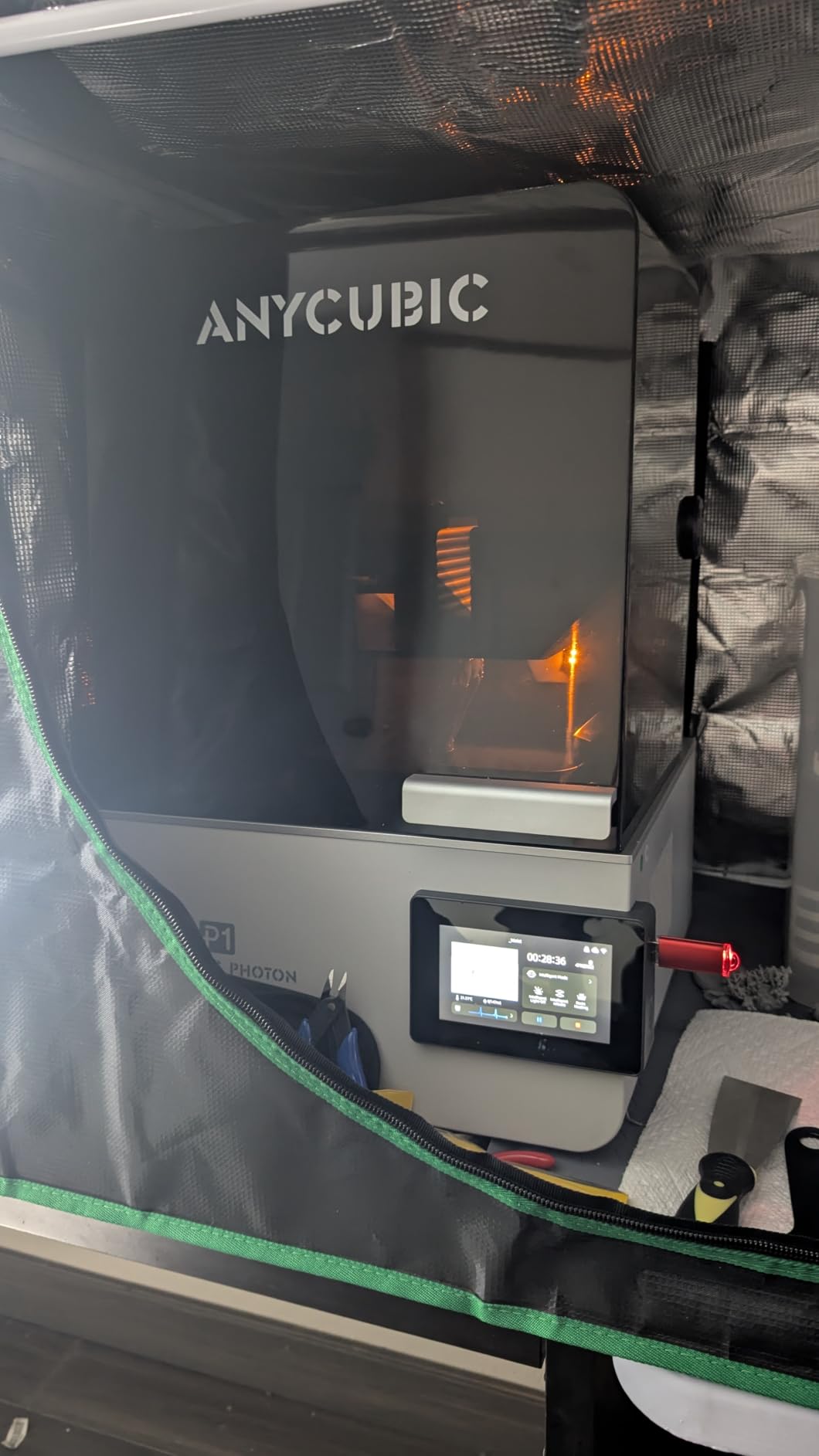
What the 0.3 mm aperture and high-viscosity handling mean for minis
The minimum printable aperture of 0.3 mm is the spec that lets you print thin weapon shafts, fingers and hair strands without the model failing. And with resin support up to 8,000 cps, roughly 40 times standard resin, the machine is not limited to the thin Anycubic bottles you have on the shelf. That opens up tough, durable blends for gaming pieces that get handled.
AI monitoring performs dual verification of build plate installation and bottom layer separation, plus resin level monitoring and vat residue detection. For someone who wants to set a batch and walk away, that is the whole pitch.
Where it falls short
Size first. At 29.7 pounds and a 16.93 x 24.41 x 16.54 inch footprint, it needs a dedicated bench, not a shelf. That is a real cost for a lot of home setups.
The larger caveat is evidence, not experience. With 58 reviews and a January 2026 release date, long-term durability simply is not established yet, and a 9 percent one-star share points to a small but real tail of early complaints. The 4.4 average and 79 percent five-star share are the strongest ratings in this roundup, but they come from a much thinner pool than the Mono 4 or Mars 5 Ultra. Buy it for what it does now, not for an assumption about five years of service.
6. Phrozen Sonic Mega 8K S – Built For Producing Hundreds of Minis
phrozen Sonic Mega 8K S LCD/MSLA Resin 3D Printer, 43 µm High Resolution, 15 inch Mono LCD Screen, Fast Production Accurate Details, Large Printing Size L12.99xW7.28xH11.81 Printing Volume
43 micron 15-inch 8K mono LCD
33x18.5x30 cm build volume
80 miniatures in 90 minutes
ACF film with TR300 resin
Pros
- Prints up to 80 detailed 1/32 scale minis in 90 minutes
- Reliable and quiet once dialed in
- Metal drip hanger recovers resin to the vat
- Lift-up lid fits tight workspaces
Cons
- 43 micron pixels are soft for hero miniatures
- No Wi-Fi camera or auto-leveling
- No vat heater and no air filtration
- Manual Z calibration and drilling weakens the plate
Be clear about what this machine is. The Sonic Mega 8K S is a production machine, not a detail machine. Phrozen states it can print up to 80 detailed 1/32 scale miniatures in 90 minutes on its 33 x 18.5 x 30 cm build volume, and no other printer here approaches that. The ACF film with TR300 high-speed resin delivers up to 10 times faster printing than standard mid-size printers, and reduced suction force raises the success rate during continuous production.
Satisfied owners confirm that after a dialling-in period it runs reliably and quietly at a steady production cadence. The built-in heavy-duty metal drip hanger returns excess resin to the vat for zero-waste handling, and the lift-up lid design reduces vertical and lateral clearance, which matters in cramped shelving setups. Phrozen also resolved a chipped LCD within two days with a free replacement when the warranty policy was read carefully.
Batch math is where this machine wins
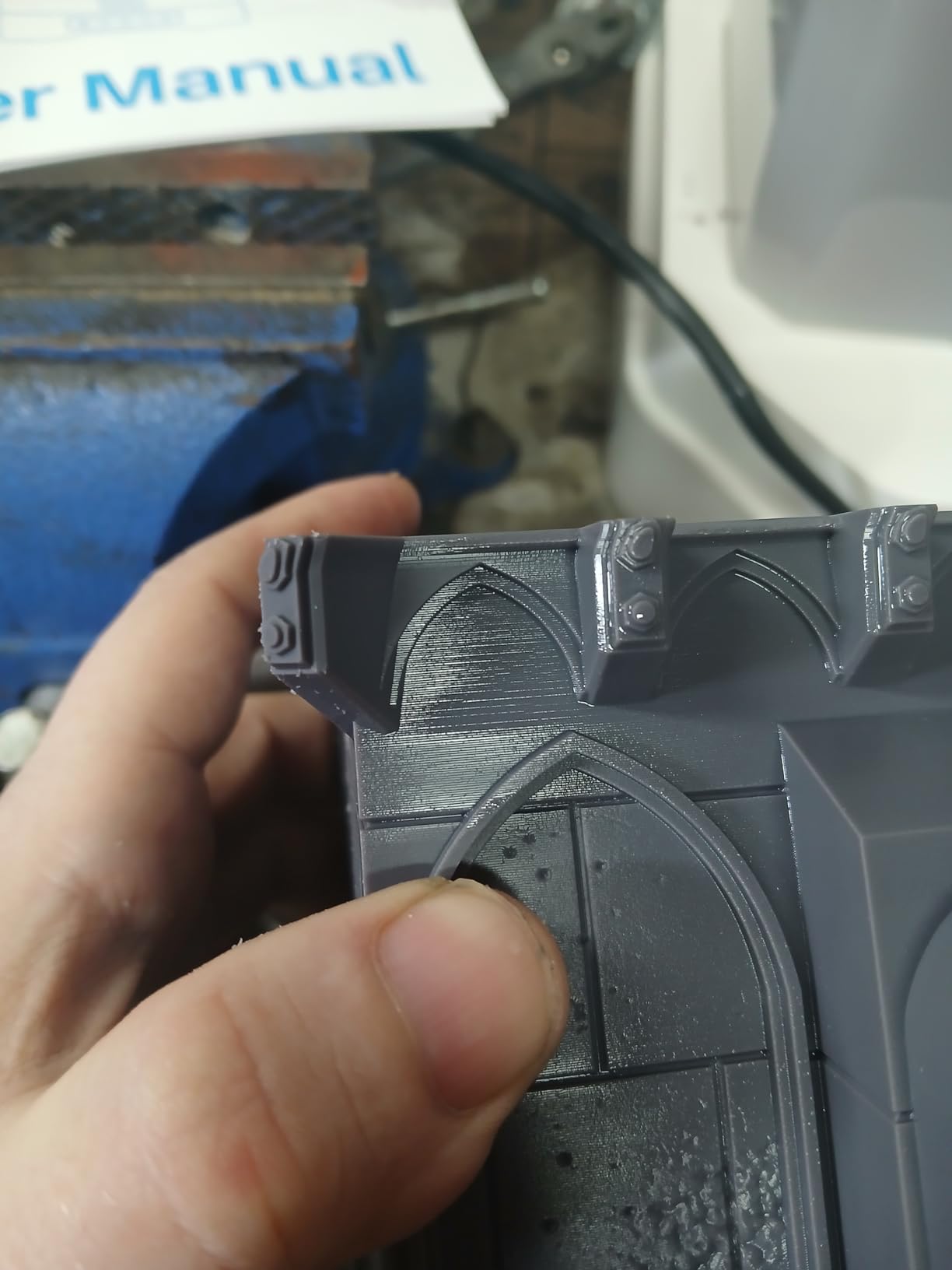
This is the section most roundups skip. A 28mm figure is small, roughly 32mm tall and about 25mm across, so plate size stops being a quality issue long before it stops being a throughput issue. The compact plates on the Mono 4 and Mars 5 Ultra can hold a full unit easily. If you are building terrain tiles, buildings or a hundred-strong unit, plate size is the only spec that changes your evening.
Consider the 57.3 pound weight, though. This is a two-person lift, and the machine needs floor or low-shelf space rather than a desk.
Where it falls short
The 43 micron XY resolution is the dealbreaker for hero miniatures, and reviewers raise it directly. It is not competitive with the 14K and 16K panels in this list, and one reviewer explicitly advises against it for intricate minis. If your army is characters and display pieces, look elsewhere.
There is no Wi-Fi, no camera and no auto-leveling, so the Z axis must be calibrated manually. No resin vat heater and no onboard air filtration, both of which newer competitors include. The self-filling mechanism reportedly works poorly, and the oversized plate must be drilled, which means you cannot use a flex plate.
Reliability is the other concern. Owners report an LCD controller ribbon cable dying when the unit was moved, a power supply burning out after about 10 months, and repeated failures after moving the machine. Warranty support is slow, requires self-repair, and parts are billed to the buyer even when shipping for warranty repair. That 21 percent one-star share reflects real friction, and it is the reason this sits at the bottom of the list despite the extraordinary throughput.
How to Choose a Resin Printer for 28mm Miniatures
Resin printing works like this: a monochrome LCD mask, or a DLP projector, projects UV light up through a resin vat and cures one thin layer at a time. A Z-axis build plate lifts the part layer by layer until the miniature is complete. You then wash it in isopropyl alcohol, UV-cure it, and paint it. Every spec that follows exists to improve one of those steps.
Read the microns, not the panel name
Buyers fixate on screen resolution labels, and 4K, 8K, 12K and 16K are marketing numbers that mean very little on their own. What determines miniature detail is the pixel size in microns, which you get by dividing the screen’s physical size by its resolution. Two printers labelled 10K can produce noticeably different results because their screens are different sizes.
As a working rule, anything under 25 micron XY pixels will produce smooth, paint-ready surfaces at 28mm and 32mm scale. Every machine on this list clears that bar. The jump from 4K to 8K is obvious on a face; the jump from 10K to 16K is real but subtler, and mostly shows on hair, cloth texture and larger display models.
A monochrome screen is a hard requirement, not a nice-to-have. A color LCD has three subpixels per pixel and each one only passes a fraction of the light through to the resin, so a color screen needs several times the exposure time and produces softer detail. If a listing does not say mono, assume it is not, and move on.
Batch math beats plate size for most people
Here is the arithmetic that changes how you shop. A 28mm miniature is roughly 32mm tall and about 25mm across at the base. A 32mm unit of five infantry takes about 125mm across, which means the compact 153.4 x 87 x 165 mm plate on the Mono 4 handles a full unit without splitting anything. For 28mm and 32mm minis, plate size is a batch convenience long before it becomes a quality issue.
Plate size only becomes decisive when you move to terrain tiles, buildings, gaming tables, or busts taller than your machine’s Z height. That is exactly where the Phrozen Mega 8K S earns its enormous footprint, and why a terrain-focused hobbyist may want both a resin machine and a filament printer. Our gaming miniature printer guide covers that split in more detail.
Tilt release and heated vats are the features that actually fixed things
Older resin printers pulled the model straight up off the plate, which cracks fine features like sword tips and hair. Tilt release peels the model away at an angle instead, and it is the single biggest quality-of-life improvement in this generation. The Mars 5 Ultra, Saturn 4 Ultra 16K and M7 Pro all use some version of it, and the Photon P1 achieves a comparable effect with Wave Release Technology that generates micro-airflow during lifting to cut release force by 60 percent.
Heated vats are the other one. The Saturn 4 Ultra 16K holds resin at 30 C, which improves fluidity, layer adhesion and reduces both bubbles and layer separation. The M7 Pro’s vat adjusts resin temperature dynamically, which helps in cold rooms. If you print in a garage or an unheated spare room in winter, resin temperature is a real reliability factor, not a luxury.
Screen lifespan is the long-run cost nobody mentions
An MSLA printer’s LCD mask is a consumable. It degrades with cumulative UV exposure and eventually needs replacing, and a failed screen is the most common reason a working machine gets retired. Some masks are rated around 2,000 hours, while DLP projector engines can be rated around 20,000 hours. If you print most evenings, that difference is a decade of screen life.
Factor the same logic into consumables generally. You will buy resin, isopropyl alcohol, gloves, FEP or ACF film, replacement vats and eventually a screen. Two of the machines here report support that sent free replacement screens quickly when a mask did fail, and that is worth checking before you commit, because it turns a surprise cost into a planned one.
Think about what comes second
Most people buy the printer first and discover post-processing is half the hobby. A wash and cure station, an air filtration unit, nitrile gloves and a proper ventilation setup are not accessories, they are part of the workflow. If you already own a resin machine and want to understand the full ecosystem, our miniature resin printer guide goes deeper on post-processing, and our enclosed printer guide covers when you want containment instead.
Resin Safety, Washing and Curing Without the Guesswork
Uncured resin is a genuine hazard, and this is the single biggest reason people decide against a resin printer. In forums, beginners with toddlers are routinely told resin is a non-starter, and that is honest advice for a specific household. Everything below assumes a room you can ventilate, ideally with a window and a fan, and a surface you can wipe down.
The rules that matter
Wear nitrile gloves and eye protection when handling uncured resin, and never touch a part with bare skin between washing and curing. Ventilate the room while the printer runs, since the resin vat gives off a noticeable odor that a carbon or Airpure-style filter unit reduces but does not eliminate. Keep food and drinks out of the workspace entirely.
Never use a metal scraper on the FEP film. The community rule is consistent and non-negotiable: plastic scrapers only, because a single metal edge tears the film and that becomes a resin leak into the machine. Buy spare film up front rather than waiting for a tear.
Washing and curing
Wash uncured resin off with 99 percent isopropyl alcohol before curing, then UV-cure the part so the surface is fully hardened. A wash and cure station makes this dramatically more pleasant than doing it with a bottle and a homemade box, and it is the first piece of gear most people should add to a purchase. Budget for a decent station, gloves, alcohol and spare film in your first-month setup rather than discovering the costs later.
Can you use ethanol instead of IPA? Yes, with caveats. Ethanol works on standard resins, but it evaporates more slowly and is less effective on some water-washable resins. Ninety-nine percent IPA is the safe default, and if you do use ethanol, expect longer wash times.
Is resin still toxic after curing?
Fully cured parts are considered safe to handle with normal precautions. The hazard is the uncured material and the process around it, not the finished miniature sitting on your gaming table. Ventilation, gloves and careful disposal of rags and alcohol take care of it. This is the question worth asking honestly before you buy, and if your home situation makes it hard to answer yes, filament is a perfectly reasonable path to the hobby.
Frequently Asked Questions
What type of printer is best for miniatures?
An MSLA resin printer. It cures liquid photopolymer with UV light through a monochrome LCD, reaching roughly 14-24 micron XY pixels that capture faces, chainmail and weapon edges on 28mm and 32mm figures. Filament printers top out near 200 micron layers, and those ridges stay visible under primer. Resin for miniatures, filament for terrain.
Is it worth buying a 3D printer for miniatures?
It is worth it if you will print more than a handful of figures, because resin miniatures cost a fraction of equivalent metal miniatures and unlock sculpts you cannot buy. The honest costs are resin, isopropyl alcohol, gloves, spare FEP film, an eventual screen replacement, a wash and cure station, and the time post-processing takes.
Is the Elegoo Saturn 4 Ultra a good resin printer?
Yes. It pairs a 16K monochrome LCD with intelligent tank heating that holds resin at 30 C, which cuts bubbles and layer separation, plus automatic leveling and tilt release up to 150 mm/h. The honest caveat is size at 35.5 pounds and higher resin consumption than entry-level machines.
Is the Mars 5 Ultra a good printer?
Yes, and it is the strongest beginner option here. It has an 18 micron 9K monochrome LCD, tilt release that cuts a typical 32mm miniature from about 2h15m to about 1h10m, a self-leveling plate, and an AI camera with Wi-Fi. Its compact build area and non-hinged UV lid are the two limitations to accept.
Can I use ethanol to wash resin prints instead of isopropyl alcohol?
Yes, with caveats. Ethanol works on standard resins but evaporates more slowly and is less effective on some water-washable resins. Ninety-nine percent isopropyl alcohol remains the safe default because it cuts through uncured resin quickly and flashes off, leaving less residue before you move to UV curing.
Which Resin Printer Should You Actually Buy?
Start with the Anycubic Photon Mono 4. It has the deepest owner feedback in this roundup, a 17×17 micron 10K monochrome LCD that comfortably clears the paint-ready threshold, a genuinely small footprint, and a one-and-done leveling process that will not cost you an evening. If you are new to resin, that combination of evidence and simplicity is the right starting point in 2026.
Pick the Elegoo Mars 5 Ultra instead if self-leveling matters more to you than a smaller footprint, or if you want the tilt release speed and the remote monitoring camera. Choose the Saturn 4 Ultra 16K if you paint busts and display models and have the bench space for a 35.5 pound machine with a heated vat.
Move up to the Anycubic Photon P1 if you want the 14K panel and zero manual adjustment, accepting that its long-term reliability is still unproven. The Photon Mono M7 Pro is the throughput option for large batches, but read the reliability section again first and buy spare parts alongside it. The Phrozen Sonic Mega 8K S belongs to a different category entirely, built for producing terrain and massed units rather than hero miniatures.
Whatever you choose, add a wash and cure station, gloves, 99 percent IPA, spare FEP film and a ventilation plan to your first order. That is the difference between a printer on a shelf and an army on a table.