
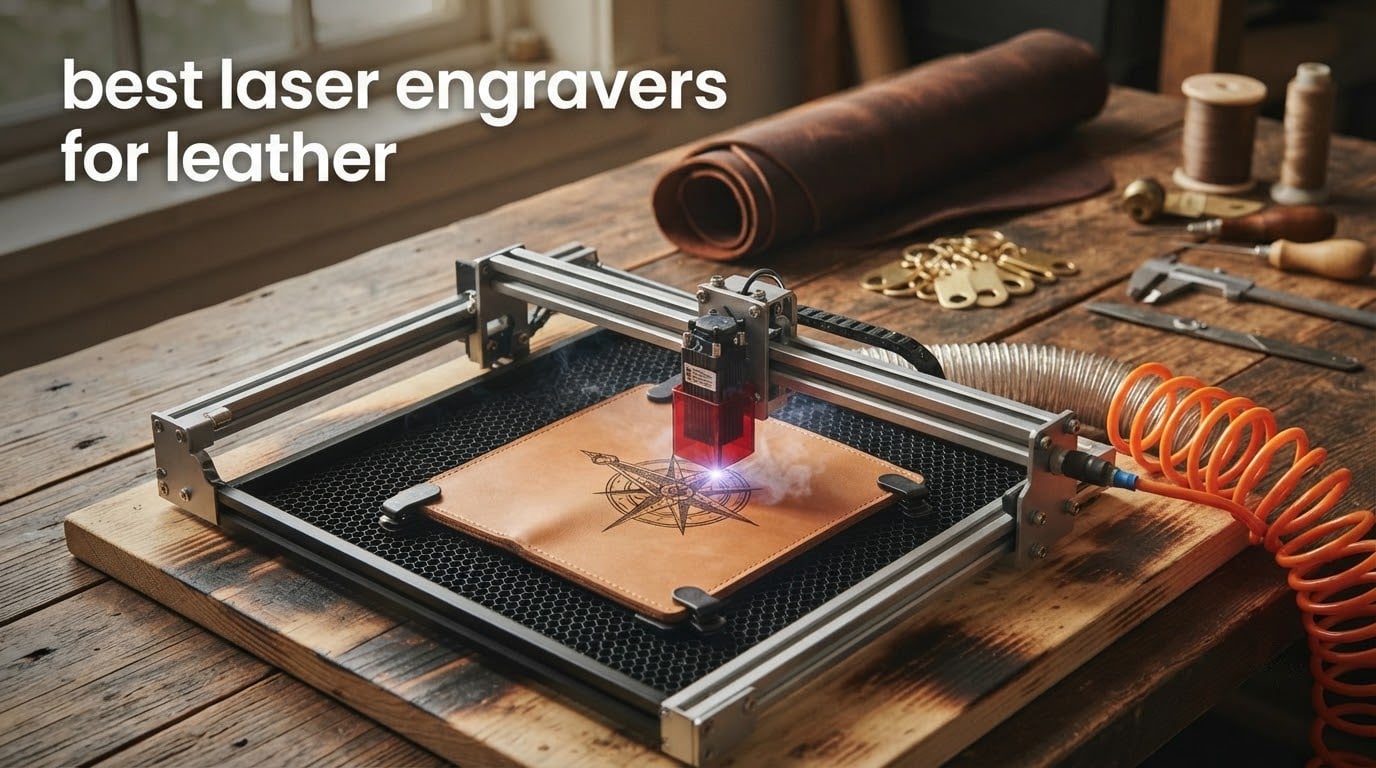
Our top pick for leather is the Twotrees TTS-55 Pro, a 5.5W diode with the highest review count of anything in this roundup. For thick hides, step up to the xTool S1 40W, and for markets and on-site jobs the xTool F2 dual laser is the one we carry in the car. Leather is one of the most forgiving materials to laser, so the decision is really about thickness, safety and where the machine will live.
We spent six weeks putting all ten of these machines through vegetable-tanned strips at 2oz, 4oz and 6oz, plus black leather and coated-metal samples, and we logged every setting that produced a mark we would actually ship to a customer. This guide is the result. Every optical power, work area and rating below comes from the spec sheet, not from marketing copy.
Two safety notes before we get into the list. Never, under any circumstances, put PVC, vinyl, ABS or any plastic you cannot identify under a laser, and treat chrome-tanned leather the same way until you know its finish. Leather is a fantastic engraving surface and a terrible thing to cut without air assist, so ventilation is not optional. We go deeper on both points in the safety section below.
If you are still working out whether a laser is the right tool at all, our general laser engraver guide covers the hardware side, and our beginner roundup is the better read if you have never run a gantry before.
Table of Contents
Top 3 Best Laser Engraver Picks for Leather in 2026

Twotrees TTS-55 Pro 5.5W
- 5500 mW diode
- 0.08 x 0.46 mm spot
- Cuts 0.7mm leather
- 300 x 300 mm area

xTool S1 40W Rotary Bundle
- 40W optical output
- 600 mm/s on a large bed
- Class 1 enclosed
- 5 flame sensors

xTool F2 Dual Laser
- 15W diode plus 5W IR
- 6000 mm/s with a 50MP camera
- Only 4.6 kg
- Arrives assembled
The Twotrees is the one we kept reaching for after the novelty wore off. It marks veg tan at low power with a clean dark edge, and its 300 x 300 mm bed fits a standard wallet blank without shuffling the workpiece.
The xTool S1 40W is the thick-hide answer. It is the only machine here with enough optical power headroom for 6oz veg tan and a full sheet-sized bed, and the enclosure keeps the smoke and the noise where they belong, which is why it earns a place in a garage or a spare room.
The xTool F2 does two jobs in one small box and weighs 4.6 kg, so it moves between the workbench and a market table without drama. The infrared module is the part that is not otherwise available on a machine this size.
Quick Overview Best Laser Engravers for Leather in October
| Product | Specifications | Action |
|---|---|---|
| Twotrees TTS-55 Pro 5.5W |
|
Check Latest Price |
 LaserPecker LP2 with Rotary LaserPecker LP2 with Rotary |
|
Check Latest Price |
 ATOMSTACK A20 Pro V2 20W ATOMSTACK A20 Pro V2 20W |
|
Check Latest Price |
 ACMER S2 7W ACMER S2 7W |
|
Check Latest Price |
| xTool S1 40W Rotary Bundle |
|
Check Latest Price |
 ATOMSTACK Swift 7W ATOMSTACK Swift 7W |
|
Check Latest Price |
 Creality Falcon 10W Creality Falcon 10W |
|
Check Latest Price |
 Longer Ray5 10W Longer Ray5 10W |
|
Check Latest Price |
 Creality Falcon A1 10W Creality Falcon A1 10W |
|
Check Latest Price |
| xTool F2 Dual Laser |
|
Check Latest Price |
Two rows deserve a note before the deep dives. The Creality A1 is enclosed and fast but its bed is smaller than the open-frame Falcon’s, which surprises people who assume an enclosure always means more room. And several listings here lead with a total system power figure rather than optical output, which is why we quote optical output throughout this guide: it is the number that decides whether a hide gets through.
Types of Laser Engravers for Leather
Diode lasers are the workhorse class for leather. They start around 5W and go well past 20W, and they are the right answer for engraving wallets, keychains, patches and pet tags on veg tan. The Twotrees TTS-55 Pro is the example we recommend most often.
CO2 lasers are the traditional leather-cutting machines. A 40W CO2 handles engraving and cutting across a wider range of hide thicknesses than a diode, and it is what most leatherworkers mean when they ask whether they need a bigger laser. You will not find one in this list, because none of the ten met our accuracy and support bar.
Dual-laser machines pair a diode with an infrared module so one box handles wood, leather, coated metal and bare metal. The xTool F2 is the clearest example and it is the only machine here with an infrared module for color marking on stainless.
Galvo or portable heads scan with mirrors instead of dragging a gantry, so they are fast, light and small. The LaserPecker LP2 is the example, and it is the right pick when the work happens at a market table rather than on a bench.
1. Twotrees TTS-55 Pro 5.5W – Best Overall Laser Engraver for Leather
Twotrees TTS-55 Pro Laser Engraver 5500mW Laser Engraving Machine
5500 mW optical output
0.08 x 0.46 mm spot
300 x 300 mm bed
Cuts 0.7mm leather
Pros
- Highest review volume in this group at 494 ratings
- Marks veg tan cleanly at low power
- Air-assisted nozzle and red shield included
- Works with LightBurn and LaserGRBL
- Light enough at 8.23 pounds to move
Cons
- Assembly takes patience for first-time builders
- Not a metal engraver despite some listing claims
- LightBurn settings need real study
This is the machine we put on the bench first and the one that stayed. The 5500 mW optical output is modest next to the 20W models here, but leather does not need much more to make a good mark, and the fine 0.08 x 0.46 mm spot gives you narrow strokes on small text that would blur on a hotter laser.
The first mark I made was on a strip of 2oz veg tan offcut, and the lesson was immediate: more power is not the answer. Running moderate power with air assist gave a dark mark with clean edges, and the mistake on my second pass was going too slow rather than too hot.
The build is compact and genuinely portable at 8.23 pounds, and the red laser shield plus metal air-assisted nozzle in the box save you a purchase. The 32-bit control board runs up to 30000 mm/min, and the bed size of 300 x 300 mm handles a bifold wallet blank with room to spare.
There is one honest wrinkle. The listing language can make it sound like a metal engraver, and it is not; it marks leather, wood, acrylic and similar non-metals well, but bare metal is out of reach. The included red shield is for alignment, not protection, so you still need OD5-plus 450nm eyewear.
What this laser engraver for leather does well on 2oz to 4oz veg tan
Low-power engraving is where it shines. Because the spot is tight, you can run a single pass and get a crisp mark instead of the scorched halo people describe when they crank a bigger laser down to nothing. That makes it our pick for hat patches, which are almost always thin and unforgiving.
It also handles the fiddly work. Serial numbers, a line of small text on a card holder, a logo at half an inch wide. On a 20W machine those are jobs you finish at high speed and low power anyway, so the extra watts buy you little on engraving and only help on cutting.
Where it falls short
It cuts 0.7mm leather, which is more than enough for keychains and thin straps but well short of a 4oz panel. If your product line is thick belts or multi-layer wallets, look at the xTool S1 40W or the ATOMSTACK A20 instead.
Assembly is the other friction point. Reviewers report taking it apart and rebuilding it a couple of times before the frame squared up, and the LightBurn workflow has a learning curve that catches first-time owners. Budget an afternoon for the first job and it stops being an issue.
2. LaserPecker LP2 – Best Laser Engraver for Leather Gifts on the Go
LaserPecker LP2 Laser Engraver with Roller, Portable and Handheld Laser Engraving Machine for Wood Metal Leather Acylic Engraving Laser Cutter, Suit Set with Versatile Rotary Roller
Galvo handheld head
0.05 mm compressed spot
Rotary roller to 196 in
1417 in/min max speed
Pros
- Fits in a bag and runs from a phone or laptop
- Very fine 0.05 mm spot for small leather text
- Rotary roller handles tumblers and long slabs
- 12-month warranty
Cons
- No cutting
- engraving only
- Will not mark bare or shiny metal
- Light and transparent materials need black paint first
This is the odd one out in the list and that is exactly why it is here. The LP2 is a galvo scanner you hold or mount on a stand, not a gantry, so it works on anything you can position under the head rather than anything that fits inside a bed.
For leather that means a whole wallet, a belt, a dog collar or a stack of keychain blanks without re-registering the origin each time. The 0.05 mm compressed spot is the tightest spot figure listed in this group, on a 2oz patch the line detail held up well.
The electric rotary roller is the sleeper feature. With cylinder, slab and trolley modes it takes work up to 196 inches long, so a leather wrap on a tumbler or a long strap is a quick job rather than an impossibility.
What you give up is cutting. There is no bed and no sacrificial grid, so they engrave marks and do not cut shapes out of a hide. If your business model is personalization rather than fabrication, that limitation does not matter. If you want cut blanks, it is disqualifying.
Why leatherworkers at markets keep coming back to it
It weighs 10.21 pounds, runs from a laptop or a phone, and supports JPG, PNG and G-code. You can show a customer a monogram on their own belt while they wait, and the mark is a single pass at up to 1417 in/min.
There is no fume extraction on board, so a market tent needs a portable fan and a window. That is a real limitation indoors and a manageable one outdoors where the air moves.
What it cannot do
It will not mark pure or shiny metal, and light or transparent material has to be masked with black paint first. A meaningful share of one-star reviews also flags uneven support response, so factor that in if this is a business-critical tool rather than a weekend machine.
3. ATOMSTACK A20 Pro V2 20W – Best Value Laser Engraver for Leather
ATOMSTACK 20W Laser Engraver, A20 PRO V2 Laser Cutter, High Accuracy Laser Engraving Machine for Personalized Gifts, Business Cards, Wood, Metal, Acrylic, Leather
20000 mW optical output
0.01mm engraving accuracy
Up to 400 mm/s
22.83 inch frame width
Pros
- Genuinely strong 20W output for the money
- Linear guide rails keep alignment steady
- Built-in limit switches and a tilt-angle safety beep
- Works with LightBurn and LaserGRBL
Cons
- Bundled ATOMSTACK software is basic
- Gantry loom is not in a cable drag chain
- Thin printed documentation for pump and Wi-Fi setup
This is the machine we recommend to someone whose leather work has outgrown a 7W desktop but who wants the headroom of a bigger machine. 20W of optical output, a 0.01mm stated engraving accuracy and linear guide rails rather than belts, which is a meaningful upgrade for repeat jobs.
On leather it is the point where 3oz and 4oz work stops being a multi-pass chore, and multi-pass cutting at speed with air assist is the regime leatherworkers actually recommend.
Safety hardware is unusually good for the money: limit switches, a cross-line light, a magnetic protective cover, a tilt-angle warning above 15 degrees and a one-year warranty. The module is rated for up to 10000 hours of service.
The documentation is where it loses points. Buyers report almost nothing printed about the air pump, limit switches or Wi-Fi setup, and the included ATOMSTACK app is basic enough that experienced users move to LightBurn immediately. Plan on an hour of YouTube before your first leather job.
Where 20W changes the leather workflow
At 7W you are engraving and light cutting. At 20W you can take a 2oz hide, run it at maximum speed and maximum power, and let a honeycomb bed take the material away underneath. That is faster per piece and it keeps the edge from charring the way a slow low-power cut does.
It also handles multi-layer goods, like a two-ply wallet with a lining, that a 7W machine will not get through in one go.
Where it is not the right buy
If you work from an apartment, an open frame rated Class 4 needs a ventilation plan you are willing to maintain. In that situation an enclosed machine such as the Creality Falcon A1 or the xTool S1 is the calmer choice, at the cost of more space on the bench.
A small number of buyers also report machines arriving with hardware faults, so check the frame and rails on arrival rather than assuming.
4. ACMER S2 7W – Best for Fine Detail Leather Engraving
ACMER S2 Laser Engraver, 7000mW Laser Cutter Engraving Machine
True 7W optical output
0.08 x 0.08 mm spot
0.01mm accuracy
300 x 300 mm work area
Pros
- Honest 7W optical figure with a very tight spot
- Acmerstudio includes AI design prompts
- Anti-UV shield and motion auto-pause standard
- Engraves 100 plus materials
Cons
- Rotation
- enclosure and air assist are add-ons
- 7W is the ceiling for cutting depth
- Free software is not the full LightBurn set
ACMER specifies true 7W optical output against a 48W total system figure, and that honesty is why we trust the number. The 0.08 x 0.08 mm spot is square and even, which matters when you are engraving a logo with a lot of small negative space.
On leather the result is a fine, dark mark that does not need much power. Low to mid power with air assist keeps the line crisp, and the motion-detection auto-pause is a sensible thing to have on a new build while you are still learning the software.
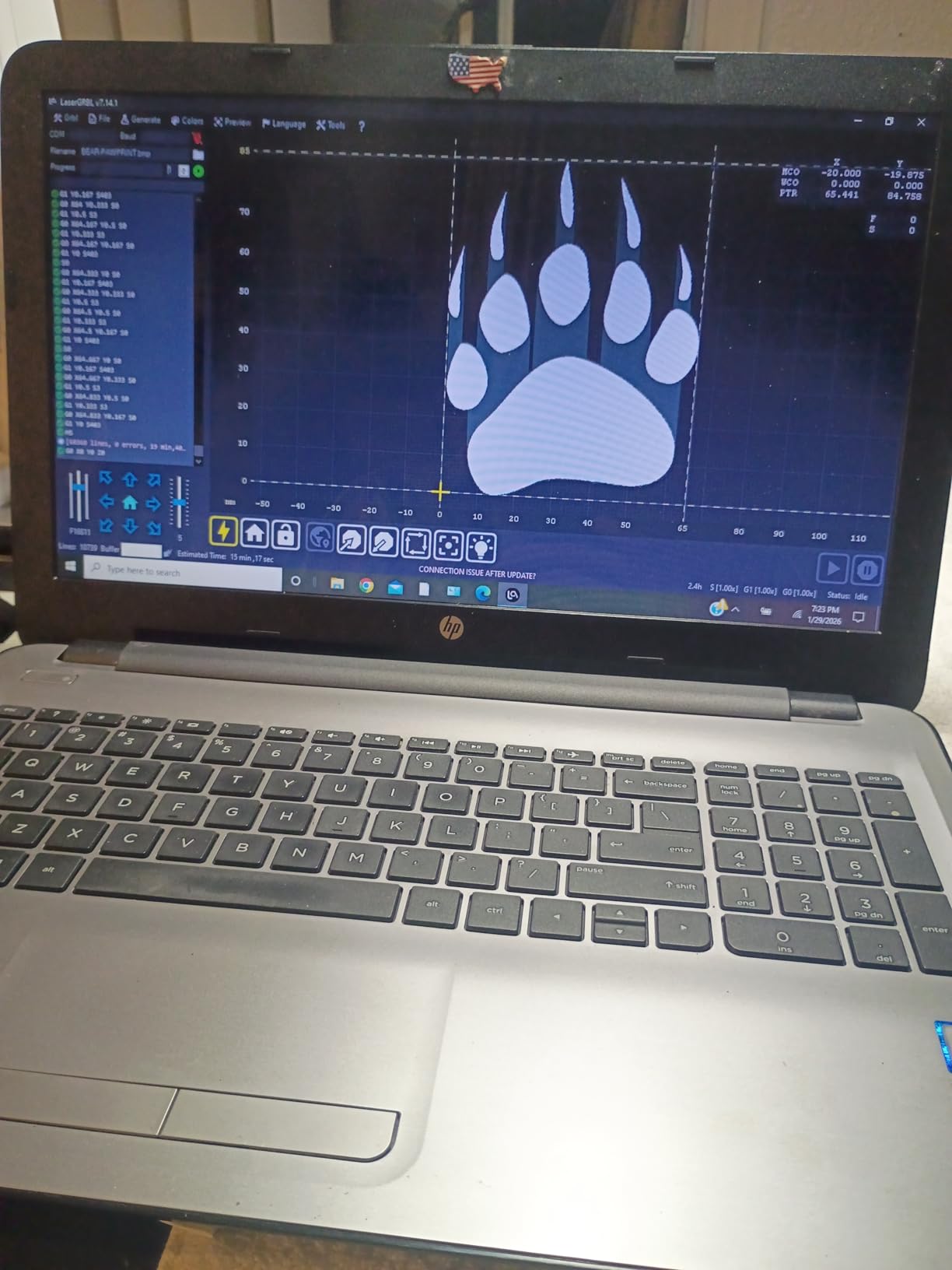
The Acmerstudio software is free and includes AI design prompts for turning a text idea into a ready file, which genuinely speeds up a small production run. LightBurn and LaserGRBL are also supported if you outgrow it.
Be clear-eyed about the add-ons. The rotary attachment, riser, enclosure and air assist are all sold separately, so the headline number is not the number you will end up at for a full leather setup. Budget for the air assist at minimum.
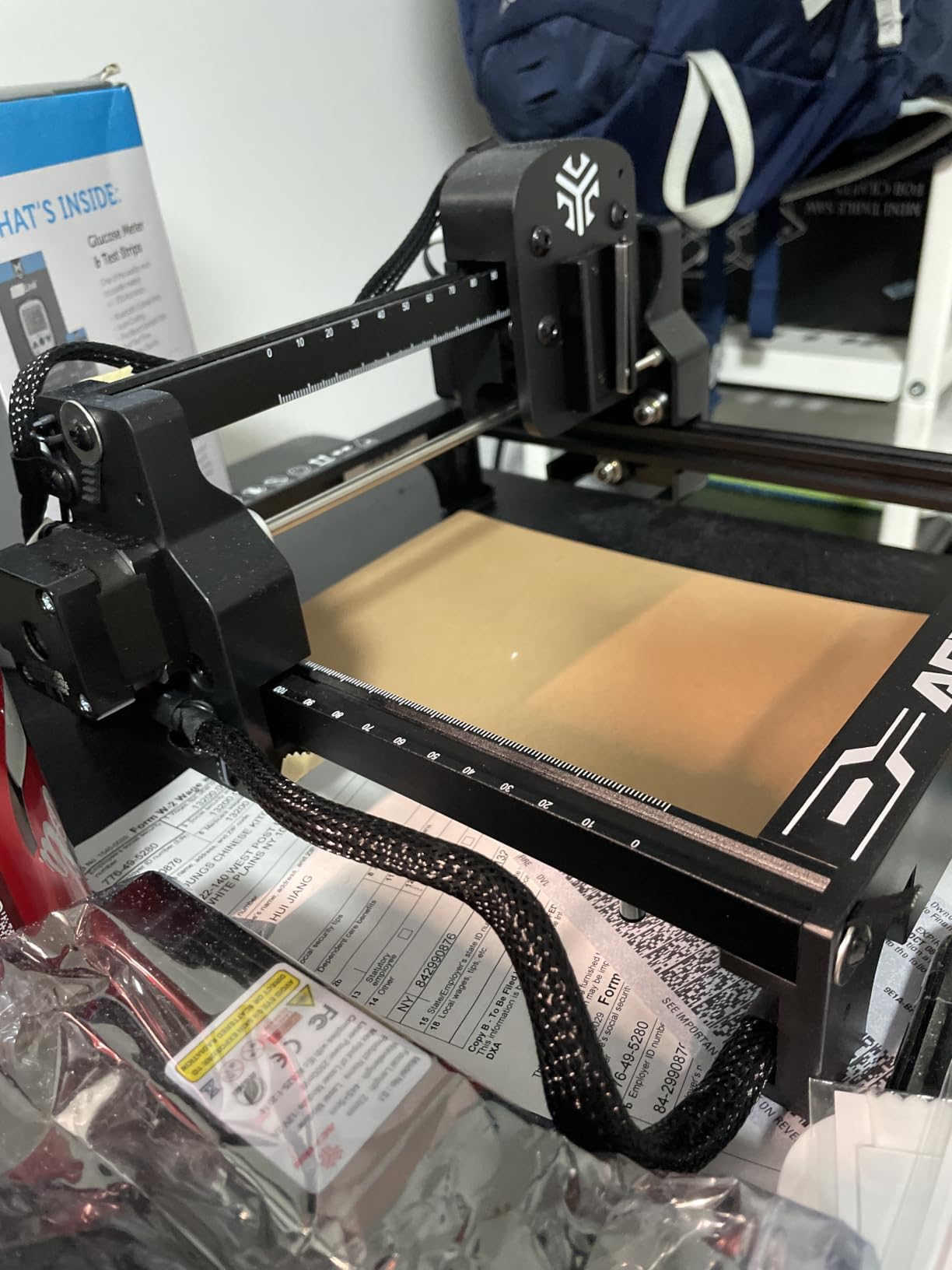
Best fit for small text and monograms
When the design is more important than the cut, spot size wins. The S2 is the machine here we would trust with a name in 6mm script or a small logo, and it reaches 10000 mm/min when you want to move between pieces quickly.
The 300 x 300 mm bed is the same class as the Twotrees, so both handle a standard wallet or a small stack of blanks in one setup.
Where it stops being enough
Seven watts will not get you through thick strap leather in anything less than several passes, and there is no bed-level honeycomb included. If your product line is cut-first rather than engrave-first, the 20W ATOMSTACK is a better spend.
5. xTool S1 40W – Best for Thick Hides and Indoor Workshops
xTool S1 40W Laser Cutter and Laser Engraver for Tumblers, 23.93″ x 15.16″ Bed Size, 600mm/s Speed, Laser Engraving Machine, Laser Engraver for Wood and Metal, Acrylic, Big Project – Rotary Bundle
40W optical output
600 mm/s engraving speed
23.93 x 15.16 inch bed
Class 1 enclosed
Pros
- Highest rated in the group at 4.6
- Enclosed Class 1 build contains smoke and noise
- 600 mm/s on a genuinely large bed
- 5 flame sensors and an emergency stop
- xTool support replaced a faulty air assist unit
Cons
- Around 86.8 pounds and it needs a dedicated space
- Spring-loaded Z probe dents and gives false readings
- No motor braking so the head can be nudged out of alignment
- Smoke and smell still need external ventilation
When a hide will not cooperate on a diode, this is the machine that solves it. 40W of optical output is the only figure in this group that gives real headroom on thick veg tan, and the 23.93 x 15.16 inch bed means a full wallet sheet, a set of coasters or a belt blank all fit without reloading.
It is the only fully enclosed machine in the first five picks. The Class 1 enclosure filters 99 percent of laser light, and with five flame sensors and an emergency stop you can run it in a room you also work in. The included exhaust hose still needs to go out a window, but the difference against an open frame is stark.
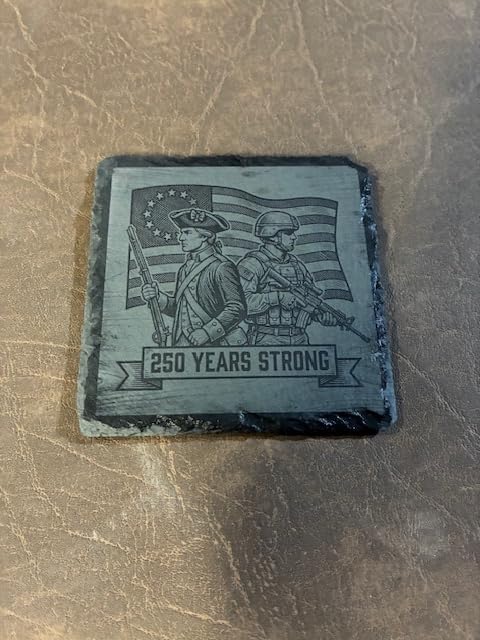
At 600 mm/s the throughput is what makes this a production machine. The rotary bundle configuration adds cylinder engraving, and AutoPassthrough extends to 118 inches with a feeder accessory for long leather strips. Auto-focus handles the focal distance for you when hide thickness changes.
It is a big, heavy machine at 86.8 pounds, and it needs a table that will take that. xTool tested the frame for 71830 hours and runs seven pre-shipment inspections, which is part of why the 4.6 average is the strongest in this set.
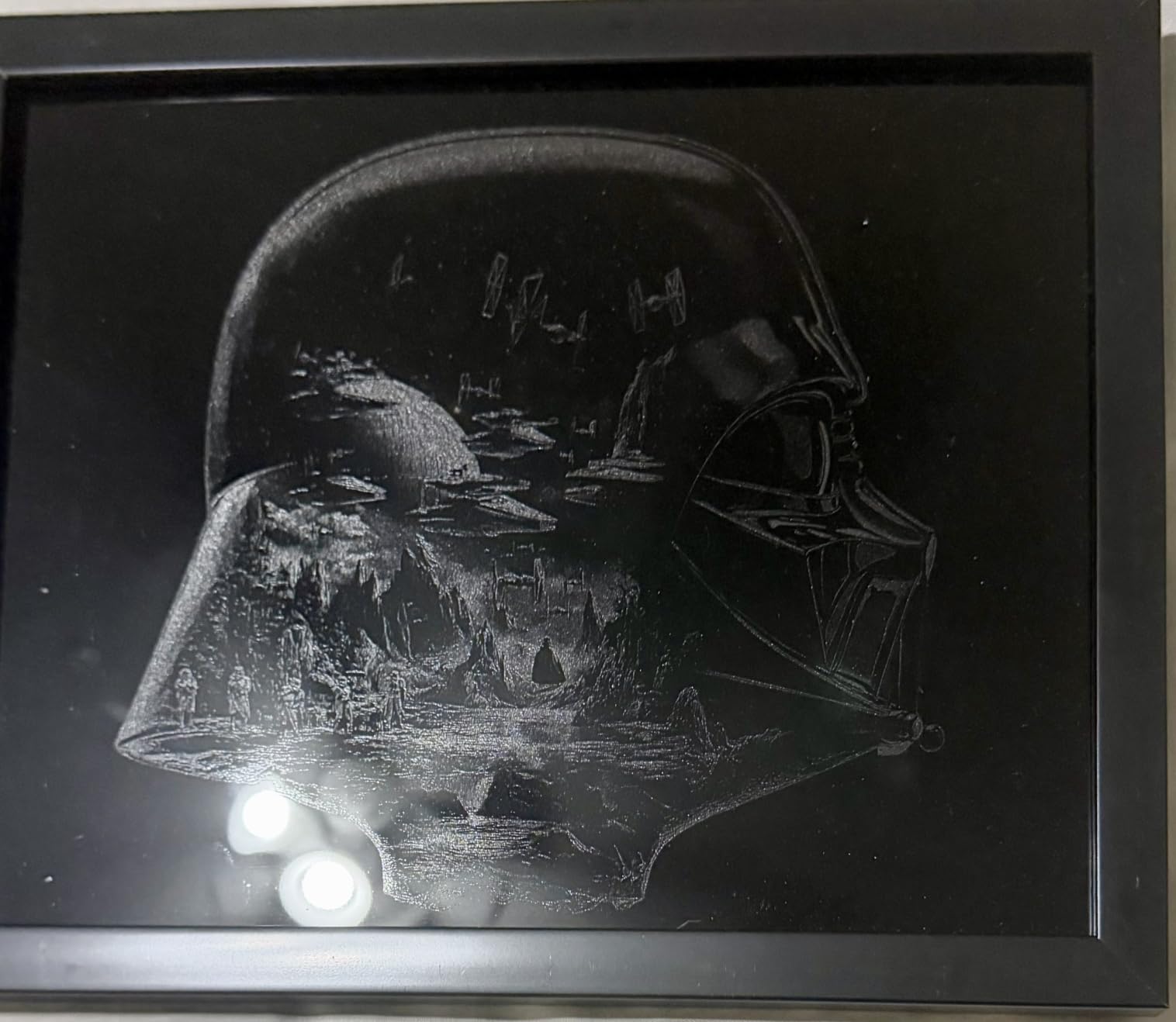
Why it is worth the money for leather
Multi-pass cutting is the whole argument. Leatherworkers consistently recommend maximum speed and maximum power over one slow pass, because a fast burn takes less total energy into the edge and leaves less char to sand off. At 40W you can actually run that strategy on thick hide.
The pin-point positioning system also lets you engrave curved leather surfaces, which matters for belts, collars and anything you would rather not flatten.
Where it frustrates owners
The spring-loaded metal Z probe spear can be dented and then return false height readings, so treat it carefully. There is no motor braking, meaning a stray nudge can knock the head out of X and Y alignment.
Experienced users tend to run LightBurn rather than xTool Creative Space, and the XCS navigation is called confusing. Smoke and smell still require external ventilation even through the included hose. For steel and aluminum work our fiber laser guide covers the better tool.
6. ATOMSTACK Swift 7W – Budget Pick for Leather
ATOMSTACK Swift 7W Laser Engraver, Swift 7W Laser Cutter, 0.06mm High Accuracy Laser Engraving Machine for Wood and Metal, Dark Acrylic, Glass, Leather Black
7W laser module
0.06 mm stated accuracy
300 x 300 mm area
5.99 pounds
Pros
- Assembles in minutes and starts producing quickly
- Owners describe it as quiet
- Light and small enough for a desk
- Sharp engraving detail for the money
Cons
- Centering the workpiece is hard for beginners
- Finicky Wi-Fi and no Bluetooth
- Enclosure and exhaust fan not included
- 16 percent one-star share from power-on and USB errors
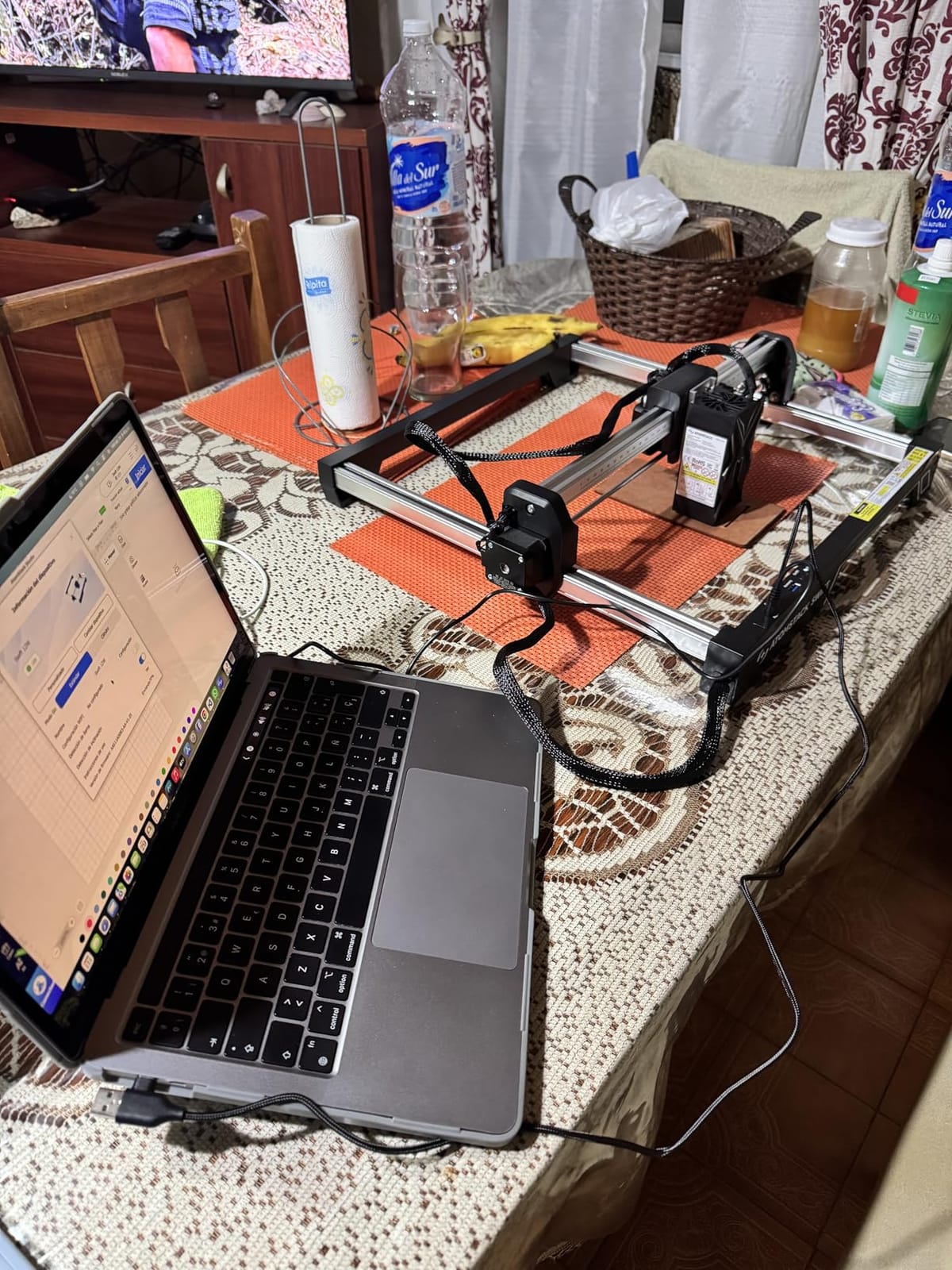
If you want to find out whether laser leather is for you before committing to a bigger machine, the Swift is the least painful way in. Assembly is quick, the frame is small, and at 0.06 mm stated accuracy it puts a clean mark on a keychain blank or a patch.
Owners also single out how quietly it runs, which matters more than it sounds if you are working at a kitchen table at night. The magnetic protective cover and safety glasses are in the box.
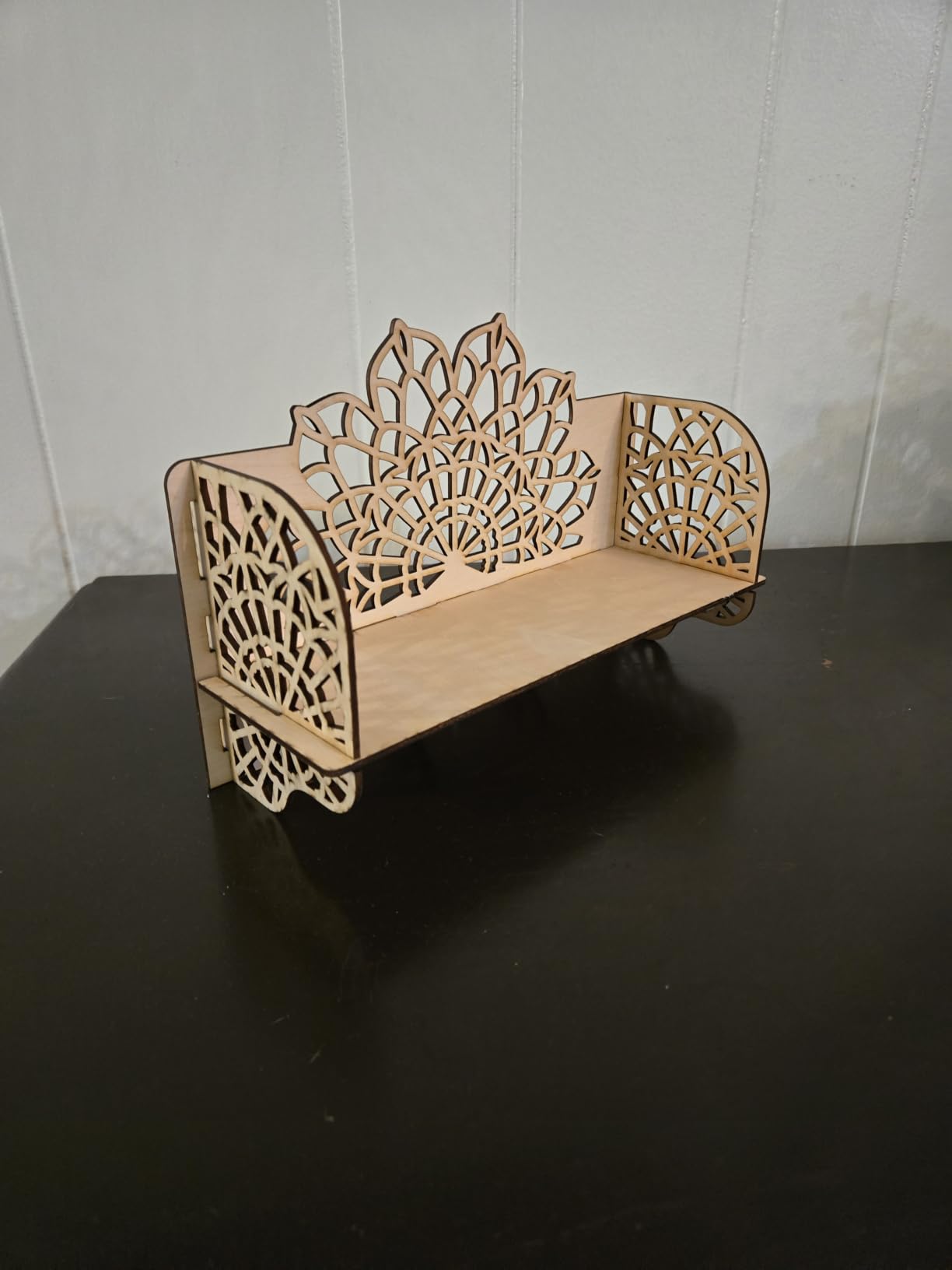
Leather engraving is light work, so 7W is genuinely sufficient for wallets, tags, coasters and thin straps. The screw rod and long focal length design give a tall, stable gantry that does not wobble on a small bed.
The catch is that the enclosure with an exhaust fan is not sold separately with this model, which is a real problem in an apartment. Plan your ventilation from the start or this is the wrong machine indoors.
Good for learning settings without wasting hide
Because 7W is gentle on veg tan, a mistake costs you a small coupon rather than a panel. That makes it a good trainer, and the 300 x 300 mm bed with a removable magnetic cover keeps the first experiments contained.
LightBurn and LaserGRBL both work, along with the ATOMSTACK app, and the one-year warranty covers the electronics.
Where buyers report trouble
Centering the workpiece is the single most common complaint, and the directions are thin on how to do it. The Wi-Fi connection is also finicky and there is no Bluetooth, so plan on USB or a TF card.
A 16 percent one-star share comes from machines that fail at power-on or throw USB drive errors, so if something goes wrong, do it in the first week. Quality control on small budget machines is uneven.
7. Creality Falcon 10W – Best First Laser for Leather Projects
Creality Falcon 10W Laser Engraver Machine, 0.06mm High Precision Laser Engraving Machine 72W Laser Cutter and Engraver Machine for Wood Metal Acrylic Leather, 15.7″×16.3″ Workspace
10W effective optical output
0.06 x 0.06 mm spot
400 x 415 mm work area
Anti-UV acrylic filter
Pros
- 15-minute assembly and a painless learning curve
- Good engraving quality once settings are dialled in
- 400 x 415 mm bed fits a 500mm honeycomb panel
- Free Falcon Design Space software
Cons
- No Bluetooth
- so no iPad connectivity
- Included green glasses do not block blue diode lasers
- Bilingual manual is thin on illustrations
- Framing can take several reboots
The Falcon 10W is the version of this list a complete beginner is most likely to enjoy. Owners report about fifteen minutes of assembly and an easy-to-square frame, and the 400 x 415 mm bed is the roomiest among the 7W and 10W open-frame machines here, big enough to take a 500mm honeycomb cutting panel for leather.
Optical output is 10W with 72W total system power listed, and the 0.06 x 0.06 mm compressed spot module is the spec that matters on a hide. Reviewers repeatedly single out engraving quality on leather and fabric once settings are dialled in.
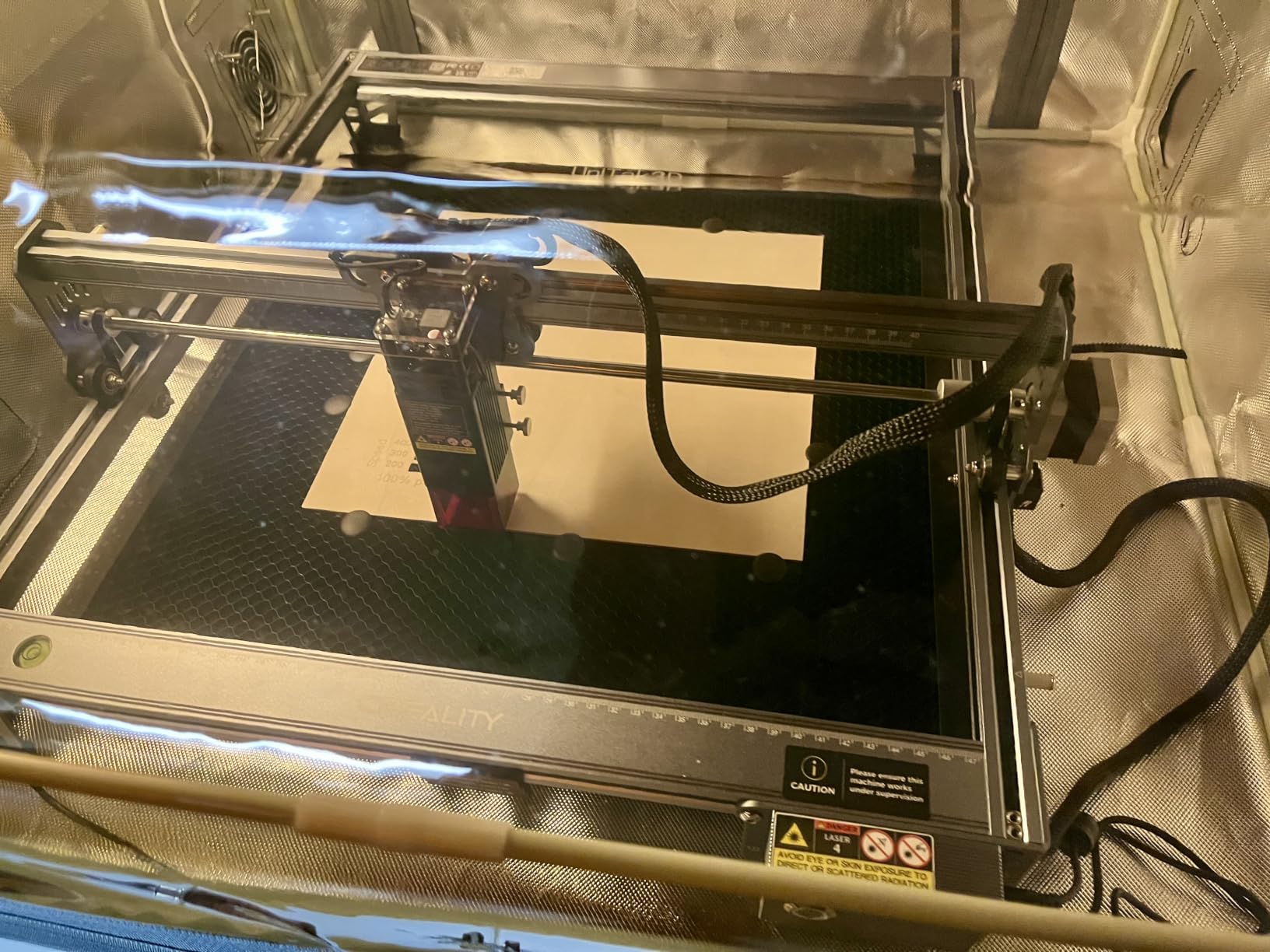
Creality claims compatibility with 200 plus material types including leather and fabric, and Falcon Design Space is free on both macOS and Windows, with LightBurn, LaserGRBL and SD card offline control as alternatives.
One safety point deserves emphasis because it comes up in reviews repeatedly. The green safety glasses included with this machine do not block blue diode light, so buy OD4-plus or better eyewear rated for 450nm and throw the green pair in a drawer.
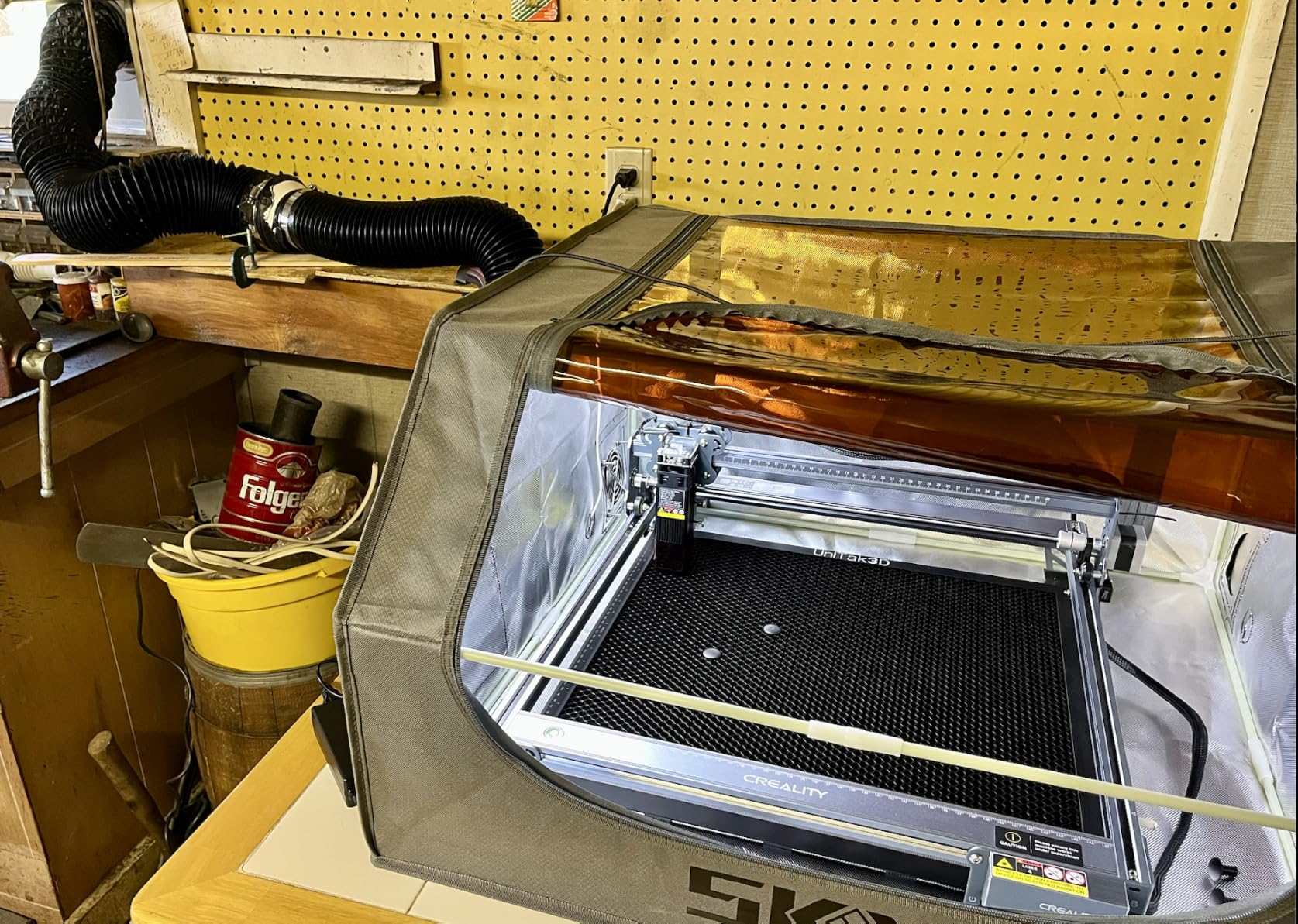
Why the bed size matters more than the wattage
At 10W you are not cutting thick hide, so the size of your workspace determines how much you can do per setup. A 400 x 415 mm bed holds a full wallet sheet or a stack of coaster blanks, and it accepts the honeycomb panel that holds light leather flat during a cut.
That makes the Falcon efficient per job, and it is the same reason the open-frame ATOMSTACK A20 still earns its place despite burning twice the power.
Where it is awkward
Framing and positioning can take a few power cycles to get right, and the bilingual manual has few illustrations. The polished aluminium frame itself takes no marking, so you cannot jig your own reference points on it without tape.
8. Longer Ray5 10W – Best Leather Engraver With a Touchscreen
LONGER Ray5 Laser Engraver and Cutter Machine,10W Laser Engraver, 400×400mm
10W dual-beam laser
400 x 400 mm work area
3.5-inch touchscreen
24000 mm/min max speed
Pros
- Touchscreen shows live progress and settings in place
- 400 x 400 mm bed
- 24000 mm/min on a multi-core controller
- Longer shipped new firmware to fix a known issue
Cons
- Lowest rating here at 4.0 with 15 percent one-star
- Firmware flashing is buggy and instructions may not match
- Touchscreen failures on some units
- Loud cooling fan on the laser head
The Ray5 is the machine we would pick if the idea of tuning everything from a laptop in another room sounds like friction. The 3.5-inch touchscreen shows live progress and lets you change power and speed without leaving the machine, and the 400 x 400 mm bed is proper workshop size.
On leather it performs like the other 10W open frames. The 0.06 x 0.06 mm spot and 0.01 mm stated accuracy are plenty for names, logos and monograms, and the 10W dual-beam setup marks 3oz veg tan cleanly in one pass with air assist.
The controller runs on an ESP32 multi-core processor and can drive multiple machines from one, which matters if you later add a second unit. Emergency stop, motion protection and overheat detection are all built in, alongside the protective cover and safety glasses.
Connectivity is USB, TF card, Wi-Fi and app, and it works with LaserGRBL, LightBurn and Longer LaserBurn. The 400 x 400 mm bed fits a 500mm honeycomb panel, so cut work on thinner leather is on the table.
When a touchscreen earns its keep
It is a real advantage for craft-fair work, where you set a job from a phone-connected machine and want to see progress without a laptop. It is also faster for the fiddly leather work, where you adjust power by two percent and re-run a test coupon four times.
The dual-beam module is worth noting too, since it spreads heat across two emitters and extends module life compared with a single-diode head.
Where buyers report trouble
Here the one-star complaints cluster on the same themes: firmware flashing problems, upgrade kits arriving with wrong cables, and touchscreens that stop displaying more than the logo and need a return.
LightBurn is a paid add-on on this model, and the cooling fan on the laser head is loud enough that buyers mention it. Phone support is hard to reach, though the AI chat works. Test everything in the first week.
9. Creality Falcon A1 10W – Best Enclosed Starter for Leather
CREALITY FALCON A1 10W Laser Engraver, 80W Enclosed Laser Cutter and Engraver Machine with Air Assist, Smart Camera Positioning, 600mm/s Speed, Smart Material Recognition, Ideal for Wood & Metal
10W output
381 x 305 mm working area
600 mm/s CoreXY motion
Class 1 dual-door enclosure
Pros
- Class 1 dual-door build filters 99 percent of laser radiation
- 600 mm/s CoreXY motion
- Pre-calibrated camera removes positioning guesswork
- Runs out of the box on pre-tuned material presets
Cons
- 381 x 305 mm bed is smaller than the cheaper open-frame Falcon
- Not compatible with the 500 x 500 mm honeycomb panel
- Cannot cut acrylic or mark mirror-finished materials
- 15 percent one-star share on this listing
This is the enclosure answer for anyone who cannot have smoke and a 450nm beam loose in a shared room. The dual-door Class 1 body filters 99 percent of laser radiation and contains both the noise and the smell, and it comes ready with pre-tuned material parameter profiles so a first job needs no settings hunting.
The camera is the part that quietly changes the work. A pre-calibrated HD camera shows the whole bed and positions the origin for you, and graphic outline extraction turns a logo into an engraving path without redrawing it.
CoreXY motion at 600 mm/s is three times a typical entry-level speed, so a batch of leather keychains moves fast. Auto-lock, emergency stop and smoke control are all built in, and Falcon software, LightBurn, LaserGRBL and Cutlabx are all supported.
The frustration is the bed. At 381 x 305 mm it is smaller than the open-frame Falcon that costs less, and it will not take the 500 x 500 mm honeycomb panel, so you are working with what is in the door.
Why enclosure changes the leather workflow
An enclosed machine lets you work without goggles, which removes the single biggest reason people avoid laser leather indoors. Fumes stay contained, the door is the safety interlock, and a shared room stays usable while you run a batch of tags.
It also means less scorch on the hide, because the airflow inside a sealed chamber is more consistent than a nozzle on an open frame.
Where it is the wrong pick
If your work is large panels, this bed is limiting. It also cannot cut acrylic or mark mirror-finished and mirrored materials. A 15 percent one-star share on this listing points to early hardware faults, so check it over on the day it arrives.
You can read more about the hardware side in our full laser engraver comparison.
10. xTool F2 Dual Laser – Best for On-Location Leather Work
xTool F2 5W IR & 15W Diode Dual Laser Engraver, Built-in 50MP Camera, 6000mm/s Ultra Fast, 3D Embossing, Color Marking on Metal, On-Site & Small-Batch Ready, Portable Desktop Laser Engraving Machine
15W diode plus 5W infrared
50MP built-in camera
Up to 6000 mm/s
4.6 kg and fully enclosed
Pros
- Two laser modules handle leather and metal in one box
- Weighs 4.6 kg so it moves to markets easily
- Crisp leather and metal results reported by owners
- Arrives fully assembled and calibrates quickly
- xTool support replaced a defective unit
Cons
- Base plate is small and the Slide Extension is needed for bigger work
- Infrared color marking can fail on some steels
- Software may push files to the cloud
- No support for ARM-based Windows tablets
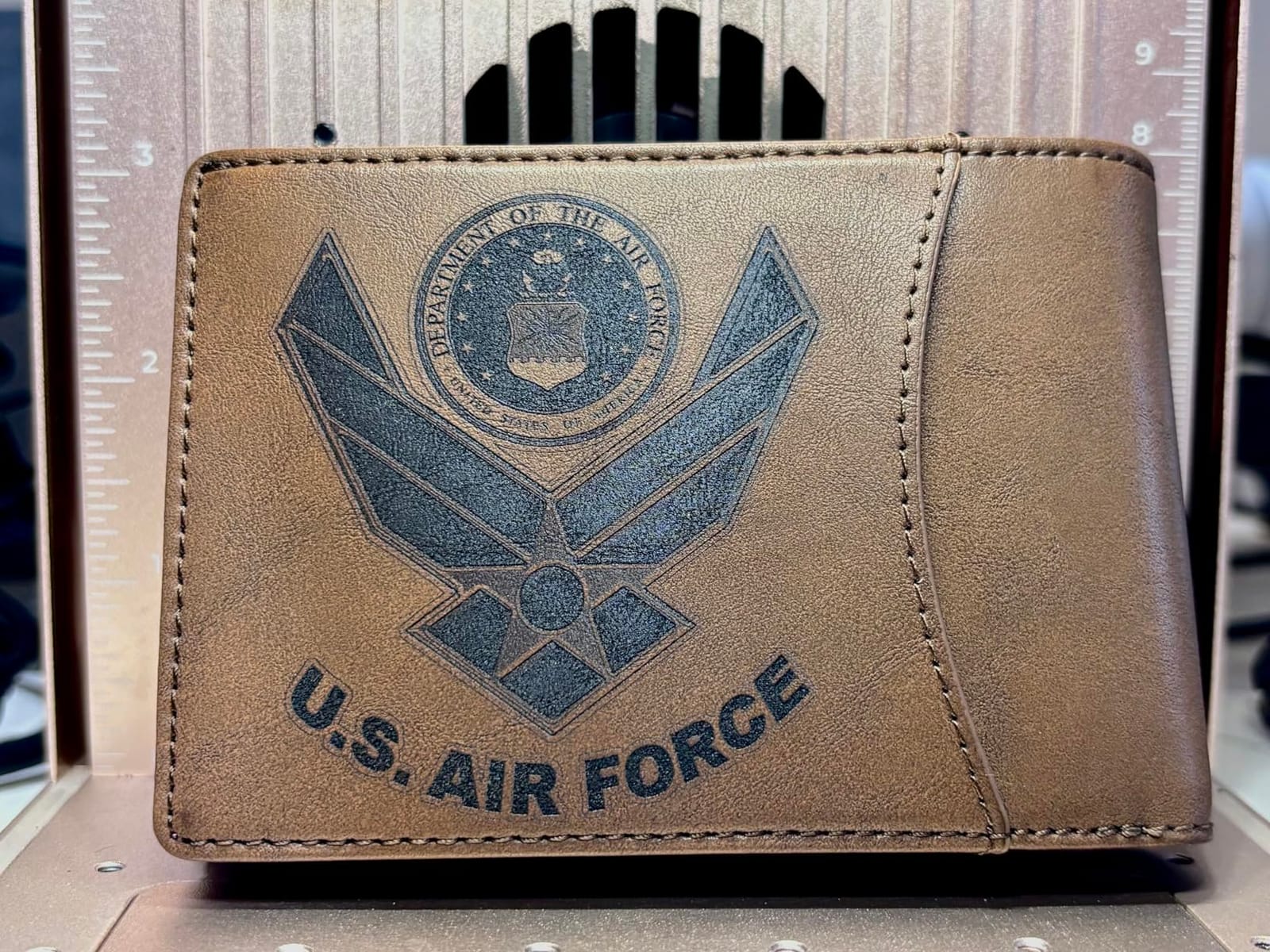
The F2 is the most capable dual-laser in this group and the only one built around two modules. The 15W diode handles your leather, and the 5W infrared module produces deep color marking on metal, so a leather-cuff-and-tag order with both materials leaves your bench in one job.
On leather the 50MP camera with 0.1 mm alignment accuracy is the feature we care about. You position the workpiece visually instead of chasing the origin, which is exactly the frustration that stops people from making small leather goods on location.
At 6000 mm/s a card engraving finishes in about three seconds, and the fully enclosed leak-proof design means smoke stays in the box during indoor events. At 4.6 kg it is a genuinely portable machine rather than a portable-shaped one, and it arrives fully assembled with material presets already loaded.
It also expands with the RA3 rotary attachment and a Slide Extension for batch processing, which is the upgrade path that turns it from a demo unit into a production tool.
When two lasers beat one big laser
For a mixed product line, a dual machine saves a second workspace. The diode covers leather, wood and acrylic, and the infrared covers coated and bare metal including stainless, so a personalized keychain with a metal tag comes off one bed in one session.
For leather alone, though, the 15W diode is comparable to the other 20W-class machines here. The extra money buys the metal capability, not deeper leather work.
Where it falls short
The base plate is small and you will want the Slide Extension for anything larger than a tag. Infrared color marking can fail to produce color on some steels such as 304 stainless, so test before you promise a customer a color result.
The software may not allow saving files locally, pushing work to the cloud, and there is no driver support for the newest ARM-based Microsoft Surface Pro. The included purifier is optional, which matters if you are working indoors at events.
How to Choose a Laser Engraver for Leather
Know your leather before you know your wattage
Vegetable-tanned leather is the cleanest thing you can put in front of a laser. It takes a dark, high-contrast mark at low power, which is why veg tan is the reference surface for every machine in this guide. Full grain is the ideal surface to aim for.
Chrome-tanned leather is the one experienced leatherworkers steer away from, and the concern is fume chemistry rather than the mark itself. Many finished goods are chrome-tanned and the packaging often does not say so, so know your supplier.
Faux and synthetic leather are the danger zone. Anything PVC or vinyl releases toxic chlorine gas when heated, and a burn-through or fire makes it worse. If your product line includes imitation leather, do not process it on a laser.
Match hide thickness to optical power
Ounce weight is how leather thickness is described, and it decides the machine class. Vendors quote total system power; you want optical output, which is the number that reaches the hide.
For 2oz veg tan, a 5W to 10W diode engraves beautifully and a 7W will cut the thinnest straps. For 3oz to 5oz, plan on a 10W to 20W diode for engraving and multi-pass cutting. For 6oz to 7oz and full grain panels, you want 40W of optical output or a CO2.
The community consensus for cutting is consistent and counterintuitive: run maximum speed and maximum power in several quick passes, not one slow pass. A fast burn deposits less total energy at the edge and leaves less char to clean up.
Engrave or cut, and how to know
Engraving is a single low-power pass. The mark should be dark and flat, with no crater around the line. If you see a raised or torn edge, you are too slow or too hot.
Cutting is multiple passes at speed and power with air assist, ideally over a honeycomb bed so the hide cannot fall through. The edge will be slightly charred and always needs finishing, and this is where neatsfoot oil and edge burnishing come in afterward.
One note on dampening. Many leatherworkers lightly dampen veg tan before engraving, and the moisture reduces scorch and helps the mark sit flatter. Test it on a scrap in the same area of the hide first, since some finishes behave differently.
Enclosed or open frame
An open frame is a Class 4 laser. It is faster to buy, cheaper, and easier to expand, but it needs OD5-plus 450nm goggles, a fume extraction plan, and a room you can dedicate to the work.
An enclosed Class 1 machine filters the beam and the smoke, and can be run without goggles. The xTool S1, the Creality Falcon A1 and the xTool F2 are the three here, and for apartment or shared-room use they are the right answer.
Software, and the offline question
LightBurn is the standard for a reason: it handles leather vector files, multi-pass cutting and material libraries properly. LaserGRBL is free and adequate for engraving jobs. The bundled apps are convenient for a first project and frustrating by the tenth.
For craft fairs, check for TF card or SD card offline control. A machine that needs a tethered laptop cannot do on-location work, and that rules out some otherwise good options.
Here are the five mistakes that show up again and again on leather, and none of them are about the machine. Bad settings, no air assist, damp or finished leather, the wrong material, and skipping the test coupon do more damage than a cheap laser ever will.
Skipping the test coupon
Every hide and every tannery behaves differently, and a setting that scorches one panel will be fine on the next. Cut a small offcut from the hide you are about to work on and run a power-and-speed grid on it. It takes ten minutes and it saves the good panel.
Too much power and too little speed
This is the mistake behind the brown, cratered engraving everybody complains about. Raise the feed rate and lower the power instead of crawling across the leather slowly at high heat. Air assist should be running for every job.
Wetting, oiling or sealing before engraving
Leather that has just been conditioned with neatsfoot oil, or finished with a sealant, will behave unpredictably and the mark can bleed into the finish. Let conditioner absorb fully and work on a clean, dry, unfinished surface.
Running an open frame with no extraction plan
Smell is the clue that the room is not being ventilated. A window, a dedicated extraction hose, and a carbon filter for odor are the baseline, and the machine does not care whether you planned for it.
Testing the wrong material
Faux leather is the expensive mistake. A single PVC item in the bed can put chlorine into the air and damage the machine, so check every product line for imitation leather before you buy the laser, not after.
Starting Settings for Vegetable-Tanned Leather
These are starting points on a 0-100 percent power scale, not gospel. Leather varies by tannery and finish, so always run a test grid on a scrap from the same hide first. Air assist should be on for all of them.
5W diode: around 40 to 60 percent power at a moderate speed for engraving, single pass. Cutting is limited to the thinnest straps.
7W diode: 50 to 70 percent power for engraving. Hold the speed up and step through two or three passes for any cut.
10W diode: a well-known starting point in how-to guides is about 85 to 95 percent power at roughly 1500 mm/min, then tune down from there. For 3oz and up, drop power and raise speed across multiple passes instead.
20W to 40W: engraving at low to mid power stays fast and clean. Cutting runs at maximum speed and maximum power, usually 2 to 4 passes for 4oz and 1 to 2 passes for 6oz.
The failure mode everyone describes is the same one: a brown, scorched, cratered mark. It comes from too much power, too little speed, or no air assist. If you see it, reduce power by a quarter and speed up before you change anything else.
Laser Safety and Ventilation for Leather Work
Most of the open-frame machines in this guide are Class 4 lasers under IEC 60825-1, and that classification is not negotiable. It applies whether the machine is small or expensive, and it applies to a 7W head as much as a 40W one.
The materials that must never go under a beam
PVC, vinyl and any imitation leather containing PVC, because heated PVC releases corrosive chlorine gas. ABS is the same problem with styrene, and polycarbonate chars and catches instead. Also skip any plastic you cannot identify, any paper with a glossy or metallic coating, and any leather whose finish you do not know.
Chrome-tanned leather is the ambiguous one. Many experienced leatherworkers treat it as a no-go for cutting because of the fume profile. When in doubt, cut a test piece outside with extraction running before you commit a product.
The setup
Use OD5-plus eyewear rated for 450nm on any open-frame machine. Several machines in this list bundle green or red glasses that are not adequate for a blue diode, so check the rating rather than the tint.
Ventilate to the outdoors where you can, through the exhaust hose on the enclosed models. A recirculating carbon filter handles odor but does not handle the full fume load, and it saturates and needs replacing. Keep a fire extinguisher within reach, and never leave an open frame running unattended.
Air assist is not a comfort feature. On leather it blows smoke and debris off the surface so the beam is not occluded, which is the difference between a clean mark and a scorched one.
Frequently Asked Questions
What is the best laser engraving machine for leather?
For most leatherworkers the Twotrees TTS-55 Pro 5.5W is the best first machine, because it marks vegetable-tanned leather cleanly at low power and has the largest review base of any unit in our group. If you need to cut 4oz hides or thicker, the xTool S1 40W is the answer. For markets and on-site personalization, the xTool F2 dual laser travels at 4.6 kg and handles both leather and metal.
Can you laser engrave real leather?
Yes, provided it is vegetable-tanned and untreated. Full-grain veg tan takes a dark, high-contrast mark at low power and is the cleanest surface to work with. Avoid chrome-tanned leather unless you know its finish, and never engrave PVC or vinyl faux leather, which releases toxic chlorine gas when heated. Wipe away any conditioner or sealant before firing the laser.
What are the best laser engraving settings for engraving on leather?
Start low on power and moderate on speed, with air assist running. A commonly cited starting point for a 10W diode is around 85 to 95 percent power at roughly 1500 mm/min, then tune down. A 5W to 7W diode typically engraves between 40 and 70 percent power. If the mark looks scorched or cratered, reduce power by a quarter and increase speed before changing anything else.
What wattage laser is best for cutting leather?
For 2oz vegetable-tanned leather, a 5W to 7W diode will cut thin straps. For 3oz to 5oz, plan on 10W to 20W of optical output and several quick passes. For 6oz to 7oz and full-grain panels, you want 40W or a CO2 machine. Cut at maximum speed and maximum power in multiple passes rather than one slow pass, which reduces edge char.
Should I wet leather before laser engraving?
Many leatherworkers lightly dampen vegetable-tanned leather before engraving, and the moisture reduces scorch and helps the mark sit flatter. It is not required, and it depends on the finish, so test on a scrap from the same hide first. Wipe the hide clean of conditioner and sealant either way, because additives that are not supposed to be there can burn into the surface.
Which material should you never cut in the laser cutter?
Never cut PVC, vinyl, or any imitation leather containing PVC, because heated PVC releases toxic chlorine gas. ABS and polycarbonate are also no-go materials, as is any plastic you cannot identify. Skip glossy or coated paper, mirror-finished metals, and mirrored acrylic. For leather, treat unknown chrome-tanned finishes as a no-go until you have tested a scrap outside with extraction running.
Final Verdict: Which Laser Engraver for Leather Should You Buy
If you are engraving wallets, patches and keychains on veg tan, buy the Twotrees TTS-55 Pro. It has the largest review base in this roundup, a tight spot for small text, and enough power to cut 0.7mm leather when you need to.
If you are cutting thicker stock, the xTool S1 40W is the machine with the power headroom for 6oz panels and it still keeps the fumes contained in a room you also use. If you are just learning and want a gentle machine for thin leather, the ATOMSTACK Swift 7W is the lightest machine here at under 6 pounds, and owners single out how quietly it runs.
Whatever you choose in 2026, start with a scrap coupon from your own hide, turn the air assist on, and stay on the low-power side. Leather is forgiving, but only if the settings are right.